Google Home Smart Plug
Smart plugs are one of the most useful smart home devices. They allow you to turn almost any appliance with an on/off switch in your home into an automated one that can be controlled by a simple tap or voice command. Here are some excellent options for you.
Sort

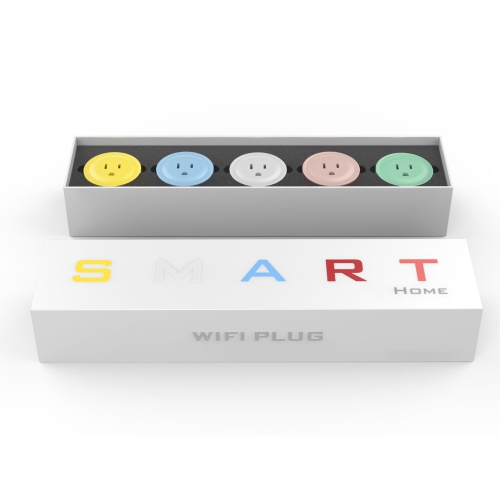
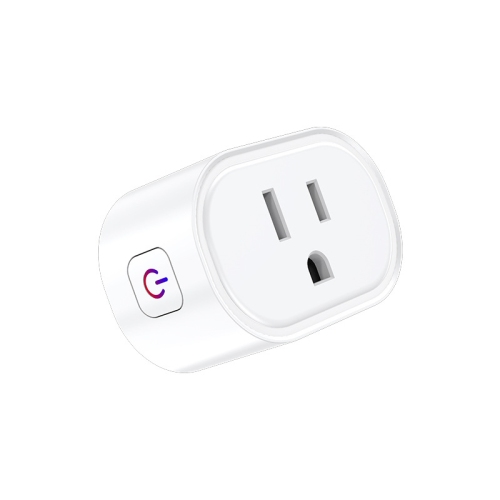
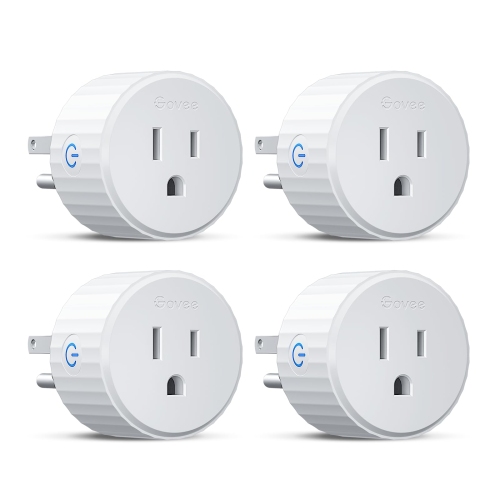

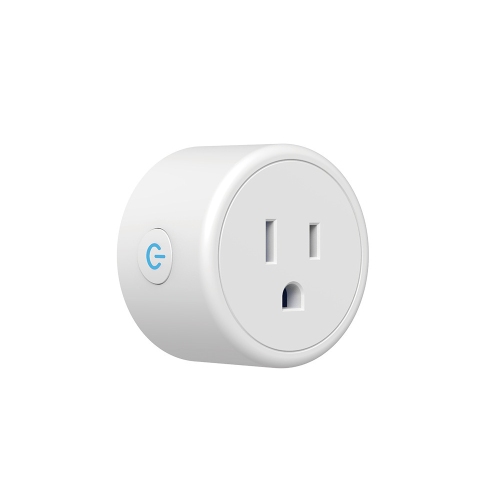



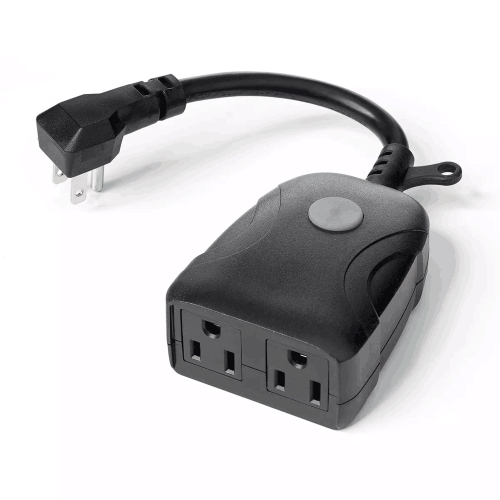
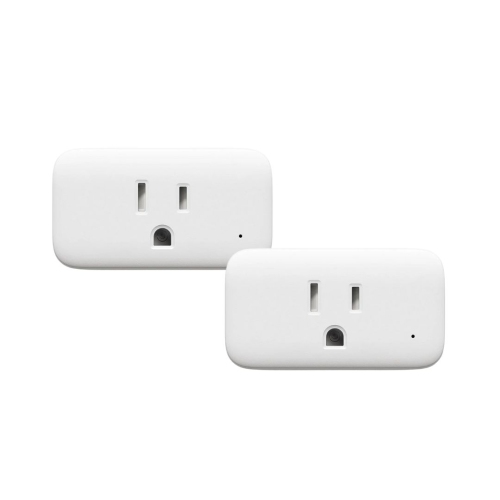

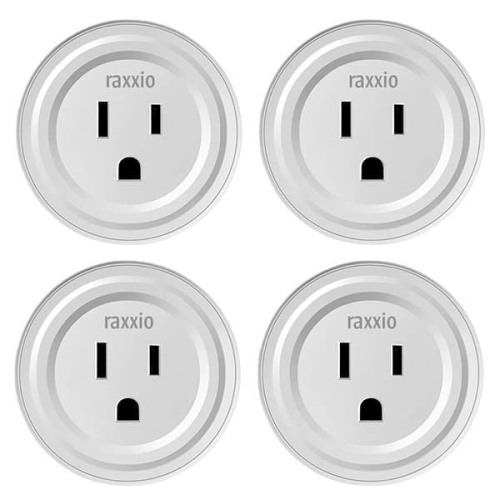
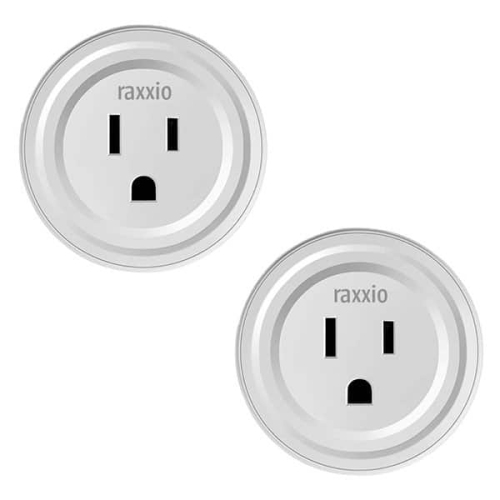






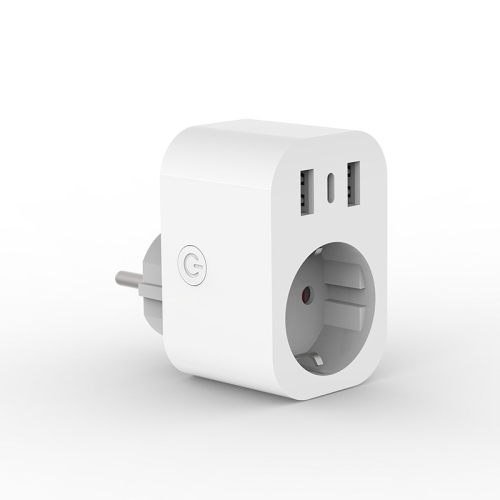
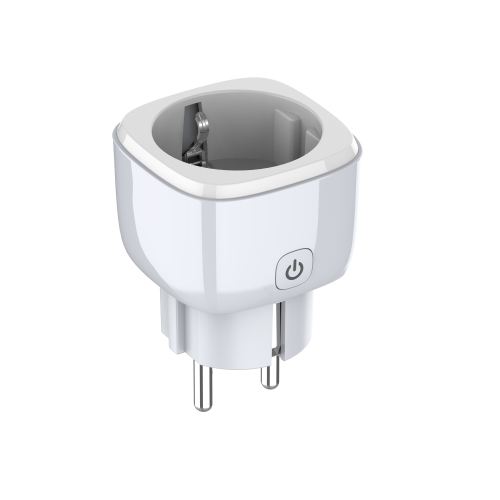


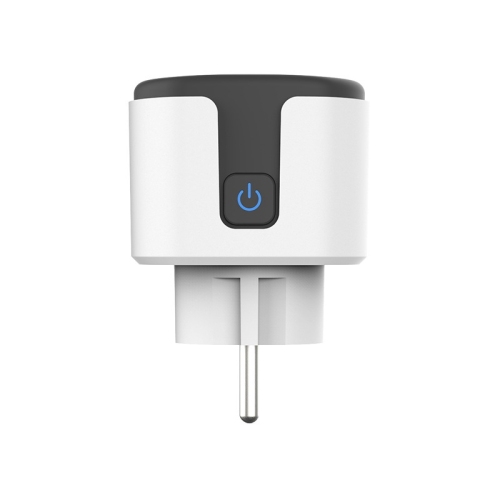

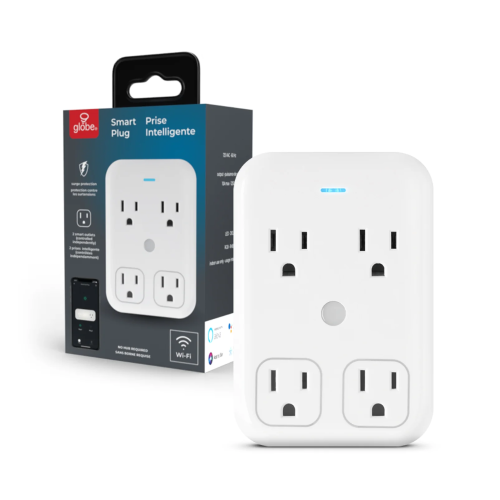














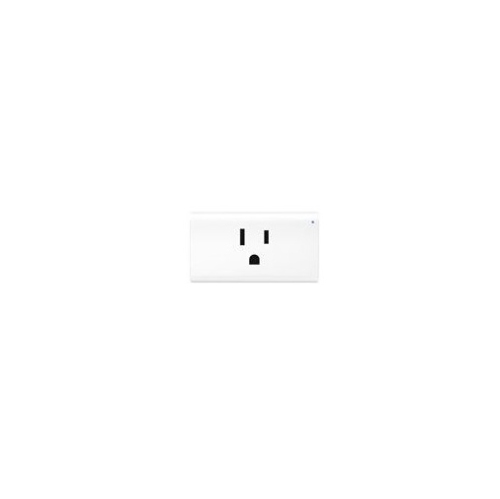
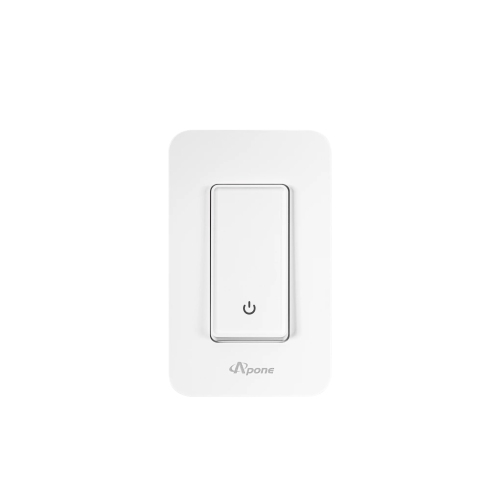


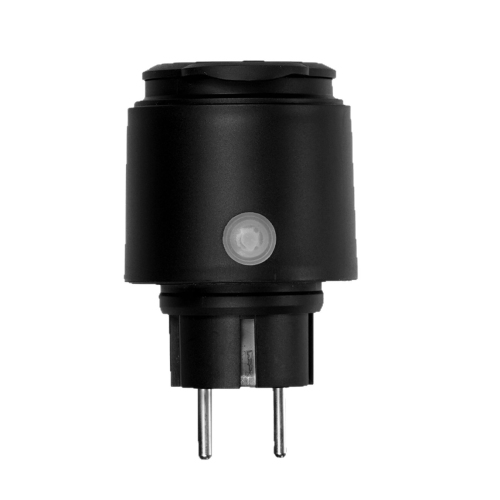

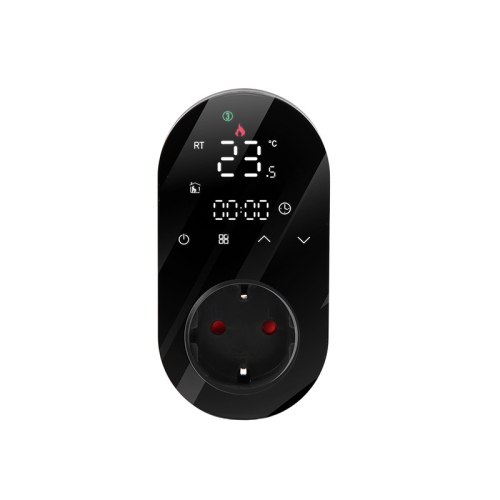

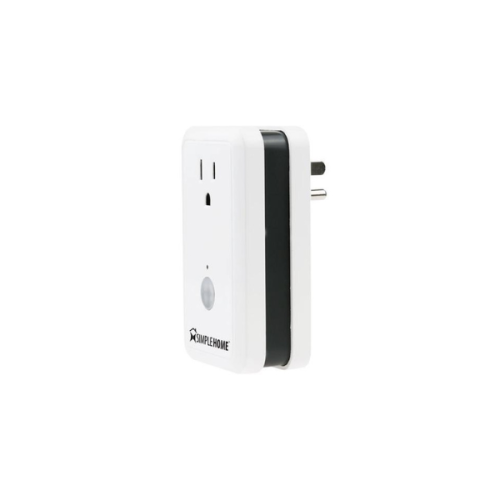
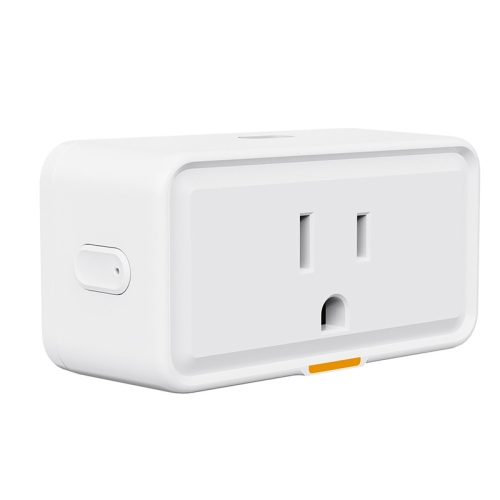

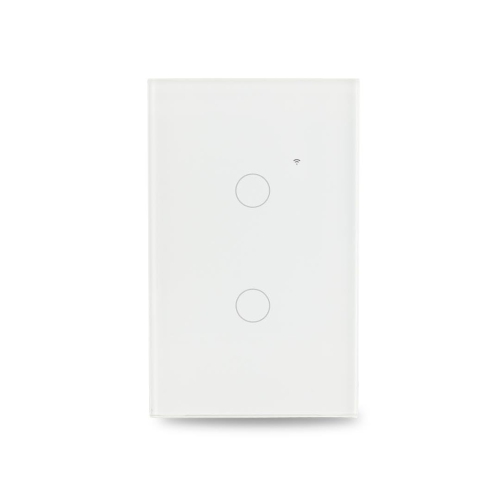
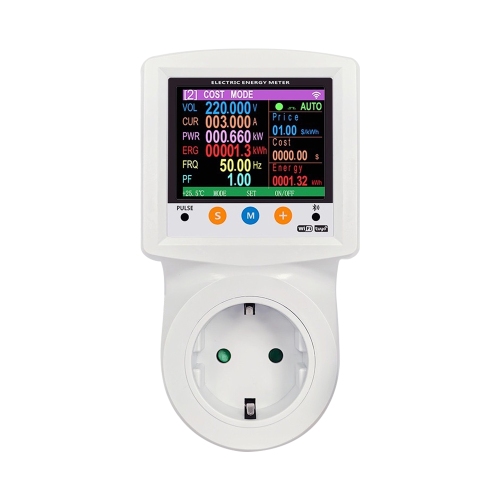


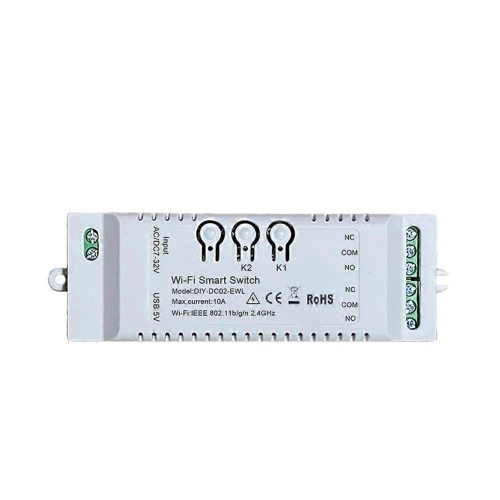
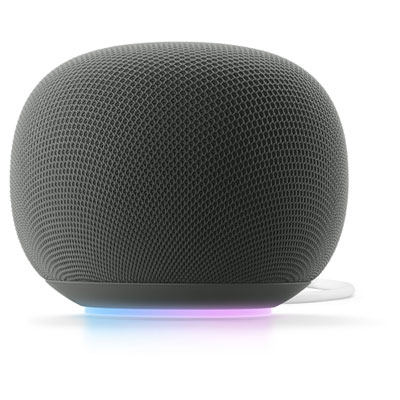
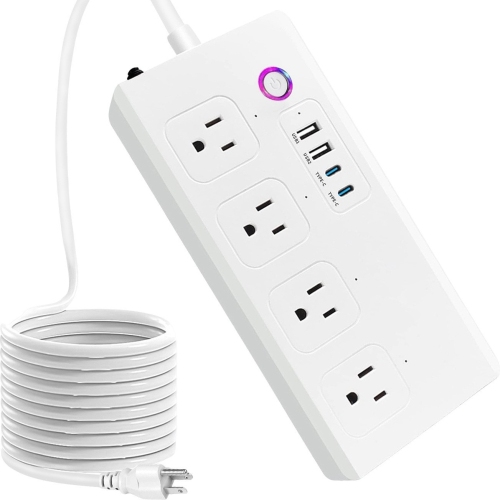
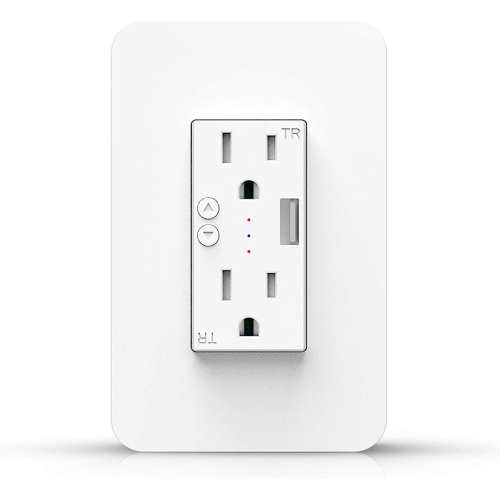
Simple ways to add voice control to everyday appliances
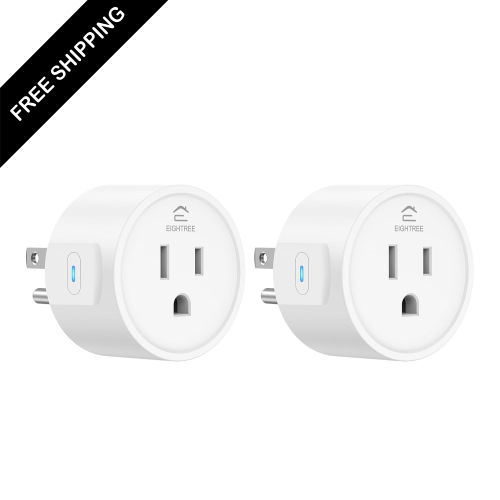
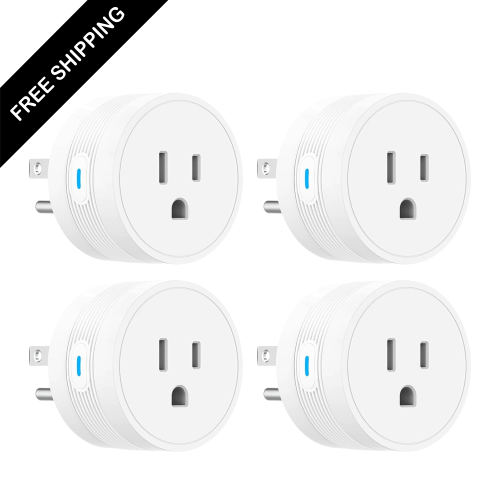
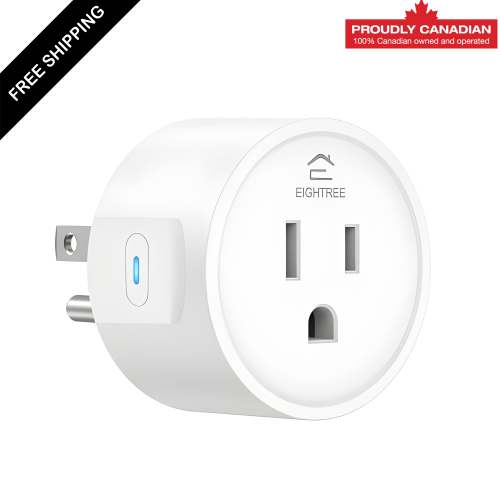
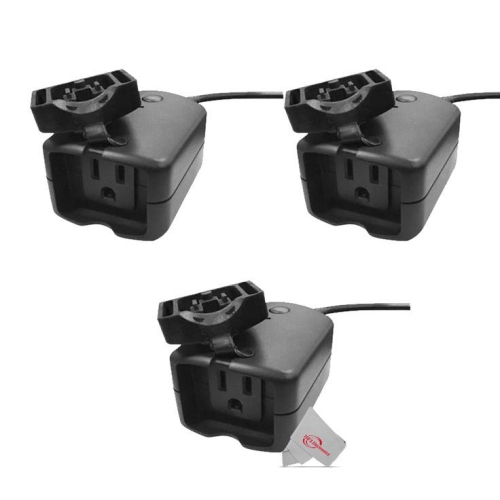
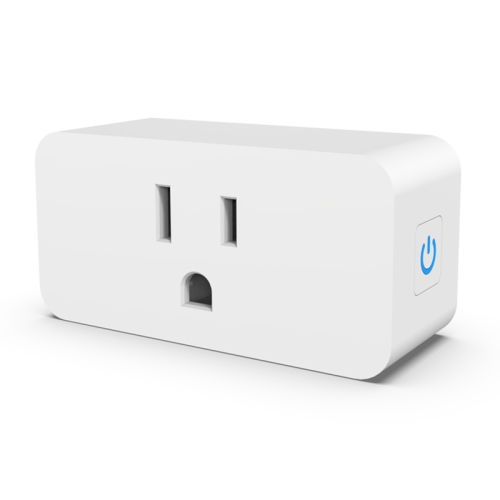
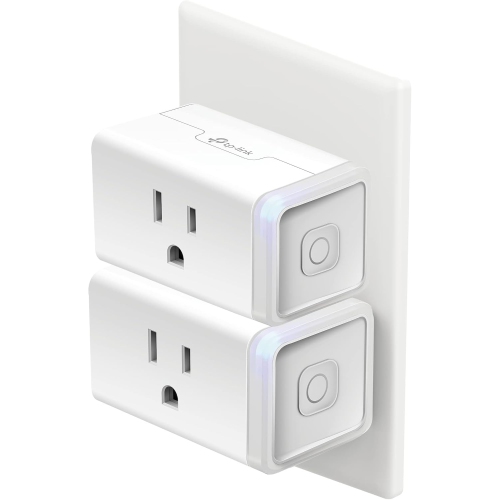
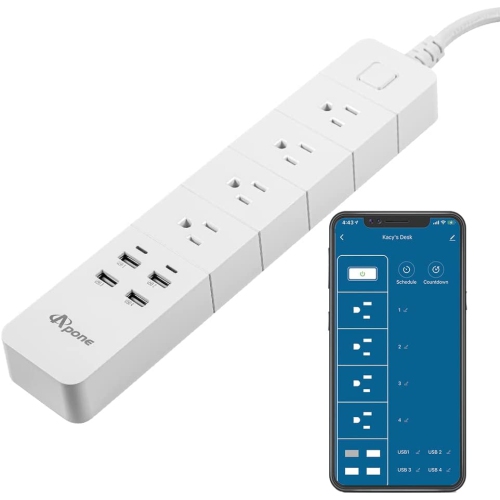
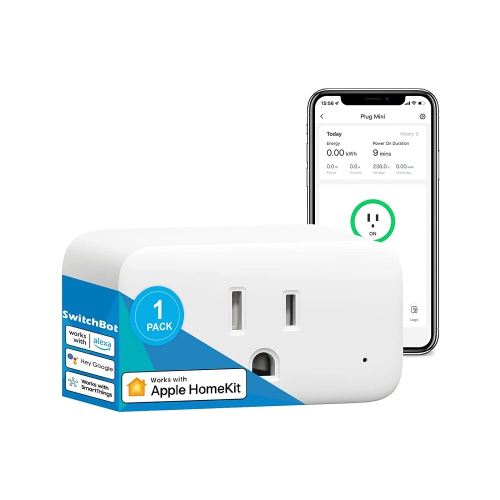
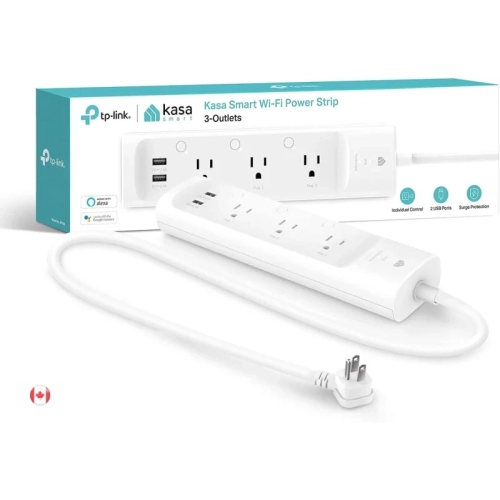
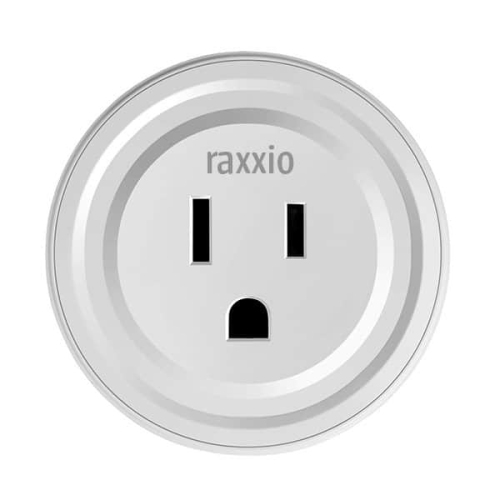
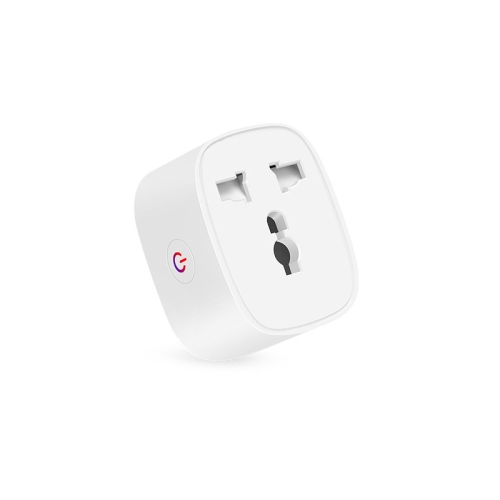
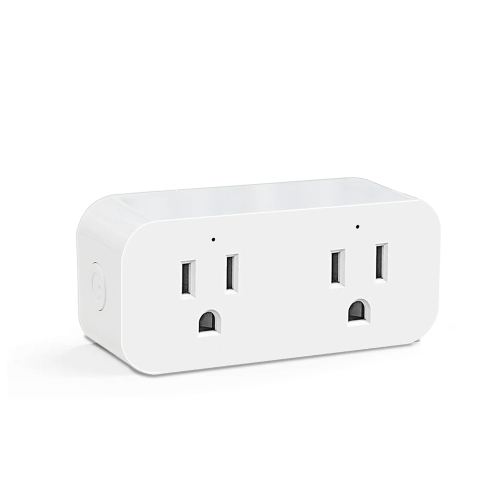
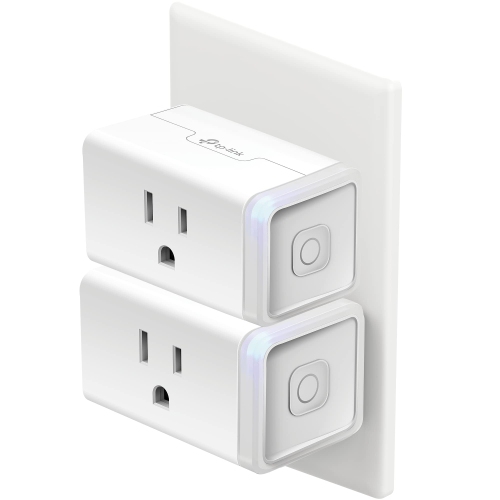
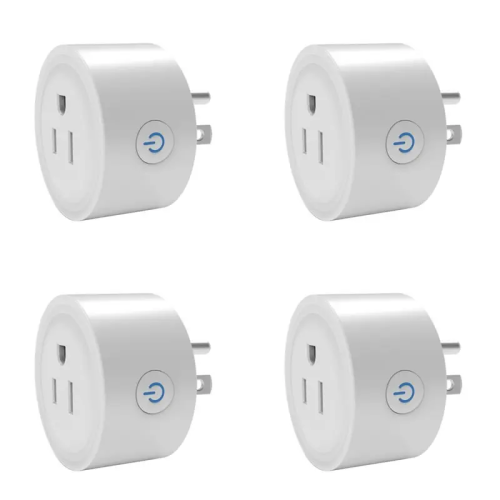
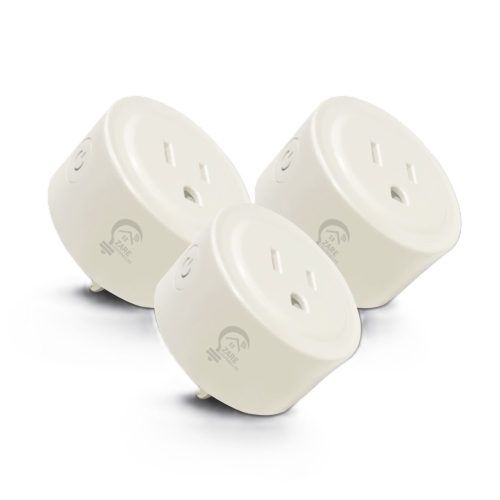
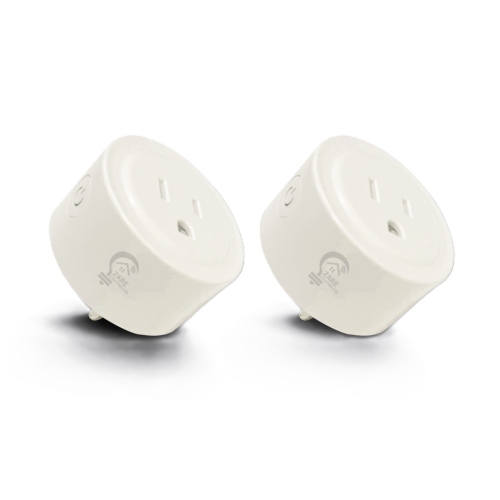
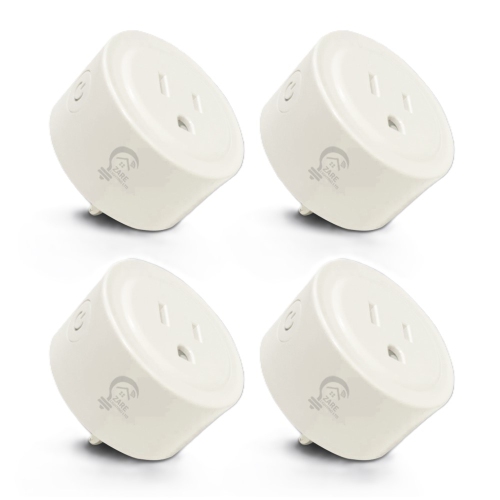
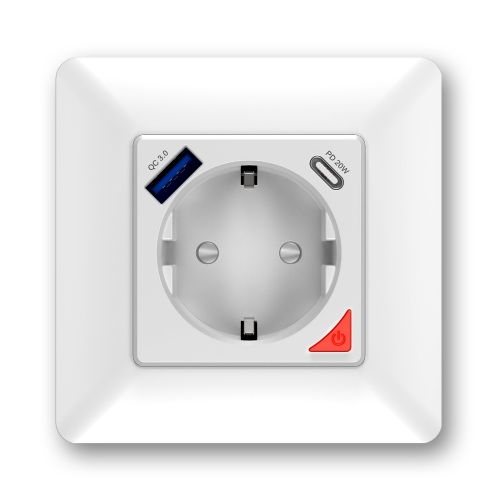
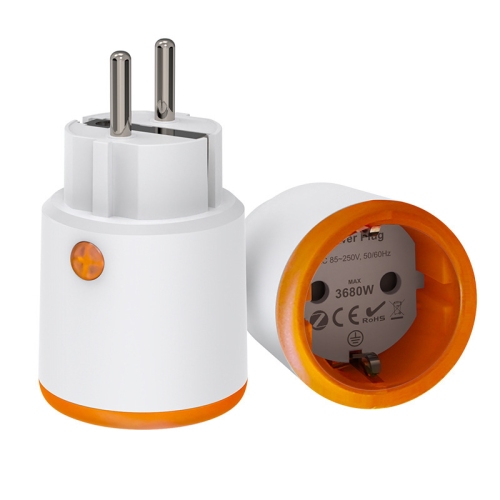
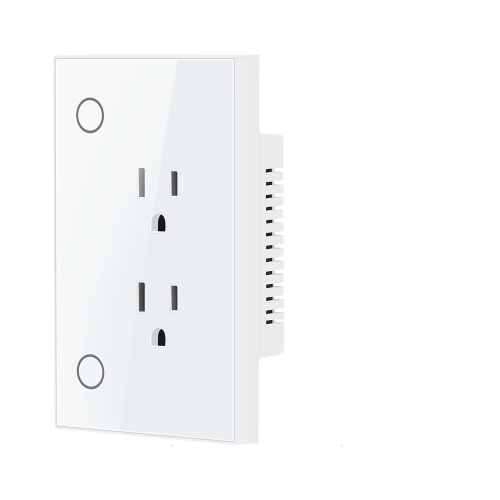
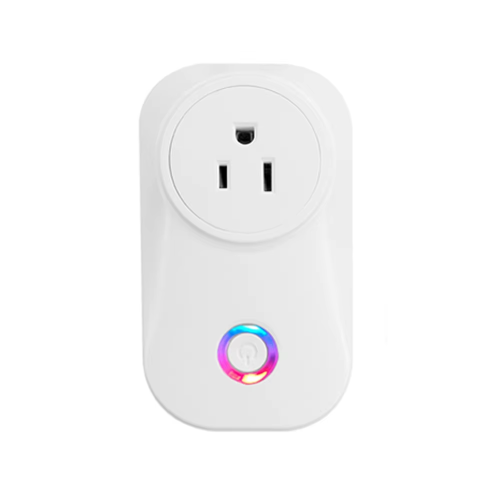
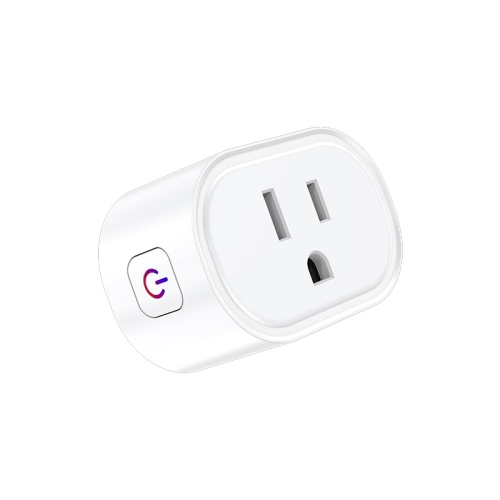
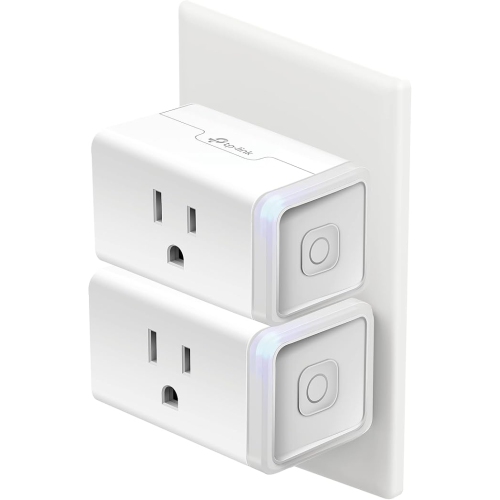
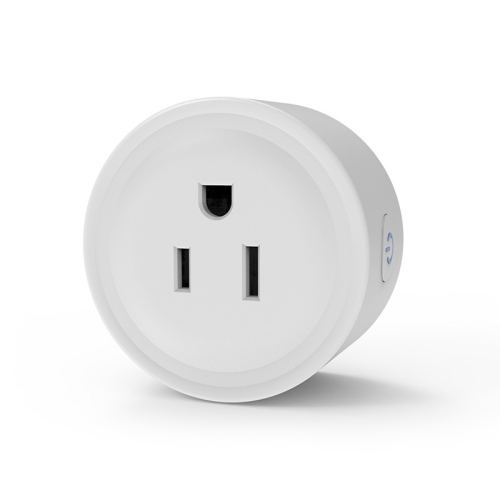
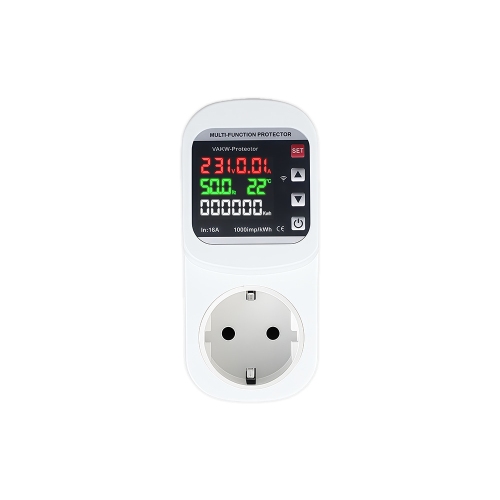
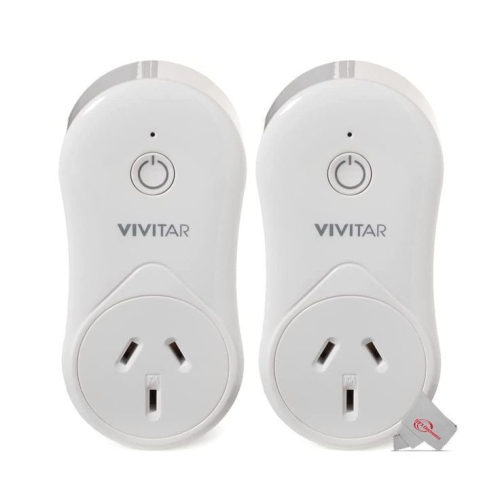
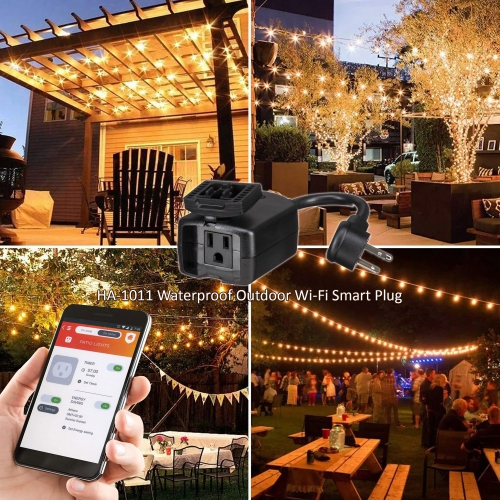
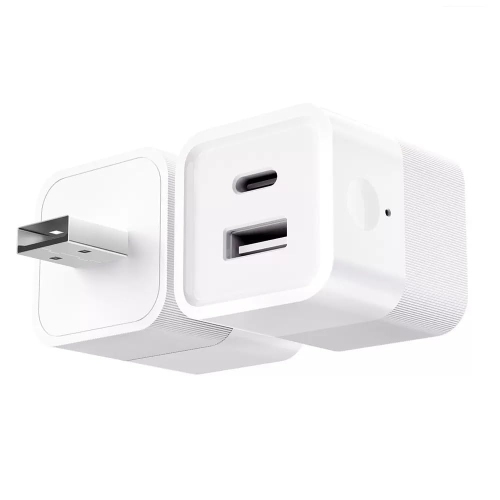
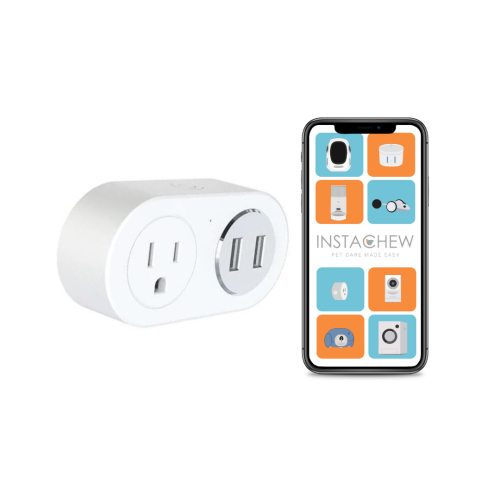
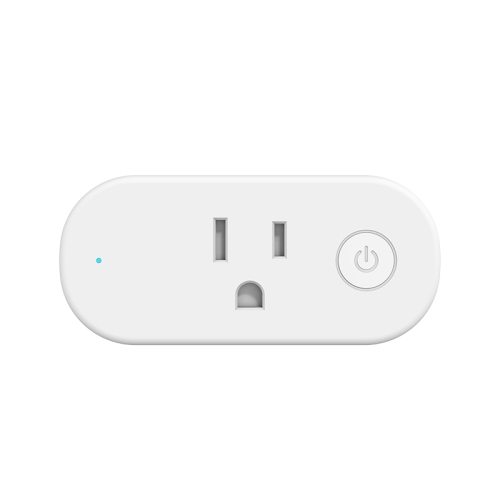
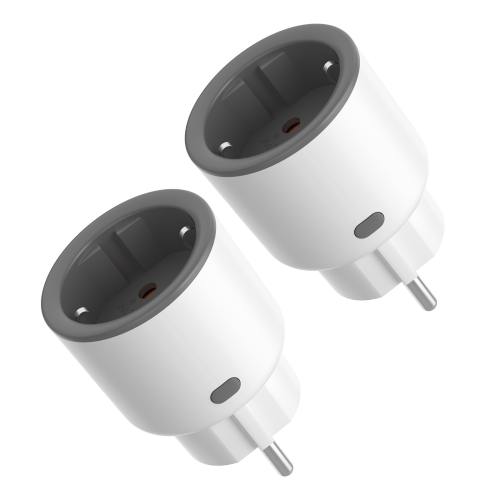
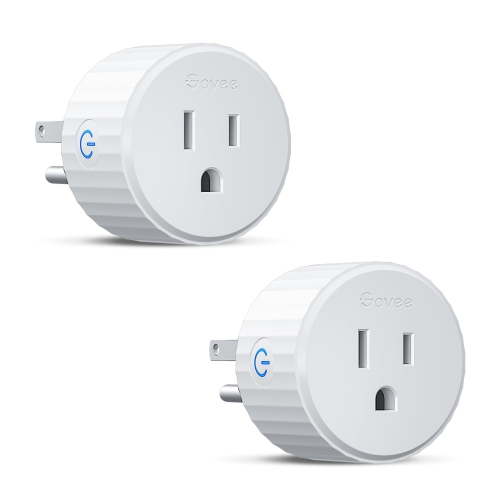
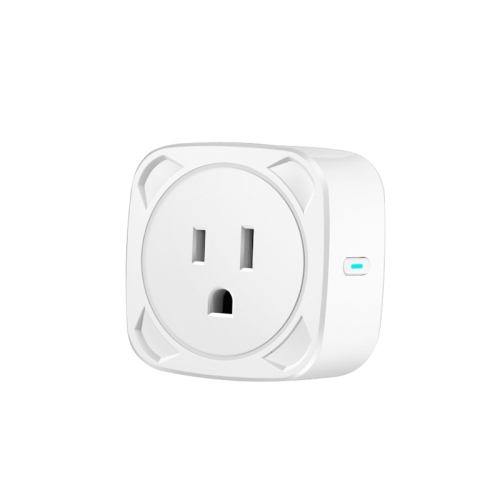
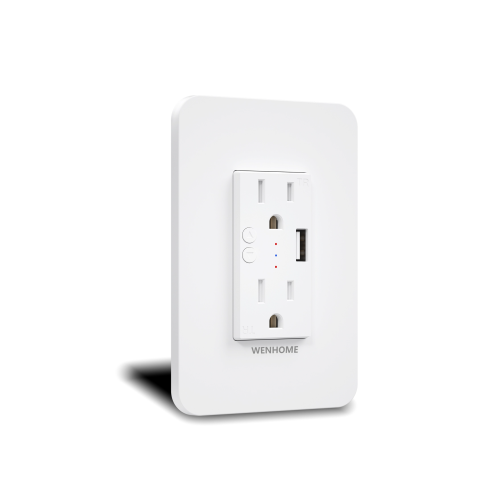
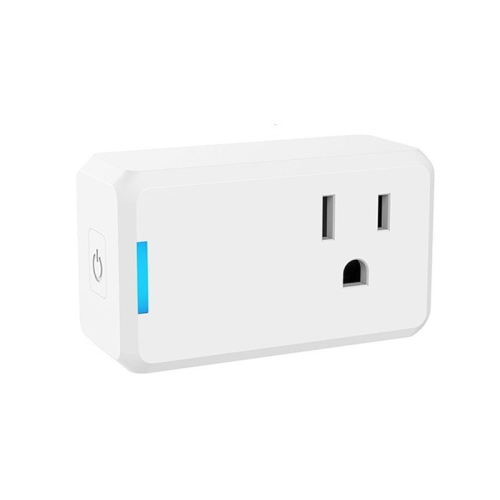
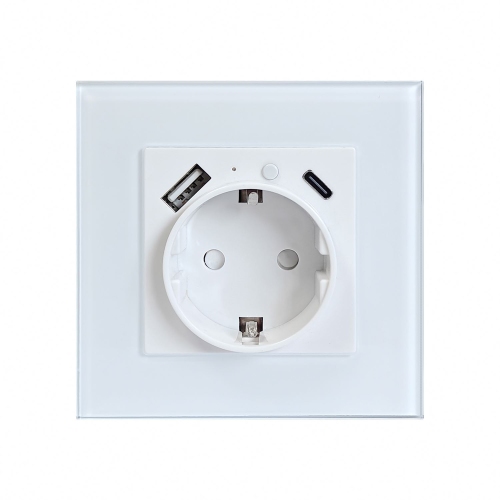
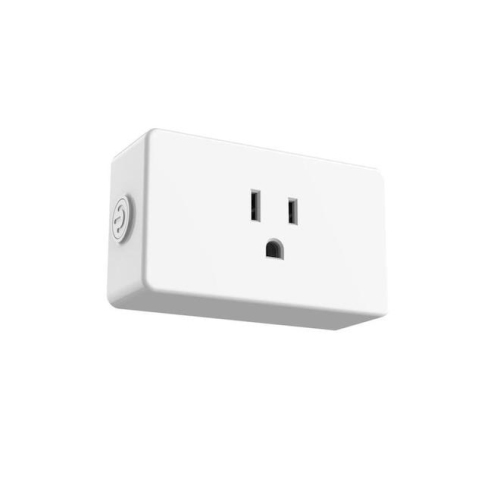
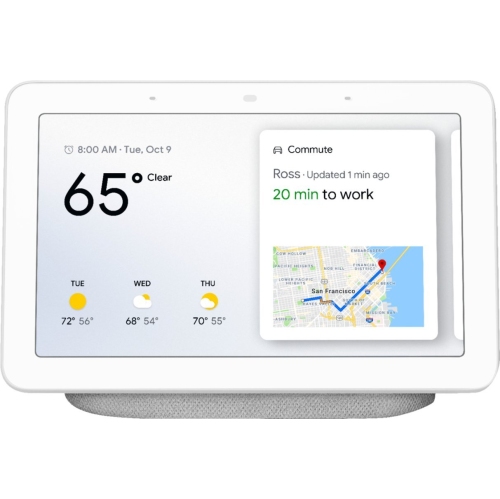
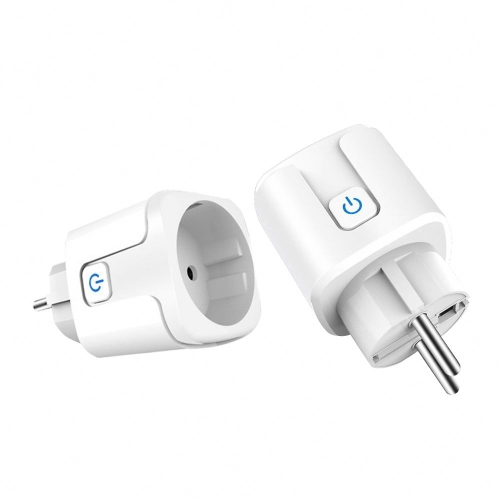
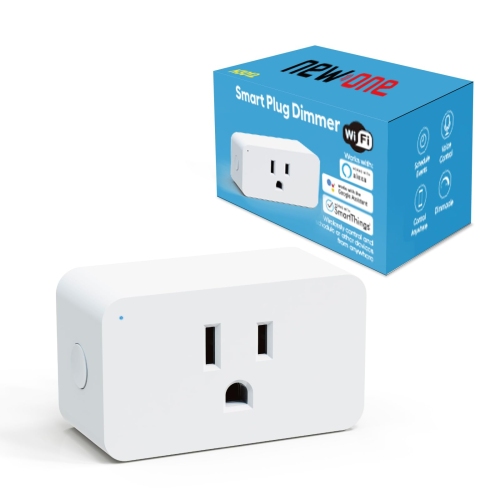
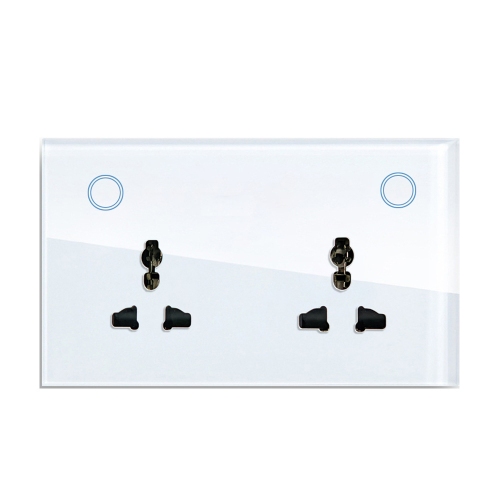
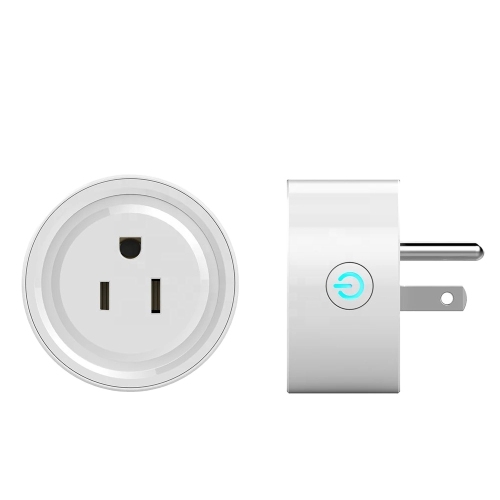
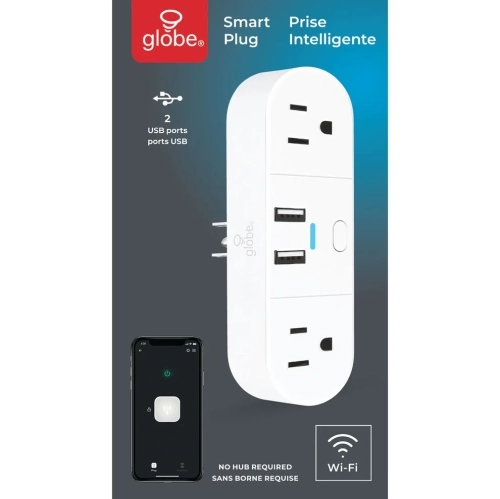
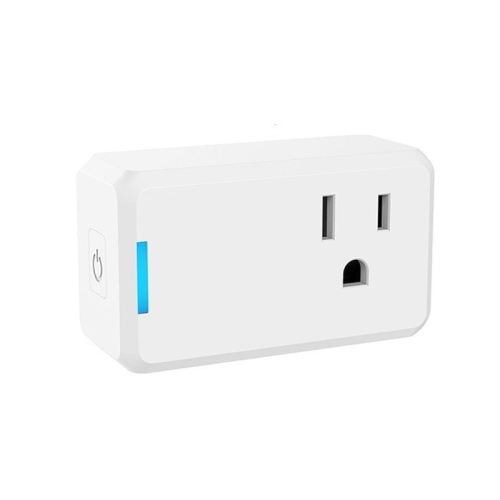
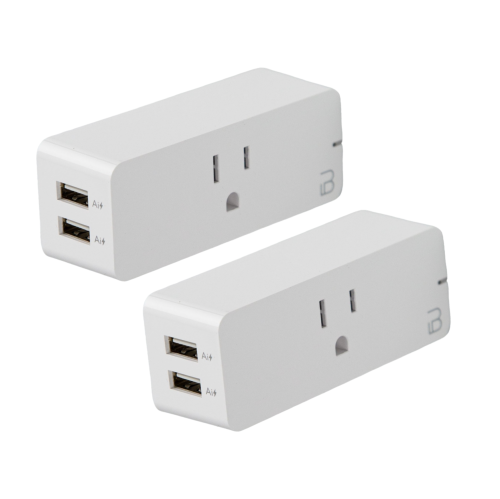
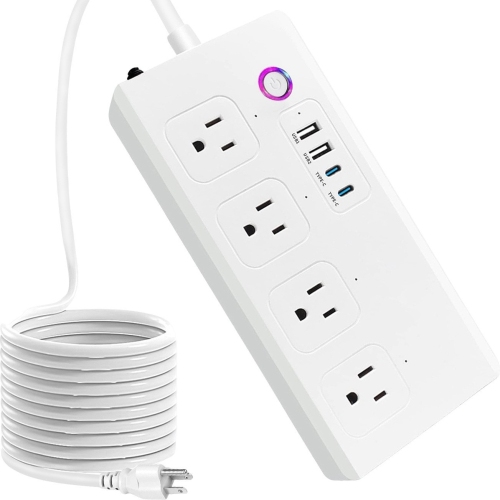
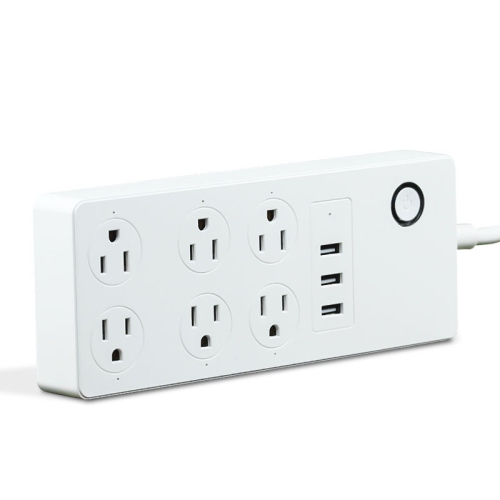
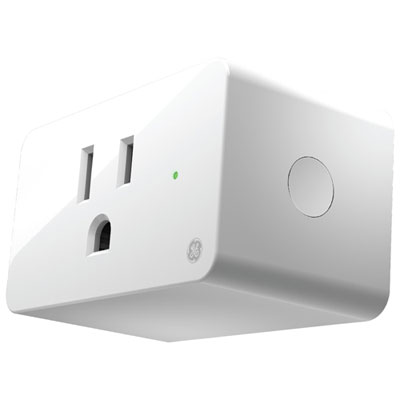
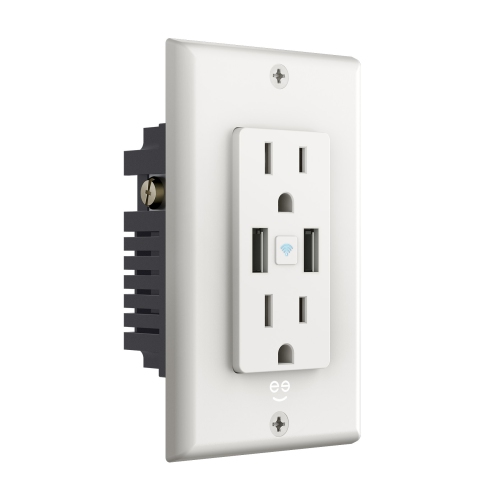
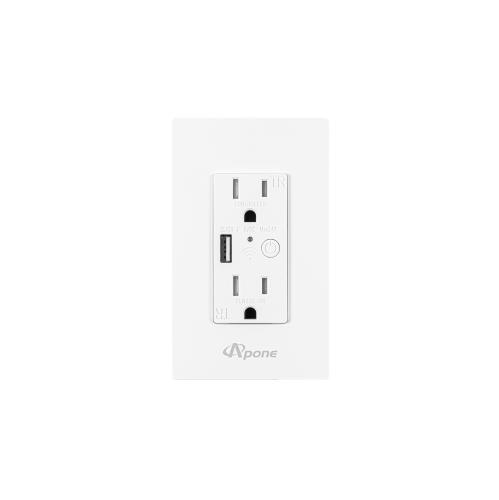
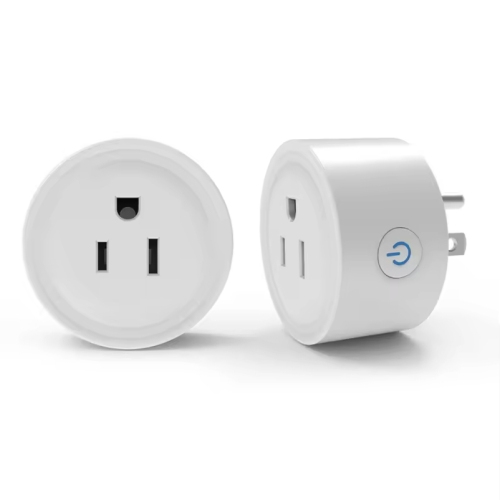
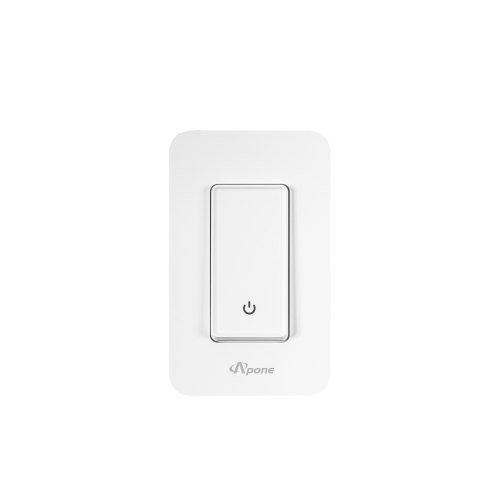
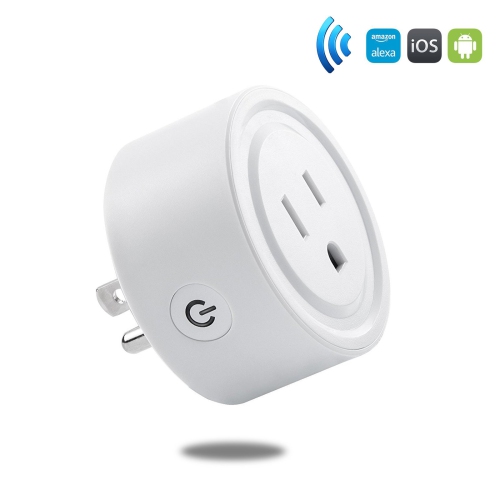
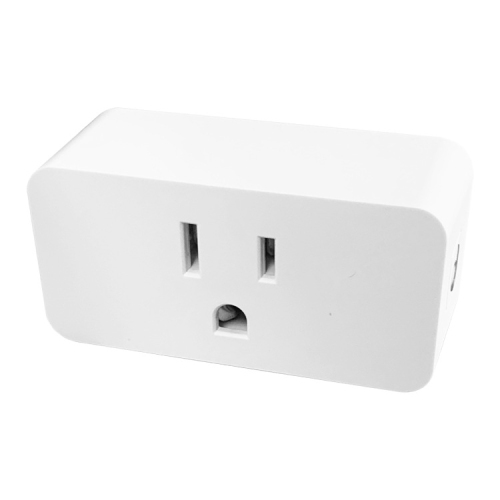
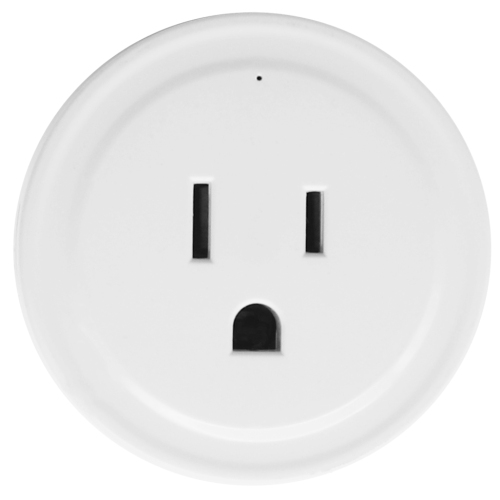
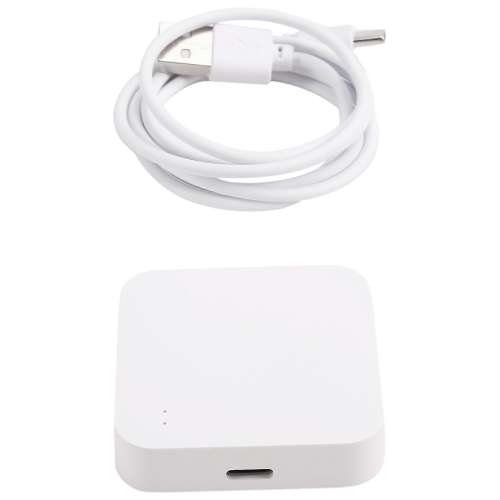
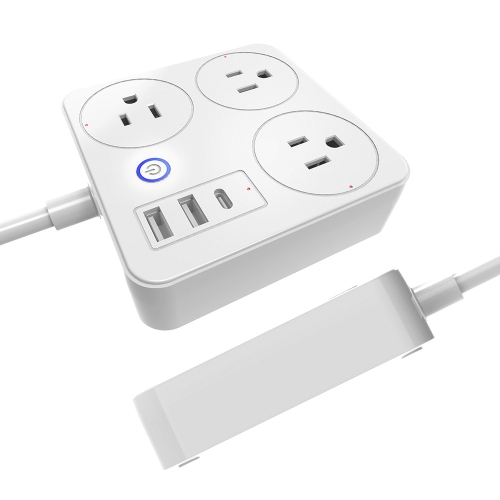
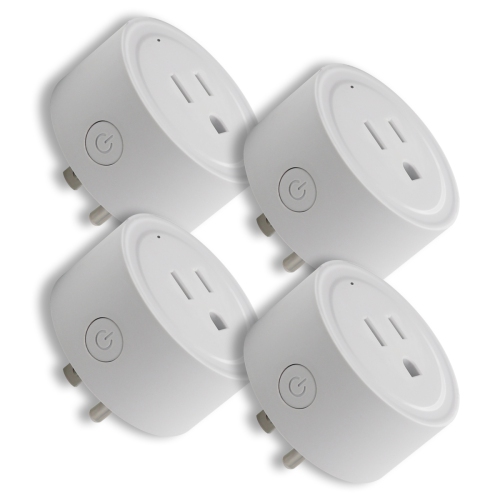
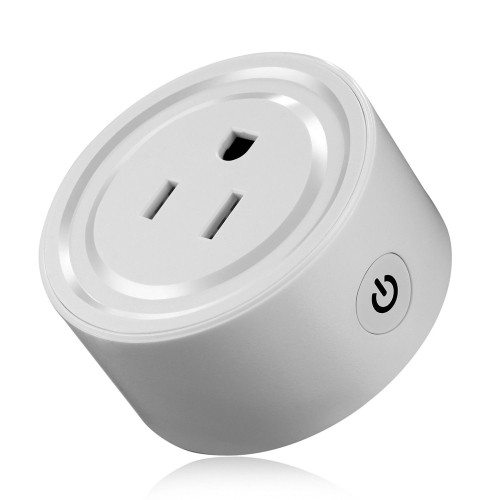
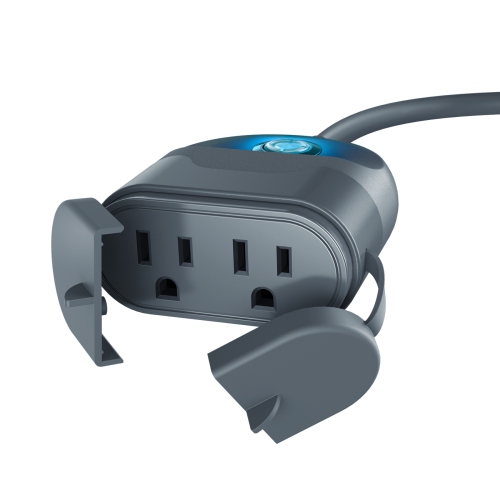
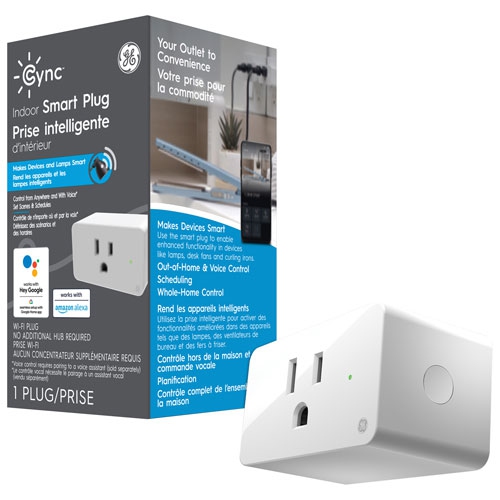
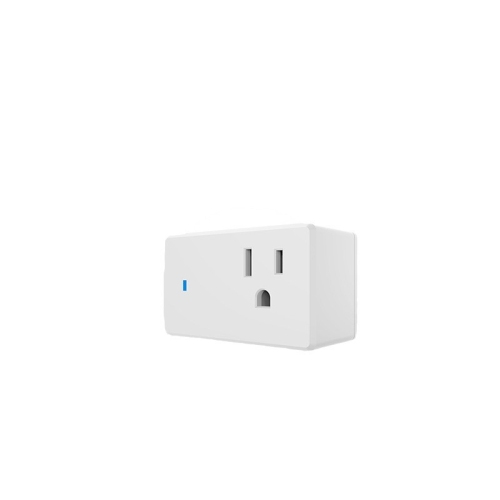
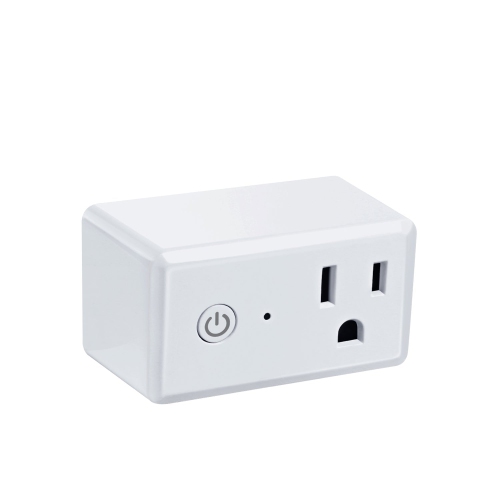
A Google Home smart plug adds convenient control to many everyday devices that already use a standard wall outlet. Once connected to a compatible home network and linked with the Google Home app, it can let you switch a lamp, fan, radio, seasonal decoration or other suitable appliance on and off from a phone or with a voice command. It is a simple way to bring smart-home control to a device that was not designed with built-in connectivity. A reading lamp beside a sofa can be turned on before you walk into the room, a bedside light can be switched off without reaching across the mattress, and a fan can be started from across the room when the air feels stuffy during the warmer part of the year. Many people also appreciate the ability to create schedules or routines, such as turning lights on around sunset, switching them off at bedtime or powering a morning coffee appliance at a set time. These small automations can make a home feel more comfortable without requiring a complete smart-home renovation. For households with a Google Home setup already in place, a compatible smart plug can be a practical addition for a home office, bedroom, living room, entryway or kitchen. It can also make a thoughtful gift for someone moving into a first apartment, setting up a study area or gradually adding convenience to their home. The most useful choice depends on the device being connected, the location of the outlet and the features that matter most, so checking compatibility before purchase is an important first step.
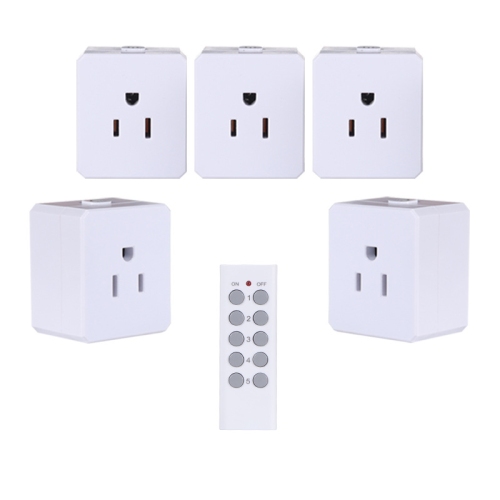
When choosing a Google Home smart plug, begin with the intended use rather than the appearance alone. Compact designs are helpful when an outlet is positioned behind furniture or when both sockets need to remain available, while a multi-pack can be useful for equipping several rooms with the same type of control. Check the plug’s rated electrical load and use it only with devices that fall within the stated limits. Lamps, small fans, chargers and other lower-draw appliances are common choices, while heating appliances, kettles, irons and anything with a high electrical demand require especially careful attention to the manufacturer’s instructions. A smart plug generally controls power to an appliance; it does not automatically make that appliance smart or provide control over every function. For example, a lamp with a physical switch may need to be left in the on position so the smart plug can operate it, and an appliance may not restart after power is restored unless it is designed to do so. During setup, place the plug in an outlet with a dependable Wi-Fi signal, install any required companion app, and follow the pairing steps for the specific model. Connection requirements can vary, including supported Wi-Fi bands, account registration and permissions within the Google Home app. After linking the device, assign it a clear name and room, such as “desk lamp” or “hallway light,” so voice commands feel natural and are less likely to be confused with other connected devices. For a dedicated workspace, browse Smart Plugs for Home Office for options that can help manage desk lamps, task lighting and other suitable equipment.
Everyday reliability comes from a little planning. Keep the smart plug away from moisture unless it is specifically rated for that environment, avoid covering it with fabric or placing it where heat cannot escape, and inspect the cord and outlet before use. It is wise to reserve smart plugs for appliances that can safely be switched on and off by cutting power, rather than using them with equipment that must remain continuously powered, has a delicate shutdown process or could create a hazard if it starts unattended. Families may use schedules to turn a child’s night-light on in the evening, while older adults may value voice control for a lamp that is difficult to reach. In a home office, a plug can help control a desk light or other compatible accessory at the end of the workday, reducing the need to crawl under a desk to find a switch. During the cooler months, scheduled lighting can make an entryway feel welcoming when someone arrives after dark, and timed control can add a lived-in appearance when the household is away. It is still best to treat automated lighting as a convenience rather than a replacement for proper locks, alarms or attentive home security. Voice control is especially useful when hands are full, when mobility is limited or when a lamp sits behind a sofa, but app control remains valuable when quiet operation is preferred. Before giving a smart plug as a gift, consider whether the recipient has a compatible Google Home environment, reliable Wi-Fi and an appliance that suits the plug’s specifications. With the right match, a small plug can become one of the most useful additions in a room: an unobtrusive device that turns ordinary routines into simple, repeatable commands.
When choosing a Google Home smart plug, begin with the intended use rather than the appearance alone. Compact designs are helpful when an outlet is positioned behind furniture or when both sockets need to remain available, while a multi-pack can be useful for equipping several rooms with the same type of control. Check the plug’s rated electrical load and use it only with devices that fall within the stated limits. Lamps, small fans, chargers and other lower-draw appliances are common choices, while heating appliances, kettles, irons and anything with a high electrical demand require especially careful attention to the manufacturer’s instructions. A smart plug generally controls power to an appliance; it does not automatically make that appliance smart or provide control over every function. For example, a lamp with a physical switch may need to be left in the on position so the smart plug can operate it, and an appliance may not restart after power is restored unless it is designed to do so. During setup, place the plug in an outlet with a dependable Wi-Fi signal, install any required companion app, and follow the pairing steps for the specific model. Connection requirements can vary, including supported Wi-Fi bands, account registration and permissions within the Google Home app. After linking the device, assign it a clear name and room, such as “desk lamp” or “hallway light,” so voice commands feel natural and are less likely to be confused with other connected devices. For a dedicated workspace, browse Smart Plugs for Home Office for options that can help manage desk lamps, task lighting and other suitable equipment.
Everyday reliability comes from a little planning. Keep the smart plug away from moisture unless it is specifically rated for that environment, avoid covering it with fabric or placing it where heat cannot escape, and inspect the cord and outlet before use. It is wise to reserve smart plugs for appliances that can safely be switched on and off by cutting power, rather than using them with equipment that must remain continuously powered, has a delicate shutdown process or could create a hazard if it starts unattended. Families may use schedules to turn a child’s night-light on in the evening, while older adults may value voice control for a lamp that is difficult to reach. In a home office, a plug can help control a desk light or other compatible accessory at the end of the workday, reducing the need to crawl under a desk to find a switch. During the cooler months, scheduled lighting can make an entryway feel welcoming when someone arrives after dark, and timed control can add a lived-in appearance when the household is away. It is still best to treat automated lighting as a convenience rather than a replacement for proper locks, alarms or attentive home security. Voice control is especially useful when hands are full, when mobility is limited or when a lamp sits behind a sofa, but app control remains valuable when quiet operation is preferred. Before giving a smart plug as a gift, consider whether the recipient has a compatible Google Home environment, reliable Wi-Fi and an appliance that suits the plug’s specifications. With the right match, a small plug can become one of the most useful additions in a room: an unobtrusive device that turns ordinary routines into simple, repeatable commands.
Top selling and popular products
-
 Your price for this item is $83.95
-
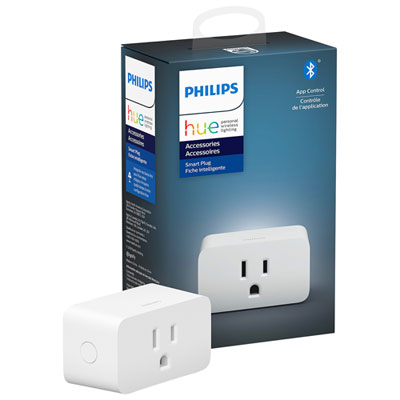 Your price for this item is $39.99
-
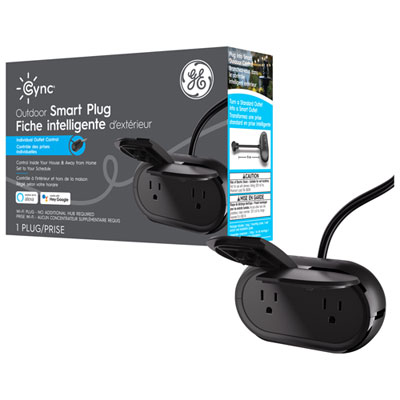 Your price for this item is $14.97
-
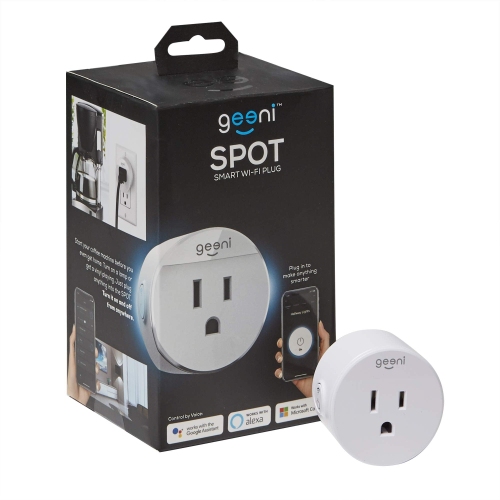 Your price for this item is $64.99
-
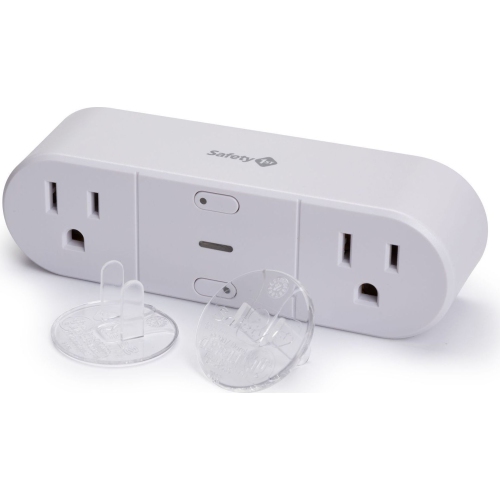 Your price for this item is $24.98
-
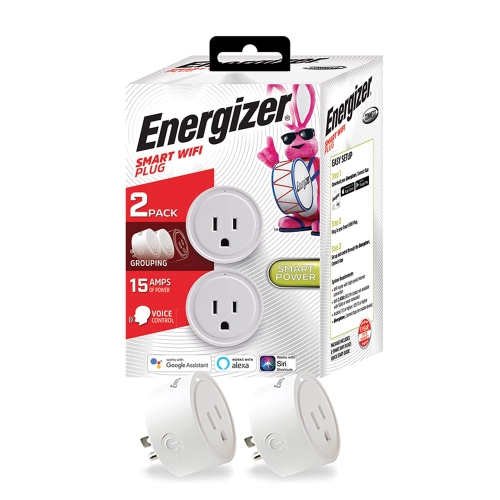 Your price for this item is $92.52
-
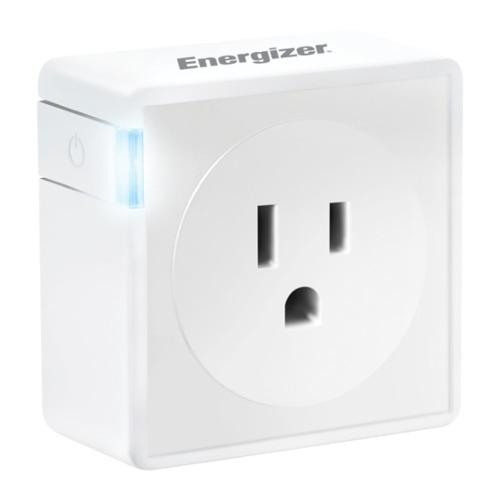 Your price for this item is $32.39
-
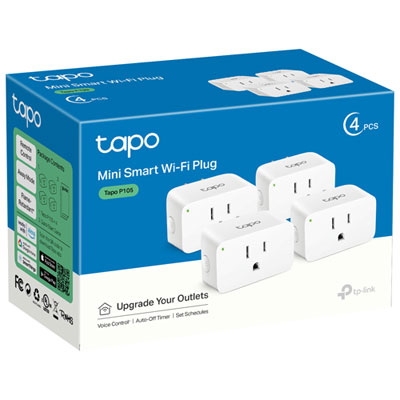 Your price for this item is $44.99
Discover more categories related to Google Home Smart Plug
Top Collections:
Pokemon Centers, Kindle Devices, Best Cameras for Sports Photography, Pokémon 30th Celebration Cards, Apple iPhones 16, Canon G7X Cameras, iPhone 15 Apple, Flip Phones, Samsung Galaxy Phones, Alarm Clock
Some products may be subject to Environmental Handling Fees
(EHF) depending on your province.
Learn more about EHFs.