Honeywell T6 Pro
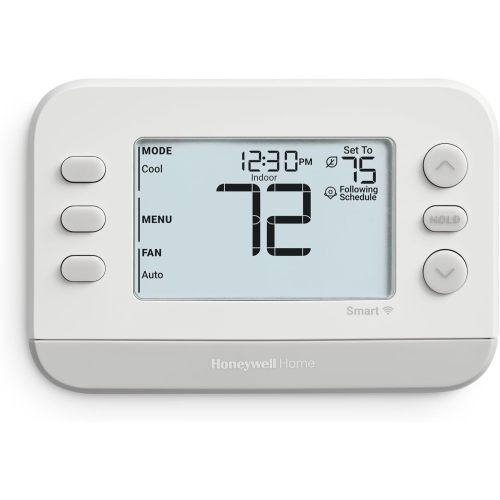
Discover the convenience and control offered by the Honeywell T6 Pro. Designed to enhance your home's comfort, the Honeywell T6 Pro provides a modern solution for managing indoor temperatures with ease. Whether upgrading your current system or setting up a new space, explore options that help you maintain the perfect environment throughout the year. Find the right fit for your needs with the Honeywell T6 Pro and experience a seamless approach to home climate management.
Sort
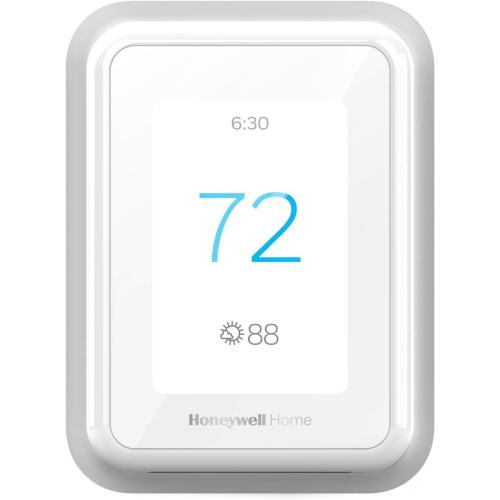
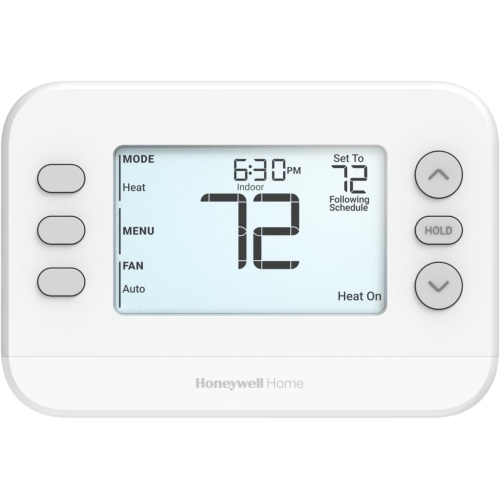

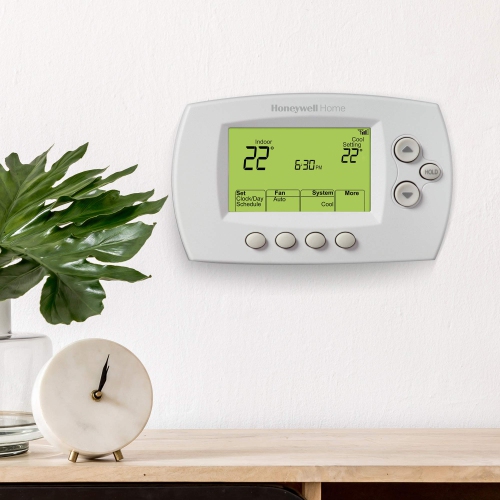
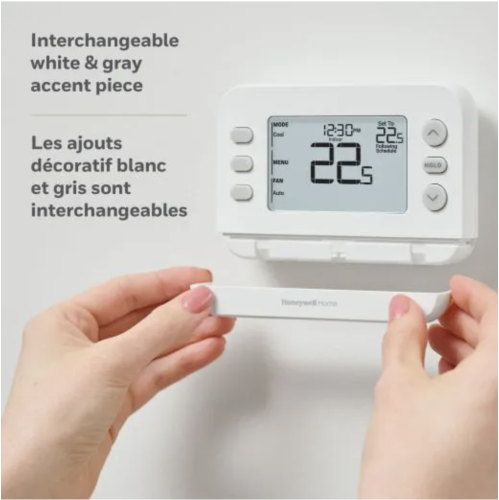

Thermostat schedules that fit your household’s daily routines
Programmable thermostats bring everyday heating and cooling controls together in a wall-mounted format that suits busy households, home offices, and living spaces with different daily routines. Their main purpose is to maintain a chosen indoor temperature while allowing scheduled changes, so comfort settings do not depend on someone remembering to adjust the controls before leaving home or going to bed. A seven-day schedule allows each day to follow its own pattern, while five-two programming groups weekdays together and treats the weekend as a separate block. Five-one-one scheduling separates Saturday and Sunday, which can suit a household with a regular workweek but different weekend plans. These scheduling formats vary by model, and a non-connected thermostat can still provide useful programming without an app or home network. For someone who works from home on certain days, separate daily schedules can keep the office comfortable without applying the same settings throughout the entire week. Temporary holds accommodate an unexpected afternoon at home, while a longer hold can maintain one setting until it is changed or the schedule resumes, depending on the control. The Honeywell Programmable Thermostats collection is relevant to shoppers comparing these scheduling choices alongside equipment compatibility and connected features. A large, backlit display can make the current reading and target setting easier to distinguish in a hallway or bedroom, particularly when viewed from an angle. Touchscreen controls and physical buttons offer different experiences, so display size alone does not determine ease of use. Clear mode indicators, readable numbers, and straightforward access to heating, cooling, and fan settings matter in a shared home where several people may use the same control. For households that prefer a familiar wall interface, programmable operation offers practical flexibility without requiring every adjustment to happen on a phone.
Heating and cooling compatibility is the most important distinction between otherwise similar-looking thermostats. Conventional furnace and air-conditioning systems use different control arrangements from heat pumps, and the number of heating and cooling stages must match the thermostat’s supported configuration. Depending on the version, a control in this category may support up to two heating and two cooling stages for conventional equipment, or up to three heating and two cooling stages for a heat pump. Those maximums are not interchangeable across every model. Auxiliary heat, emergency heat, dual-fuel operation, and separate fan control can introduce additional requirements, making the equipment documentation and thermostat specifications more useful than appearance alone. Most controls of this type are intended for compatible low-voltage systems, commonly using 24 VAC; they are not direct substitutes for line-voltage thermostats used with many electric baseboard heaters. Proprietary communicating equipment may also require a different control. Wiring deserves the same attention as heating and cooling stages. Wi-Fi versions commonly need a C-wire to provide continuous power, while some battery-powered or Z-Wave designs have different requirements. A compatible power adapter may be an option for certain installations, but it is not a universal replacement for a missing wire. Battery power for the display does not necessarily mean every connected function can operate without a common wire. A qualified heating and cooling technician can confirm the wiring, equipment type, and installer settings, especially when the existing terminal labels are unclear. Physical fit matters too: the mounting plate needs a secure, level position, and a new housing may not cover the paint outline left by an older thermostat. Trim plates can help create a finished appearance where compatible. A control located away from direct sunlight, supply vents, cooking heat, and draughts is better positioned to sense typical room conditions rather than a local hot or cold spot.
Connected features distinguish thermostats that otherwise serve the same basic purpose. Wi-Fi controls typically connect through a home network and a supported app, allowing compatible models to offer remote adjustments, scheduling, and status information. Z-Wave controls instead communicate with a compatible automation hub or security system, so the hub’s support for thermostat functions is part of the purchase decision. A Wi-Fi connection and a Z-Wave connection are not interchangeable, and voice-assistant support depends on the exact thermostat and integration. Some smart models also support geofencing, which uses an authorized phone’s location to help determine whether the household is home or away. This can suit irregular routines, but its usefulness depends on location permissions, phone settings, and how multiple household members are accounted for. A fixed schedule may be a better fit for someone who prefers predictable operation without location sharing. Remote access can be convenient when plans change, although app-based control depends on the required network and service connections; local wall controls remain important for everyday use. Beyond connectivity, the housing and screen need to withstand ordinary handling. Moulded plastic casings are generally lightweight and easy to wipe clean, while smooth display surfaces can show fingerprints in frequently used areas. A soft, dry cloth is usually suitable for light dust, with any further cleaning following the manufacturer’s directions; spraying liquid directly onto the display or allowing moisture into openings can damage the control. Battery-powered models also need the specified battery type and replacement when indicated. For a household with children, guests, or shared living arrangements, supported keypad locks or temperature limits may help prevent accidental changes without making the display harder to read. The most suitable choice balances these practical details: a compatible control for the installed equipment, a readable interface in its intended location, scheduling that reflects daily routines, and connected functions that household members will actually use.
Top selling and popular products
-
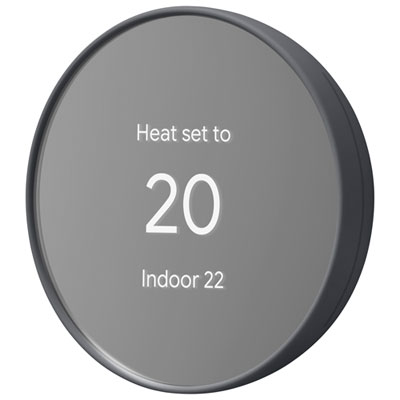 Your price for this item is $179.99
-
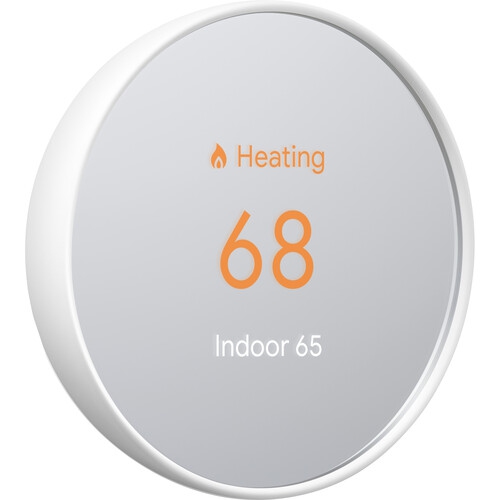 Your price for this item is $249.99
-
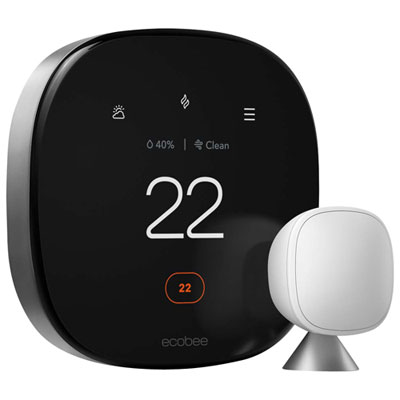 Your price for this item is $329.99
-
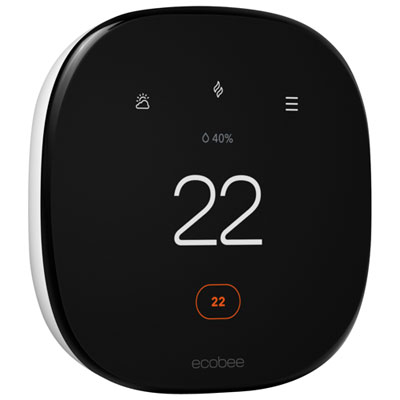 Your price for this item is $198.98
-
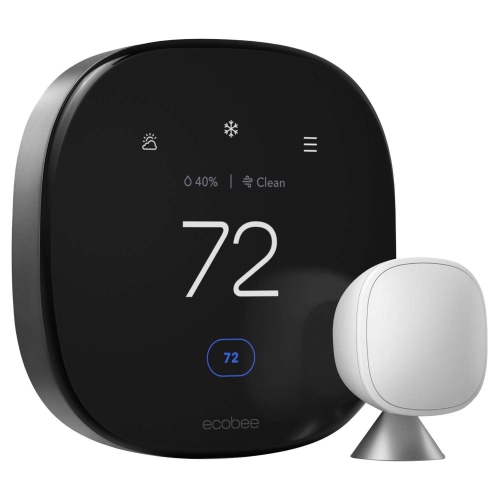 Your price for this item is $229.99
-
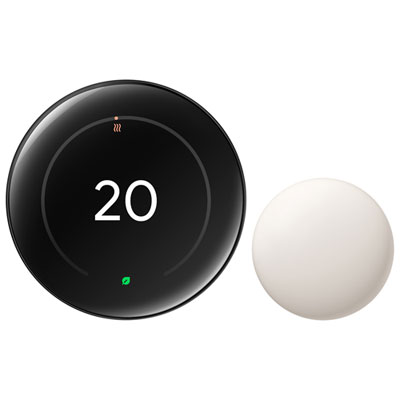 Your price for this item is $379.99
-
 Your price for this item is $19.99
-
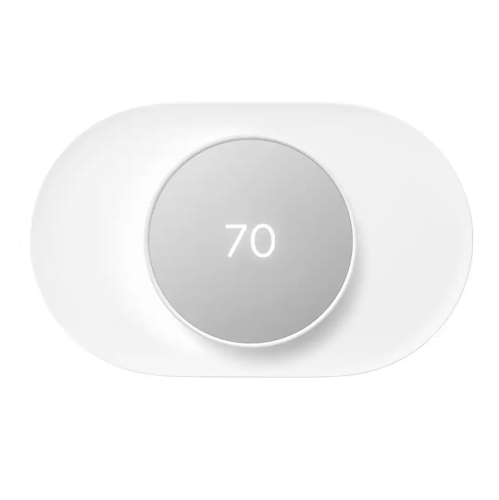 Your price for this item is $18.98
Discover more categories related to Honeywell T6 Pro
Top Collections:
Best Black Friday Deals This Year, Best Black Friday Deals On Electronics, Kindle Devices, Pokemon Centers, Best Black Friday Deals On Apple Products, Best Cameras for Sports Photography, Dyson Airwrap, Pokémon 30th Celebration Cards, Apple iPhone 17 Pro, Canon G7X Cameras
Some products may be subject to Environmental Handling Fees
(EHF) depending on your province.
Learn more about EHFs.