MyQ Smart
Discover the convenience and innovation of MyQ Smart technology, designed to enhance your everyday life with seamless connectivity and control. Whether you’re looking to streamline your daily routine or add a new level of ease to your home setup, MyQ Smart products offer versatile options for modern living. Explore a wide selection of solutions that make managing your environment simple and efficient, all from one trusted destination.
Sort
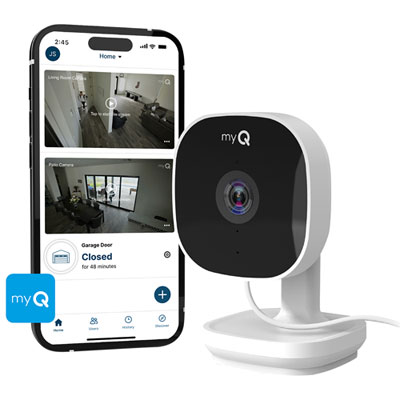


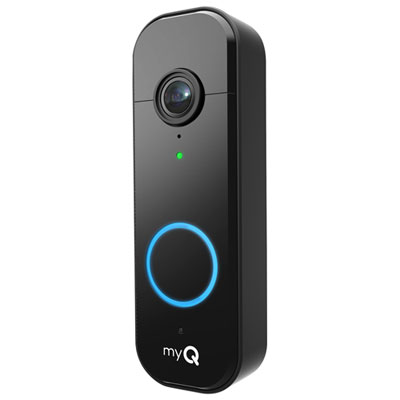
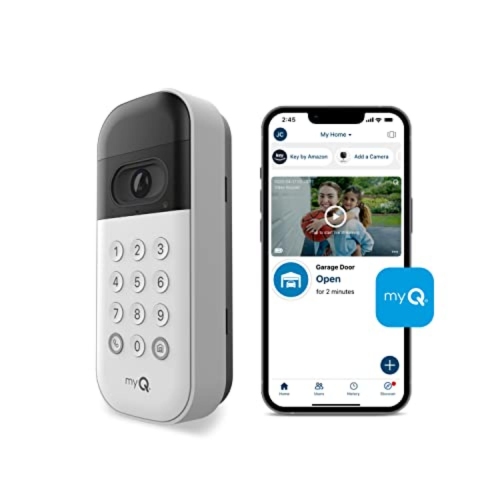
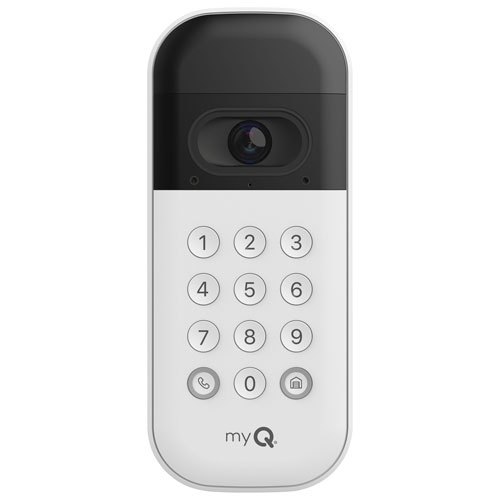





Smart garage access starts with the right setup
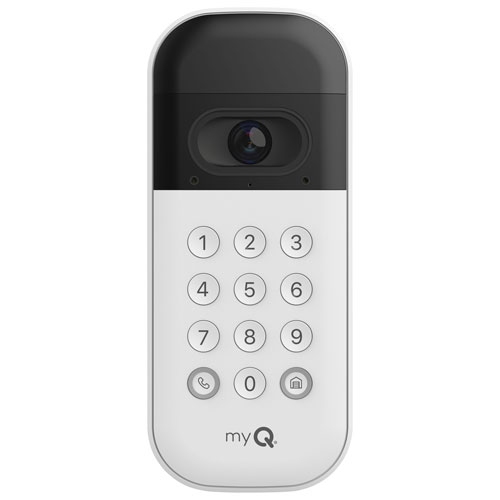
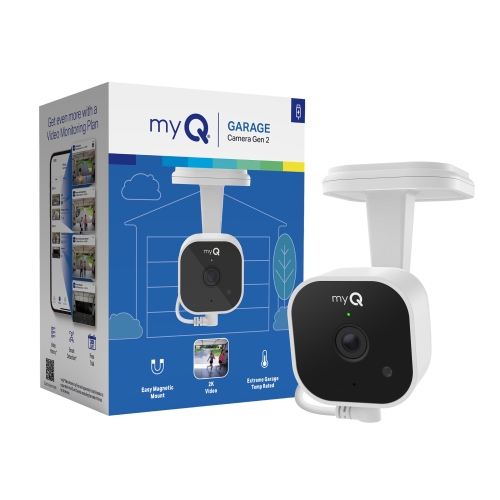
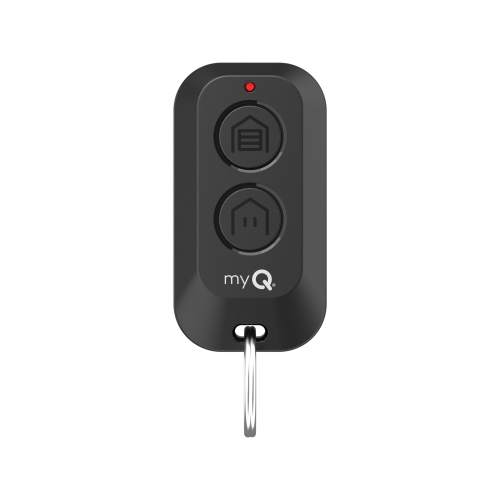
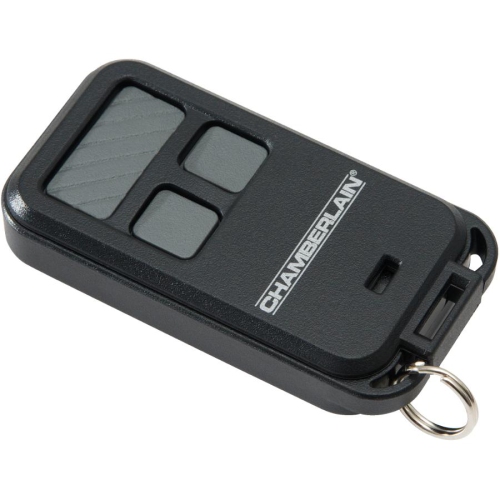
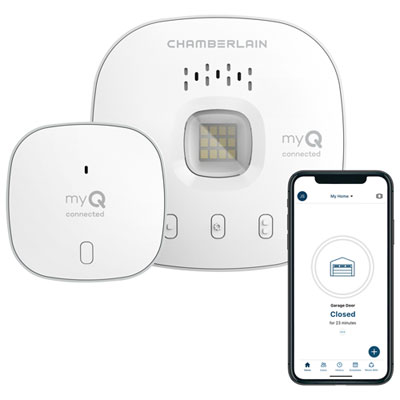
Smart garage access systems connect compatible garage door openers and entry devices to a smartphone app, bringing door status, activity alerts and remote operation together in one place. For households that use the garage as their everyday entrance, that connection can make familiar routines easier to manage: checking whether the door was closed after leaving, letting a trusted visitor retrieve stored equipment, or receiving a notification when someone arrives home. Features depend on the connected equipment and account settings; app control, video monitoring and keypad access are separate capabilities, not automatic features of every setup. A retrofit controller generally adds connected functions to an existing compatible opener, while an opener with built-in connectivity combines the lifting mechanism and smart controls. Retrofit systems may use a hub and a separate door-position sensor to communicate with the opener and report whether the door is open or closed. A camera provides a view of the space, but does not necessarily operate the door, and a connected keypad may offer individual entry codes without replacing the opener itself. The selection of Smart Garage Door Openers can help distinguish complete opener systems from accessories intended to extend an existing installation. Compatibility depends on more than the age of the garage door: the opener’s manufacturer, model, control technology and safety equipment all matter. The door’s size, weight and movement also remain important when replacing the opener rather than adding an accessory. Connected controls cannot correct a binding track, an unbalanced door or a worn lifting mechanism. Reliable operation starts with a properly functioning door and correctly installed safety sensors. Home network requirements deserve equal attention, since some connected garage accessories require a 2.4 GHz Wi-Fi connection and a dependable signal at the installation point. Remote functions generally rely on internet access, power and a working connection between the app and the equipment, so a smart garage setup still needs a practical way to enter when those connections are interrupted.
Day-to-day usefulness often comes down to how access is shared and how clearly activity is reported. Individual access codes, where supported, can give household members or trusted visitors their own way in without passing around a single code. Time-limited or scheduled permissions can suit a dog walker, a visiting relative or someone collecting borrowed tools, although the exact controls vary by system. Separate permissions also make it easier to remove access when it is no longer needed. Activity notifications can provide helpful context, such as a door opening during an expected arrival window or remaining open longer than intended. Alerts should complement safe operation rather than replace it: before sending a remote close command, the doorway needs to be clear, and any required warning lights, sounds and safety sensors must be working as designed. Camera-equipped accessories add another layer of information by showing the entrance or the garage interior. Their usefulness depends on the viewing angle, lighting, mounting position and distance from the area being watched. A camera aimed toward a bright doorway may show different detail from one facing shelving or a workbench, while a keypad camera needs a position that captures approaching visitors without making the buttons awkward to reach. Live viewing, motion notifications, recorded clips and two-way audio are distinct functions, and some recording or advanced features may require a separate service plan. Night vision can improve visibility in low light, but image quality still depends on the scene and the camera’s capabilities. For shared households, notification settings that distinguish routine arrivals from unusual activity can keep alerts useful rather than distracting. Strong account passwords, supported sign-in protections and regular reviews of shared access help protect the digital side of the entrance. Camera placement should also respect neighbouring properties and the privacy of people using the space.
Physical fit and care matter just as much as app features, especially around a moving door, stored equipment and frequently used entryways. Hubs, sensors, keypads and cameras need mounting locations that match their intended use and the manufacturer’s installation requirements. An accessory intended for indoor use belongs in a suitable indoor location; placement near an exterior entrance calls for the appropriate protection rating. Plastic housings can be light and easy to mount, while secure fasteners, protected battery compartments and well-positioned brackets help accessories withstand ordinary handling. Adhesive mounting may be suitable for some components, but the mounting surface and preparation requirements still matter. Sensors must stay securely attached in the specified position, and cables should remain clear of door tracks, hinges, springs and other moving parts. A nearby outlet can simplify installation for plug-in equipment, while battery-operated accessories need accessible compartments and a routine for checking battery status. Battery life varies with usage, settings and the device itself, so an app reminder is helpful but does not remove the need for occasional inspection. Routine care is usually straightforward: keep camera lenses clear with a suitable soft cloth, wipe keypad surfaces according to the care instructions, and avoid spraying cleaning liquid directly into openings. Loose mounts, damaged cables or inconsistent door-position reports deserve attention before the system becomes part of an unattended routine. A power interruption can affect the opener, router and connected accessories differently; backup power for the lifting mechanism does not necessarily keep remote access working. Keeping an approved alternative entry method helps prevent a phone battery, forgotten password or connection problem from becoming a lockout. These systems can suit busy families, people who regularly enter through the garage and households that share access with trusted visitors. They can also be a practical gift for someone who enjoys connected-home technology, provided the recipient’s existing opener, network and installation permissions are a match. The most useful setup is one that fits the actual doorway, supports everyday habits and leaves every authorized user with a clear, dependable way to come and go.
Day-to-day usefulness often comes down to how access is shared and how clearly activity is reported. Individual access codes, where supported, can give household members or trusted visitors their own way in without passing around a single code. Time-limited or scheduled permissions can suit a dog walker, a visiting relative or someone collecting borrowed tools, although the exact controls vary by system. Separate permissions also make it easier to remove access when it is no longer needed. Activity notifications can provide helpful context, such as a door opening during an expected arrival window or remaining open longer than intended. Alerts should complement safe operation rather than replace it: before sending a remote close command, the doorway needs to be clear, and any required warning lights, sounds and safety sensors must be working as designed. Camera-equipped accessories add another layer of information by showing the entrance or the garage interior. Their usefulness depends on the viewing angle, lighting, mounting position and distance from the area being watched. A camera aimed toward a bright doorway may show different detail from one facing shelving or a workbench, while a keypad camera needs a position that captures approaching visitors without making the buttons awkward to reach. Live viewing, motion notifications, recorded clips and two-way audio are distinct functions, and some recording or advanced features may require a separate service plan. Night vision can improve visibility in low light, but image quality still depends on the scene and the camera’s capabilities. For shared households, notification settings that distinguish routine arrivals from unusual activity can keep alerts useful rather than distracting. Strong account passwords, supported sign-in protections and regular reviews of shared access help protect the digital side of the entrance. Camera placement should also respect neighbouring properties and the privacy of people using the space.
Physical fit and care matter just as much as app features, especially around a moving door, stored equipment and frequently used entryways. Hubs, sensors, keypads and cameras need mounting locations that match their intended use and the manufacturer’s installation requirements. An accessory intended for indoor use belongs in a suitable indoor location; placement near an exterior entrance calls for the appropriate protection rating. Plastic housings can be light and easy to mount, while secure fasteners, protected battery compartments and well-positioned brackets help accessories withstand ordinary handling. Adhesive mounting may be suitable for some components, but the mounting surface and preparation requirements still matter. Sensors must stay securely attached in the specified position, and cables should remain clear of door tracks, hinges, springs and other moving parts. A nearby outlet can simplify installation for plug-in equipment, while battery-operated accessories need accessible compartments and a routine for checking battery status. Battery life varies with usage, settings and the device itself, so an app reminder is helpful but does not remove the need for occasional inspection. Routine care is usually straightforward: keep camera lenses clear with a suitable soft cloth, wipe keypad surfaces according to the care instructions, and avoid spraying cleaning liquid directly into openings. Loose mounts, damaged cables or inconsistent door-position reports deserve attention before the system becomes part of an unattended routine. A power interruption can affect the opener, router and connected accessories differently; backup power for the lifting mechanism does not necessarily keep remote access working. Keeping an approved alternative entry method helps prevent a phone battery, forgotten password or connection problem from becoming a lockout. These systems can suit busy families, people who regularly enter through the garage and households that share access with trusted visitors. They can also be a practical gift for someone who enjoys connected-home technology, provided the recipient’s existing opener, network and installation permissions are a match. The most useful setup is one that fits the actual doorway, supports everyday habits and leaves every authorized user with a clear, dependable way to come and go.
Top selling and popular products
-
 Your price for this item is $89.99
-
 Your price for this item is $124.99
-
 Your price for this item is $449.99
-
 Your price for this item is $499.98
-
 Your price for this item is $218
-
 Your price for this item is $22.99
-
 Your price for this item is $46.99
-
 Your price for this item is $27.98
Discover more categories related to MyQ Smart

Top Collections:
Pokemon Centers, Best Black Friday Deals This Year, Best Black Friday Deals On Electronics, Kindle Devices, Best Budget Office Chairs, Best Black Friday Deals On Apple Products, Best Cameras for Sports Photography, Pokémon 30th Celebration Cards, Dyson Airwrap, Canon G7X Cameras
Some products may be subject to Environmental Handling Fees
(EHF) depending on your province.
Learn more about EHFs.