Wireless Wi-Fi Smart
Wireless WiFi Smart technology brings a new level of convenience and connectivity to your home or office. Explore a wide range of devices designed to streamline daily tasks, enhance entertainment, and keep you connected wherever you are. With Wireless WiFi Smart solutions, managing your environment becomes effortless, giving you more time to focus on what matters most. Discover the possibilities and find the perfect addition to your connected lifestyle.
Sort







There’s more to home Wi-Fi than speed
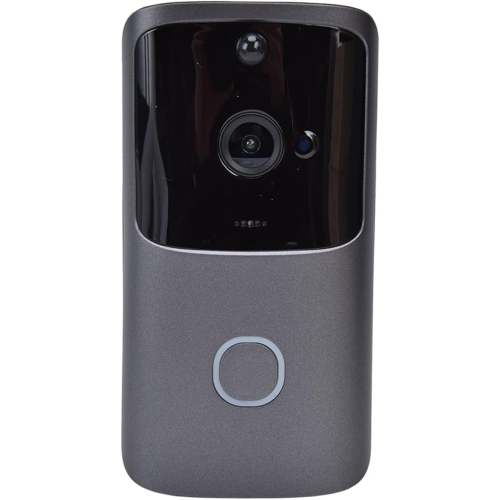
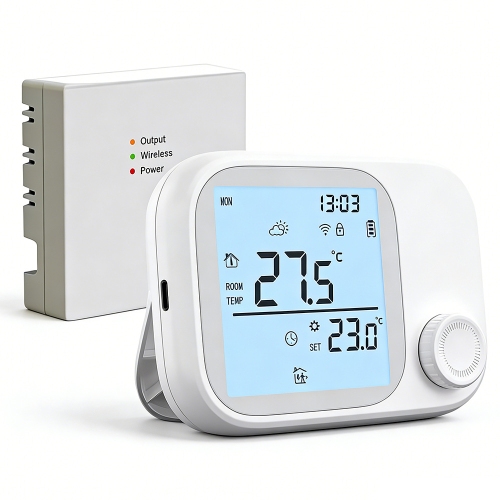
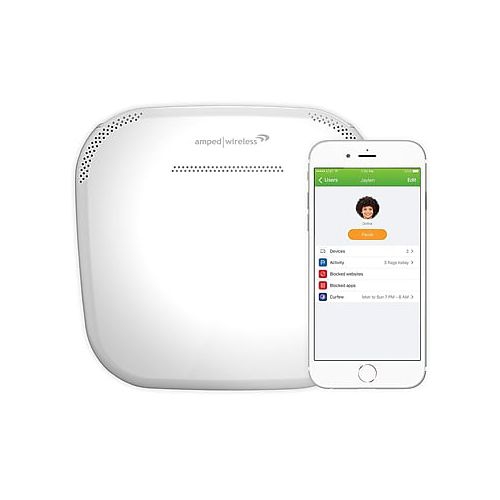
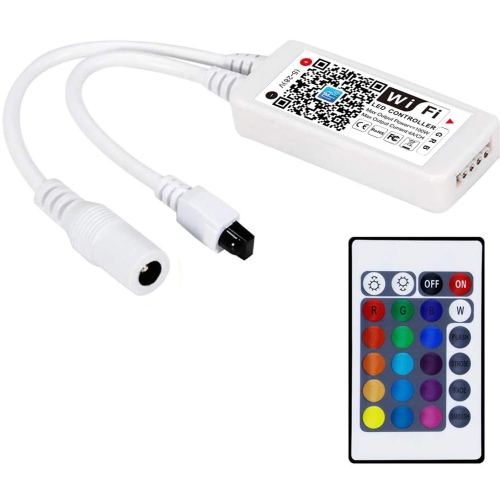
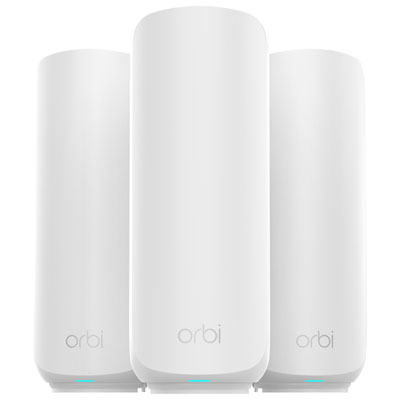
Wireless Wi-Fi smart technology connects home networks and compatible devices so that entertainment, work, and everyday routines can run through a shared wireless connection. Routers, mesh Wi-Fi systems, and connected home accessories serve different roles within that setup: the router directs network traffic, mesh units extend coverage across a larger space, and smart devices add functions such as app-controlled lighting or remote monitoring. Wi-Fi provides the local wireless connection; an internet service connection supports online activities and features that depend on cloud services. For a compact apartment, a centrally positioned router may provide suitable coverage, while a multi-level home or a layout with thick interior walls may benefit from several mesh units. A mesh network uses coordinated access points, typically under one network name, to help compatible phones, laptops, and other devices stay connected as they move between rooms. Coverage still depends on placement, construction materials, interference, and the capabilities of each connected device. Advertised wireless speeds describe theoretical connection rates rather than guaranteed download speeds, and the internet plan remains a separate limit on access to online content. Dual-band systems commonly support 2.4 GHz and 5 GHz connections: 2.4 GHz generally reaches farther, while 5 GHz can offer higher throughput at shorter distances. Some newer systems also support 6 GHz for compatible devices. Smart Connect or band steering can place compatible devices on an appropriate band automatically, although implementation varies by system. A household with simultaneous video calls, streaming, gaming, and connected accessories benefits from considering both coverage and the number of active devices rather than focusing on speed alone. Across Wi-Fi Electronics, the most useful distinctions are the jobs each device performs, how it connects, and whether it works with the network already in place. That makes it easier to distinguish equipment that strengthens the connection from accessories that use it.
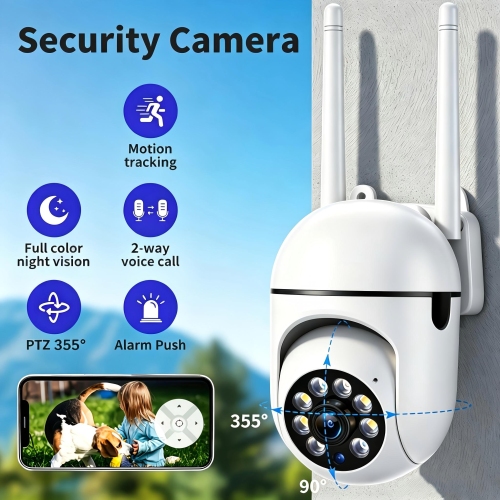
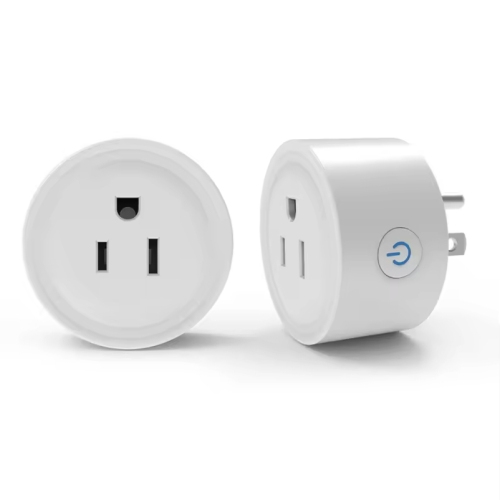
Smart wireless features can make a network easier to manage without requiring someone to adjust settings at a computer. Depending on the hardware and software, app controls may show connected devices, run connection tests, create a guest network, schedule access, or pause selected connections. Traffic prioritization, often called quality of service, can give time-sensitive activities such as video calls greater priority when several people are online. It cannot create extra internet bandwidth, but it may help manage competing demands. Automatic channel selection and other network adjustments can also respond to congestion, though results depend on nearby networks and the features supported by the equipment. For households where a parent is joining a meeting while another person streams a film, these controls can be more useful than a long list of peak-speed claims. Smart lighting, plugs, cameras, and other connected accessories add a different layer of convenience, with functions that may include schedules, alerts, remote access, or voice control. Compatibility matters at each step: a device that connects directly to Wi-Fi may not need a separate hub, while another may require a bridge or controller for some or all functions. Support for one voice assistant or smart home platform does not guarantee support for another. Many smaller smart accessories use only the 2.4 GHz band, so the supported frequency and setup requirements deserve attention even when the main network uses newer technology. Wireless also does not necessarily mean battery-powered; a device may communicate without a network cable but still need a wall outlet or a wired power connection. Remote access commonly requires both a working internet connection and an account, and certain features may depend on a subscription. Clear information about local controls, account requirements, update support, and what remains usable during an internet interruption helps match the system to everyday expectations.
Physical fit and placement matter just as much as software features. Networking equipment needs room for ventilation, access to power, and a position where its signal can reach the spaces people actually use. A router tucked behind a television, inside a metal cabinet, or at the far end of a home may struggle to serve a desk several rooms away. Mesh units work best where they can maintain a strong connection to one another, rather than being placed only in the room where the signal has already disappeared. Where the hardware and home wiring support it, an Ethernet connection between mesh units can reduce reliance on wireless links. Housing materials, dimensions, indicator lights, cable connections, and mounting options also affect how comfortably equipment fits on a shelf, beside a workstation, or near an entrance. Durable construction is useful, but an indoor device should not be treated as suitable for outdoor installation unless its specifications explicitly support that use. Care is usually straightforward: keep ventilation openings clear, remove dust according to the manufacturer’s directions, and avoid moisture or cleaning sprays around ports. Long-term usefulness also depends on software maintenance. Strong, unique passwords, supported security settings such as WPA3 where compatible, and regular firmware updates help protect access to the network. A separate guest network can keep visitor connections apart from the main household network, while device lists can help identify unfamiliar connections. For remote workers, reliable coverage at the desk and stable video calls may take priority; for a busy family, manageable access controls and consistent connections across bedrooms and shared spaces may matter more. Renters may prefer compact equipment that needs little permanent installation, while someone adding smart lighting may value straightforward app setup and accessible manual controls. These devices can also make practical gifts when the recipient’s internet setup, preferred platform, and comfort with connected features are known. The best fit is equipment whose coverage, controls, upkeep, and physical design suit the people and spaces it will serve.
Smart wireless features can make a network easier to manage without requiring someone to adjust settings at a computer. Depending on the hardware and software, app controls may show connected devices, run connection tests, create a guest network, schedule access, or pause selected connections. Traffic prioritization, often called quality of service, can give time-sensitive activities such as video calls greater priority when several people are online. It cannot create extra internet bandwidth, but it may help manage competing demands. Automatic channel selection and other network adjustments can also respond to congestion, though results depend on nearby networks and the features supported by the equipment. For households where a parent is joining a meeting while another person streams a film, these controls can be more useful than a long list of peak-speed claims. Smart lighting, plugs, cameras, and other connected accessories add a different layer of convenience, with functions that may include schedules, alerts, remote access, or voice control. Compatibility matters at each step: a device that connects directly to Wi-Fi may not need a separate hub, while another may require a bridge or controller for some or all functions. Support for one voice assistant or smart home platform does not guarantee support for another. Many smaller smart accessories use only the 2.4 GHz band, so the supported frequency and setup requirements deserve attention even when the main network uses newer technology. Wireless also does not necessarily mean battery-powered; a device may communicate without a network cable but still need a wall outlet or a wired power connection. Remote access commonly requires both a working internet connection and an account, and certain features may depend on a subscription. Clear information about local controls, account requirements, update support, and what remains usable during an internet interruption helps match the system to everyday expectations.
Physical fit and placement matter just as much as software features. Networking equipment needs room for ventilation, access to power, and a position where its signal can reach the spaces people actually use. A router tucked behind a television, inside a metal cabinet, or at the far end of a home may struggle to serve a desk several rooms away. Mesh units work best where they can maintain a strong connection to one another, rather than being placed only in the room where the signal has already disappeared. Where the hardware and home wiring support it, an Ethernet connection between mesh units can reduce reliance on wireless links. Housing materials, dimensions, indicator lights, cable connections, and mounting options also affect how comfortably equipment fits on a shelf, beside a workstation, or near an entrance. Durable construction is useful, but an indoor device should not be treated as suitable for outdoor installation unless its specifications explicitly support that use. Care is usually straightforward: keep ventilation openings clear, remove dust according to the manufacturer’s directions, and avoid moisture or cleaning sprays around ports. Long-term usefulness also depends on software maintenance. Strong, unique passwords, supported security settings such as WPA3 where compatible, and regular firmware updates help protect access to the network. A separate guest network can keep visitor connections apart from the main household network, while device lists can help identify unfamiliar connections. For remote workers, reliable coverage at the desk and stable video calls may take priority; for a busy family, manageable access controls and consistent connections across bedrooms and shared spaces may matter more. Renters may prefer compact equipment that needs little permanent installation, while someone adding smart lighting may value straightforward app setup and accessible manual controls. These devices can also make practical gifts when the recipient’s internet setup, preferred platform, and comfort with connected features are known. The best fit is equipment whose coverage, controls, upkeep, and physical design suit the people and spaces it will serve.
Top selling and popular products
-
 Your price for this item is $219.99
-
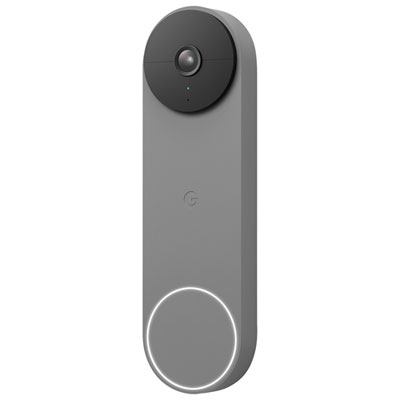 Your price for this item is $239.99
-
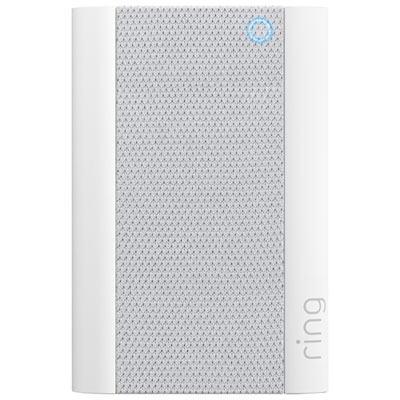 Your price for this item is $74.99
-
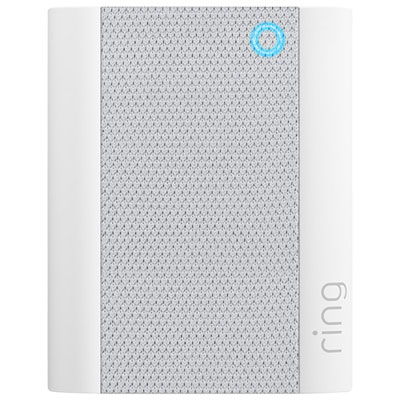 Your price for this item is $49.99
-
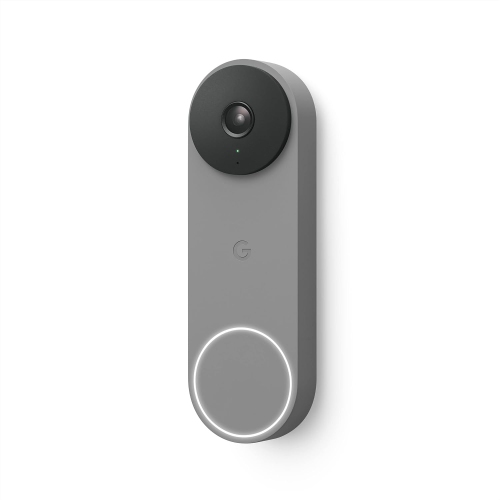 Your price for this item is $199
-
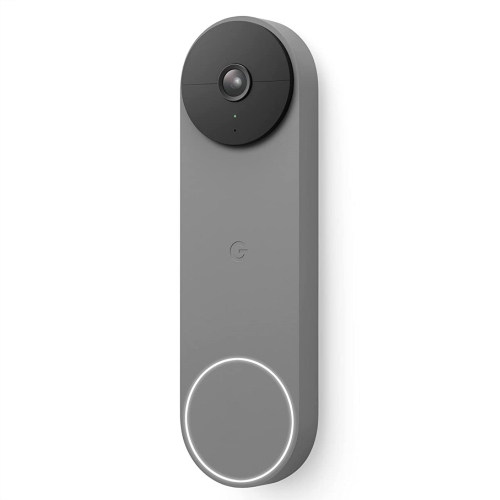 Your price for this item is $258.93
-
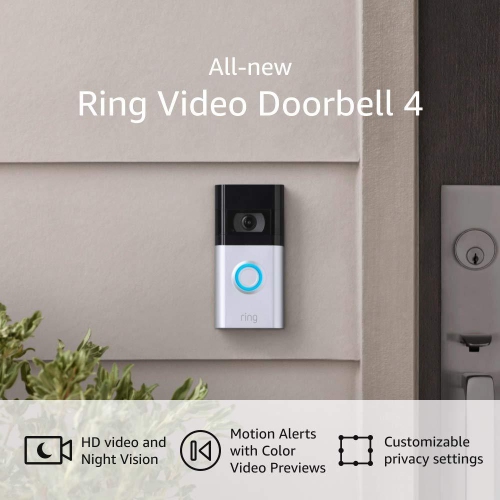 Your price for this item is $129.99
-
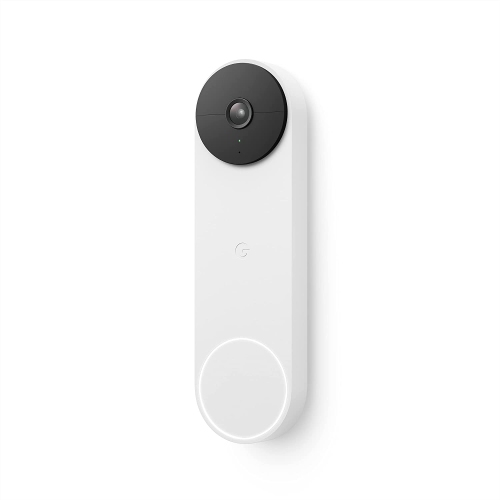 Your price for this item is $209.99
Discover more categories related to Wireless Wi-Fi Smart
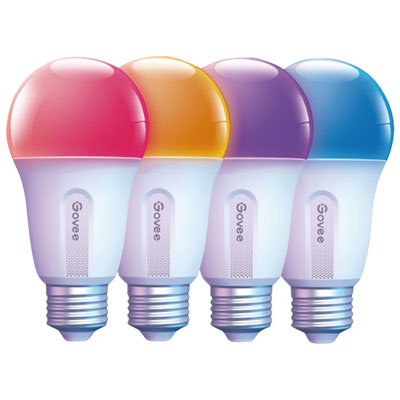
Top Collections:
Pokemon Centers, Best Black Friday Deals This Year, Best Black Friday Deals On Electronics, Kindle Devices, Best Budget Office Chairs, Best Black Friday Deals On Apple Products, Best Cameras for Sports Photography, Pokémon 30th Celebration Cards, Dyson Airwrap, Canon G7X Cameras
Some products may be subject to Environmental Handling Fees
(EHF) depending on your province.
Learn more about EHFs.