Antivirus Software Licenses
Antivirus Software Licenses provide essential protection for your devices, helping to keep your digital life secure. Whether you’re setting up a new computer or renewing coverage for multiple devices, find the right solutions to suit your needs. Explore a wide selection of Antivirus Software Licenses designed for easy installation and reliable performance, so you can browse, work, and play online with greater confidence.
Sort
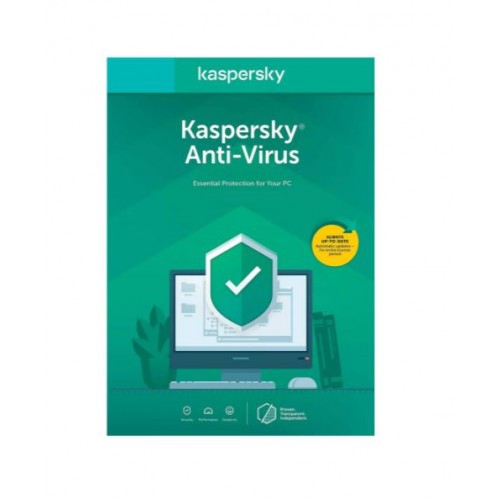

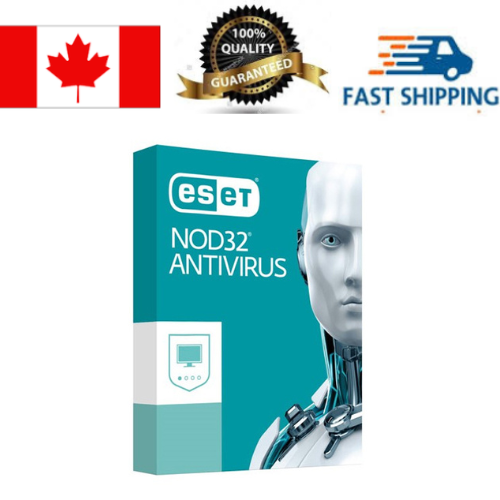
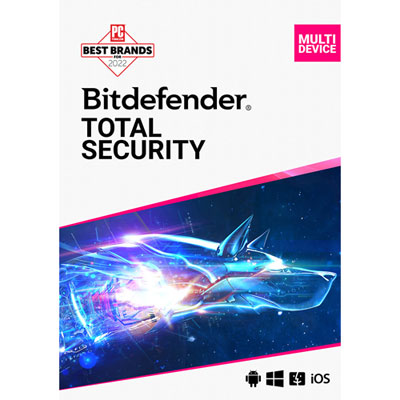

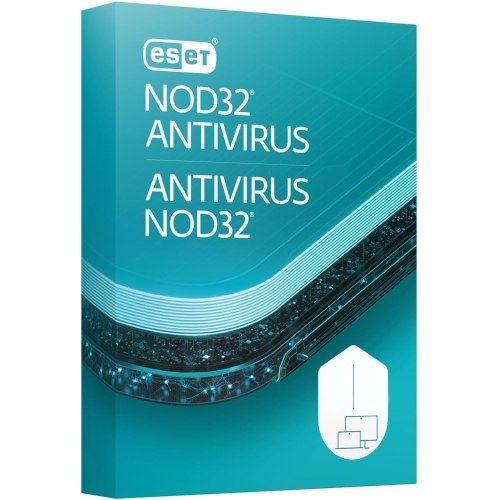
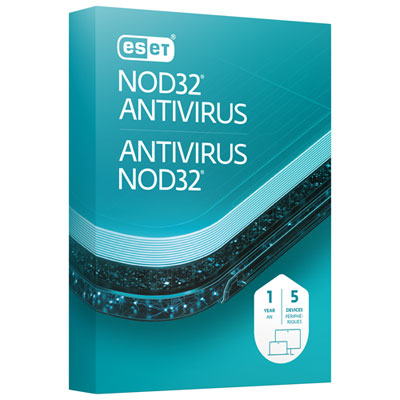
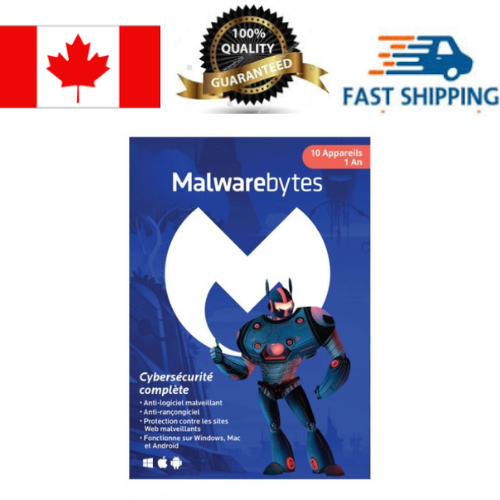
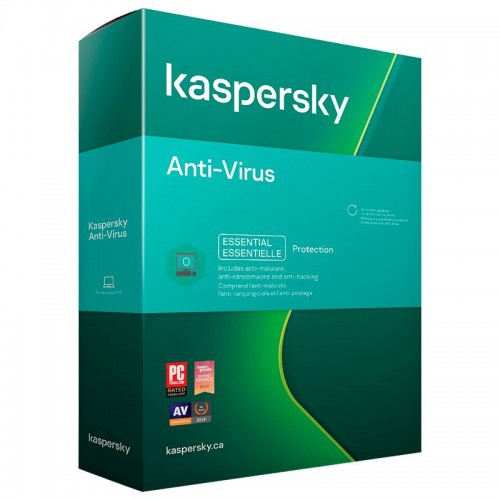
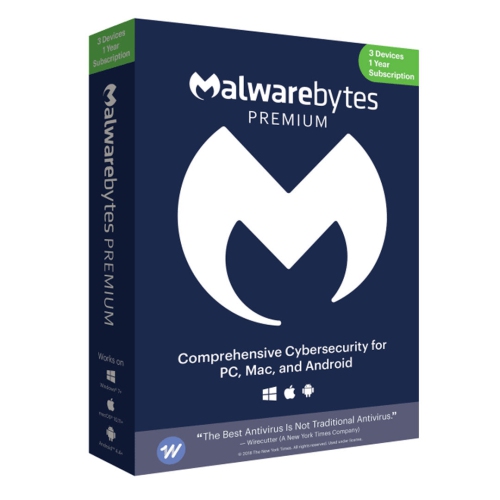
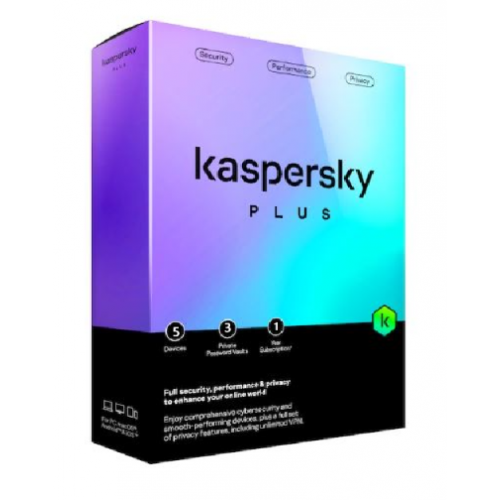
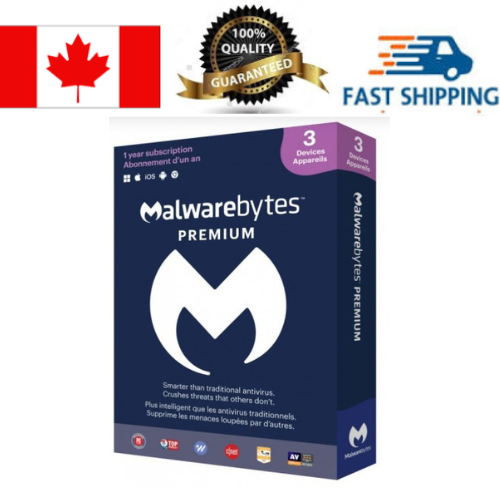
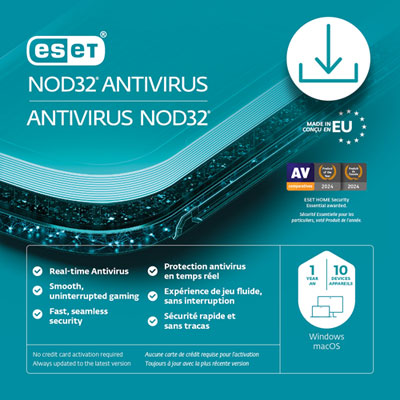
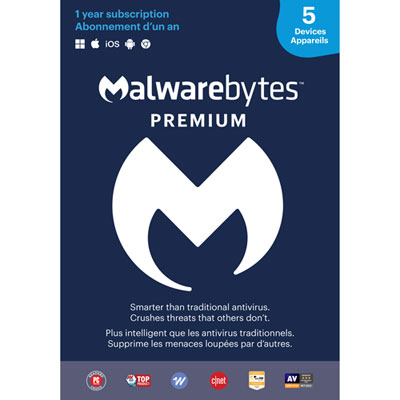

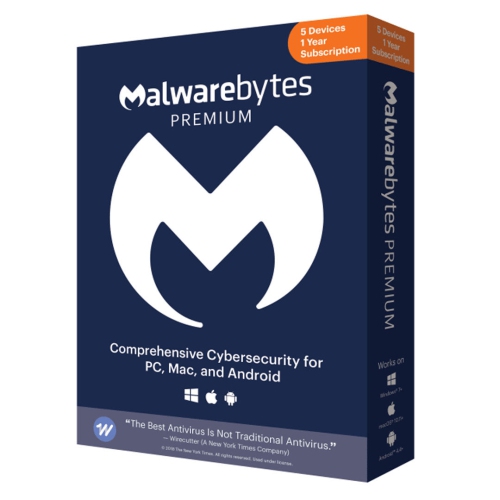
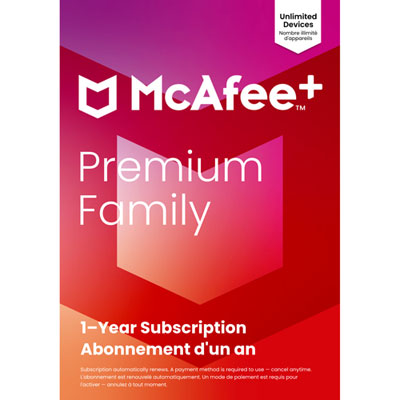
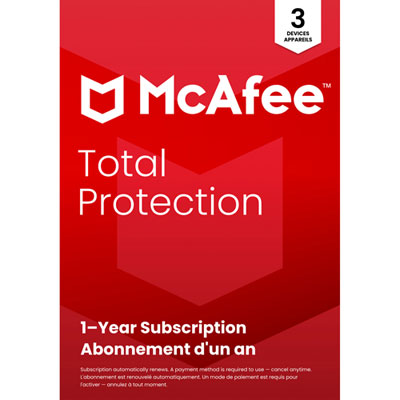
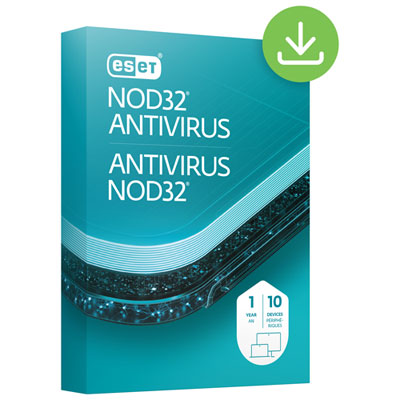


How device coverage and renewal shape your protection
Antivirus software licenses provide permission to install and use security software on a computer, tablet, or mobile device for a defined period, most commonly 12 months. During the licence term, the software typically receives regular virus definition updates, security patches, and access to the features included with the selected plan. These updates help the software recognize newer threats, including malicious downloads, infected files, phishing attempts, spyware, ransomware, and other forms of unwanted activity. A licence may be supplied as a digital code, an activation key, or a subscription that is redeemed through the software provider’s website. After purchase, installation usually involves downloading the appropriate application, entering the activation details, and signing in or creating an account. Keeping the account information and licence details in a safe place can make it easier to reinstall the software after a computer reset, device replacement, or operating system update. Because antivirus software is designed to work quietly in the background, it can be a practical addition for anyone who shops online, checks email, downloads files, uses social media, or shares devices with family members. It can also provide extra reassurance during the cooler months, when more time spent indoors may mean more browsing, streaming, online shopping, and video calls from home.
The right antivirus software licence depends first on the number and type of devices that need protection. Single-device licences can suit someone who uses one Windows PC or Mac, while multi-device options may cover several computers, phones, and tablets under one account. Some plans support different operating systems, which can be useful in a household where one person uses a laptop, another relies on a smartphone, and children use tablets for schoolwork or entertainment. Before selecting a licence, check the listed compatibility requirements for Windows, macOS, Android, and iOS, along with the minimum operating system version and available storage. It is also worth confirming whether the licence covers one user, a certain number of devices, or a household, since those limits can affect how easily it fits into an existing setup. Features vary between plans. Basic protection may focus on real-time scanning, suspicious website alerts, email screening, and automatic threat removal, while broader packages can add a firewall, password management, parental controls, secure browsing tools, payment protection, identity monitoring, cloud backup, or a virtual private network. Not every device needs every feature, and some functions may work differently depending on the operating system. A lightweight option may be preferable on an older computer, while a family plan with central account management may be more convenient for keeping several devices updated. Students and their families can also explore Antivirus Software for Students when looking for coverage that fits school laptops, shared home networks, and everyday online learning.
Renewal is another important consideration when comparing antivirus software licenses. Most licences last for one year, and protection may continue only while the subscription remains active. Some subscriptions renew automatically, while others require the user to enter a new key or purchase another term, so reviewing the renewal settings and keeping the expiry date on a calendar can help prevent an unexpected gap in coverage. If a licence is intended as a gift, a digital code can be convenient for a student heading to college, a family member setting up a new computer, or someone who has recently started working from home. It can be especially useful when the recipient owns several devices but has not yet organized security software across them. Before giving a licence, consider whether the recipient uses Windows, Mac, Android, or iOS, how many devices they have, and whether they would benefit from tools beyond antivirus scanning. Installation is generally straightforward, but the recipient may need an internet connection, an email address, and administrator access to complete setup. Antivirus software should complement sensible online habits rather than replace them: install operating system updates, use strong and unique passwords, be cautious with unexpected attachments and links, and download applications from trusted sources. With the appropriate device coverage, compatible features, and a renewal plan that suits the user, an antivirus software licence can help make everyday digital activity feel more organized and secure throughout the year.
The right antivirus software licence depends first on the number and type of devices that need protection. Single-device licences can suit someone who uses one Windows PC or Mac, while multi-device options may cover several computers, phones, and tablets under one account. Some plans support different operating systems, which can be useful in a household where one person uses a laptop, another relies on a smartphone, and children use tablets for schoolwork or entertainment. Before selecting a licence, check the listed compatibility requirements for Windows, macOS, Android, and iOS, along with the minimum operating system version and available storage. It is also worth confirming whether the licence covers one user, a certain number of devices, or a household, since those limits can affect how easily it fits into an existing setup. Features vary between plans. Basic protection may focus on real-time scanning, suspicious website alerts, email screening, and automatic threat removal, while broader packages can add a firewall, password management, parental controls, secure browsing tools, payment protection, identity monitoring, cloud backup, or a virtual private network. Not every device needs every feature, and some functions may work differently depending on the operating system. A lightweight option may be preferable on an older computer, while a family plan with central account management may be more convenient for keeping several devices updated. Students and their families can also explore Antivirus Software for Students when looking for coverage that fits school laptops, shared home networks, and everyday online learning.
Renewal is another important consideration when comparing antivirus software licenses. Most licences last for one year, and protection may continue only while the subscription remains active. Some subscriptions renew automatically, while others require the user to enter a new key or purchase another term, so reviewing the renewal settings and keeping the expiry date on a calendar can help prevent an unexpected gap in coverage. If a licence is intended as a gift, a digital code can be convenient for a student heading to college, a family member setting up a new computer, or someone who has recently started working from home. It can be especially useful when the recipient owns several devices but has not yet organized security software across them. Before giving a licence, consider whether the recipient uses Windows, Mac, Android, or iOS, how many devices they have, and whether they would benefit from tools beyond antivirus scanning. Installation is generally straightforward, but the recipient may need an internet connection, an email address, and administrator access to complete setup. Antivirus software should complement sensible online habits rather than replace them: install operating system updates, use strong and unique passwords, be cautious with unexpected attachments and links, and download applications from trusted sources. With the appropriate device coverage, compatible features, and a renewal plan that suits the user, an antivirus software licence can help make everyday digital activity feel more organized and secure throughout the year.
Top selling and popular products
-
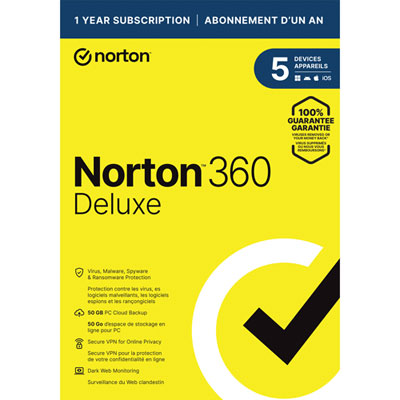 Your price for this item is $89.99
 -
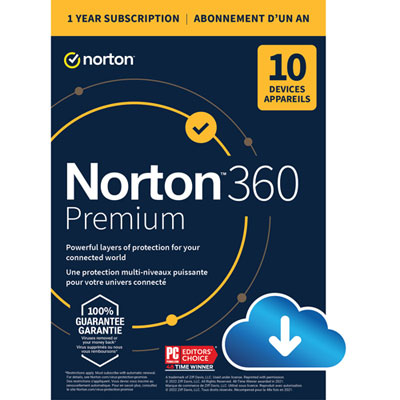 Your price for this item is $99.99
 -
 Your price for this item is $89.99
 -
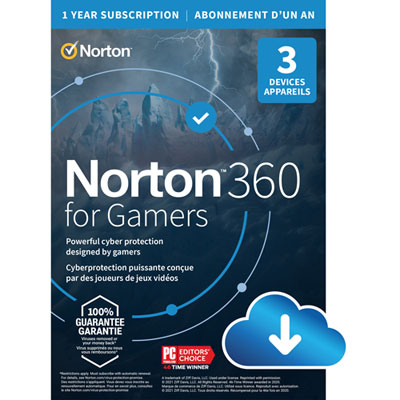 Your price for this item is $89.99
 -
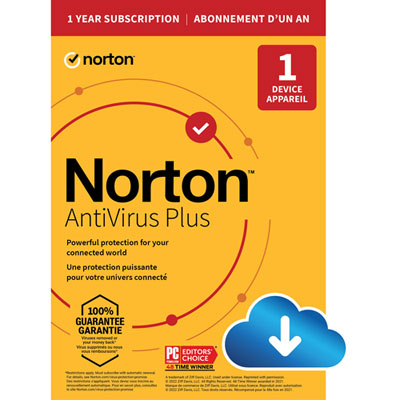 Your price for this item is $14.99
 -
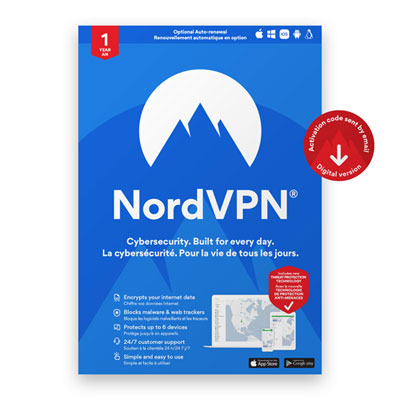 Your price for this item is $84.99
 -
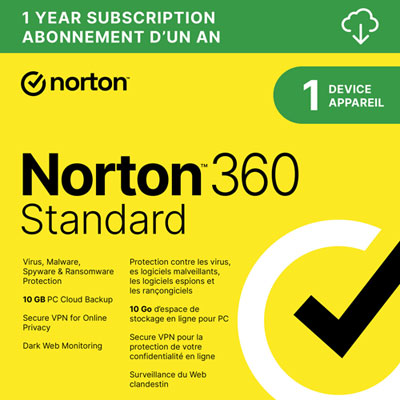 Your price for this item is $69.99
 -
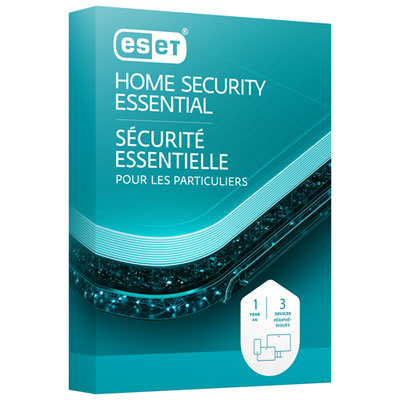 Your price for this item is $59.95
Discover more categories related to Antivirus Software Licenses

Top Collections:
Pokemon Centers, Best Cameras for Sports Photography, Kindle Devices, Samsung Galaxy Phones, Canon G7X Cameras, Pokémon 30th Celebration Cards, Refurbished Apple Laptops, iPhone 15 Apple, Laptops for Students, Budget Smartphones
Some products may be subject to Environmental Handling Fees
(EHF) depending on your province.
Learn more about EHFs.