SPDIF Cable to Home Theatre

Find an S/PDIF cable for your home theatre by matching the digital audio output on your TV or source device to the input on your receiver or soundbar. Check whether your devices use optical or coaxial digital audio connections, then choose a compatible cable type and a length that comfortably reaches between devices.
Sort

The right digital audio connection starts with matching ports

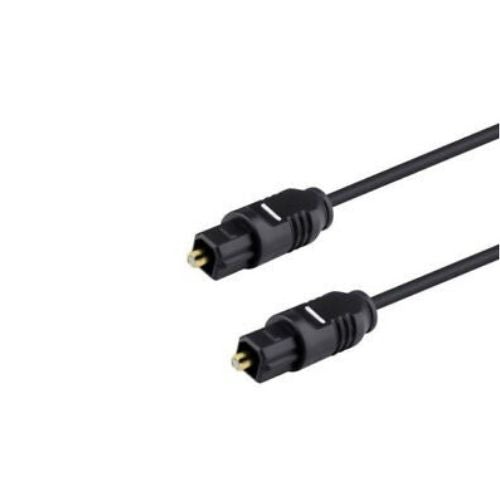
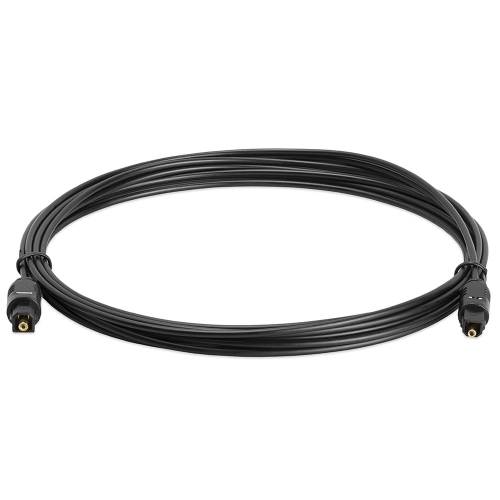
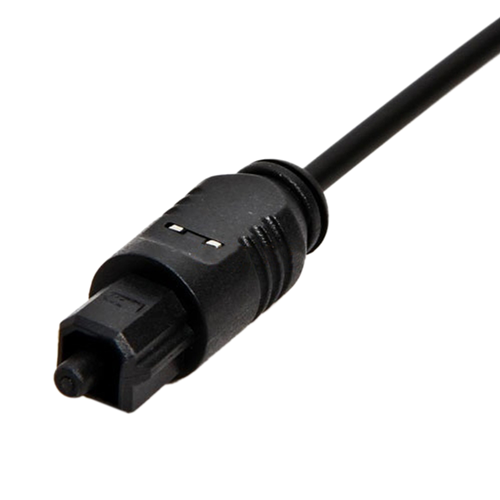
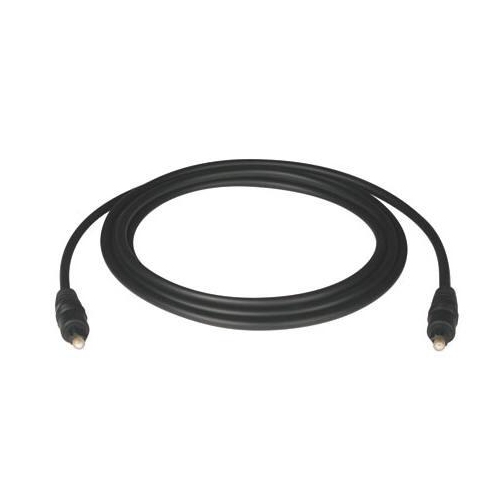
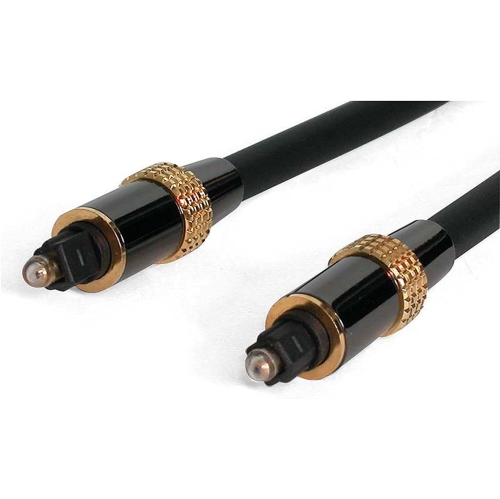
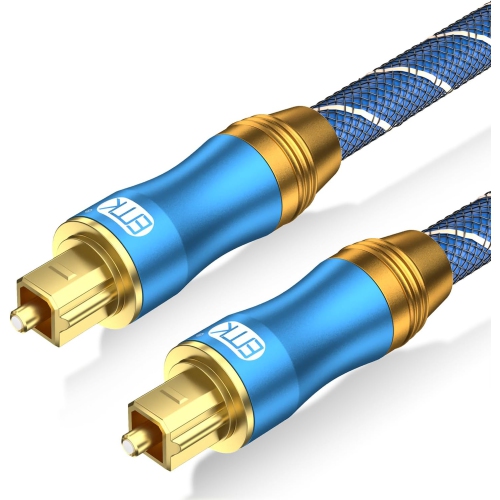
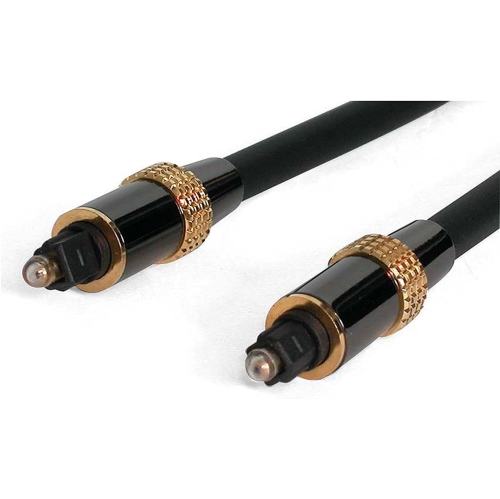
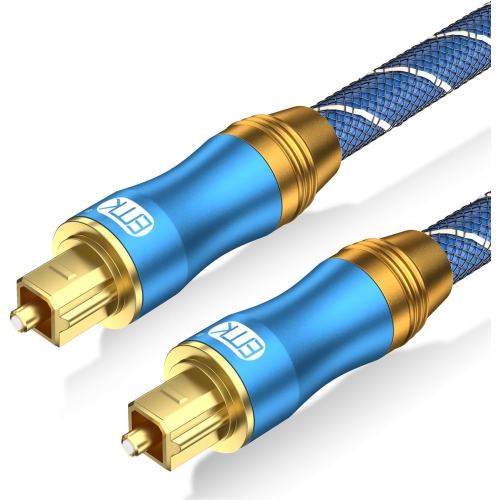
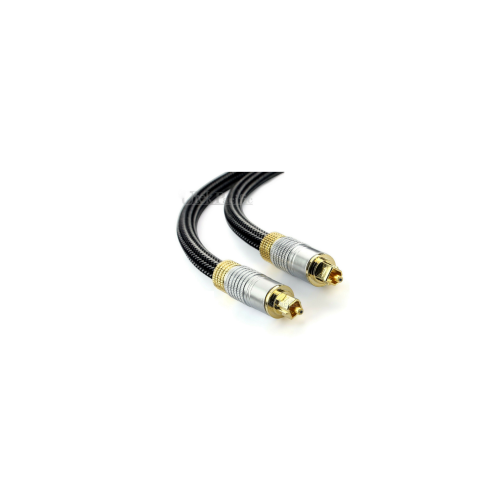
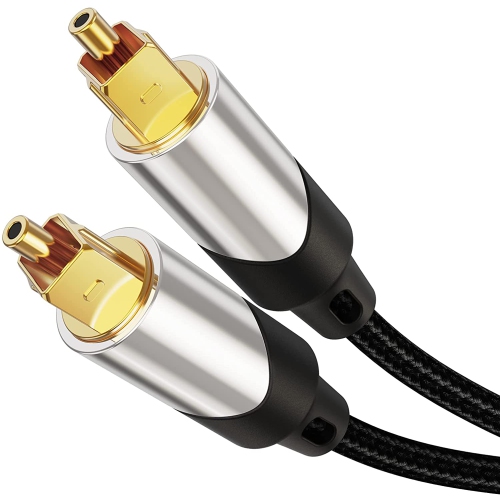
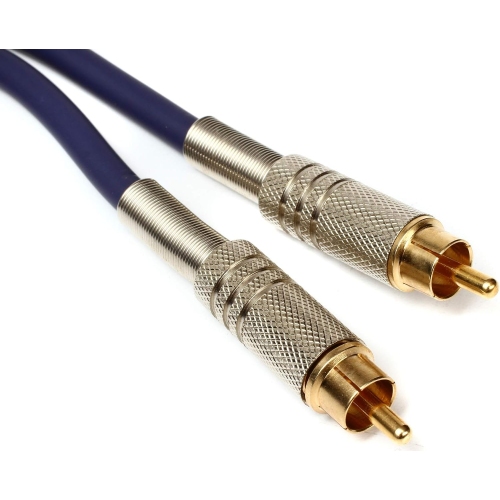
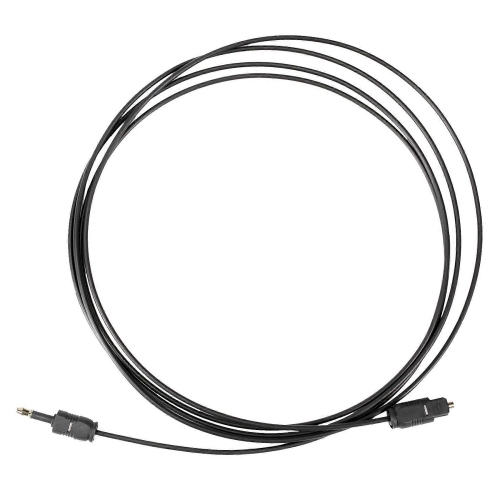
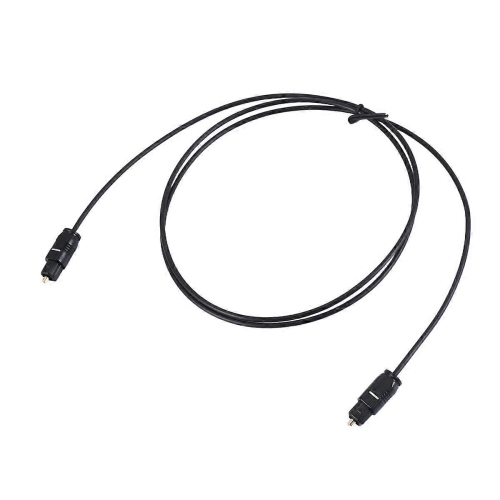
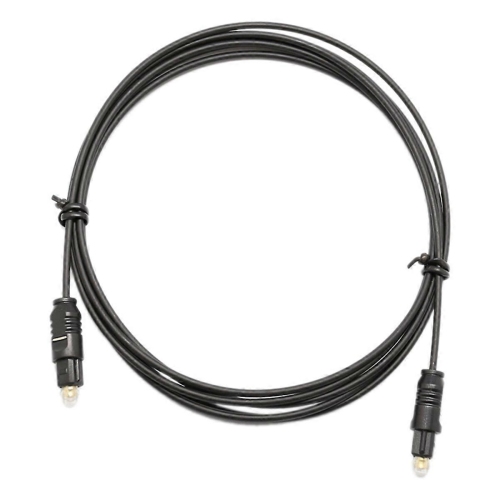
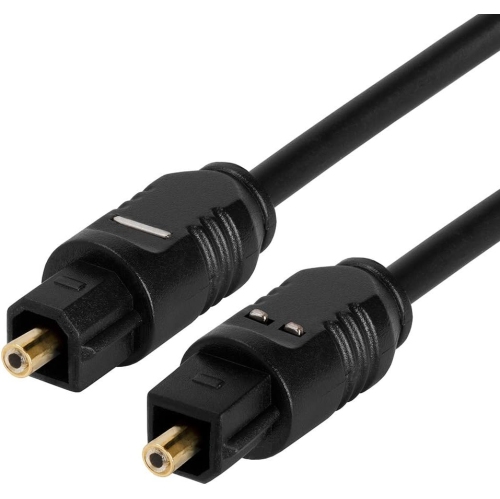
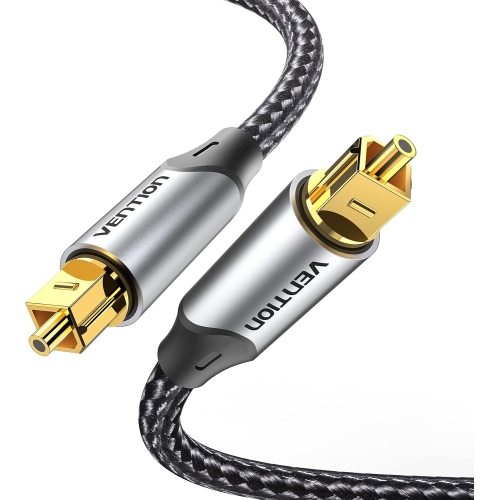
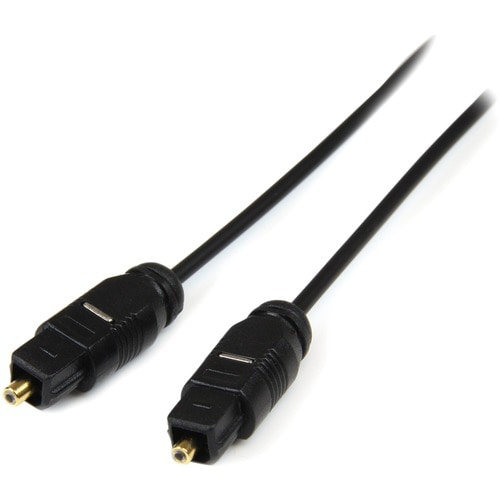
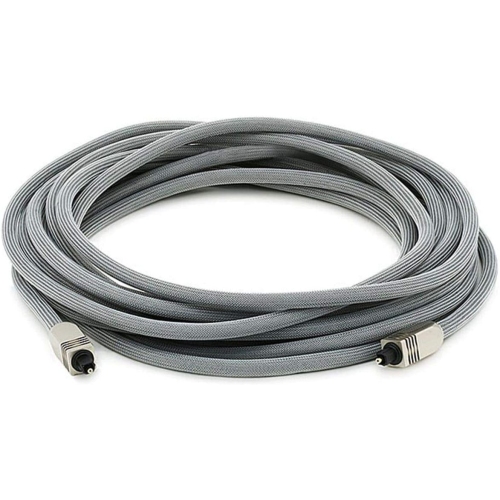
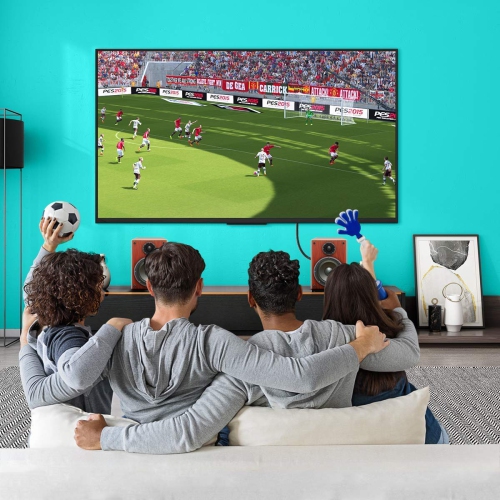
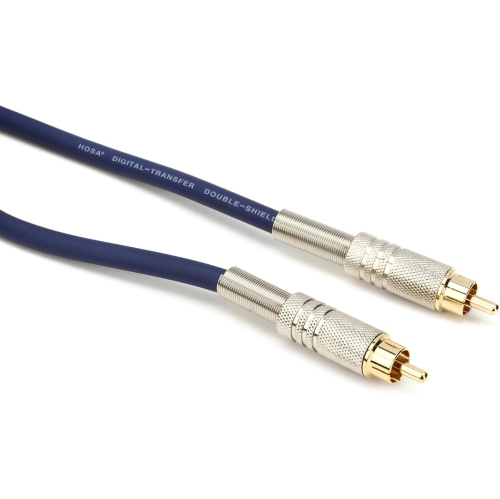
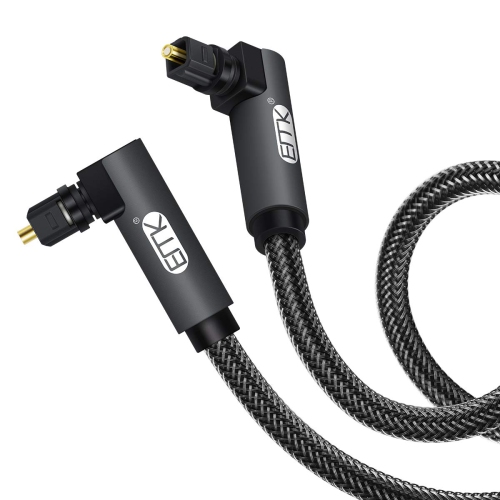
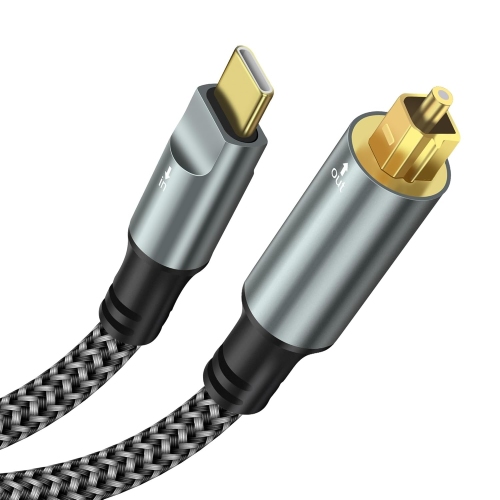
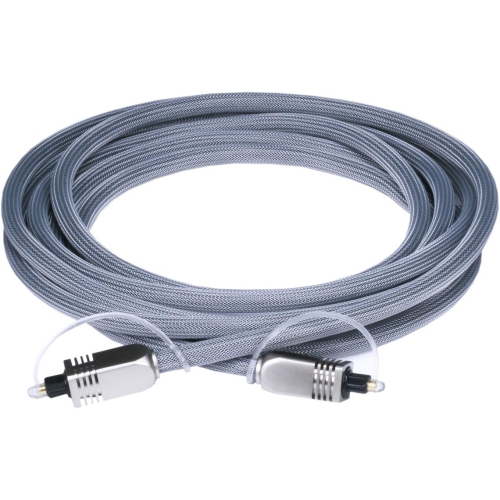
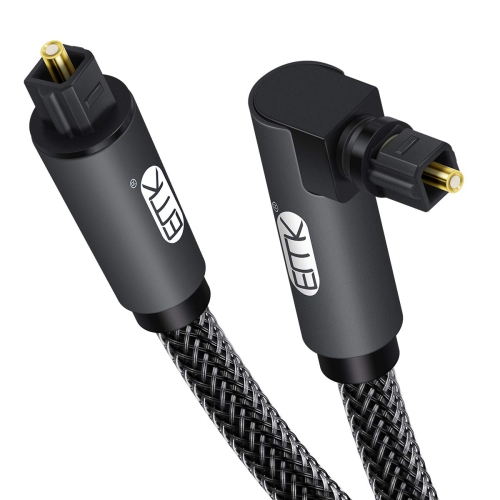
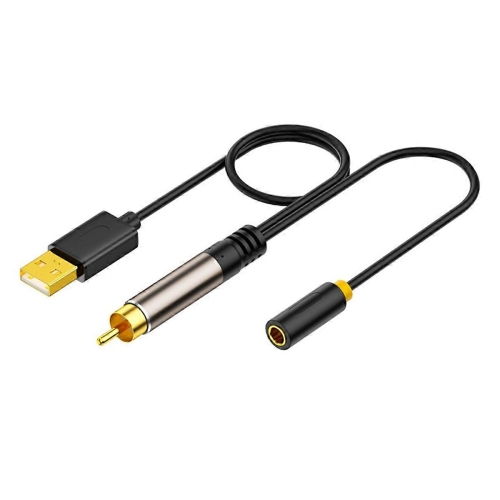
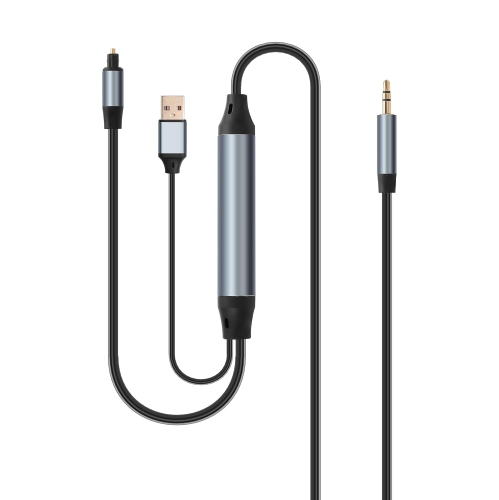
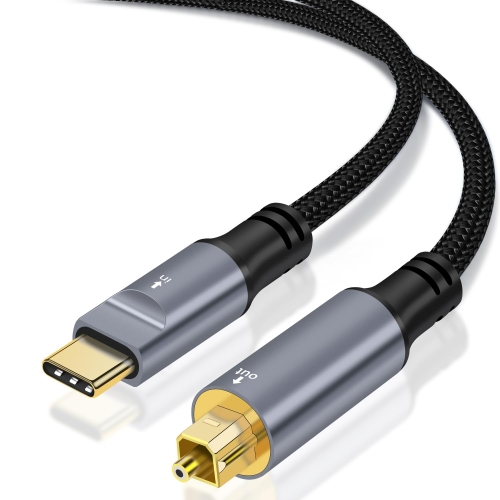
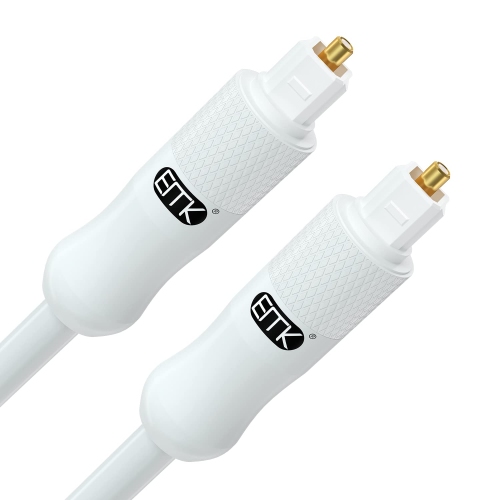
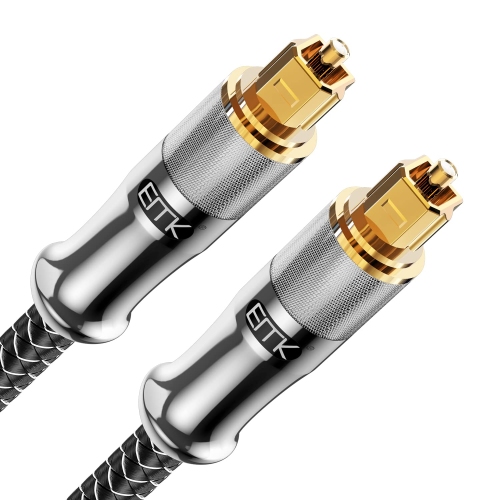
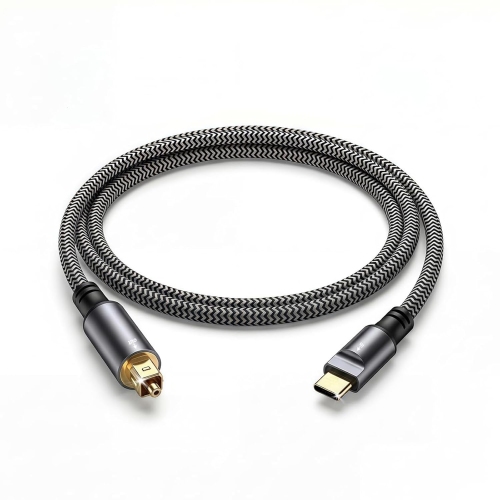
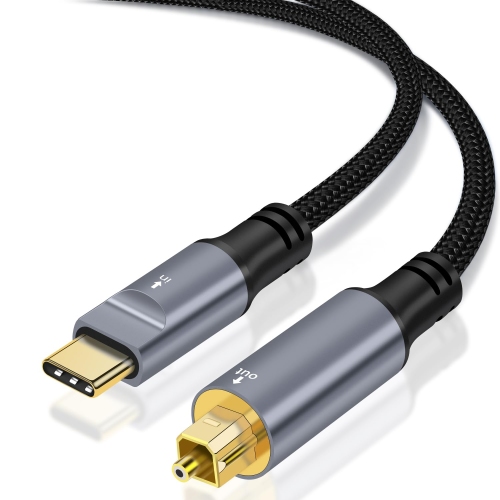
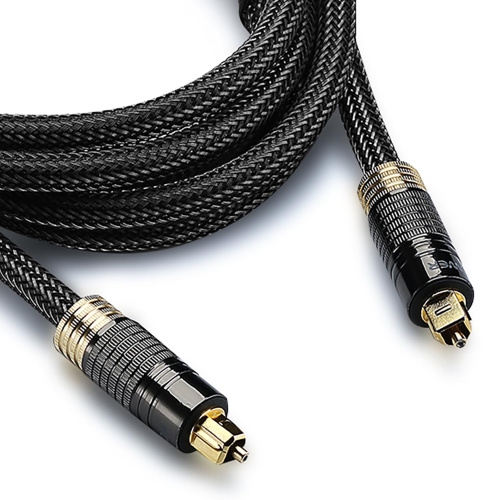
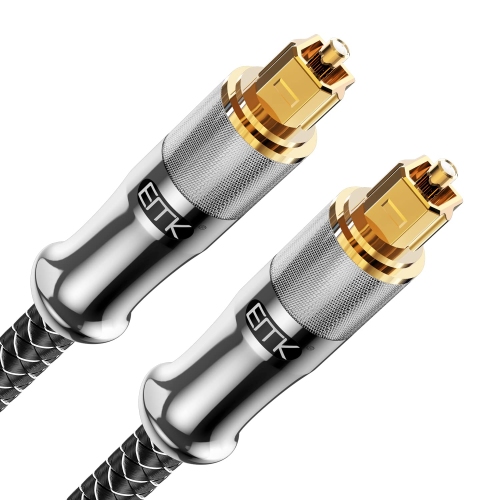
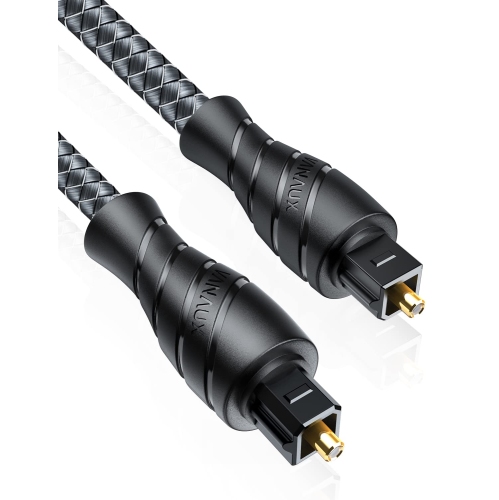
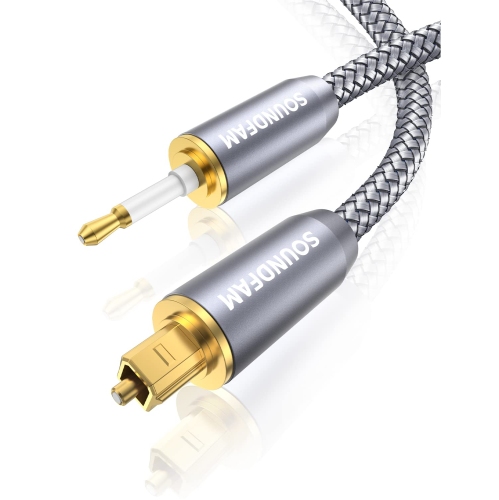
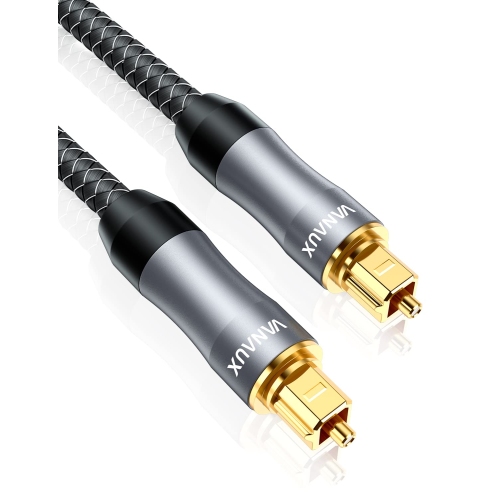
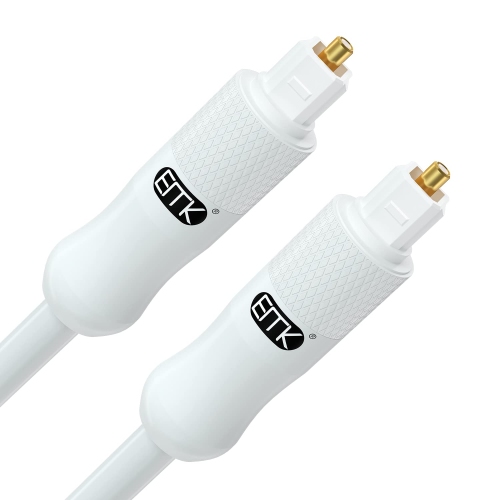
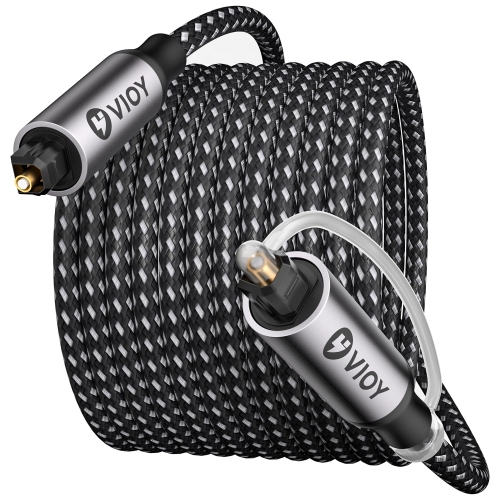
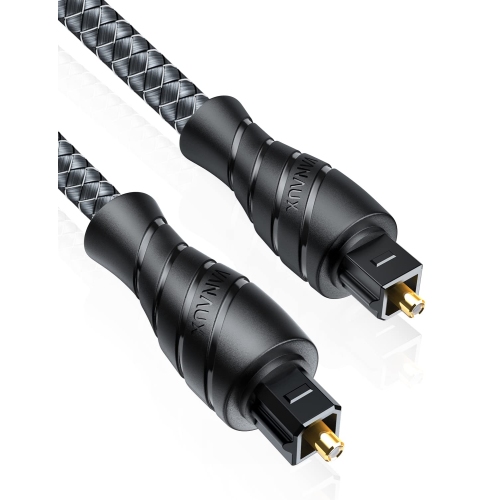
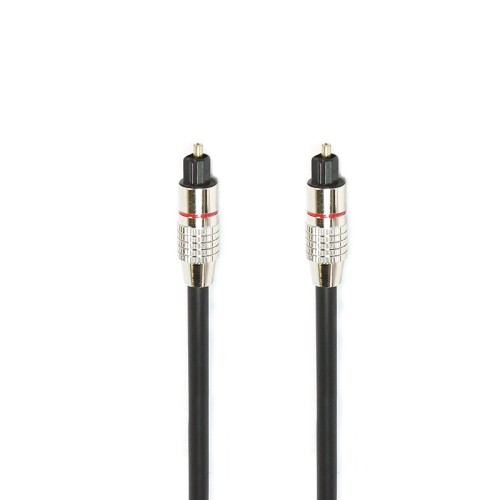
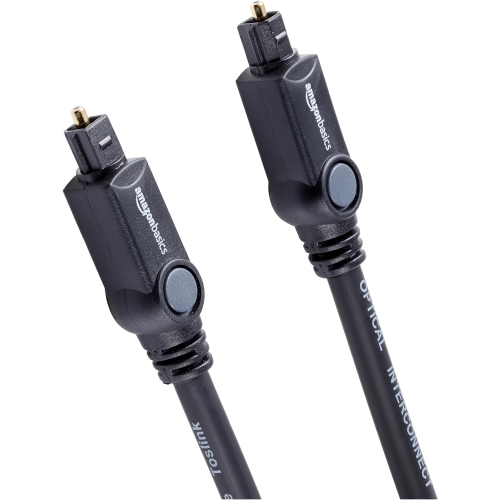
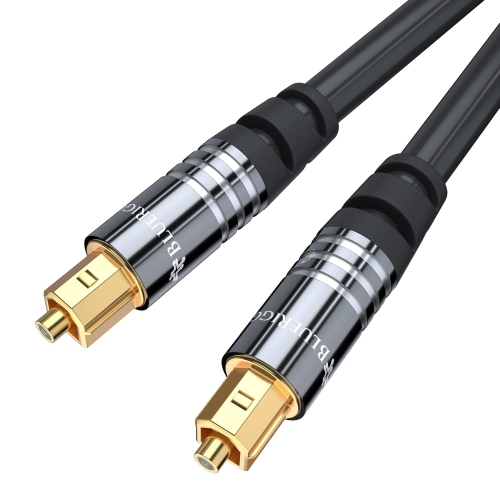
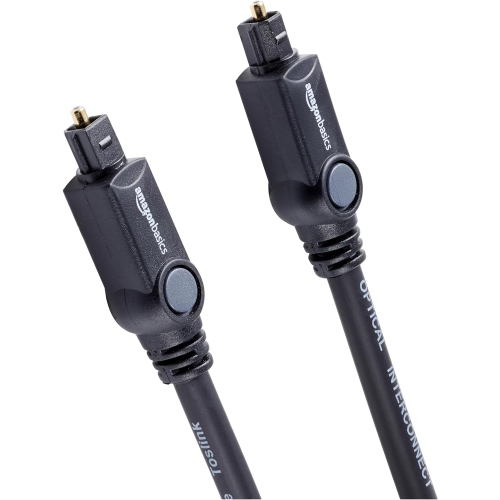
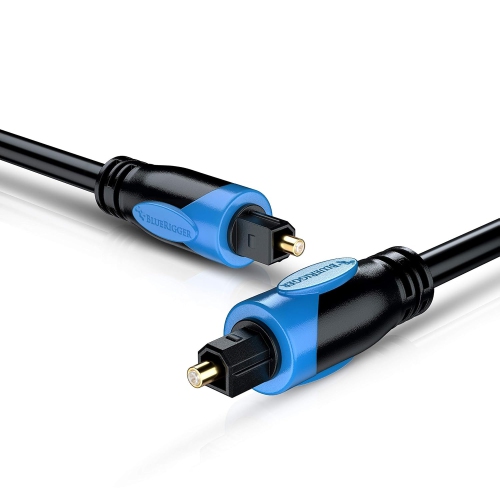
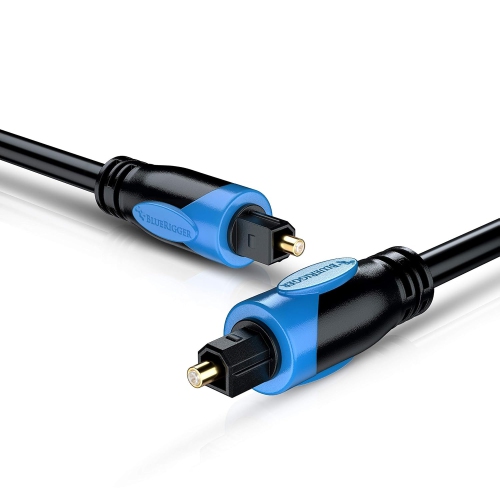
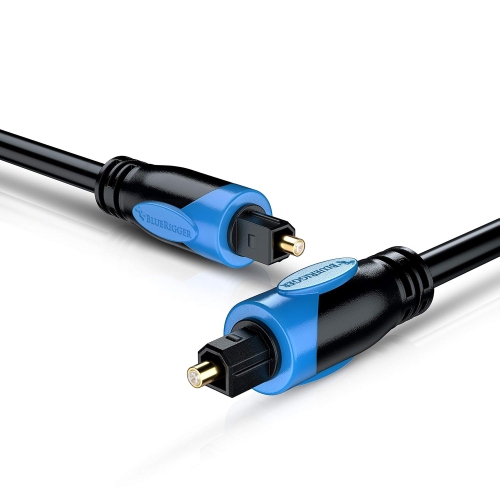
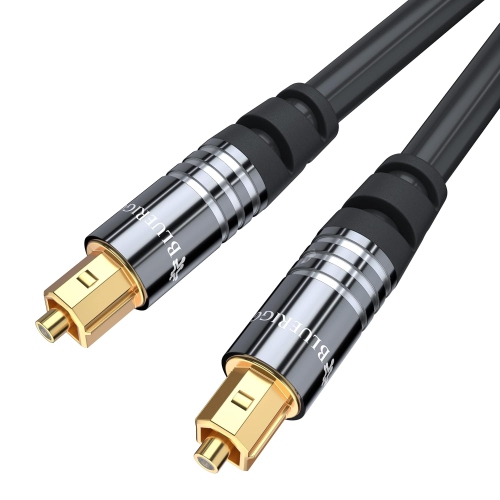
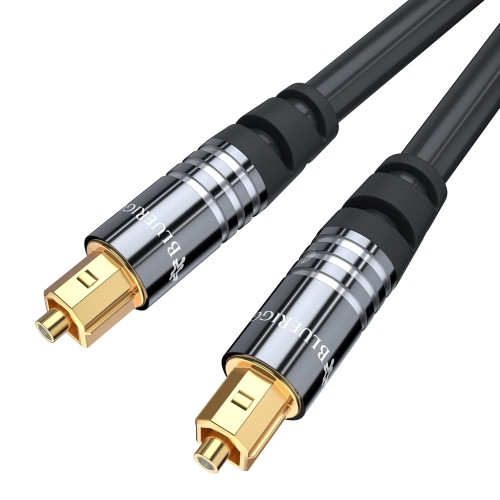
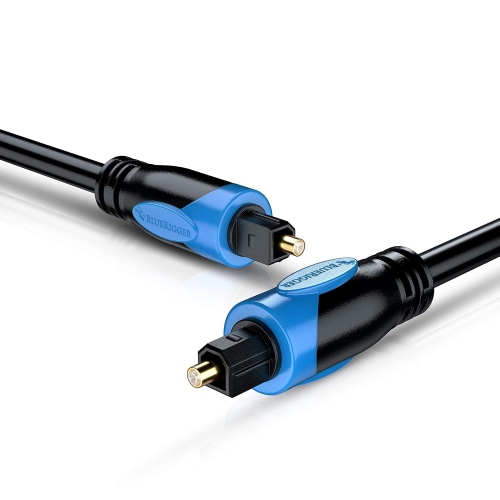
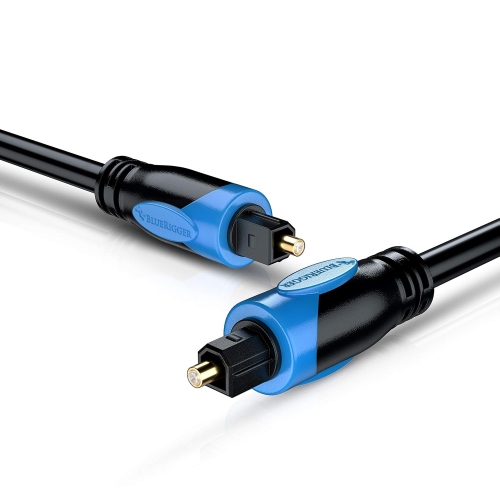
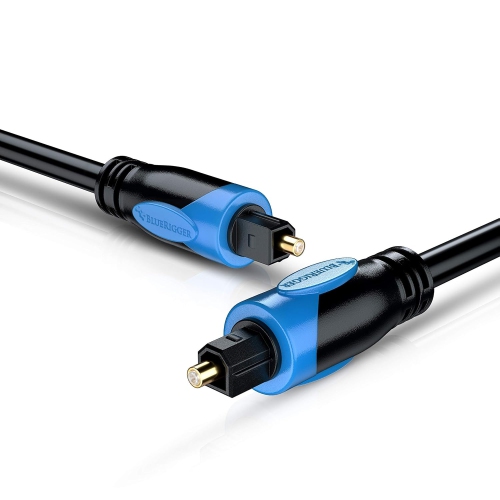
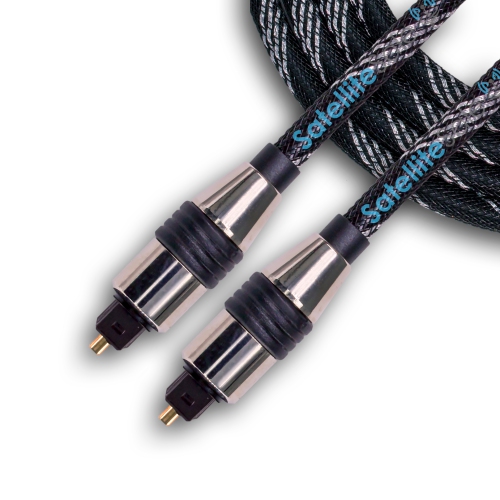
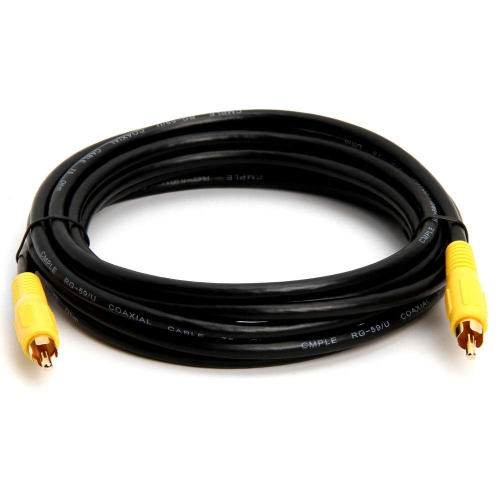
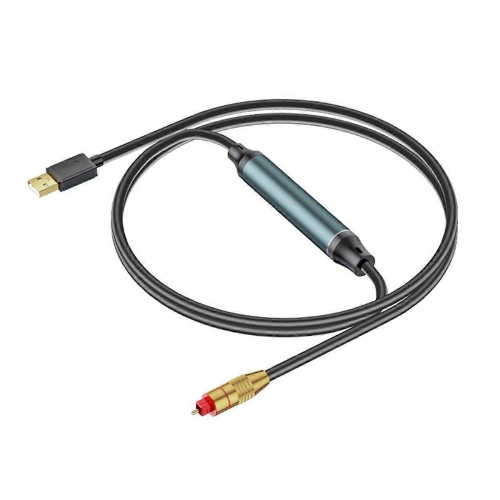
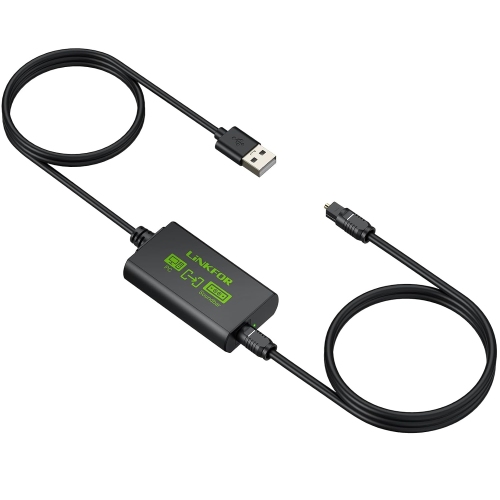
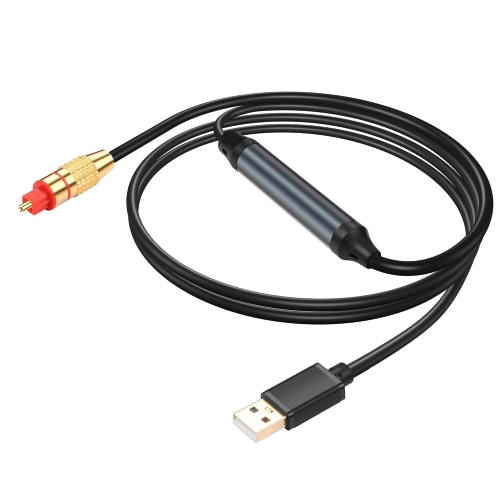
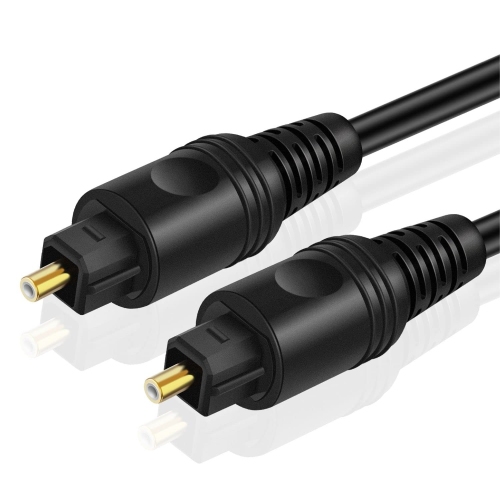
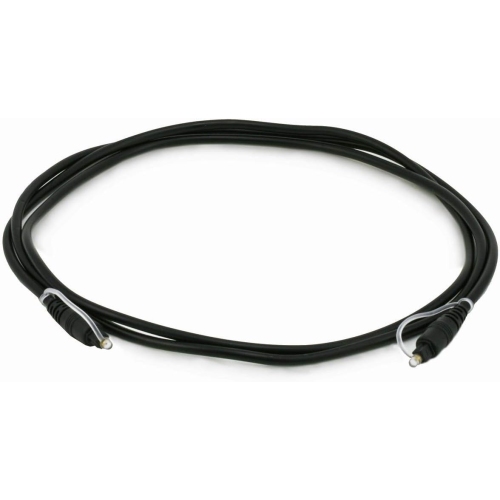
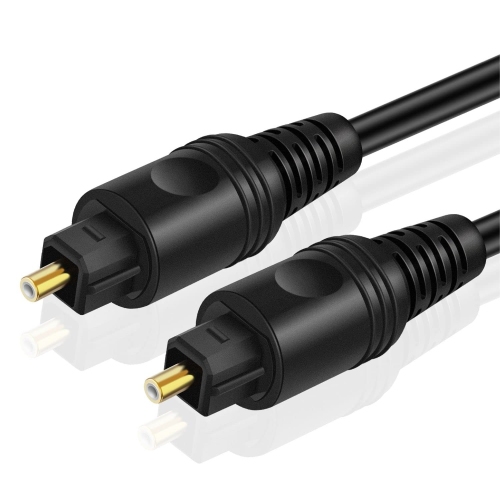
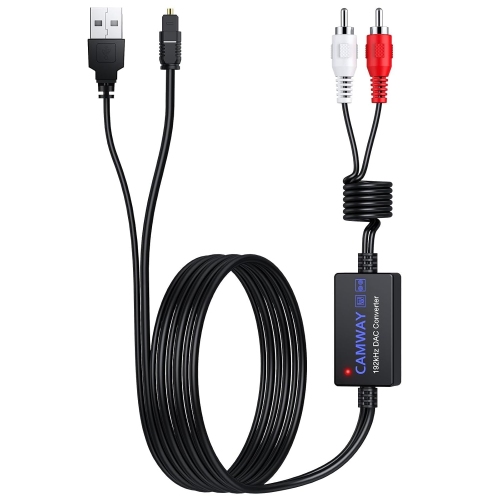
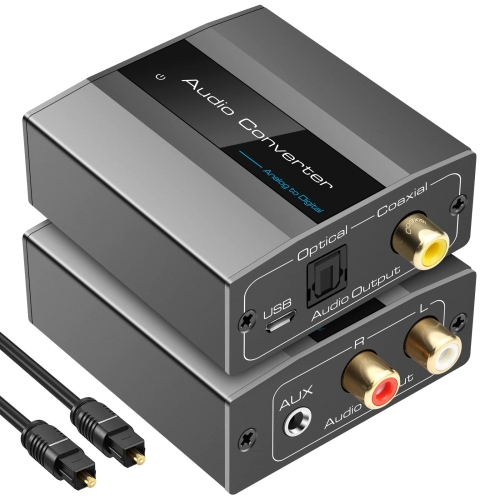
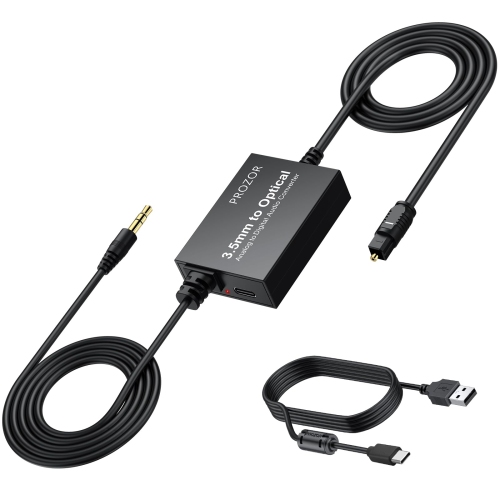
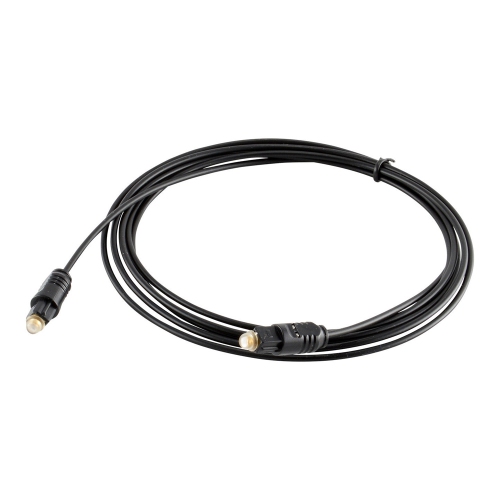
S/PDIF cables carry digital audio from a compatible television, media player, computer, or game console to a home theatre receiver, soundbar, or other audio component with a matching input. The two common connection types are optical, often called Toslink, and digital coaxial. Both can carry stereo audio and supported compressed surround sound, but their plugs and signal paths are different. An optical cable transmits audio as pulses of light through a fibre, while a digital coaxial cable carries an electrical signal through a conductor. The right choice depends on the connections provided by the equipment, rather than whether one cable looks thicker or more elaborate. For a television connected to a soundbar across a media console, an optical cable can provide a straightforward audio connection without carrying video. For an audio component with a coaxial digital output, a matching coaxial cable can connect it to a receiver with the corresponding input. These cables are useful for movie nights, everyday television viewing, music listening, and gaming when the connected equipment supports the intended audio format. Port labels matter because a connection marked as an output sends audio, while an input receives it. Two outputs cannot form a working audio connection, even when the cable fits both sockets. Optical ports commonly have a small, roughly square opening with a protective flap; coaxial digital ports typically use a single RCA-style socket. Similar-looking sockets are not necessarily interchangeable: an analogue audio connection does not become digital simply because an RCA plug fits. A standard optical cable also cannot connect directly to a coaxial digital socket without a suitable powered converter. For shoppers adding external speakers to a television or keeping an existing receiver in use, matching the cable to the actual ports helps narrow the assortment to connections that belong in the setup. It also avoids the frustration of discovering that a neatly installed cable has the wrong connector at one end.

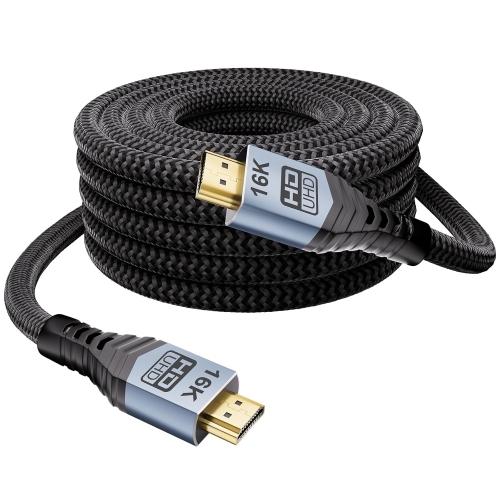
Audio format support is another important distinction when choosing an S/PDIF cable for home theatre use. S/PDIF commonly supports two-channel uncompressed PCM audio and certain compressed 5.1-channel surround formats, provided the source and receiving equipment both support them. It does not carry video, multichannel uncompressed PCM, or the high-bandwidth lossless surround formats supported by suitable HDMI connections. A surround-capable receiver therefore does not guarantee surround sound from every source connected through an optical or coaxial cable. The program’s audio track, the source device’s output settings, and any television passing audio between devices all affect what reaches the speakers. For example, a media player connected to a television may deliver only stereo through that television’s optical output if the television cannot pass through the incoming surround format. A stereo PCM signal can still be an appropriate choice for a two-speaker system, while a supported compressed bitstream may suit a compatible surround setup. These differences are particularly relevant when a living room serves several purposes, with streaming, console play, and music sharing the same sound system. For setups that need a different connection path, HDMI Cables for Surround Sound provide an alternative when the connected equipment supports the required HDMI features. HDMI ARC or eARC can return television audio to a compatible receiver or soundbar, with eARC supporting higher-bandwidth audio formats than S/PDIF. Optical and coaxial digital connections remain useful where matching ports are already present or where only an audio link is needed. They do not provide HDMI control features, so power and volume control may still depend on a separate remote or another supported control method. Dialogue timing can also depend on processing within the television and audio system; a cable alone does not correct every lip-sync issue. The most suitable connection is one that fits the equipment’s capabilities and everyday listening needs, without expecting the cable to add audio features that the devices themselves do not support.
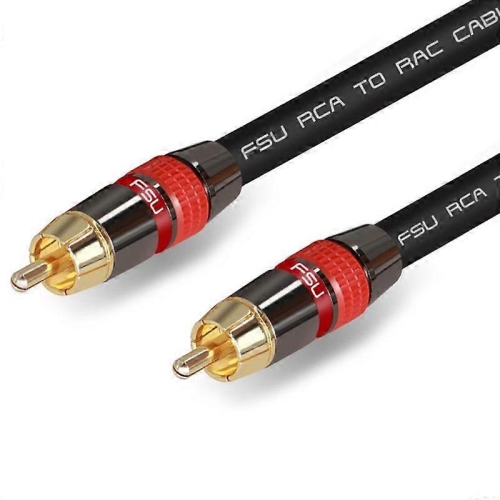
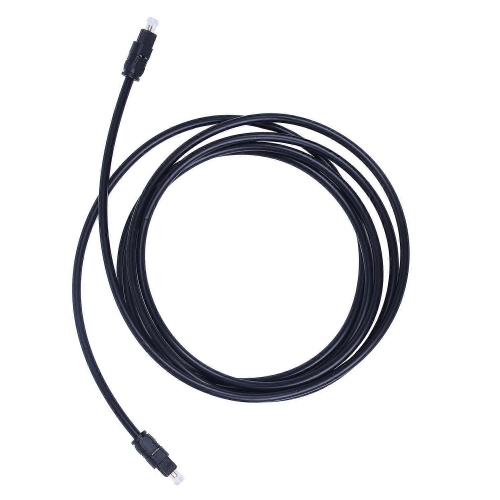
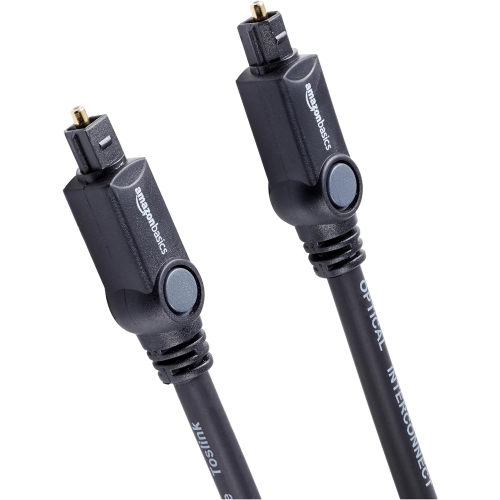
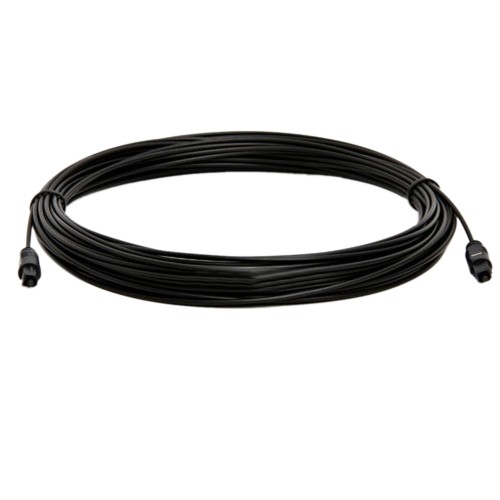
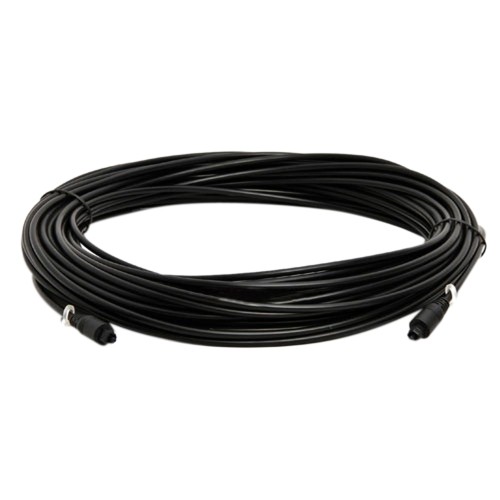
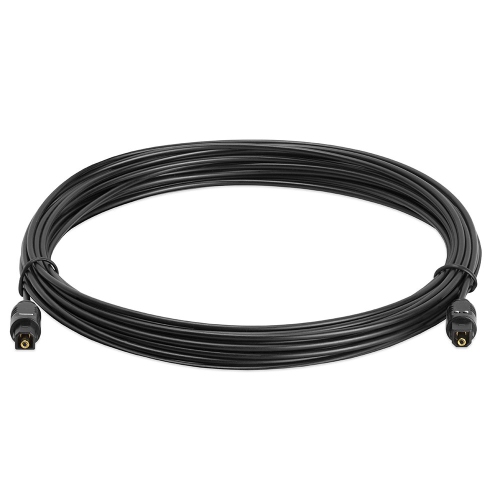
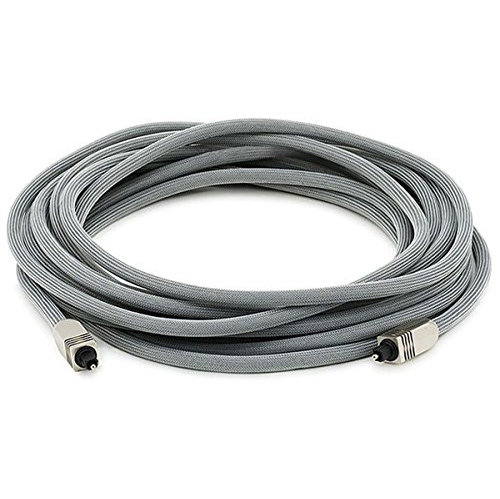
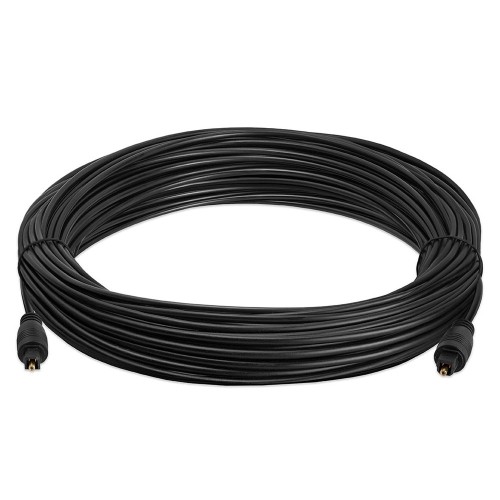
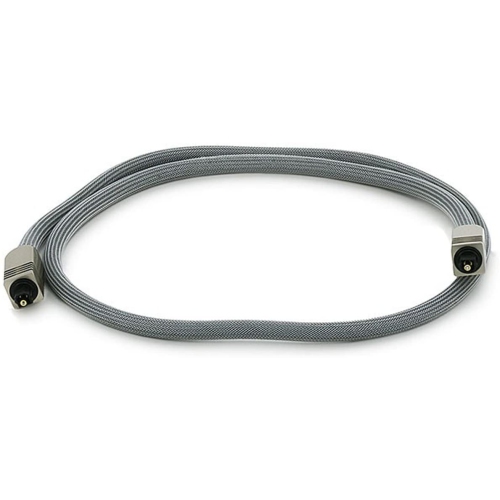
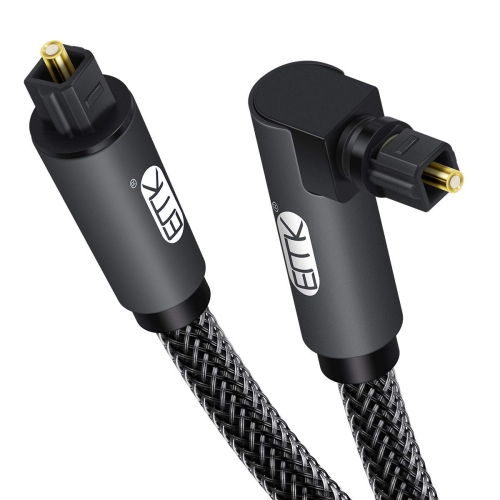
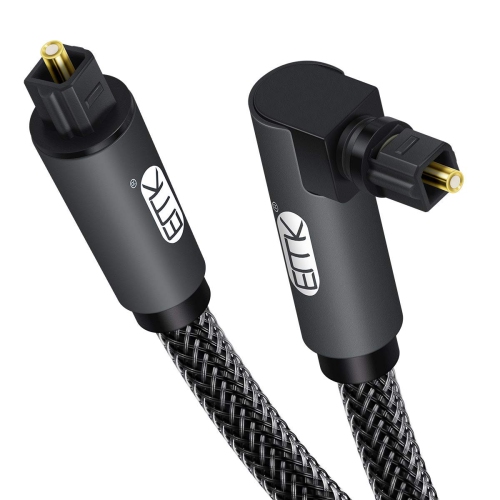
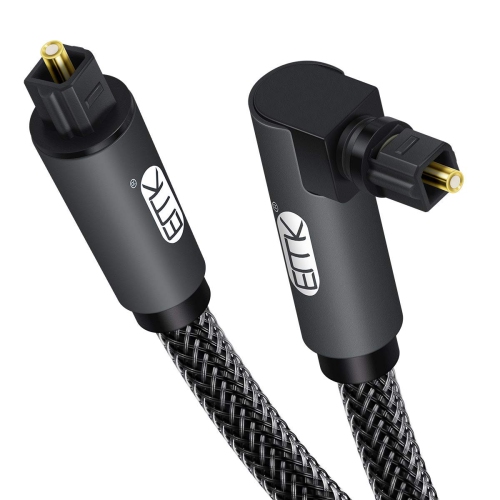
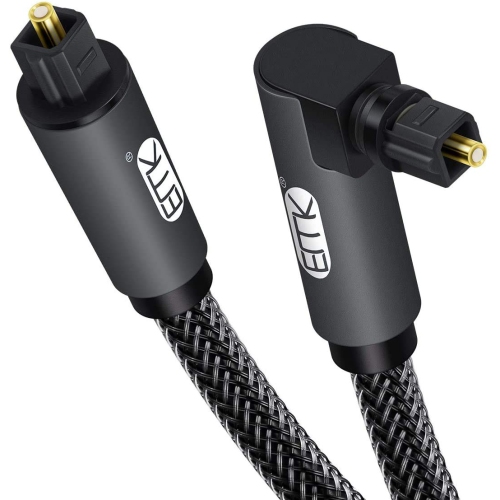
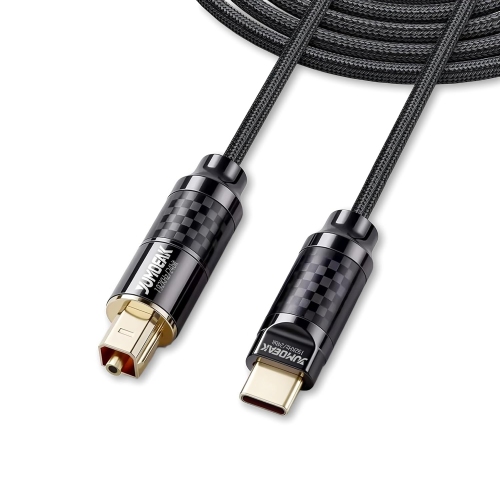
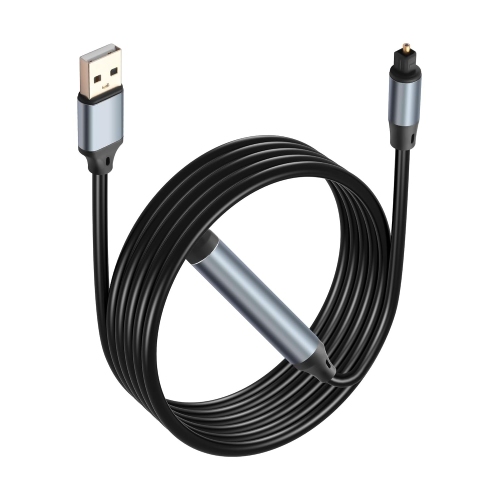
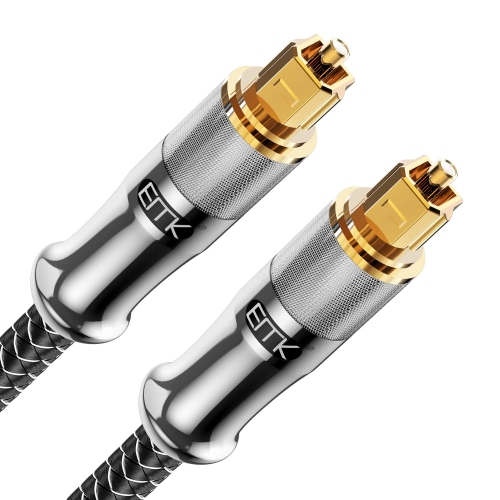
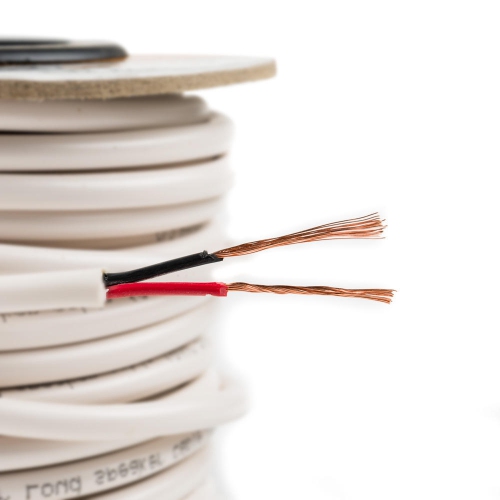
Cable length, connector fit, and construction affect how comfortably an S/PDIF connection fits into a room. A cable should reach between the equipment’s actual port positions with enough slack for gentle routing and occasional access, rather than stretching tightly across the back of a cabinet. A wall-mounted television may need extra length to follow a cable channel before reaching a soundbar below, while components on adjacent shelves may only need a short connection. Excess cable can be arranged in loose loops, avoiding sharp bends and pressure from furniture. Optical cables need particular care around tight corners because their internal fibre can be damaged by kinking, crushing, or repeated hard bending. A flexible outer jacket and a connector shape that clears nearby ports can be more useful than a bulky plug that presses against the wall. Digital coaxial cables designed for S/PDIF typically have a 75-ohm construction, with shielding that helps protect the electrical signal from interference. Optical connections do not create an electrical path between components, which can be helpful in some setups affected by ground-related noise, although they are not a universal fix for speaker hum. Neither an ornate connector nor a premium-looking jacket automatically changes the sound when a compatible cable is already transmitting the digital signal reliably. Durability is better considered through practical details such as secure connector housings, suitable strain relief, and a jacket appropriate for the planned route. Cables intended to run inside walls need the appropriate in-wall rating; an ordinary cable should not be assumed suitable simply because it is long enough. During cleaning or furniture changes, gripping the connector rather than pulling the cable helps protect the termination. Optical protective caps should be removed before connection and retained for storage, while exposed ends should be kept free of dust and handled without touching the optical surface. For shared living rooms, compact entertainment areas, or established home theatres, these small fit and care considerations help keep an audio connection tidy, accessible, and dependable through everyday use.

FAQ

Some products may be subject to Environmental Handling Fees (EHF) depending on your province. Learn more about EHFs.