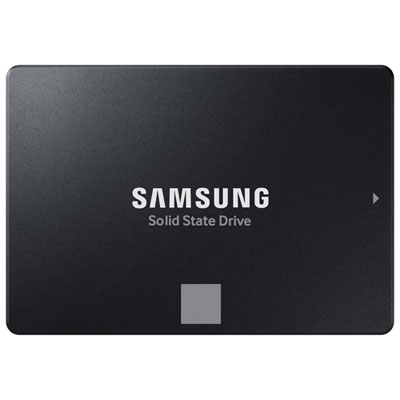
SSD For Digital Storage Expansion
Upgrade your device’s capacity and performance with SSD For Digital Storage Expansion. Whether you need extra space for important files, high-resolution photos, or large applications, SSDs provide a convenient solution for managing your growing digital needs. Explore a range of options designed to help you store more and access your data quickly and efficiently. Find the right SSD For Digital Storage Expansion to keep your devices running smoothly and your files organized.

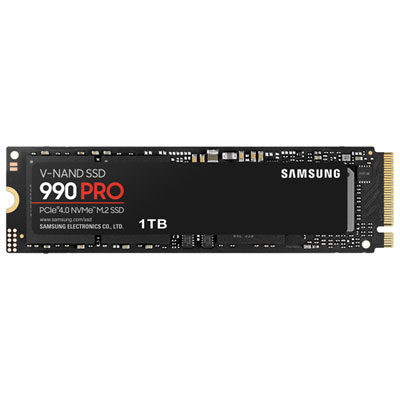
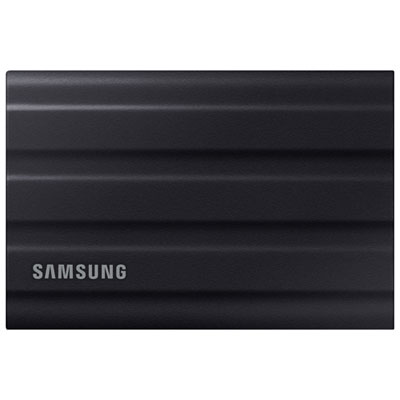
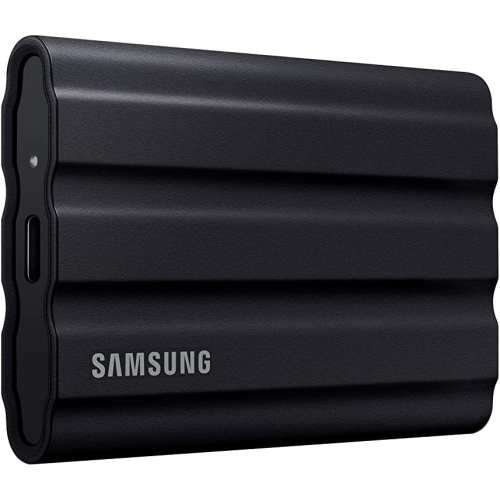
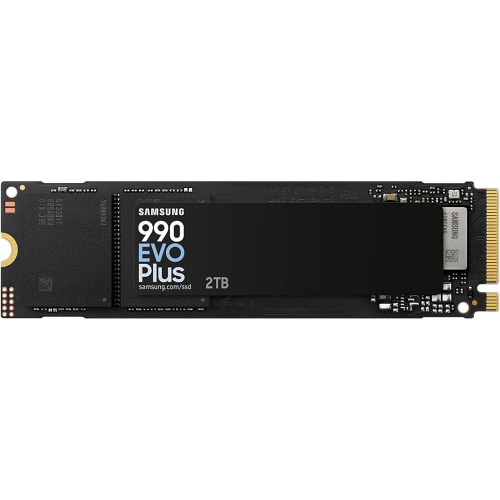
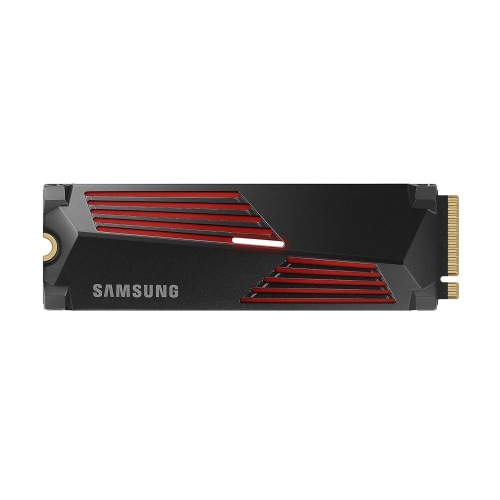
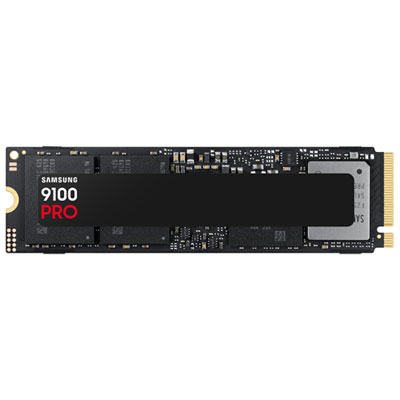
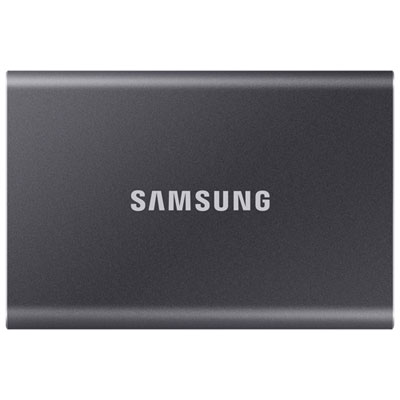
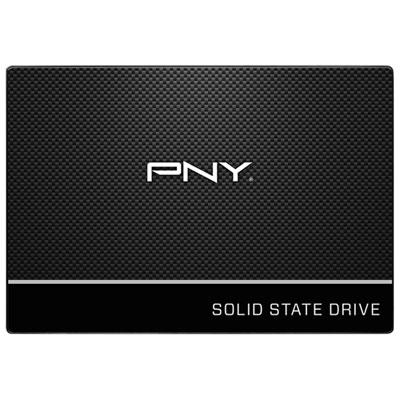
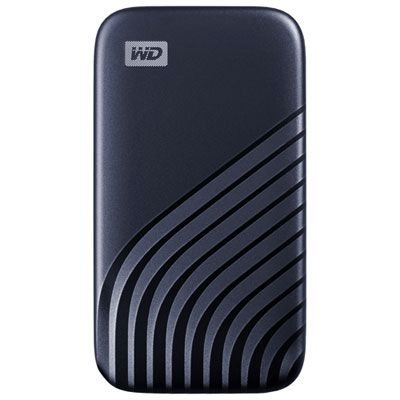
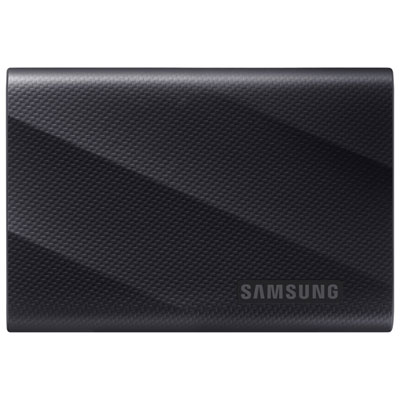
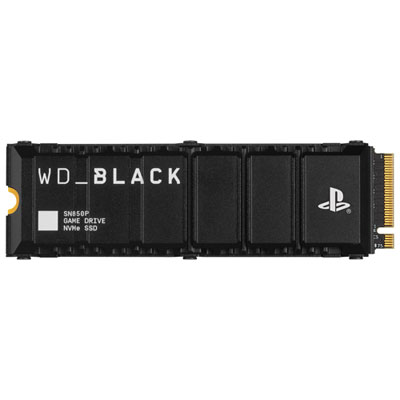
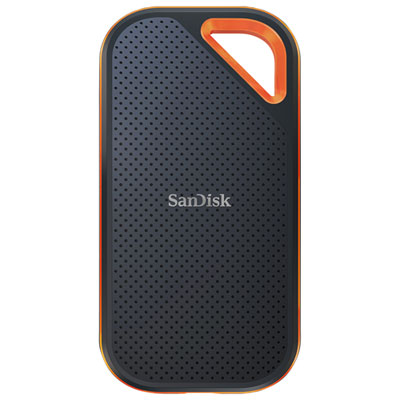
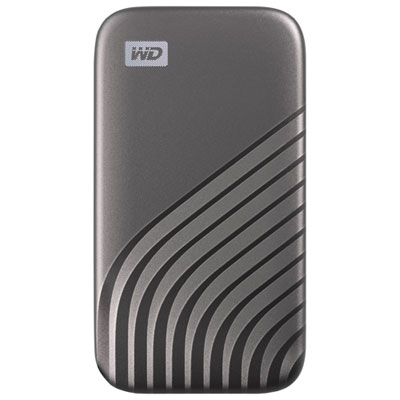
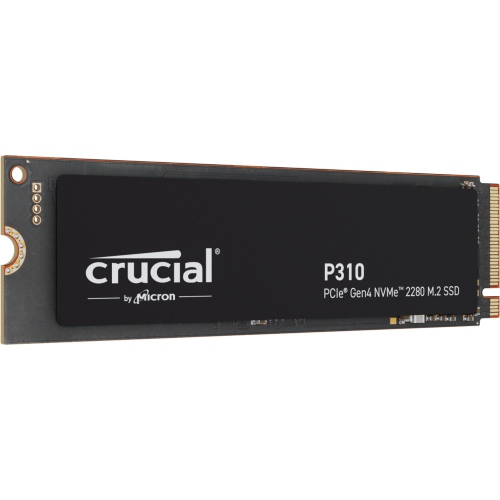
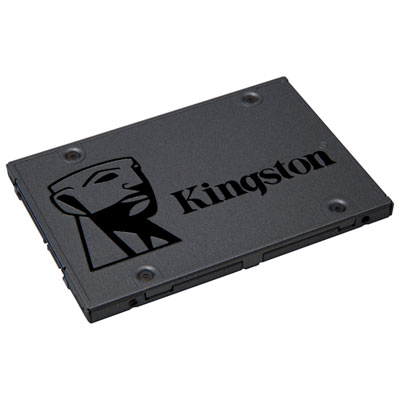
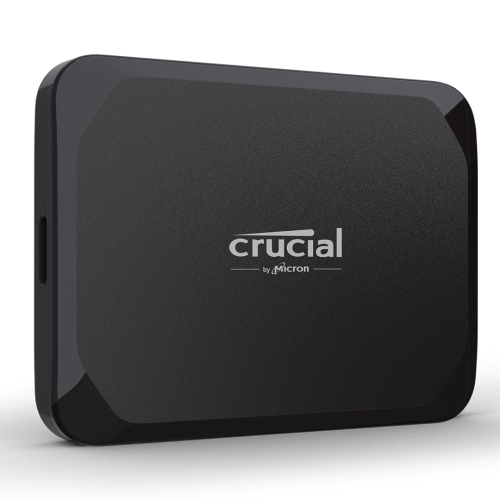

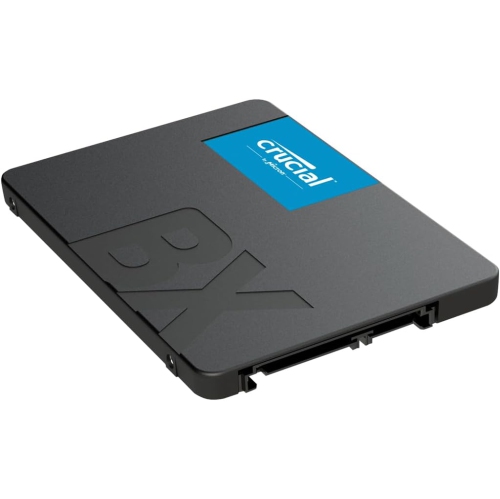
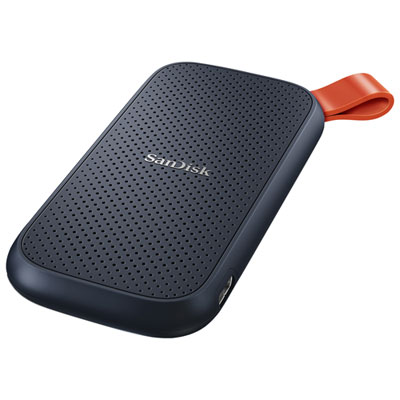
Practical SSDs for smoother computing and protected memories
Gifting an SSD for digital storage expansion can also be a thoughtful gesture, especially for tech enthusiasts, students heading off to university, or family members who love capturing life’s moments on camera. With the start of the school year and the return of cooler weather, the demand for extra storage often increases as people organize their digital libraries and prepare for new projects. When considering which SSD to choose, think about factors like storage capacity, read/write speeds, and compatibility with your devices. Some users may prioritize ultra-fast transfer rates for editing high-resolution video or running demanding applications, while others might be looking for a straightforward solution to back up important documents and photos. SSDs are also valued for their durability, as they’re less susceptible to damage from bumps or drops compared to traditional hard drives. If you’re interested in exploring options that deliver even higher performance, you can find more specialized selections on our SSD For High Speed Data Storage page.
No matter your needs, an SSD for digital storage expansion can make everyday computing smoother and more enjoyable. Whether you’re tidying up your device before a busy season or ensuring you have enough space to capture every moment during family trips, these drives provide a reliable and flexible solution. Many people find peace of mind knowing their important files are backed up and accessible, whether they’re working from home, studying at a café, or gaming with friends during the cooler months. With so many options available, it’s easy to find an SSD that fits your lifestyle, helping you stay organized and ready for whatever the season brings.
FAQ
What are the benefits of using an SSD for digital storage expansion?
SSDs offer faster data transfer speeds, improved reliability, and lower power consumption compared to traditional hard drives, making them ideal for expanding digital storage in computers, gaming consoles, and other devices.
Can I use an SSD as external storage for my laptop or desktop?
Yes, many SSDs are available in portable or external formats that connect via USB or Thunderbolt, allowing you to easily expand your laptop or desktop storage without opening your device.
What types of devices are compatible with SSDs for storage expansion?
SSDs can be used with a wide range of devices including PCs, Macs, gaming consoles like PlayStation and Xbox, and some smart TVs or media players that support external drives.
Do I need any special software to use an SSD for digital storage expansion?
Most modern operating systems recognize SSDs automatically. However, you may need to format the drive or install drivers depending on your device and the SSD's interface.
How do I choose between internal and external SSDs for expanding my storage?
Choose an internal SSD if you want to upgrade your device's built-in storage for better performance. Opt for an external SSD if you prefer portability and easy plug-and-play access across multiple devices.
Top selling and popular products
-
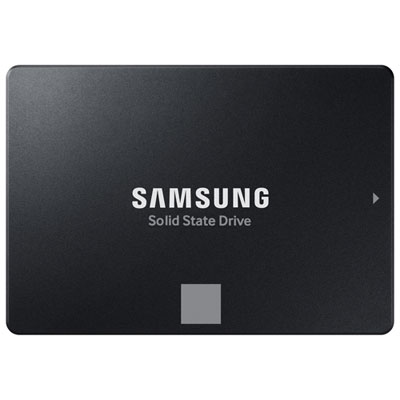 Your price for this item is $469.99
-
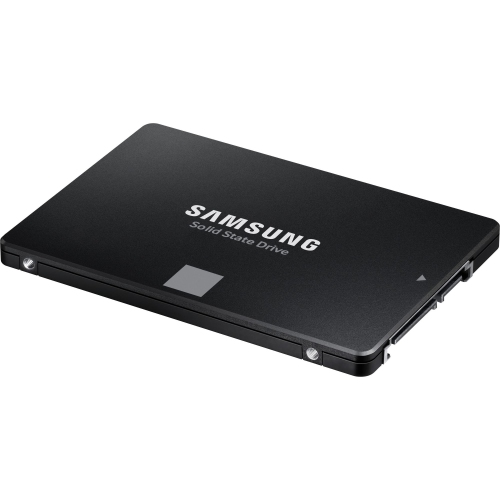 Your price for this item is $394.99
-
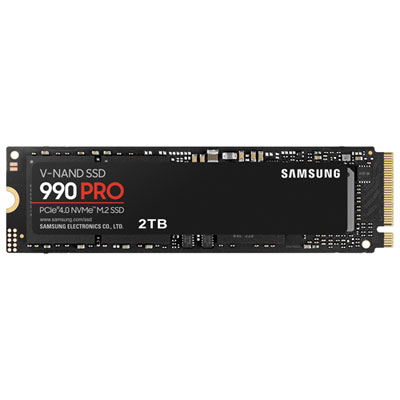 Your price for this item is $874.99
-
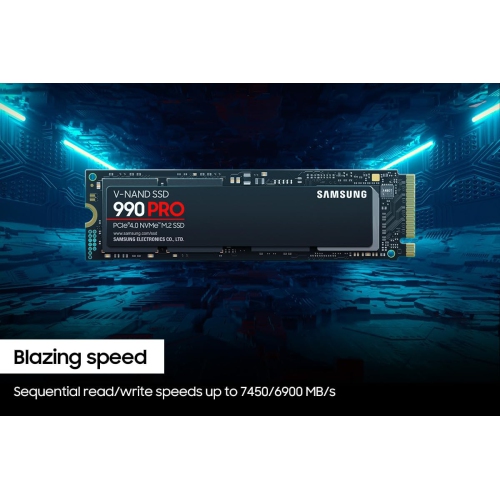 Your price for this item is $1471.99
-
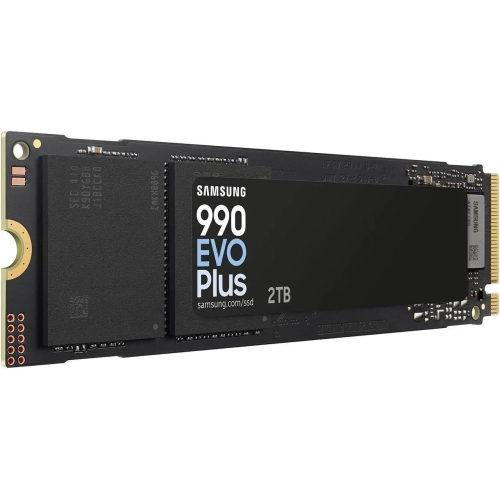 Your price for this item is $639.99
-
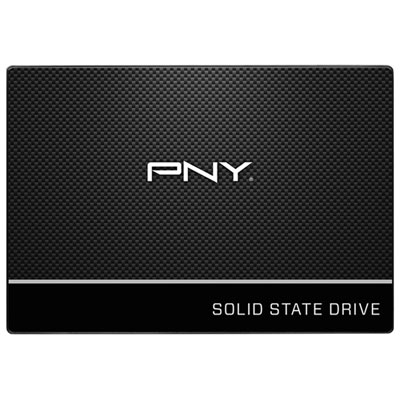 Your price for this item is $124.99
-
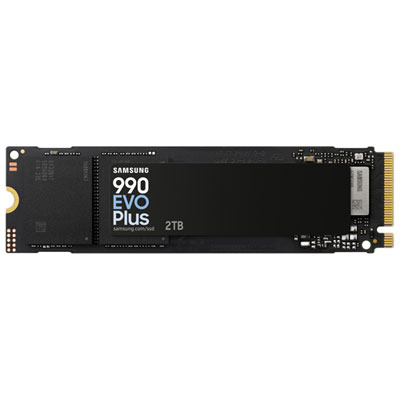 Your price for this item is $789.95
-
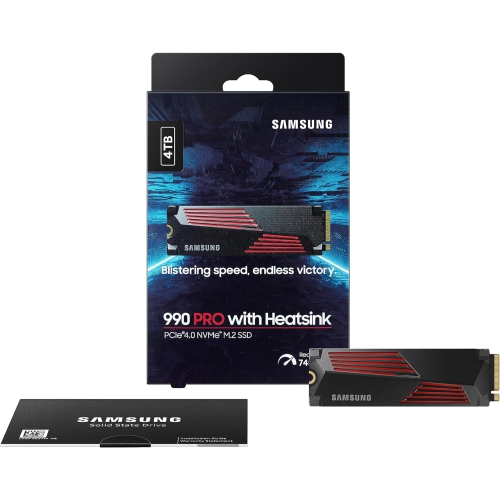 Your price for this item is $1449.99