SSD For Seamless Operating System Boot Up
Upgrade your computer’s performance with SSD For Seamless Operating System Boot Up. Solid state drives deliver fast access to your files and applications, helping your system start quickly and run smoothly. Whether you’re building a new PC or refreshing an existing setup, choosing the right SSD can make a noticeable difference in everyday productivity. Explore a range of capacities and form factors to find the best fit for your needs and enjoy a more responsive computing experience.
Sort
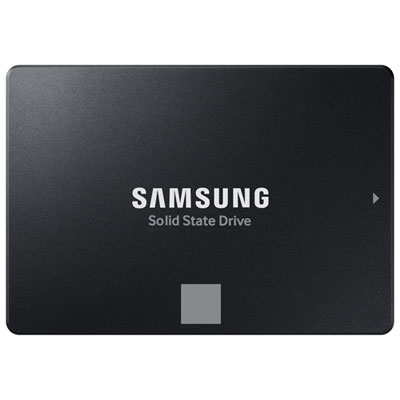
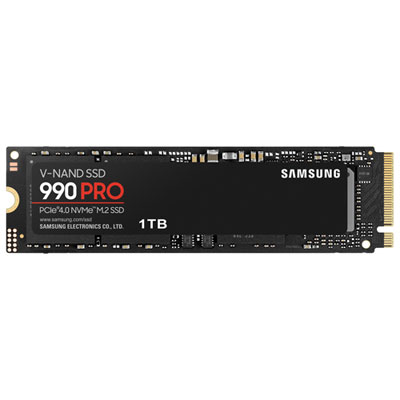
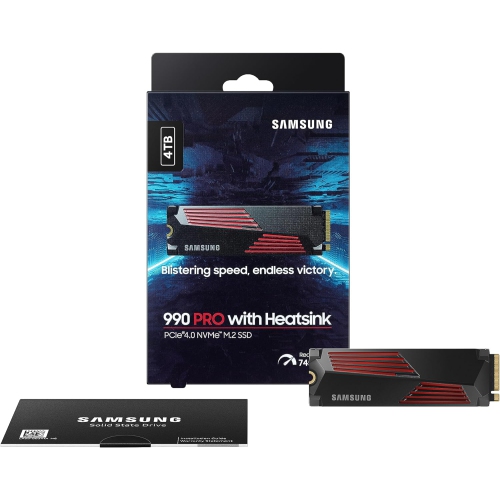
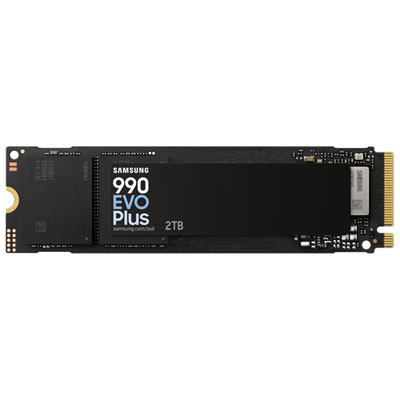
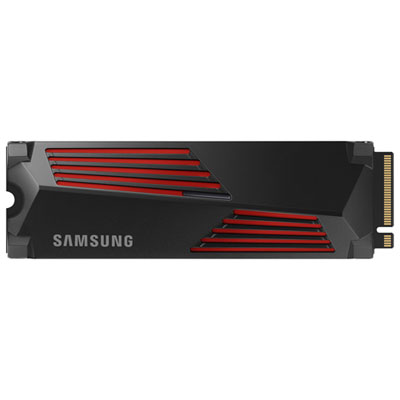
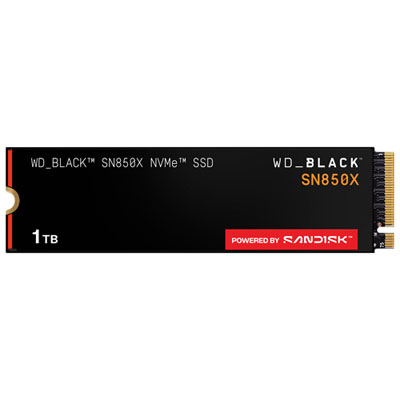
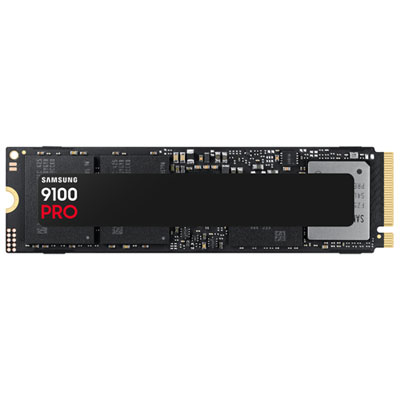

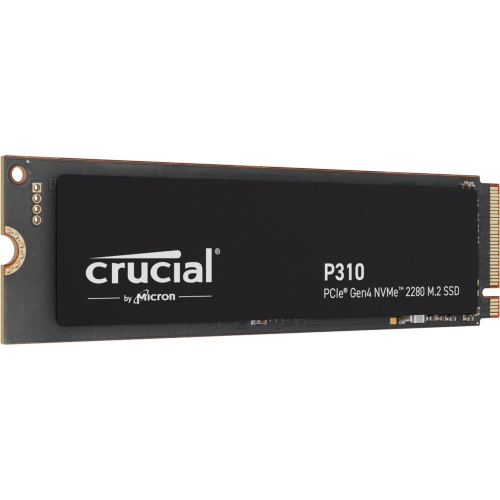
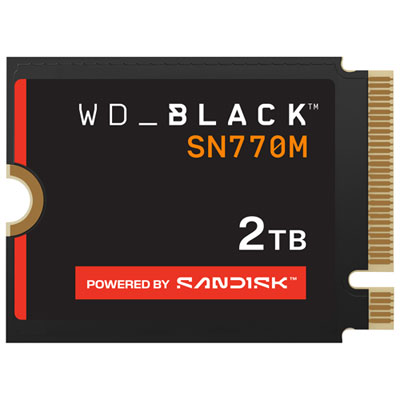
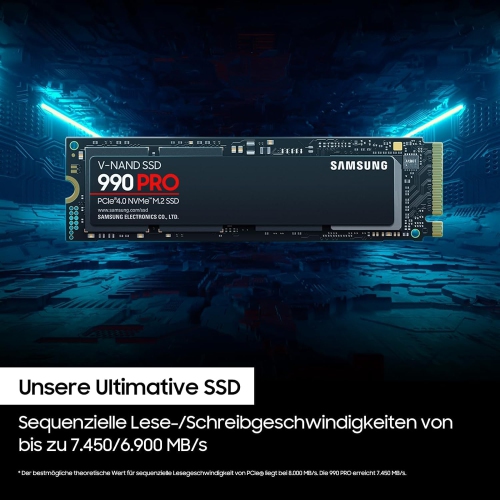
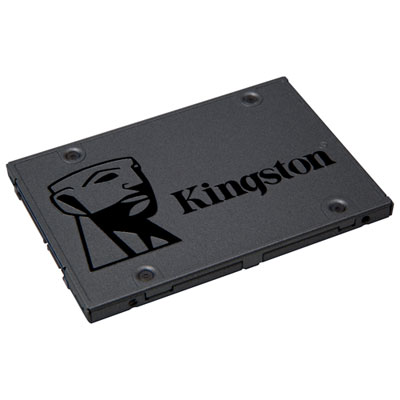
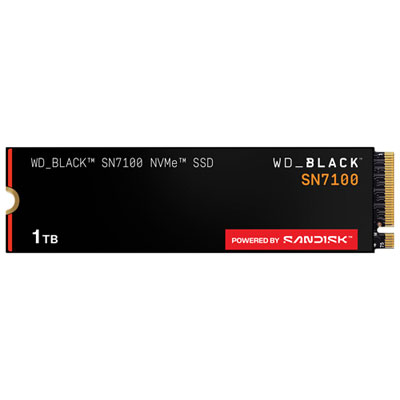
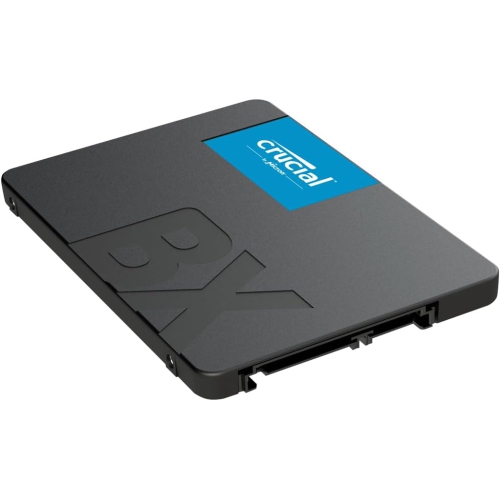
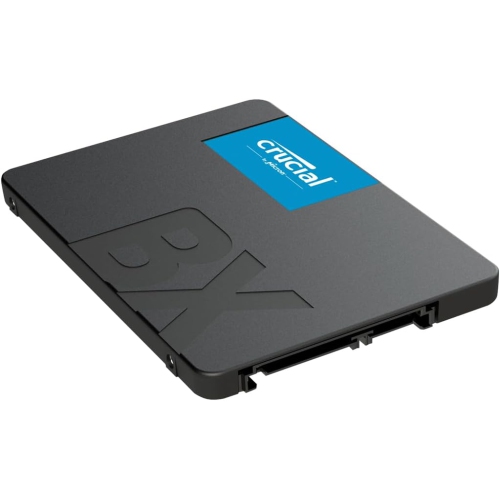
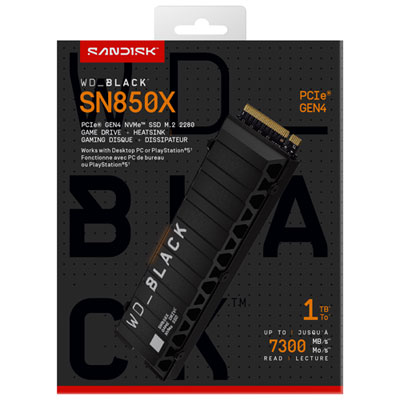
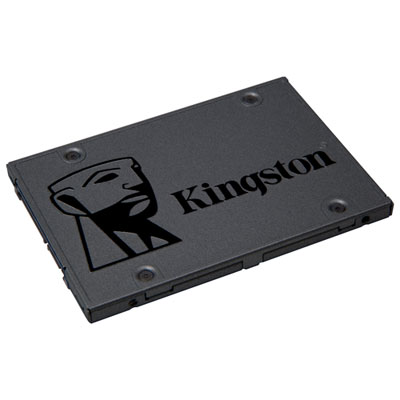
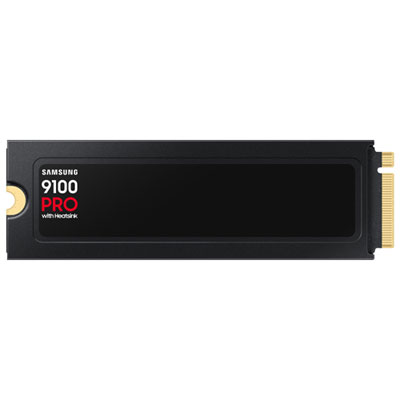
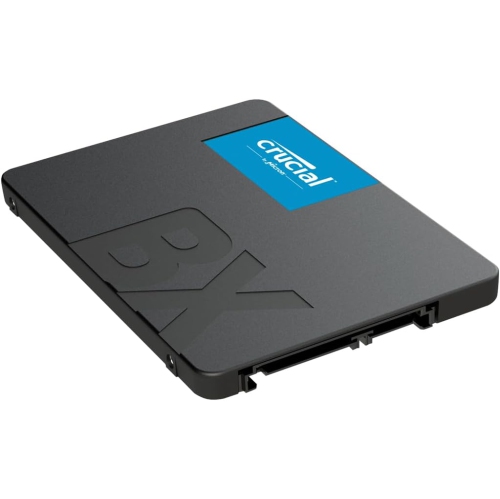
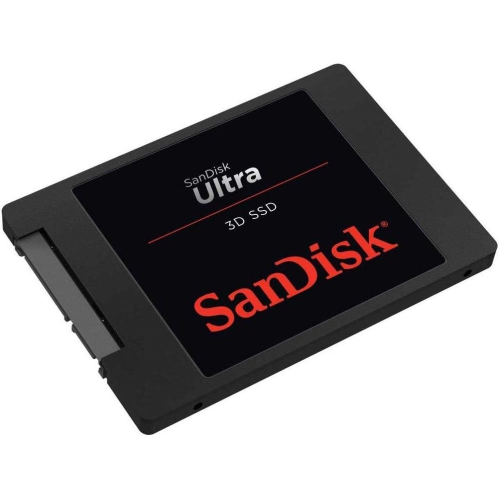
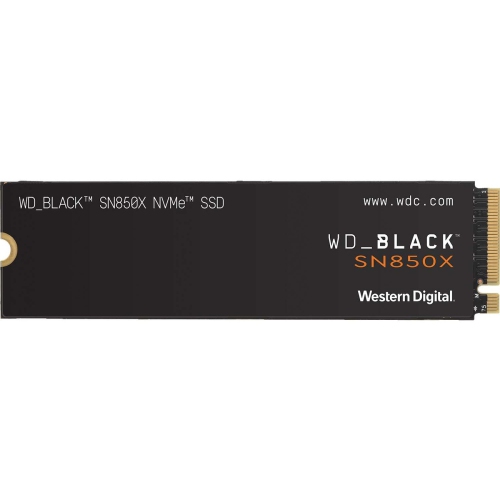
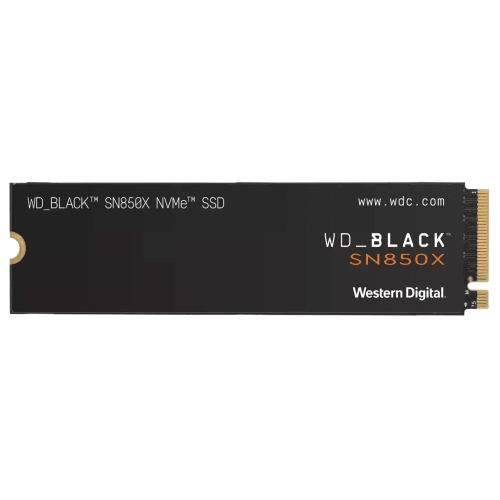
Upgrading to a solid-state drive (SSD) is one of the most effective ways to achieve a seamless operating system boot up. Unlike traditional hard disk drives (HDDs), SSDs utilize flash memory, allowing them to read and write data at much higher speeds. This translates into significantly reduced boot times, enabling your computer or laptop to start up in seconds rather than minutes. Whether you're running Windows, macOS, or Linux, installing your OS on an SSD ensures fast access to critical files and system resources right from the moment you power on. Users consistently report a smoother and more responsive experience with an SSD for seamless operating system boot up because these drives dramatically decrease system lag during startup and eliminate delays often associated with older storage technology.
Choosing the right SSD for your operating system boot disk can further enhance this seamless experience. Look for models with high read/write speeds—often denoted by NVMe or PCIe technology—as these deliver even greater performance compared to standard SATA SSDs. Larger capacities not only provide ample space for your OS, but also allow room for essential updates and core applications, ensuring sustained peak performance over time. Additionally, many modern SSDs come equipped with advanced features such as error-correcting code (ECC), TRIM support, and integrated DRAM cache, all of which help maintain fast operating system load times while extending drive lifespan. For anyone seeking ultimate reliability and efficiency during every boot up, upgrading to a quality SSD is a smart investment that will transform everyday computing with instant-on readiness and unwavering responsiveness.
Top selling and popular products
-
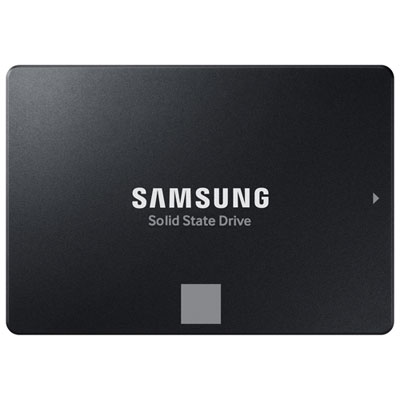 Your price for this item is $704.99
 -
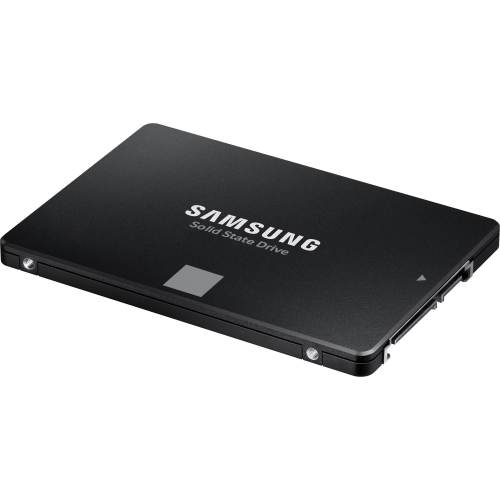 Your price for this item is $374.99
 -
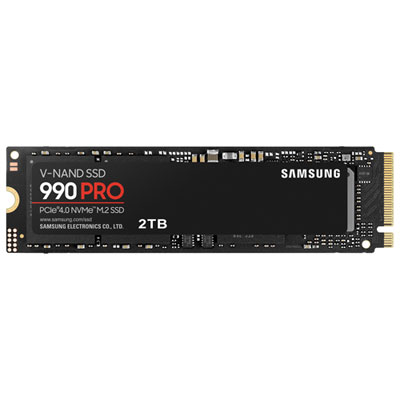 Your price for this item is $874.99
 -
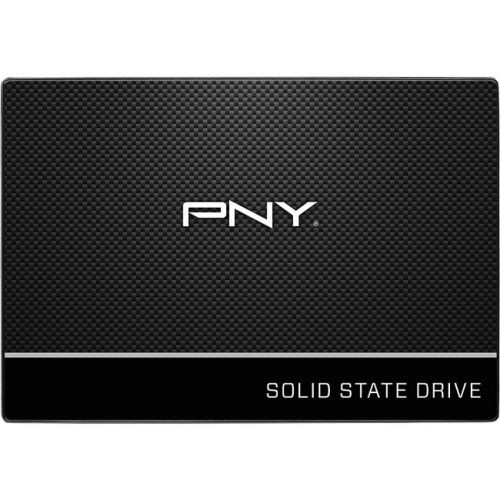 Your price for this item is $106.93
 -
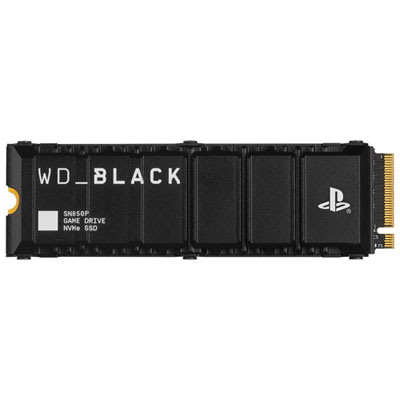 Your price for this item is $1017.99
 -
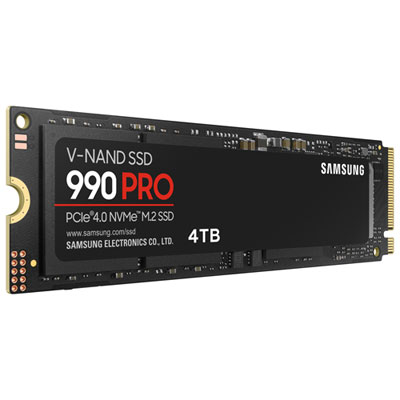 Your price for this item is $1499.99
 -
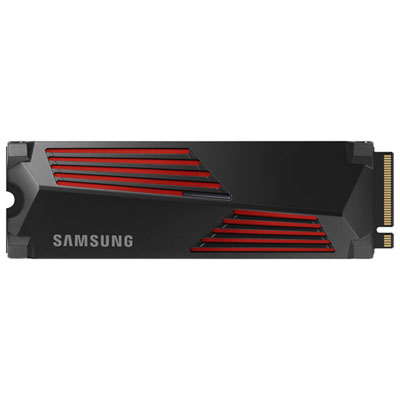 Your price for this item is $914.99
 -
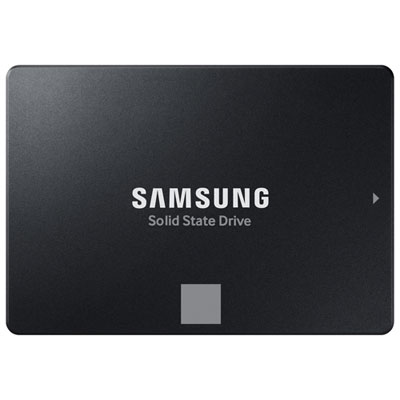 Your price for this item is $324.99
Discover more categories related to SSD For Seamless Operating System Boot Up

Top Collections:
RAM Upgrades for PC, Kindle Devices, Best Laptops for Home Use, Best Cell Phones Under $500, Best Laptops for Writers, Best Earbuds for Phone Calls, Best Wi-Fi Routers, Best Quality Dishwashers, Best Fridges, Apple iPhones 16
Some products may be subject to Environmental Handling Fees
(EHF) depending on your province.
Learn more about EHFs.