Staples iPads
Staples iPad offers a seamless solution for those seeking reliable technology for work, school, or entertainment. Discover a variety of options designed to fit your lifestyle and needs, whether you’re looking to boost productivity or enjoy your favorite apps on the go. With Staples iPad, finding the right device is simple, allowing you to stay connected and organized wherever you are. Explore the selection and experience the convenience and performance that make these tablets a top choice for everyday use.
Sort
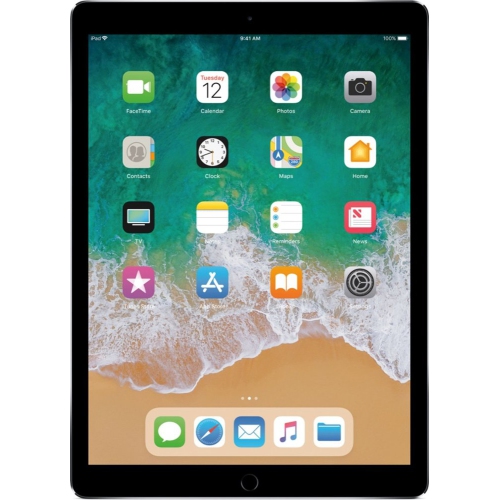

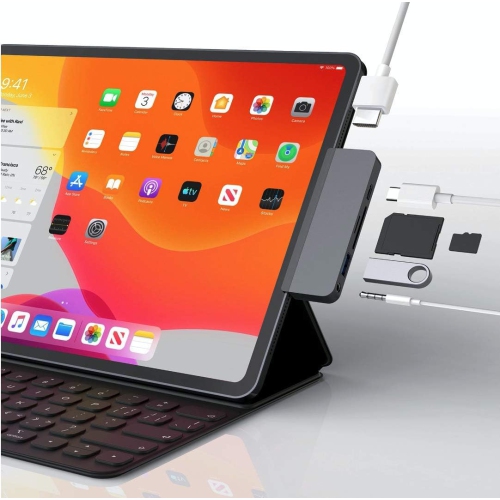
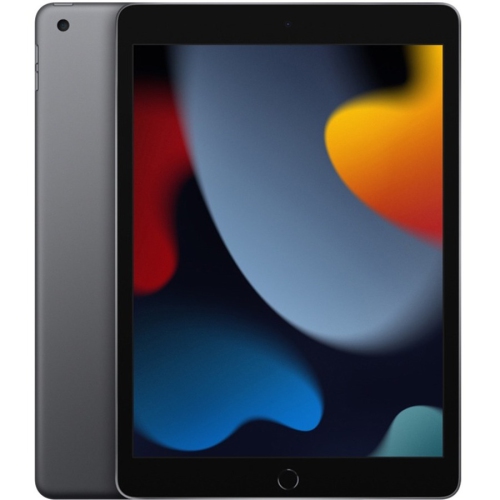
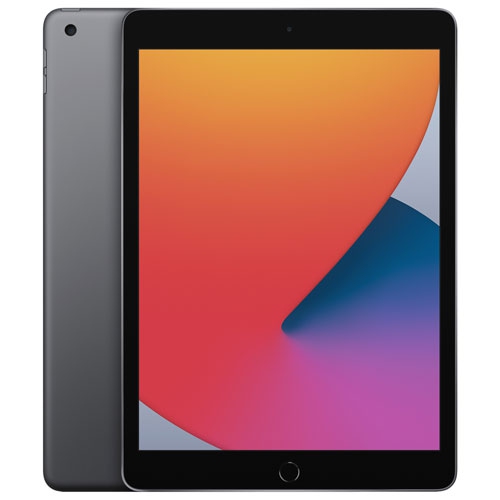
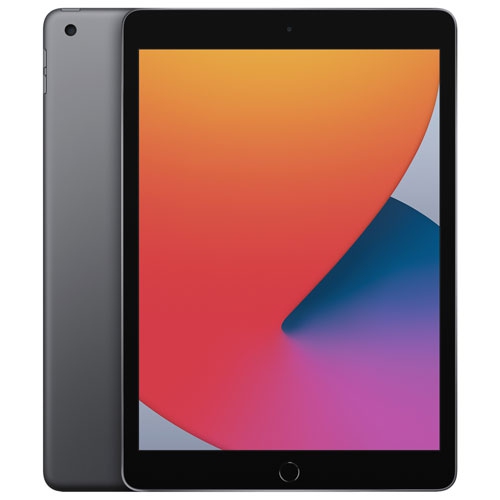
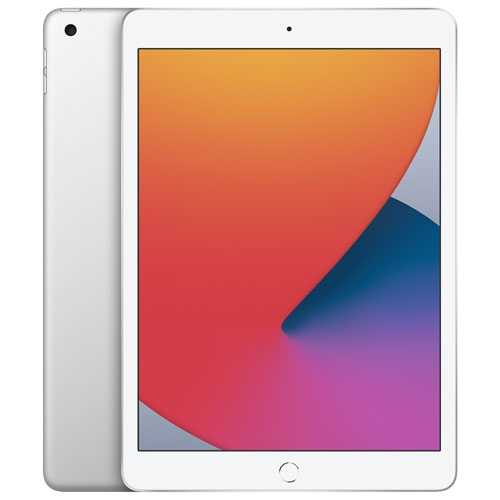
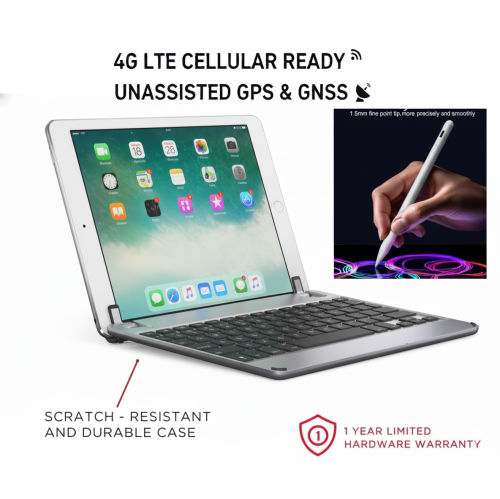
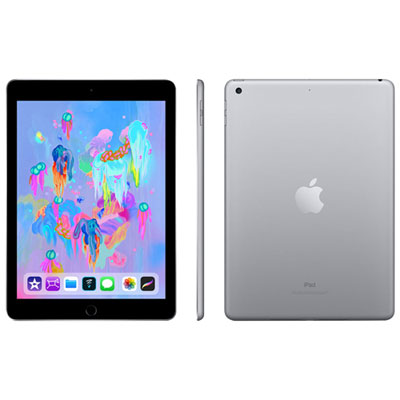
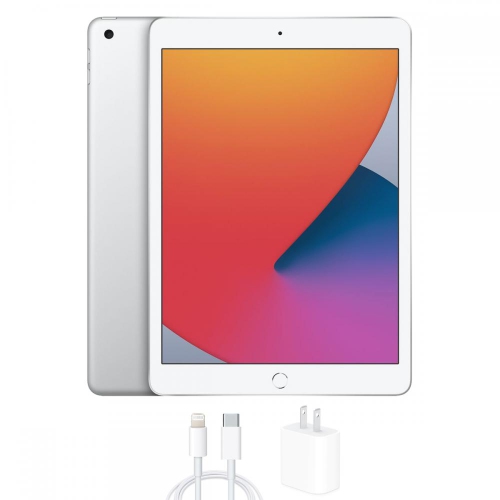
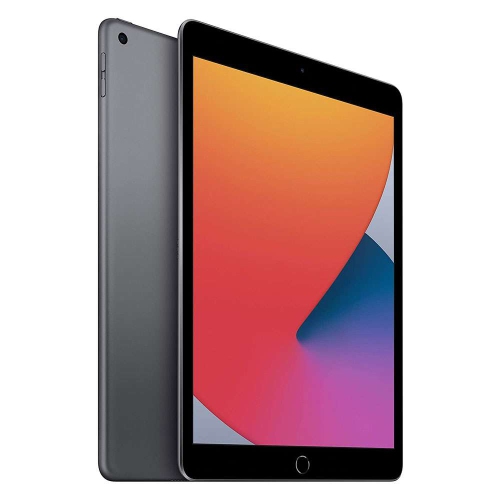
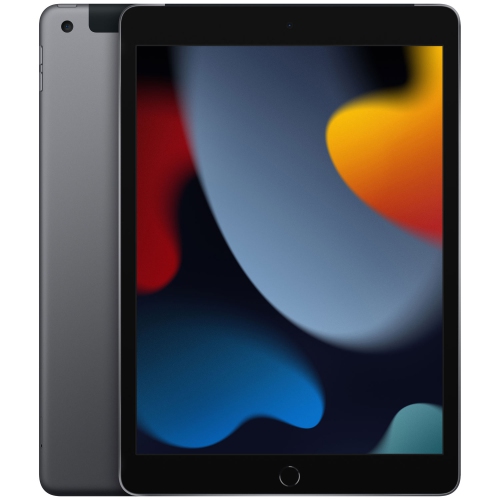

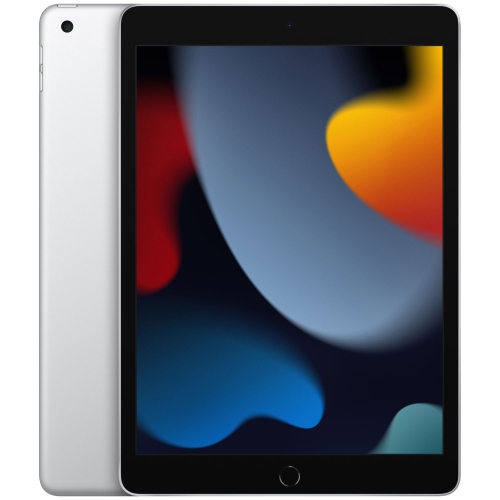
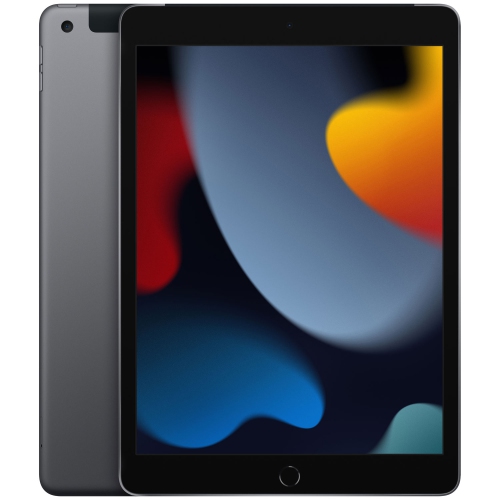
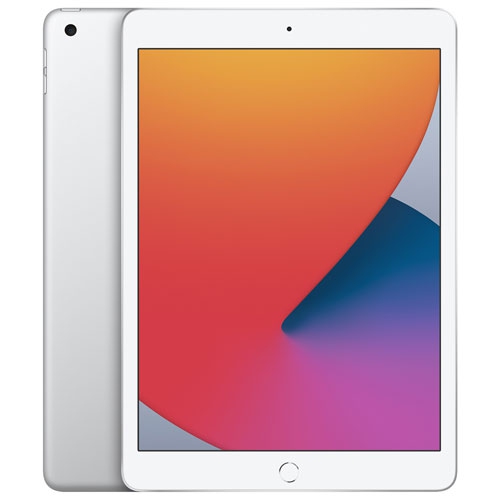
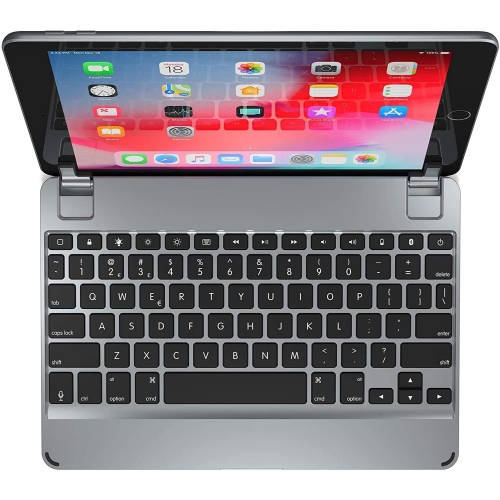
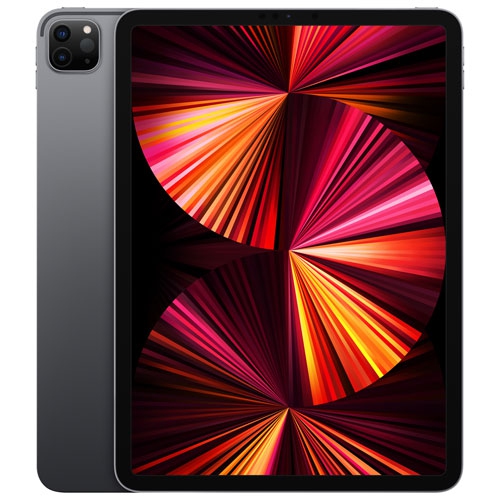
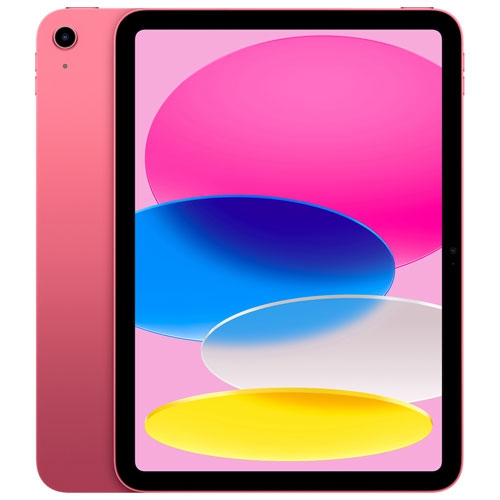
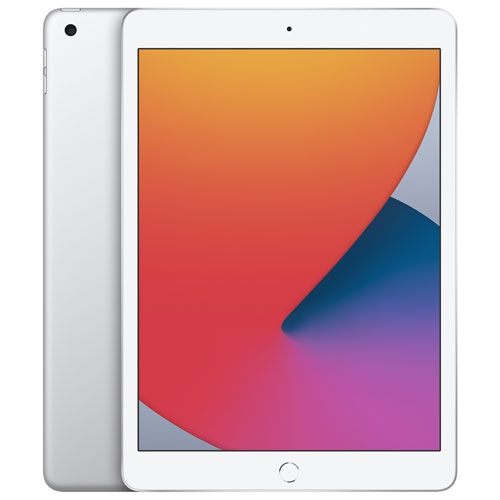
How tablet size shapes everyday comfort and portability
Tablets bring reading, entertainment, communication, and everyday work into a portable touchscreen format that feels equally at home on a desk or tucked into a shoulder bag. Their appeal lies in the ease of moving between activities: reading an article over breakfast, marking up a document before a meeting, joining a video call, or settling into a film with headphones. A touchscreen makes photographs, maps, handwritten notes, and illustrated books especially approachable, while compatible keyboards and pointing devices can add familiar ways to type and navigate. Screen size has a noticeable effect on how a tablet fits into daily life. A smaller display is easier to hold for extended reading sessions and takes up less room on a crowded desk, whereas a larger display gives documents, drawing canvases, and side-by-side apps more breathing room. Weight and overall dimensions matter just as much as the screen measurement, particularly for someone who carries a device between classrooms or holds it while reading on public transit. Slim metal bodies, often made with aluminium, offer a firm feel without much bulk, though materials and finishes differ by model. Glass touchscreens provide a smooth surface for taps and gestures but still benefit from thoughtful handling and protection during travel. Display brightness, reflection handling, and text clarity influence comfort in brightly lit rooms, while supported accessibility settings can help make text, controls, and audio easier to use. For a student reviewing lecture slides, a parent managing household appointments, or an older adult keeping in touch with family, the most useful features are often the ones that remove small frustrations. Clear speakers, comfortable on-screen text, responsive navigation, and a camera positioned conveniently for calls can matter more in everyday use than a specification that rarely comes into play. A tablet can also make a thoughtful gift when its size, controls, and app compatibility suit the recipient’s habits rather than assuming everyone wants the largest screen.
The way a tablet handles apps and files shapes what it can comfortably do beyond casual browsing. Reading, email, video streaming, and simple documents generally place different demands on a device than detailed illustration, layered photo editing, or working with several apps at once. Processor performance and memory affect responsiveness, while storage determines how much room there is for downloaded films, games, photographs, and project files. Usable storage is less than the stated capacity because system software and other required files occupy part of it. For someone who keeps course materials and entertainment downloaded for travel, local storage can be particularly important; someone working mainly with online files may have different needs. Cloud services can make documents accessible across devices, but they depend on account settings, service terms, and an internet connection for many functions. Wi-Fi supports connections at home, school, and other locations with a suitable network, while cellular-capable models may also connect through a compatible mobile plan. Cellular service requirements vary, and a tablet’s connection options should match where it will actually be used. Battery life also changes with screen brightness, app demands, video calls, and network use, so a day spent reading documents is not equivalent to a day spent gaming or editing media. Charging connections and support for external displays or storage devices vary by model, with some setups requiring compatible adapters. Software deserves the same attention as hardware, especially when a school or workplace depends on particular applications, file formats, or sign-in systems. A tablet version of an application may not offer every feature found in its desktop counterpart. For tasks centred on desktop software, extensive spreadsheet work, or long typing sessions, Staples MacBook Pro offers a related laptop category to explore. Tablets remain particularly appealing where direct touch, easy portability, and handwritten input support the task, whether that means annotating a reading assignment, sketching a room layout, or following a recipe with the device propped safely away from the preparation area.
Accessories and day-to-day care have a practical role in how comfortable a tablet is to use and how well it holds up. A case needs to match the device’s exact dimensions, camera placement, buttons, and charging connection; screen size alone is not enough to establish compatibility. A folio-style cover can protect the display inside a bag and may fold into a stand, while a more substantial case can add grip and cushioning at the cost of extra weight. Stand stability becomes especially noticeable when tapping the screen during a call or typing on a separate keyboard. For handwritten notes and drawing, a compatible stylus can offer greater precision than a fingertip, although features such as pressure sensitivity, palm rejection, charging, and attachment depend on the device and accessory pairing. Keyboard layouts, key spacing, and viewing angles also affect comfort when short messages turn into several pages of writing. These details are worth considering for students, frequent travellers, and anyone hoping to use a tablet for both leisure and work. Households sharing a device may also benefit from supported parental controls, purchase restrictions, and accessible settings, though account-sharing options differ between operating systems. For children, a manageable weight and a secure grip can be more useful than a large display that is awkward to carry. For adults who read frequently or use video calls, a steady stand and easily adjusted text can make sessions more comfortable. Routine care is straightforward: a soft, lint-free cloth helps remove fingerprints, and cleaning methods should follow the device maker’s directions rather than relying on household sprays or abrasive materials. Keeping crumbs and grit out of a carrying sleeve helps prevent scratches, and avoiding pressure from heavy objects protects the screen during transport. Important photographs, notes, and documents also deserve regular backups, since physical protection cannot prevent every kind of data loss. With a suitable size, compatible accessories, and software that supports familiar activities, a tablet can serve as a reading screen, creative workspace, communication tool, and portable companion without needing to replace every other device.
The way a tablet handles apps and files shapes what it can comfortably do beyond casual browsing. Reading, email, video streaming, and simple documents generally place different demands on a device than detailed illustration, layered photo editing, or working with several apps at once. Processor performance and memory affect responsiveness, while storage determines how much room there is for downloaded films, games, photographs, and project files. Usable storage is less than the stated capacity because system software and other required files occupy part of it. For someone who keeps course materials and entertainment downloaded for travel, local storage can be particularly important; someone working mainly with online files may have different needs. Cloud services can make documents accessible across devices, but they depend on account settings, service terms, and an internet connection for many functions. Wi-Fi supports connections at home, school, and other locations with a suitable network, while cellular-capable models may also connect through a compatible mobile plan. Cellular service requirements vary, and a tablet’s connection options should match where it will actually be used. Battery life also changes with screen brightness, app demands, video calls, and network use, so a day spent reading documents is not equivalent to a day spent gaming or editing media. Charging connections and support for external displays or storage devices vary by model, with some setups requiring compatible adapters. Software deserves the same attention as hardware, especially when a school or workplace depends on particular applications, file formats, or sign-in systems. A tablet version of an application may not offer every feature found in its desktop counterpart. For tasks centred on desktop software, extensive spreadsheet work, or long typing sessions, Staples MacBook Pro offers a related laptop category to explore. Tablets remain particularly appealing where direct touch, easy portability, and handwritten input support the task, whether that means annotating a reading assignment, sketching a room layout, or following a recipe with the device propped safely away from the preparation area.
Accessories and day-to-day care have a practical role in how comfortable a tablet is to use and how well it holds up. A case needs to match the device’s exact dimensions, camera placement, buttons, and charging connection; screen size alone is not enough to establish compatibility. A folio-style cover can protect the display inside a bag and may fold into a stand, while a more substantial case can add grip and cushioning at the cost of extra weight. Stand stability becomes especially noticeable when tapping the screen during a call or typing on a separate keyboard. For handwritten notes and drawing, a compatible stylus can offer greater precision than a fingertip, although features such as pressure sensitivity, palm rejection, charging, and attachment depend on the device and accessory pairing. Keyboard layouts, key spacing, and viewing angles also affect comfort when short messages turn into several pages of writing. These details are worth considering for students, frequent travellers, and anyone hoping to use a tablet for both leisure and work. Households sharing a device may also benefit from supported parental controls, purchase restrictions, and accessible settings, though account-sharing options differ between operating systems. For children, a manageable weight and a secure grip can be more useful than a large display that is awkward to carry. For adults who read frequently or use video calls, a steady stand and easily adjusted text can make sessions more comfortable. Routine care is straightforward: a soft, lint-free cloth helps remove fingerprints, and cleaning methods should follow the device maker’s directions rather than relying on household sprays or abrasive materials. Keeping crumbs and grit out of a carrying sleeve helps prevent scratches, and avoiding pressure from heavy objects protects the screen during transport. Important photographs, notes, and documents also deserve regular backups, since physical protection cannot prevent every kind of data loss. With a suitable size, compatible accessories, and software that supports familiar activities, a tablet can serve as a reading screen, creative workspace, communication tool, and portable companion without needing to replace every other device.
Top selling and popular products
-
 Your price for this item is $109.99
 -
 Your price for this item is $617.99
 -
 Your price for this item is $639.99
 -
 Your price for this item is $645.55
 -
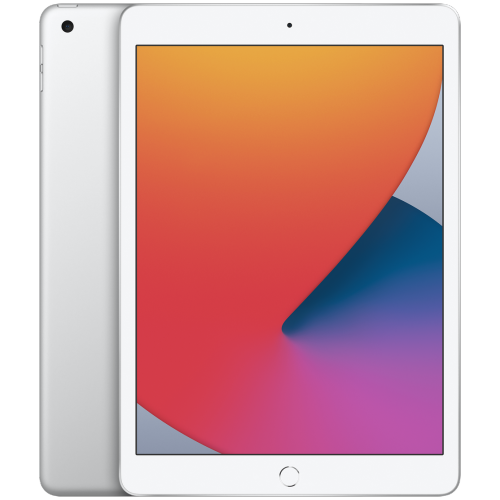 Your price for this item is $148.99
 -
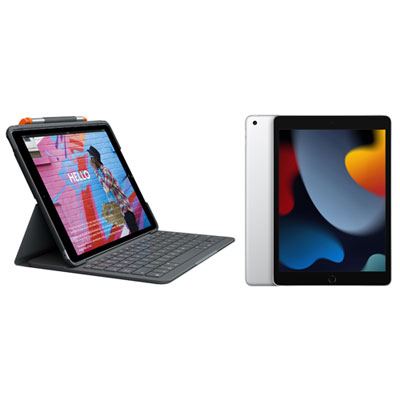 Your price for this item is $468.98
 -
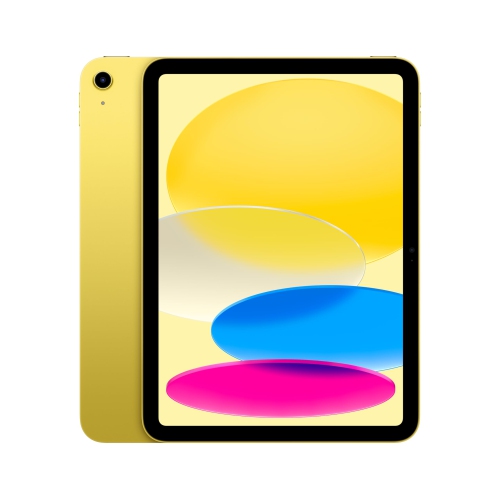 Your price for this item is $639.99
 -
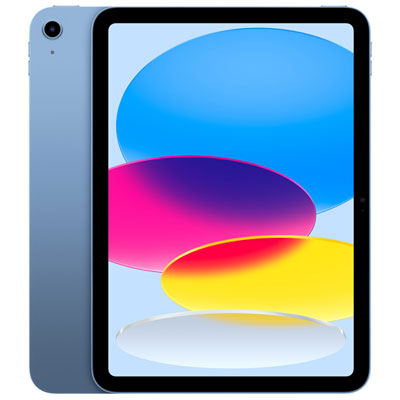 Your price for this item is $649.99
Discover more categories related to Staples iPads



Top Collections:
Pokemon Centers, Kindle Devices, Best Budget Office Chairs, Apple iPhones 16, Best Laptops for Writers, iPhone 15 Apple, Canon G7X Cameras, Refurbished Apple Laptops, Alarm Clock, Motorola Razr Phones
Some products may be subject to Environmental Handling Fees
(EHF) depending on your province.
Learn more about EHFs.