Staples Samsung Tablets
Staples Samsung Tablet options offer reliable performance for a variety of needs, from work to entertainment. Whether you're looking to stay productive on the go, enjoy your favorite media, or connect with friends and family, there's a model to suit every lifestyle. Explore the Staples Samsung Tablet selection to find the right fit for your daily tasks and personal preferences.
Sort
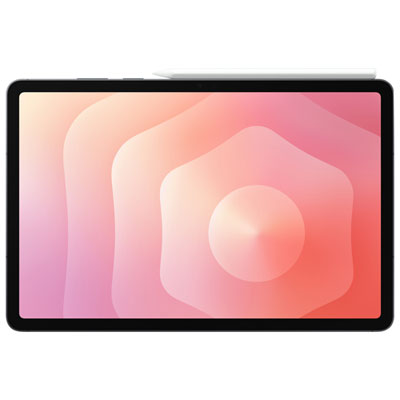

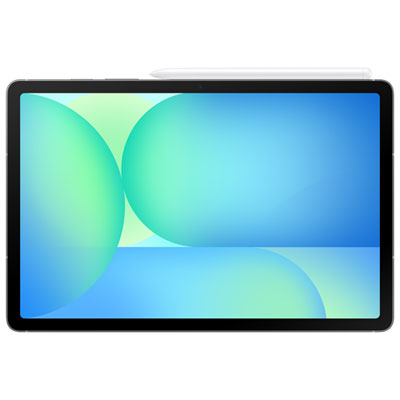
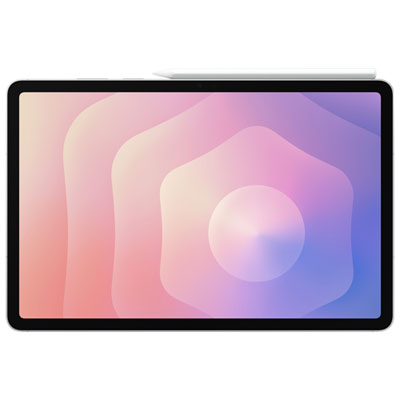
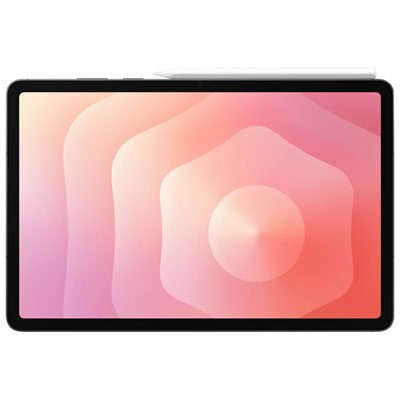
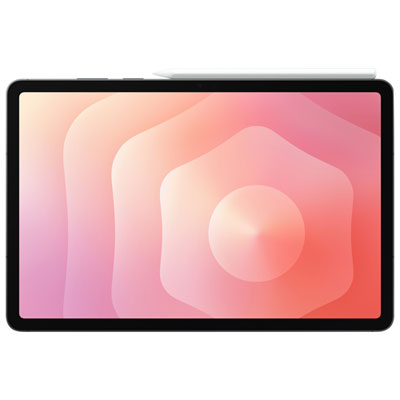
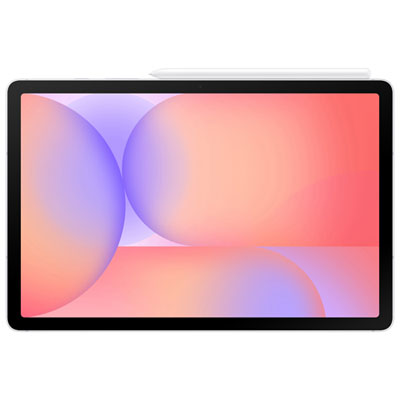
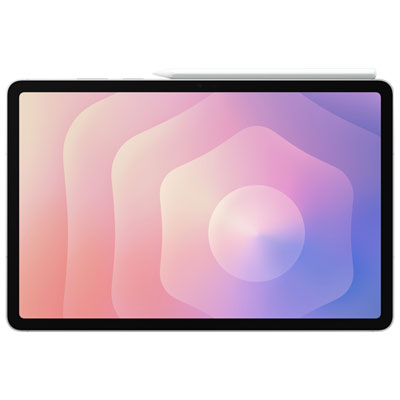
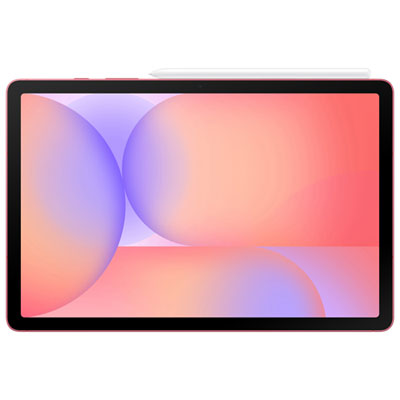
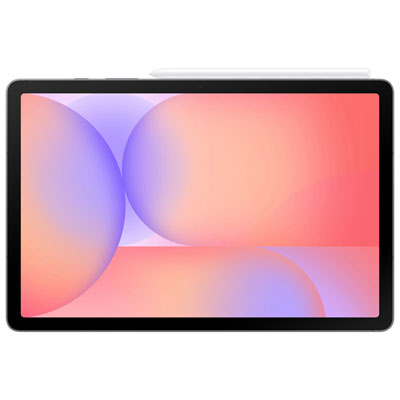
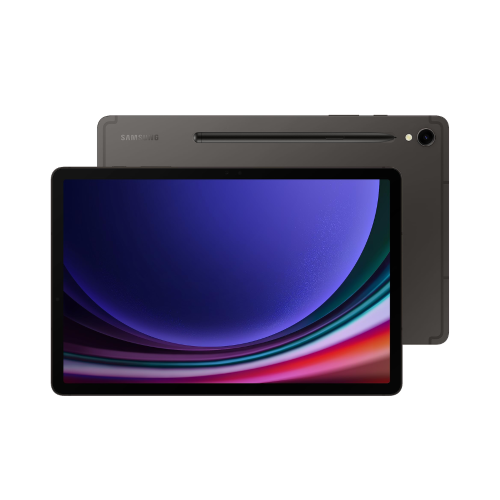

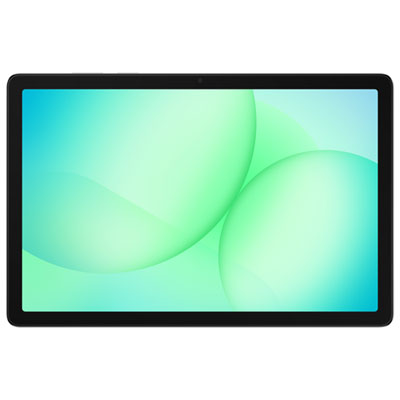
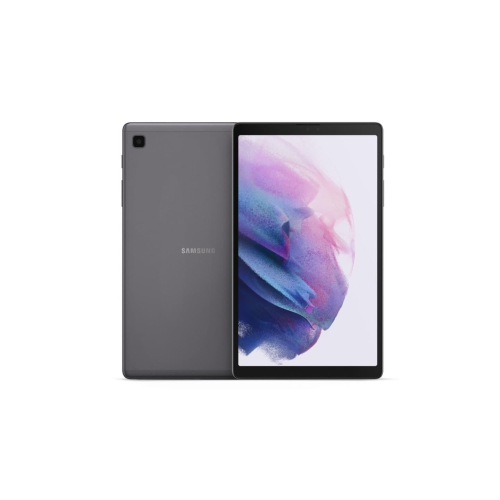
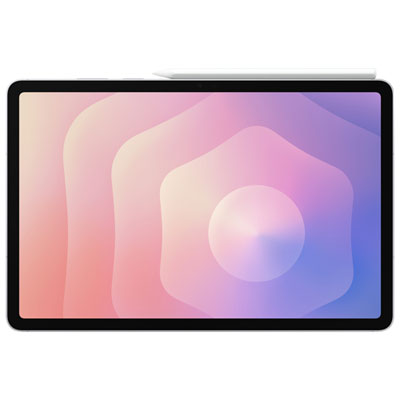
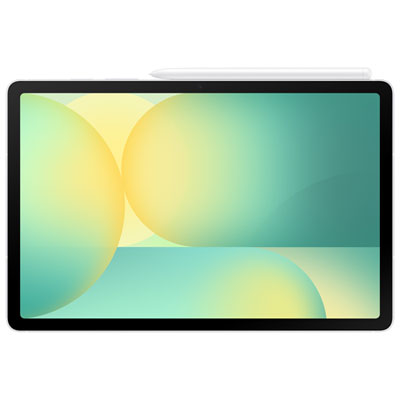
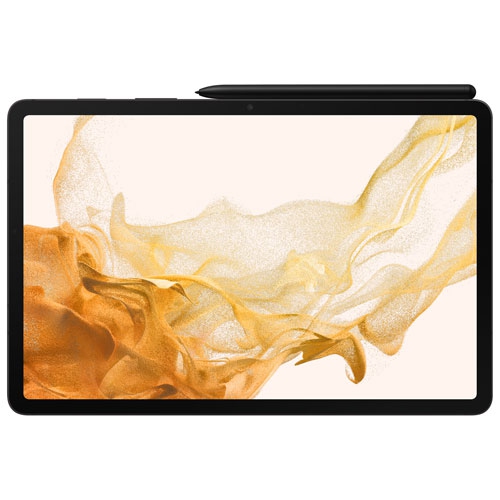
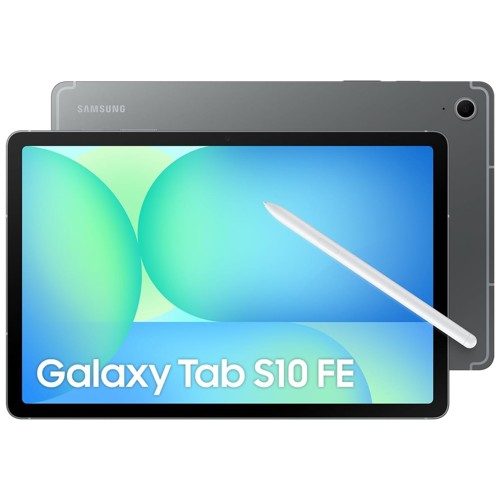
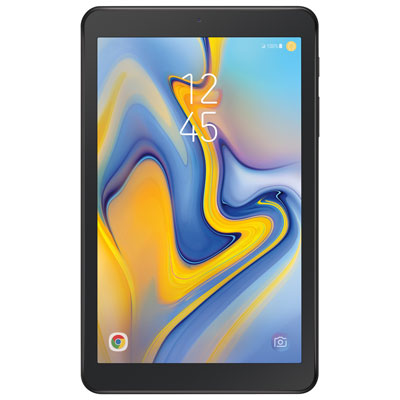
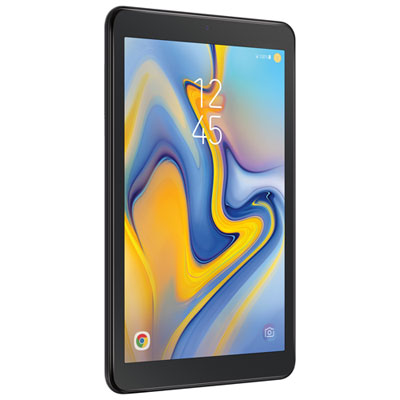
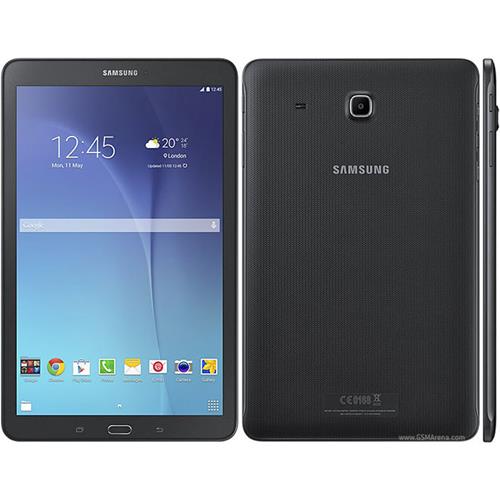
Tablet features that fit streaming, study, work, and travel
Choosing a tablet is often about finding the right balance between portability, comfort, performance, and price. A screen around 10 to 11 inches is large enough for streaming a film, reviewing a recipe, joining a video call, or reading a stack of documents, while remaining easy to carry from the kitchen counter to the sofa or slip into a backpack. For younger students, a tablet can provide a straightforward way to access online lessons, digital textbooks, and handwritten notes without the bulk of a full-size computer. For adults, it can serve as a flexible second screen for email, browsing, banking, travel planning, and video chats with family. A tablet may also make a thoughtful gift for someone who enjoys reading, drawing, keeping in touch, or watching shows while travelling. When browsing the selection, start by considering how the device will be used most often. Casual streaming and web browsing generally call for a bright display, dependable battery life, and enough storage for everyday apps. Work, study, and creative tasks benefit from responsive performance, multitasking features, and a stylus that makes it easier to mark up documents, sketch ideas, or write naturally on the screen. Shoppers comparing options through Computer Tablet Samsung can focus on the features that matter most to their routines rather than choosing solely by appearance or price.
Display quality has a noticeable effect on daily comfort. Look for a sharp screen with rich contrast and wide viewing angles, especially if the tablet will be shared around the home or used for entertainment. A faster refresh rate can make scrolling through websites, moving between menus, and browsing photo galleries feel smoother, while a display with generous brightness is helpful near a window or in a well-lit room. For reading at night, adjustable brightness and a comfortable viewing mode can make longer sessions easier on the eyes. Sound also deserves attention: built-in speakers with clear dialogue are useful for video calls and shows, and Bluetooth support makes it simple to pair headphones or a portable speaker. Battery capacity matters when the tablet will be used away from an outlet, such as on a long flight, during a commute, or while moving between classes. Fast charging can be particularly convenient when a short break is all that is available. Storage should match the way the tablet will be used. A moderate capacity may be sufficient for cloud-based documents, music streaming, and a handful of apps, while shoppers who keep downloaded films, large games, photos, or drawing files on the device should consider more room or expandable storage. It is also worth checking whether a memory card slot is included and whether the tablet supports the capacity you plan to use. These details can extend the tablet’s usefulness as your library grows, without requiring you to remove older files each time you install something new.
The operating system and available features shape how naturally a tablet fits into an existing setup. Compatibility with your phone, computer, headphones, keyboard, cloud storage, and other accessories can simplify everyday tasks, particularly when moving photos, continuing a document, or answering messages from a larger screen. A stylus is valuable for more than digital art; it can be handy for signing forms, annotating a presentation, writing a grocery list, or circling an idea during a video meeting. A compatible keyboard can make longer emails and school assignments more comfortable, while a protective case helps guard against bumps in a busy household or a crowded bag. Families may want to review user profiles, parental controls, and app-management options before handing a tablet to a child. Students should consider weight, charging needs, front-camera quality, and whether the device can comfortably handle the learning platforms they use. Frequent travellers may prioritize a strong battery, a compact design, dependable wireless connectivity, and enough local storage for entertainment when an internet connection is unavailable. For someone who enjoys gaming or creative applications, processing capability, memory, screen responsiveness, and heat management deserve closer attention. During the cooler months, a tablet can be a welcome companion for reading by a window, following a recipe while preparing a warm meal, or catching up on shows during a quiet evening. Before completing a purchase, compare included accessories, warranty details, charging requirements, storage options, camera placement, and the tablet’s physical dimensions. A few minutes spent matching these details to the recipient’s habits can turn a convenient screen into a device that feels genuinely useful every day.
Display quality has a noticeable effect on daily comfort. Look for a sharp screen with rich contrast and wide viewing angles, especially if the tablet will be shared around the home or used for entertainment. A faster refresh rate can make scrolling through websites, moving between menus, and browsing photo galleries feel smoother, while a display with generous brightness is helpful near a window or in a well-lit room. For reading at night, adjustable brightness and a comfortable viewing mode can make longer sessions easier on the eyes. Sound also deserves attention: built-in speakers with clear dialogue are useful for video calls and shows, and Bluetooth support makes it simple to pair headphones or a portable speaker. Battery capacity matters when the tablet will be used away from an outlet, such as on a long flight, during a commute, or while moving between classes. Fast charging can be particularly convenient when a short break is all that is available. Storage should match the way the tablet will be used. A moderate capacity may be sufficient for cloud-based documents, music streaming, and a handful of apps, while shoppers who keep downloaded films, large games, photos, or drawing files on the device should consider more room or expandable storage. It is also worth checking whether a memory card slot is included and whether the tablet supports the capacity you plan to use. These details can extend the tablet’s usefulness as your library grows, without requiring you to remove older files each time you install something new.
The operating system and available features shape how naturally a tablet fits into an existing setup. Compatibility with your phone, computer, headphones, keyboard, cloud storage, and other accessories can simplify everyday tasks, particularly when moving photos, continuing a document, or answering messages from a larger screen. A stylus is valuable for more than digital art; it can be handy for signing forms, annotating a presentation, writing a grocery list, or circling an idea during a video meeting. A compatible keyboard can make longer emails and school assignments more comfortable, while a protective case helps guard against bumps in a busy household or a crowded bag. Families may want to review user profiles, parental controls, and app-management options before handing a tablet to a child. Students should consider weight, charging needs, front-camera quality, and whether the device can comfortably handle the learning platforms they use. Frequent travellers may prioritize a strong battery, a compact design, dependable wireless connectivity, and enough local storage for entertainment when an internet connection is unavailable. For someone who enjoys gaming or creative applications, processing capability, memory, screen responsiveness, and heat management deserve closer attention. During the cooler months, a tablet can be a welcome companion for reading by a window, following a recipe while preparing a warm meal, or catching up on shows during a quiet evening. Before completing a purchase, compare included accessories, warranty details, charging requirements, storage options, camera placement, and the tablet’s physical dimensions. A few minutes spent matching these details to the recipient’s habits can turn a convenient screen into a device that feels genuinely useful every day.
Top selling and popular products
-
 Your price for this item is $499.99
 -
 Your price for this item is $199.95
 -
 Your price for this item is $325
 -
 Your price for this item is $579.99
 -
 Your price for this item is $139.99
 -
 Your price for this item is $119.99
 -
 Your price for this item is $979.99
 -
 Your price for this item is $579.99
Discover more categories related to Staples Samsung Tablets

Top Collections:
Pokemon Centers, Kindle Devices, Best Budget Office Chairs, Apple iPhones 16, Best Laptops for Writers, iPhone 15 Apple, Canon G7X Cameras, Refurbished Apple Laptops, Alarm Clock, Motorola Razr Phones
Some products may be subject to Environmental Handling Fees
(EHF) depending on your province.
Learn more about EHFs.