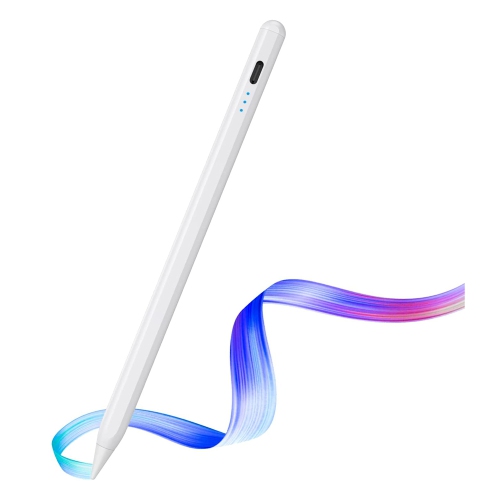
Stylus For Creative Designers
Stylus For Creative Designers are essential tools for bringing digital artwork and design concepts to life with precision and ease. Whether sketching, illustrating, or editing on your favorite device, the right stylus can help streamline your workflow and enhance your creative expression. Discover a range of options designed to support various techniques and preferences, making it simple to find the perfect fit for your artistic needs. Explore Stylus For Creative Designers that can elevate your creative projects to the next level.
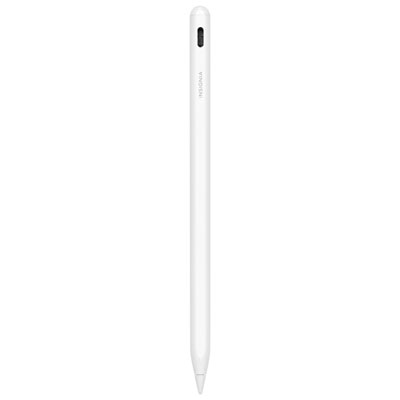
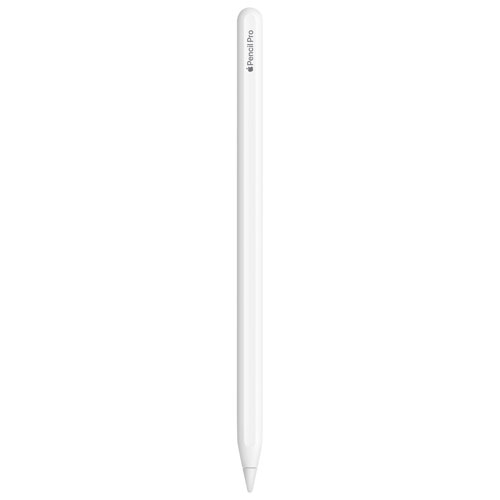
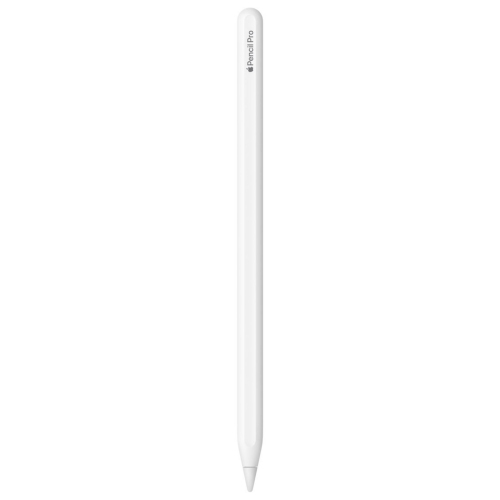
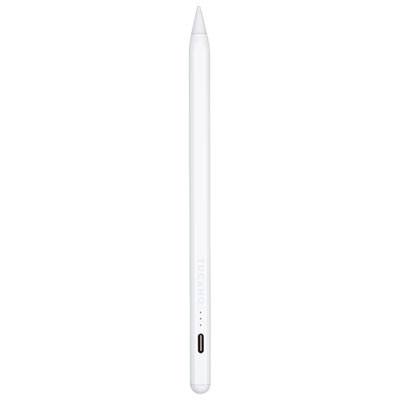
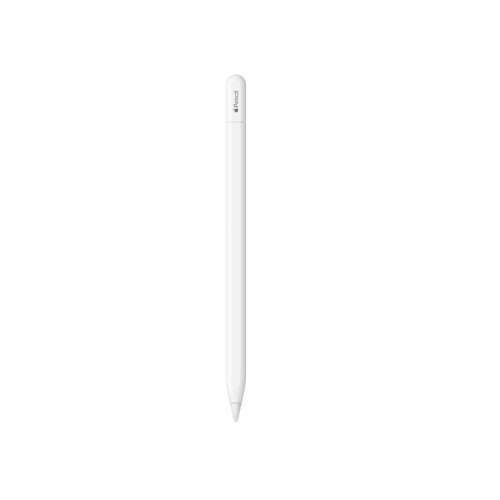
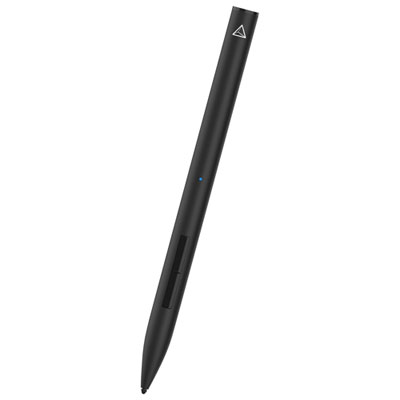
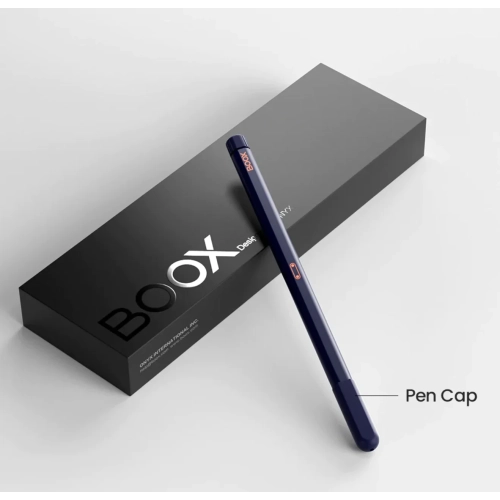
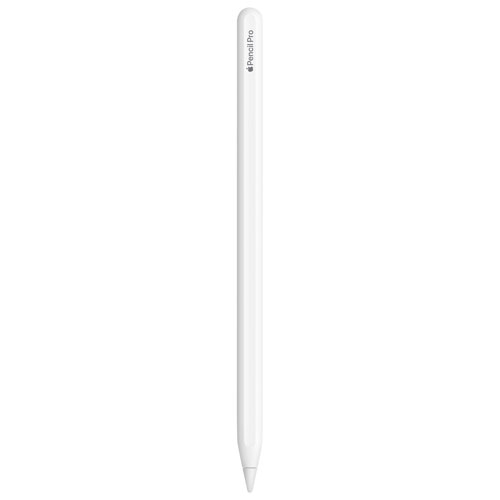
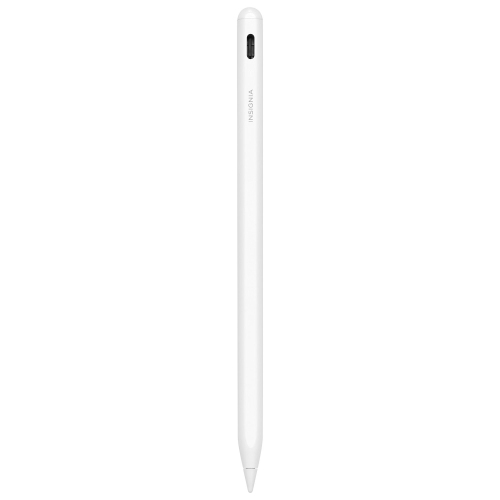
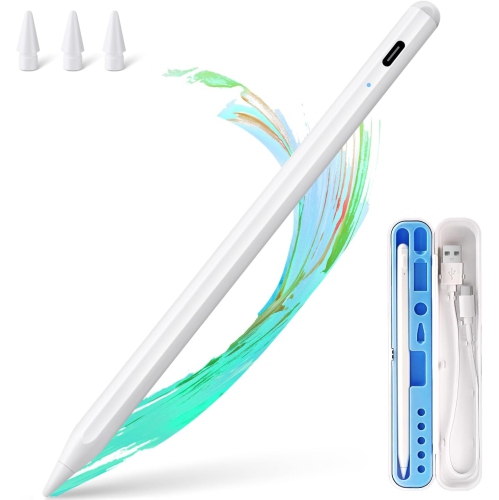
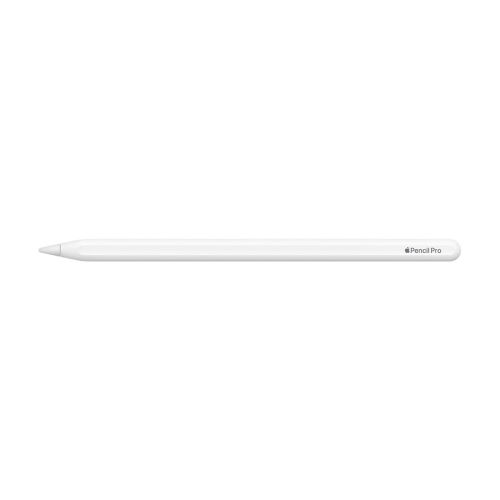
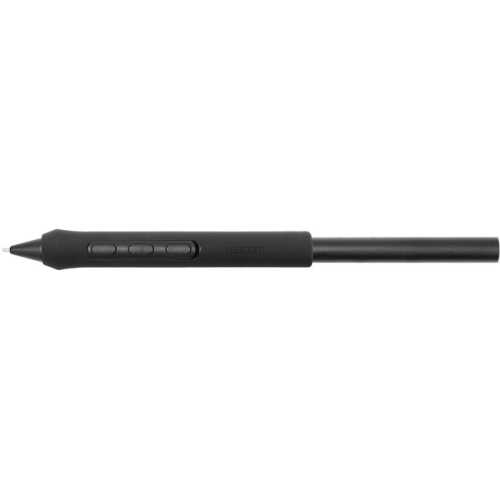
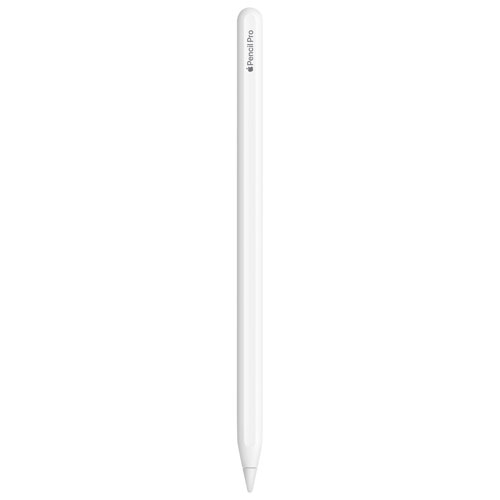
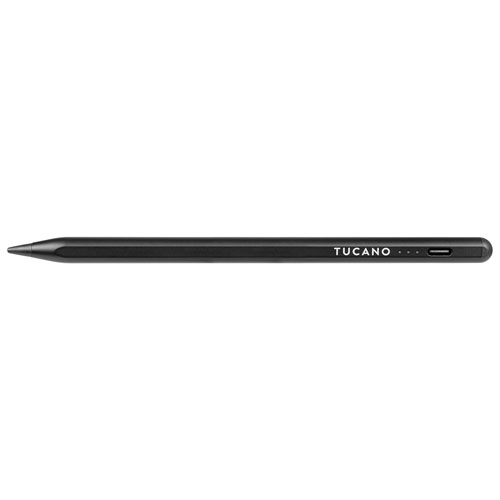
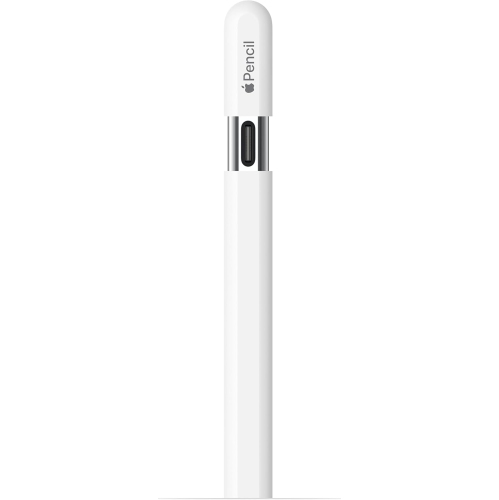
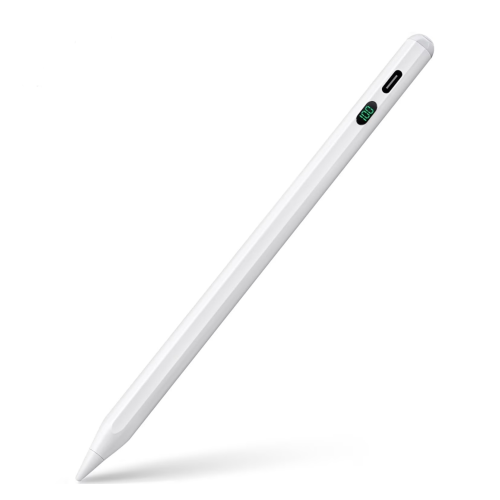
Pressure-sensitive control for expressive digital drawing and design
When choosing a stylus, there are several features to consider to ensure it fits your workflow and creative style. Pressure sensitivity is a top priority for many, as it mimics the feel of traditional drawing tools and allows for expressive, dynamic lines. Palm rejection technology is another key feature, letting you rest your hand comfortably on the screen without unwanted marks or interruptions. Some styluses offer customizable buttons for quick access to favourite tools, while others support tilt recognition for shading and advanced brushwork. Battery life and charging methods can also play a role, especially for those who travel or work on location—having a stylus that charges quickly or runs for days on a single charge can make a big difference. For gift-givers, a stylus makes a thoughtful and versatile present for graduates, aspiring artists, or anyone passionate about digital art and design, especially as creative projects often pick up pace during the summer months and into the early days of fall.
Styluses are not just for illustrators or graphic designers—they’re also invaluable for note-takers, architects, photographers, and anyone who values precision when working on digital devices. The ability to annotate documents, mark up photos, or brainstorm ideas visually can streamline workflows and spark new avenues of creativity. With so many options available, it’s worth exploring product assortments to find the stylus that matches your device and artistic ambitions. If you’re interested in exploring a curated selection tailored specifically for creative professionals, you can browse our Stylus For Graphic Designers page for more inspiration and options. Whether you’re refining your portfolio, tackling client projects, or simply enjoying the meditative process of drawing, the right stylus can help you bring your vision to life, season after season.
FAQ
What features should creative designers look for in a stylus?
Creative designers should consider features such as pressure sensitivity, tilt recognition, palm rejection, compatibility with their devices, and customizable buttons. These features help enhance precision and workflow efficiency during digital art creation.
Are styluses compatible with both tablets and touchscreen laptops?
Many styluses are designed to work with a variety of touchscreen devices, including tablets and laptops. However, it's important to check the compatibility specifications to ensure the stylus works seamlessly with your specific device model.
How does pressure sensitivity benefit digital artists using a stylus?
Pressure sensitivity allows artists to control the thickness and opacity of lines based on how hard they press the stylus against the screen. This feature mimics traditional drawing tools and provides greater control over artistic expression.
Can a stylus be used for tasks other than drawing or designing?
Yes, a stylus can also be used for note-taking, annotating documents, navigating devices, and editing photos or videos. Its precision makes it a versatile tool for various creative and productivity tasks.
Do creative designers need to install special software to use a stylus effectively?
While most basic functions work out-of-the-box, many creative designers use specialized software like Adobe Photoshop or Illustrator to take full advantage of advanced stylus features such as pressure sensitivity and customizable shortcuts.
Top selling and popular products
-
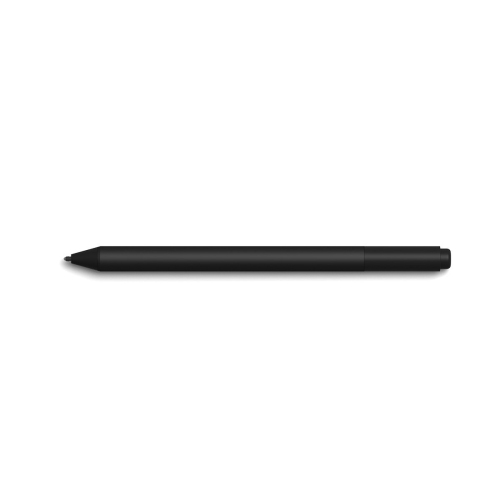 Your price for this item is $175.68
-
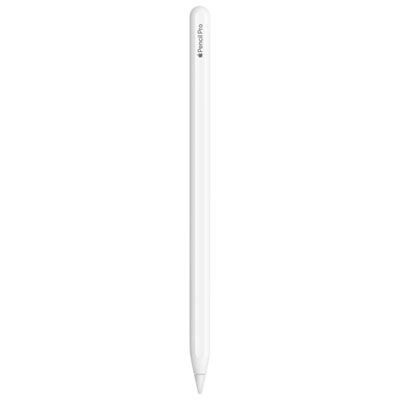 Your price for this item is $169
-
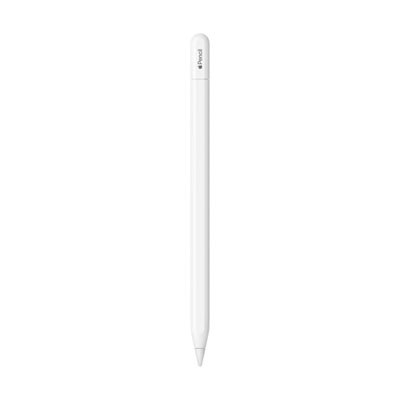 Your price for this item is $109
-
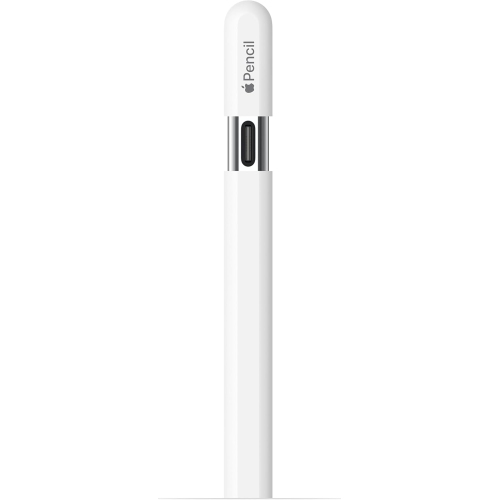 Your price for this item is $96.9
-
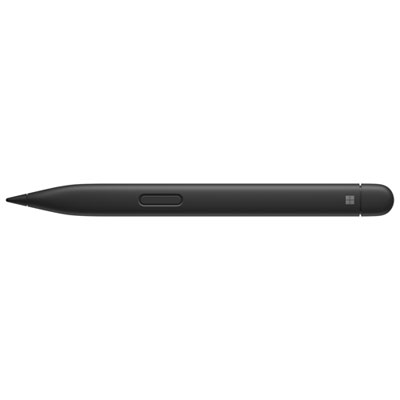 Your price for this item is $189.99
-
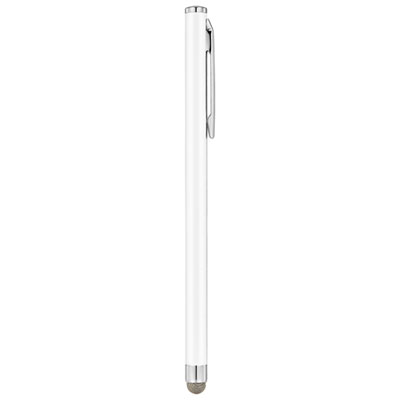 Your price for this item is $9.99
-
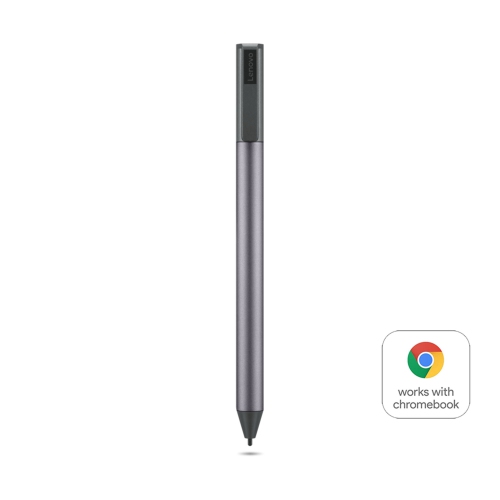 Your price for this item is $71.99
-
 Your price for this item is $21.99