Stylus For Designers
Stylus For Designers are essential tools for creative professionals seeking precision and control in their digital artwork. Whether working on illustrations, graphic design projects, or photo editing, these styluses offer the responsiveness and accuracy needed to bring ideas to life. Explore a wide selection of options designed to complement various devices and workflows, making it easier to achieve professional results in every project. Find the perfect Stylus For Designers to enhance your creative process and streamline your work.
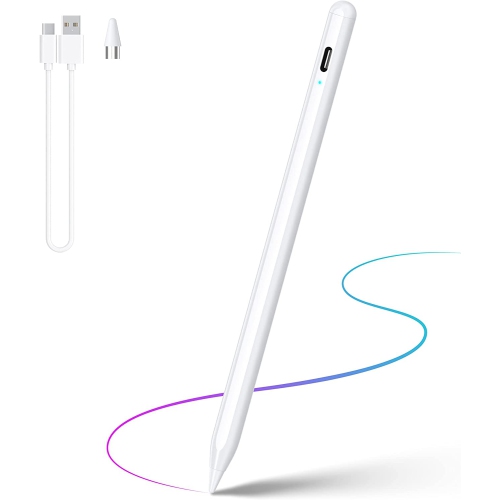
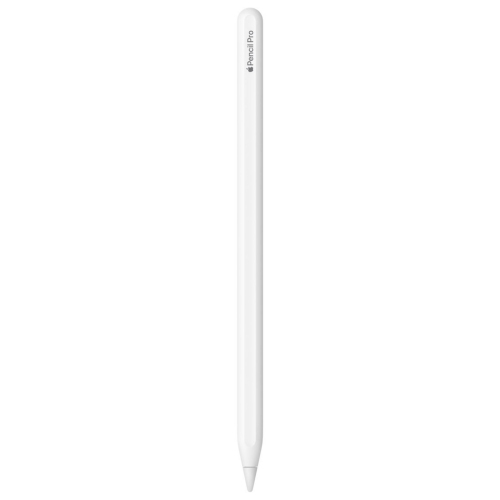
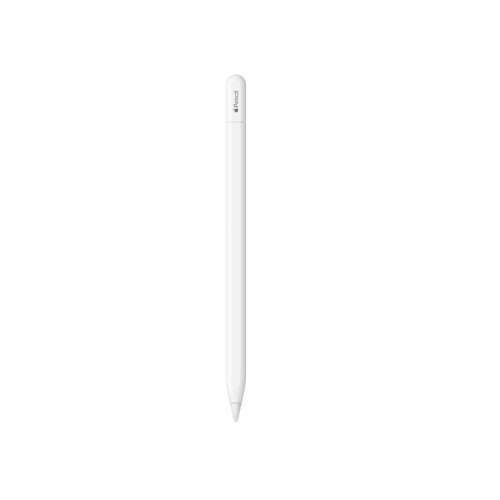
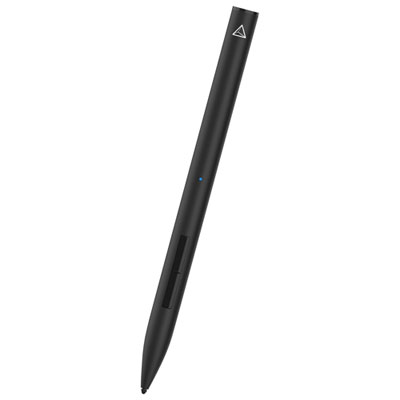
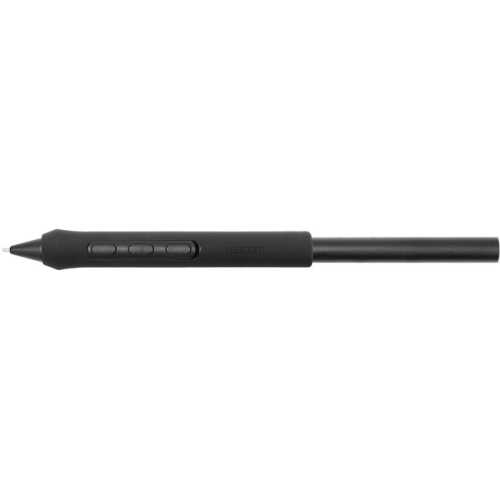
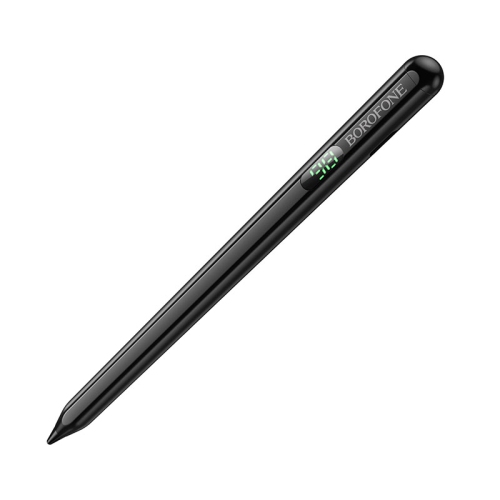
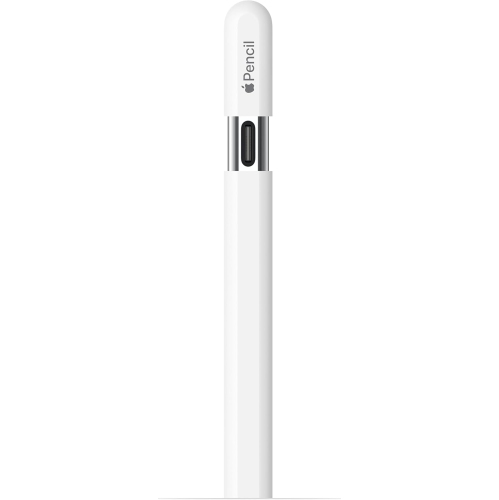
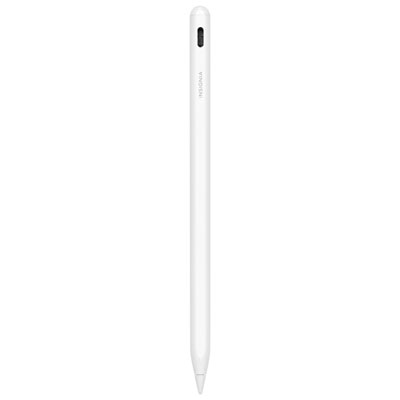
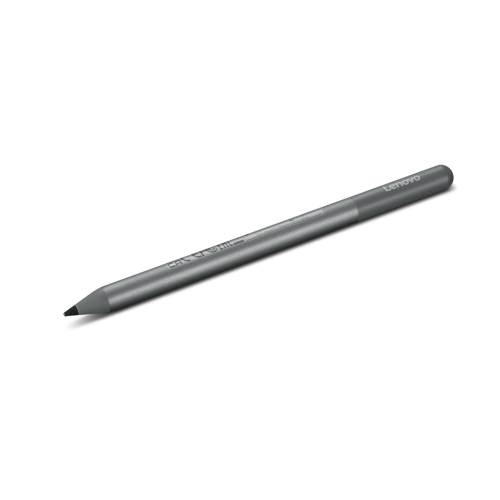
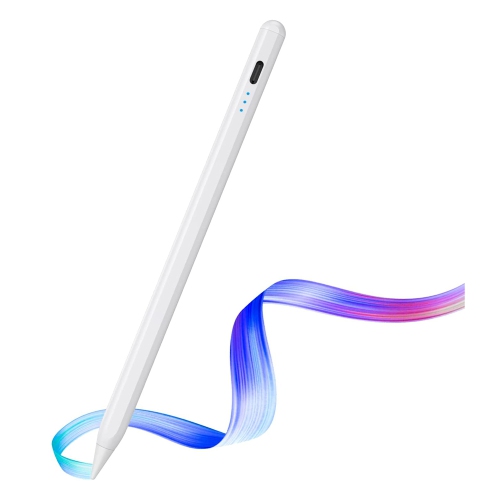
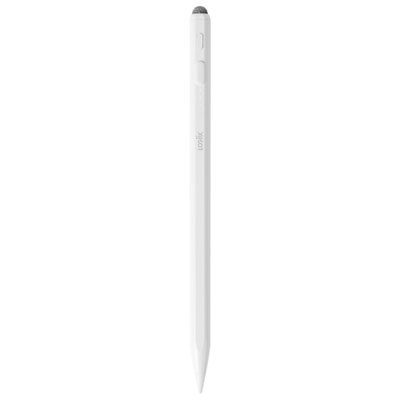
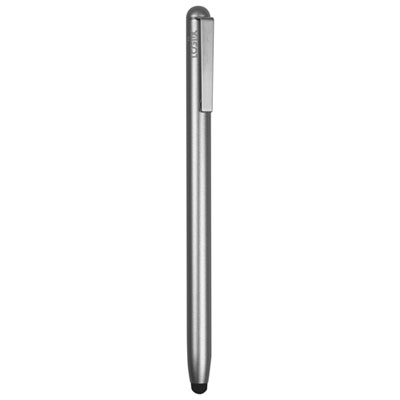
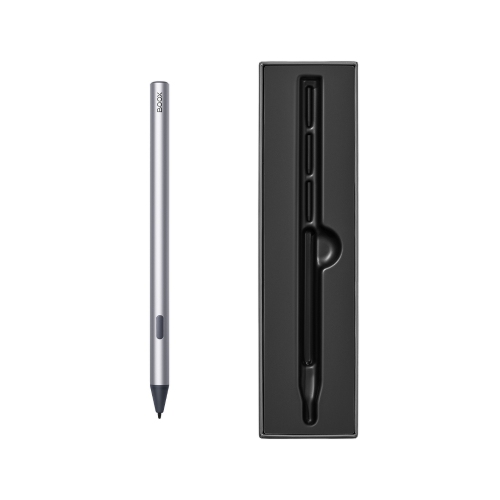
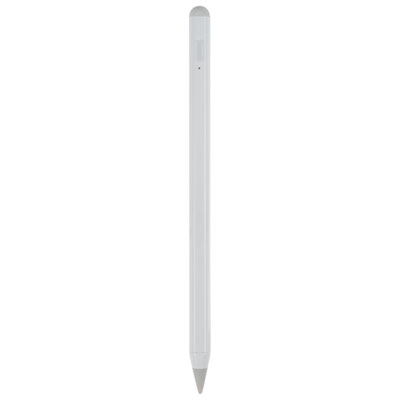
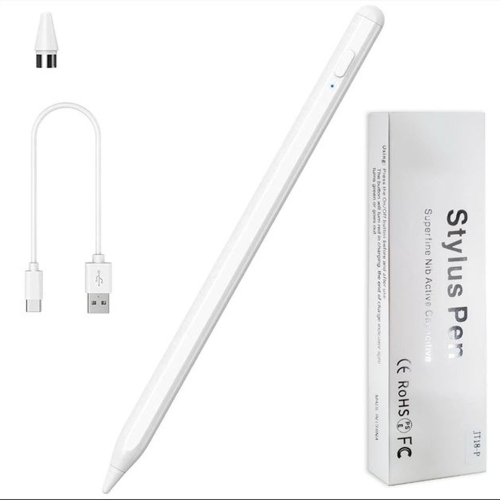
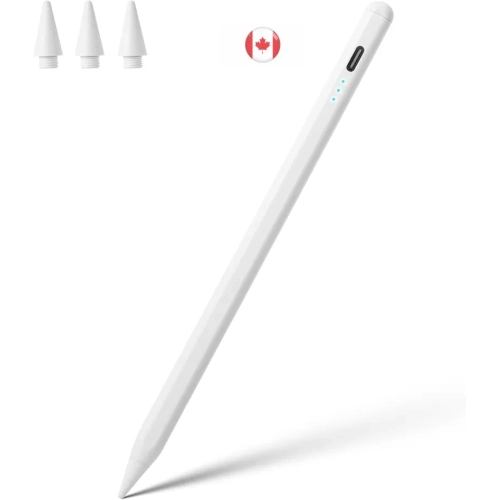
Precision and comfort for fluid digital creativity
Styluses for designers are not just for seasoned professionals—they’re also an excellent gift for students entering art school, hobbyists looking to explore digital illustration, or anyone who enjoys transforming ideas into visual stories. During the cooler months, when indoor projects become more appealing, having a responsive stylus can inspire new creative directions, from detailed architectural renderings to vibrant concept art. For those who work in fields like animation, graphic design, or industrial design, a stylus can streamline complex workflows, making it easier to annotate drafts, refine layouts, or experiment with textures. Even outside of professional use, many people enjoy using a stylus for journaling, note-taking, or personal art projects. With so many options available, it’s helpful to consider the specific needs of the person using the stylus—such as grip comfort, tip durability, and software compatibility—before making a selection. For more specialized options tailored to creative professionals, explore the dedicated assortment on the Stylus For Graphic Designers page, where you’ll find tools designed to elevate digital artistry and bring creative visions to life.
FAQ
What features should designers look for in a stylus?
Designers should consider features such as pressure sensitivity, tilt recognition, palm rejection, and compatibility with their devices. These features help create a more natural drawing experience and improve precision.
Are styluses compatible with all tablets and touchscreen devices?
Not all styluses are universally compatible. It's important to check if the stylus is designed for your specific device or operating system, as some work only with certain brands or models.
How does pressure sensitivity benefit digital artists and designers?
Pressure sensitivity allows the stylus to detect how hard you press on the screen, enabling varied line thickness and opacity. This feature mimics traditional drawing tools, giving artists greater control over their work.
Can a stylus be used for both drawing and note-taking?
Yes, many styluses are versatile enough for both drawing and note-taking. Features like fine tips and palm rejection make them suitable for sketching detailed artwork as well as writing smoothly.
Do styluses require batteries or charging?
Some advanced styluses require batteries or charging to power features like Bluetooth connectivity or pressure sensitivity, while others are passive and do not need any power source. Always check the product specifications for details.
Top selling and popular products
-
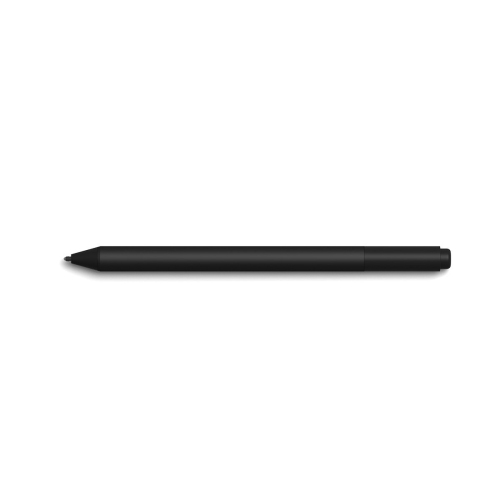 Your price for this item is $175.68
-
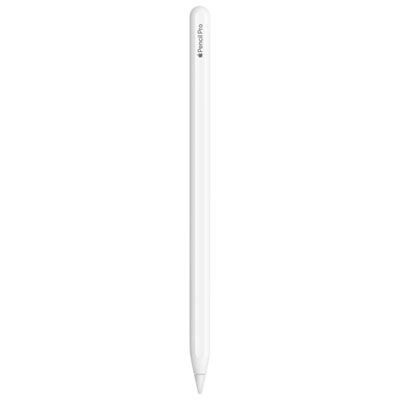 Your price for this item is $169
-
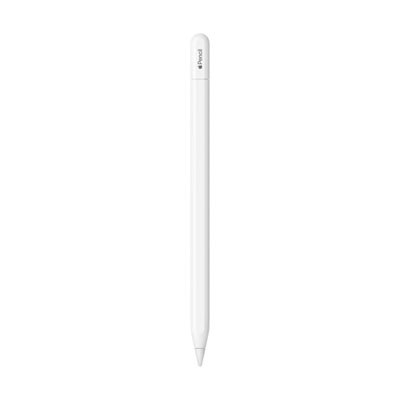 Your price for this item is $109
-
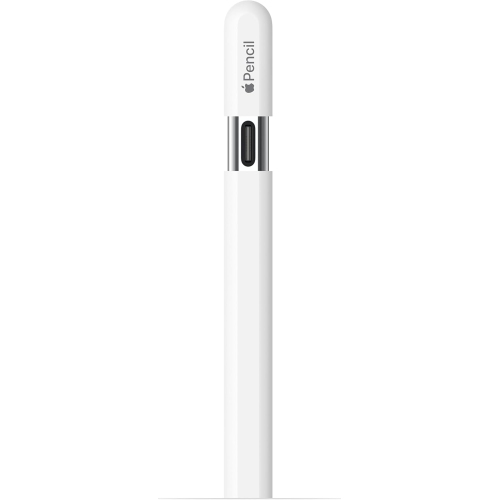 Your price for this item is $96.9
-
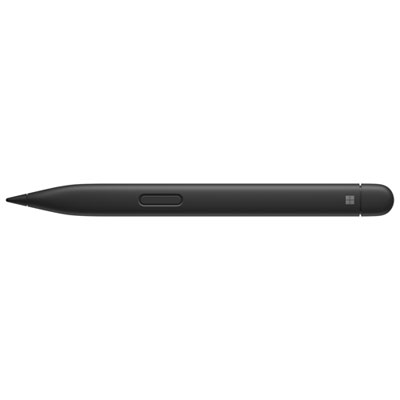 Your price for this item is $189.99
-
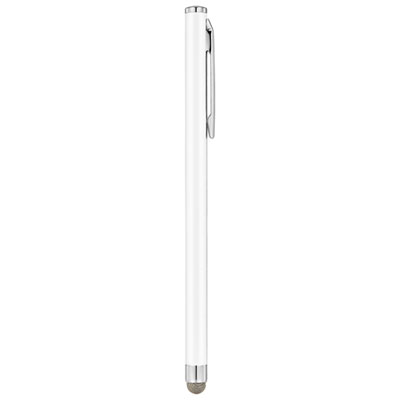 Your price for this item is $9.99
-
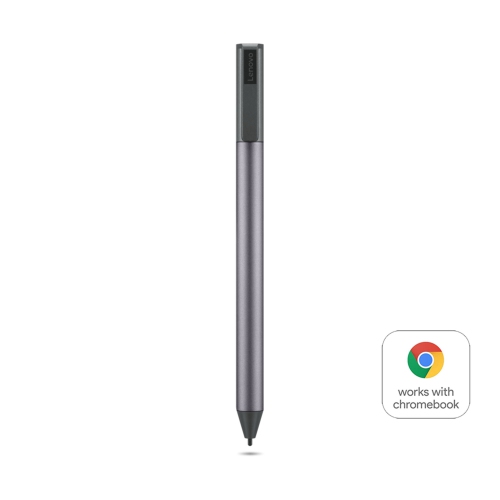 Your price for this item is $71.99
-
 Your price for this item is $21.99