Stylus For Graphic Designers
Stylus for graphic designers are essential tools that help bring creative visions to life with precision and control. Whether working on detailed illustrations, digital paintings, or professional design projects, these styluses provide the responsiveness and accuracy needed for a seamless workflow. Explore a selection of stylus for graphic designers designed to support various artistic techniques and software platforms, making it easier to achieve your creative goals.
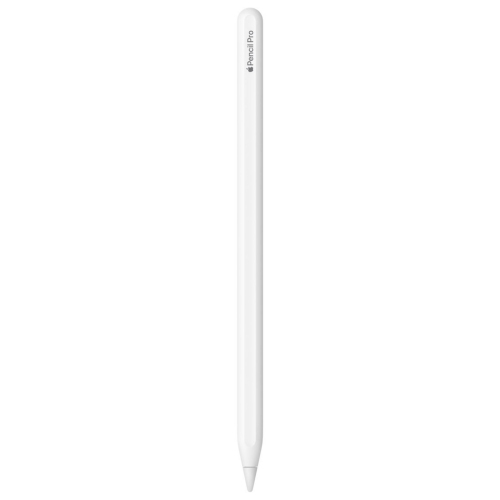

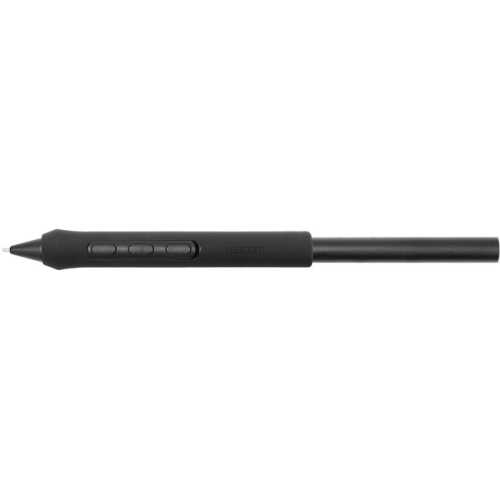
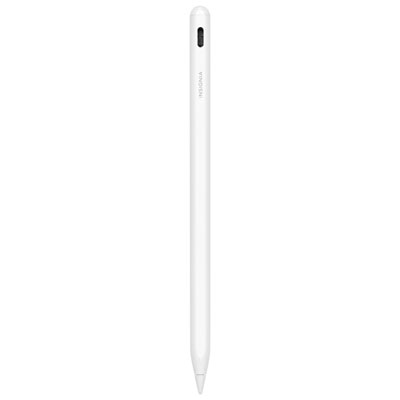
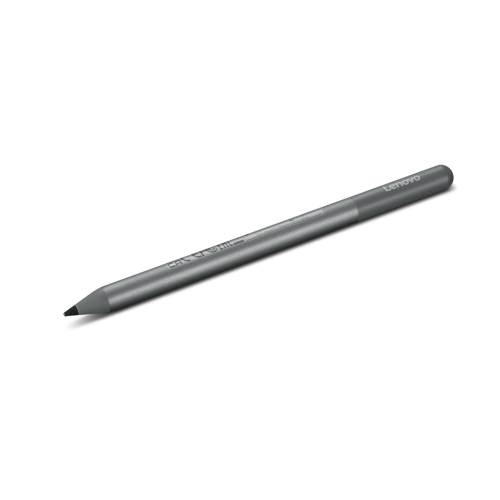
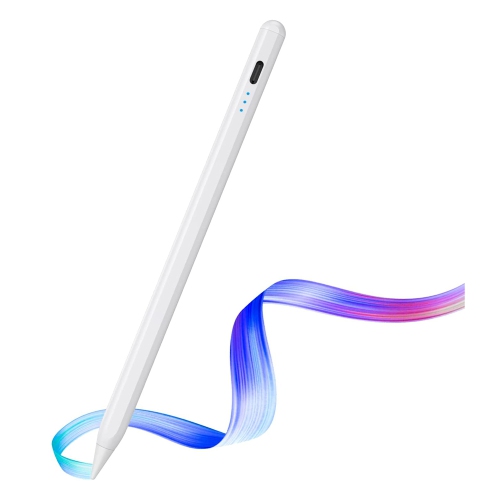
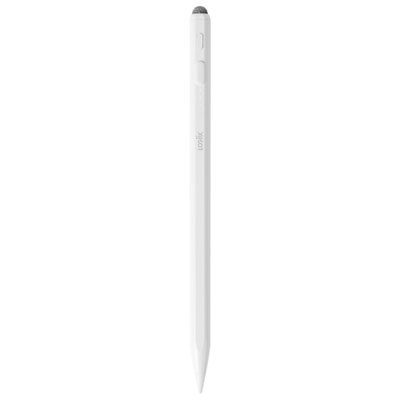
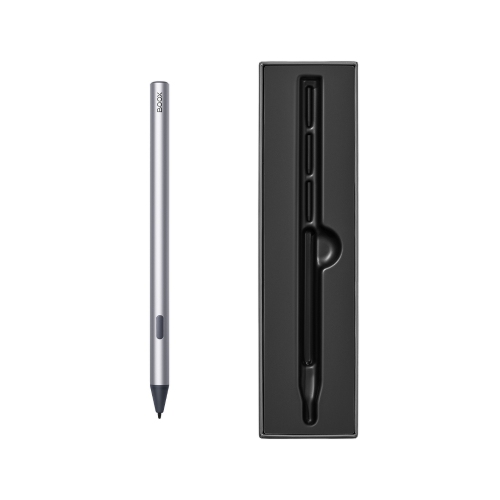
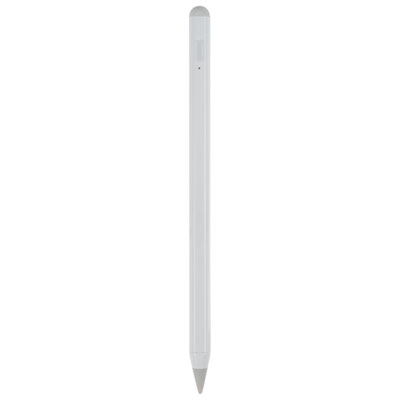
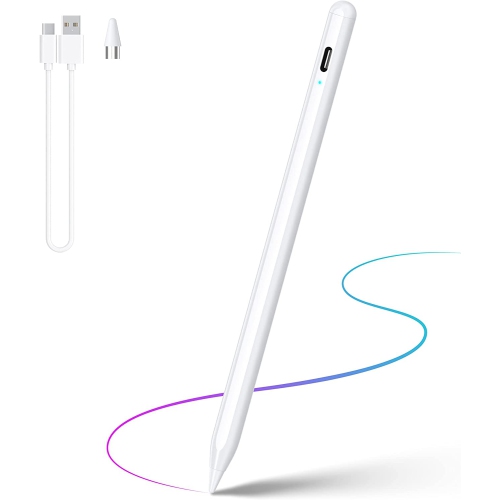
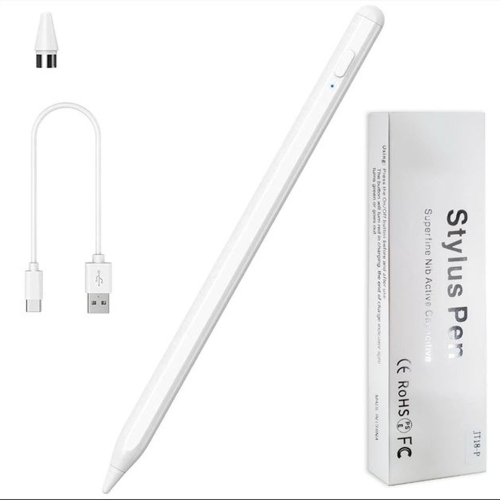
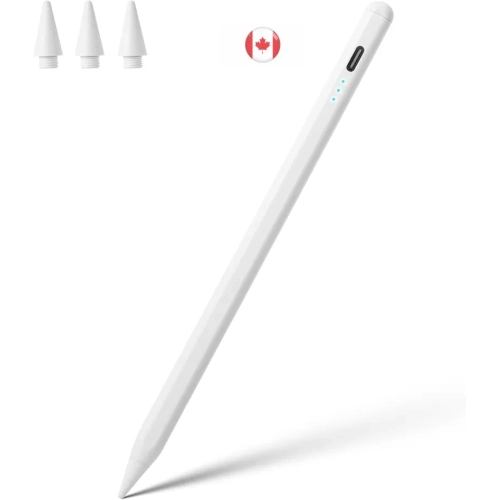
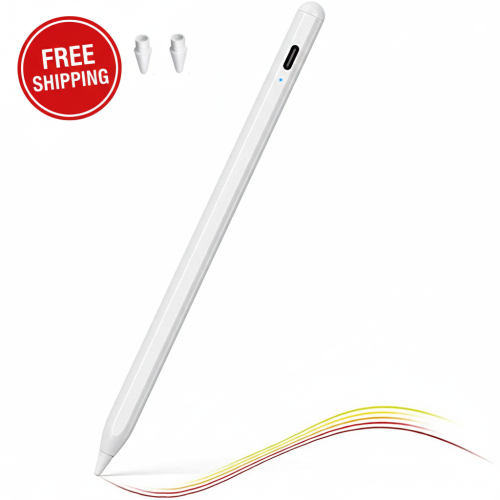
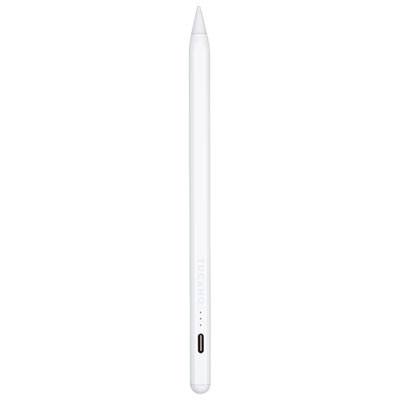
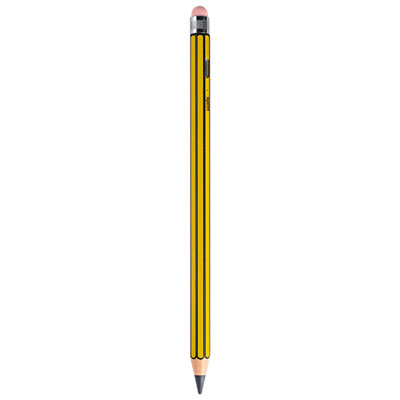
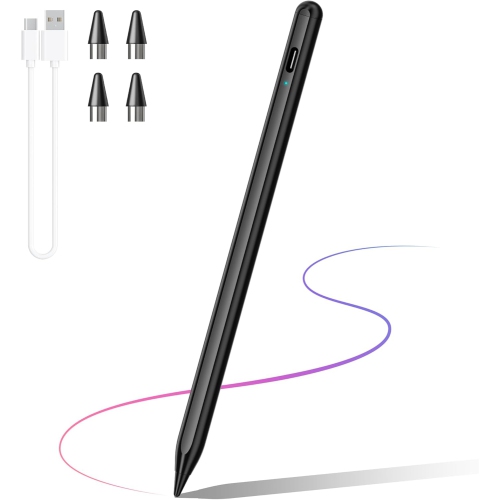

Pressure sensitivity and portability for creative digital workflows
When selecting a stylus for graphic design, it’s important to consider compatibility with your device, as well as the features that best match your workflow. Some styluses offer interchangeable tips for different line weights and textures, while others provide shortcut buttons for rapid access to frequently used tools. Artists who value precision and fluidity will appreciate models with high levels of pressure sensitivity and minimal latency, ensuring that each stroke is rendered exactly as intended. For those just starting in digital art, a stylus can be a thoughtful gift, opening up a world of creative possibilities and supporting skill development across drawing, painting, and photo editing. Professionals, on the other hand, may look for advanced customization options and ergonomic designs that support long hours of work, especially during busy project seasons or collaborative sessions. As creative communities gather for workshops, portfolio reviews, or outdoor sketching events, having a reliable stylus on hand means you’re always ready to share your vision or collaborate on the go.
A stylus isn’t just for solo artists—it’s also a valuable tool for students, educators, and anyone looking to enhance their digital workflow. From annotating design briefs to brainstorming with colleagues or capturing quick thumbnails during a summer design retreat, the versatility of a stylus streamlines the creative process. As digital portfolios and remote collaboration become more common, the ability to produce crisp, professional-quality work directly on a tablet or touchscreen laptop is invaluable. If you’re exploring options beyond the standard models, you may want to visit the Stylus For Creative Designers page for a wider selection tailored to creative professionals. Whether you’re upgrading your current setup, choosing a gift for a budding artist, or simply looking to make the most of your creative time both indoors and out, the right stylus can help transform inspiration into finished work, season after season.
FAQ
What features should graphic designers look for in a stylus?
Graphic designers should consider features such as pressure sensitivity, tilt recognition, palm rejection, and compatibility with their preferred devices and software. These features help ensure precise control and a natural drawing experience.
Are styluses compatible with all drawing tablets and touchscreen devices?
Not all styluses are universally compatible. It's important to check whether the stylus supports your specific tablet or touchscreen device, as some are designed for particular brands or models.
How does pressure sensitivity affect digital artwork?
Pressure sensitivity allows the stylus to detect how hard you press on the screen, enabling variations in line thickness and opacity. This feature is essential for creating expressive and detailed digital art.
Can I use a stylus for tasks other than drawing or designing?
Yes, many styluses can be used for note-taking, annotating documents, navigating devices, and even photo editing, making them versatile tools for creative professionals.
What is the difference between active and passive styluses?
Active styluses have electronic components that communicate with your device for advanced features like pressure sensitivity and palm rejection. Passive (or capacitive) styluses lack these electronics and function more like a simple finger touch.
Top selling and popular products
-
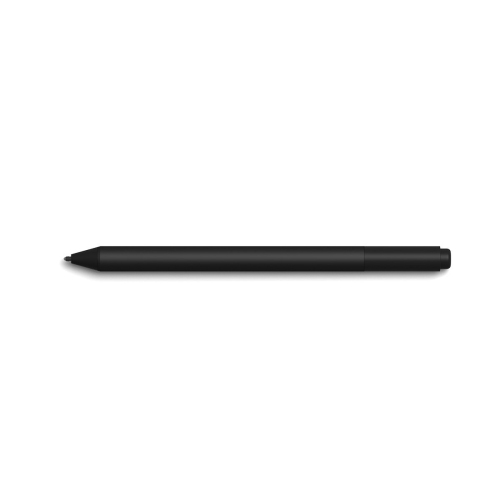 Your price for this item is $175.68
-
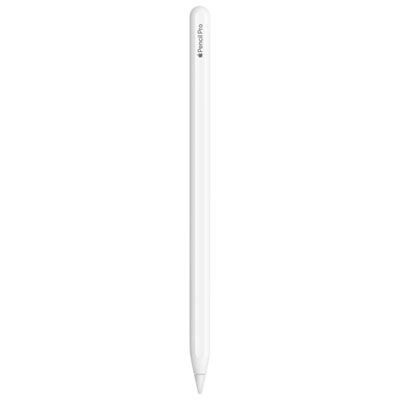 Your price for this item is $169
-
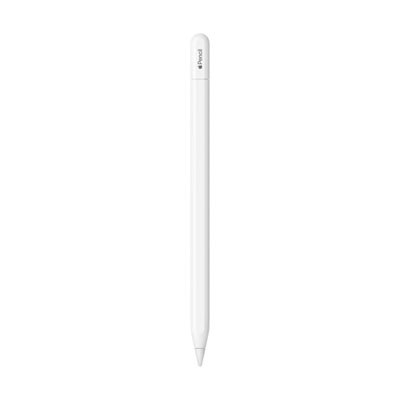 Your price for this item is $109
-
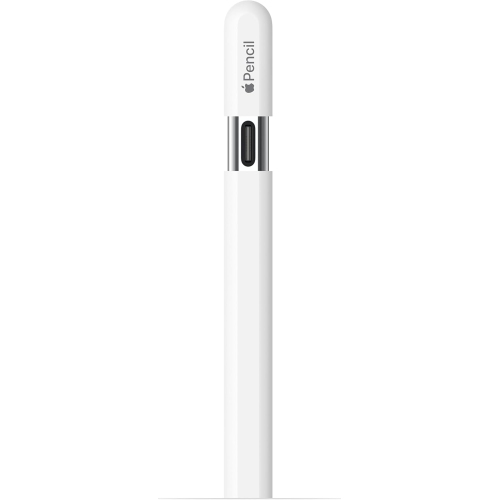 Your price for this item is $96.9
-
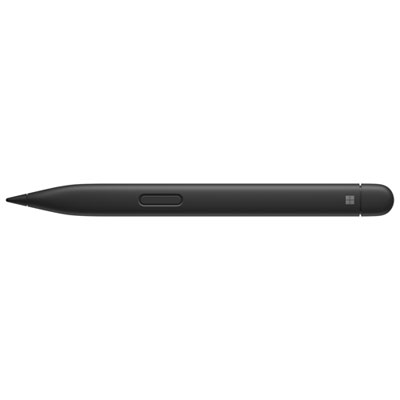 Your price for this item is $189.99
-
 Your price for this item is $9.99
-
 Your price for this item is $71.99
-
 Your price for this item is $21.99