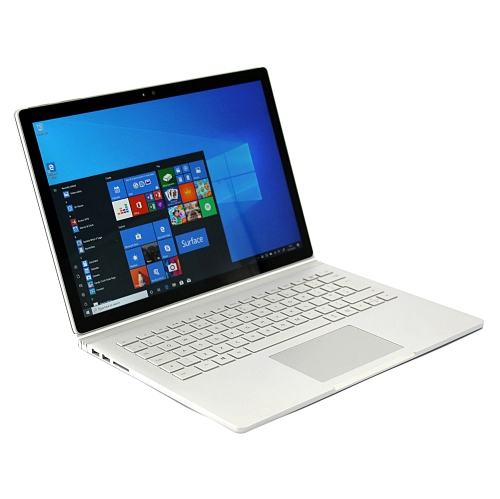
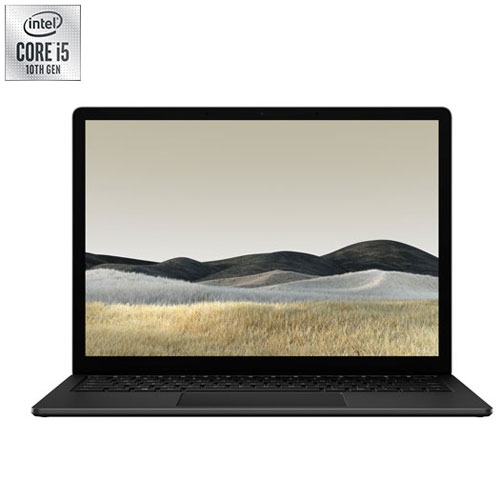
Surface Book 2

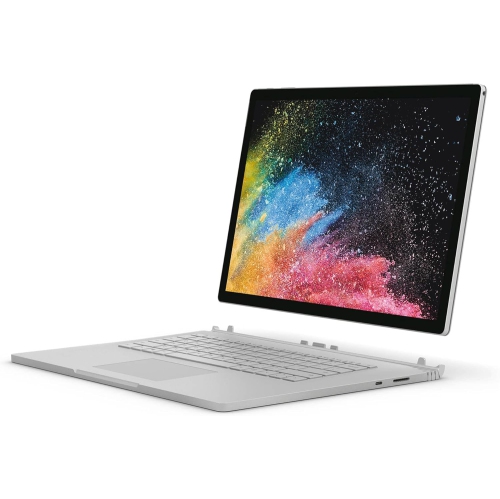
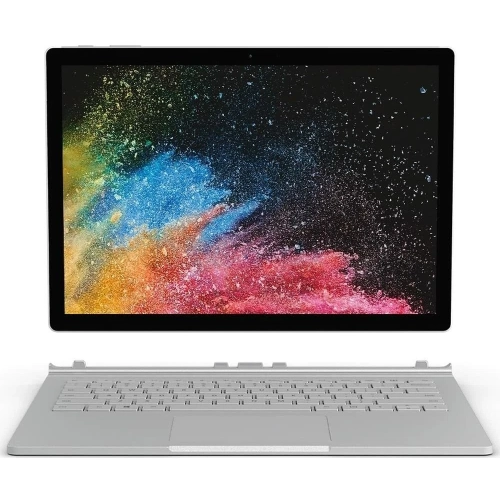
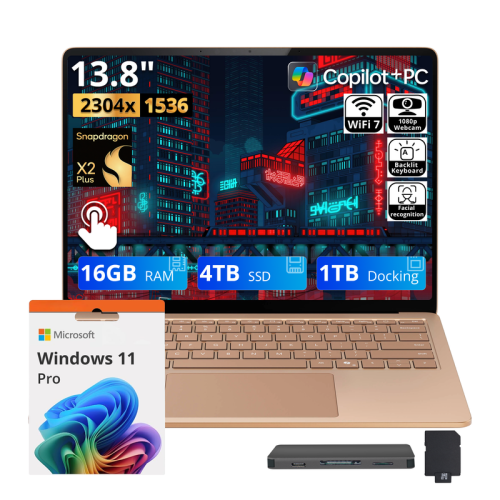
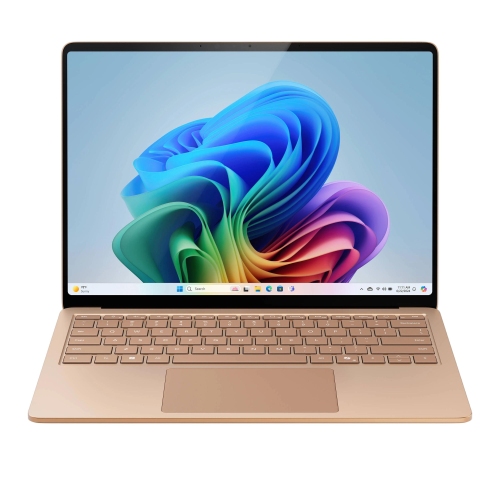
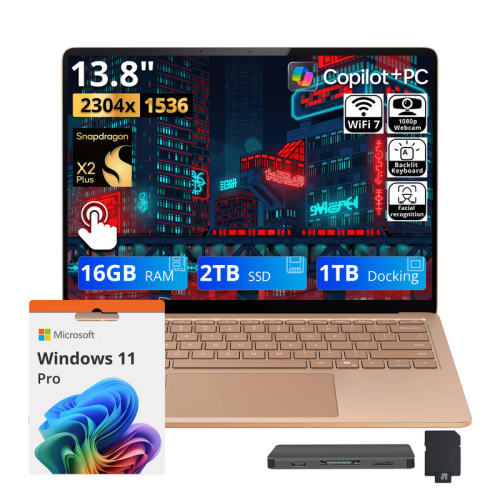
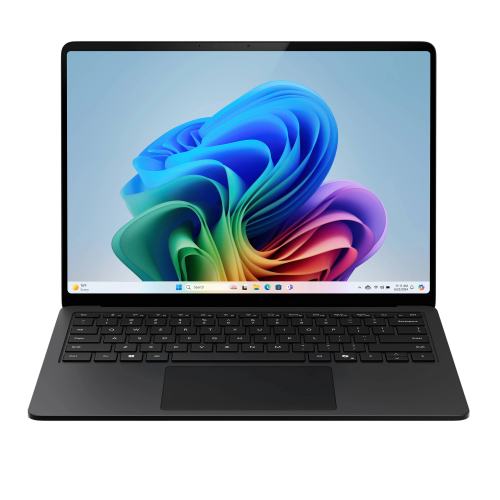
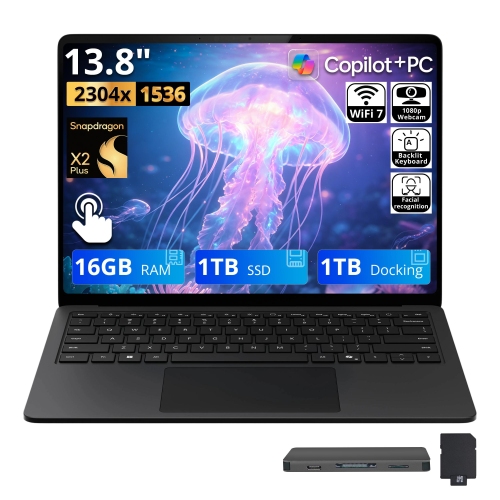
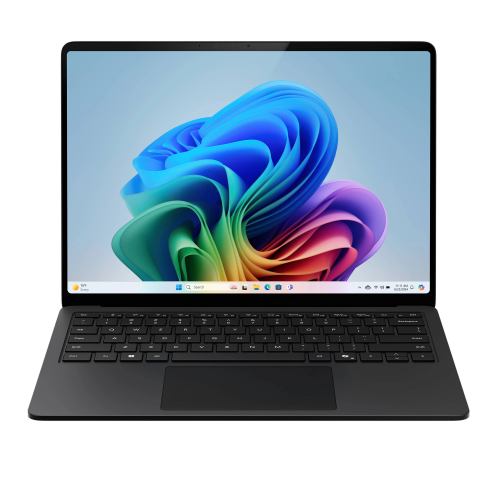
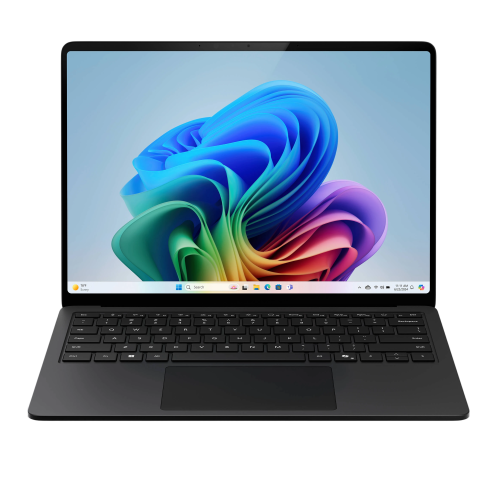
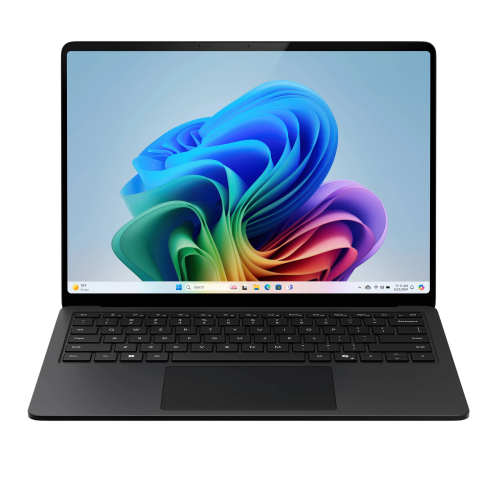
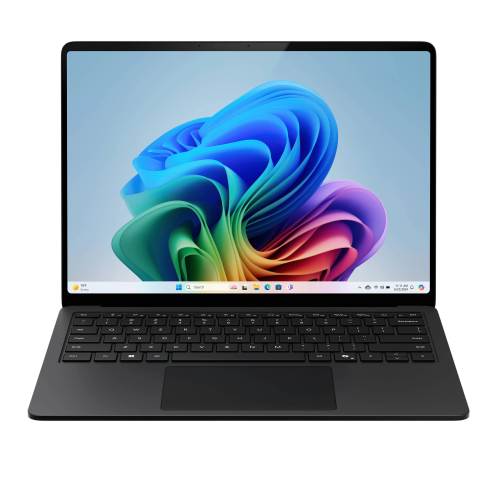
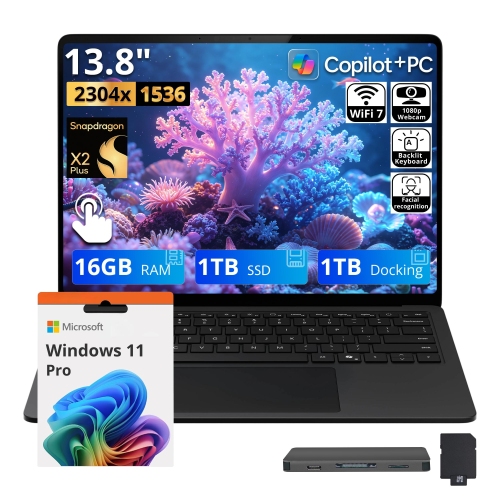
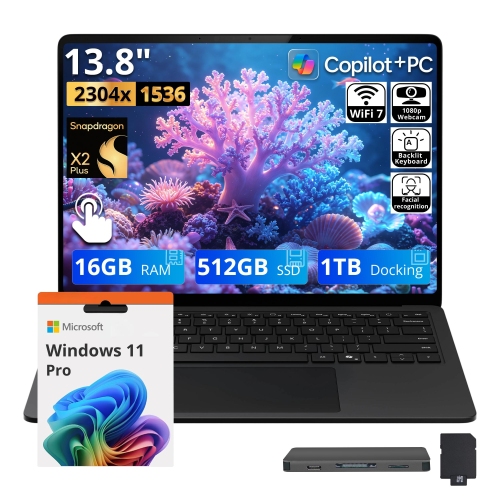
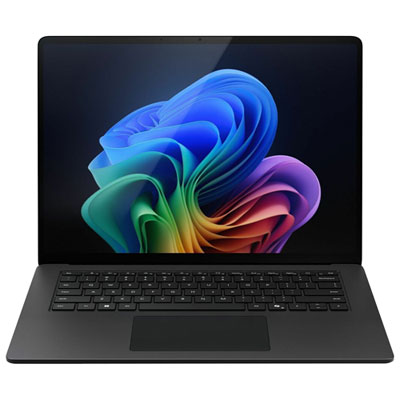
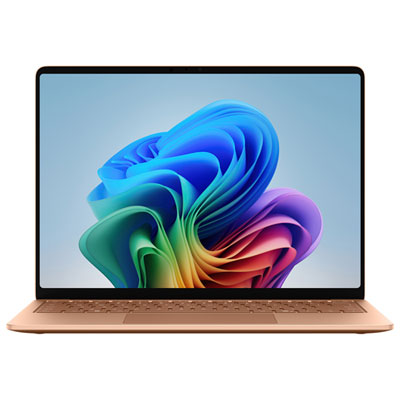
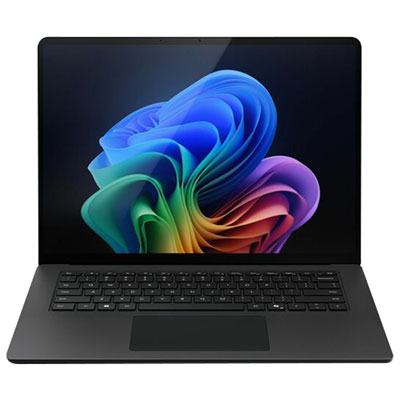
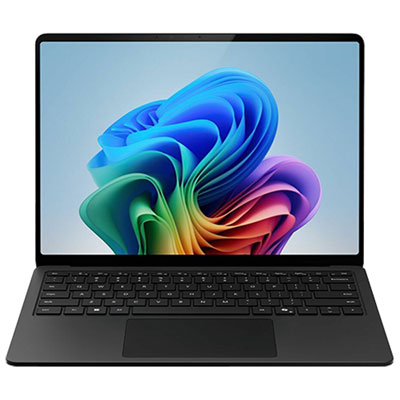
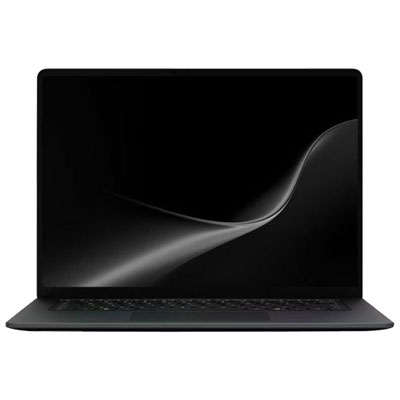
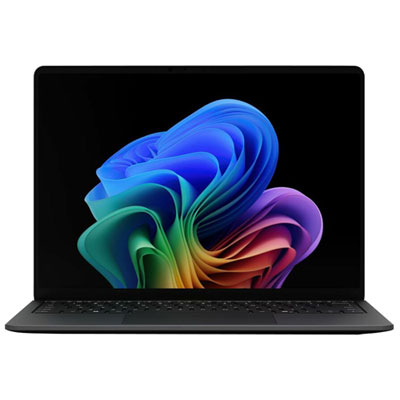
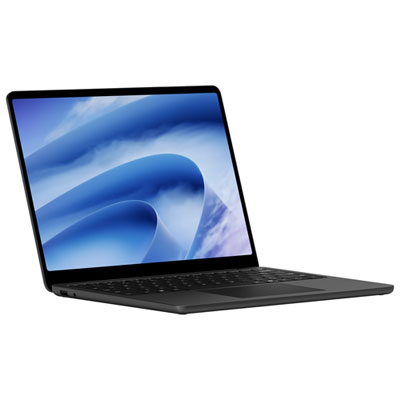
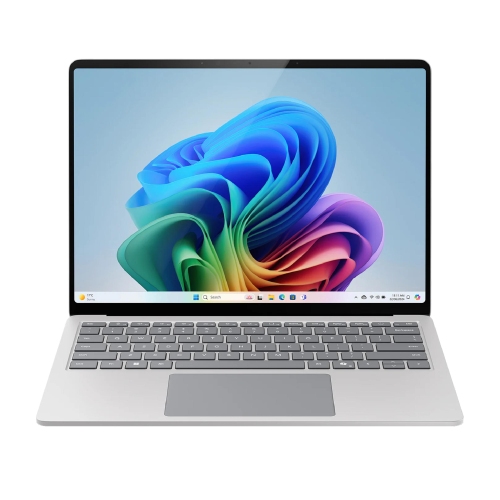
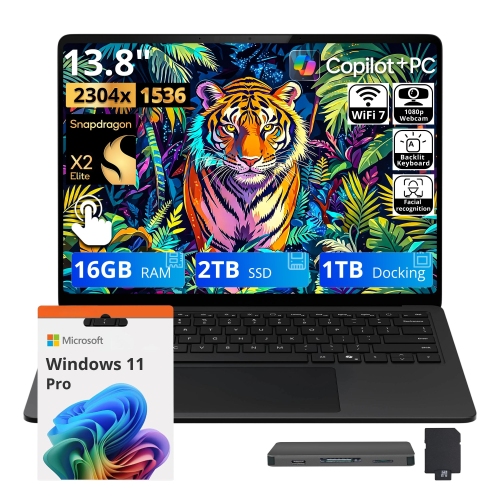
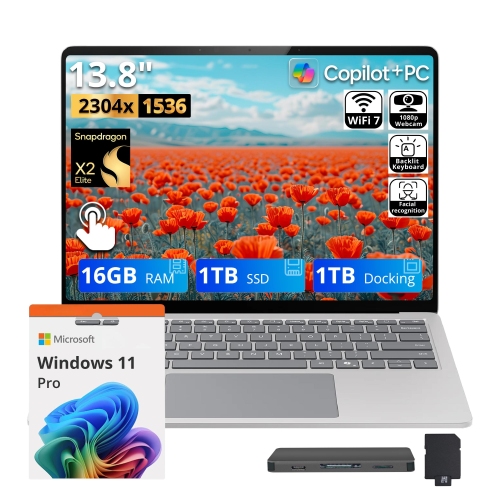
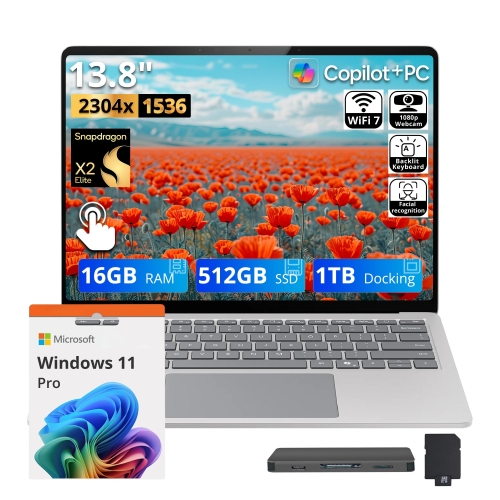
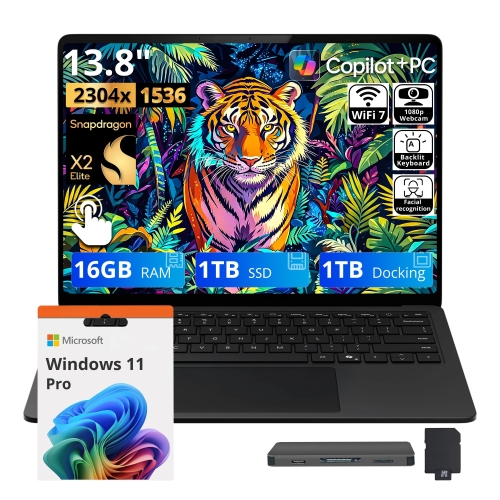
Browse Microsoft Surface Book 2 laptops, featuring a detachable touchscreen for switching between laptop and tablet use. Compare the screen size, processor, memory and storage listed for each available model to find a configuration that suits your work, study or everyday needs.

Read More

Sort

One laptop with two distinct ways to work

Detachable 2-in-1 laptops combine a full keyboard with a touchscreen that can separate from the base, giving one computer two distinct ways to work. With the screen attached, the format feels familiar: a stable keyboard for typing, a trackpad for precise navigation, and enough screen space to keep a document beside reference material. Detached, the display becomes a tablet for reading, handwritten notes, presentations, and sketching with a compatible digital pen. This differs from a convertible laptop whose keyboard remains attached when the screen folds back. Some detachable designs also allow the display to be reattached facing away from the keyboard, creating a convenient angle for showing a presentation or a low, supported surface for drawing. Screen sizes around 13.5 inches and 15 inches suit different routines, with the smaller format easier to carry between meetings and the larger format offering more room for spreadsheets, photographs, and side-by-side windows. A 3:2 aspect ratio provides more vertical space than a similarly sized widescreen display, which can make long articles, source code, and portrait-oriented documents feel less cramped. Resolution matters too, particularly for fine text and detailed images, although screen brightness, reflections, and colour reproduction also affect everyday comfort. Materials such as magnesium alloy can give the chassis a rigid feel without the bulk of a traditional desktop replacement. The hinge is an important part of the experience: it needs to support the display securely while opening smoothly and keeping the computer balanced on a desk. A detachable screen may be more substantial than a small reading tablet, so extended handheld use can feel different from brief note-taking or presenting. For students moving between lectures, professionals alternating between typing and annotation, or someone who enjoys drawing directly on a screen, this format offers flexibility without making a separate keyboard necessary for every task. The most useful fit depends on how often the screen will actually be detached, rather than simply on having that option.
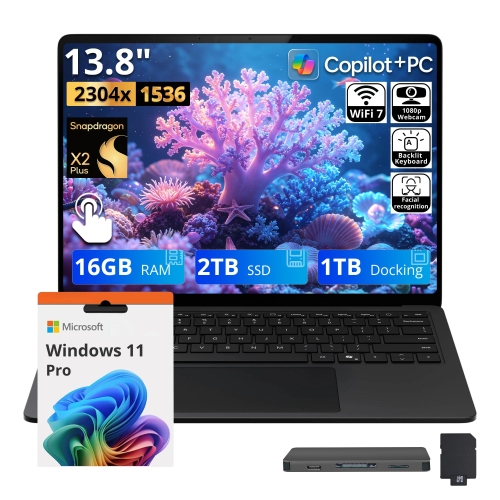
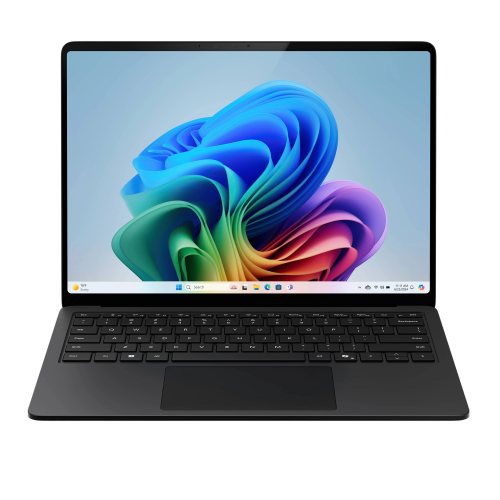
Performance in a detachable laptop depends on the processor, memory, storage, and graphics configuration, as well as which components remain accessible when the screen is separated. In many designs, the processor, memory, and internal storage sit behind the display, allowing the tablet portion to operate independently. Certain keyboard bases add dedicated graphics hardware, an additional battery, or extra connections. That distinction matters for someone editing photographs at a desk and then carrying the display into a meeting: everyday applications may continue to work in tablet mode, while tasks that depend on graphics hardware in the base require the two sections to remain connected. Integrated graphics can be suitable for documents, web browsing, video calls, and media playback, while dedicated graphics can help with compatible creative applications and some games. Neither the detachable format nor a high-resolution screen guarantees suitability for demanding rendering, large video projects, or newer games. Processor generation, graphics capability, cooling, and software requirements remain important, especially with older hardware. Memory affects how comfortably a computer handles several applications at once; a browser full of research tabs, a video call, and a large spreadsheet can place different demands on a system than a single word-processing document. Solid-state storage helps applications open promptly, but capacity still needs to accommodate project files, photographs, downloads, and software updates. Component upgrades are often limited in thin detachable computers, making the original configuration particularly relevant to long-term use. Battery condition also deserves attention because a keyboard base and detachable display may contain separate batteries, and standalone tablet runtime can differ considerably from runtime with both sections connected. Connections shape the desktop experience as well. External monitors, USB accessories, memory cards, headsets, and charging equipment all need compatible ports or suitable adapters. A USB-C connector alone does not confirm support for every charging method, display function, or docking feature. Wireless performance depends on the computer’s Wi-Fi capabilities and the network it joins, while operating-system support and application compatibility determine whether an older device remains a practical match for work, school, or personal projects.

Everyday comfort and condition can be just as important as specifications. A keyboard with a consistent feel makes a difference during long writing sessions, and a responsive trackpad helps with tasks such as selecting spreadsheet cells or arranging slides. For handwriting and illustration, pen compatibility, pressure response, and palm rejection influence how naturally the screen works as a canvas; a digital pen may be a separate accessory rather than part of the computer itself. A stable desk position is useful for detailed drawing, while a presentation setup benefits from a display angle that keeps the screen visible without exposing the keyboard to accidental input. A protective sleeve should accommodate the computer’s actual dimensions, including any extra thickness created by the hinge, rather than relying on screen size alone. A padded compartment helps protect the corners and display during a commute, and keeping small accessories separate reduces the chance of hard objects pressing against the screen. Routine care includes removing dust with a soft, lint-free cloth, using cleaning methods appropriate for the display finish, and keeping vents and attachment points clear of debris. The screen should detach and reconnect smoothly, with a secure connection and no unusual movement at the hinge. On a previously owned computer, the condition of the keyboard, ports, charger, screen, and batteries provides useful context beyond cosmetic marks. These considerations make detachable laptops a thoughtful gift for a student who annotates course material, a family member who wants a keyboard for longer messages, or a creative hobbyist who alternates between drawing and conventional computer work. A gift is most useful when it matches the recipient’s software needs, preferred screen size, and comfort with carrying a larger tablet. The related Microsoft Surface Books 3 page provides another point of comparison within this detachable-laptop format. Across generations, the appeal remains the same: a computer that supports focused keyboard work while allowing the screen to take on a more hands-on role when reading, presenting, or creating calls for it.
Read More

FAQ

Some products may be subject to Environmental Handling Fees (EHF) depending on your province. Learn more about EHFs.