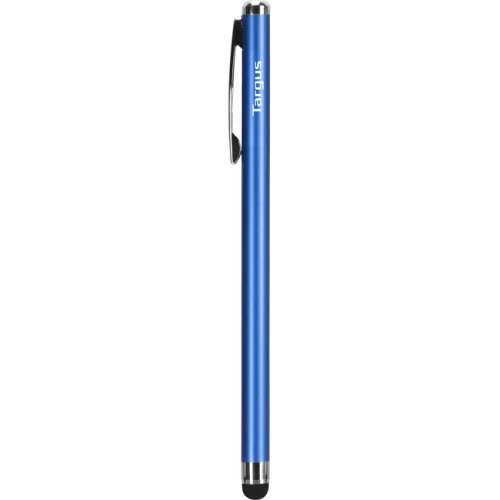
Stylus Pens Compatible With Android Tablets
Stylus Pens Compatible With Android Tablets offer a convenient way to enhance your touchscreen experience, whether you are taking notes, drawing, or navigating your device. Designed for seamless interaction with a wide variety of Android tablets, these stylus pens provide precise control and comfort for everyday use. Explore a selection of stylus pens that make it easy to get the most out of your Android tablet, from creative projects to productivity tasks.
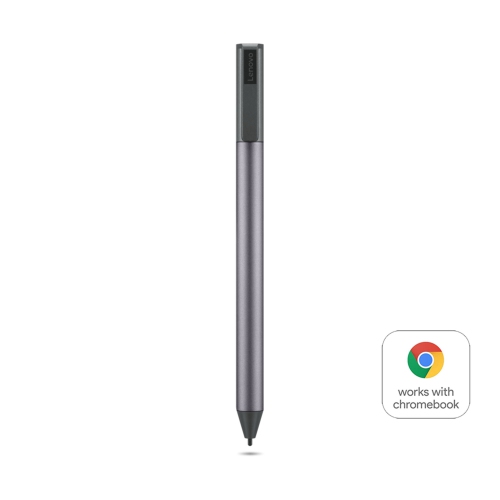

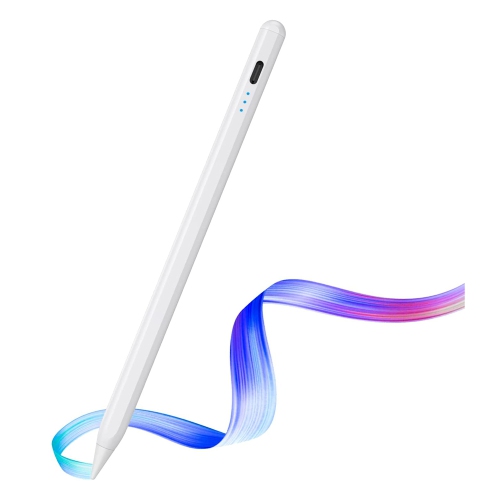
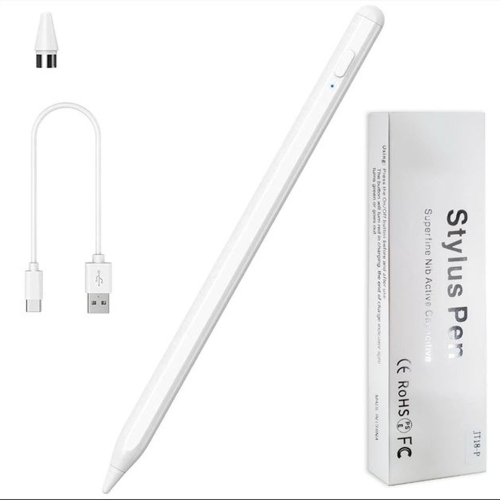
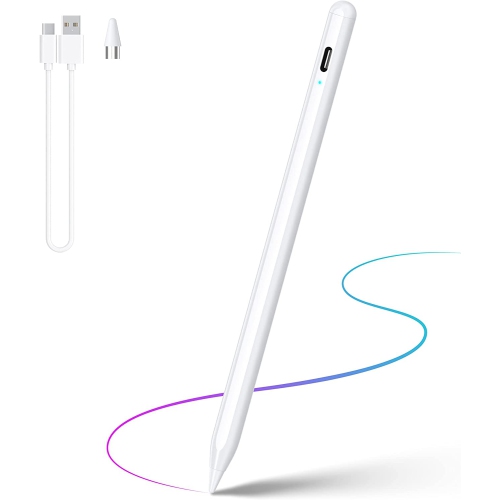

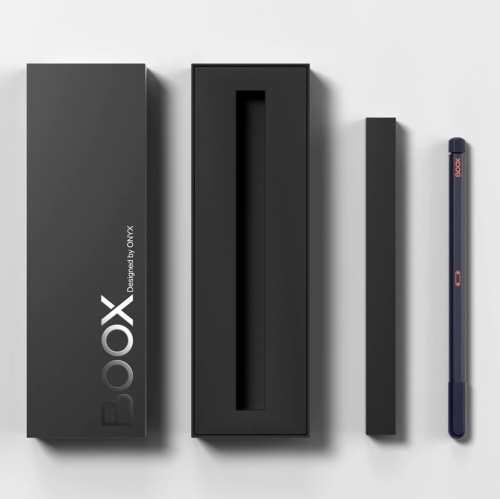
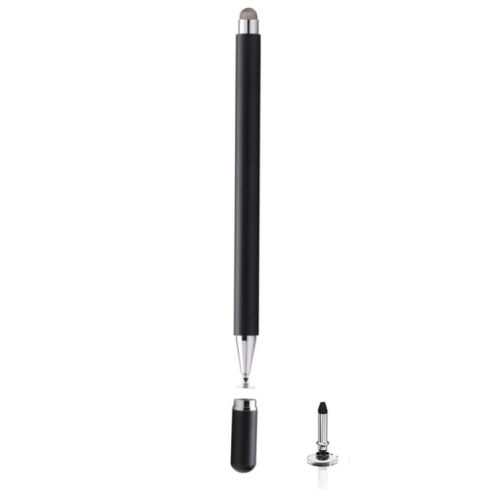
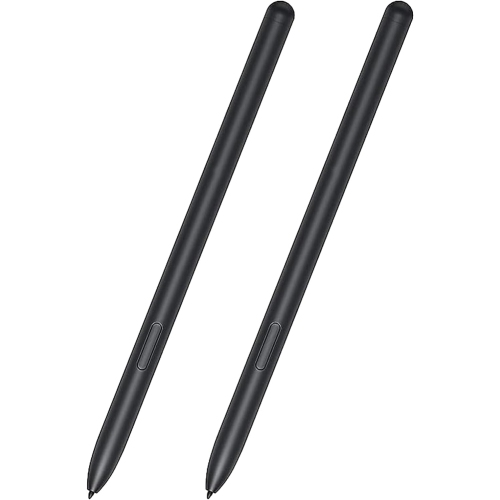
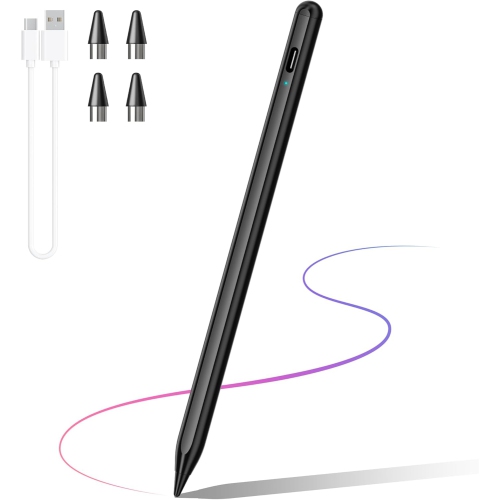
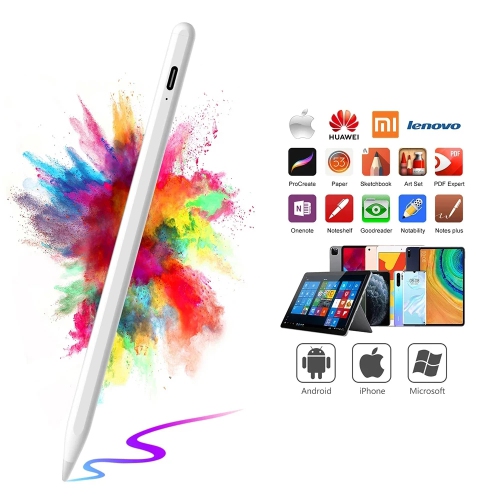
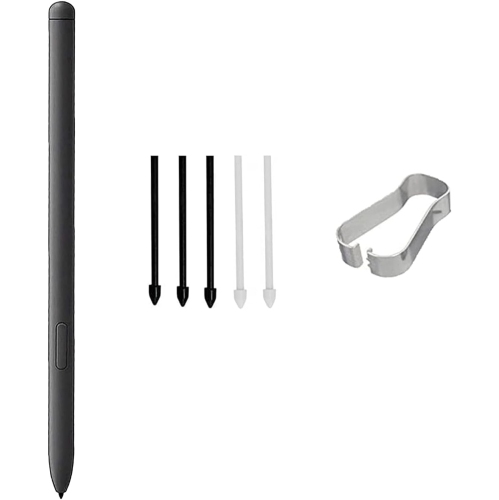
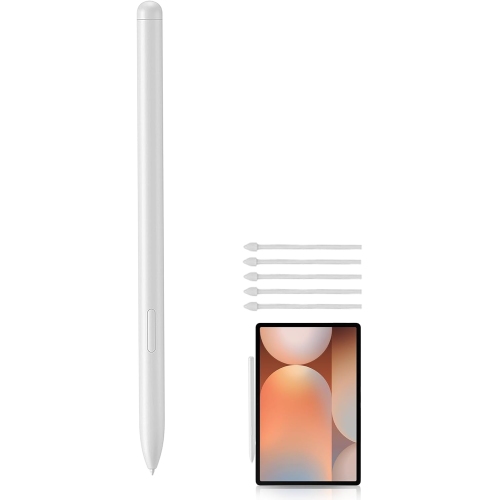
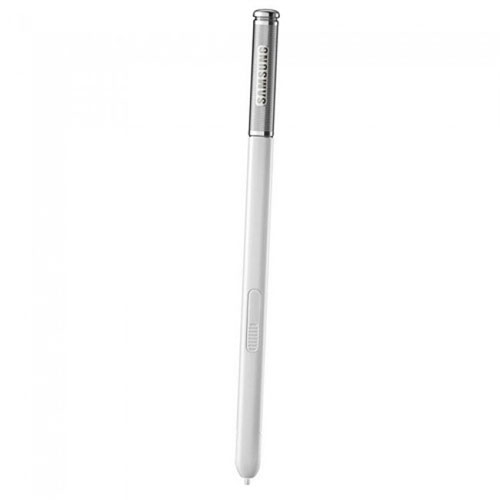


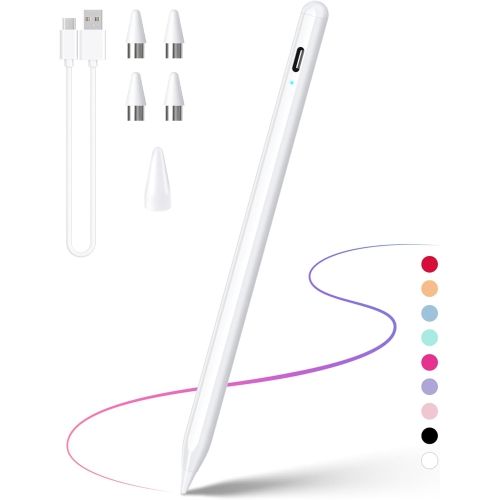

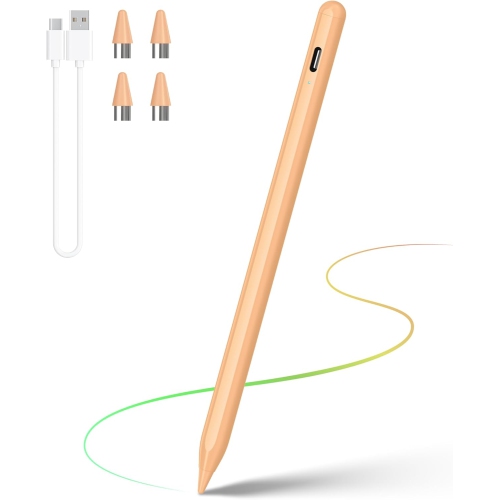
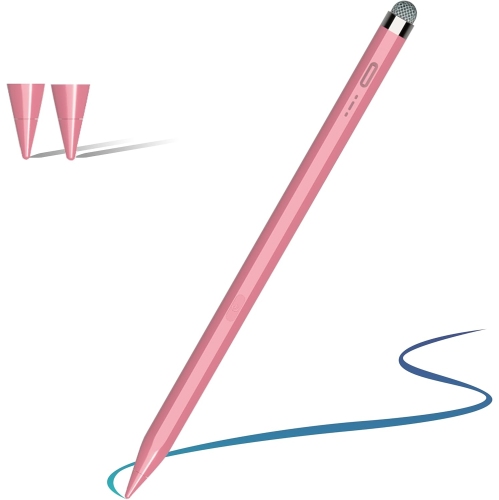
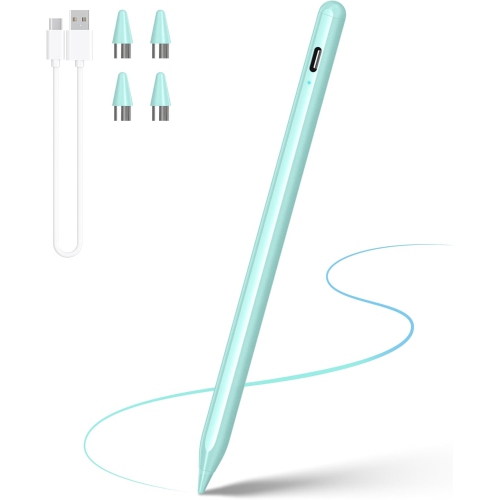
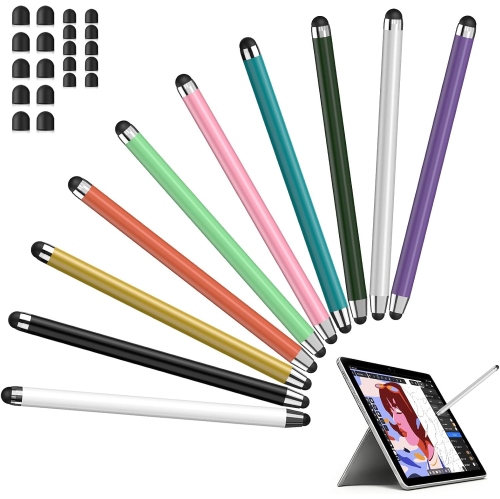
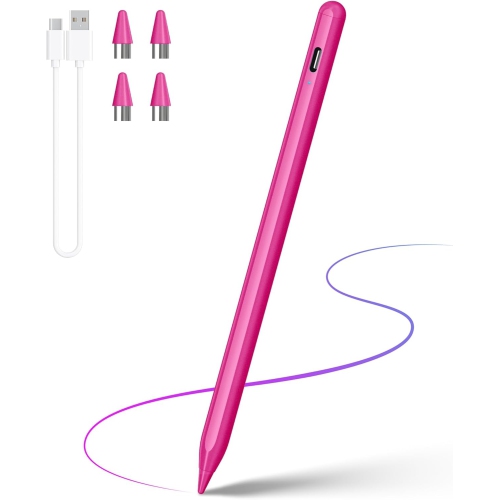
From digital art to handwriting, stylus versatility matters
When considering which stylus pen to choose, think about the features that match your unique needs. Some stylus pens offer palm rejection technology, making it easier to rest your hand on the screen while writing or drawing—ideal for long study sessions or marathon creative projects. Others include customizable shortcut buttons or interchangeable tips, providing added flexibility for those who switch between tasks or artistic techniques. Battery life and charging methods can also be important, especially if you’re often on the go or sharing the stylus among multiple family members. For parents, a durable, easy-to-hold stylus can be a thoughtful gift for children learning digital art or handwriting, while tech enthusiasts might appreciate advanced features like tilt support or Bluetooth connectivity. No matter who you’re shopping for, a stylus pen that is compatible with Android tablets makes a practical and thoughtful gift, whether it’s for a birthday, graduation, or simply to enhance daily productivity and creativity. If you’re interested in exploring top-rated options and expert recommendations, visit our Best Stylus for Android page to find the perfect match for your device and lifestyle.
FAQ
What features should I look for in a stylus pen for my Android tablet?
When choosing a stylus pen for your Android tablet, consider features such as pressure sensitivity, palm rejection, battery life, compatibility with your specific tablet model, and whether it offers shortcut buttons or tilt functionality for enhanced usability.
Are all stylus pens compatible with every Android tablet?
Not all stylus pens are universally compatible with every Android tablet. Some tablets require specific types of styluses, such as active or passive models. It's important to check the compatibility details to ensure the stylus works seamlessly with your device.
Can I use a stylus pen for drawing and note-taking on my Android tablet?
Yes, many stylus pens are designed for both drawing and note-taking on Android tablets. Look for pens that offer fine tip precision and pressure sensitivity if you plan to use them for creative tasks or detailed handwriting.
Do stylus pens require charging or batteries to work with Android tablets?
Some stylus pens, especially active ones with advanced features like Bluetooth connectivity or pressure sensitivity, require charging or batteries. Others, known as passive or capacitive styluses, do not need power and work by simply touching the screen.
What is palm rejection in a stylus pen and why is it important?
Palm rejection is a feature that allows you to rest your hand on the screen while using the stylus without causing unwanted marks or inputs. This is especially useful for writing or drawing, as it provides a more natural and comfortable experience.
Top selling and popular products
-
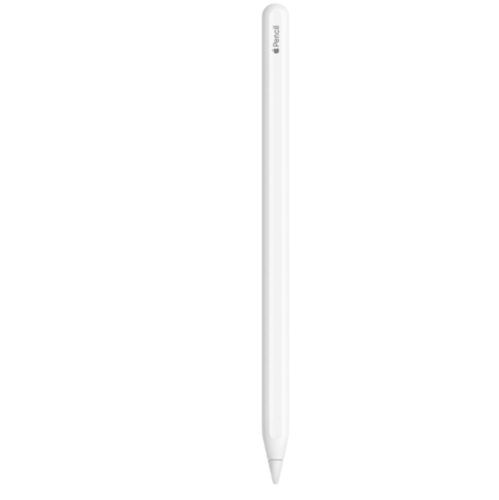 Your price for this item is $215.12
-
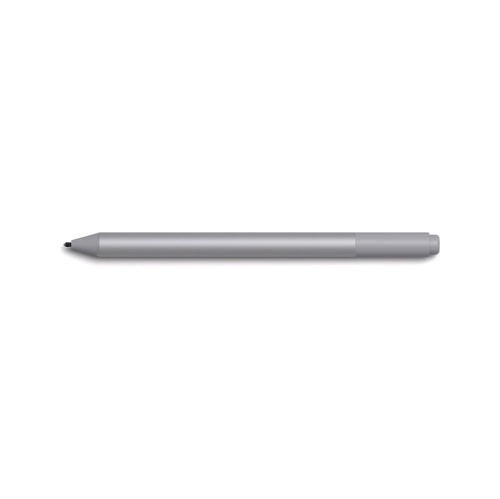 Your price for this item is $116.99
-
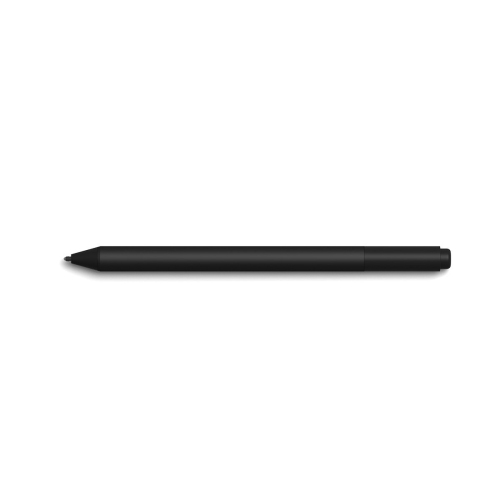 Your price for this item is $165.68
-
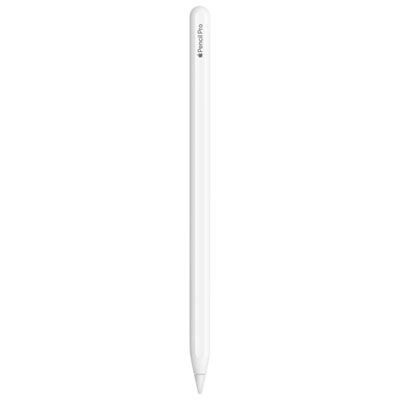 Your price for this item is $139.99
-
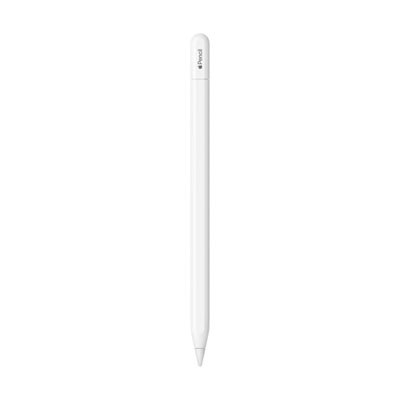 Your price for this item is $89.99
-
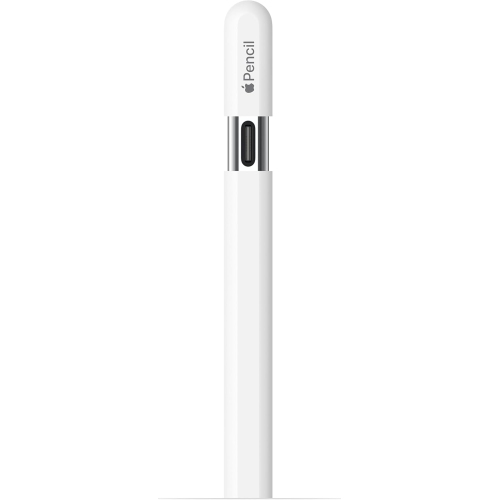 Your price for this item is $94.99
-
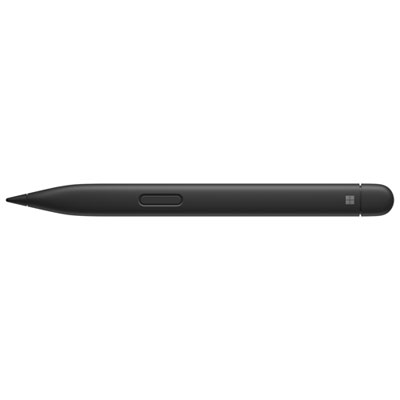 Your price for this item is $189.99
-
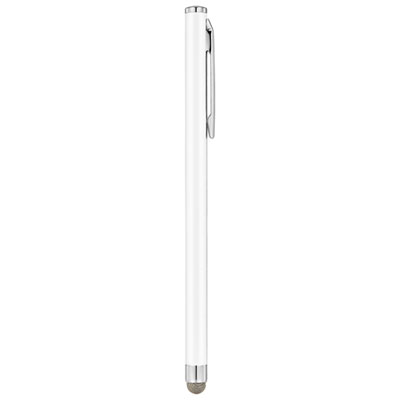 Your price for this item is $9.99