Pink Tablet Computers
If you are looking for a tablet that is functional and stylish, consider a pink tablet. These pink tablet computers are perfect for kids and adults. These are lightweight and high-performing tablet computers that can provide their function well. Here are some of the best options for pink tablet computers to choose from.
Sort
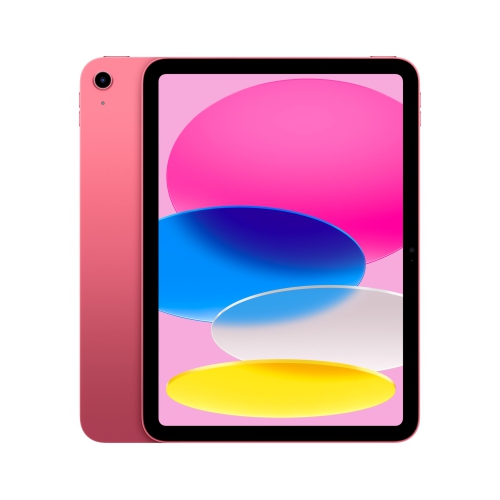
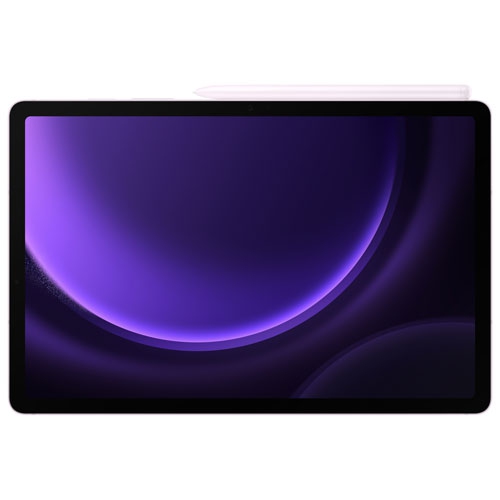


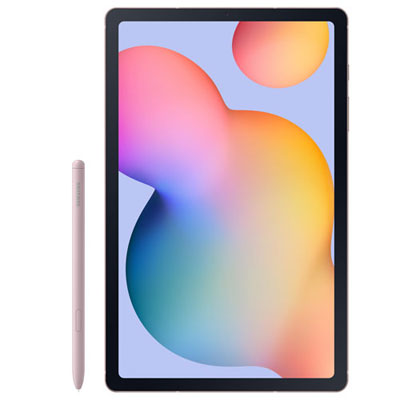
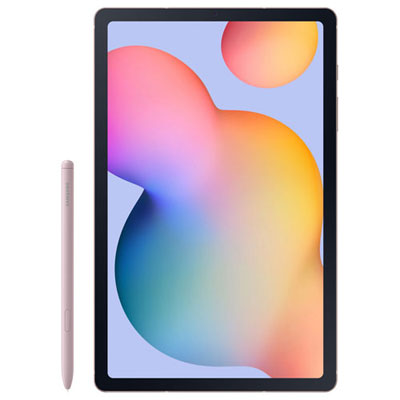










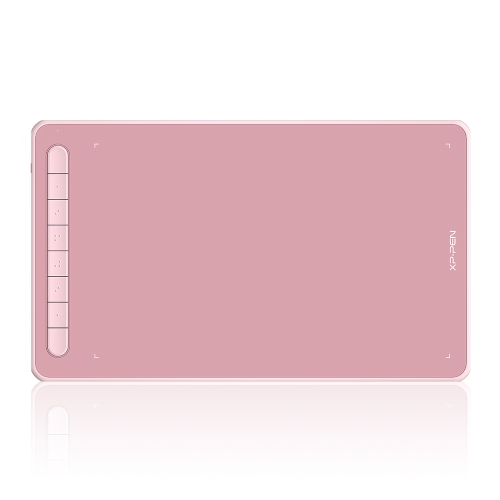
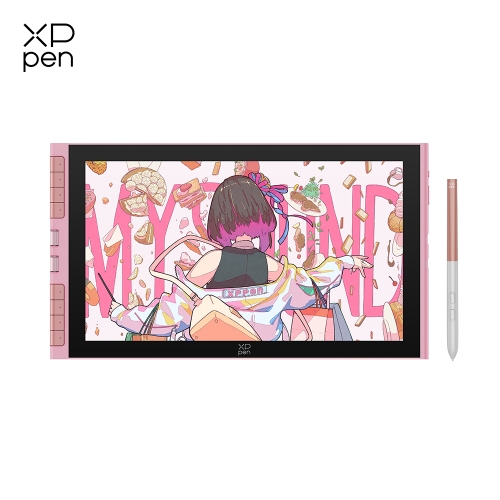
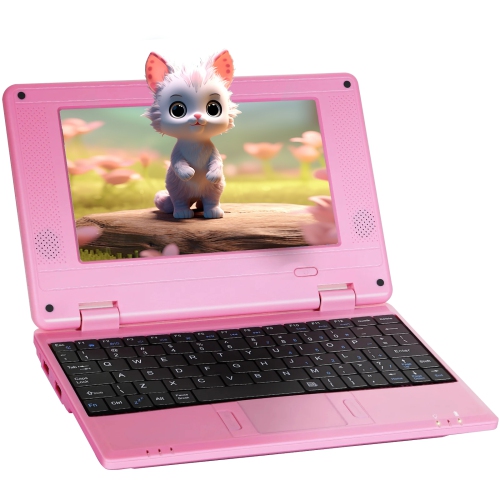
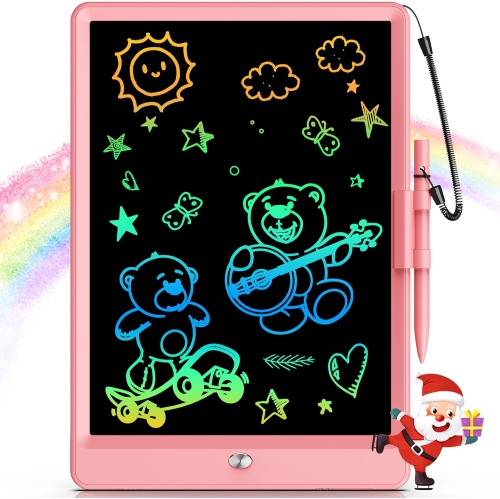
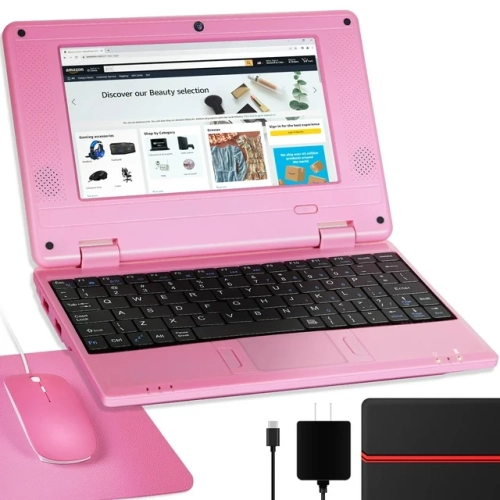
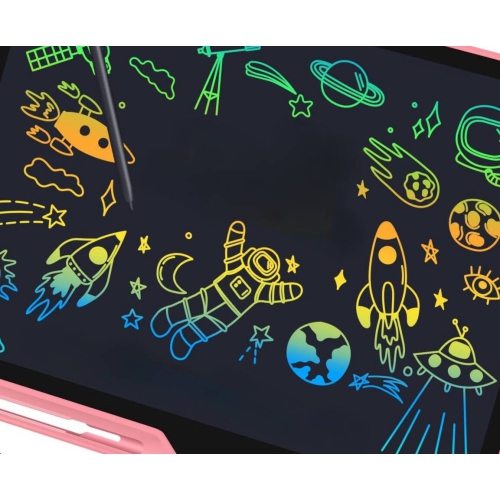
What matters beyond a tablet’s pink finish
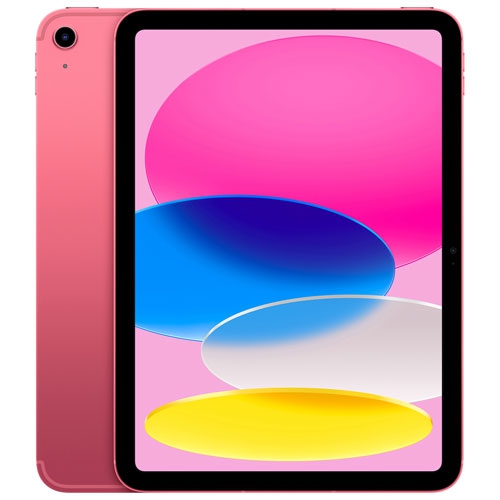
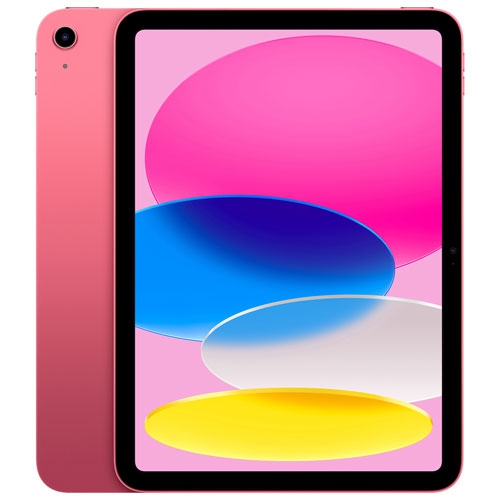
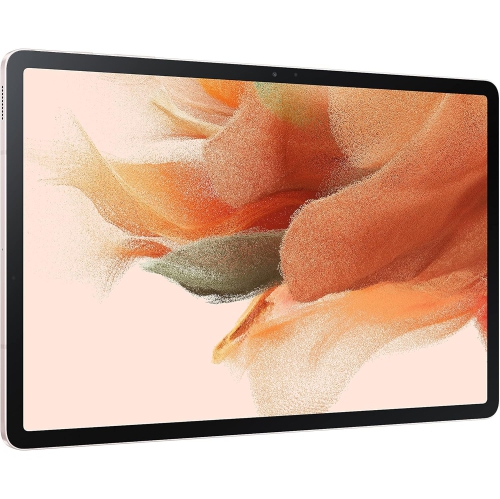
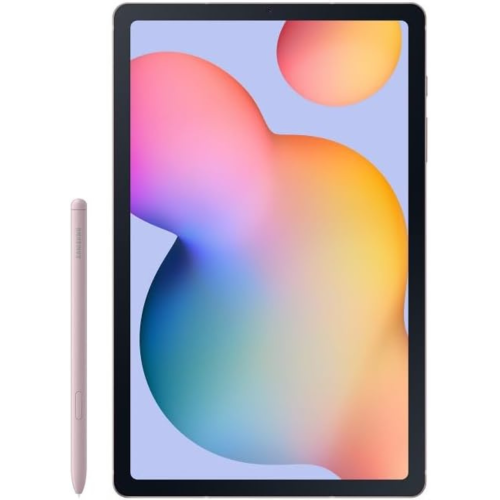
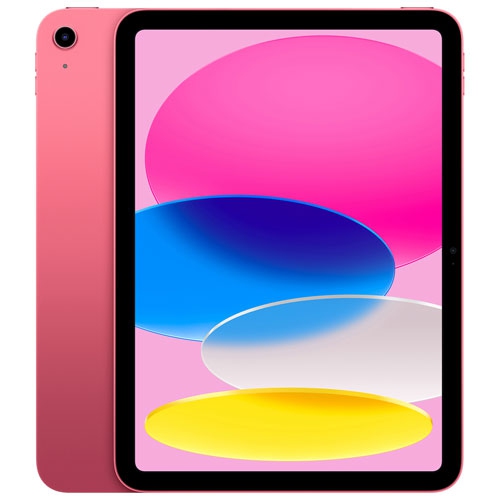
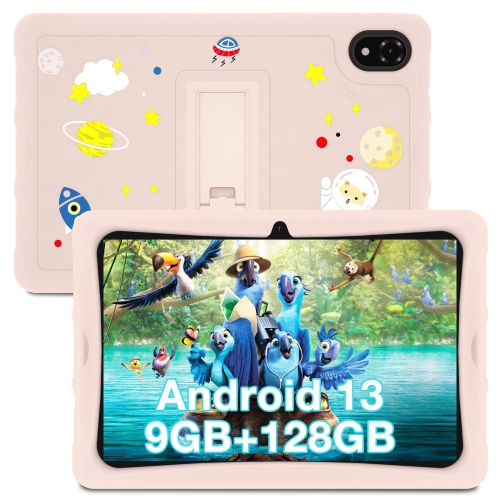
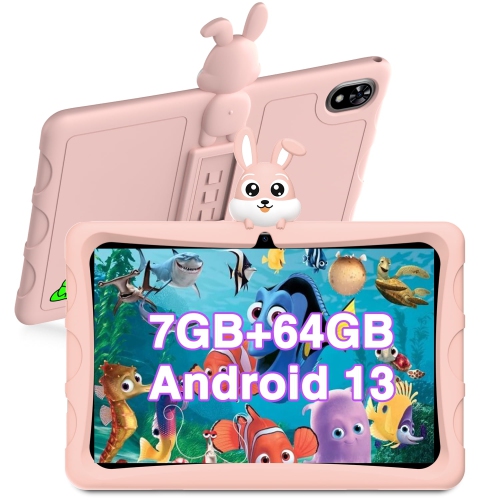
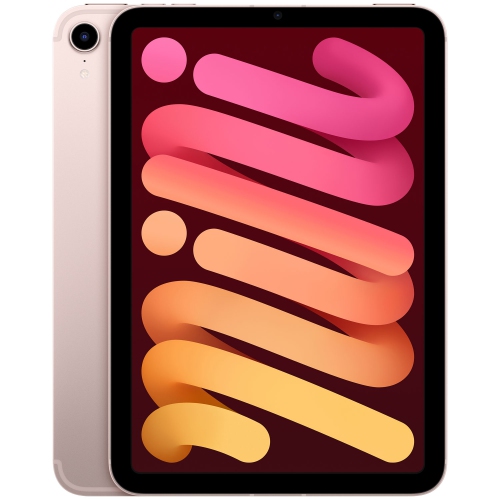
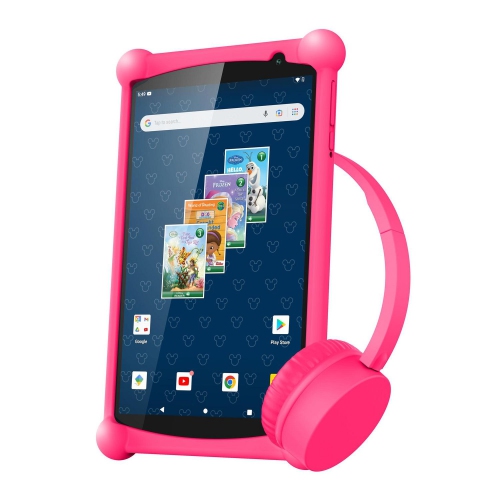
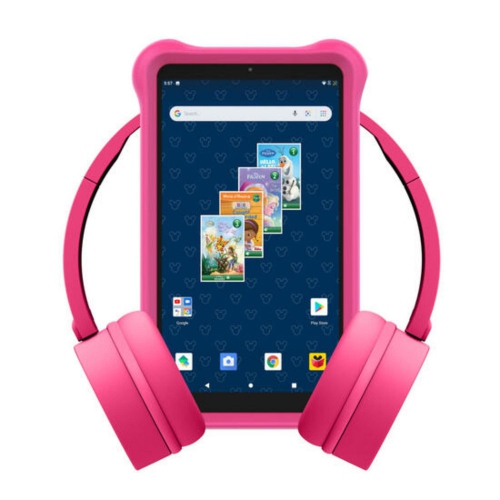
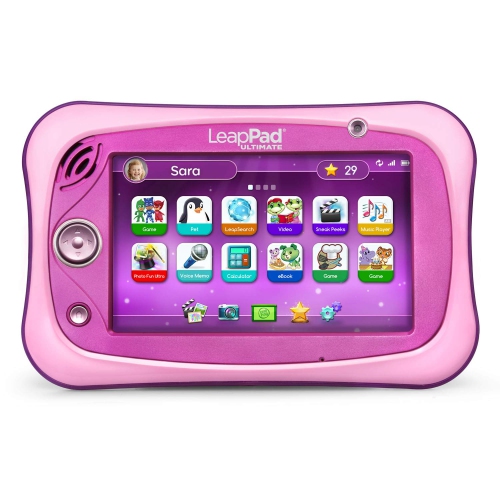
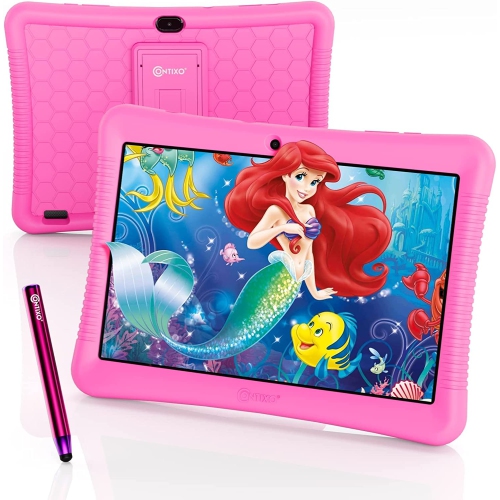
Pink tablet computers combine touchscreen convenience with a distinctive colour choice, offering a portable space for reading, watching videos, taking notes, and keeping everyday tasks organized. Pink finishes can range from pale blush to warmer rose tones, with the appearance varying according to the material, lighting, and screen settings used to view a product photo. The colour may be part of the tablet’s housing or come from a fitted case, so that distinction matters when the finish is an important part of the choice. Beyond appearance, a tablet’s suitability depends on its operating system, display, performance, and compatibility with the apps someone already uses. A device for browsing recipes and joining family video calls has different demands from one used for detailed illustration or switching between documents during a lecture. Screen size affects both comfort and portability: a larger display gives text, drawings, and split-screen apps more room, while a smaller tablet is easier to hold for an extended reading session or tuck into a compact bag. Shoppers who prioritize a smaller footprint can also explore Mini Tablet PCs. Display resolution influences how crisp small lettering and fine lines appear, while brightness and viewing angles affect how comfortable the screen feels in different indoor settings. Weight is equally relevant when a tablet is held above a lap, carried between classrooms, or used by someone with limited hand strength. Slim edges can feel neat in a bag, but a case with textured sides may provide a more secure grip. A pink tablet can suit a student’s study setup, a shared family space, or an adult’s personal workspace without being tied to a particular age or style. Its colour adds personality; the hardware and software determine how well it fits into the day.
For everyday use, the most useful features are often the ones that remove small frustrations. Enough memory and a capable processor help a tablet move smoothly between a video call, a browser, and a notes app, although demanding games and creative software may need substantially more performance than basic reading or streaming. Storage holds apps, photos, downloaded episodes, and project files; the space left for personal content will be lower than the stated capacity because the operating system and preinstalled software also use it. Expandable storage is supported only on some tablets, and a memory card may not work as storage for every app. Wi-Fi connects the device to a home, school, or workplace network, while cellular connectivity, where supported, requires a compatible service plan for use away from Wi-Fi. Battery life varies with screen brightness, signal strength, app activity, and tasks such as gaming or video calls, making charging compatibility and access to power worth considering alongside any stated runtime. A student annotating course readings may value precise pen input and palm rejection more than camera resolution. Those features depend on both the tablet and a compatible active stylus; a basic touchscreen stylus does not necessarily offer pressure sensitivity or the same writing accuracy. For longer emails and assignments, a supported keyboard can make typing more comfortable, especially with a stable stand that holds the screen at a useful angle. Keyboard layouts, accessory connections, and included components differ, and a keyboard attachment does not automatically give a tablet all the capabilities of a laptop. App support remains important for specialized school or workplace tasks. Speakers, headphone compatibility, and microphone quality also shape daily use, whether the tablet is playing a cooking demonstration on the counter or carrying a conversation from a quiet desk. Front-camera placement can affect the framing of video calls when the tablet sits horizontally, a small detail that becomes noticeable during regular meetings.
Materials and construction influence how a pink tablet feels in the hand and how it stands up to repeated handling. Metal housings can feel firm and smooth, while plastic housings may offer a different texture and weight; neither material alone establishes how well a device will withstand a fall. The touchscreen still needs protection from impact, pressure, and loose objects in a bag. A case should match the exact tablet model rather than screen size alone, with properly aligned openings for cameras, speakers, charging ports, and buttons. Raised edges can help keep the screen from resting directly on a tabletop, and a secure stand is useful for hands-free reading or watching. A transparent case leaves the pink finish visible, while an opaque cover changes much of the device’s appearance. Screen protectors also need the correct fit, particularly when pen response or a close-fitting cover matters. Routine care is straightforward: a soft, lint-free cloth helps remove fingerprints, and cleaning should follow the manufacturer’s directions, with liquids kept away from openings. Unless a device has an appropriate stated resistance rating, spills should be treated as a risk rather than something the tablet is designed to handle. For children, a comfortable grip, a protective case, and age-appropriate account settings can matter more than a thin profile. Parental controls may help manage purchases, app access, and screen time, but their functions vary by operating system and service. Shared households may also benefit from separate user profiles where supported, so messages, saved work, and app settings remain distinct. As a gift, a pink tablet is a personal choice for someone who enjoys the colour and has a clear use for the device, from digital sketching to reading library books. Compatibility with their existing accounts, accessibility needs, and preferred apps helps make that gift practical. Adjustable text, screen-reading tools, and voice input can improve usability when supported. The strongest fit brings together the preferred pink finish, comfortable handling, dependable everyday performance, and the functions the recipient will actually use.
For everyday use, the most useful features are often the ones that remove small frustrations. Enough memory and a capable processor help a tablet move smoothly between a video call, a browser, and a notes app, although demanding games and creative software may need substantially more performance than basic reading or streaming. Storage holds apps, photos, downloaded episodes, and project files; the space left for personal content will be lower than the stated capacity because the operating system and preinstalled software also use it. Expandable storage is supported only on some tablets, and a memory card may not work as storage for every app. Wi-Fi connects the device to a home, school, or workplace network, while cellular connectivity, where supported, requires a compatible service plan for use away from Wi-Fi. Battery life varies with screen brightness, signal strength, app activity, and tasks such as gaming or video calls, making charging compatibility and access to power worth considering alongside any stated runtime. A student annotating course readings may value precise pen input and palm rejection more than camera resolution. Those features depend on both the tablet and a compatible active stylus; a basic touchscreen stylus does not necessarily offer pressure sensitivity or the same writing accuracy. For longer emails and assignments, a supported keyboard can make typing more comfortable, especially with a stable stand that holds the screen at a useful angle. Keyboard layouts, accessory connections, and included components differ, and a keyboard attachment does not automatically give a tablet all the capabilities of a laptop. App support remains important for specialized school or workplace tasks. Speakers, headphone compatibility, and microphone quality also shape daily use, whether the tablet is playing a cooking demonstration on the counter or carrying a conversation from a quiet desk. Front-camera placement can affect the framing of video calls when the tablet sits horizontally, a small detail that becomes noticeable during regular meetings.
Materials and construction influence how a pink tablet feels in the hand and how it stands up to repeated handling. Metal housings can feel firm and smooth, while plastic housings may offer a different texture and weight; neither material alone establishes how well a device will withstand a fall. The touchscreen still needs protection from impact, pressure, and loose objects in a bag. A case should match the exact tablet model rather than screen size alone, with properly aligned openings for cameras, speakers, charging ports, and buttons. Raised edges can help keep the screen from resting directly on a tabletop, and a secure stand is useful for hands-free reading or watching. A transparent case leaves the pink finish visible, while an opaque cover changes much of the device’s appearance. Screen protectors also need the correct fit, particularly when pen response or a close-fitting cover matters. Routine care is straightforward: a soft, lint-free cloth helps remove fingerprints, and cleaning should follow the manufacturer’s directions, with liquids kept away from openings. Unless a device has an appropriate stated resistance rating, spills should be treated as a risk rather than something the tablet is designed to handle. For children, a comfortable grip, a protective case, and age-appropriate account settings can matter more than a thin profile. Parental controls may help manage purchases, app access, and screen time, but their functions vary by operating system and service. Shared households may also benefit from separate user profiles where supported, so messages, saved work, and app settings remain distinct. As a gift, a pink tablet is a personal choice for someone who enjoys the colour and has a clear use for the device, from digital sketching to reading library books. Compatibility with their existing accounts, accessibility needs, and preferred apps helps make that gift practical. Adjustable text, screen-reading tools, and voice input can improve usability when supported. The strongest fit brings together the preferred pink finish, comfortable handling, dependable everyday performance, and the functions the recipient will actually use.
Top selling and popular products
-
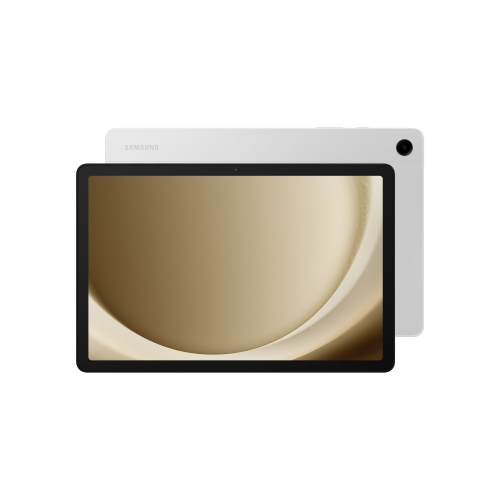 Your price for this item is $499.99
-
 Your price for this item is $363.99
-
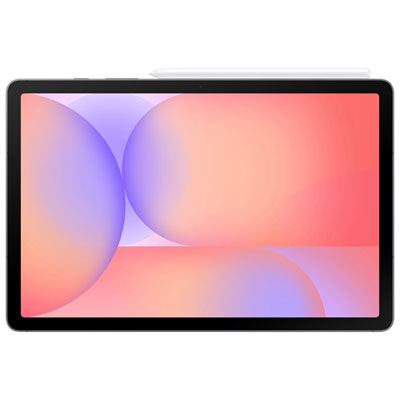 Your price for this item is $579.99
-
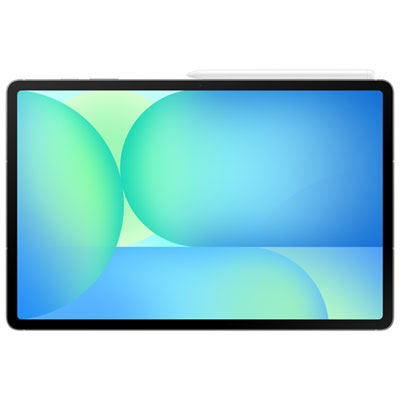 Your price for this item is $979.99
-
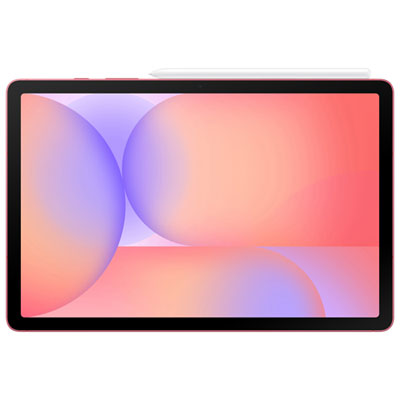 Your price for this item is $579.99
-
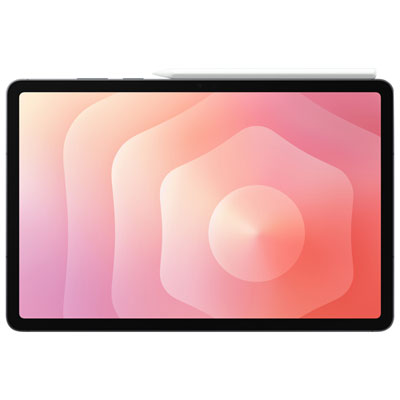 Your price for this item is $1399.99
-
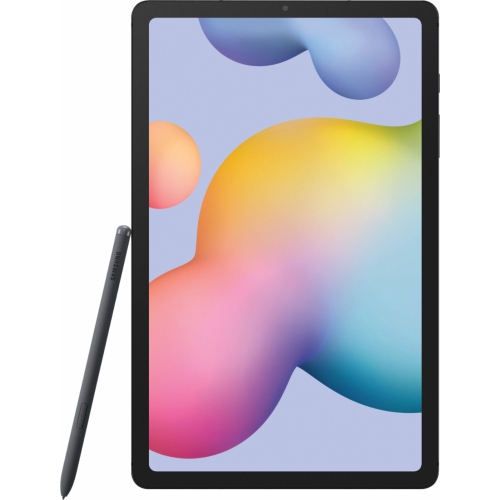 Your price for this item is $699.99
-
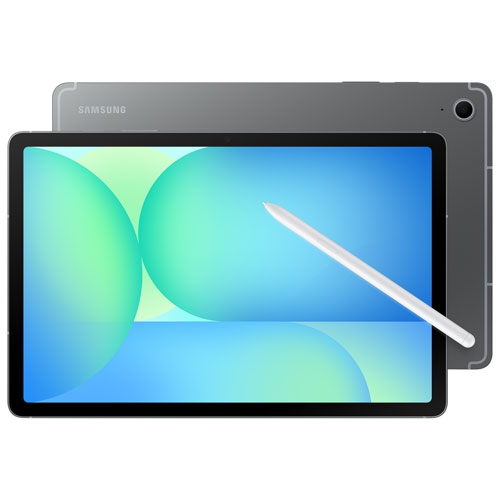 Your price for this item is $624.95
Discover more categories related to Pink Tablet Computers
Top Collections:
Pokemon Centers, Pokémon 30th Celebration Cards, Best Budget Office Chairs, Kindle Devices, Best Cameras for Sports Photography, Canon G7X Cameras, Best Black Friday Deals On Electronics, Best Laptops for Writers, iPhone 15 Apple, Jackery Power Stations
Some products may be subject to Environmental Handling Fees
(EHF) depending on your province.
Learn more about EHFs.