Robot Kits for Beginners
Dive into the exciting world of robotics with our selection of beginner-friendly robot kits, perfect for sparking creativity and innovation. Whether you're a curious learner or a hobbyist eager to explore the fundamentals of robotics, these kits offer an engaging way to understand the basics. Each kit provides a hands-on experience, making it easy to grasp complex concepts while having fun. With easy-to-follow instructions and all the components needed to build your own robot, these kits are designed to inspire and educate. Unleash your potential and start building today!
Sort
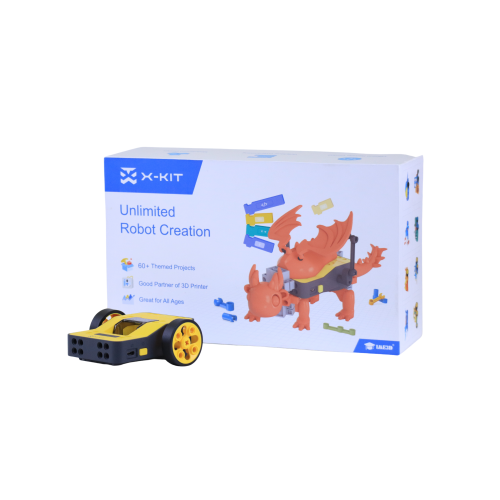
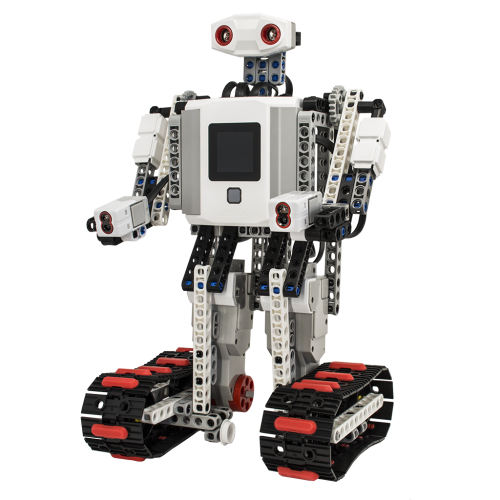
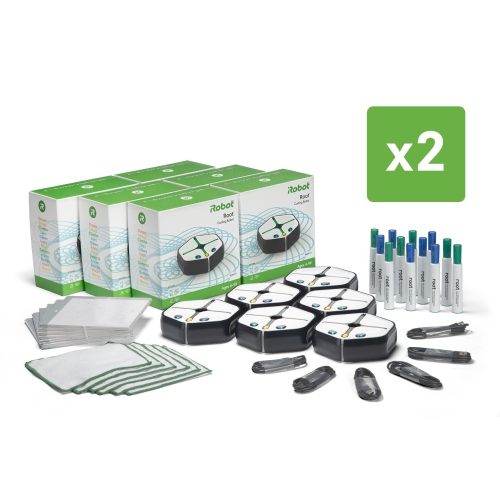
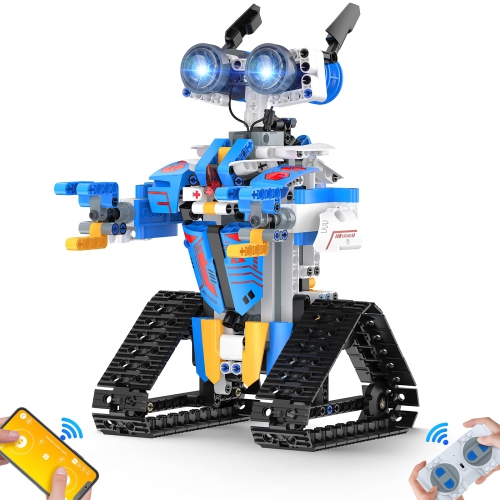
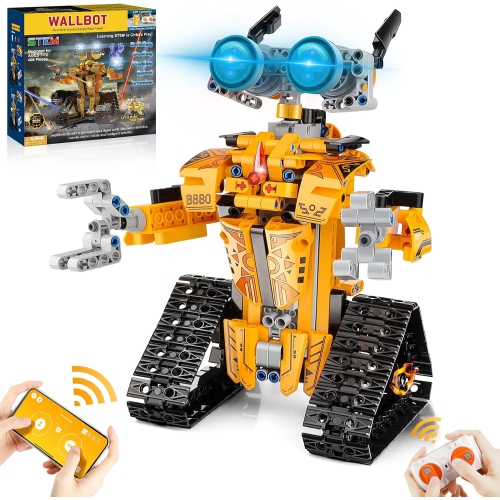
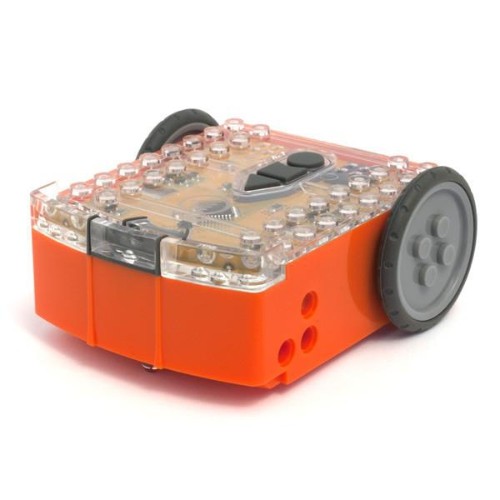
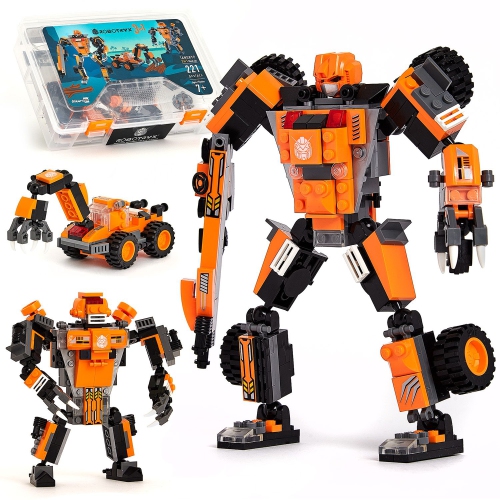


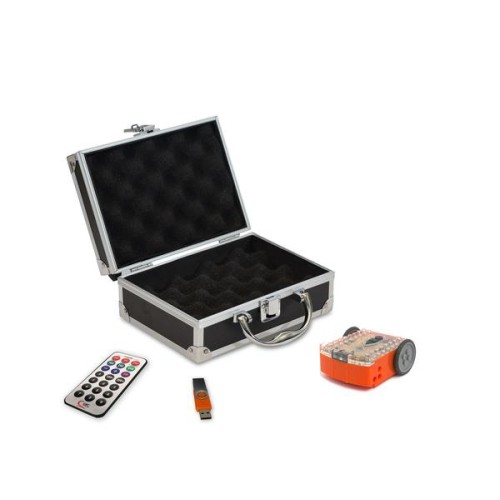

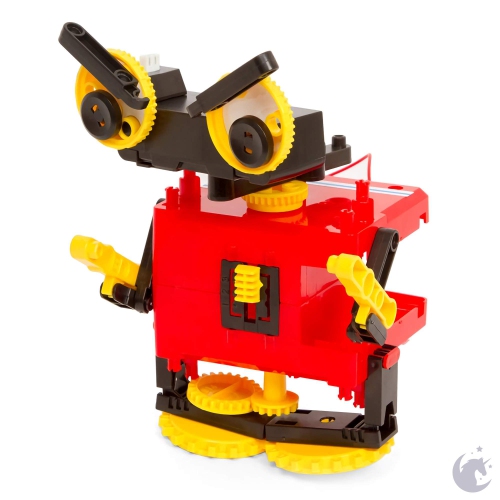
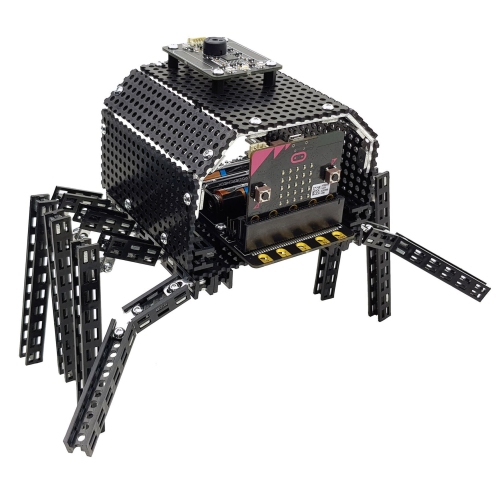

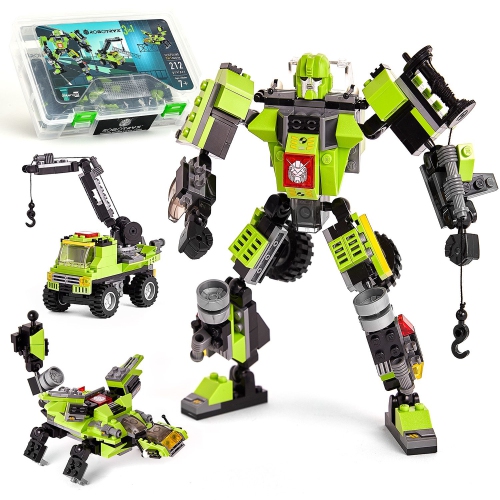

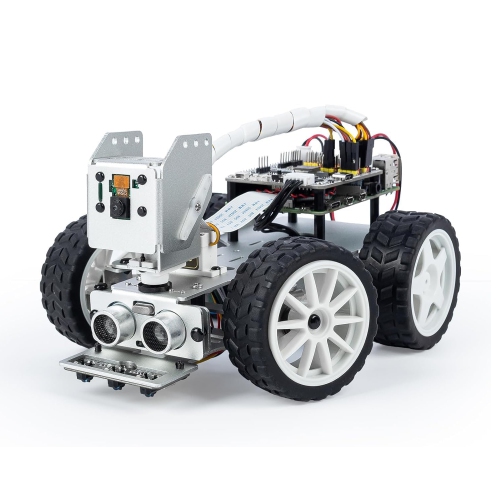
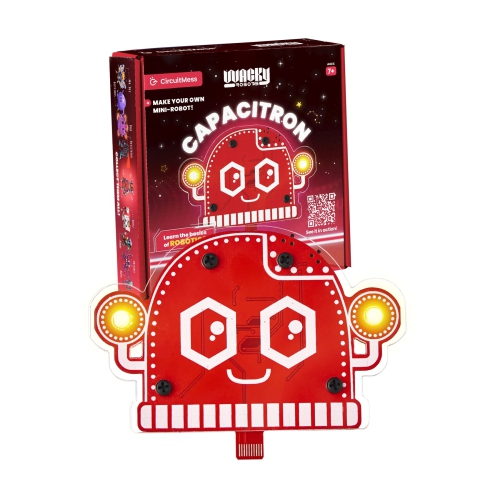
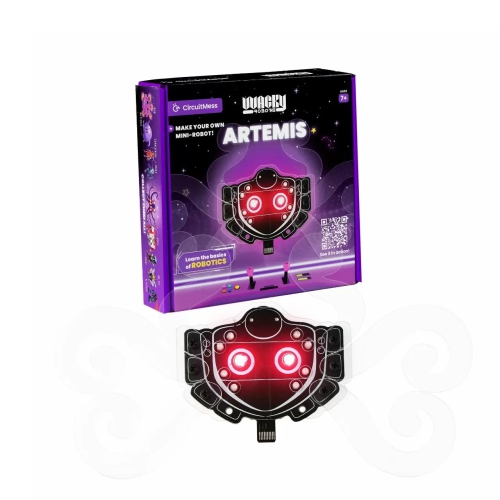
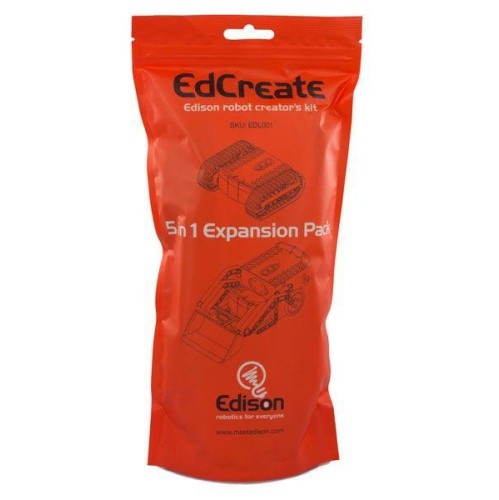
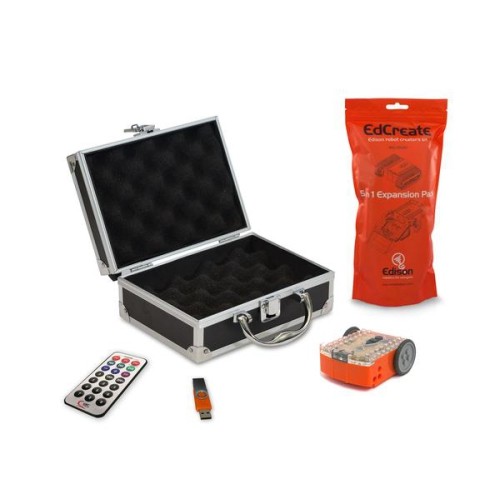

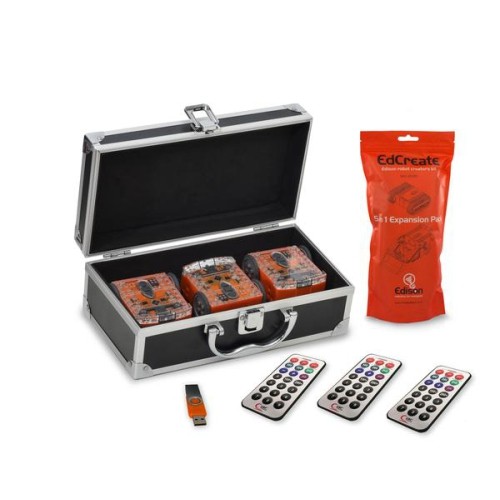
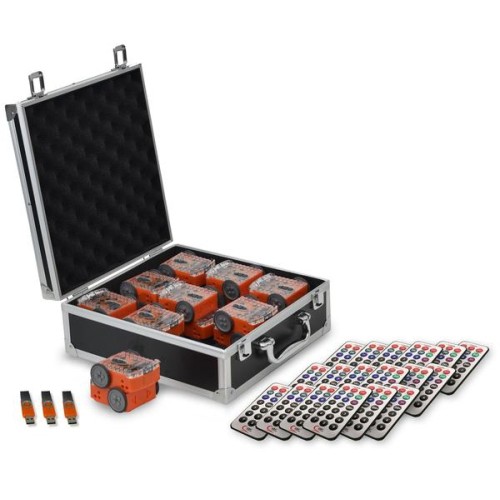
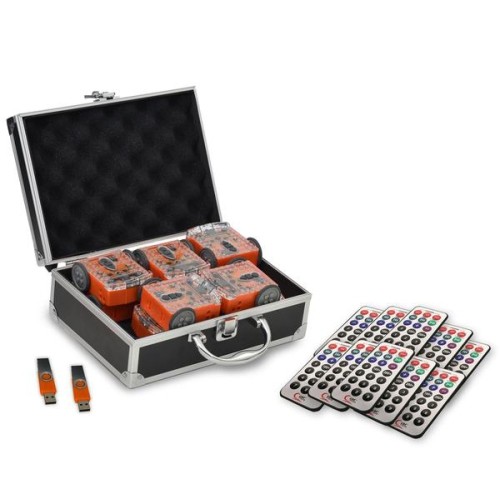
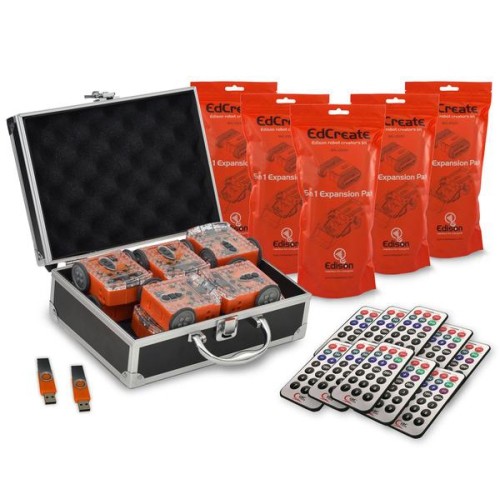



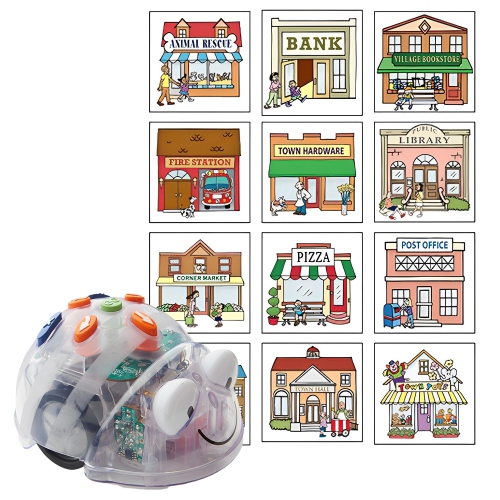
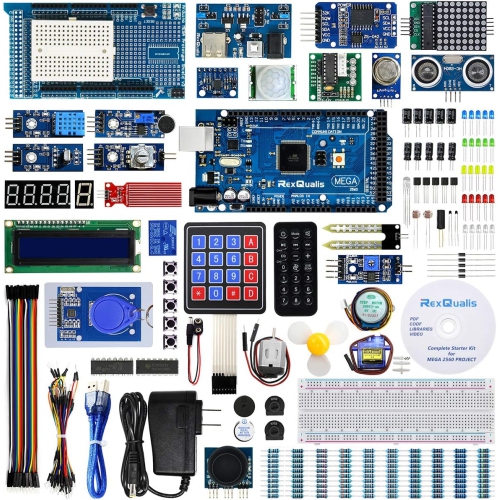
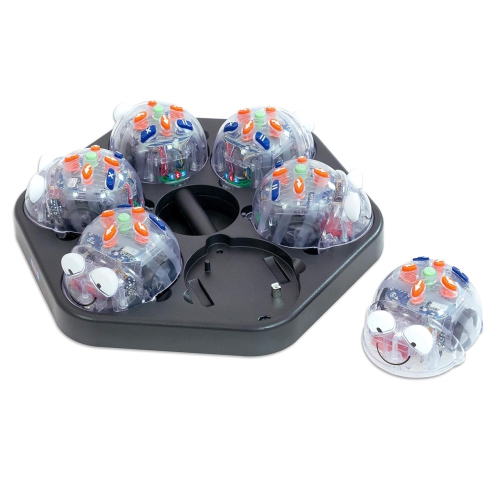
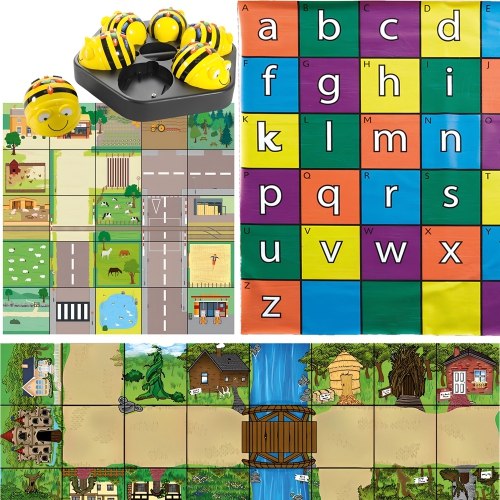
From the first build to the first programmed movement
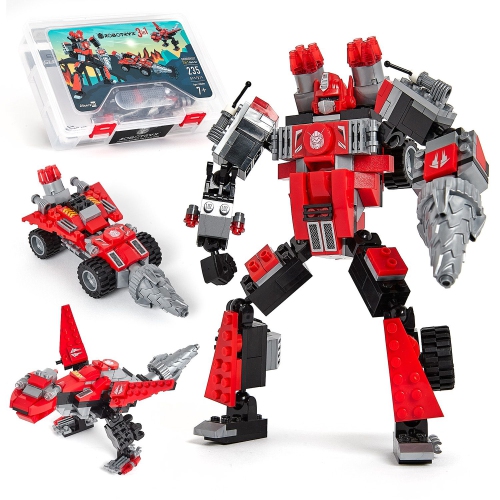
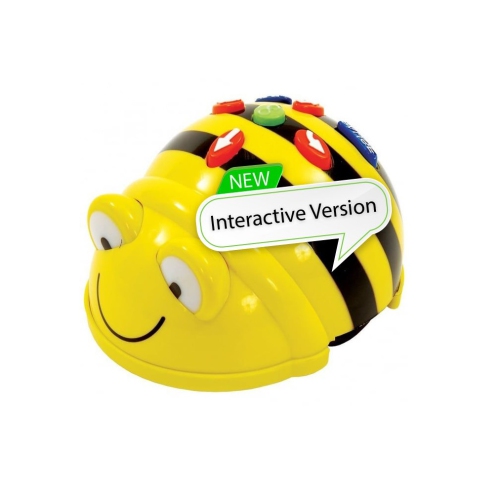
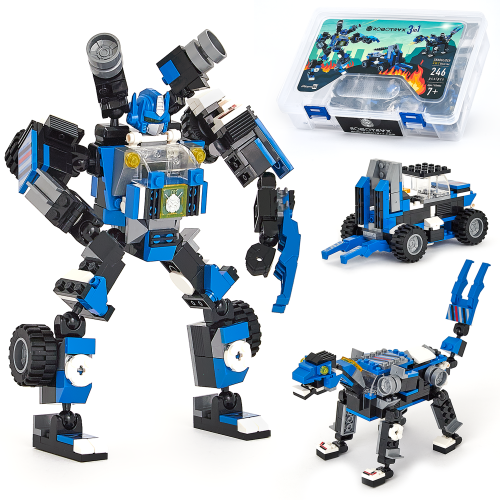
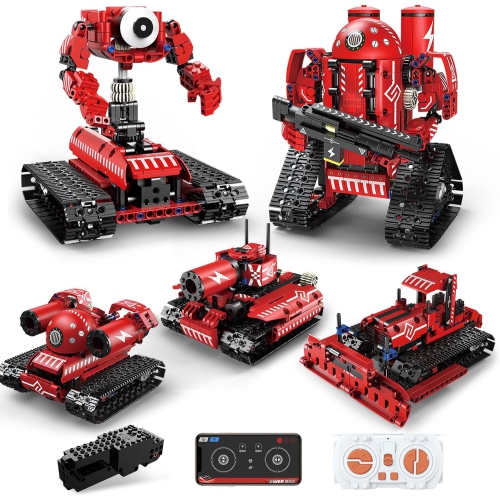
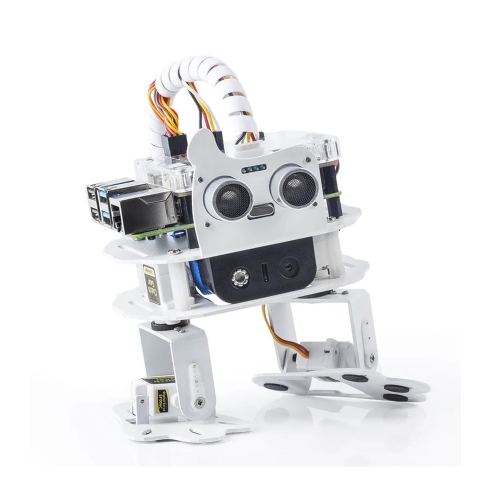
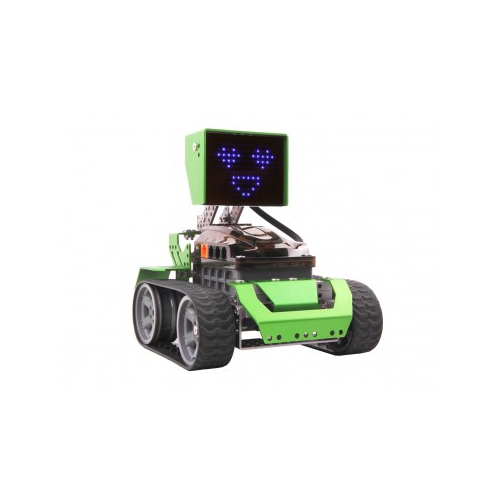
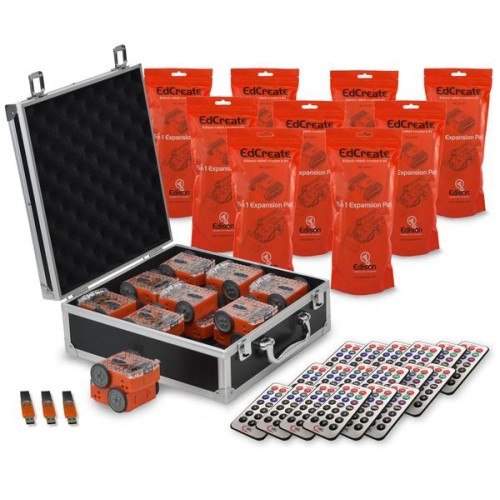
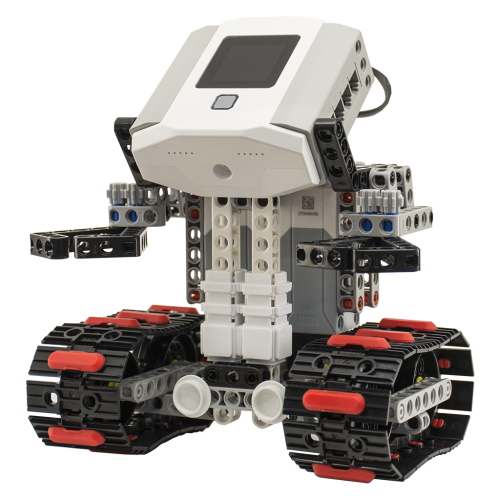
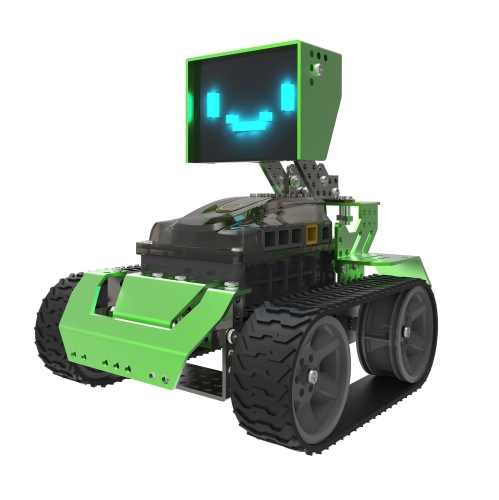
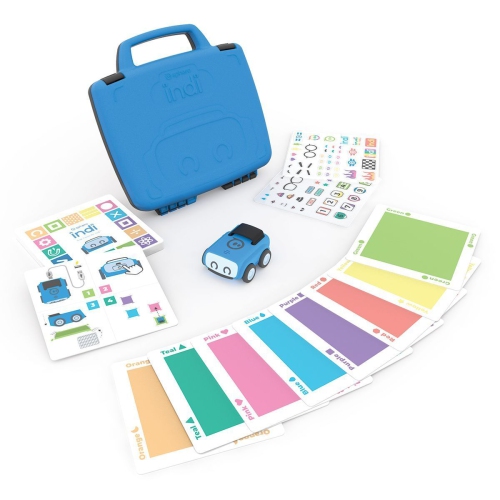
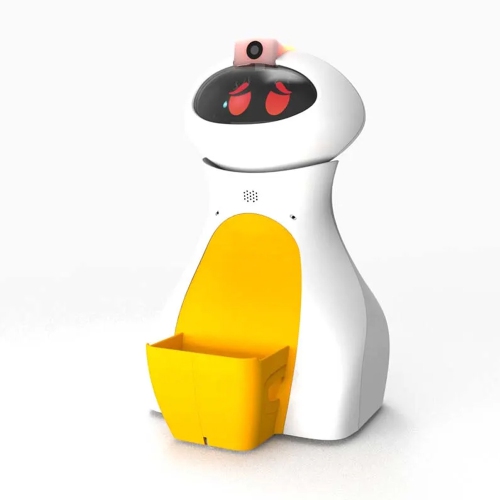
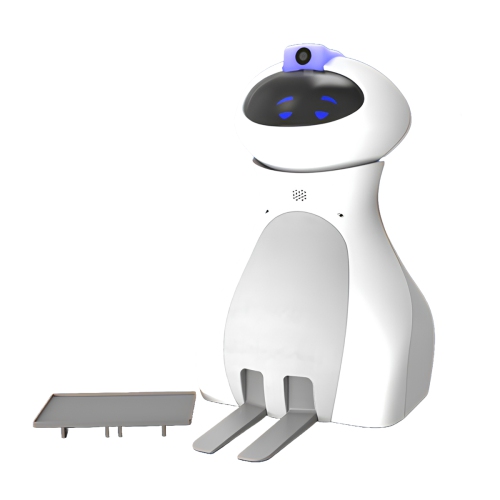
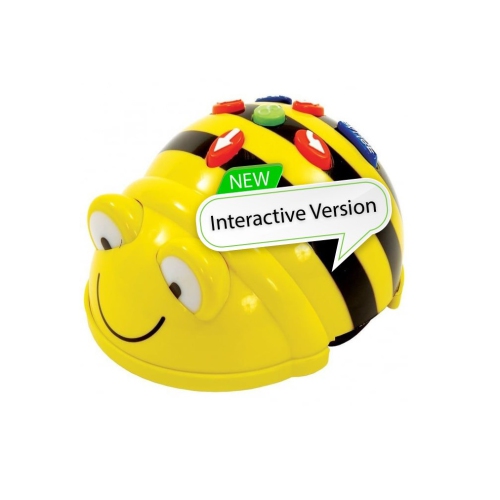
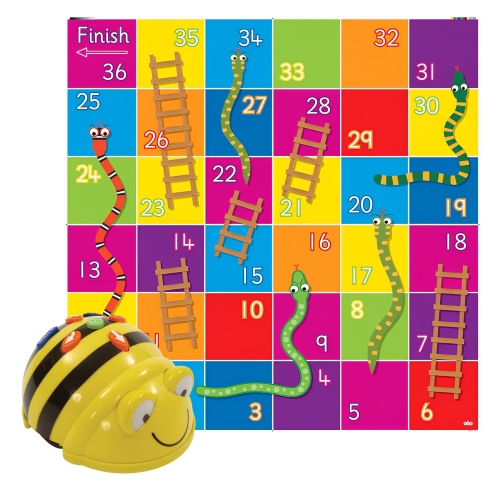
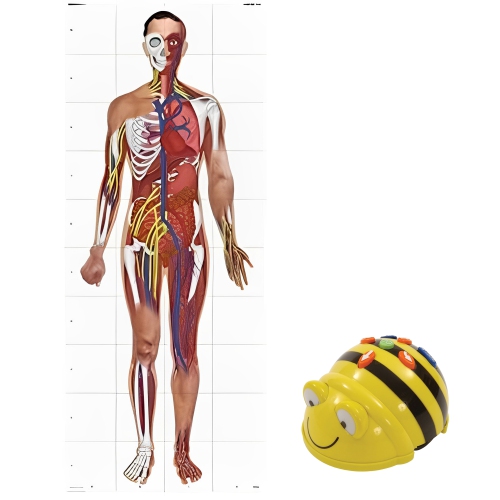
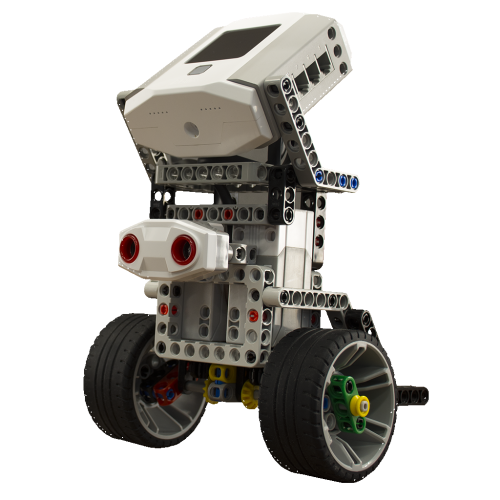
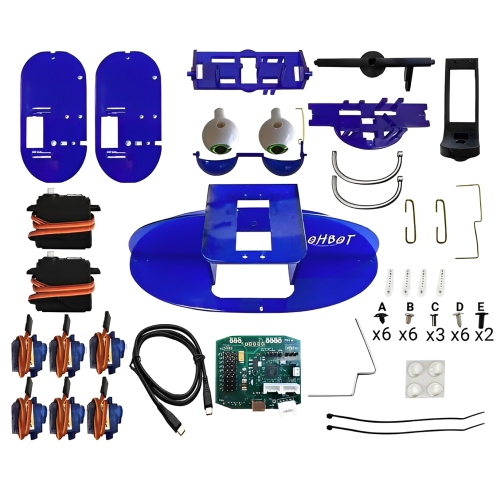
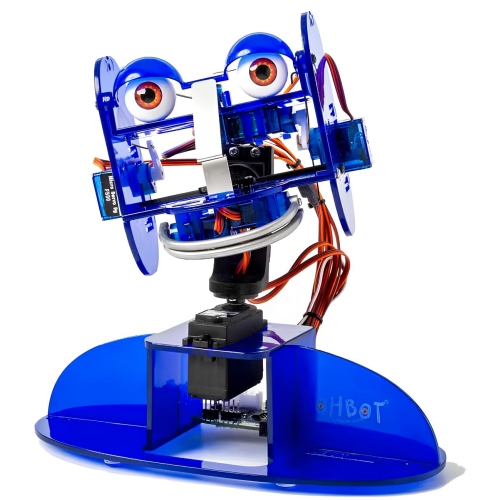
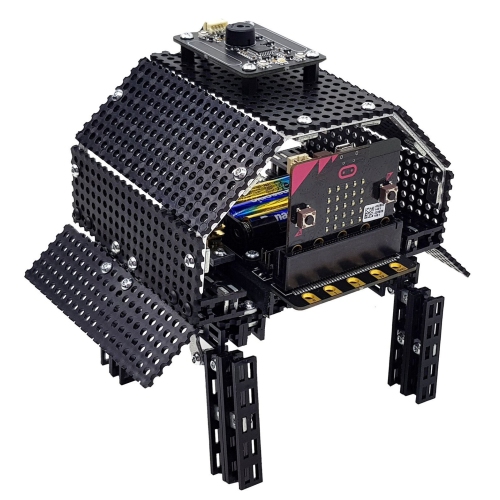
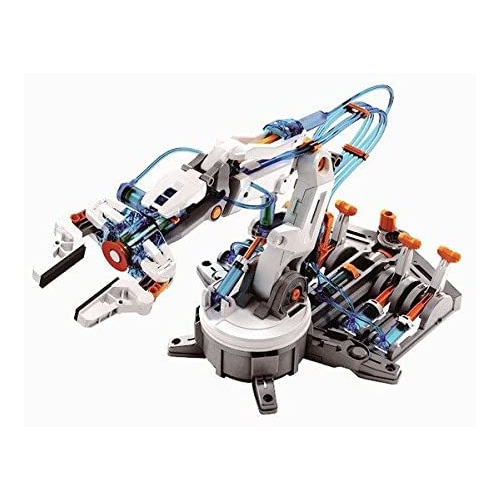
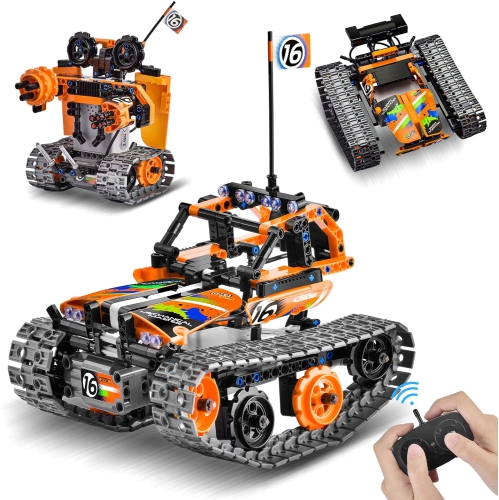
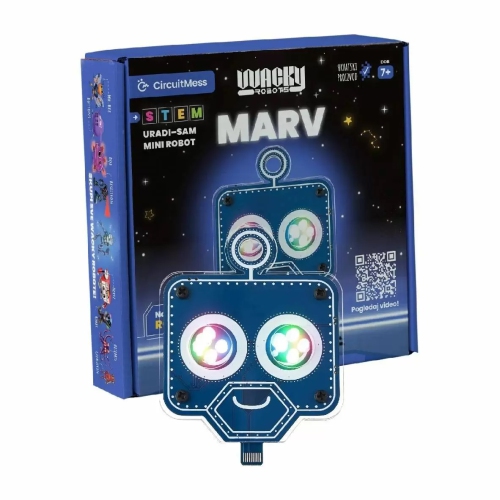
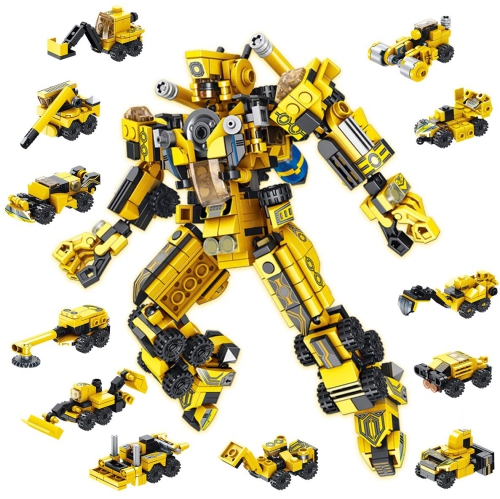
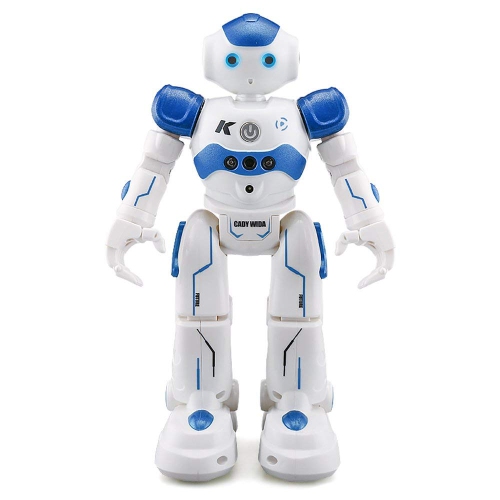
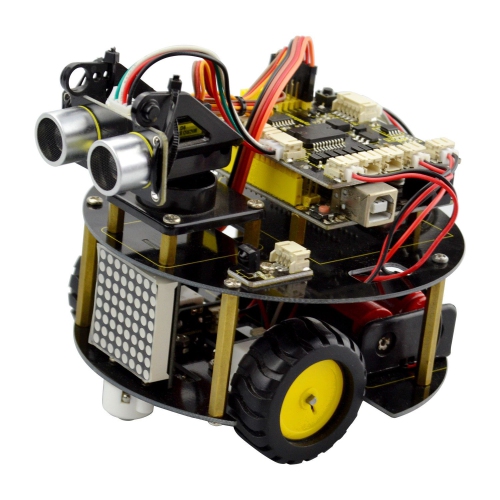
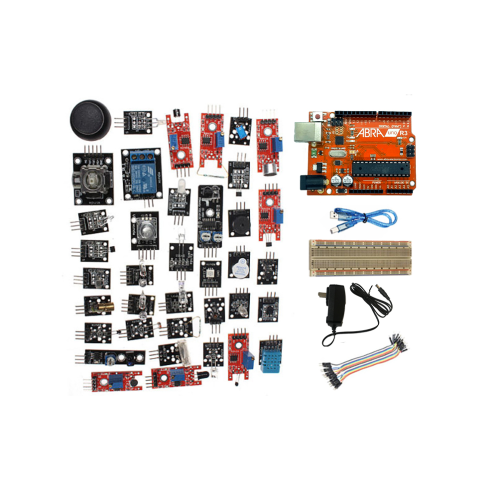
Robot kits for beginners bring together the parts and instructions needed to build a moving, responsive machine while exploring the basics of engineering and coding. Depending on the design, a starter kit may include a frame, wheels, motors, a programmable controller, sensors, connecting cables, and assembly hardware. Some focus on mechanical construction, using gears and linkages to turn motor power into movement; others introduce programming through physical controls, visual coding blocks, or typed commands. The most suitable starting point depends on the builder’s age, comfort with small parts, and interest in using a computer or tablet. A younger learner might enjoy assembling a simple rolling robot and arranging commands that make it move forward, pause, and turn. An older beginner may prefer connecting a distance sensor and programming a robot to stop before it reaches a chair leg. Neither approach requires previous robotics experience when the kit provides clear, appropriately paced instructions. Beginner-friendly features include labelled connections, illustrated assembly steps, accessible battery compartments, and sample programs that produce a visible result without extensive setup. That first successful movement gives a new builder something concrete to work from: changing a command or repositioning a sensor becomes an experiment with an observable outcome. Robotics starter kits can support learning in science, technology, engineering, and mathematics, but they also offer a satisfying hands-on hobby outside formal lessons. Children, teenagers, and adults can all enjoy the connection between something assembled on a table and the behaviour it performs moments later. For a gift, the recipient’s interests are often more useful than age alone. Someone who enjoys construction toys may appreciate a kit with several mechanical configurations, while a budding programmer may prefer more control over sensors and movement. Age recommendations still matter, particularly where small components, tools, or adult supervision are involved. A suitable first kit makes its intended age range, assembly requirements, and programming method clear, helping match the experience to the person who will use it.
The main differences between beginner robotics kits are how much assembly they require, how they are controlled, and what equipment is needed to get started. Snap-fit construction can keep attention on shapes, movement, and cause and effect, while screw-together frames introduce a more deliberate building process and may make individual components easier to reposition. Structural parts commonly include moulded plastic, metal brackets, or a combination of materials. Plastic components can be lightweight and comfortable to handle, while metal frames can offer rigidity for builds carrying additional motors or attachments. Durability also depends on connection quality, sensible handling, and using the robot on surfaces suited to its design. A wheeled build intended for a smooth tabletop may struggle on thick carpet, and a tall attachment can change how easily a small robot tips during a turn. Physical fit matters at the workbench too: tiny screws and compact connectors can be challenging for inexperienced hands, even when the coding itself is straightforward. Programming options range from screen-free command buttons or cards to block-based software and text-based languages such as Python or C++. Screen-free controls can introduce sequencing without a separate device, while visual blocks help learners arrange actions, repeat movements, and respond to sensor readings without typing every instruction. Text programming offers more practice with syntax and debugging, though the initial setup may take longer. Device compatibility deserves close attention because a kit’s software may require a particular operating system, browser, connection type, or account. A wireless feature does not necessarily mean the robot works independently of a companion app, and some activities may require internet access even when the robot itself does not. Power arrangements vary as well: kits may use replaceable batteries, a rechargeable battery pack, or a USB power connection. The included contents should clarify whether batteries, a charging cable, tools, or a separate computer are needed. For shoppers interested in construction options beyond an introductory build, Robot Building Kits offer another way to explore the category. For a first project, a manageable build with well-explained controls often provides a more rewarding start than a complicated model with features the learner cannot yet use.
Everyday use is where a beginner robot kit becomes more than an assembly exercise. A simple route marked out on a clear floor can introduce the relationship between wheel speed, travel time, and turning distance. A compatible line-following sensor can help a robot respond to a contrasting path, while a distance sensor can support experiments with stopping points and obstacle detection. These activities work best when the kit supports the required hardware and includes examples that explain what each component does. Sensors have limits, and results can change with lighting, surface texture, object shape, or battery charge. That variability is part of the learning experience: a robot that veers to one side may have a wheel rubbing against its frame, an uneven connection, or motor settings that need adjustment. Clear troubleshooting information helps beginners distinguish a mechanical problem from a coding error without taking the entire build apart. For shared use at home, in a classroom, or in a robotics club, accessible components and repeatable projects allow one person to assemble while another checks connections or tests commands. A kit with reusable parts and supported expansion options can also suit a learner who wants to rebuild rather than keep a single finished model. Expansion should be checked against the controller’s connections, electrical requirements, and software support rather than assumed from a similar-looking plug. Routine care is generally straightforward, but the manufacturer’s directions should take priority. Powering the robot off before changing connections, keeping liquids away from exposed electronics, and storing small parts in divided containers can help prevent damage and missing pieces. Dust and hair around axles or gears may interfere with movement, so periodic inspection is useful for robots that run on floors. Rechargeable batteries should be charged and stored as directed, and a robot should not be lifted by its wires or sensor leads. A clear work surface, space for testing, and time to repeat an experiment are often just as valuable as extra accessories. With a well-matched kit, beginners can progress from following assembly pictures to making purposeful changes, building confidence through a machine whose movements reflect their own decisions.
The main differences between beginner robotics kits are how much assembly they require, how they are controlled, and what equipment is needed to get started. Snap-fit construction can keep attention on shapes, movement, and cause and effect, while screw-together frames introduce a more deliberate building process and may make individual components easier to reposition. Structural parts commonly include moulded plastic, metal brackets, or a combination of materials. Plastic components can be lightweight and comfortable to handle, while metal frames can offer rigidity for builds carrying additional motors or attachments. Durability also depends on connection quality, sensible handling, and using the robot on surfaces suited to its design. A wheeled build intended for a smooth tabletop may struggle on thick carpet, and a tall attachment can change how easily a small robot tips during a turn. Physical fit matters at the workbench too: tiny screws and compact connectors can be challenging for inexperienced hands, even when the coding itself is straightforward. Programming options range from screen-free command buttons or cards to block-based software and text-based languages such as Python or C++. Screen-free controls can introduce sequencing without a separate device, while visual blocks help learners arrange actions, repeat movements, and respond to sensor readings without typing every instruction. Text programming offers more practice with syntax and debugging, though the initial setup may take longer. Device compatibility deserves close attention because a kit’s software may require a particular operating system, browser, connection type, or account. A wireless feature does not necessarily mean the robot works independently of a companion app, and some activities may require internet access even when the robot itself does not. Power arrangements vary as well: kits may use replaceable batteries, a rechargeable battery pack, or a USB power connection. The included contents should clarify whether batteries, a charging cable, tools, or a separate computer are needed. For shoppers interested in construction options beyond an introductory build, Robot Building Kits offer another way to explore the category. For a first project, a manageable build with well-explained controls often provides a more rewarding start than a complicated model with features the learner cannot yet use.
Everyday use is where a beginner robot kit becomes more than an assembly exercise. A simple route marked out on a clear floor can introduce the relationship between wheel speed, travel time, and turning distance. A compatible line-following sensor can help a robot respond to a contrasting path, while a distance sensor can support experiments with stopping points and obstacle detection. These activities work best when the kit supports the required hardware and includes examples that explain what each component does. Sensors have limits, and results can change with lighting, surface texture, object shape, or battery charge. That variability is part of the learning experience: a robot that veers to one side may have a wheel rubbing against its frame, an uneven connection, or motor settings that need adjustment. Clear troubleshooting information helps beginners distinguish a mechanical problem from a coding error without taking the entire build apart. For shared use at home, in a classroom, or in a robotics club, accessible components and repeatable projects allow one person to assemble while another checks connections or tests commands. A kit with reusable parts and supported expansion options can also suit a learner who wants to rebuild rather than keep a single finished model. Expansion should be checked against the controller’s connections, electrical requirements, and software support rather than assumed from a similar-looking plug. Routine care is generally straightforward, but the manufacturer’s directions should take priority. Powering the robot off before changing connections, keeping liquids away from exposed electronics, and storing small parts in divided containers can help prevent damage and missing pieces. Dust and hair around axles or gears may interfere with movement, so periodic inspection is useful for robots that run on floors. Rechargeable batteries should be charged and stored as directed, and a robot should not be lifted by its wires or sensor leads. A clear work surface, space for testing, and time to repeat an experiment are often just as valuable as extra accessories. With a well-matched kit, beginners can progress from following assembly pictures to making purposeful changes, building confidence through a machine whose movements reflect their own decisions.
Top selling and popular products
-
 Your price for this item is $699.99
 -
 Your price for this item is $199.99
 -
 Your price for this item is $75.99
 -
 Your price for this item is $39.99
 -
 Your price for this item is $55.95
 -
 Your price for this item is $39.99
 -
 Your price for this item is $116.96
 -
 Your price for this item is $52.17
Discover more categories related to Robot Kits for Beginners
Top Collections:
Pokemon Centers, Kindle Devices, Best Budget Office Chairs, Apple iPhones 16, Best Laptops for Writers, iPhone 15 Apple, Canon G7X Cameras, Refurbished Apple Laptops, Alarm Clock, Motorola Razr Phones
Some products may be subject to Environmental Handling Fees
(EHF) depending on your province.
Learn more about EHFs.