Gaming Laptop Bags
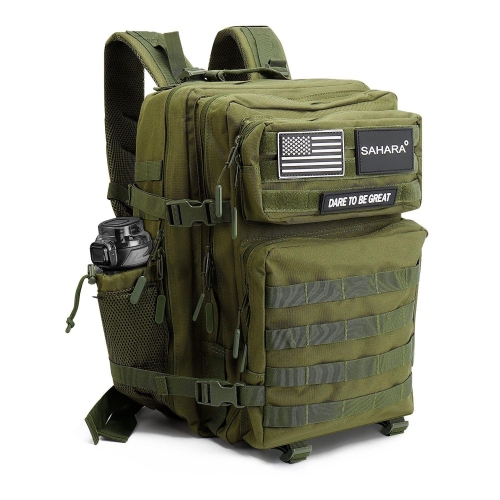
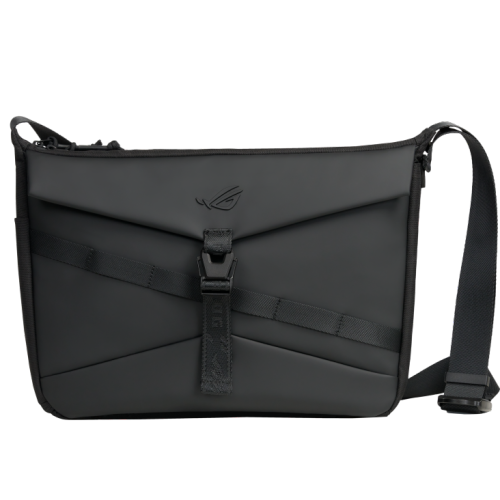
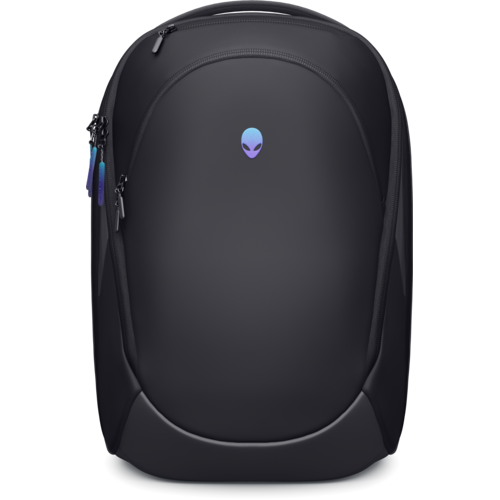
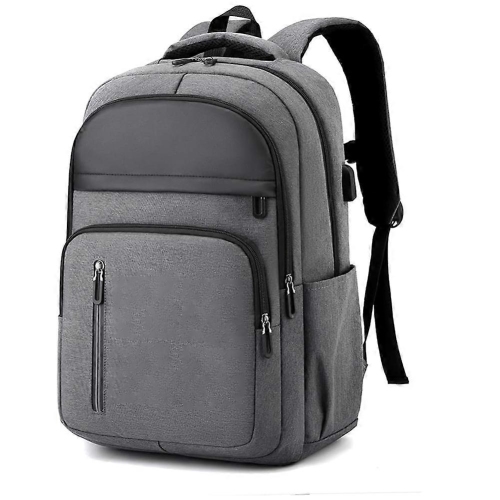
A gaming laptop is a powerful tool, but it's also a delicate piece of equipment that can easily get damaged if you're not careful. That's why many gamers prefer to travel with a protective case or bag. A gaming laptop bag will not only provide the protection your laptop needs, but it can also make it easier to transport your laptop from place to place. Here are some of our picks for gaming laptop bags.
Sort
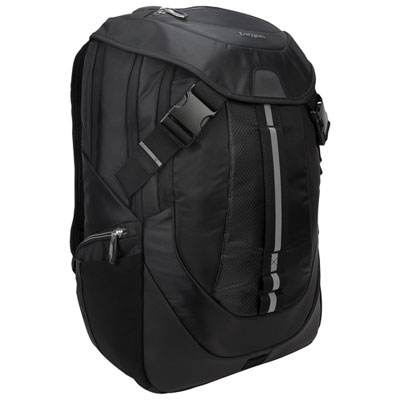
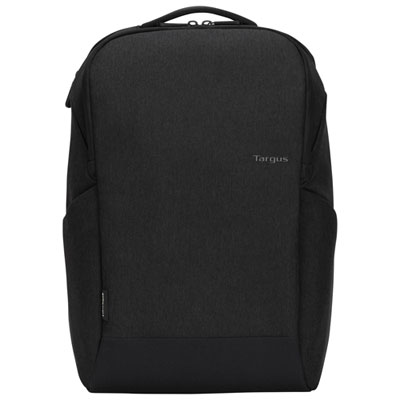
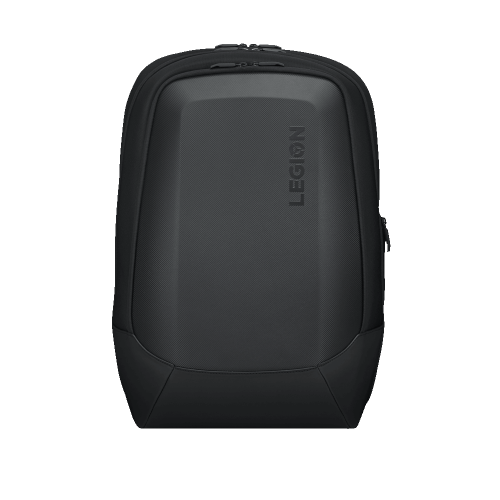
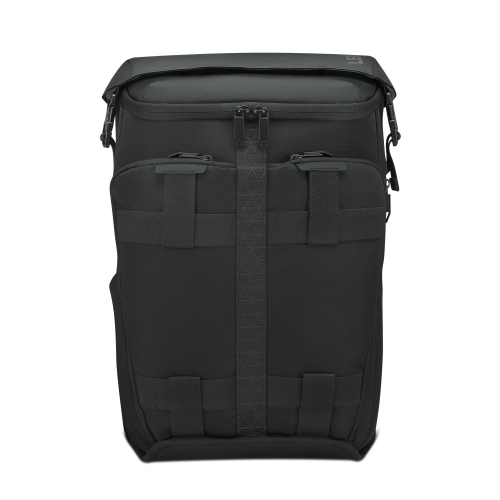
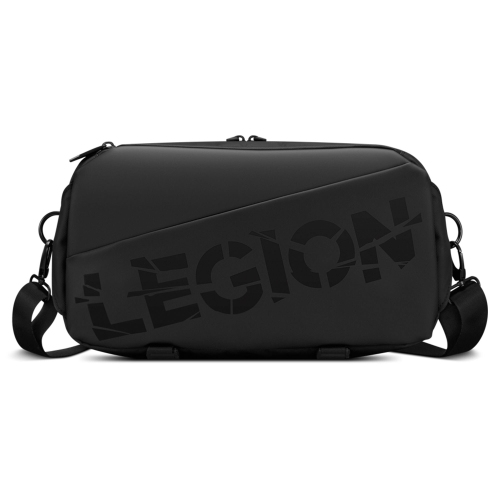
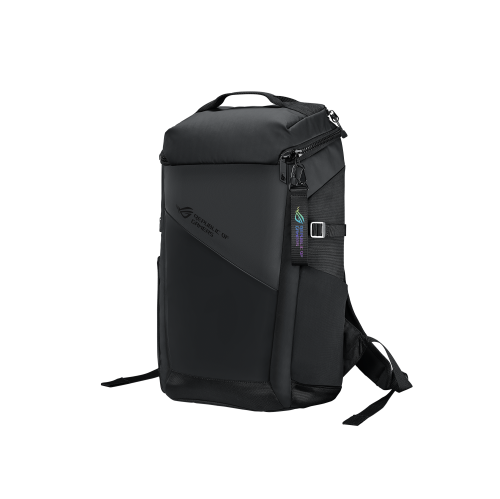
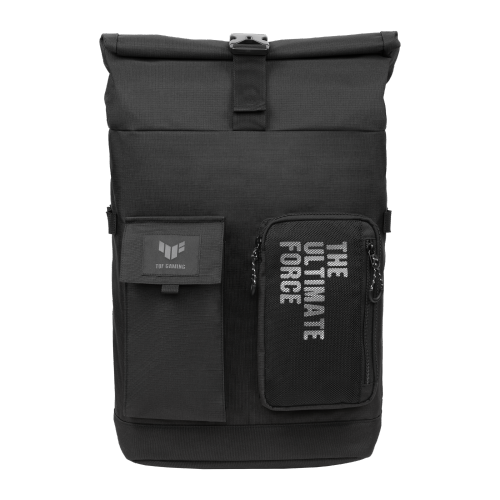
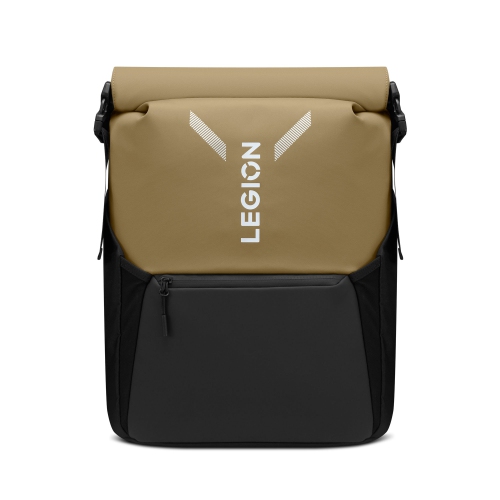
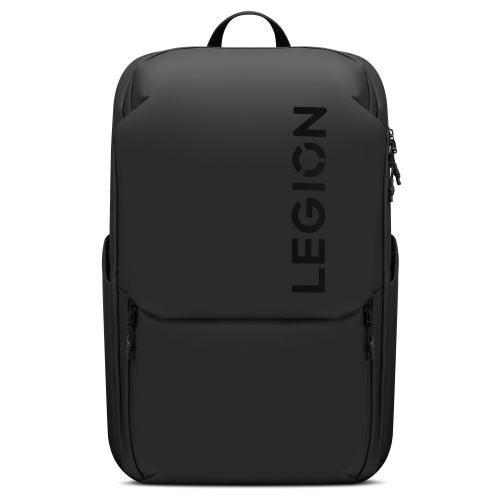
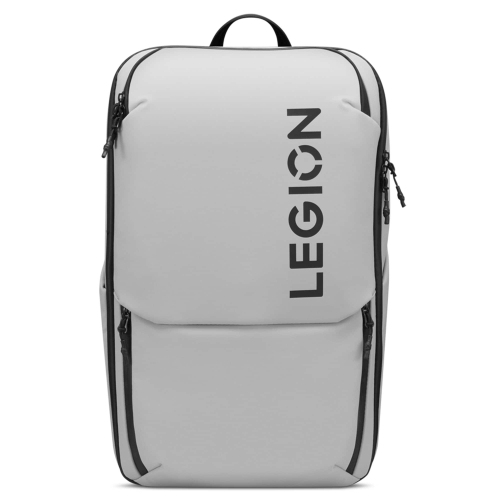
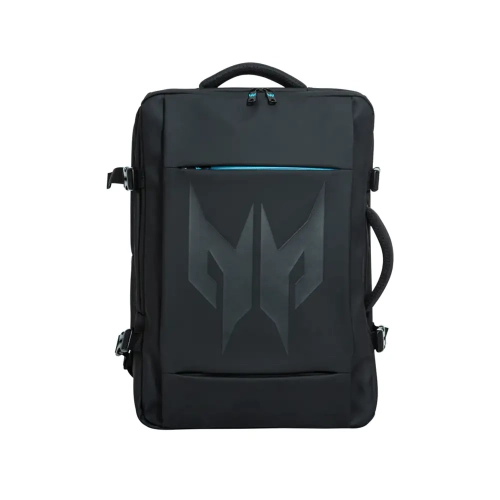
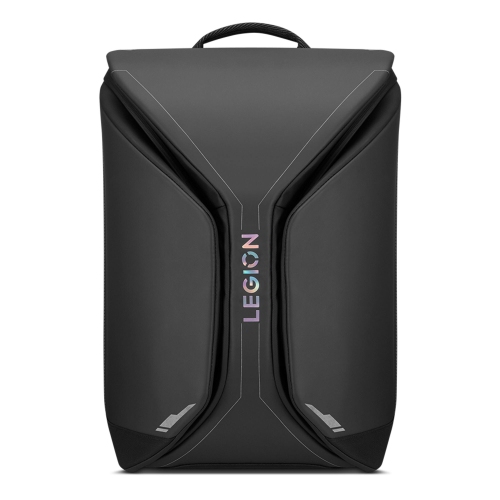

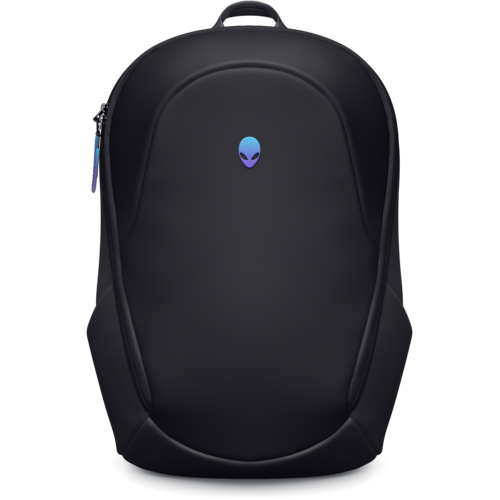
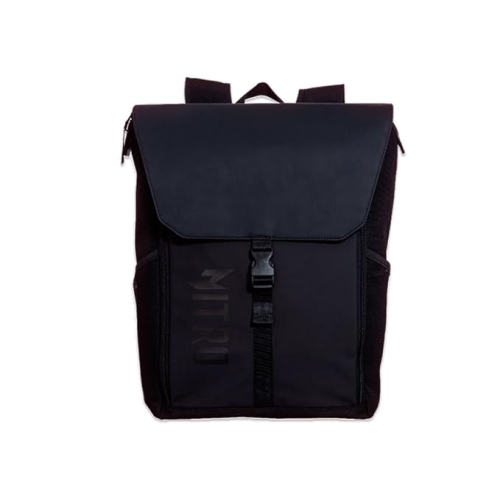
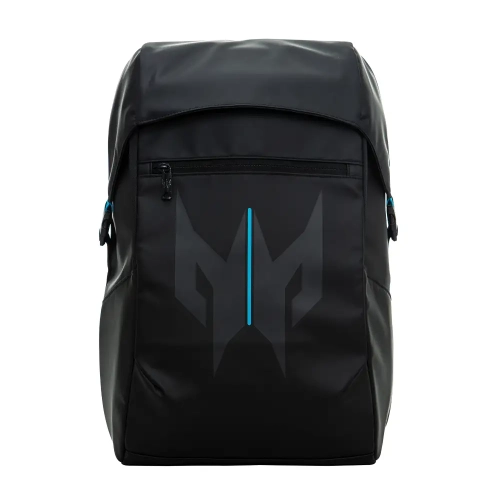
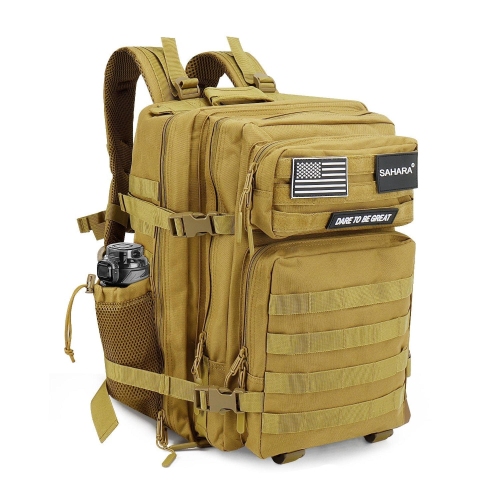
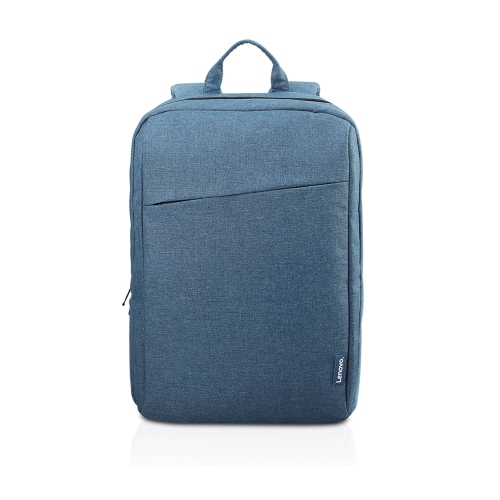
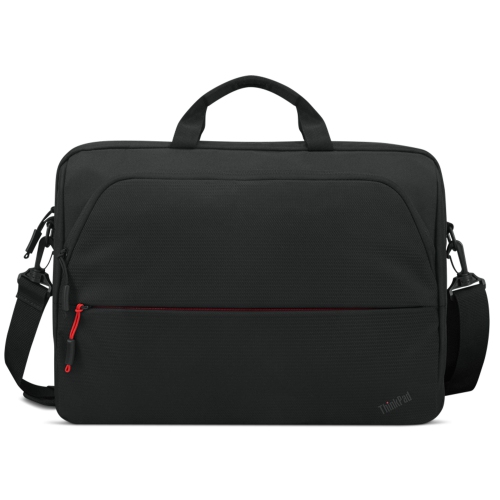
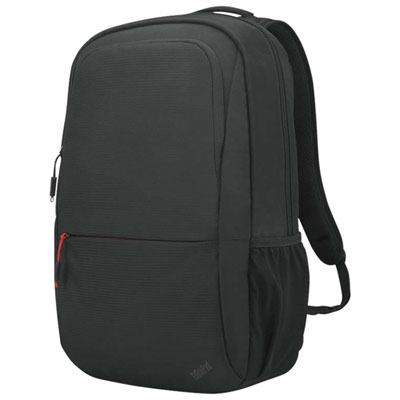
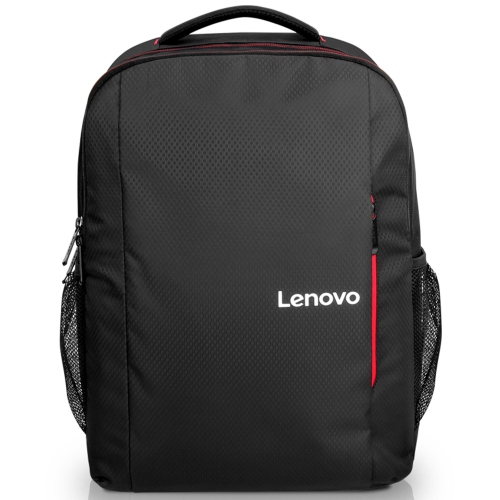


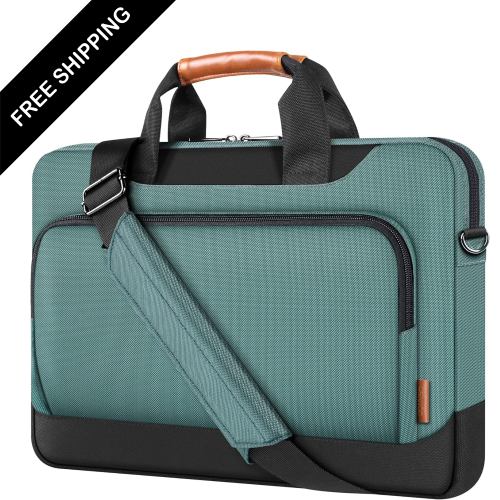
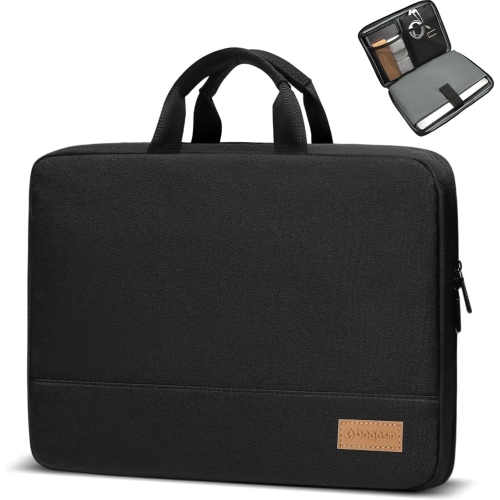
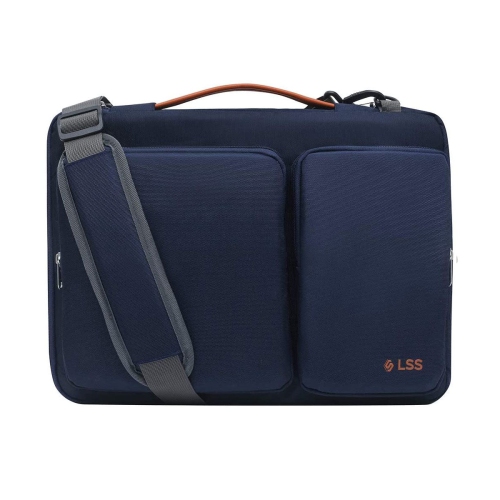
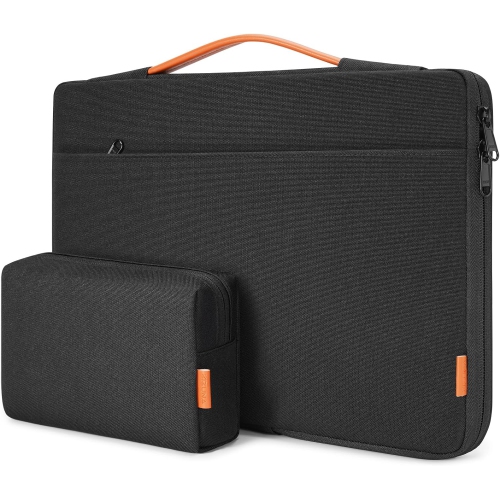
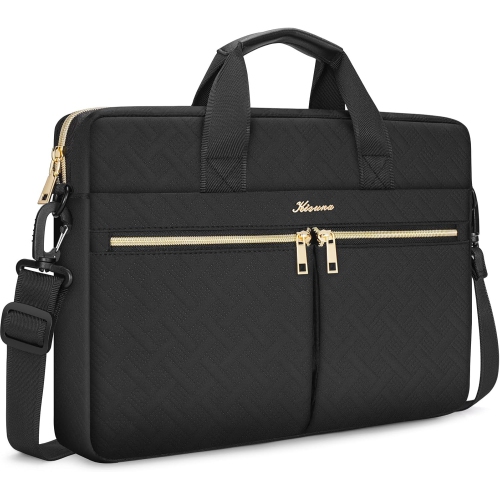
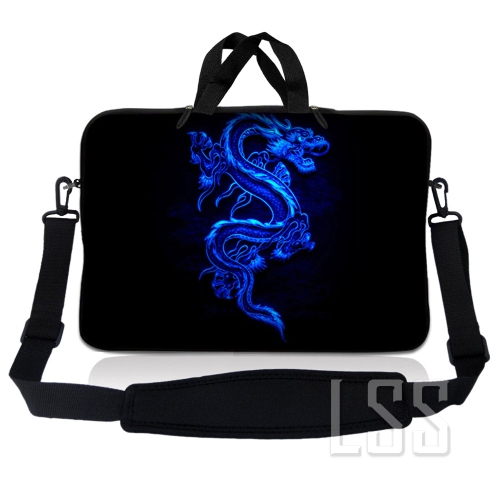
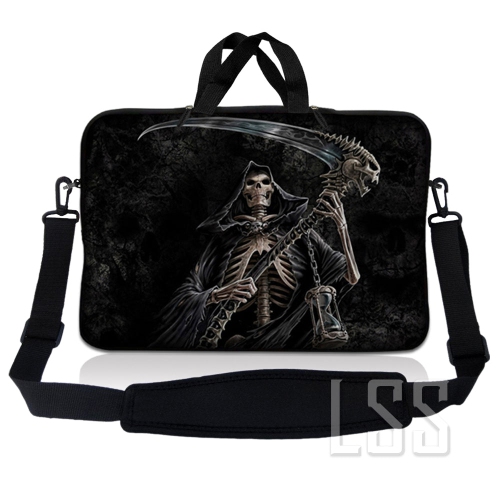
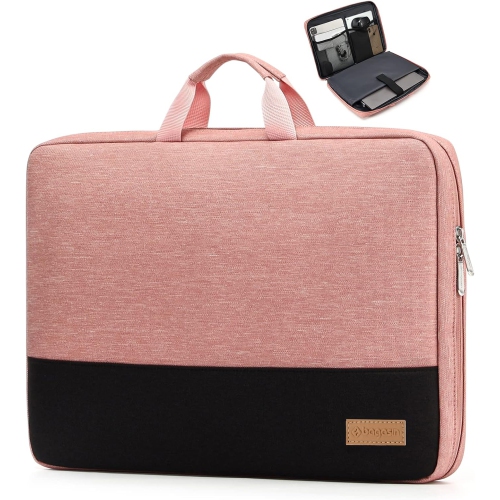
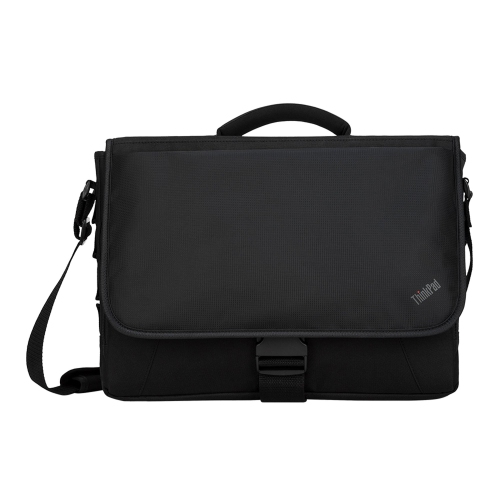
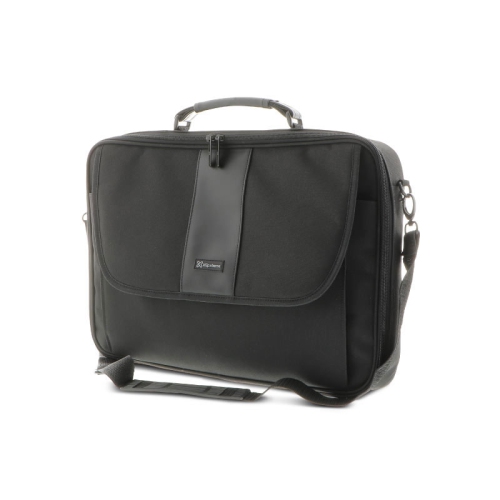
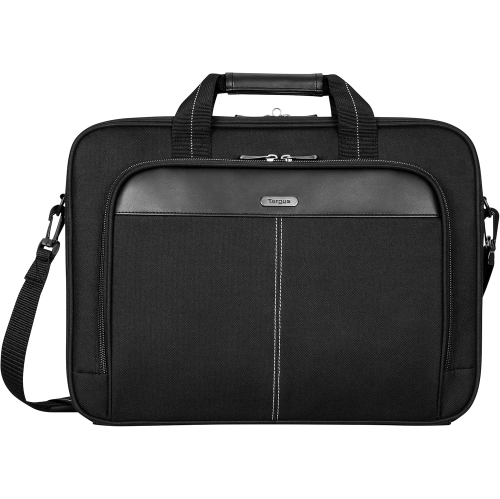
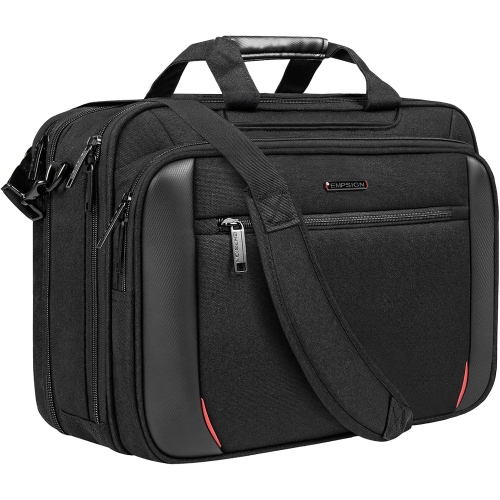
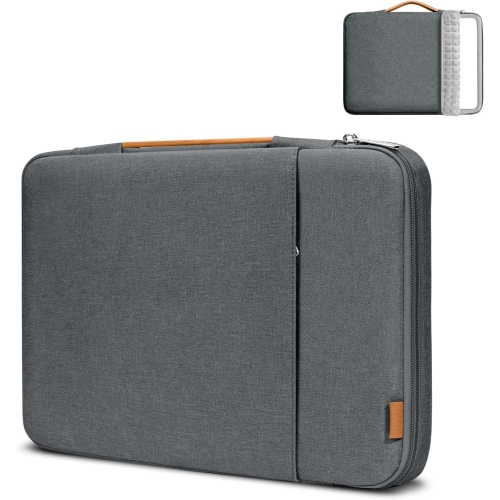
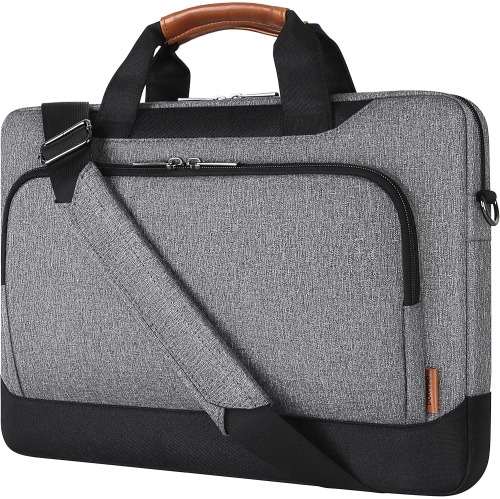
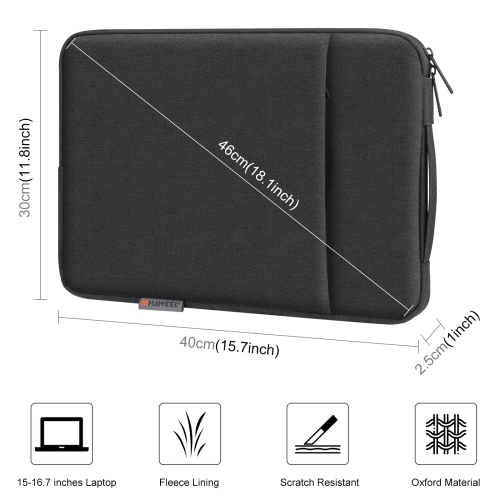
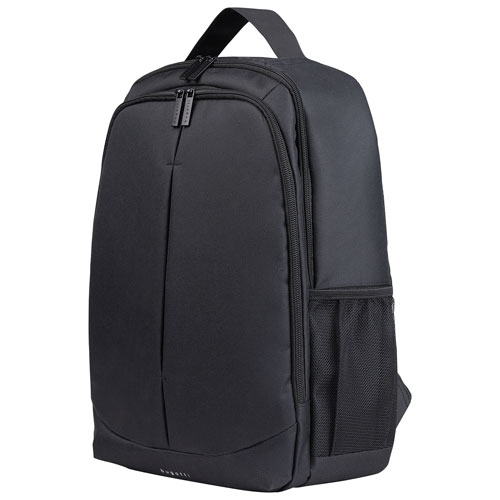



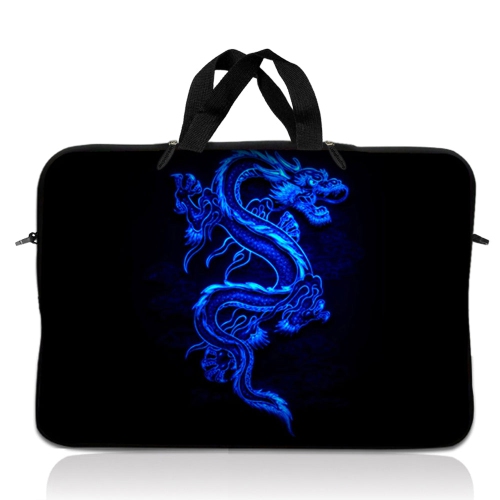
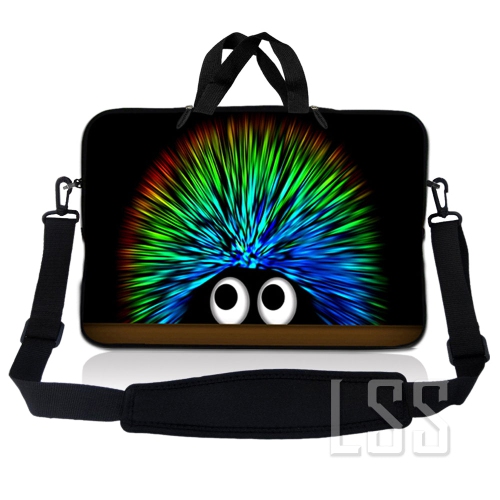
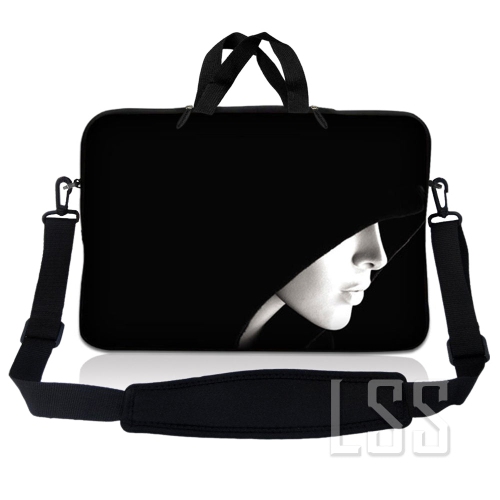
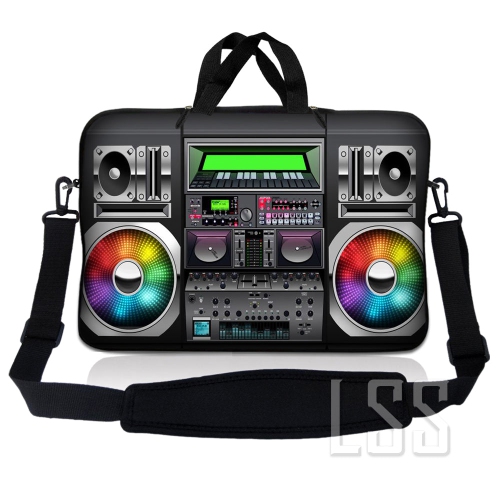
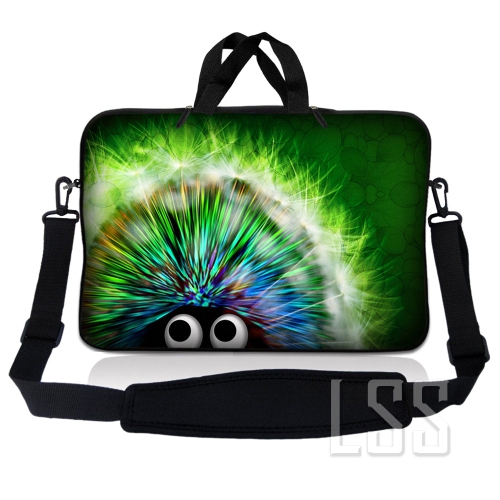
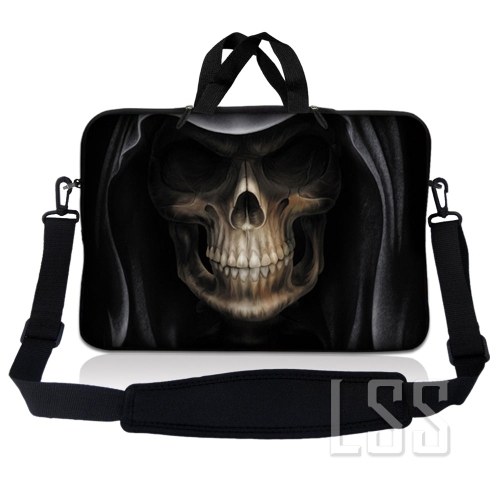
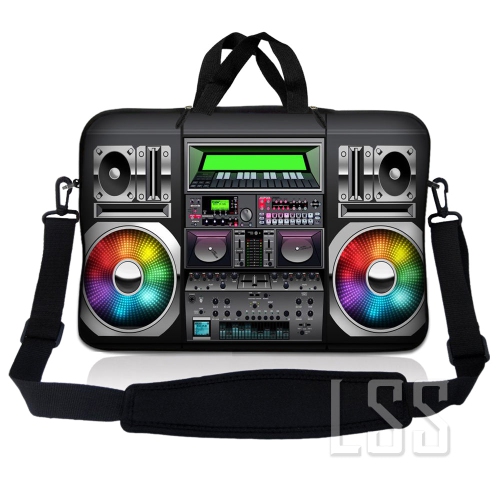
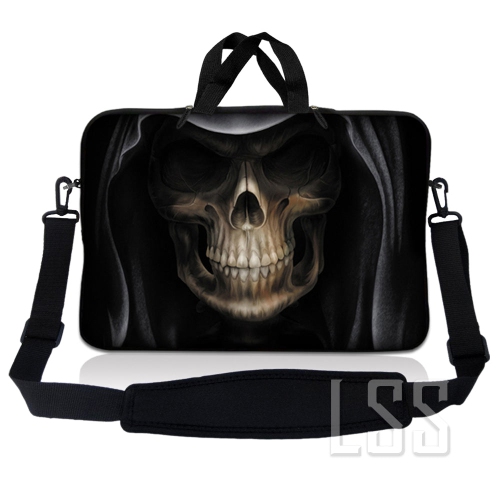

The right fit goes beyond your laptop’s screen size
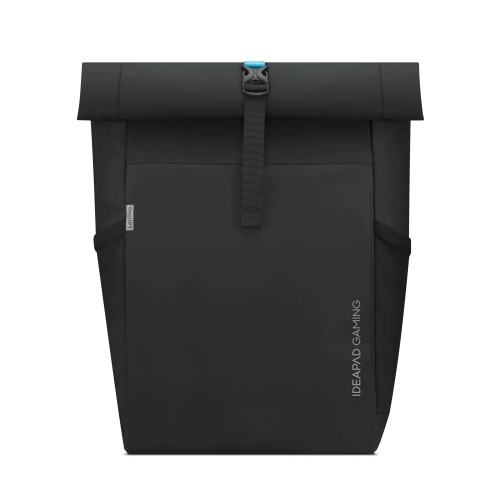
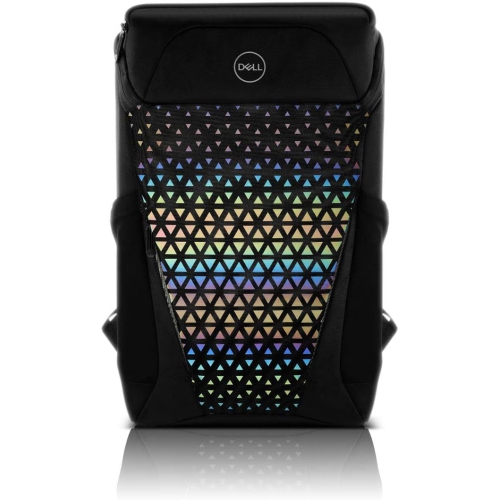
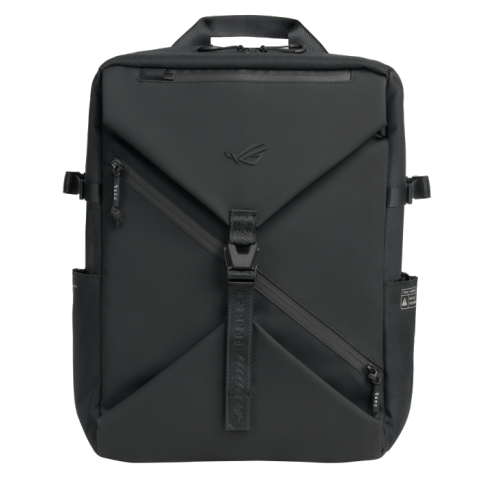
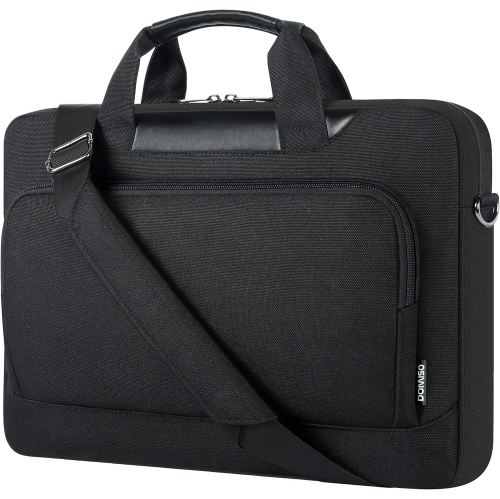
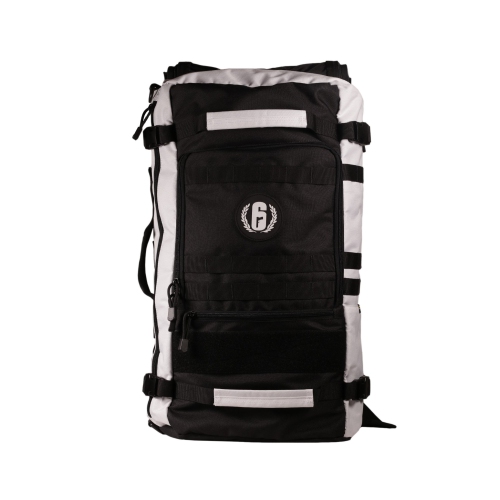
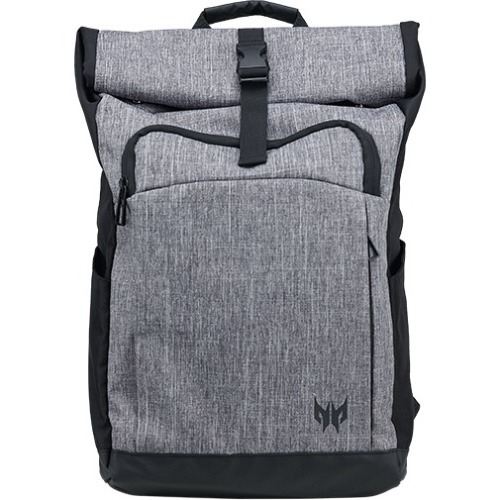
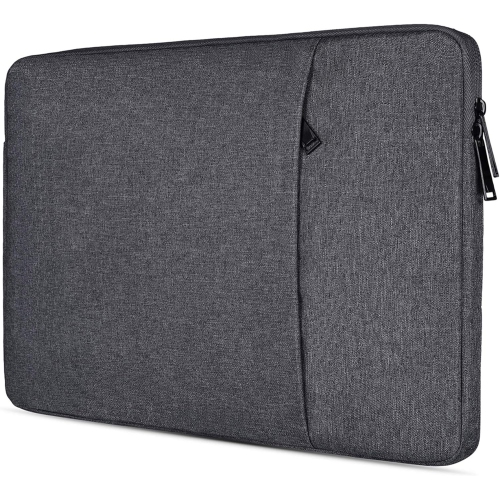
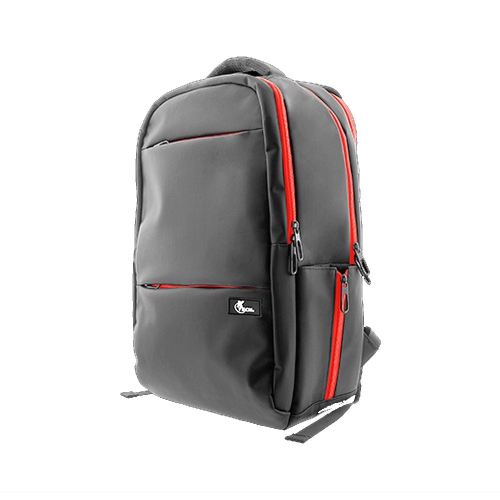
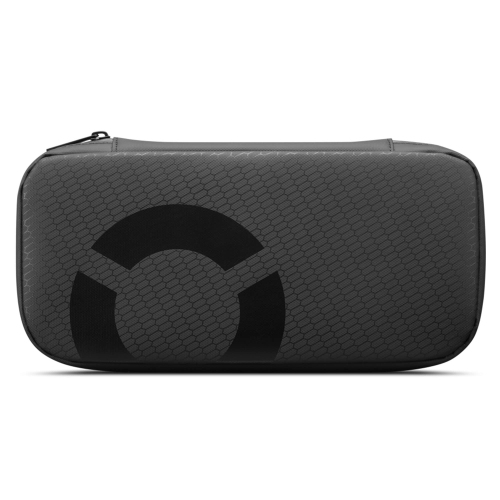
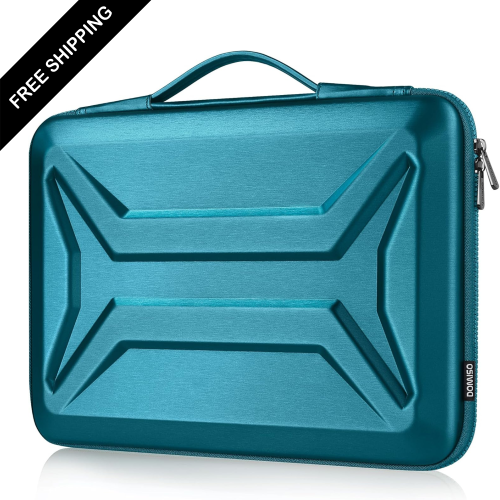
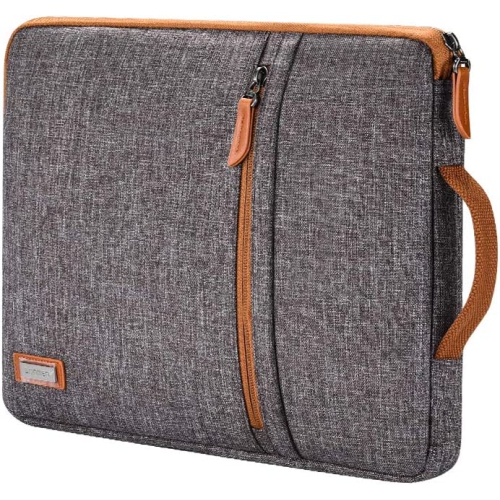
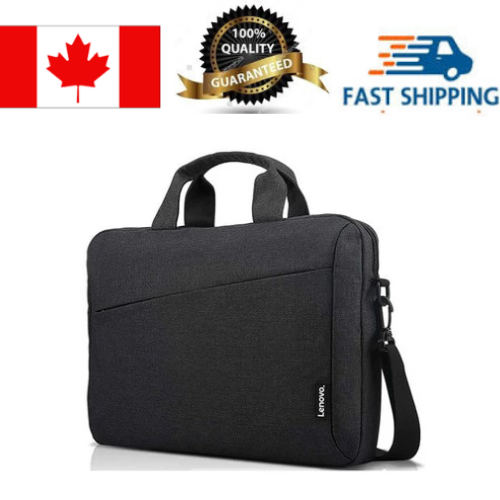
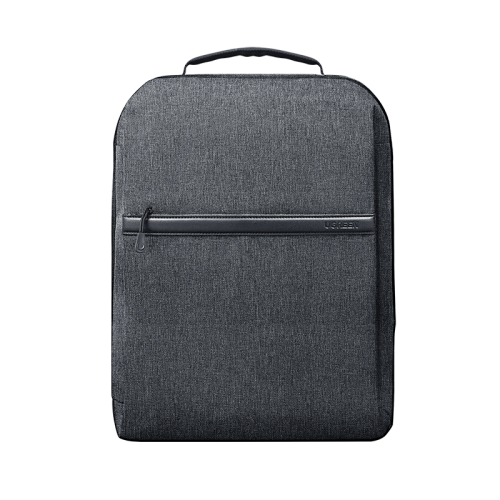
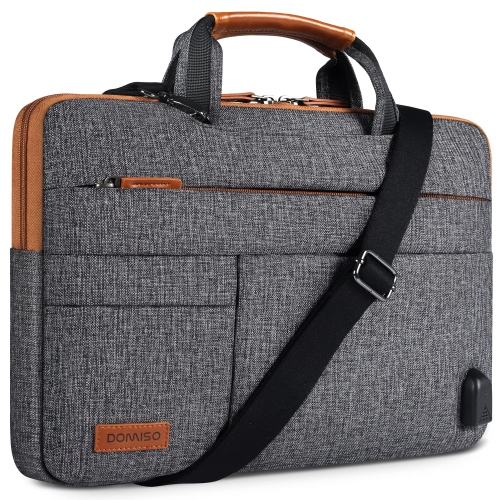
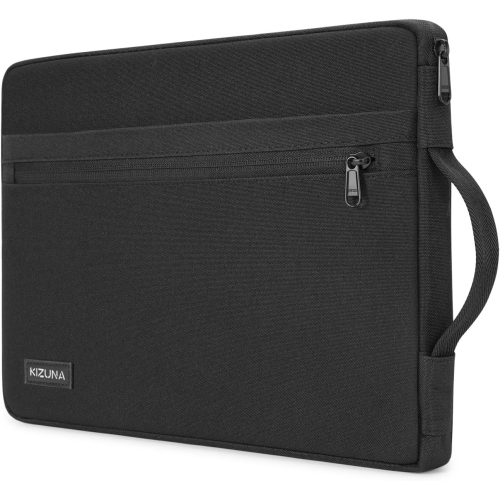
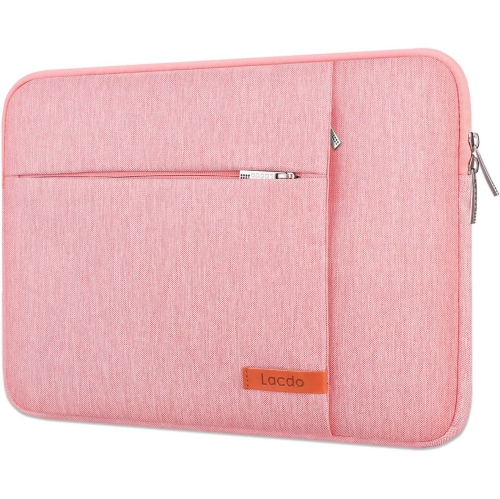
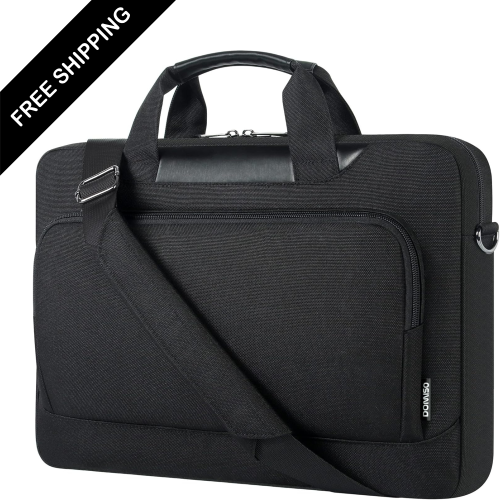
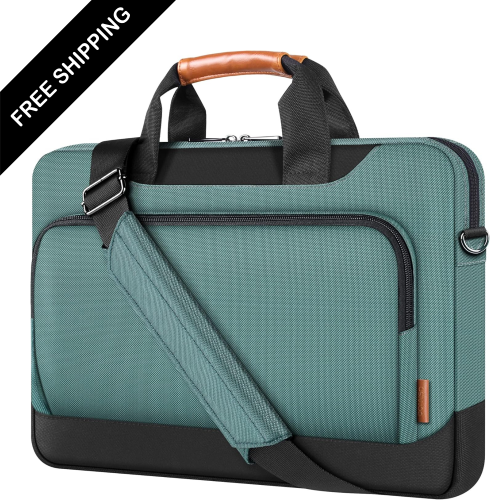
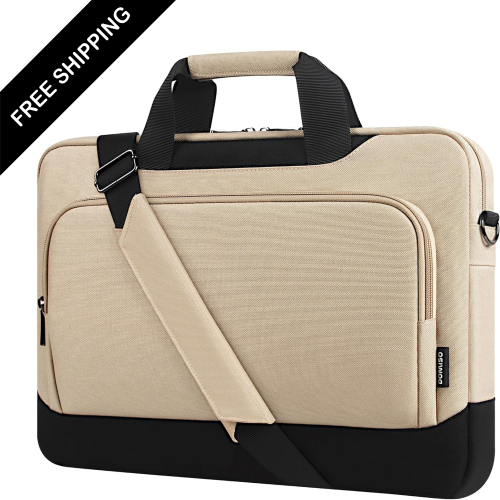
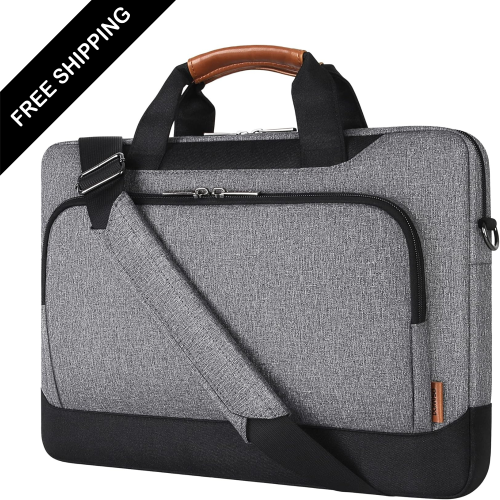
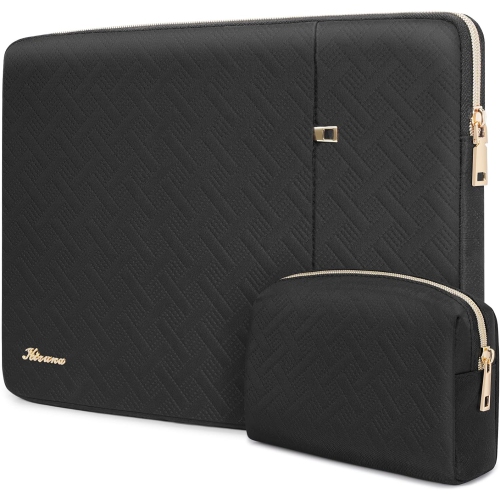
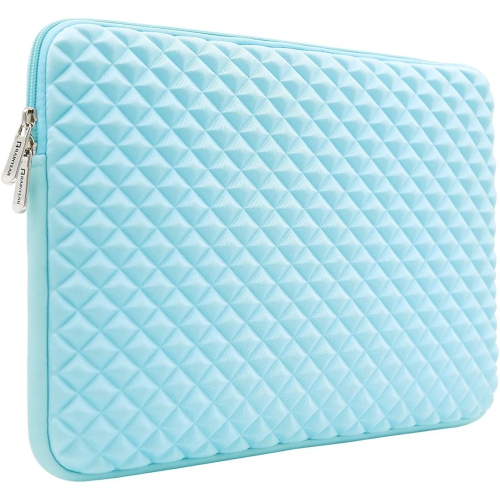
Gaming laptop bags keep a portable gaming setup together, with room for a laptop, its power adapter, and the accessories that make playing away from home more comfortable. The right fit depends on the laptop’s actual dimensions, not just its screen size, and on how much equipment travels with it. A gaming laptop can have a deeper chassis, thicker rear section, or more prominent hinges than another computer with the same display measurement. A bag labelled for a 17-inch laptop, for example, may not accommodate every gaming model in that size range. Comparing the laptop’s width, depth, and thickness with the stated internal dimensions of the padded compartment gives a clearer indication of fit. The computer should slide in without forcing the zipper closed, while remaining secure enough that it does not shift freely during a commute. Padding along the sides and base helps cushion everyday bumps, and a retaining strap can help hold the laptop in place. Some designs position the laptop compartment above the bottom of the bag, adding separation between the computer and the surface beneath it when the bag is set down. Overall capacity matters too, but a larger capacity in litres does not necessarily mean a larger laptop compartment. A slim bag may suit a player carrying a laptop, charger, and mouse between home and a friend’s place. Someone bringing a headset, controller, keyboard, and mouse pad to a gaming event needs more usable accessory space and a layout that keeps those pieces from pressing against the computer. Students and people who use the same machine for gaming and work may also need room for notebooks or everyday essentials. For a lighter layer of protection inside a larger carry bag, gaming laptop sleeves offer a more compact format, although adding one means allowing extra space in the laptop compartment.
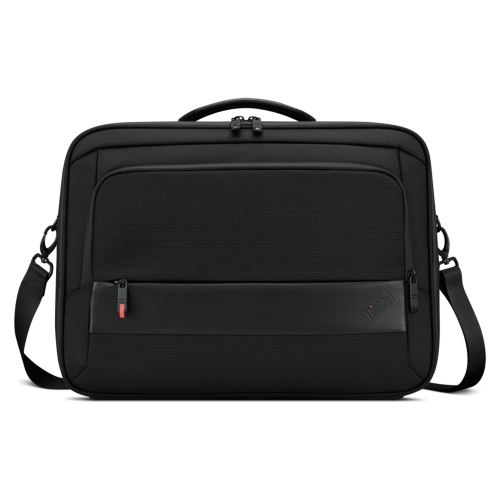
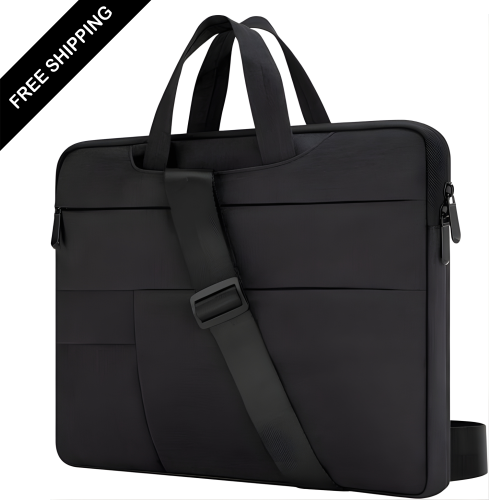
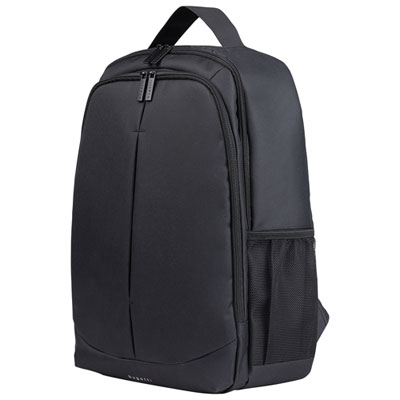
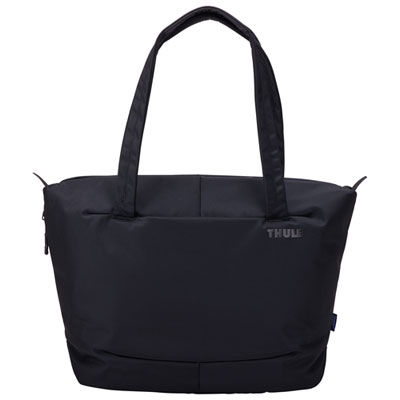
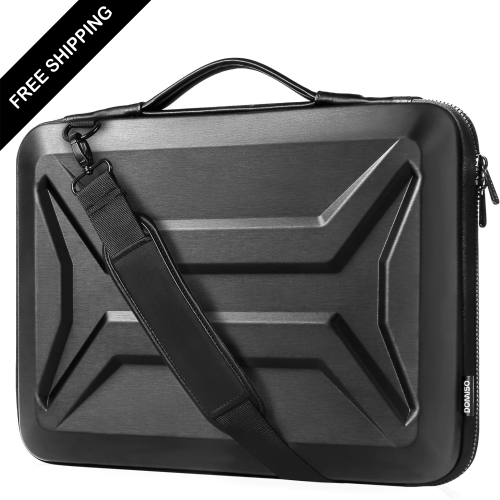
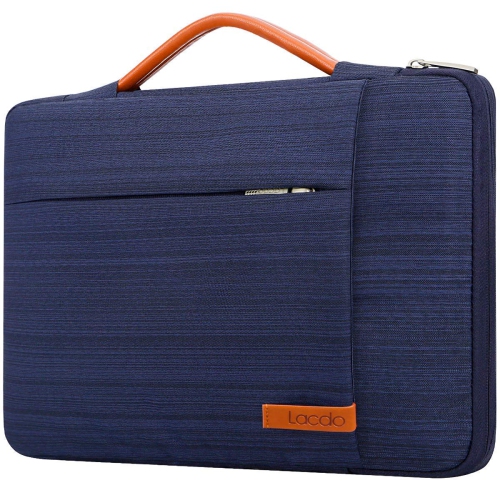
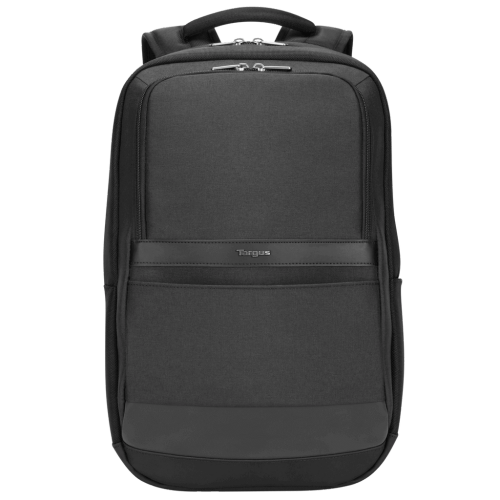
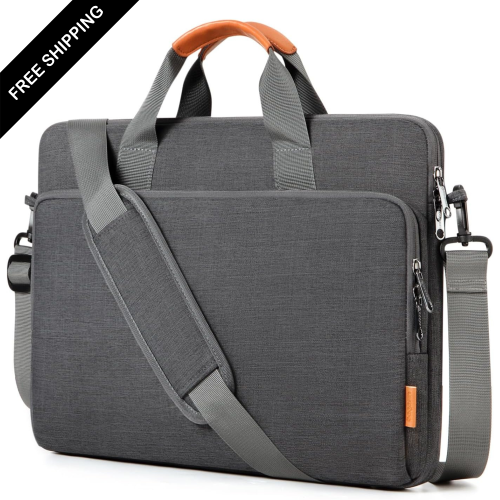
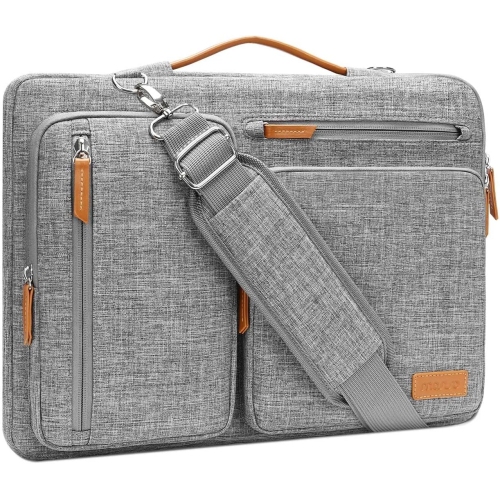
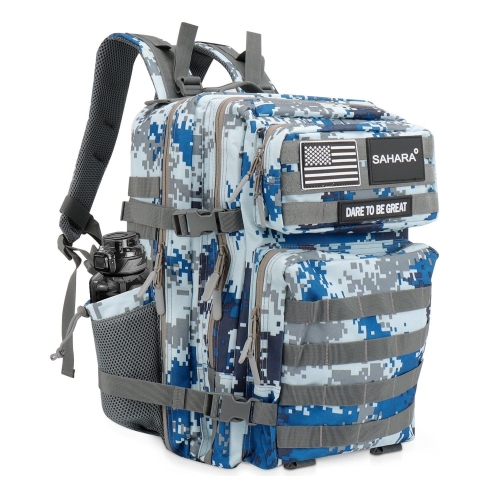
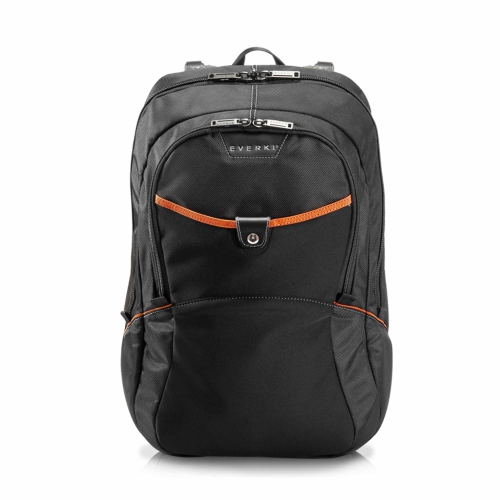
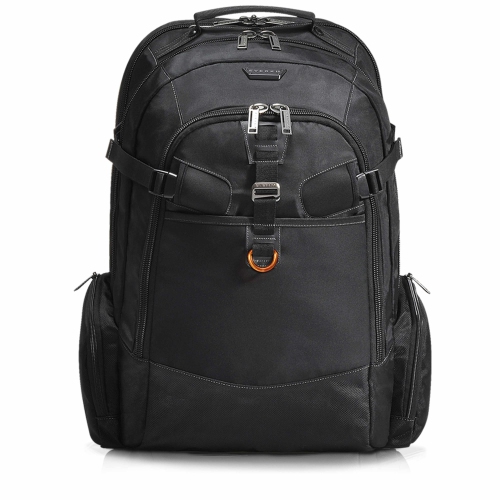
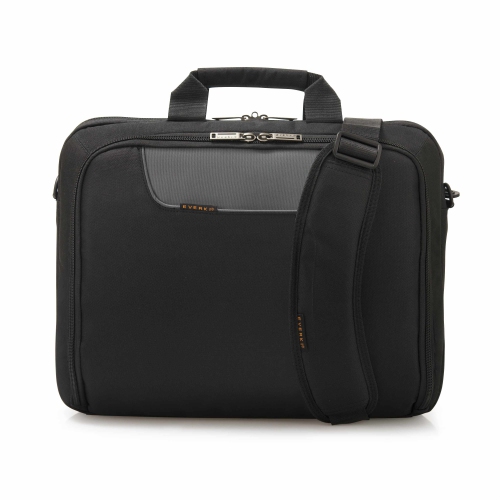
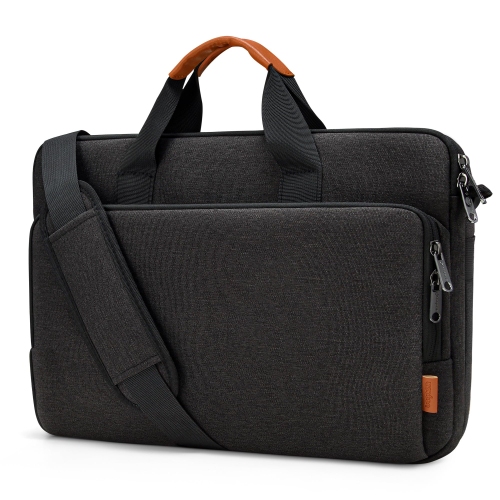
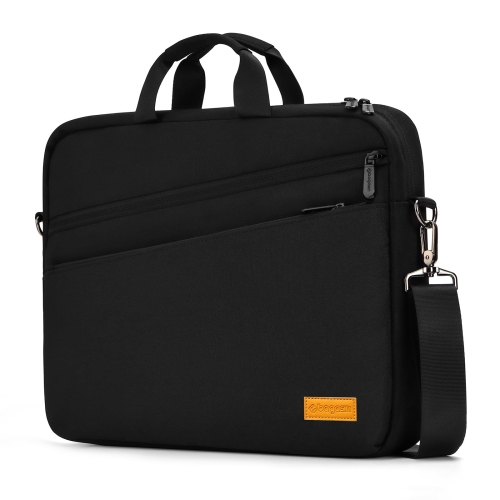
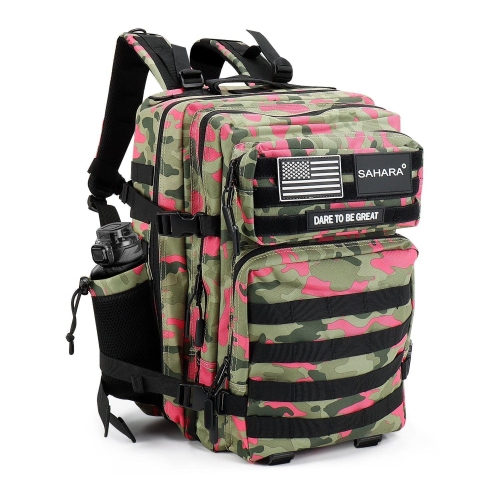
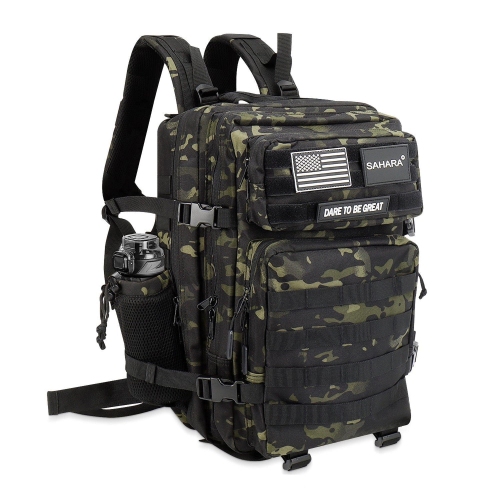
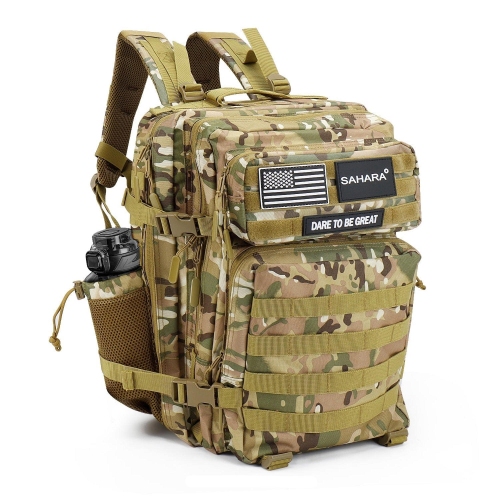
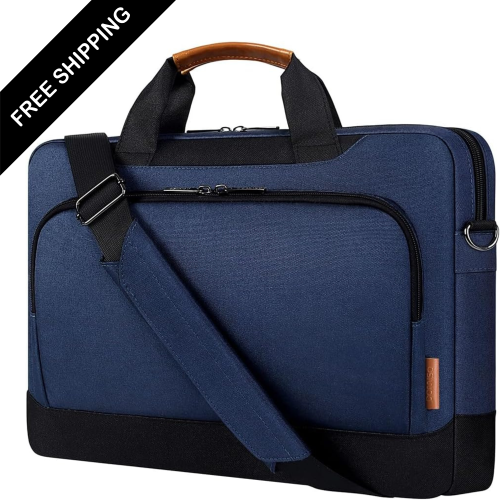
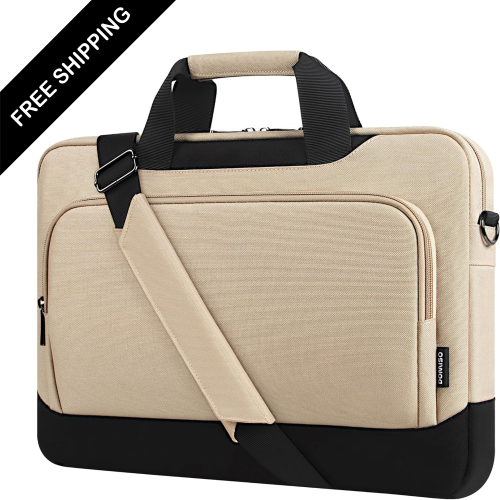
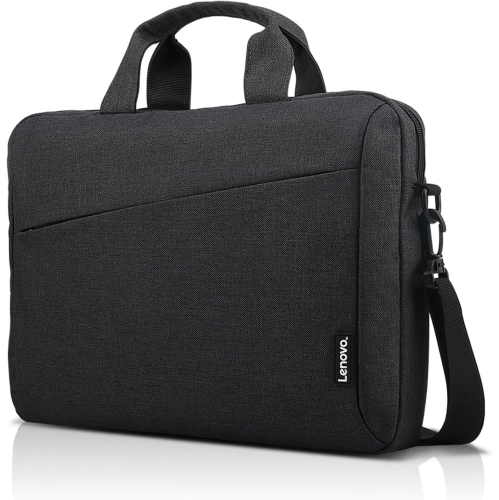
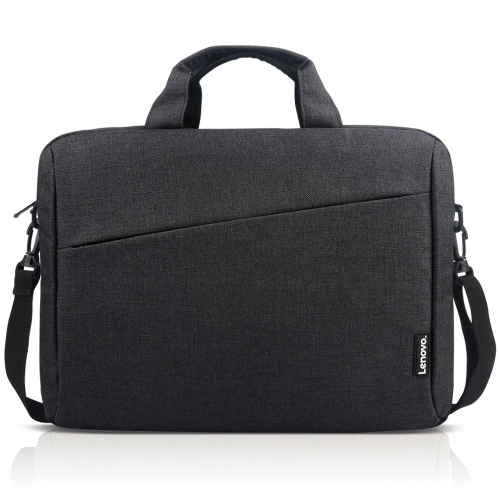
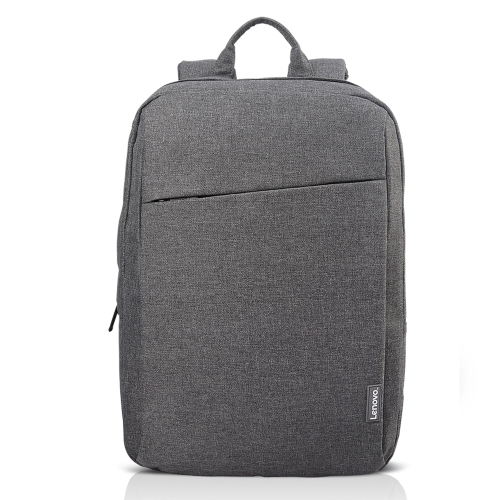
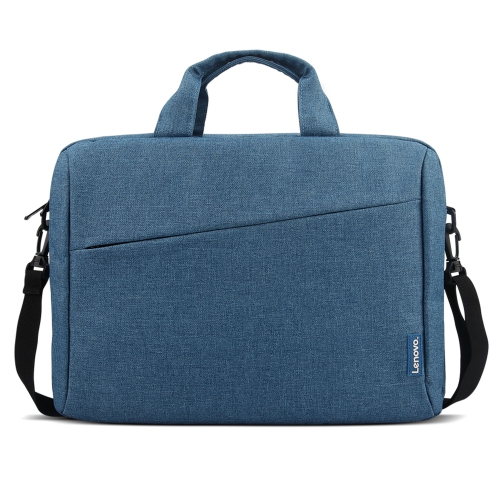
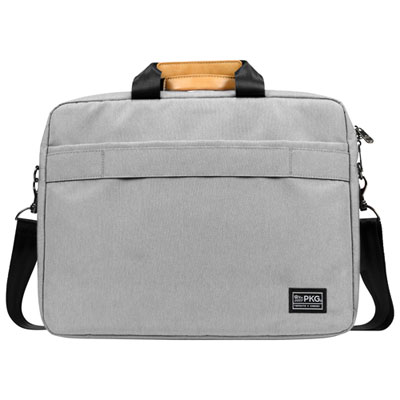
The shape and opening of a gaming laptop bag influence how easy it is to pack, carry, and unpack a complete setup. Backpacks distribute the load across both shoulders and leave hands free, making them practical for walking across campus, taking public transit, or moving between venues. Briefcase-style bags offer a more compact profile for shorter trips, with grab handles and, on some designs, a removable shoulder strap. A wider opening or clamshell layout can make accessories easier to see without emptying the whole bag onto a desk. Separate compartments are especially useful when carrying a bulky power adapter: keeping it away from the laptop helps prevent hard edges and plugs from resting against the computer’s casing. A dedicated mouse pocket, cable loops, and small zipped sections can keep a wireless receiver or charging cable from disappearing beneath larger gear. Headsets need enough clearance that their ear cups and headbands are not compressed, while keyboards benefit from a compartment long enough to avoid bending or pressure on the keys. A full-size keyboard takes up substantially more space than a compact layout, so accessory dimensions deserve the same attention as laptop dimensions. External pockets can provide quick access to transit cards or other essentials without opening the main compartment. If a bag has a bottle pocket, keeping a securely closed bottle separate from electronics adds a useful precaution. Carrying comfort becomes more noticeable once all that equipment is packed. Broad, padded shoulder straps, a supportive back panel, and adjustable strap lengths help position a backpack close to the body rather than letting it pull away from the shoulders. A chest strap can reduce side-to-side movement, while a sturdy top handle is useful for lifting the bag from beside a chair or out of a vehicle. For travel, a luggage pass-through can hold the bag against a rolling suitcase handle, though the packed bag’s dimensions still need to meet the carrier’s baggage requirements.
Materials and construction affect how a gaming laptop bag feels in daily use and how well it stands up to repeated packing. Nylon and polyester are common choices because they can provide durable outer surfaces without the weight of some heavier materials, although fabric quality, weave, and construction vary. A denser fabric specification alone does not establish how protective a bag will be; padding, seam strength, and the design of high-stress areas matter as well. Reinforced stitching around handles and shoulder-strap attachment points is particularly useful when carrying a heavier laptop and charger. A structured base helps the bag hold its shape, while a smooth lining reduces friction as the laptop slides in and out. Water-resistant fabric or a coated outer surface can help with minor splashes, but that does not make a bag waterproof, especially around seams and zippers. Zippers should move smoothly without catching the lining, and pockets should close without needing to squeeze their contents into place. Overpacking puts strain on closures and can reduce the space that protective padding needs to do its job. Everyday care is usually straightforward: empty crumbs and grit from compartments, check pockets for loose objects, and follow the care label before cleaning. Many bags can be spot-cleaned with a soft cloth and mild soap, but machine washing or soaking may damage padding, coatings, or structural inserts. Let the bag dry fully before returning electronics to it, and avoid storing it with damp accessories inside. Shut the laptop down before packing it away rather than leaving it running in an enclosed compartment where airflow is restricted. For a gift, knowing the recipient’s laptop dimensions and usual accessory load is more useful than choosing by appearance alone. A restrained colour and minimal detailing can suit a bag that moves between work and gaming, while bolder panels or contrasting trim may appeal to someone who wants a more expressive look. A well-matched bag makes the whole setup easier to carry, with a secure place for the computer and accessible storage for the equipment used alongside it.
The shape and opening of a gaming laptop bag influence how easy it is to pack, carry, and unpack a complete setup. Backpacks distribute the load across both shoulders and leave hands free, making them practical for walking across campus, taking public transit, or moving between venues. Briefcase-style bags offer a more compact profile for shorter trips, with grab handles and, on some designs, a removable shoulder strap. A wider opening or clamshell layout can make accessories easier to see without emptying the whole bag onto a desk. Separate compartments are especially useful when carrying a bulky power adapter: keeping it away from the laptop helps prevent hard edges and plugs from resting against the computer’s casing. A dedicated mouse pocket, cable loops, and small zipped sections can keep a wireless receiver or charging cable from disappearing beneath larger gear. Headsets need enough clearance that their ear cups and headbands are not compressed, while keyboards benefit from a compartment long enough to avoid bending or pressure on the keys. A full-size keyboard takes up substantially more space than a compact layout, so accessory dimensions deserve the same attention as laptop dimensions. External pockets can provide quick access to transit cards or other essentials without opening the main compartment. If a bag has a bottle pocket, keeping a securely closed bottle separate from electronics adds a useful precaution. Carrying comfort becomes more noticeable once all that equipment is packed. Broad, padded shoulder straps, a supportive back panel, and adjustable strap lengths help position a backpack close to the body rather than letting it pull away from the shoulders. A chest strap can reduce side-to-side movement, while a sturdy top handle is useful for lifting the bag from beside a chair or out of a vehicle. For travel, a luggage pass-through can hold the bag against a rolling suitcase handle, though the packed bag’s dimensions still need to meet the carrier’s baggage requirements.
Materials and construction affect how a gaming laptop bag feels in daily use and how well it stands up to repeated packing. Nylon and polyester are common choices because they can provide durable outer surfaces without the weight of some heavier materials, although fabric quality, weave, and construction vary. A denser fabric specification alone does not establish how protective a bag will be; padding, seam strength, and the design of high-stress areas matter as well. Reinforced stitching around handles and shoulder-strap attachment points is particularly useful when carrying a heavier laptop and charger. A structured base helps the bag hold its shape, while a smooth lining reduces friction as the laptop slides in and out. Water-resistant fabric or a coated outer surface can help with minor splashes, but that does not make a bag waterproof, especially around seams and zippers. Zippers should move smoothly without catching the lining, and pockets should close without needing to squeeze their contents into place. Overpacking puts strain on closures and can reduce the space that protective padding needs to do its job. Everyday care is usually straightforward: empty crumbs and grit from compartments, check pockets for loose objects, and follow the care label before cleaning. Many bags can be spot-cleaned with a soft cloth and mild soap, but machine washing or soaking may damage padding, coatings, or structural inserts. Let the bag dry fully before returning electronics to it, and avoid storing it with damp accessories inside. Shut the laptop down before packing it away rather than leaving it running in an enclosed compartment where airflow is restricted. For a gift, knowing the recipient’s laptop dimensions and usual accessory load is more useful than choosing by appearance alone. A restrained colour and minimal detailing can suit a bag that moves between work and gaming, while bolder panels or contrasting trim may appeal to someone who wants a more expressive look. A well-matched bag makes the whole setup easier to carry, with a secure place for the computer and accessible storage for the equipment used alongside it.
Top selling and popular products
-
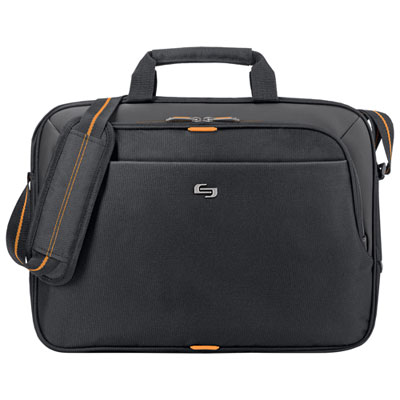 Your price for this item is $59.99
 -
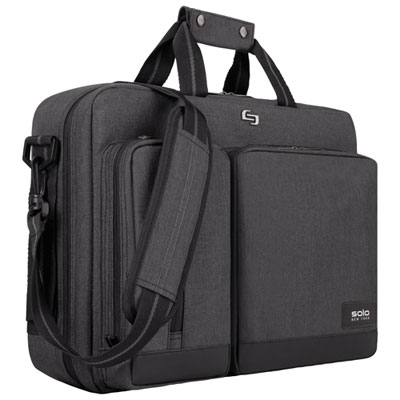 Your price for this item is $119.99
 -
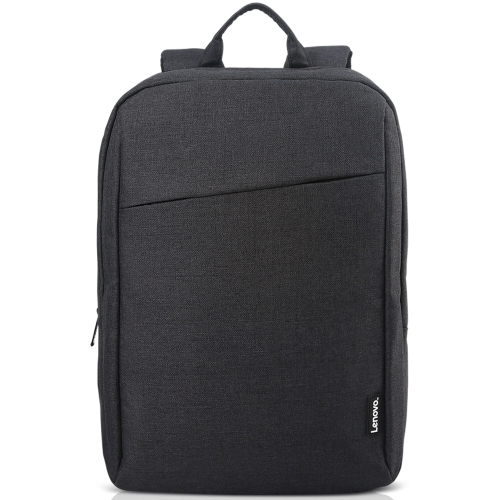 Your price for this item is $37.68
 -
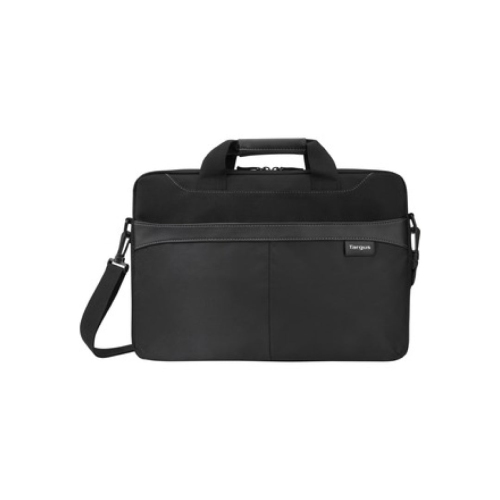 Your price for this item is $42.99
 -
 Your price for this item is $28.99
 -
 Your price for this item is $42.68
 -
 Your price for this item is $83.99
 -
 Your price for this item is $27.99
Discover more categories related to Gaming Laptop Bags

Top Collections:
Pokemon Centers, Best Cameras for Sports Photography, Kindle Devices, Samsung Galaxy Phones, Canon G7X Cameras, Pokémon 30th Celebration Cards, Refurbished Apple Laptops, iPhone 15 Apple, Laptops for Students, Budget Smartphones
Some products may be subject to Environmental Handling Fees
(EHF) depending on your province.
Learn more about EHFs.