Turtle Beach PS4
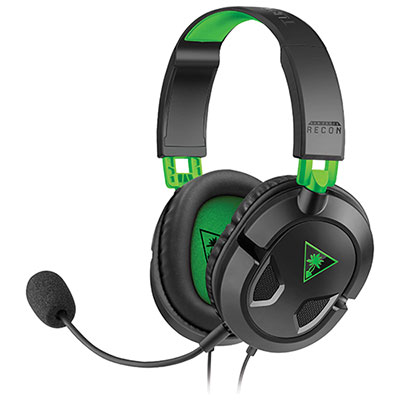
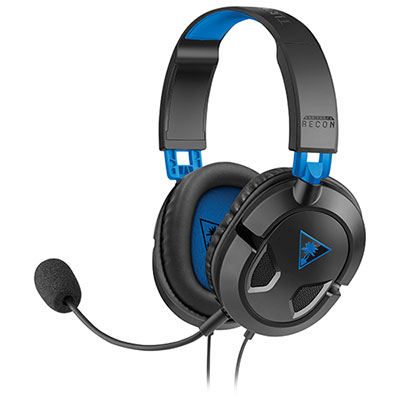
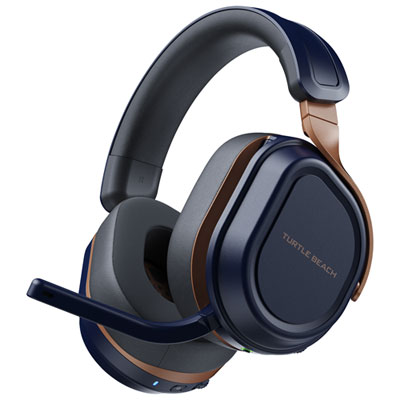
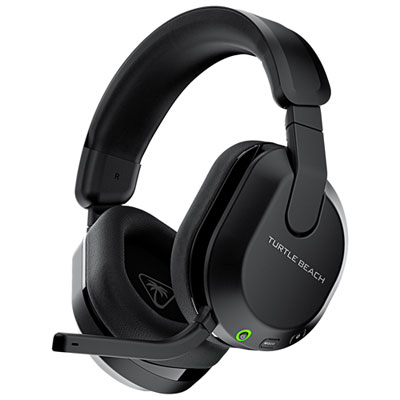
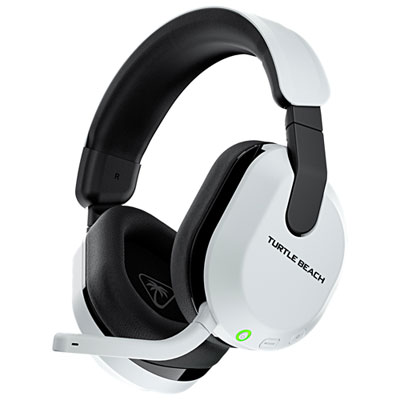
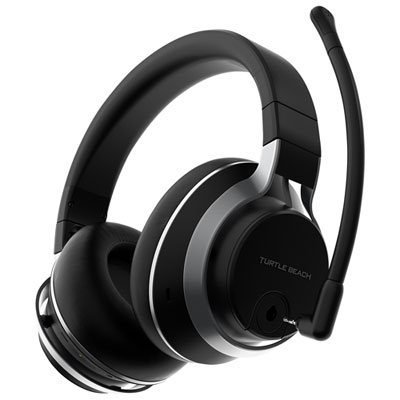
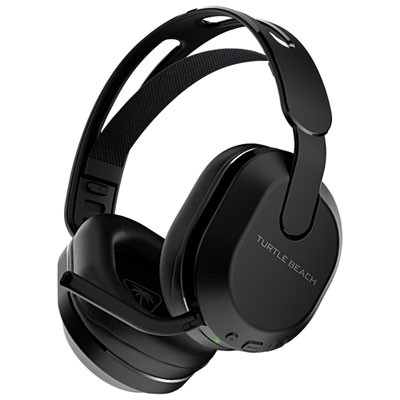
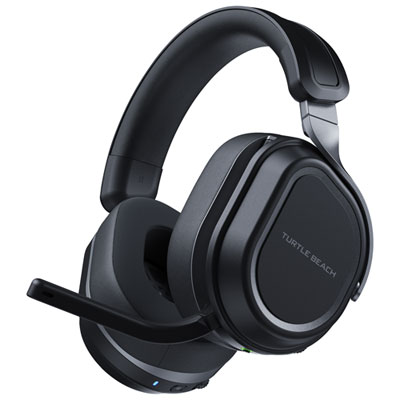
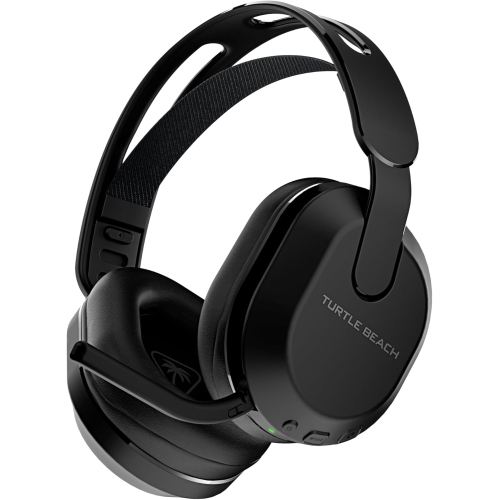
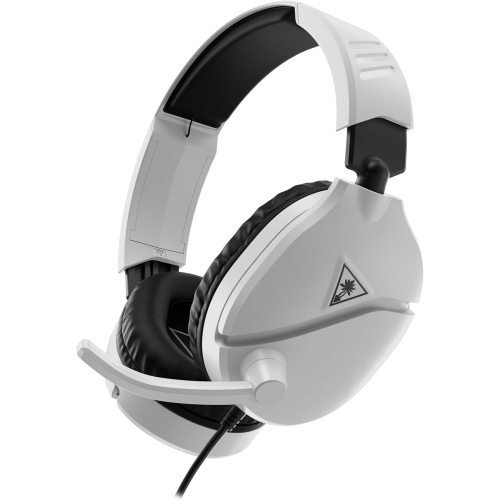
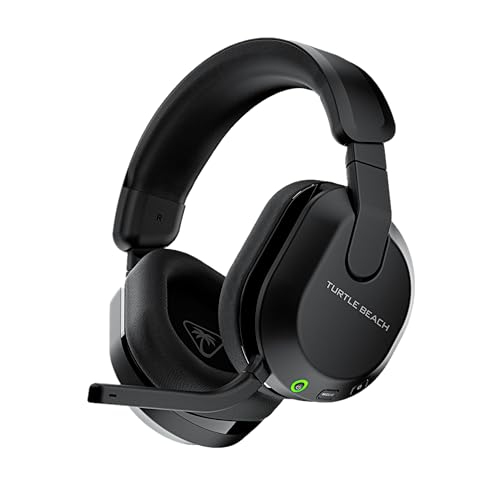
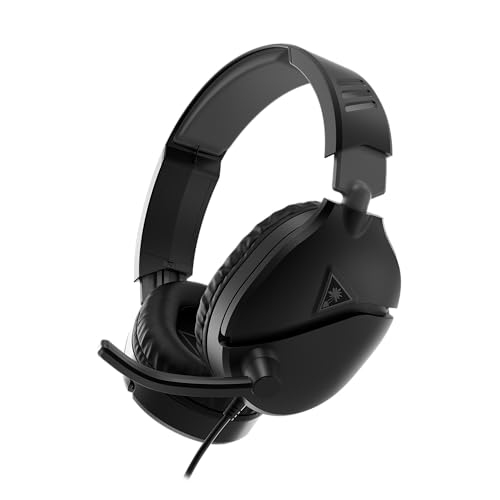
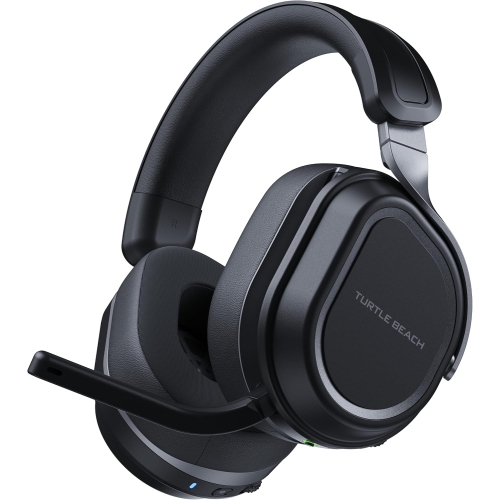
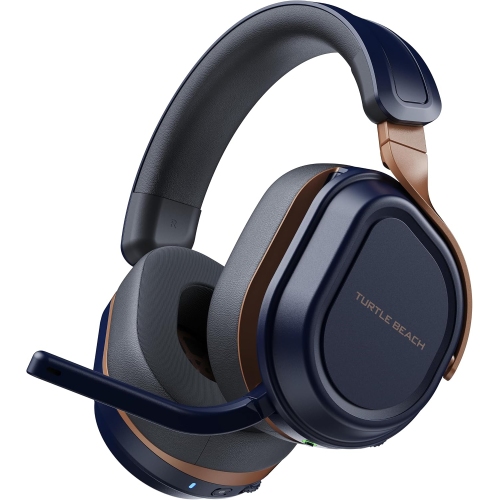
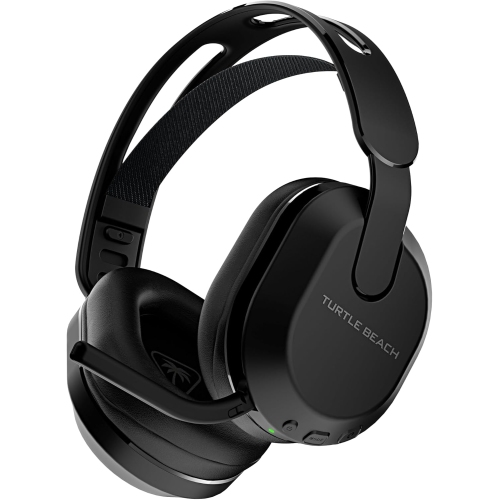
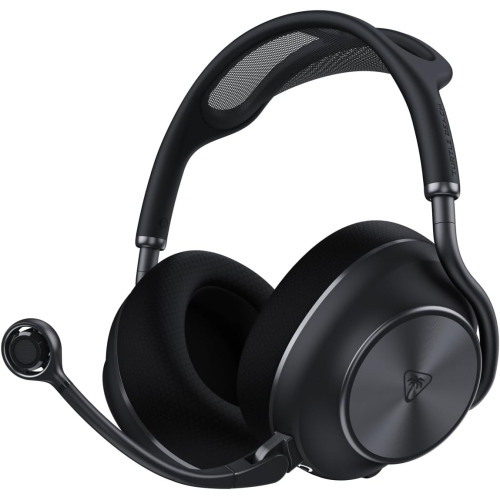
Find Turtle Beach PS4 gaming headsets for your PlayStation 4 setup. As you compare options, check console compatibility, connection type, microphone features, and fit to choose a headset that suits how you play and chat with teammates.

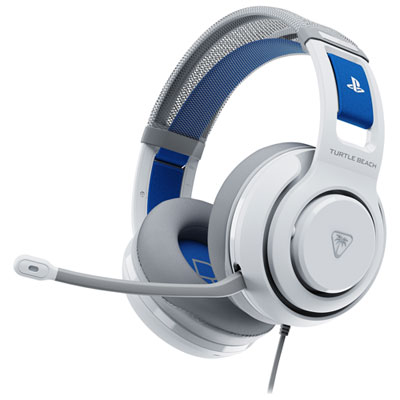
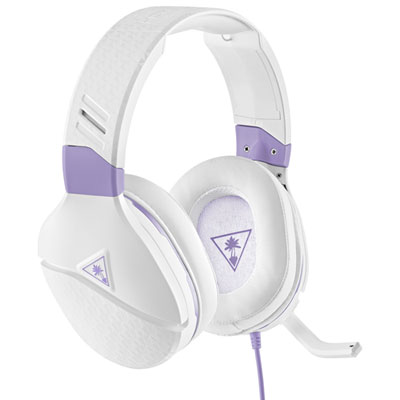
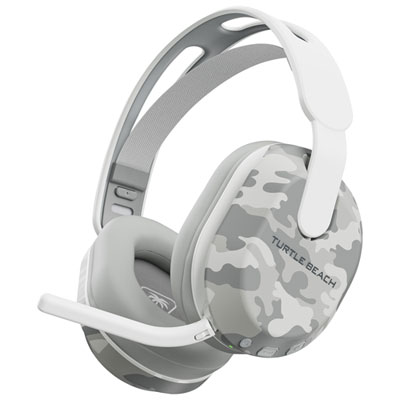
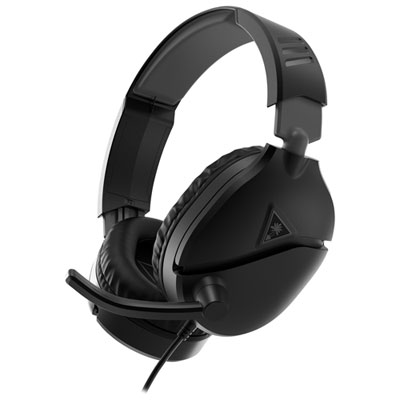

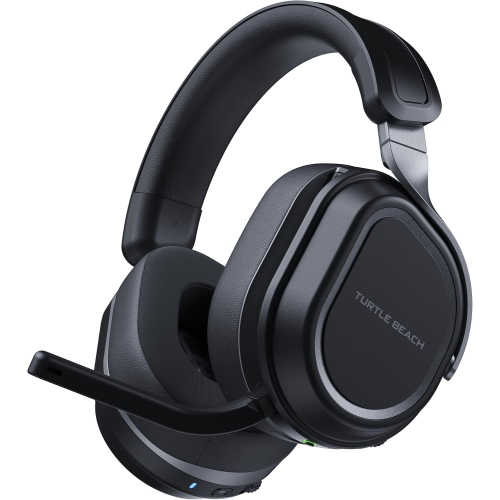
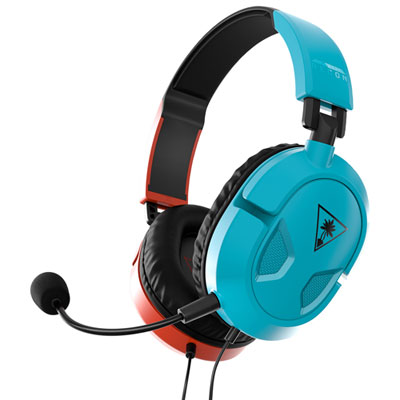
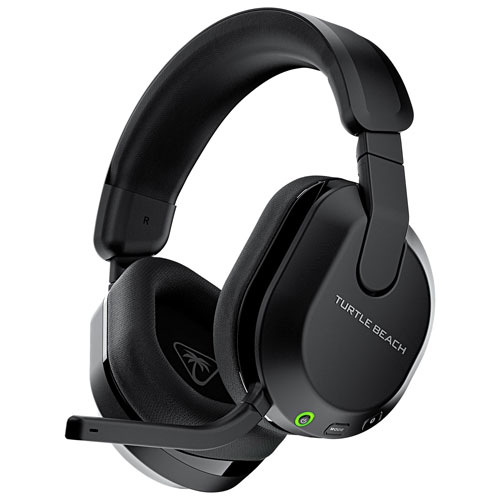
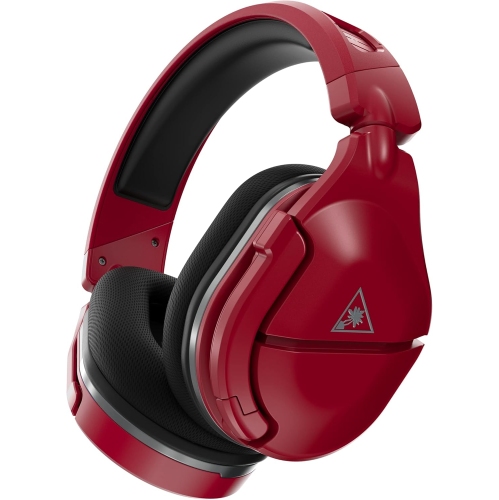
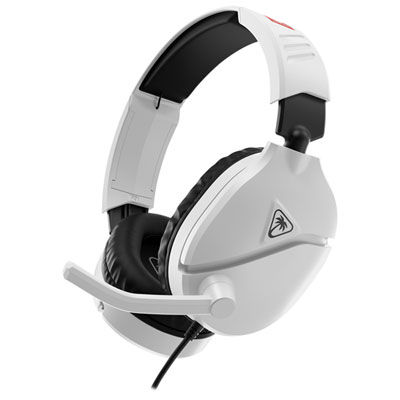
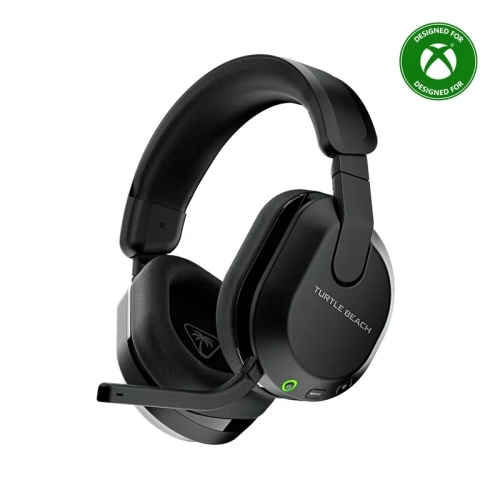
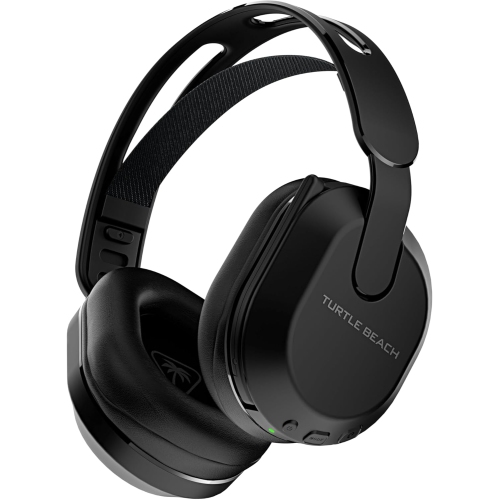
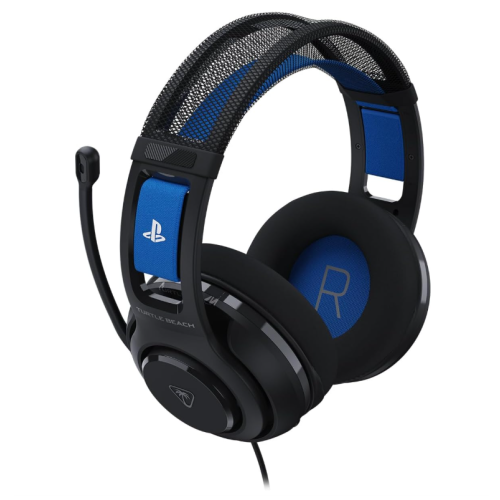
FAQ
Turtle Beach offers headsets that work with PS4, but compatibility varies by model. Wired headsets with a compatible 3.5 mm connection can plug into the DUALSHOCK 4 controller, while wireless models may require a PS4-compatible USB transmitter. Check the headset’s listed platform support before choosing.
For a compatible wired headset, plug its 3.5 mm connector into the controller’s headset jack. On your PS4, go to Settings > Devices > Audio Devices to select the input and output devices and adjust the microphone level. Set Output to Headphones to All Audio if you want both game sound and chat through the headset.
PS4 does not support standard Bluetooth audio headsets directly. Compatible wireless Turtle Beach headsets typically use a USB transmitter or another model-specific connection rather than pairing through the console’s Bluetooth menu. Follow the connection instructions for your headset.
Compatible models with a microphone can carry game audio and support PS4 voice chat. The controls vary: some headsets offer onboard volume and microphone mute, while others rely more on console settings. Separate game and chat volume controls are model-dependent.
Microphone monitoring, sometimes called sidetone, plays some of your microphone audio through your headset so you can hear your own voice while chatting. Availability and adjustment options vary by model, so check the headset’s feature list if you want this control.
Top selling and popular products
Discover more categories related to Turtle Beach PS4
Some products may be subject to Environmental Handling Fees (EHF) depending on your province. Learn more about EHFs.