Turtle Beach XBOX One
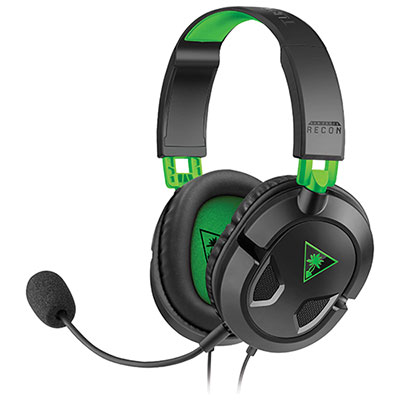
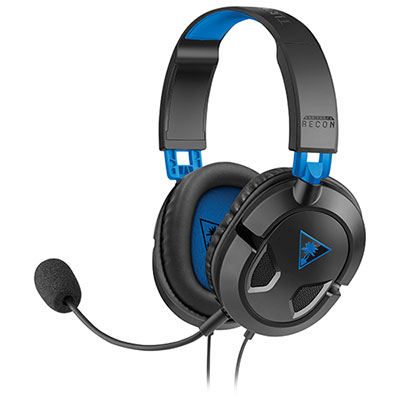
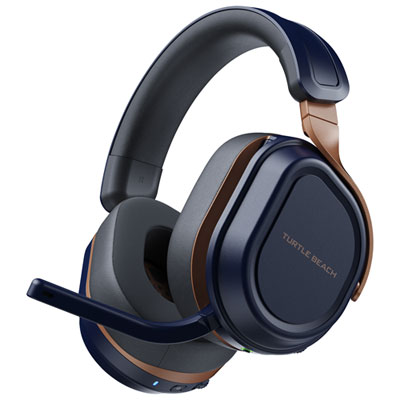
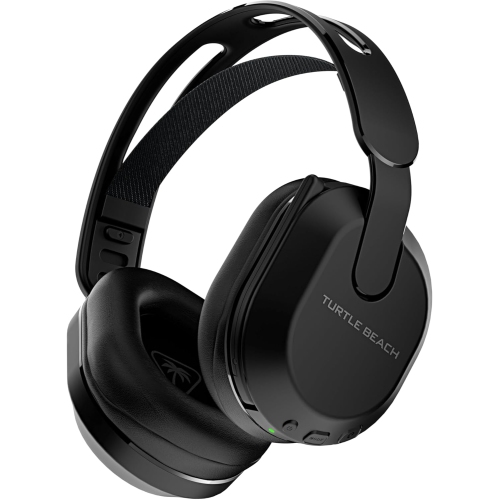
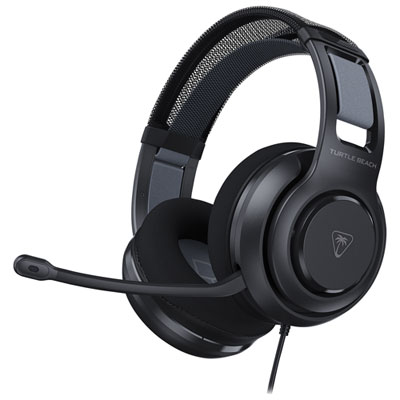
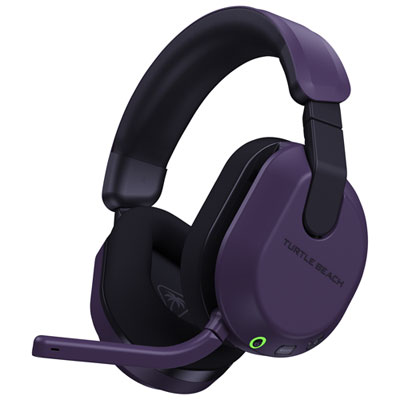
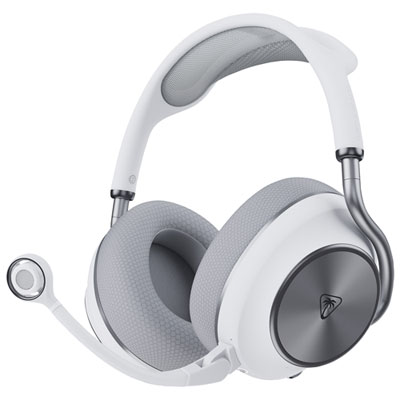
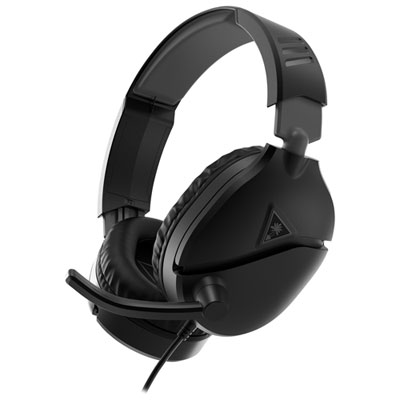
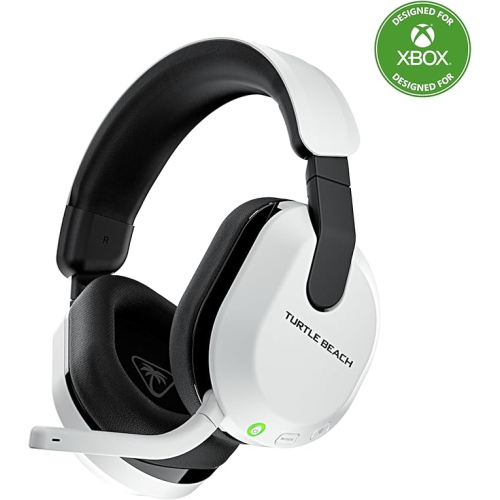
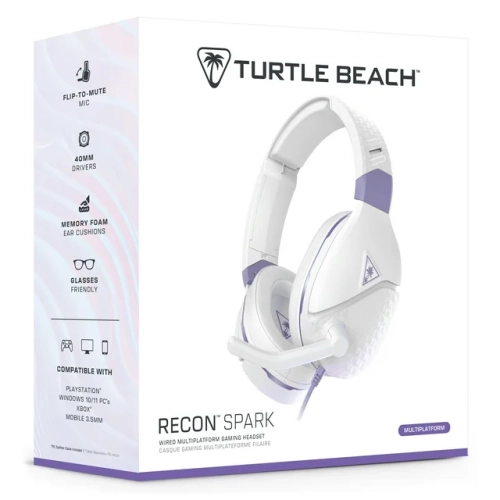
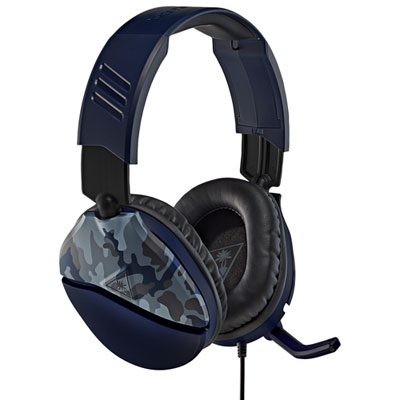
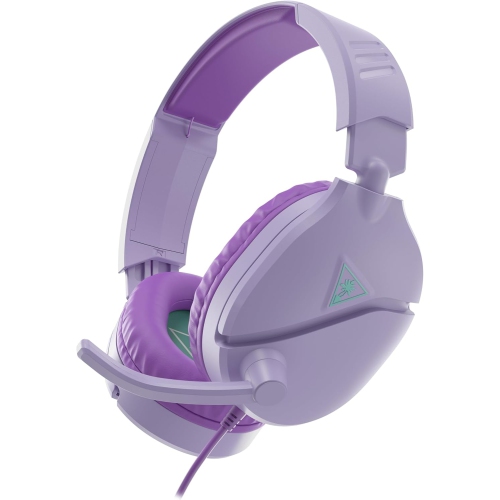
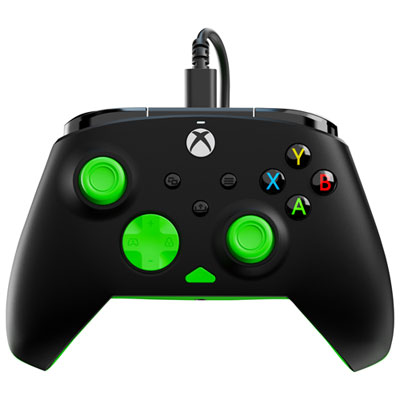
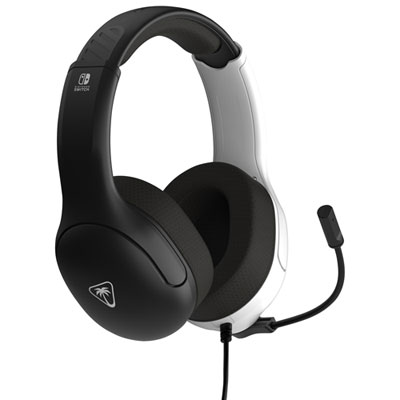
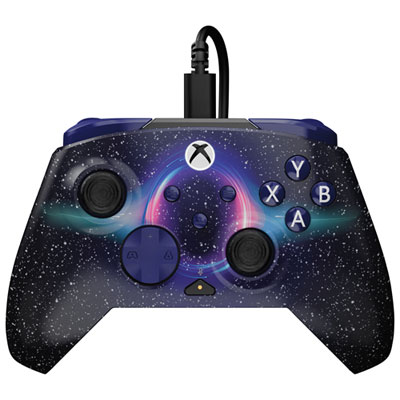
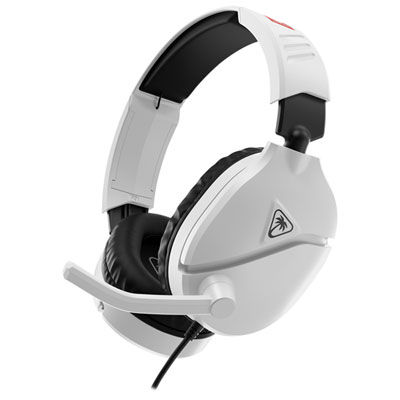
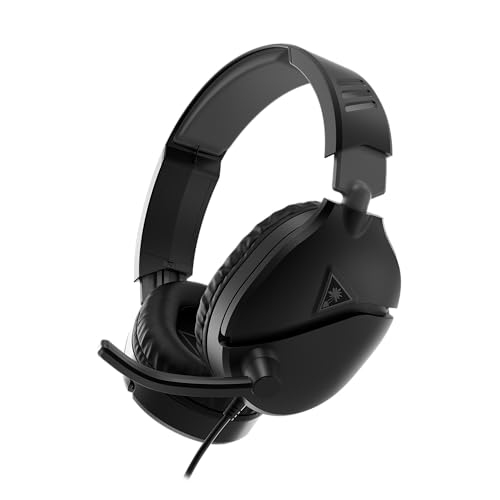
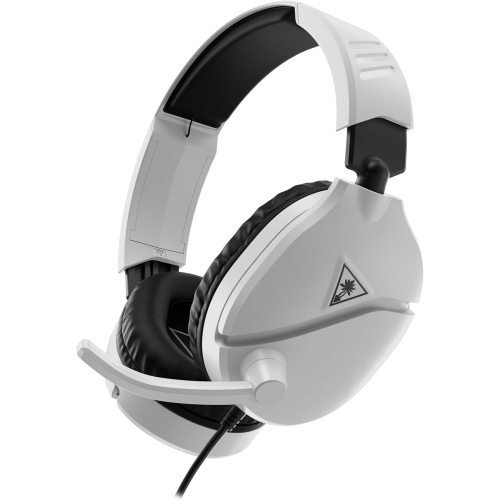
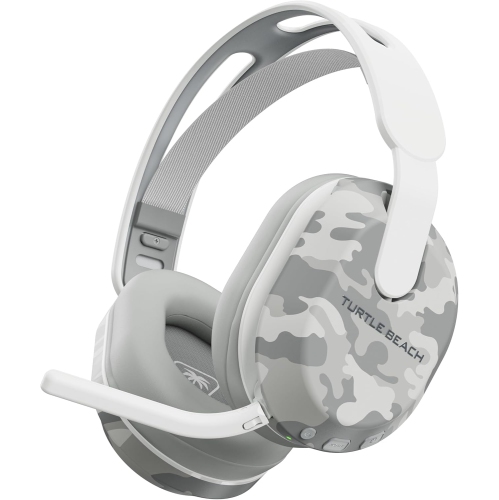
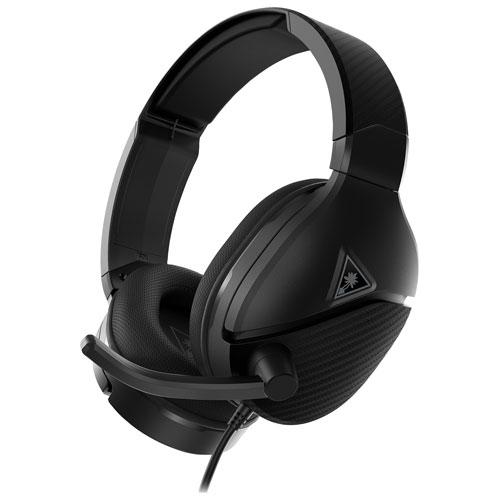
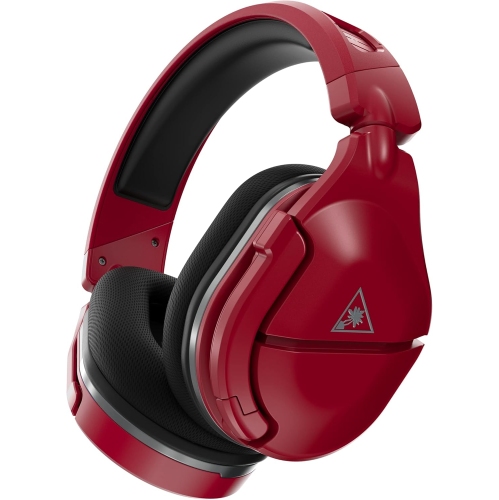
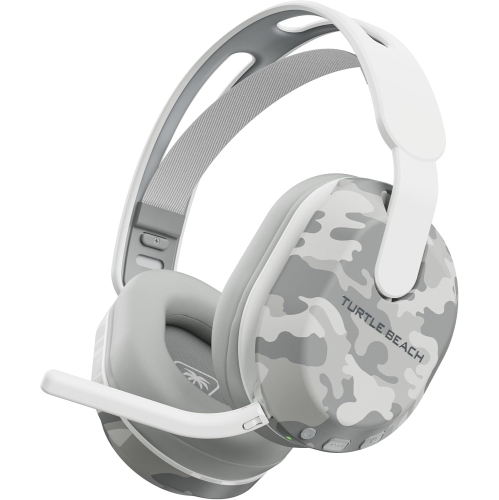
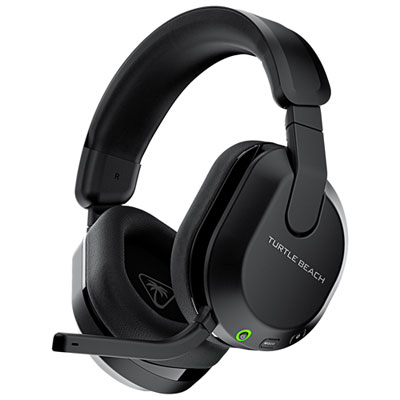
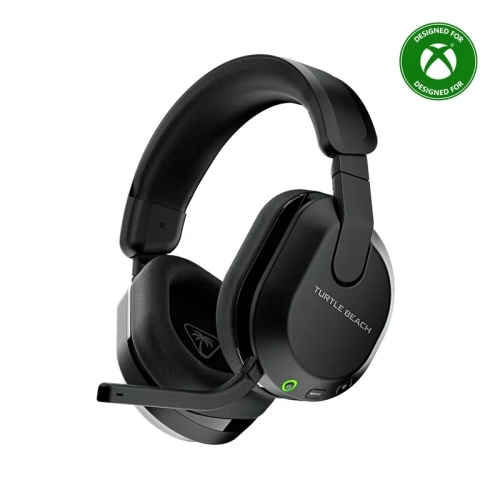
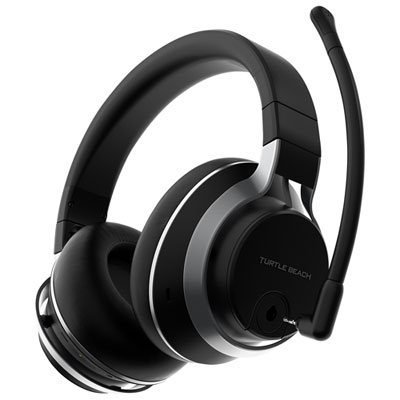
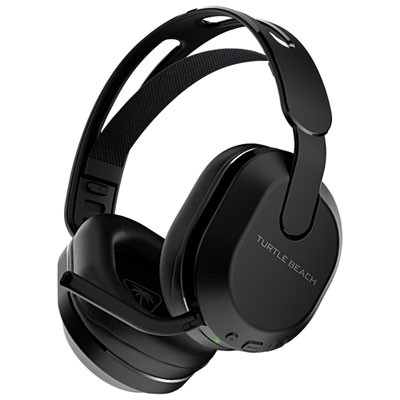
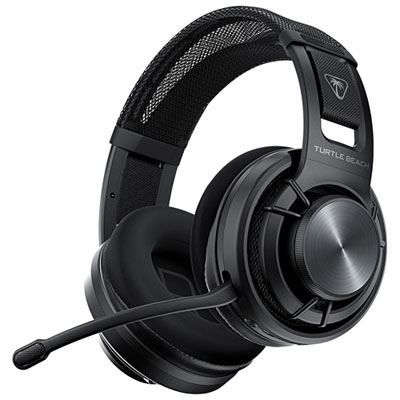
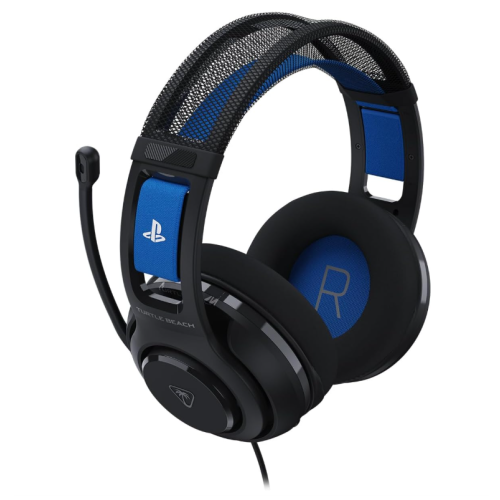
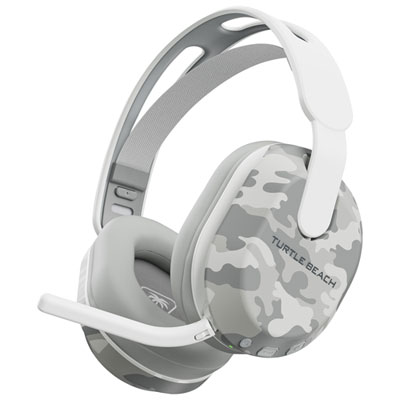
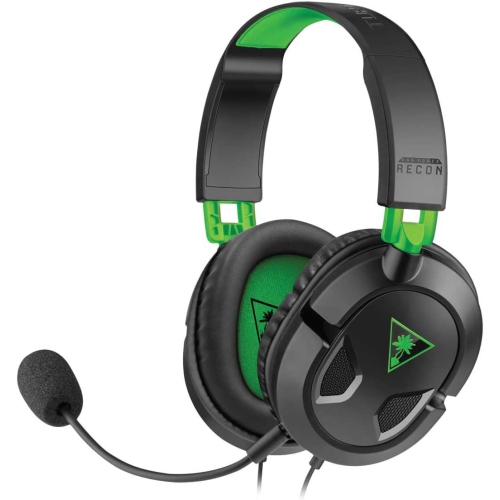
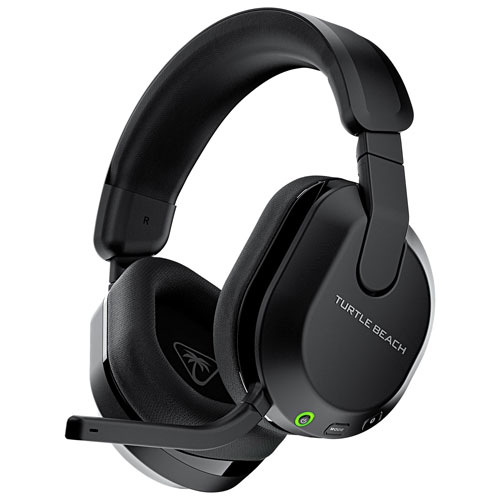
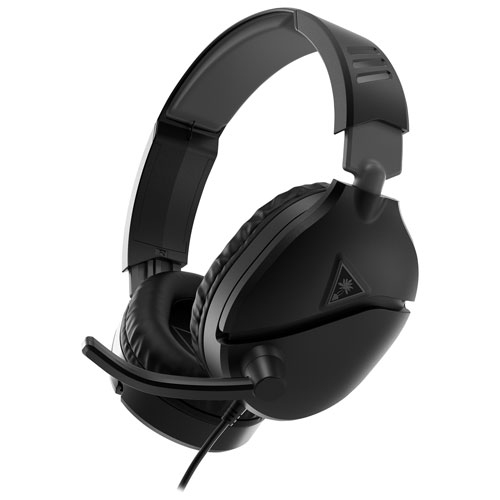
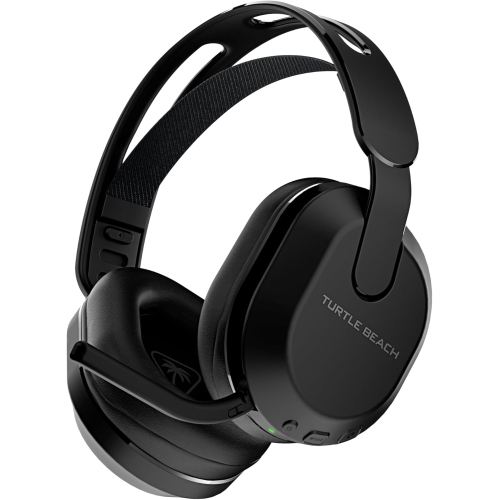
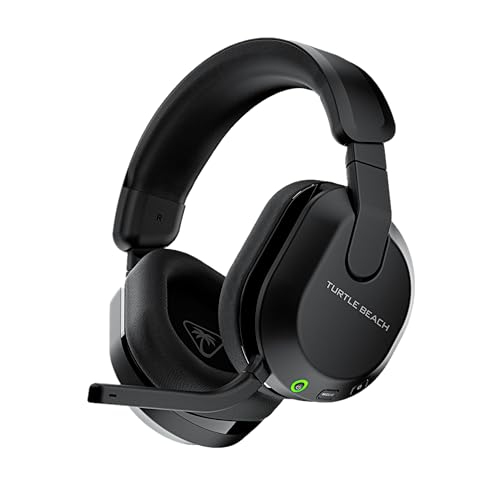
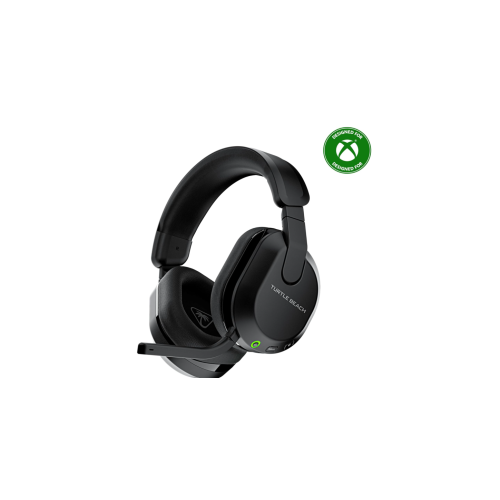
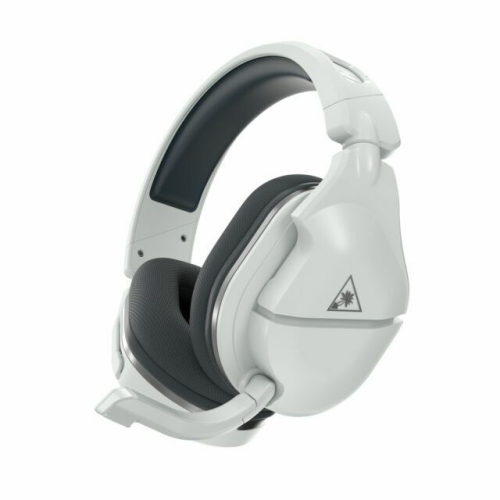
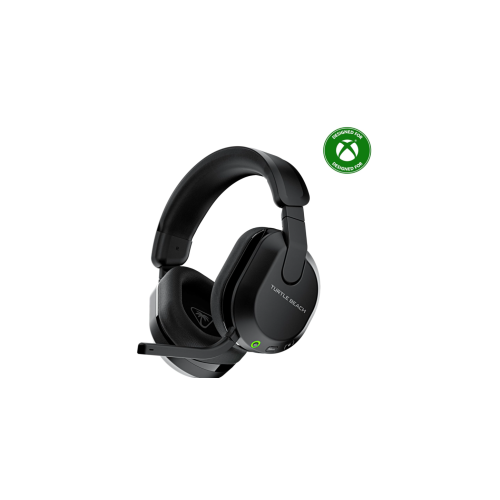
Find Turtle Beach headsets for Xbox One and compare options for game audio and voice chat. Check each headset’s Xbox One compatibility, connection type, microphone features, and fit to choose one that suits your gaming setup.

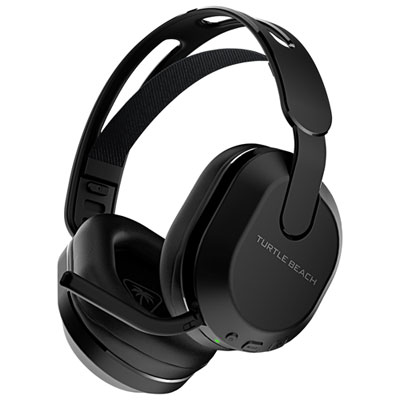
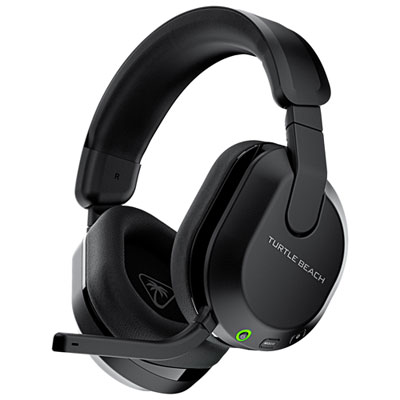
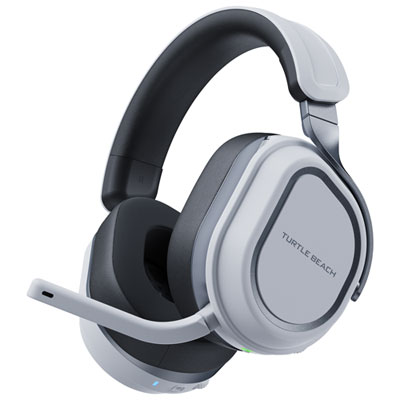
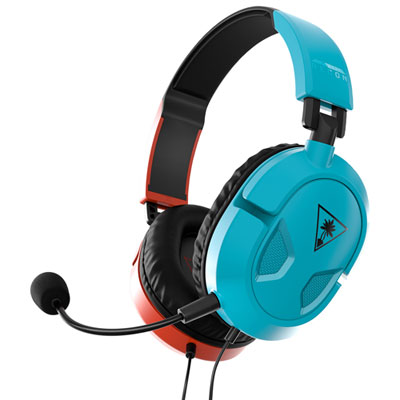
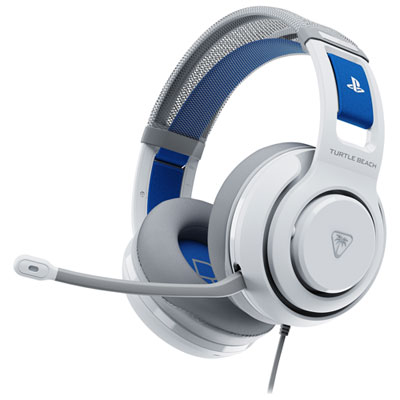
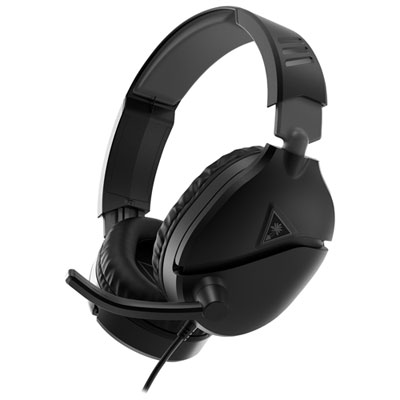
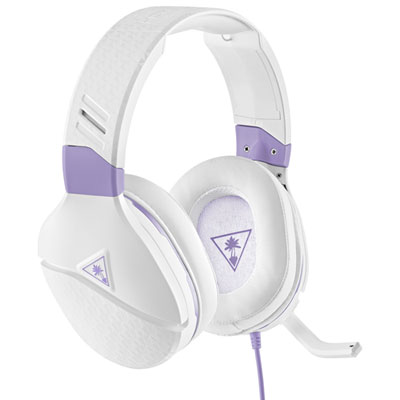
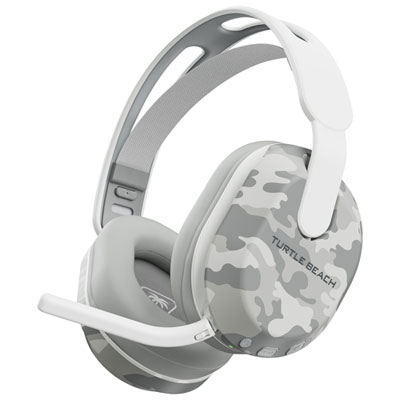
![TURTLE BEACH Victrix: Gambit Prime - Wired Tournament Controller [Xbox One/xbox Series X/pc Accessory]](https://multimedia.bbycastatic.ca/multimedia/products/500x500/200/20063/20063787.jpeg)
FAQ
Turtle Beach headsets with a compatible 3.5 mm wired connection or Xbox-compatible wireless connection can work with Xbox One. Compatibility varies by model, so check that the headset explicitly supports Xbox One rather than assuming every Turtle Beach headset will connect.
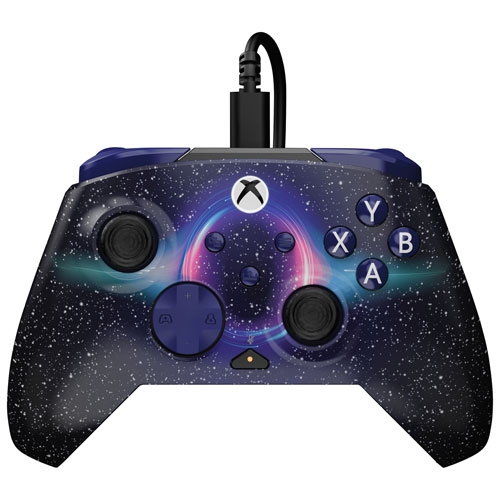
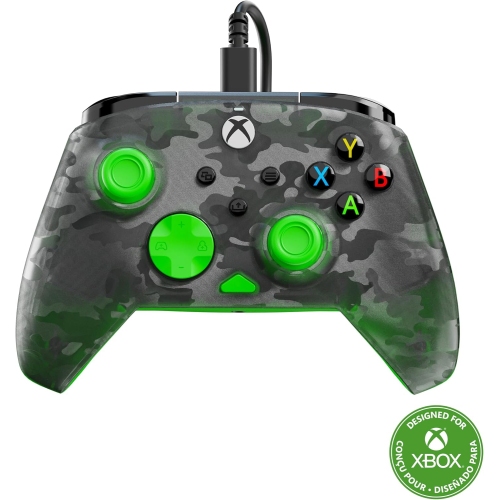
For a compatible wired headset, plug its 3.5 mm connector into the headset jack on your Xbox One controller. Older controllers without this jack require a compatible headset adapter. Once connected, you can adjust the available headset audio settings through the console.
Xbox One does not support direct Bluetooth headset audio. A wireless Turtle Beach headset needs an Xbox-compatible connection, such as Xbox Wireless or a supported transmitter. Bluetooth on a headset may be intended for connecting to a phone or another compatible device instead.
A compatible Turtle Beach headset with a microphone can support both game audio and Xbox party chat. Depending on the headset, volume, microphone mute and game-to-chat balance may be controlled through the headset, a controller adapter or the console's audio settings.
Microphone monitoring lets you hear some of your own voice through the headset while you speak. Availability and adjustment options vary by headset and connection type, with controls accessible through supported headset features or Xbox audio settings.
Top selling and popular products
Discover more categories related to Turtle Beach XBOX One
Some products may be subject to Environmental Handling Fees (EHF) depending on your province. Learn more about EHFs.