3 5 Mm Connectors
Explore the versatile world of 3.5 mm connectors, essential components for seamlessly connecting your audio devices. Whether you're looking to enhance your home audio setup, upgrade your headphones, or ensure compatibility across various gadgets, these connectors are designed to deliver reliable performance. From music enthusiasts to tech-savvy individuals, 3.5 mm connectors offer a simple yet effective solution for achieving optimal sound quality and connectivity. Discover a wide range of options tailored to meet your specific needs and elevate your audio experience with ease.
Sort
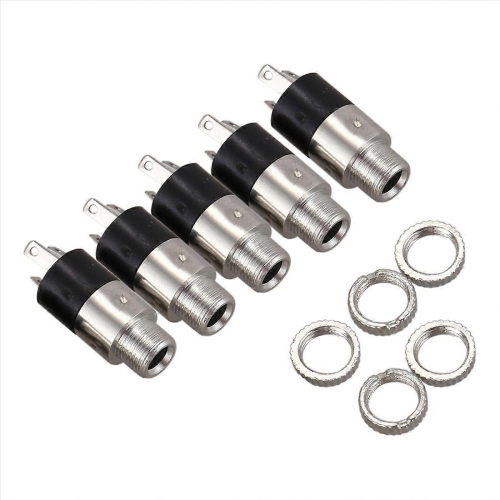
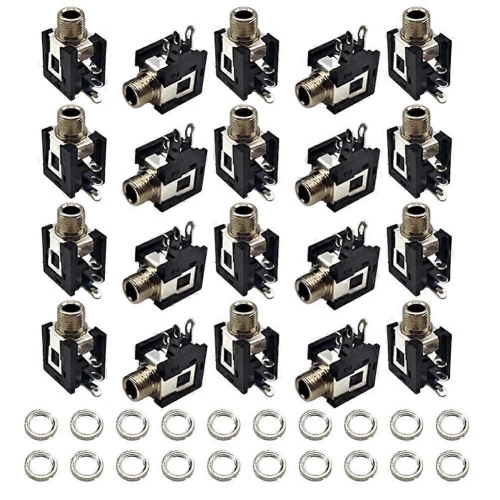
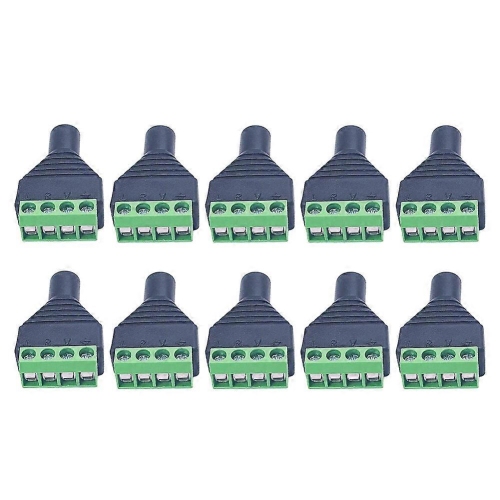
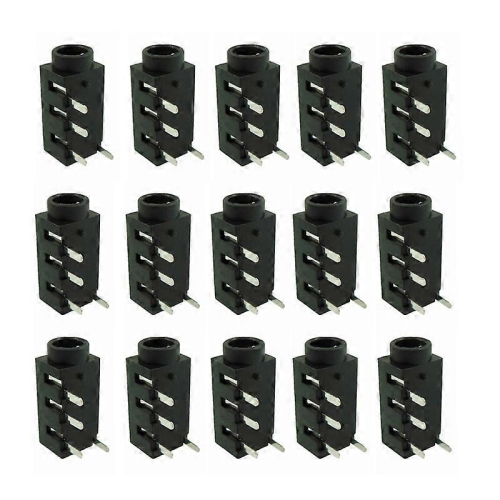
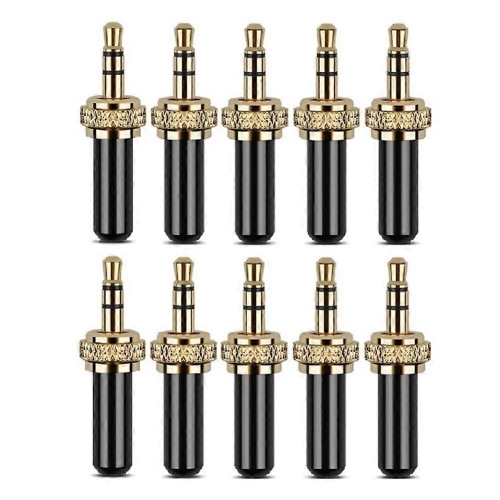
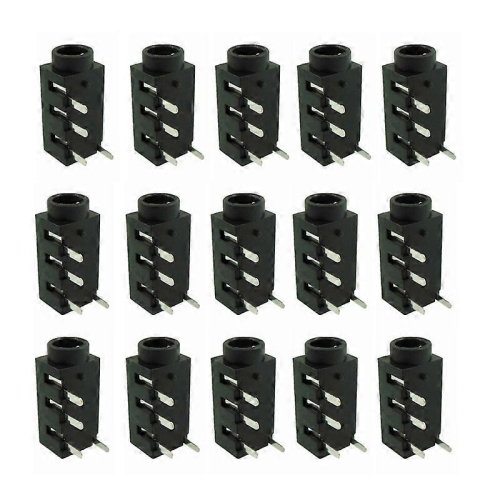
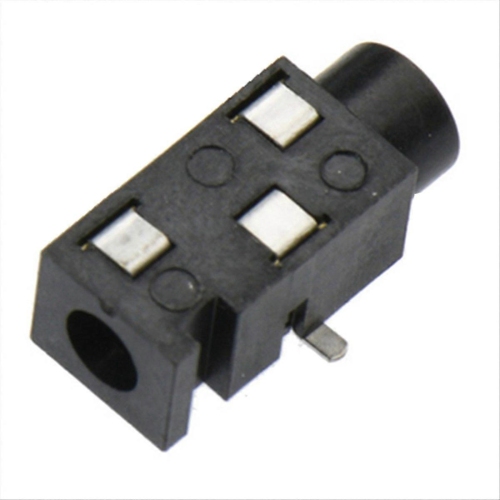
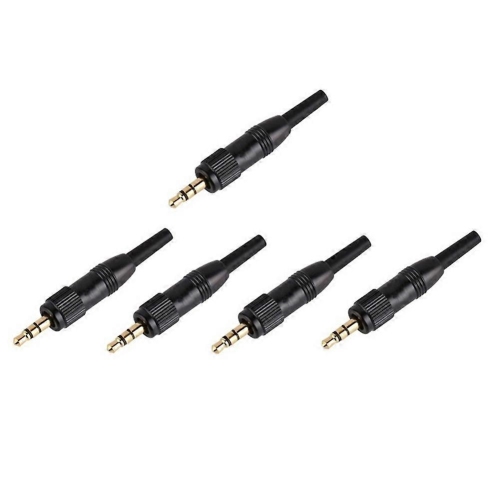
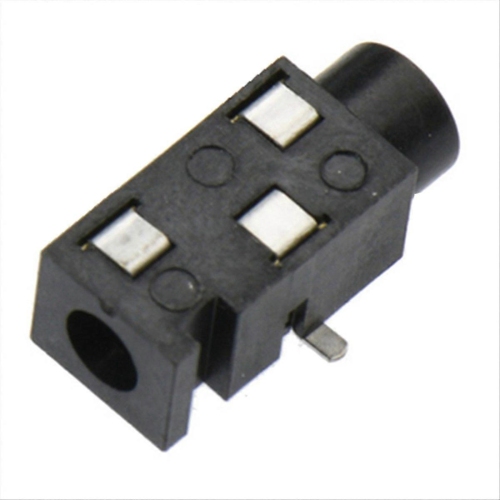
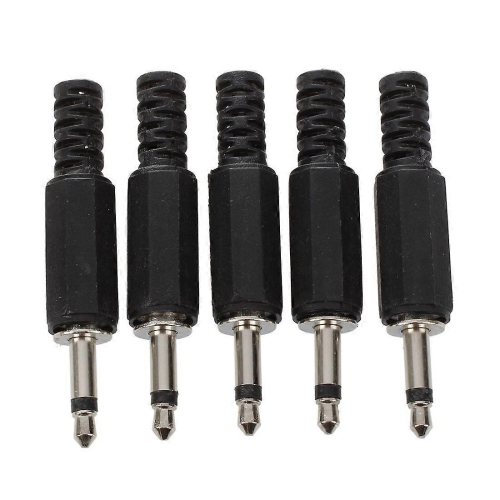
Everyday audio connections for home, travel, and entertainment
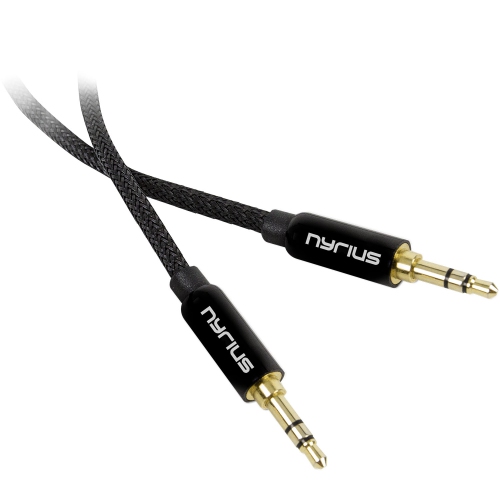
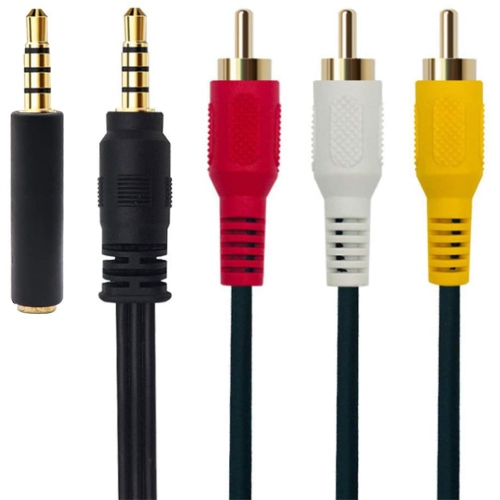
3.5 mm connectors are compact audio plugs and sockets used to connect a wide range of everyday electronics. Also known as 1/8-inch connectors or mini-jacks, they can carry sound between headphones, earbuds, computers, mobile devices, cameras, portable audio players, car stereos, speakers, and recording equipment. A 3.5 mm plug has a metal tip separated by insulating bands into sections called the tip, ring, and sleeve. The number of sections helps determine how the connector sends and receives audio. TS connectors have a tip and sleeve with one insulating band, making them suitable for simple mono signals such as some microphones, instruments, and audio equipment. TRS connectors have a tip, ring, and sleeve with two insulating bands, and are commonly used for stereo sound in headphones and auxiliary cables. TRRS connectors add another contact with three insulating bands, allowing stereo audio and microphone functions to travel through one connection. Some TRRS connectors also support inline playback, call, or volume controls, although compatibility can vary between devices. Checking the connector type before purchasing helps ensure that the plug matches the intended use, particularly when a headset microphone or remote control is part of the setup. A stereo headphone connection may play sound normally through a TRRS socket, but a microphone may not work unless the wiring standard and device are compatible.
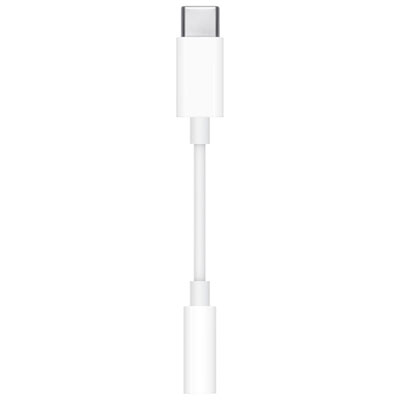
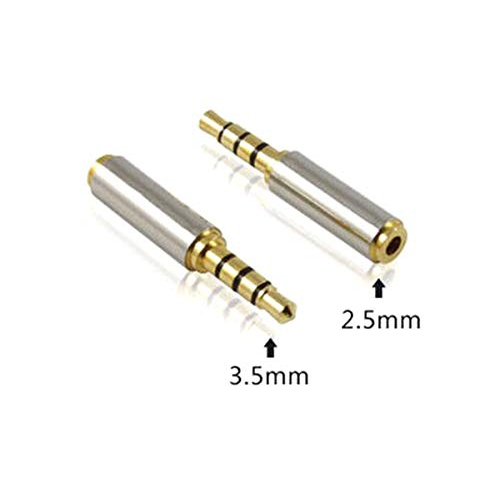
When choosing 3.5 mm connectors, start by considering the devices being connected and the direction of the audio signal. A male-to-male auxiliary cable is generally used to send audio from an output, such as a computer or mobile device, to an input, such as a vehicle stereo or powered speaker. A replacement plug, socket, or coupler may be useful when repairing a cable or extending an existing connection. For microphones, cameras, and audio recorders, the required connector may be mono, stereo, or a locking style designed to stay secure during movement. Cable length is another practical detail: a shorter cable can reduce clutter around a desk or bedside table, while a longer cable may be more convenient for connecting equipment across a room. A right-angle plug can sit more neatly beside a phone, tablet, controller, or camera and may reduce strain when the device is in a pocket or bag. Look for flexible cable jackets, sturdy strain relief, and firmly finished contacts when a connector will be plugged and unplugged frequently. Shielding can help limit unwanted hum or interference, especially when an audio cable runs near power adapters, displays, or other electronics. If the device uses a different size socket, an adapter may provide the necessary fit; for example, 2.5 Mm To 3.5 Mm Adapters can help connect compatible equipment with a 2.5 mm audio port to a standard 3.5 mm connection. Adapters should match the signal requirements of the equipment, since a physical fit alone does not guarantee that stereo audio, microphone input, or control functions will operate correctly.
These connectors are useful for listeners, commuters, students, musicians, content creators, gamers, travellers, and anyone who still relies on dependable wired audio. A wired connection can be convenient at a desk for online meetings, studying, editing recordings, or listening to music without pairing menus or battery charging. In a vehicle, an auxiliary cable can connect a compatible portable device to the stereo, making it easy to play podcasts, navigation prompts, or personal playlists through the car speakers. At home, a 3.5 mm connection can link a television, computer, or portable player to headphones for quieter listening, or connect an audio source to powered speakers for a small workspace or living room setup. Camera users may need a TRS connector for an external microphone, while headset users often need TRRS support to combine listening and voice recording through one jack. These products can also make practical gifts for a student setting up a study area, a traveller organizing a compact entertainment kit, or a family member replacing a worn cable. During the warmer months, a lightweight connector can be useful for outdoor gatherings, road trips, and portable speakers; during the cooler months, it can support a tidy indoor listening setup for work, gaming, or film nights. Before adding a connector to a cart, compare the plug size, pole configuration, socket type, cable length, device requirements, and intended audio direction. Paying attention to these details helps avoid loose connections, missing microphone support, one-sided sound, or a plug that fits physically but does not provide the expected function.
When choosing 3.5 mm connectors, start by considering the devices being connected and the direction of the audio signal. A male-to-male auxiliary cable is generally used to send audio from an output, such as a computer or mobile device, to an input, such as a vehicle stereo or powered speaker. A replacement plug, socket, or coupler may be useful when repairing a cable or extending an existing connection. For microphones, cameras, and audio recorders, the required connector may be mono, stereo, or a locking style designed to stay secure during movement. Cable length is another practical detail: a shorter cable can reduce clutter around a desk or bedside table, while a longer cable may be more convenient for connecting equipment across a room. A right-angle plug can sit more neatly beside a phone, tablet, controller, or camera and may reduce strain when the device is in a pocket or bag. Look for flexible cable jackets, sturdy strain relief, and firmly finished contacts when a connector will be plugged and unplugged frequently. Shielding can help limit unwanted hum or interference, especially when an audio cable runs near power adapters, displays, or other electronics. If the device uses a different size socket, an adapter may provide the necessary fit; for example, 2.5 Mm To 3.5 Mm Adapters can help connect compatible equipment with a 2.5 mm audio port to a standard 3.5 mm connection. Adapters should match the signal requirements of the equipment, since a physical fit alone does not guarantee that stereo audio, microphone input, or control functions will operate correctly.
These connectors are useful for listeners, commuters, students, musicians, content creators, gamers, travellers, and anyone who still relies on dependable wired audio. A wired connection can be convenient at a desk for online meetings, studying, editing recordings, or listening to music without pairing menus or battery charging. In a vehicle, an auxiliary cable can connect a compatible portable device to the stereo, making it easy to play podcasts, navigation prompts, or personal playlists through the car speakers. At home, a 3.5 mm connection can link a television, computer, or portable player to headphones for quieter listening, or connect an audio source to powered speakers for a small workspace or living room setup. Camera users may need a TRS connector for an external microphone, while headset users often need TRRS support to combine listening and voice recording through one jack. These products can also make practical gifts for a student setting up a study area, a traveller organizing a compact entertainment kit, or a family member replacing a worn cable. During the warmer months, a lightweight connector can be useful for outdoor gatherings, road trips, and portable speakers; during the cooler months, it can support a tidy indoor listening setup for work, gaming, or film nights. Before adding a connector to a cart, compare the plug size, pole configuration, socket type, cable length, device requirements, and intended audio direction. Paying attention to these details helps avoid loose connections, missing microphone support, one-sided sound, or a plug that fits physically but does not provide the expected function.
Top selling and popular products
-
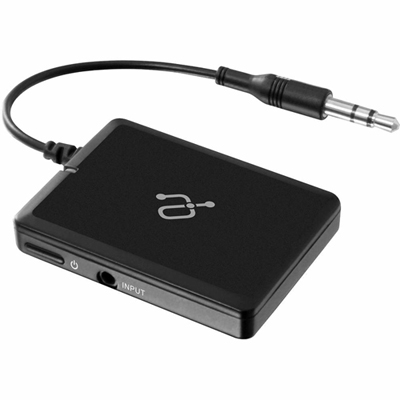 Your price for this item is $34.99
 -
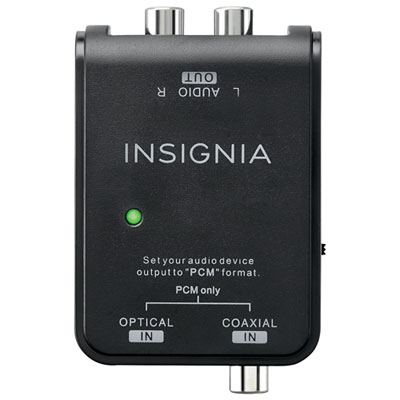 Your price for this item is $39.99
 -
 Your price for this item is $10.97
 -
 Your price for this item is $46.68
 -
 Your price for this item is $24.99
 -
 Your price for this item is $9.99
 -
 Your price for this item is $75.99
 -
 Your price for this item is $19.99
Discover more categories related to 3 5 Mm Connectors
Top Collections:
Pokemon Centers, Best Cameras for Sports Photography, Kindle Devices, Samsung Galaxy Phones, Canon G7X Cameras, Pokémon 30th Celebration Cards, Refurbished Apple Laptops, iPhone 15 Apple, Laptops for Students, Budget Smartphones
Some products may be subject to Environmental Handling Fees
(EHF) depending on your province.
Learn more about EHFs.