65 Inch Monitors
Upgrade your viewing experience with a stunning 65-inch monitor. Whether you're a gamer seeking immersive gameplay, a movie enthusiast craving cinematic visuals, or a professional in need of a spacious display for multitasking, 65-inch monitors have something for everyone. With cutting-edge technology and sleek designs, these monitors deliver crystal-clear images, vibrant colors, and smooth performance. Here are some great options available.
Sort

Why screen size alone doesn’t define a monitor
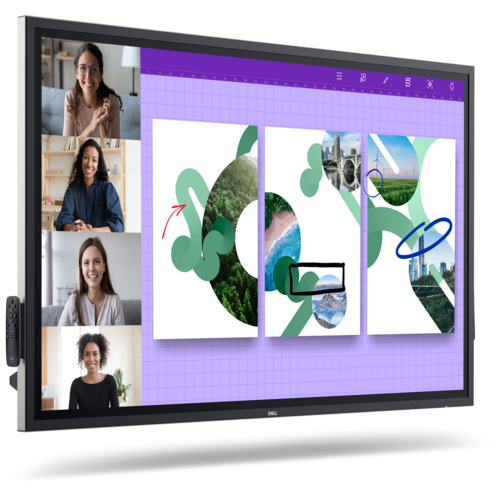
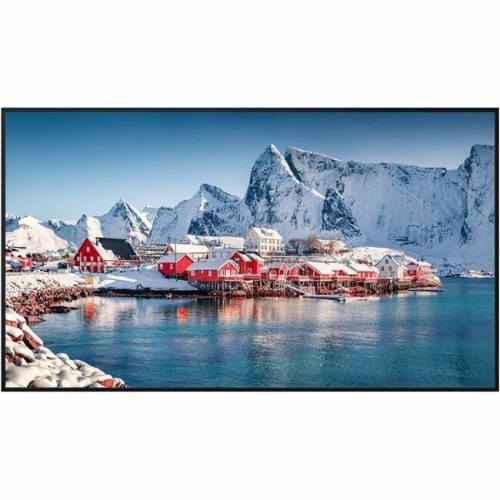
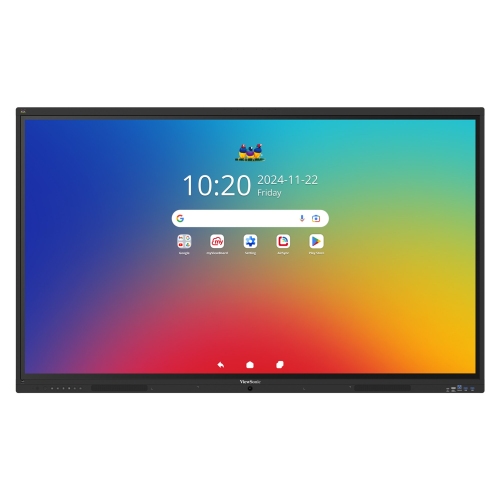
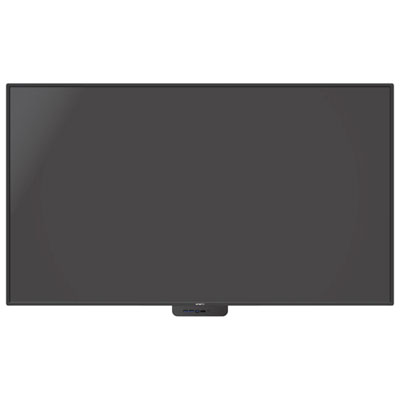
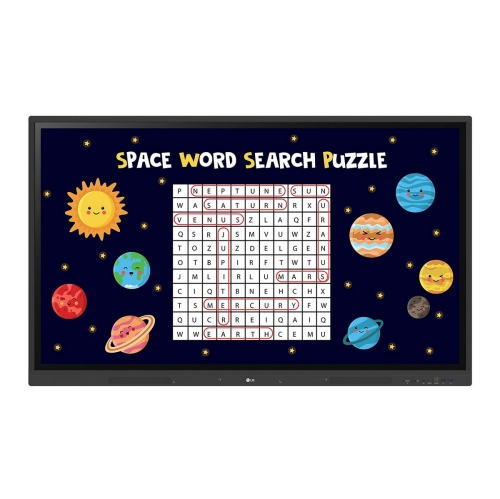
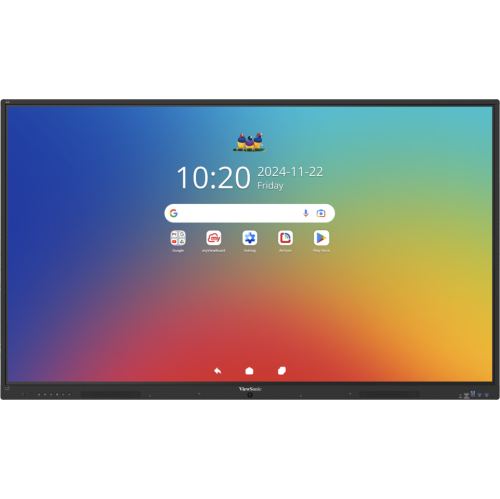
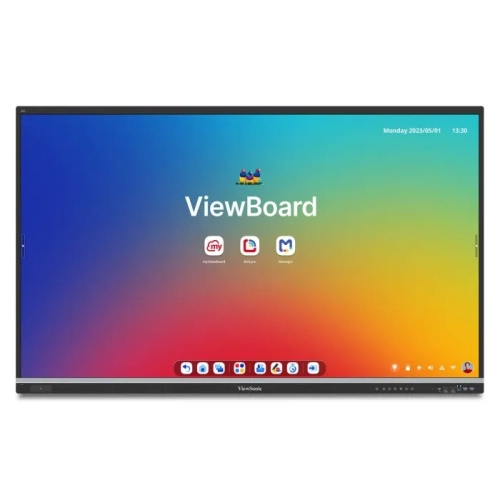
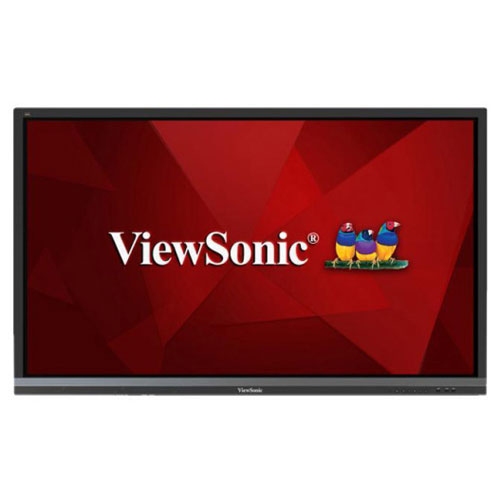
65-inch monitors are large-format displays used for shared viewing, digital signage, interactive collaboration, and specialized PC gaming. At this size, “monitor” can describe several different display types rather than a single kind of desktop screen. A commercial display may be designed to show presentation slides or business information for extended periods, while an interactive display adds touch input for writing, drawing, and moving content on screen. A gaming-focused display puts more emphasis on motion clarity, responsiveness, and compatibility with a computer or console. A smart television connected to a computer can also show a desktop, but it is not automatically equivalent to a dedicated monitor: text rendering, supported refresh rates, power management, and input behaviour can differ. These distinctions matter more than screen size alone. A 65-inch screen measures approximately 165 cm diagonally; with a conventional 16:9 aspect ratio, the visible image is about 144 cm wide and 81 cm tall, before accounting for the frame. That gives a project team room to examine a floor plan together, an instructor space to annotate a diagram, or a player a broad view of a game from a chair set back from the screen. It also means the display needs more space than an ordinary workstation monitor. Viewing distance and content size work together: a large chart may be easy to follow across a meeting room, while a spreadsheet with small labels can still require larger text. With 4K resolution, a 65-inch display spreads its pixels over a much larger surface than a smaller 4K monitor, so close-up text will not look equally fine at the same distance. For office work, readable scaling and sensible window placement help make the screen useful without constant head movement. For shared viewing, clear sightlines and appropriately sized content help everyone follow the same information.
Image quality on 65-inch monitors depends on the panel, surface finish, processing, and settings as well as resolution. An LCD display with an LED backlight may suit presentations, dashboards, and mixed business use, while an OLED display can provide deep blacks and strong contrast for games and video. OLED panels also require attention to manufacturer guidance about persistent static images, such as fixed taskbars or information panels. Viewing angles matter when people sit across a wide table rather than directly in front of the screen. A matte or anti-glare finish can soften distracting reflections, although screen placement still makes a difference when overhead lighting or windows face the display. Colour accuracy and calibration controls are relevant for visual review, but a large image alone does not make a screen suitable for colour-critical work. For gaming, refresh rate, input lag, pixel response time, and variable refresh rate support describe different aspects of performance. A high refresh rate can make supported motion look smoother, while low input lag helps actions feel closely connected to a controller or mouse. The computer or console, display input, and cable all need to support the intended resolution and refresh rate together. HDMI, DisplayPort, and USB-C connections can have different capabilities, even when their connectors look familiar. USB-C video input and laptop charging are separate features, and charging capacity needs to match the connected laptop’s requirements. Interactive monitors may also need a USB connection to send touch input back to the computer, in addition to the connection carrying the picture. Some displays include speakers, microphones, cameras, or computing functions, while others depend on separate equipment. In a meeting room, these details determine whether a laptop connects cleanly to the screen and whether remote participants can hear the conversation. For reception areas or information boards, supported media formats, scheduling tools, and automatic restart behaviour may be more useful than gaming features. The most relevant specifications are the ones that support the display’s everyday role.
Physical fit and durability are especially important with a screen this large. The overall dimensions include the bezel and any attached accessories, while the installed footprint also depends on the stand, wall bracket, or mobile cart. A desk or cabinet needs sufficient depth, stability, and load capacity, not simply enough width for the screen. Wall mounting requires a compatible VESA mounting pattern, a bracket rated for the display’s weight, and suitable support in the wall structure. Installation should follow the manufacturer’s directions, with help from a qualified installer where appropriate. A mobile stand can make a shared display easier to reposition between teaching or meeting spaces, but its weight rating, wheel locks, cable management, and clearance through doorways all matter. On an interactive screen, mounting height affects whether users can reach controls and write comfortably; on a seated gaming setup, screen position affects neck comfort and the visibility of the whole image. Materials also reflect intended use. Some interactive displays use protective glass over the panel, while other monitors have more exposed screen surfaces that need careful handling. A sturdy frame does not mean the screen can tolerate pressure, knocks, or unsuitable cleaning products. Routine care generally involves powering down as directed, using a clean microfibre cloth, and following the manufacturer’s approved cleaning method rather than spraying liquid directly onto the panel. Ventilation openings need to remain unobstructed, and cables should have enough slack to avoid strain when a stand moves or a bracket adjusts. For business installations, the rated daily operating hours and permitted mounting orientation help establish whether a display suits its planned schedule. A screen intended for occasional presentations may have different requirements from one showing information throughout the working day. Where the main task is individual desktop work rather than room-scale viewing, 38 inch monitors offer a smaller format to consider alongside desk depth and viewing distance. A well-matched 65-inch monitor brings together the right display technology, connections, mounting arrangement, and operating features for the people using it.
Top selling and popular products
-
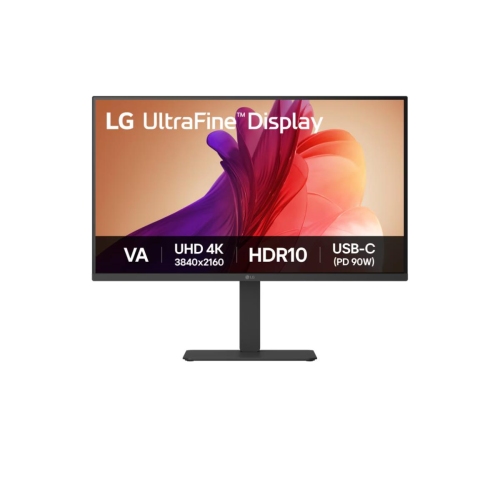 Your price for this item is $599.99
-
 Your price for this item is $899.99
-
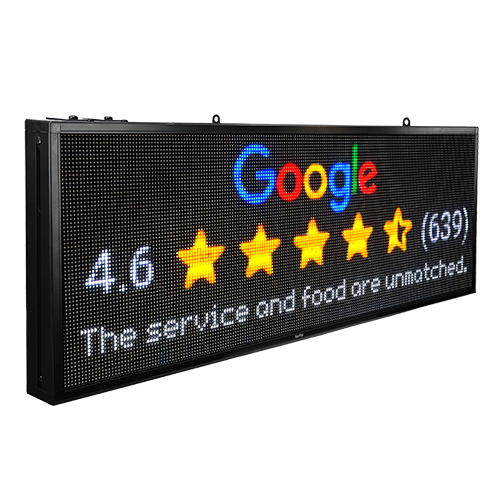 Your price for this item is $899
-
 Your price for this item is $999
-
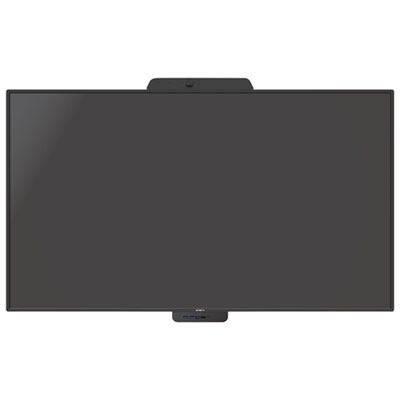 Your price for this item is $2629.99
-
 Your price for this item is $689.87
-
 Your price for this item is $832.99
-
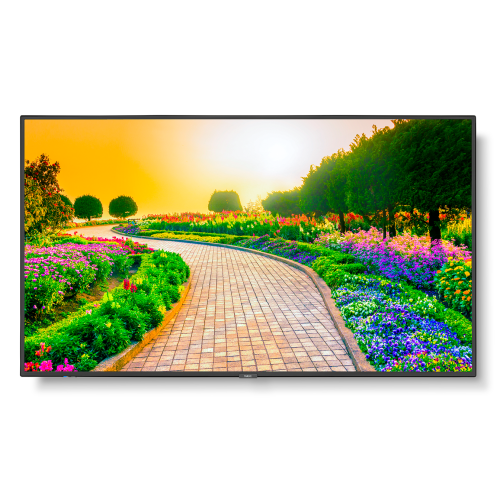 Your price for this item is $549.99
Discover more categories related to 65 Inch Monitors
Top Collections:
Best Black Friday Deals This Year, Best Black Friday Deals On Electronics, Kindle Devices, Pokemon Centers, Best Black Friday Deals On Apple Products, Best Cameras for Sports Photography, Dyson Airwrap, Pokémon 30th Celebration Cards, Apple iPhone 17 Pro, Canon G7X Cameras
Some products may be subject to Environmental Handling Fees
(EHF) depending on your province.
Learn more about EHFs.