43 Inch Monitors
Upgrade your viewing experience with our selection of 43-inch monitors, designed to provide you with crisp visuals and immersive display quality. Whether you're a professional who needs a larger screen for work or a gamer looking to enhance your gaming setup, these monitors offer the perfect combination of size and performance. With cutting-edge technology and sleek designs, these 43-inch monitors are sure to take your entertainment and productivity to the next level.
Sort
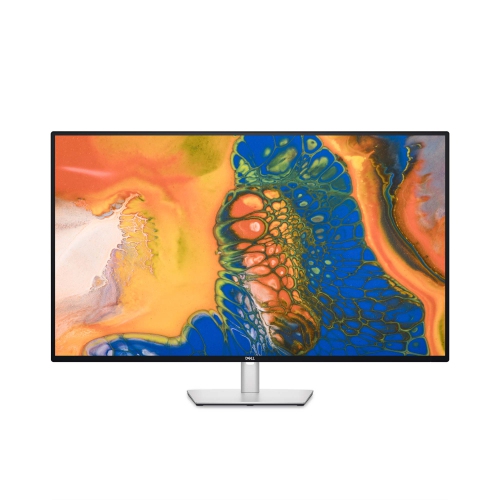
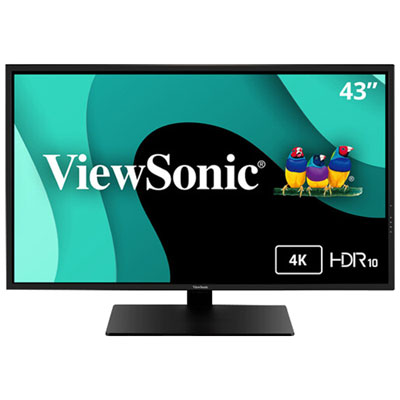
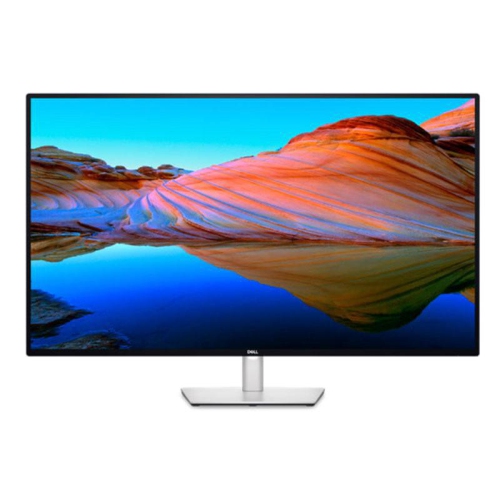

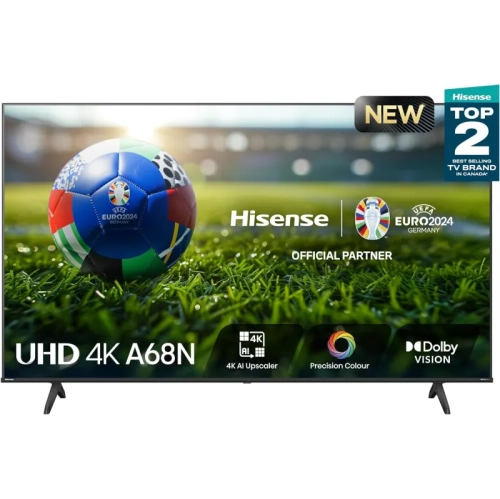
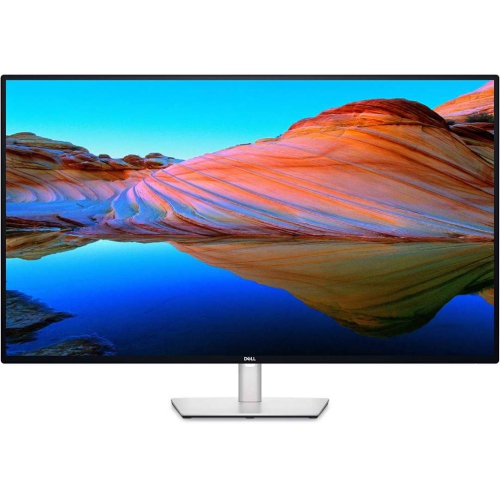
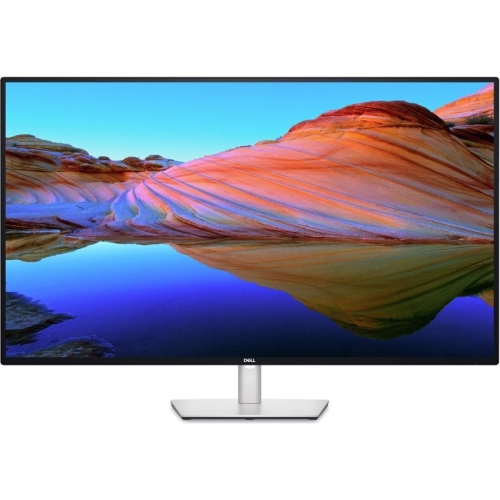

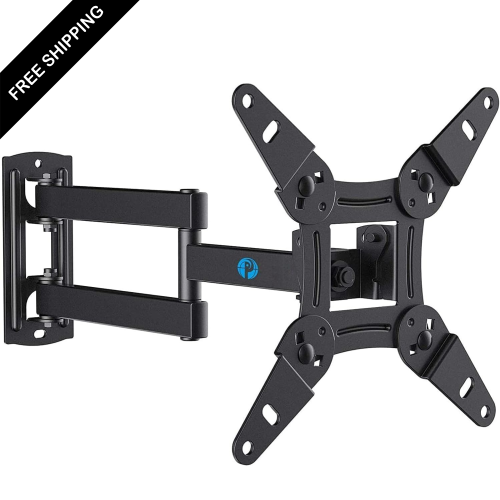
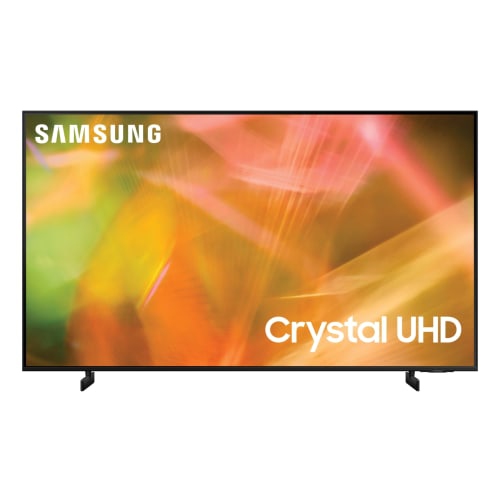
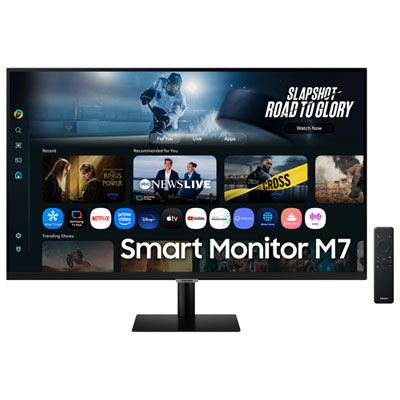

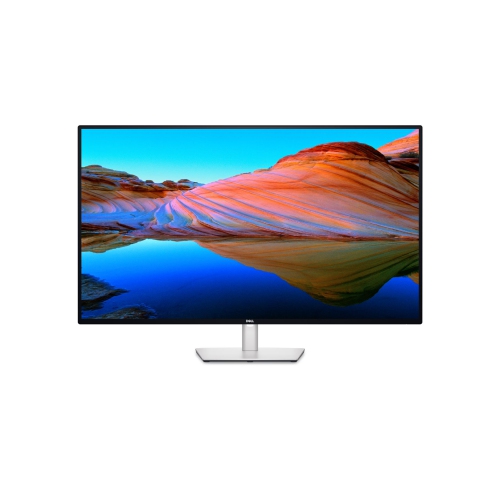

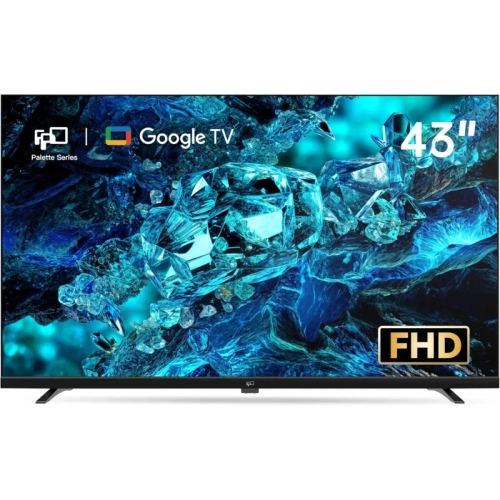


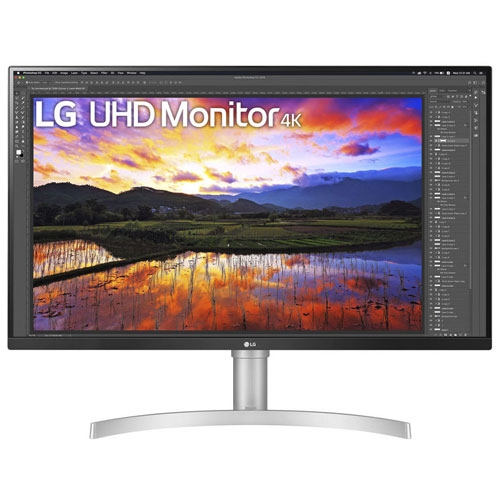

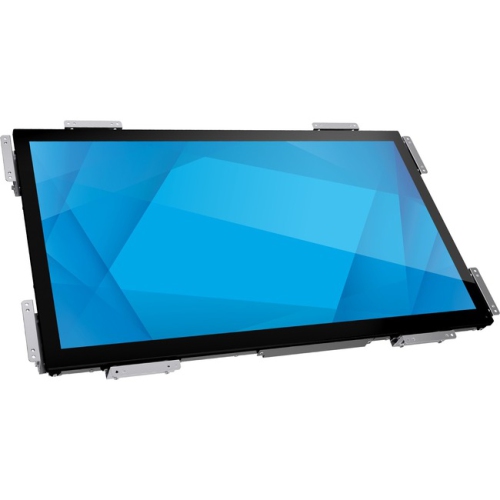
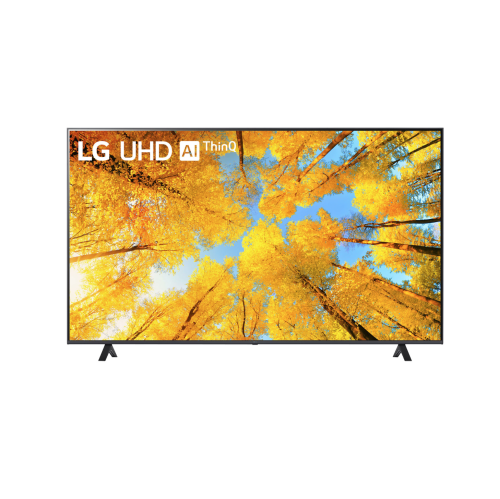
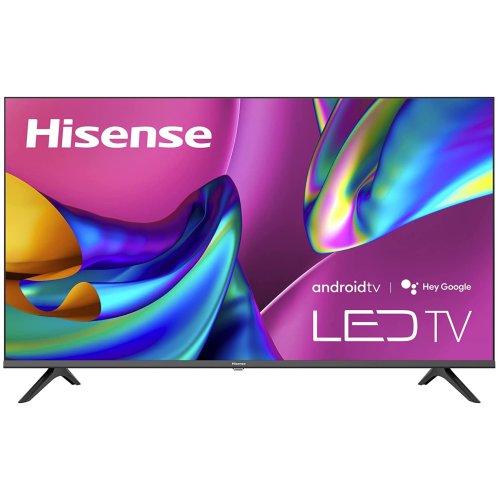
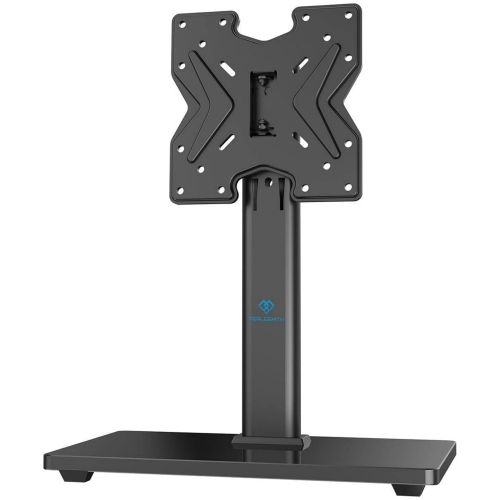
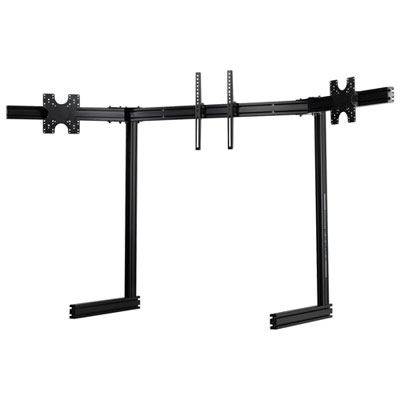
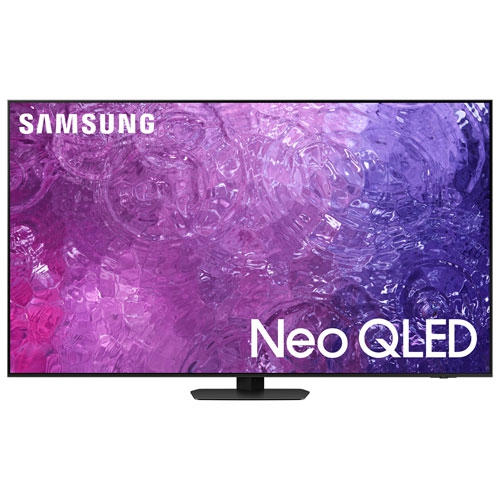
More room for multiple windows on one screen
43-inch monitors bring a broad, continuous workspace to a desk, with room for documents, spreadsheets, creative tools, and entertainment on one screen. Their size refers to the diagonal screen measurement, not the width, so the overall dimensions and stand footprint matter when fitting one into a home office or shared workspace. Many monitors in this size class feature 4K Ultra HD resolution, with 3840 × 2160 pixels providing space for several windows without the interruption of a central bezel. A financial analyst can keep a large worksheet beside a report, while a developer can view code, documentation, and a preview together. For students and researchers, the same layout makes it easier to compare source material with notes rather than repeatedly switching between tabs. At native scaling, a 4K display has the same pixel count as four Full HD displays arranged in a two-by-two grid, although text size and usable workspace change with display scaling settings. That distinction matters: a larger screen does not automatically make every application easier to read, and comfortable text sizing depends on resolution, viewing distance, and personal preference. A deep desk often suits a 43-inch monitor better than a shallow workstation because it allows more distance between the viewer and the panel. Positioning frequently used windows near the centre can also reduce repeated head movement toward the outer edges. Unlike an ultrawide monitor, a typical 16:9 model provides substantial vertical space as well as width, which is useful for tall documents, editing timelines, and detailed dashboards. This format appeals to people who want a single expansive display rather than several separate screens, but it is not a natural fit for every room. For a compact desk, a secondary workstation, or a setup used mainly for one application at a time, 24-inch monitors offer a smaller alternative with less demand on desk space.
Picture quality on a 43-inch monitor depends on more than its diagonal measurement or resolution. Panel technology, surface finish, brightness, and colour performance all shape how the screen looks during everyday use. IPS panels generally maintain consistent colour and image appearance across wider viewing angles, which can be helpful when someone sits beside the main user to review a layout or presentation. VA panels often deliver stronger native contrast, making dark scenes look deeper, although viewing angles and motion handling vary by model. A matte or anti-glare surface can soften distracting reflections from nearby lights, while a glossy finish may produce more noticeable reflections depending on placement. For photography, illustration, and video work, documented colour gamut coverage and colour accuracy are more informative than broad claims about vivid images. Work intended for print may also benefit from calibration and controlled lighting. HDR support deserves similar attention: accepting an HDR signal does not, by itself, guarantee bright highlights or detailed shadows. Peak brightness, contrast, and local dimming capabilities influence the visible result. For gaming, refresh rate describes how often the display updates, while pixel response time affects how clearly moving objects appear. Input lag is a separate consideration that influences how quickly an action feels reflected on screen. A higher refresh rate and compatible adaptive sync can make movement look smoother, but the computer or console, connection, and selected resolution must support the intended settings. Running demanding games at 4K also places a heavier load on a graphics card than running them at Full HD. For films and everyday viewing, a large 16:9 screen provides a generous picture without requiring an unusually wide desk. Some monitors include speakers, remote controls, or streaming features, though these are model-dependent rather than standard characteristics of the category. Built-in audio can suit calls and casual viewing; dedicated speakers or headphones may be preferable for clearer dialogue, fuller music, or private listening in a shared room.
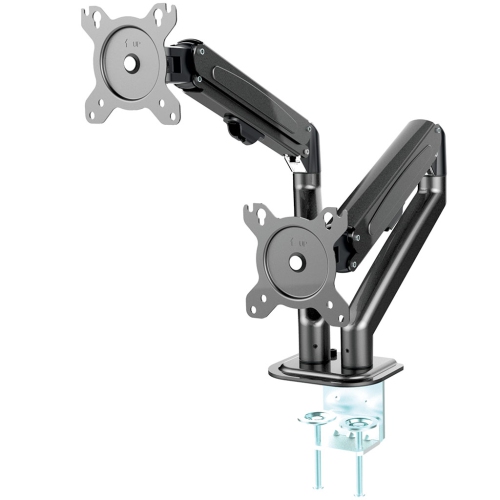
Connections and physical construction have a direct effect on how comfortably a 43-inch monitor fits into a daily routine. HDMI and DisplayPort inputs connect compatible computers and other devices, but supported resolution and refresh rate depend on the capabilities of both the ports and the cables. USB-C can simplify a laptop setup by carrying video, data, and charging through one cable when the monitor and laptop support those functions. The charging wattage still needs to suit the laptop, especially for more demanding workloads, and not every USB-C connection supports video or power delivery. A built-in USB hub can keep a keyboard, mouse, or other peripherals close at hand. On models with a KVM switch, compatible connected computers can share a keyboard and mouse, which is useful when moving between a work laptop and a personal desktop. Picture-by-picture can show separate sources in different parts of the screen, while picture-in-picture places a smaller source window over the main image; supported layouts and input combinations vary. These features can make a large monitor a practical centre for a workstation, provided the connections match the devices being used. Construction matters just as much as connectivity. Housing materials vary, but a sturdy stand, secure mounting points, and a stable supporting desk are particularly important for a display of this size. Stand adjustment may be limited, so a monitor arm or wall mount can help with positioning if its weight rating, screen-size rating, and VESA pattern match the display. Clearance around ventilation openings and access to rear ports also deserve space in the layout. For routine care, dusting with a clean, soft microfibre cloth helps keep the panel clear; cleaning liquids and methods should follow the manufacturer's directions, with no liquid sprayed directly onto the screen. Moving a large monitor is safer with assistance, supporting its frame rather than pressing on the panel. As a gift for a dedicated gamer, remote worker, or creative hobbyist, a 43-inch monitor is best matched to a known desk layout, compatible equipment, and a genuine preference for a large-screen workspace.
Picture quality on a 43-inch monitor depends on more than its diagonal measurement or resolution. Panel technology, surface finish, brightness, and colour performance all shape how the screen looks during everyday use. IPS panels generally maintain consistent colour and image appearance across wider viewing angles, which can be helpful when someone sits beside the main user to review a layout or presentation. VA panels often deliver stronger native contrast, making dark scenes look deeper, although viewing angles and motion handling vary by model. A matte or anti-glare surface can soften distracting reflections from nearby lights, while a glossy finish may produce more noticeable reflections depending on placement. For photography, illustration, and video work, documented colour gamut coverage and colour accuracy are more informative than broad claims about vivid images. Work intended for print may also benefit from calibration and controlled lighting. HDR support deserves similar attention: accepting an HDR signal does not, by itself, guarantee bright highlights or detailed shadows. Peak brightness, contrast, and local dimming capabilities influence the visible result. For gaming, refresh rate describes how often the display updates, while pixel response time affects how clearly moving objects appear. Input lag is a separate consideration that influences how quickly an action feels reflected on screen. A higher refresh rate and compatible adaptive sync can make movement look smoother, but the computer or console, connection, and selected resolution must support the intended settings. Running demanding games at 4K also places a heavier load on a graphics card than running them at Full HD. For films and everyday viewing, a large 16:9 screen provides a generous picture without requiring an unusually wide desk. Some monitors include speakers, remote controls, or streaming features, though these are model-dependent rather than standard characteristics of the category. Built-in audio can suit calls and casual viewing; dedicated speakers or headphones may be preferable for clearer dialogue, fuller music, or private listening in a shared room.
Connections and physical construction have a direct effect on how comfortably a 43-inch monitor fits into a daily routine. HDMI and DisplayPort inputs connect compatible computers and other devices, but supported resolution and refresh rate depend on the capabilities of both the ports and the cables. USB-C can simplify a laptop setup by carrying video, data, and charging through one cable when the monitor and laptop support those functions. The charging wattage still needs to suit the laptop, especially for more demanding workloads, and not every USB-C connection supports video or power delivery. A built-in USB hub can keep a keyboard, mouse, or other peripherals close at hand. On models with a KVM switch, compatible connected computers can share a keyboard and mouse, which is useful when moving between a work laptop and a personal desktop. Picture-by-picture can show separate sources in different parts of the screen, while picture-in-picture places a smaller source window over the main image; supported layouts and input combinations vary. These features can make a large monitor a practical centre for a workstation, provided the connections match the devices being used. Construction matters just as much as connectivity. Housing materials vary, but a sturdy stand, secure mounting points, and a stable supporting desk are particularly important for a display of this size. Stand adjustment may be limited, so a monitor arm or wall mount can help with positioning if its weight rating, screen-size rating, and VESA pattern match the display. Clearance around ventilation openings and access to rear ports also deserve space in the layout. For routine care, dusting with a clean, soft microfibre cloth helps keep the panel clear; cleaning liquids and methods should follow the manufacturer's directions, with no liquid sprayed directly onto the screen. Moving a large monitor is safer with assistance, supporting its frame rather than pressing on the panel. As a gift for a dedicated gamer, remote worker, or creative hobbyist, a 43-inch monitor is best matched to a known desk layout, compatible equipment, and a genuine preference for a large-screen workspace.
Top selling and popular products
-
 Your price for this item is $899.99
 -
 Your price for this item is $899
 -
 Your price for this item is $1049.99
 -
 Your price for this item is $1299.99
 -
 Your price for this item is $999
 -
 Your price for this item is $691.87
 -
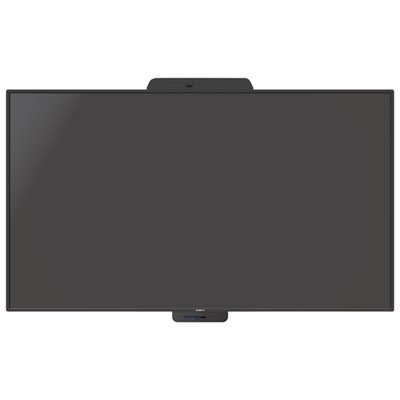 Your price for this item is $3739.99
 -
 Your price for this item is $567.99
Discover more categories related to 43 Inch Monitors
Top Collections:
Pokemon Centers, Kindle Devices, Best Budget Office Chairs, Apple iPhones 16, Best Laptops for Writers, iPhone 15 Apple, Canon G7X Cameras, Refurbished Apple Laptops, Alarm Clock, Motorola Razr Phones
Some products may be subject to Environmental Handling Fees
(EHF) depending on your province.
Learn more about EHFs.