70 Inch Flat Screen TV Wall Mounts
Elevate your home entertainment experience with our selection of 70-inch flat-screen TV wall mounts. Whether you want to create a cinematic experience in your living room or save valuable floor space in a smaller area, our range of 70-inch flat-screen TV wall mounts provides the perfect combination of style and functionality. Explore our collection today and take your TV watching to new heights.
Sort
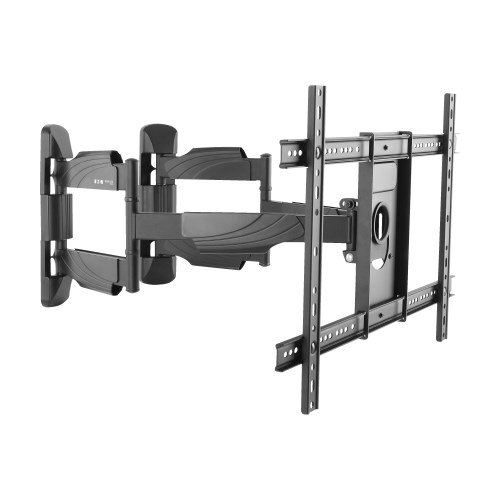
![BRACTECK Brateck Classic Full-Motion Tv Wall Mount [Lpa52-466] Most 37"-70" Flat Panel Tvs Up to 40Kg/88Lbs](https://multimedia.bbycastatic.ca/multimedia/products/500x500/191/19183/19183925.jpeg)
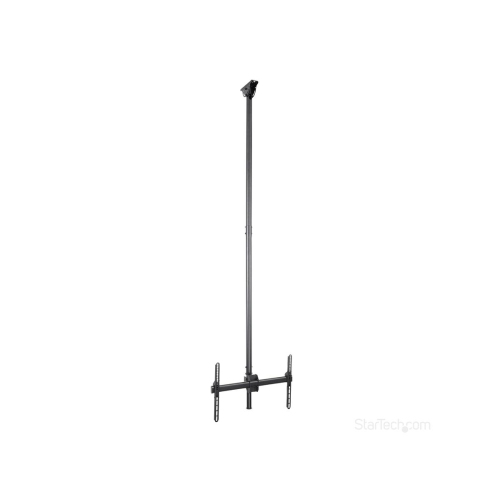
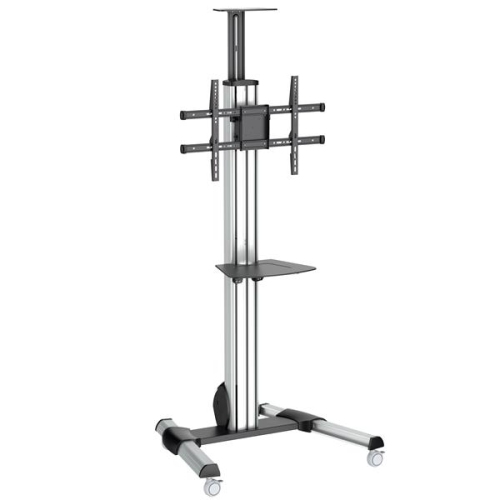
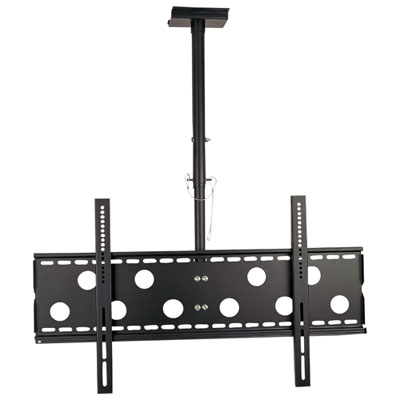
The right fit depends on more than screen size
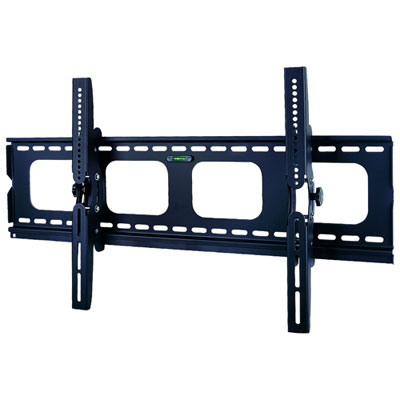
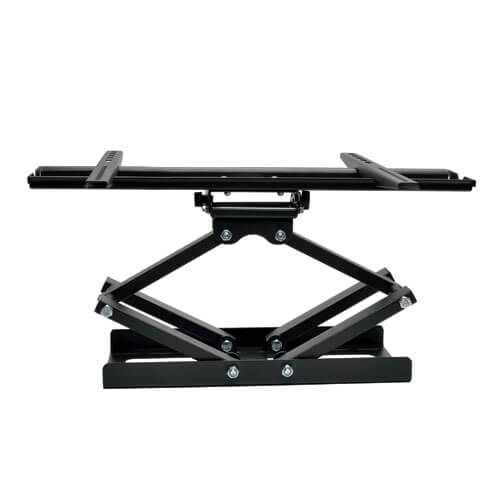
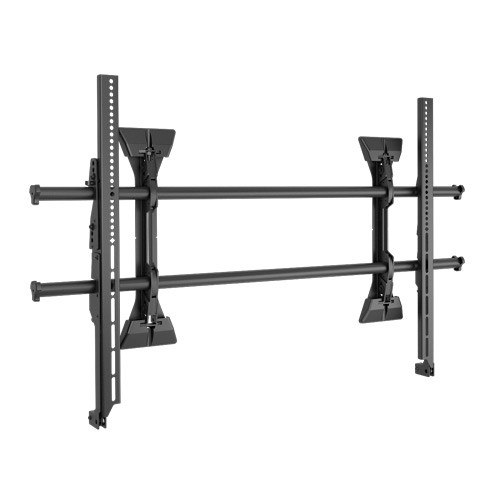
Choosing the right mount for a 70-inch flat screen TV starts with confirming that the bracket is designed for the television’s size, weight, and mounting pattern. A large screen can transform a living room, family room, bedroom, basement, or media space, but its weight is distributed through a relatively small set of mounting points, so compatibility matters more than appearance alone. Check the television’s specifications for its weight without the stand, then compare that figure with the mount’s maximum supported weight. The mount’s capacity should exceed the TV’s weight, with the manufacturer’s instructions followed for the hardware and installation method. It is also important to measure the VESA pattern, which is the horizontal and vertical distance between the threaded mounting holes on the back of the TV, measured in millimetres. Many 70-inch televisions use patterns up to 600 x 400 mm, but dimensions can vary, even among screens of the same size. A mount that supports a 70-inch display may not automatically fit every 70-inch television, so confirming the VESA range before purchase helps avoid an inconvenient mismatch. For a broader look at compatible televisions, browse Top 70-inch Tvs With Wall Mount Options. The wall itself is another key consideration. On a drywall-covered wall with wood studs, the bracket should be secured into the studs rather than relying on drywall anchors alone. Studs are often spaced 16 inches apart, although spacing and construction can differ, and some wide brackets or adapters are designed to accommodate more than one spacing configuration. Concrete, brick, and other masonry surfaces require appropriate anchors and installation methods, while metal-stud walls may need specialized hardware or professional guidance. Reviewing the installation guide and checking the wall structure before mounting can make the process smoother and help position the screen securely.
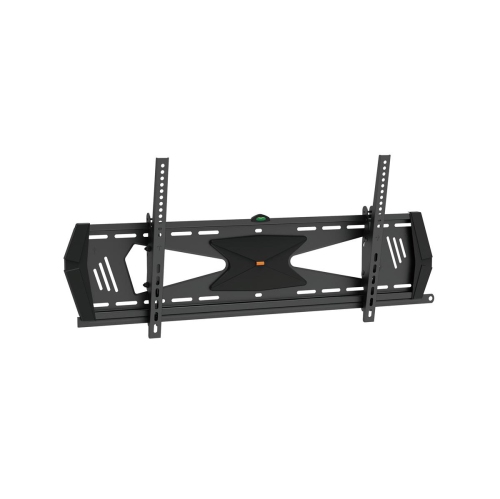
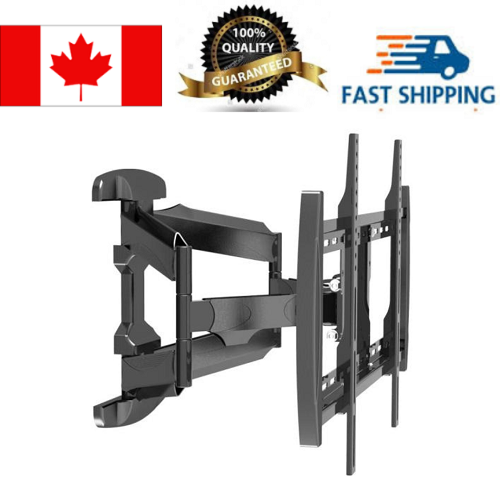
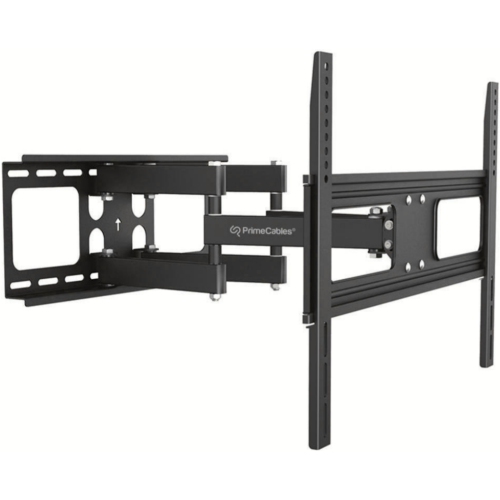
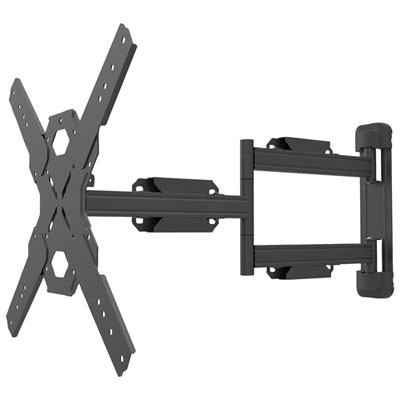
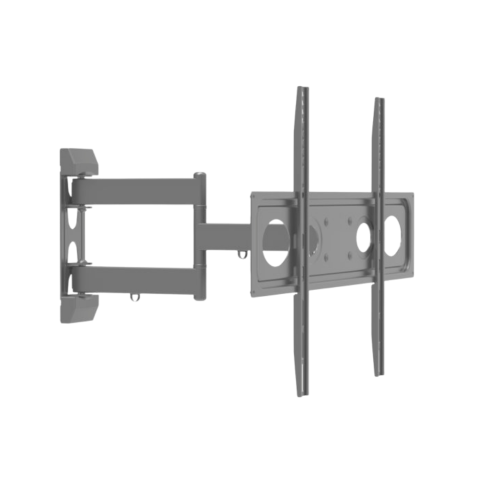
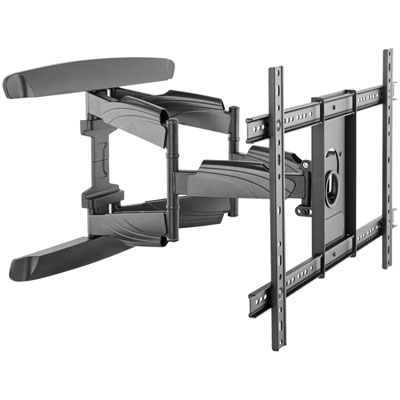
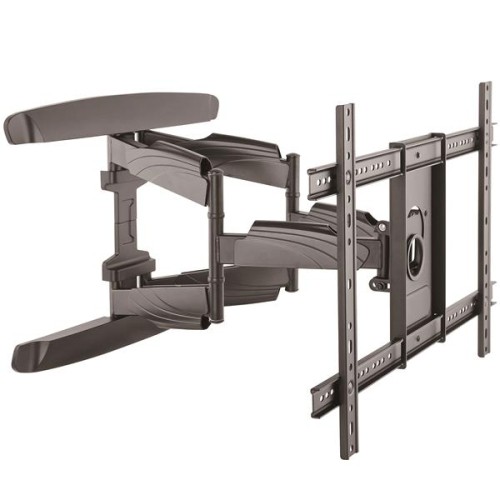
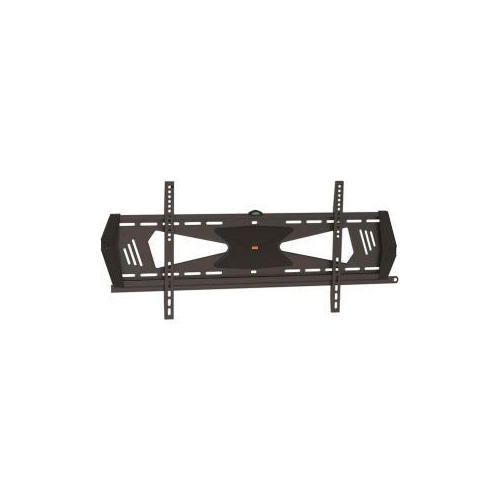
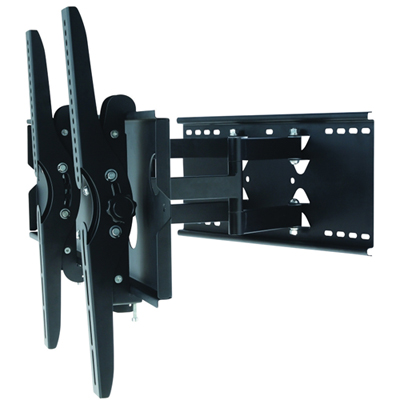
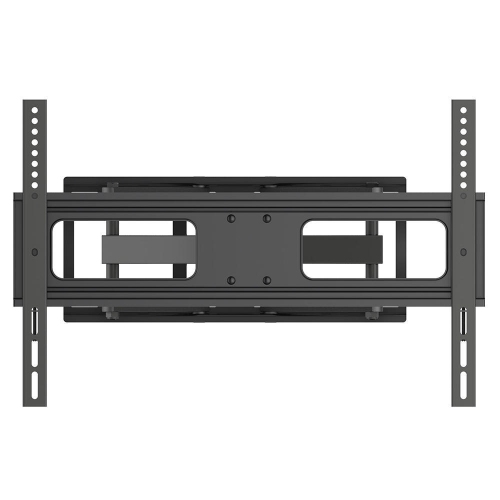
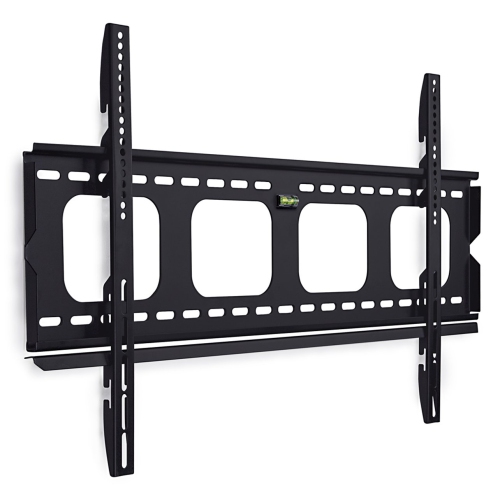
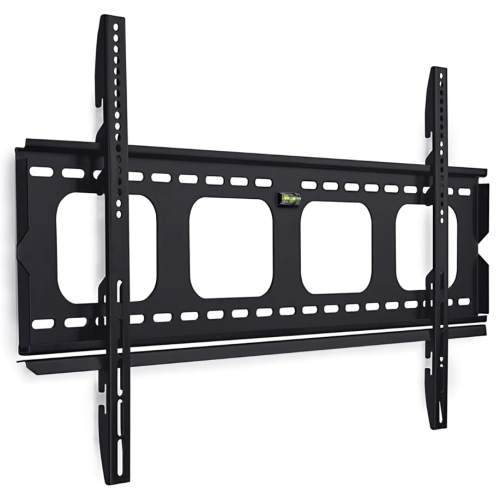
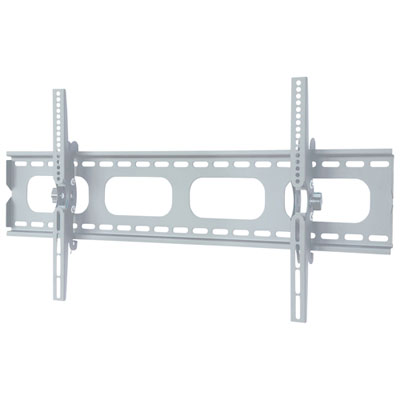
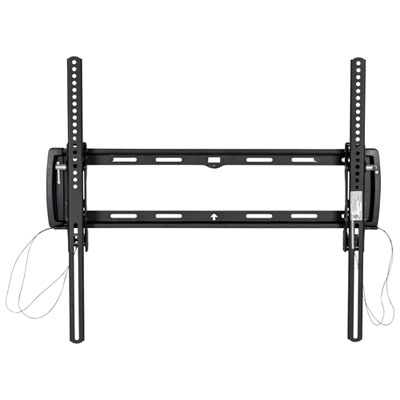
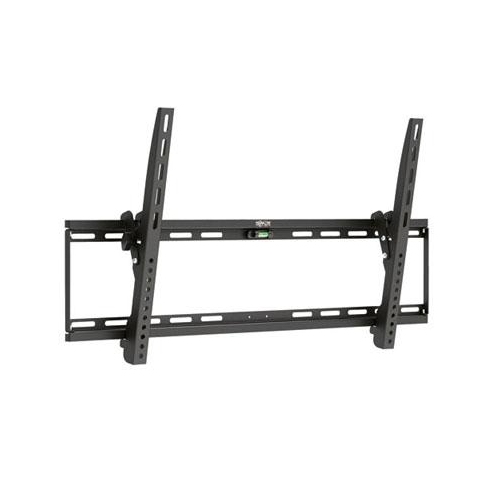
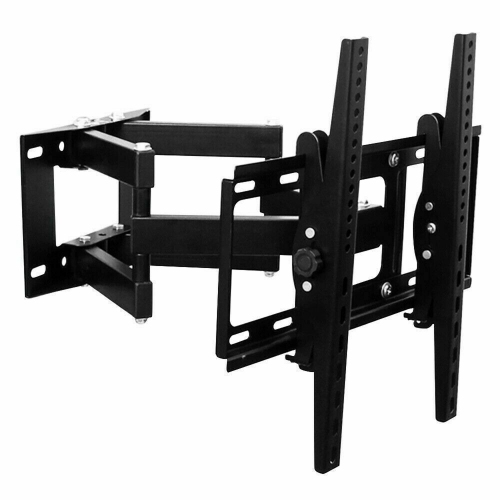
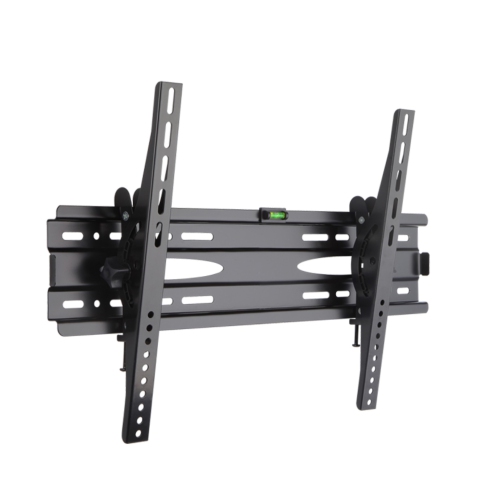
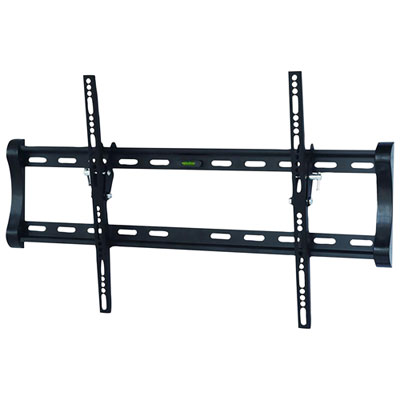
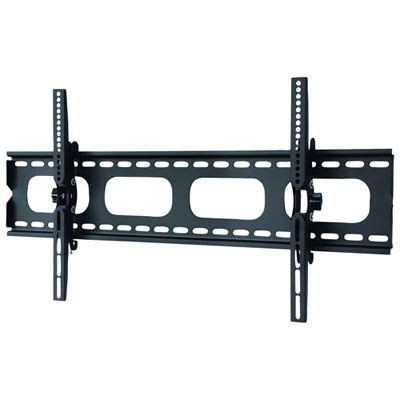
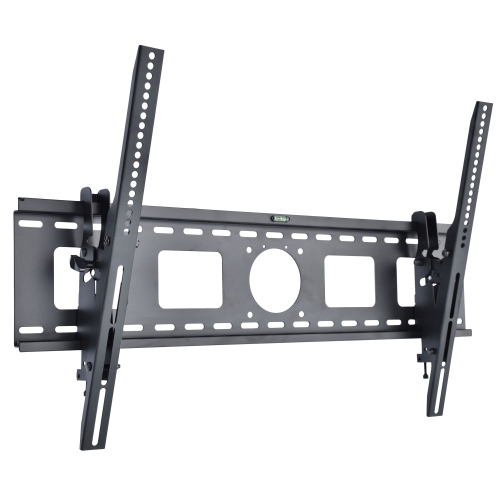
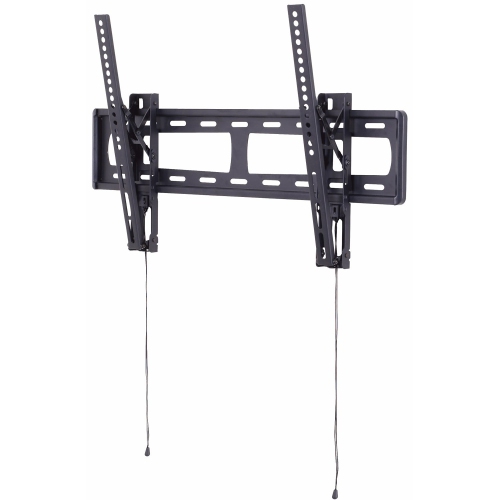
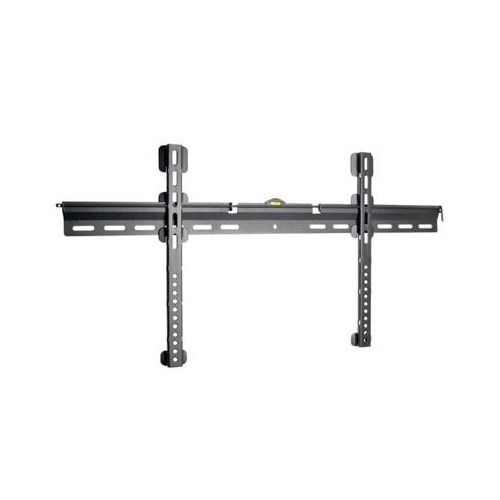
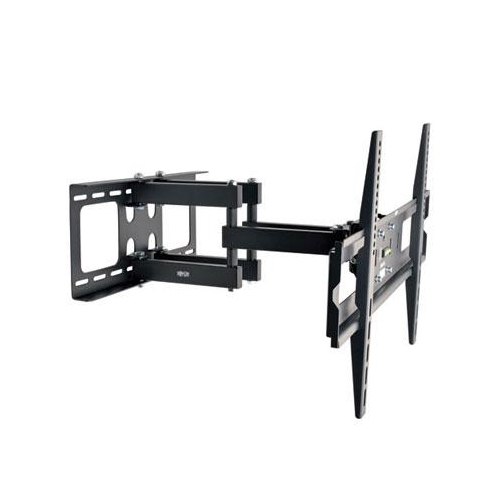
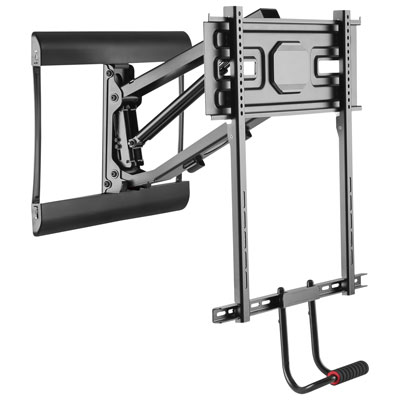
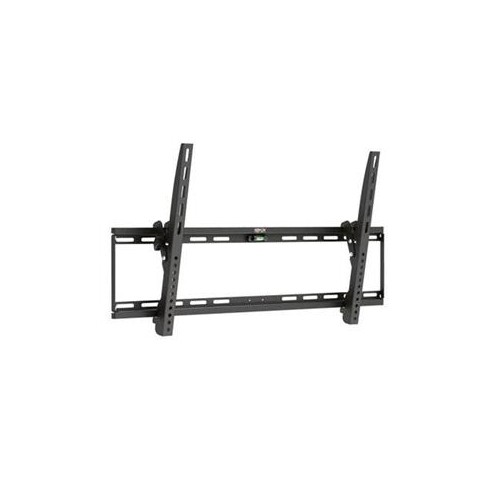
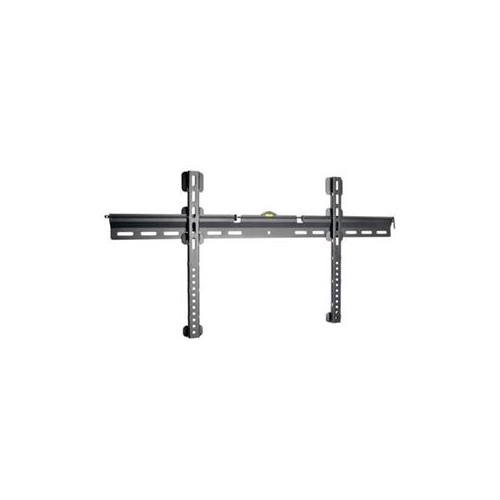
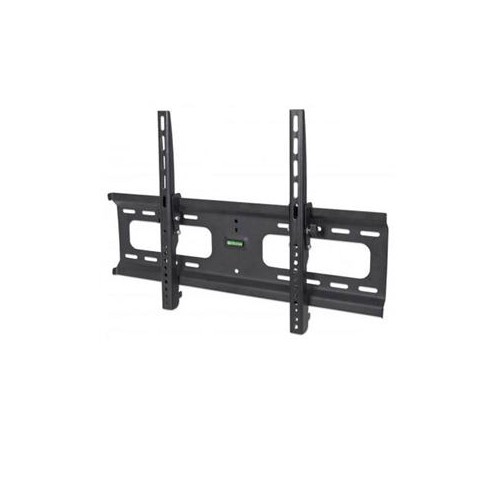
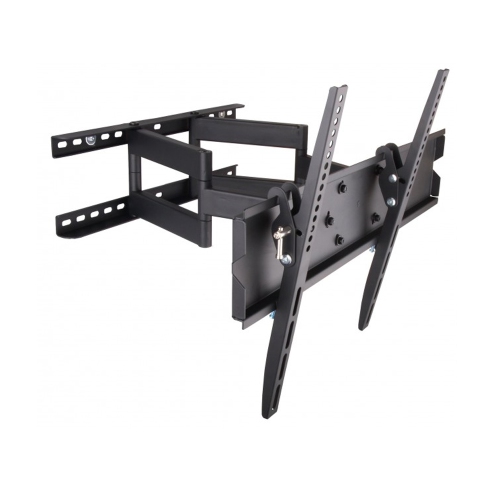
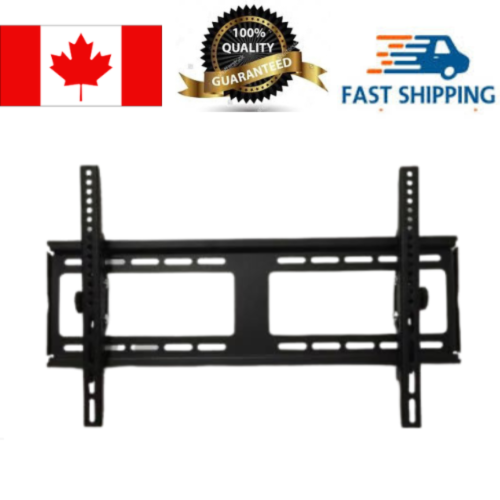
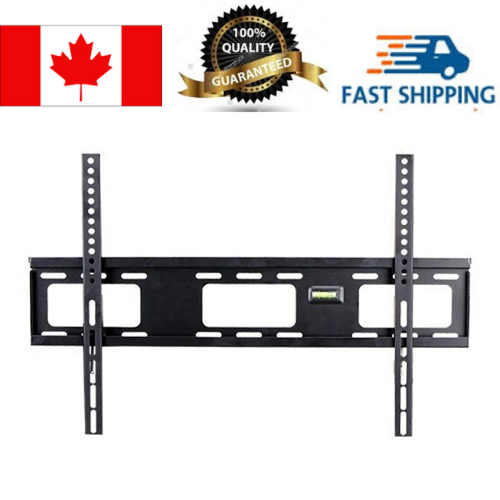
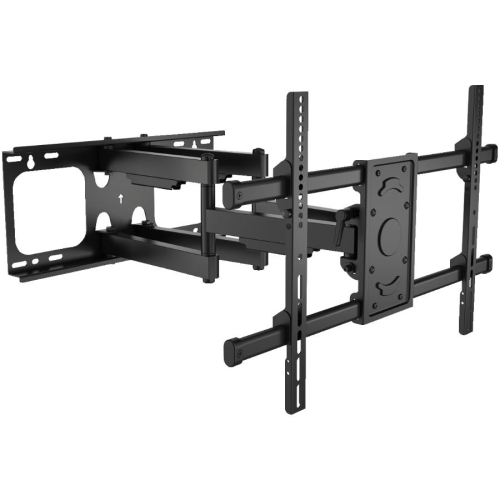
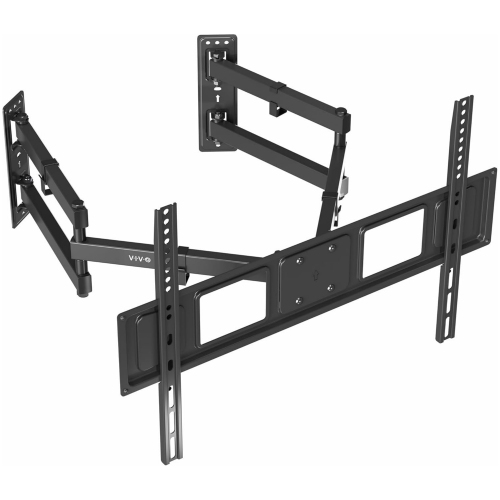
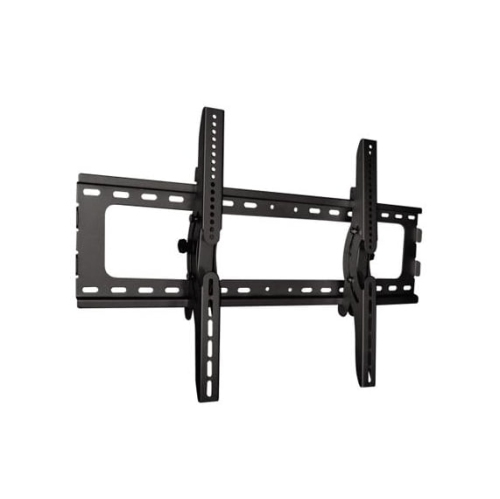
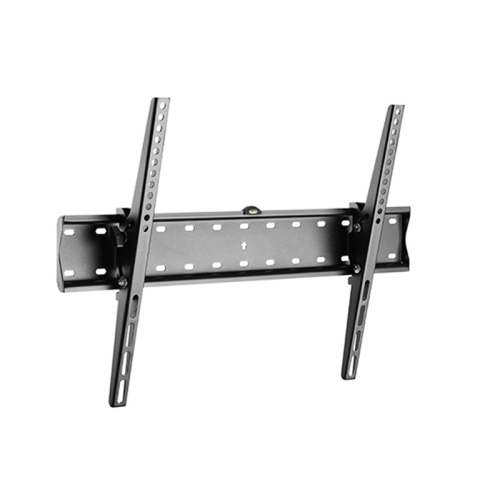
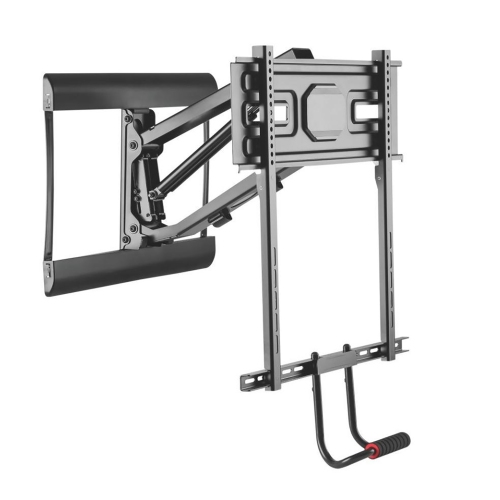
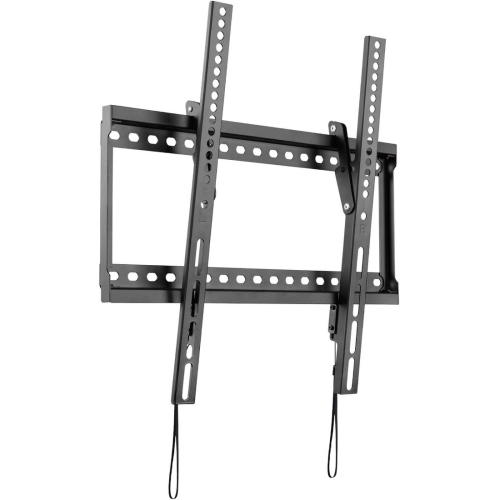
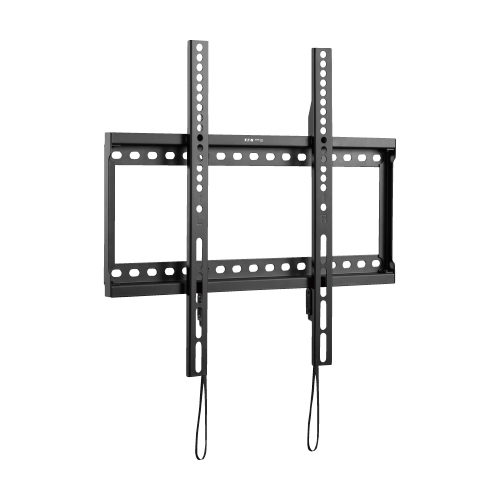
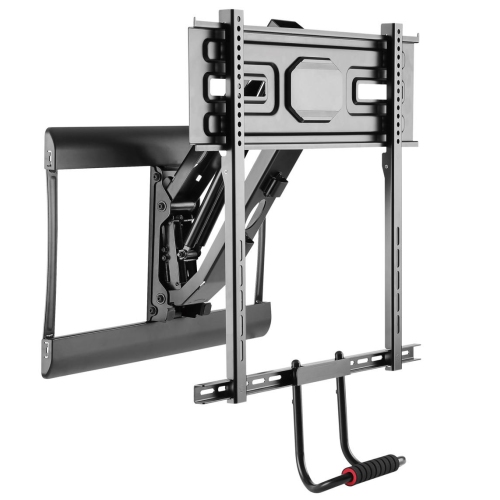
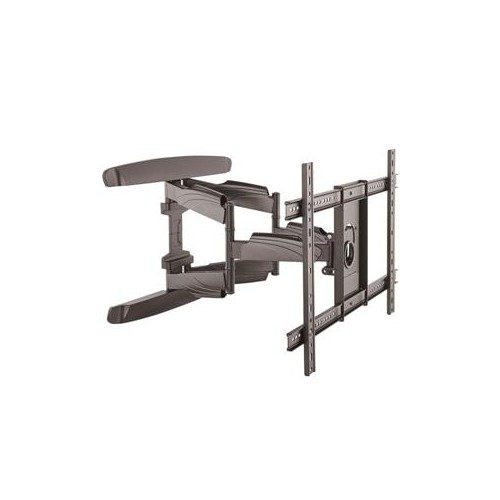
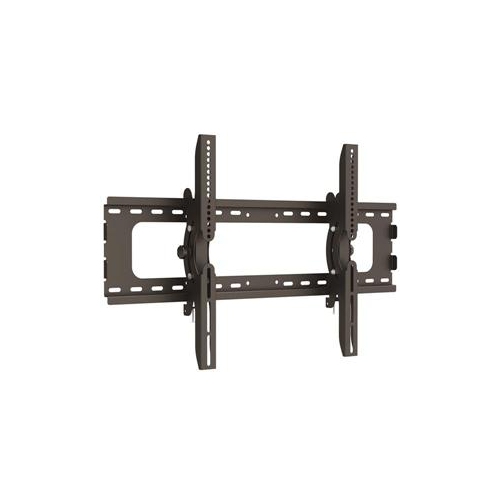
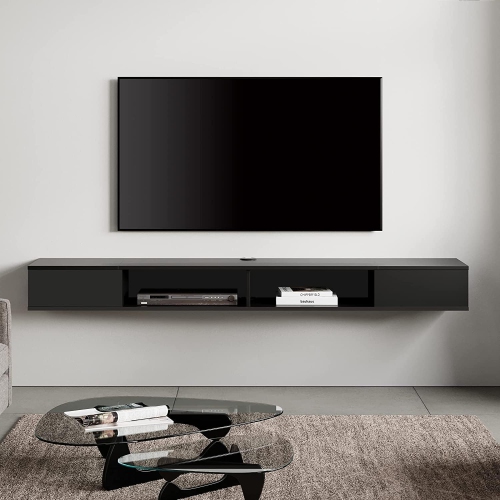
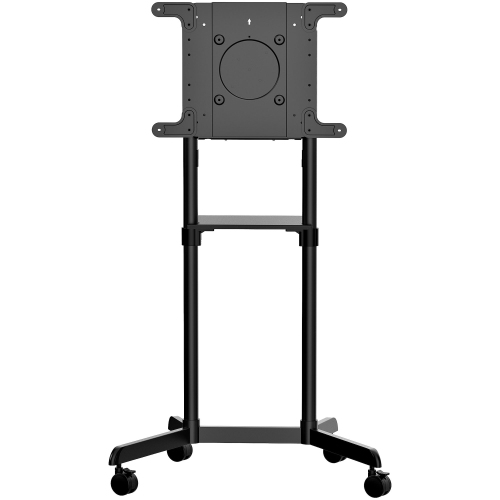
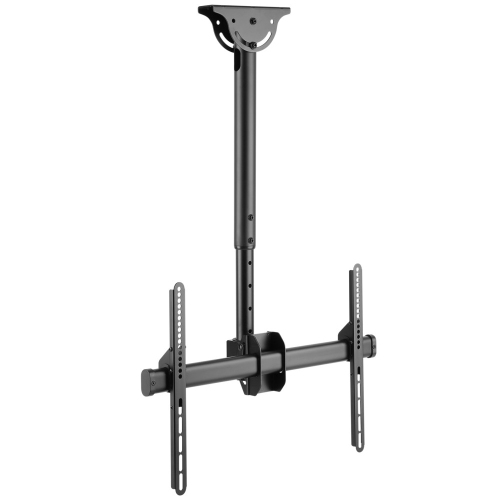
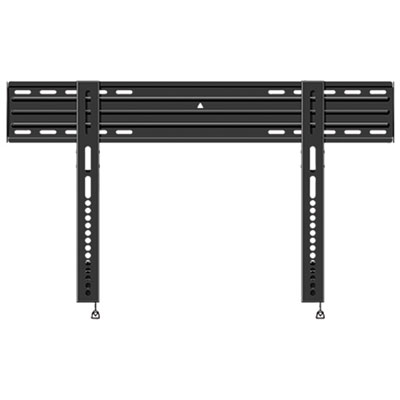
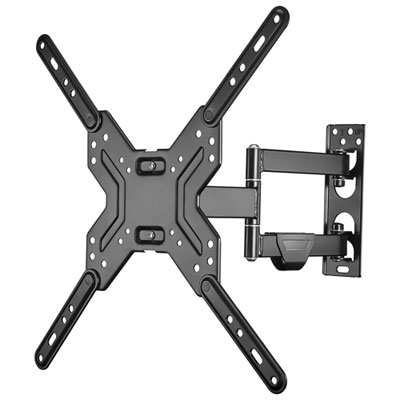
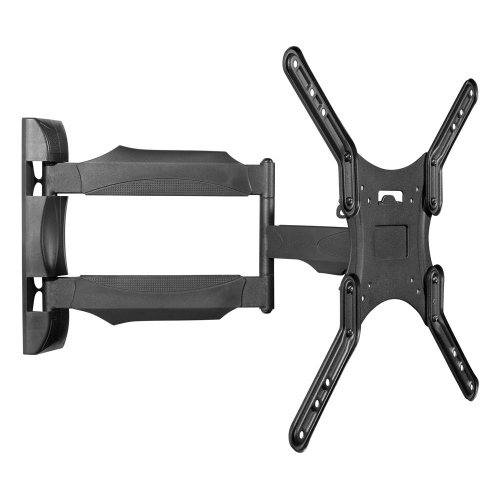
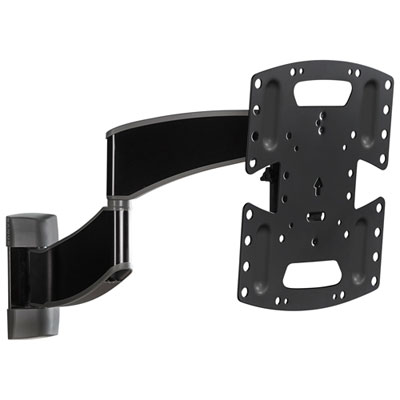
The mount style has a direct effect on how the television looks and feels in the room. A fixed or low-profile mount keeps the screen close to the wall, creating a clean, built-in appearance that suits seating positioned directly in front of the TV. This style can work particularly well above a media console or on a broad feature wall where the viewing position is consistent. Because the screen sits close to the wall, leave enough clearance for ventilation and make sure the television’s ports remain accessible for the cables and devices you plan to connect. A tilting mount adds a hinged adjustment that angles the top of the screen forward or the screen downward. This can be useful when the TV is installed higher than eye level, such as above a fireplace or on a wall opposite a bed, and it may help manage reflections from windows, lamps, or overhead lighting. Tilt range varies, so review the specifications and consider how much adjustment is needed for the room. A full-motion or articulating mount uses one or more arms to pull the TV away from the wall and allow it to swivel, pan, or tilt. This flexibility is helpful in a corner, in an open-concept room, or anywhere viewers watch from a sofa, dining area, kitchen, or adjacent seating. It can also make it easier to reach the rear connections, although the arm must be retracted carefully and cables should have enough slack to move without pulling on the ports. Full-motion designs generally project farther from the wall than fixed mounts, so measure the available space and account for the TV’s depth, the arm’s extension, and nearby furniture or walkways. In smaller rooms, even a few inches can affect how easily people move around the screen, while in a spacious basement or recreation room, the added range of motion may help everyone find a comfortable viewing angle.
A well-planned installation also considers eye level, glare, cable routing, and everyday access. For a primary sofa, the centre of the screen is typically most comfortable when it sits close to seated eye level, while rooms with multiple seating heights may call for a tilting or full-motion solution. Avoid placing the screen where sunlight or bright indoor lighting creates persistent reflections, and keep doors, windows, vents, shelves, and furniture from interfering with the mount’s movement. Before drilling, use a level to mark the desired position and confirm that the bracket lines up with the wall structure. It is wise to identify where power outlets and media cables are located, since a beautifully positioned TV can be frustrating if cords hang visibly across the wall or cannot reach the connected devices. HDMI cables, streaming devices, game consoles, soundbars, and other accessories may require additional clearance, particularly with a low-profile mount. Some installations are straightforward for experienced do-it-yourselfers, but a 70-inch screen is large and awkward to lift, so having a second person assist with positioning and attachment is often practical. Professional installation may be appropriate for masonry, unusual wall construction, high placements, or rooms where running cables inside the wall is required. These mounts can be a thoughtful addition to a new home, renovated media room, dorm-style living space, or family entertainment area, especially when the recipient enjoys films, sports, gaming, or shared viewing. During the warmer and cooler parts of the year alike, a securely mounted large screen can make an indoor space feel ready for relaxed evenings, weekend gatherings, and everyday entertainment. By matching the mount’s weight rating and VESA compatibility, selecting the movement style that suits the room, and planning the wall and cable layout in advance, shoppers can create a comfortable, polished setup that makes the most of a 70-inch flat screen TV.
The mount style has a direct effect on how the television looks and feels in the room. A fixed or low-profile mount keeps the screen close to the wall, creating a clean, built-in appearance that suits seating positioned directly in front of the TV. This style can work particularly well above a media console or on a broad feature wall where the viewing position is consistent. Because the screen sits close to the wall, leave enough clearance for ventilation and make sure the television’s ports remain accessible for the cables and devices you plan to connect. A tilting mount adds a hinged adjustment that angles the top of the screen forward or the screen downward. This can be useful when the TV is installed higher than eye level, such as above a fireplace or on a wall opposite a bed, and it may help manage reflections from windows, lamps, or overhead lighting. Tilt range varies, so review the specifications and consider how much adjustment is needed for the room. A full-motion or articulating mount uses one or more arms to pull the TV away from the wall and allow it to swivel, pan, or tilt. This flexibility is helpful in a corner, in an open-concept room, or anywhere viewers watch from a sofa, dining area, kitchen, or adjacent seating. It can also make it easier to reach the rear connections, although the arm must be retracted carefully and cables should have enough slack to move without pulling on the ports. Full-motion designs generally project farther from the wall than fixed mounts, so measure the available space and account for the TV’s depth, the arm’s extension, and nearby furniture or walkways. In smaller rooms, even a few inches can affect how easily people move around the screen, while in a spacious basement or recreation room, the added range of motion may help everyone find a comfortable viewing angle.
A well-planned installation also considers eye level, glare, cable routing, and everyday access. For a primary sofa, the centre of the screen is typically most comfortable when it sits close to seated eye level, while rooms with multiple seating heights may call for a tilting or full-motion solution. Avoid placing the screen where sunlight or bright indoor lighting creates persistent reflections, and keep doors, windows, vents, shelves, and furniture from interfering with the mount’s movement. Before drilling, use a level to mark the desired position and confirm that the bracket lines up with the wall structure. It is wise to identify where power outlets and media cables are located, since a beautifully positioned TV can be frustrating if cords hang visibly across the wall or cannot reach the connected devices. HDMI cables, streaming devices, game consoles, soundbars, and other accessories may require additional clearance, particularly with a low-profile mount. Some installations are straightforward for experienced do-it-yourselfers, but a 70-inch screen is large and awkward to lift, so having a second person assist with positioning and attachment is often practical. Professional installation may be appropriate for masonry, unusual wall construction, high placements, or rooms where running cables inside the wall is required. These mounts can be a thoughtful addition to a new home, renovated media room, dorm-style living space, or family entertainment area, especially when the recipient enjoys films, sports, gaming, or shared viewing. During the warmer and cooler parts of the year alike, a securely mounted large screen can make an indoor space feel ready for relaxed evenings, weekend gatherings, and everyday entertainment. By matching the mount’s weight rating and VESA compatibility, selecting the movement style that suits the room, and planning the wall and cable layout in advance, shoppers can create a comfortable, polished setup that makes the most of a 70-inch flat screen TV.
Top selling and popular products
-
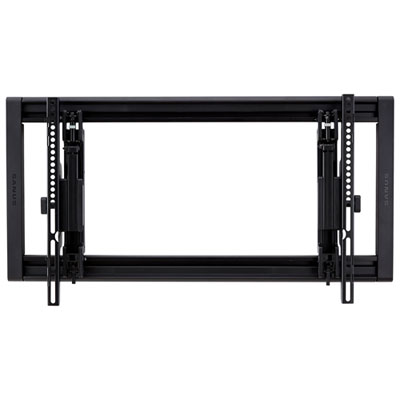 Your price for this item is $189.99
 -
 Your price for this item is $79.99
 -
 Your price for this item is $59.99
 -
 Your price for this item is $79.99
 -
 Your price for this item is $139.97
 -
 Your price for this item is $77.38
 -
 Your price for this item is $179.99
 -
 Your price for this item is $19.97
Discover more categories related to 70 Inch Flat Screen TV Wall Mounts

Top Collections:
Pokemon Centers, Kindle Devices, Best Budget Office Chairs, Apple iPhones 16, Best Laptops for Writers, iPhone 15 Apple, Canon G7X Cameras, Refurbished Apple Laptops, Alarm Clock, Motorola Razr Phones
Some products may be subject to Environmental Handling Fees
(EHF) depending on your province.
Learn more about EHFs.