Business TVs
Looking to elevate your office space with top-notch visual displays? Our selection of business TVs offers cutting-edge technology and sleek designs tailored to meet the demands of a modern workplace. Whether you need a high-resolution screen for impactful presentations, video conferencing capabilities for seamless communication, or versatile connectivity options to enhance productivity, we have the perfect business TV to suit your professional needs. Explore our range of business TVs that combine functionality with style, setting the stage for success in any corporate setting.
Sort



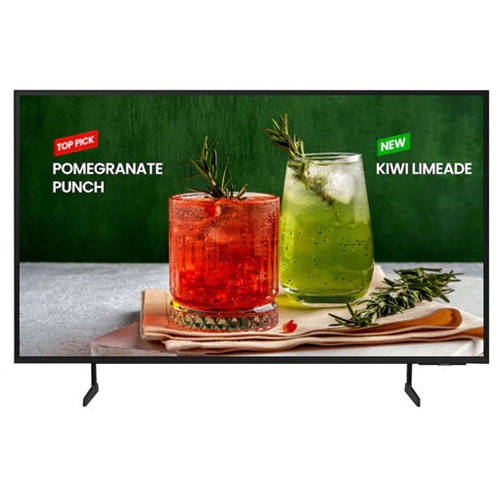
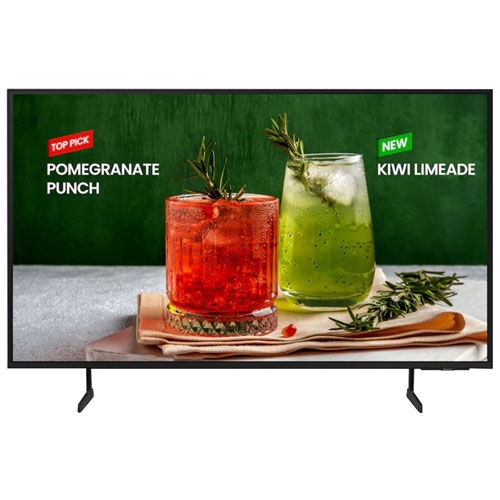
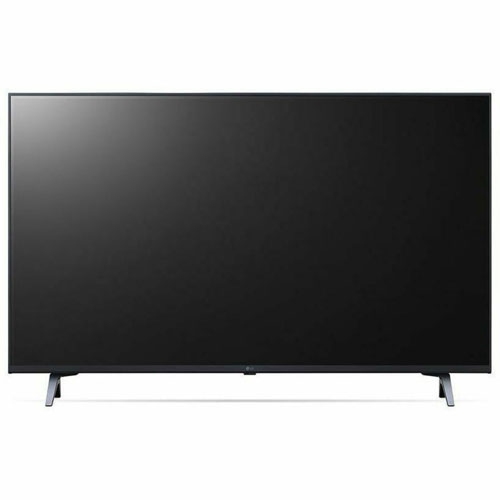

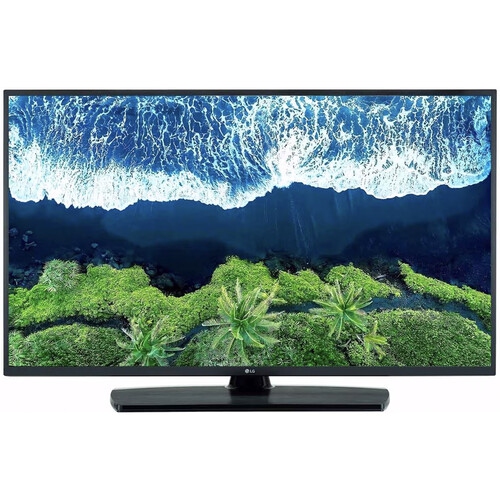
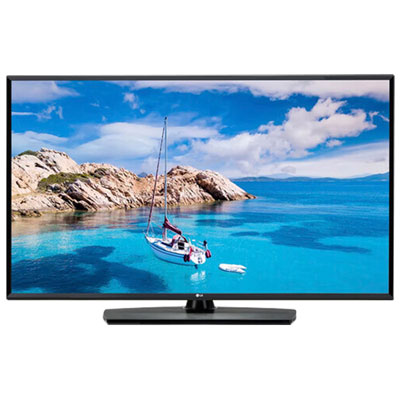
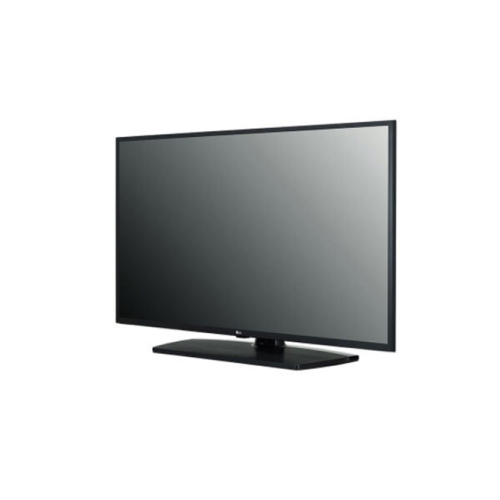
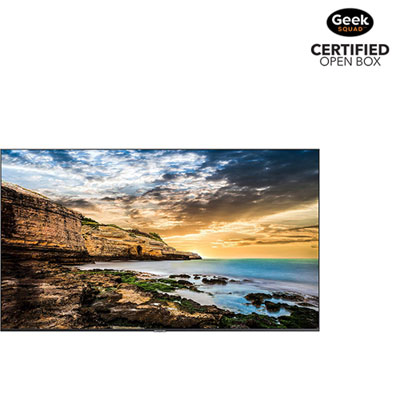

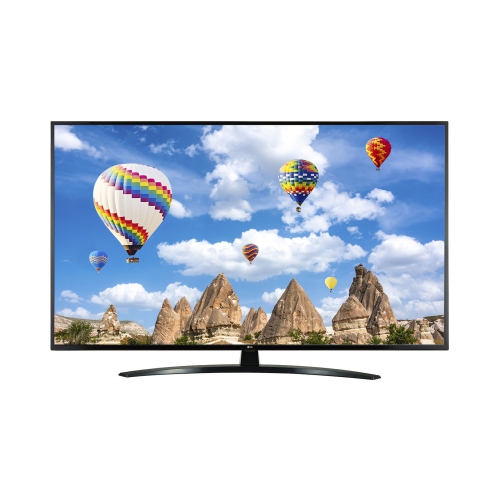














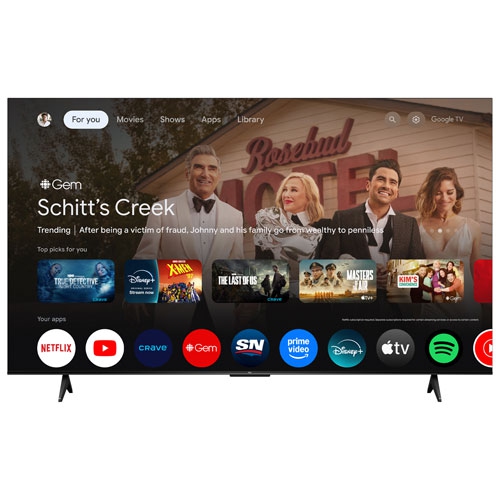
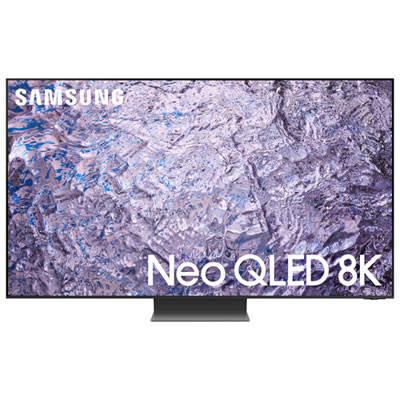


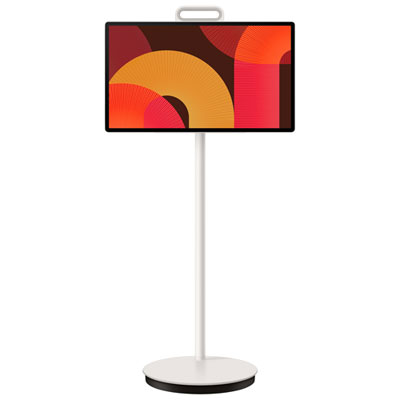
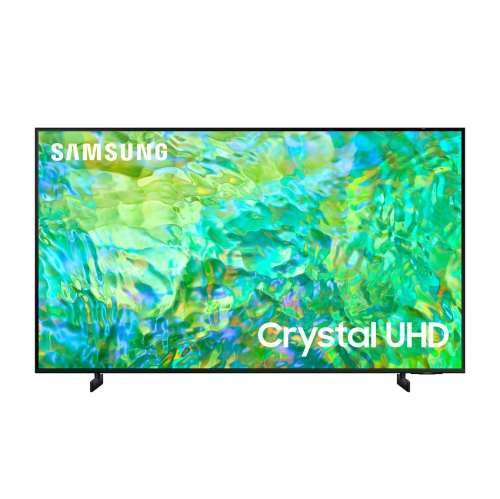

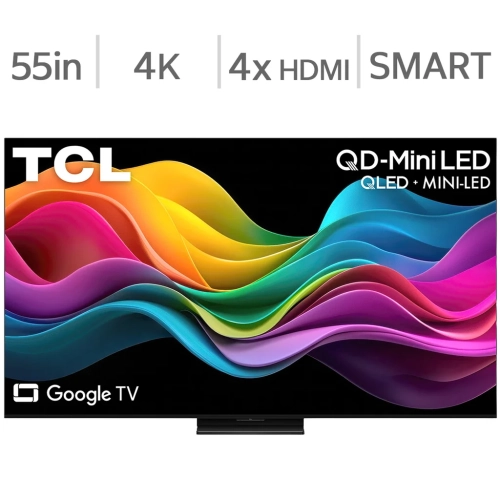
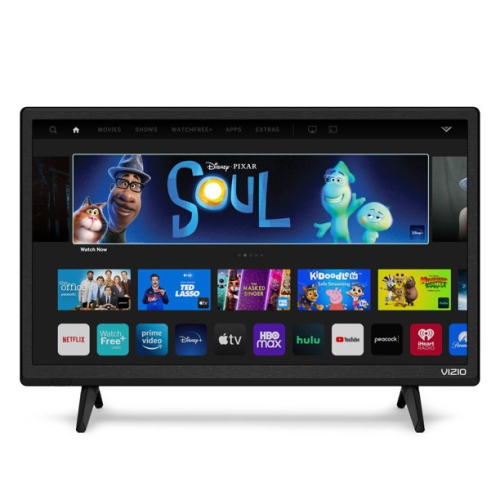



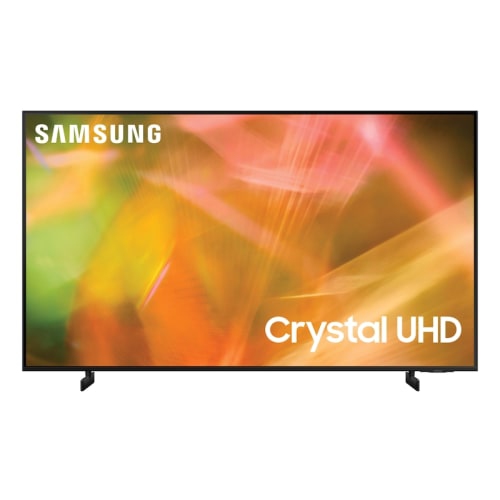






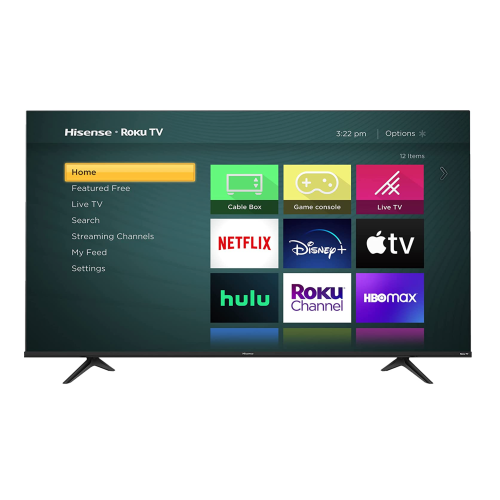
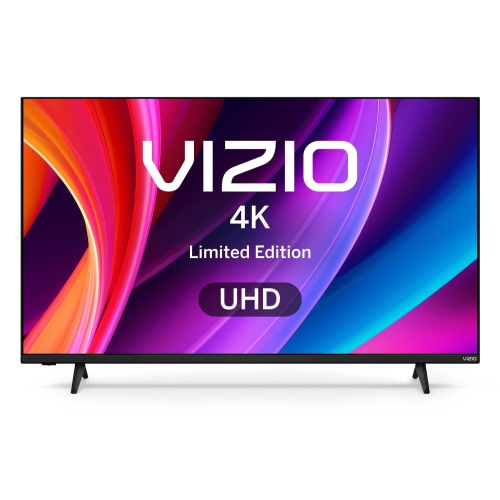
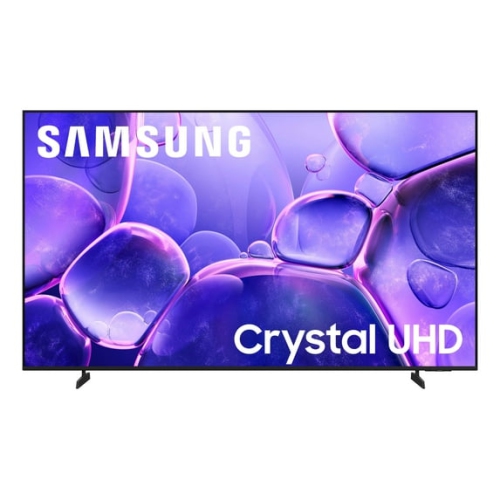
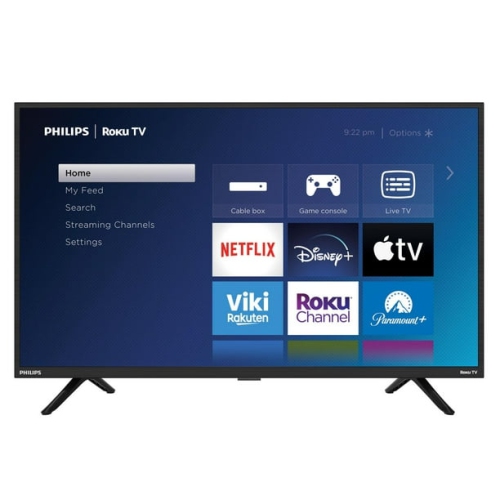

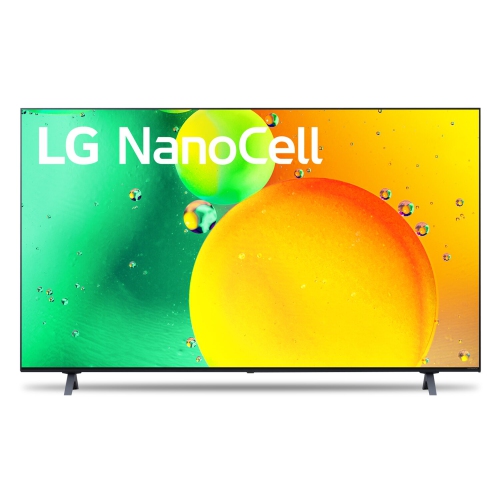

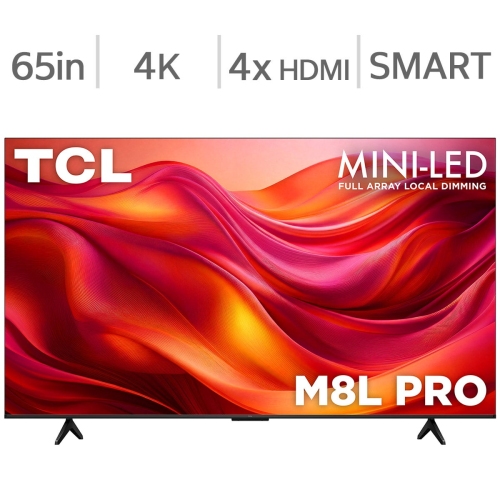
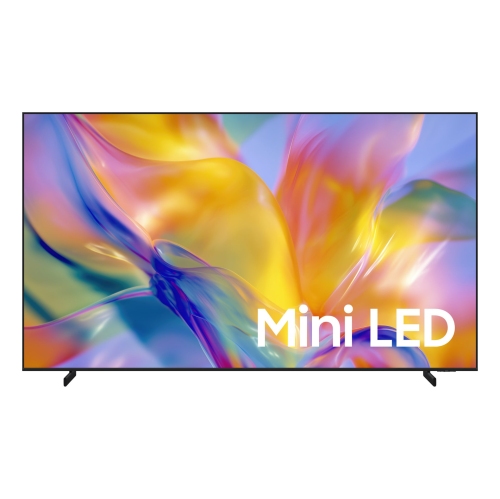
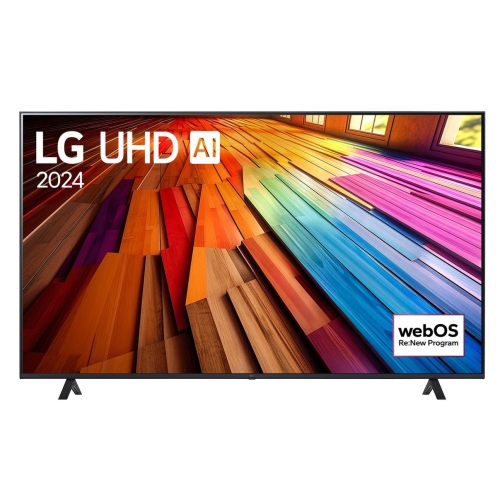

Support clear communication across busy commercial spaces
Business TVs are designed for the way commercial spaces use screens every day. In an office reception area, a display can welcome visitors, share company announcements, provide news updates, or create a more comfortable atmosphere while people wait for an appointment. In a restaurant, café, bar, or lounge, it can keep guests engaged with sports, entertainment, news, or promotional content without taking attention away from the room’s overall experience. Hotels, clinics, fitness facilities, retail stores, educational settings, and shared workspaces can also use business TVs to communicate information clearly from a distance. Unlike a television selected only for occasional home viewing, a commercial display is chosen with public use, visibility, durability, and content management in mind. Consider where the screen will be placed, how many hours it will operate, and what viewers will see from different parts of the room. A bright display may be helpful in a sunlit lobby or storefront, while a screen with wide viewing angles can make a noticeable difference in a waiting room with seating spread across the space. Screen size should suit the room rather than simply filling the largest wall available; a display that is too small may be difficult to read, while one that is too large can overwhelm a compact reception desk. Resolution also matters when showing menus, charts, product details, presentation slides, or branded graphics. HD may suit straightforward information and television viewing, while 4K can provide sharper text, detailed imagery, and polished promotional content when viewers are sitting close to the screen.
The right business TV setup often combines the display with a reliable source of content and a practical installation plan. Before choosing a model, review the available connections and consider whether the screen will work with a set-top box, media player, computer, streaming device, or in-house content system. Businesses that show television programming may need a suitable service package with options for news, sports, entertainment, or other content that matches their audience and operating hours. A restaurant near a stadium may prioritize sports coverage, while a dental office may prefer quiet news updates and calming visuals. Offices may use a rotating mix of company messaging, meeting-room information, internal announcements, and live broadcasts. For retail environments, digital signage can help present promotions, product features, opening hours, directions, or seasonal campaigns in a format that is easy to update. Some commercial TV solutions support custom branding, allowing businesses to incorporate logos, colours, images, and layouts that feel consistent with the rest of their communications. L-Bar layouts and split-screen arrangements can show a main programme alongside a ticker, advertisement, menu, weather update, or other useful information. Content scheduling can also reduce daily maintenance by allowing messages to change automatically throughout the day. During the warmer seasons, a business might highlight outdoor services, travel-related offerings, or extended hours; during the cooler months, the same screen can shift to indoor events, new promotions, or holiday operating information. Look for straightforward controls and a management process that staff can learn without extensive technical training. When several screens are installed across different rooms or locations, centralized content control can help keep messages consistent while still allowing each area to display information suited to its audience.
Commercial use also makes operating reliability an important consideration. Some business TVs are built for extended daily schedules, including applications that require 16/7 or 24/7 operation, but the appropriate rating depends on the environment and the amount of time the display will be running. A screen used for a few scheduled announcements has different needs from one showing programming continuously in a busy lobby. Check the manufacturer’s intended operating cycle, warranty details, mounting compatibility, ventilation requirements, and available service or technical support before making a purchase. Placement deserves equal attention. A wall-mounted display can keep walkways clear and create a clean, professional appearance, while a freestanding installation may offer more flexibility when walls cannot be altered. For a movable or temporary setup, browse Office TV Stands to find support options suited to the room and viewing height. Think about cable routing, access to power, glare from windows, sound levels, and protection from accidental contact in high-traffic areas. For presentations or customer-facing information, clear text and well-balanced brightness are often more valuable than maximum visual effects. Built-in speakers may be sufficient for announcements or background viewing, but larger venues may benefit from a separate audio system that distributes sound evenly without making conversation difficult. Business TVs can be purchased for a single office, reception area, classroom, or treatment room, or as part of a larger network of displays that supports consistent communication across a company. A well-planned setup blends into the space while quietly doing useful work: welcoming visitors at the door, guiding customers through a store, keeping diners informed, or giving employees a shared source of information throughout the day.
The right business TV setup often combines the display with a reliable source of content and a practical installation plan. Before choosing a model, review the available connections and consider whether the screen will work with a set-top box, media player, computer, streaming device, or in-house content system. Businesses that show television programming may need a suitable service package with options for news, sports, entertainment, or other content that matches their audience and operating hours. A restaurant near a stadium may prioritize sports coverage, while a dental office may prefer quiet news updates and calming visuals. Offices may use a rotating mix of company messaging, meeting-room information, internal announcements, and live broadcasts. For retail environments, digital signage can help present promotions, product features, opening hours, directions, or seasonal campaigns in a format that is easy to update. Some commercial TV solutions support custom branding, allowing businesses to incorporate logos, colours, images, and layouts that feel consistent with the rest of their communications. L-Bar layouts and split-screen arrangements can show a main programme alongside a ticker, advertisement, menu, weather update, or other useful information. Content scheduling can also reduce daily maintenance by allowing messages to change automatically throughout the day. During the warmer seasons, a business might highlight outdoor services, travel-related offerings, or extended hours; during the cooler months, the same screen can shift to indoor events, new promotions, or holiday operating information. Look for straightforward controls and a management process that staff can learn without extensive technical training. When several screens are installed across different rooms or locations, centralized content control can help keep messages consistent while still allowing each area to display information suited to its audience.
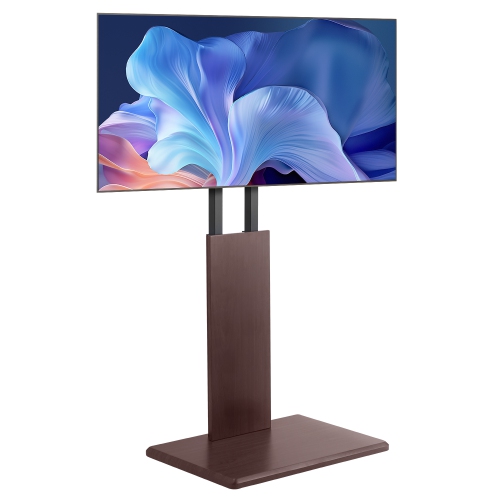
Commercial use also makes operating reliability an important consideration. Some business TVs are built for extended daily schedules, including applications that require 16/7 or 24/7 operation, but the appropriate rating depends on the environment and the amount of time the display will be running. A screen used for a few scheduled announcements has different needs from one showing programming continuously in a busy lobby. Check the manufacturer’s intended operating cycle, warranty details, mounting compatibility, ventilation requirements, and available service or technical support before making a purchase. Placement deserves equal attention. A wall-mounted display can keep walkways clear and create a clean, professional appearance, while a freestanding installation may offer more flexibility when walls cannot be altered. For a movable or temporary setup, browse Office TV Stands to find support options suited to the room and viewing height. Think about cable routing, access to power, glare from windows, sound levels, and protection from accidental contact in high-traffic areas. For presentations or customer-facing information, clear text and well-balanced brightness are often more valuable than maximum visual effects. Built-in speakers may be sufficient for announcements or background viewing, but larger venues may benefit from a separate audio system that distributes sound evenly without making conversation difficult. Business TVs can be purchased for a single office, reception area, classroom, or treatment room, or as part of a larger network of displays that supports consistent communication across a company. A well-planned setup blends into the space while quietly doing useful work: welcoming visitors at the door, guiding customers through a store, keeping diners informed, or giving employees a shared source of information throughout the day.
Top selling and popular products
-
 Your price for this item is $899.99
 -
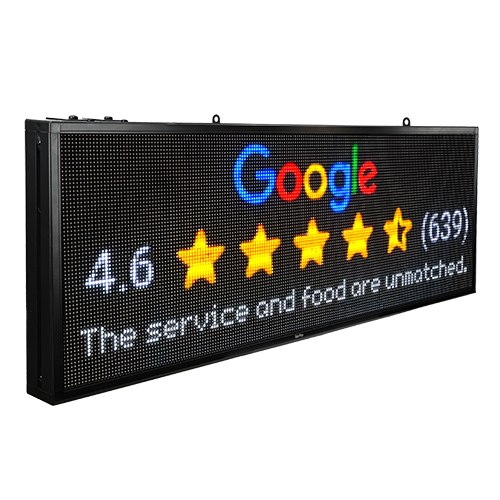 Your price for this item is $699
 -
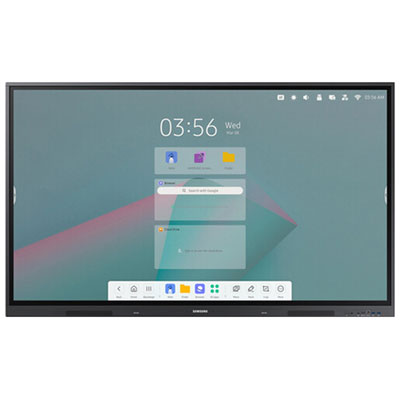 Your price for this item is $1299.99
 -
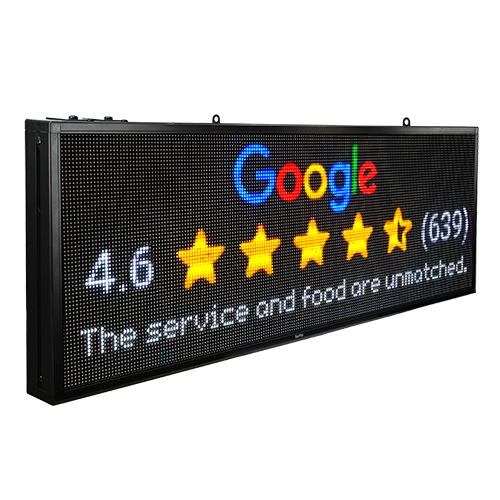 Your price for this item is $799
 -
 Your price for this item is $691.87
 -
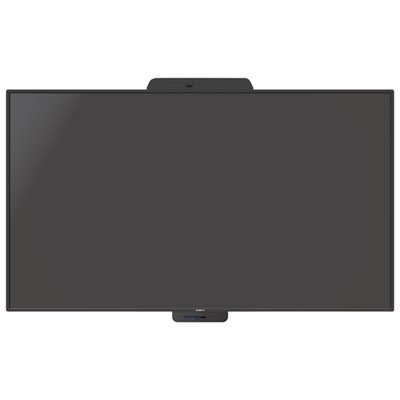 Your price for this item is $3739.99
 -
 Your price for this item is $567.99
 -
 Your price for this item is $69.99
Discover more categories related to Business TVs

Top Collections:
Pokemon Centers, Best Cameras for Sports Photography, Kindle Devices, Samsung Galaxy Phones, Canon G7X Cameras, Pokémon 30th Celebration Cards, Refurbished Apple Laptops, iPhone 15 Apple, Laptops for Students, Budget Smartphones
Some products may be subject to Environmental Handling Fees
(EHF) depending on your province.
Learn more about EHFs.