Color Coded Cables
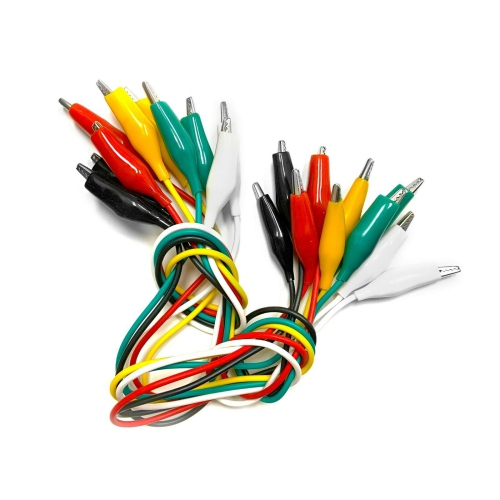
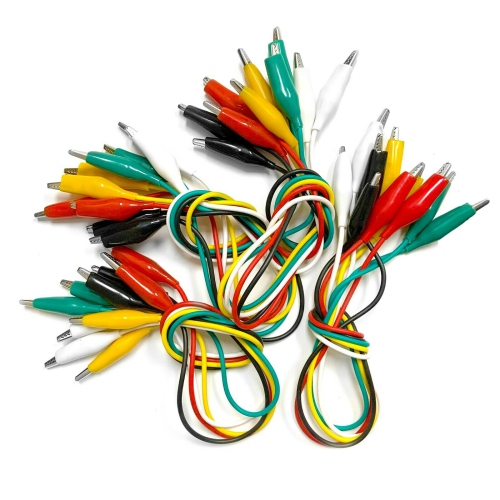
Organizing your cables has never been easier with our selection of color-coded cables. Say goodbye to the hassle of untangling a mess of cords and hello to a more efficient and visually appealing setup. Whether you're looking to streamline your home entertainment system or tidy up your office workspace, these color-coded cables come in a variety of hues to help you easily identify and manage your connections. Stay connected and organized with these practical and stylish solutions for all your cable management needs.
Sort


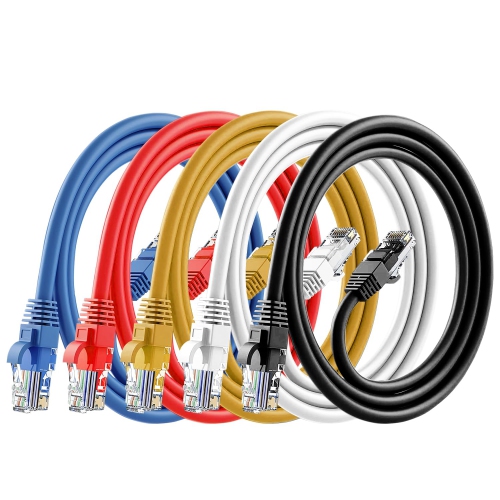
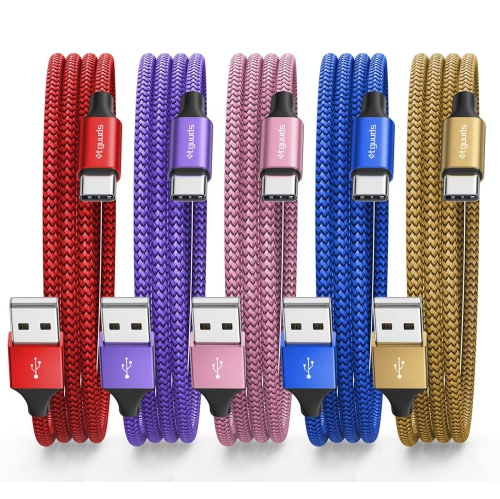
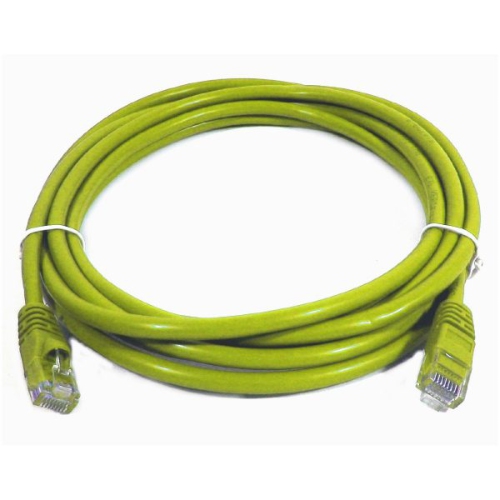




![SAMA [8 Pack] Multi-Color Flat Micro USB Cable Pack 1.5M (White, Black, Red, Blue)](https://multimedia.bbycastatic.ca/multimedia/products/500x500/175/17553/17553491.jpeg)

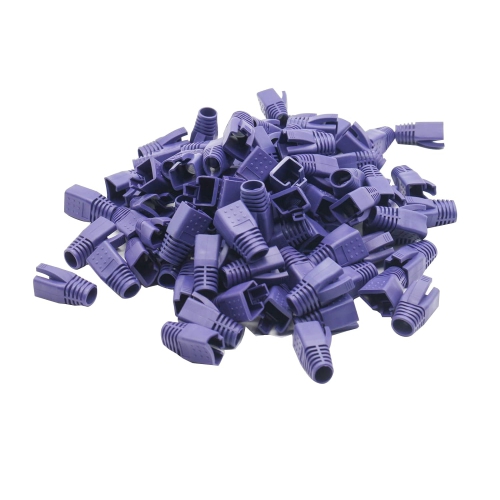
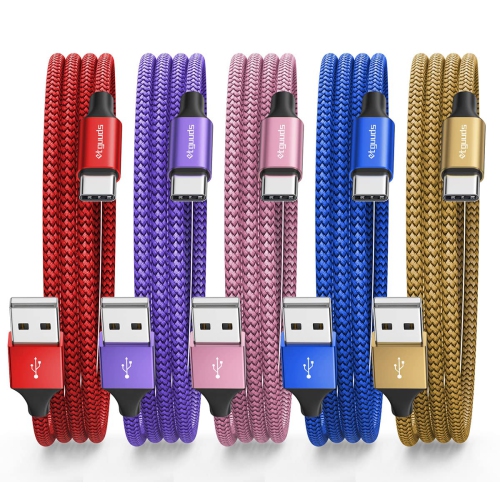
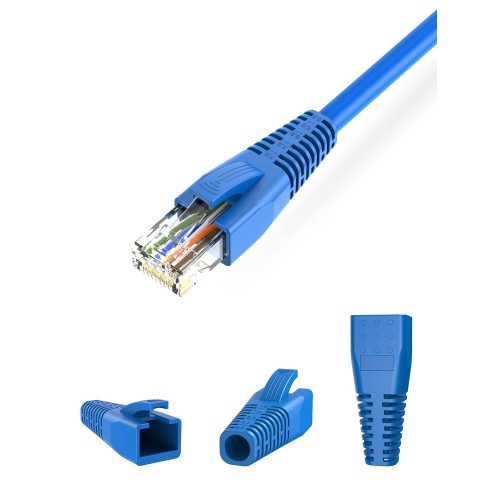

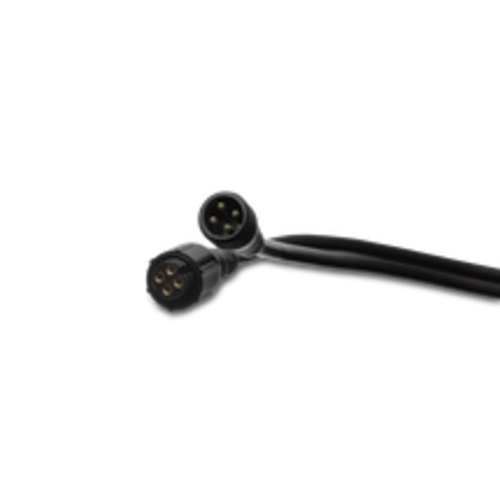
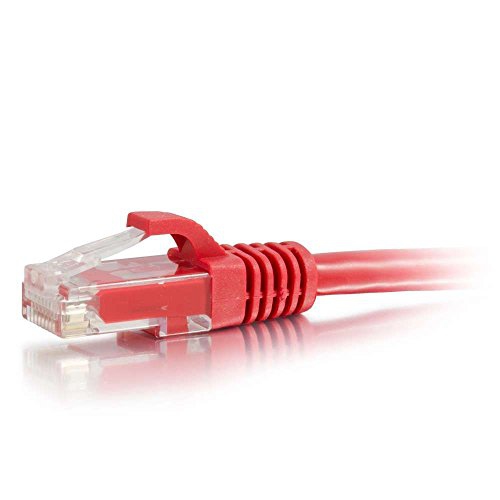
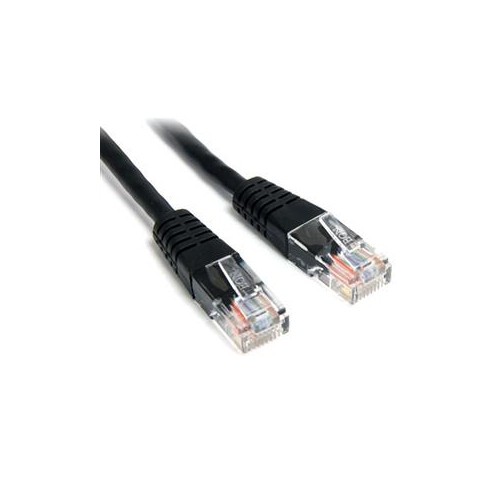
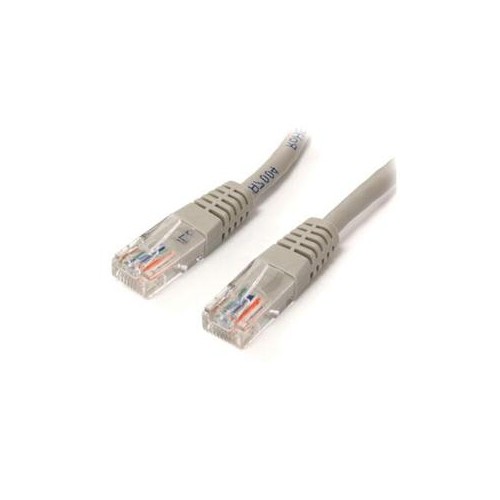
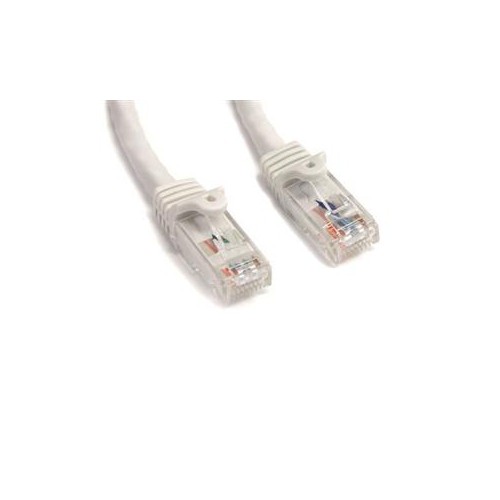
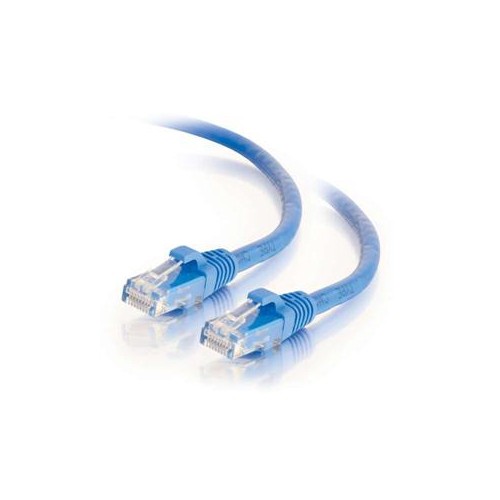
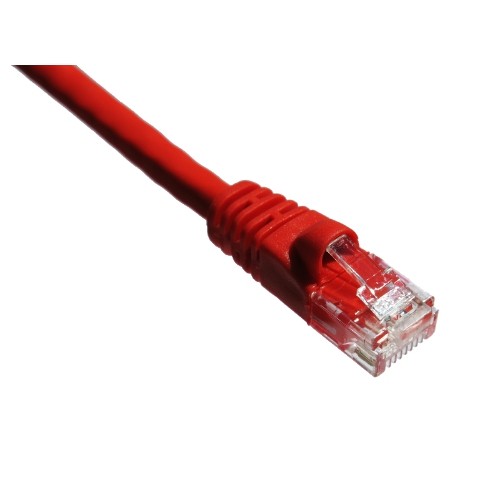
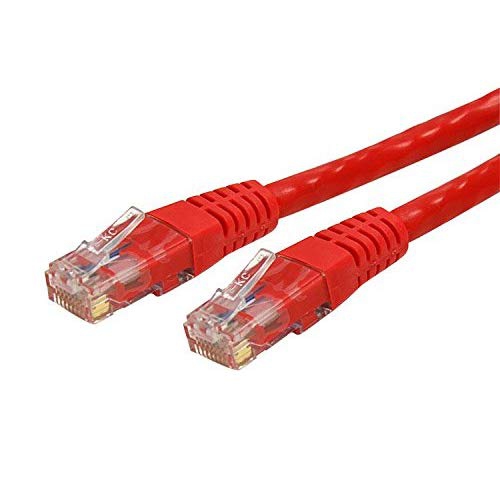
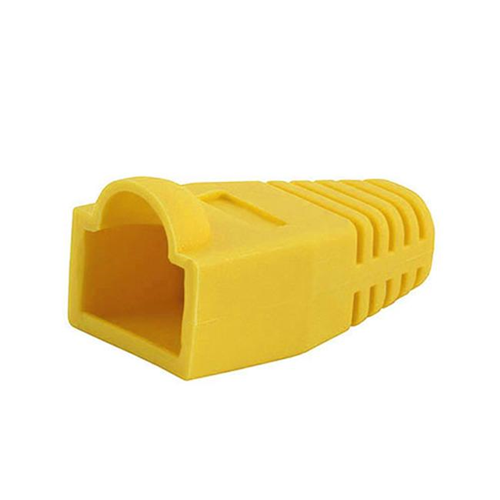
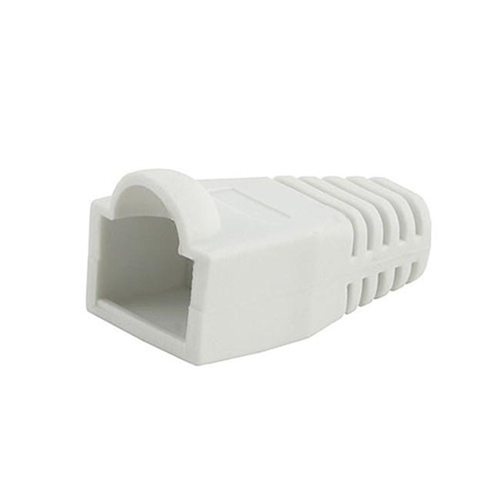
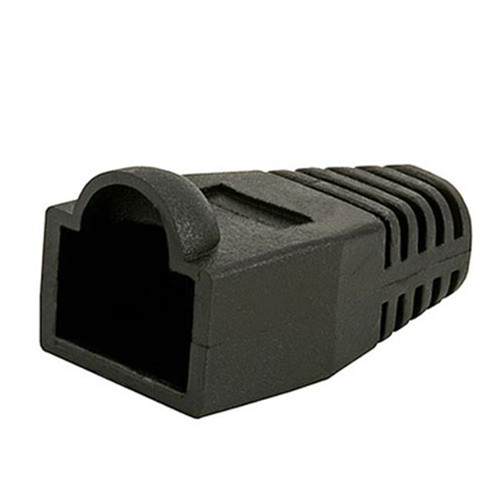
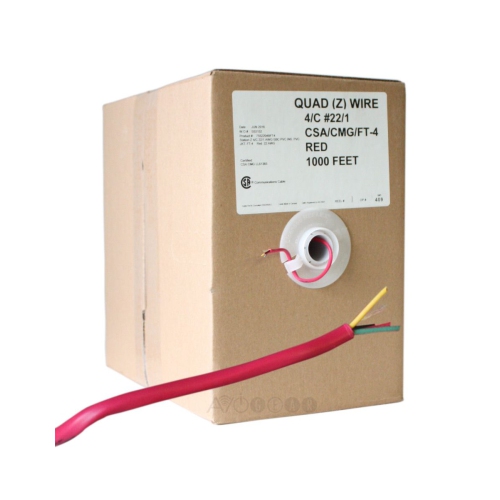
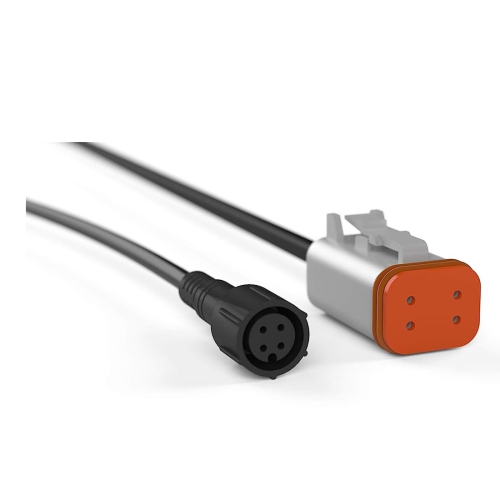
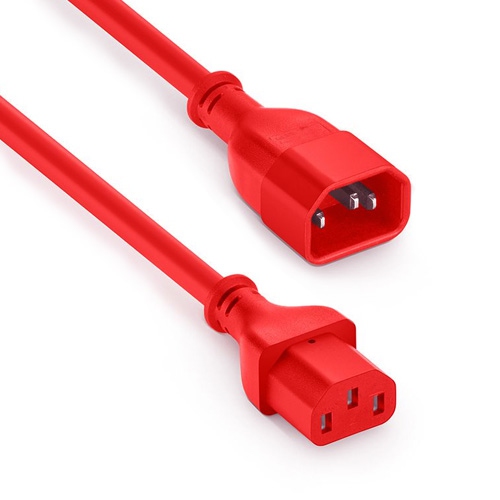
A visual system for simpler setups and troubleshooting
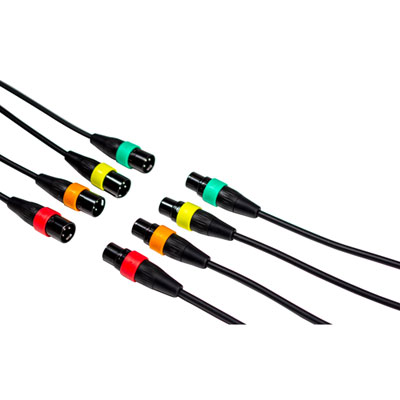
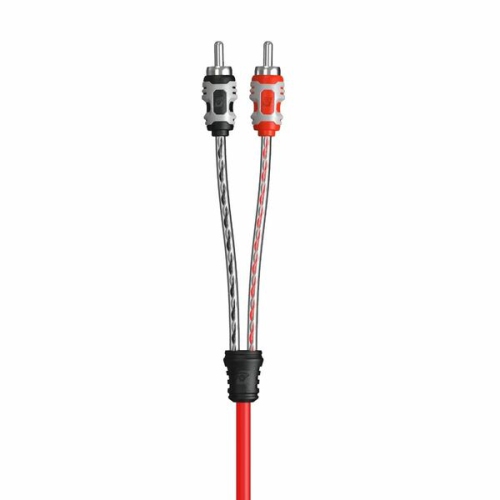
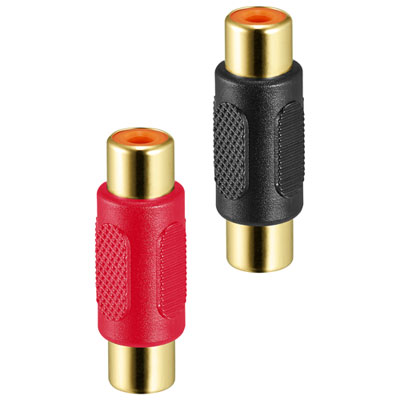
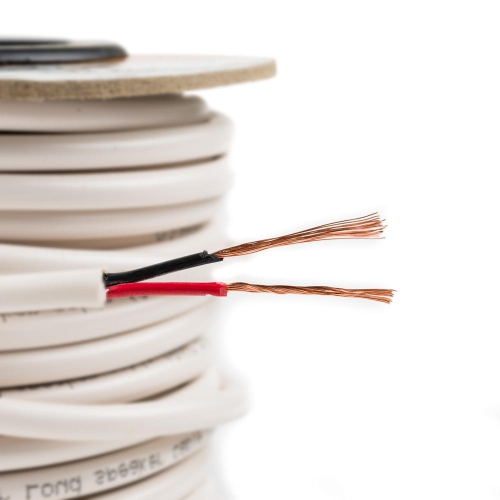
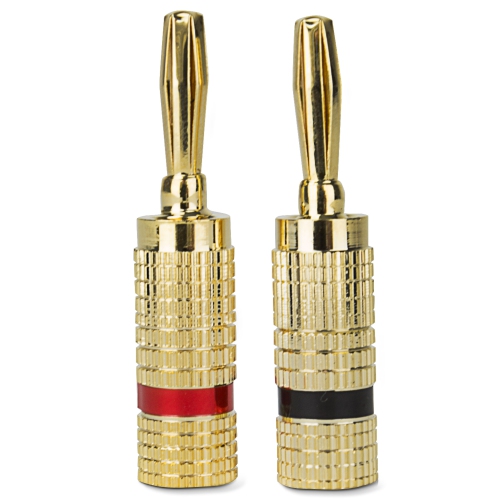
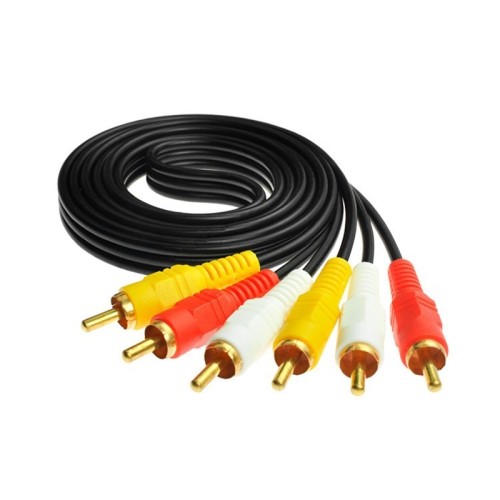
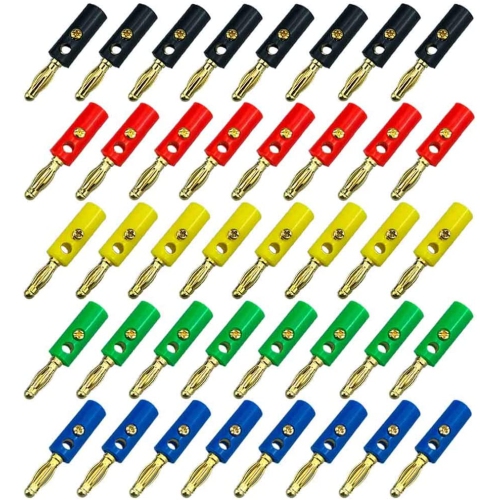
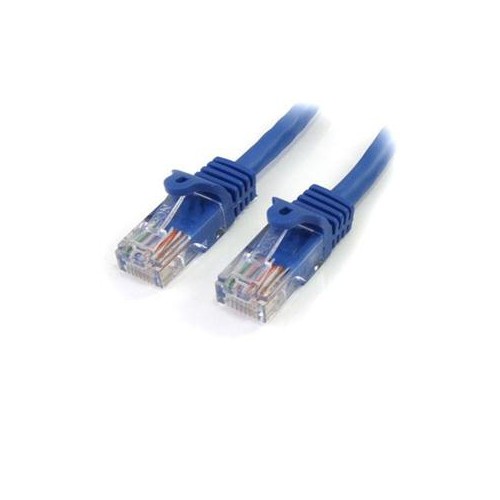
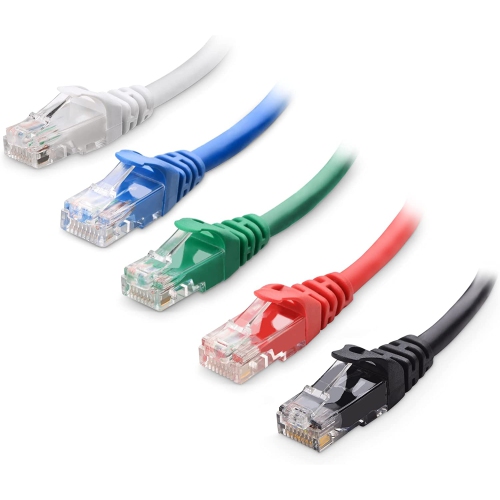
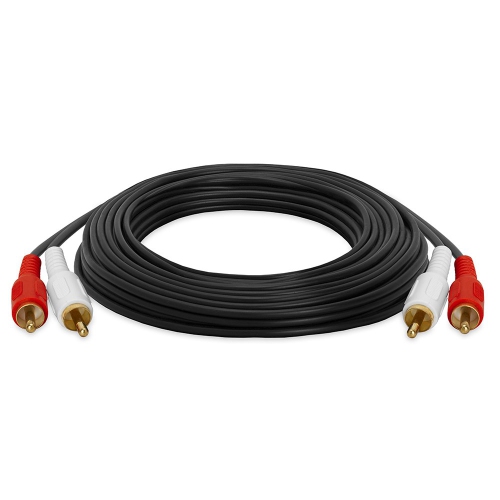
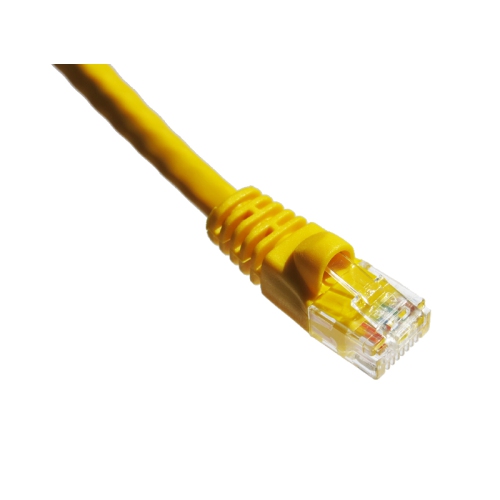
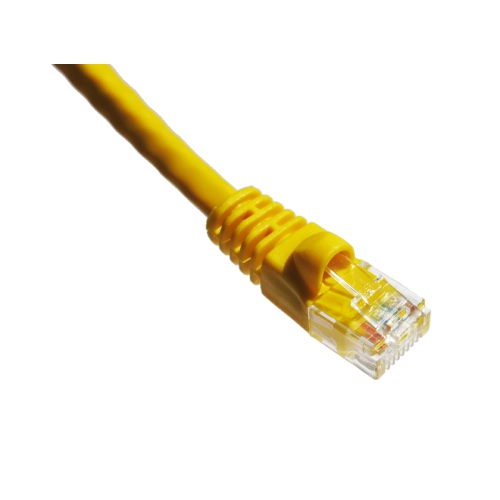
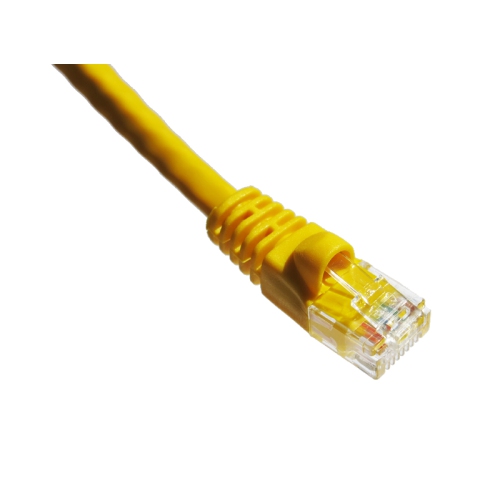
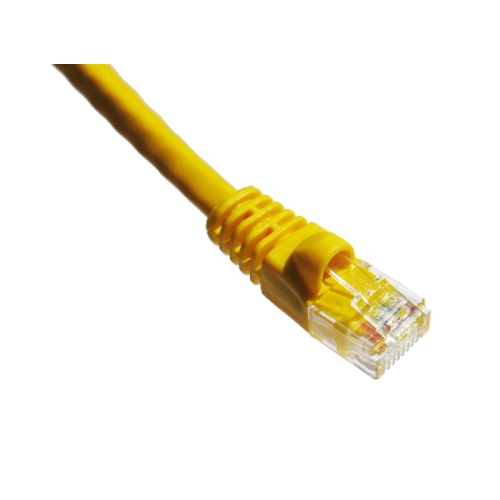
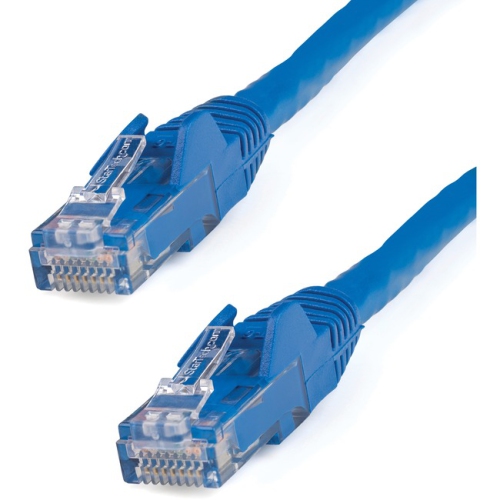
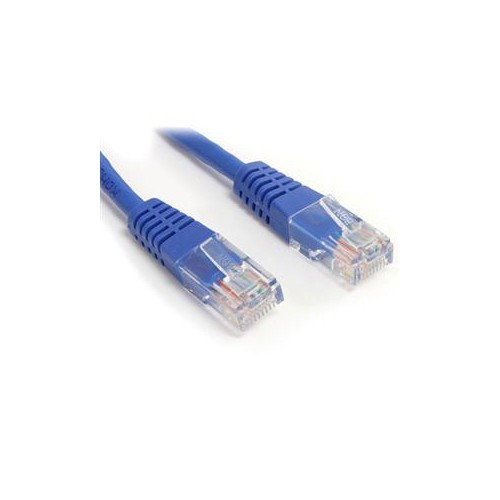
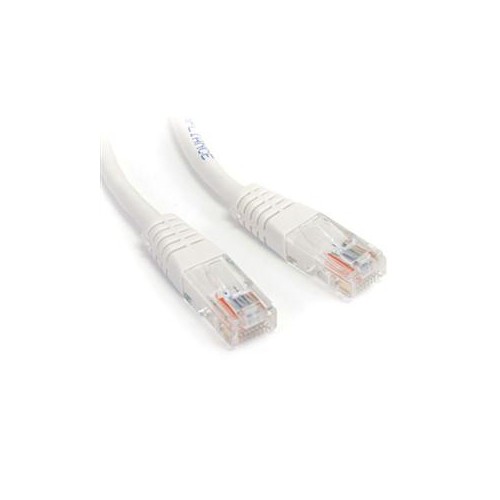
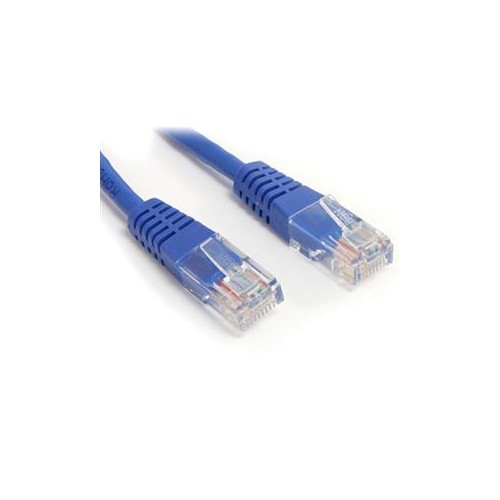
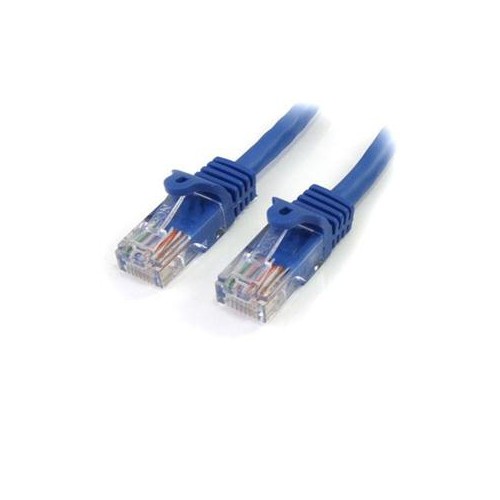
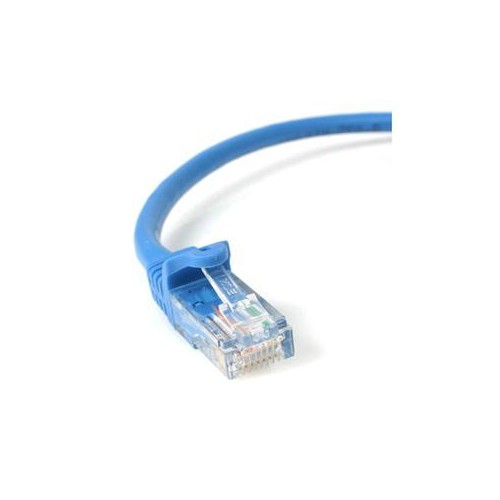
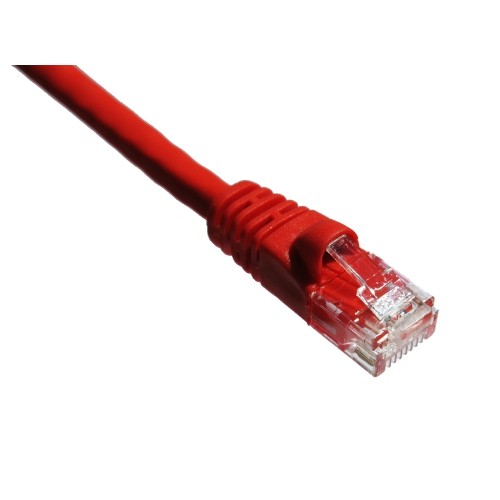
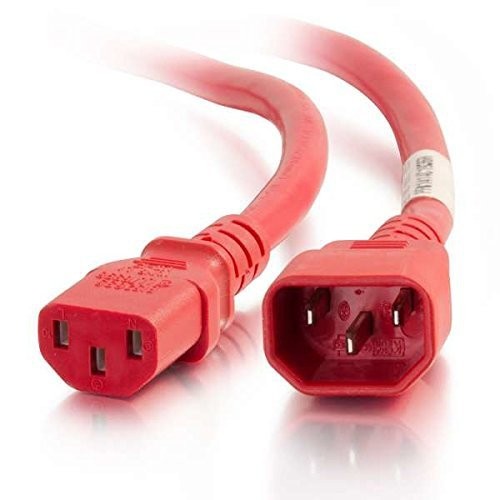
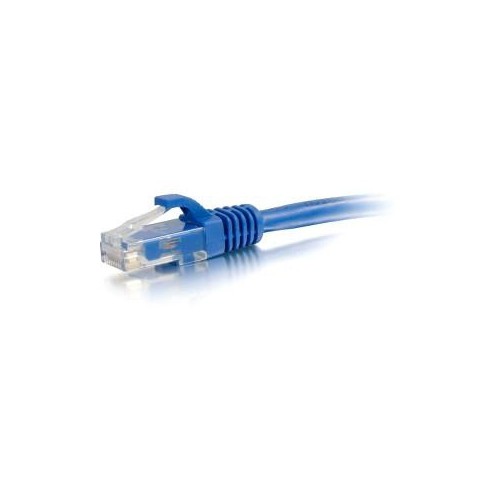
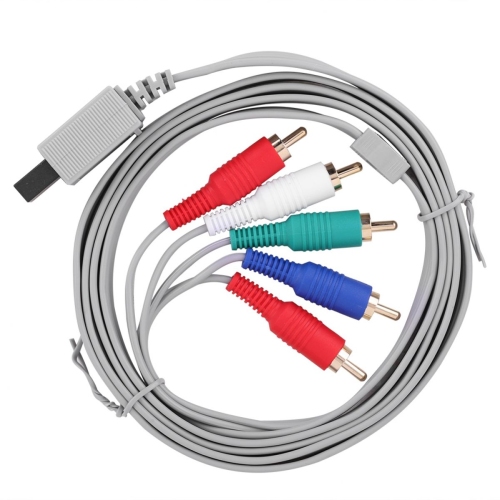
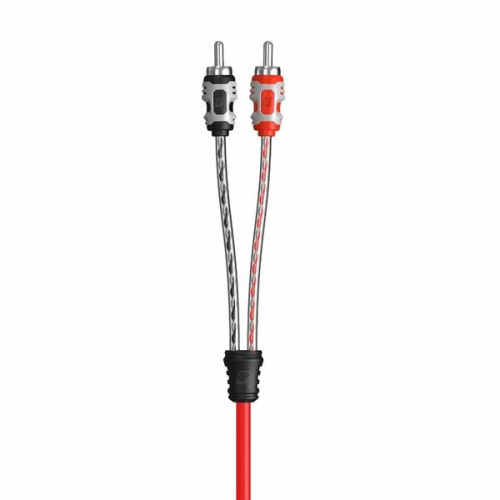
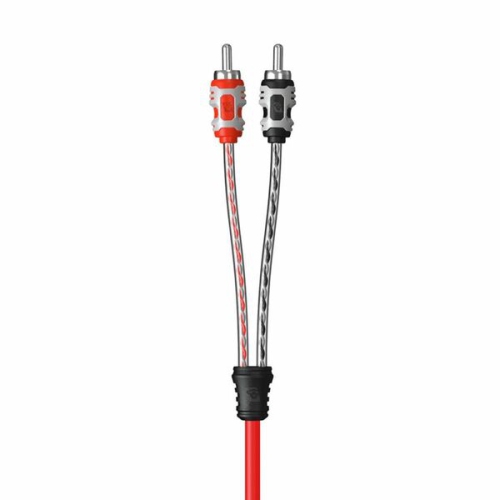
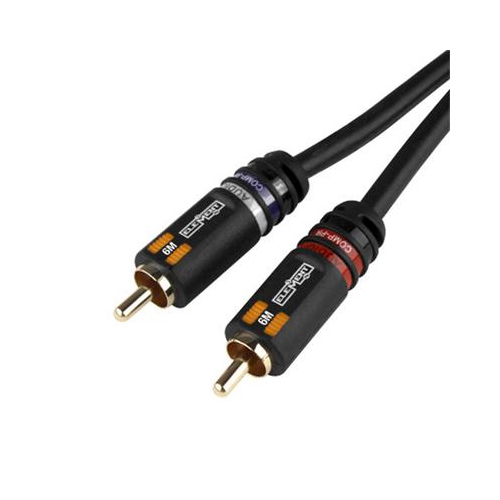
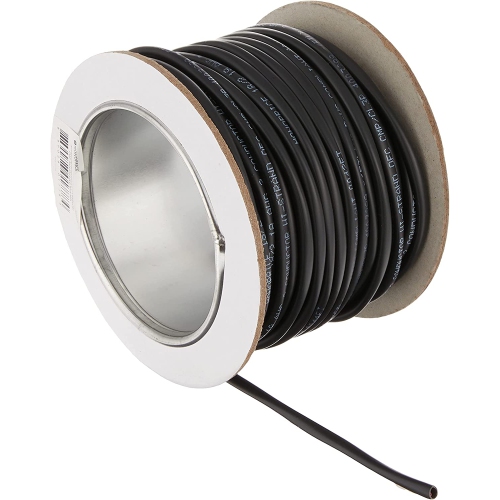
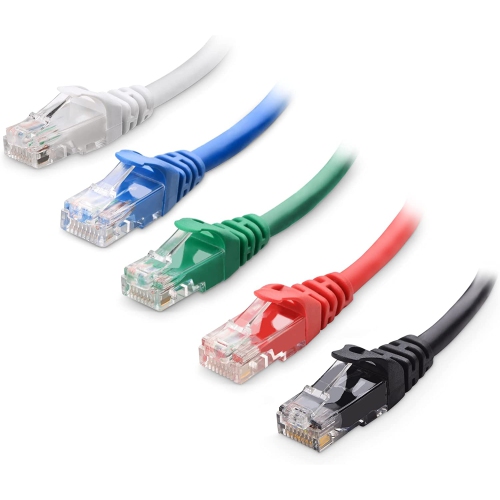
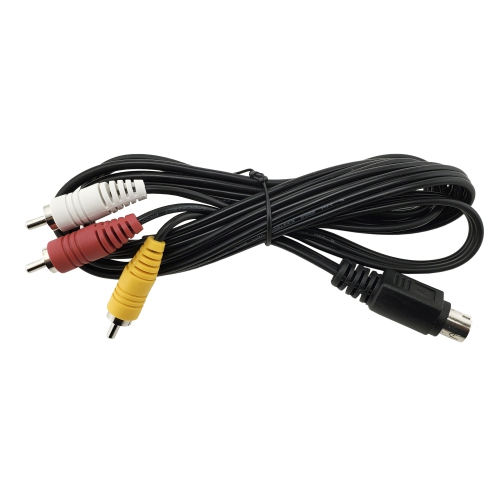
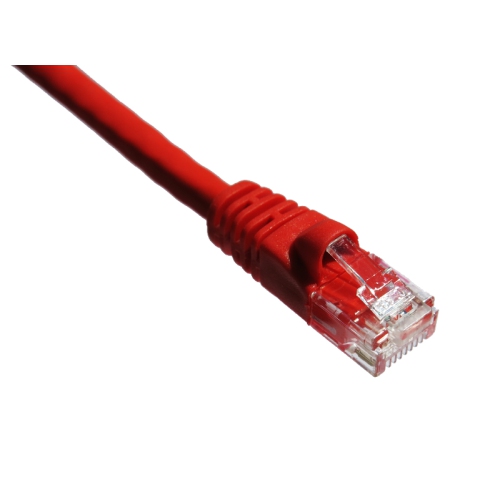
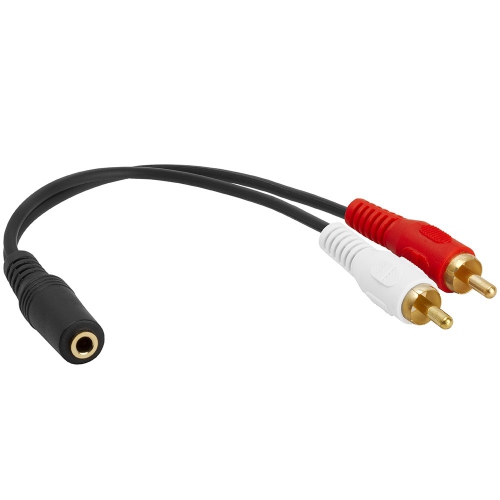
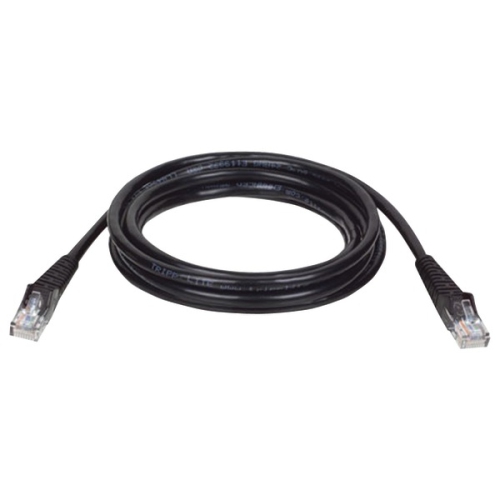
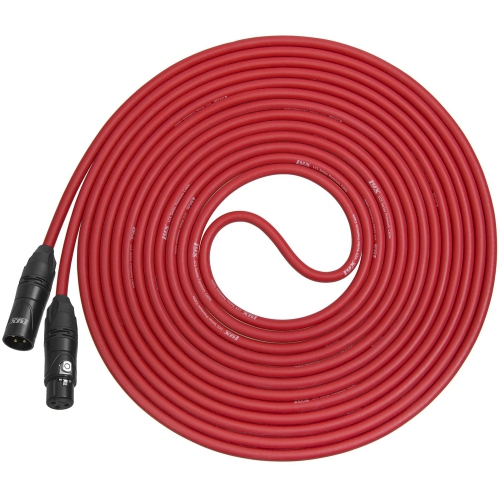
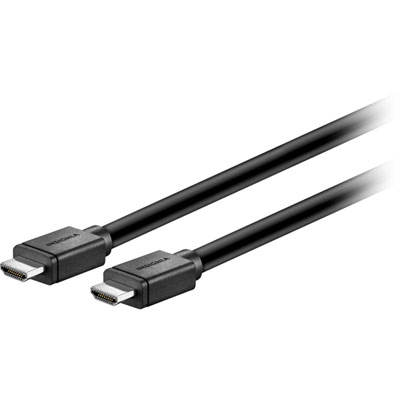
Color coded cables make it easier to recognize connections at a glance, especially when several wires run behind a desk, television, audio system, networking cabinet, or home office workstation. Instead of tracing every cable from end to end, you can use the colour of the jacket or connector to create a simple visual system for setup, organization, and troubleshooting. Colour-coded cables are available for a wide range of uses, including audio, video, computer networking, charging, power, and other electronic connections. Red, white, and black are often associated with left and right analogue audio channels, while red, green, and blue may identify component video signals. Network cables are also sold in multiple colours, making it easier to separate internet, voice, camera, guest, or other data connections in a busy installation. These conventions can vary between manufacturers, systems, and workplaces, so the labels on the cable, connected equipment, or installation documentation should always take priority over colour alone. A well-planned colour scheme is particularly useful in shared spaces where multiple people may connect or disconnect equipment, such as a family entertainment area, student desk, gaming setup, or home office. It can also help reduce the time spent searching for the correct connection when a device needs to be moved, replaced, or checked.
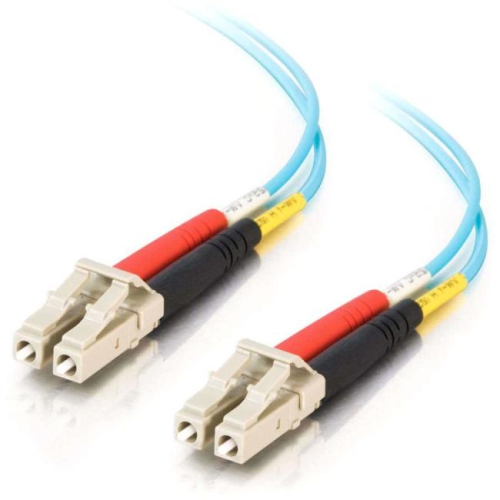
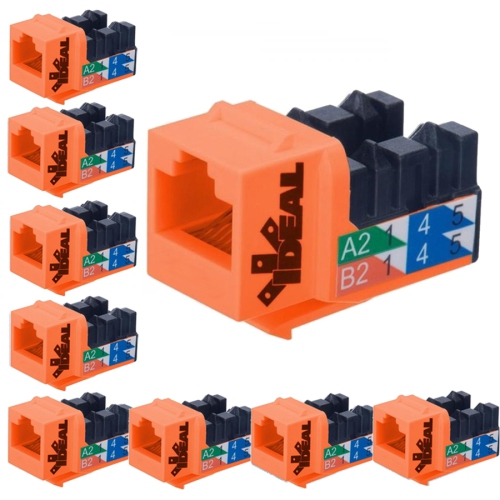
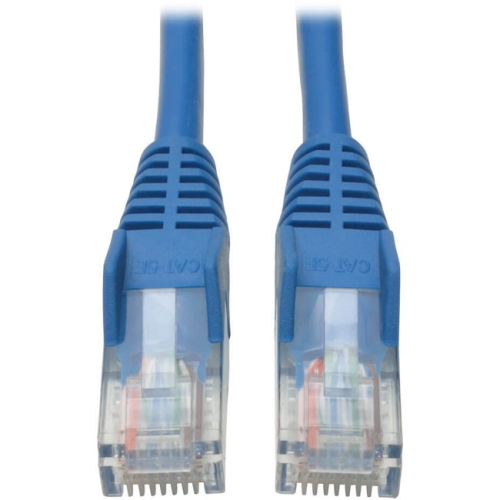
When choosing colour coded cables, start with the type of connection required and confirm that the cable has the correct plugs, sockets, signal support, and length for the equipment involved. A cable that fits physically may not support the same signal, data rate, power requirement, or resolution as another cable with a similar appearance. For video equipment, check compatibility with the display and source device, along with the required video standard and resolution. For audio, consider whether the setup uses analogue stereo, digital audio, microphone connections, or another format. For computers, routers, switches, printers, cameras, and other networked devices, look for the appropriate Ethernet category and connection type, then use different colours to distinguish cable runs or network functions. Colour can also support a simple labelling system: one shade for devices, another for network connections, and another for audio or video. In some network environments, blue may be used for standard LAN connections, yellow may identify a special connection such as Power over Ethernet or a DMZ, green may be assigned to voice or crossover connections, and red may mark cameras, outside WAN, or pre-firewall internet links. These are common organizational practices rather than universal rules, so verify the scheme used by the equipment or installation. For a broader selection of connection types and lengths, explore Electronics Cables and compare the specifications before adding cables to a setup.
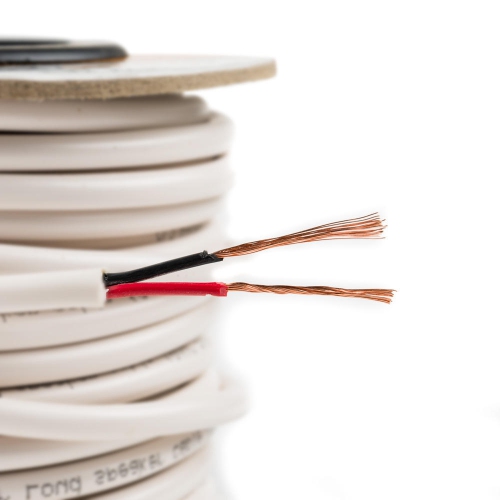
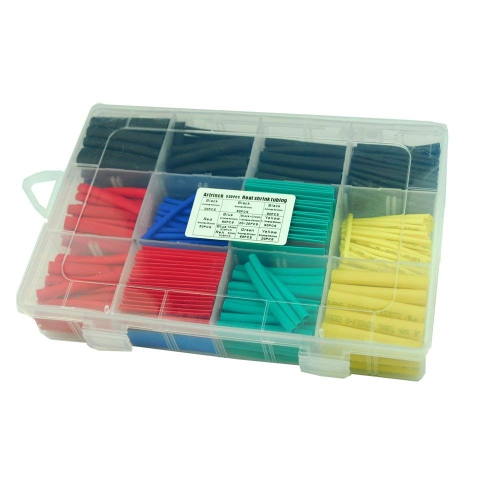
Colour coded cables are useful for home users, students, remote workers, streamers, musicians, installers, and anyone who prefers a tidy, easy-to-follow workspace. They can be especially helpful in a media room where a television, sound system, game console, streaming device, and receiver all sit close together, with cables disappearing behind furniture like roots beneath the floor. A different colour for each connection type can make routine tasks less frustrating, such as reconnecting equipment after cleaning, moving a desk, or setting up a temporary workspace during the cooler months. They may also make a practical gift for someone moving into a new home, building a first computer setup, organizing a study area, or adding equipment to a hobby room. Before purchasing, measure the distance between the devices and allow enough slack for ventilation, cable management, and future adjustments without leaving a tight bend at either connector. Keep signal and power cables arranged thoughtfully, and avoid forcing plugs into ports that do not match. For household wiring, colour meanings can be more safety-critical: black, red, blue, or yellow may identify hot conductors in certain systems; white or grey may indicate a neutral conductor; and green, green with a yellow stripe, or bare copper may identify protective grounding. Electrical colour standards differ by application and jurisdiction, and existing wiring should never be assumed safe to handle based on colour alone. Any work involving fixed household wiring, panels, or high-voltage circuits should be assessed and completed by a qualified professional. With the right connection type, suitable specifications, and a consistent colour plan, colour coded cables can make everyday electronics easier to install, identify, and maintain.
When choosing colour coded cables, start with the type of connection required and confirm that the cable has the correct plugs, sockets, signal support, and length for the equipment involved. A cable that fits physically may not support the same signal, data rate, power requirement, or resolution as another cable with a similar appearance. For video equipment, check compatibility with the display and source device, along with the required video standard and resolution. For audio, consider whether the setup uses analogue stereo, digital audio, microphone connections, or another format. For computers, routers, switches, printers, cameras, and other networked devices, look for the appropriate Ethernet category and connection type, then use different colours to distinguish cable runs or network functions. Colour can also support a simple labelling system: one shade for devices, another for network connections, and another for audio or video. In some network environments, blue may be used for standard LAN connections, yellow may identify a special connection such as Power over Ethernet or a DMZ, green may be assigned to voice or crossover connections, and red may mark cameras, outside WAN, or pre-firewall internet links. These are common organizational practices rather than universal rules, so verify the scheme used by the equipment or installation. For a broader selection of connection types and lengths, explore Electronics Cables and compare the specifications before adding cables to a setup.
Colour coded cables are useful for home users, students, remote workers, streamers, musicians, installers, and anyone who prefers a tidy, easy-to-follow workspace. They can be especially helpful in a media room where a television, sound system, game console, streaming device, and receiver all sit close together, with cables disappearing behind furniture like roots beneath the floor. A different colour for each connection type can make routine tasks less frustrating, such as reconnecting equipment after cleaning, moving a desk, or setting up a temporary workspace during the cooler months. They may also make a practical gift for someone moving into a new home, building a first computer setup, organizing a study area, or adding equipment to a hobby room. Before purchasing, measure the distance between the devices and allow enough slack for ventilation, cable management, and future adjustments without leaving a tight bend at either connector. Keep signal and power cables arranged thoughtfully, and avoid forcing plugs into ports that do not match. For household wiring, colour meanings can be more safety-critical: black, red, blue, or yellow may identify hot conductors in certain systems; white or grey may indicate a neutral conductor; and green, green with a yellow stripe, or bare copper may identify protective grounding. Electrical colour standards differ by application and jurisdiction, and existing wiring should never be assumed safe to handle based on colour alone. Any work involving fixed household wiring, panels, or high-voltage circuits should be assessed and completed by a qualified professional. With the right connection type, suitable specifications, and a consistent colour plan, colour coded cables can make everyday electronics easier to install, identify, and maintain.
Top selling and popular products
-
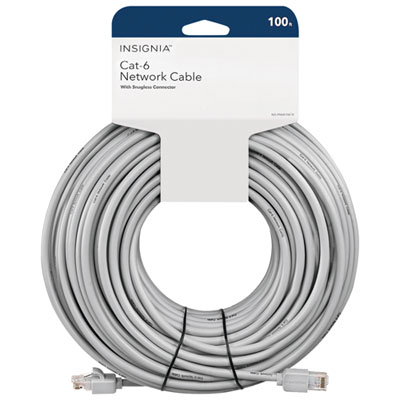 Your price for this item is $49.95
 -
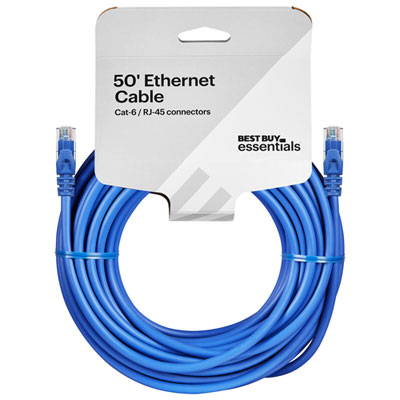 Your price for this item is $24.99
 -
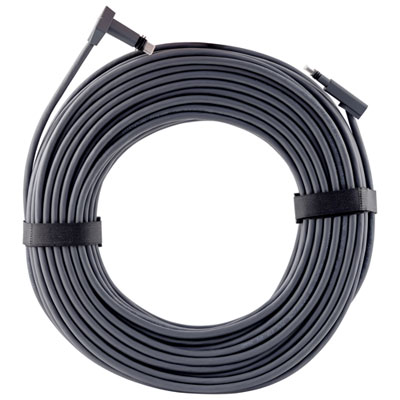 Your price for this item is $164.99
 -
 Your price for this item is $11.68
 -
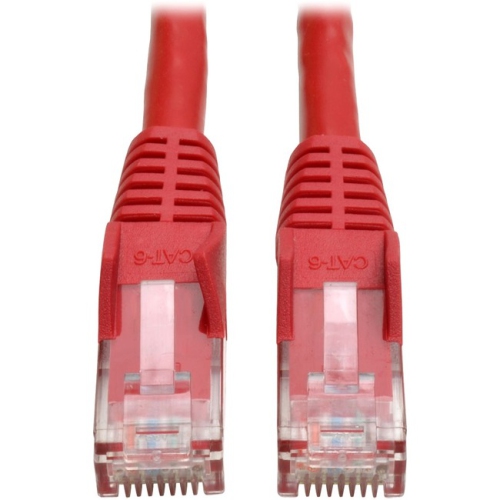 Your price for this item is $68.68
 -
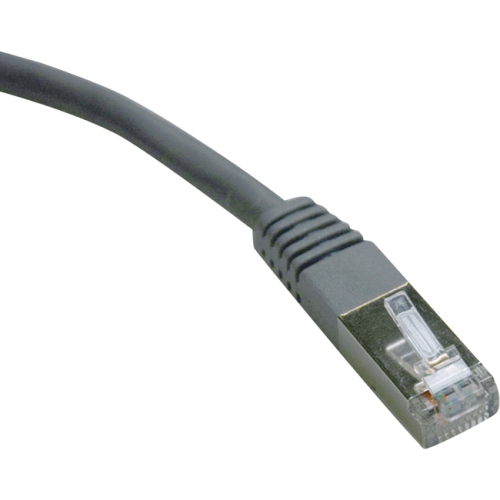 Your price for this item is $47.68
 -
 Your price for this item is $46.68
 -
 Your price for this item is $24.68
Discover more categories related to Color Coded Cables
Top Collections:
Pokemon Centers, Kindle Devices, Best Budget Office Chairs, Apple iPhones 16, Best Laptops for Writers, iPhone 15 Apple, Canon G7X Cameras, Refurbished Apple Laptops, Alarm Clock, Motorola Razr Phones
Some products may be subject to Environmental Handling Fees
(EHF) depending on your province.
Learn more about EHFs.