Electronics Cables
Looking to connect your electronic devices seamlessly? Look no further than our wide range of electronic cables. Whether you need HDMI cables for high-definition video and audio transmission, USB cables for fast data transfer, or audio cables for crystal-clear sound, we have you covered. Our collection features a variety of lengths and types to suit your specific needs. Say goodbye to tangled wires and hello to hassle-free connectivity with our reliable and durable electronic cables.
Sort
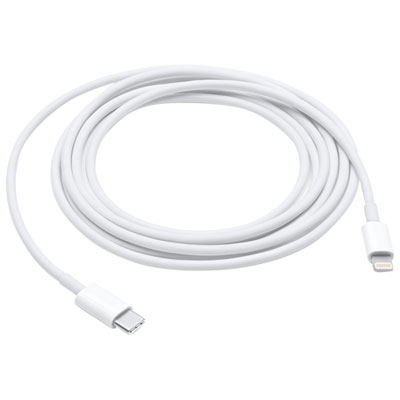
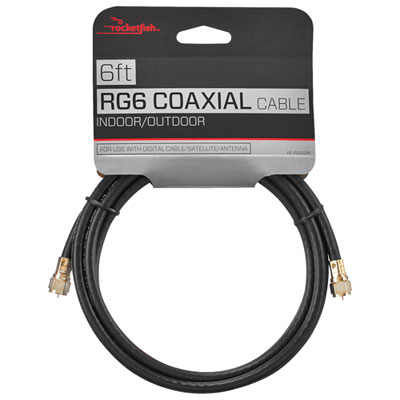
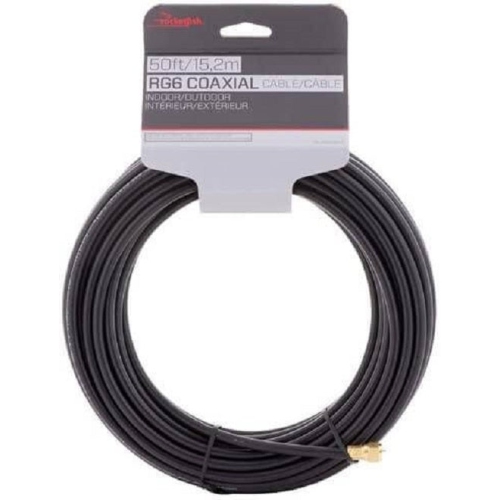
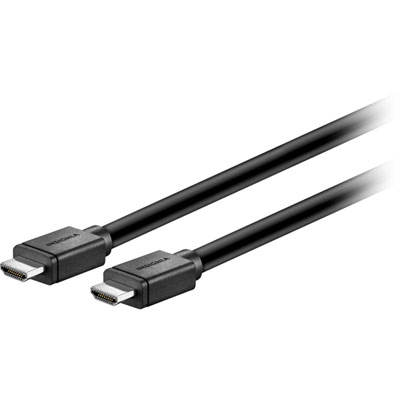
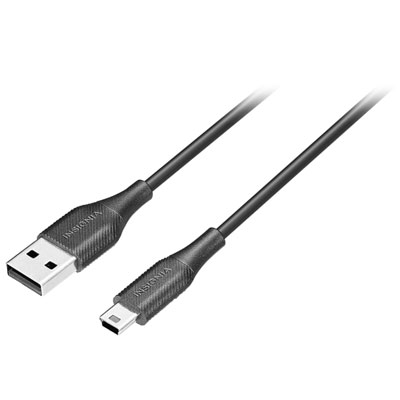
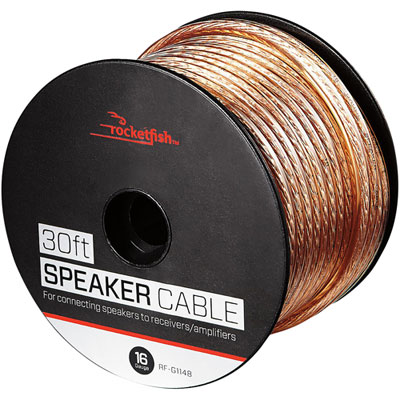
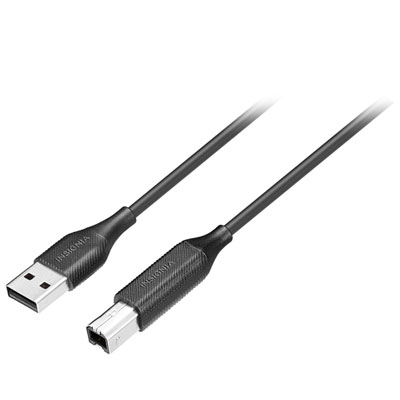
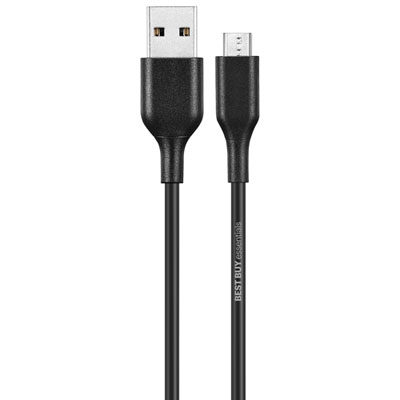


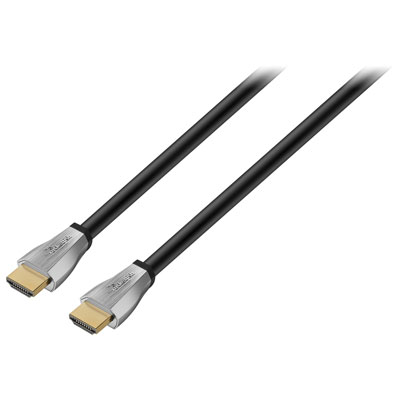
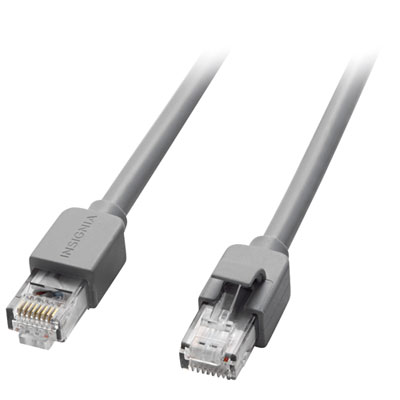
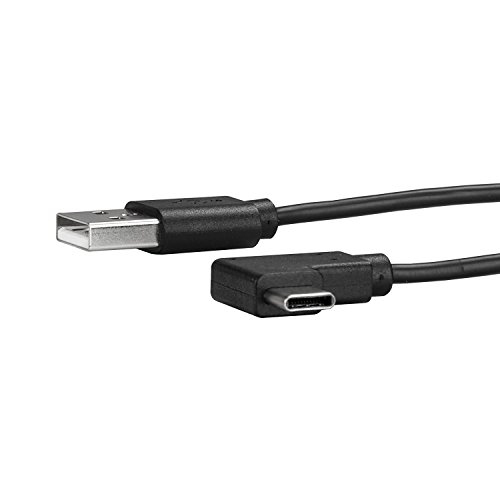
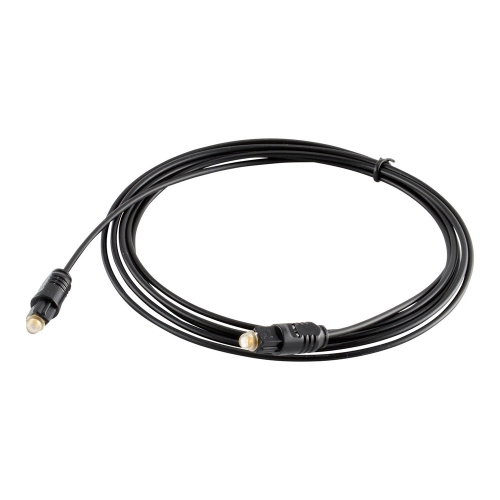


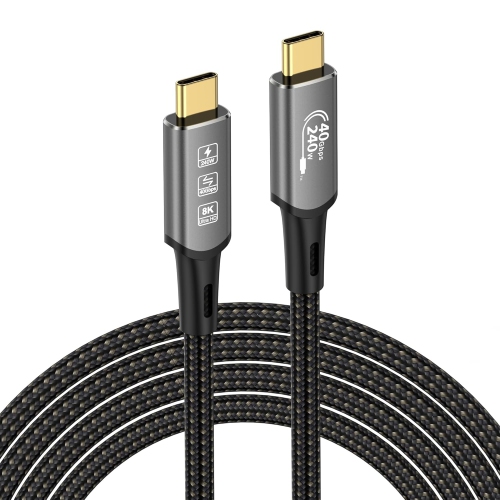
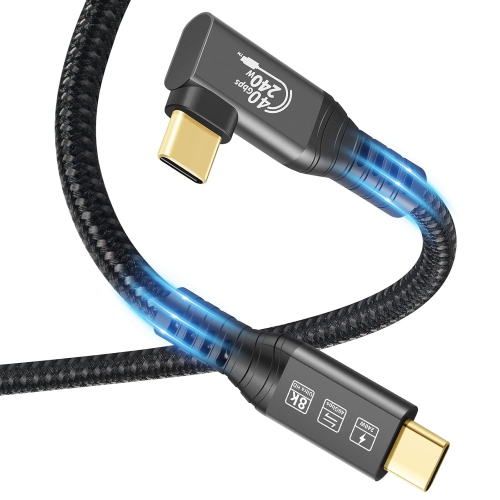
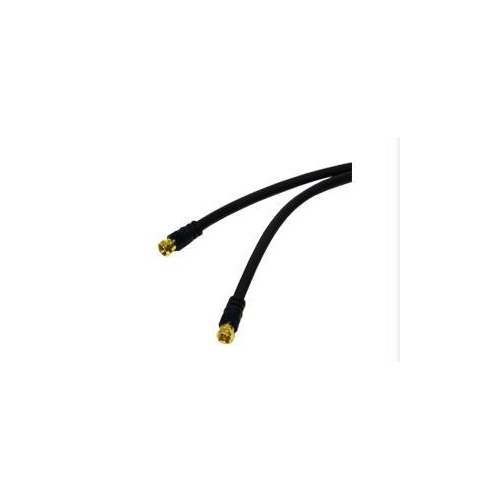
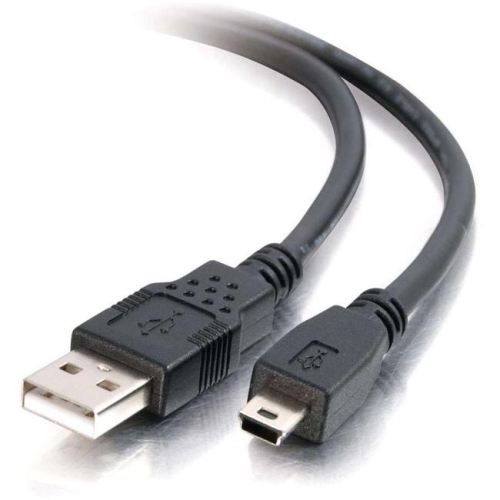
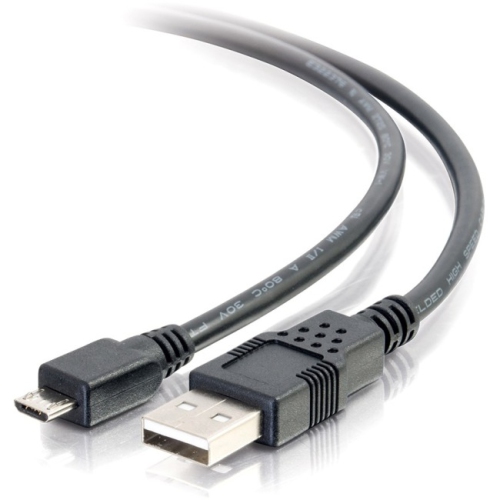
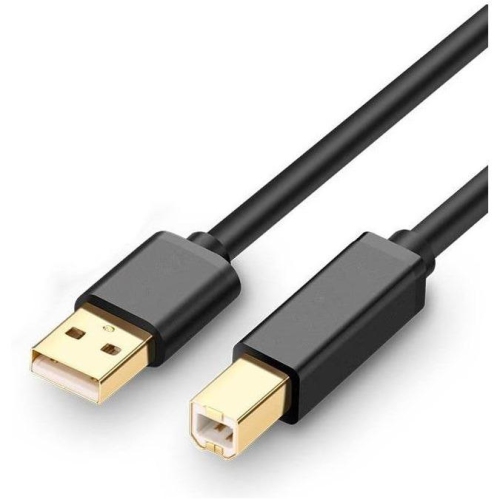
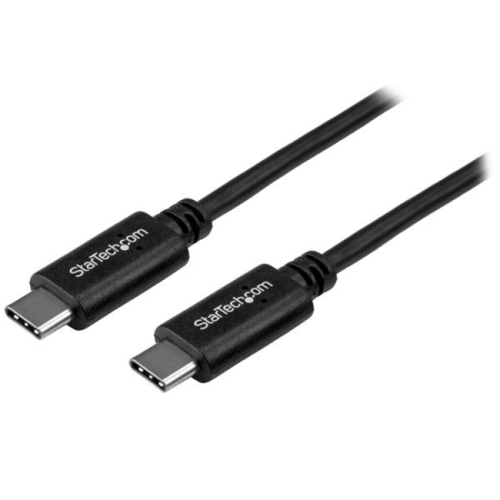
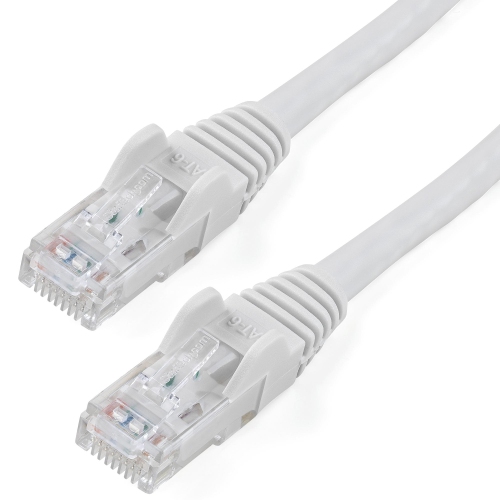


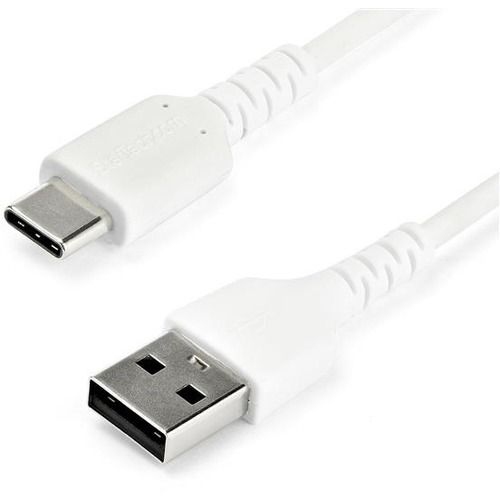
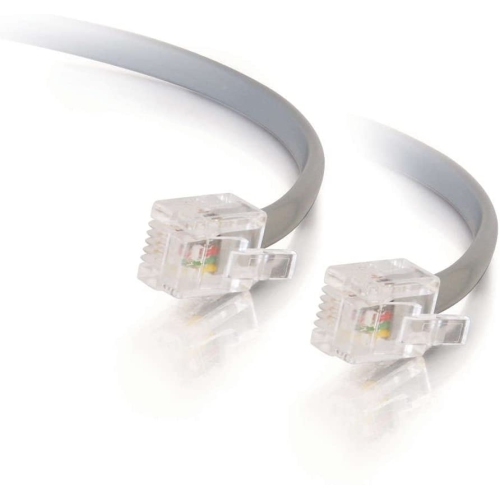
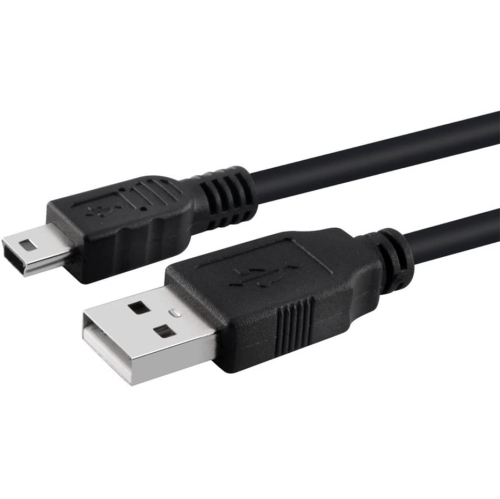
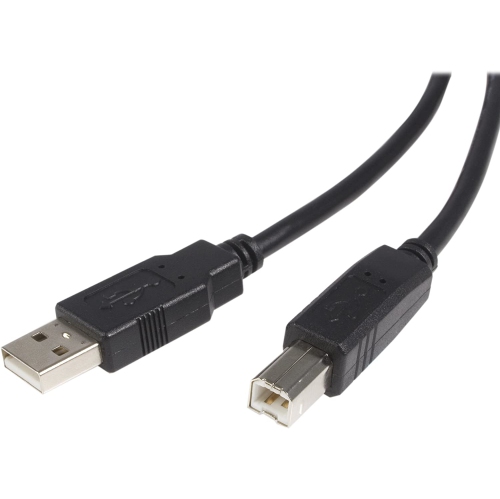
![AMAMAX 10Ft USB Printer Cable Cord A-B for Brother Lexmark 10 Feet [Electronics]](https://multimedia.bbycastatic.ca/multimedia/products/500x500/159/15935/15935758.jpeg)
![UGREEN [2Pack] HDMI Cable 3Ft Metal Connector Case With Nylon Braid Support 3D](https://multimedia.bbycastatic.ca/multimedia/products/500x500/153/15341/15341096.jpeg)
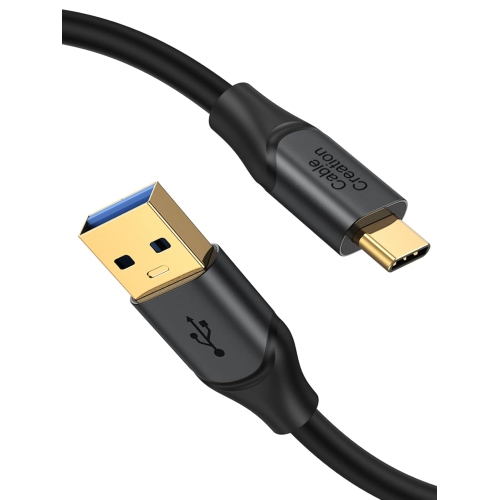
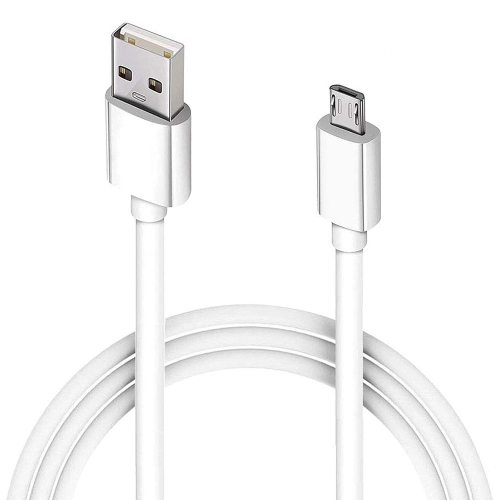
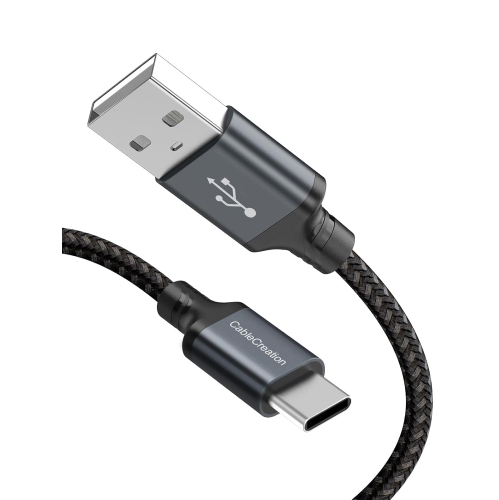
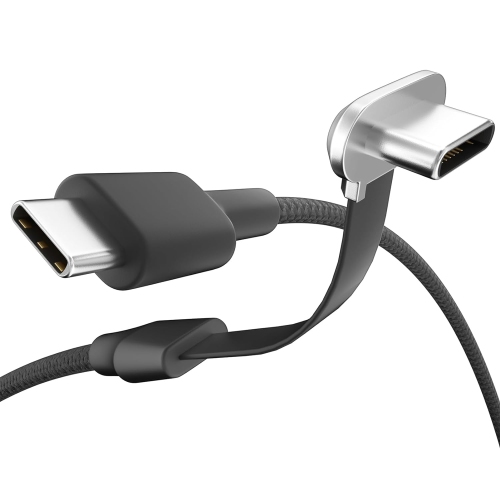
![CABLECREATION Short USB C Cable 0.5 Feet, [2-Pack] USB A to USB C Cable USB to C Cable Braided Fast Charging Cable 3A](https://multimedia.bbycastatic.ca/multimedia/products/500x500/188/18898/18898522.jpeg)

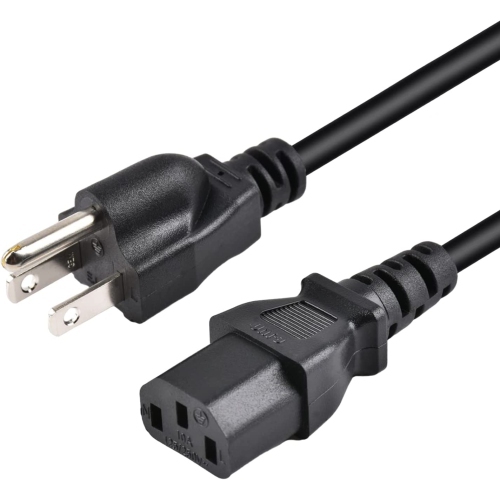

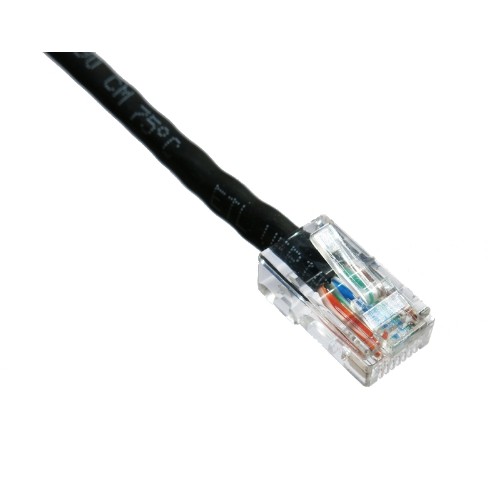
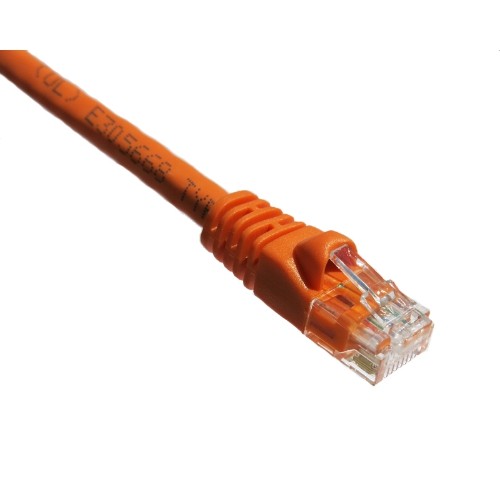
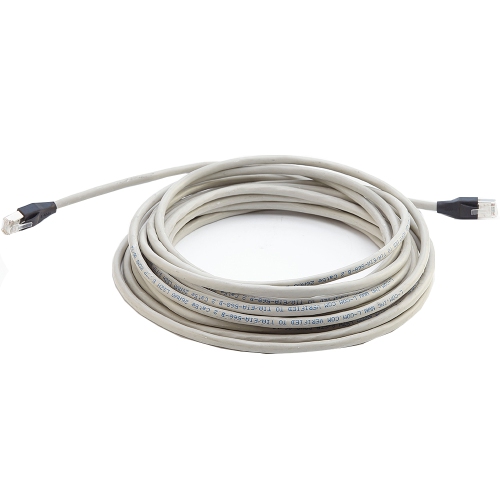

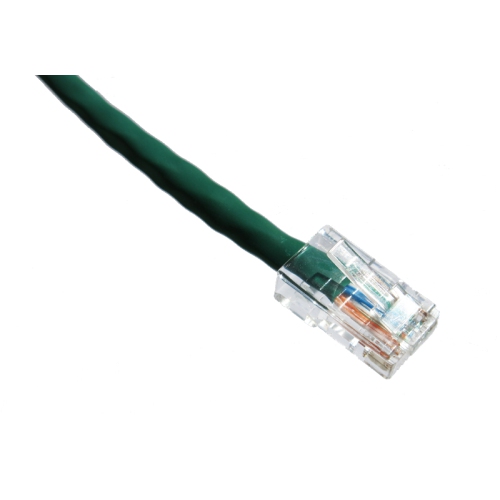
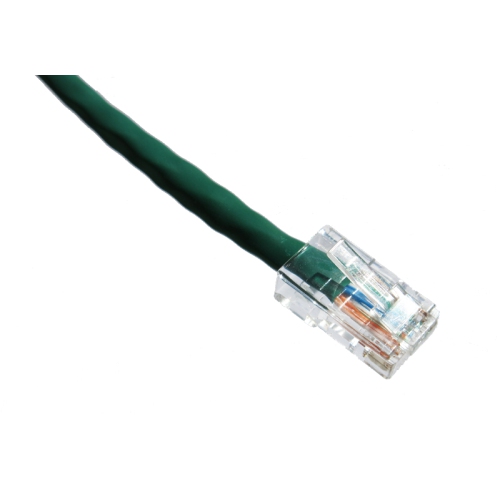
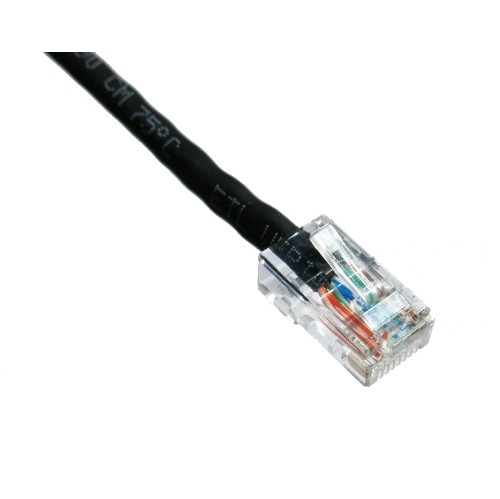
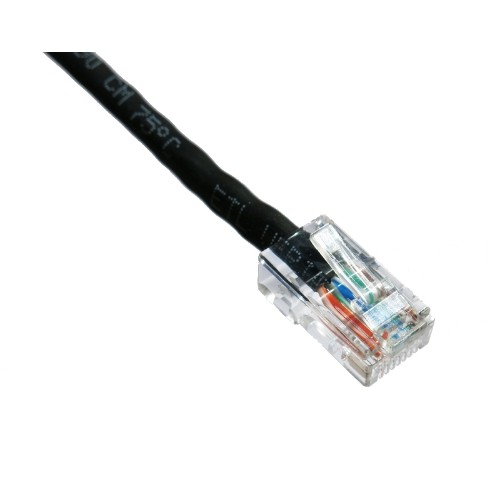
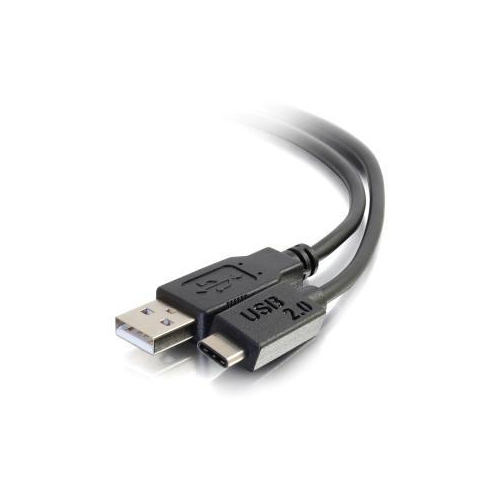
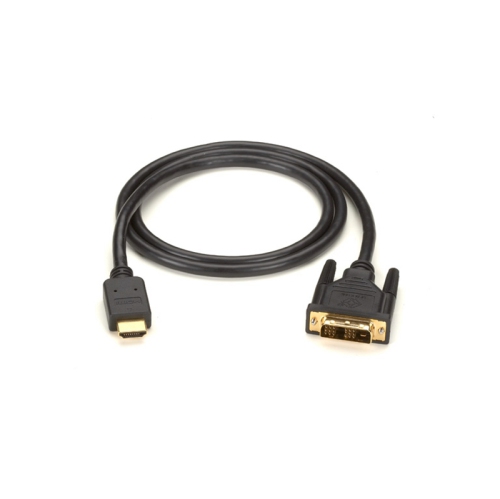
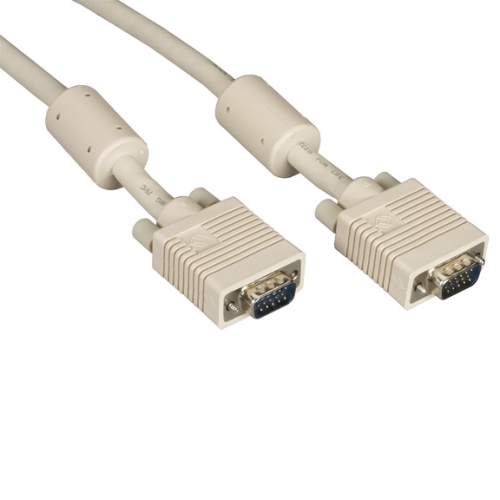
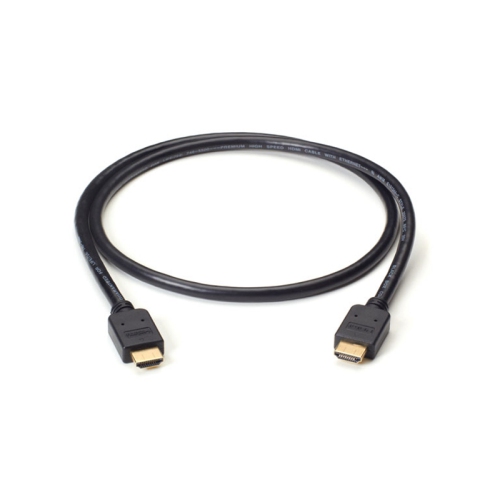
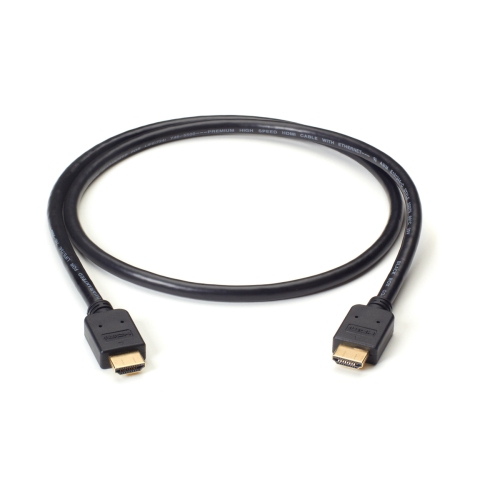
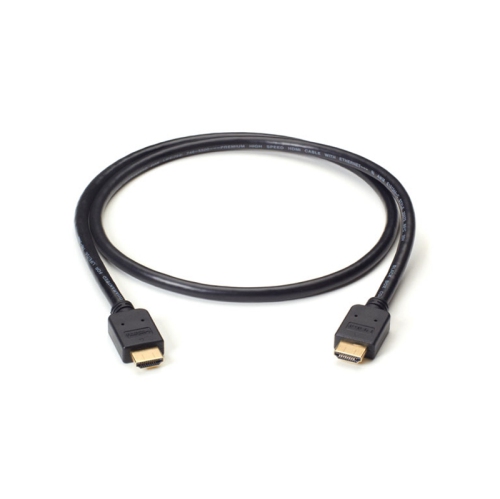
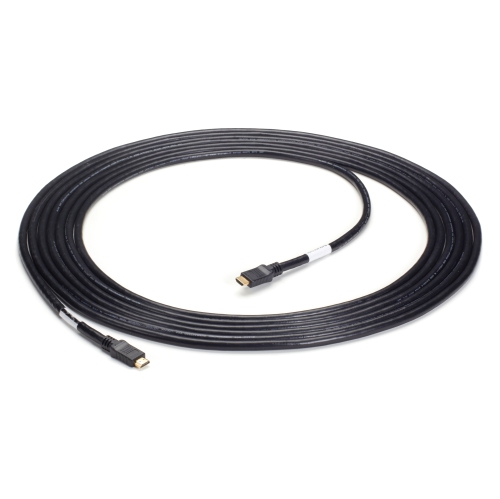
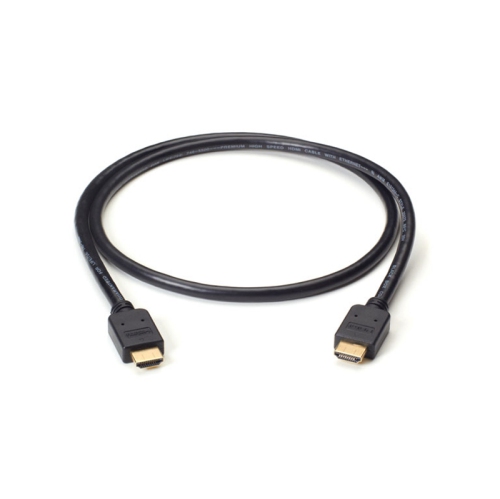
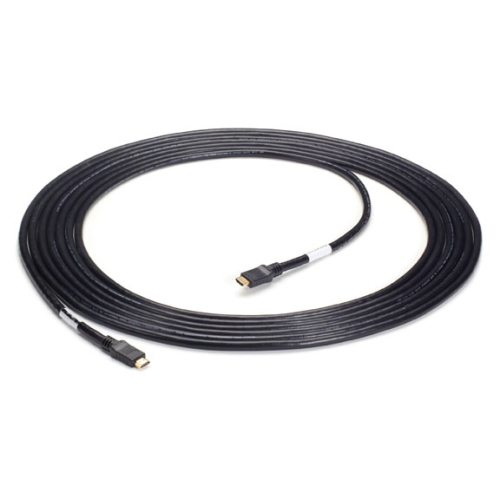

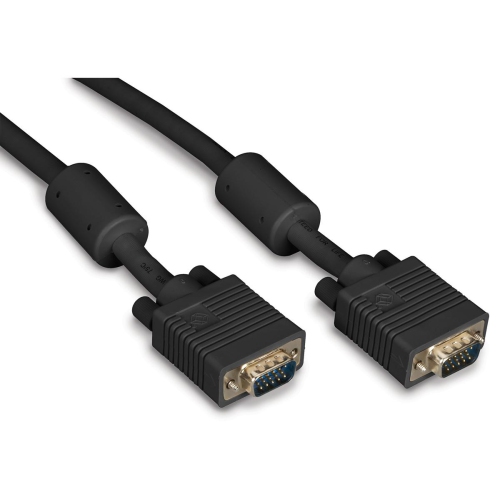
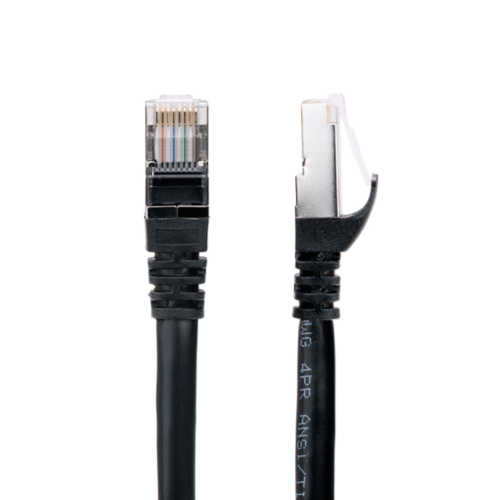
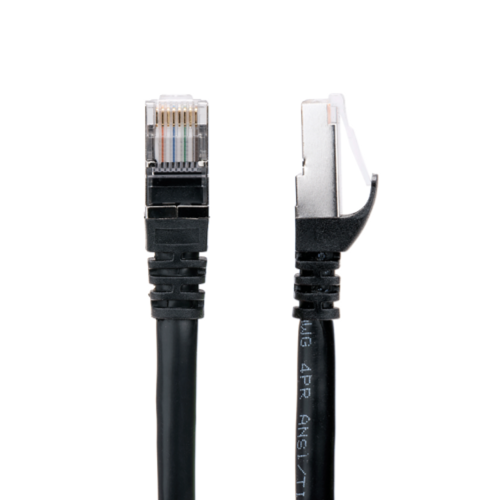
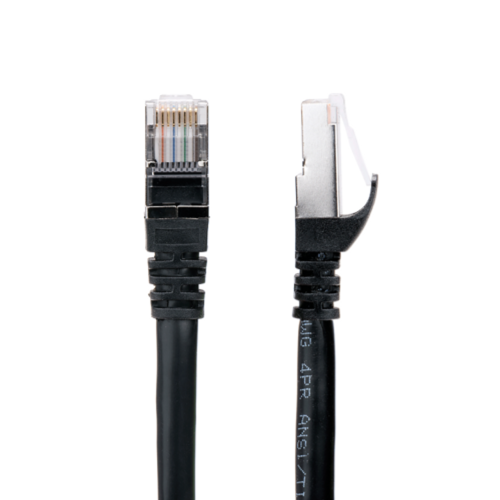
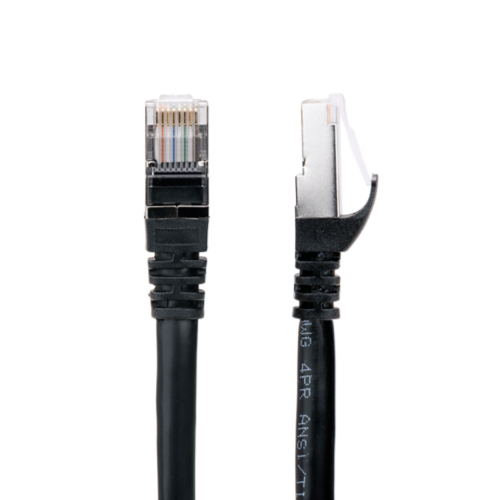



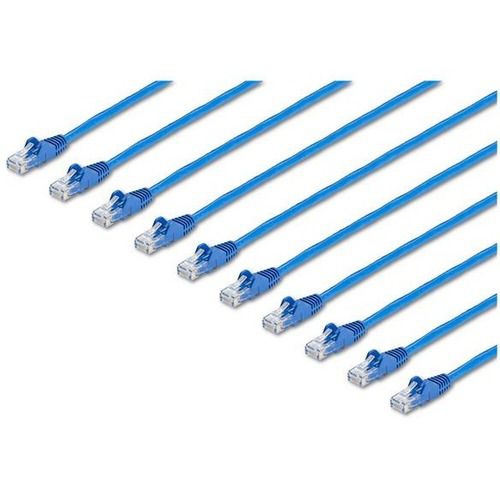
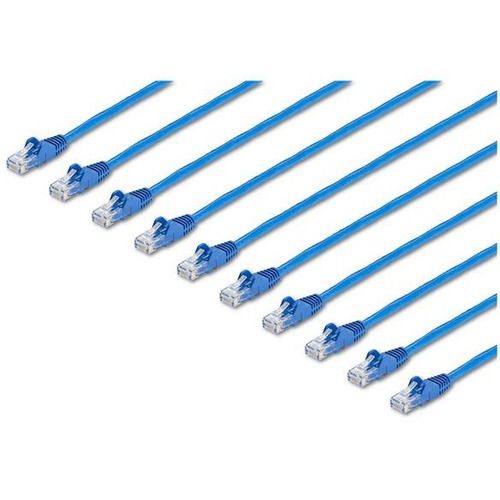
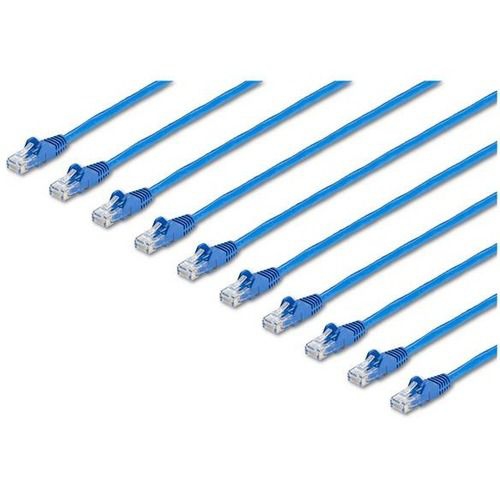
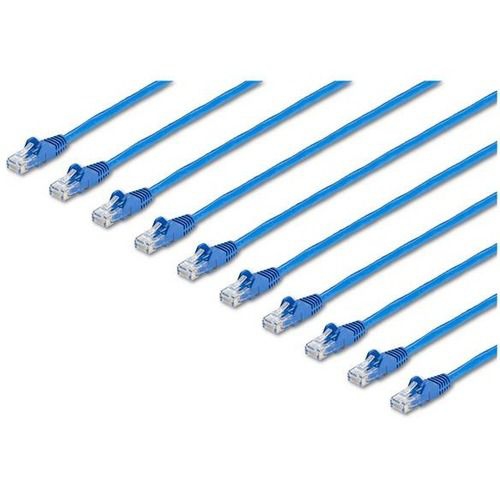

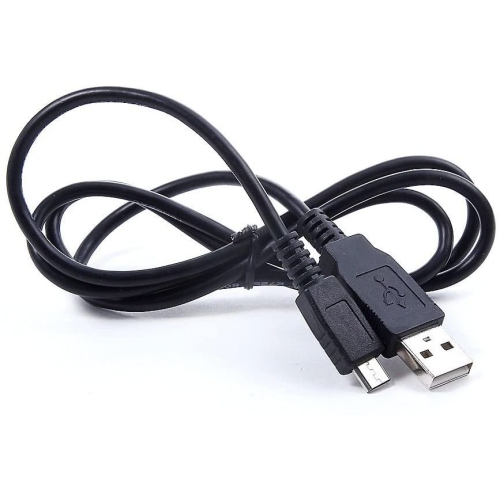
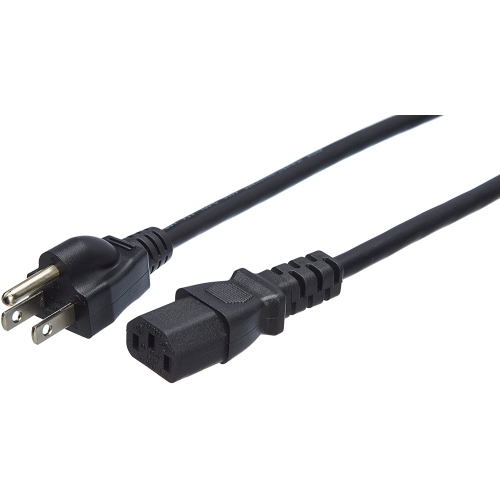
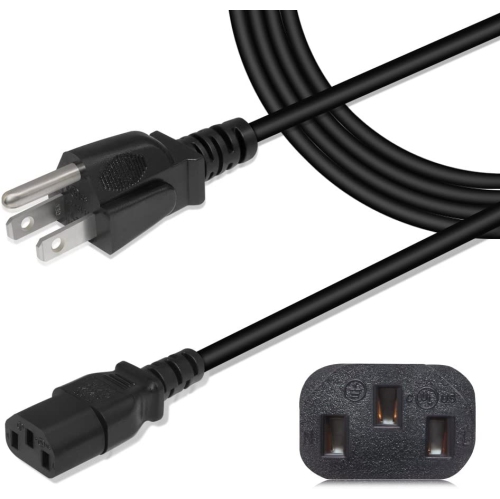
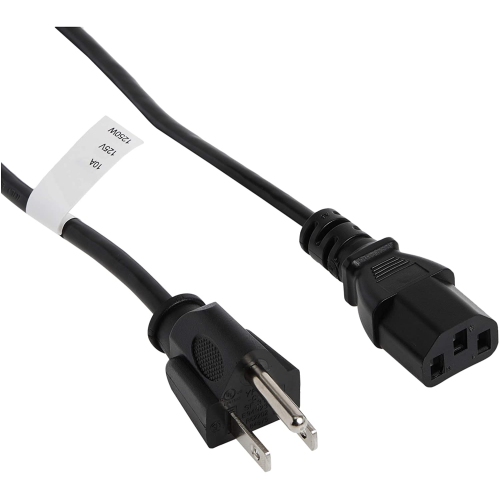

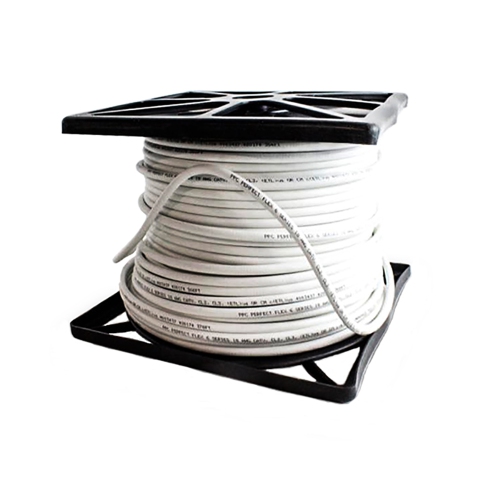
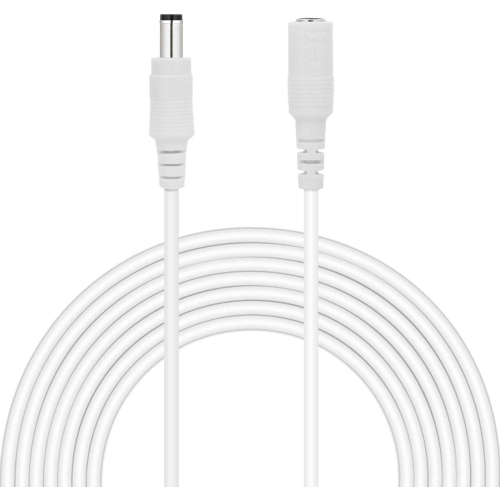
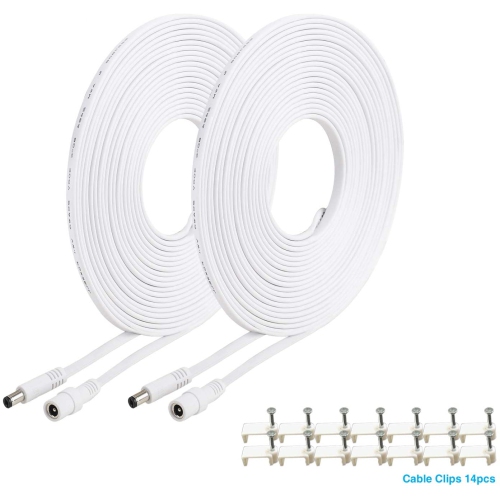
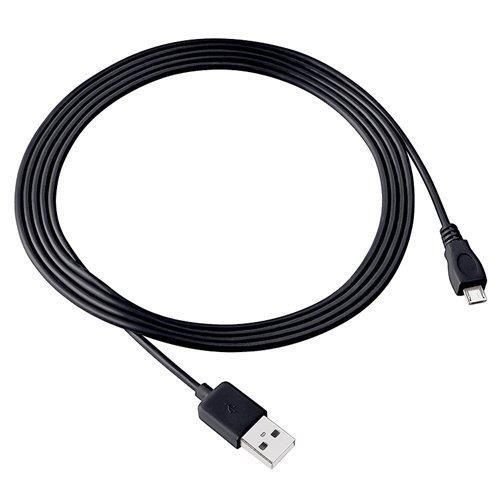
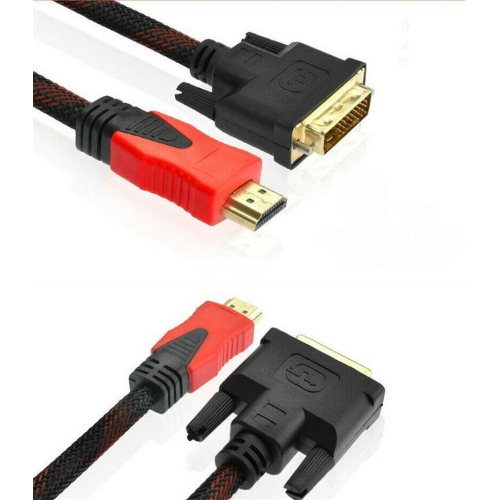
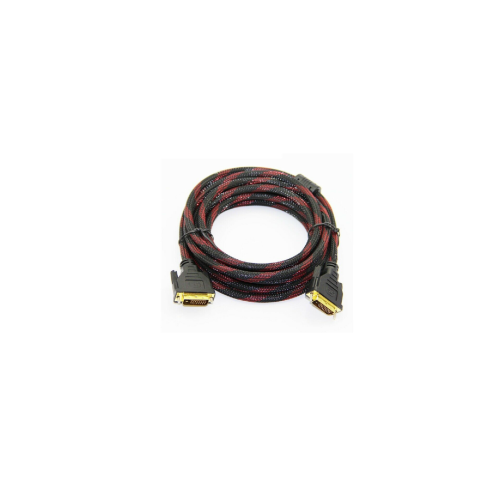
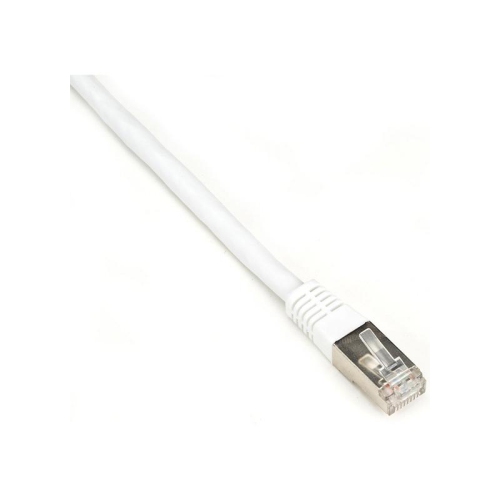
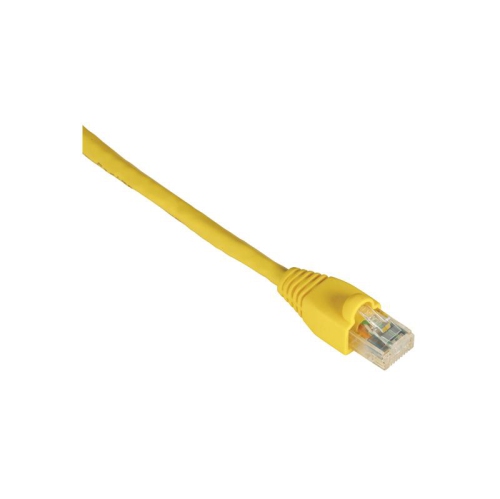
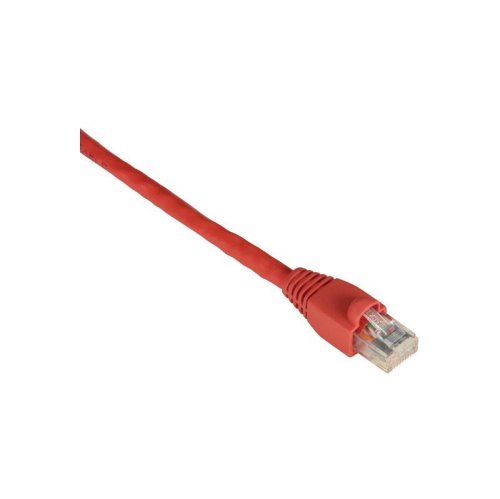
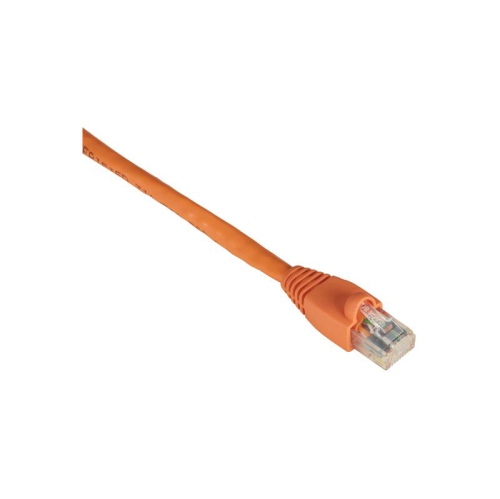
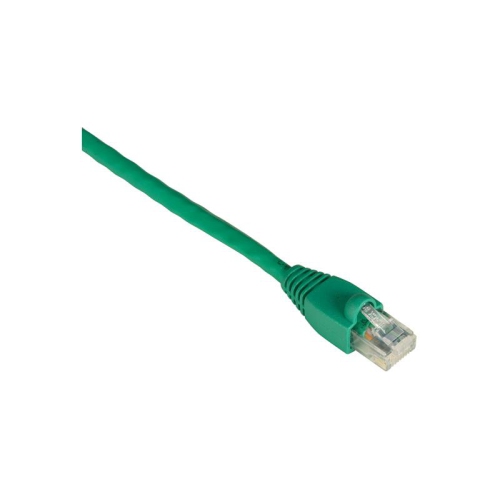
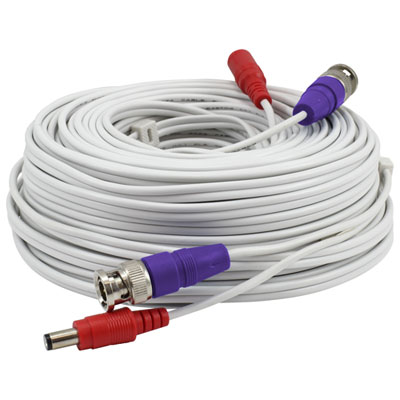
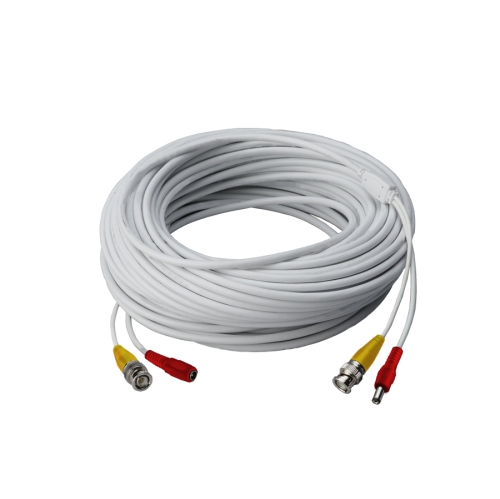
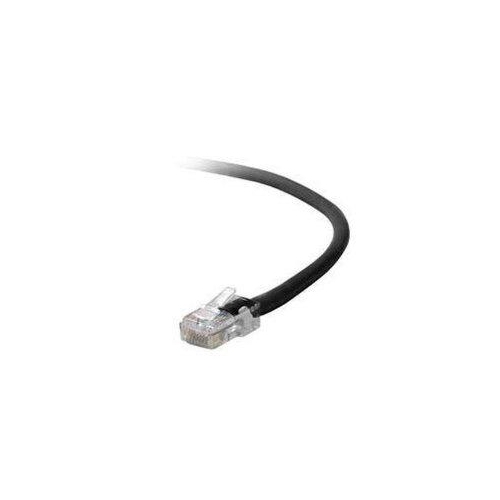
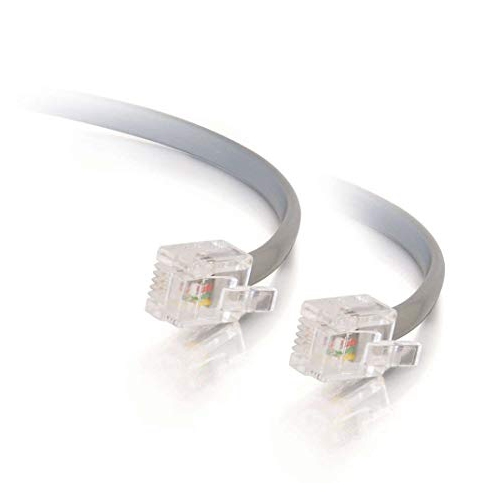


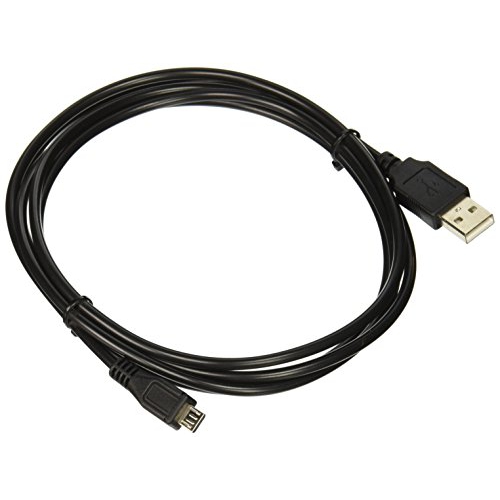
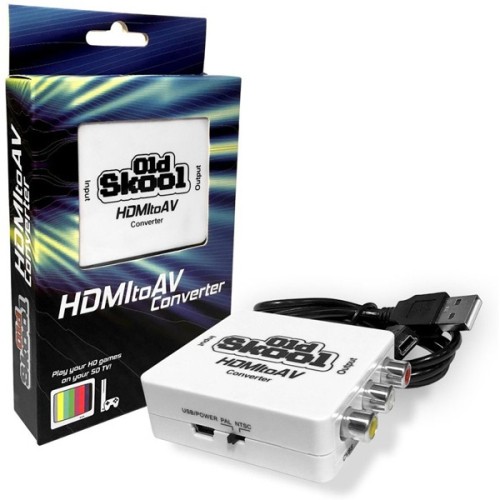
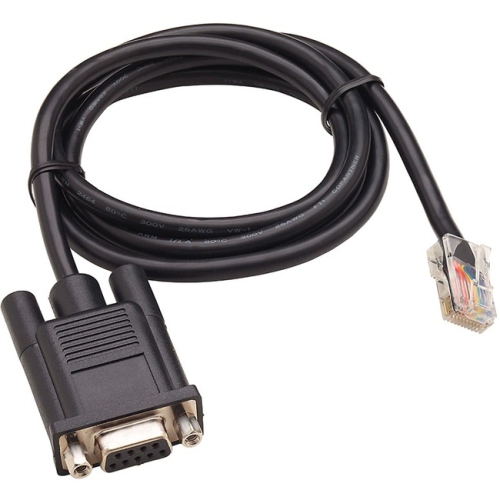

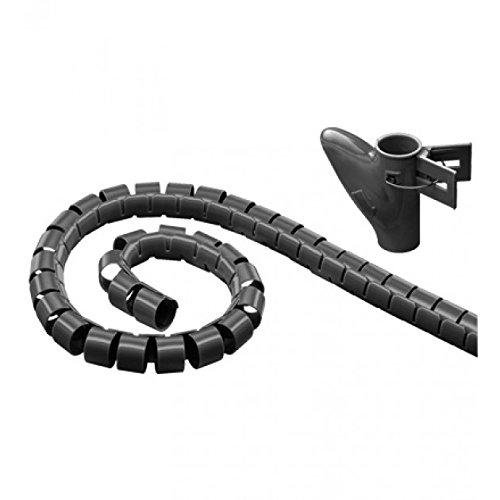

![ETON [2Pack] Printer Cable 1.8 M USB 2, 0 Cb-193-180](https://multimedia.bbycastatic.ca/multimedia/products/500x500/156/15667/15667266.jpg)
Why cable compatibility goes beyond a plug that fits
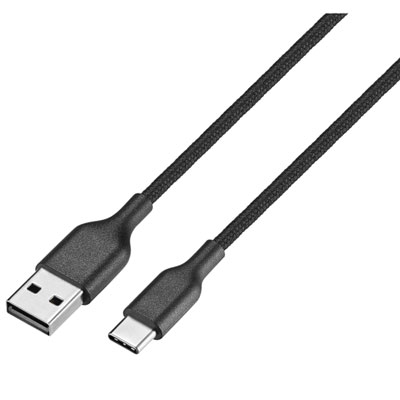
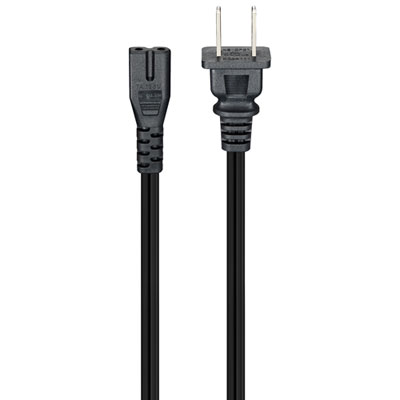
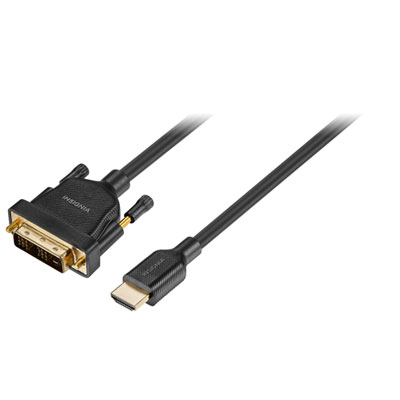
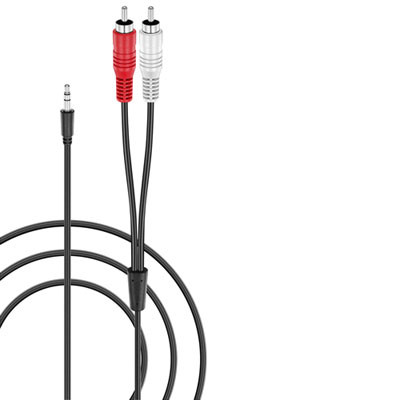
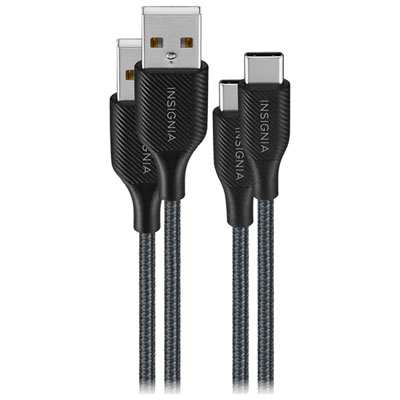
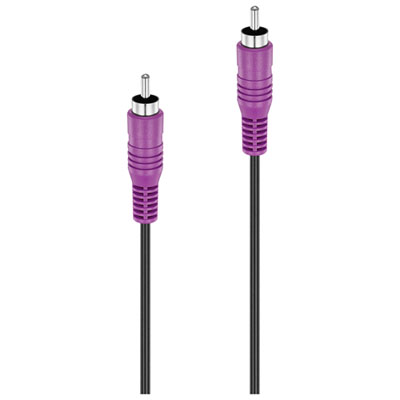
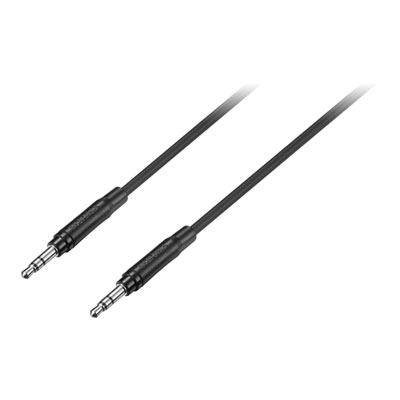
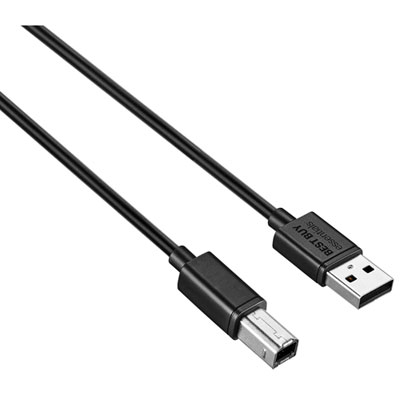
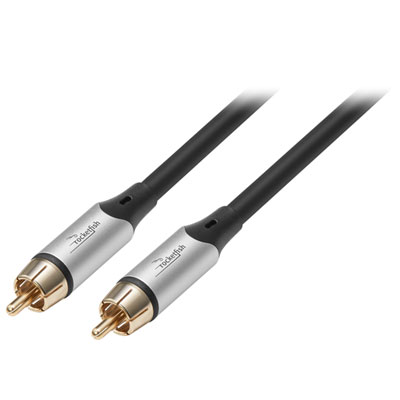
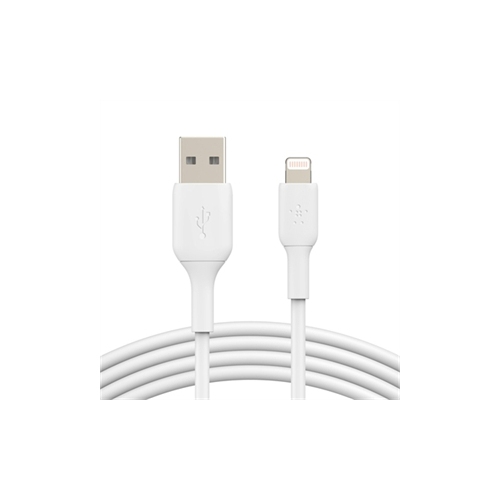
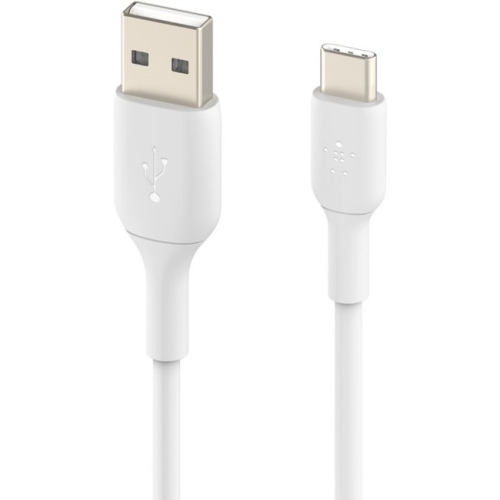
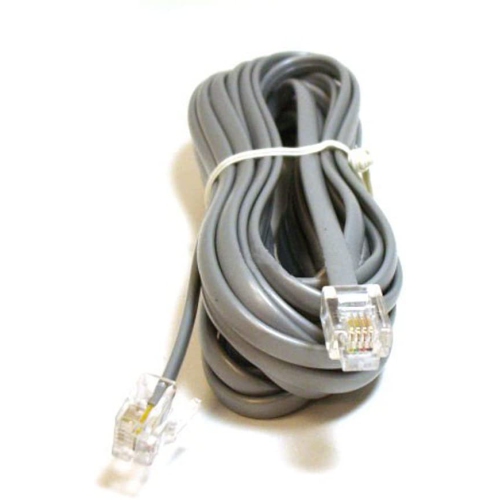
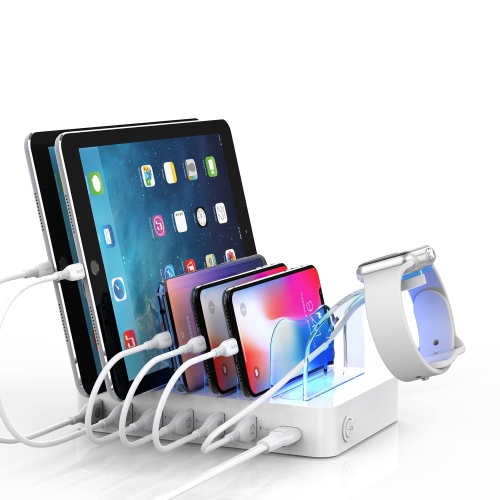
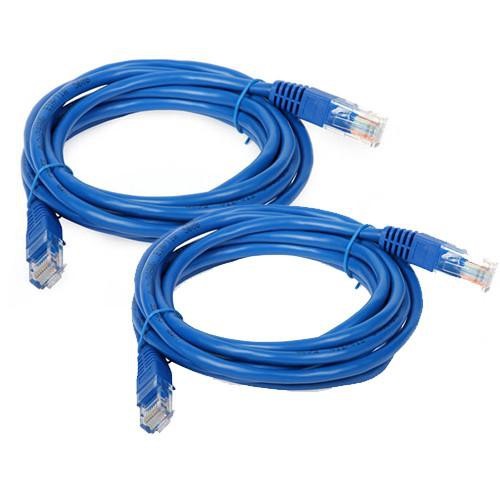
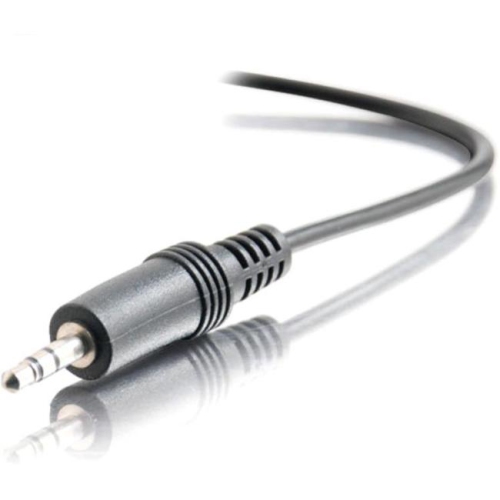
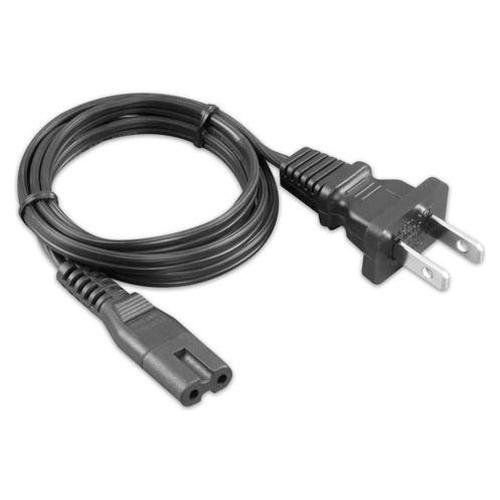
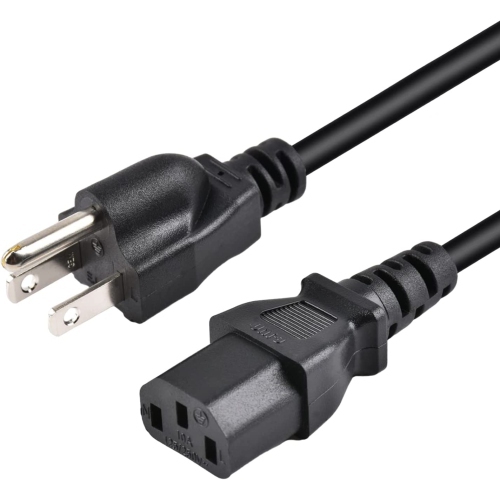
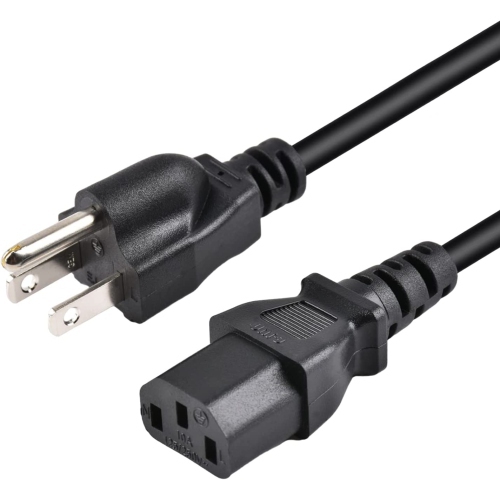
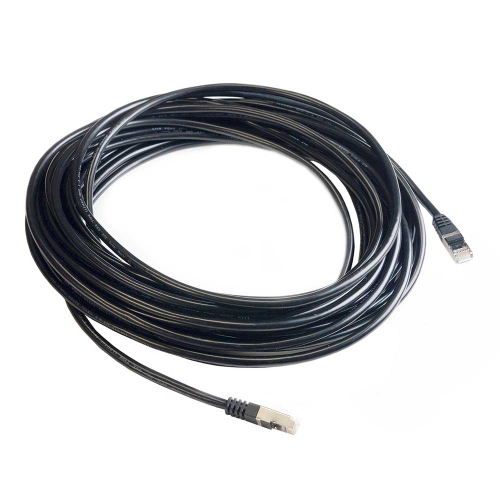
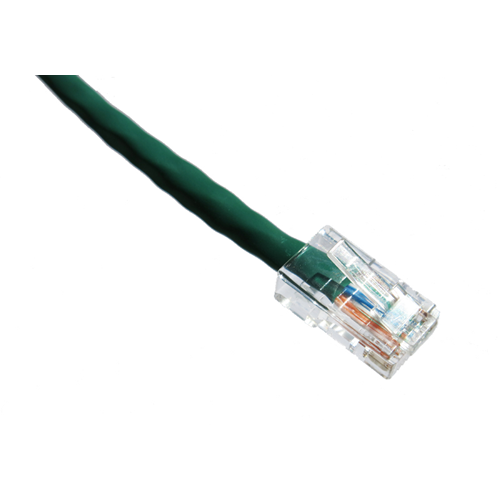
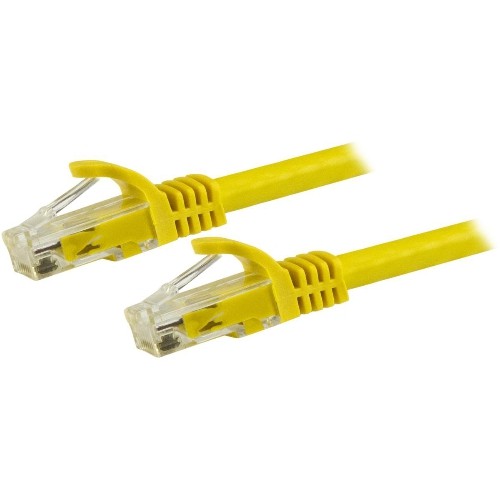
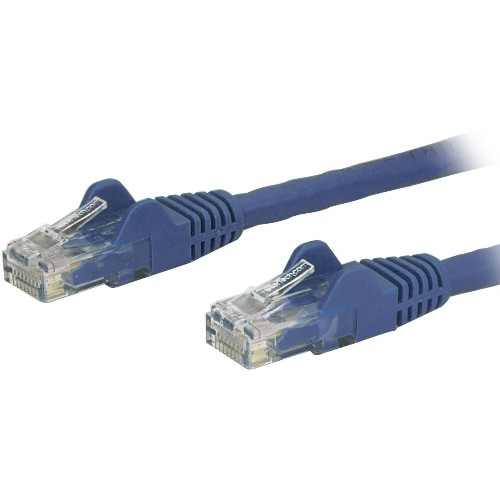
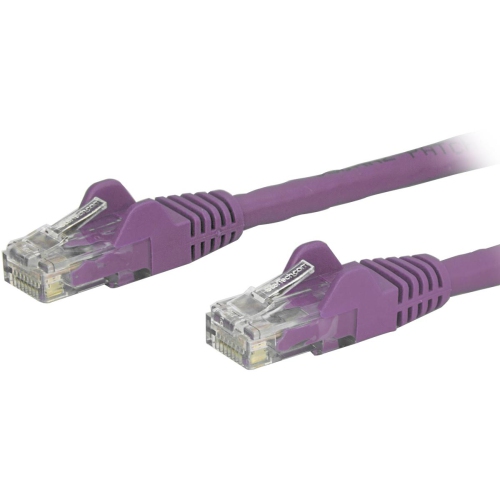
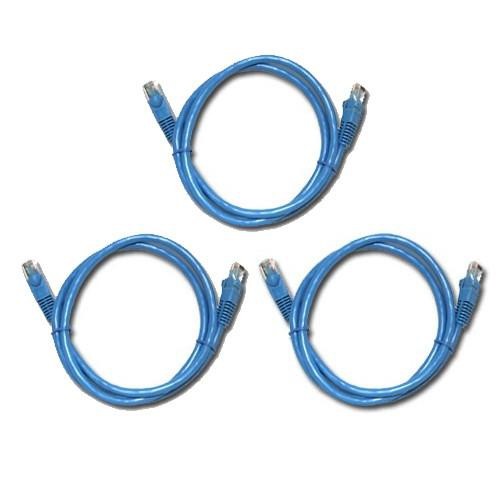
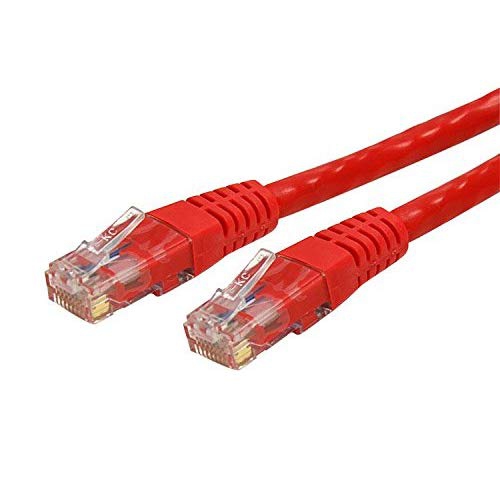
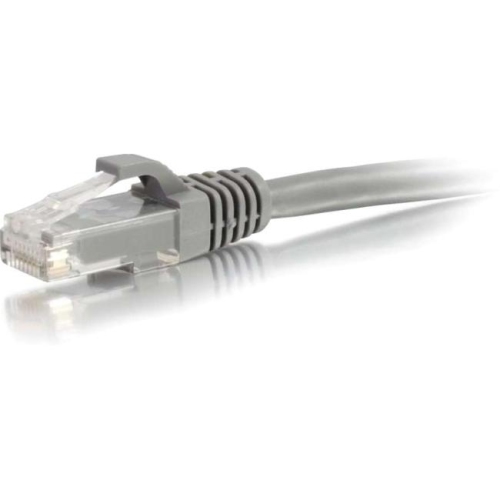
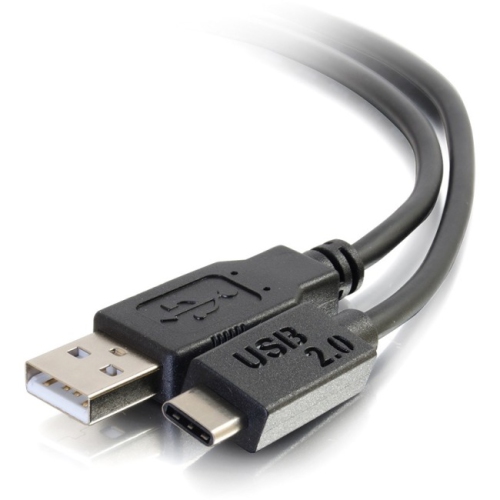
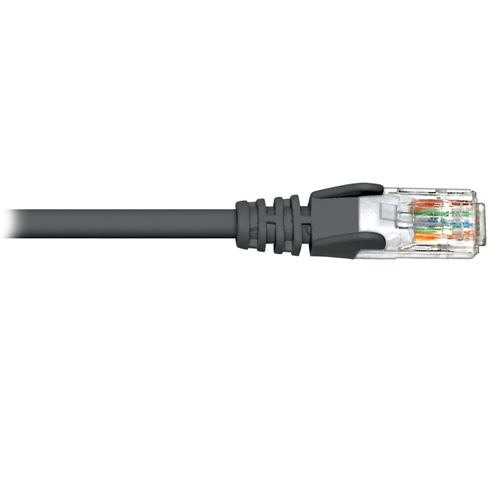
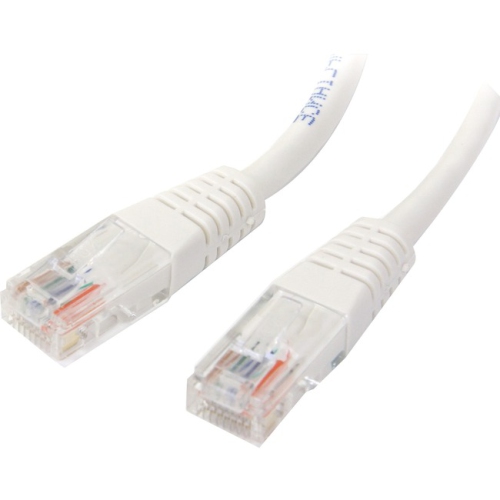
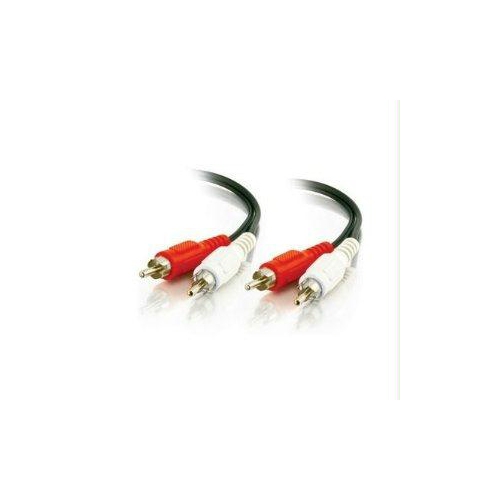
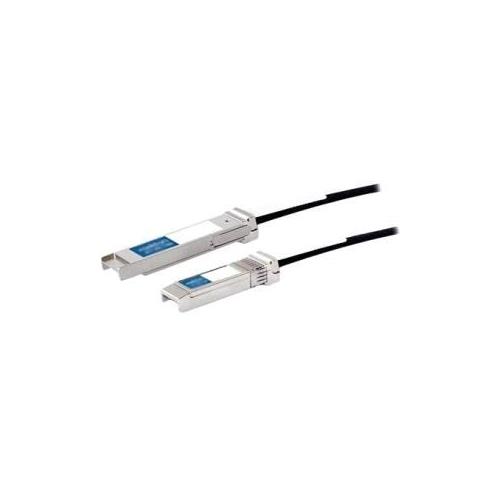
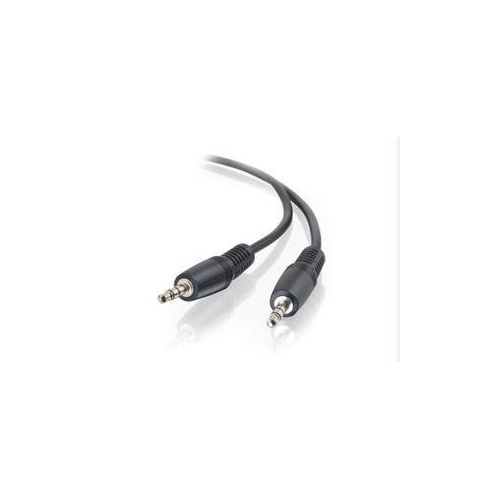
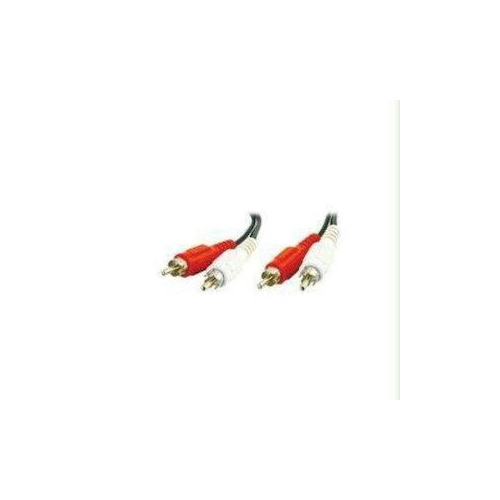
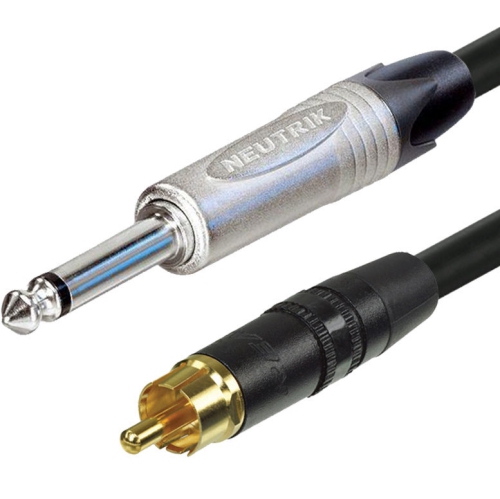
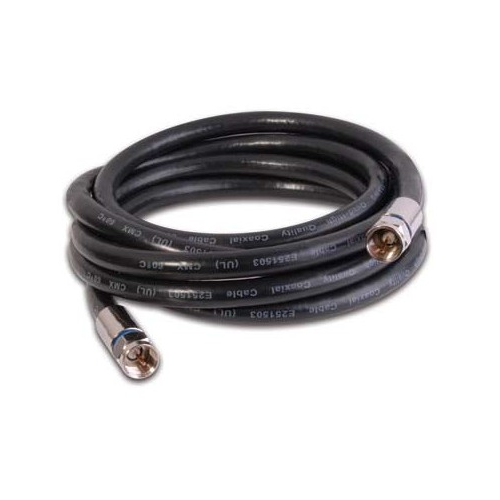
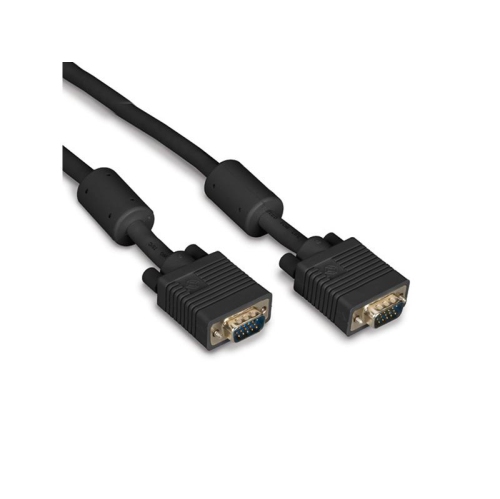
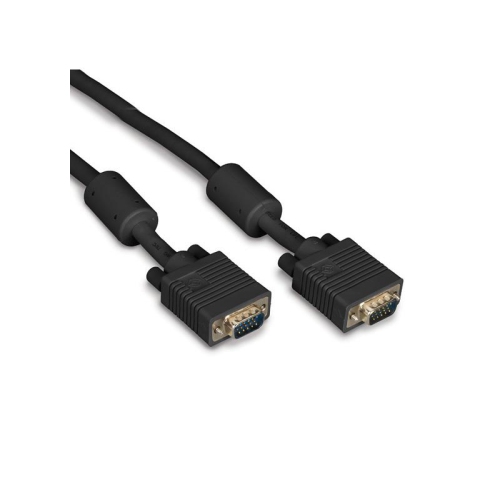
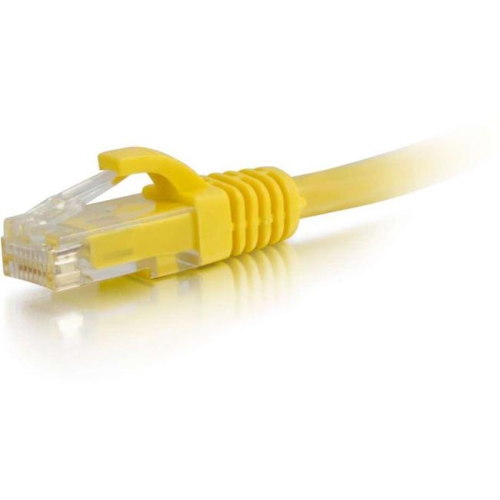
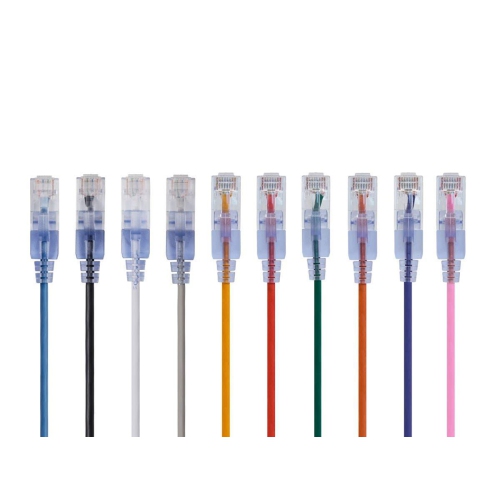
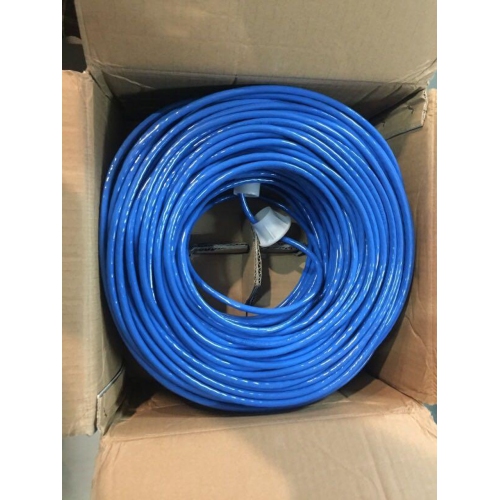
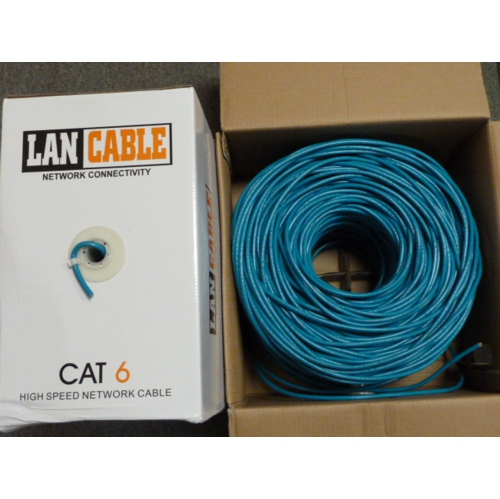
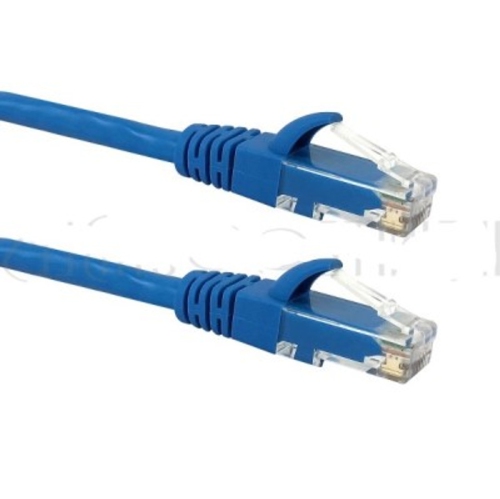
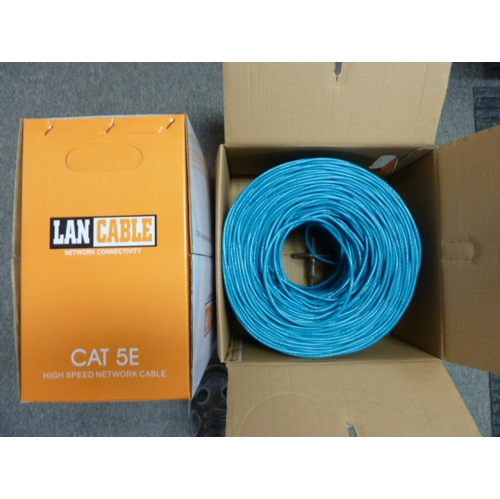
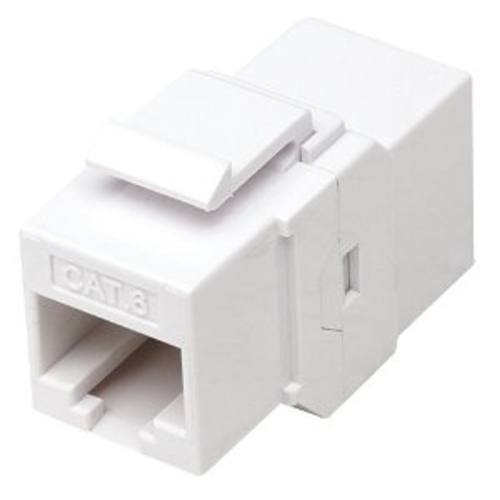
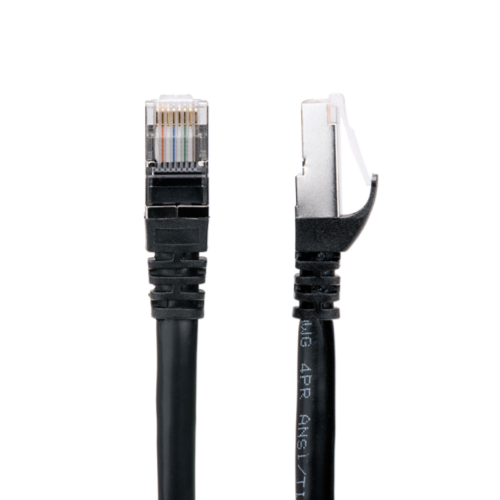
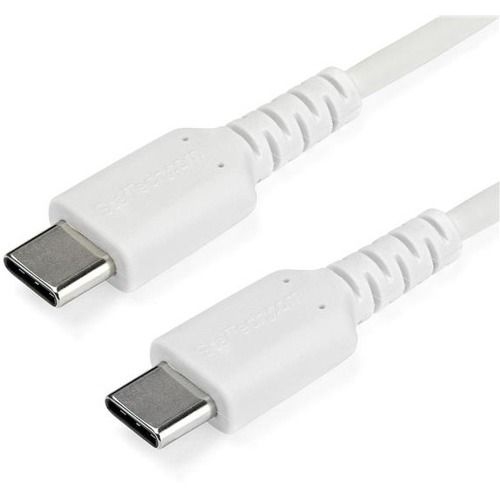
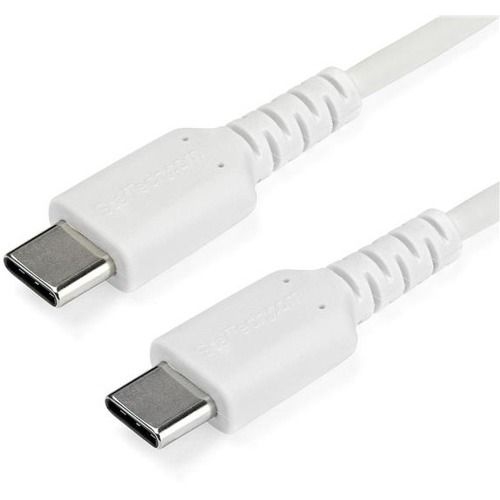
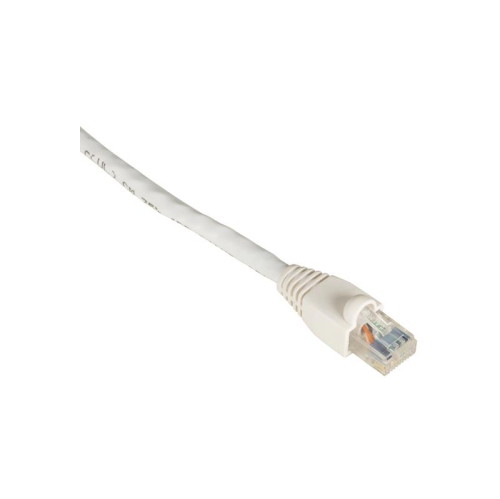
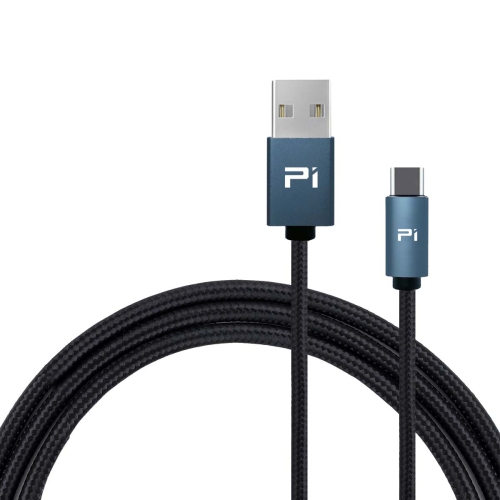
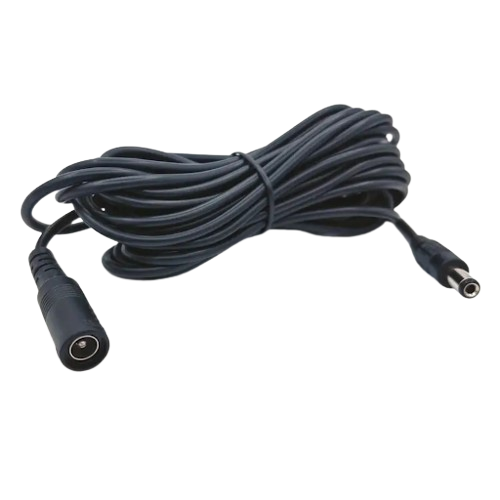
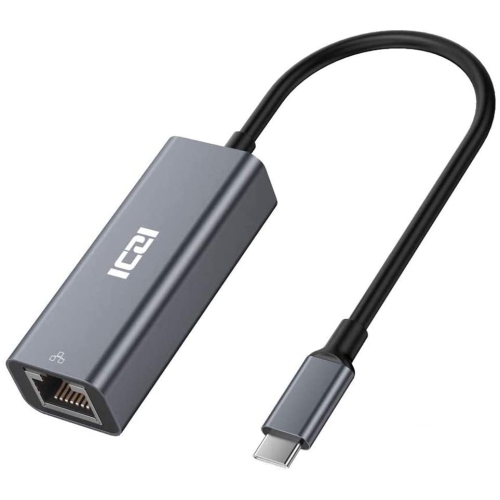
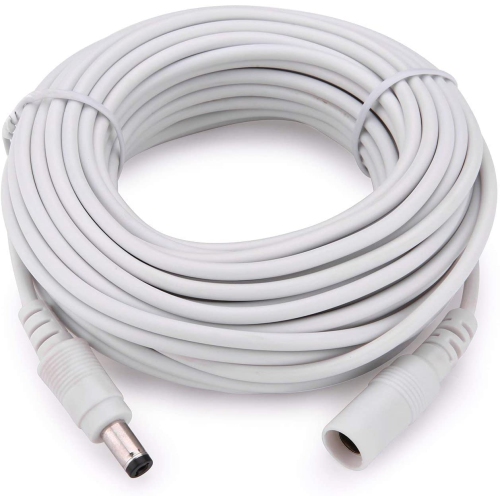
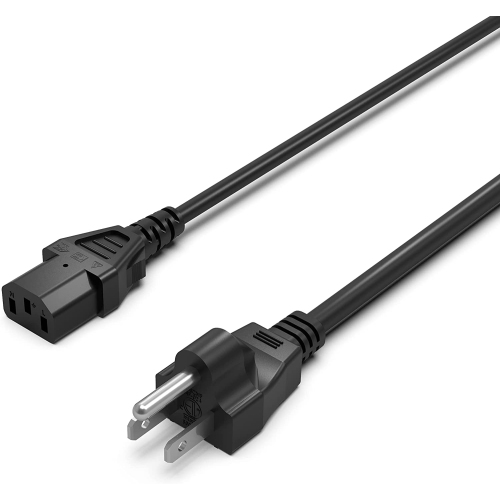
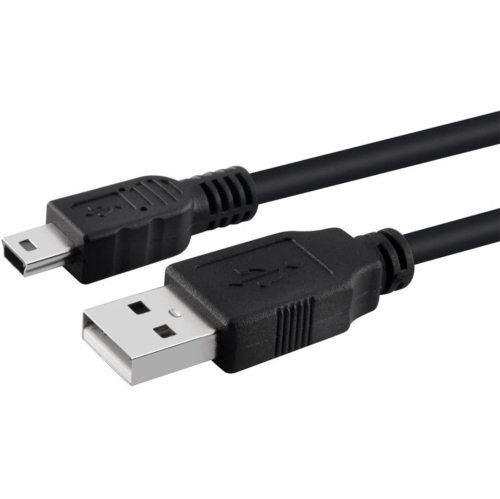
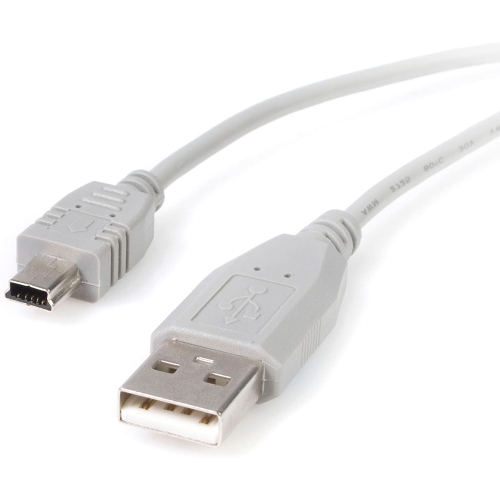
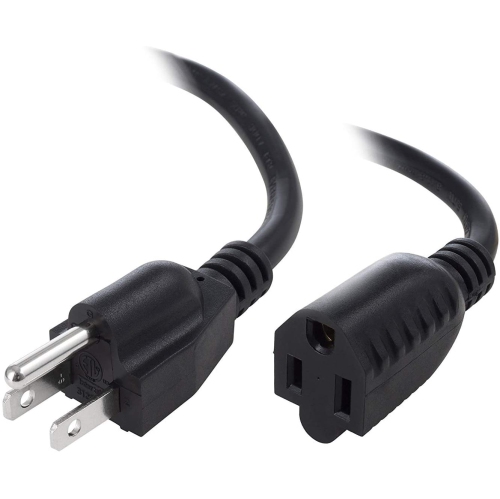
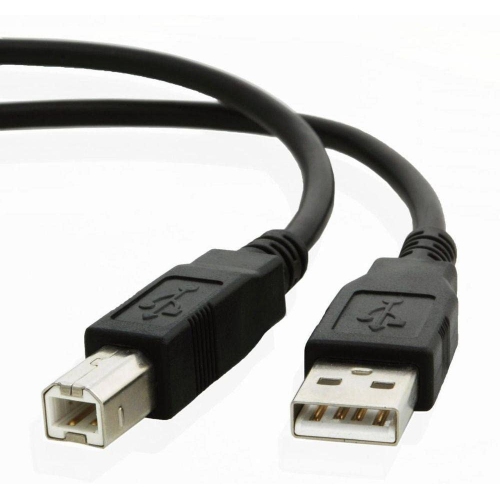
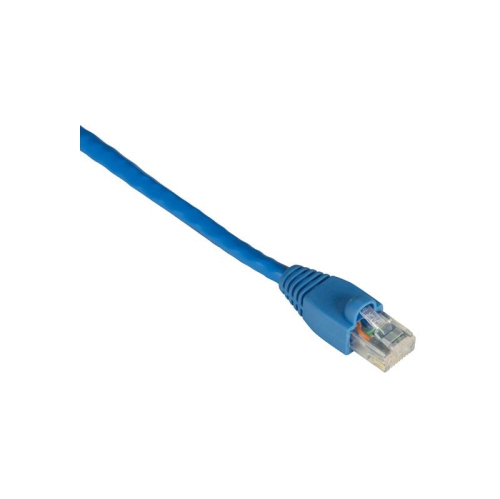
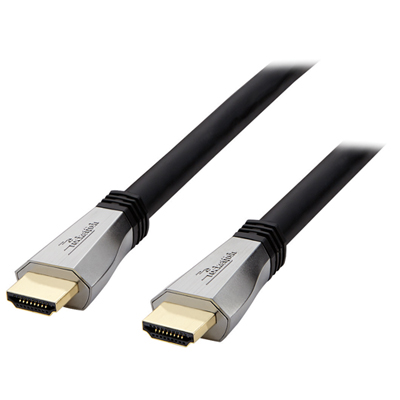
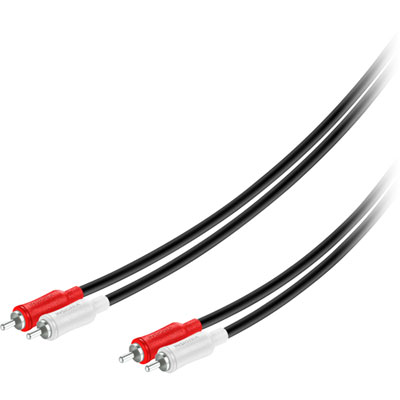
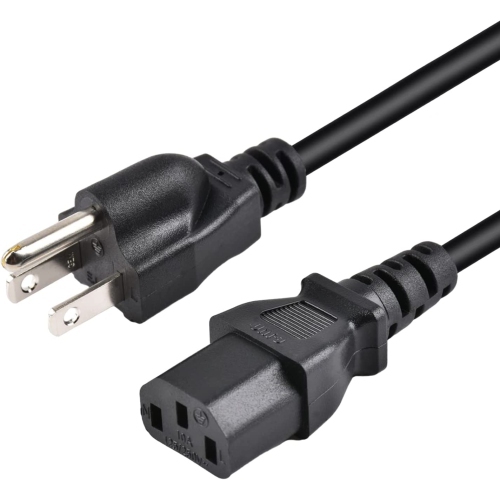
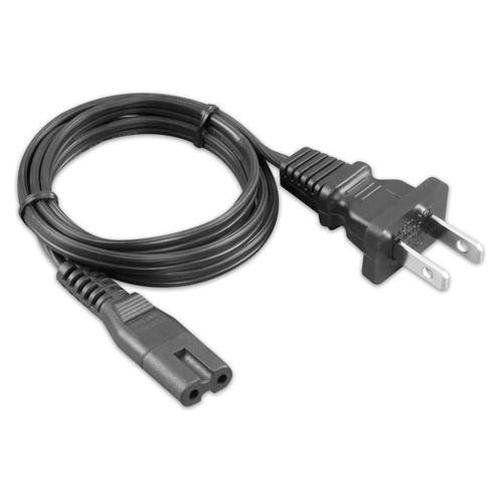
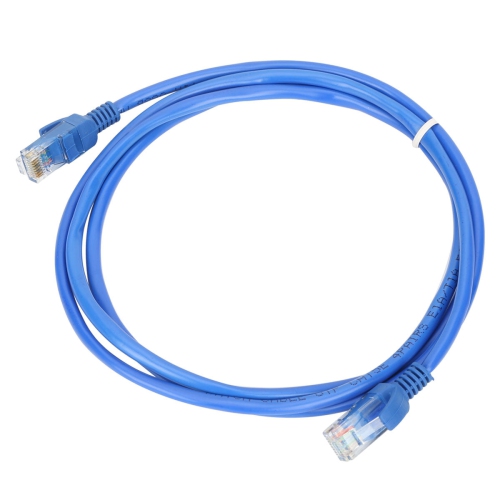
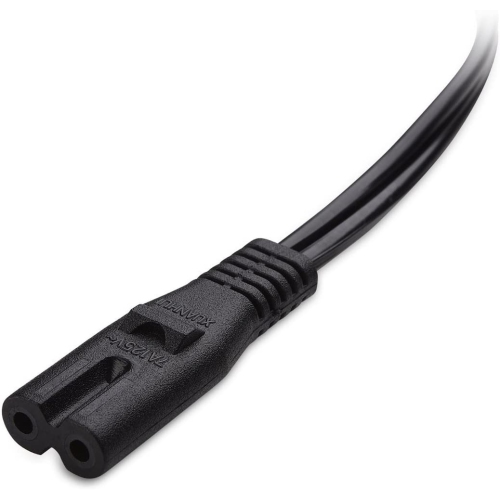
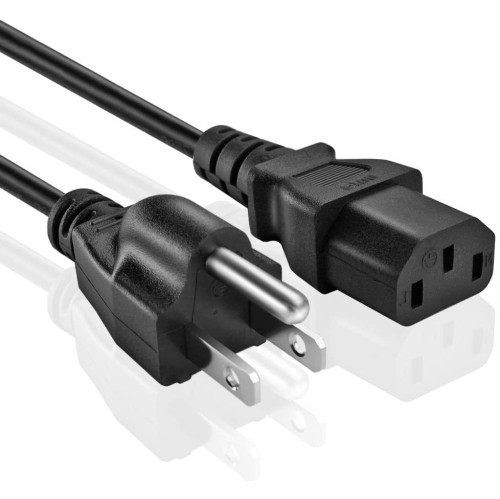
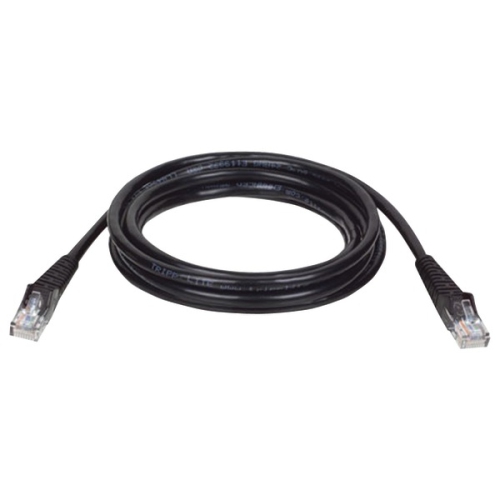
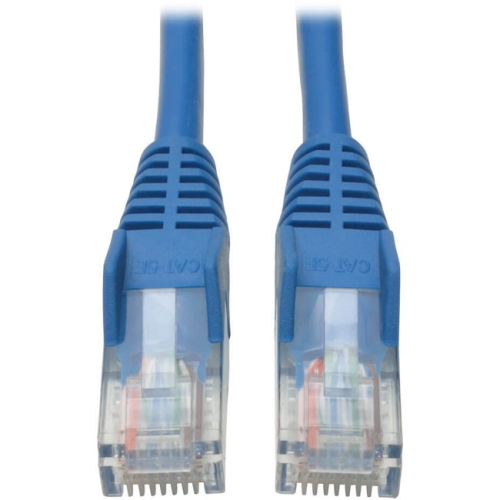
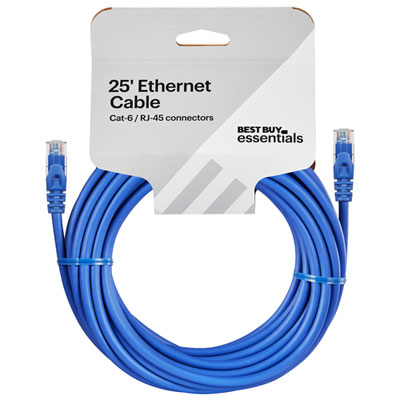
Electronics cables carry power, audio, video, or data between devices, connecting everything from a phone and its charger to a computer, monitor, router, or home theatre system. The right connection depends on both the ports at either end and the task the cable needs to perform. HDMI cables transmit digital video and audio together, making them a common choice for linking televisions and monitors to game consoles, streaming devices, and receivers. DisplayPort cables also carry digital video and audio and are often used with desktop computers and monitors. USB cables support charging, data transfer, or both, with USB-A, USB-B, and USB-C describing different connector shapes rather than a single level of performance. A USB-C connector alone does not guarantee fast file transfers, high-power charging, or video output; those capabilities must be supported by the cable and the connected equipment. Ethernet cables provide a wired network connection between compatible computers, routers, switches, and other networked devices. They can be useful at a desk where steady connectivity matters for video calls, large downloads, or online gaming, although the cable cannot increase the speed of an internet service beyond its limits. Audio connections include 3.5 mm auxiliary cables, RCA cables, optical cables, and speaker wire, each serving different equipment and signal requirements. Power cords supply electricity to compatible electronics and need to match the device’s inlet, electrical requirements, and intended use. For entertainment setups, Media Cables connect picture and sound components across a range of home theatre arrangements. These categories can look similar when coiled in a drawer, but their functions are not interchangeable. A charging connection beside a sofa has different demands from a high-resolution monitor connection at a workstation or an audio cable running between a receiver and powered speakers. Matching the cable to that everyday purpose helps create a setup that works without unnecessary adapters or awkward routing.
Compatibility involves more than finding a plug that fits. Connector type, supported signal, cable rating, and the capabilities of both devices all affect the result. An HDMI connection intended for high-resolution gaming, for example, needs a cable with sufficient bandwidth for the desired resolution and refresh rate, along with compatible ports on the display and source device. Relevant certification can help identify a cable suited to those demands. For USB charging, the charger, cable, and receiving device must support the required power level; a cable with a higher rating does not force a device to accept more power than it supports. Data transfer speeds also vary, so a cord that charges a phone successfully may still be poorly suited to moving a large folder of videos. Ethernet categories indicate performance specifications, while the speed of the overall connection also depends on network equipment and installation length. Direction matters with some active cables and adapters, particularly when converting between different video connections, so the source and display ends should be positioned as labelled. Physical fit deserves equal attention. A thick connector housing may crowd neighbouring ports, and a deeply recessed socket can leave little room for a bulky plug. Right-angle connectors can help behind a wall-mounted television or beside a laptop, provided the angle faces the correct direction and does not block another connection. Length should account for the actual route along furniture, around corners, and through cable openings rather than only the straight-line distance between devices. A little slack allows a monitor to swivel or a computer to move forward for cleaning without pulling on its ports. Excess length, however, can create tangles beneath a desk, and longer runs may require a different cable design to maintain reliable signal transmission. For cables passing through walls or ceilings, the jacket must be rated for that installation and meet applicable local requirements. Concealed placement calls for suitable materials, not simply a cable that reaches.
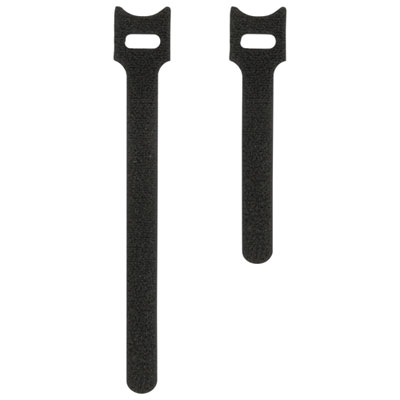
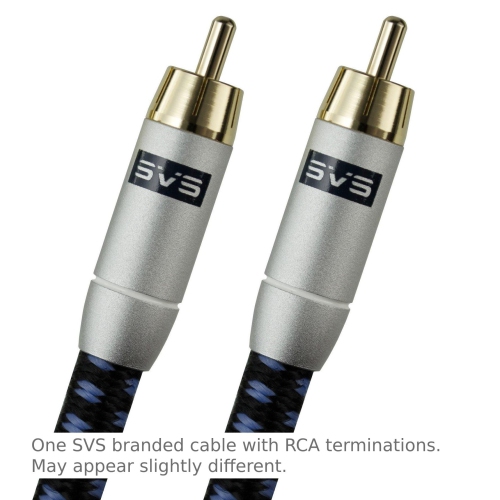
Materials and construction influence how an electronics cable feels, bends, and holds up to regular handling. Many cables use copper conductors beneath an insulating jacket, while optical connections transmit signals using light. Smooth plastic jackets are easy to wipe clean, flexible elastomer jackets can suit connections handled frequently, and braided outer coverings can offer abrasion resistance where a cord brushes against a desk edge or travels in a bag. A braided finish is not, by itself, proof of higher charging power or faster data speeds. Reinforcement where the cable meets the connector helps reduce stress at a common wear point, especially for a phone cord unplugged several times a day. Gold-plated contacts can resist corrosion, but plating alone does not improve the picture or sound of an otherwise reliable digital connection. Appropriate shielding can help limit electrical interference in signal cables, particularly where multiple powered devices share a workspace. Optical audio connections are not affected by electromagnetic interference along the optical path, though their supported audio formats still need to match the equipment. Care is straightforward: disconnect by holding the connector rather than tugging the cord, avoid sharp bends and tightly wound loops, and keep cables from being pinched beneath furniture or caught in chair wheels. Gentle coils and reusable ties keep spare cords organized without crushing them. Disconnect cables before cleaning, follow the manufacturer’s care directions, and replace cords with cracked insulation, exposed conductors, or damaged connectors. Small labels at each end make it easier to identify connections behind a television or shared workstation without unplugging the wrong device. Students may value manageable lengths for a laptop and monitor, while photographers and video creators may need data cables suited to transferring large files. Households with several devices can benefit from clearly separated charging and entertainment connections, and a spare cable can be a practical gift when the recipient’s connector types and requirements are known. Thoughtful choices leave fewer cords stretched across walkways, less strain on ports, and easier access when equipment needs to be moved or replaced.
Compatibility involves more than finding a plug that fits. Connector type, supported signal, cable rating, and the capabilities of both devices all affect the result. An HDMI connection intended for high-resolution gaming, for example, needs a cable with sufficient bandwidth for the desired resolution and refresh rate, along with compatible ports on the display and source device. Relevant certification can help identify a cable suited to those demands. For USB charging, the charger, cable, and receiving device must support the required power level; a cable with a higher rating does not force a device to accept more power than it supports. Data transfer speeds also vary, so a cord that charges a phone successfully may still be poorly suited to moving a large folder of videos. Ethernet categories indicate performance specifications, while the speed of the overall connection also depends on network equipment and installation length. Direction matters with some active cables and adapters, particularly when converting between different video connections, so the source and display ends should be positioned as labelled. Physical fit deserves equal attention. A thick connector housing may crowd neighbouring ports, and a deeply recessed socket can leave little room for a bulky plug. Right-angle connectors can help behind a wall-mounted television or beside a laptop, provided the angle faces the correct direction and does not block another connection. Length should account for the actual route along furniture, around corners, and through cable openings rather than only the straight-line distance between devices. A little slack allows a monitor to swivel or a computer to move forward for cleaning without pulling on its ports. Excess length, however, can create tangles beneath a desk, and longer runs may require a different cable design to maintain reliable signal transmission. For cables passing through walls or ceilings, the jacket must be rated for that installation and meet applicable local requirements. Concealed placement calls for suitable materials, not simply a cable that reaches.
Materials and construction influence how an electronics cable feels, bends, and holds up to regular handling. Many cables use copper conductors beneath an insulating jacket, while optical connections transmit signals using light. Smooth plastic jackets are easy to wipe clean, flexible elastomer jackets can suit connections handled frequently, and braided outer coverings can offer abrasion resistance where a cord brushes against a desk edge or travels in a bag. A braided finish is not, by itself, proof of higher charging power or faster data speeds. Reinforcement where the cable meets the connector helps reduce stress at a common wear point, especially for a phone cord unplugged several times a day. Gold-plated contacts can resist corrosion, but plating alone does not improve the picture or sound of an otherwise reliable digital connection. Appropriate shielding can help limit electrical interference in signal cables, particularly where multiple powered devices share a workspace. Optical audio connections are not affected by electromagnetic interference along the optical path, though their supported audio formats still need to match the equipment. Care is straightforward: disconnect by holding the connector rather than tugging the cord, avoid sharp bends and tightly wound loops, and keep cables from being pinched beneath furniture or caught in chair wheels. Gentle coils and reusable ties keep spare cords organized without crushing them. Disconnect cables before cleaning, follow the manufacturer’s care directions, and replace cords with cracked insulation, exposed conductors, or damaged connectors. Small labels at each end make it easier to identify connections behind a television or shared workstation without unplugging the wrong device. Students may value manageable lengths for a laptop and monitor, while photographers and video creators may need data cables suited to transferring large files. Households with several devices can benefit from clearly separated charging and entertainment connections, and a spare cable can be a practical gift when the recipient’s connector types and requirements are known. Thoughtful choices leave fewer cords stretched across walkways, less strain on ports, and easier access when equipment needs to be moved or replaced.
Top selling and popular products
-
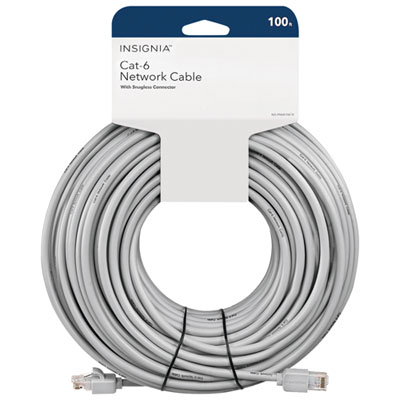 Your price for this item is $49.95
 -
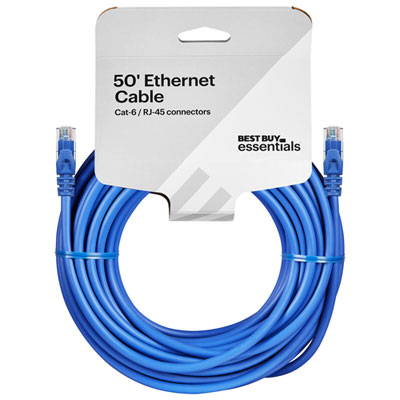 Your price for this item is $24.99
 -
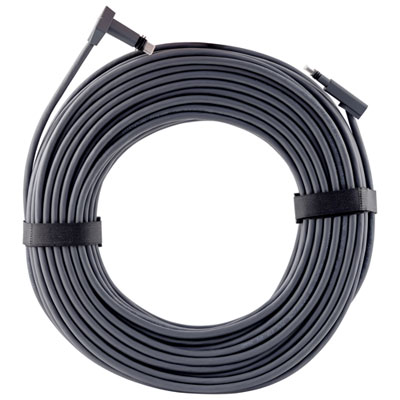 Your price for this item is $164.99
 -
 Your price for this item is $11.68
 -
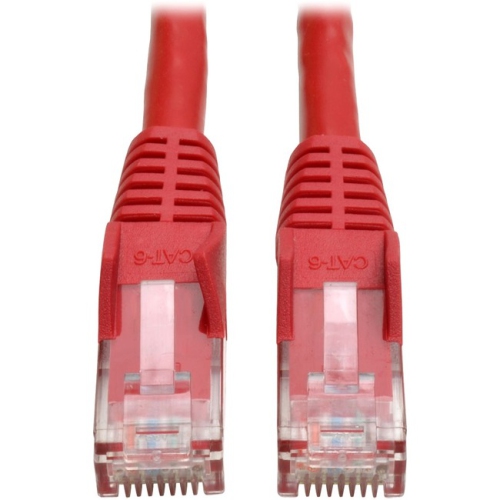 Your price for this item is $68.68
 -
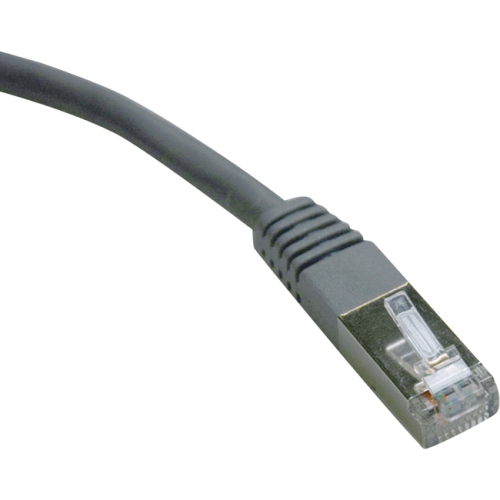 Your price for this item is $47.68
 -
 Your price for this item is $46.68
 -
 Your price for this item is $24.68
Discover more categories related to Electronics Cables

Top Collections:
Pokemon Centers, Kindle Devices, Best Budget Office Chairs, Apple iPhones 16, Best Laptops for Writers, iPhone 15 Apple, Canon G7X Cameras, Refurbished Apple Laptops, Alarm Clock, Motorola Razr Phones
Some products may be subject to Environmental Handling Fees
(EHF) depending on your province.
Learn more about EHFs.