Component Video Cables
Upgrade your home entertainment system with high-quality Component Video Cables, designed to deliver crisp and clear video signals for an immersive viewing experience. Whether you're a movie buff, a gaming enthusiast, or simply looking to enhance your audio-visual setup, these cables are essential for connecting your devices and ensuring optimal picture quality. Explore our range of Component Video Cables to take your entertainment to the next level.
Sort

![OLD SKOOL Ps2/ps3 Component Av Cable []](https://multimedia.bbycastatic.ca/multimedia/products/500x500/178/17853/17853074.jpeg)

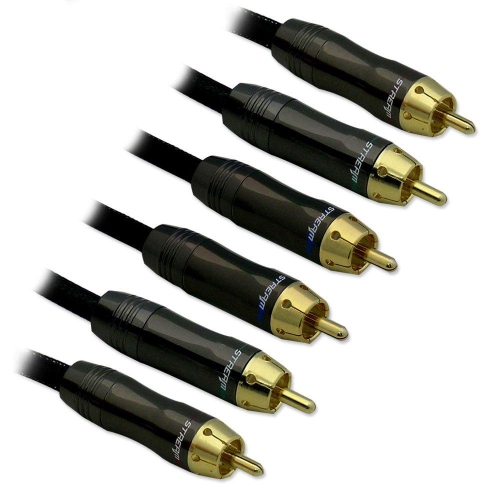
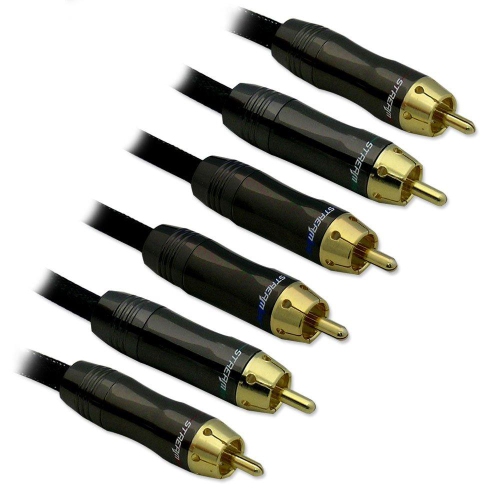

![RETRO-BIT Retro Prism Component Cable for Gamecube []](https://multimedia.bbycastatic.ca/multimedia/products/500x500/175/17552/17552778.jpeg)
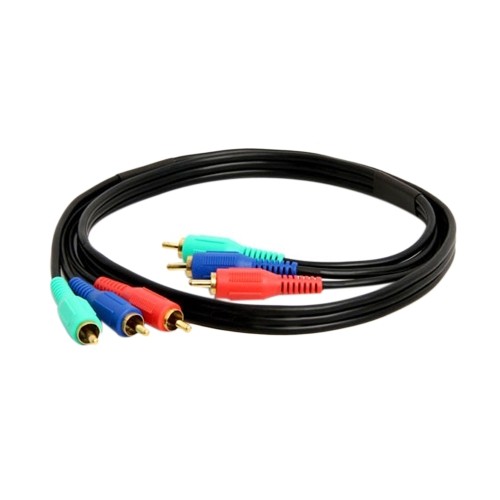
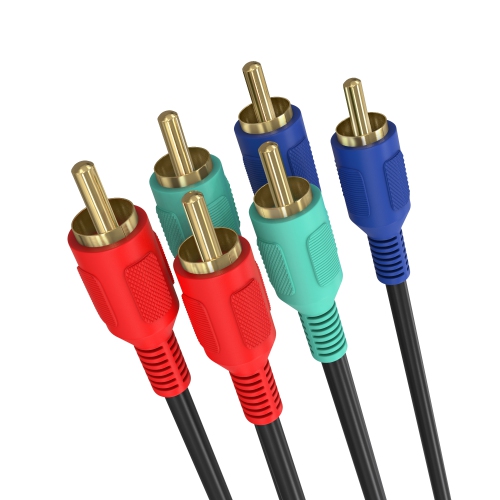
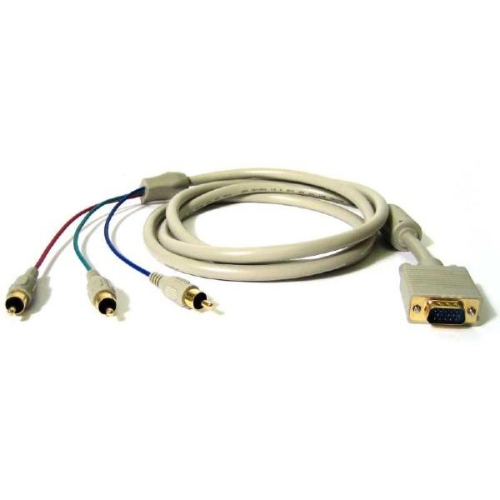
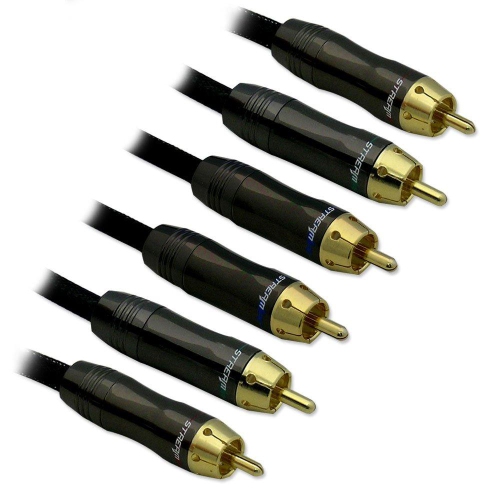

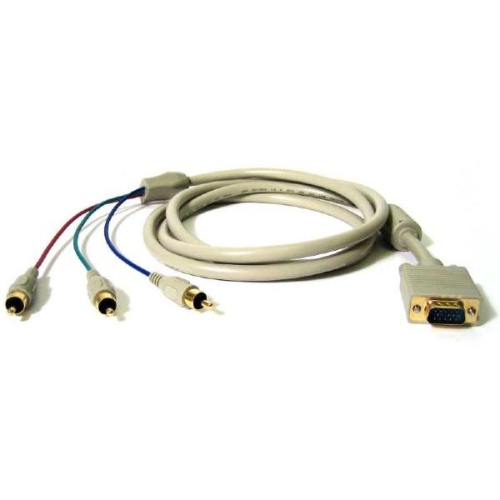
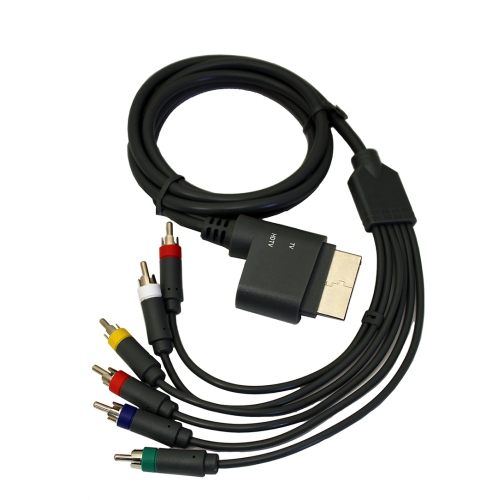
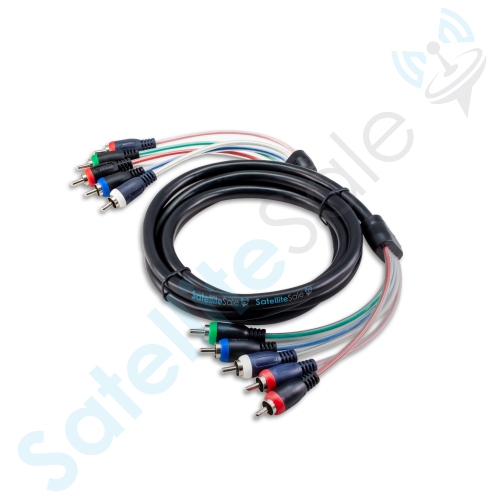
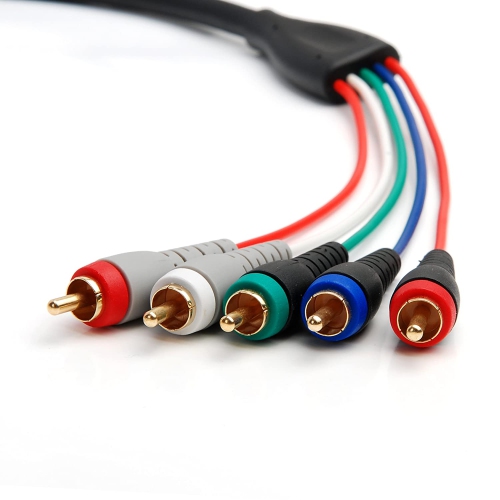
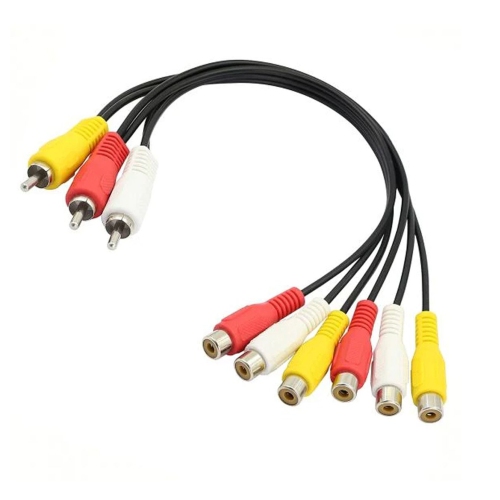
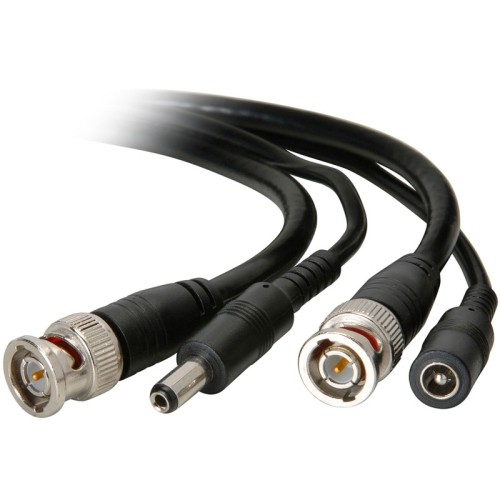

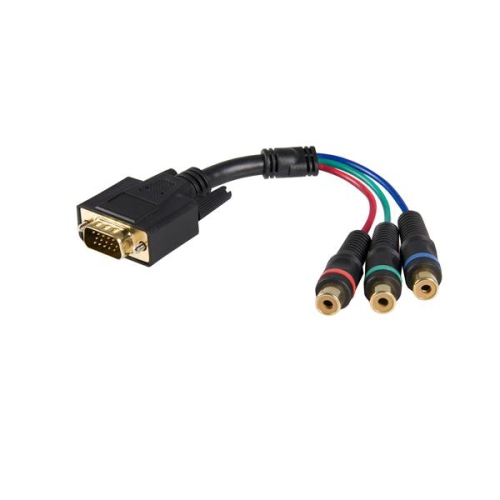
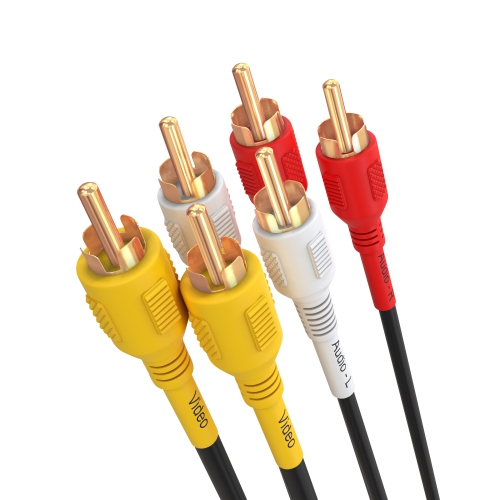
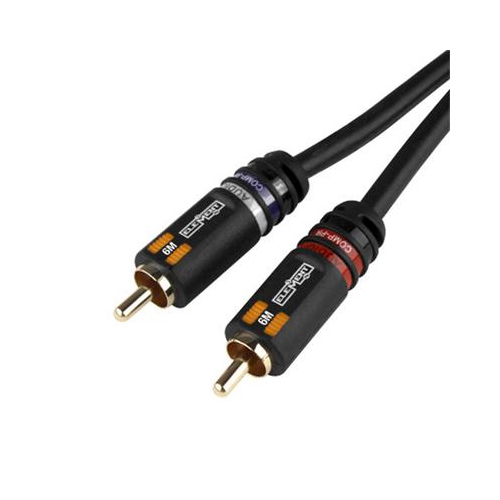

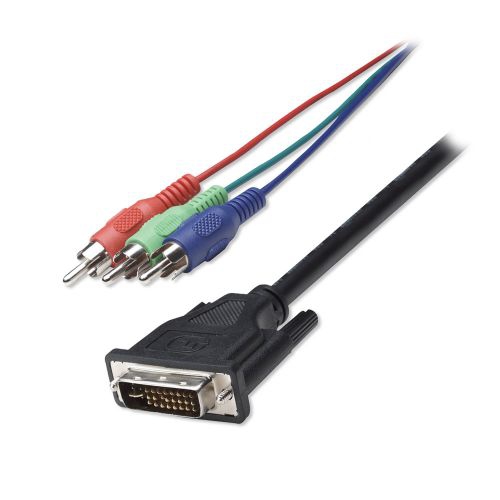
Clearer analog video for compatible older home theatre devices
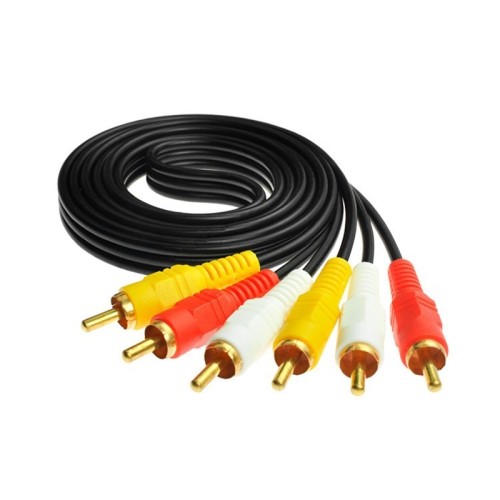
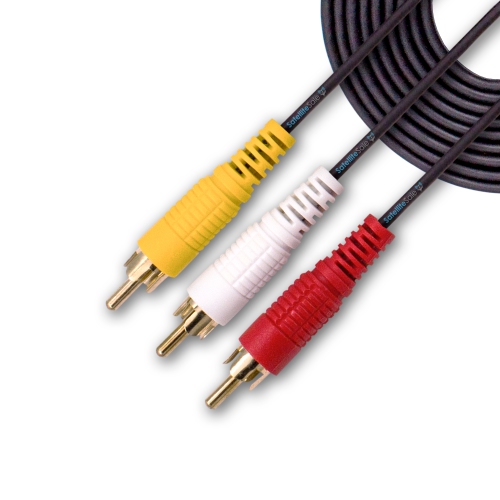
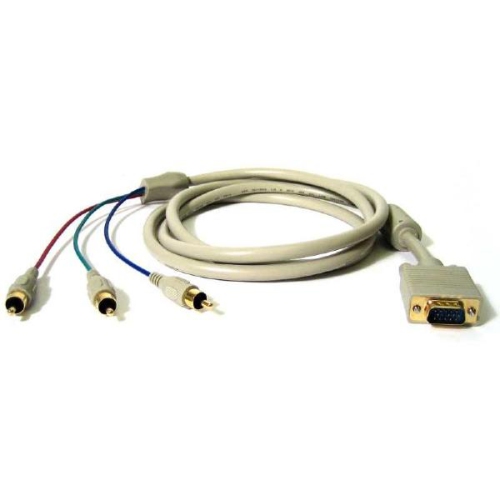
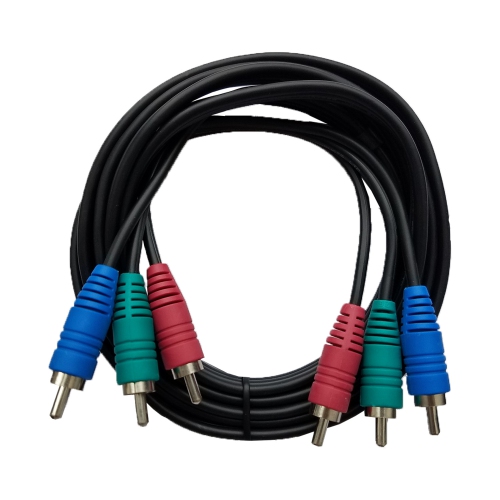
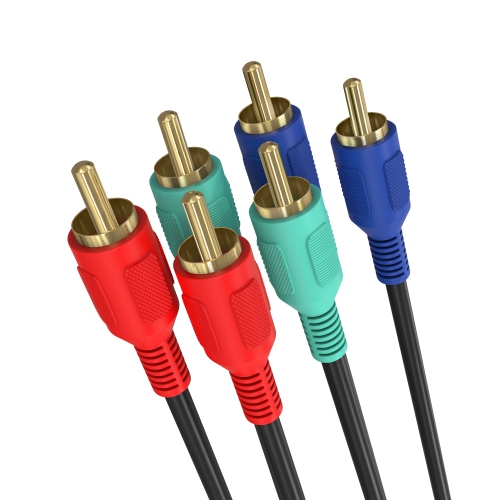
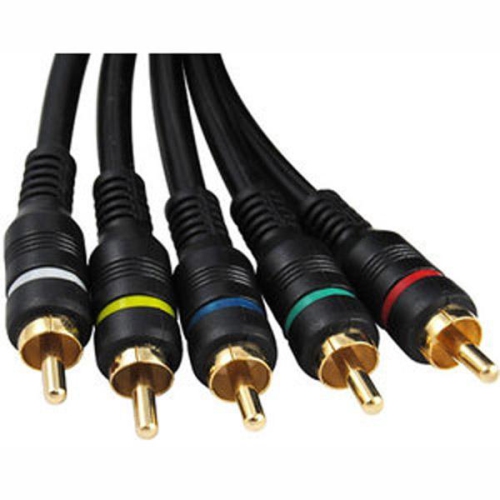
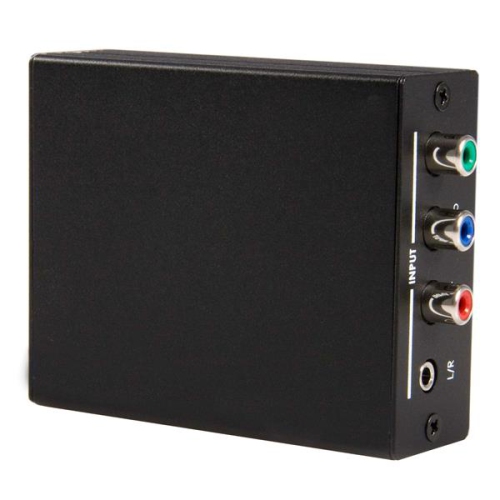
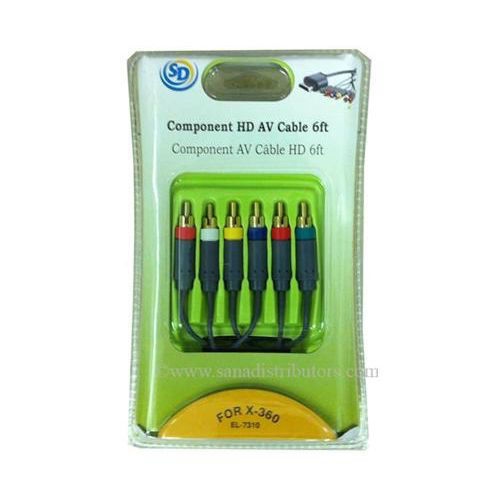
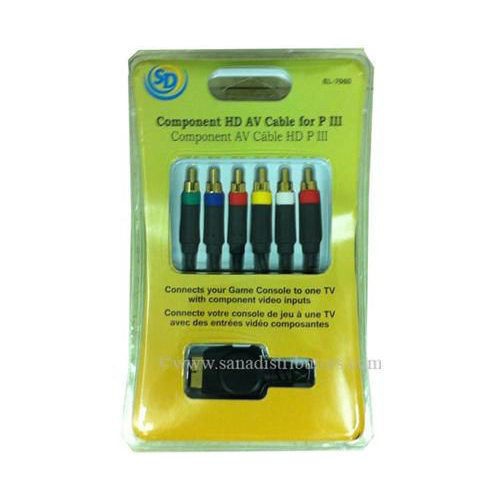
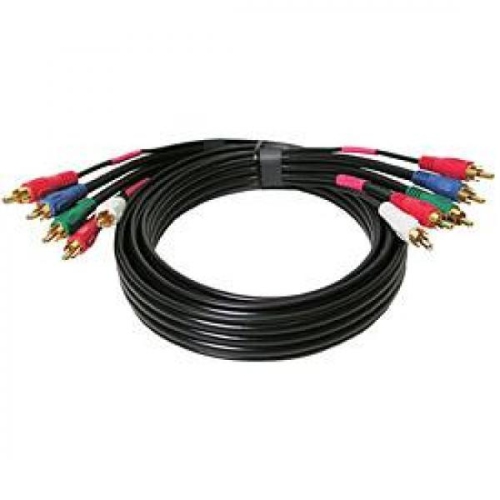
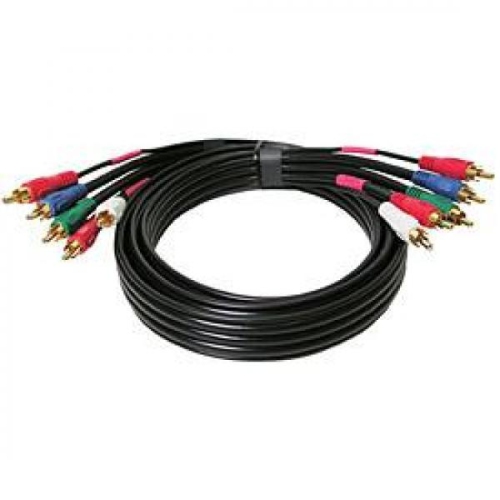
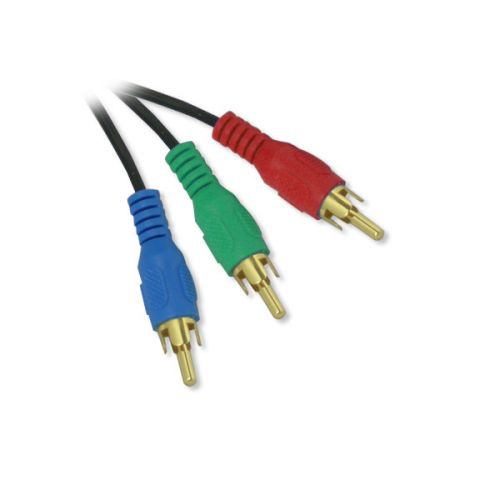
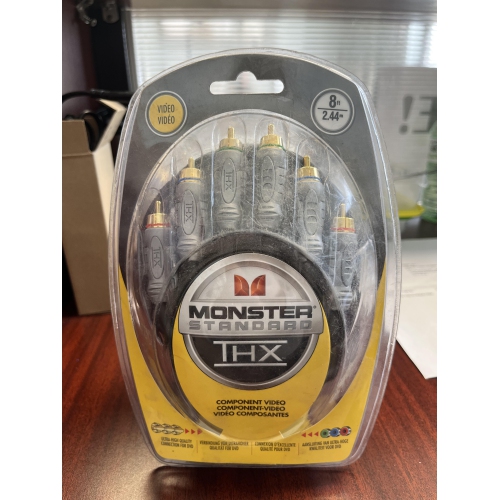
Component Video Cables are designed to carry an analog video signal through three separate RCA connections, helping deliver a clearer and more detailed picture than traditional composite video when both the source device and display support component input. The three video plugs are usually colour-coded green, blue, and red. The green connector carries luminance, or brightness, along with sync information, while the blue and red connectors carry the colour-difference signals identified as Pb and Pr. Although the plugs use familiar RCA-style connectors, the red video plug is not the same as the red audio plug found on many home theatre cables, so checking the labels on both devices is important before connecting everything. Some cables include only the three video lines, while others are 5-RCA sets that add separate red-and-white stereo audio connections. A 3-RCA cable is a practical choice when audio is already being handled through another cable or a receiver, whereas a 5-RCA bundle can make a straightforward connection between a compatible DVD player, cable box, game console, VCR/DVD combination unit, or older home theatre component and a television or AV receiver. Component connections are commonly associated with high-definition analog formats such as 720p and 1080i, though the actual resolution depends on the source, display, settings, and any copy-protection restrictions involved. They do not automatically convert a standard-definition signal into high definition, and a cable cannot add features that the connected equipment does not support. For this reason, it is wise to look at the labels on the back of each device before ordering. Inputs may be marked Y/Pb/Pr, Component In, or simply use the same green, blue, and red colour pattern. A television with only HDMI, composite, or antenna inputs may require a compatible converter or a different type of connection; a passive plug adapter alone will not turn an analog component signal into a digital HDMI signal. Similarly, an older source device may offer component output while a newer display omits component input, making an active converter, AV receiver, or alternate output necessary.
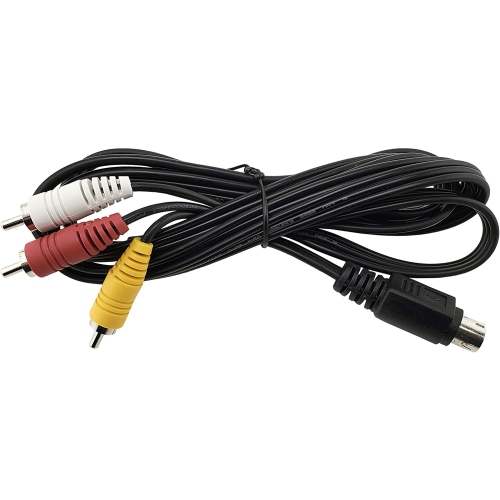
When choosing Component Video Cables, start with the distance between the source and display, allowing enough length to route the cable without sharp bends or tension around furniture. A short run can help keep a setup tidy behind a television stand, while a longer run may be useful when a console or receiver sits across the room. Coaxial construction, solid shielding, and well-fitted connectors can help maintain signal quality and reduce interference from nearby power adapters, extension cords, wireless equipment, and other electronics. Gold-plated connector surfaces are often selected for their resistance to corrosion and dependable contact over time, but correct cable design and a secure connection matter more than appearance alone. Look for clearly marked plugs that match the input labels, especially when the cable includes five connectors and two red plugs with different purposes. Connecting the three video leads to Y, Pb, and Pr in the correct order is essential; swapping the blue and red connections can produce unusual colours even when the cable itself is working properly. If stereo sound is included, connect the white plug to the left audio input and the red plug to the right audio input, following the labels rather than relying only on colour. Component video carries picture but not sound, so a 3-RCA video cable will need a separate audio connection unless the equipment uses another audio path, such as optical, coaxial digital, or an AV receiver. It is also useful to check whether the source device requires a particular output setting. Some game consoles and DVD players need component output enabled through an on-screen menu, and certain televisions group component video with shared audio inputs. After connecting the cables, select the corresponding input on the television or receiver and confirm that the source is set to the appropriate display format. For older equipment, this connection can be especially valuable when the original cable is missing, worn, or too short. If a display uses a different legacy connection, alternatives such as S Video Cables may be worth considering when they match the available ports, although S-Video and component video are separate formats and are not interchangeable without the right equipment.
Component Video Cables can suit households bringing a classic entertainment setup back into regular use, from a shelf of DVDs and family recordings to an older console connected for weekend gaming. They are also useful for a basement television, guest-room display, projector, or secondary viewing area where a compatible DVD player, receiver, or game system is already available. Someone restoring a vintage home theatre may appreciate a clearly labelled 5-RCA cable because it keeps picture and stereo sound connections together, while a hobbyist with a dedicated amplifier may prefer a 3-RCA cable and separate audio leads. They can make a thoughtful gift for a retro-gaming enthusiast, a collector of older media players, or someone assembling a first home theatre from equipment they already own. Before giving them as a gift, confirm the connector types on both ends of the intended setup; a cable is only useful when the source and display share compatible component ports or are paired with suitable conversion equipment. Keep in mind that component video is an analog technology and is generally intended for older or transitional home theatre equipment rather than modern 4K systems. It does not support the same one-cable convenience as HDMI, and it may not carry surround-sound formats or digital copy-protected content. Even so, when the right ports are available, a properly connected component cable can provide a clean, stable picture and help extend the usefulness of equipment that still performs well. A little planning—measuring the route, identifying every input, choosing three or five RCA connections, and checking the required resolution—can prevent mismatched plugs and make installation much easier. During the cooler months, when movie nights, indoor gaming, and home entertainment tend to take centre stage, having the correct cable on hand can turn an overlooked DVD player or older console into a dependable part of the viewing setup.
When choosing Component Video Cables, start with the distance between the source and display, allowing enough length to route the cable without sharp bends or tension around furniture. A short run can help keep a setup tidy behind a television stand, while a longer run may be useful when a console or receiver sits across the room. Coaxial construction, solid shielding, and well-fitted connectors can help maintain signal quality and reduce interference from nearby power adapters, extension cords, wireless equipment, and other electronics. Gold-plated connector surfaces are often selected for their resistance to corrosion and dependable contact over time, but correct cable design and a secure connection matter more than appearance alone. Look for clearly marked plugs that match the input labels, especially when the cable includes five connectors and two red plugs with different purposes. Connecting the three video leads to Y, Pb, and Pr in the correct order is essential; swapping the blue and red connections can produce unusual colours even when the cable itself is working properly. If stereo sound is included, connect the white plug to the left audio input and the red plug to the right audio input, following the labels rather than relying only on colour. Component video carries picture but not sound, so a 3-RCA video cable will need a separate audio connection unless the equipment uses another audio path, such as optical, coaxial digital, or an AV receiver. It is also useful to check whether the source device requires a particular output setting. Some game consoles and DVD players need component output enabled through an on-screen menu, and certain televisions group component video with shared audio inputs. After connecting the cables, select the corresponding input on the television or receiver and confirm that the source is set to the appropriate display format. For older equipment, this connection can be especially valuable when the original cable is missing, worn, or too short. If a display uses a different legacy connection, alternatives such as S Video Cables may be worth considering when they match the available ports, although S-Video and component video are separate formats and are not interchangeable without the right equipment.
Component Video Cables can suit households bringing a classic entertainment setup back into regular use, from a shelf of DVDs and family recordings to an older console connected for weekend gaming. They are also useful for a basement television, guest-room display, projector, or secondary viewing area where a compatible DVD player, receiver, or game system is already available. Someone restoring a vintage home theatre may appreciate a clearly labelled 5-RCA cable because it keeps picture and stereo sound connections together, while a hobbyist with a dedicated amplifier may prefer a 3-RCA cable and separate audio leads. They can make a thoughtful gift for a retro-gaming enthusiast, a collector of older media players, or someone assembling a first home theatre from equipment they already own. Before giving them as a gift, confirm the connector types on both ends of the intended setup; a cable is only useful when the source and display share compatible component ports or are paired with suitable conversion equipment. Keep in mind that component video is an analog technology and is generally intended for older or transitional home theatre equipment rather than modern 4K systems. It does not support the same one-cable convenience as HDMI, and it may not carry surround-sound formats or digital copy-protected content. Even so, when the right ports are available, a properly connected component cable can provide a clean, stable picture and help extend the usefulness of equipment that still performs well. A little planning—measuring the route, identifying every input, choosing three or five RCA connections, and checking the required resolution—can prevent mismatched plugs and make installation much easier. During the cooler months, when movie nights, indoor gaming, and home entertainment tend to take centre stage, having the correct cable on hand can turn an overlooked DVD player or older console into a dependable part of the viewing setup.
Top selling and popular products
-
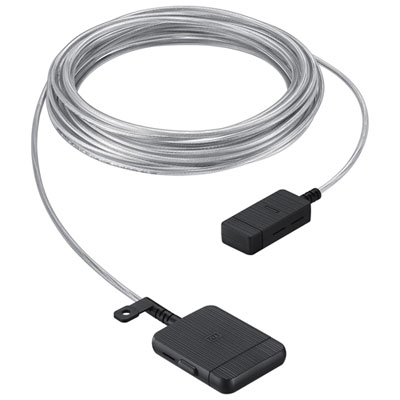 Your price for this item is $399.99
 -
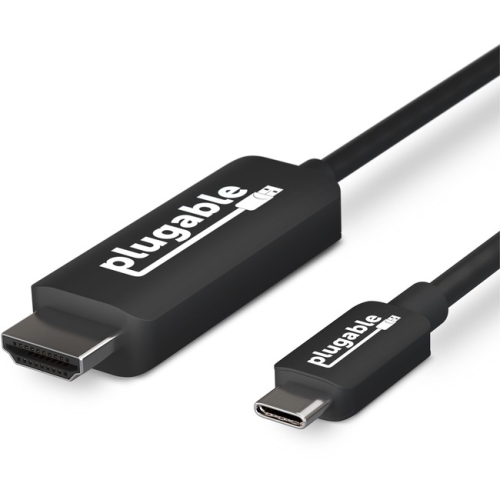 Your price for this item is $85.62
 -
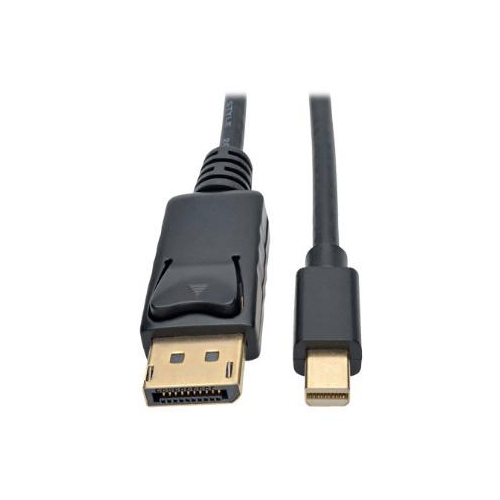 Your price for this item is $22.99
 -
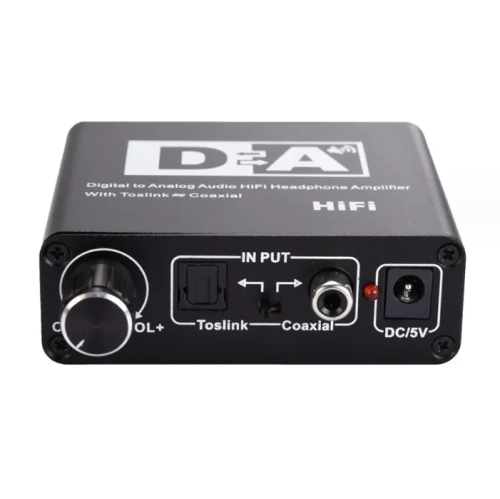 Your price for this item is $29.99
 -
 Your price for this item is $48.99
 -
 Your price for this item is $19.49
 -
 Your price for this item is $29.99
 -
 Your price for this item is $59.99
Discover more categories related to Component Video Cables
Top Collections:
Pokemon Centers, Kindle Devices, Best Budget Office Chairs, Apple iPhones 16, Canon G7X Cameras, iPhone 15 Apple, Alarm Clock, Refurbished Apple Laptops, Flip Phones, Best Laptops for Writers
Some products may be subject to Environmental Handling Fees
(EHF) depending on your province.
Learn more about EHFs.