S Video Cables
Enhance your home entertainment setup with the right S Video Cable for clear and reliable video connections. Whether you’re connecting classic gaming consoles, DVD players, or other compatible devices to your TV or monitor, an S Video Cable ensures smooth signal transmission. Explore a wide selection of cable lengths and connector types to suit your specific needs and enjoy seamless integration with your existing electronics. Find the perfect S Video Cable to support your audio-visual system and elevate your viewing experience.
Sort
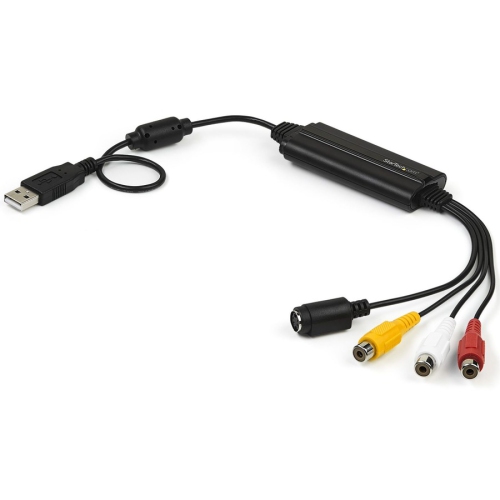
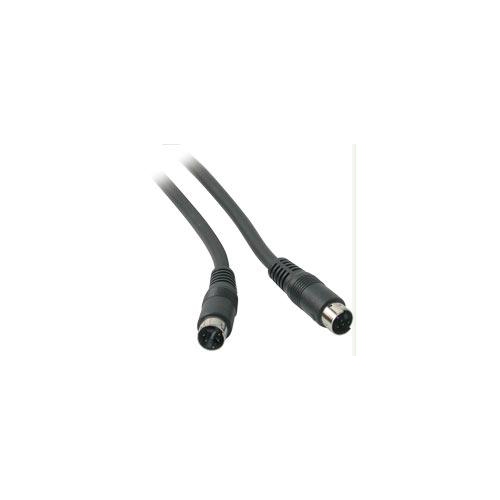
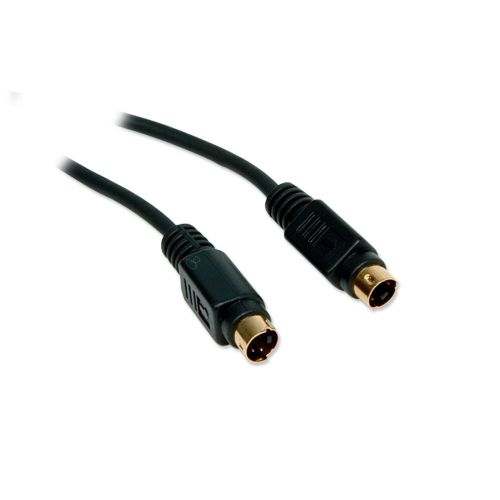
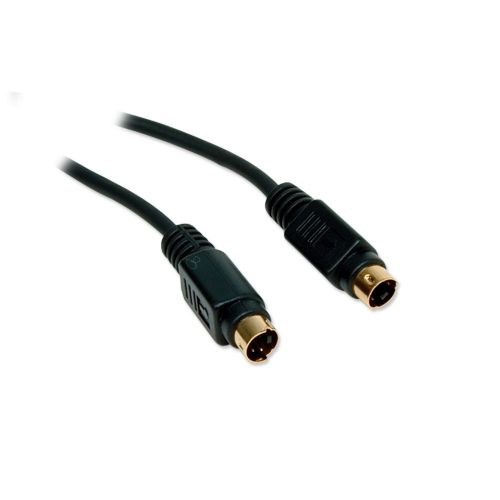
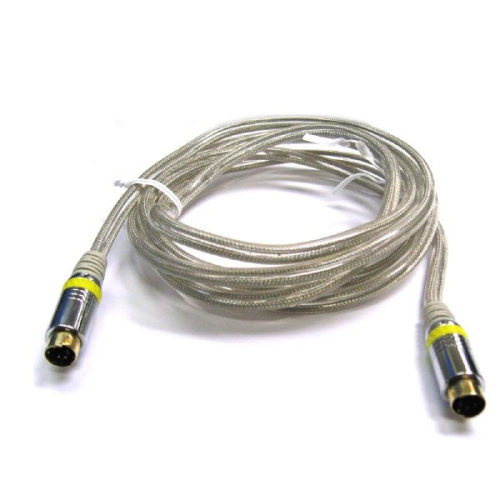
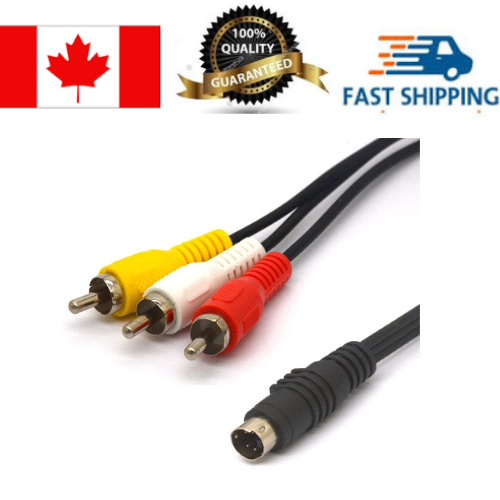
![TTX TECH Snes, N64, Gamecube S-Video Av Audio Video Cable []](https://multimedia.bbycastatic.ca/multimedia/products/500x500/174/17406/17406425.jpeg)
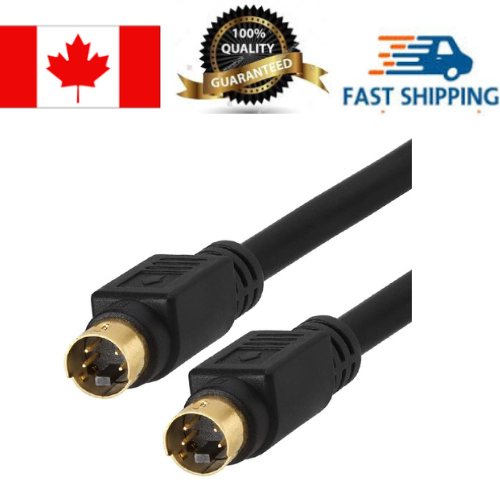
![TTX TECH Wii/wii U Plated S-Video & Av Cable [] In Gold](https://multimedia.bbycastatic.ca/multimedia/products/500x500/174/17404/17404613.jpeg)
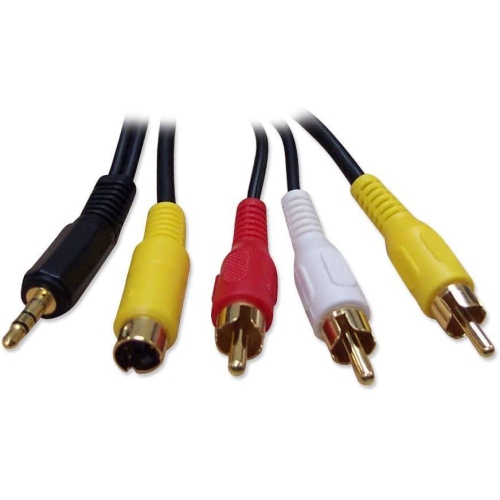
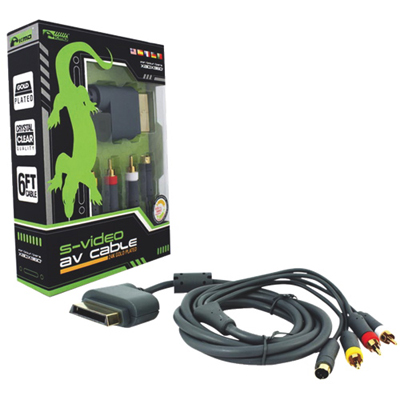
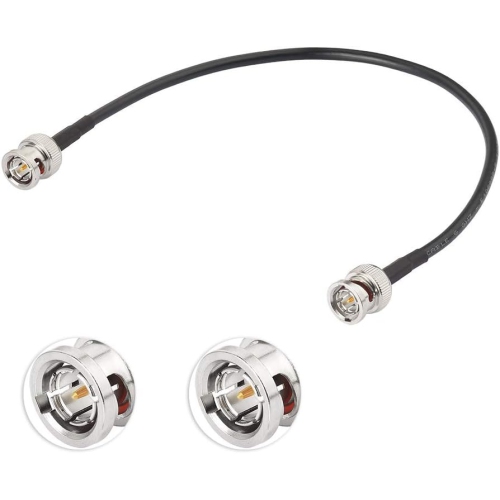
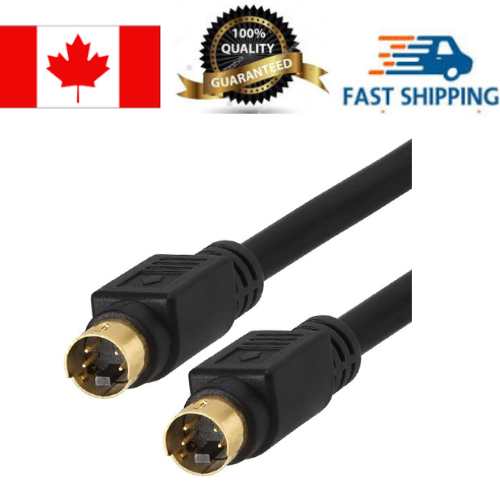


Why separate picture signals matter for older video equipment
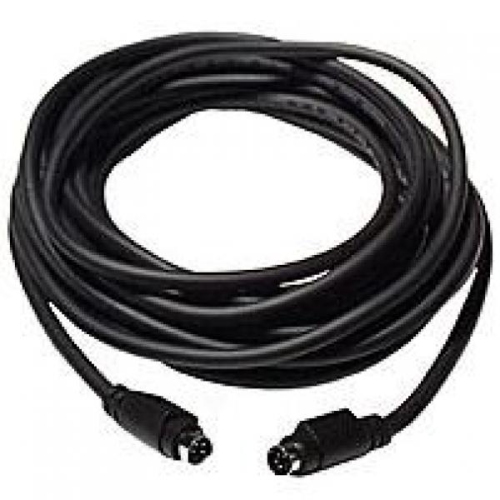
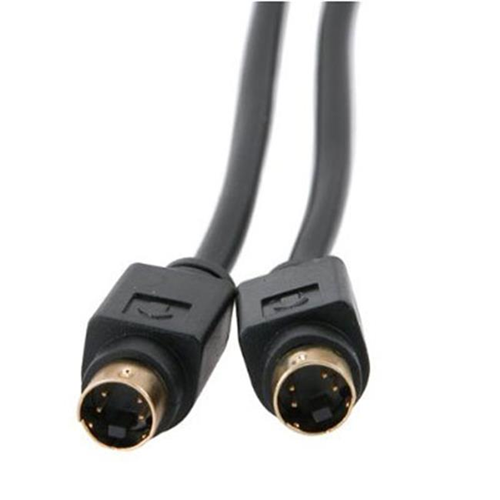
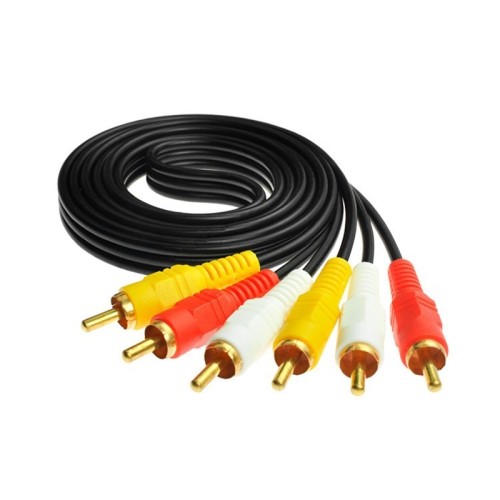
S-Video cables connect compatible video equipment by carrying an analogue picture signal on two separate channels: luminance, which contains brightness and detail, and chrominance, which contains colour information. Keeping these signals separate can produce a cleaner, sharper standard-definition picture than a composite video connection, particularly around fine lettering, patterned clothing, and the edges of colourful graphics. The difference can be noticeable when reading a game’s on-screen menu or watching older footage on a television with a suitable input. S-Video is also called Y/C video, and a standard connection uses a round 4-pin mini-DIN plug with a keyed shape that helps position it correctly in the socket. It carries video only, so sound needs its own connection, often through separate red and white RCA audio cables. Although S-Video belongs to an earlier generation of home theatre equipment, it remains useful for connecting compatible DVD players, video cassette players, camcorders, older computers, and retro gaming equipment. It is a standard-definition connection rather than a path to HD or 4K, and it cannot add detail that was absent from the original source. Its appeal lies in making good use of the picture information that compatible equipment can already provide. For a television that has both S-Video and composite inputs, choosing between them starts with checking the outputs on the source device. Equipment with only a yellow RCA video socket generally calls for Composite Cables, while equipment with matching S-Video sockets can use a direct S-Video connection. The two formats are not interchangeable simply because both carry analogue video. For someone setting up a familiar game console in a den, reconnecting a camcorder to view family footage, or keeping an older home theatre arrangement working, the right connection depends on the actual ports at each end.
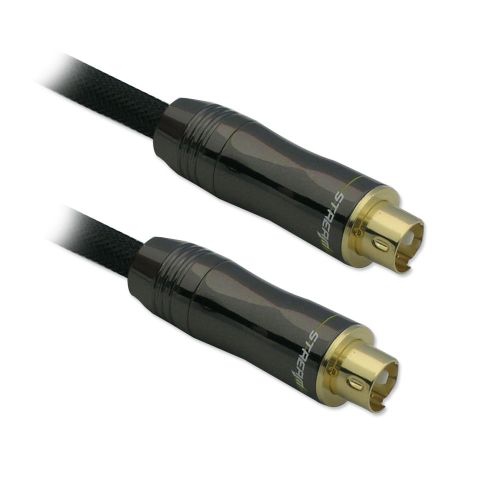
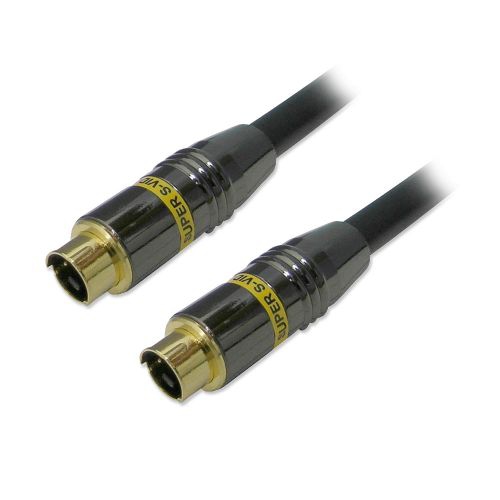
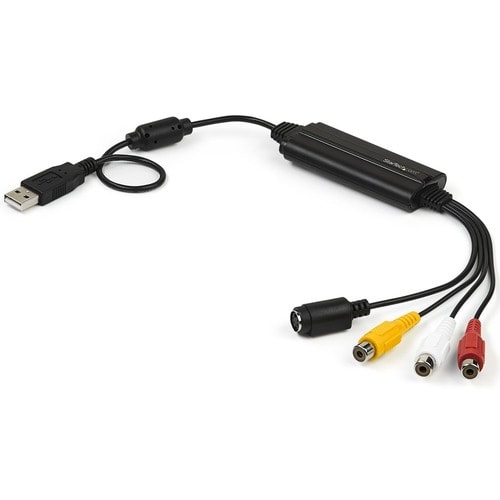
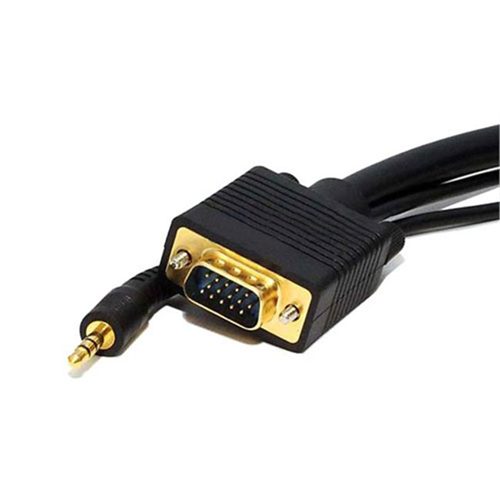
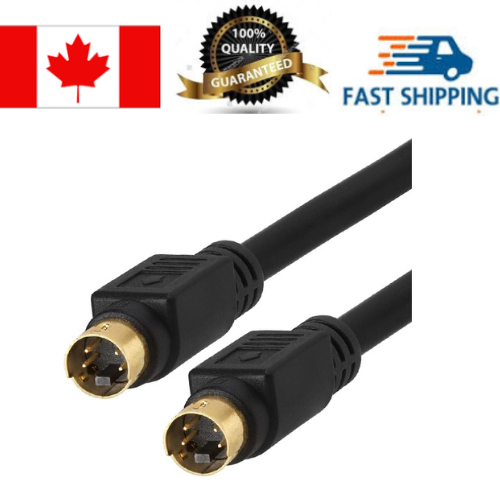
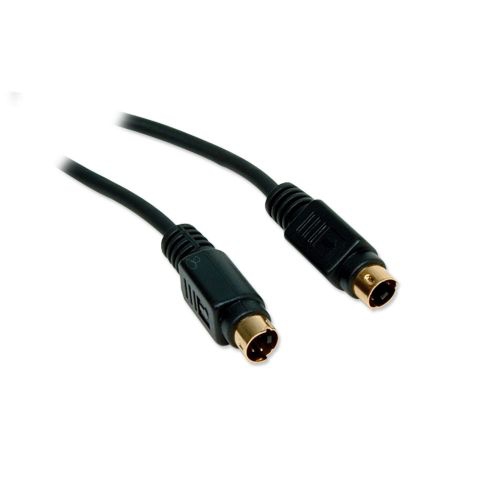
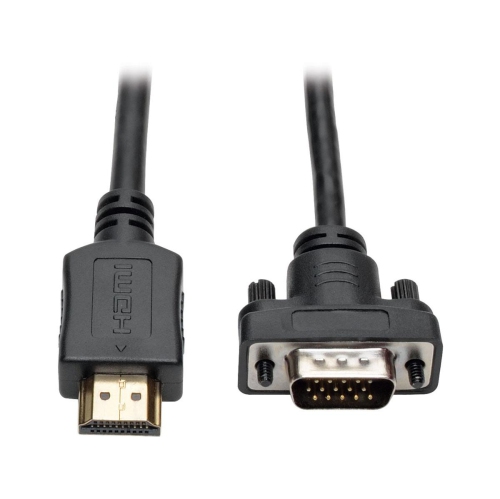
Connector fit is one of the most important considerations when choosing S-Video cables. A typical direct connection between two standard S-Video sockets uses a cable with a male 4-pin mini-DIN plug at each end, but similar-looking ports can have different functions and pin layouts. Some older computer graphics outputs use 7-pin connectors that may accept a standard 4-pin plug; compatibility depends on the hardware and should be confirmed in the equipment documentation rather than judged by appearance alone. Other devices, including some game consoles and compact camcorders, use proprietary audio/video ports and need a cable or adapter specifically wired for that output. A passive cable also cannot turn an S-Video signal into HDMI. Connecting an analogue source to an HDMI-only display requires an active converter designed to accept S-Video and output HDMI, usually with separate power and an audio input. Direction matters: a converter intended to take HDMI into an older television does not perform the reverse task. Cable length deserves similar attention. Measure the route between the sockets, including the distance around shelves and the space needed to pull equipment forward, rather than measuring only the gap between the devices. A little slack prevents tension on the plugs, but a much longer cable than necessary creates extra clutter and can make analogue signal loss or interference more noticeable. In a narrow cabinet, the length of the plug housing and the flexibility of the cable near its ends can determine whether the equipment sits comfortably without pressing against the wall. For a video capture setup, the capture device must support an S-Video input, and audio still needs a separate path into the recording system. The source format and capture settings also affect the result. A suitable cable can carry the available signal cleanly, but it will not correct worn tape, playback faults, or incompatible television standards. Checking the entire connection path helps avoid a setup that fits physically but cannot display the intended picture.
Construction and everyday handling influence how well an S-Video cable holds up, especially when equipment is moved between a storage shelf and a viewing area. Insulated conductors carry the separate picture signals, while shielding helps limit unwanted electrical interference. A flexible outer jacket protects the internal wiring, and strain relief where the cable meets each plug helps reduce stress during normal movement. Gold-plated contacts can resist corrosion, but plating alone does not establish picture quality; correct wiring, sound construction, shielding, and a secure fit matter more than a decorative finish. A thicker cable is not automatically the better choice either, particularly if its stiffness puts sideways pressure on a small socket. When connecting a plug, align its keyed shape carefully and insert it straight without forcing or twisting it. The small pins can bend if pushed against the socket at the wrong angle. Disconnect by holding the plug housing rather than pulling the cord, and leave enough room behind equipment for a gentle bend instead of a tight kink. Where practical, route video cables away from power adapters and avoid bundling them tightly alongside mains leads, particularly across longer runs. For care, switch off connected equipment before rearranging the setup, wipe the outer jacket with a soft, dry cloth, and keep moisture away from the connectors. Loose coils are easier on the cable than sharp folds when it is stored, and protected plug ends are less likely to collect dust or suffer damage in a drawer of accessories. These details are useful for households that bring out older entertainment equipment occasionally, collectors who maintain a dedicated gaming corner, and people transferring personal recordings to a digital archive. An S-Video cable can also be a practical addition to a gift centred on compatible older equipment, provided the recipient’s ports and required length are known. Whether it stays behind a television or travels with a camcorder, a well-matched cable supports a tidy, dependable connection without asking ageing sockets to bear unnecessary strain. The most useful choice is the one that suits the equipment, reaches comfortably, and preserves the source picture as faithfully as the connection allows.
Connector fit is one of the most important considerations when choosing S-Video cables. A typical direct connection between two standard S-Video sockets uses a cable with a male 4-pin mini-DIN plug at each end, but similar-looking ports can have different functions and pin layouts. Some older computer graphics outputs use 7-pin connectors that may accept a standard 4-pin plug; compatibility depends on the hardware and should be confirmed in the equipment documentation rather than judged by appearance alone. Other devices, including some game consoles and compact camcorders, use proprietary audio/video ports and need a cable or adapter specifically wired for that output. A passive cable also cannot turn an S-Video signal into HDMI. Connecting an analogue source to an HDMI-only display requires an active converter designed to accept S-Video and output HDMI, usually with separate power and an audio input. Direction matters: a converter intended to take HDMI into an older television does not perform the reverse task. Cable length deserves similar attention. Measure the route between the sockets, including the distance around shelves and the space needed to pull equipment forward, rather than measuring only the gap between the devices. A little slack prevents tension on the plugs, but a much longer cable than necessary creates extra clutter and can make analogue signal loss or interference more noticeable. In a narrow cabinet, the length of the plug housing and the flexibility of the cable near its ends can determine whether the equipment sits comfortably without pressing against the wall. For a video capture setup, the capture device must support an S-Video input, and audio still needs a separate path into the recording system. The source format and capture settings also affect the result. A suitable cable can carry the available signal cleanly, but it will not correct worn tape, playback faults, or incompatible television standards. Checking the entire connection path helps avoid a setup that fits physically but cannot display the intended picture.
Construction and everyday handling influence how well an S-Video cable holds up, especially when equipment is moved between a storage shelf and a viewing area. Insulated conductors carry the separate picture signals, while shielding helps limit unwanted electrical interference. A flexible outer jacket protects the internal wiring, and strain relief where the cable meets each plug helps reduce stress during normal movement. Gold-plated contacts can resist corrosion, but plating alone does not establish picture quality; correct wiring, sound construction, shielding, and a secure fit matter more than a decorative finish. A thicker cable is not automatically the better choice either, particularly if its stiffness puts sideways pressure on a small socket. When connecting a plug, align its keyed shape carefully and insert it straight without forcing or twisting it. The small pins can bend if pushed against the socket at the wrong angle. Disconnect by holding the plug housing rather than pulling the cord, and leave enough room behind equipment for a gentle bend instead of a tight kink. Where practical, route video cables away from power adapters and avoid bundling them tightly alongside mains leads, particularly across longer runs. For care, switch off connected equipment before rearranging the setup, wipe the outer jacket with a soft, dry cloth, and keep moisture away from the connectors. Loose coils are easier on the cable than sharp folds when it is stored, and protected plug ends are less likely to collect dust or suffer damage in a drawer of accessories. These details are useful for households that bring out older entertainment equipment occasionally, collectors who maintain a dedicated gaming corner, and people transferring personal recordings to a digital archive. An S-Video cable can also be a practical addition to a gift centred on compatible older equipment, provided the recipient’s ports and required length are known. Whether it stays behind a television or travels with a camcorder, a well-matched cable supports a tidy, dependable connection without asking ageing sockets to bear unnecessary strain. The most useful choice is the one that suits the equipment, reaches comfortably, and preserves the source picture as faithfully as the connection allows.
Top selling and popular products
-
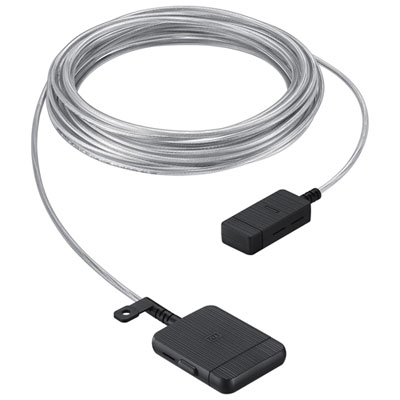 Your price for this item is $399.99
 -
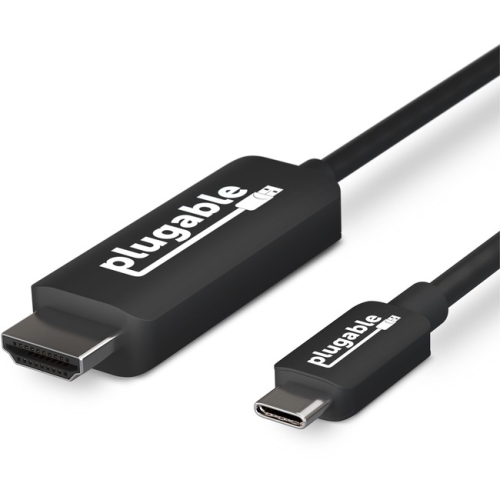 Your price for this item is $85.62
 -
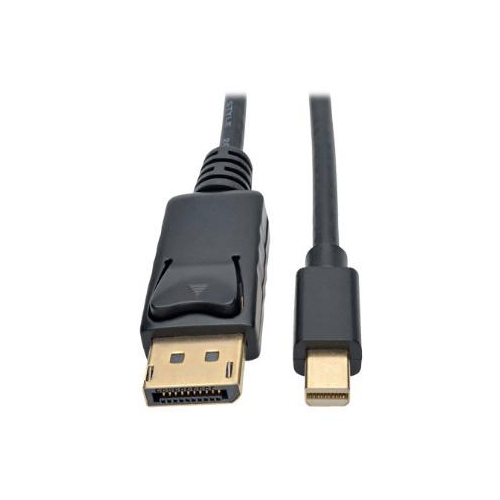 Your price for this item is $22.99
 -
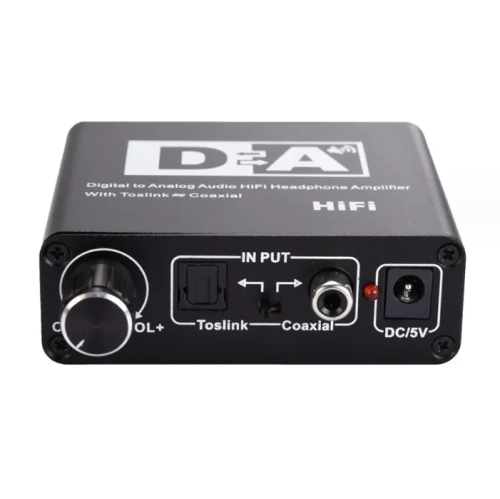 Your price for this item is $29.99
 -
 Your price for this item is $48.99
 -
 Your price for this item is $19.49
 -
 Your price for this item is $29.99
 -
 Your price for this item is $59.99
Discover more categories related to S Video Cables
Top Collections:
Pokemon Centers, Kindle Devices, Best Budget Office Chairs, Apple iPhones 16, Canon G7X Cameras, iPhone 15 Apple, Alarm Clock, Refurbished Apple Laptops, Flip Phones, Best Laptops for Writers
Some products may be subject to Environmental Handling Fees
(EHF) depending on your province.
Learn more about EHFs.