Samsung TV Component Cables
If you're looking to connect your Samsung TV to an external device or source, you'll need a component cable. There are several different types of component cables, and each one is designed for specific uses. Here's a list of the most common types of component cables and what they're best suited for.
Sort
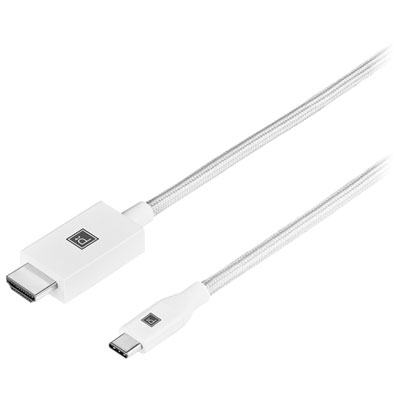
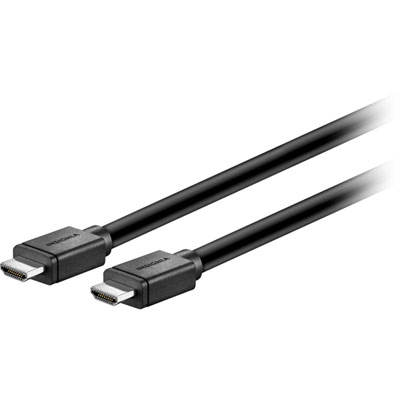
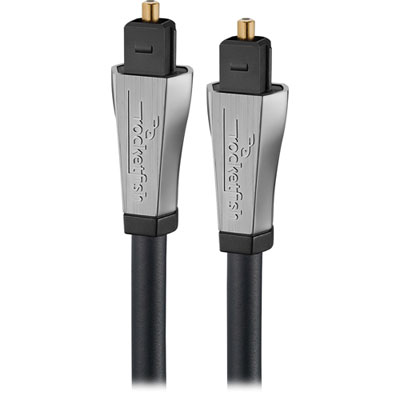
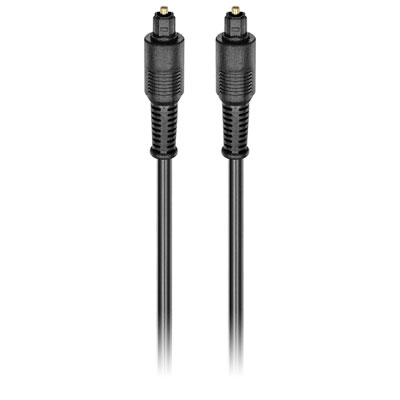

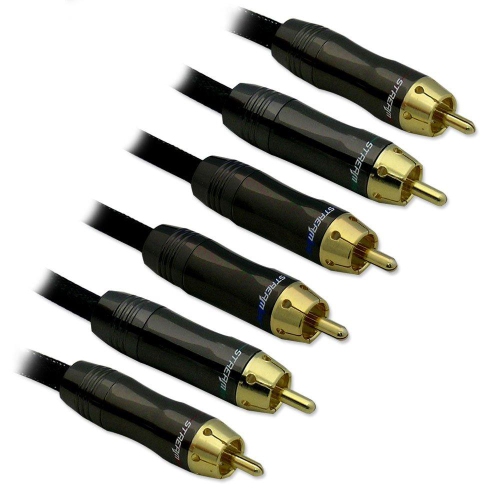
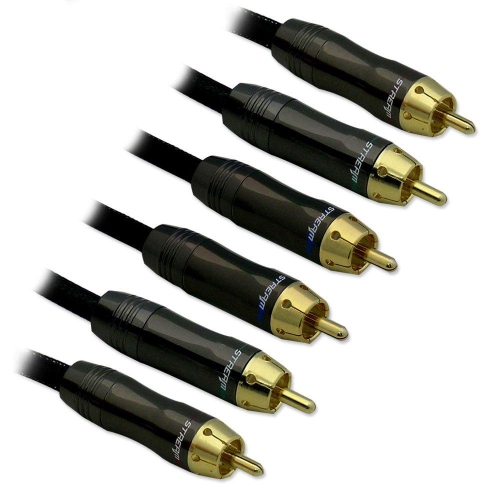
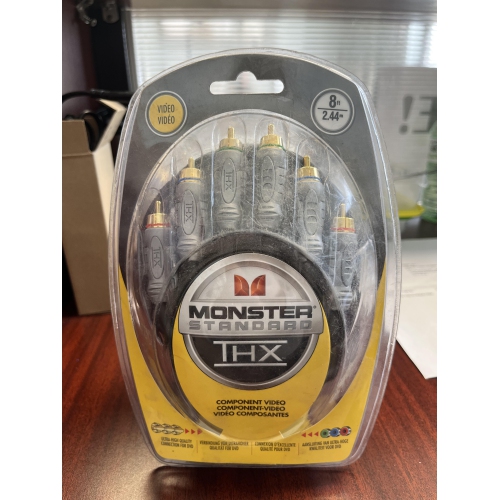
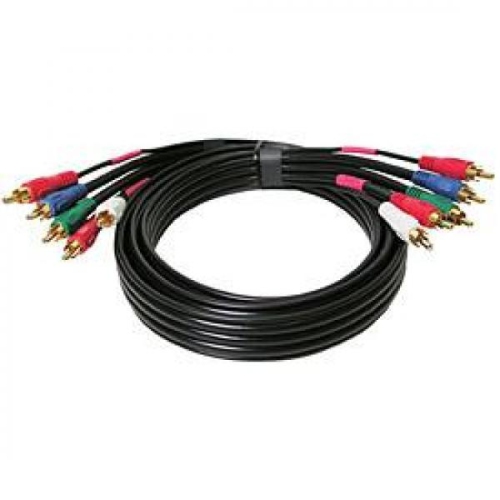

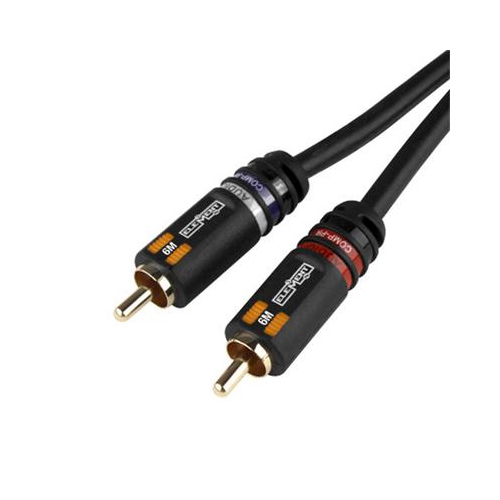

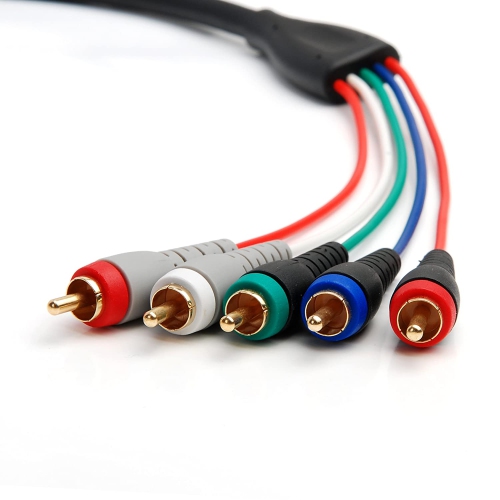
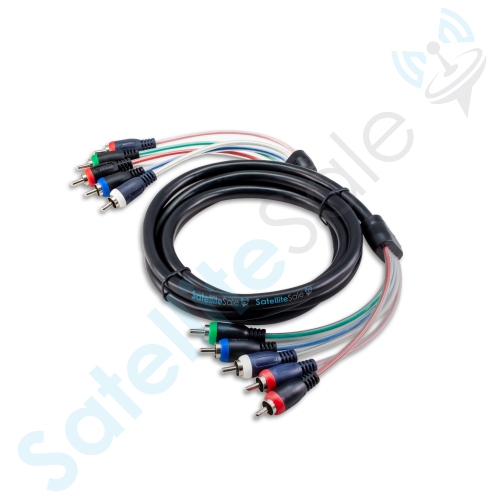
Component cable guidance for connecting legacy devices to modern TVs
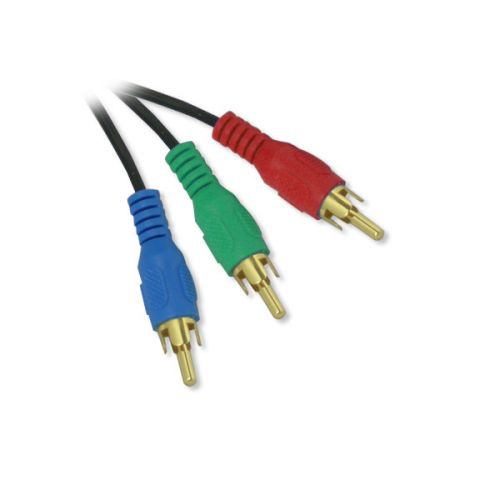
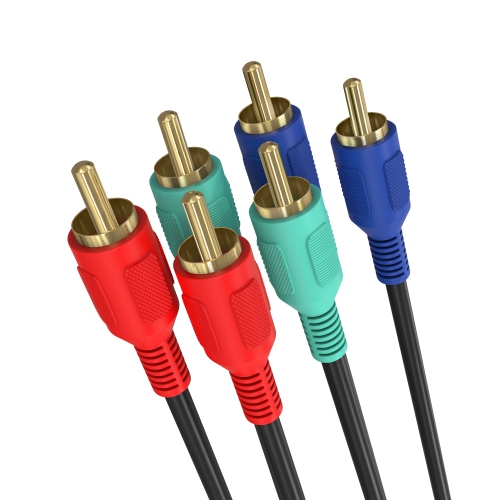
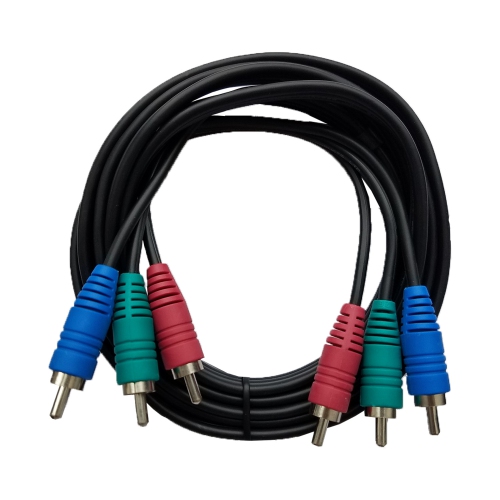
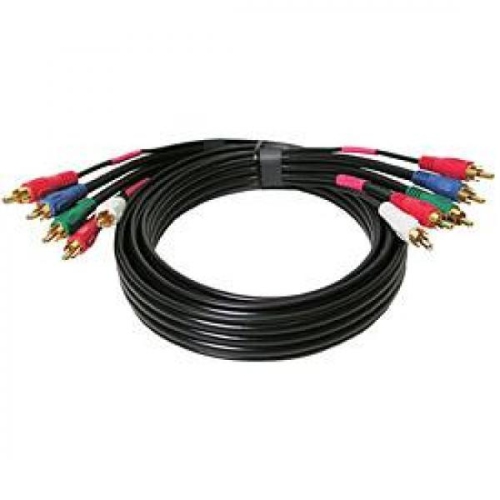
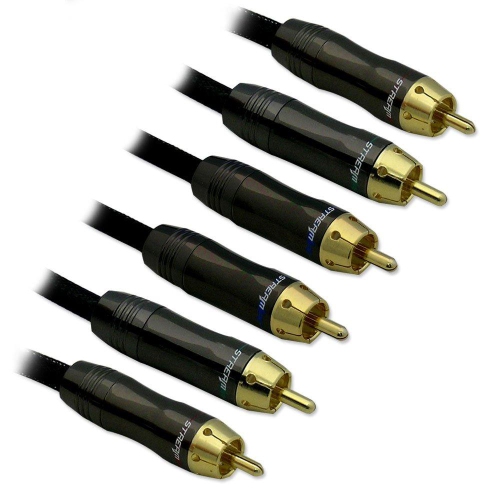
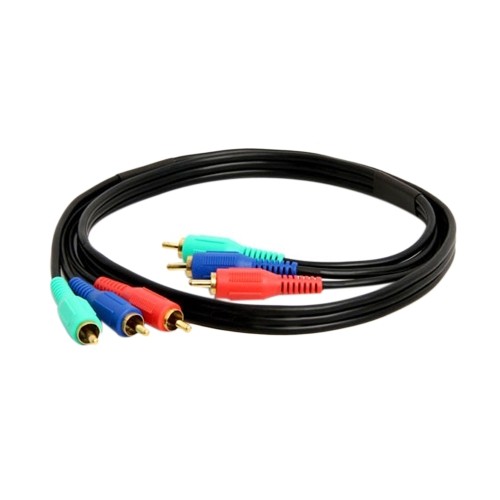
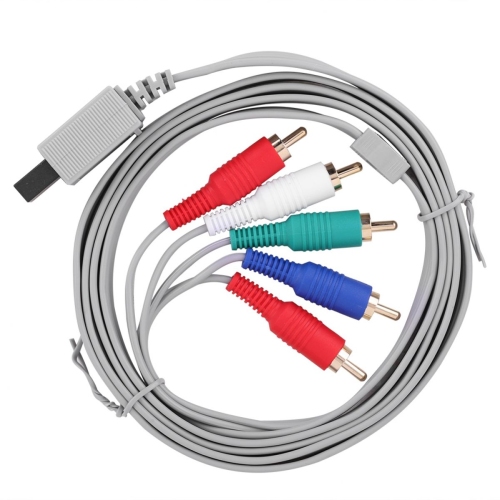
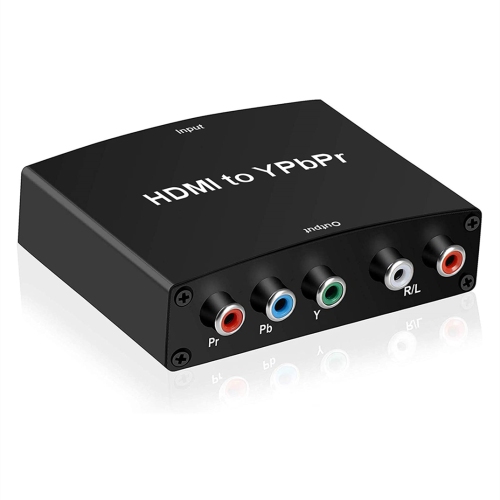
When connecting an older video source to a slim modern television, the right component cable or adapter can make the difference between a straightforward setup and a frustrating search for the correct input. Component connections are commonly used with legacy DVD players, VCRs, cable boxes, older game consoles, camcorders, and other home theatre equipment that sends analogue video and audio. Unlike HDMI, a component connection separates the picture into three video channels: green for Y, blue for Pb, and red for Pr. Stereo sound travels through two additional RCA connectors, usually coloured red and white. This arrangement can support a sharper picture than older composite video connections, but it requires every plug to be connected to the correct jack. Many slim televisions do not have five full-size RCA sockets built directly into the cabinet. Instead, they may use a compact AV IN or COMPONENT input that accepts a manufacturer-specific breakout adapter. This adapter typically has a small 2.5 mm or 3.5 mm mini-jack on one end and colour-coded RCA sockets on the other, allowing standard component and audio cables to connect to the television. Before selecting a cable, look closely at the ports on the back or side of the TV and check the model number in the television’s documentation. The shape of the input, the number of pins, and the required adapter can vary between model families, even when the televisions look very similar. A cable that fits another television may not fit securely or carry the correct signal, so matching the adapter to the exact TV model is one of the most important purchase considerations. It is also worth checking whether the product is an adapter only or a complete cable set, since some installations require separate RCA component cables while others need only the compact television-side adapter.
A practical way to plan the connection is to follow the signal from the source device to the screen. Start by identifying the component video outputs on the player or console, then trace the green, blue, and red video cables to the matching coloured inputs on the adapter. Connect the red and white audio cables to the corresponding audio sockets, taking care not to confuse the red audio connector with the red Pr video connector. The two red plugs carry different parts of the signal, so using the labels beside the ports is more reliable than relying on colour alone. Once the cables are attached, insert the mini-jack end into the television’s AV IN or COMPONENT port without forcing it. Turn on the source device and use the remote’s Source or Input button to select Component or AV, depending on the wording shown on the screen. If there is no picture, check that the television is set to the correct input, the source device is powered on, and all five connectors are fully inserted. A loose connection can produce a washed-out image, missing colours, or sound without a picture. Some older equipment may also require its output setting to be changed from composite to component through an on-screen menu. Component connections carry analogue signals and do not transmit digital surround sound, smart-TV functions, or copy-protected content in the same way as HDMI. They are best suited to equipment that lacks HDMI or to a room where preserving access to a trusted older device is more important than using the newest connection standard. If the television has several input types, compare the available ports before purchasing; an HDMI cable may be the simpler choice for a newer streaming player, while a properly matched component adapter remains useful for a retro console, an older disc player, or a family entertainment system that still has a familiar place in the home.
These cables and adapters can be especially helpful when refreshing a basement media room, setting up a guest room television, or bringing a collection of older games and films back into regular use during the cooler months. They can also make a thoughtful gift for someone who enjoys retro gaming, collects physical media, or is reconnecting equipment after moving to a newer television. A person who has kept a favourite console or DVD player for years may already own the long red, blue, green, and audio leads but lack the small adapter needed to connect them to a modern screen. In that situation, confirming the television model before buying is more useful than choosing a cable based only on appearance. Measure the approximate distance between the source device and the television, allow a little extra length for routing around a stand or media cabinet, and look for connectors with firm moulding that are comfortable to grip when reaching behind the screen. If the television uses a proprietary input, verify the connector specification and compatibility information rather than assuming that every mini-jack adapter is interchangeable. Keeping the cable path free from sharp bends can help maintain a secure connection, while grouping the video and audio leads neatly can make future troubleshooting easier. For households comparing connection accessories for different television brands or home theatre setups, the related Vizio Cables selection offers another place to review compatible options. With the correct model match, clear colour-coded connections, and the appropriate source selected on the remote, a component setup can provide a dependable way to enjoy older equipment on a newer television without replacing every device in the room.
A practical way to plan the connection is to follow the signal from the source device to the screen. Start by identifying the component video outputs on the player or console, then trace the green, blue, and red video cables to the matching coloured inputs on the adapter. Connect the red and white audio cables to the corresponding audio sockets, taking care not to confuse the red audio connector with the red Pr video connector. The two red plugs carry different parts of the signal, so using the labels beside the ports is more reliable than relying on colour alone. Once the cables are attached, insert the mini-jack end into the television’s AV IN or COMPONENT port without forcing it. Turn on the source device and use the remote’s Source or Input button to select Component or AV, depending on the wording shown on the screen. If there is no picture, check that the television is set to the correct input, the source device is powered on, and all five connectors are fully inserted. A loose connection can produce a washed-out image, missing colours, or sound without a picture. Some older equipment may also require its output setting to be changed from composite to component through an on-screen menu. Component connections carry analogue signals and do not transmit digital surround sound, smart-TV functions, or copy-protected content in the same way as HDMI. They are best suited to equipment that lacks HDMI or to a room where preserving access to a trusted older device is more important than using the newest connection standard. If the television has several input types, compare the available ports before purchasing; an HDMI cable may be the simpler choice for a newer streaming player, while a properly matched component adapter remains useful for a retro console, an older disc player, or a family entertainment system that still has a familiar place in the home.
These cables and adapters can be especially helpful when refreshing a basement media room, setting up a guest room television, or bringing a collection of older games and films back into regular use during the cooler months. They can also make a thoughtful gift for someone who enjoys retro gaming, collects physical media, or is reconnecting equipment after moving to a newer television. A person who has kept a favourite console or DVD player for years may already own the long red, blue, green, and audio leads but lack the small adapter needed to connect them to a modern screen. In that situation, confirming the television model before buying is more useful than choosing a cable based only on appearance. Measure the approximate distance between the source device and the television, allow a little extra length for routing around a stand or media cabinet, and look for connectors with firm moulding that are comfortable to grip when reaching behind the screen. If the television uses a proprietary input, verify the connector specification and compatibility information rather than assuming that every mini-jack adapter is interchangeable. Keeping the cable path free from sharp bends can help maintain a secure connection, while grouping the video and audio leads neatly can make future troubleshooting easier. For households comparing connection accessories for different television brands or home theatre setups, the related Vizio Cables selection offers another place to review compatible options. With the correct model match, clear colour-coded connections, and the appropriate source selected on the remote, a component setup can provide a dependable way to enjoy older equipment on a newer television without replacing every device in the room.
Top selling and popular products
-
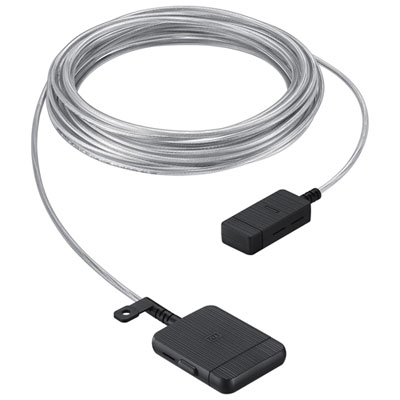 Your price for this item is $399.99
 -
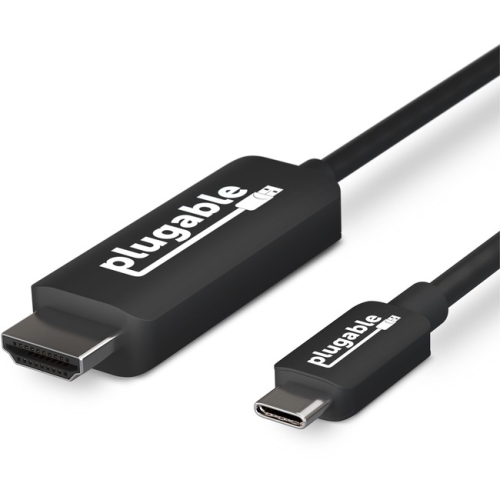 Your price for this item is $85.62
 -
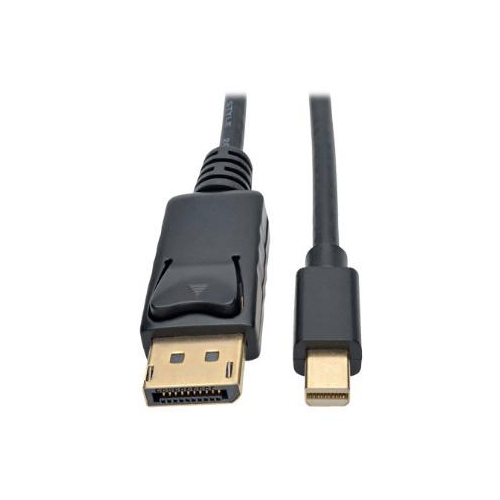 Your price for this item is $22.99
 -
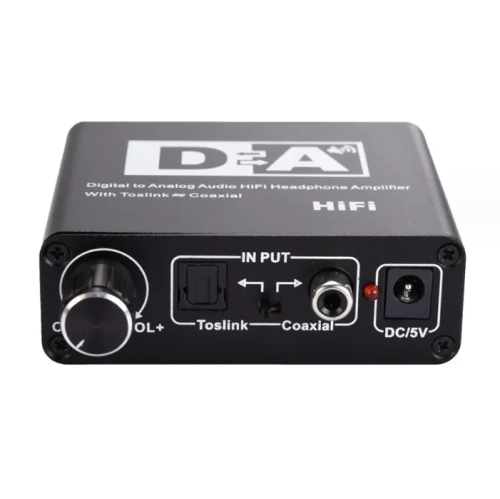 Your price for this item is $29.99
 -
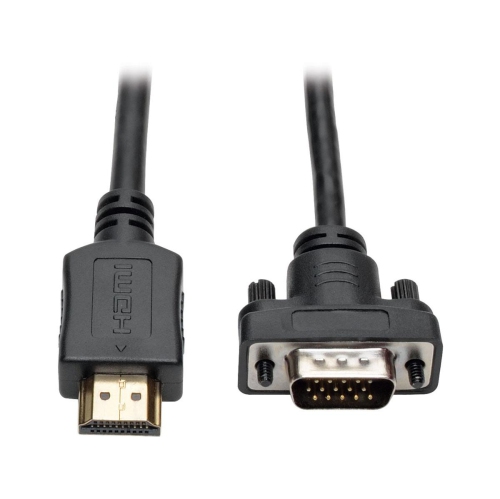 Your price for this item is $48.99
 -
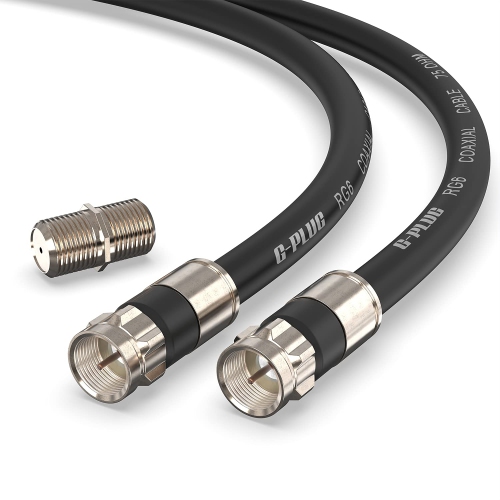 Your price for this item is $19.49
 -
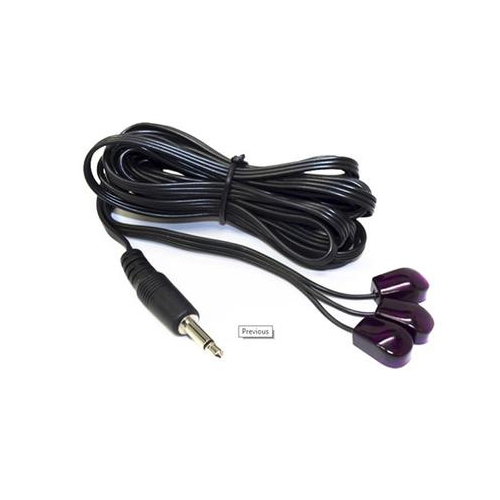 Your price for this item is $29.99
 -
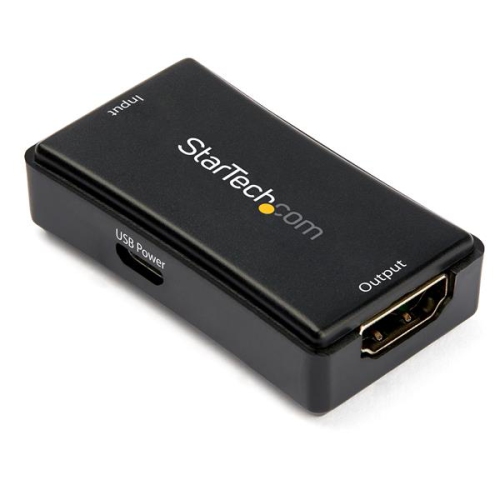 Your price for this item is $59.99
Discover more categories related to Samsung TV Component Cables
Top Collections:
Pokemon Centers, Kindle Devices, Best Budget Office Chairs, Apple iPhones 16, Best Laptops for Writers, iPhone 15 Apple, Canon G7X Cameras, Refurbished Apple Laptops, Alarm Clock, Motorola Razr Phones
Some products may be subject to Environmental Handling Fees
(EHF) depending on your province.
Learn more about EHFs.