HDMI 2 1 Cables
Upgrade your home entertainment or gaming setup with the latest HDMI 2 1 Cable options. Designed to support a range of high-performance devices, these cables help deliver smooth connectivity between your TV, monitor, gaming console, or audio system. Explore a variety of lengths and styles to find the perfect HDMI 2 1 Cable for your needs and enjoy seamless integration with your favorite electronics.
Sort
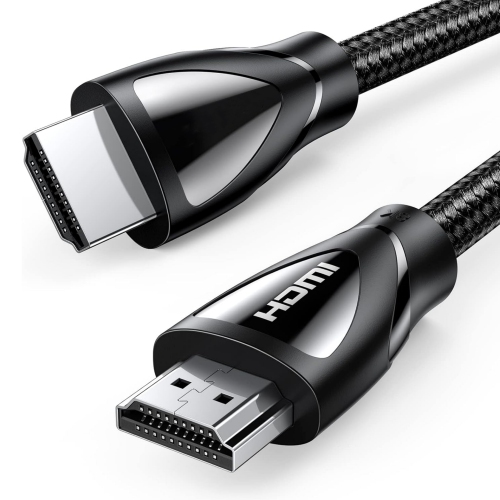

![NIERBO 10K 8K HDMI 2.1 Cable 33Ft, Ultra High Speed [10K 8K60Hz, 4K240Hz 144Hz 120Hz] 48GBps, HDr 10+, Earc, Arc, HDcp 2.2 & 2.3, Compatible For](https://multimedia.bbycastatic.ca/multimedia/products/500x500/193/19320/19320653.jpeg)
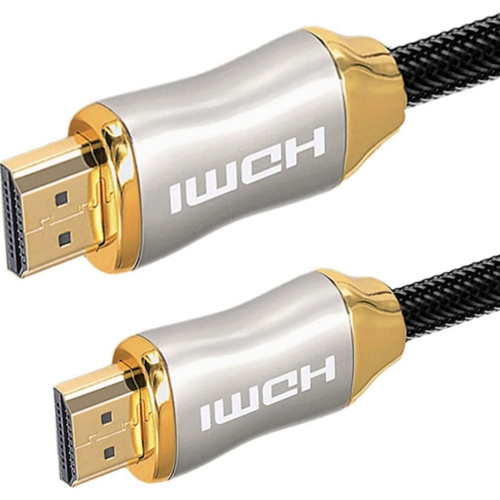
Why bandwidth and compatibility matter for your setup
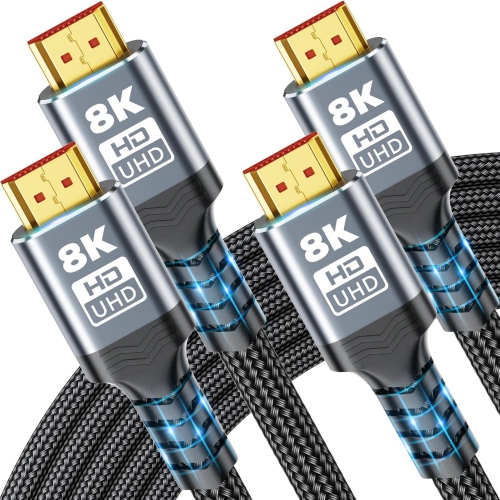
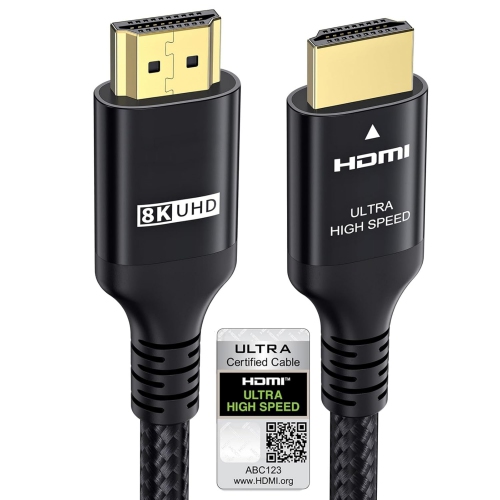
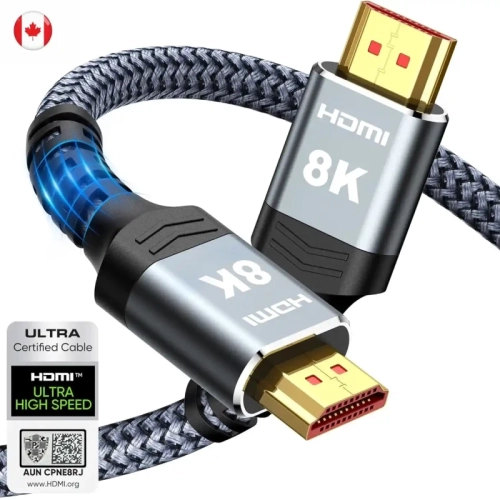
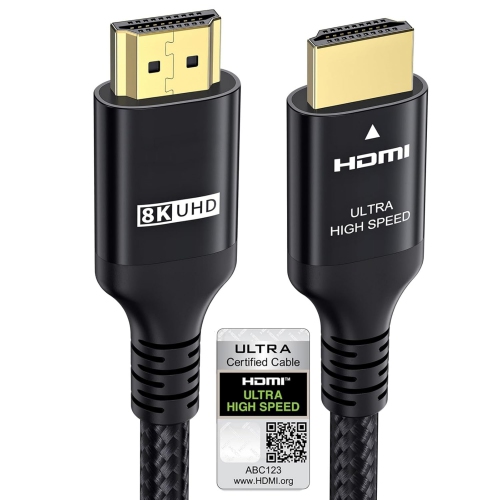
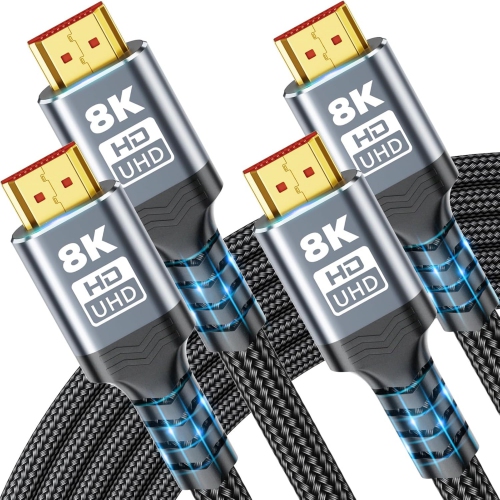
HDMI 2.1 cables carry digital video and audio between compatible televisions, monitors, gaming consoles, computers, receivers, and other home theatre equipment. For connections that use the full 48 Gbps bandwidth associated with HDMI 2.1, a certified Ultra High Speed HDMI Cable is the appropriate cable category. That bandwidth supports demanding video formats such as 4K at 120 Hz and 8K at 60 Hz, provided the source device, display, and any equipment between them support the required signal. Resolution describes how much detail an image can contain, while refresh rate describes how often the display updates that image. A higher refresh rate can make movement look smoother, whether a camera is sweeping across a stadium or a player is turning quickly through a game. HDR, or high dynamic range, can add a broader range of brightness and colour when the content and connected hardware support it. The cable carries these signals rather than creating extra detail or improving the original content. An HDMI 2.1 cable will not turn a 60 Hz television into a 120 Hz display, and an 8K label does not mean every connected device will output 8K. For a gaming desk, a compatible cable can connect a computer to a high-refresh-rate monitor without requiring separate audio and video connections. In a living room, it can link a console to a television that accepts 4K at 120 Hz through designated HDMI inputs. Port capabilities matter because two HDMI sockets on the same television may support different features. HDMI 2.1 cables also work with older HDMI 2.0 and HDMI 1.4 connections, with performance limited to what the connected equipment supports. This makes them useful for mixed setups containing both newer and older components. Certification is a more meaningful distinction than a version number printed in a listing: the Ultra High Speed HDMI certification label identifies a cable tested against the requirements of that cable category.
Audio and gaming features are another reason HDMI 2.1 cables suit more than a basic television connection. Enhanced Audio Return Channel, usually shortened to eARC, allows a compatible television to send supported audio formats back to a sound bar or receiver through its designated eARC port. This can accommodate high-bandwidth audio, including lossless multichannel sound and supported object-based formats, without a separate audio cable between the television and sound system. Both devices must support the relevant features, and eARC does not itself require the full 48 Gbps video bandwidth. In a typical setup, a console connects directly to the television while the television passes audio to the sound system over a second HDMI connection. That arrangement can be useful when an older receiver cannot pass through the desired video format, although the television must also support passing through the chosen audio format. For gaming, Variable Refresh Rate, or VRR, helps a compatible display match its refresh timing to the output of the source, reducing visible tearing when frame rates fluctuate. Auto Low Latency Mode, or ALLM, lets compatible equipment automatically select a low-latency display mode. These are hardware features supported through the connection, not upgrades that a cable adds to otherwise incompatible equipment. The physical fit is just as important as the feature list. Most televisions and home theatre components use full-size HDMI connectors, while some compact devices use Mini HDMI or Micro HDMI and need a matching connection. A slim connector housing can be easier to accommodate behind a wall-mounted screen or beside closely spaced ports. Cable length should account for the route down a stand, around a cabinet, or through a cable channel rather than only the straight-line distance between devices. A little slack keeps tension off the sockets and makes equipment easier to reposition; a large coil of surplus cable can make a compact media unit harder to organize. For shared living rooms, gaming spaces, and workstations, a well-sized connection keeps the setup practical without adding unnecessary clutter.
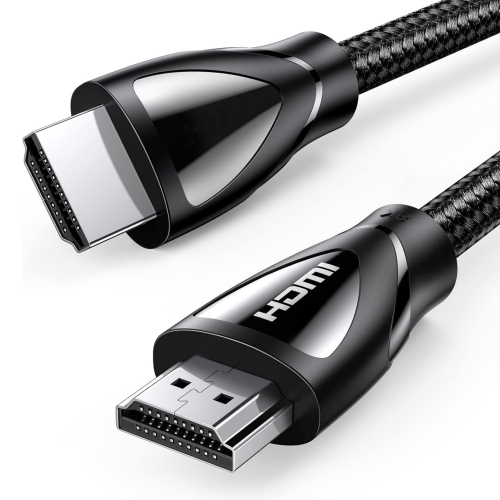
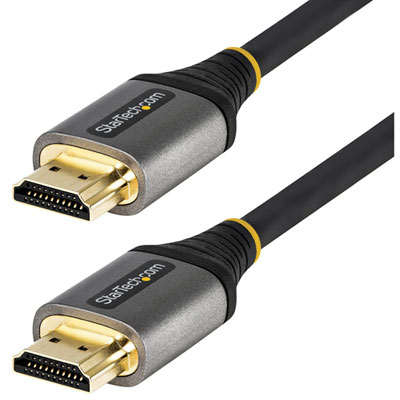
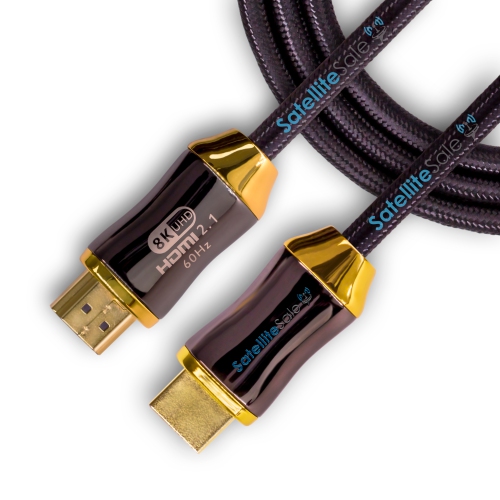
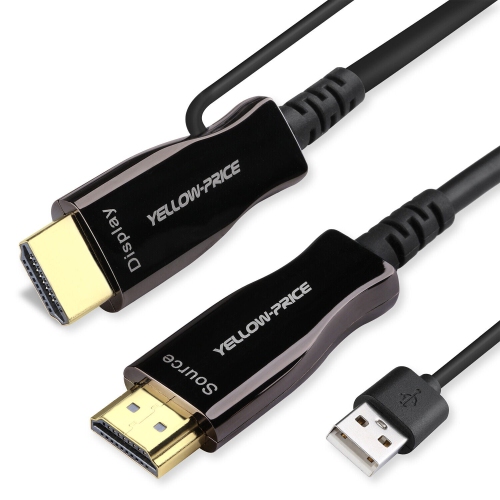
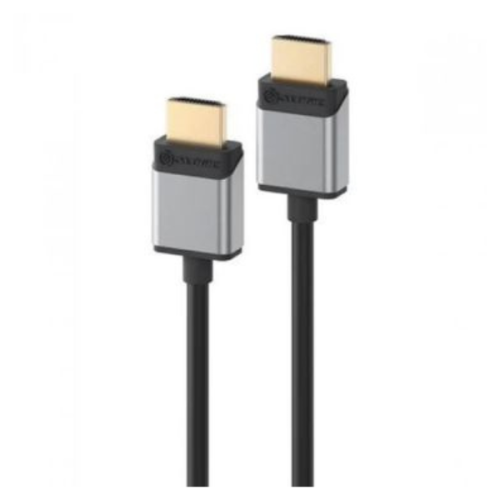
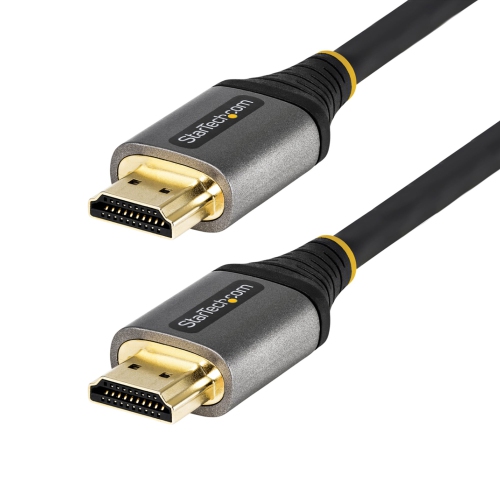
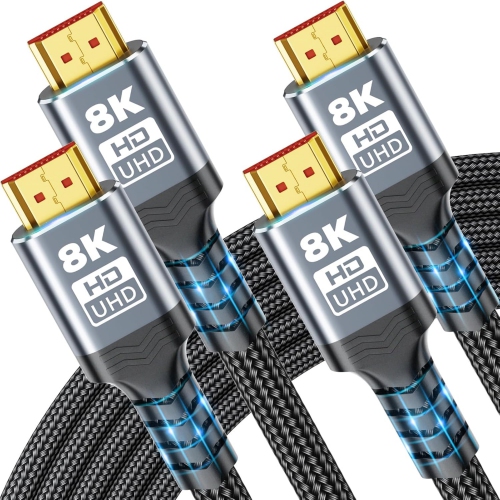
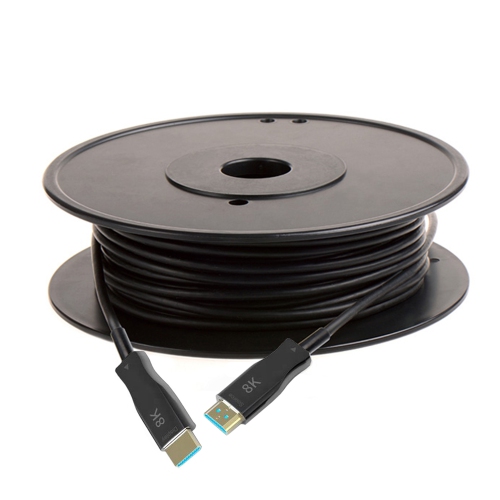
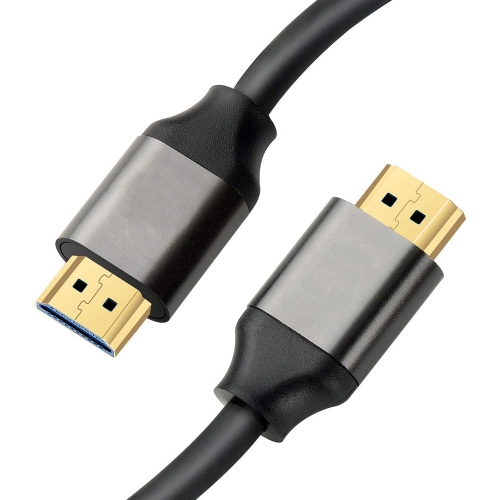
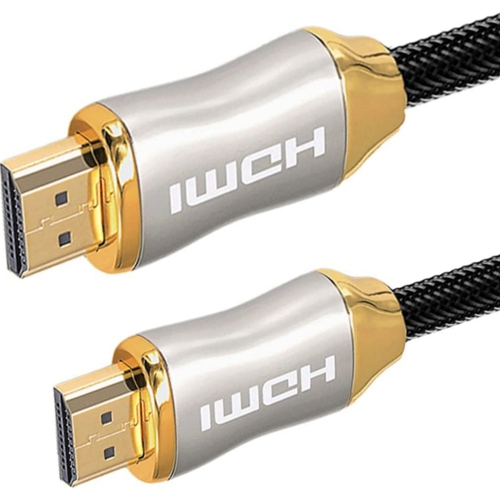
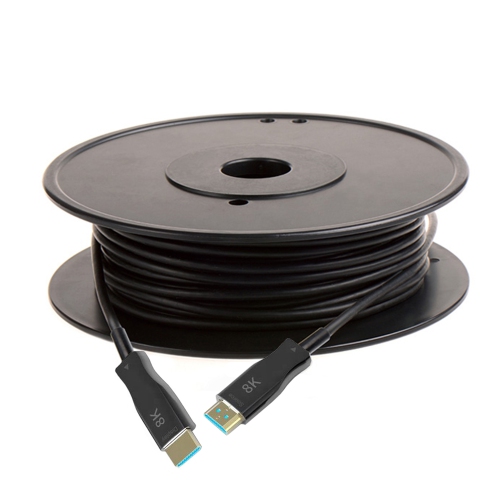
Construction and handling help determine how comfortably an HDMI 2.1 cable fits into everyday use. Flexible outer jackets can make short connections easier to route behind furniture, while braided jackets may offer added resistance to abrasion where cables rub against a desk edge or cabinet opening. Neither a braid nor a thick jacket proves that a cable supports 48 Gbps; verified performance specifications remain separate from its appearance. Shielding helps protect signal integrity, and reinforced strain relief at the connector can reduce stress where the cable bends during installation. Gold-plated connector contacts can resist corrosion, but the finish alone does not produce sharper images or richer sound. With digital video, a connection that cannot reliably carry the selected signal may show sparkles, dropouts, or a blank screen rather than a subtle reduction in picture quality. Length becomes particularly important when connecting a ceiling-mounted projector, crossing a large room, or running equipment from a separate cabinet. Passive cables need no powered signal circuitry, while active designs use electronics to help carry the signal over longer distances. For installations with a longer cable route, active HDMI cables offer another connection option, provided their stated bandwidth and supported features match the setup. Some active and optical designs are directional, with separate source and display ends, and power requirements vary by design. Those details matter before a cable is threaded through a difficult-to-reach space. A cable intended to run inside a wall also needs an appropriate in-wall rating; an ordinary outer jacket or decorative braid is not a substitute. During installation, gentle bends and enough clearance behind the connector help prevent strain, especially where a screen sits close to the wall. Cables are best disconnected by holding the connector housing rather than pulling the cord. Keeping plugs free of dust, avoiding pinched sections under furniture, and checking the route when equipment moves can help preserve a dependable connection. For everyday streaming, high-refresh-rate gaming, or a carefully arranged home theatre, the most useful HDMI 2.1 cable is one whose certified capability, length, connector fit, and construction suit the equipment it connects.
Audio and gaming features are another reason HDMI 2.1 cables suit more than a basic television connection. Enhanced Audio Return Channel, usually shortened to eARC, allows a compatible television to send supported audio formats back to a sound bar or receiver through its designated eARC port. This can accommodate high-bandwidth audio, including lossless multichannel sound and supported object-based formats, without a separate audio cable between the television and sound system. Both devices must support the relevant features, and eARC does not itself require the full 48 Gbps video bandwidth. In a typical setup, a console connects directly to the television while the television passes audio to the sound system over a second HDMI connection. That arrangement can be useful when an older receiver cannot pass through the desired video format, although the television must also support passing through the chosen audio format. For gaming, Variable Refresh Rate, or VRR, helps a compatible display match its refresh timing to the output of the source, reducing visible tearing when frame rates fluctuate. Auto Low Latency Mode, or ALLM, lets compatible equipment automatically select a low-latency display mode. These are hardware features supported through the connection, not upgrades that a cable adds to otherwise incompatible equipment. The physical fit is just as important as the feature list. Most televisions and home theatre components use full-size HDMI connectors, while some compact devices use Mini HDMI or Micro HDMI and need a matching connection. A slim connector housing can be easier to accommodate behind a wall-mounted screen or beside closely spaced ports. Cable length should account for the route down a stand, around a cabinet, or through a cable channel rather than only the straight-line distance between devices. A little slack keeps tension off the sockets and makes equipment easier to reposition; a large coil of surplus cable can make a compact media unit harder to organize. For shared living rooms, gaming spaces, and workstations, a well-sized connection keeps the setup practical without adding unnecessary clutter.
Construction and handling help determine how comfortably an HDMI 2.1 cable fits into everyday use. Flexible outer jackets can make short connections easier to route behind furniture, while braided jackets may offer added resistance to abrasion where cables rub against a desk edge or cabinet opening. Neither a braid nor a thick jacket proves that a cable supports 48 Gbps; verified performance specifications remain separate from its appearance. Shielding helps protect signal integrity, and reinforced strain relief at the connector can reduce stress where the cable bends during installation. Gold-plated connector contacts can resist corrosion, but the finish alone does not produce sharper images or richer sound. With digital video, a connection that cannot reliably carry the selected signal may show sparkles, dropouts, or a blank screen rather than a subtle reduction in picture quality. Length becomes particularly important when connecting a ceiling-mounted projector, crossing a large room, or running equipment from a separate cabinet. Passive cables need no powered signal circuitry, while active designs use electronics to help carry the signal over longer distances. For installations with a longer cable route, active HDMI cables offer another connection option, provided their stated bandwidth and supported features match the setup. Some active and optical designs are directional, with separate source and display ends, and power requirements vary by design. Those details matter before a cable is threaded through a difficult-to-reach space. A cable intended to run inside a wall also needs an appropriate in-wall rating; an ordinary outer jacket or decorative braid is not a substitute. During installation, gentle bends and enough clearance behind the connector help prevent strain, especially where a screen sits close to the wall. Cables are best disconnected by holding the connector housing rather than pulling the cord. Keeping plugs free of dust, avoiding pinched sections under furniture, and checking the route when equipment moves can help preserve a dependable connection. For everyday streaming, high-refresh-rate gaming, or a carefully arranged home theatre, the most useful HDMI 2.1 cable is one whose certified capability, length, connector fit, and construction suit the equipment it connects.
Top selling and popular products
-
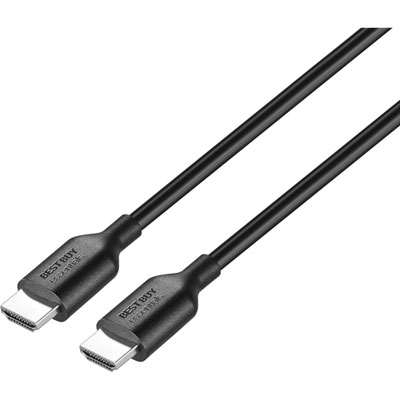 Your price for this item is $9.99
 -
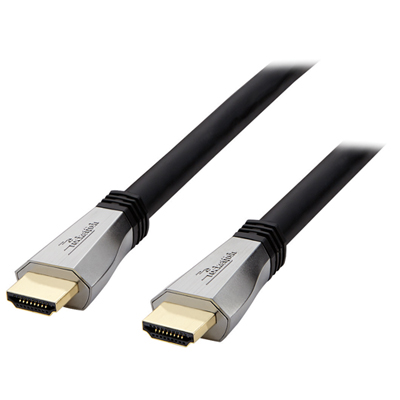 Your price for this item is $119.99
 -
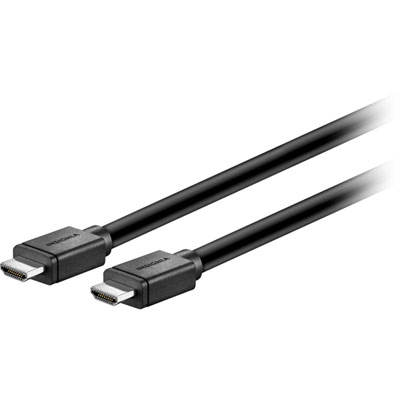 Your price for this item is $129.99
 -
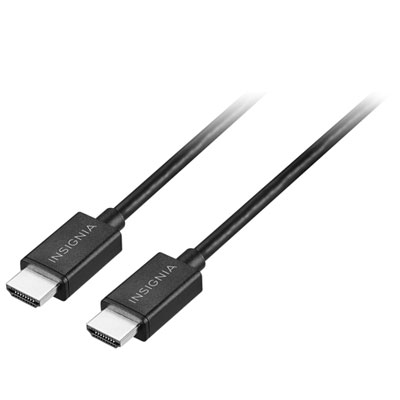 Your price for this item is $19.99
 -
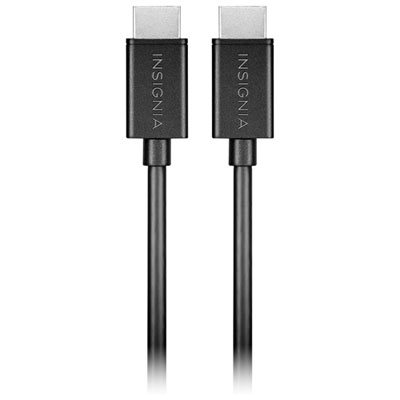 Your price for this item is $29.99
 -
![BDA / POWER A HDMI Cable Ps5 10 Ft [Power A]](https://multimedia.bbycastatic.ca/multimedia/products/500x500/176/17616/17616431.jpeg) Your price for this item is $59.99
Your price for this item is $59.99 -
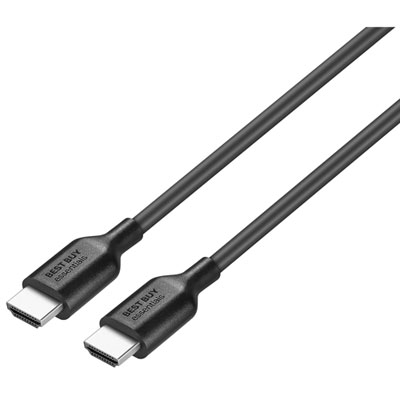 Your price for this item is $19.99
 -
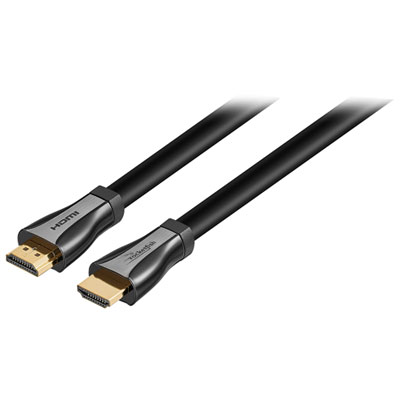 Your price for this item is $119.99
Discover more categories related to HDMI 2 1 Cables
Top Collections:
Pokemon Centers, Best Cameras for Sports Photography, Kindle Devices, Samsung Galaxy Phones, Canon G7X Cameras, Pokémon 30th Celebration Cards, Refurbished Apple Laptops, iPhone 15 Apple, Laptops for Students, Budget Smartphones
Some products may be subject to Environmental Handling Fees
(EHF) depending on your province.
Learn more about EHFs.