HDMI Cables for PS3
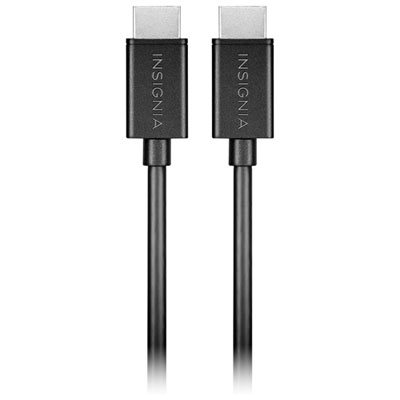
Upgrade your gaming setup with an HDMI Cable for PS3 and experience enhanced connectivity between your console and display. Seamlessly connect your PlayStation 3 to TVs, monitors, or projectors for smooth gameplay and vibrant visuals. An HDMI Cable for PS3 is designed to deliver reliable performance, making it easy to enjoy your favorite games, movies, and streaming content. Browse a variety of options to find the right length and style to suit your entertainment needs.
Sort
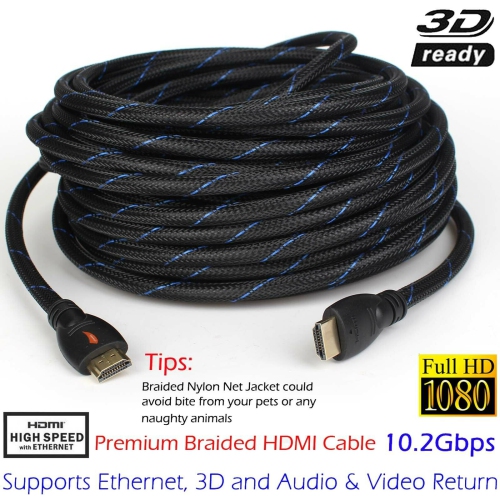
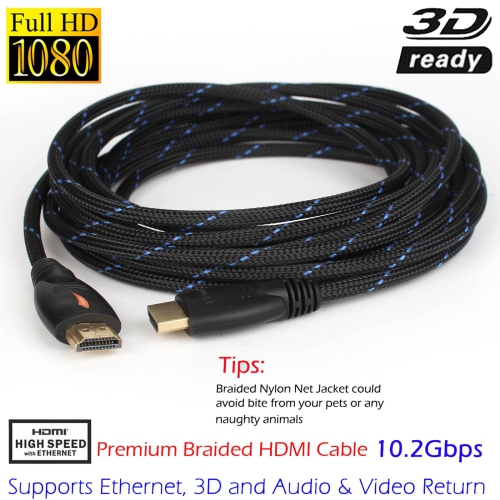
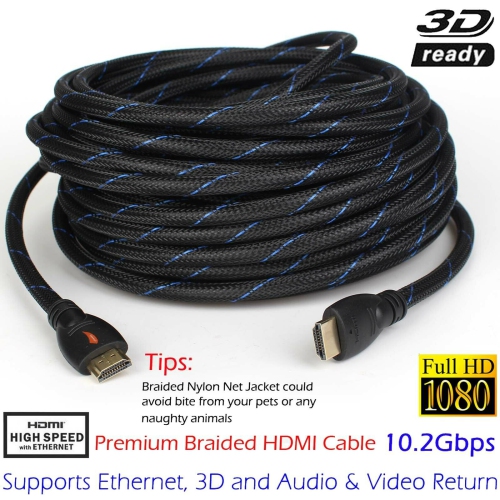
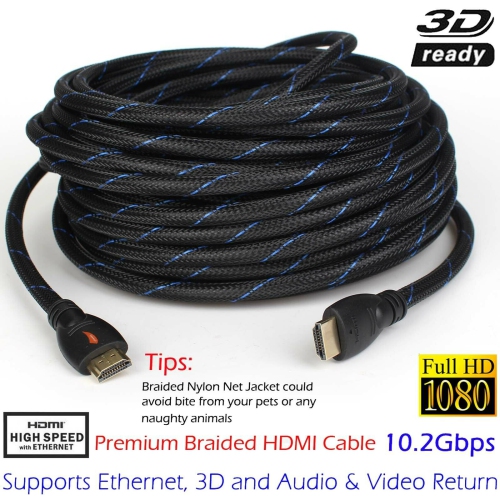
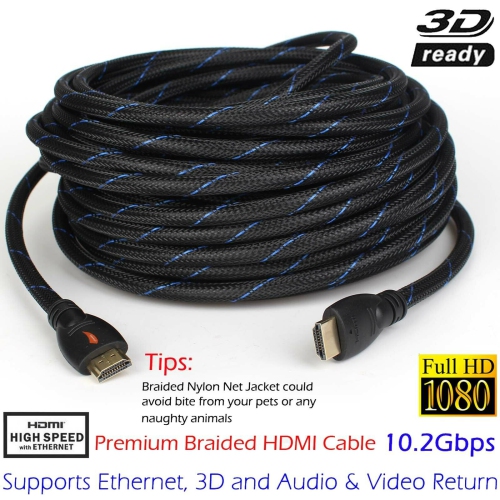
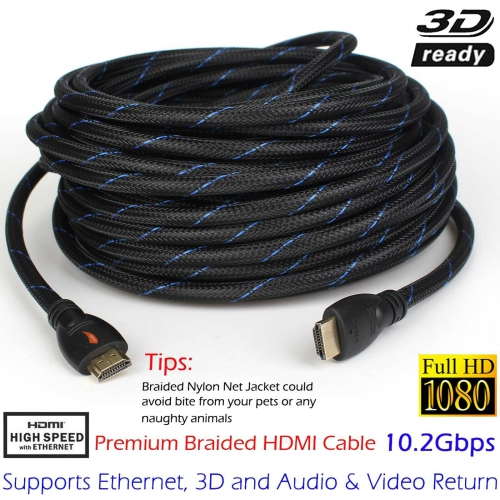
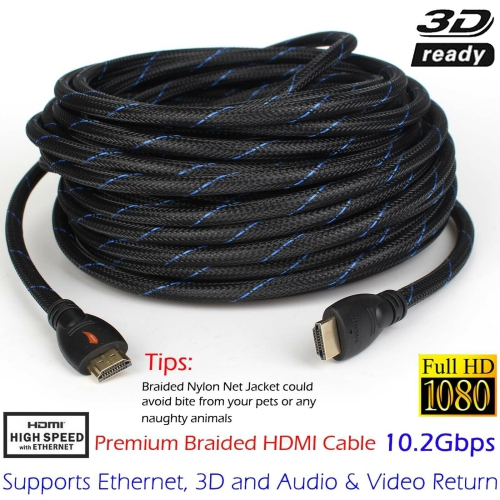
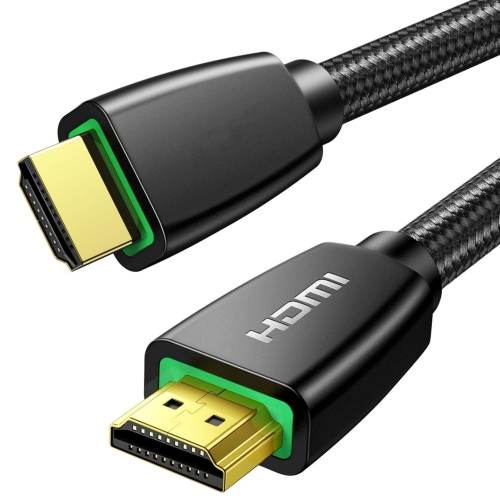
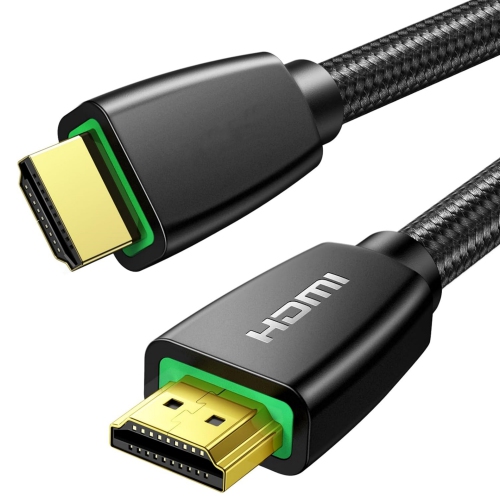

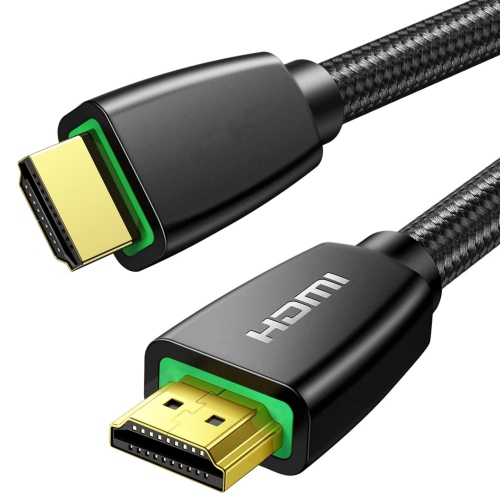
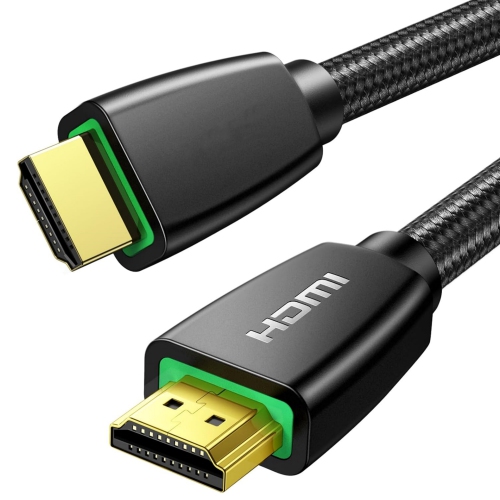
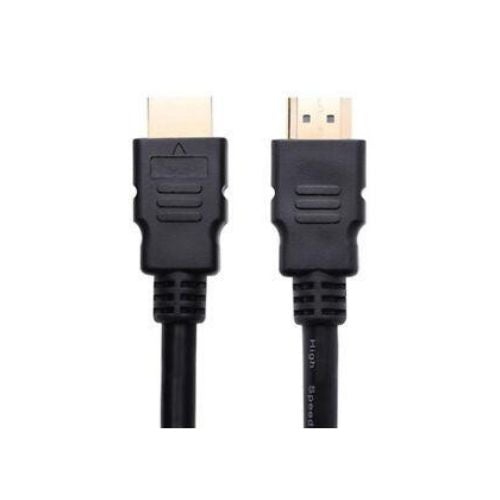
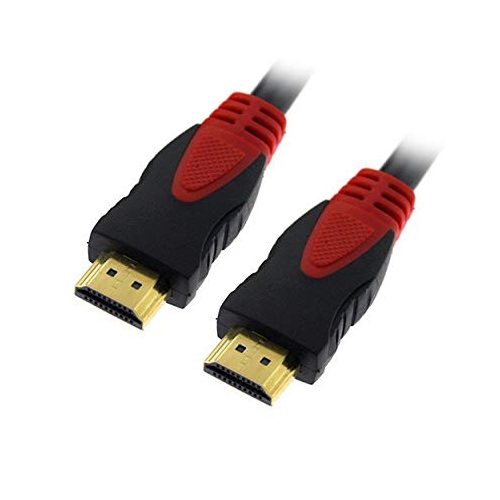
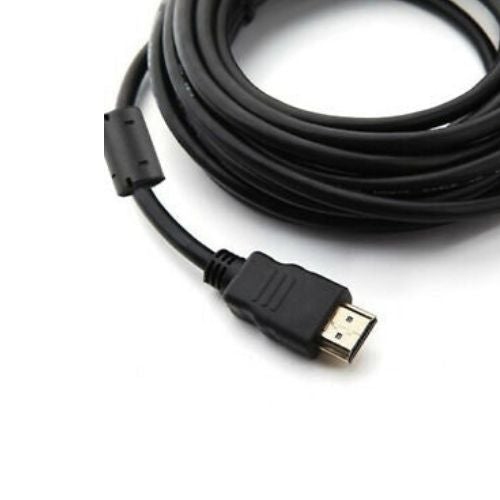
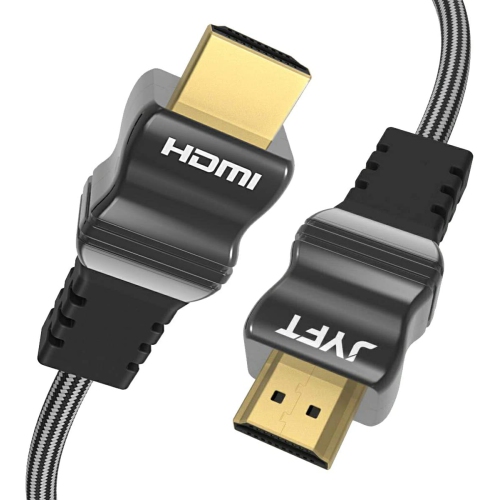
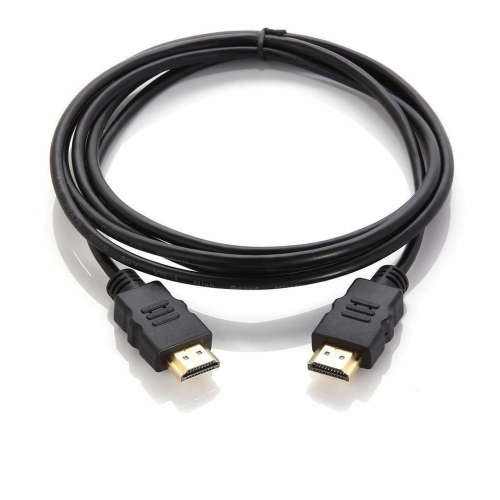
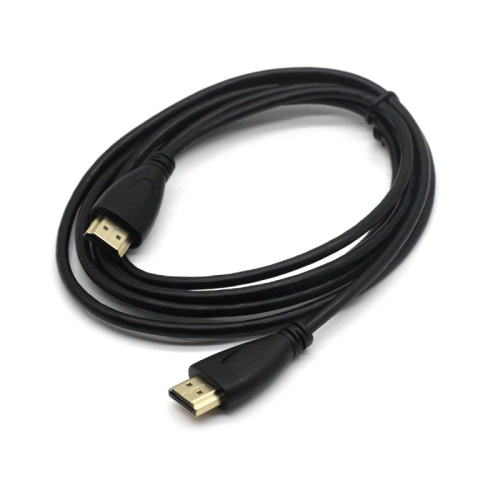
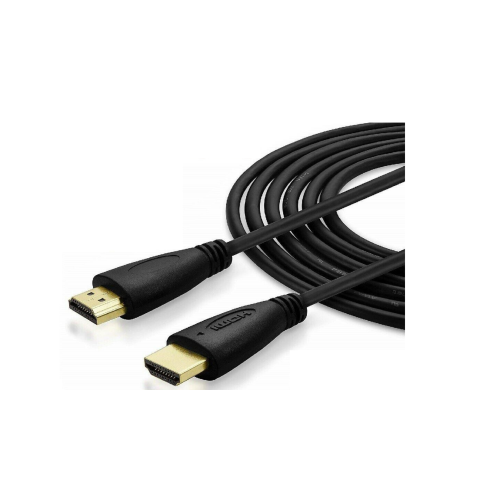
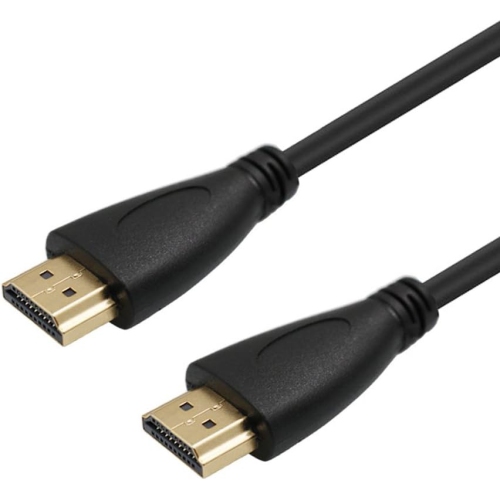
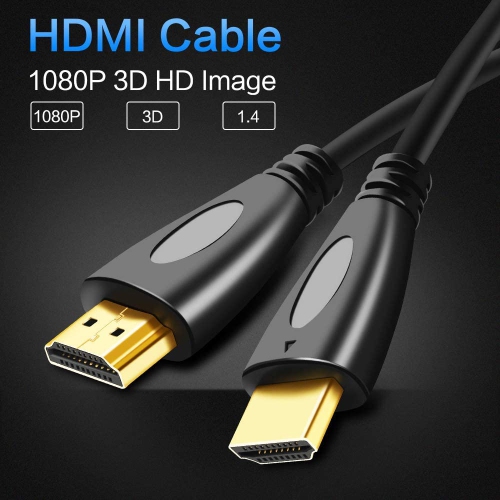
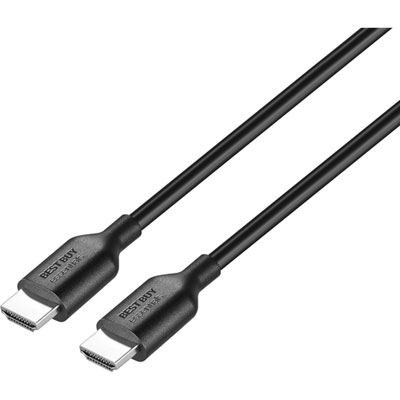
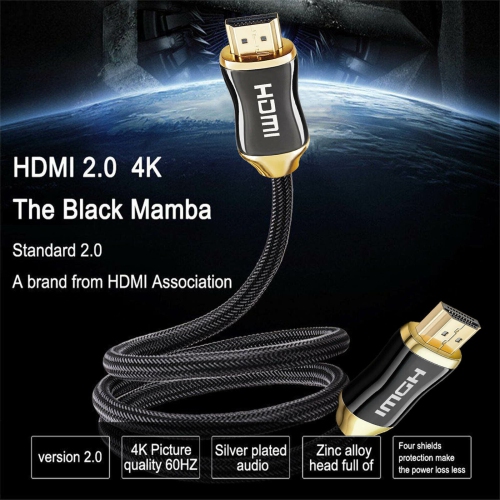
The essentials for PS3 picture and sound
When connecting your PlayStation 3 to a television or home theatre system, choosing the right HDMI cable is essential for unlocking the best possible audio and visual experience. The PS3 supports up to 1080p Full HD output, and a standard HDMI cable (HDMI 1.3 or higher) is all you need to enjoy vibrant visuals and immersive sound. Whether you’re setting up a gaming den for marathon sessions, revisiting classic titles, or sharing your favourite Blu-ray movies with friends and family as the weather warms and gatherings move indoors or outdoors, a reliable cable ensures you get the most out of your console. High-speed cables with gold-plated connectors are often favoured for their durability and steady performance, especially if you’re plugging and unplugging frequently or if your setup requires a longer reach between your PS3 and your TV or AV receiver. Most households find that a 6-foot to 10-foot cable provides the flexibility needed for various entertainment centre layouts, but there are longer options if you need to route the cable through furniture or along walls.
HDMI cables for PS3 are a great gift for anyone setting up a new entertainment space, upgrading an older setup, or simply looking to cut down on signal loss and improve picture clarity. They’re also a thoughtful addition for students heading off to university, families updating their living room, or anyone who wants to relive the nostalgia of classic PlayStation games with friends. Using a cable hdmi ps3 setup is straightforward: connect one end to the “HDMI OUT” port on your console and the other to your TV’s HDMI input, then select the correct input on your television. If you encounter a blank screen, holding down the PS3’s power button for five seconds will reset the video output settings, often resolving display issues in just moments. While the PS3 is capped at 1080p resolution, many users choose cables rated for higher specs, such as 4K, for added peace of mind and future compatibility with other devices. These cables are versatile and can be used with newer consoles, Blu-ray players, and streaming devices, making them a practical addition to any tech collection.
As you browse through options, consider your room’s layout and how often you might move or adjust your setup. If you’re integrating your PS3 with a modern smart TV, you’ll find that many of the same cable choices work seamlessly across devices. For those interested in exploring more options or connecting additional devices, check out our selection of HDMI Cables for Smart TV to find the perfect fit for your entertainment needs. Whether you’re gearing up for summer gaming marathons or cozying in for movie nights as the cooler months approach, a dependable HDMI cable ensures your PS3 delivers crisp visuals and dynamic sound every time you power it on.
HDMI cables for PS3 are a great gift for anyone setting up a new entertainment space, upgrading an older setup, or simply looking to cut down on signal loss and improve picture clarity. They’re also a thoughtful addition for students heading off to university, families updating their living room, or anyone who wants to relive the nostalgia of classic PlayStation games with friends. Using a cable hdmi ps3 setup is straightforward: connect one end to the “HDMI OUT” port on your console and the other to your TV’s HDMI input, then select the correct input on your television. If you encounter a blank screen, holding down the PS3’s power button for five seconds will reset the video output settings, often resolving display issues in just moments. While the PS3 is capped at 1080p resolution, many users choose cables rated for higher specs, such as 4K, for added peace of mind and future compatibility with other devices. These cables are versatile and can be used with newer consoles, Blu-ray players, and streaming devices, making them a practical addition to any tech collection.
As you browse through options, consider your room’s layout and how often you might move or adjust your setup. If you’re integrating your PS3 with a modern smart TV, you’ll find that many of the same cable choices work seamlessly across devices. For those interested in exploring more options or connecting additional devices, check out our selection of HDMI Cables for Smart TV to find the perfect fit for your entertainment needs. Whether you’re gearing up for summer gaming marathons or cozying in for movie nights as the cooler months approach, a dependable HDMI cable ensures your PS3 delivers crisp visuals and dynamic sound every time you power it on.
Top selling and popular products
-
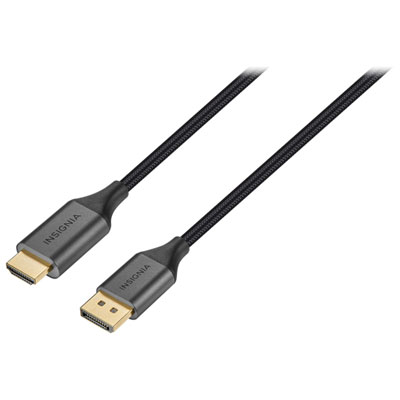 Your price for this item is $39.95
 -
 Your price for this item is $62.99
 -
 Your price for this item is $29.95
 -
 Your price for this item is $14.99
 -
 Your price for this item is $29.99
 -
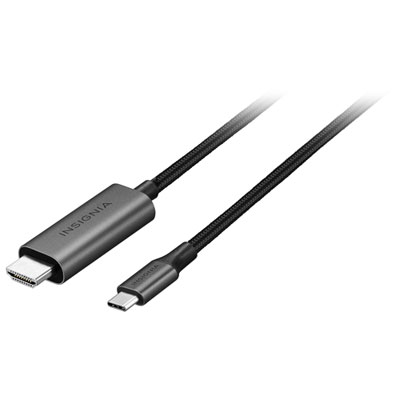 Your price for this item is $39.99
 -
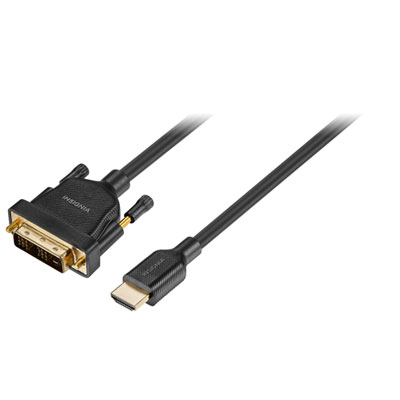 Your price for this item is $29.99
 -
 Your price for this item is $29.99
Discover more categories related to HDMI Cables for PS3
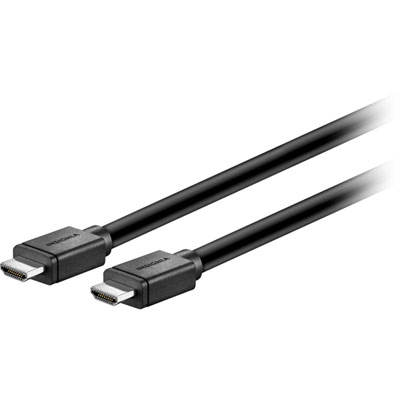
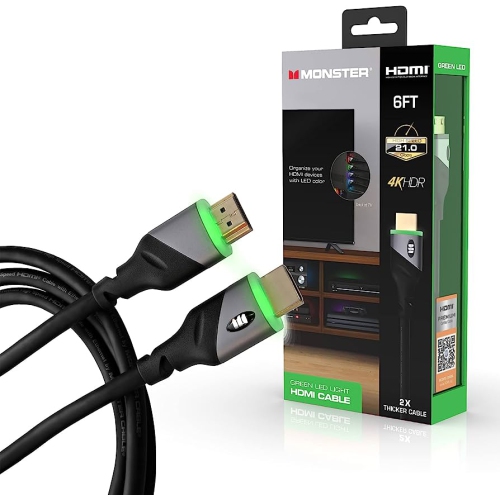
Top Collections:
Pokemon Centers, Best Cameras for Sports Photography, Kindle Devices, Samsung Galaxy Phones, Canon G7X Cameras, Pokémon 30th Celebration Cards, Refurbished Apple Laptops, iPhone 15 Apple, Laptops for Students, Budget Smartphones
Some products may be subject to Environmental Handling Fees
(EHF) depending on your province.
Learn more about EHFs.