HDMI Cables for PS4 Slim
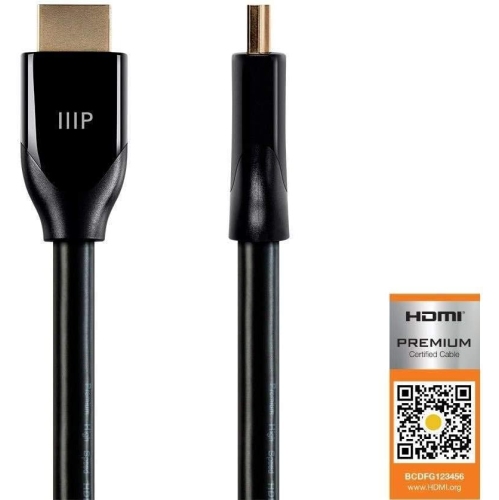
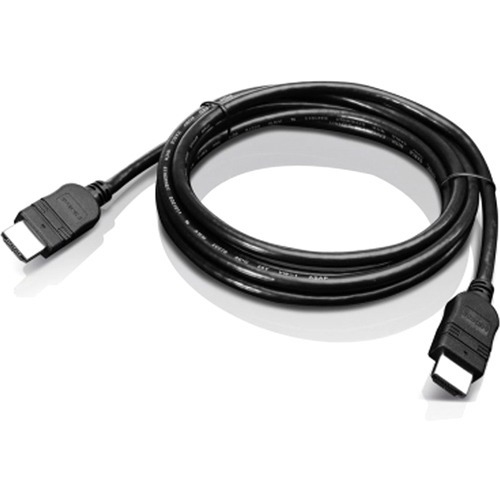
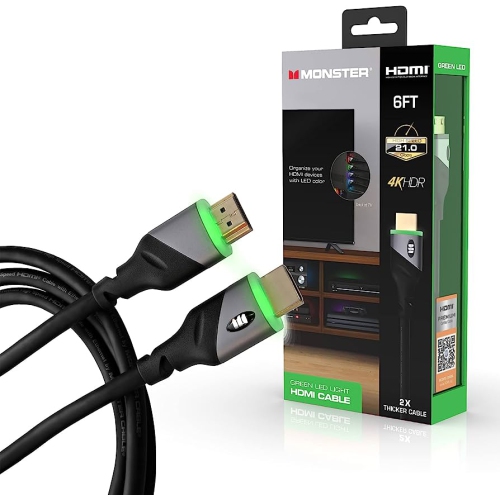
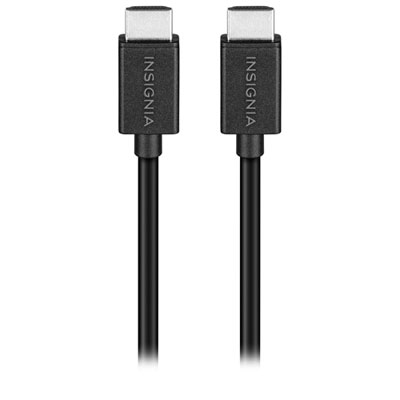
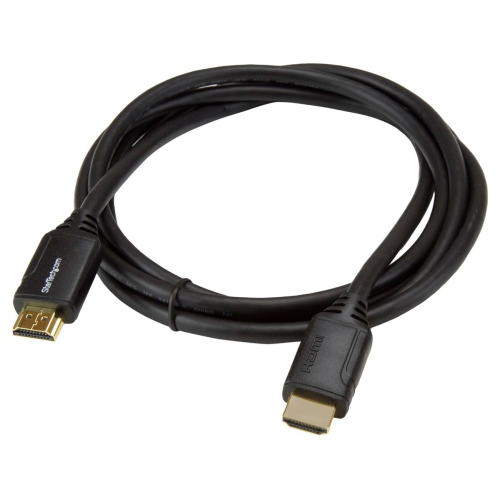
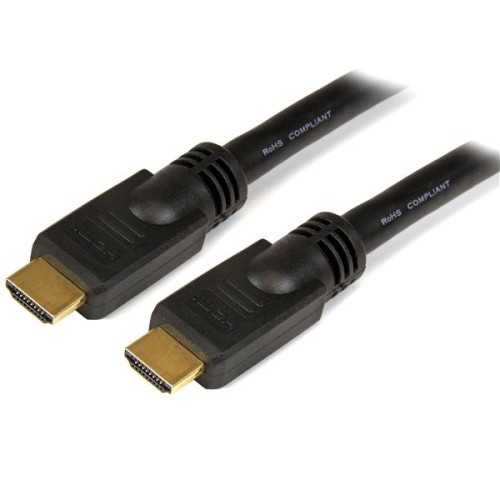
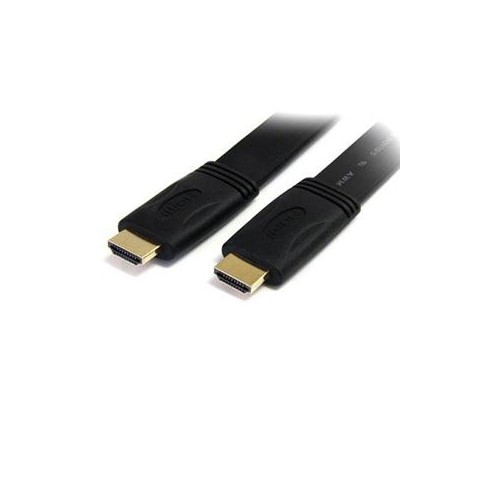
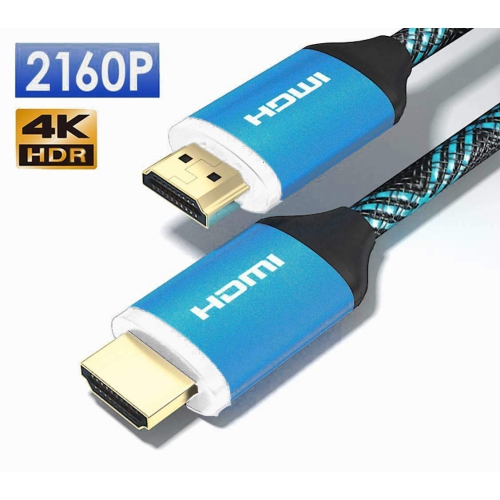
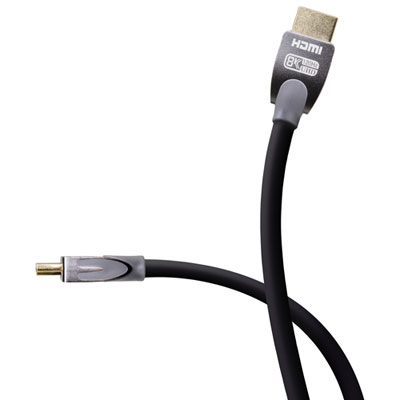
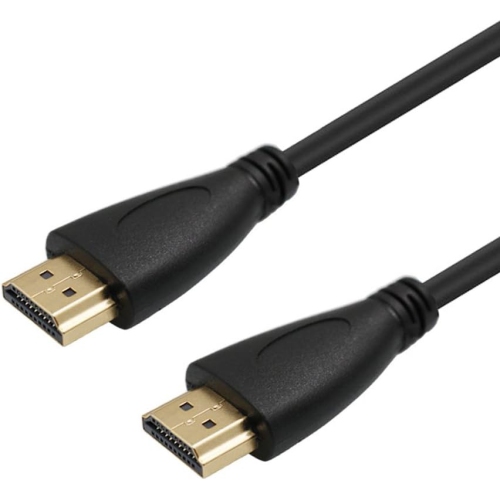
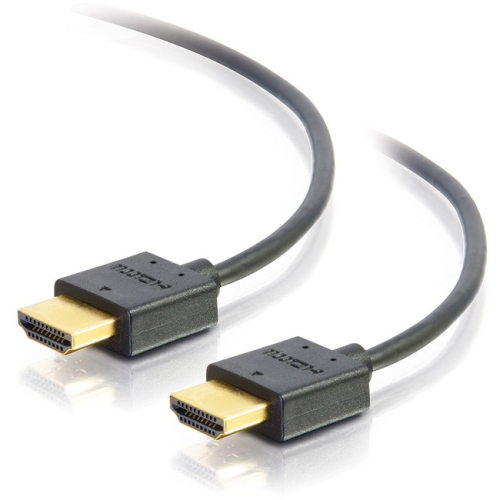
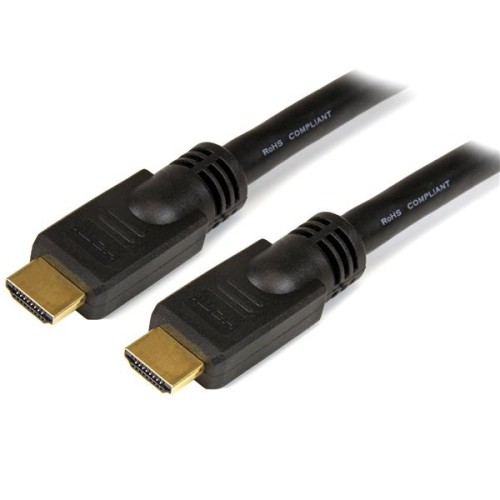
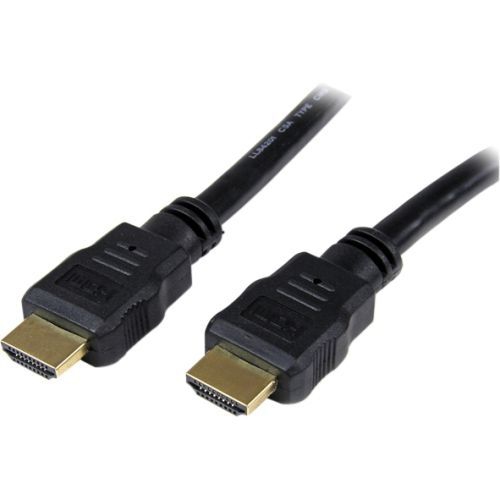
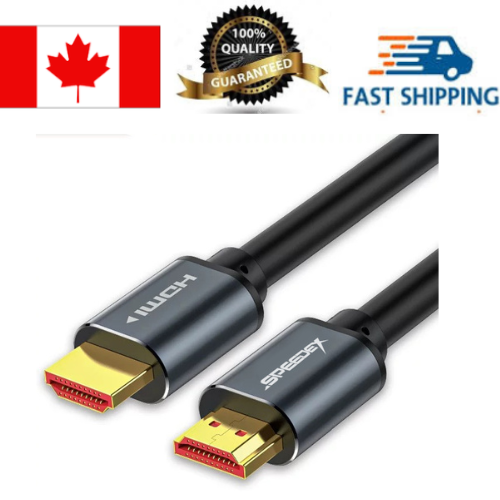
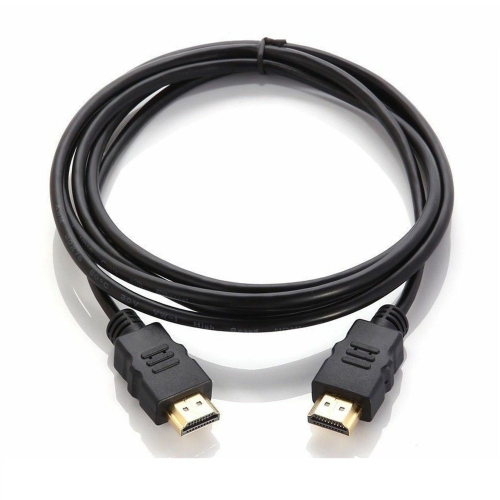
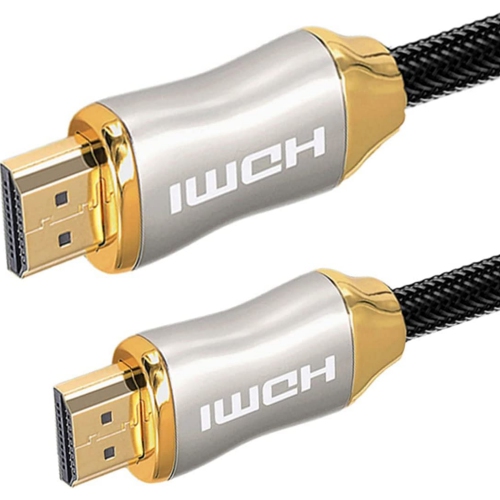
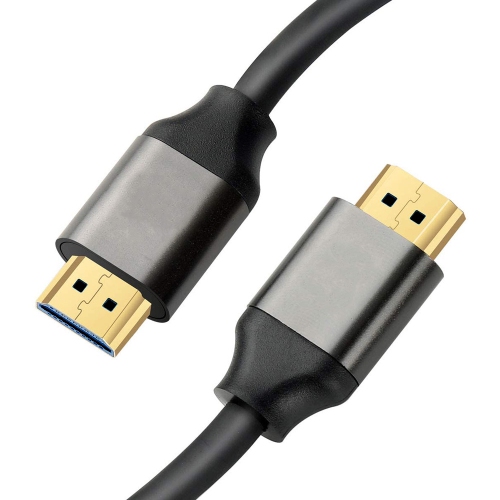
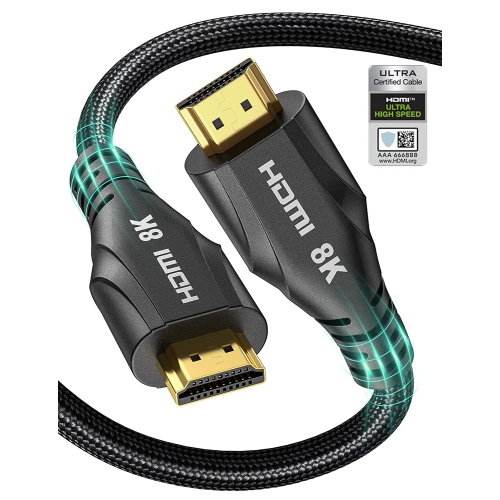
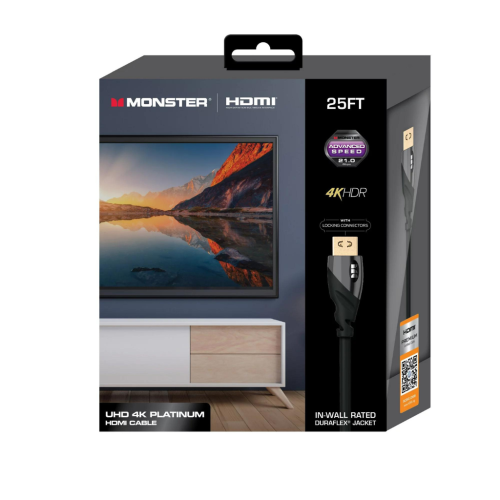
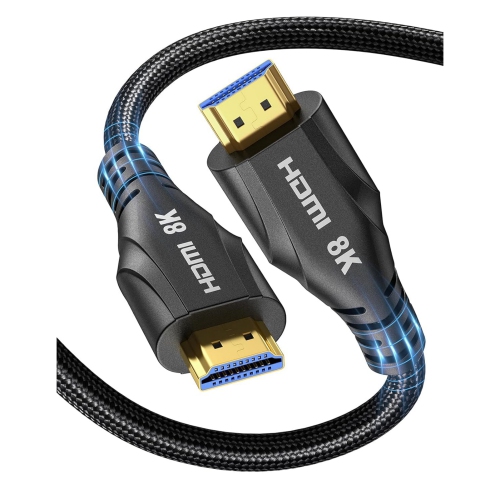
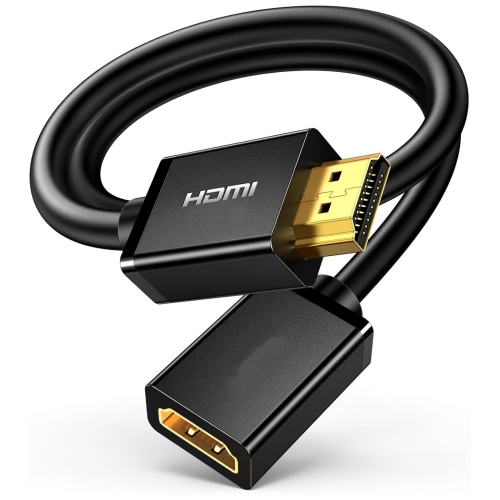
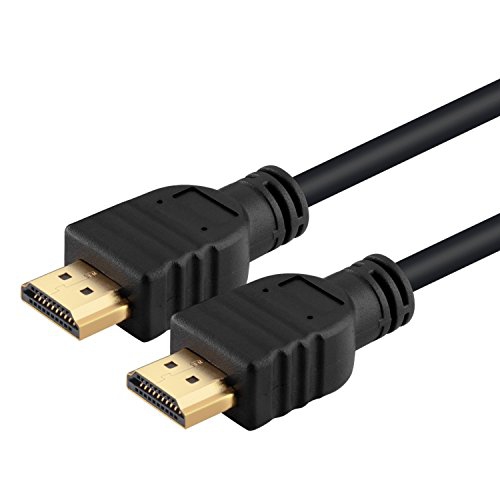
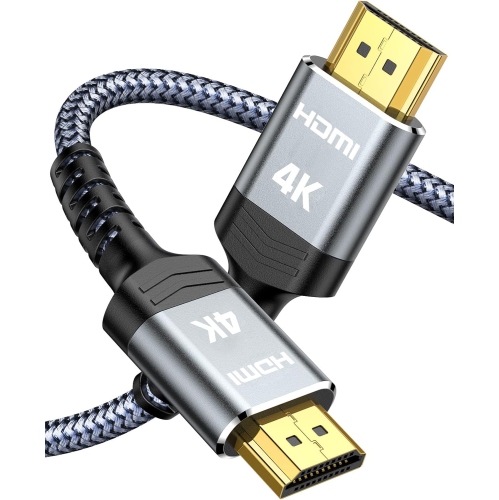
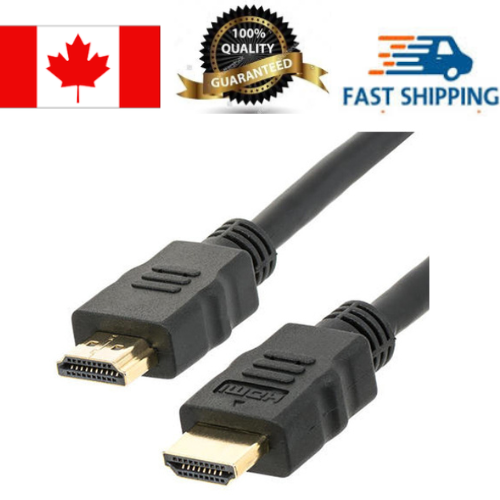
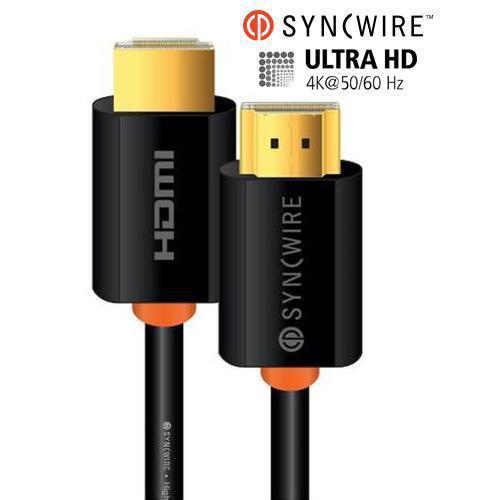
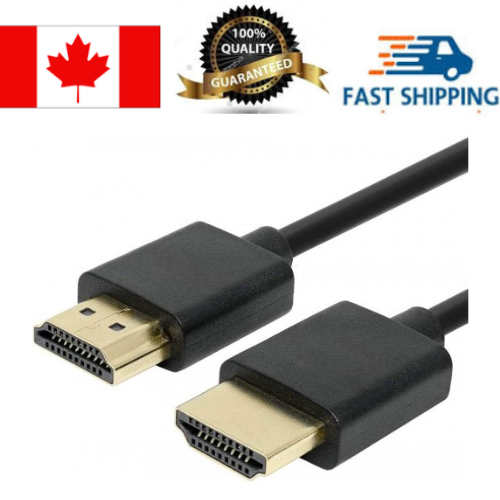
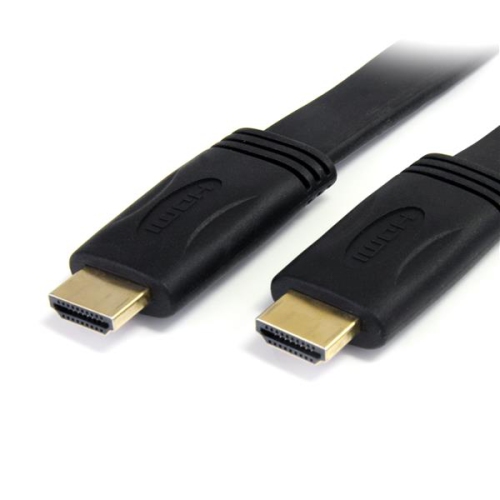
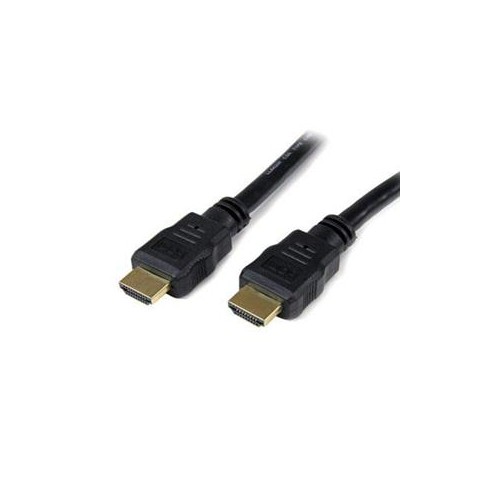
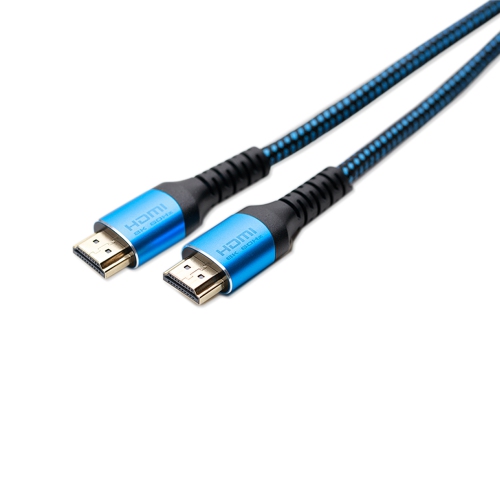
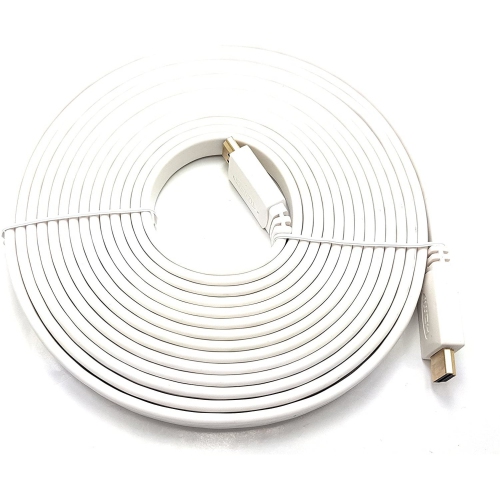
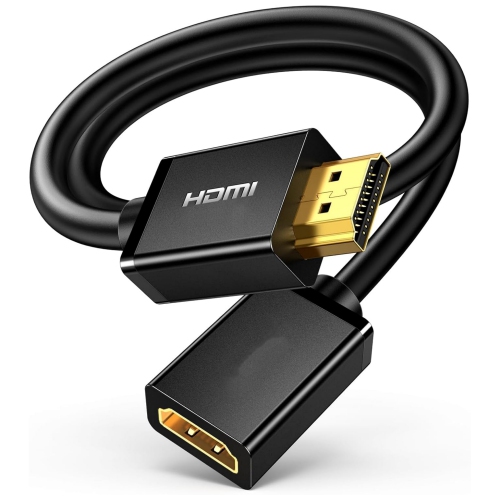
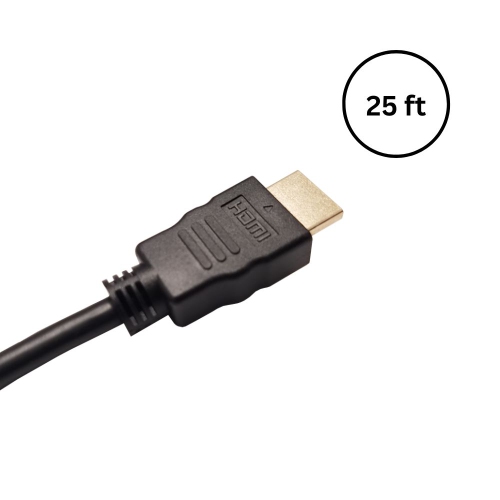
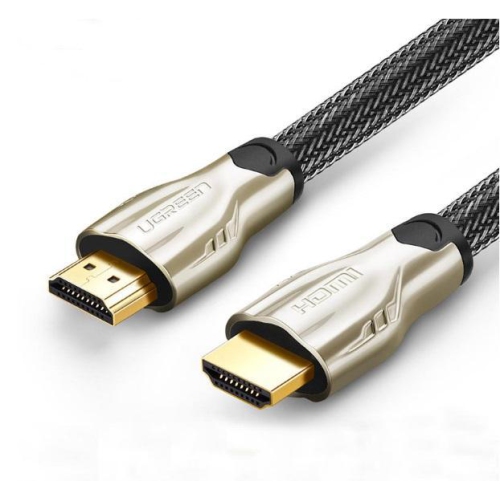
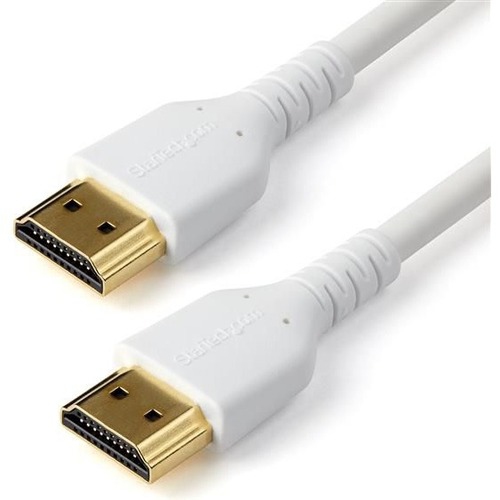
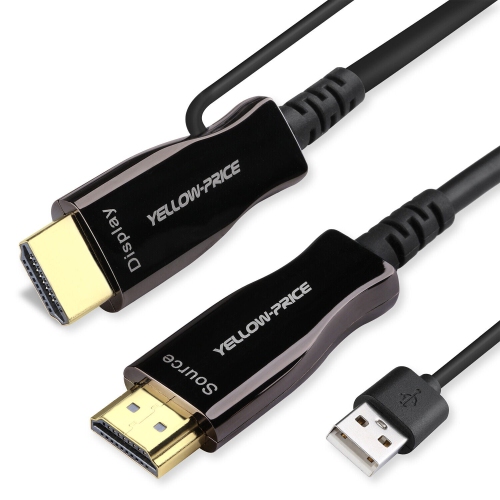
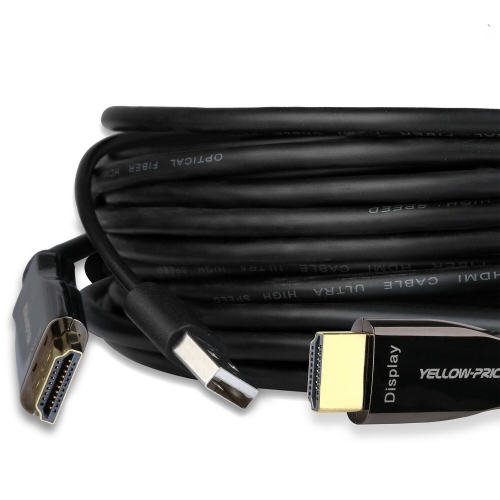
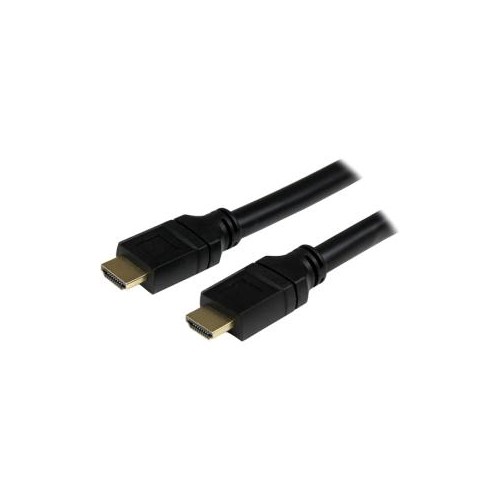
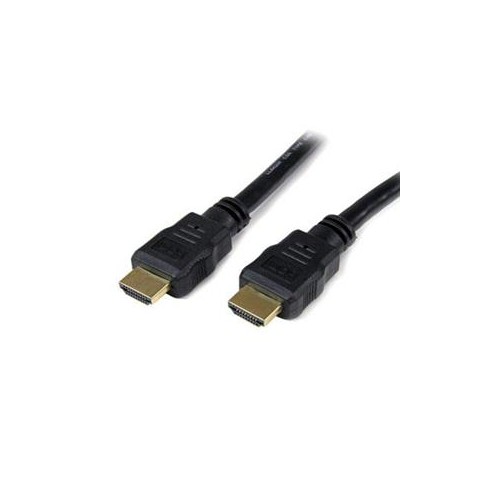
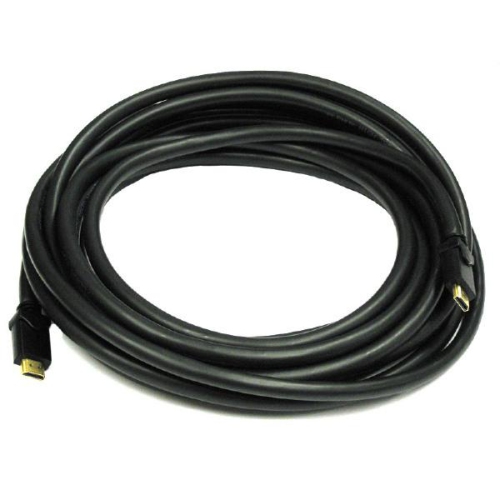
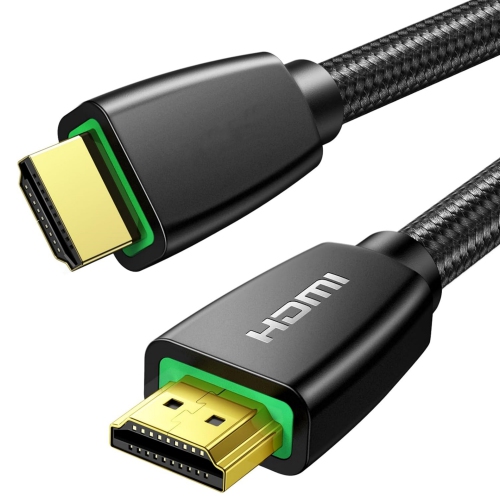
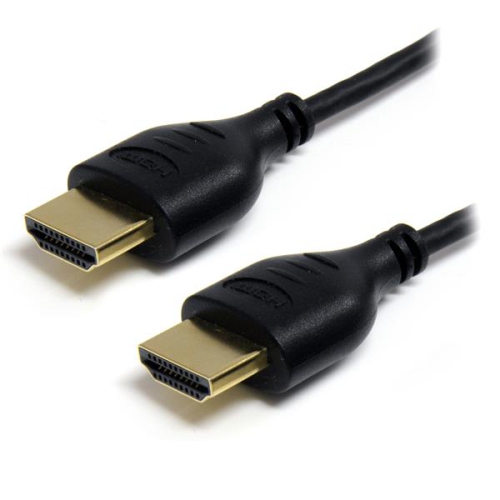
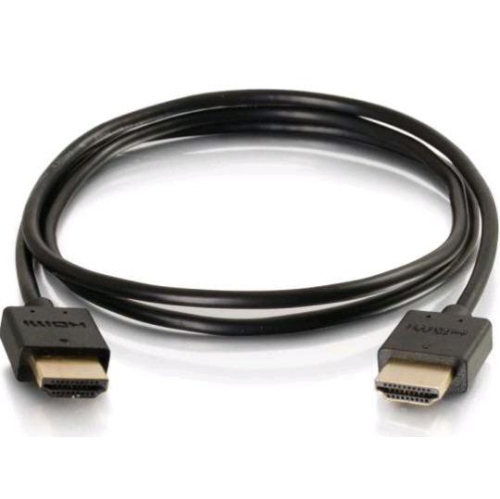
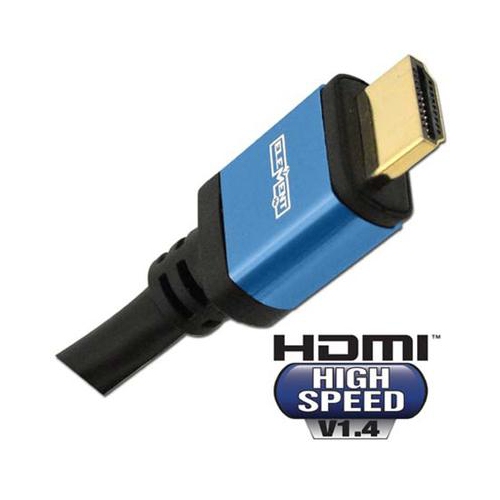
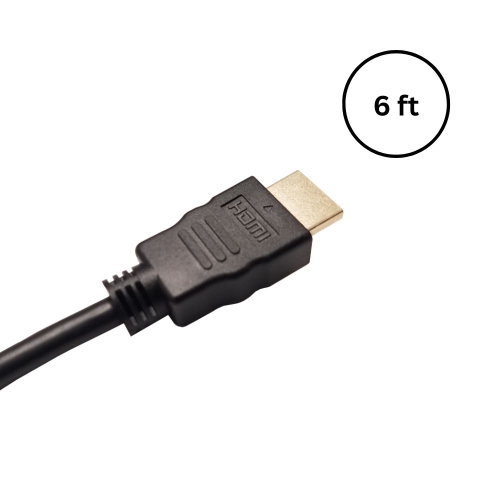
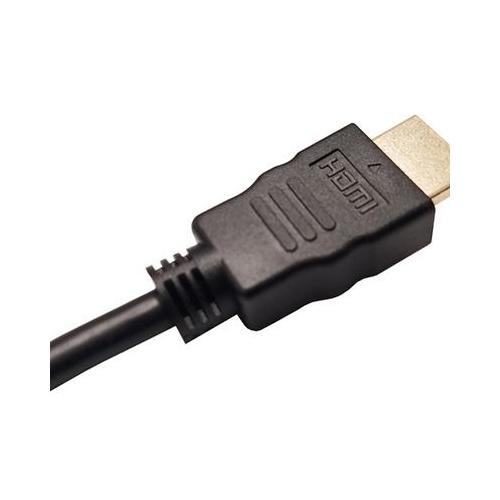
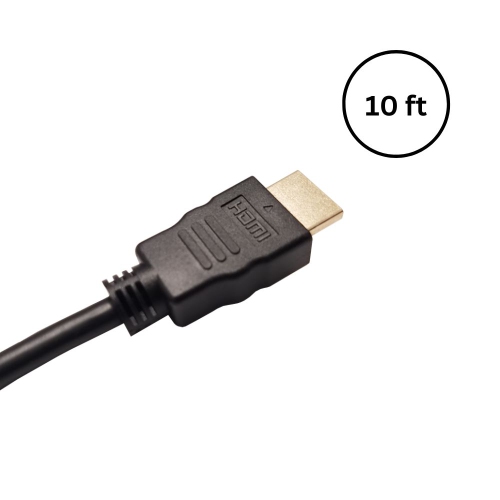
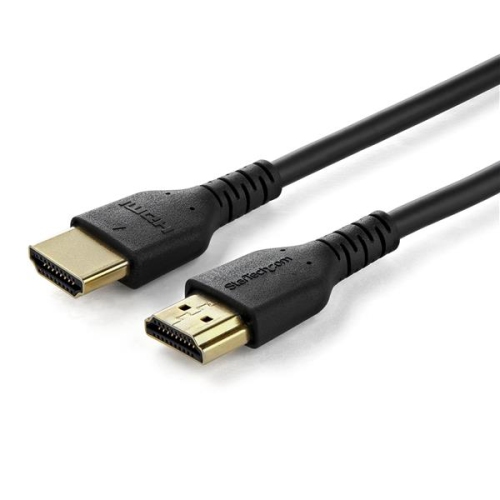
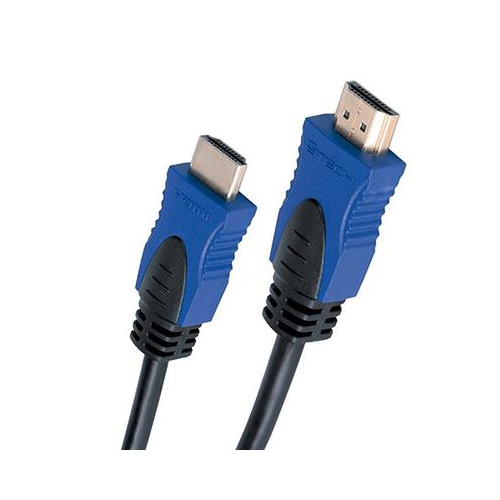
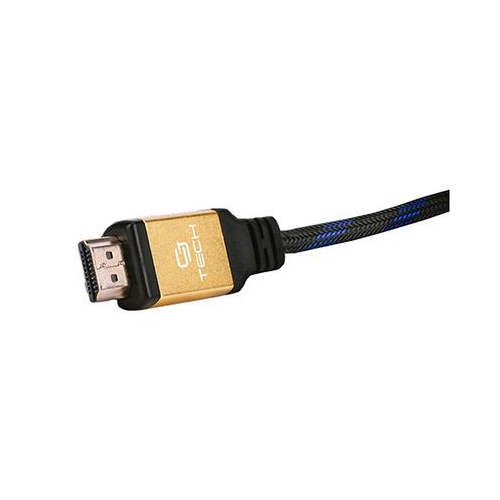
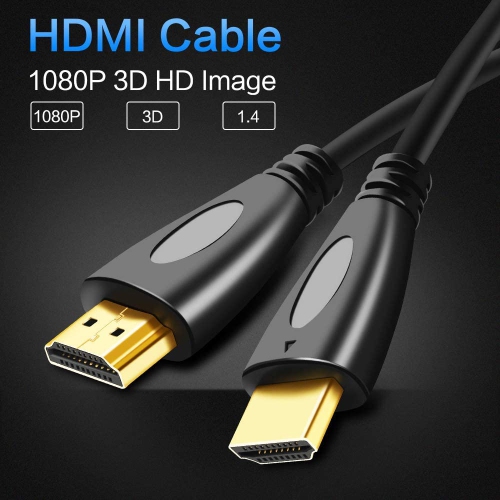
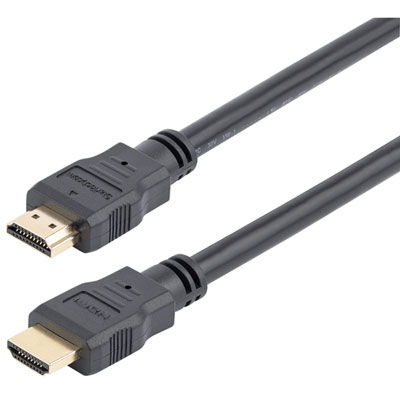
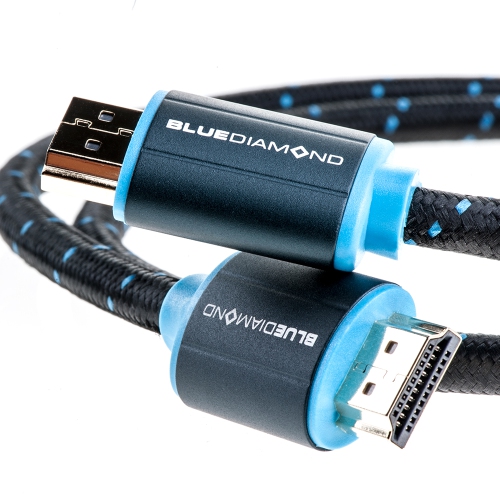
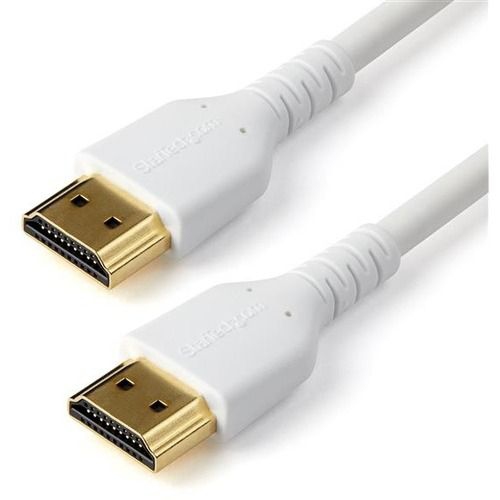
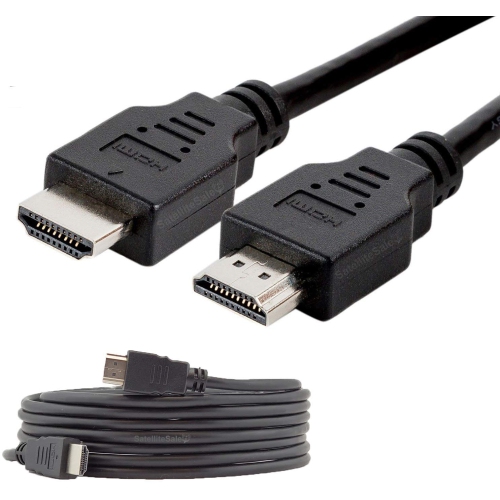
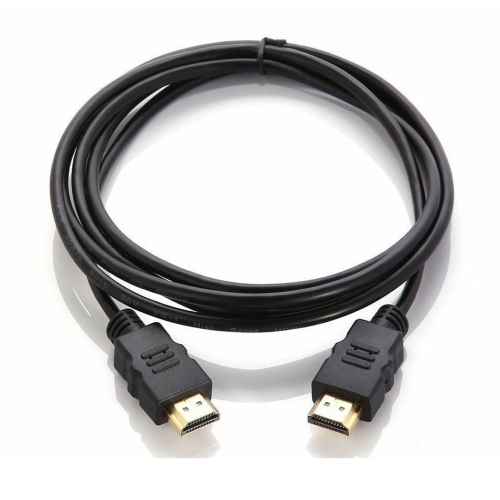
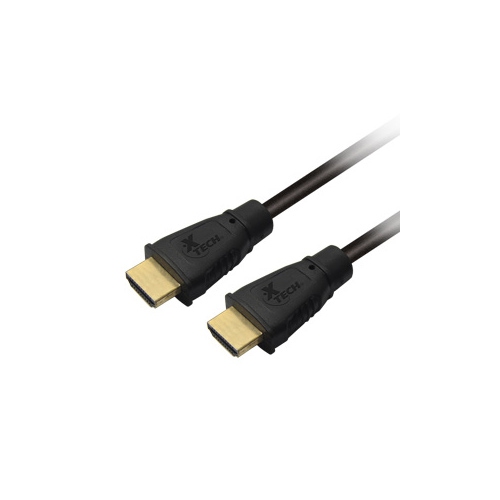
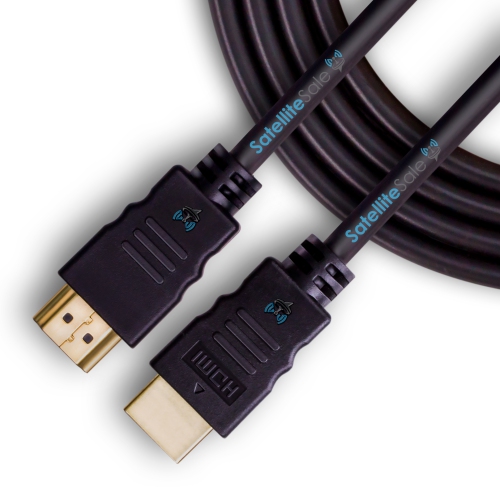
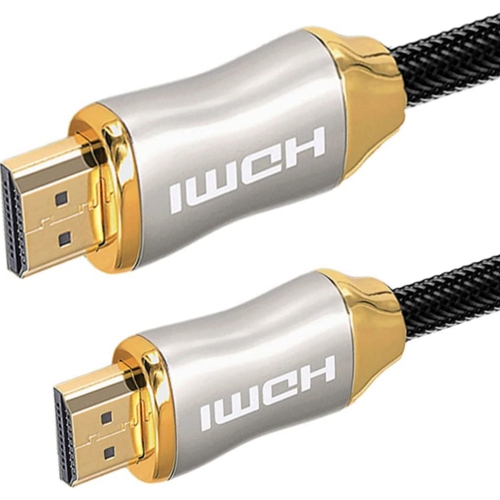
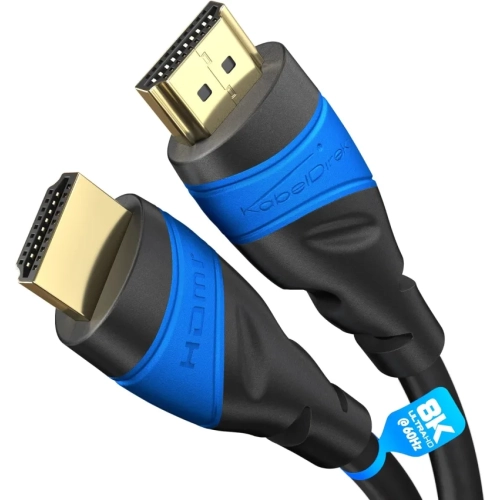
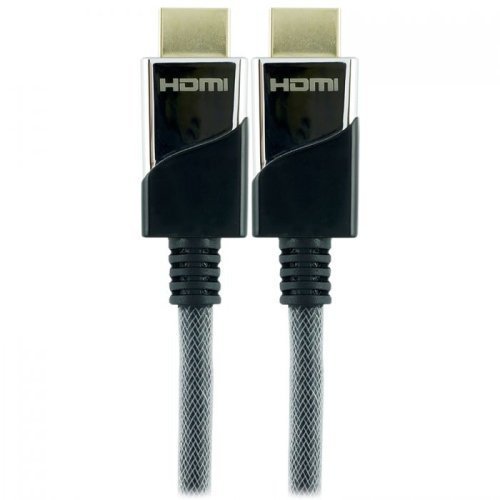
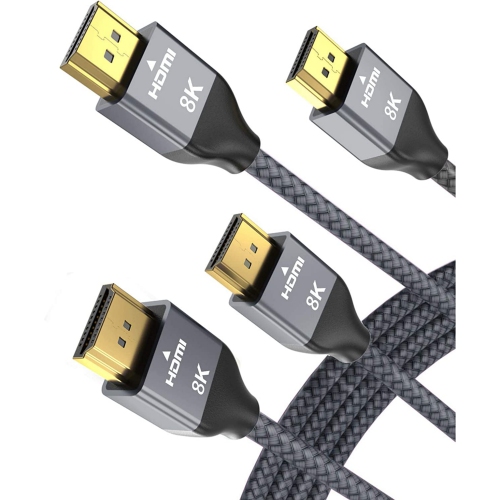
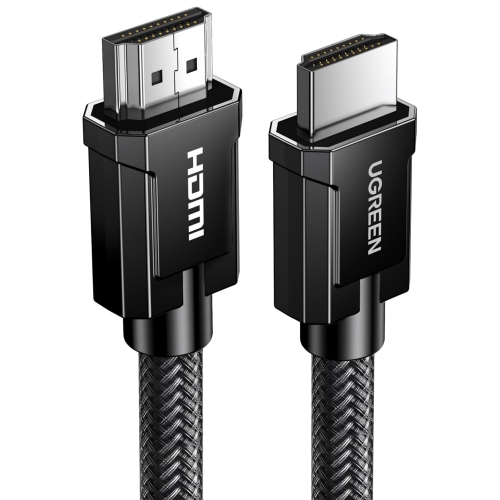
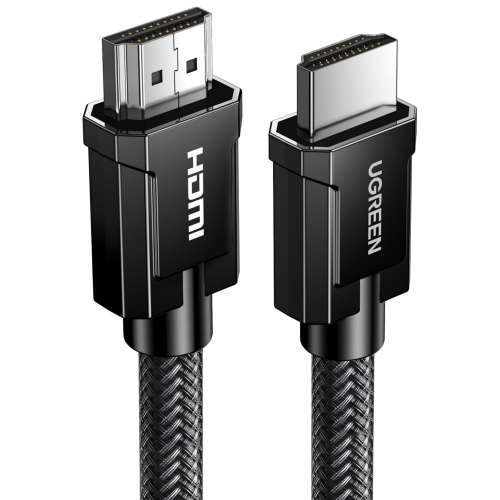
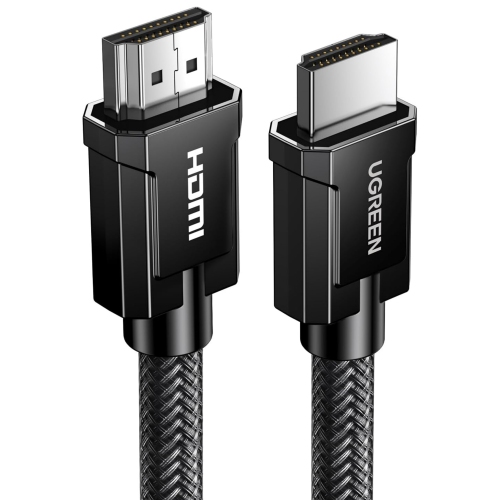
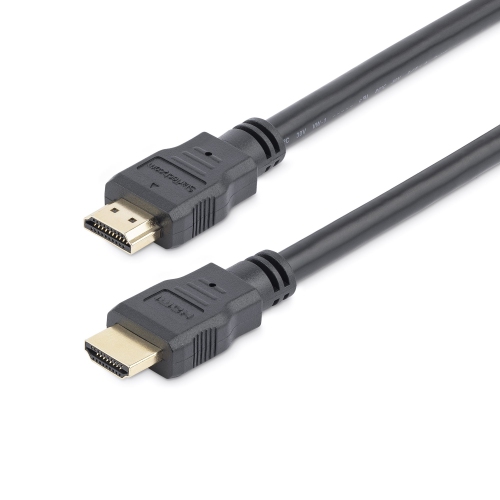
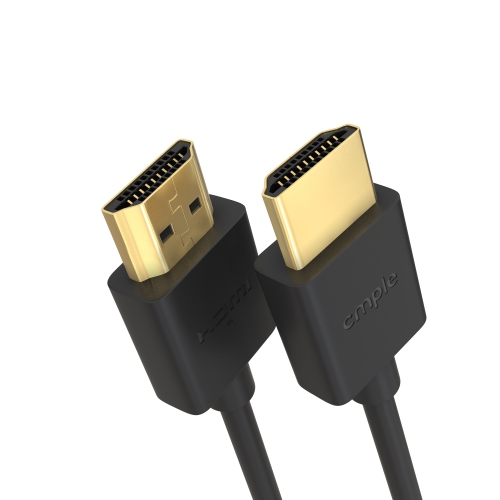
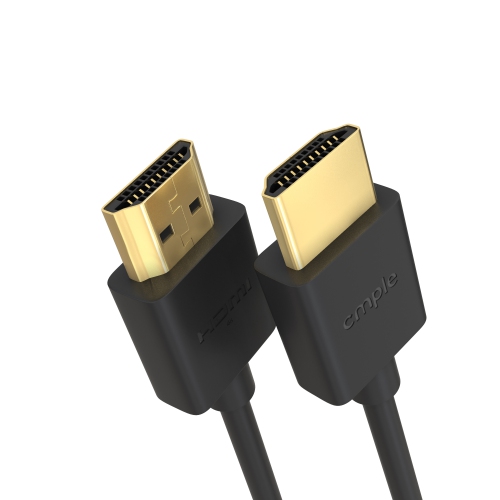
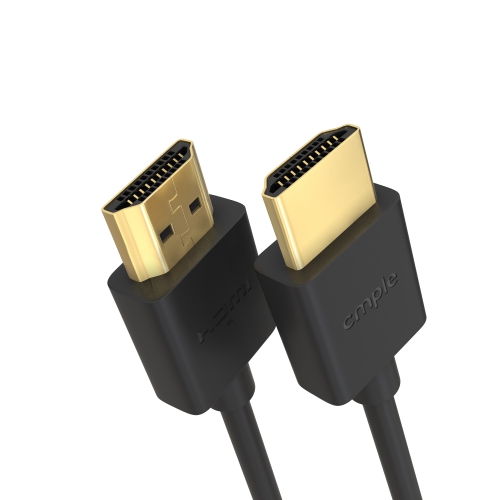
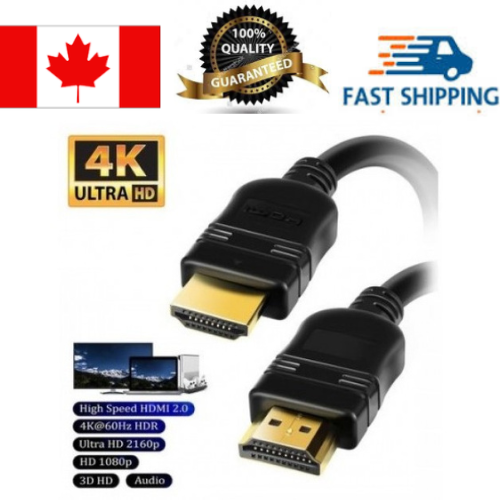
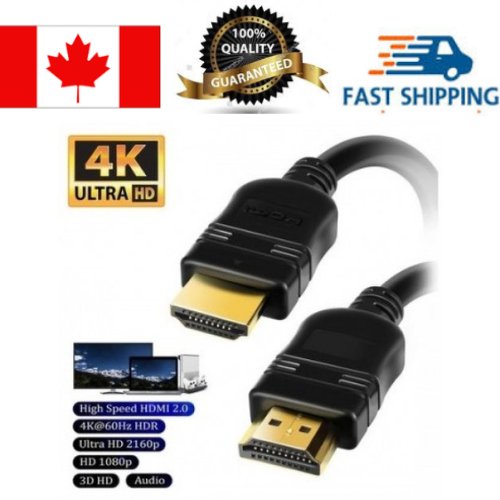
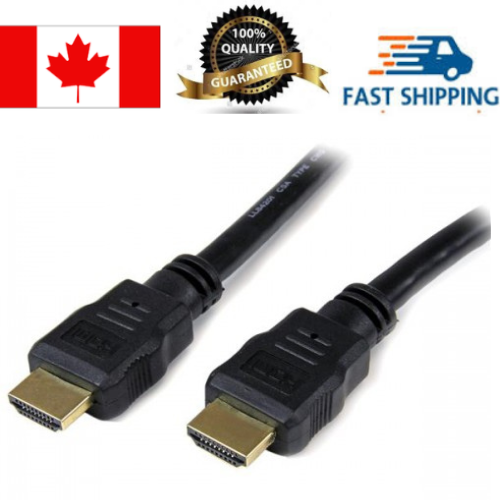
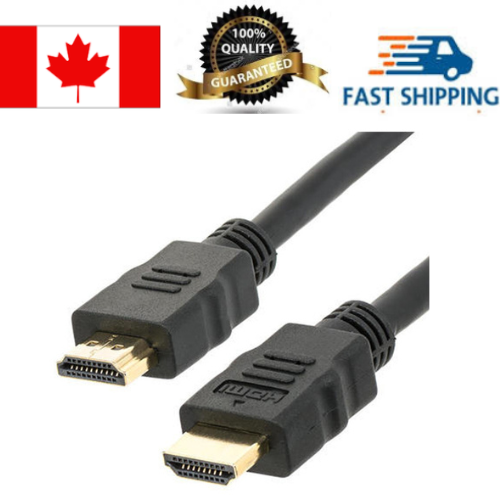
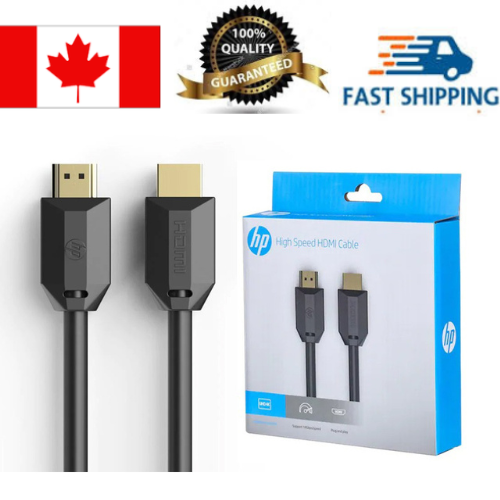
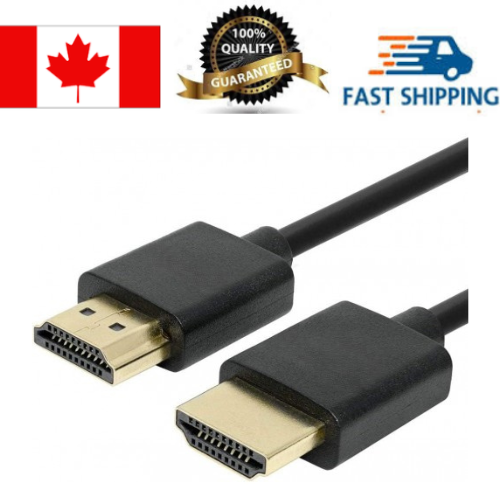
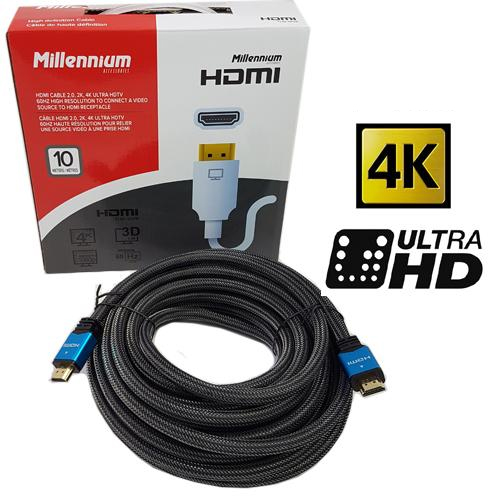
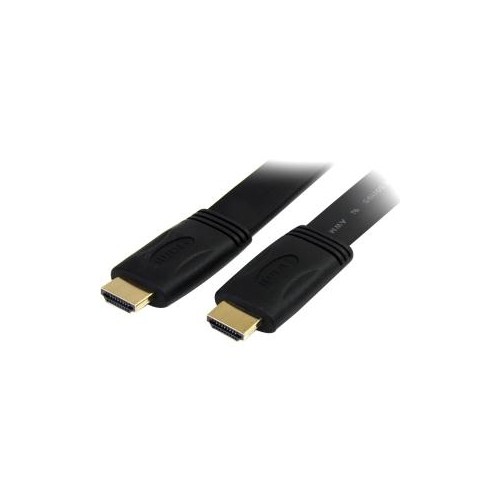
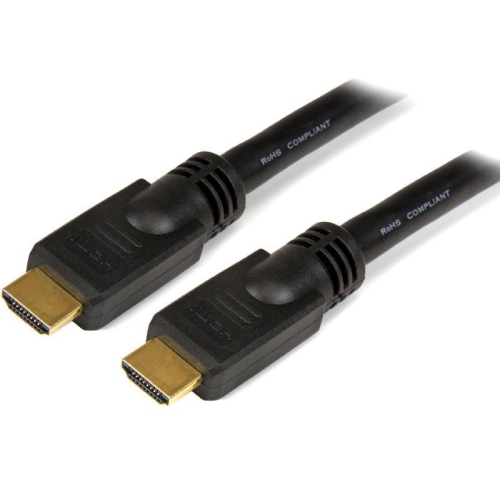
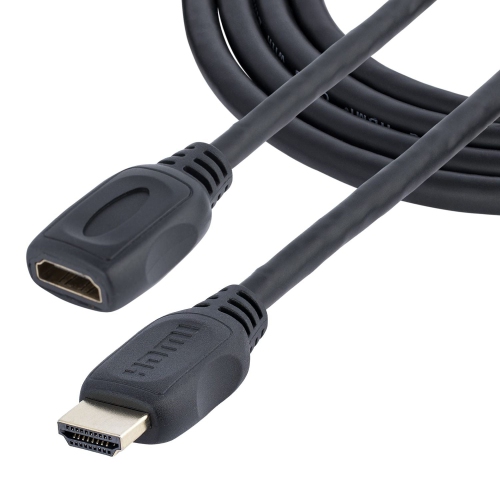
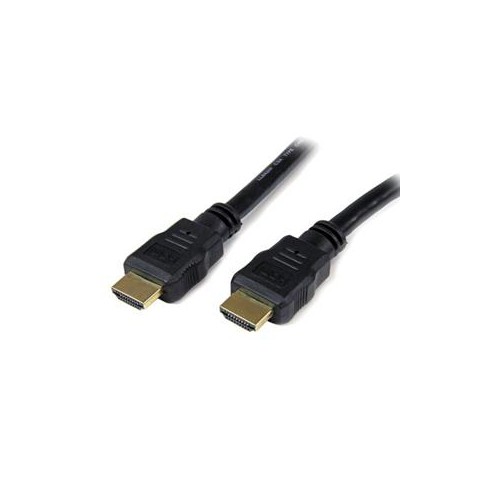
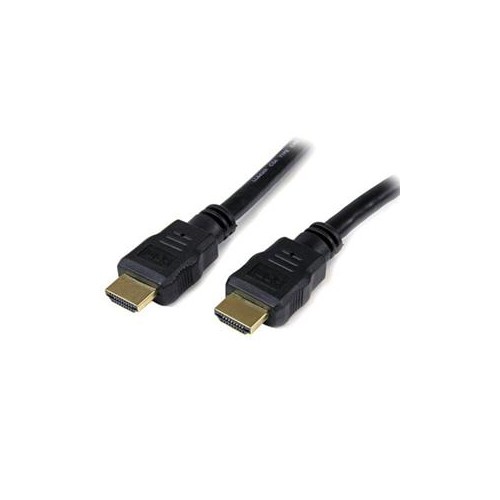
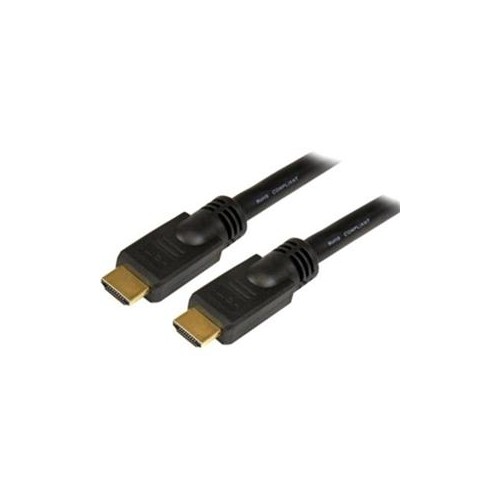
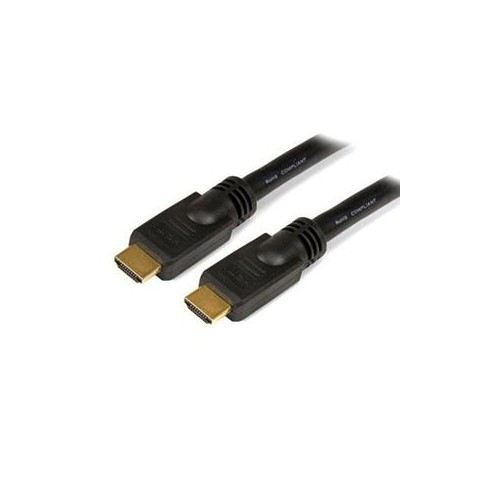
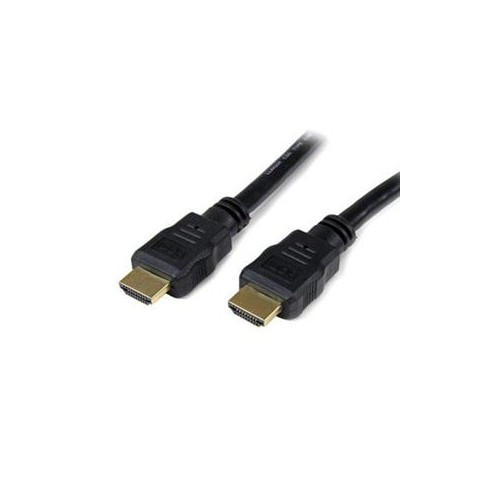
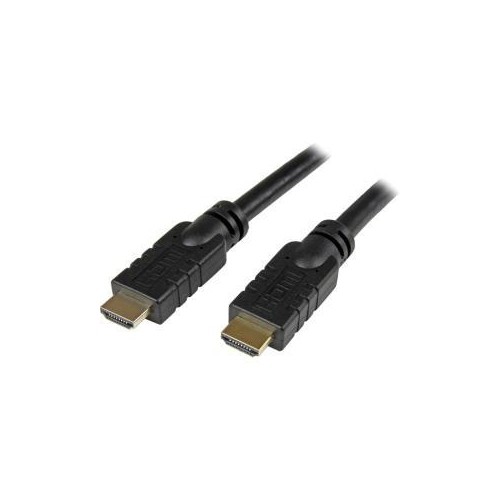
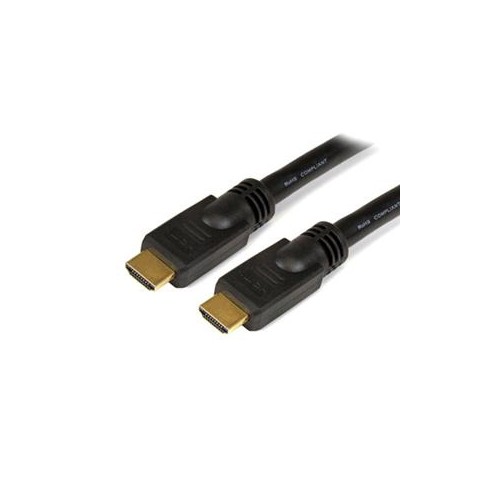
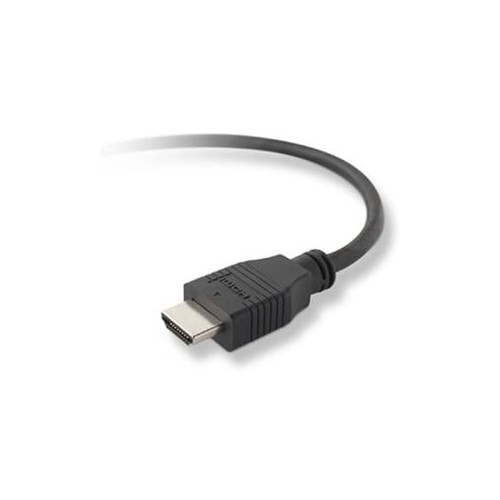
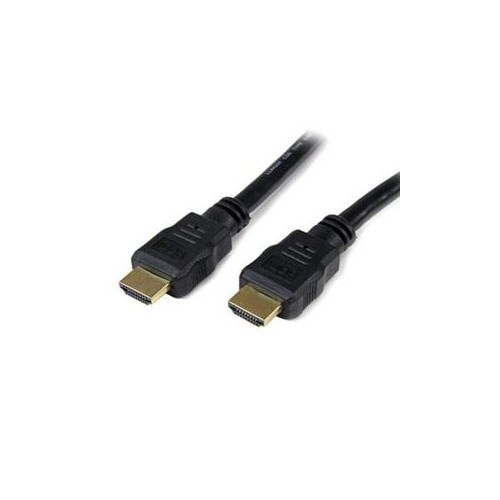
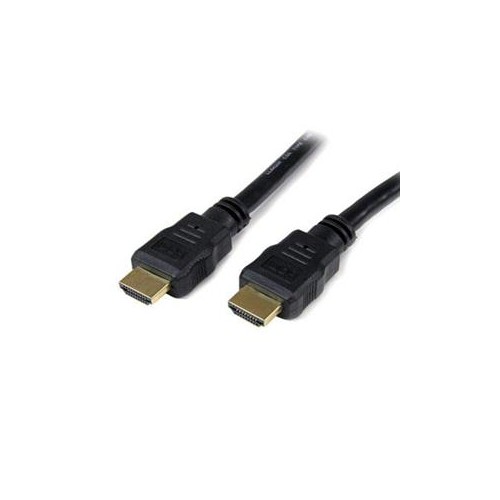
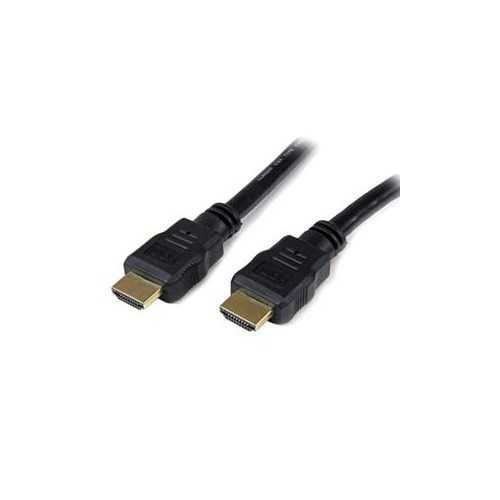
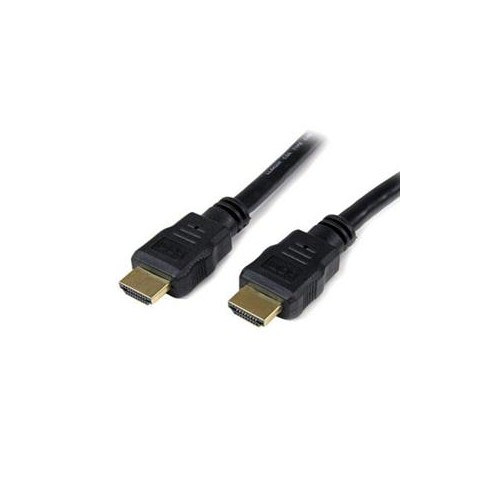
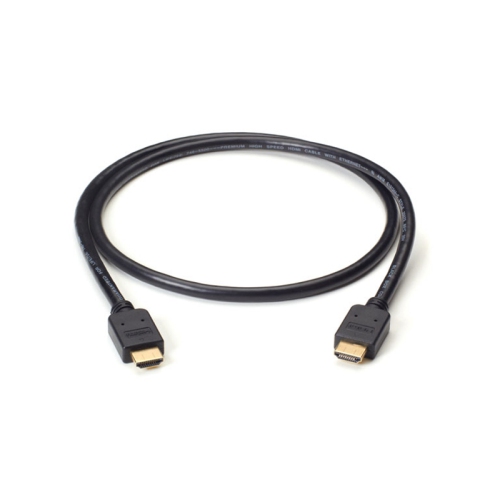
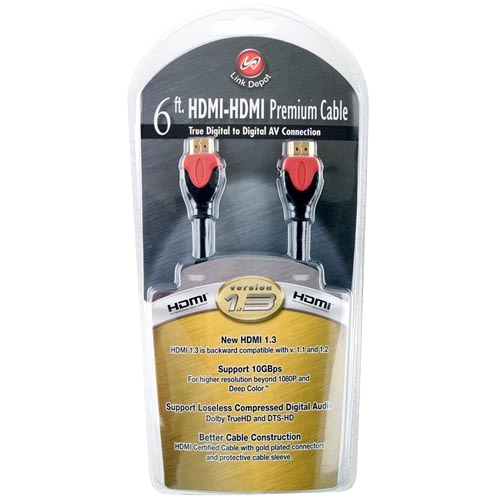
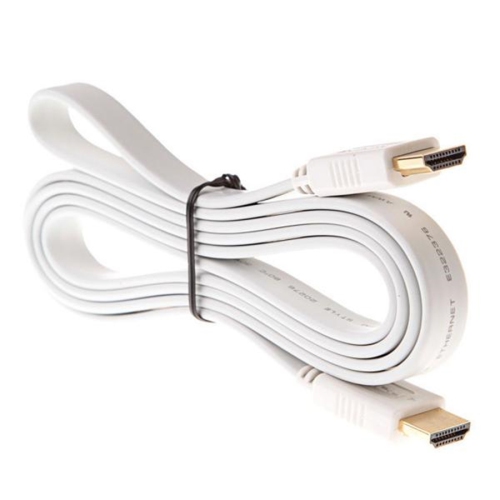
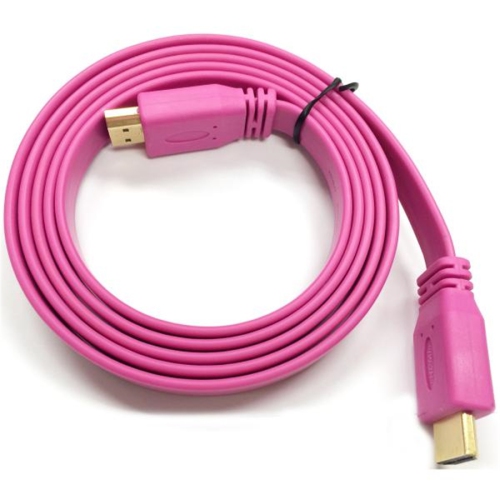
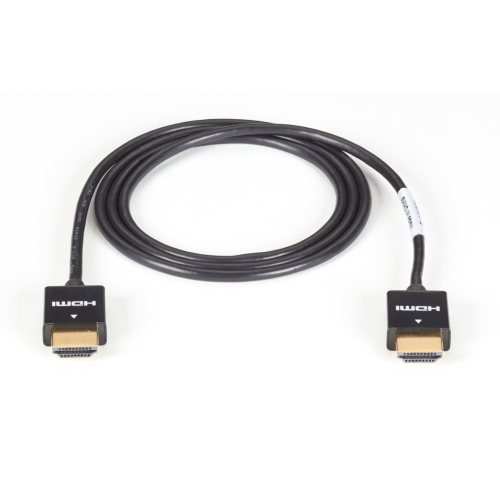
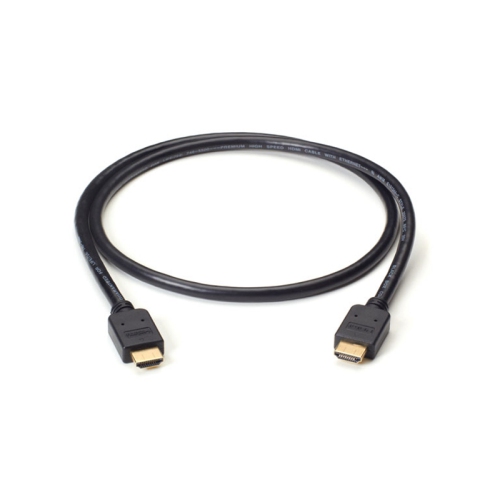
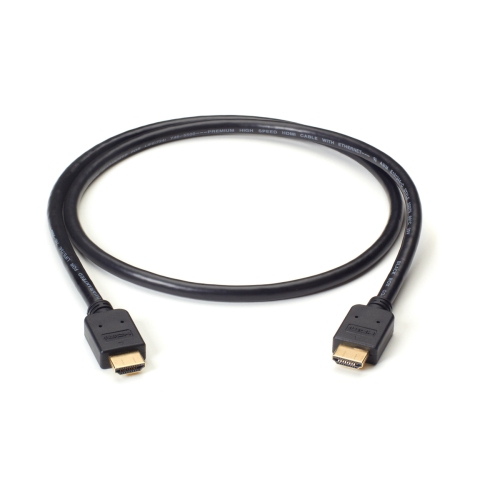
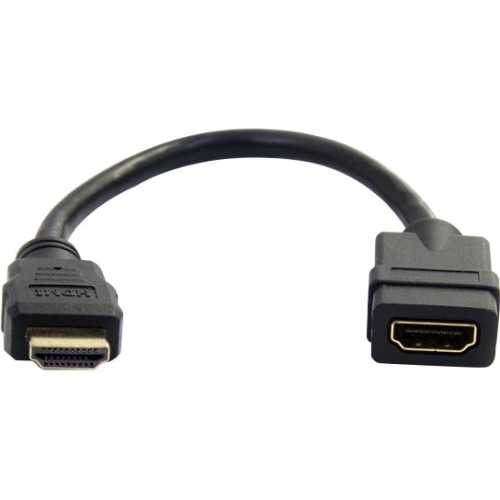
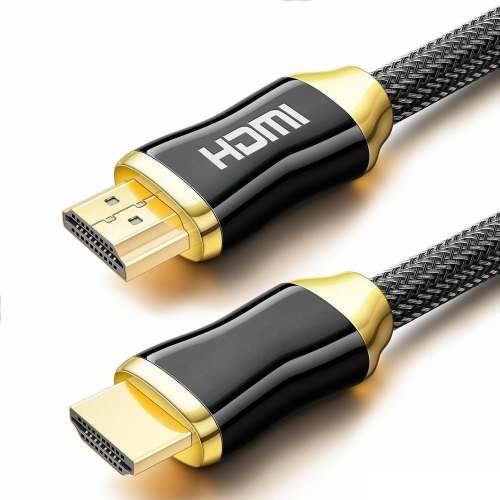
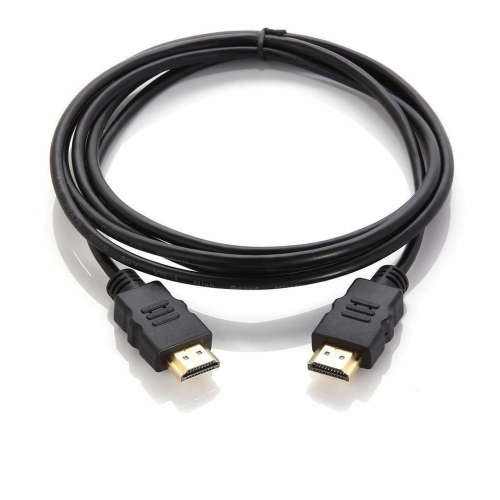
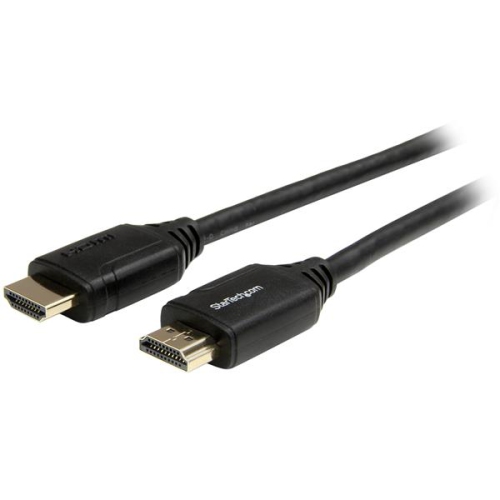
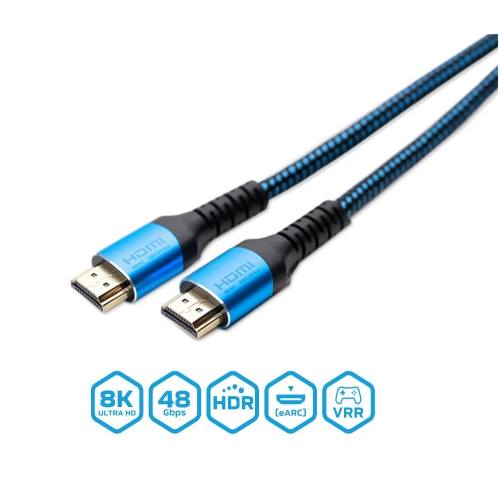
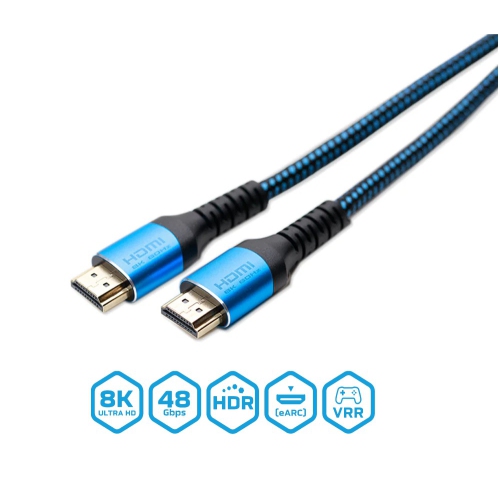
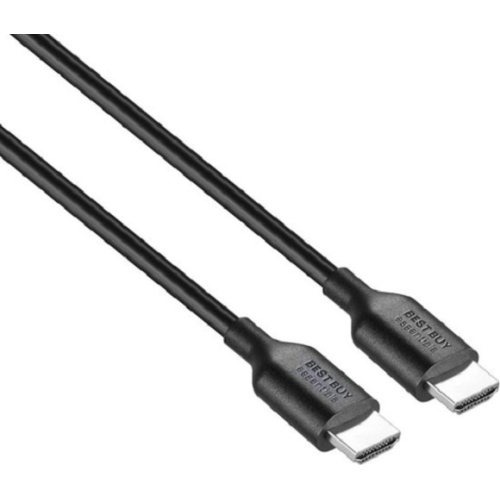
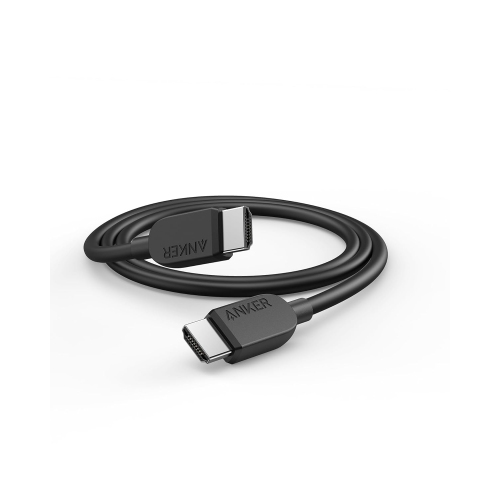
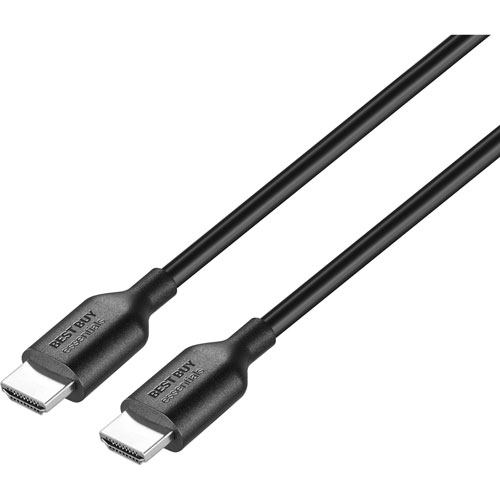
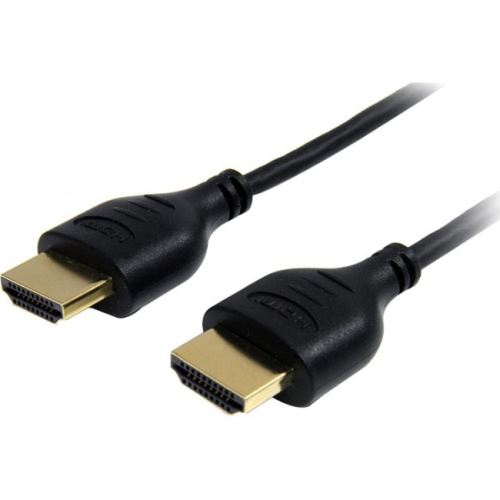
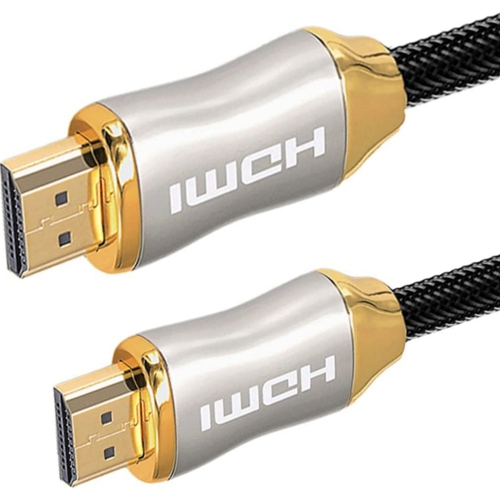
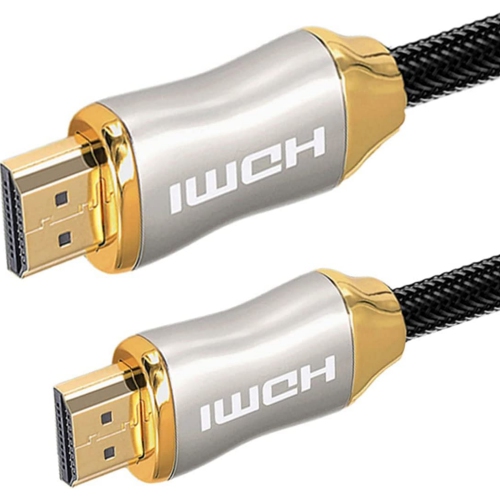
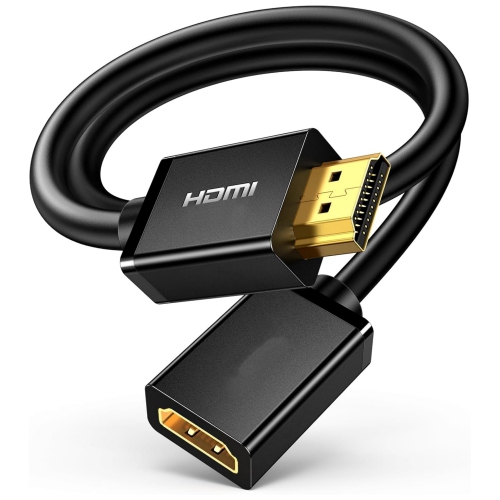
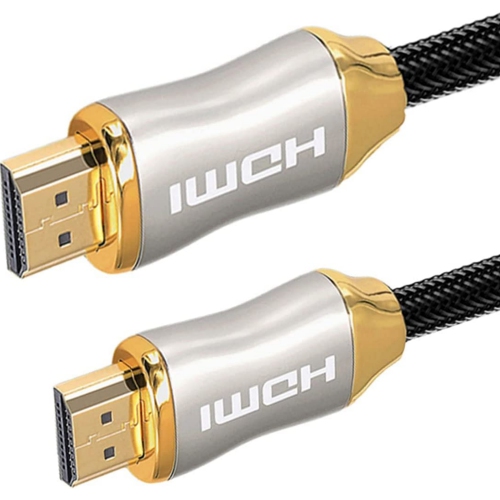
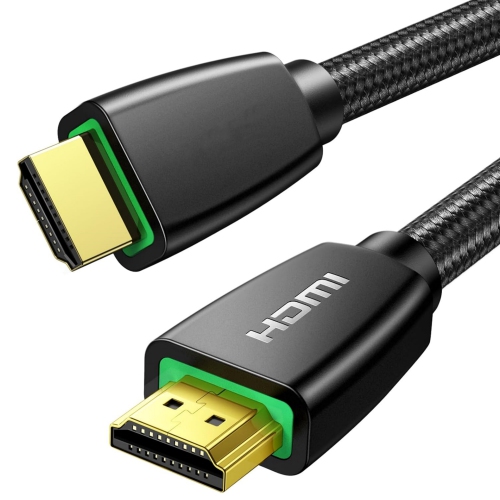
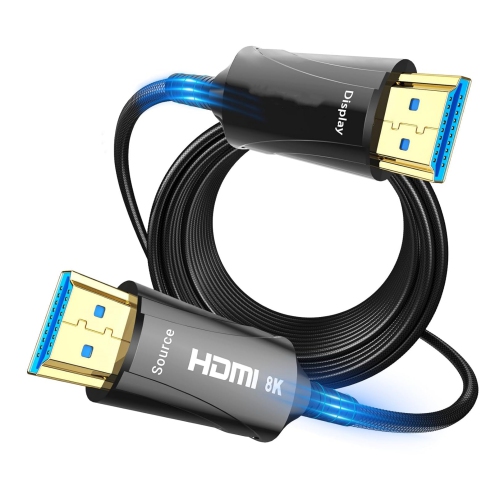
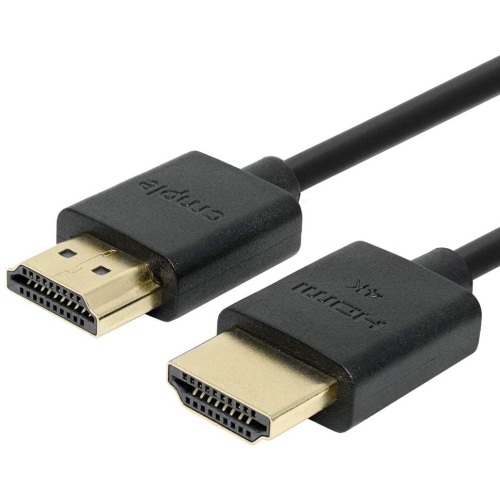
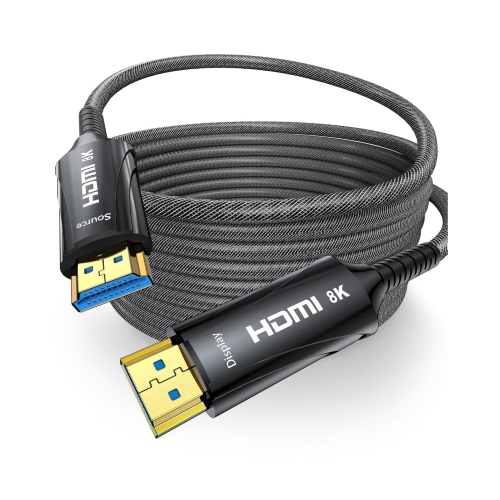
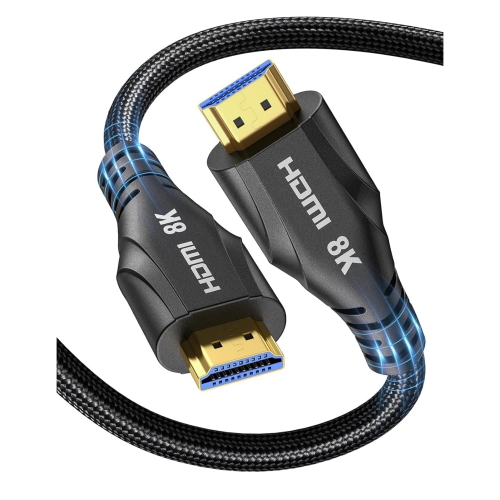
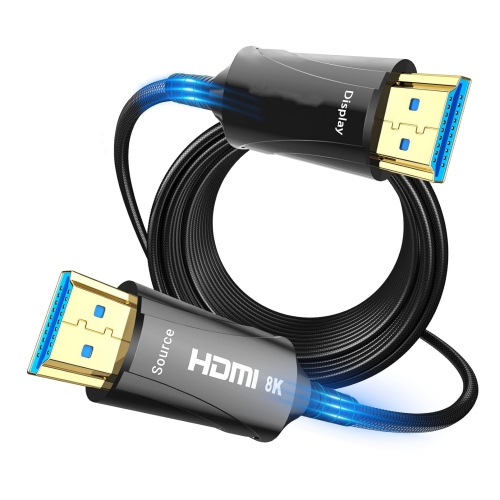
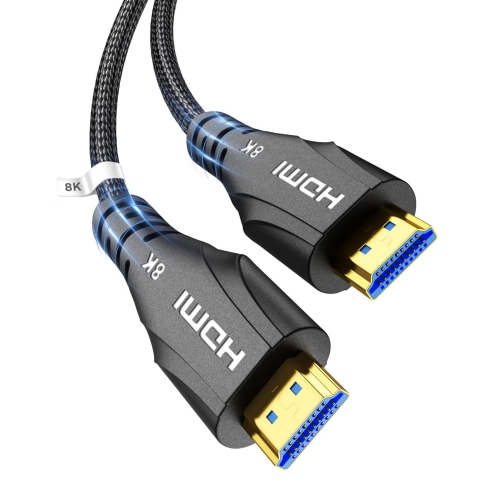
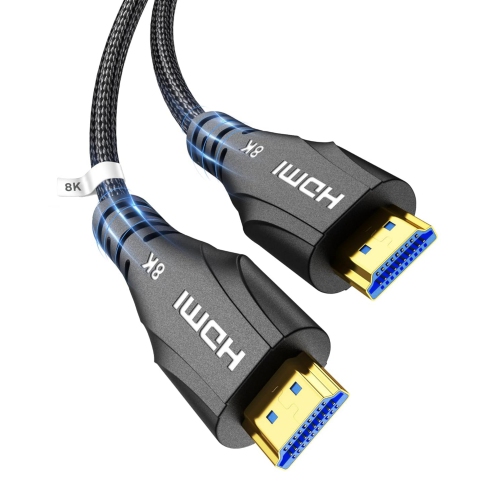
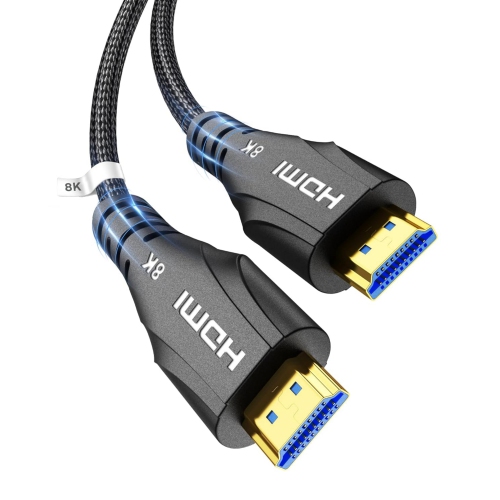
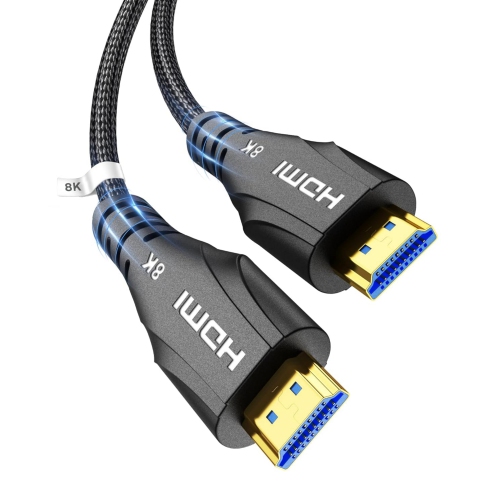
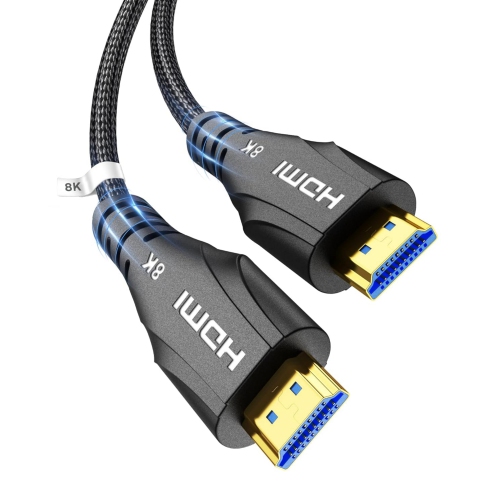
HDMI cables for PS4 Slim connect your console to an HDMI-equipped TV or monitor, carrying video and audio through a single cable. Whether you need a replacement or a spare, look for standard HDMI connectors at both ends, support for 1080p video, and a length that comfortably reaches between your console and display.
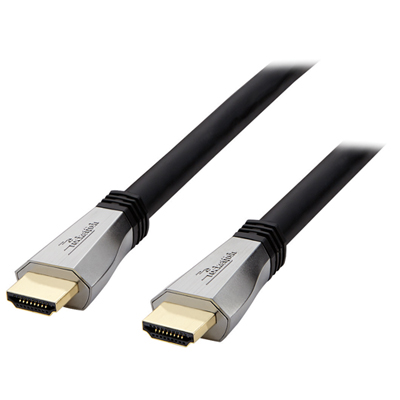
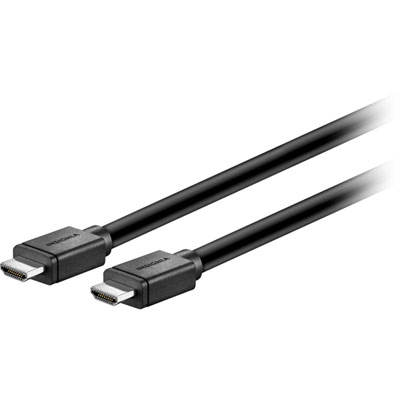
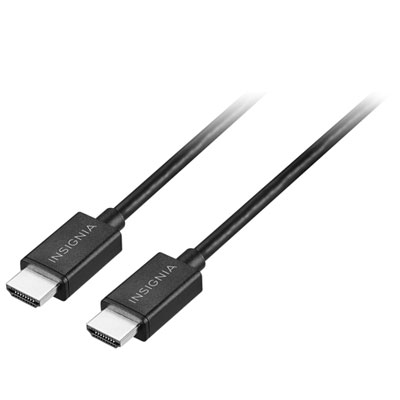
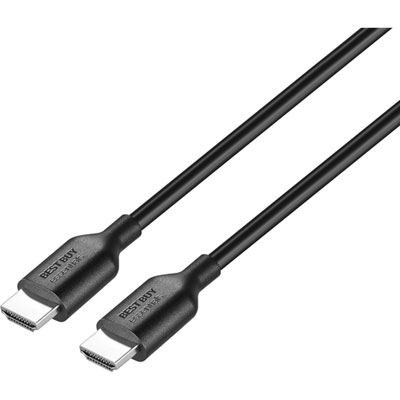
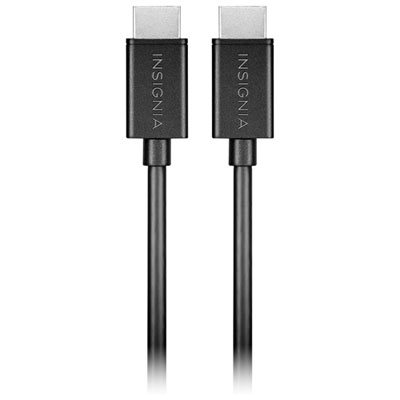
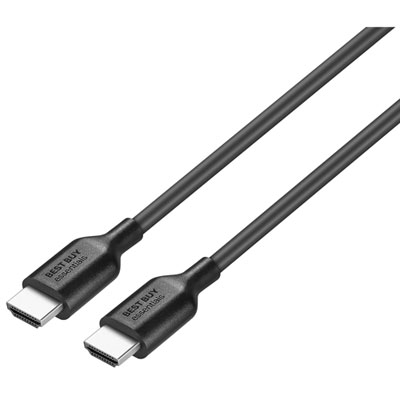
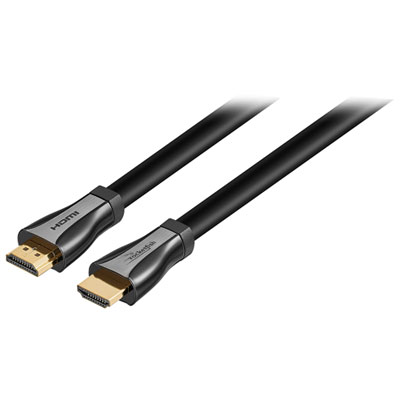
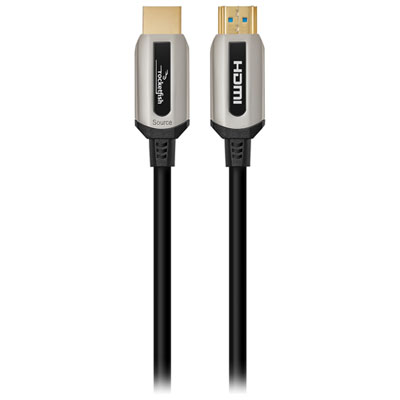


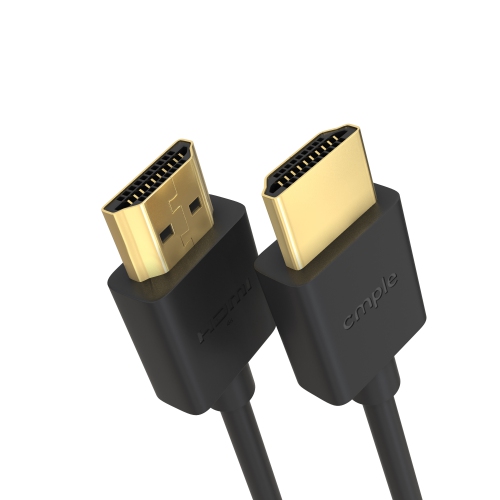
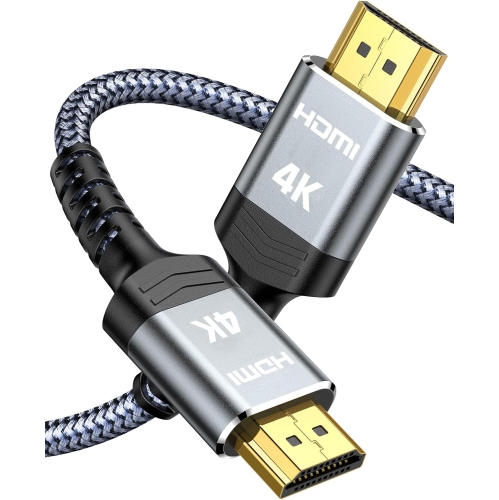
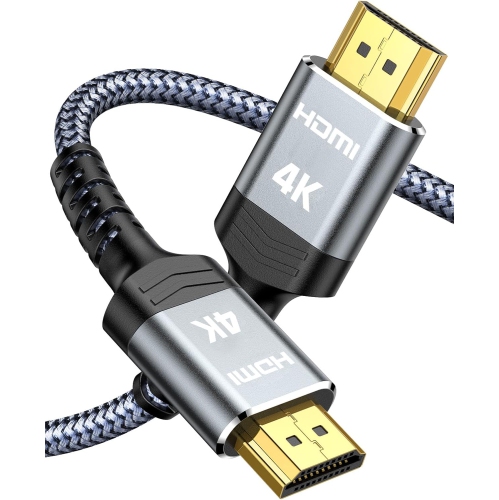
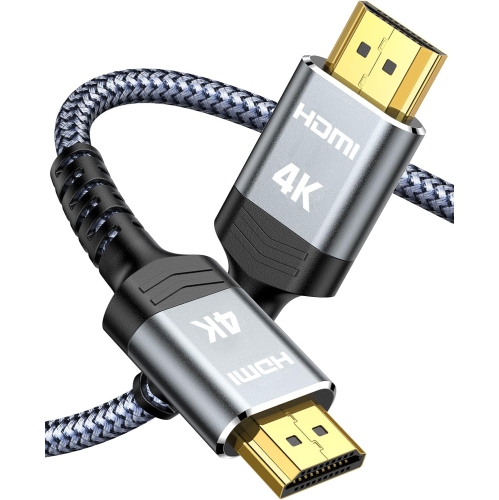
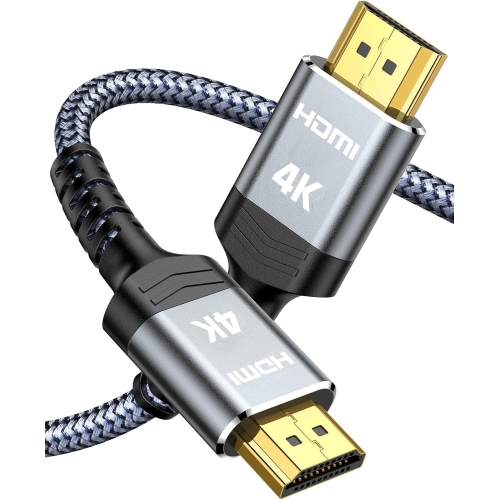
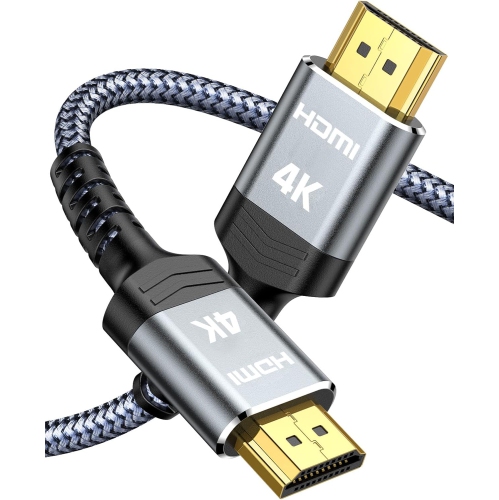
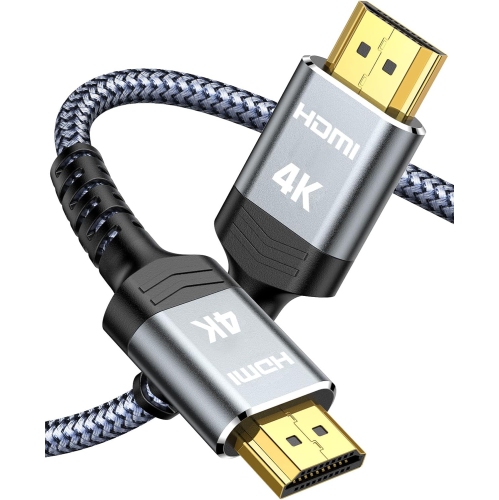
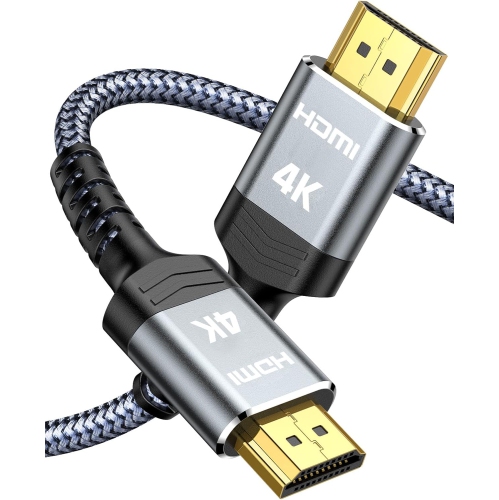
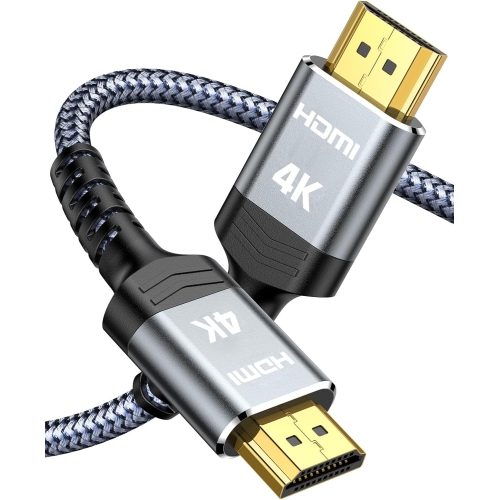
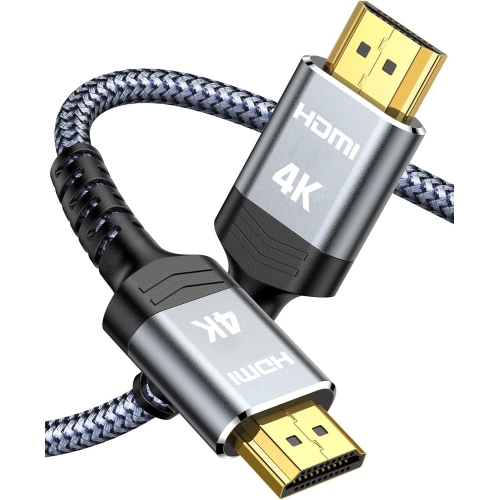
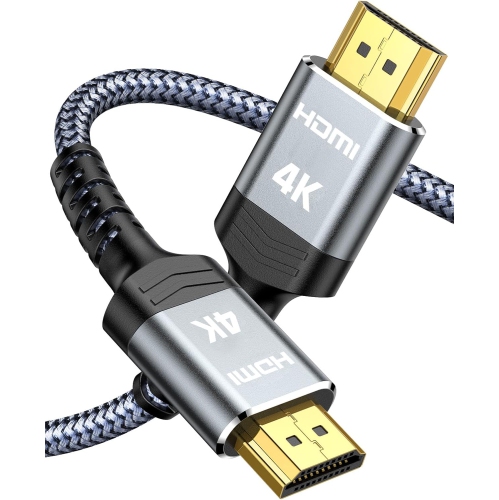
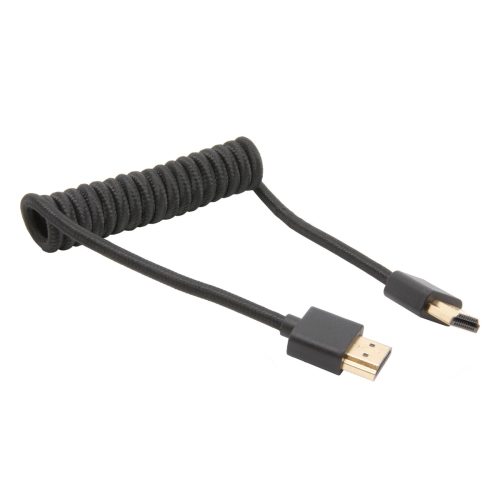
![CSMART [10Ft / 3M] HDMI to HDMI Cable 4K HD Transmission Audio Video Data Male to Male Cable](https://multimedia.bbycastatic.ca/multimedia/products/500x500/179/17905/17905321.jpeg)



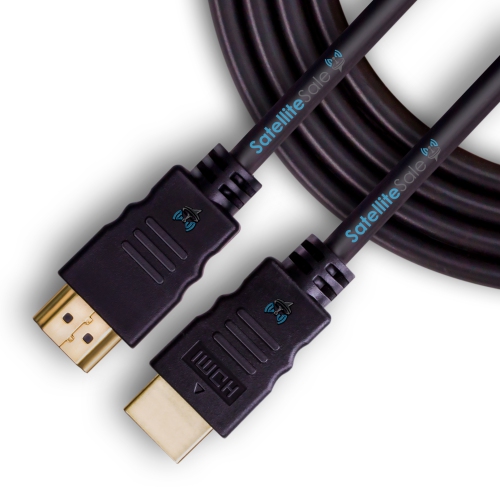
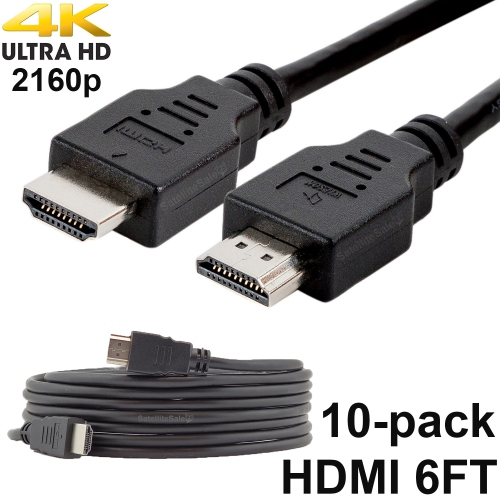
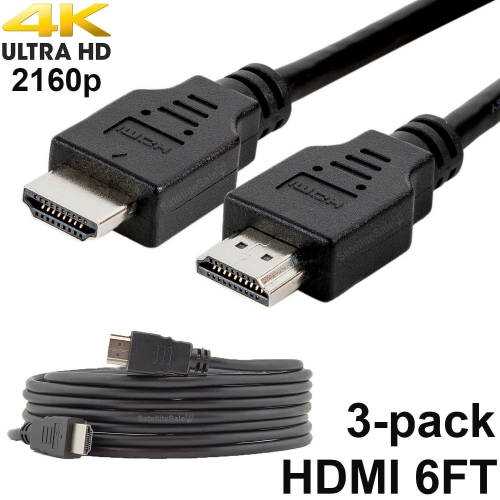
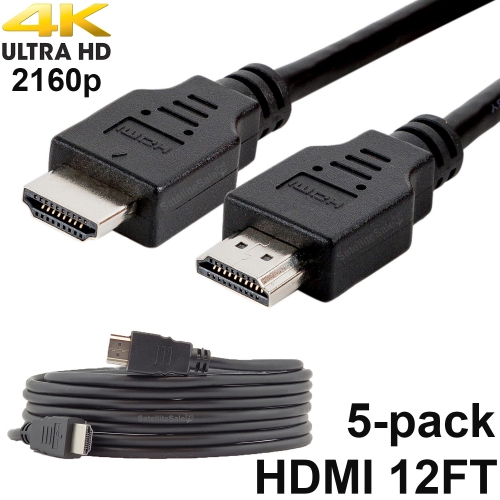
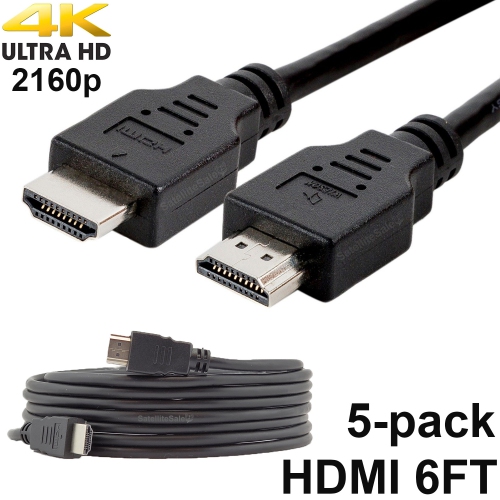
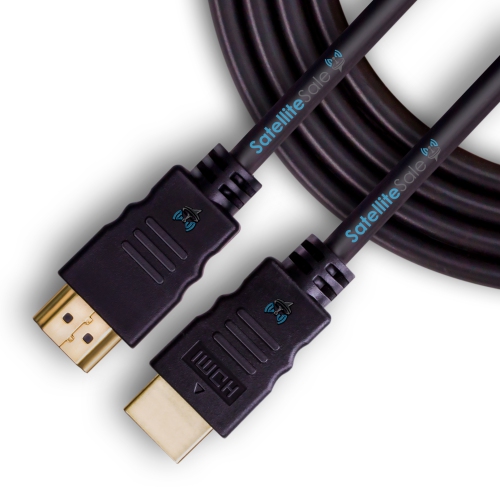
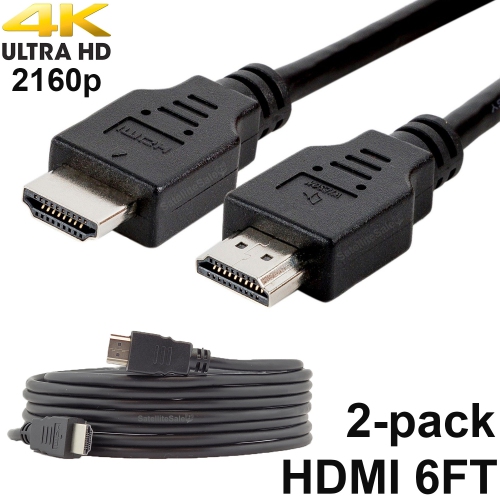
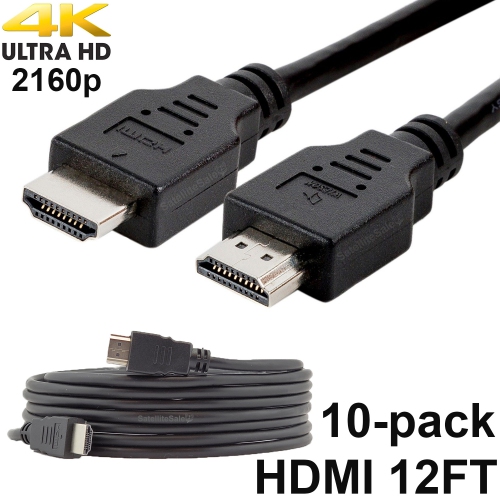






FAQ
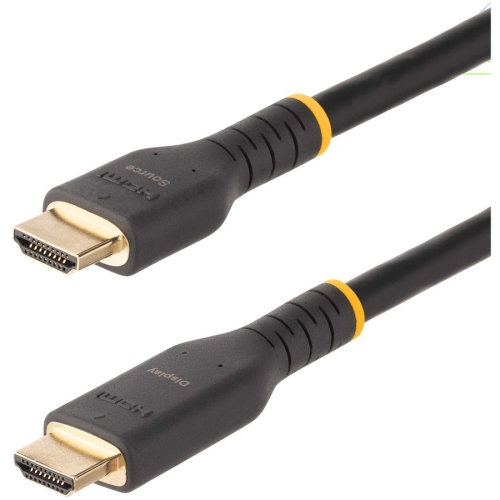
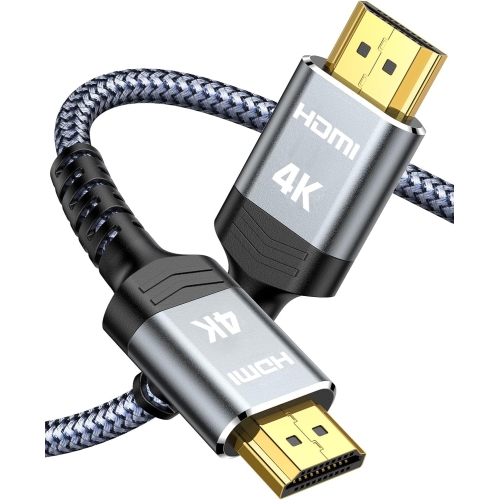
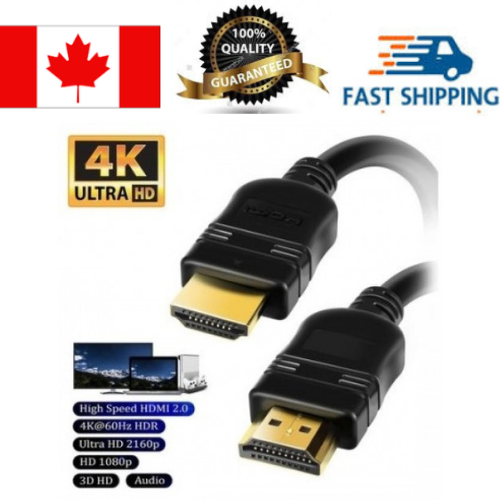
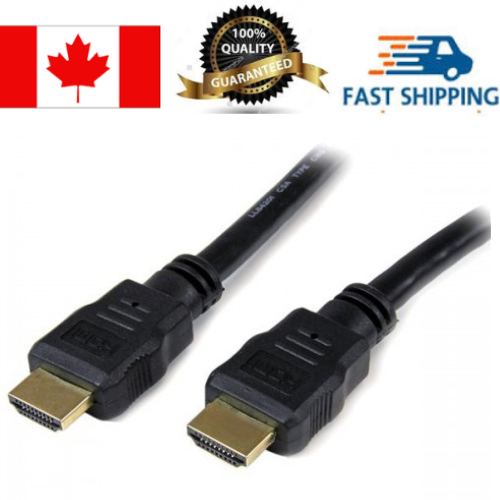
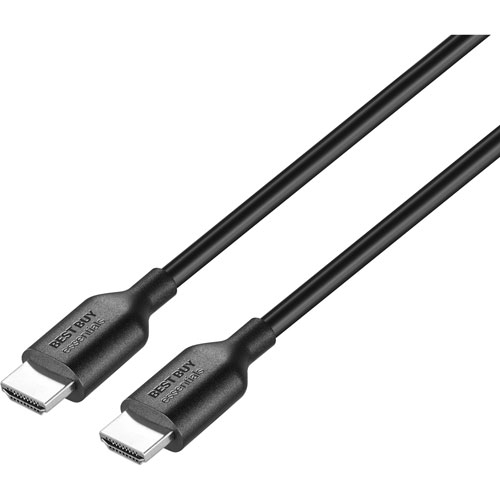
A PS4 Slim uses an HDMI cable with a Type A connector at each end. A High Speed HDMI cable supports the console’s video output, which goes up to 1080p.
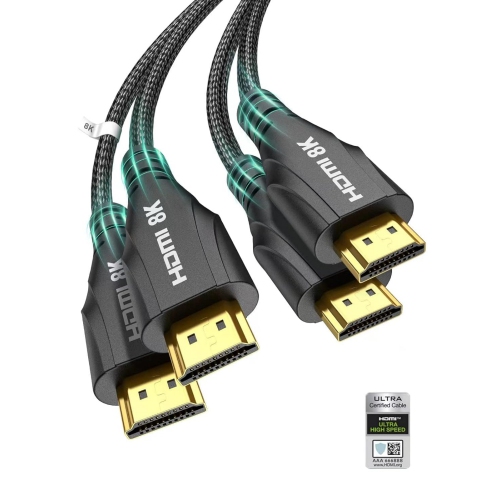
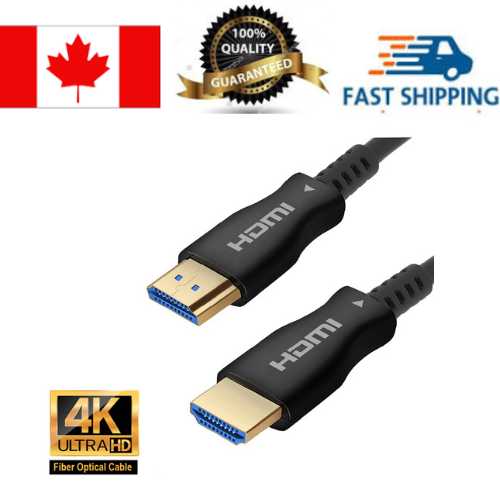
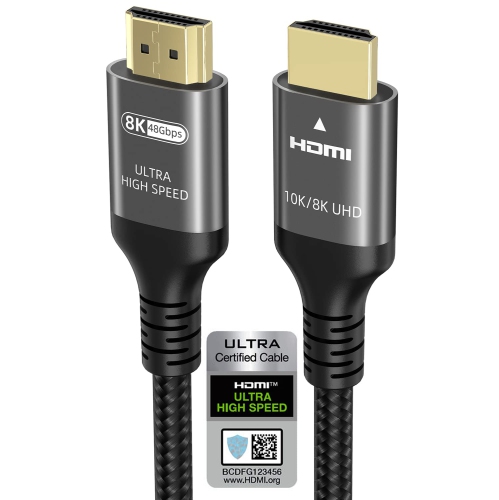
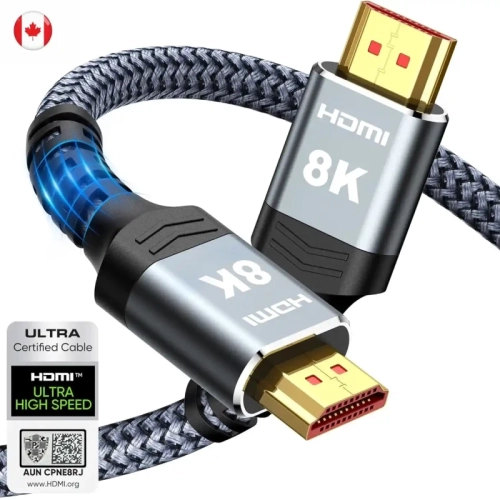
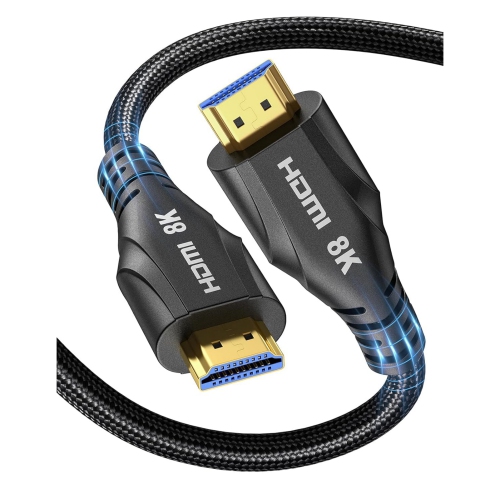
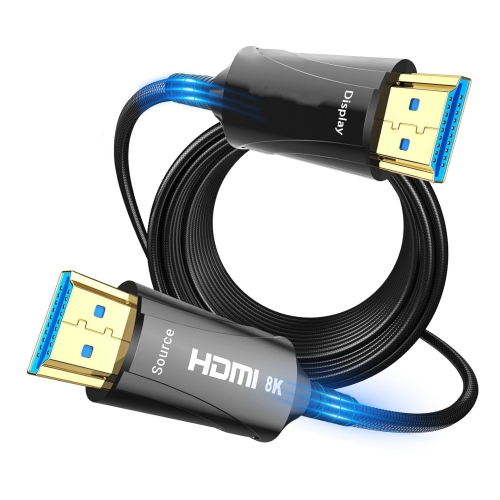
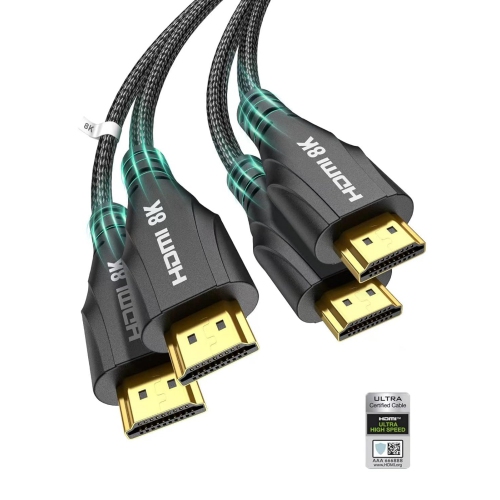
Yes. Ultra High Speed HDMI cables are backward compatible with the PS4 Slim’s HDMI connection. They do not add features the console lacks, such as 4K video output.
Connect one end of the cable to the HDMI OUT port on the PS4 Slim and the other end to an HDMI input on your TV. Turn on both devices, then select the matching HDMI input using your TV’s remote.
Yes. HDMI carries both digital audio and video through one cable. For sound through your TV, select HDMI OUT under Settings > Sound and Screen > Audio Output Settings > Primary Output Port.
Yes. You can connect a PS4 Slim to a monitor with an HDMI input. Select that input on the monitor to display the console. If the monitor has no built-in speakers or audio output, you can use headphones connected to the controller for sound.
Top selling and popular products
Discover more categories related to HDMI Cables for PS4 Slim
Some products may be subject to Environmental Handling Fees (EHF) depending on your province. Learn more about EHFs.