HDMI Cables for Xbox
If you're looking to enhance your gaming experience on your Xbox, look no further than these HDMI cables, designed specifically for gaming enthusiasts like you. Whether you're looking for a cable that delivers stunning visuals, crisp audio, or both, we've got you covered. These HDMI cables are built to provide seamless connectivity between your Xbox and your TV, ensuring a smooth and immersive gaming session every time. With various lengths and specifications available, finding the perfect HDMI cable for your setup has never been easier.
Sort
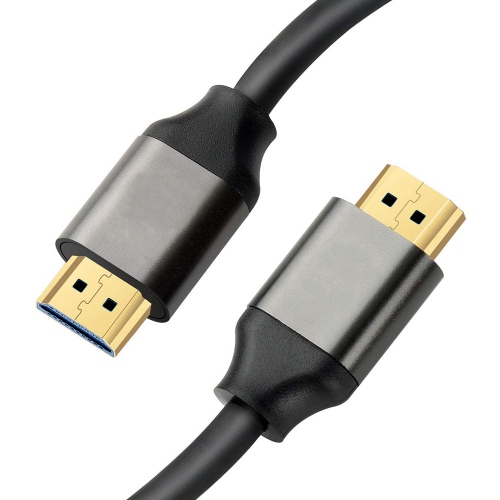
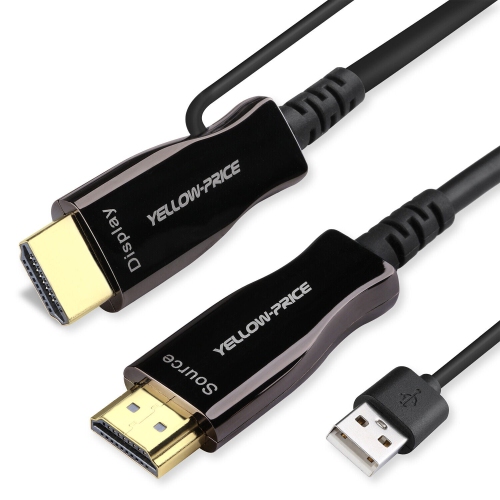
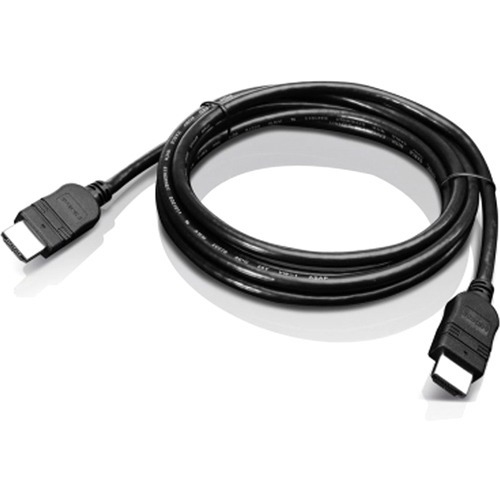

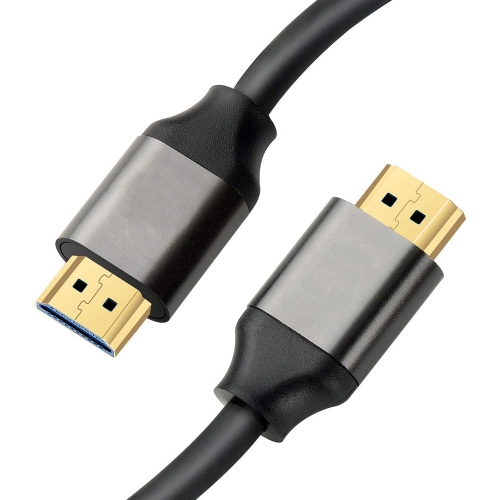
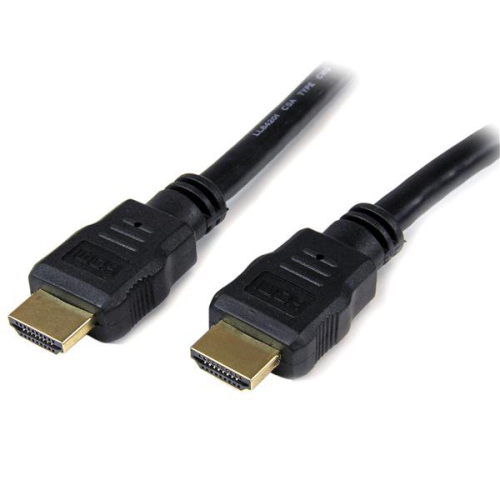
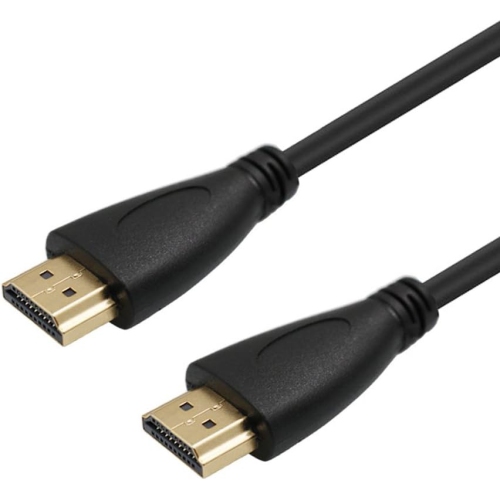
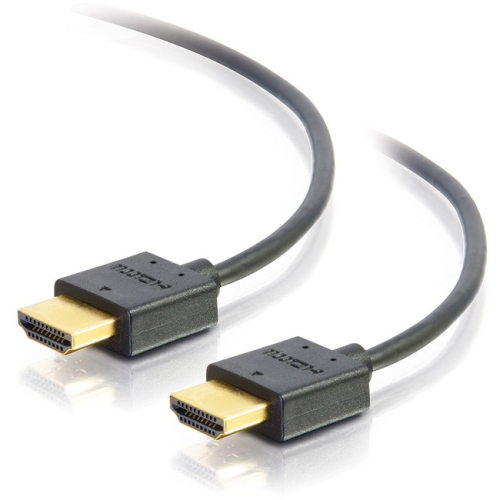
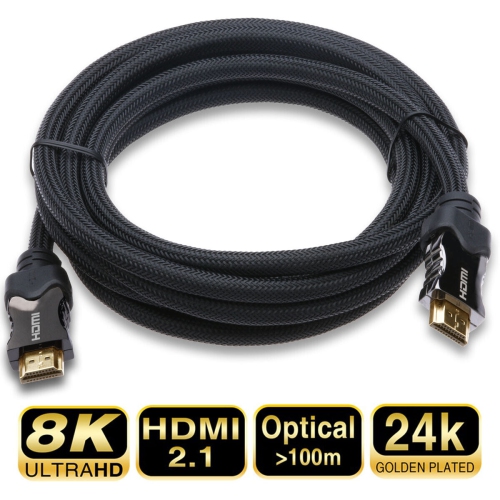
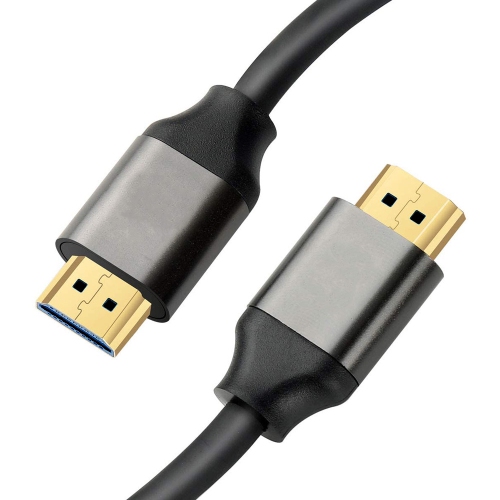
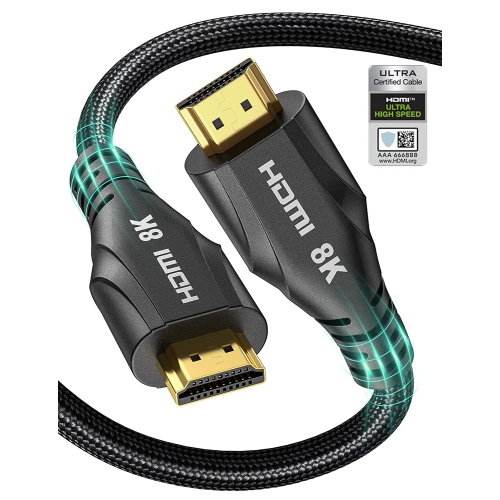
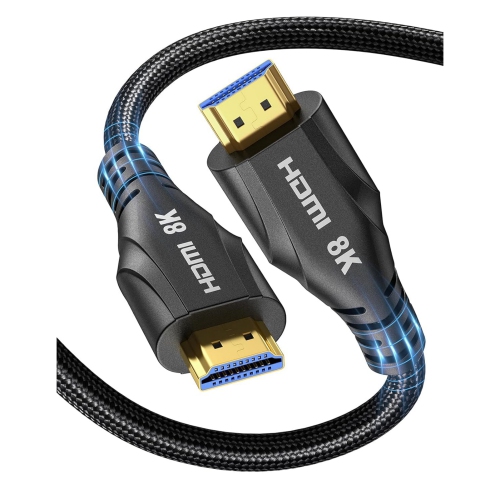
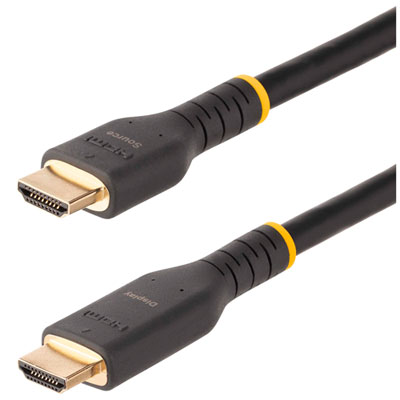




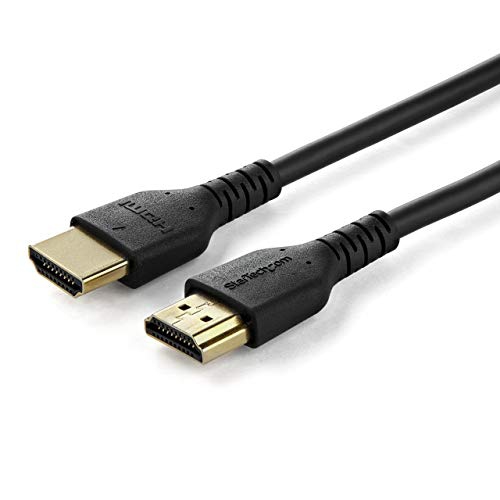

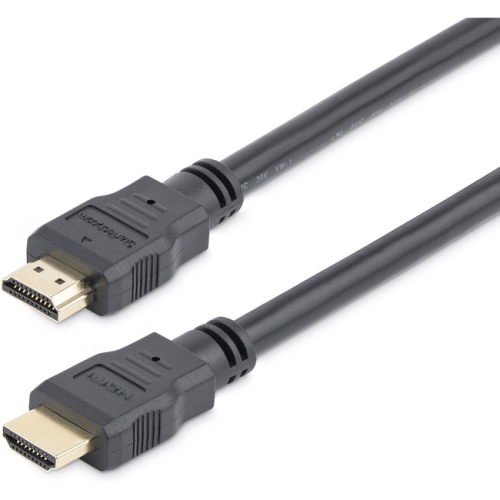
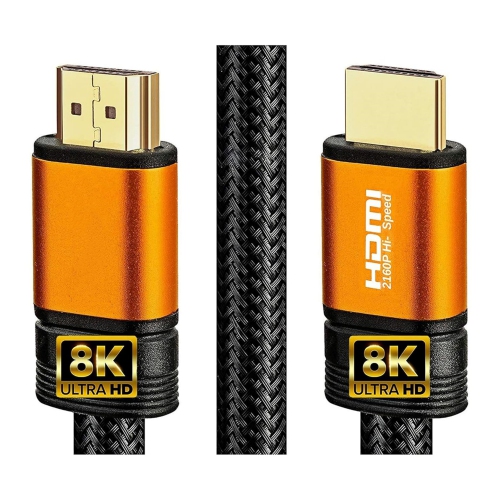
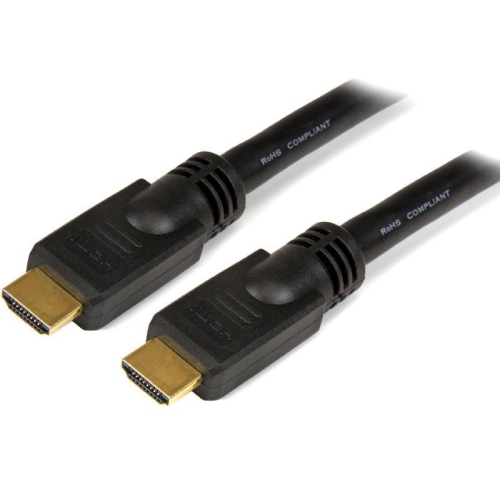
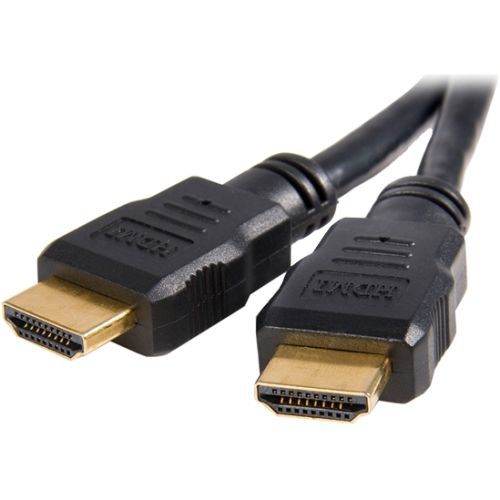
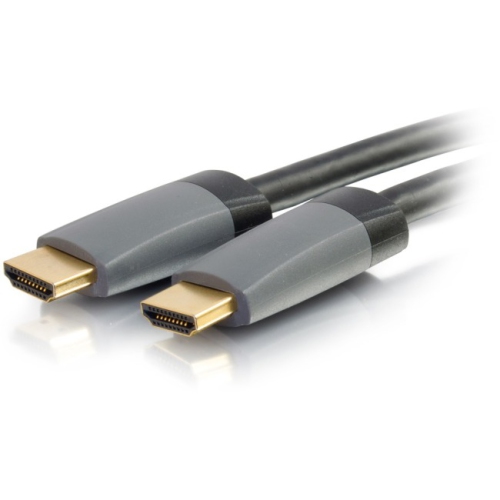
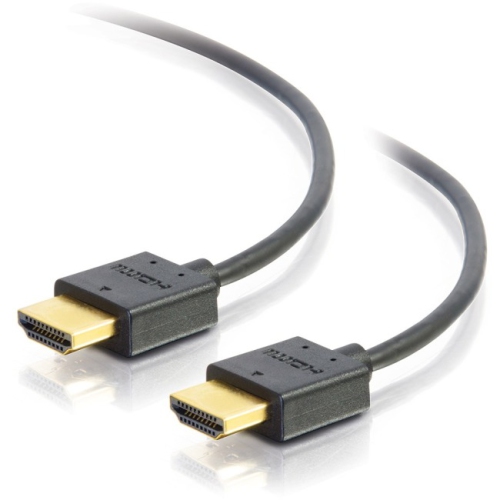

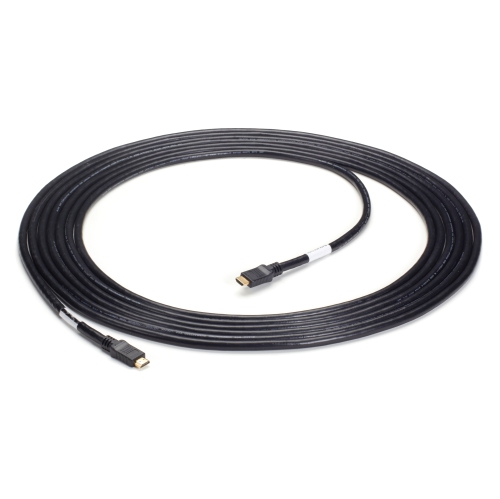
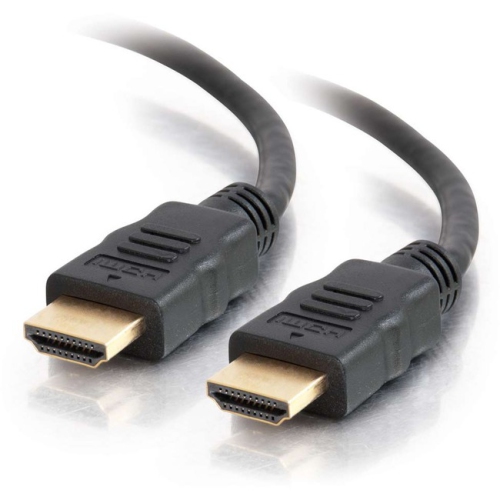

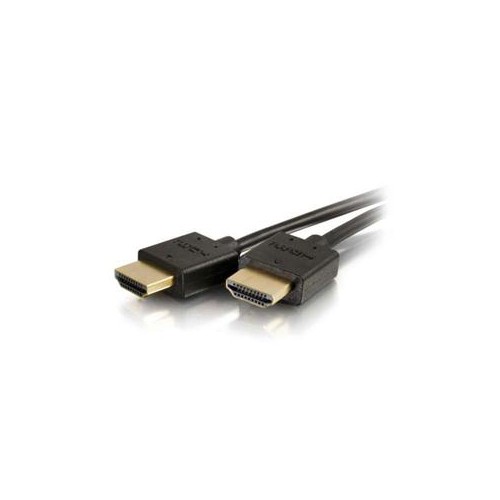
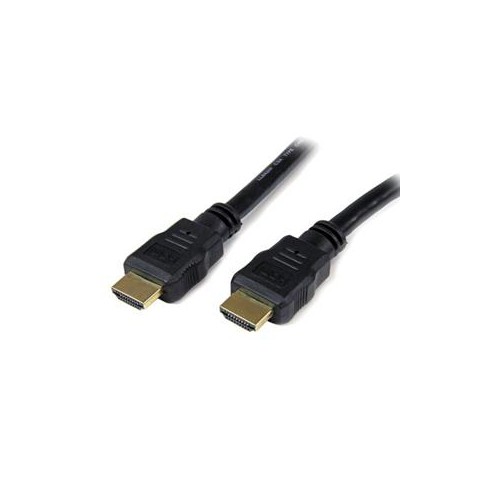
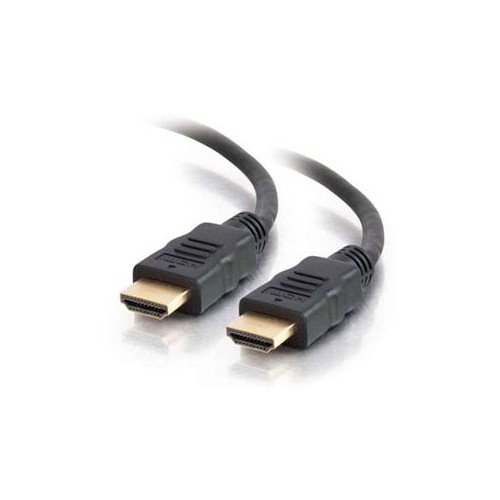

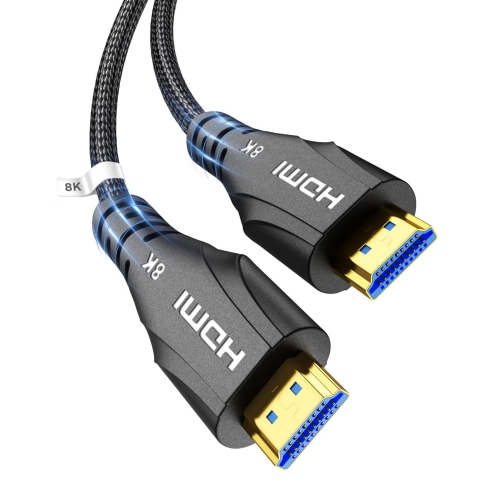
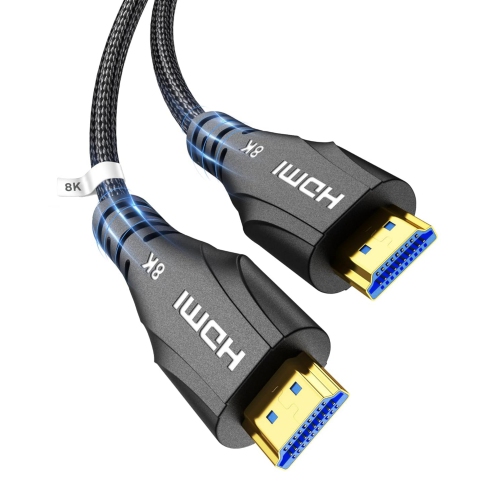
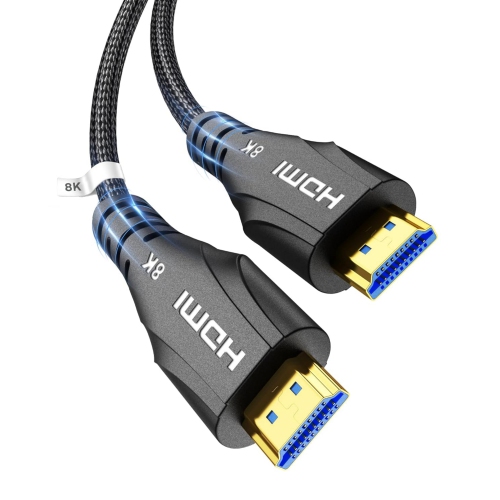
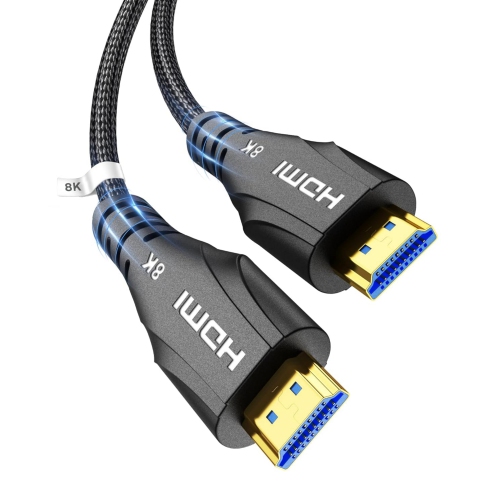
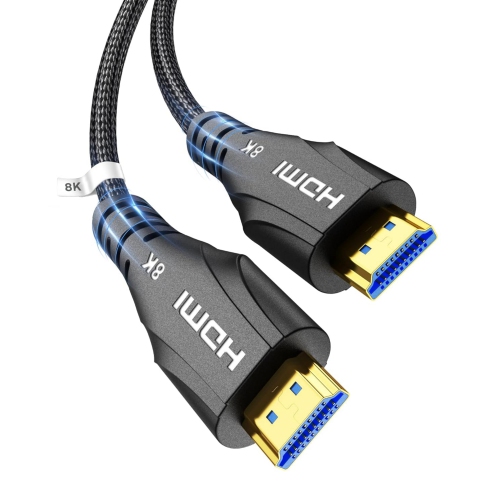
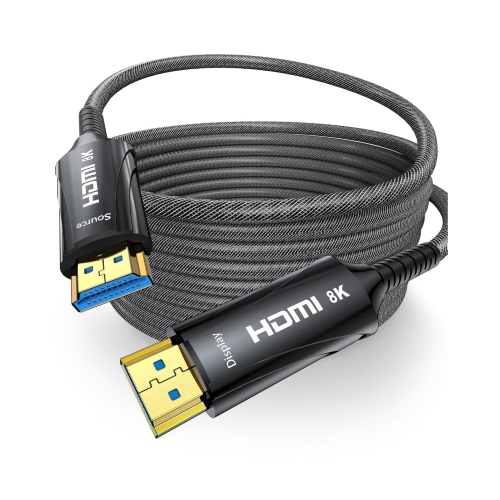
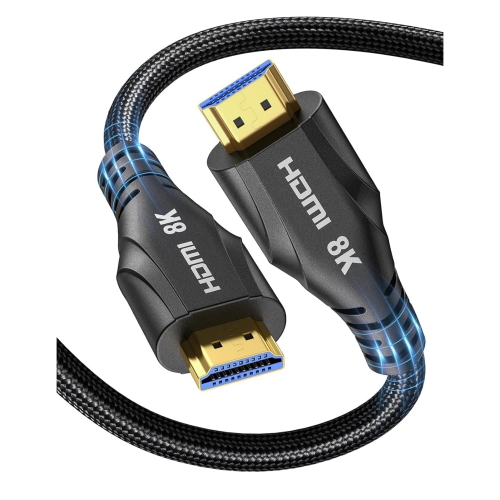
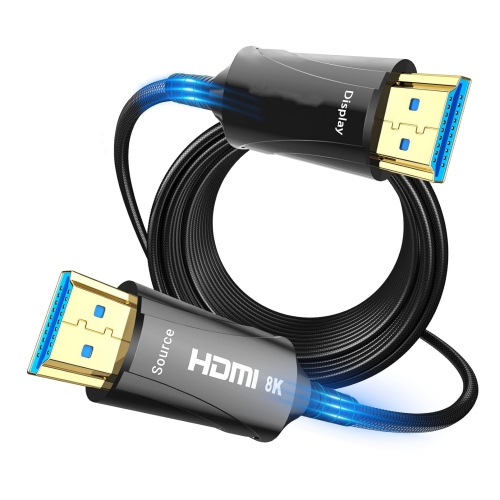
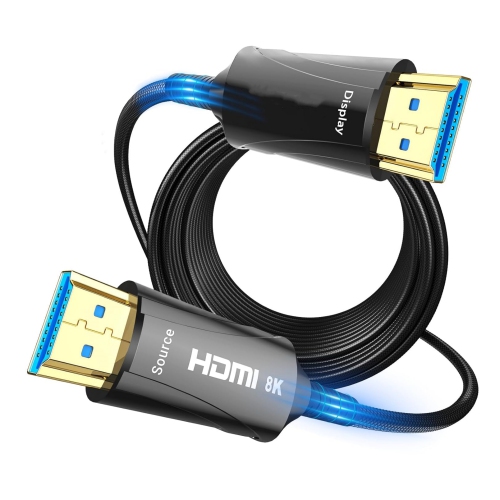
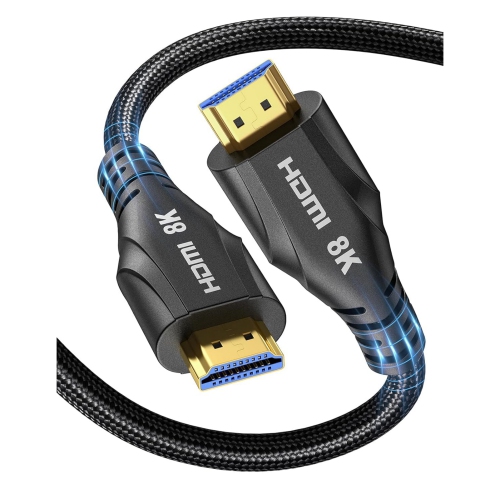
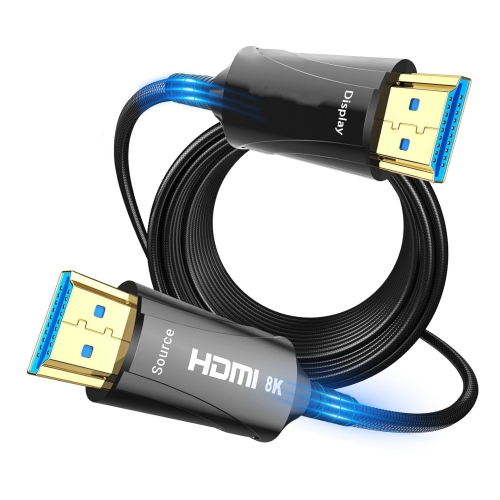
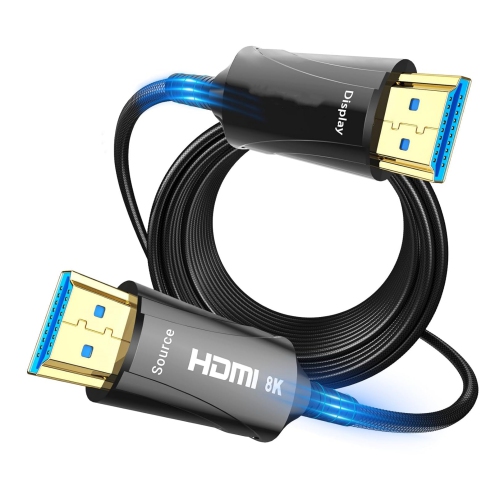
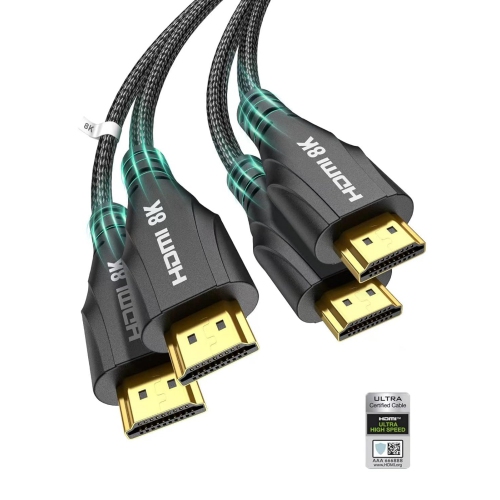
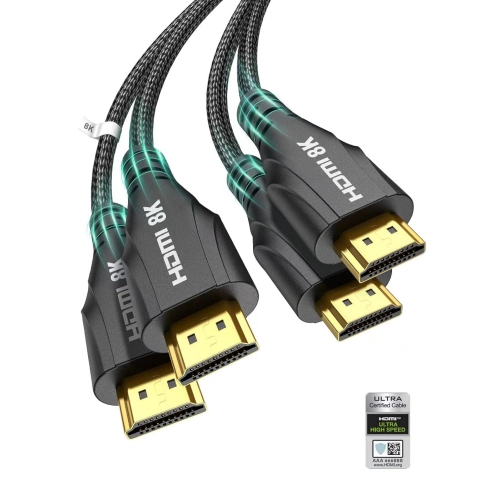
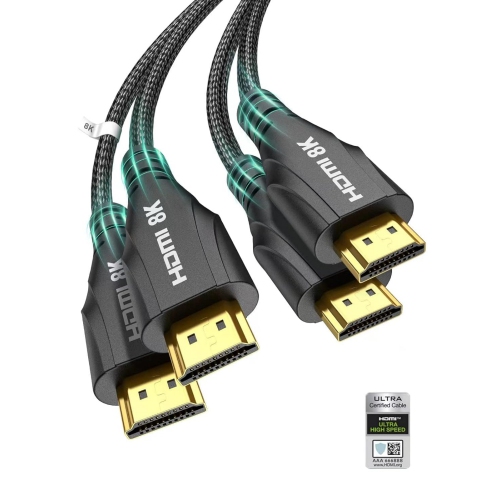
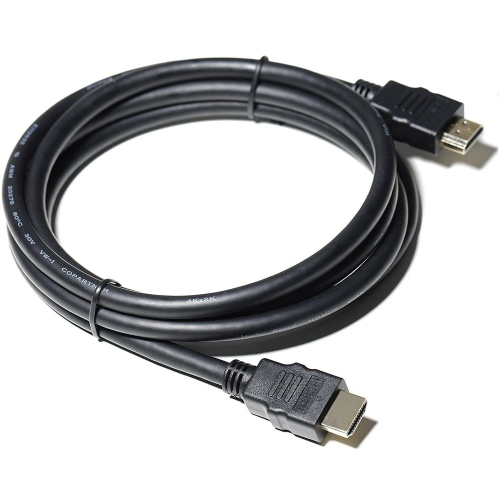
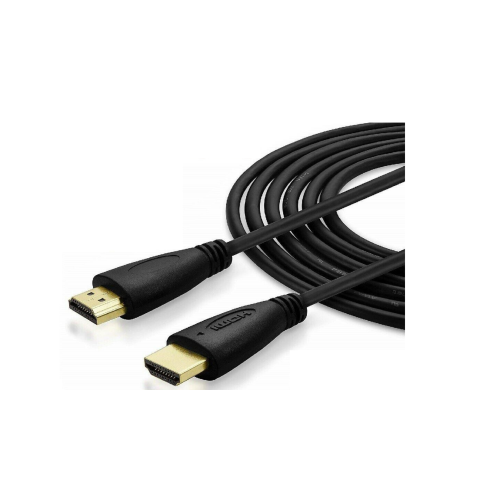
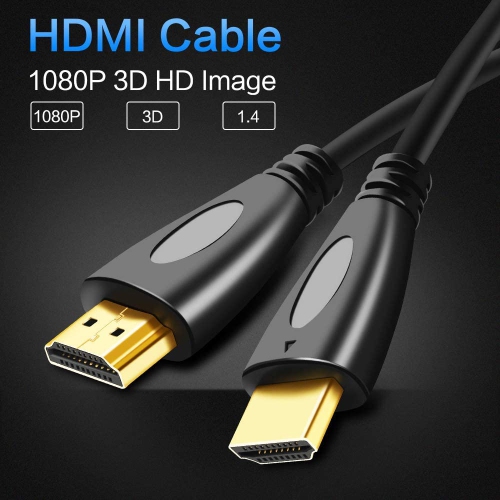
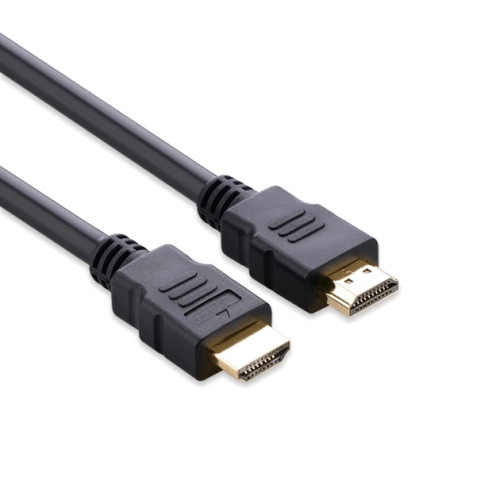
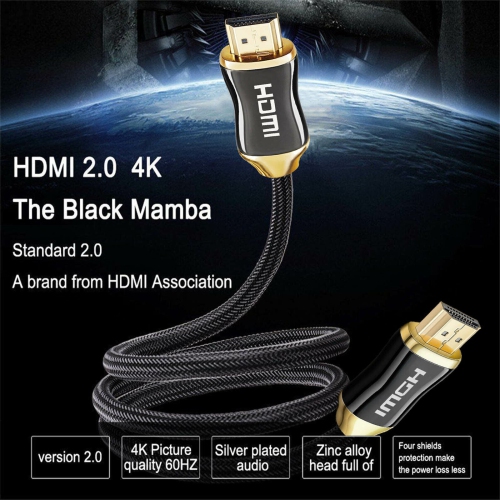
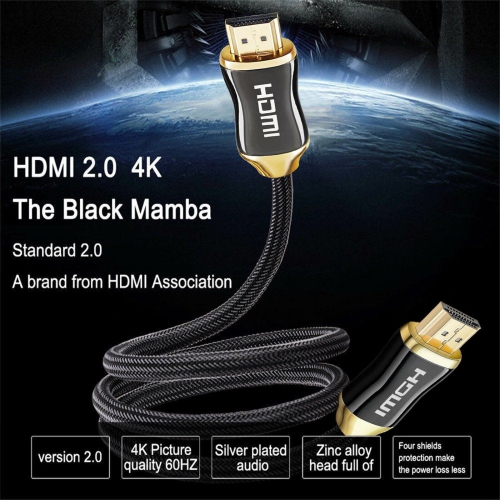
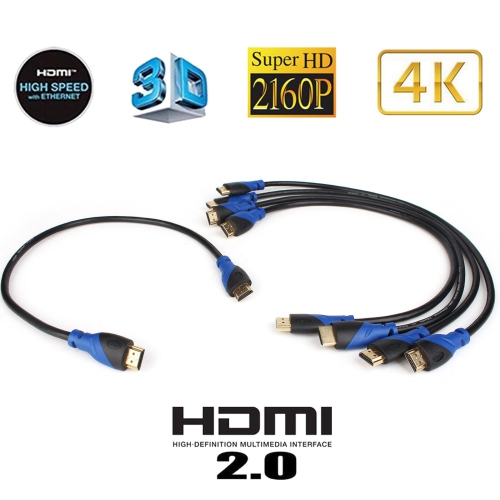
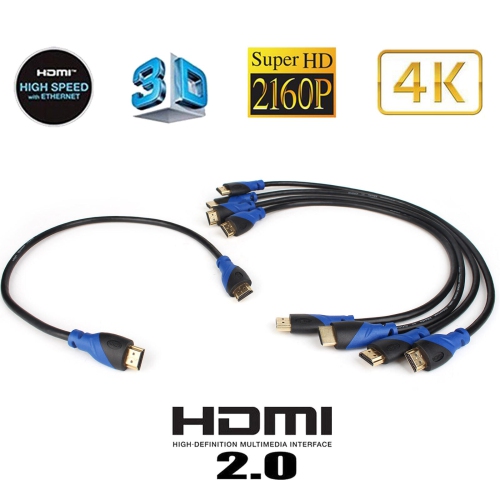
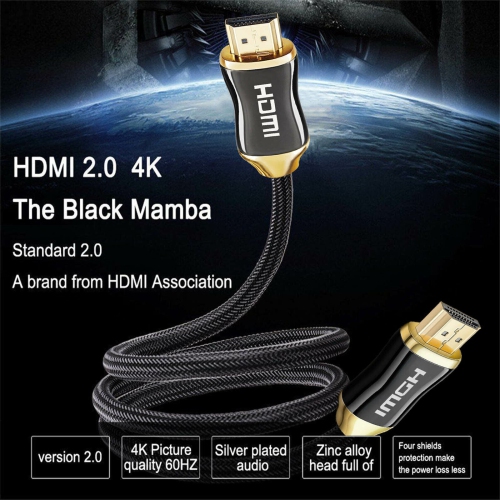
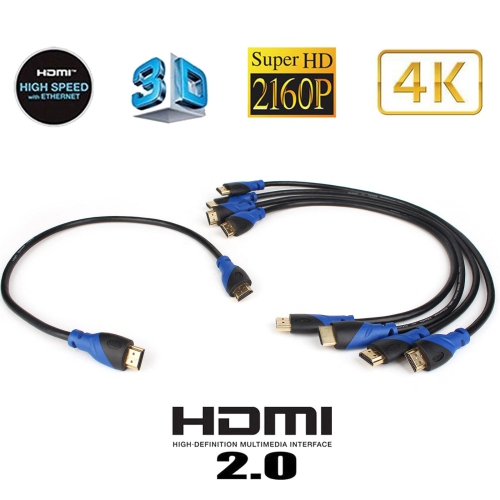
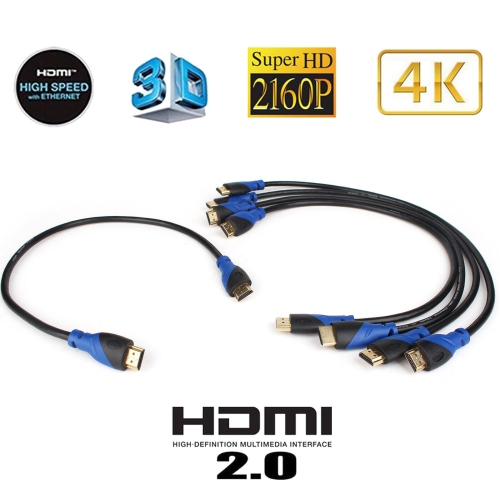
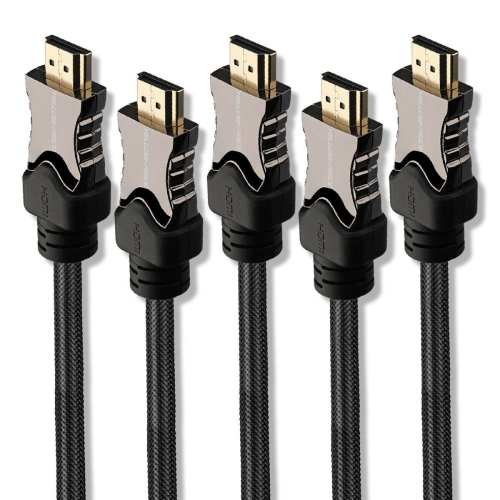

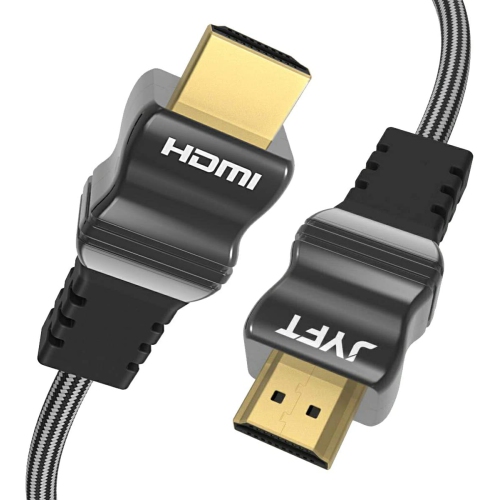
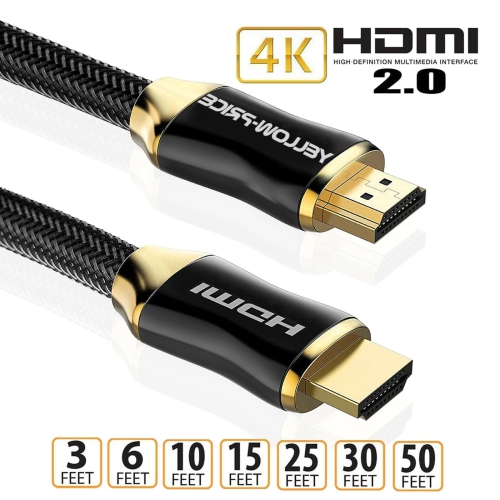
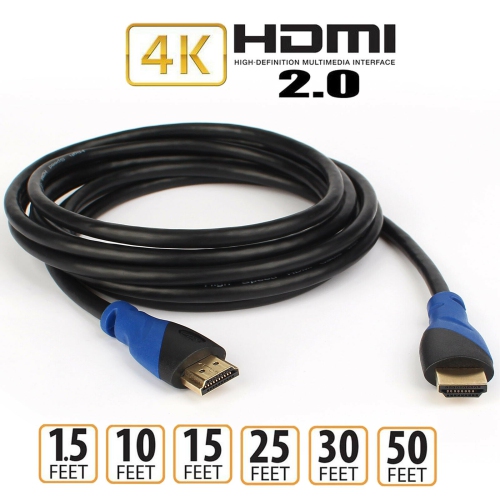
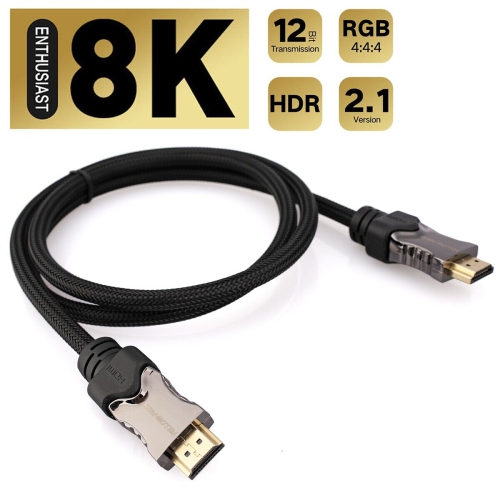
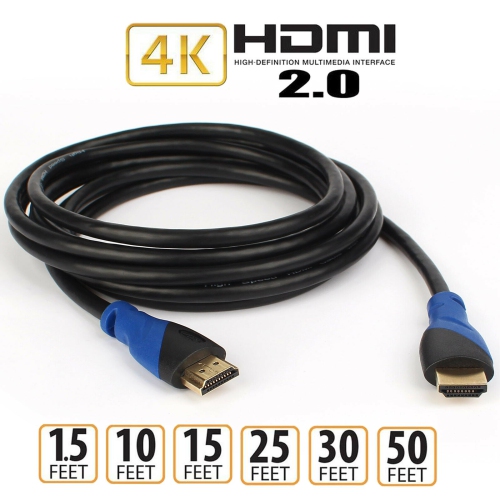
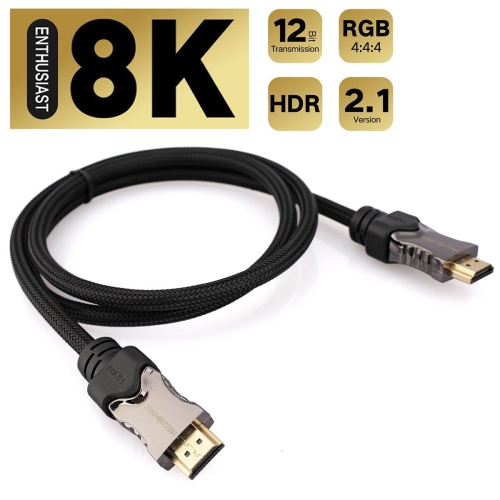
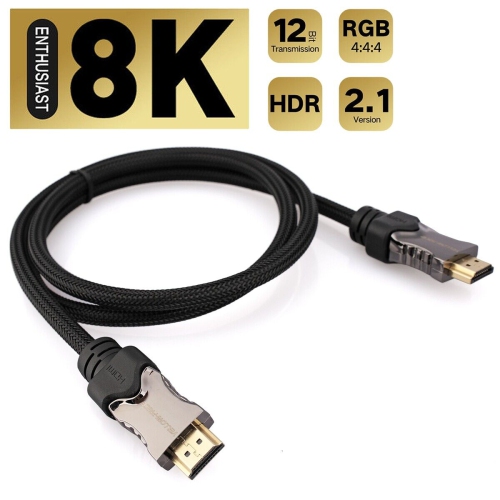
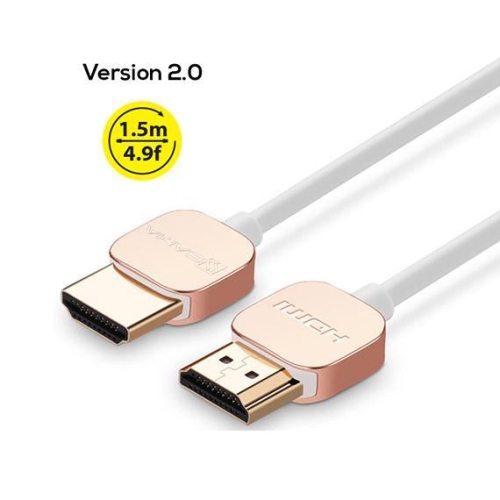
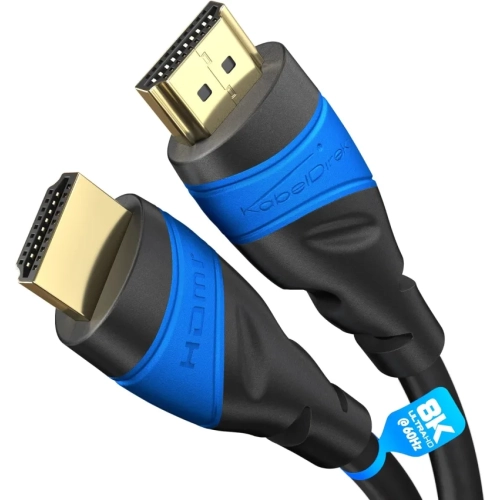
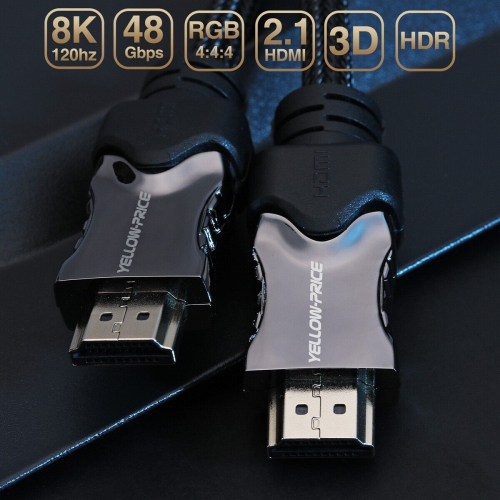
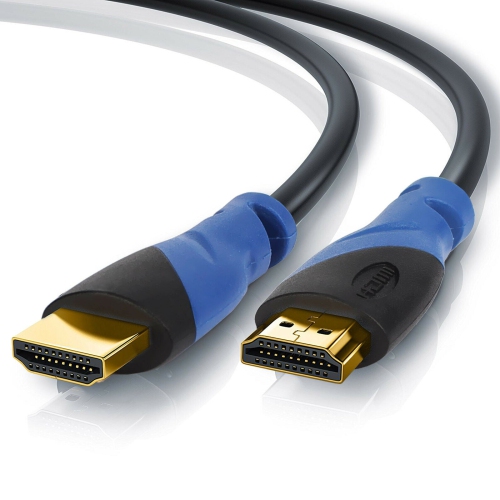
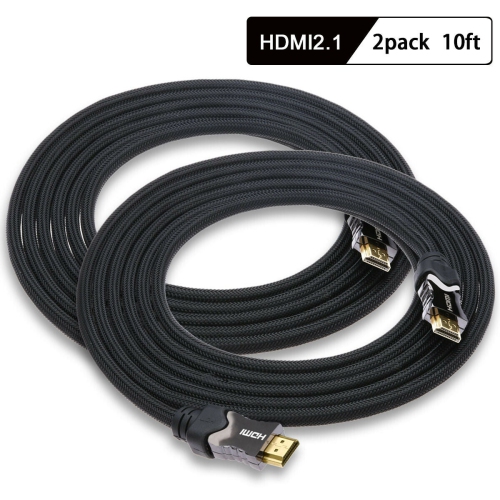
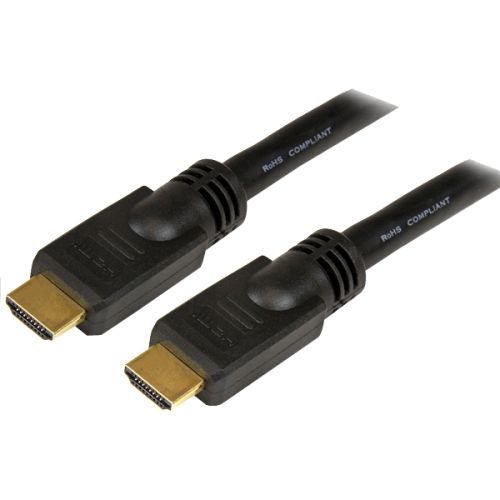
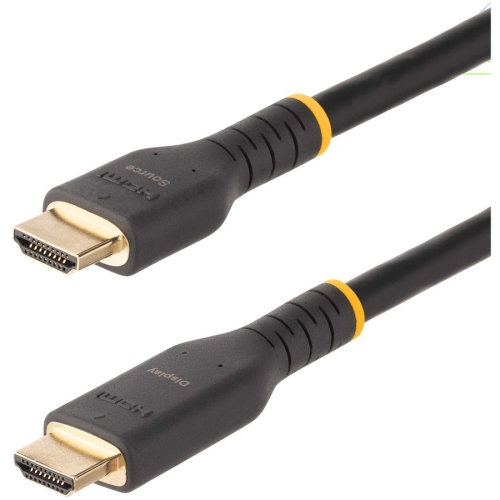
![YELLOW-PRICE [Ultra High Speed HDMI Certified] HDMI V2.1 Cable 8K60Hz 4K120Hz HDr for Xbox](https://multimedia.bbycastatic.ca/multimedia/products/500x500/164/16499/16499909.jpeg)
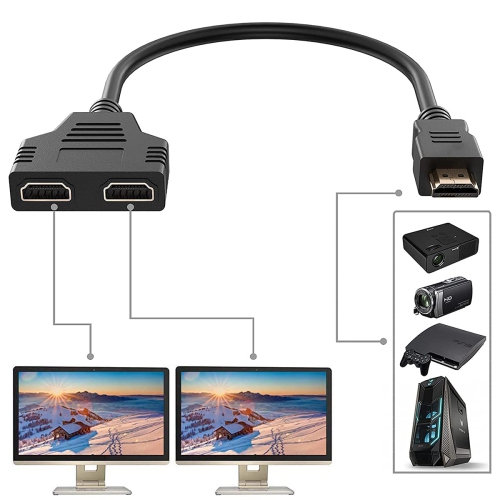
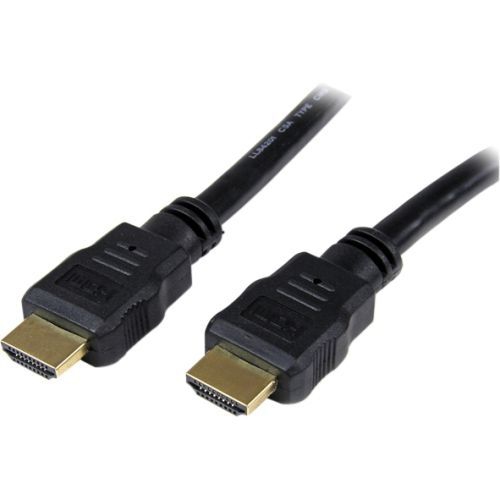

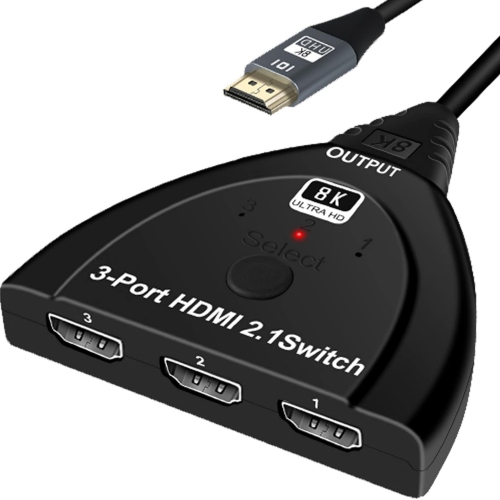
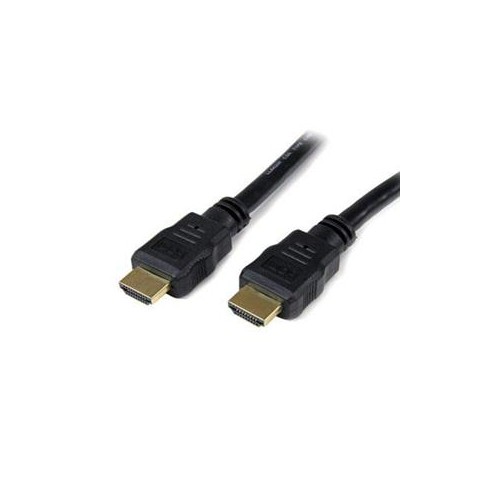
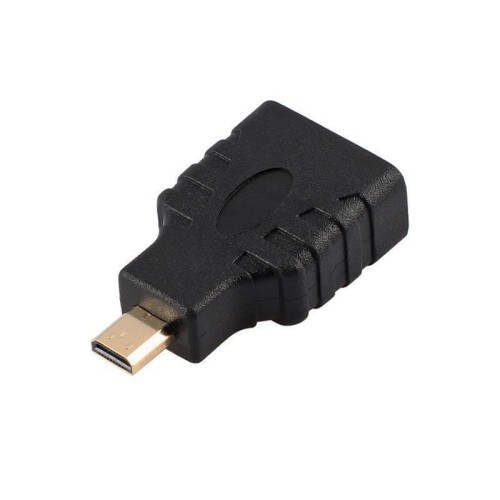
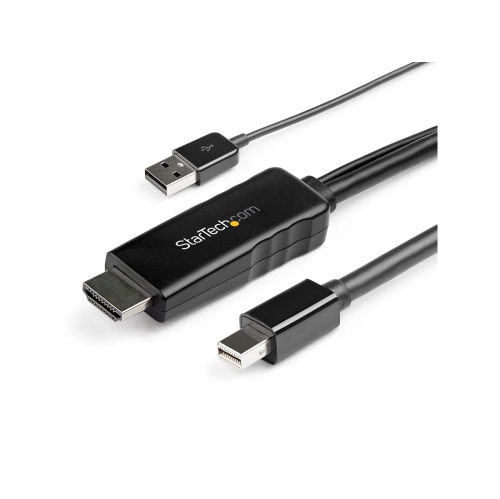
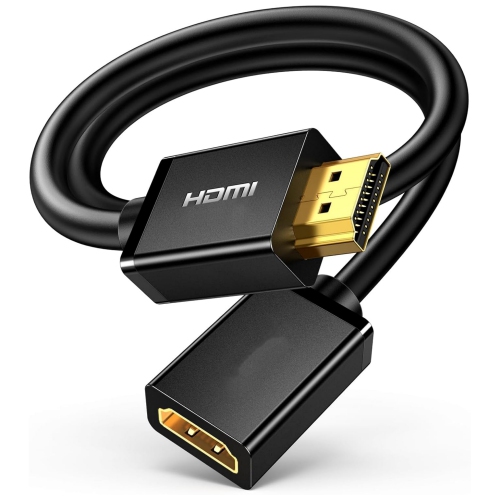
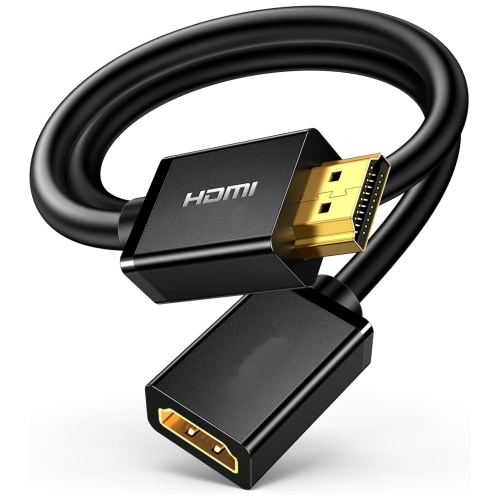
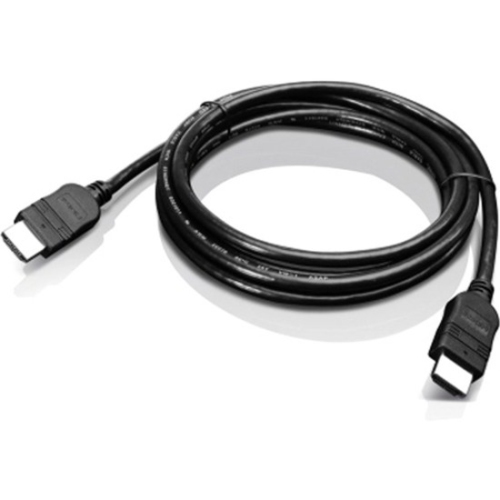
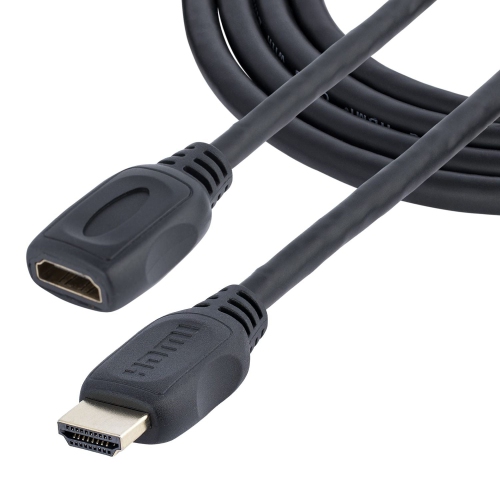

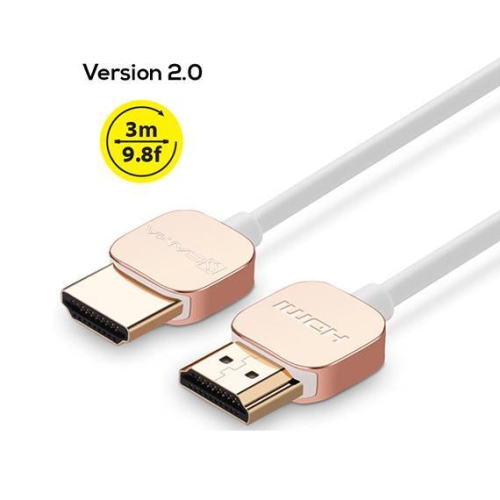
![TOMEE Xbox 360 Wired Controller Breakaway Cable []](https://multimedia.bbycastatic.ca/multimedia/products/500x500/119/11984/11984487.jpeg)
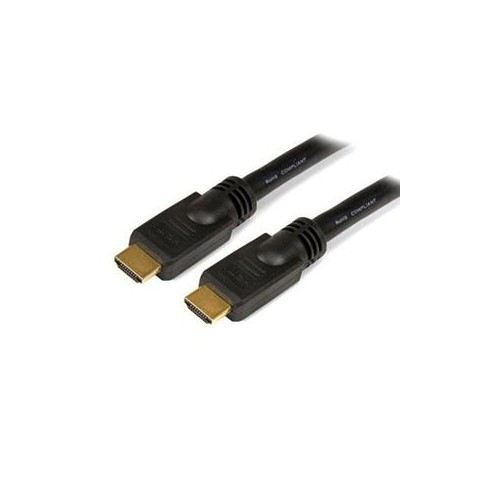
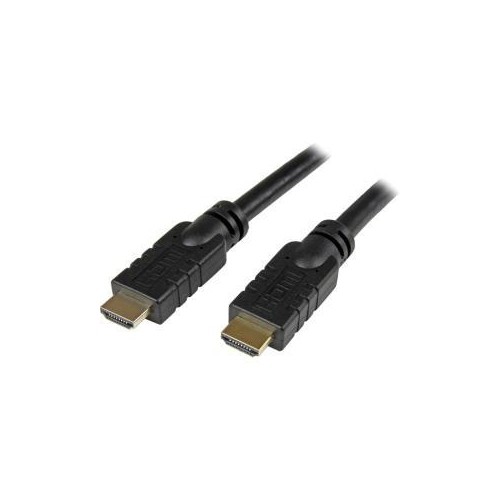
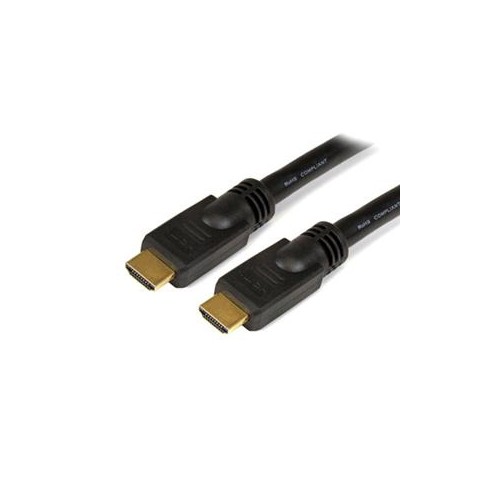
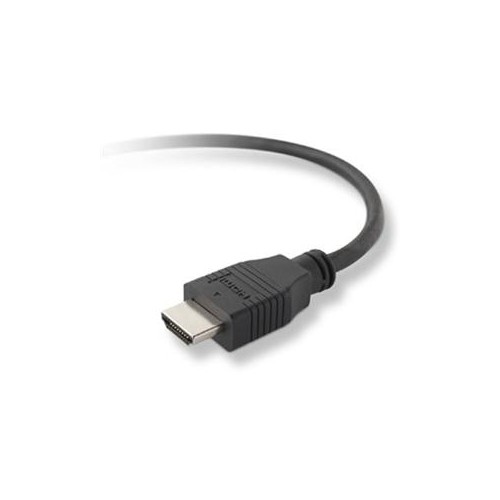
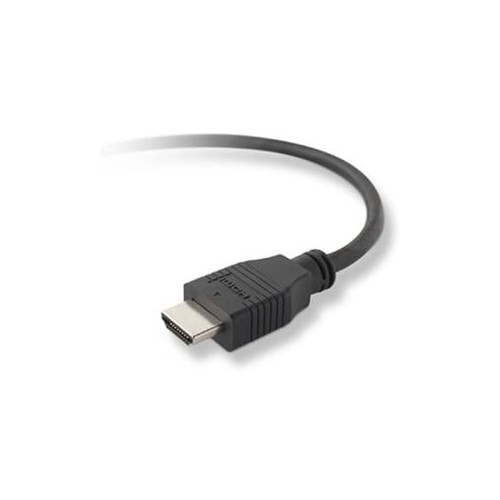
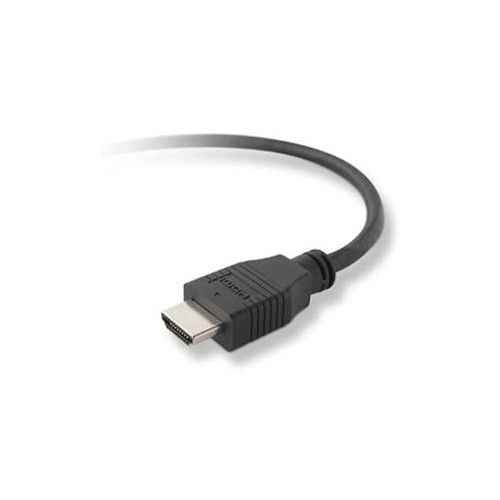
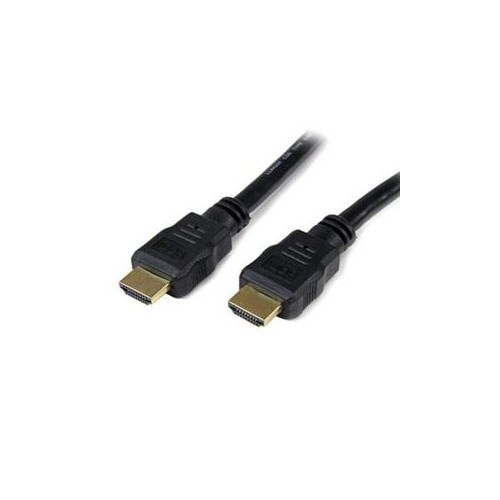
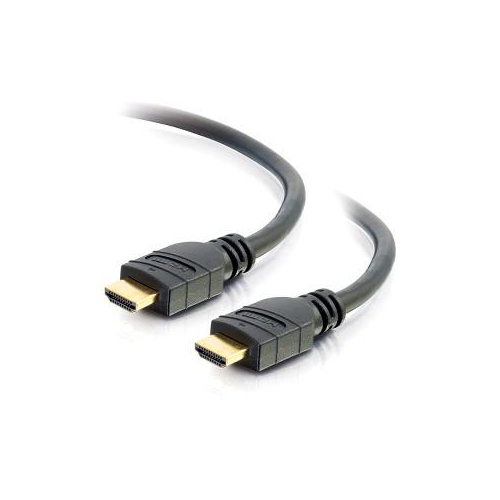
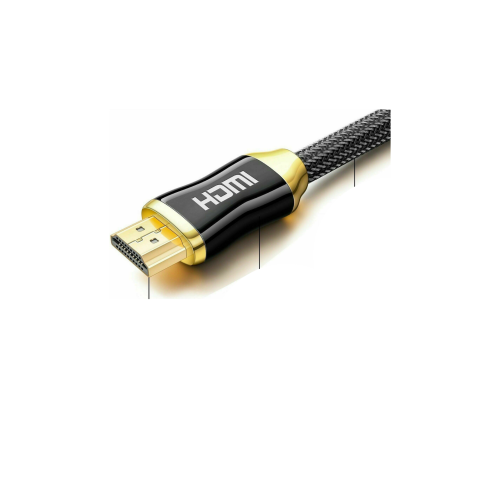
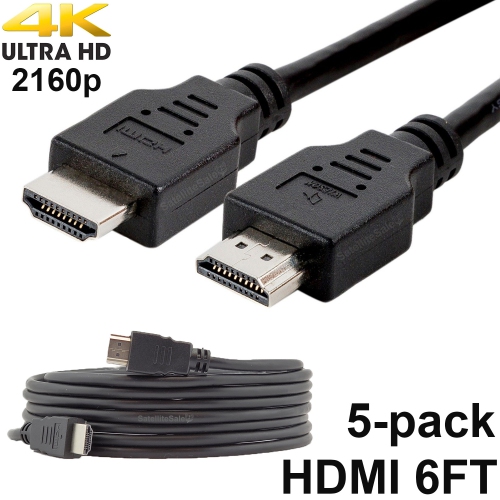
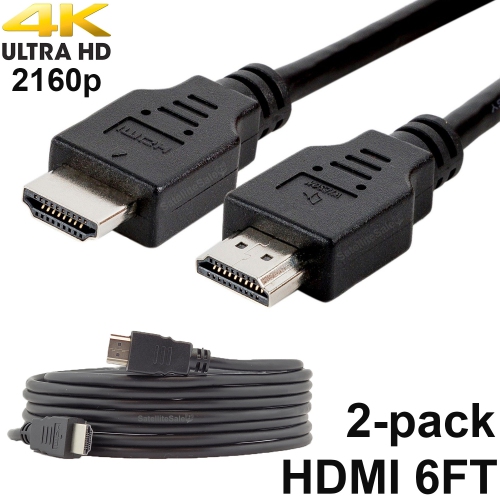
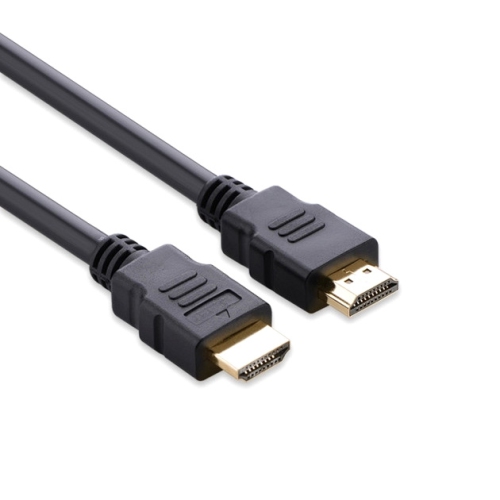
What to know about bandwidth, length, and compatibility
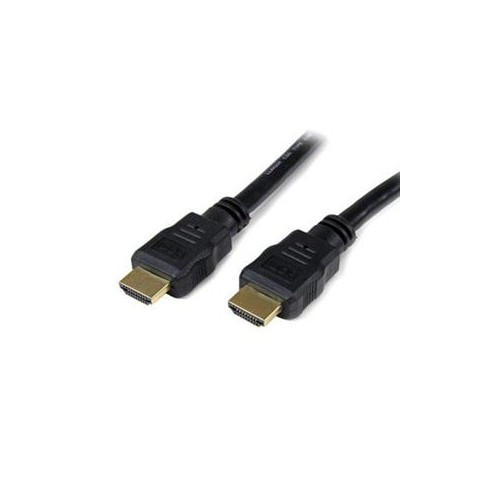
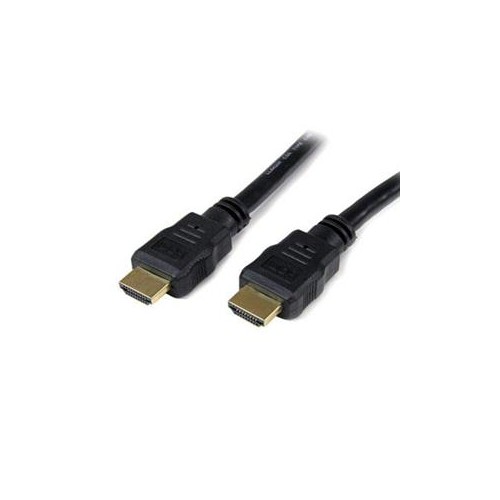
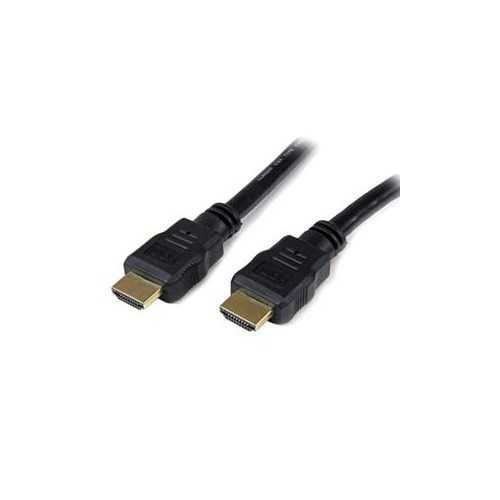
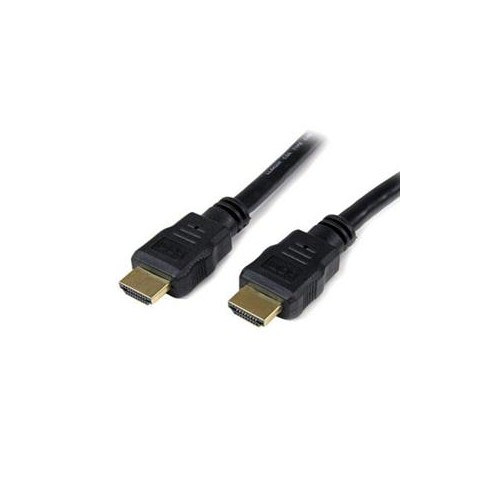
HDMI cables for Xbox connect your console to a television, monitor, soundbar, or AV receiver, carrying both high-definition video and digital audio through a single connection. Choosing the right cable can make a noticeable difference to how easily your gaming setup supports the features built into your display and console. For Xbox Series X and Xbox Series S systems, an Ultra High Speed HDMI cable is the best match for modern gaming. These cables are designed for high bandwidth up to 48 Gbps and can support features such as 4K resolution at refresh rates up to 120Hz, 8K resolution at 60Hz, HDR, variable refresh rate, and automatic low-latency features when the connected equipment is compatible. A high refresh rate can make fast movement feel smoother, whether you are racing through a circuit, tracking an opponent in a multiplayer match, or exploring a detailed open-world environment. To take advantage of 4K at 120Hz, the television or monitor must also have a suitable HDMI 2.1 input and the correct settings enabled. The cable itself cannot add capabilities that are missing from the console or display, but it can help ensure that the connection is ready for the performance those devices are designed to deliver. When shopping, look for clear specifications rather than relying only on appearance or general labels. Bandwidth, supported resolution, refresh rate, HDR compatibility, and HDMI version are useful details to compare. A cable that supports 48 Gbps is a practical choice for a current-generation Xbox setup, particularly when the console is connected to a newer gaming television or monitor. For a simple 4K television that operates at 60Hz, a lower-bandwidth cable may be sufficient, but selecting a higher-performance cable can provide useful flexibility if the display is upgraded later.
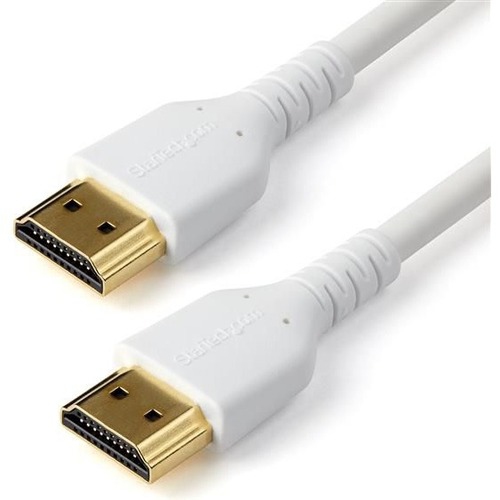
Length is another important consideration for HDMI cables for Xbox. Measure the distance between the console and the display, allowing enough room for gentle bends and comfortable access to the ports. A short cable can keep a compact desk tidy, while a longer cable can be helpful when the Xbox sits in an entertainment unit, on a lower shelf, or several feet away from a wall-mounted television. Avoid stretching the cable tightly across a room or pressing it sharply against furniture, since a relaxed route can make installation easier and reduce strain on the connectors. If the cable will run behind a television, through a media cabinet, or alongside other components, a flexible design may be more convenient. Braided outer coverings can offer a different feel and may be useful in setups where the cable is handled often, while a standard jacket can work well for a fixed connection. Connector shape also deserves attention. Most Xbox and television connections use standard full-size HDMI plugs, but the available space around a port can vary. Check that the plug can be inserted without pushing against a wall, cabinet panel, or neighbouring cable. For audio setups, HDMI can carry sound from the Xbox to a television or receiver, while an eARC-compatible connection can send high-quality audio from a compatible television to a soundbar or receiver. If the console connects directly to the display and the display then sends audio to another device, make sure the television, audio equipment, and cable support the features you plan to use. A replacement HDMI cable can also be a sensible gift for an Xbox player setting up a new room, adding a second screen, or replacing a cable that has become bent, loose, or difficult to position. Different colours can help distinguish console connections in a busy entertainment centre; for a lighter-coloured setup, White Hdmi Cables can provide a clean visual match with a white television stand, desk, or wall-mounted display.
Compatibility depends on the Xbox generation, so it is worth checking the console connection before ordering. Xbox Series X and Xbox Series S consoles use HDMI output and are designed to work with current HDMI cables, with Ultra High Speed HDMI being the appropriate choice when using advanced 4K gaming features. Older Xbox consoles may have different video outputs and may not accept a standard HDMI cable directly. The original Xbox, for example, uses legacy analogue video connections, so connecting it to a modern television generally requires a specialized converter or an adapter designed to translate the console’s video signal to HDMI. A regular HDMI cable alone cannot change an older analogue output into an HDMI signal. This distinction is especially useful when updating a family entertainment system or preparing a classic console for a television that has only modern digital inputs. For any Xbox model, confirm the port type on the console and the input type on the display before making a purchase. It is also helpful to check whether the cable will be used with a soundbar, receiver, capture device, or HDMI switch, since every additional component can affect the available resolution, refresh rate, HDR support, or audio features. After connecting the cable, select the correct HDMI input on the display and review the Xbox video settings to confirm the desired resolution and refresh rate are available. If the screen remains blank, flickers, loses HDR, or drops to a lower refresh rate, check that each device supports the selected feature, reseat both connectors, and try another compatible HDMI input. A well-matched cable and carefully planned connection can make the setup feel effortless, leaving the player with a clear picture, responsive motion, and dependable sound during long sessions through the cooler months and beyond.
Length is another important consideration for HDMI cables for Xbox. Measure the distance between the console and the display, allowing enough room for gentle bends and comfortable access to the ports. A short cable can keep a compact desk tidy, while a longer cable can be helpful when the Xbox sits in an entertainment unit, on a lower shelf, or several feet away from a wall-mounted television. Avoid stretching the cable tightly across a room or pressing it sharply against furniture, since a relaxed route can make installation easier and reduce strain on the connectors. If the cable will run behind a television, through a media cabinet, or alongside other components, a flexible design may be more convenient. Braided outer coverings can offer a different feel and may be useful in setups where the cable is handled often, while a standard jacket can work well for a fixed connection. Connector shape also deserves attention. Most Xbox and television connections use standard full-size HDMI plugs, but the available space around a port can vary. Check that the plug can be inserted without pushing against a wall, cabinet panel, or neighbouring cable. For audio setups, HDMI can carry sound from the Xbox to a television or receiver, while an eARC-compatible connection can send high-quality audio from a compatible television to a soundbar or receiver. If the console connects directly to the display and the display then sends audio to another device, make sure the television, audio equipment, and cable support the features you plan to use. A replacement HDMI cable can also be a sensible gift for an Xbox player setting up a new room, adding a second screen, or replacing a cable that has become bent, loose, or difficult to position. Different colours can help distinguish console connections in a busy entertainment centre; for a lighter-coloured setup, White Hdmi Cables can provide a clean visual match with a white television stand, desk, or wall-mounted display.
Compatibility depends on the Xbox generation, so it is worth checking the console connection before ordering. Xbox Series X and Xbox Series S consoles use HDMI output and are designed to work with current HDMI cables, with Ultra High Speed HDMI being the appropriate choice when using advanced 4K gaming features. Older Xbox consoles may have different video outputs and may not accept a standard HDMI cable directly. The original Xbox, for example, uses legacy analogue video connections, so connecting it to a modern television generally requires a specialized converter or an adapter designed to translate the console’s video signal to HDMI. A regular HDMI cable alone cannot change an older analogue output into an HDMI signal. This distinction is especially useful when updating a family entertainment system or preparing a classic console for a television that has only modern digital inputs. For any Xbox model, confirm the port type on the console and the input type on the display before making a purchase. It is also helpful to check whether the cable will be used with a soundbar, receiver, capture device, or HDMI switch, since every additional component can affect the available resolution, refresh rate, HDR support, or audio features. After connecting the cable, select the correct HDMI input on the display and review the Xbox video settings to confirm the desired resolution and refresh rate are available. If the screen remains blank, flickers, loses HDR, or drops to a lower refresh rate, check that each device supports the selected feature, reseat both connectors, and try another compatible HDMI input. A well-matched cable and carefully planned connection can make the setup feel effortless, leaving the player with a clear picture, responsive motion, and dependable sound during long sessions through the cooler months and beyond.
Top selling and popular products
-
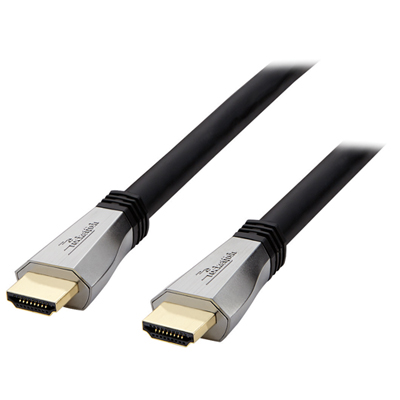 Your price for this item is $119.99
 -
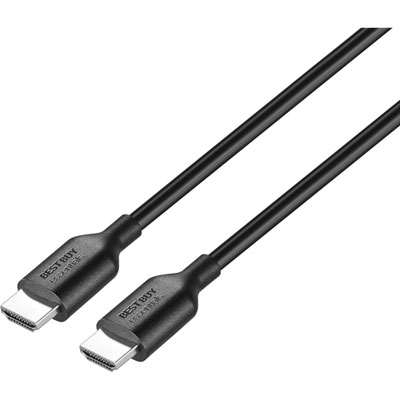 Your price for this item is $9.99
 -
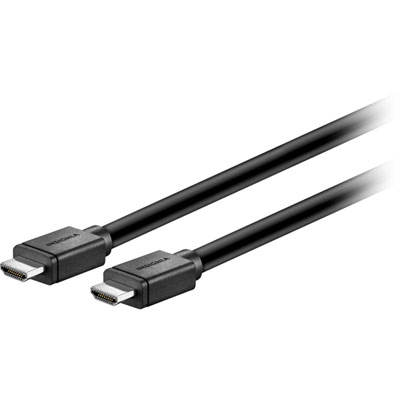 Your price for this item is $129.99
 -
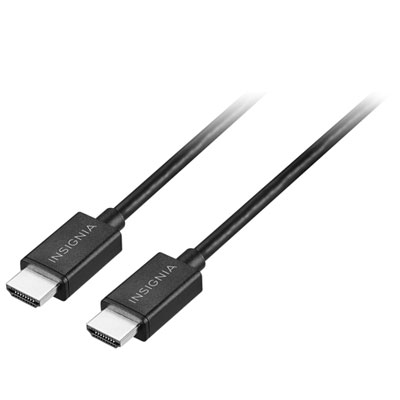 Your price for this item is $19.99
 -
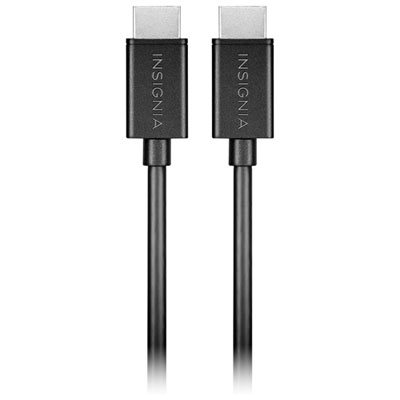 Your price for this item is $29.99
 -
![BDA / POWER A HDMI Cable Ps5 10 Ft [Power A]](https://multimedia.bbycastatic.ca/multimedia/products/500x500/176/17616/17616431.jpeg) Your price for this item is $59.99
Your price for this item is $59.99 -
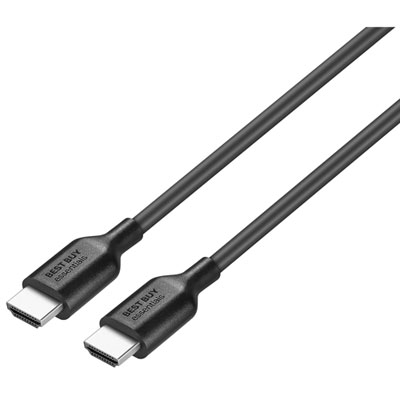 Your price for this item is $19.99
 -
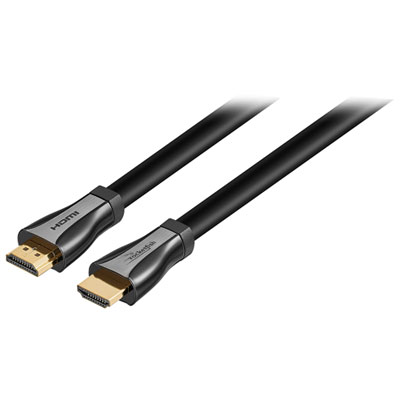 Your price for this item is $119.99
Discover more categories related to HDMI Cables for Xbox
Top Collections:
Pokemon Centers, Kindle Devices, Best Budget Office Chairs, Apple iPhones 16, Best Laptops for Writers, iPhone 15 Apple, Canon G7X Cameras, Refurbished Apple Laptops, Alarm Clock, Motorola Razr Phones
Some products may be subject to Environmental Handling Fees
(EHF) depending on your province.
Learn more about EHFs.