HDMI Male To Male Cables
Looking to connect your devices with ease? Look no further than our collection of HDMI male-to-male cables. These versatile cables are designed to transmit quality audio and video signals, ensuring a seamless viewing experience. Whether you're setting up your home theater system or connecting your gaming console to your TV, these HDMI cables provide the perfect solution. With various lengths and durable construction, you can trust that these cables will deliver reliable performance and exceptional picture and sound quality.
Sort
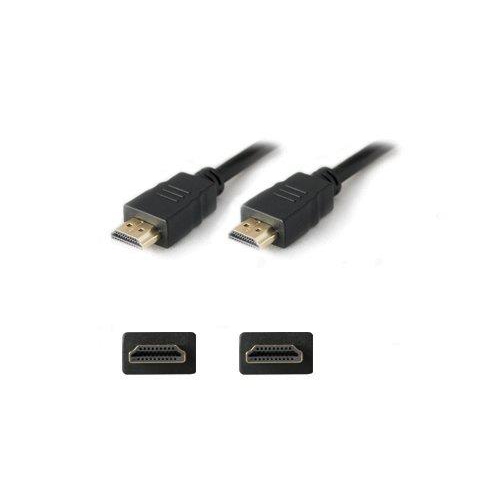
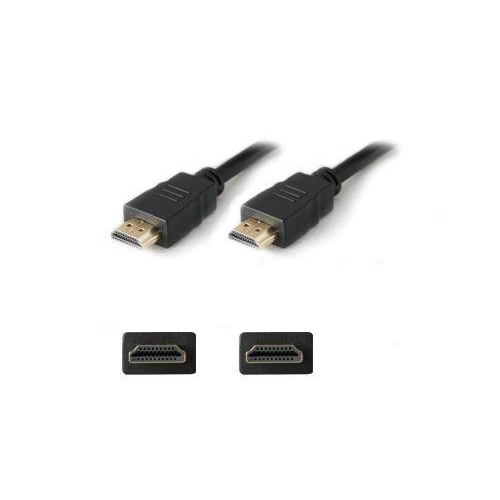
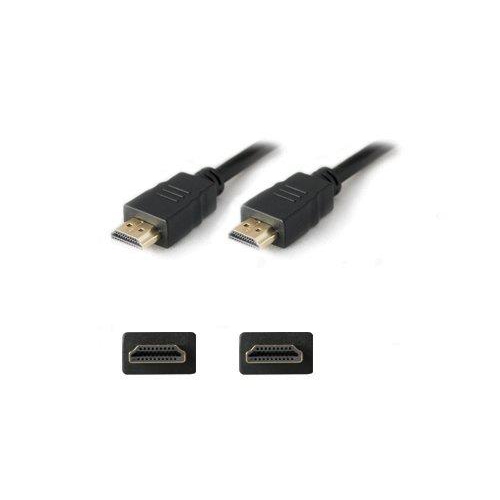
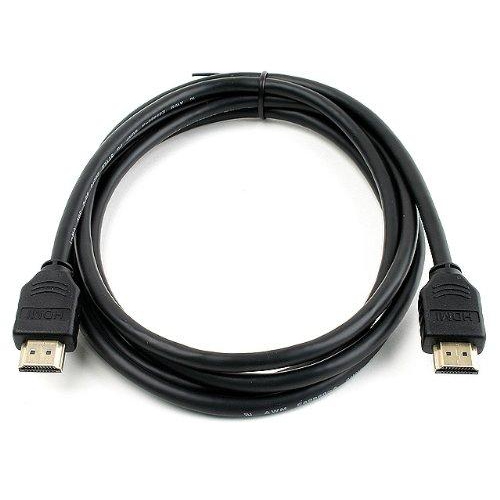
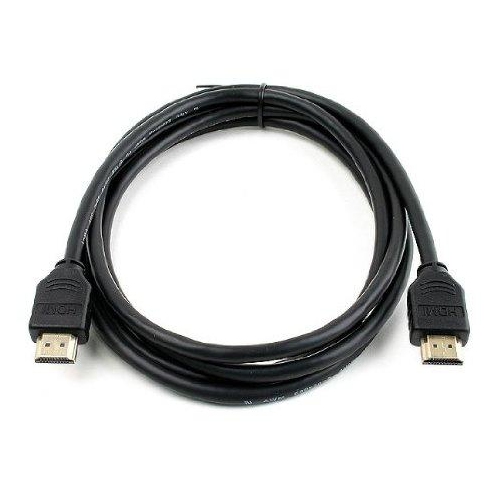
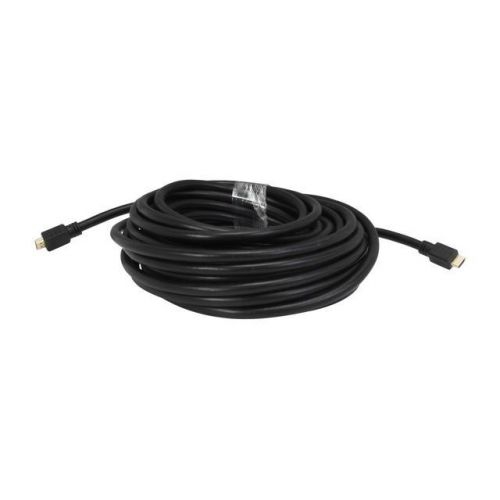
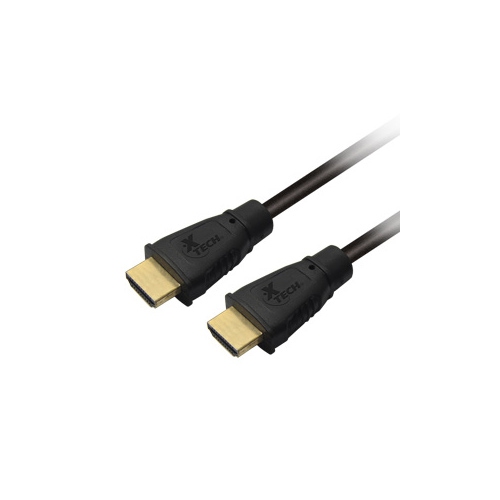
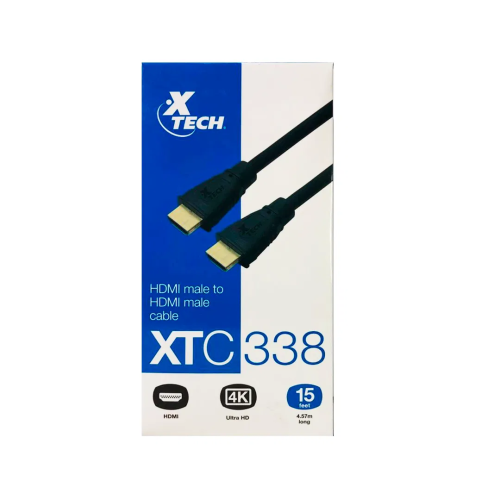
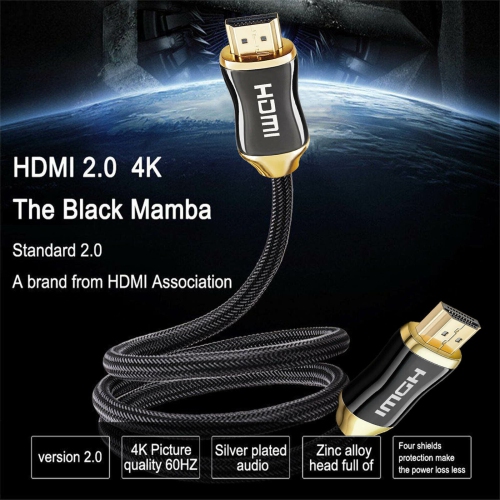
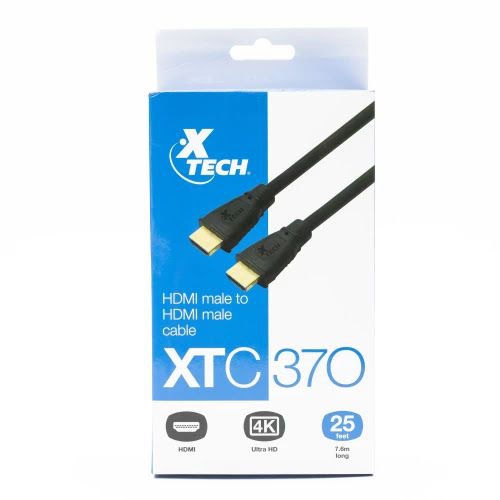
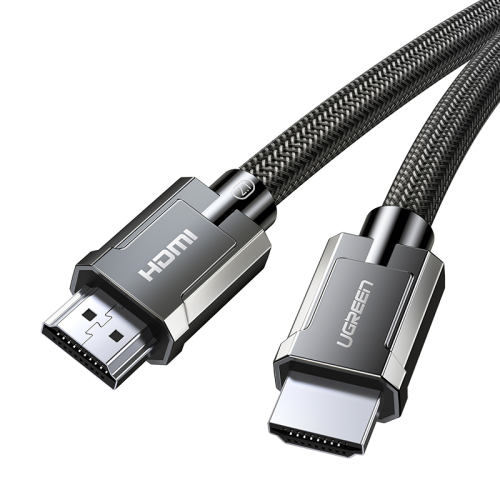
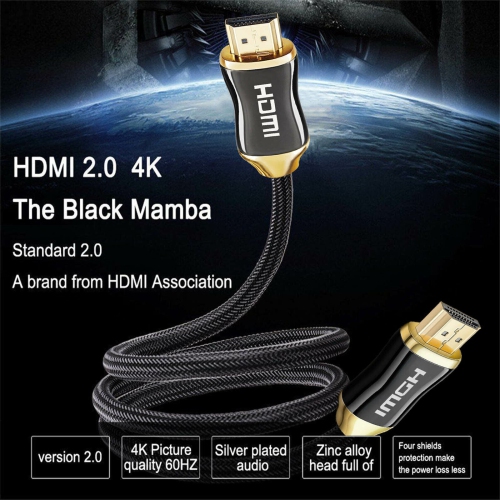
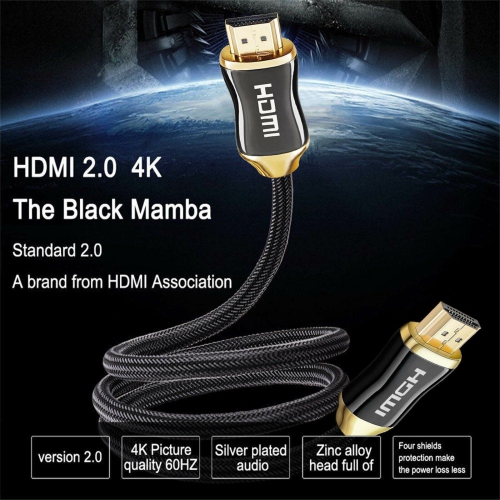
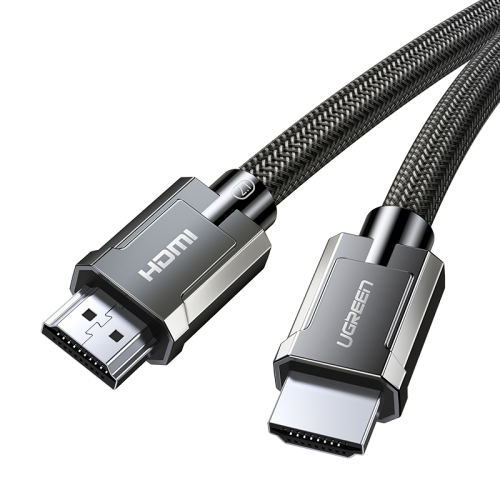
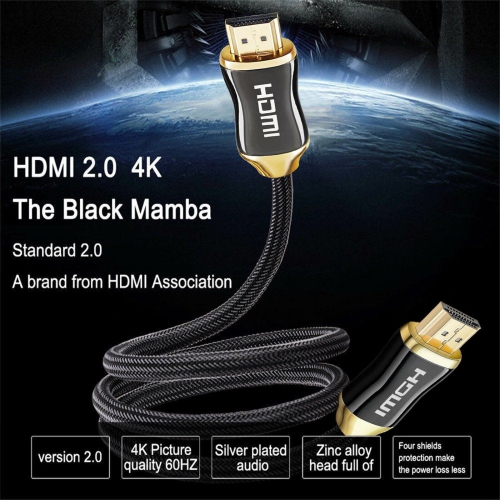
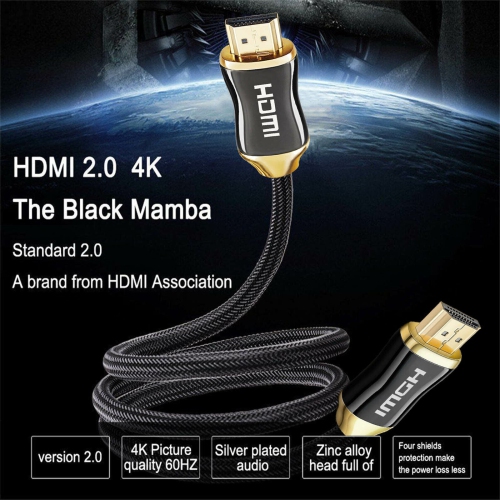
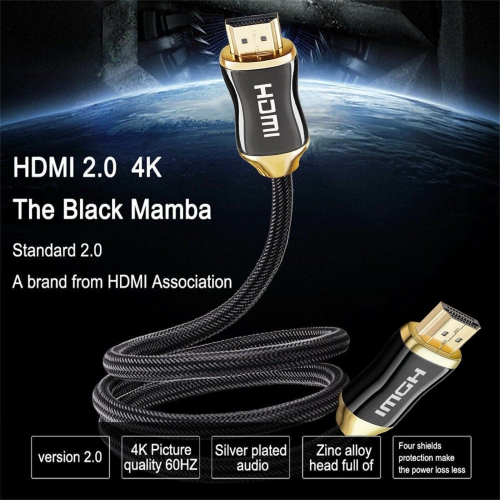
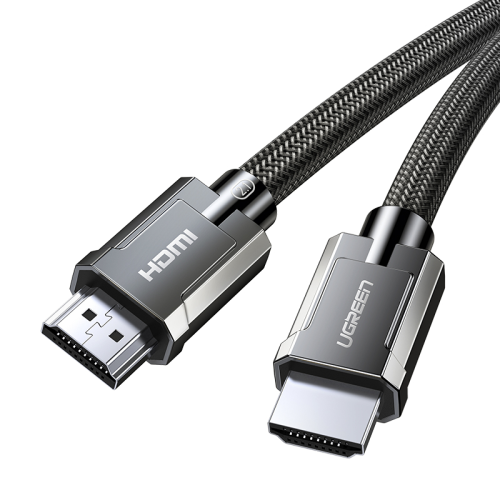
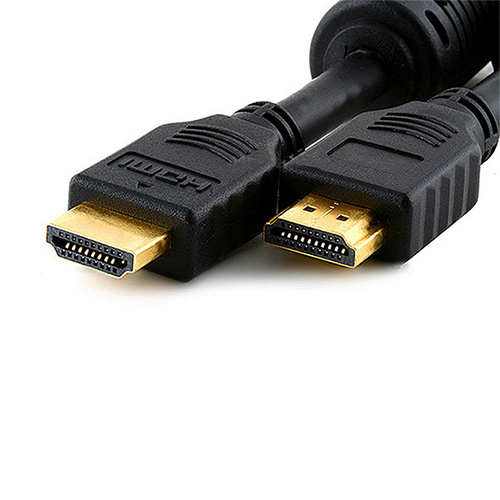
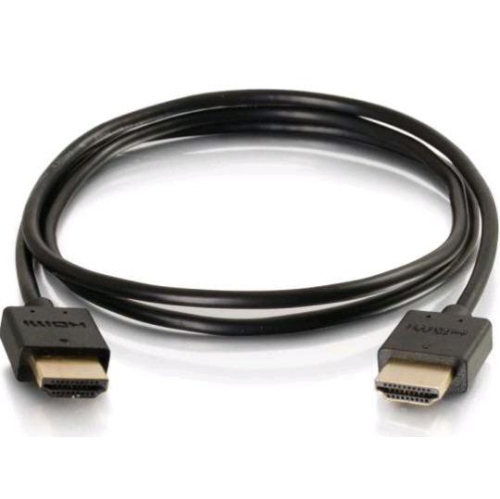
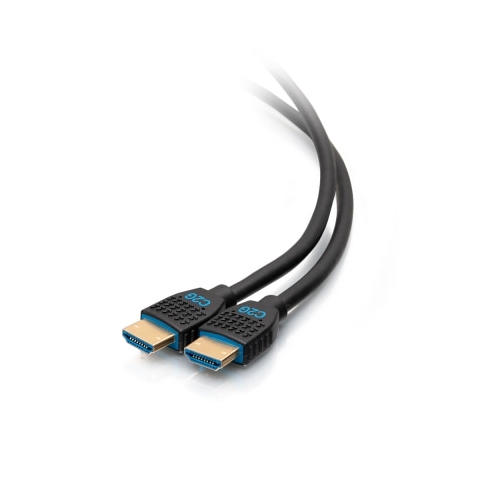
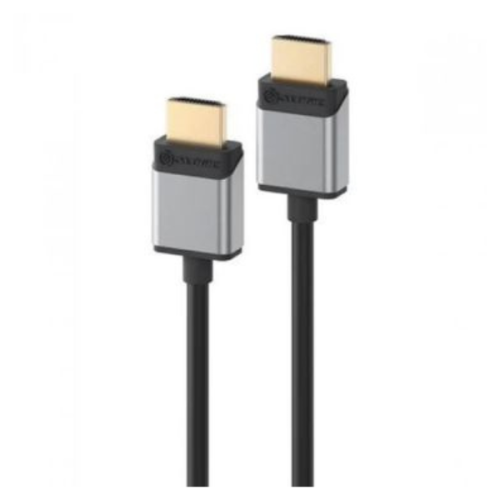
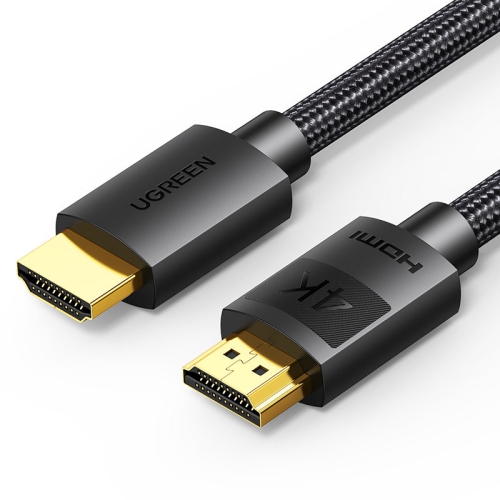
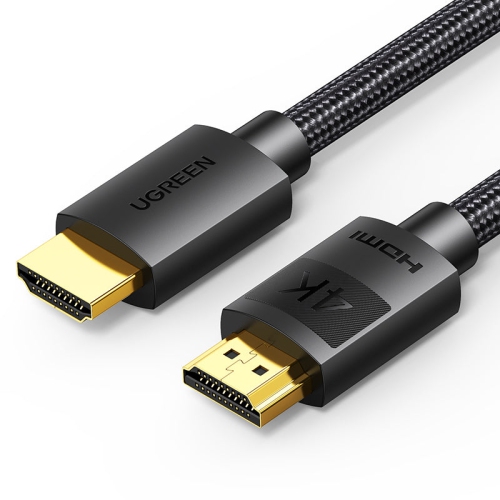
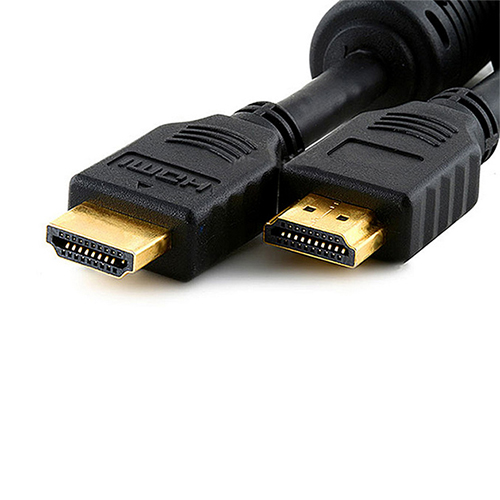
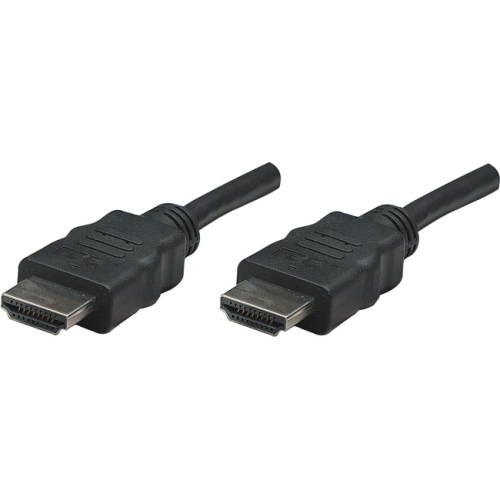
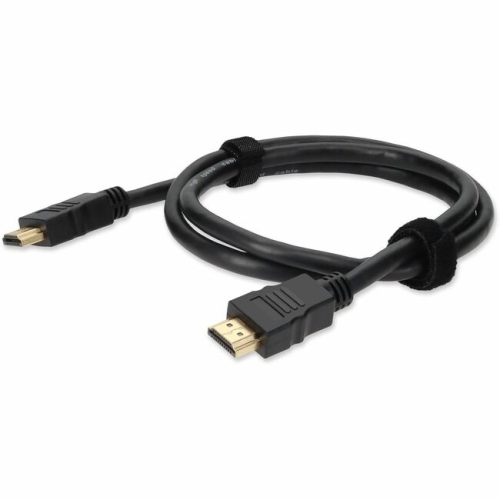
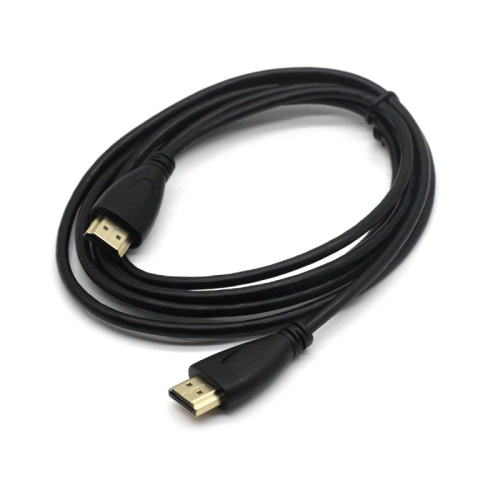
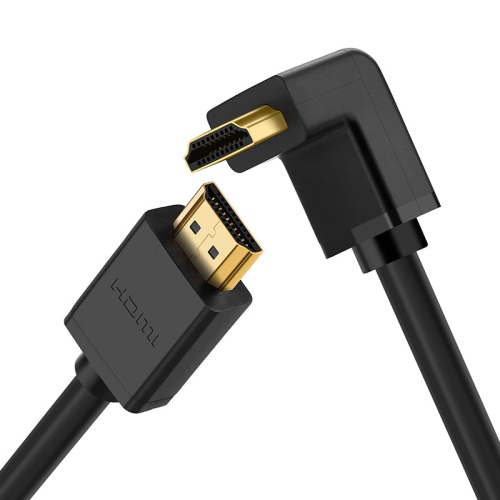
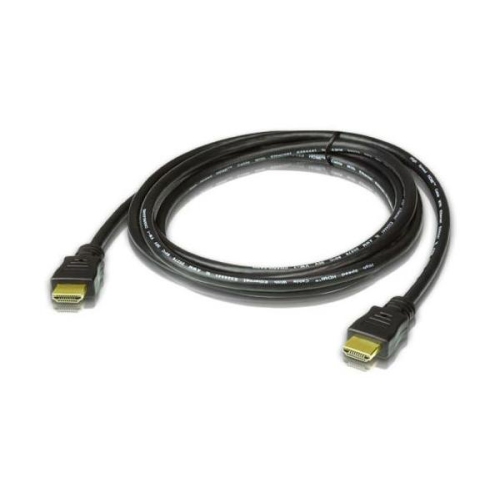
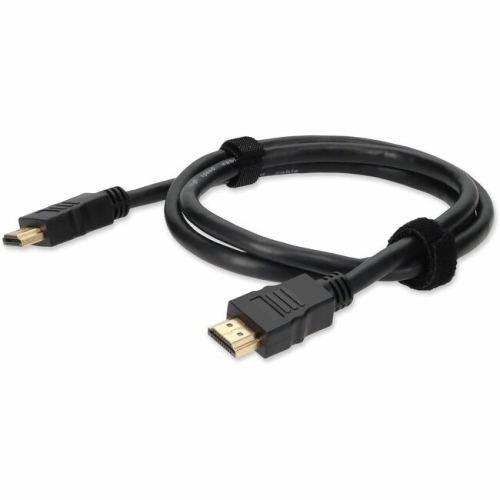
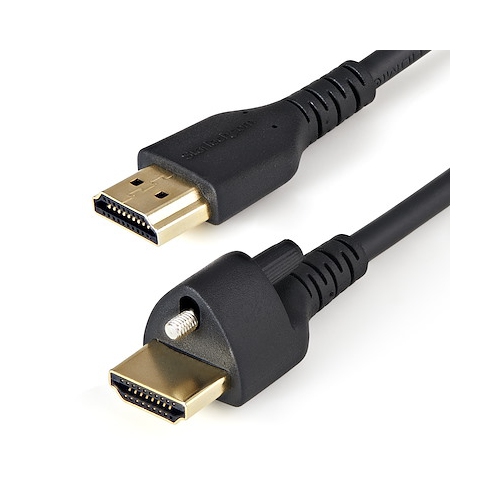
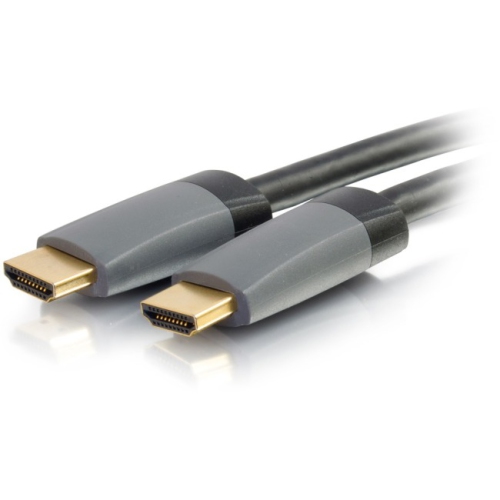
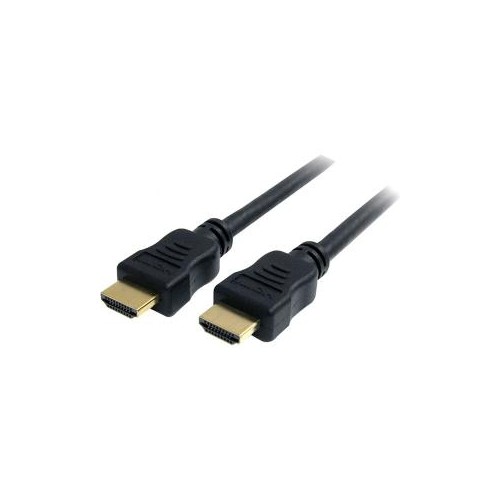
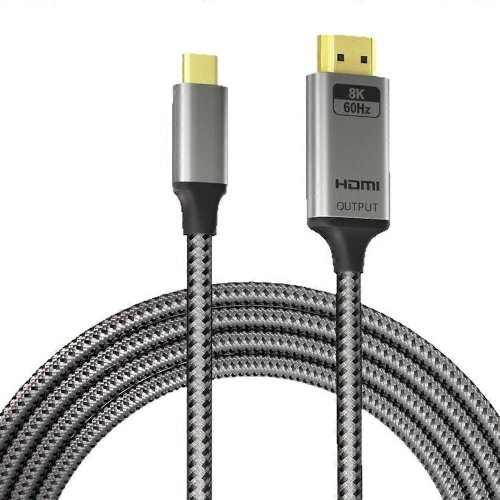
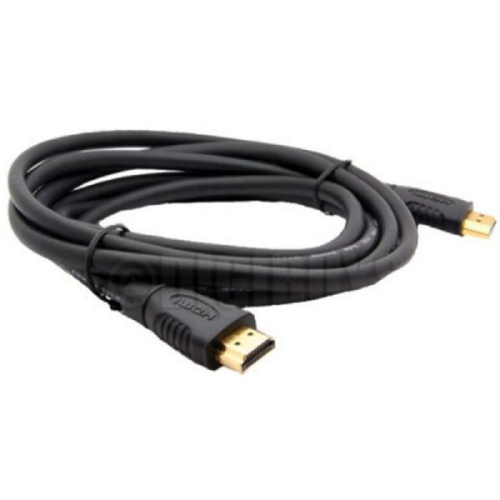
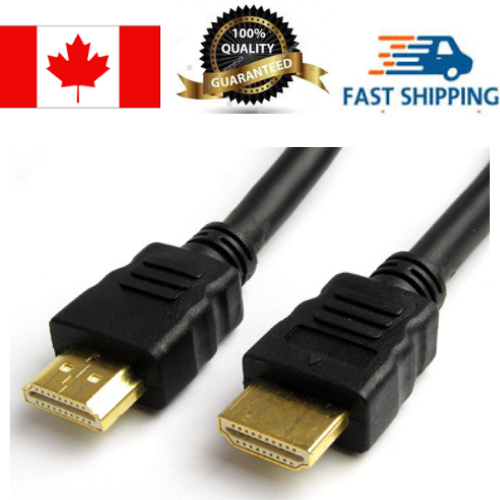
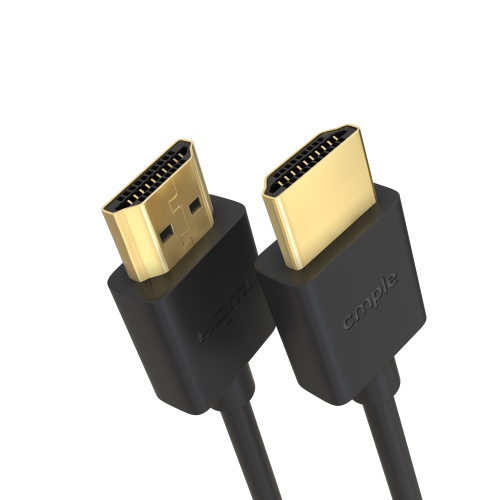
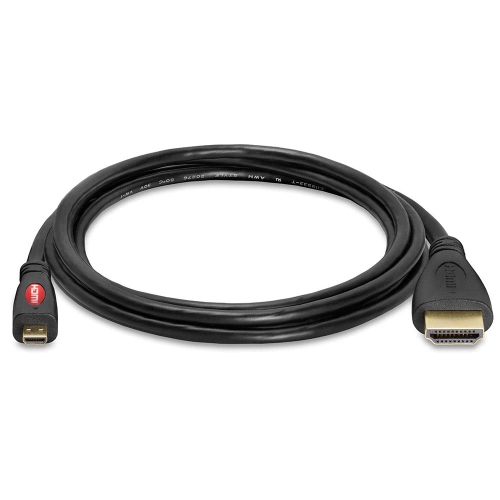
![CSMART [10Ft / 3M] HDMI to HDMI Cable 4K HD Transmission Audio Video Data Male to Male Cable](https://multimedia.bbycastatic.ca/multimedia/products/500x500/179/17905/17905321.jpeg)
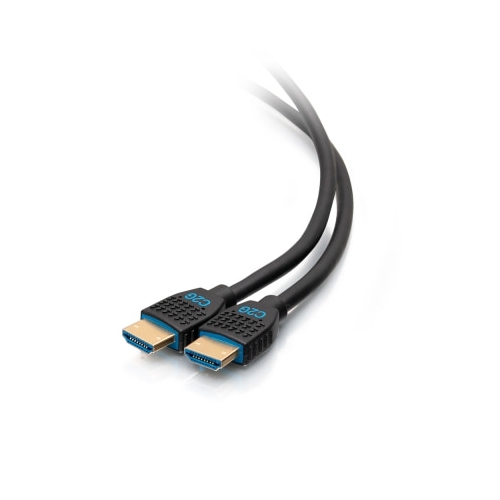
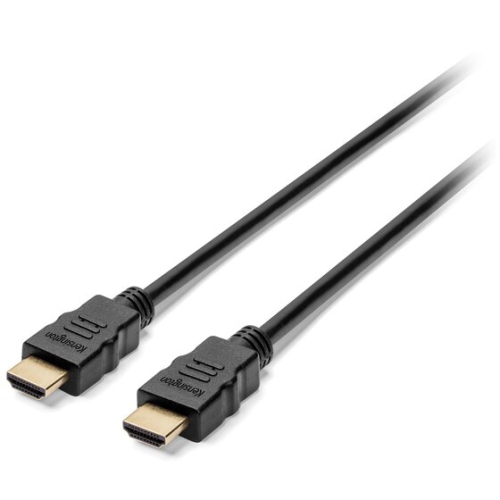

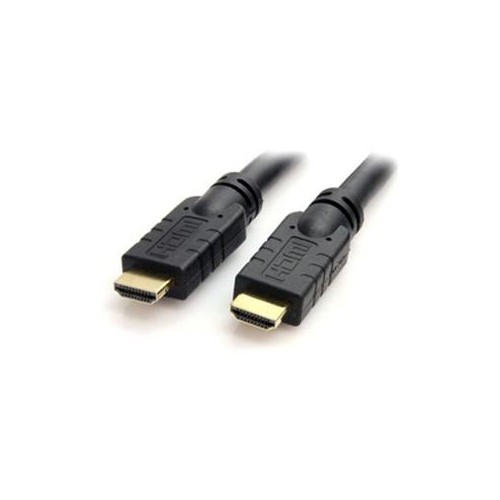
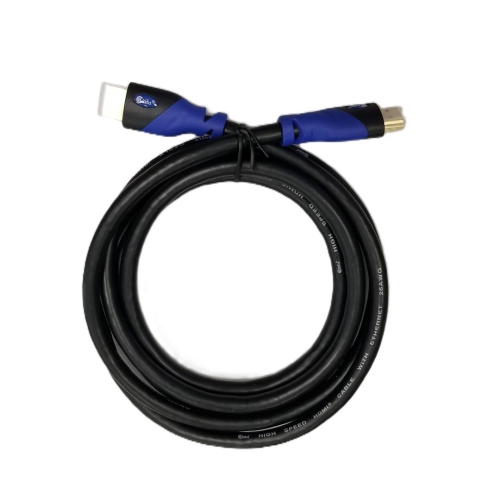

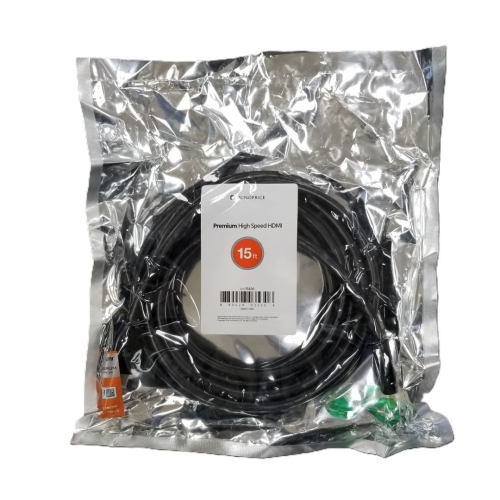
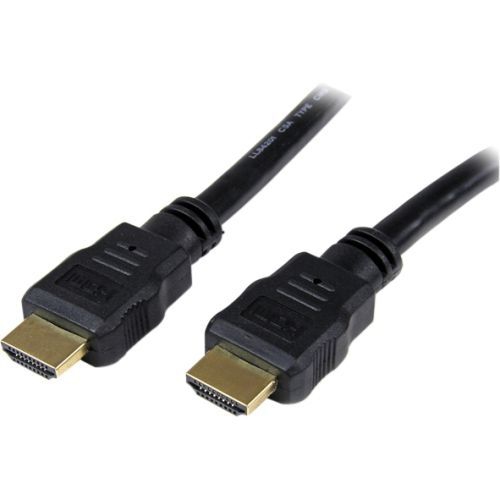
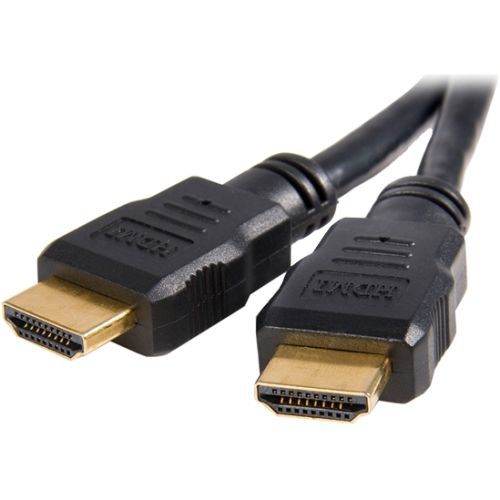
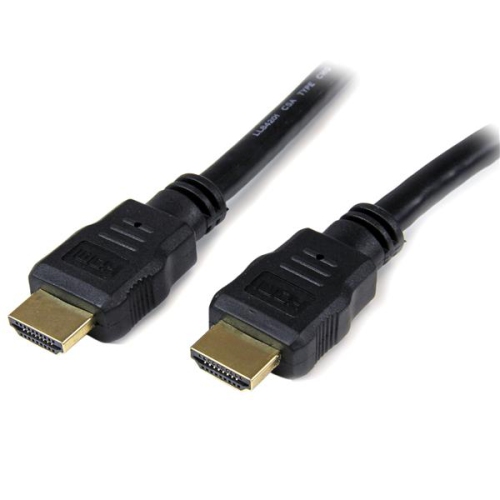
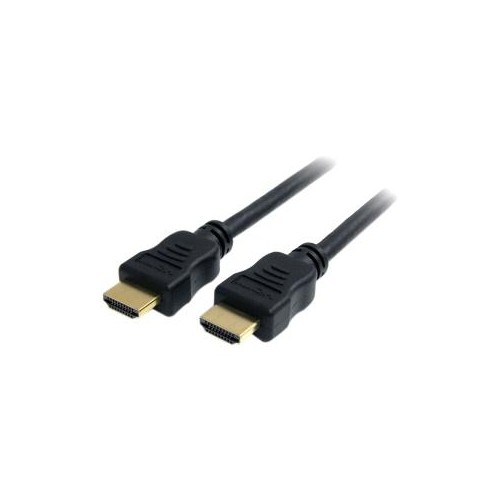
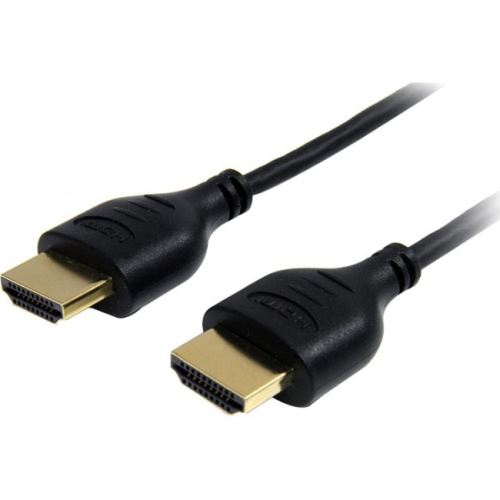
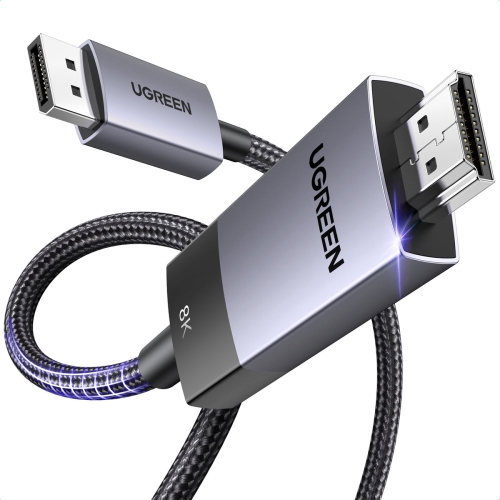
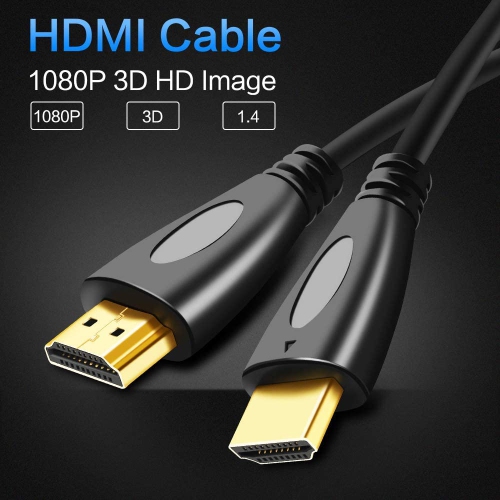
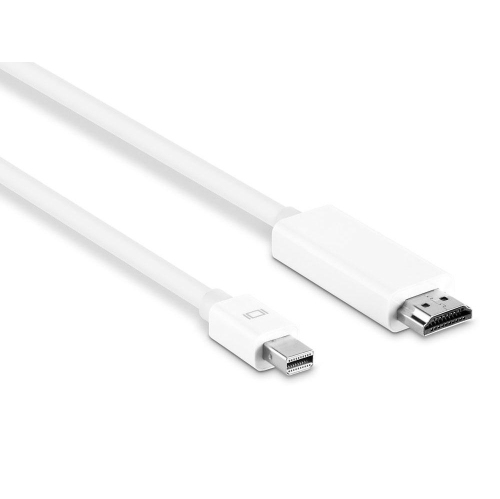
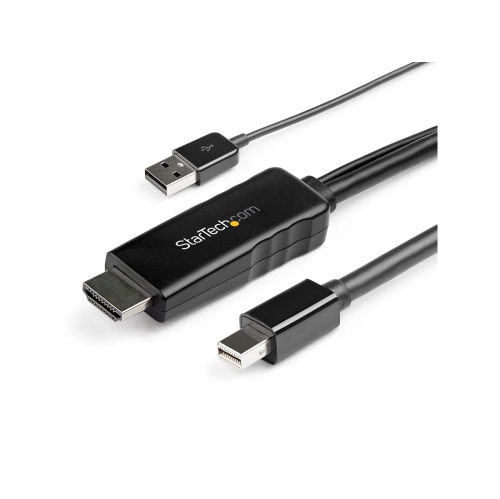

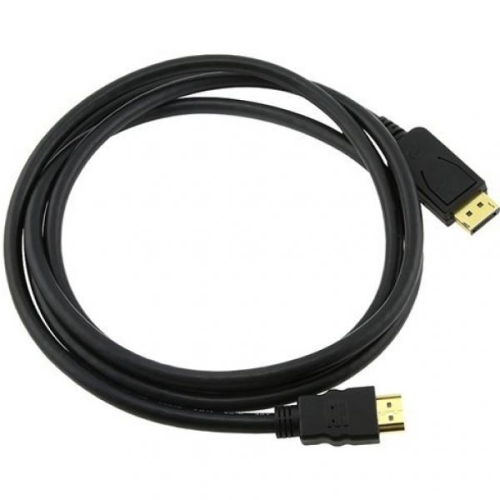

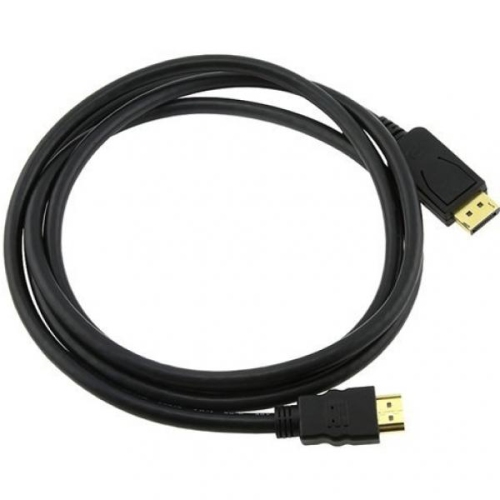

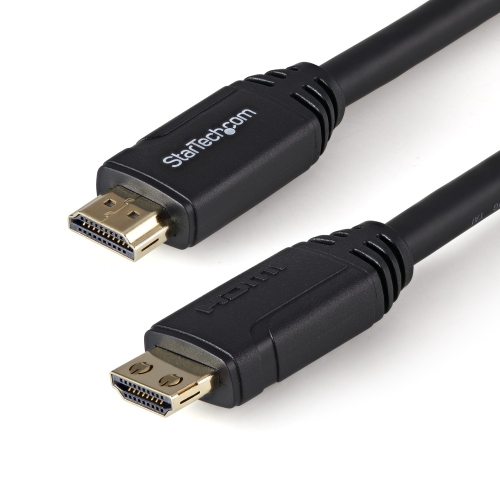
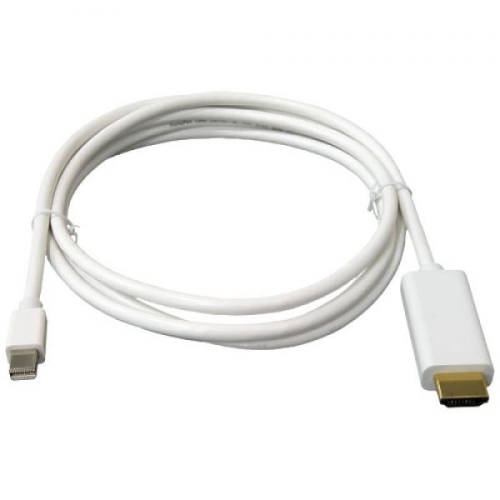
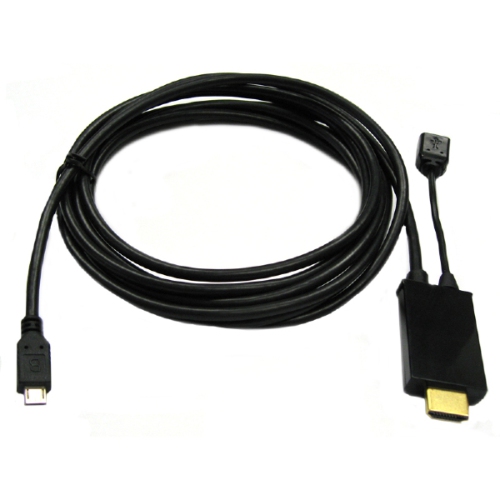
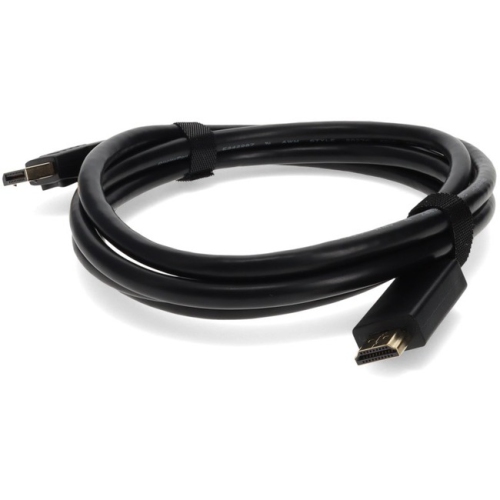
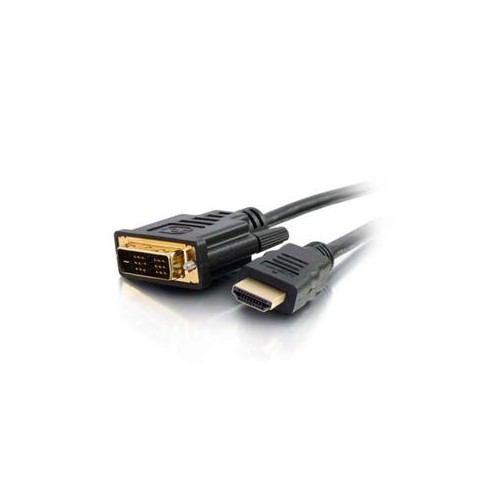
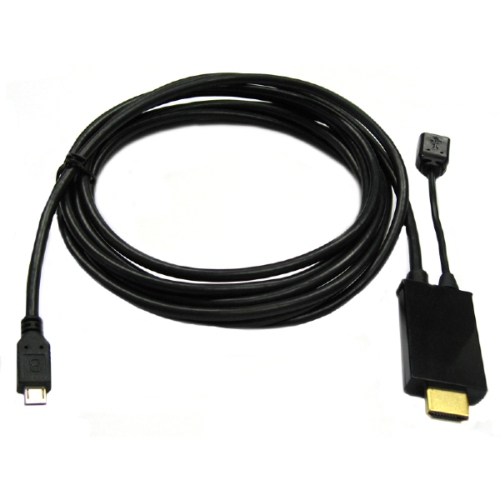
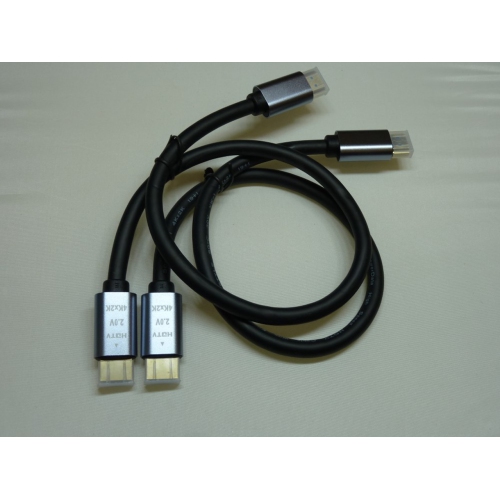
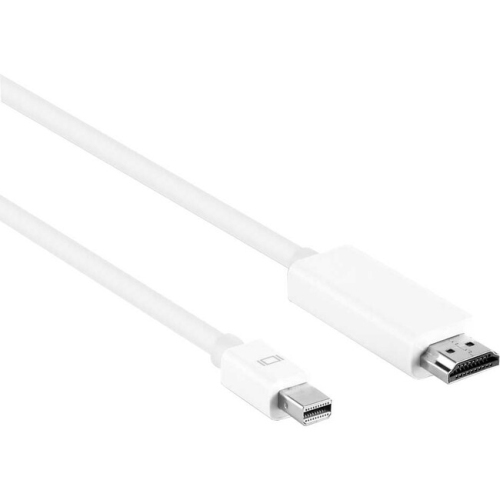
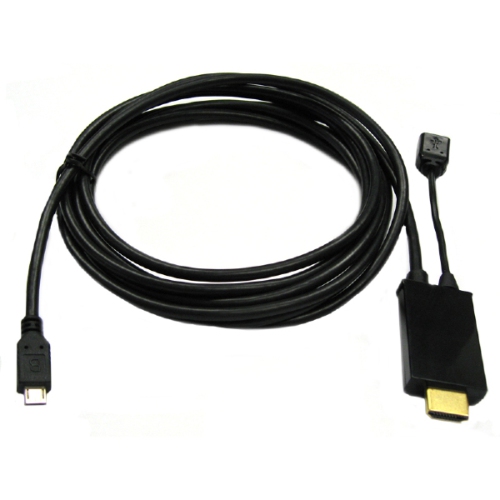
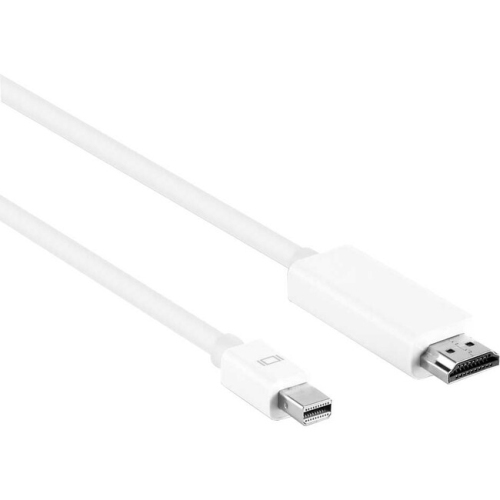
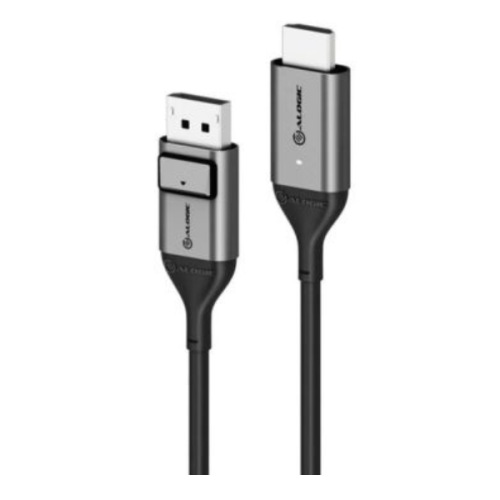
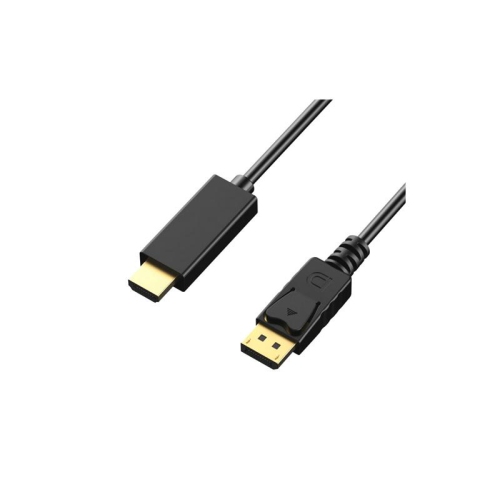
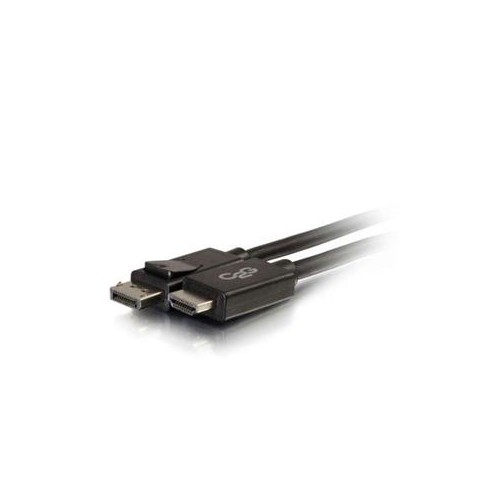
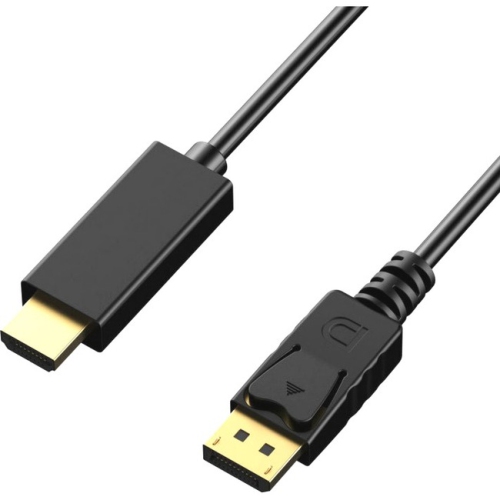
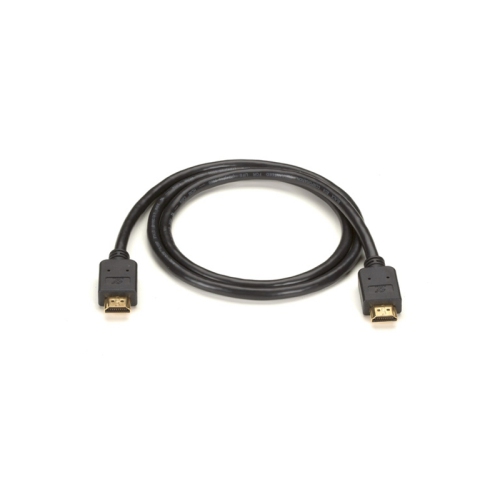
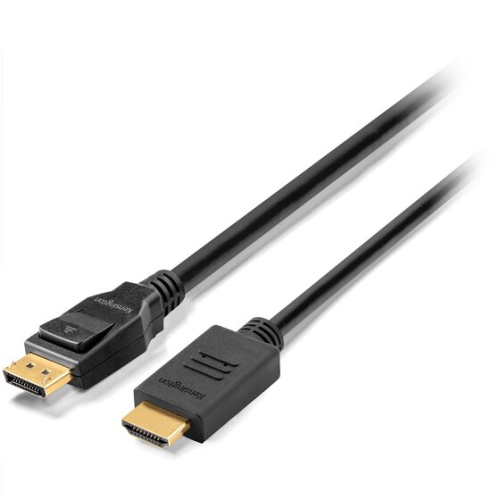
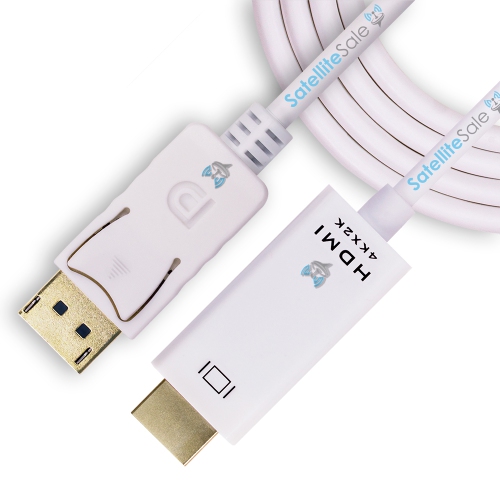
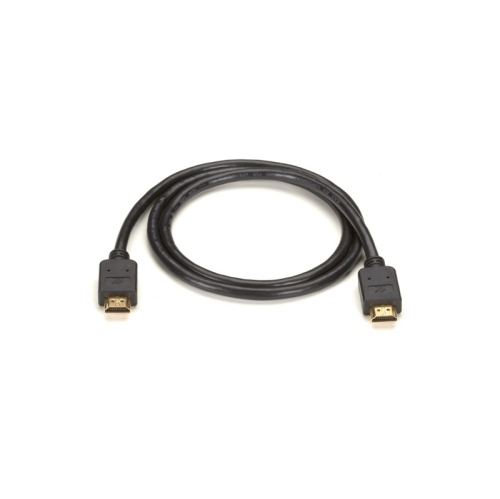
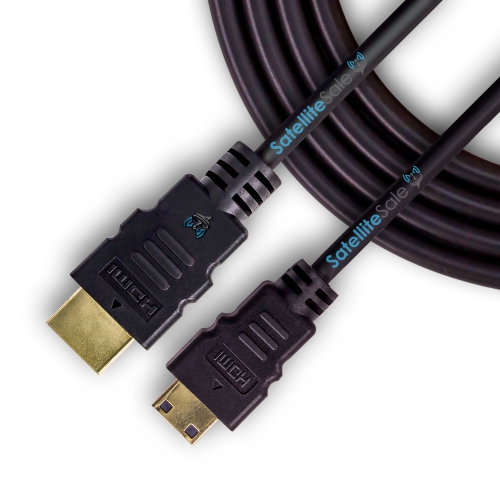

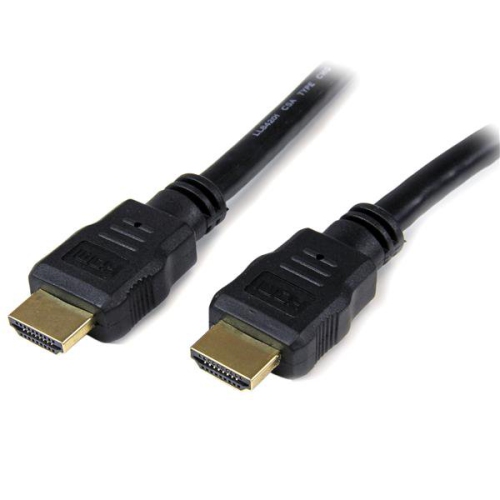
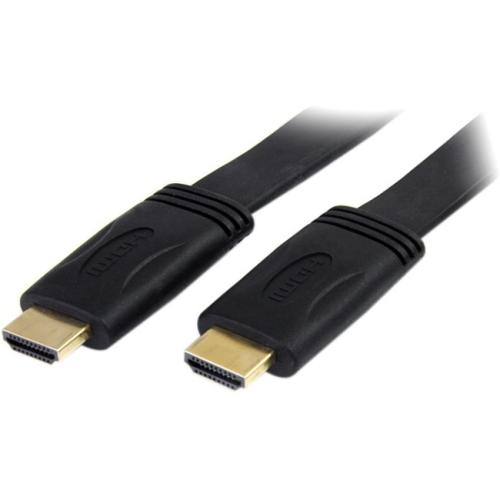
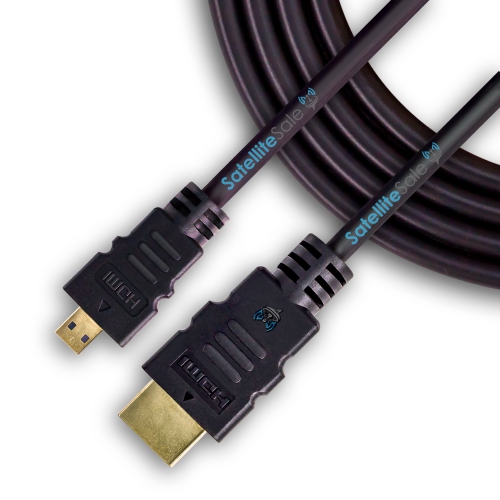
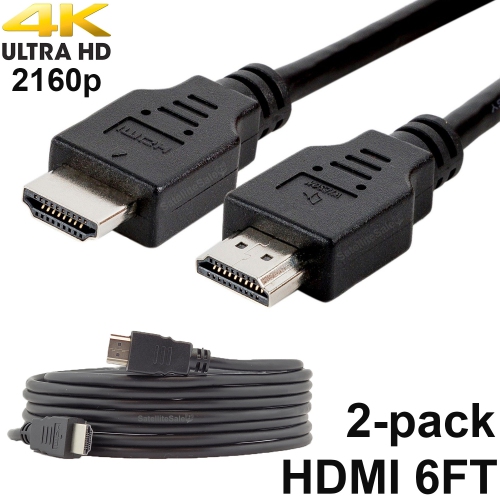

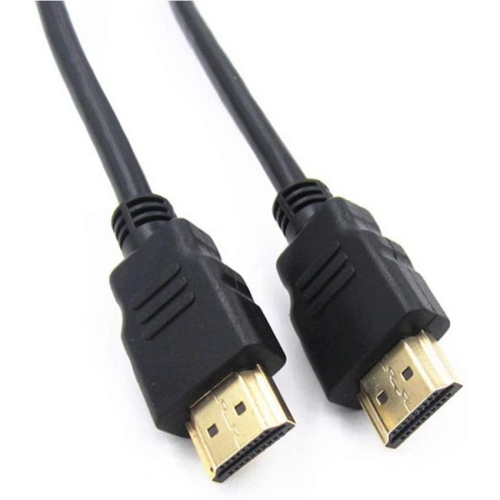
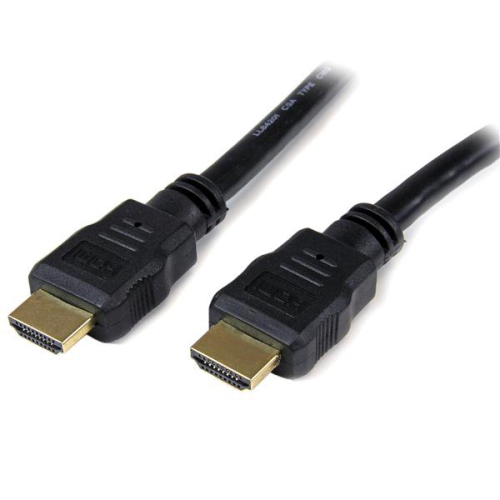
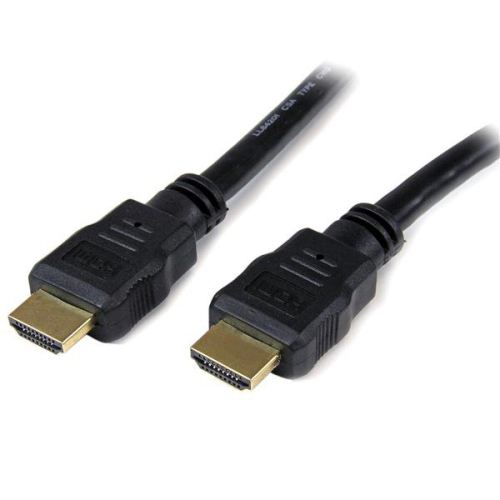
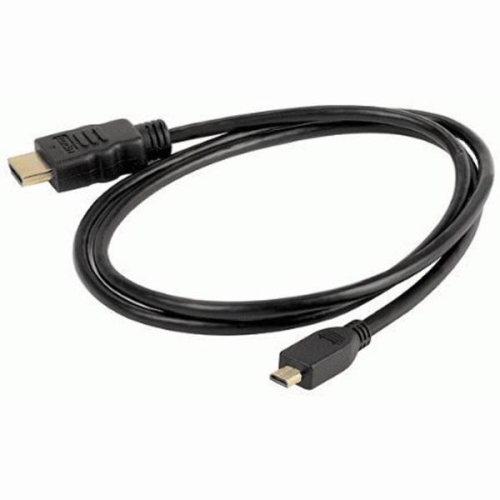

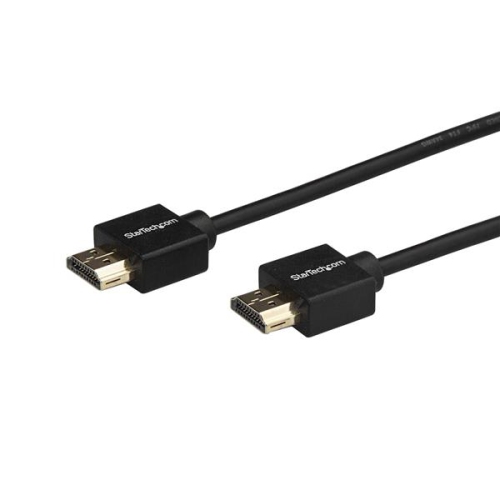
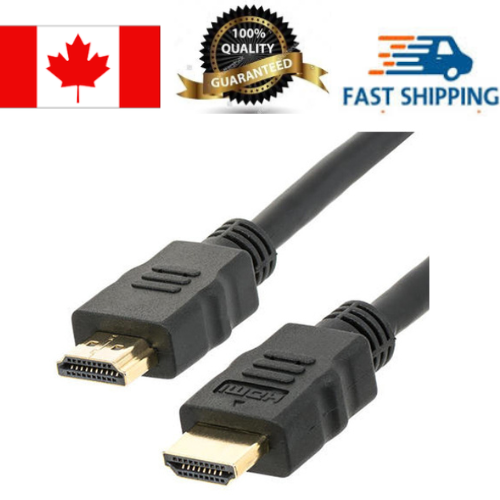
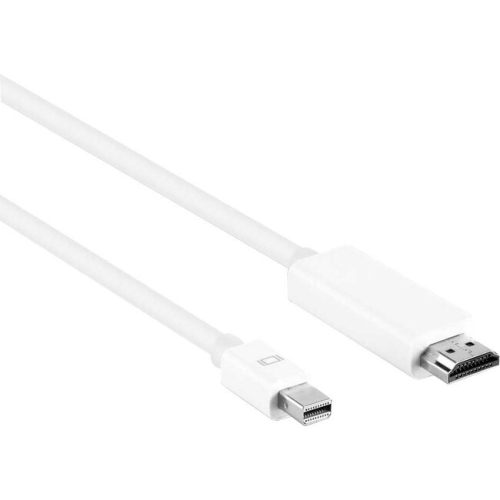
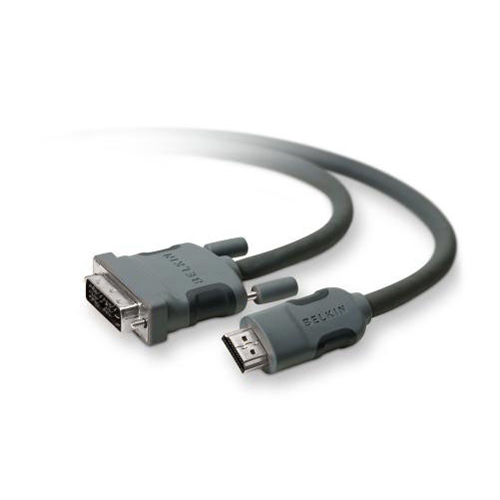
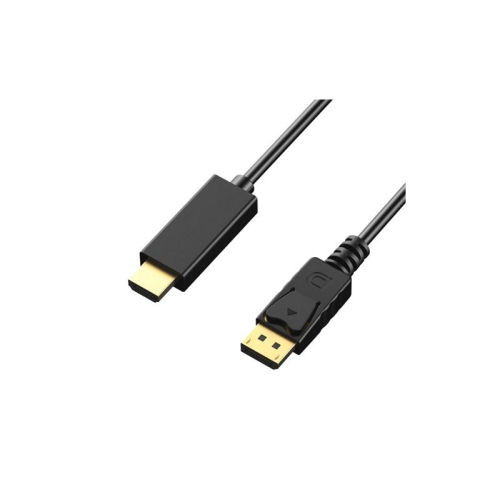
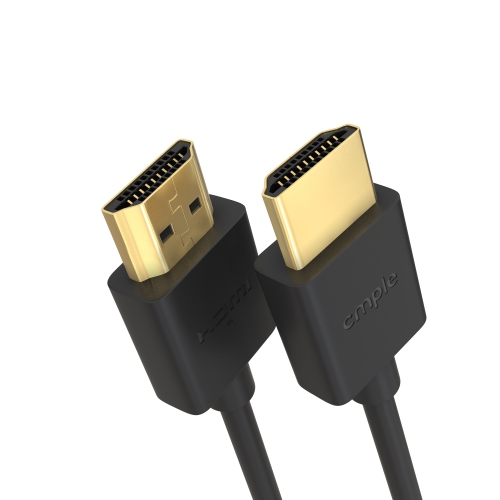
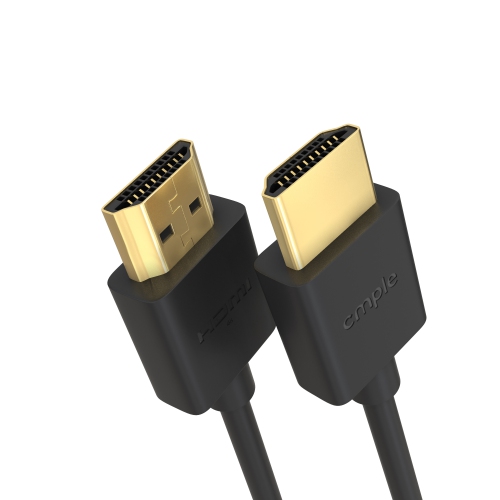
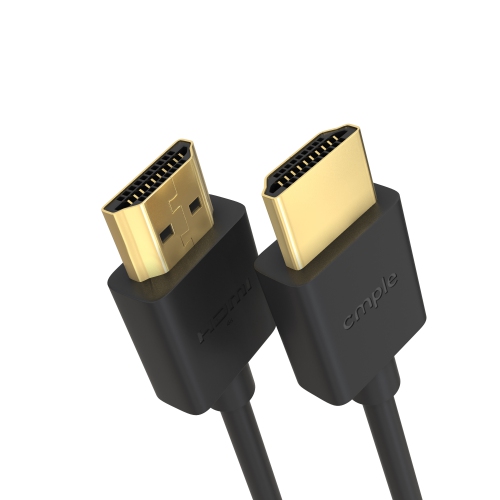
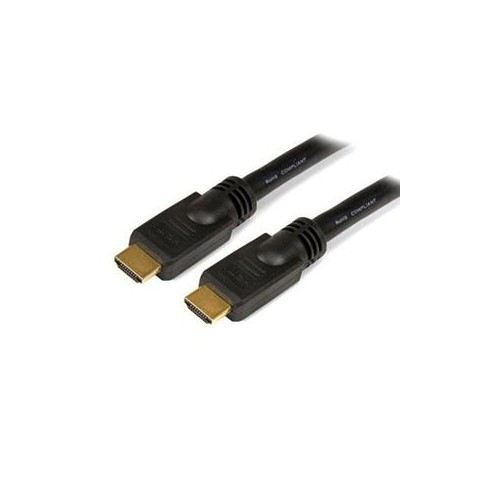
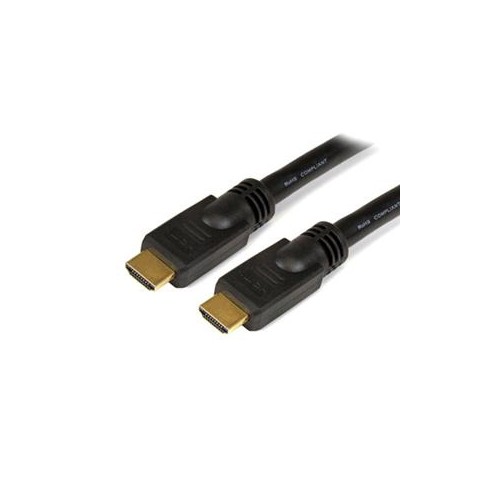
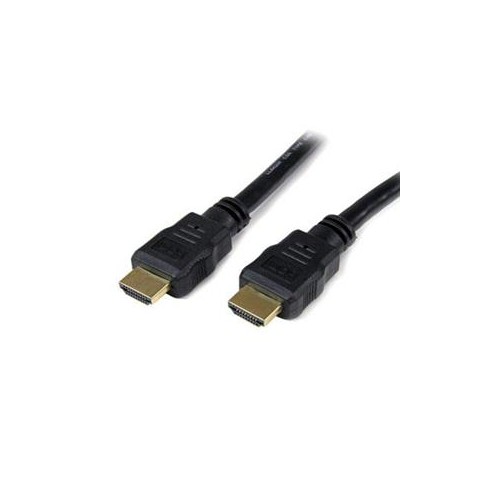
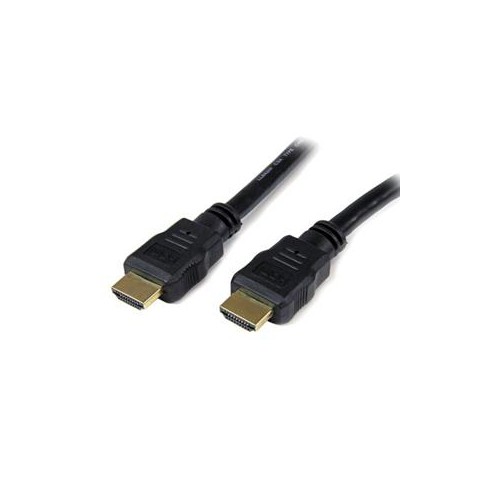
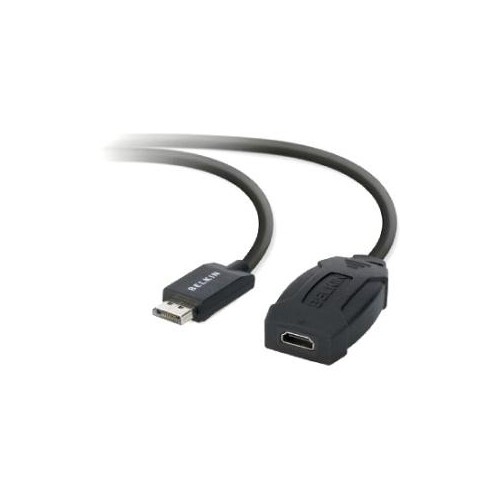
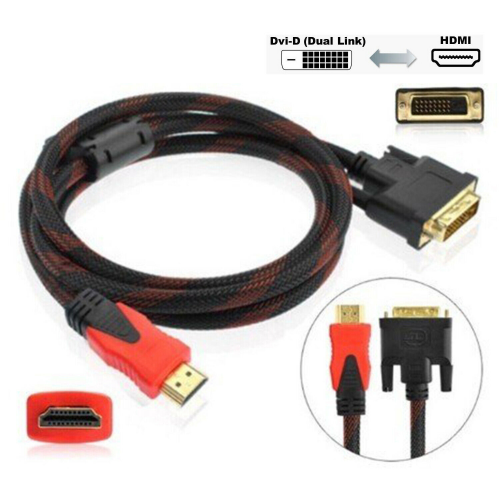
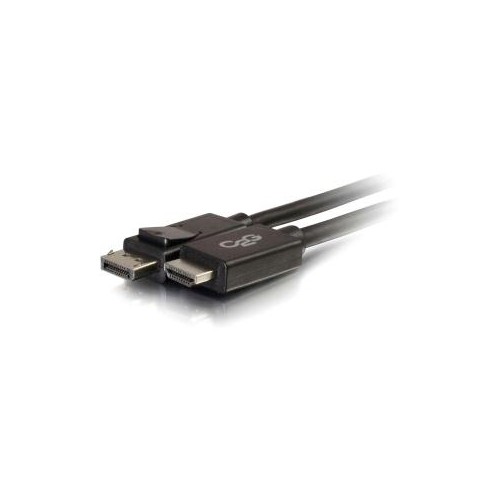
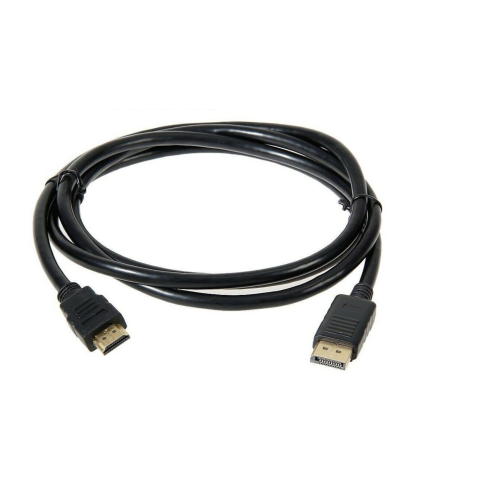
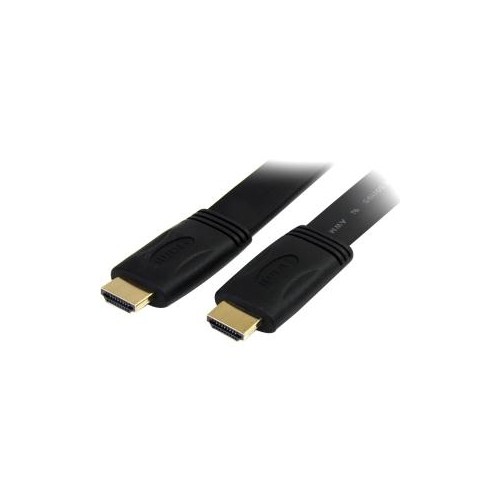

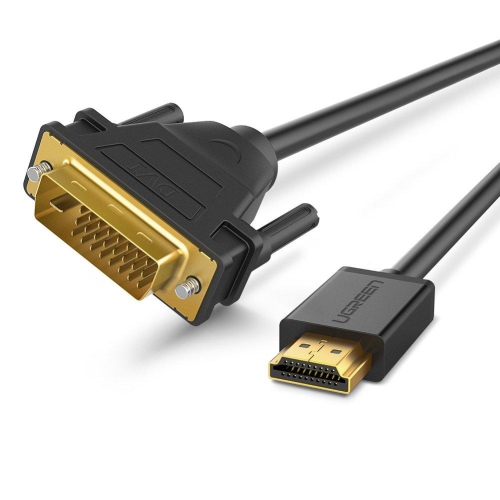
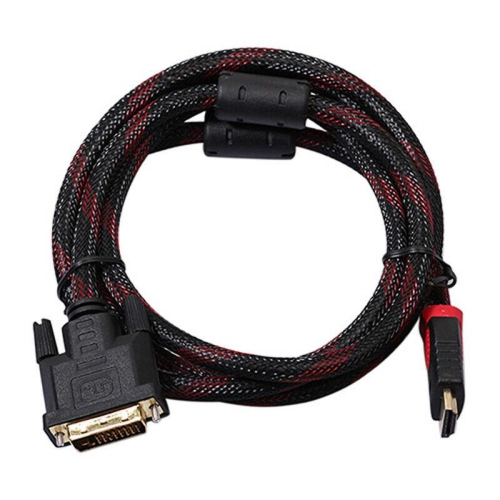
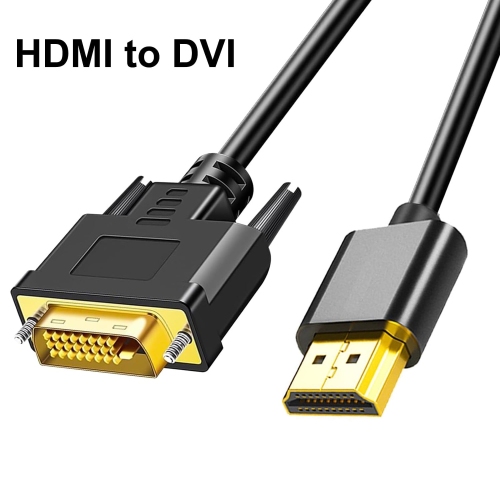

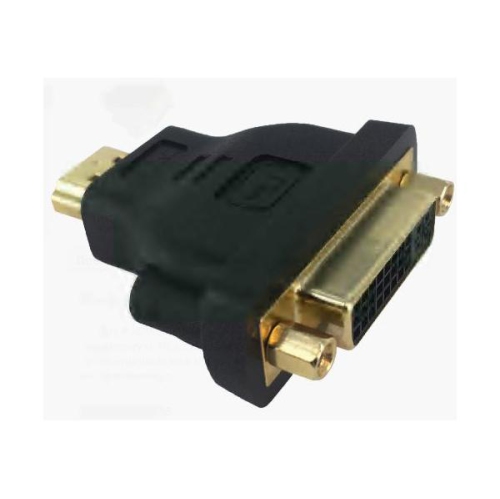
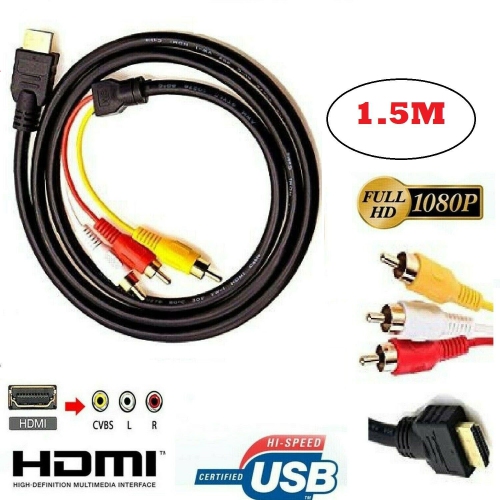
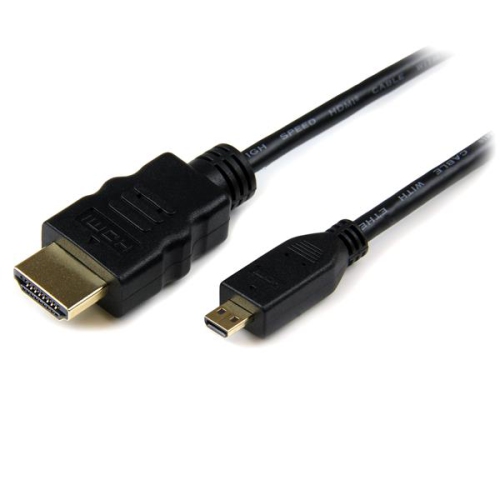
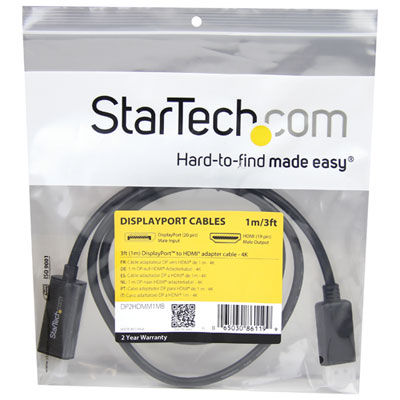
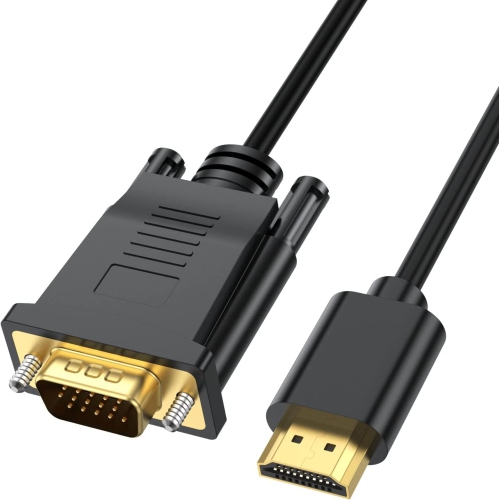
![BENFEI HDMI to VGA 6 Feet Cable, [Uni-Directional] HDMI Computer to VGA Monitor Cable [Male to Male]](https://multimedia.bbycastatic.ca/multimedia/products/500x500/173/17359/17359813.jpeg)
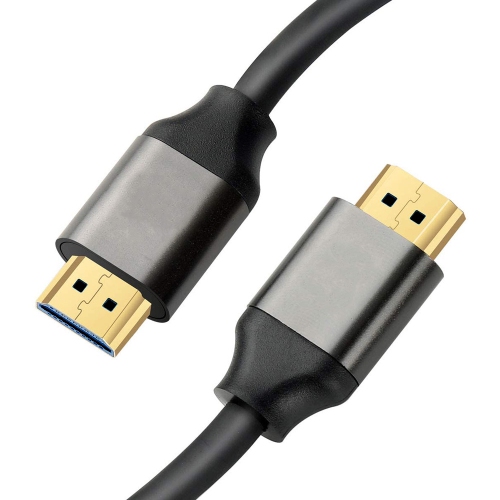
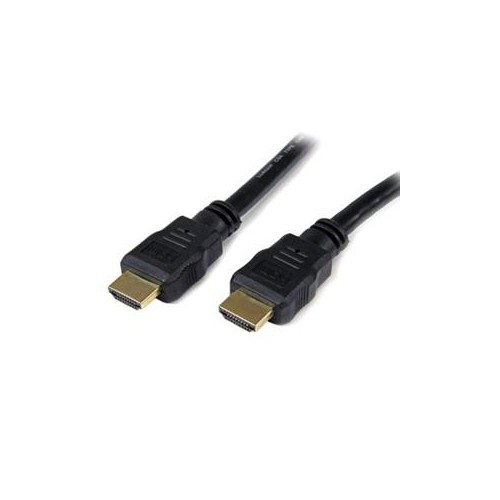
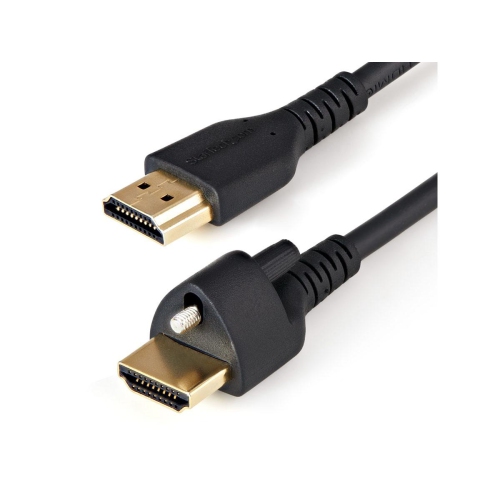
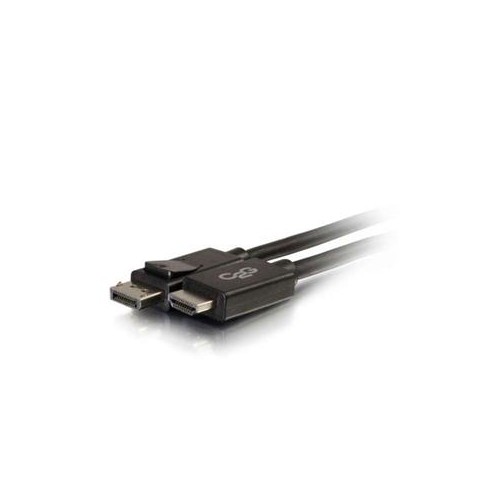
![TASNIM HDMI to VGA 6 Feet Cable, [Uni-Directional] HDMI Computer to VGA Monitor Cable [Male to Male]](https://multimedia.bbycastatic.ca/multimedia/products/500x500/196/19661/19661186.jpeg)
What to know about HDMI connections, lengths, and bandwidth
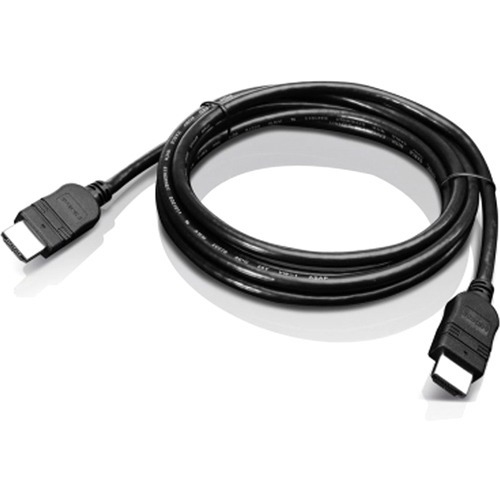
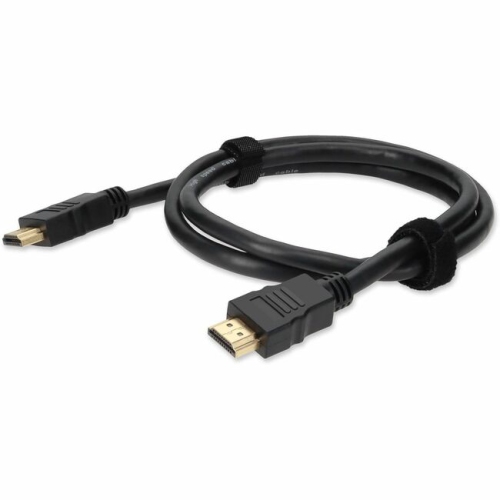
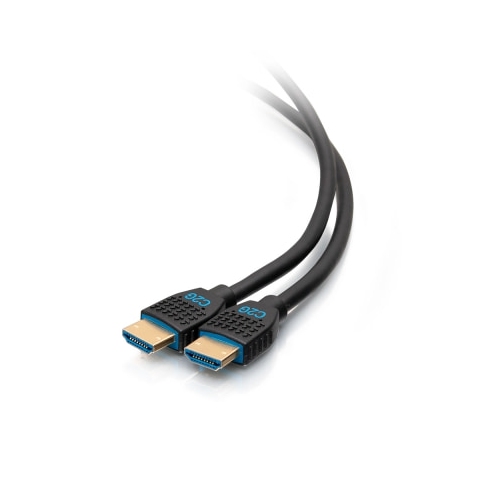
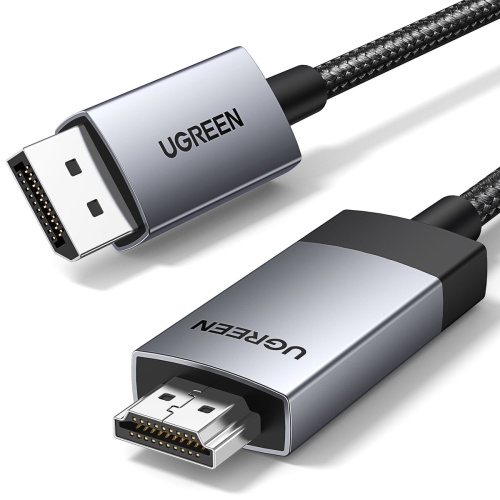
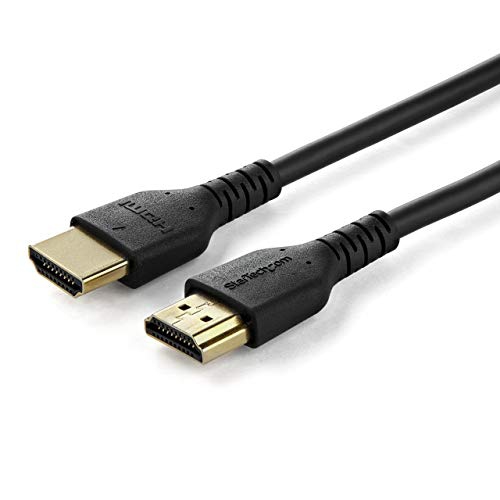
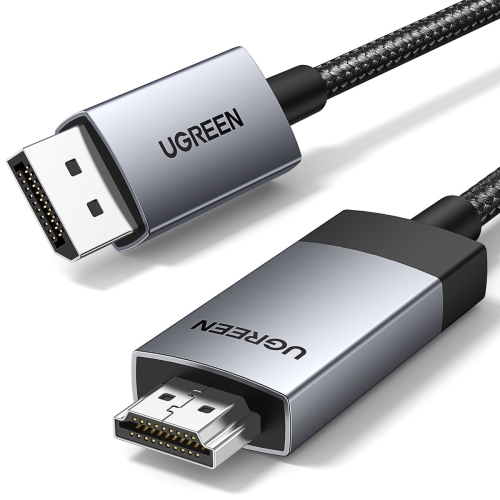
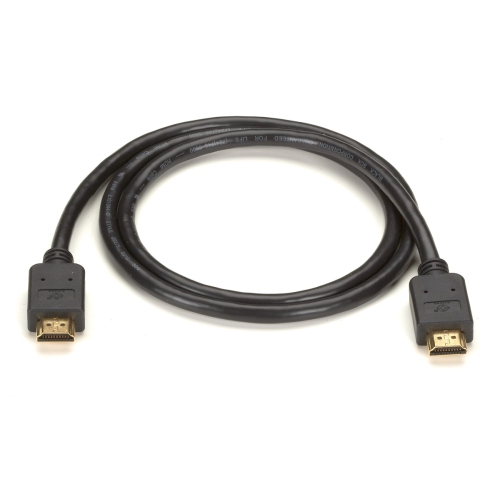
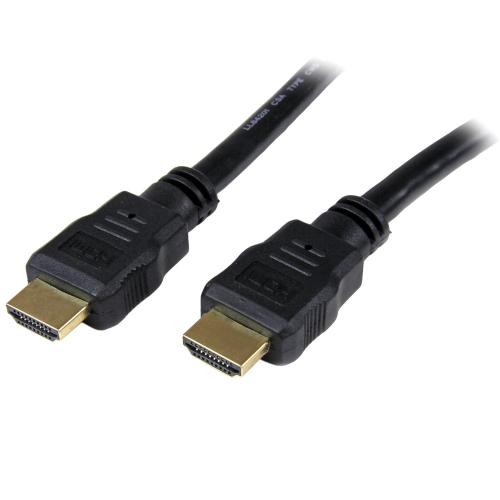
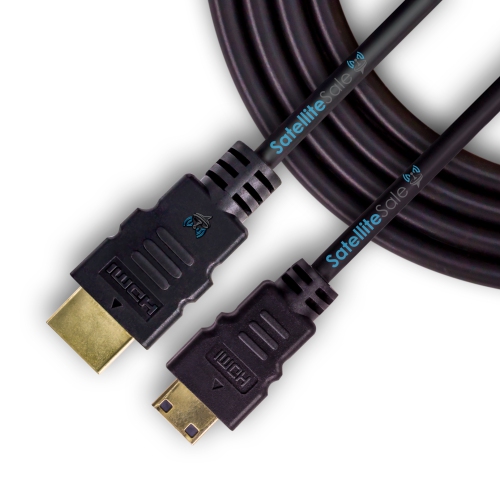
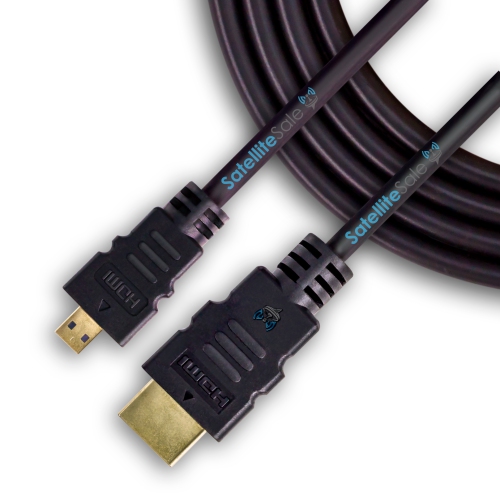
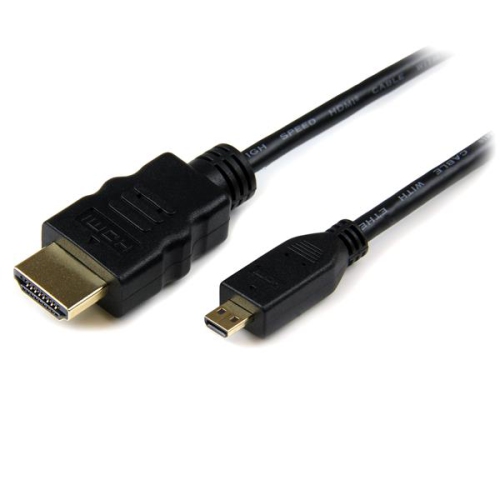
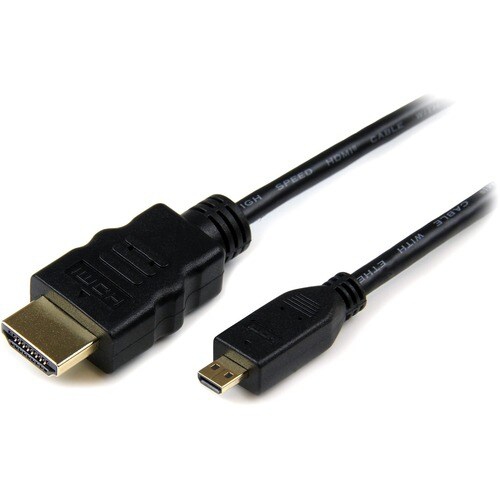
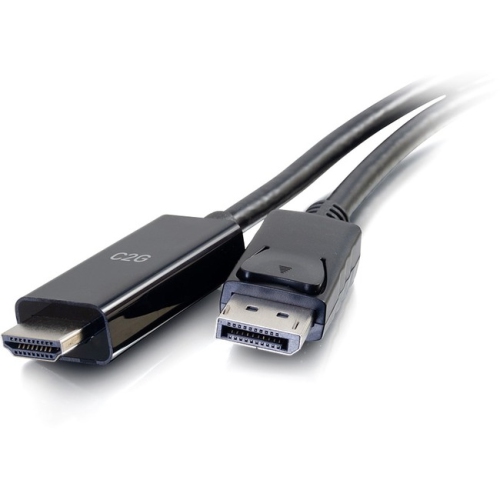
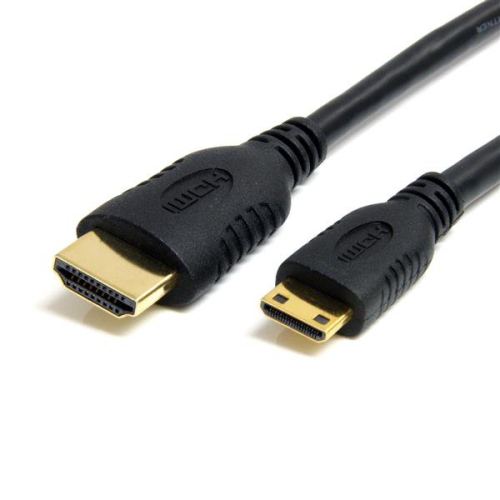
HDMI male-to-male cables are a practical way to connect a source device directly to a display. With a standard male HDMI connector at each end, they can link a laptop to a monitor, a game console to a television, a Blu-ray player to a home theatre receiver, or a streaming device to a projector. Once connected, the cable can carry digital video and audio through a single connection, helping reduce the tangle of separate cords behind an entertainment centre or workstation. These cables are useful in everyday setups because HDMI ports are common on televisions, monitors, projectors, computers, receivers, and many other home electronics. They can also be handy when rearranging a room, setting up a guest room display, creating a temporary presentation station, or connecting a console in a different part of the house during the cooler months. Before choosing a cable, check the ports on both devices and confirm that they are full-size HDMI ports. A standard HDMI male-to-male cable uses Type-A connectors, which are wider than the smaller connectors found on some compact cameras, tablets, and older portable devices. If the source has a smaller port, an adapter or a different cable type may be needed; shoppers comparing smaller connectors can browse Mini HDMI Cables. It is also worth checking the direction of the connection. Most standard HDMI cables work in either direction, allowing the source and display to be connected at either end, while some specialised active or optical cables may have a designated source end and display end.
Resolution and refresh rate are among the most important factors when selecting an HDMI cable. A basic cable may be suitable for Full HD 1080p video, while a higher-speed cable is a better choice for 4K Ultra HD content, especially at a 60 Hz refresh rate. If the setup includes HDR, higher frame rates, a gaming console, or a computer monitor used for fast-moving content, look for a cable rated to support the bandwidth required by the connected devices. A cable cannot increase the resolution of a television or make a source device output a format it does not support, but the right cable helps the equipment communicate at its intended quality. For example, a 4K television and a compatible source may need a cable that can handle 4K at 60 Hz, while a basic office monitor displaying documents may have more modest requirements. Features such as audio return support can also matter in a home theatre setup, though compatibility depends on the television, receiver, soundbar, and other connected equipment. Cable length deserves equal attention. A short run of about 3 to 6 feet can keep a connection tidy and is often a sensible choice when devices sit on the same desk, stand, or media shelf. Measure the route between the ports rather than relying on a straight-line estimate, leaving enough slack to move the equipment without pulling on the connectors. A cable that is too short can place stress on the ports, while an unnecessarily long cable can leave extra loops behind furniture. For longer runs, particularly those extending beyond about 25 feet, an active or optical HDMI cable may be more suitable than a standard passive cable. Signal performance can vary with length, resolution, refresh rate, and the quality of the connected equipment, so longer installations deserve careful attention to the cable specification.
Construction details can make a difference in day-to-day use. Look for connectors that fit firmly without requiring force, flexible jacket material that can bend around a media stand, and strain relief where the cable meets each plug. Gold-plated contacts may help resist corrosion and maintain a reliable connection over time, although connector plating is only one part of overall cable performance. A well-made cable should be long enough for the installation without being difficult to manage, and its plugs should remain secure when a television, monitor, or console is gently repositioned. Avoid sharply folding the cable or pinching it under heavy furniture, as repeated stress can damage the conductors or connector housing. When troubleshooting, turn off or disconnect the source and display, reseat both ends, select the correct input on the display, and confirm that the source is set to an output format the display supports. Flickering, intermittent audio, a blank screen, or a message indicating no signal can result from a loose connection, an incorrect input, unsupported settings, or a cable that does not provide enough bandwidth for the selected resolution and refresh rate. HDMI male-to-male cables can be a useful addition to a home office, gaming setup, classroom presentation kit, or family entertainment area, and they make a thoughtful practical gift for someone moving into a new space or upgrading a media corner. During warmer weather, one can simplify a patio or spare-room viewing setup by connecting a compatible source to a larger display, while during the cooler months the same cable can help bring films, games, presentations, and streamed content together in one comfortable indoor space. Choose the connector type first, then match the cable’s length and performance rating to the equipment, viewing distance, resolution, refresh rate, and audio features you plan to use.
Resolution and refresh rate are among the most important factors when selecting an HDMI cable. A basic cable may be suitable for Full HD 1080p video, while a higher-speed cable is a better choice for 4K Ultra HD content, especially at a 60 Hz refresh rate. If the setup includes HDR, higher frame rates, a gaming console, or a computer monitor used for fast-moving content, look for a cable rated to support the bandwidth required by the connected devices. A cable cannot increase the resolution of a television or make a source device output a format it does not support, but the right cable helps the equipment communicate at its intended quality. For example, a 4K television and a compatible source may need a cable that can handle 4K at 60 Hz, while a basic office monitor displaying documents may have more modest requirements. Features such as audio return support can also matter in a home theatre setup, though compatibility depends on the television, receiver, soundbar, and other connected equipment. Cable length deserves equal attention. A short run of about 3 to 6 feet can keep a connection tidy and is often a sensible choice when devices sit on the same desk, stand, or media shelf. Measure the route between the ports rather than relying on a straight-line estimate, leaving enough slack to move the equipment without pulling on the connectors. A cable that is too short can place stress on the ports, while an unnecessarily long cable can leave extra loops behind furniture. For longer runs, particularly those extending beyond about 25 feet, an active or optical HDMI cable may be more suitable than a standard passive cable. Signal performance can vary with length, resolution, refresh rate, and the quality of the connected equipment, so longer installations deserve careful attention to the cable specification.
Construction details can make a difference in day-to-day use. Look for connectors that fit firmly without requiring force, flexible jacket material that can bend around a media stand, and strain relief where the cable meets each plug. Gold-plated contacts may help resist corrosion and maintain a reliable connection over time, although connector plating is only one part of overall cable performance. A well-made cable should be long enough for the installation without being difficult to manage, and its plugs should remain secure when a television, monitor, or console is gently repositioned. Avoid sharply folding the cable or pinching it under heavy furniture, as repeated stress can damage the conductors or connector housing. When troubleshooting, turn off or disconnect the source and display, reseat both ends, select the correct input on the display, and confirm that the source is set to an output format the display supports. Flickering, intermittent audio, a blank screen, or a message indicating no signal can result from a loose connection, an incorrect input, unsupported settings, or a cable that does not provide enough bandwidth for the selected resolution and refresh rate. HDMI male-to-male cables can be a useful addition to a home office, gaming setup, classroom presentation kit, or family entertainment area, and they make a thoughtful practical gift for someone moving into a new space or upgrading a media corner. During warmer weather, one can simplify a patio or spare-room viewing setup by connecting a compatible source to a larger display, while during the cooler months the same cable can help bring films, games, presentations, and streamed content together in one comfortable indoor space. Choose the connector type first, then match the cable’s length and performance rating to the equipment, viewing distance, resolution, refresh rate, and audio features you plan to use.
Top selling and popular products
-
 Your price for this item is $24.95
 -
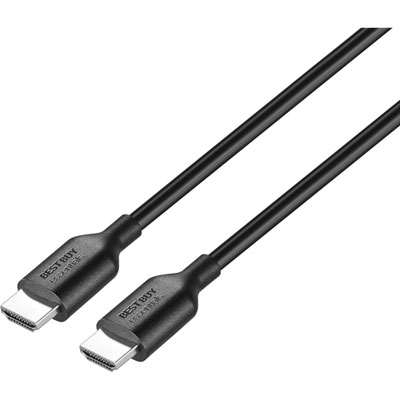 Your price for this item is $9.99
 -
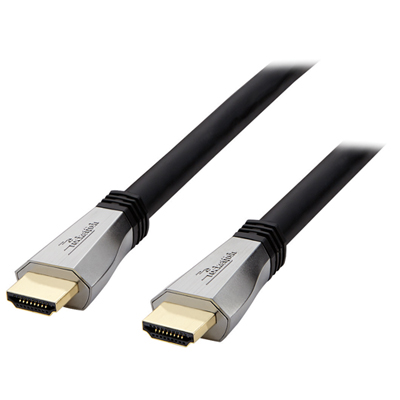 Your price for this item is $119.99
 -
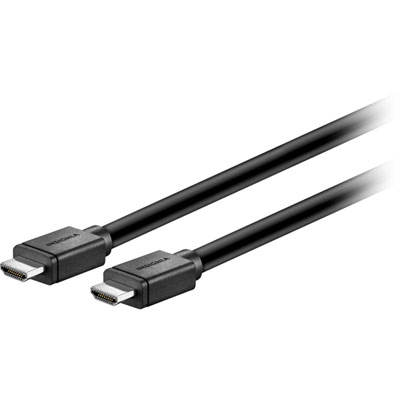 Your price for this item is $129.99
 -
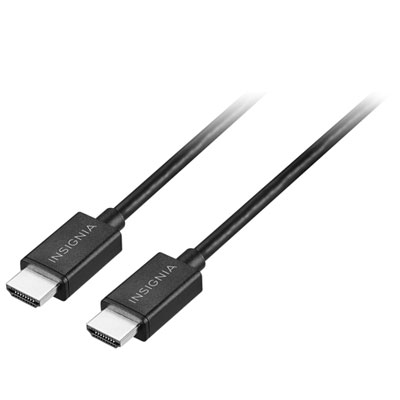 Your price for this item is $19.99
 -
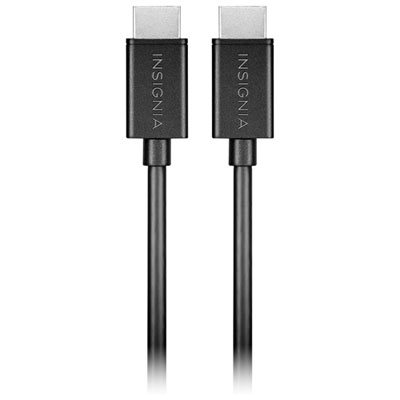 Your price for this item is $29.99
 -
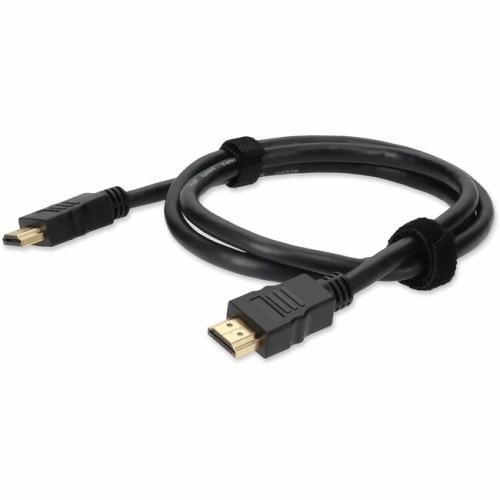
![BDA / POWER A HDMI Cable Ps5 10 Ft [Power A]](https://multimedia.bbycastatic.ca/multimedia/products/500x500/176/17616/17616431.jpeg) Your price for this item is $59.99
Your price for this item is $59.99 -
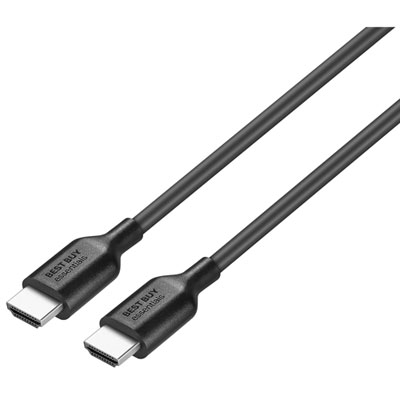 Your price for this item is $19.99
Discover more categories related to HDMI Male To Male Cables
Top Collections:
Pokemon Centers, Kindle Devices, Best Cameras for Sports Photography, Pokémon 30th Celebration Cards, Apple iPhones 16, Canon G7X Cameras, iPhone 15 Apple, Flip Phones, Samsung Galaxy Phones, Alarm Clock
Some products may be subject to Environmental Handling Fees
(EHF) depending on your province.
Learn more about EHFs.