HDMI Signal Boosters
Elevate your home entertainment experience with HDMI signal boosters, the perfect solution for those looking to extend the reach of their high-definition audio and video signals without compromising on quality. Whether you're setting up a multi-room viewing environment or connecting devices over longer distances, these innovative tools ensure a seamless transmission, reducing the risk of signal degradation. Explore a range of options designed to enhance connectivity and support your tech setup, making it easier than ever to enjoy crystal-clear visuals and sound across all your devices. Discover how HDMI signal boosters can transform your digital lifestyle, providing reliable performance for all your entertainment needs.
Sort
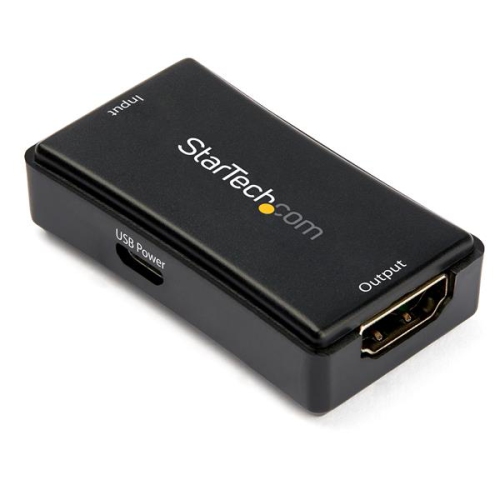
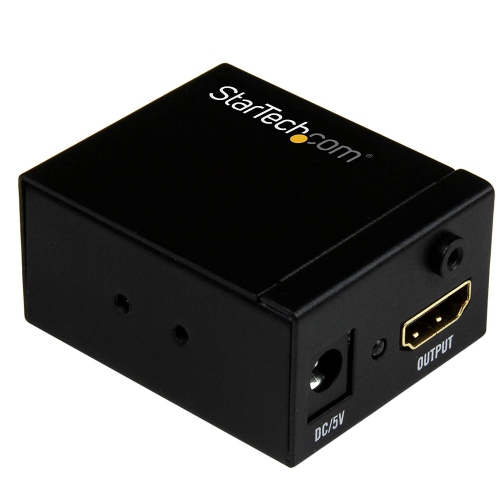
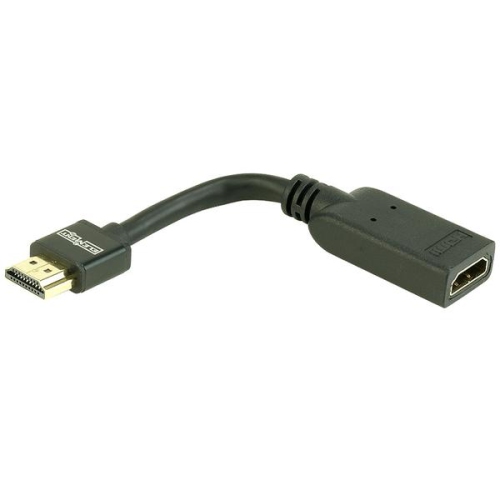
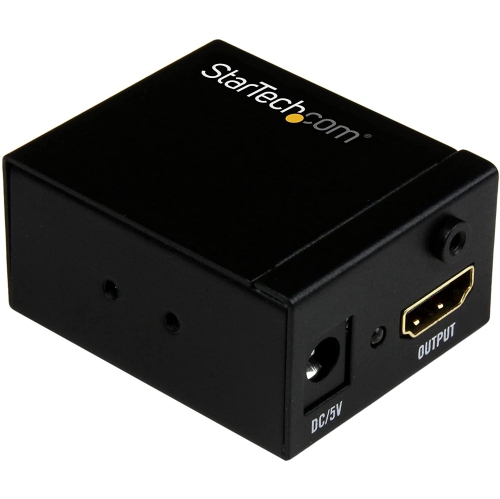
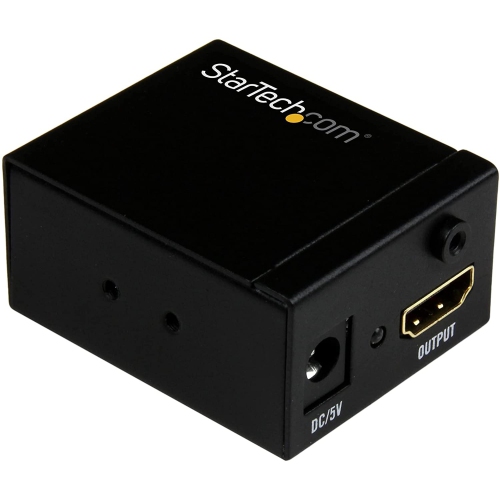
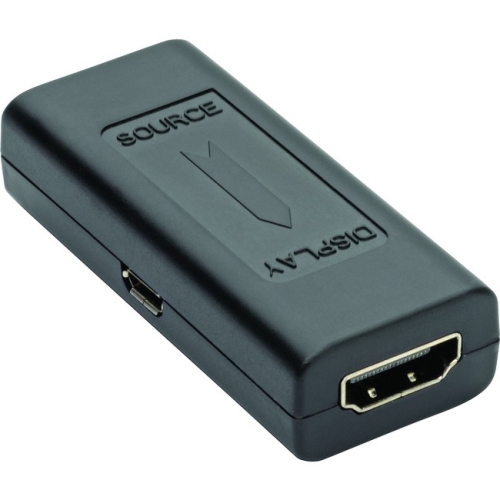
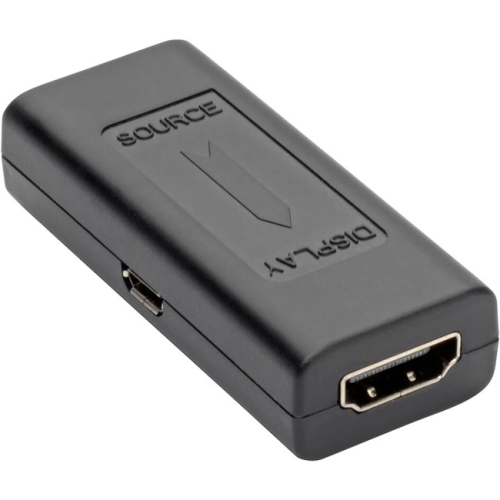
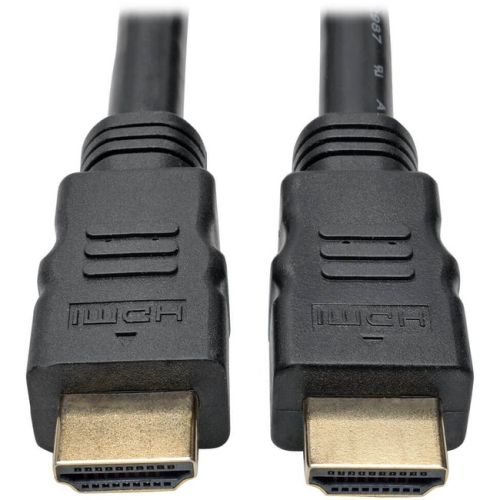
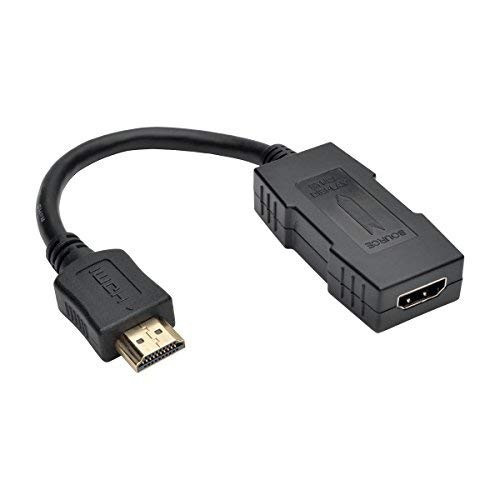
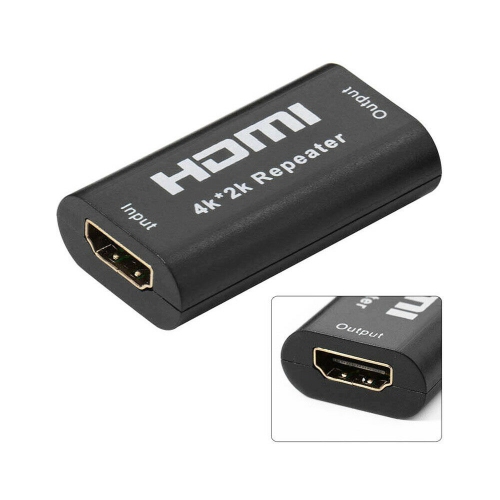
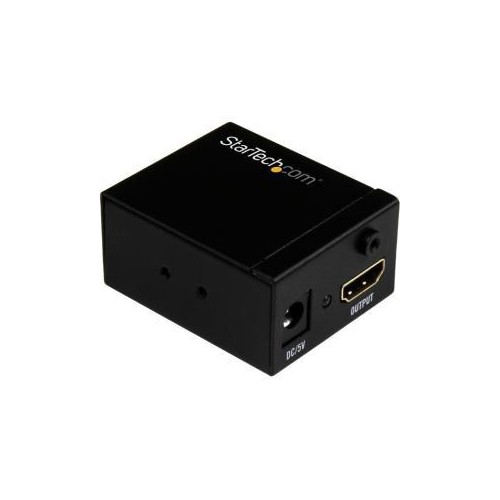
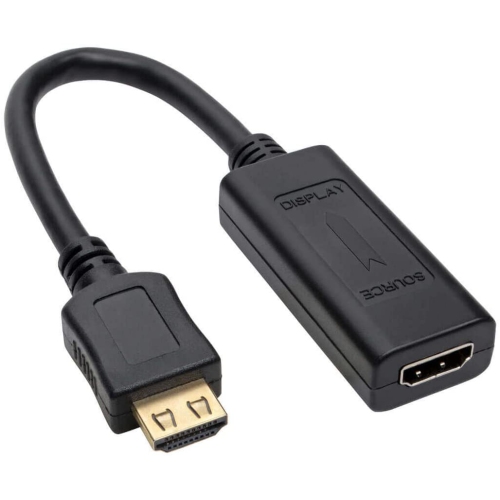
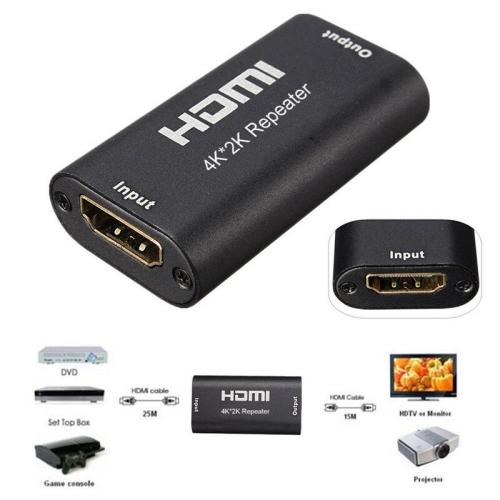
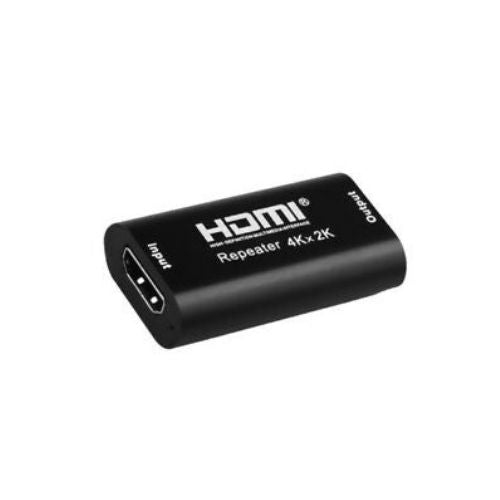
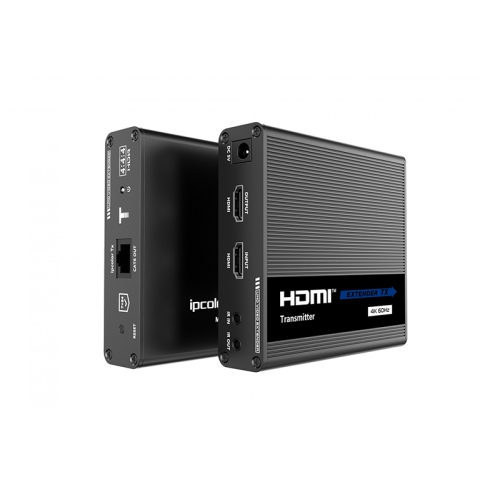
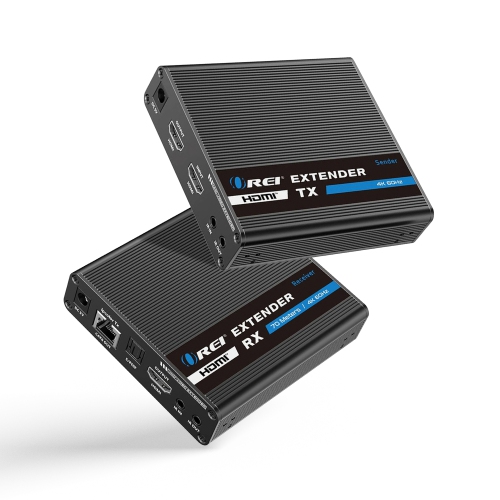
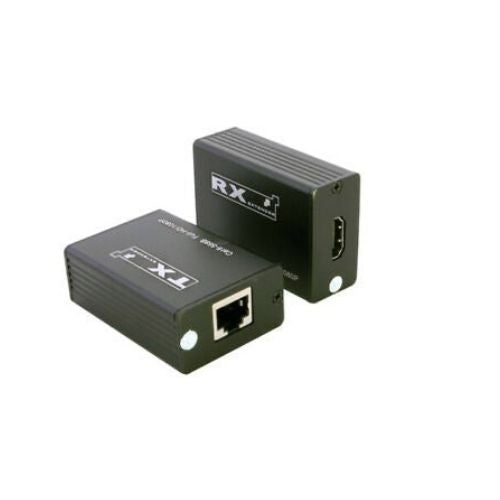
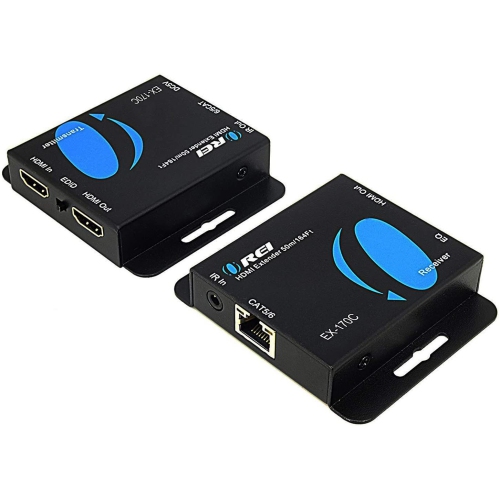
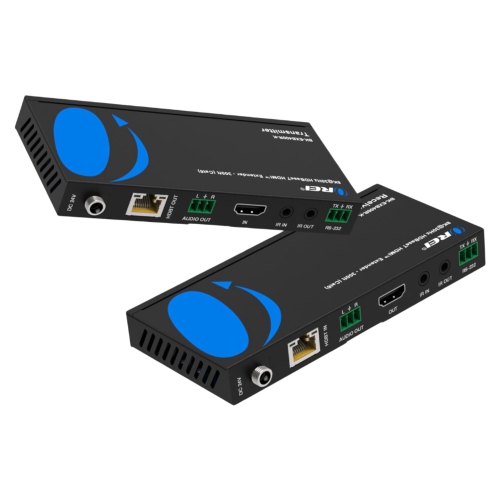
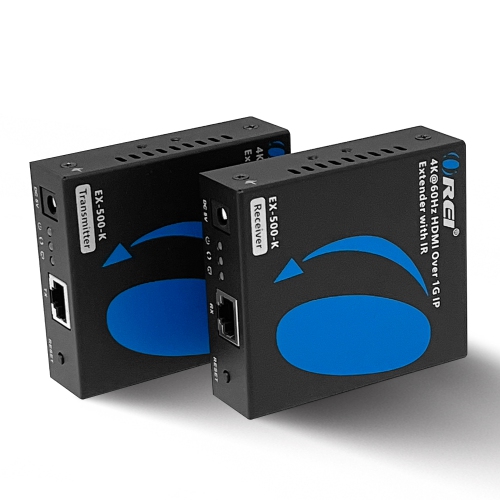
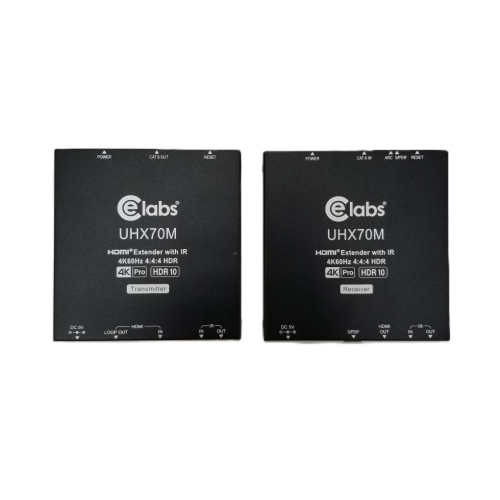
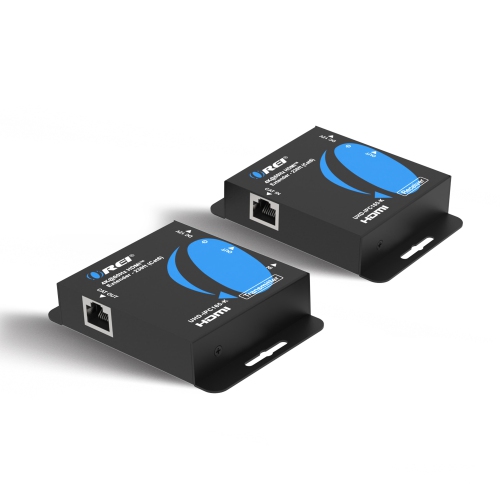
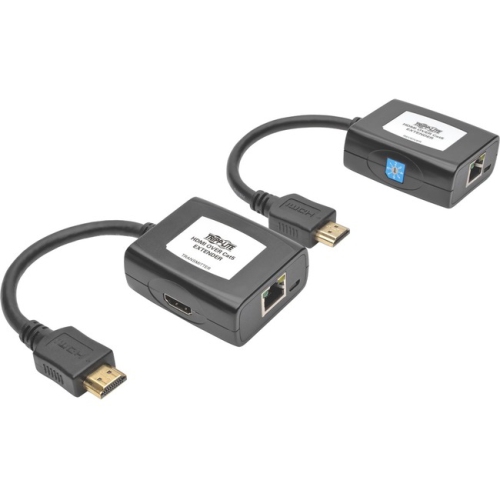
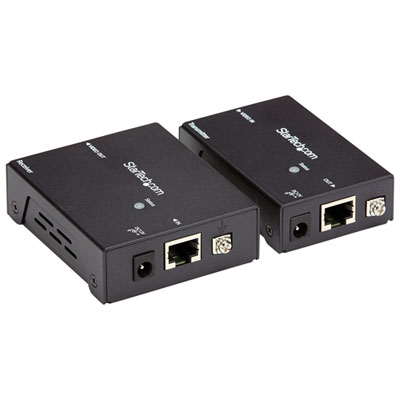
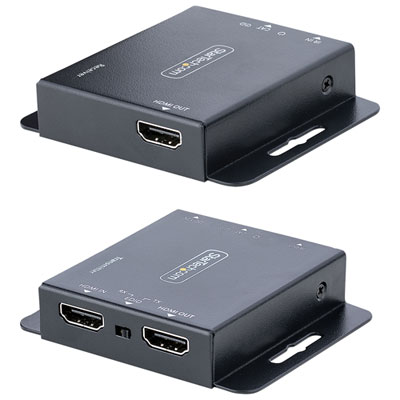
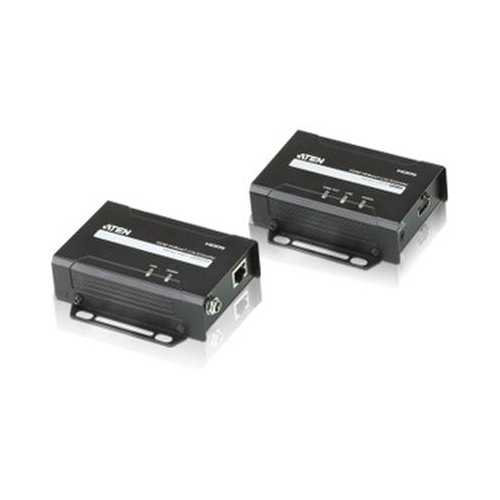
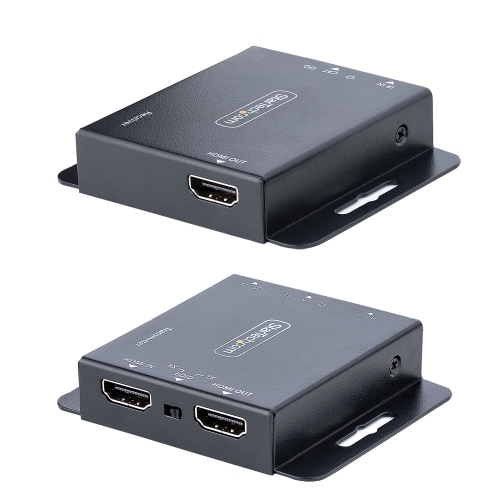
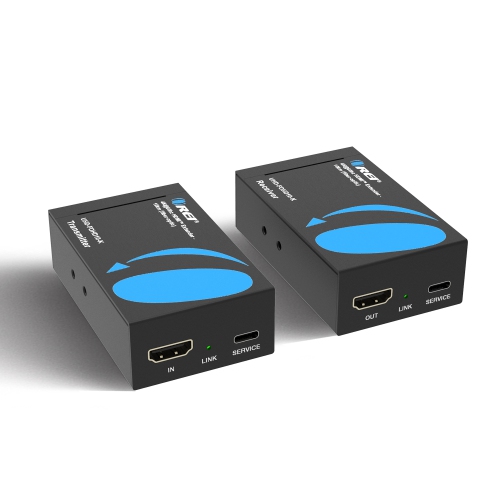

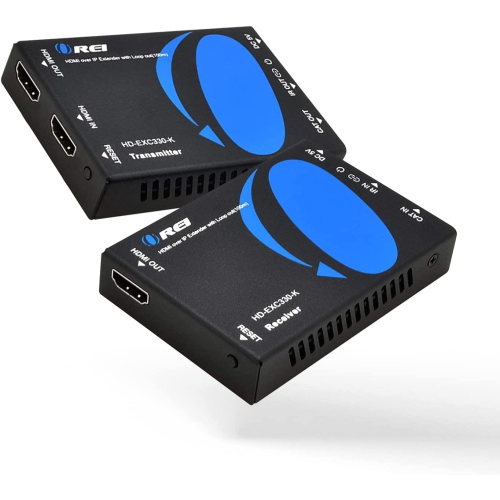
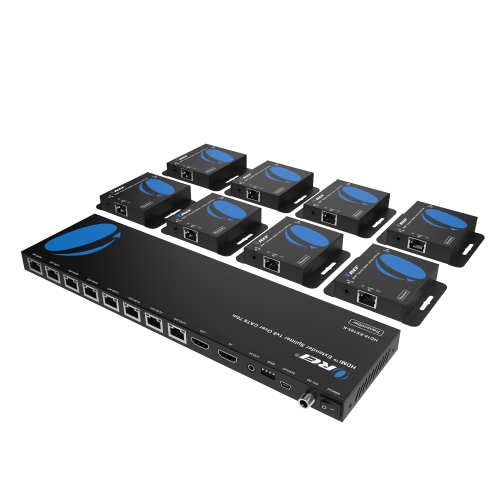
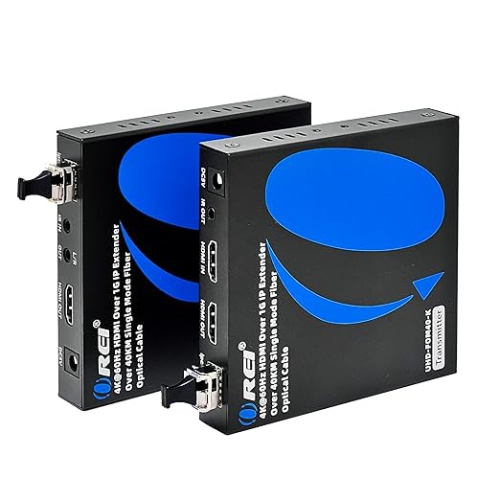
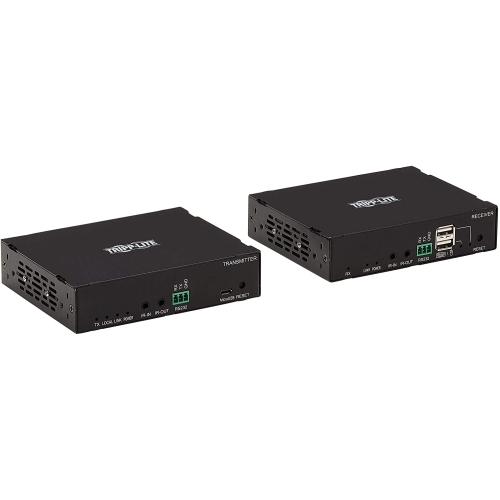
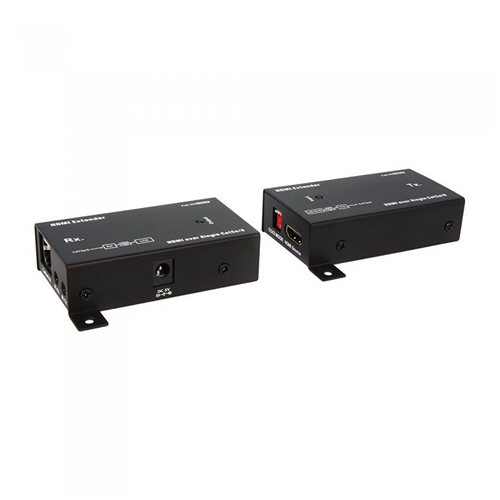

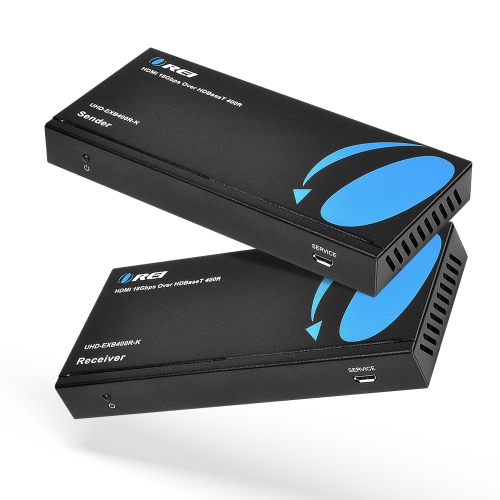
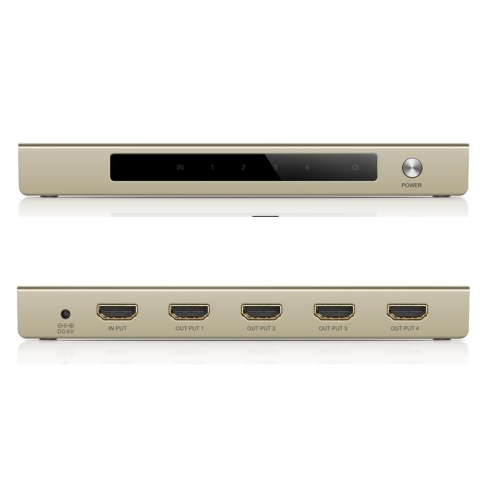
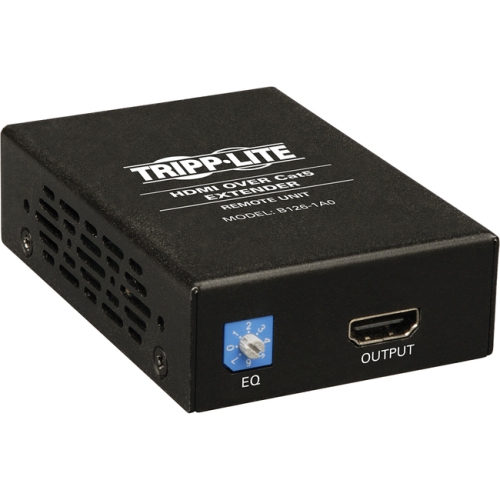

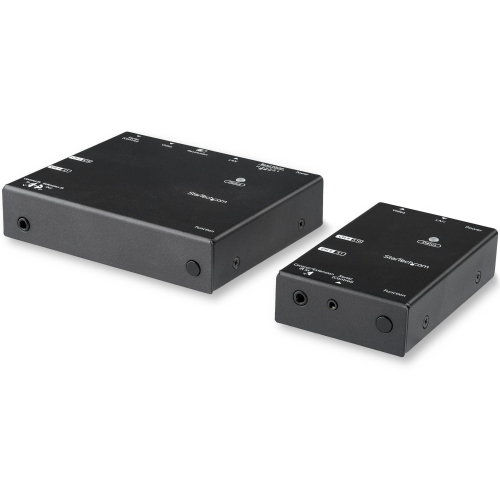


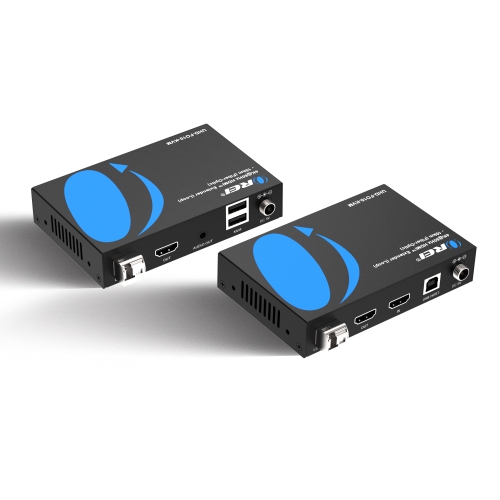
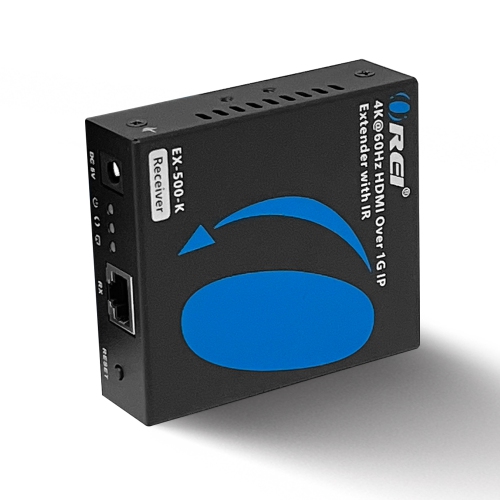
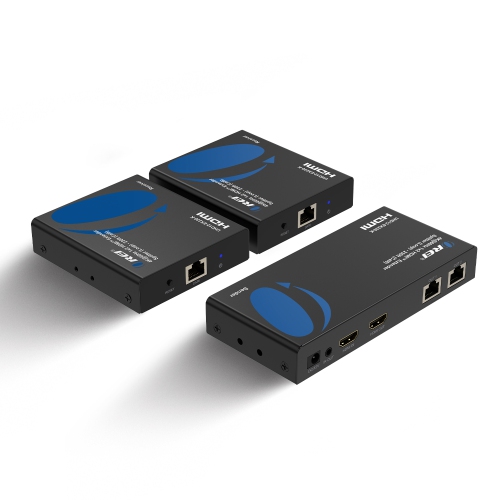
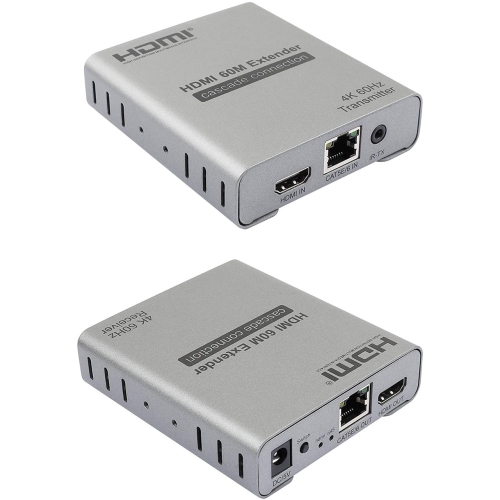
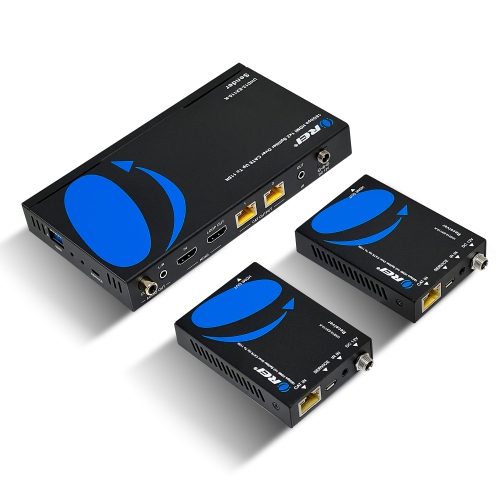
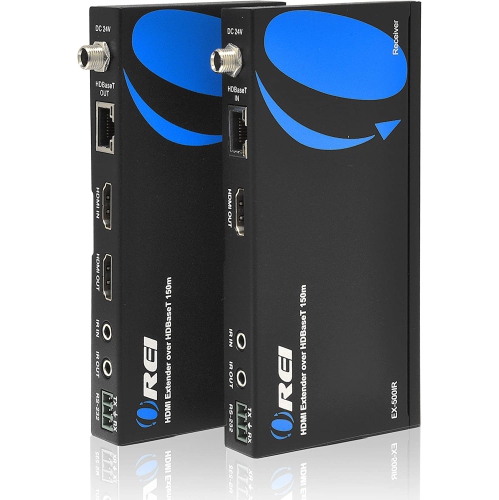
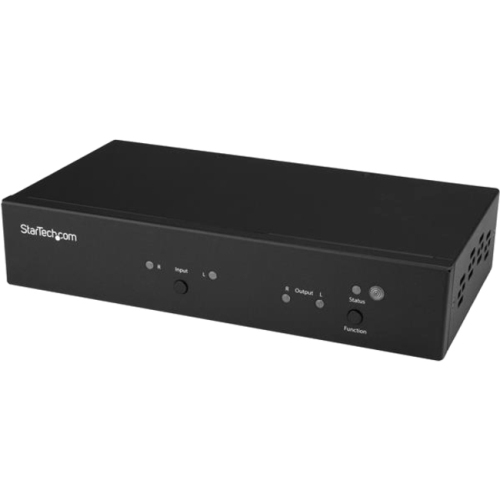
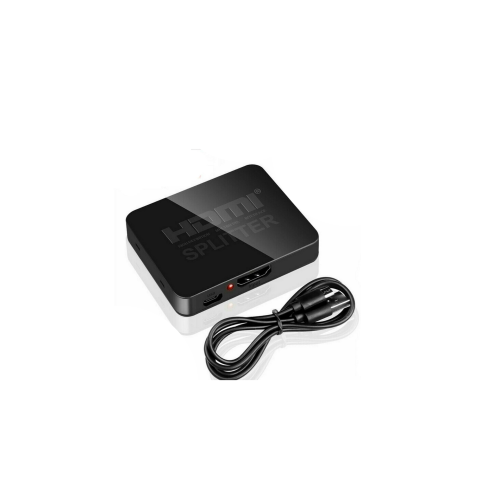
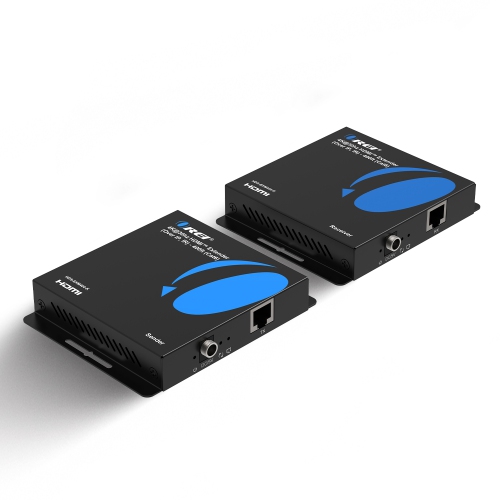
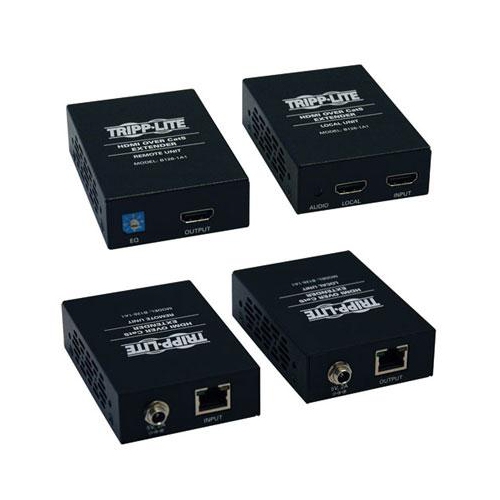
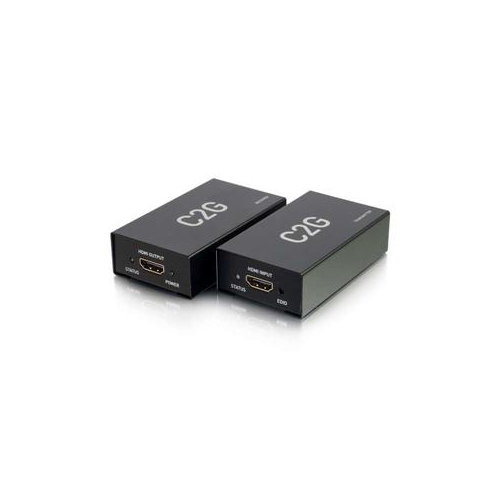
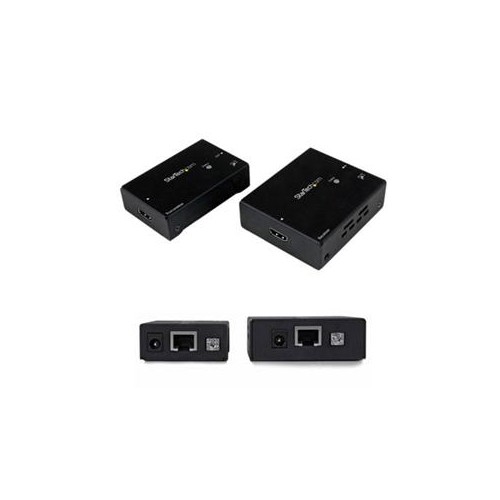
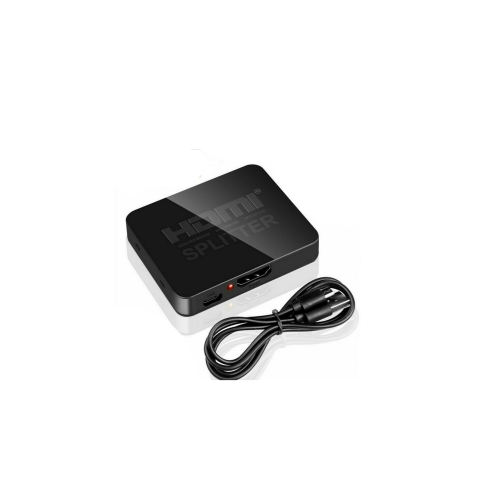
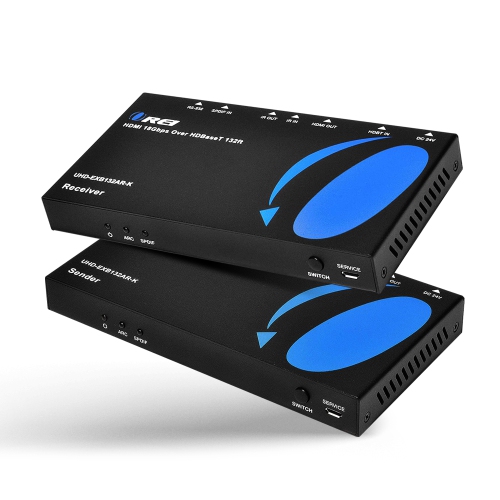
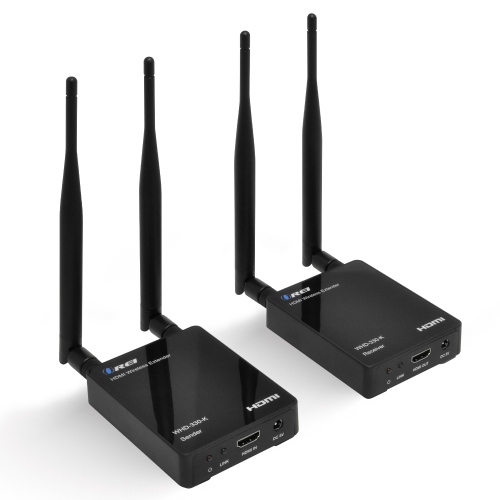
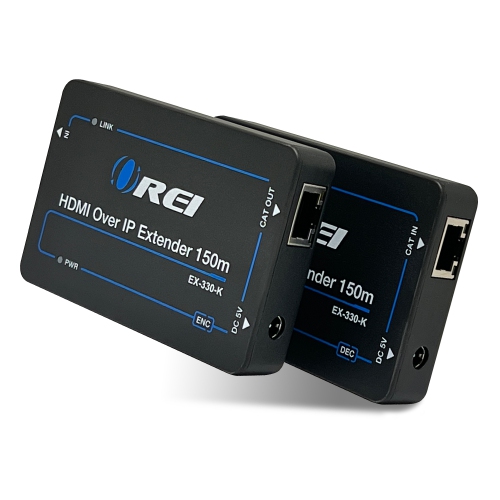

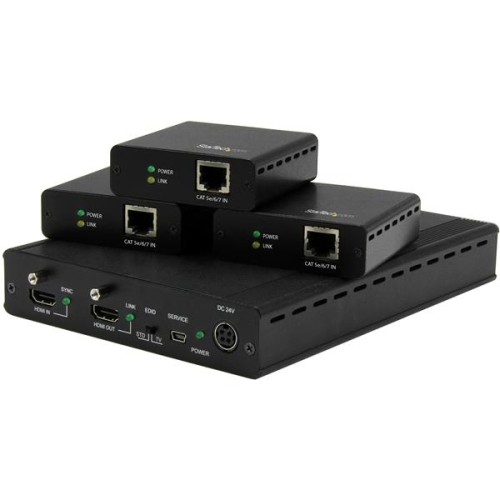
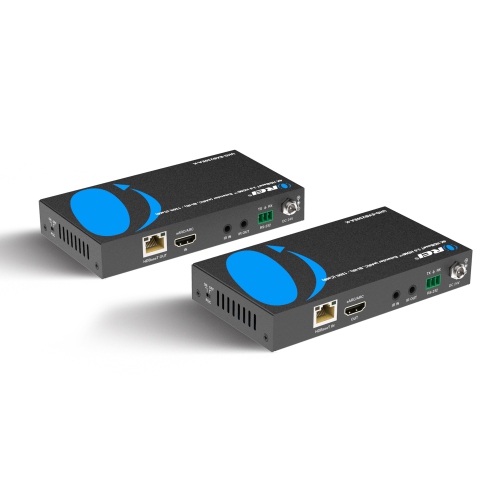
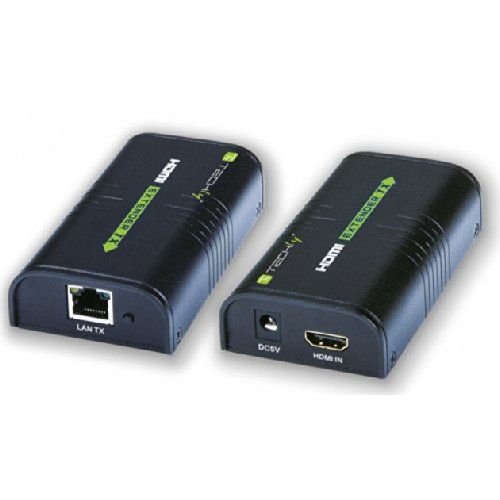
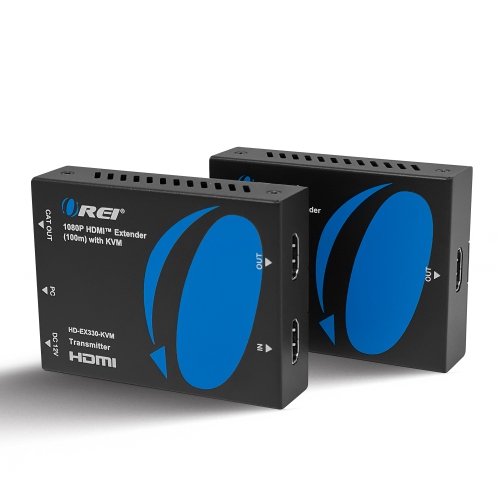
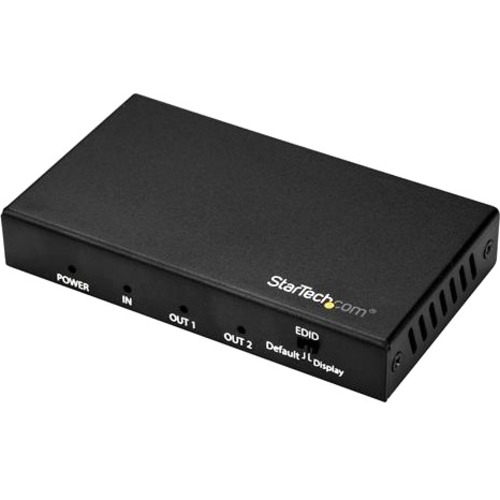
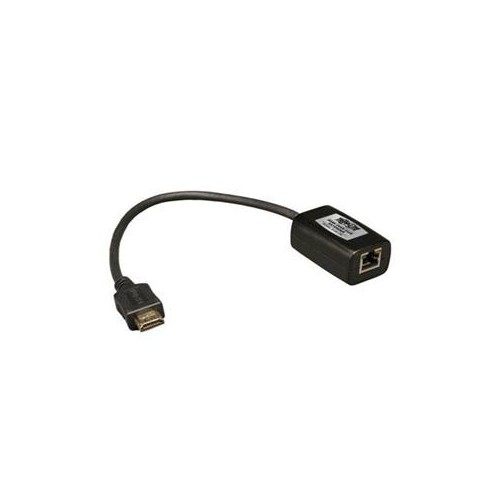

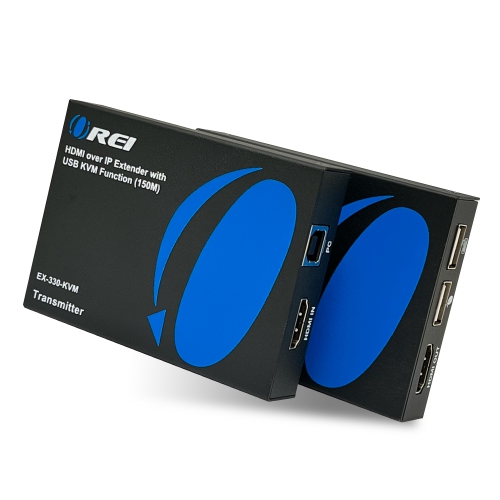
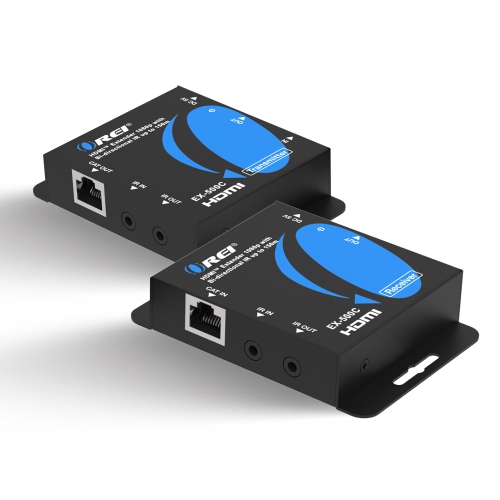
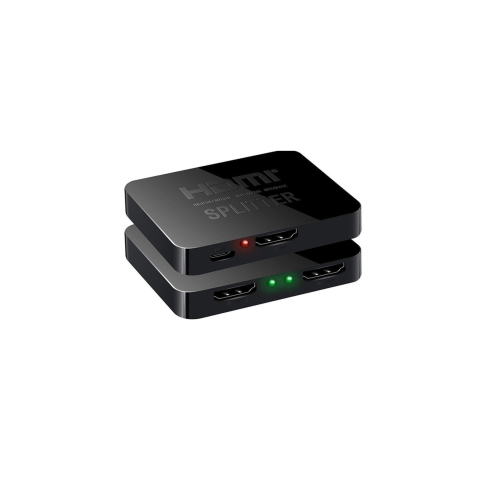
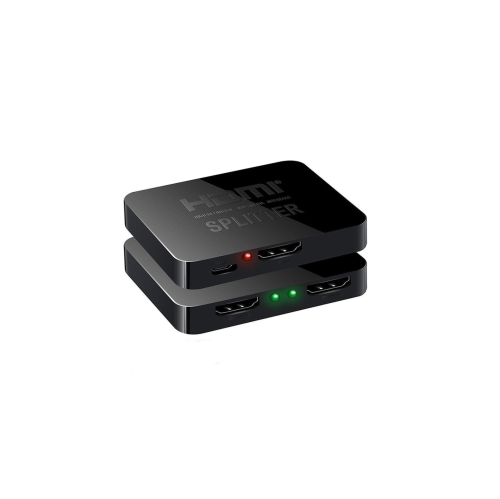
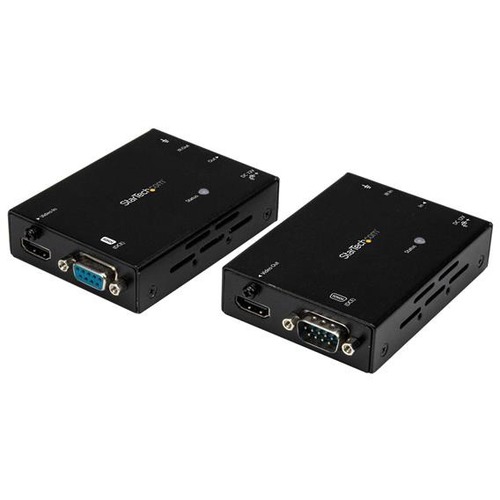
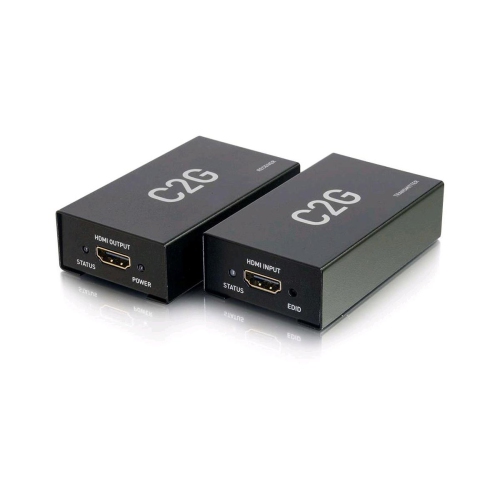
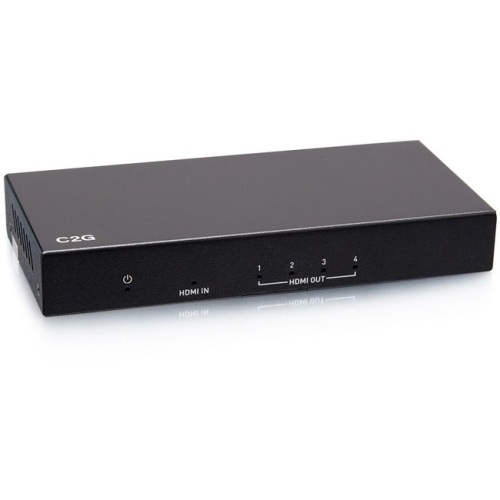
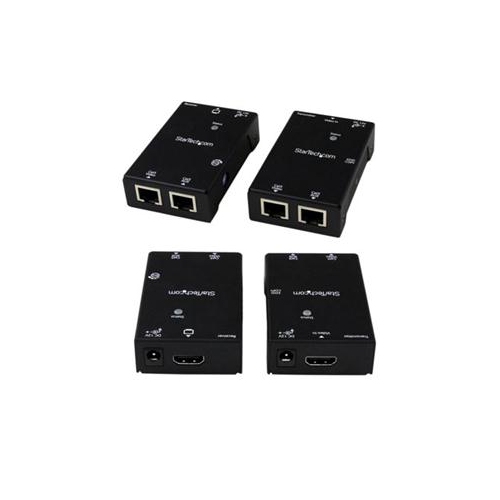
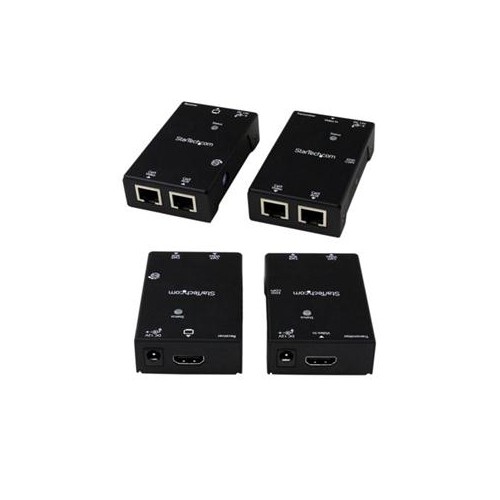
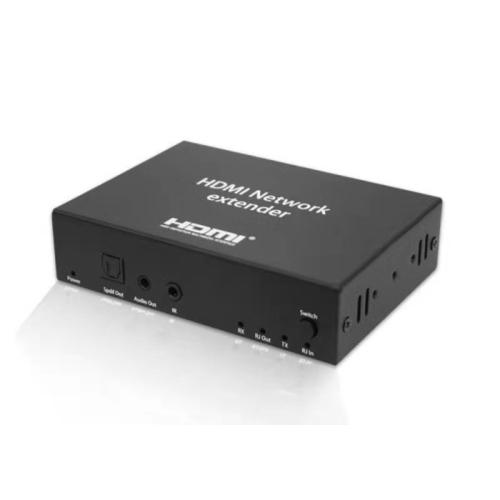
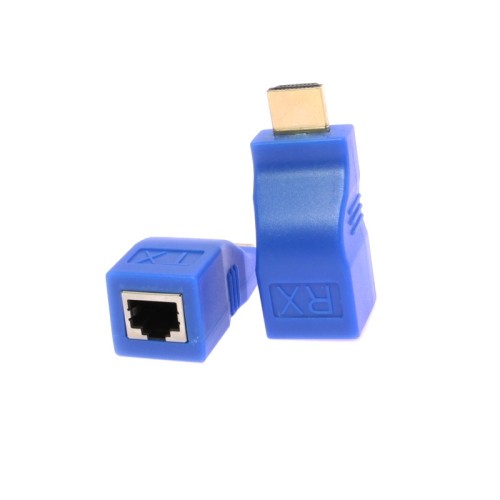
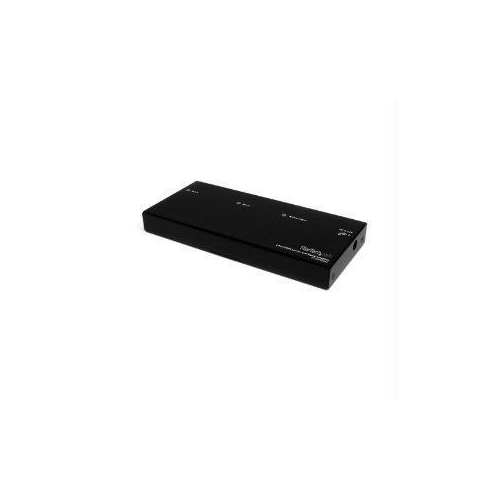
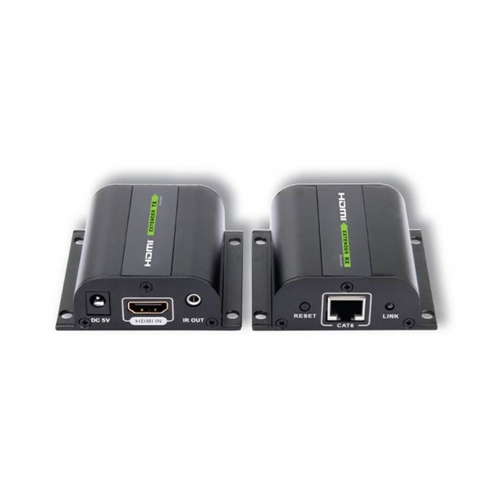
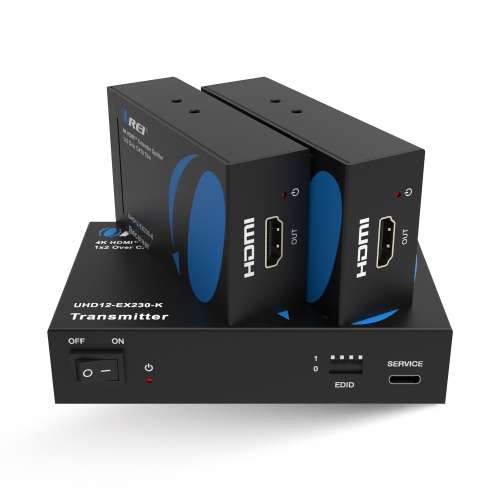
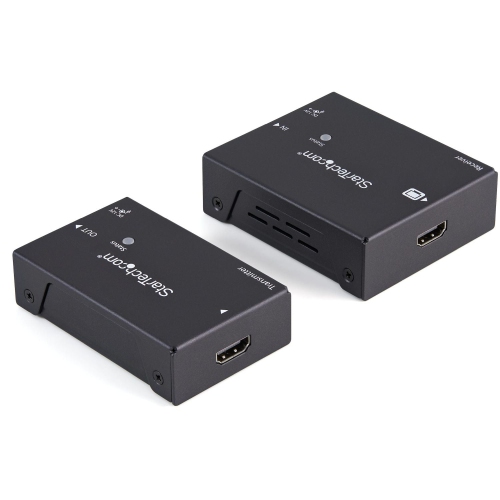
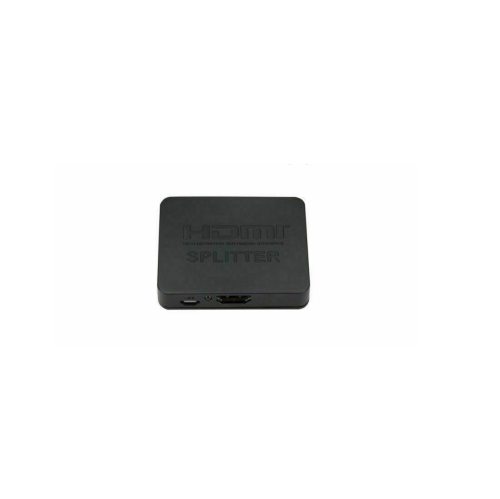
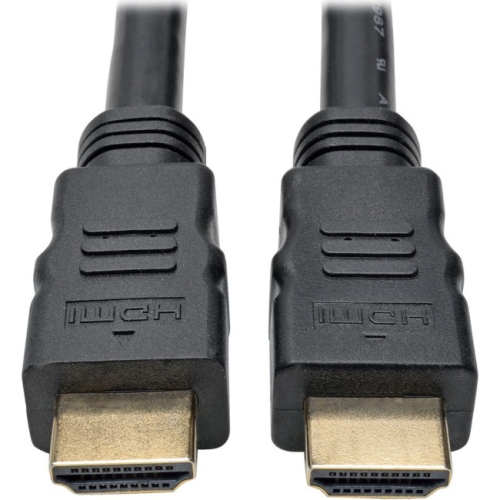
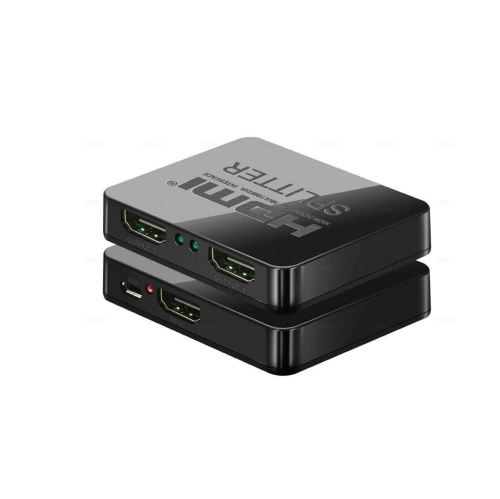
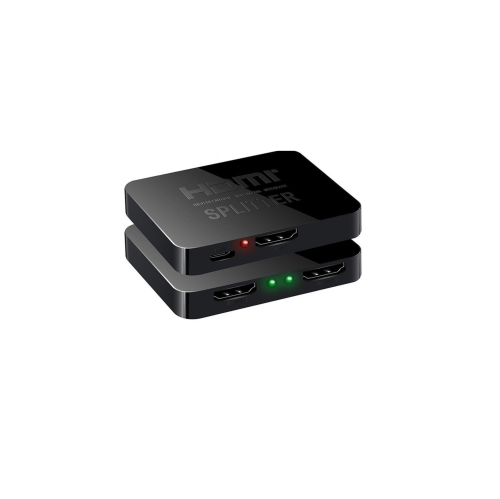
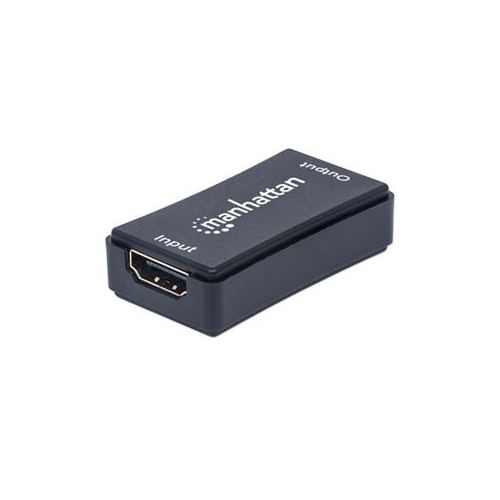
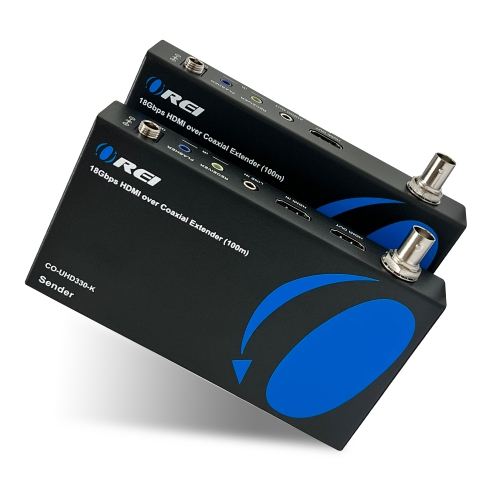
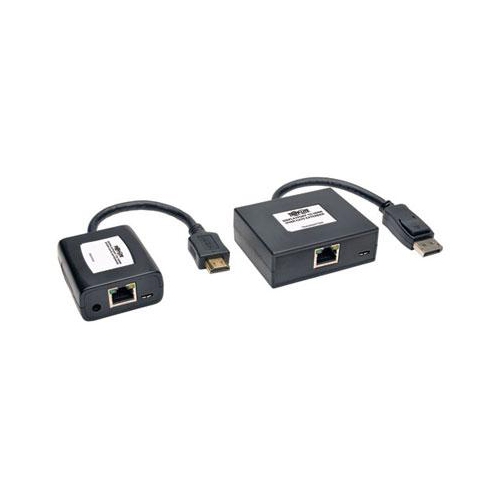
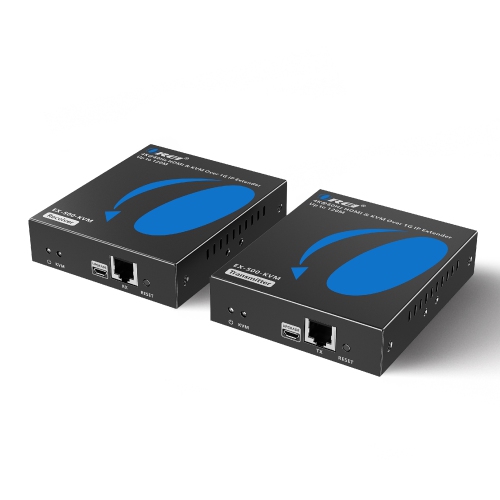

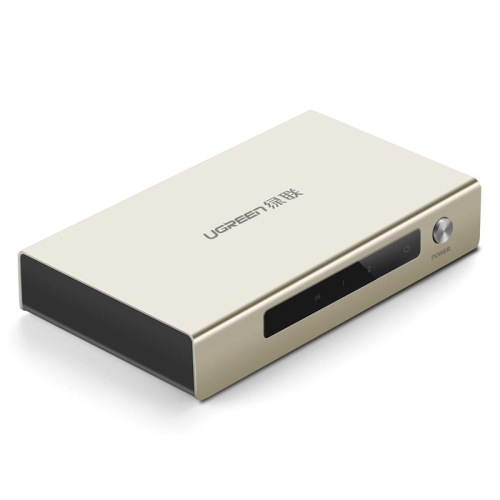
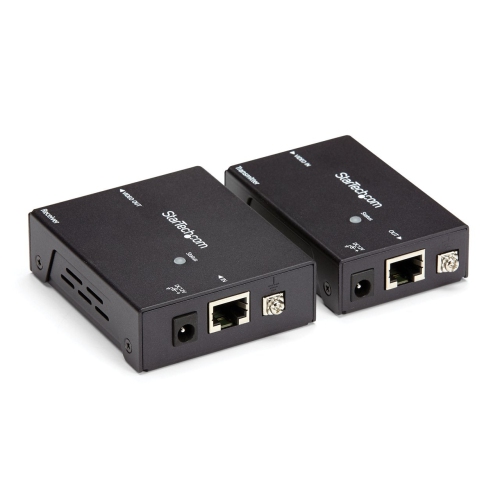
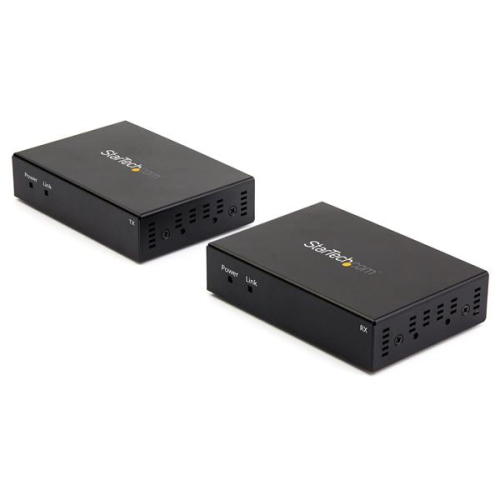
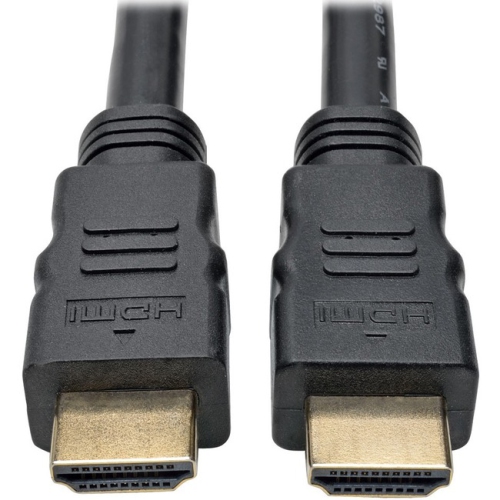
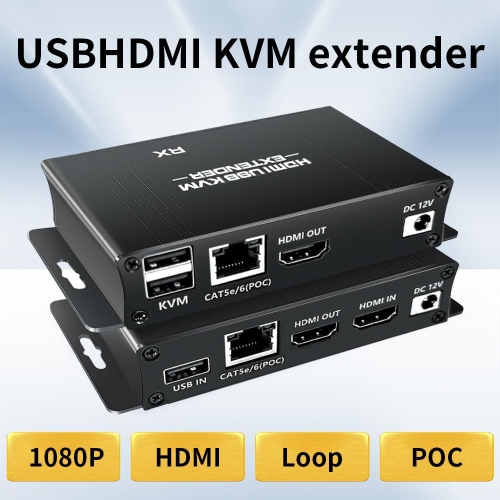
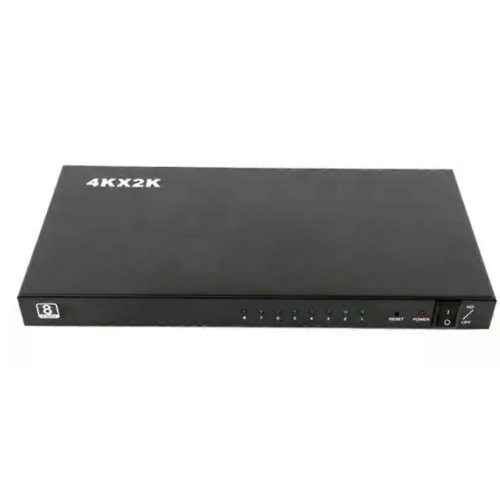

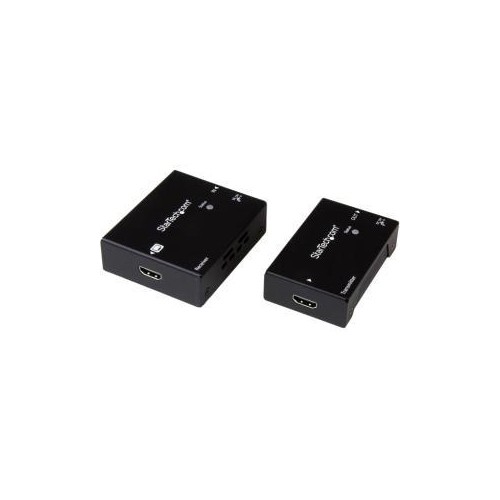
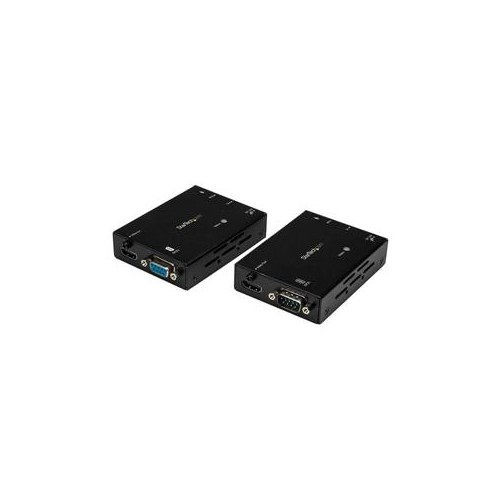
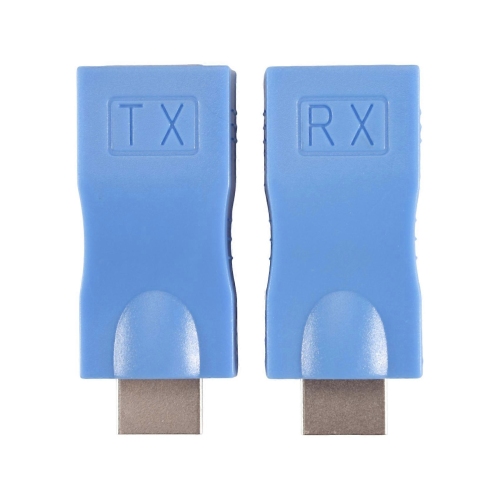
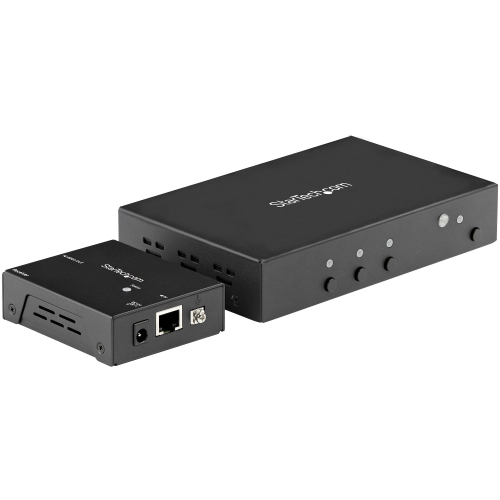
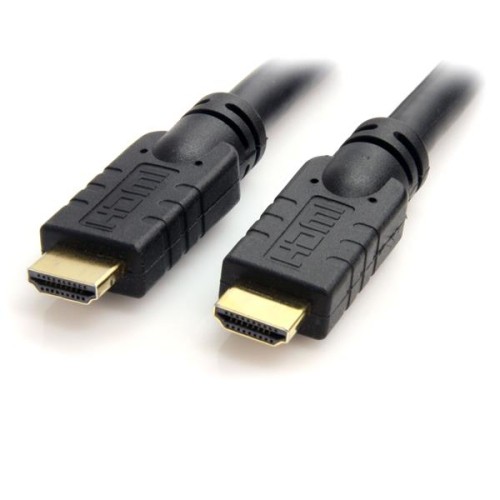
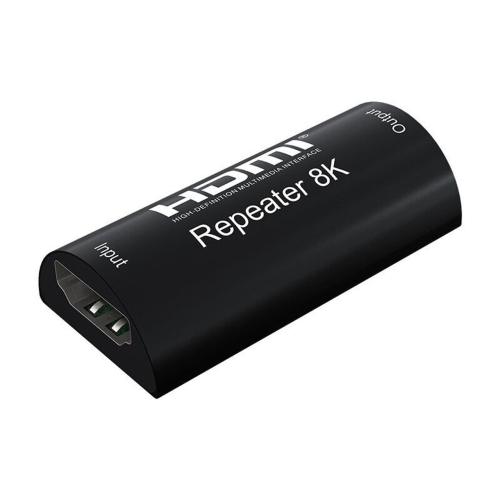
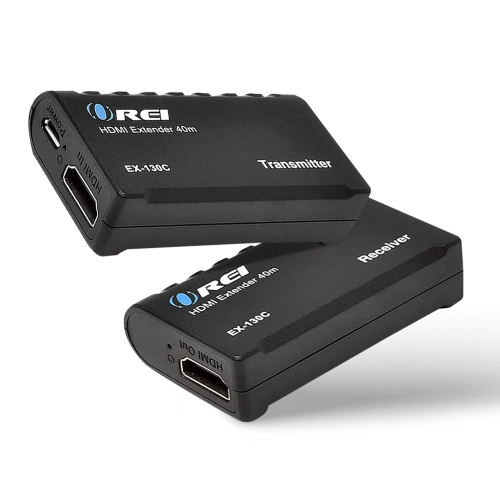

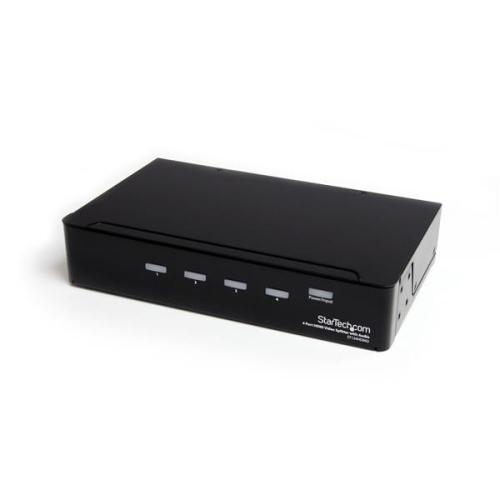
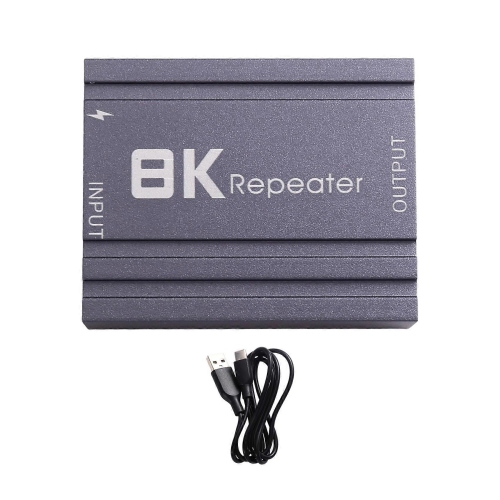
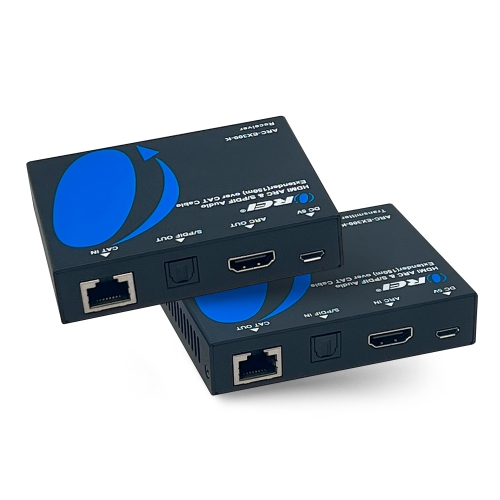
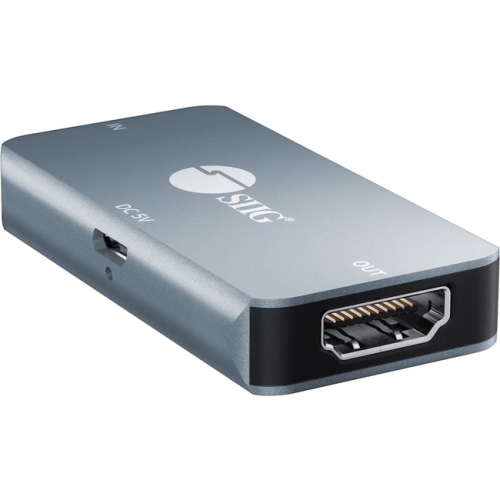
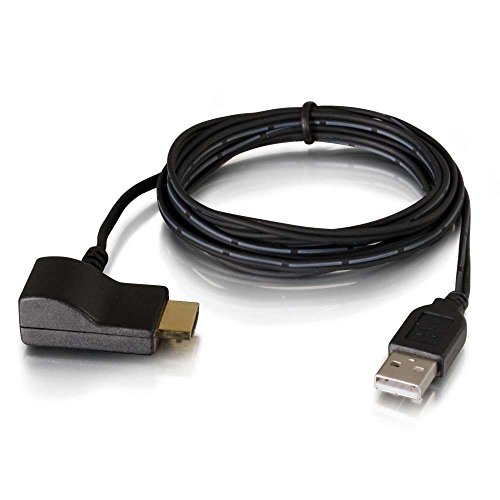
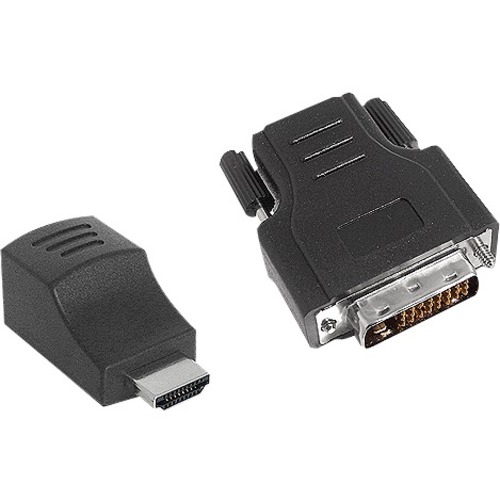
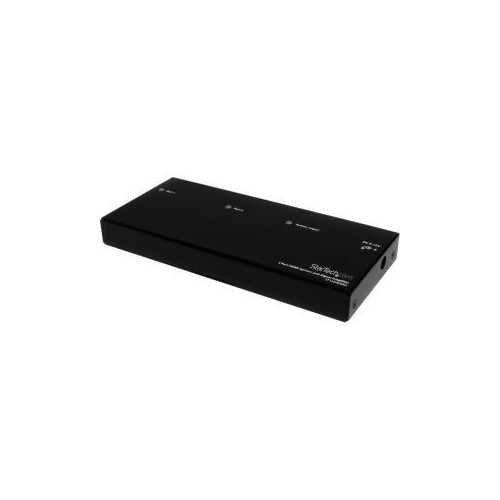
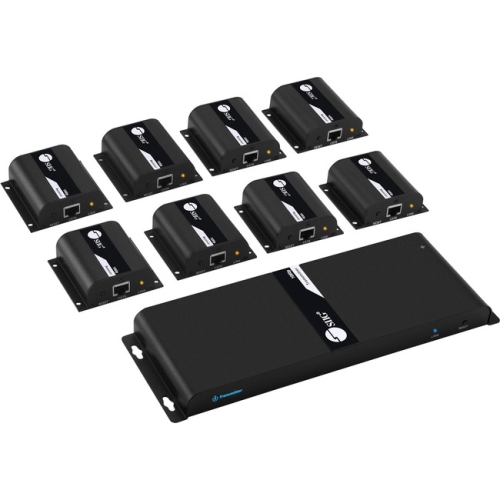
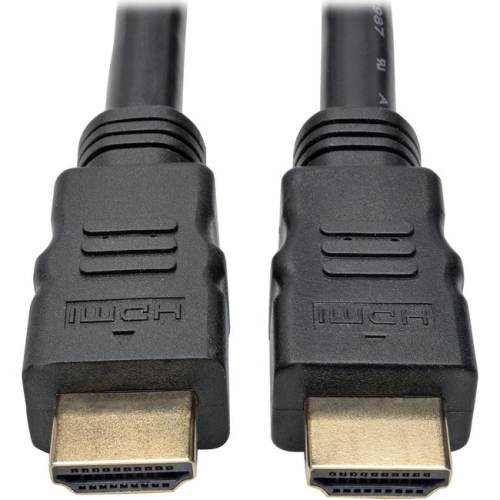
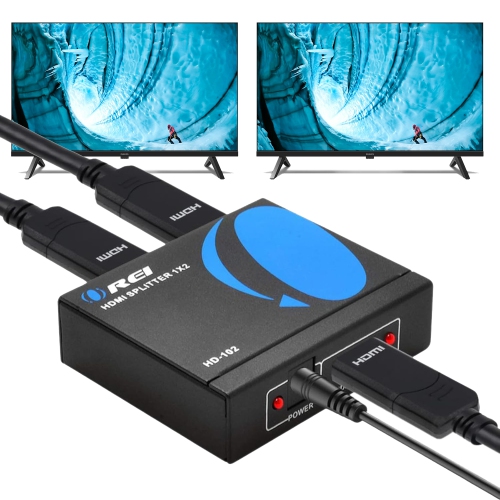
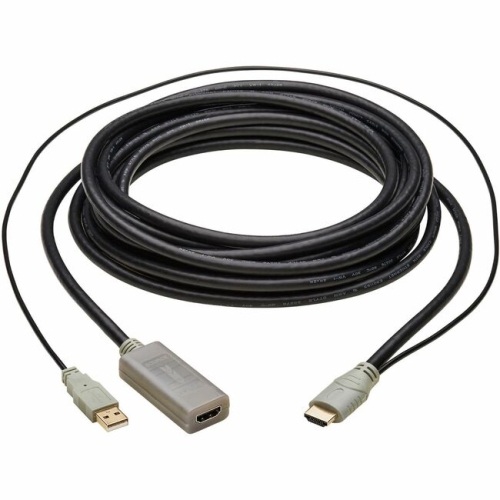
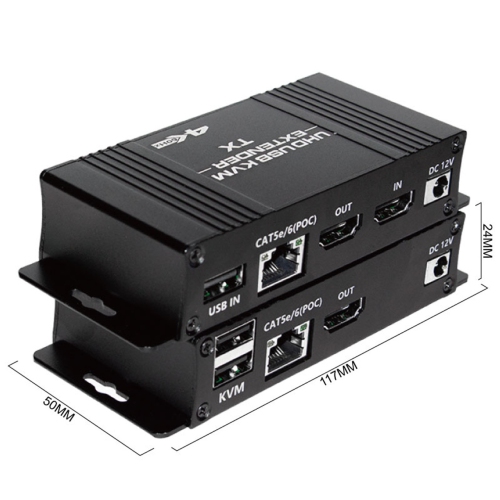
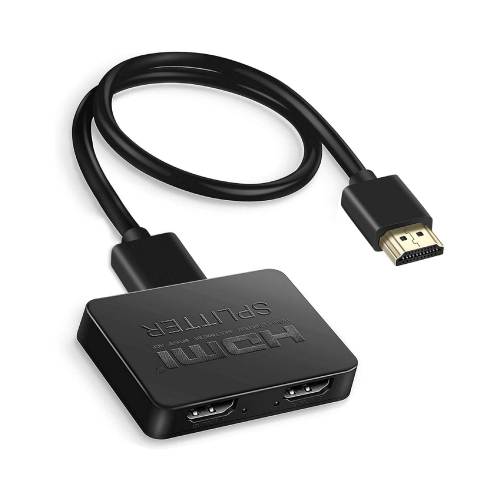
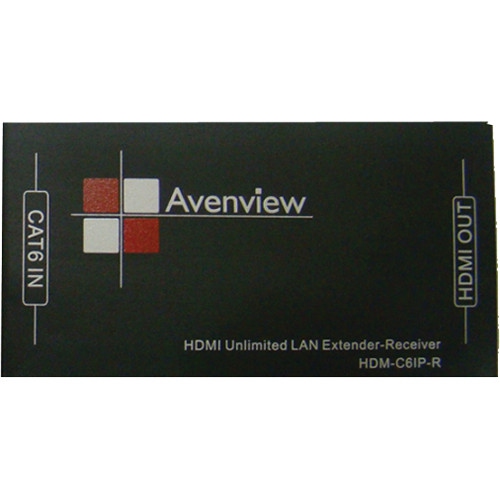
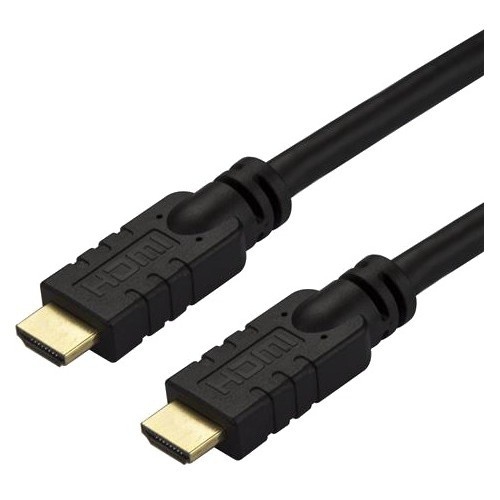
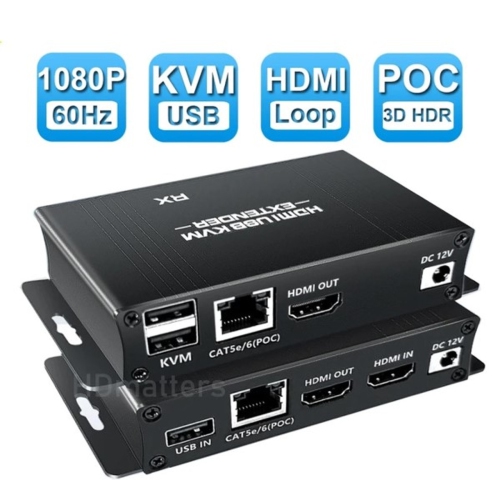
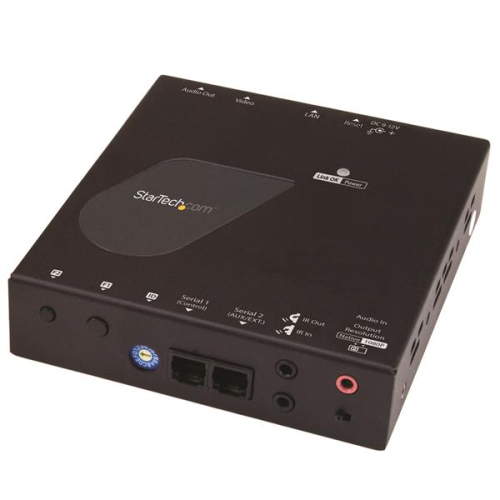
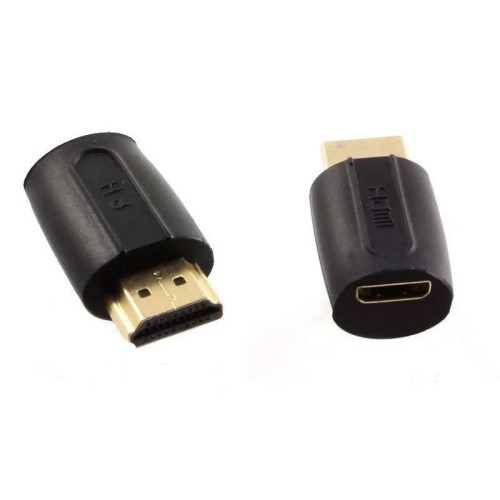
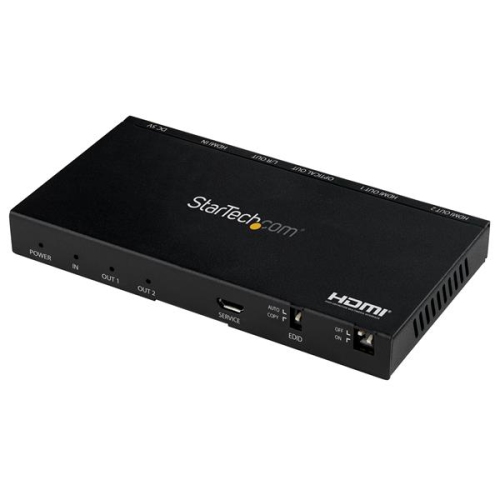
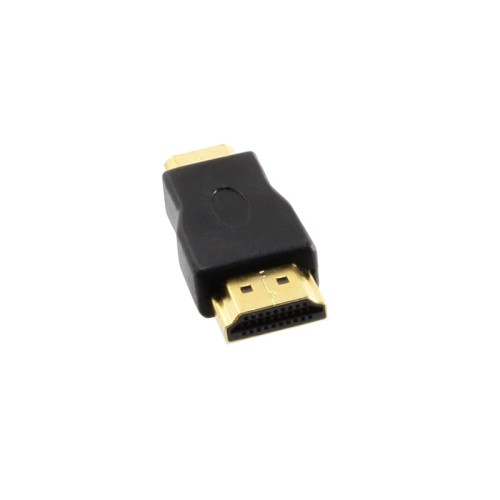
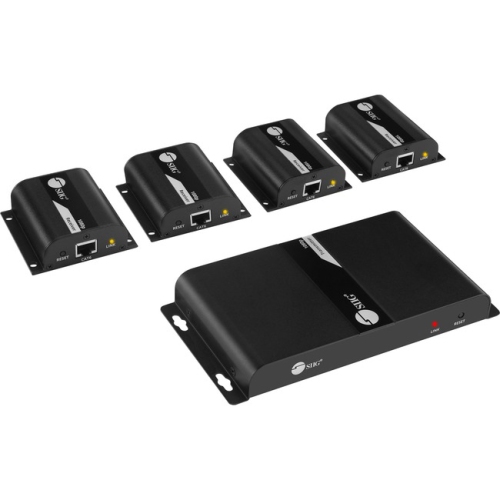
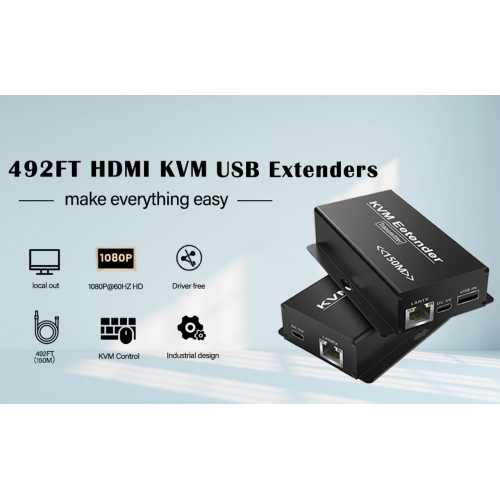
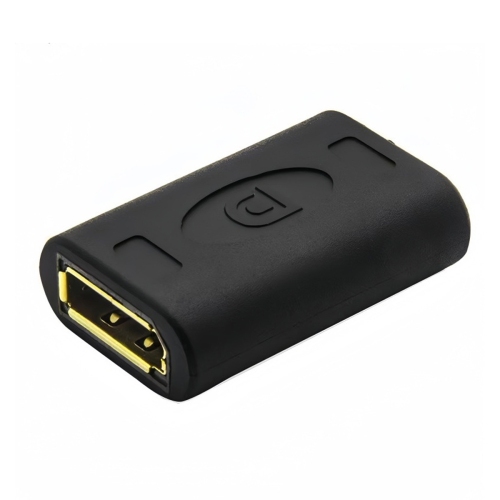
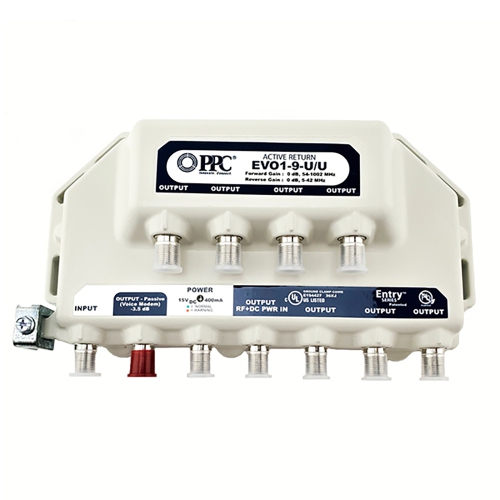
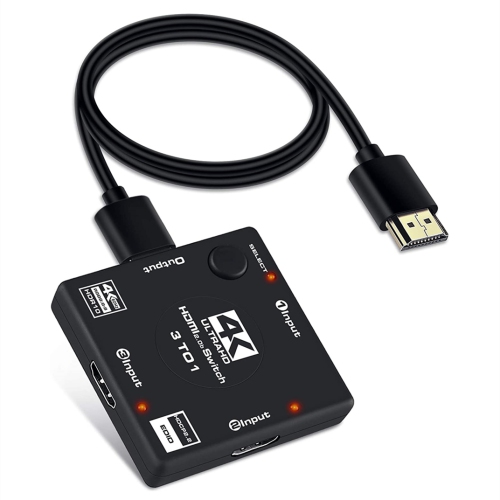
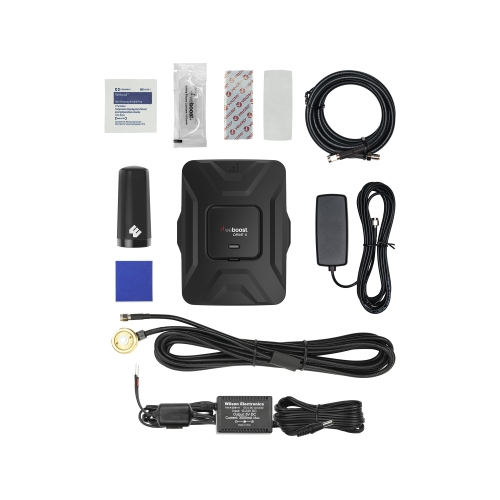
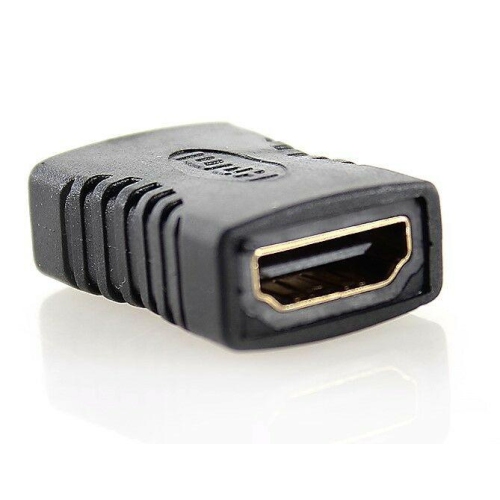
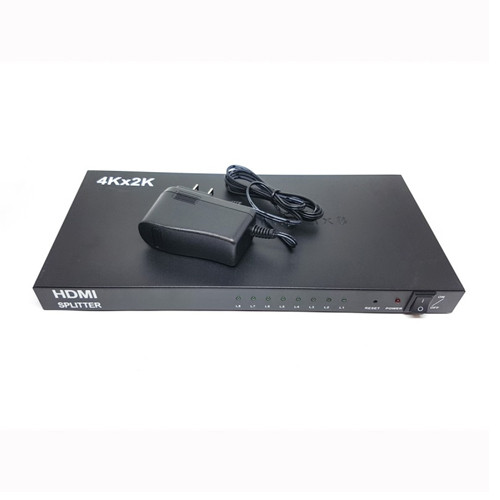
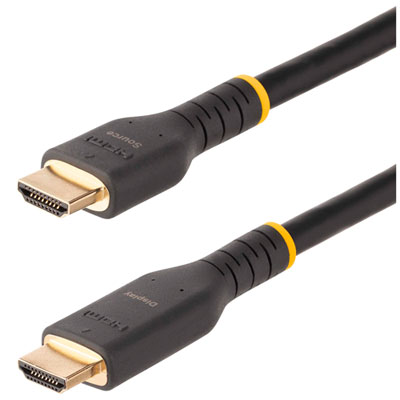
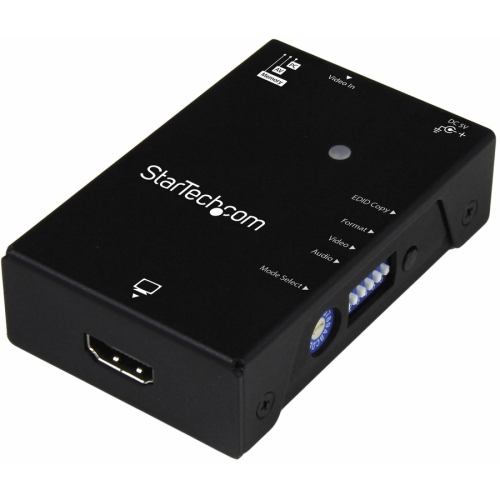
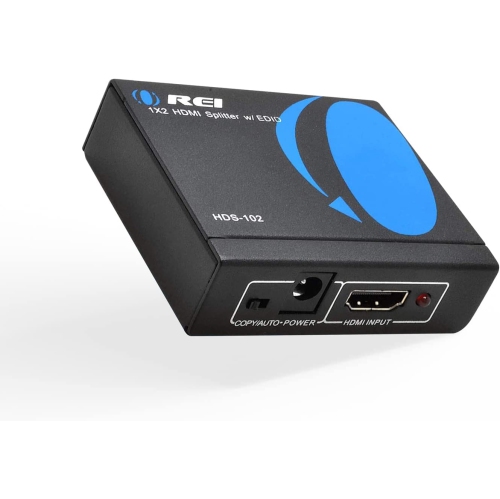
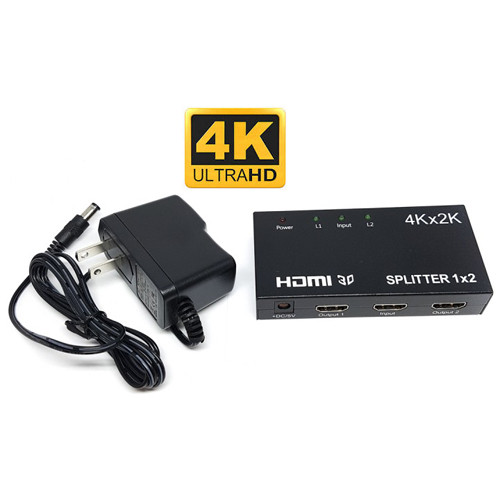
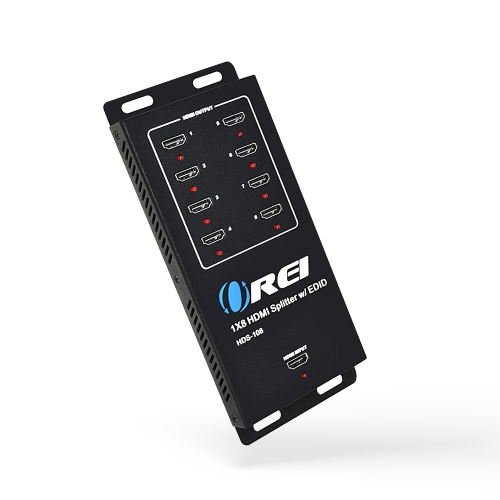
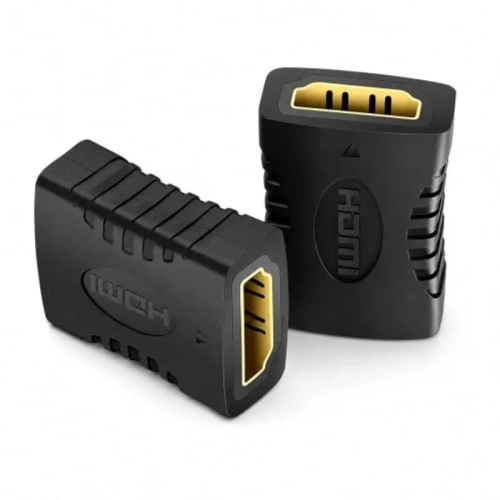
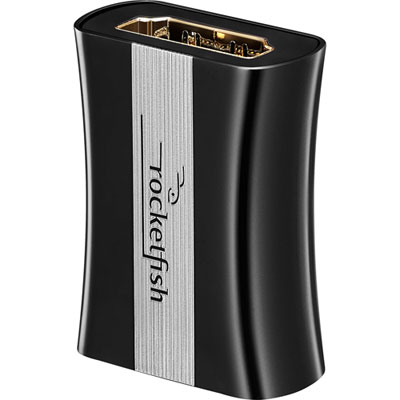
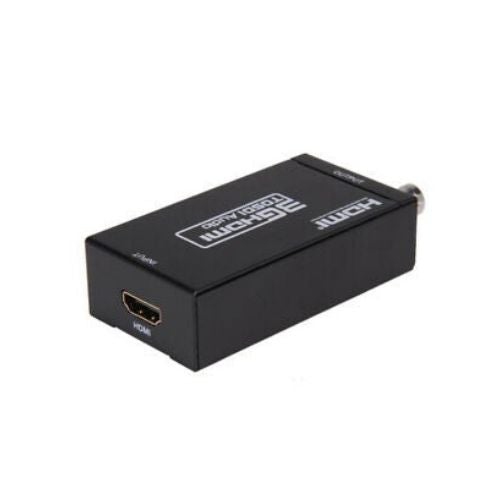
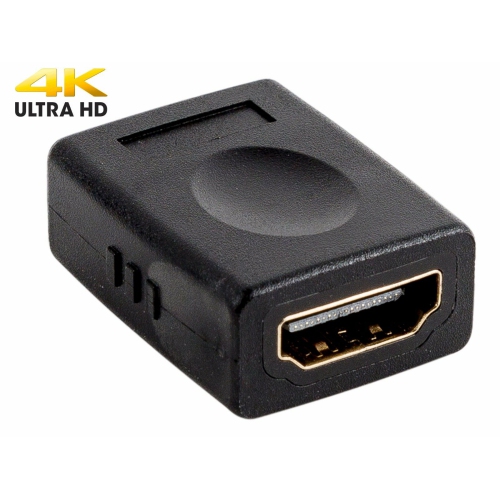
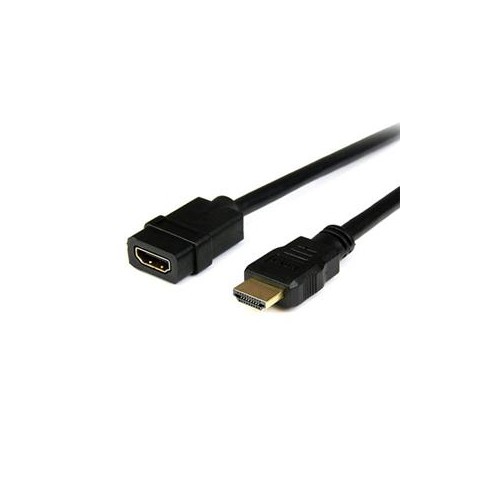
Support for longer HDMI cable runs and installations
HDMI signal boosters, also called inline HDMI repeaters, are designed to help maintain an audio and video signal when a standard HDMI connection needs to travel farther than a single cable can reliably manage. They are useful in homes, offices, classrooms, entertainment rooms, retail spaces, and other setups where a source device and display are separated by furniture, wall-mounted installations, or a longer path around a room. A typical arrangement places the booster between two HDMI cables: one cable runs from the source, such as a streaming device, game console, Blu-ray player, computer, or cable box, and the other continues to the television, monitor, projector, or AV receiver. The booster receives the weakening signal, restores its strength, and sends it onward to help reduce dropouts, sparkles, flickering, blank screens, or intermittent audio. This can be especially helpful when a television is mounted on a wall while the source equipment sits inside a cabinet, or when a projector is installed across a room and the cable needs to follow a discreet route along the wall or ceiling. The total distance depends on the resolution, refresh rate, cable quality, and equipment being connected. A 1080p setup can often support a longer combined cable run than a 4K setup, while 4K at 60Hz requires more bandwidth and typically has a shorter practical range. For this reason, it is important to consider the full length of both HDMI cables together rather than looking only at the distance from the booster to the display. A booster does not create unlimited range, and it cannot correct every issue caused by damaged cables, incompatible devices, or an installation that exceeds its specifications. It is best viewed as a practical way to strengthen a compatible HDMI connection within the supported distance.
Resolution and refresh rate should be the first considerations when choosing an HDMI signal booster. For a basic television, office monitor, or projector displaying 1080p content, a 1080p-compatible booster may be suitable for a longer run. For newer televisions, gaming systems, streaming devices, and home theatre components, look for support that matches the intended 4K resolution and refresh rate. A booster rated for 4K at 30Hz may not deliver the same results as one designed for 4K at 60Hz, particularly when displaying fast-moving games, sports, or detailed computer graphics. Check the requirements for HDR, 3D video, multichannel audio, and other features as well, since every component in the signal path must be compatible for the desired experience. Installation is generally straightforward, but placement matters. Connect the booster directly between two separate HDMI cables instead of attaching it at the very end of one long cable. Keep the connections secure and avoid tight bends, sharp folds, or unnecessary adapters near the booster. Some compact models draw power directly from the HDMI connection, which can be convenient for short or moderate runs. Higher-bandwidth setups may need an additional Micro-USB power cable or another external power source to operate consistently. If a model includes automatic or manual equalization, that setting can help tune the signal to the combined cable length. Automatic adjustment is convenient for everyday use, while manual adjustment may be helpful when fine-tuning a more complex installation. Start with the equipment powered off when making connections, then turn on the source and display after the cables are firmly attached. If the screen remains blank, shows occasional flicker, or loses sound, test each HDMI cable separately, confirm that the source output matches the display capability, check the power connection, and reduce the total cable length if possible.
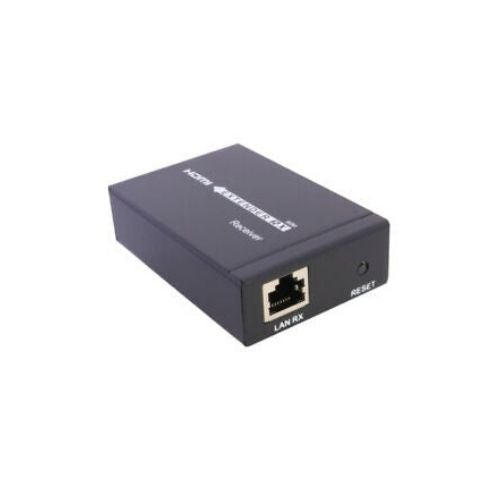
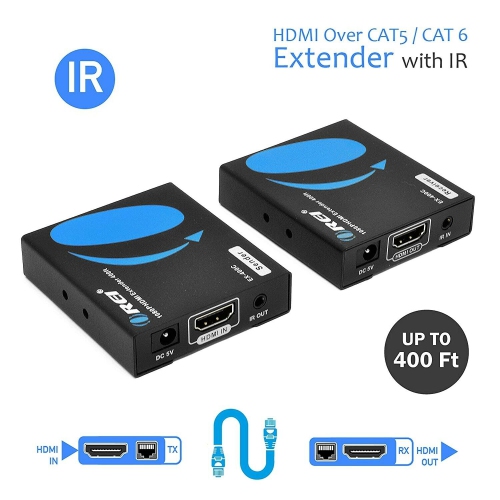
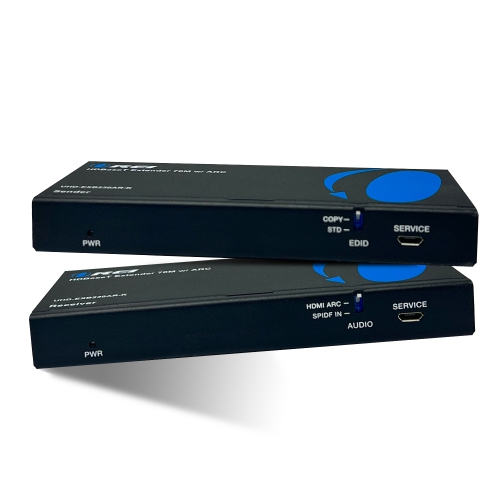
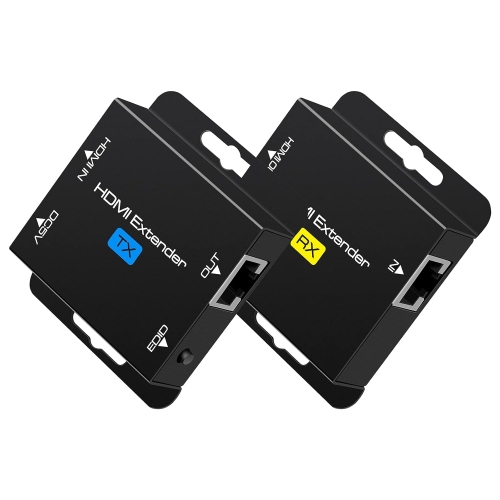
An HDMI signal booster can be a useful choice for someone refreshing a home entertainment area, setting up a gaming space, or preparing a presentation system for a classroom or meeting room. It can also be a thoughtful practical gift for a person who enjoys improving their media setup, especially when a new television or projector reveals that existing cable placement is no longer convenient. Picture a living room where the television hangs neatly above a console, but the game system and sound equipment are tucked away several metres across the room; an inline booster can help bridge that distance without requiring a complete change to the room layout. In a basement media room, it may help carry a signal from a receiver near the seating area to a display on the opposite wall. During the cooler months, when more evenings are spent watching films, following live sports, or playing games indoors, a dependable connection makes the viewing area feel more polished and less cluttered. Before purchasing, measure the complete cable path, note the highest resolution and refresh rate required, and confirm whether external power will be available near the installation. A booster is generally most appropriate for a moderate extension using HDMI cables. If the signal must travel through an entire building, between floors, or more than approximately 100 feet, an HDMI-over-Ethernet solution using Cat6 cable may be a more reliable alternative; explore HDMI Extenders for options intended for longer-distance installations. With the right specifications and careful placement, HDMI signal boosters can make a challenging cable run more dependable while preserving the picture and sound quality expected from the connected equipment.
Resolution and refresh rate should be the first considerations when choosing an HDMI signal booster. For a basic television, office monitor, or projector displaying 1080p content, a 1080p-compatible booster may be suitable for a longer run. For newer televisions, gaming systems, streaming devices, and home theatre components, look for support that matches the intended 4K resolution and refresh rate. A booster rated for 4K at 30Hz may not deliver the same results as one designed for 4K at 60Hz, particularly when displaying fast-moving games, sports, or detailed computer graphics. Check the requirements for HDR, 3D video, multichannel audio, and other features as well, since every component in the signal path must be compatible for the desired experience. Installation is generally straightforward, but placement matters. Connect the booster directly between two separate HDMI cables instead of attaching it at the very end of one long cable. Keep the connections secure and avoid tight bends, sharp folds, or unnecessary adapters near the booster. Some compact models draw power directly from the HDMI connection, which can be convenient for short or moderate runs. Higher-bandwidth setups may need an additional Micro-USB power cable or another external power source to operate consistently. If a model includes automatic or manual equalization, that setting can help tune the signal to the combined cable length. Automatic adjustment is convenient for everyday use, while manual adjustment may be helpful when fine-tuning a more complex installation. Start with the equipment powered off when making connections, then turn on the source and display after the cables are firmly attached. If the screen remains blank, shows occasional flicker, or loses sound, test each HDMI cable separately, confirm that the source output matches the display capability, check the power connection, and reduce the total cable length if possible.
An HDMI signal booster can be a useful choice for someone refreshing a home entertainment area, setting up a gaming space, or preparing a presentation system for a classroom or meeting room. It can also be a thoughtful practical gift for a person who enjoys improving their media setup, especially when a new television or projector reveals that existing cable placement is no longer convenient. Picture a living room where the television hangs neatly above a console, but the game system and sound equipment are tucked away several metres across the room; an inline booster can help bridge that distance without requiring a complete change to the room layout. In a basement media room, it may help carry a signal from a receiver near the seating area to a display on the opposite wall. During the cooler months, when more evenings are spent watching films, following live sports, or playing games indoors, a dependable connection makes the viewing area feel more polished and less cluttered. Before purchasing, measure the complete cable path, note the highest resolution and refresh rate required, and confirm whether external power will be available near the installation. A booster is generally most appropriate for a moderate extension using HDMI cables. If the signal must travel through an entire building, between floors, or more than approximately 100 feet, an HDMI-over-Ethernet solution using Cat6 cable may be a more reliable alternative; explore HDMI Extenders for options intended for longer-distance installations. With the right specifications and careful placement, HDMI signal boosters can make a challenging cable run more dependable while preserving the picture and sound quality expected from the connected equipment.
Top selling and popular products
-
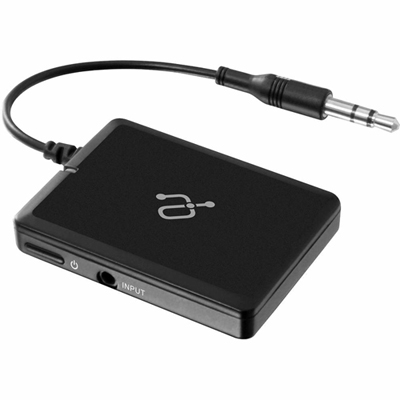 Your price for this item is $34.99
 -
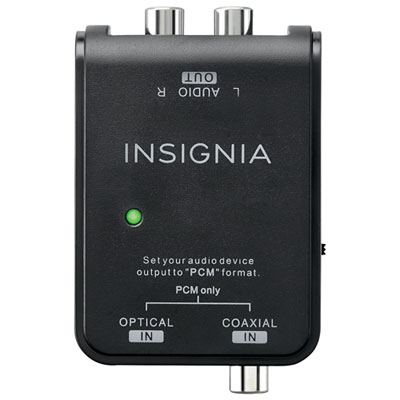 Your price for this item is $39.99
 -
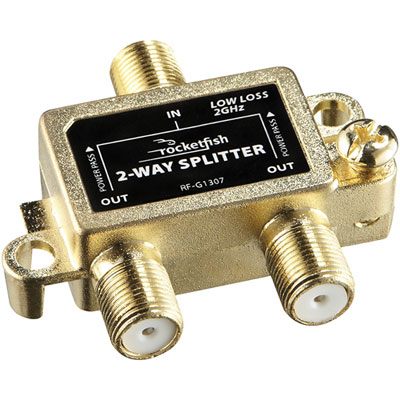 Your price for this item is $10.97
 -
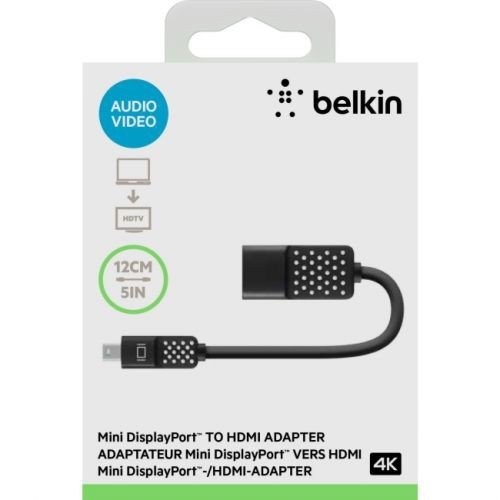 Your price for this item is $46.68
 -
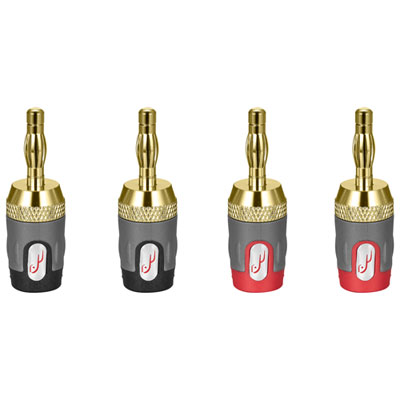 Your price for this item is $24.99
 -
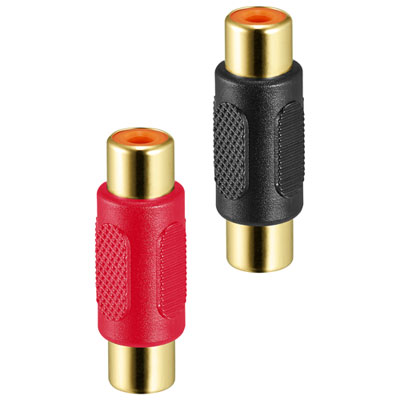 Your price for this item is $9.99
 -
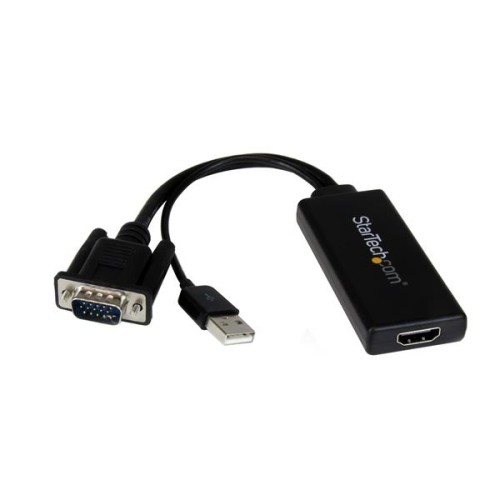 Your price for this item is $75.99
 -
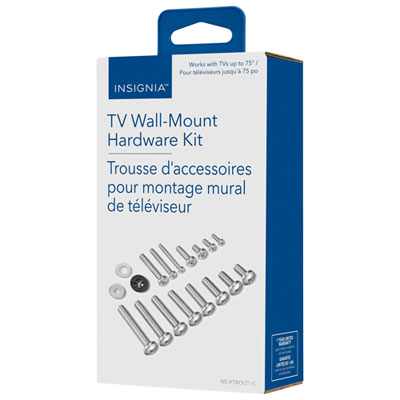 Your price for this item is $19.99
Discover more categories related to HDMI Signal Boosters
Top Collections:
Pokemon Centers, Kindle Devices, Best Cameras for Sports Photography, Pokémon 30th Celebration Cards, Apple iPhones 16, Canon G7X Cameras, iPhone 15 Apple, Flip Phones, Samsung Galaxy Phones, Alarm Clock
Some products may be subject to Environmental Handling Fees
(EHF) depending on your province.
Learn more about EHFs.