HDMI Extenders
Elevate your home entertainment setup with an HDMI extender, the perfect solution for seamlessly transmitting high-definition audio and video signals over long distances. Whether you're setting up a home theater, connecting multiple rooms, or organizing a professional presentation space, these extenders ensure that your visual and auditory experience remains sharp and uninterrupted. With a variety of options to suit different needs and layouts, HDMI extenders provide flexibility and convenience, making them an essential component for any tech-savvy household or business environment. Explore our selection to find the ideal extender that complements your setup and enhances your viewing experience.
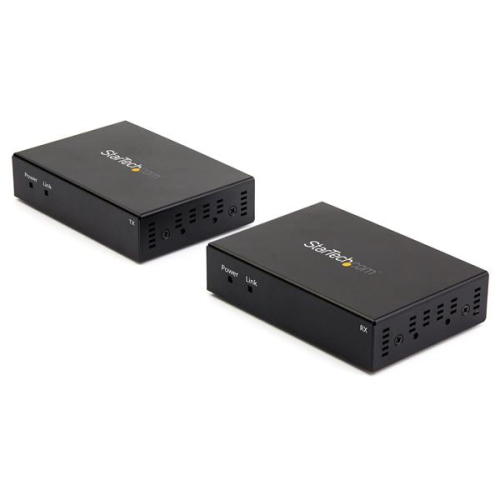
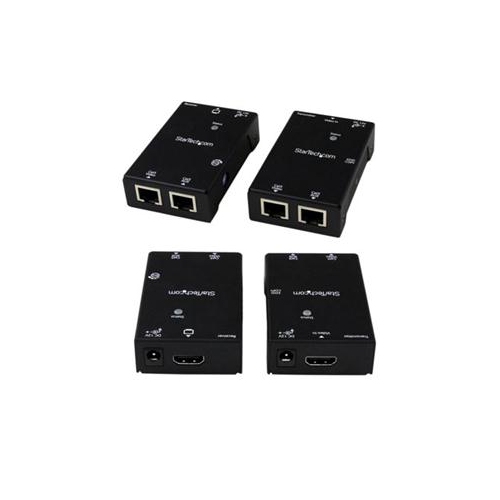
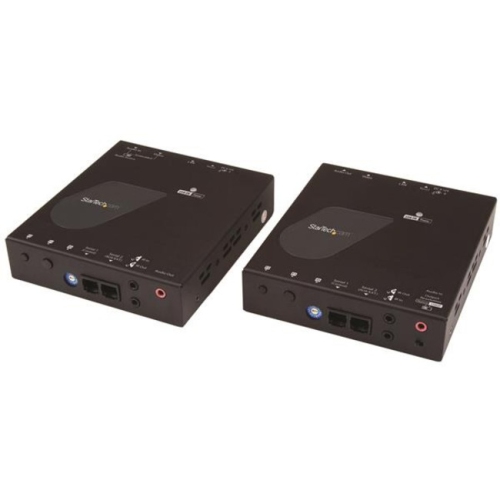
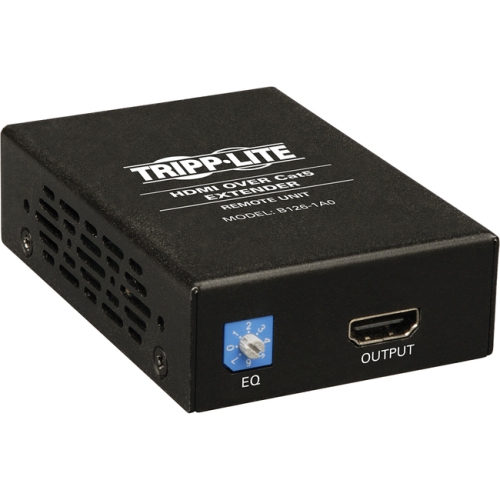
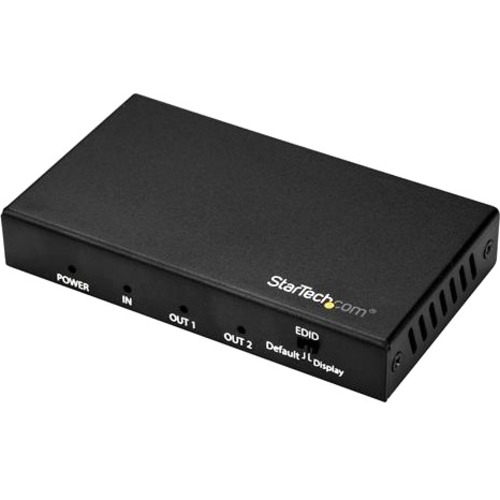
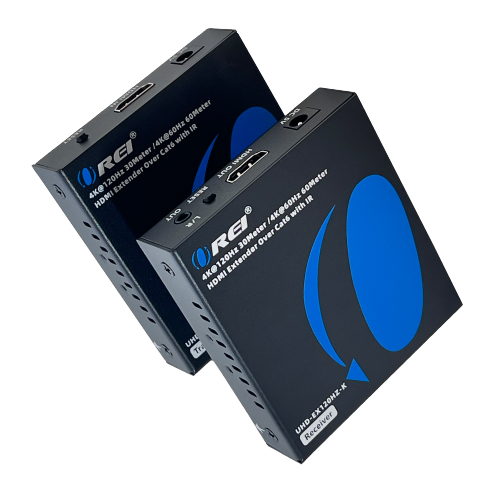
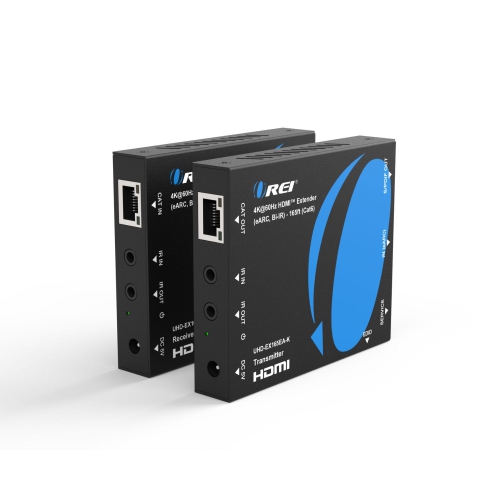
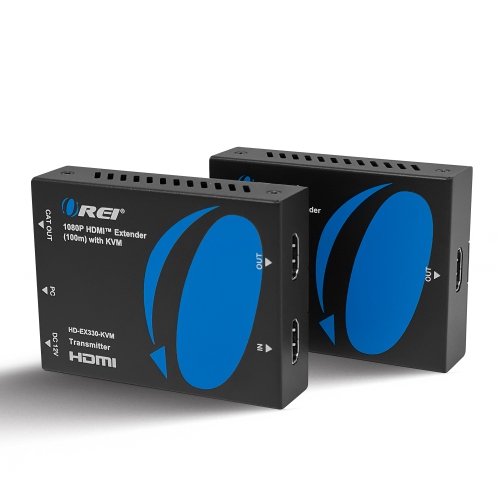
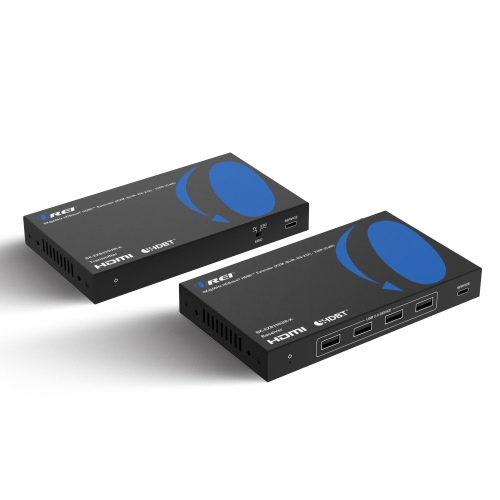
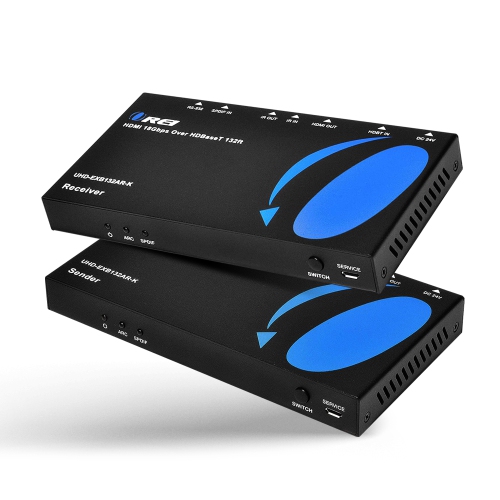
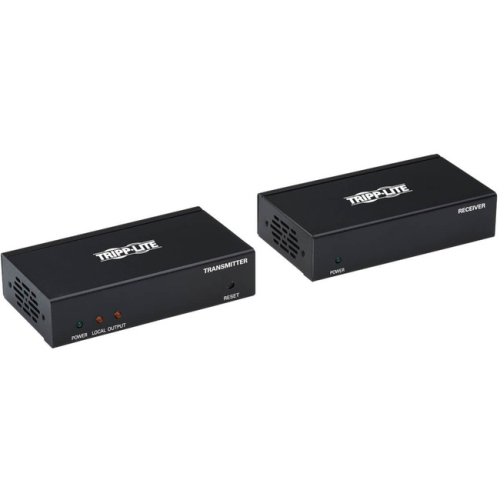
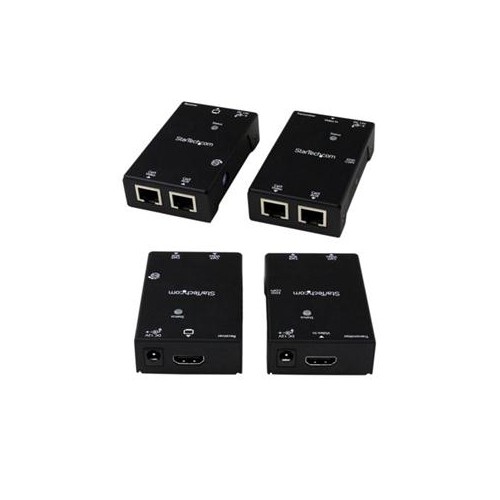

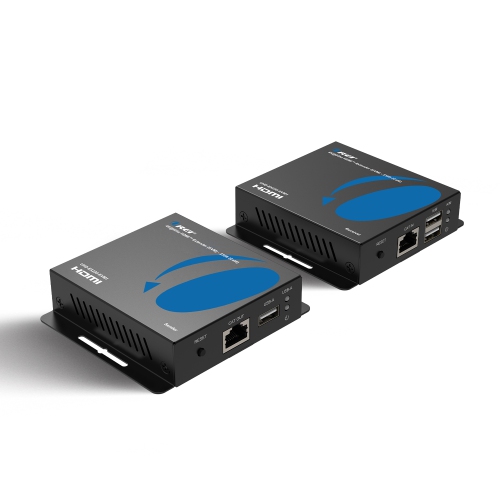
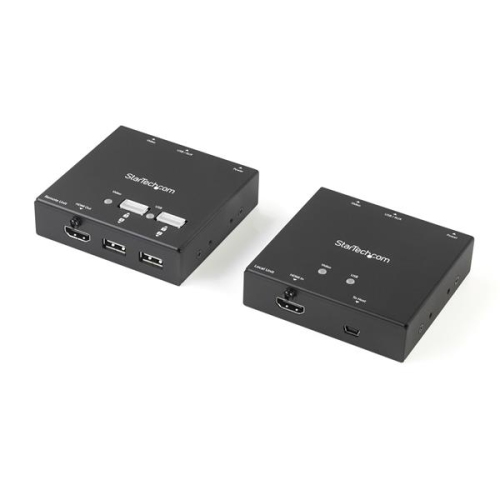
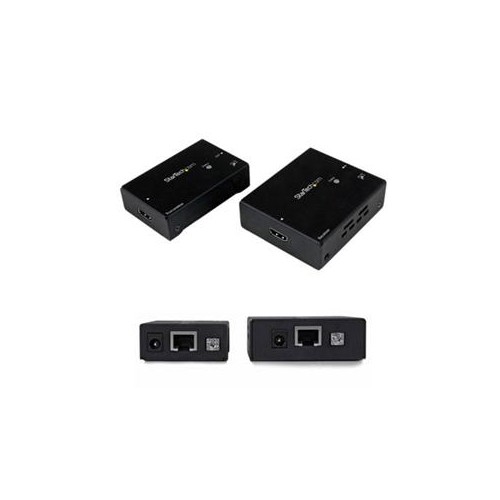
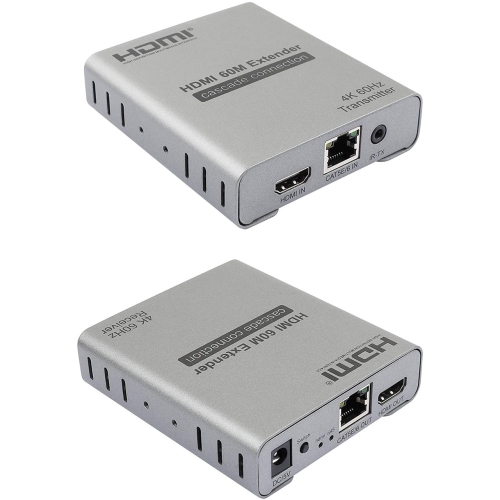




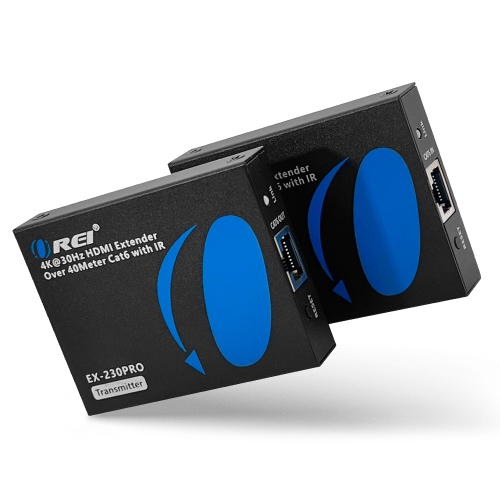
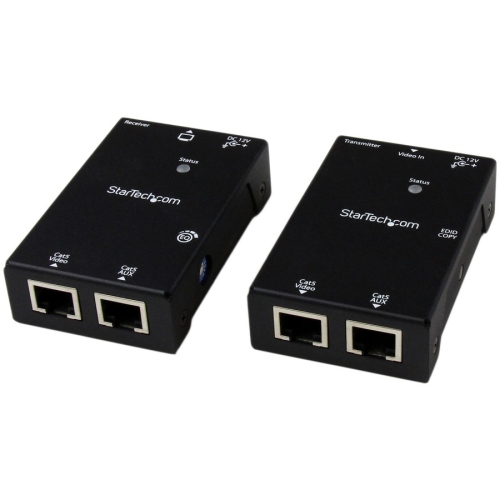
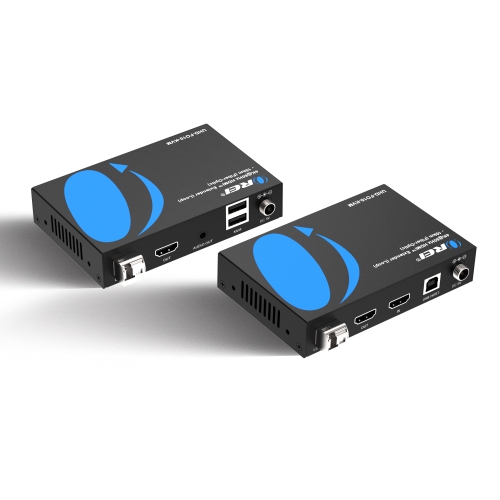
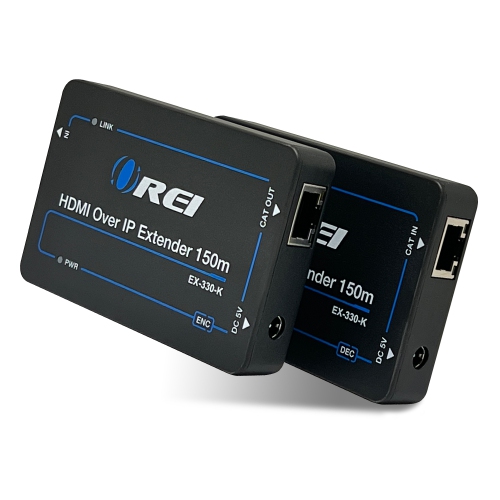
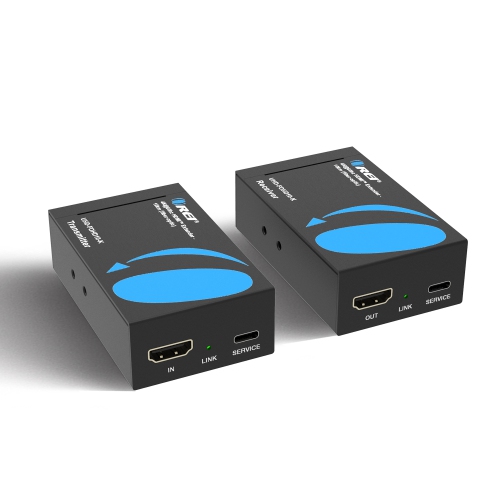
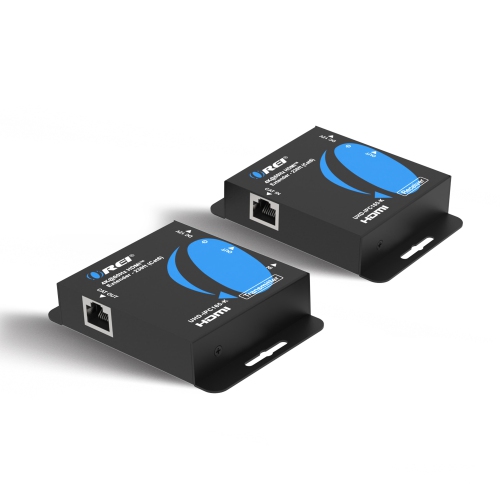
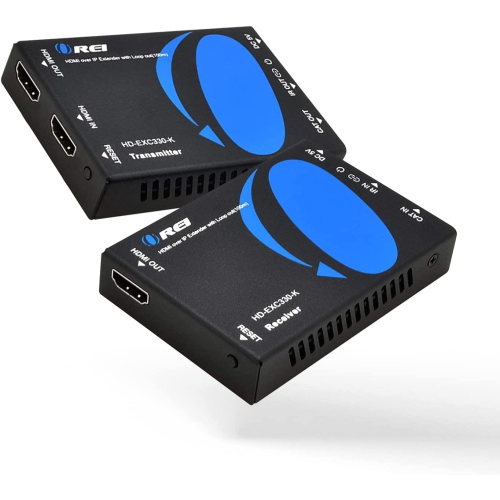
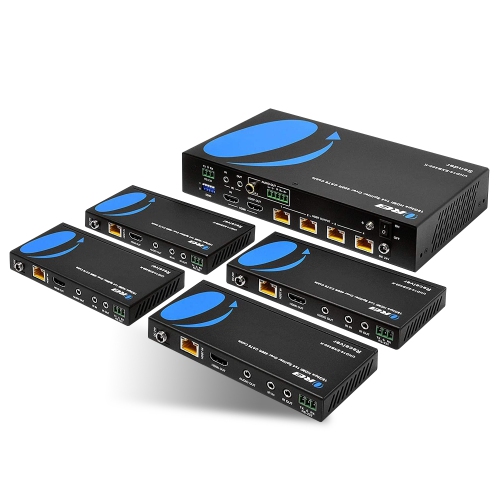

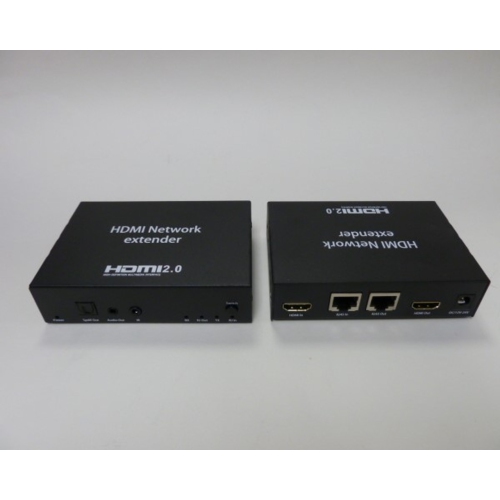
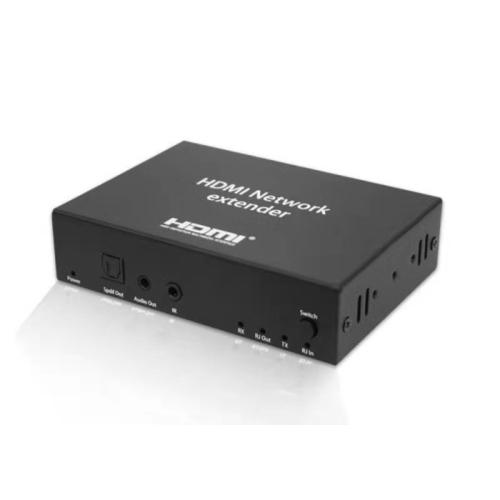
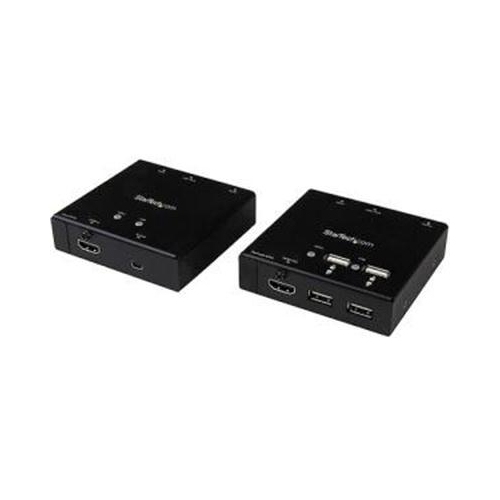
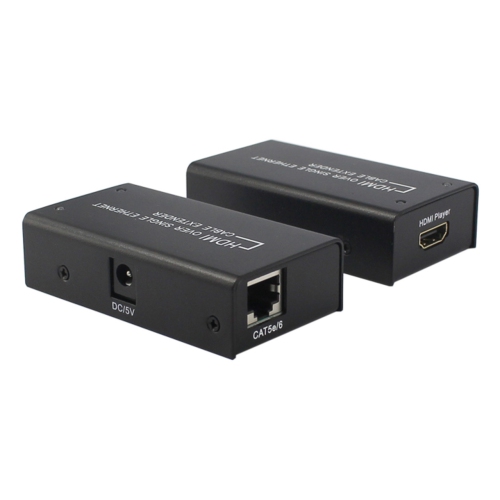
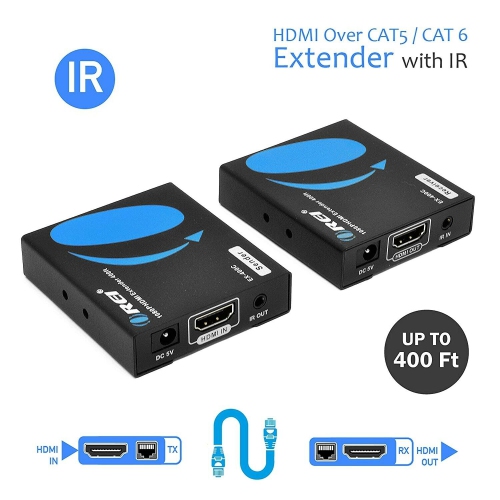
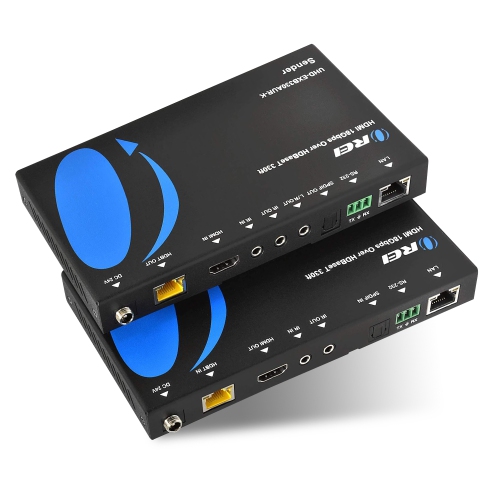
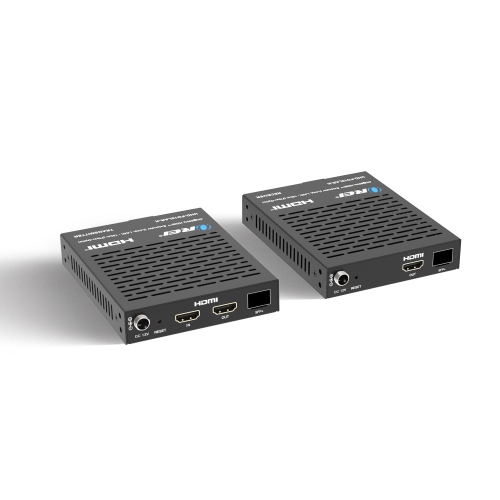
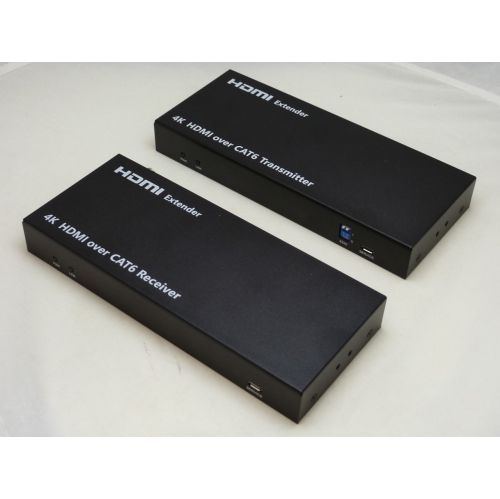
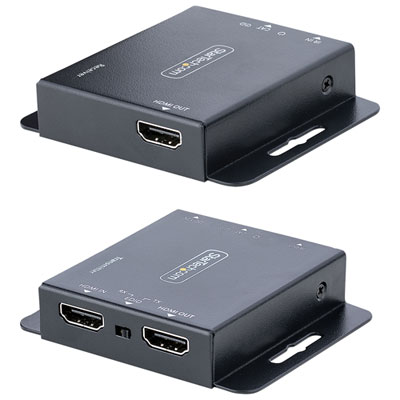
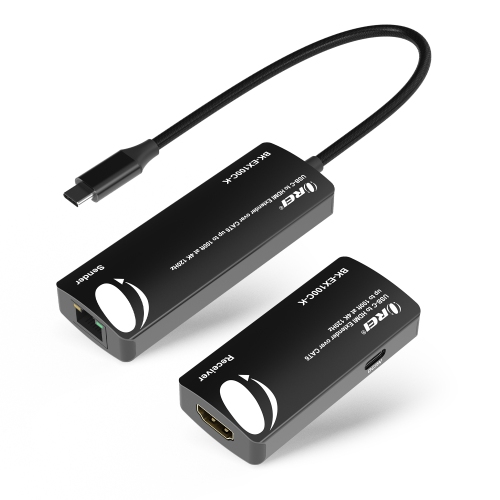
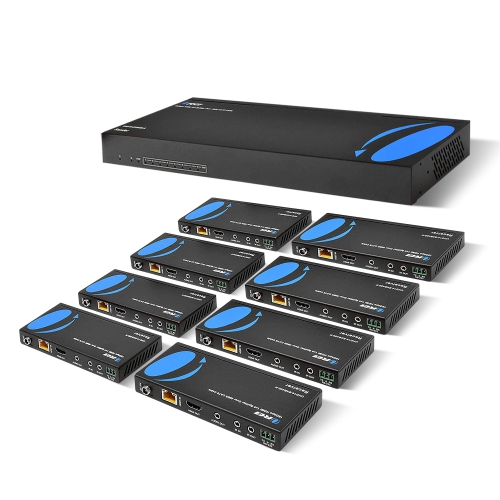
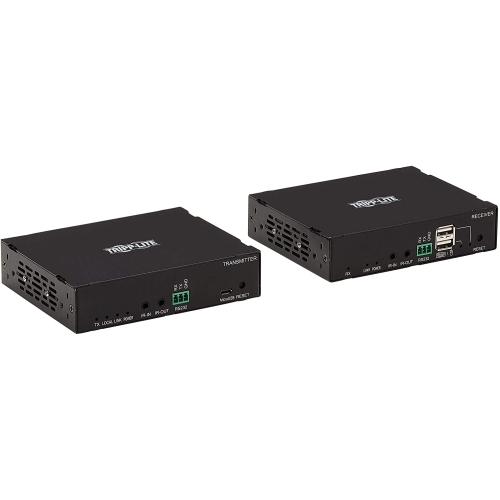
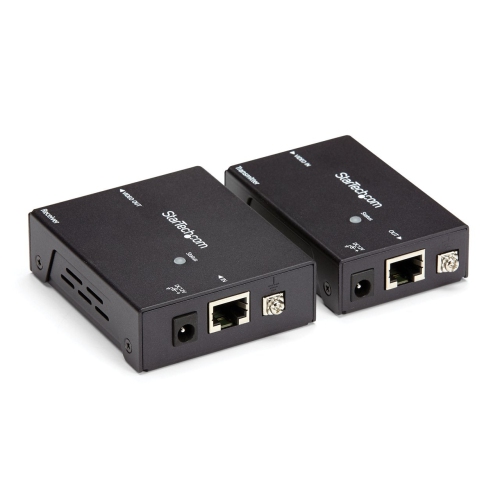
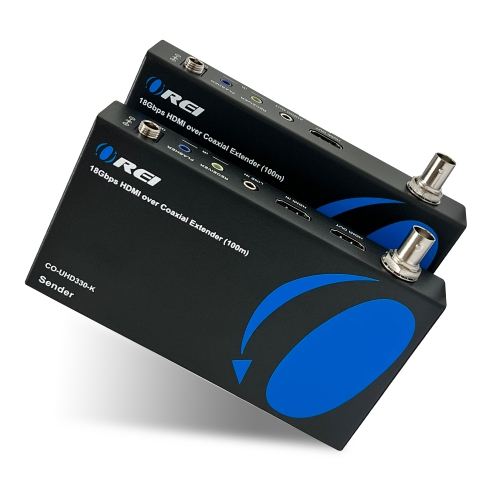
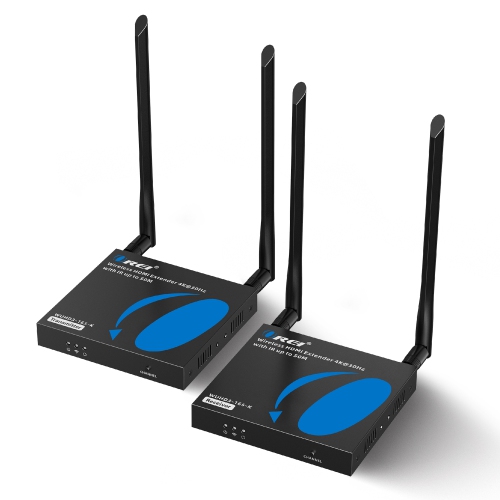
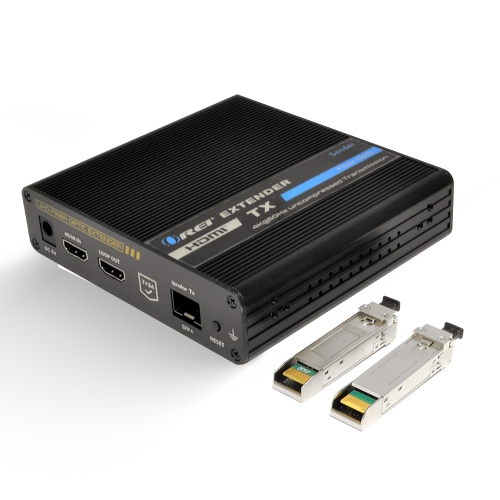


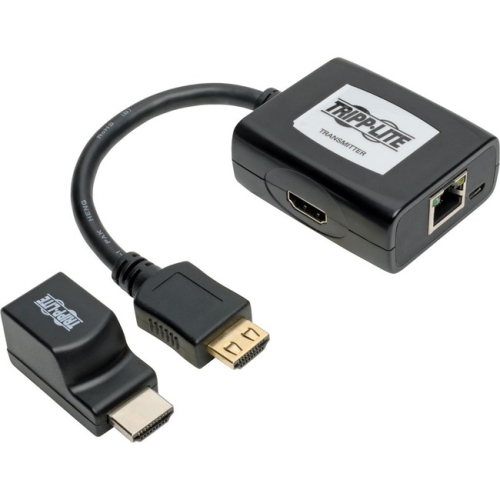
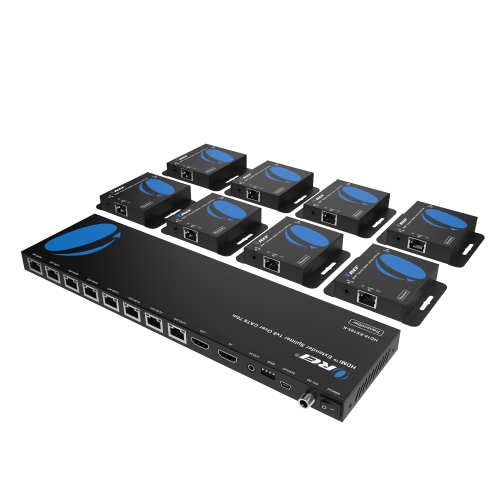
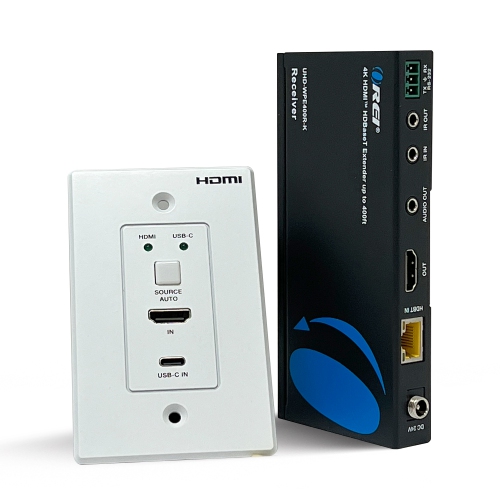
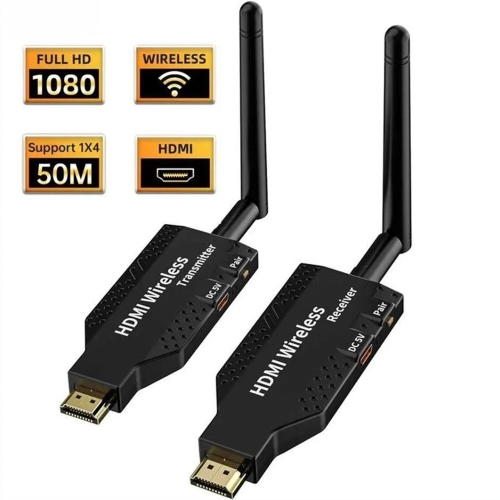
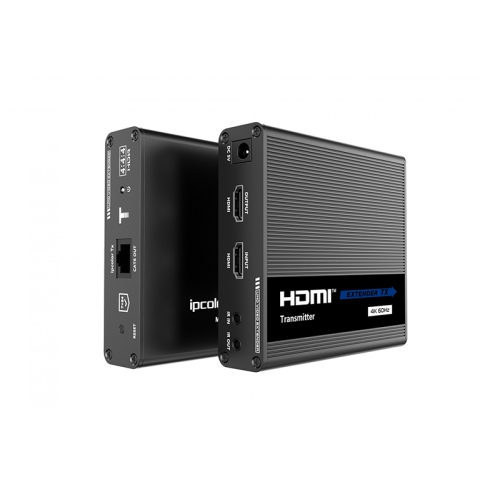
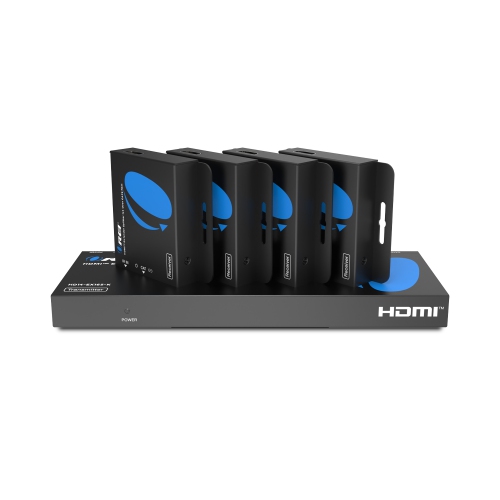
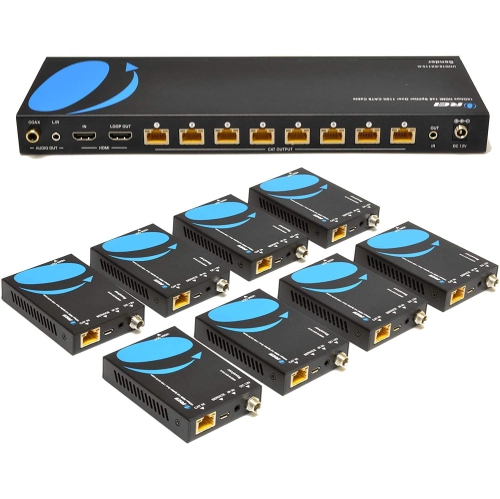
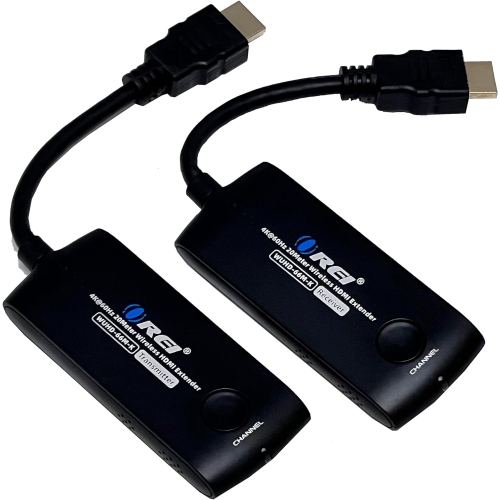
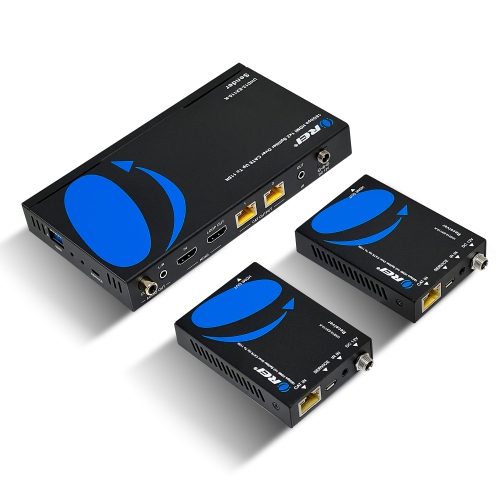
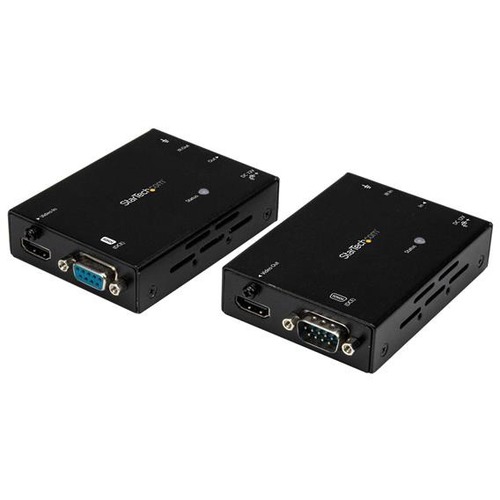
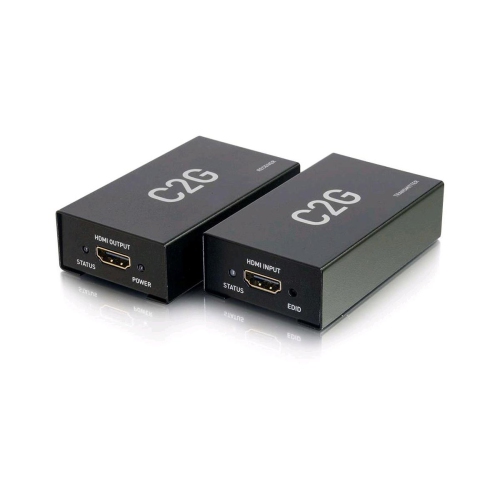
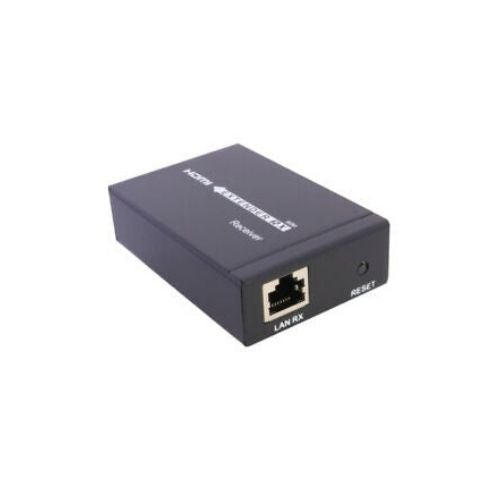
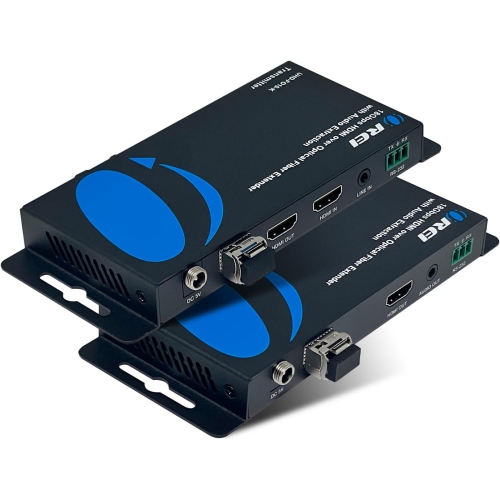
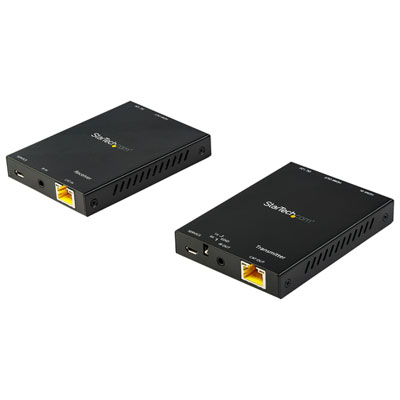
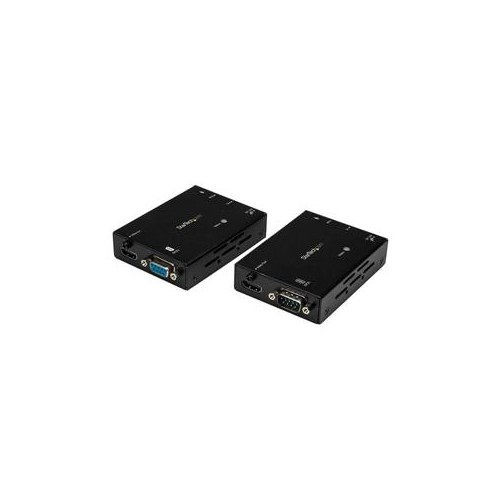
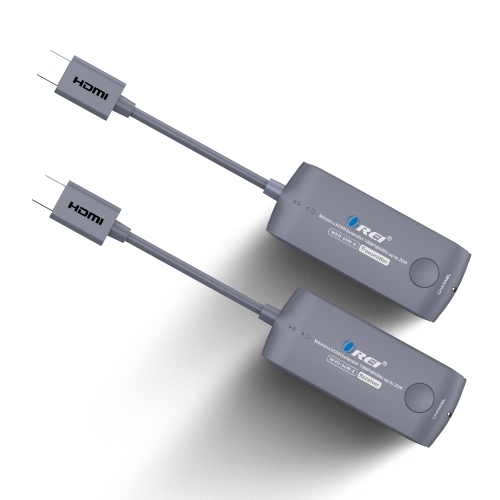
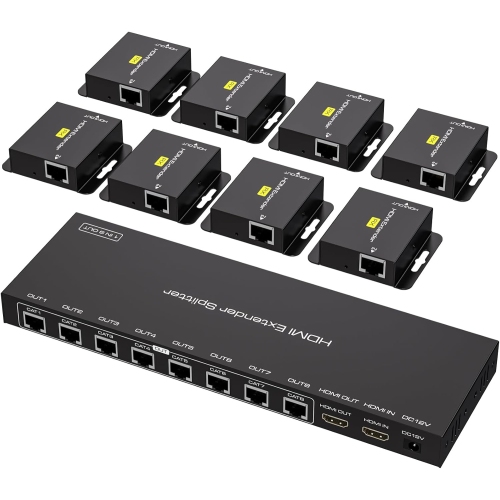
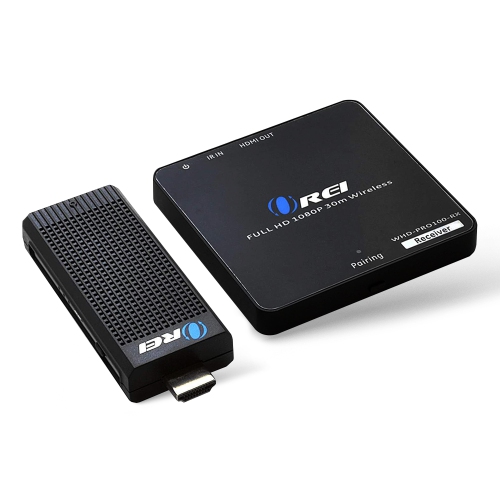
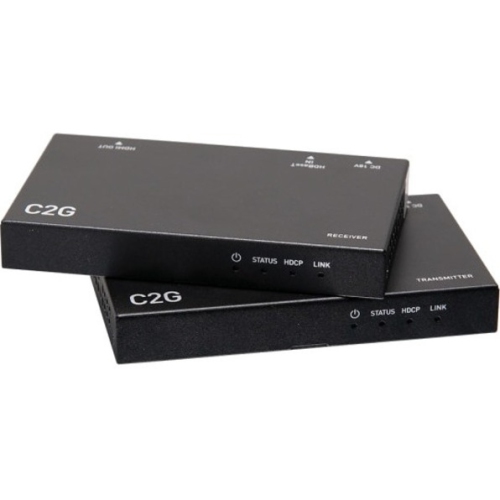
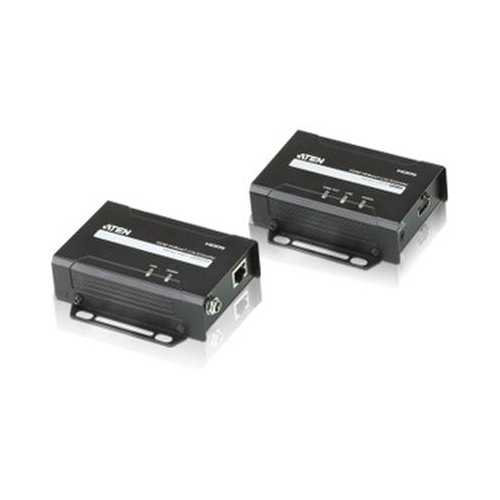

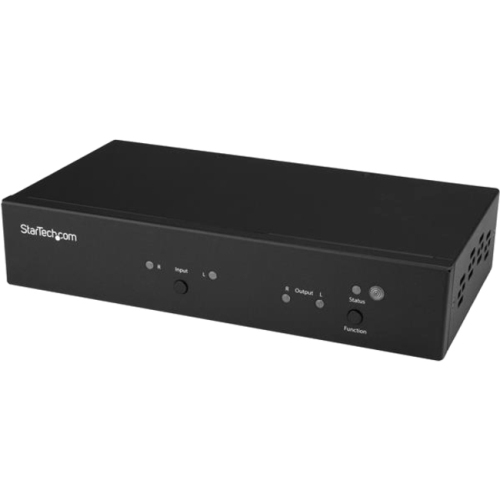
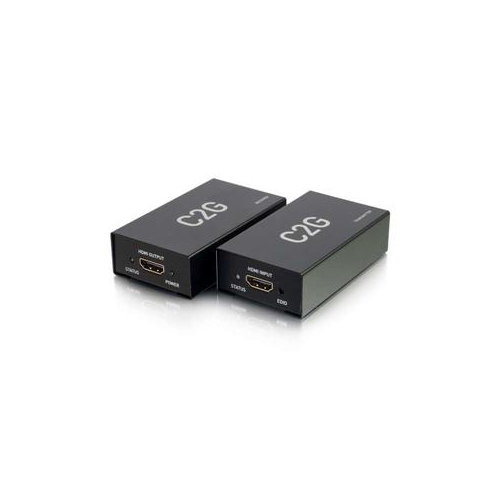

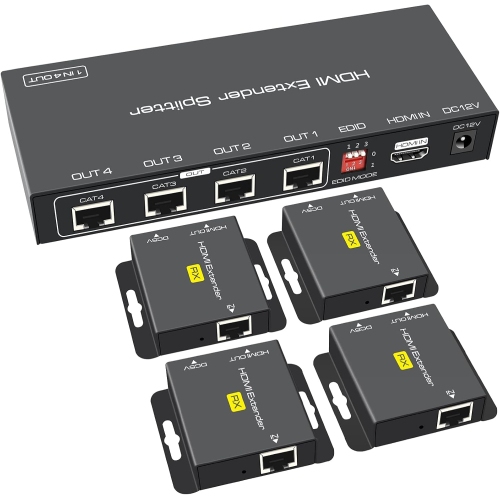
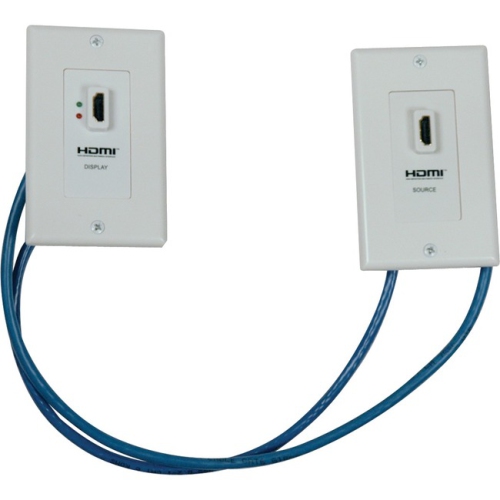

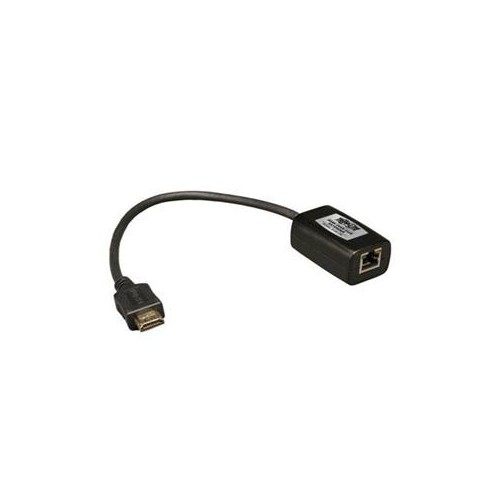
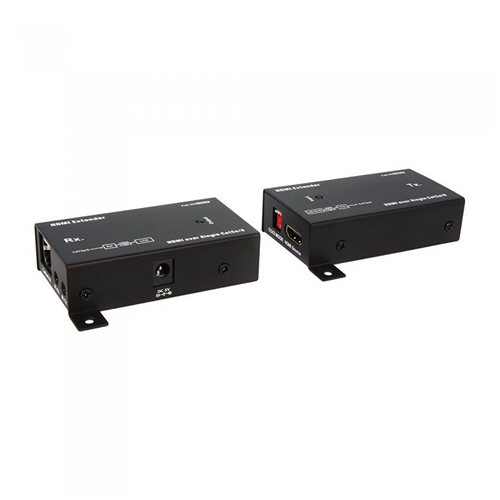
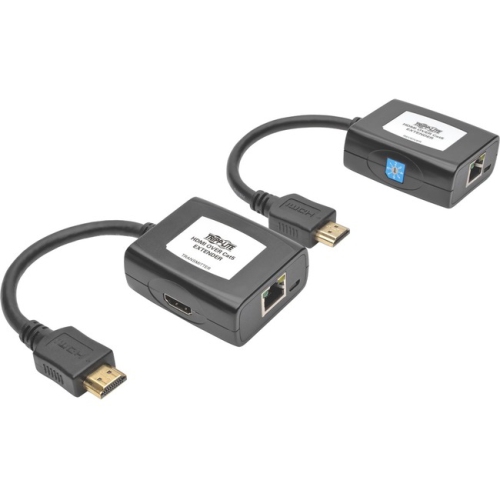

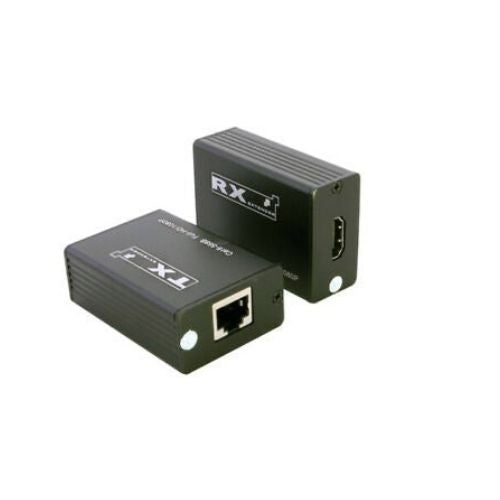
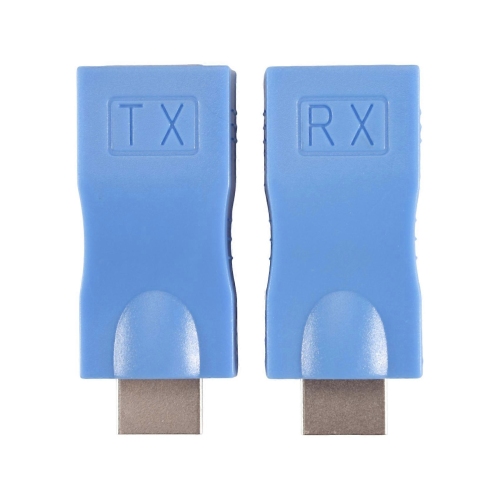
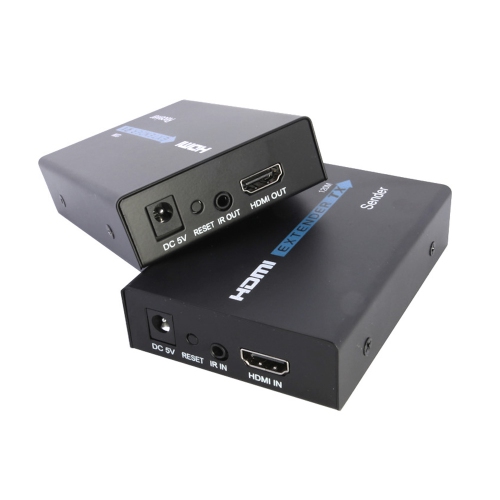
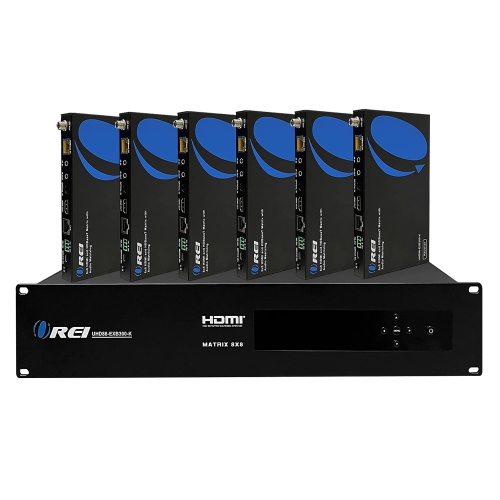
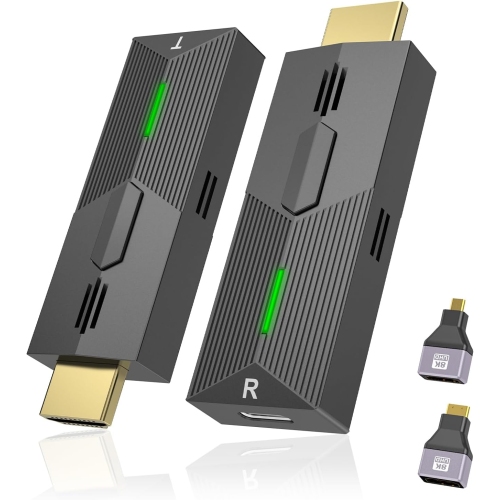
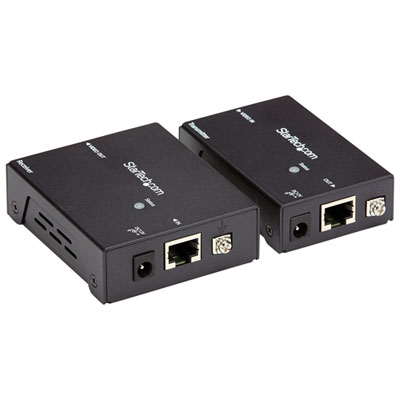
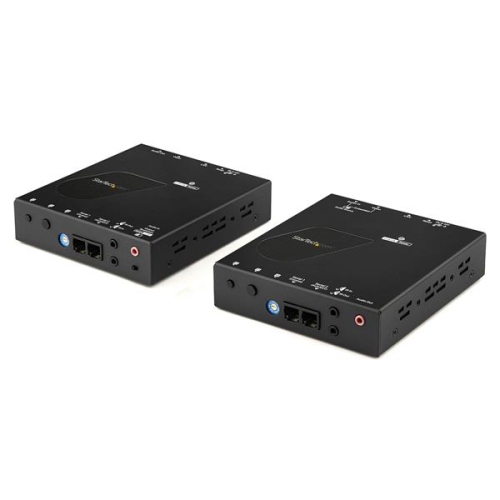
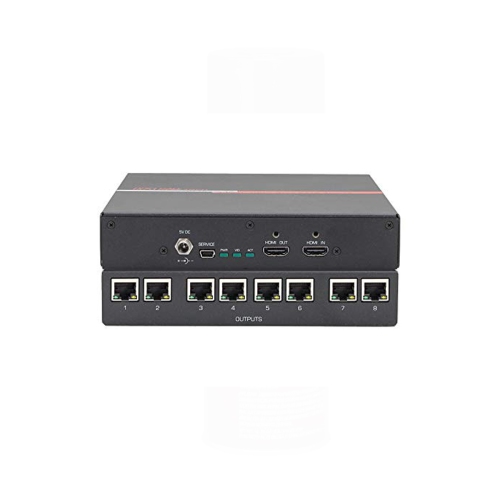
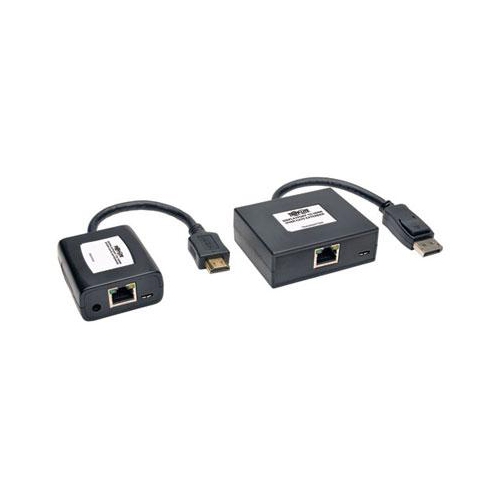
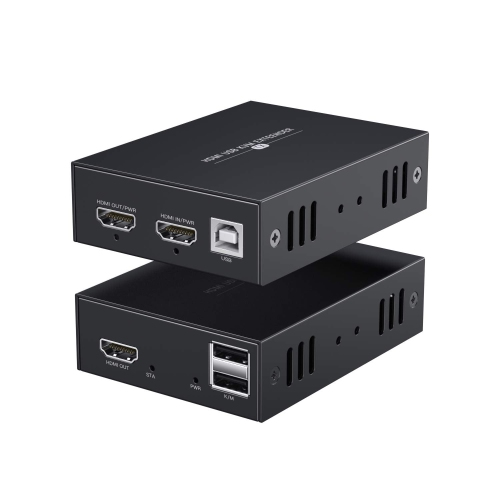
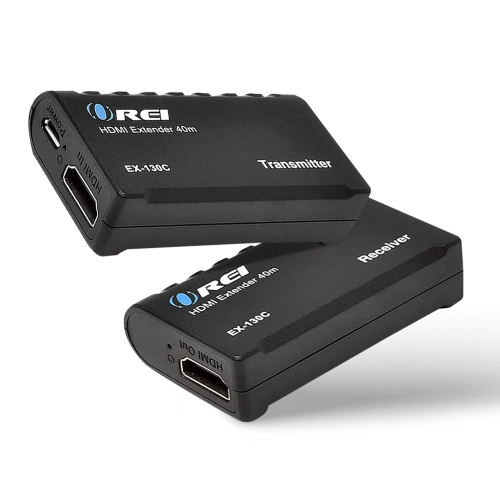
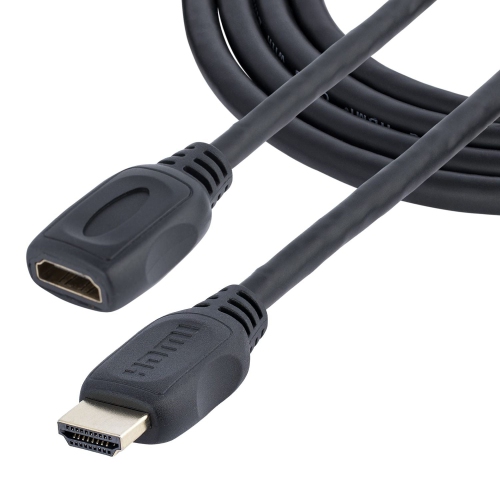
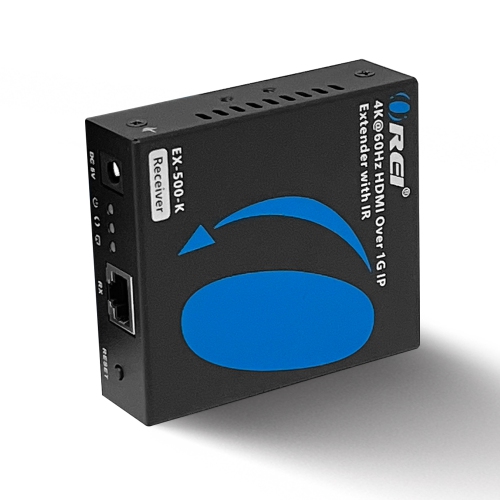
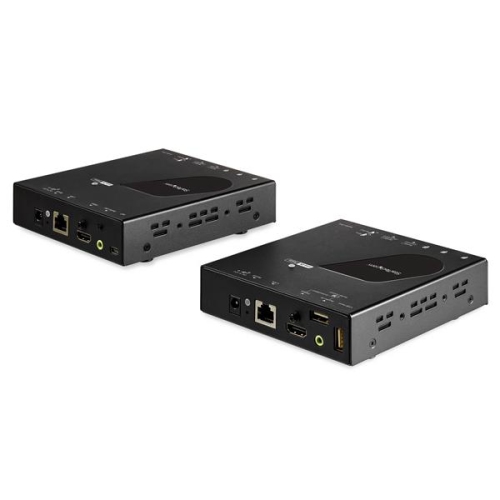
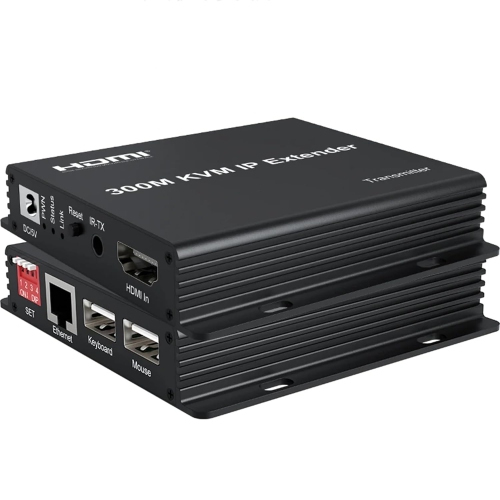
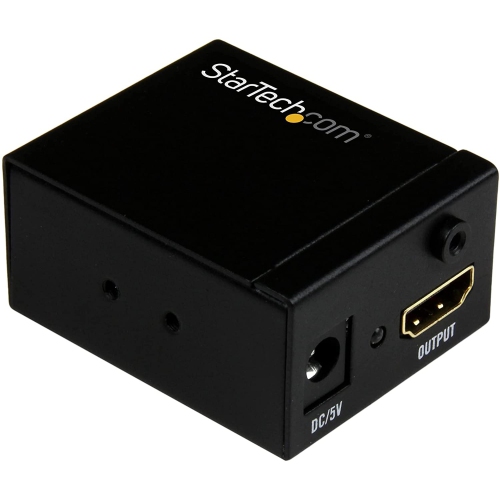
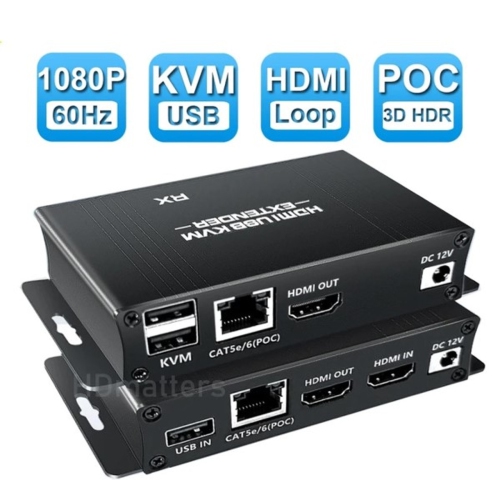
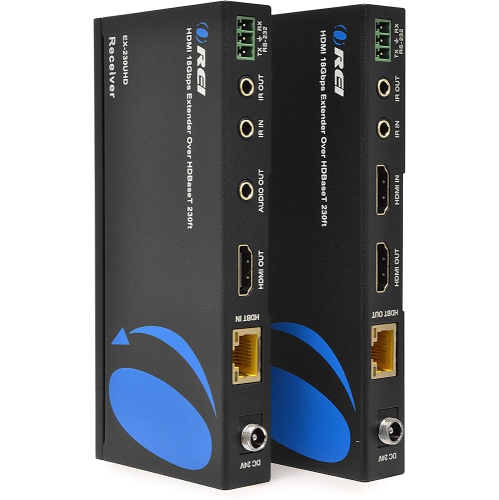
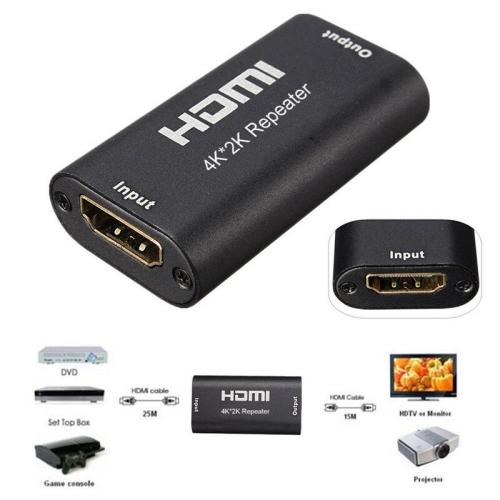
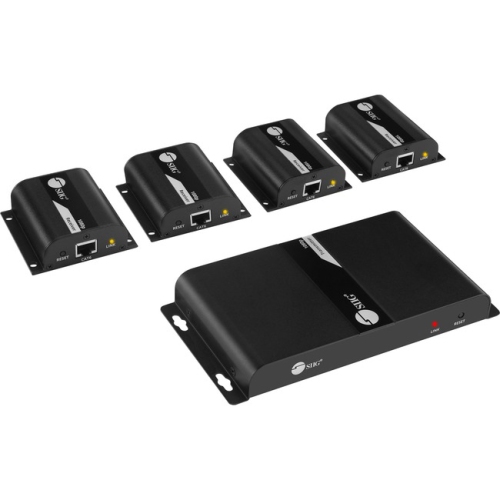
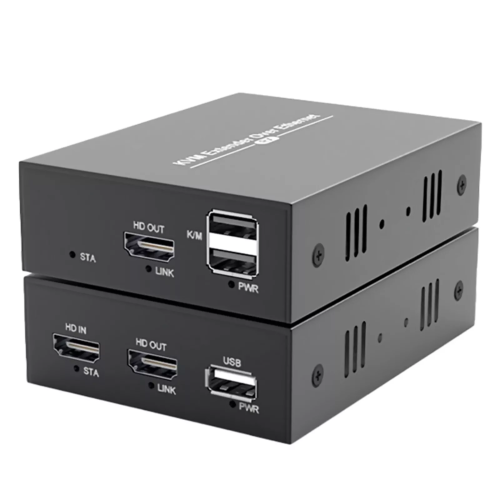

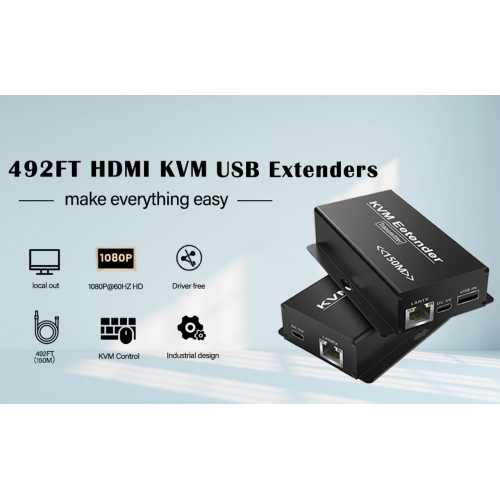

Picture and sound beyond a standard cable’s reach
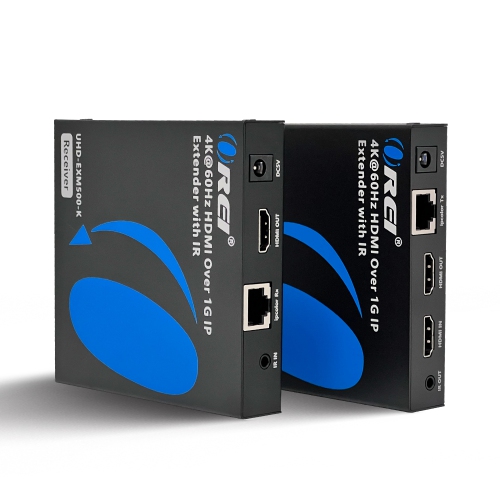
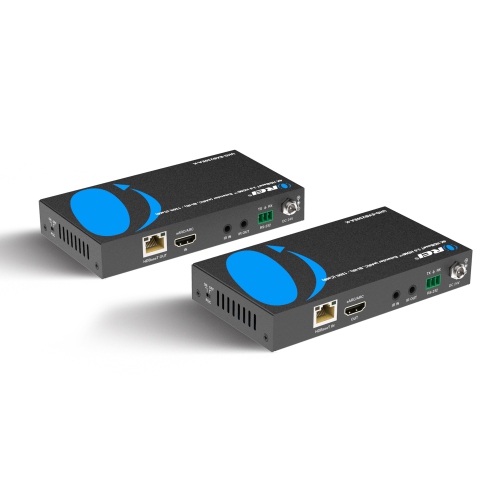
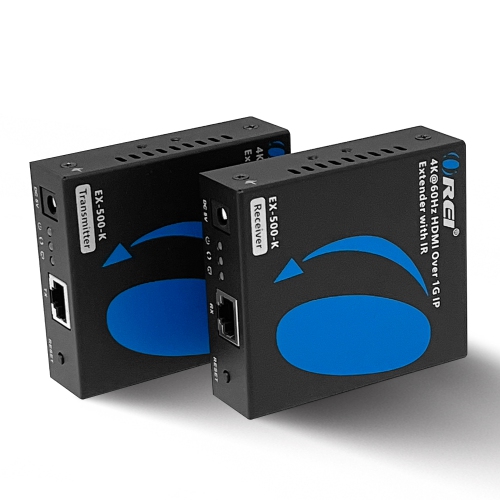
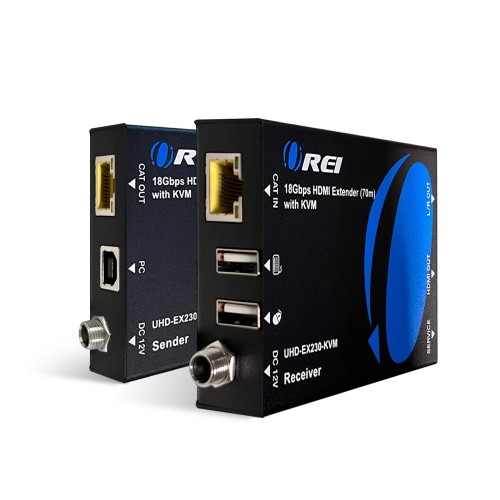
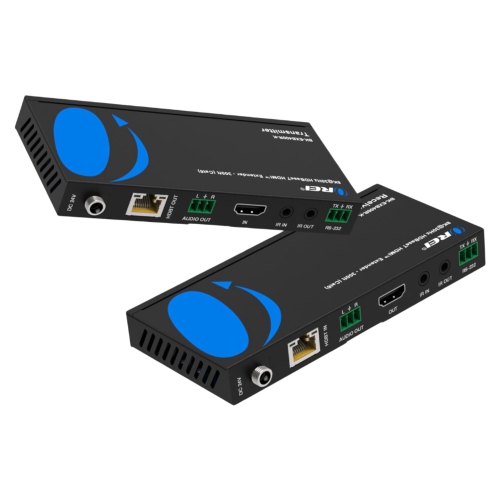
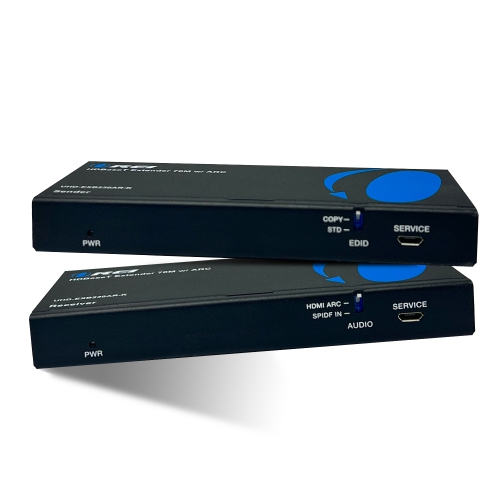
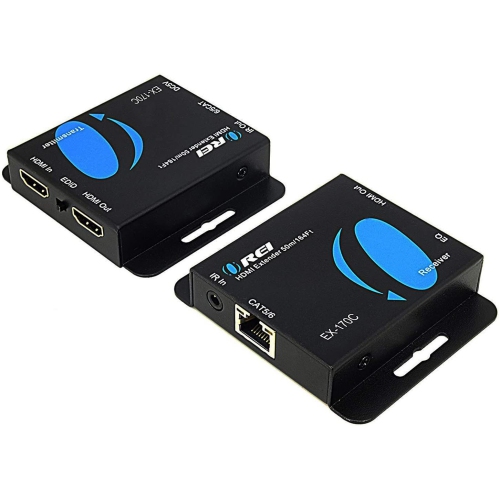
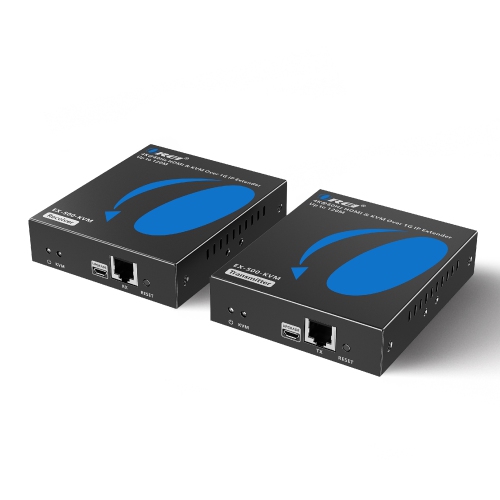
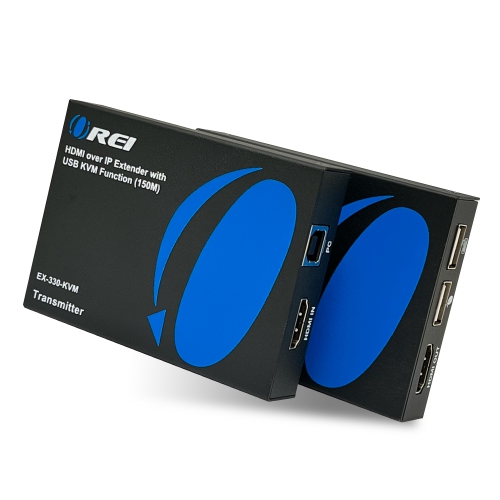
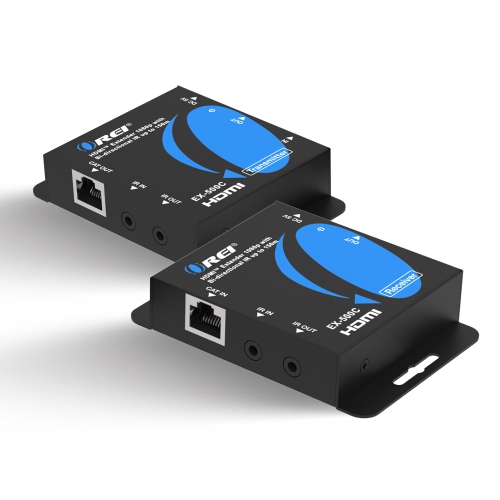
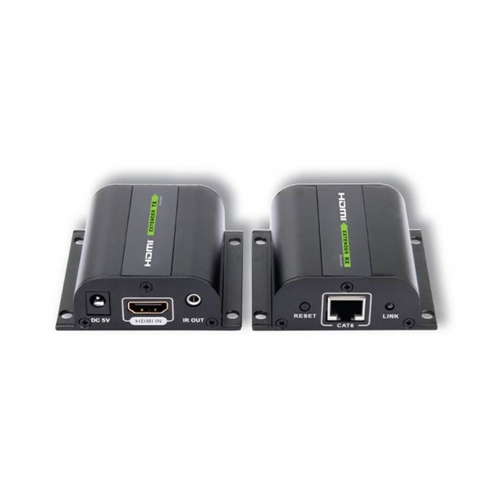
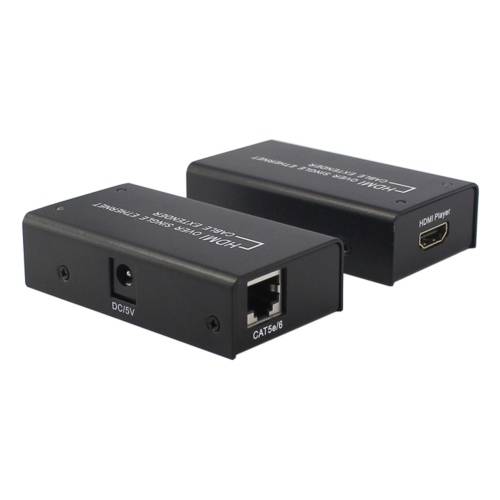
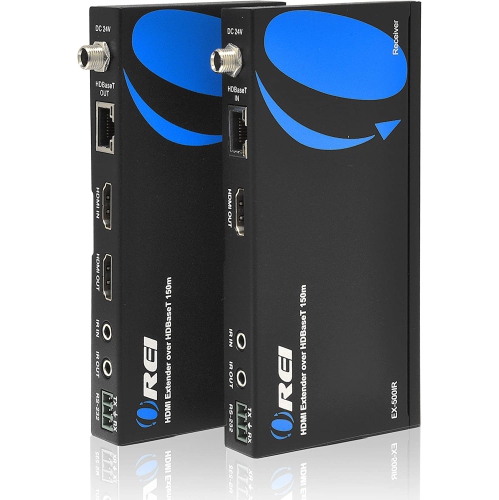
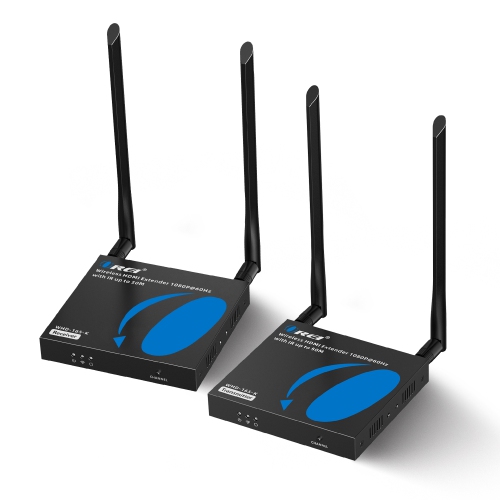
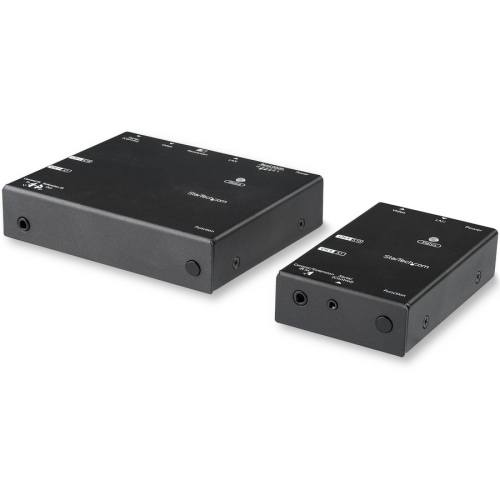
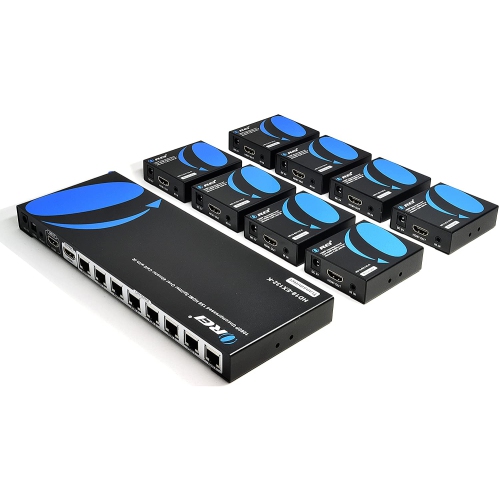
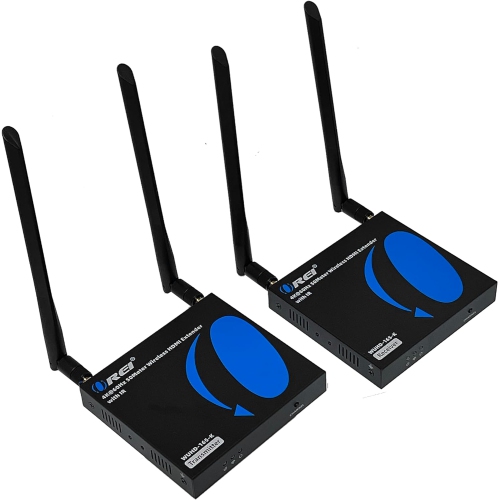
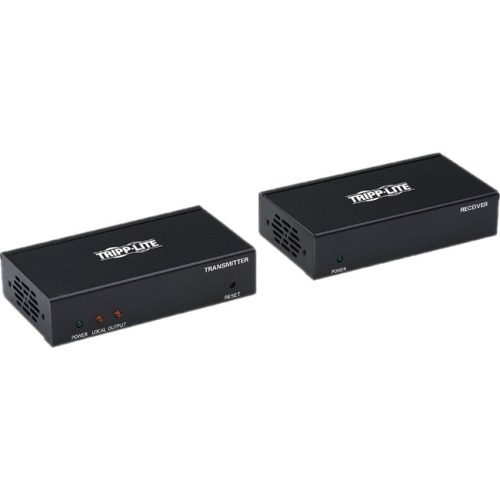
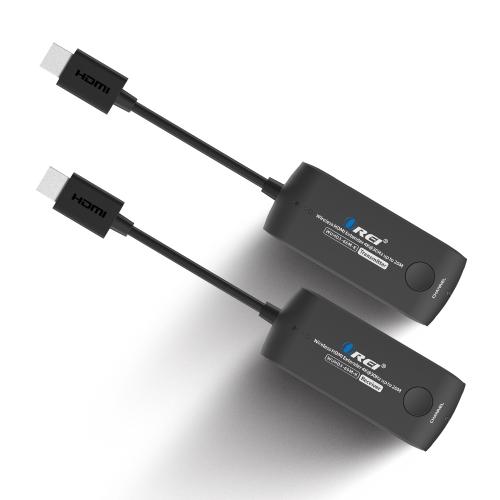
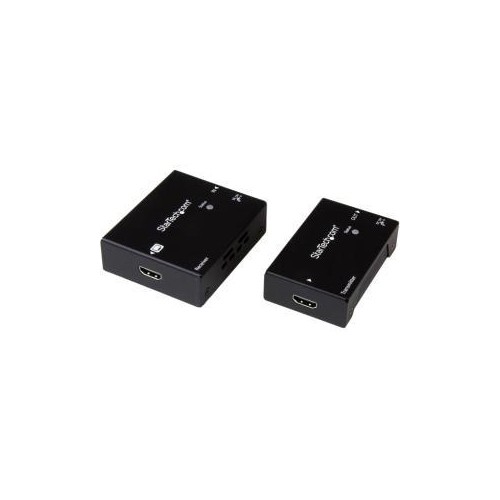
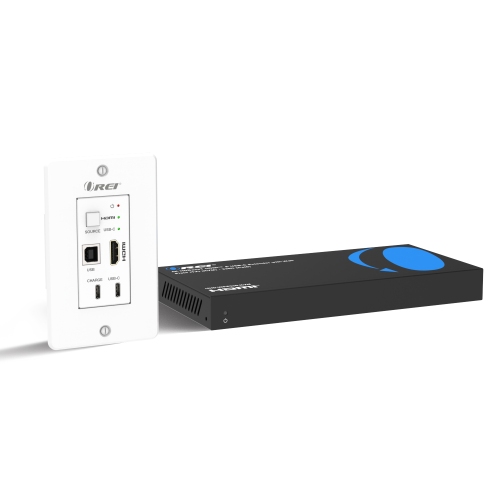
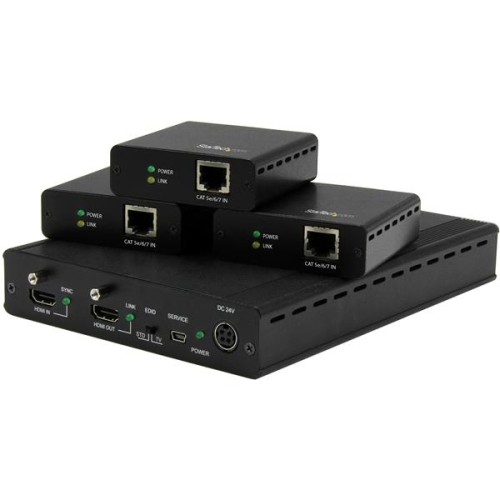
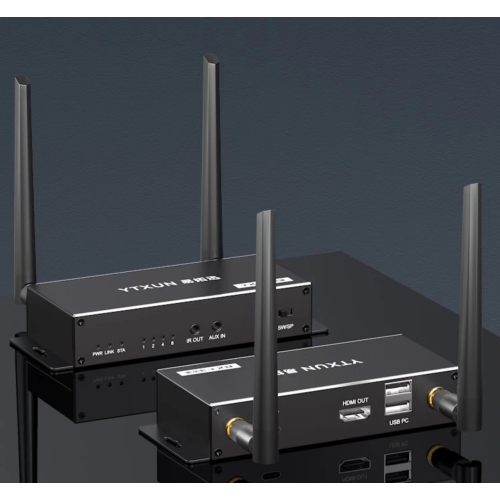
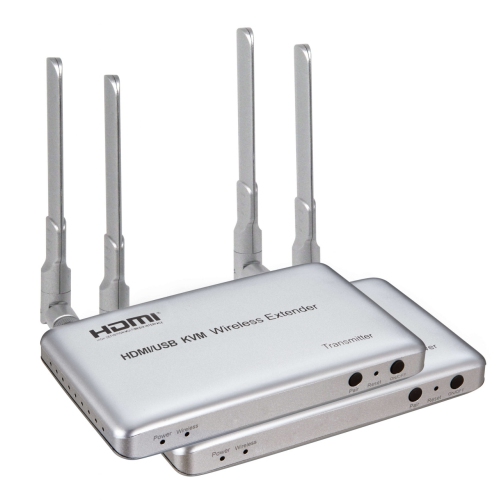
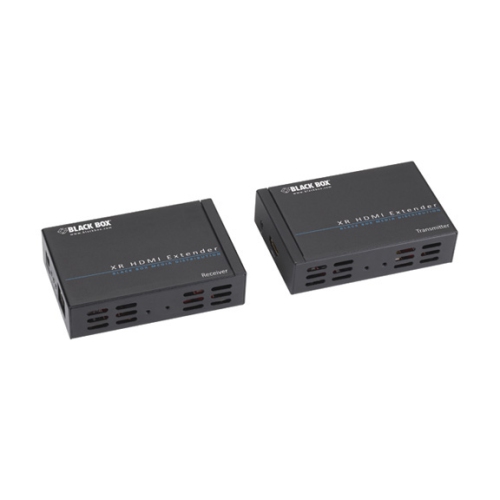
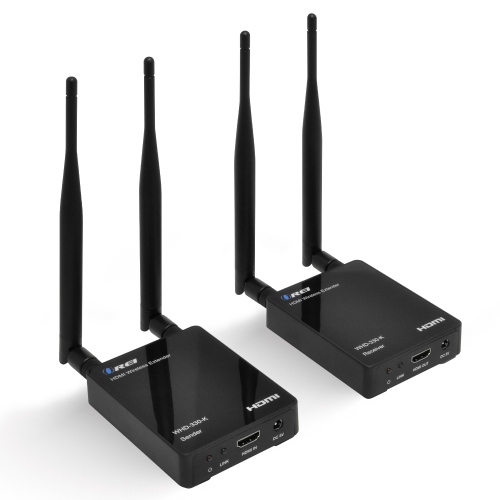
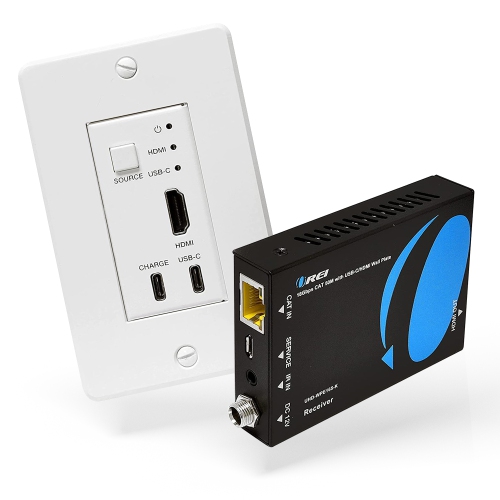
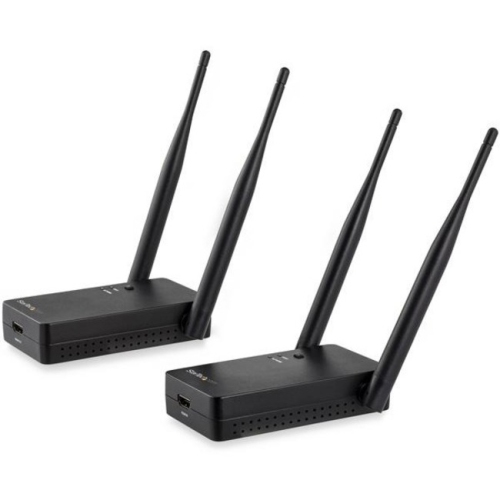
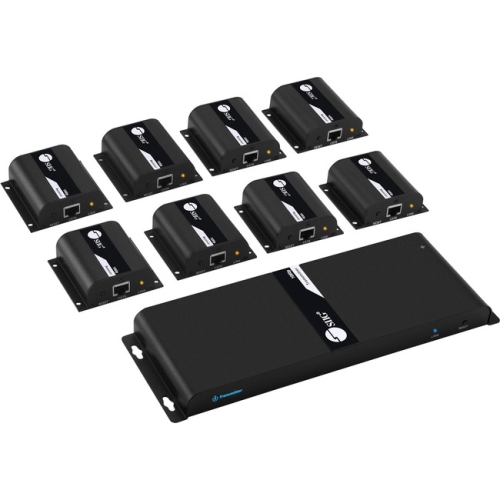
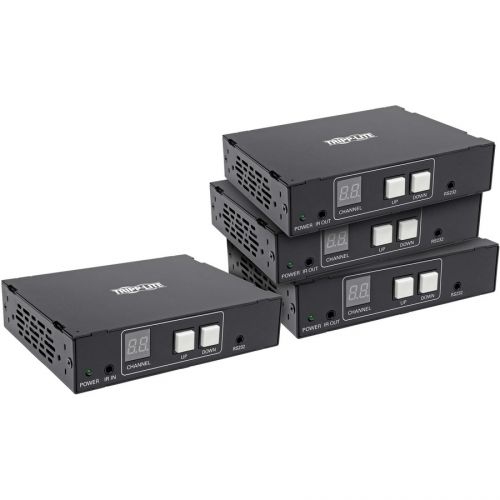
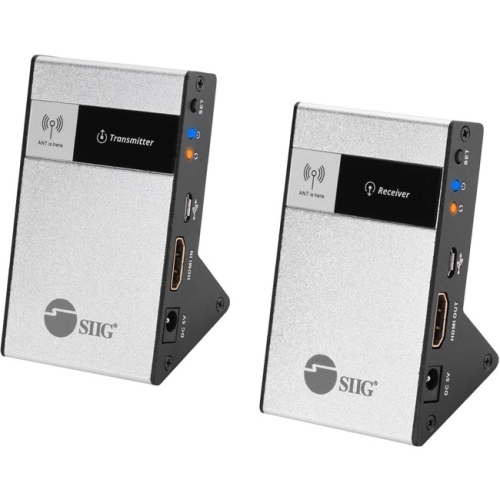
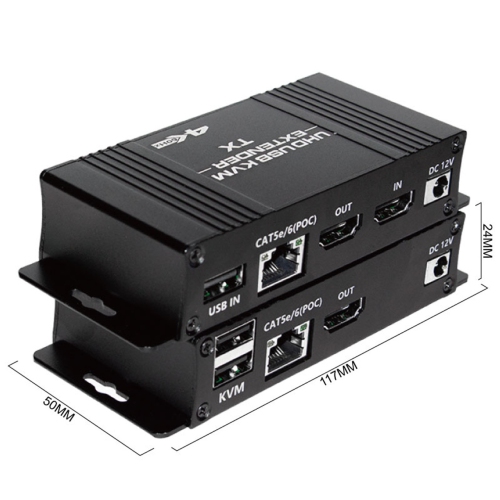
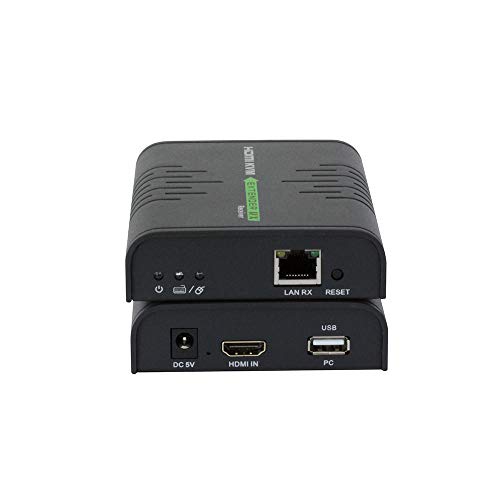
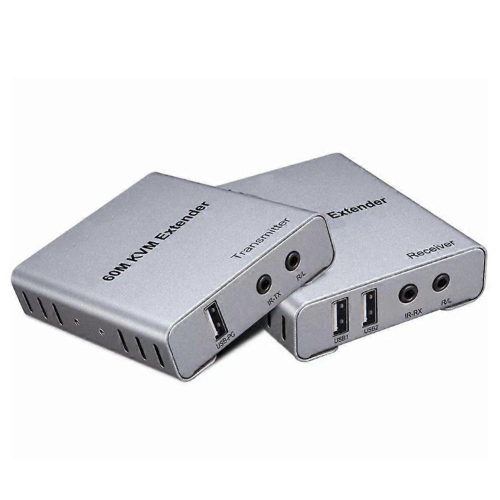
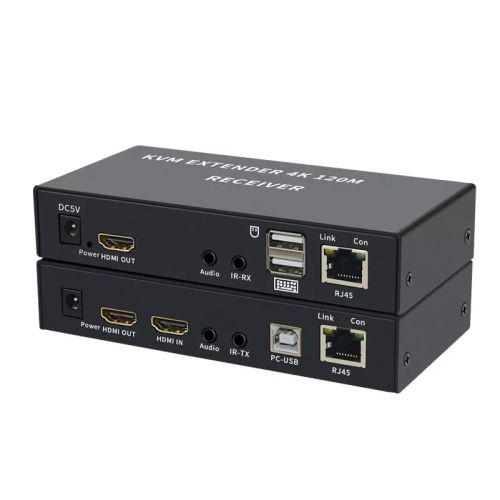
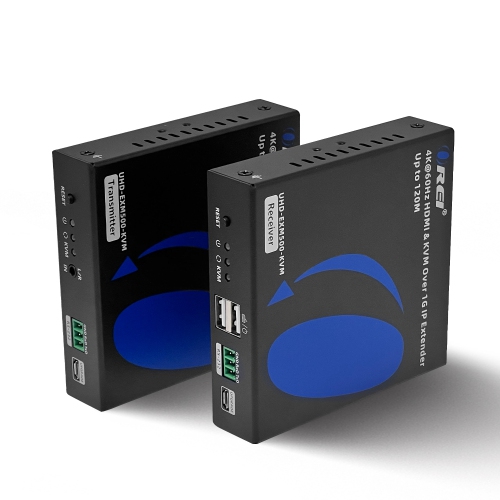
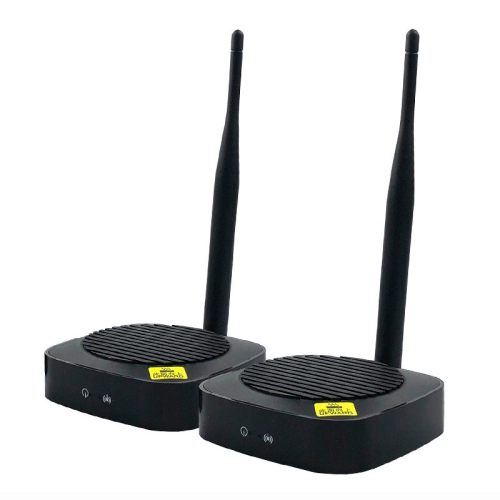
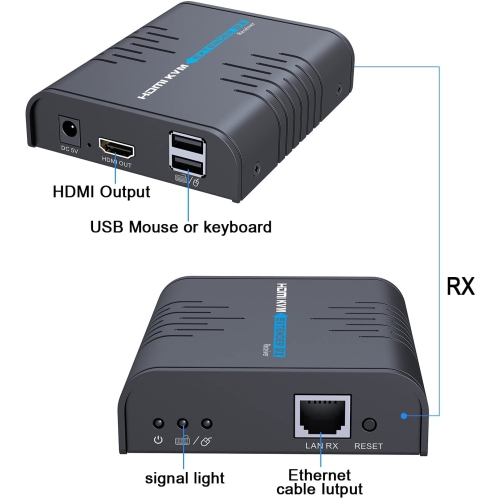
Picture and sound compatibility are central to choosing HDMI extenders. Resolution alone does not describe the complete signal: 4K at 60Hz requires more bandwidth than 4K at 30Hz, and high dynamic range, colour depth, and colour sampling can add further requirements. The transmitter, receiver, connecting cable, and any adapters in the path all need to support the intended format. A system suitable for showing slides or playing 1080p video may not support the higher refresh rates used by a gaming display. For gaming, look beyond a general “4K” description to confirm the supported refresh rate, latency, and any required features, such as variable refresh rate. Wired connections are often a practical choice where predictable performance matters, although processing within an extender can still introduce delay. Wireless performance depends on the design, distance, obstacles, and nearby radio traffic. Some wireless HDMI systems use a dedicated connection without joining a home Wi-Fi network; others rely on network infrastructure or additional configuration. Walls, cabinetry, and the positioning of the transmitter and receiver can affect the connection, so a stated wireless range should not be treated as a promise for every room layout. Wireless systems may also compress the picture, making their intended use and latency specifications especially relevant for fast-moving games or detailed desktop work. For protected entertainment content, compatible HDCP support helps the source and display complete the required connection checks. EDID handling, which communicates a display’s supported formats to the source, can also matter when equipment has different capabilities. Audio support deserves the same attention as video: stereo, multichannel sound, and audio return features are not supported equally across all systems. ARC and eARC, which can return sound from a television to compatible audio equipment, should be confirmed explicitly rather than assumed. Additional functions such as infrared pass-through can let a remote control operate a source hidden in a cabinet, while USB extension may support a keyboard and mouse at a distant workstation. These features make a difference in everyday use, but they are separate capabilities rather than standard inclusions.
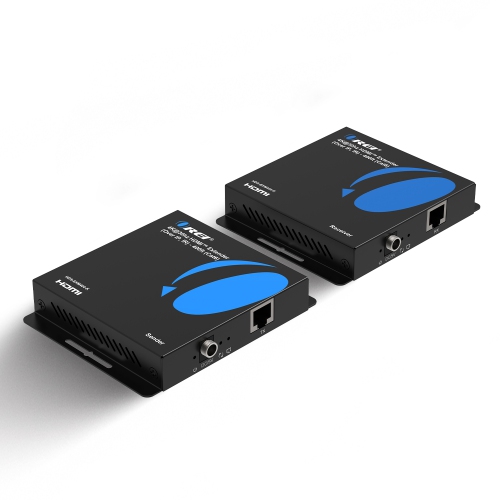
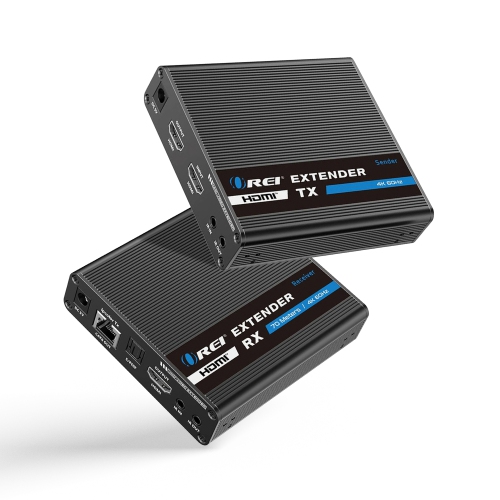
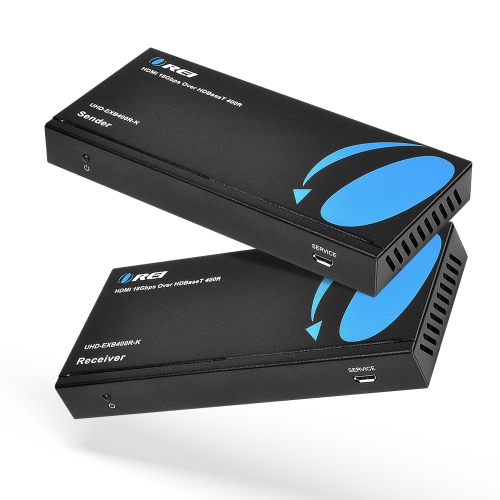
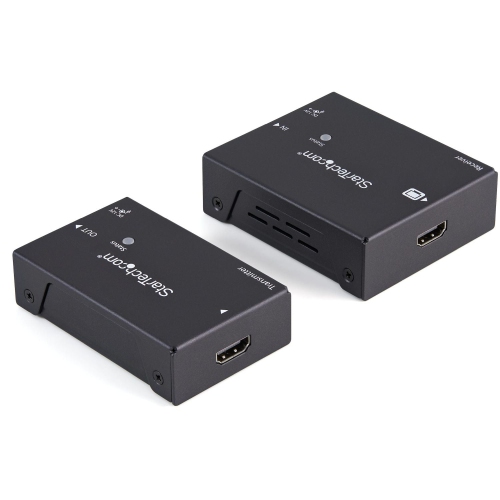
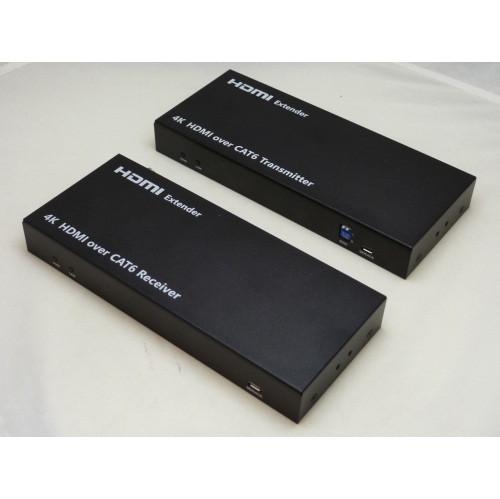
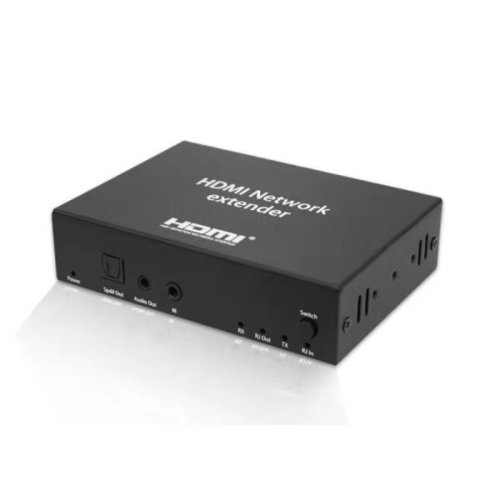
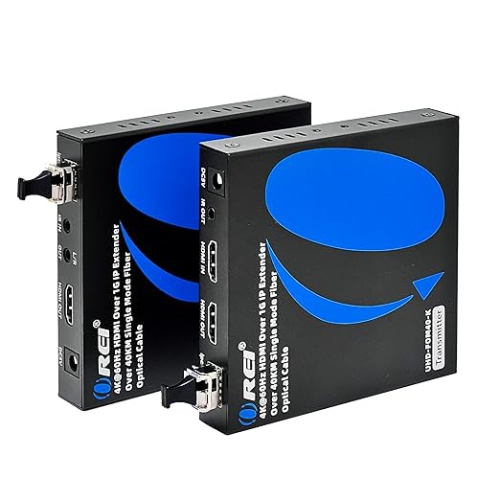
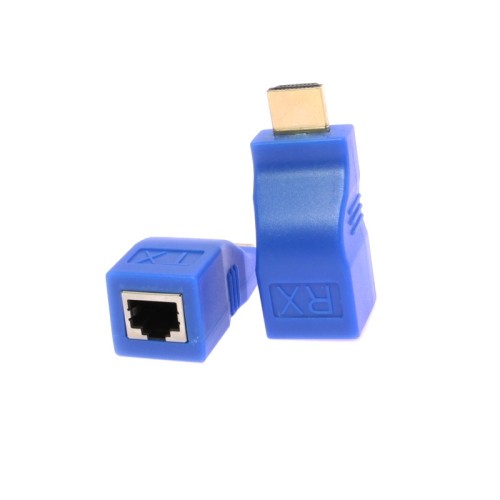
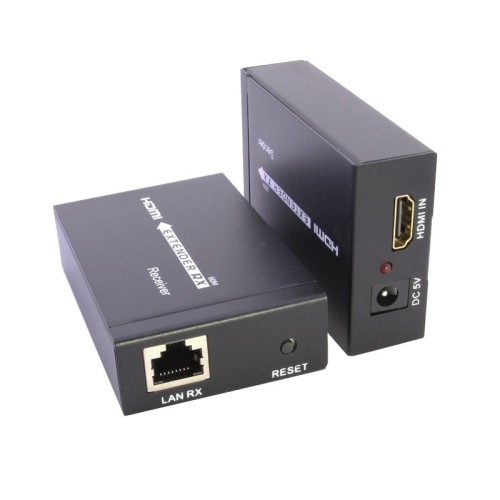
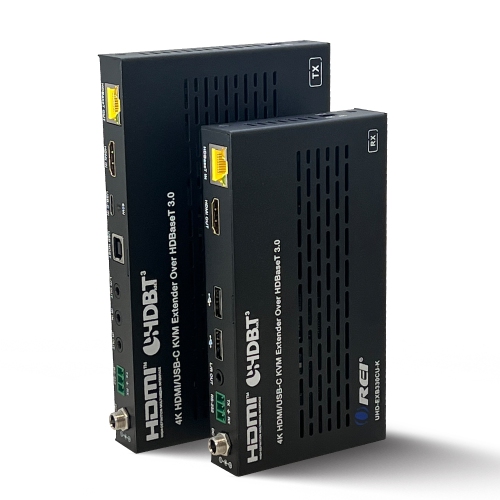
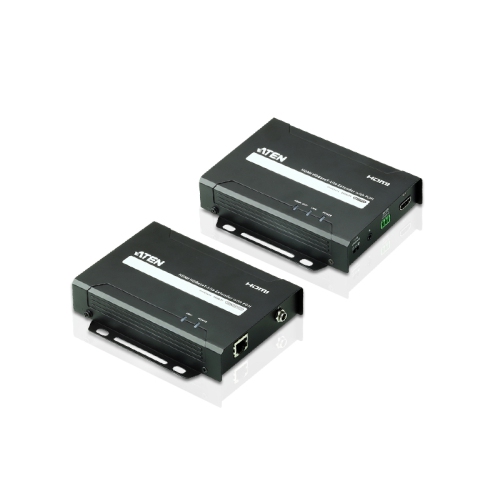
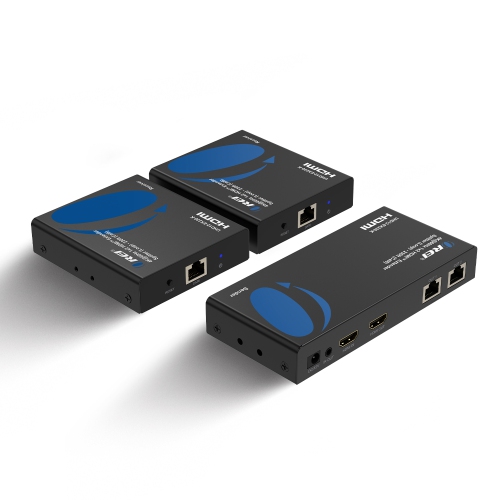
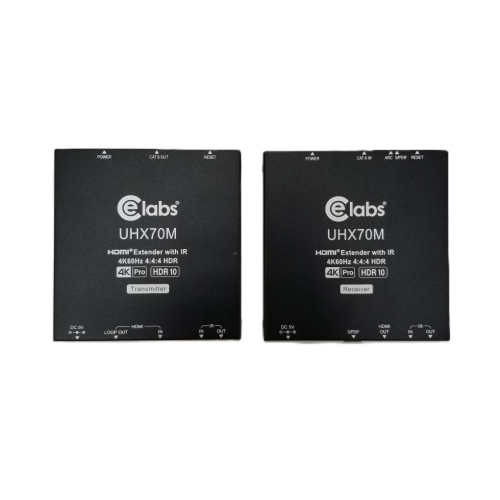
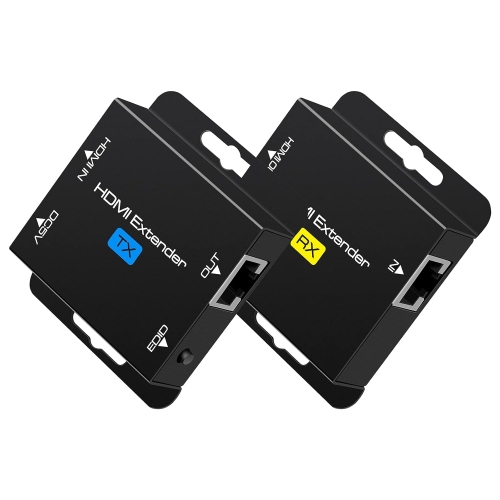
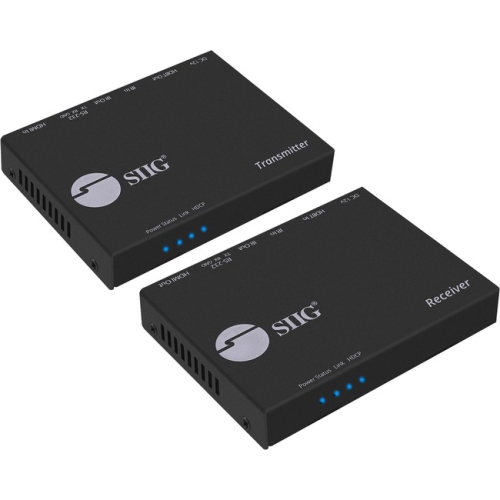
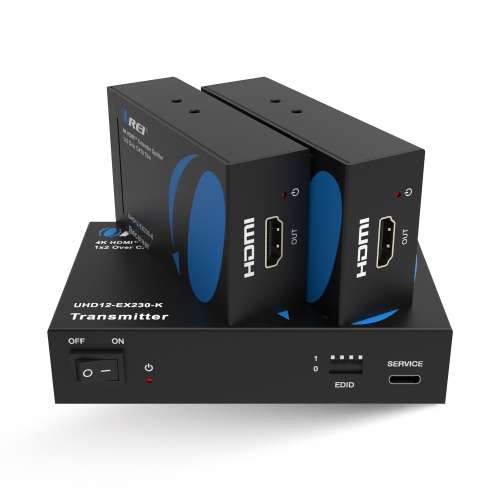
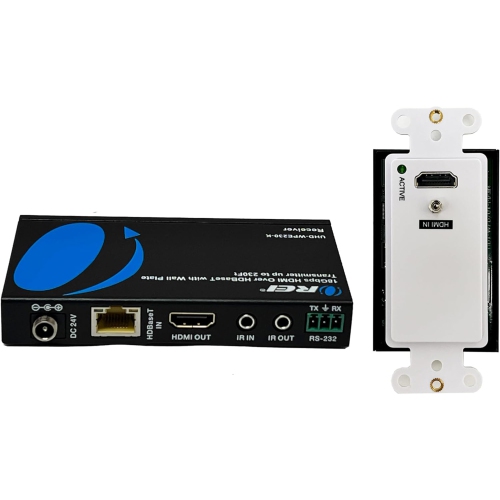
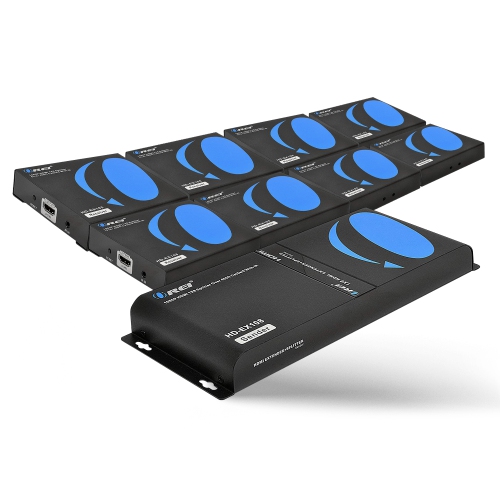
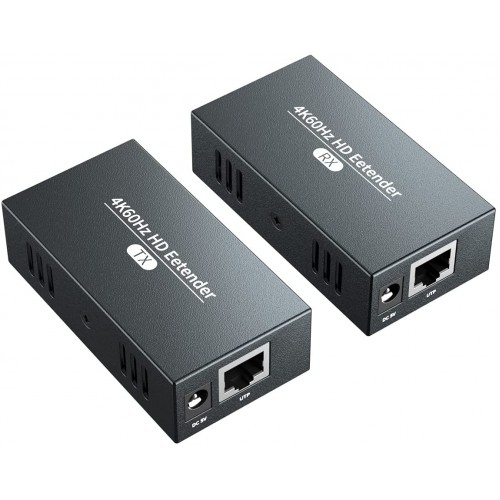
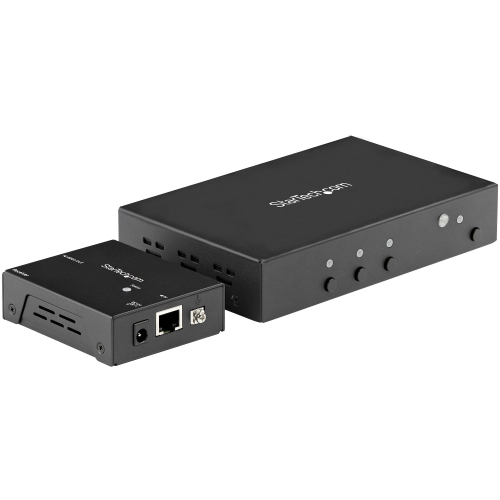
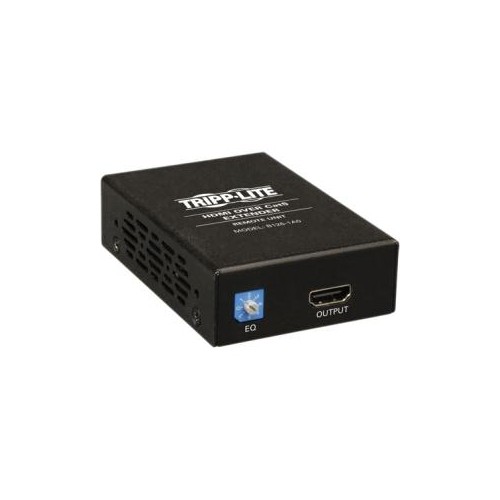
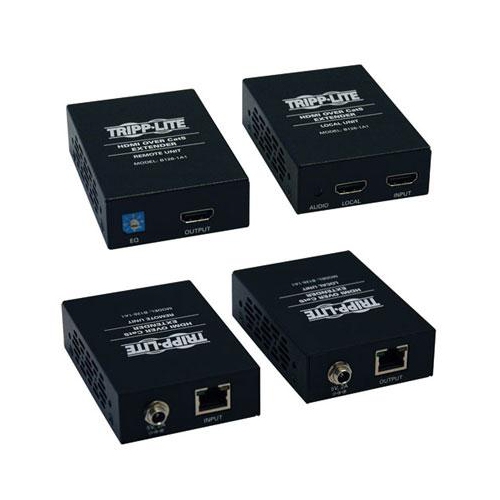
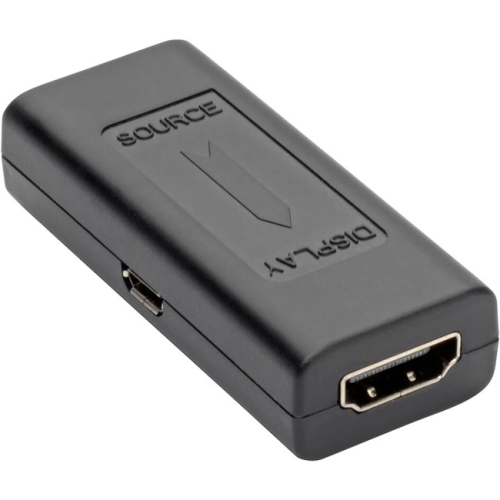
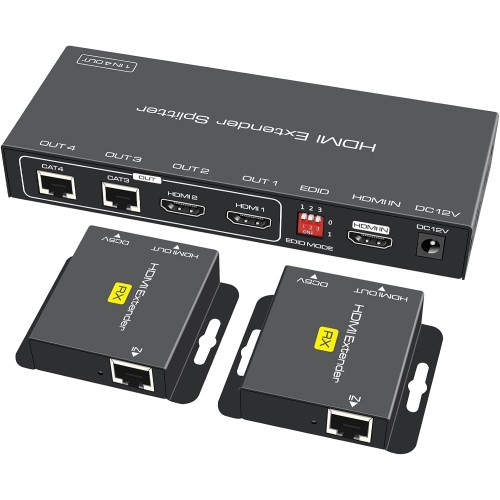
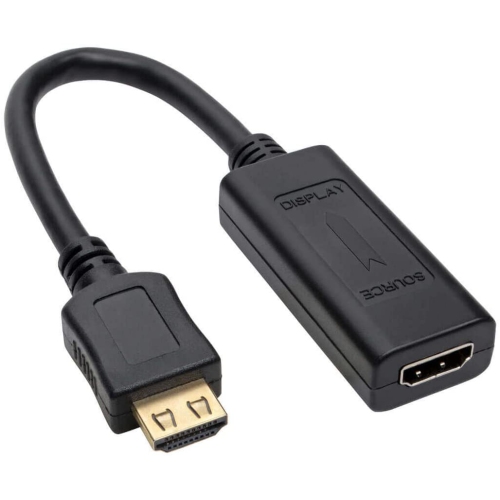
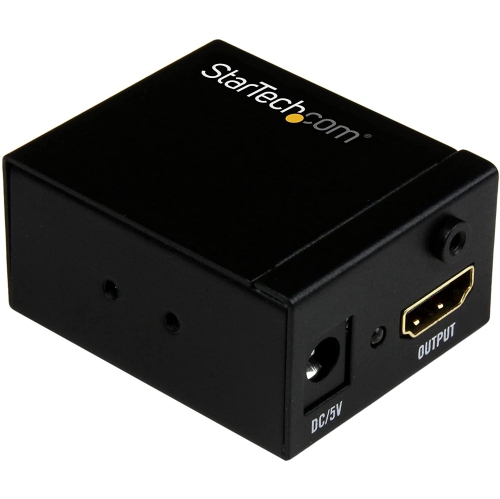
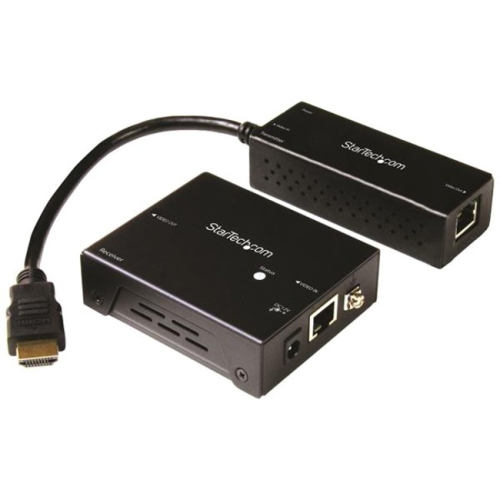
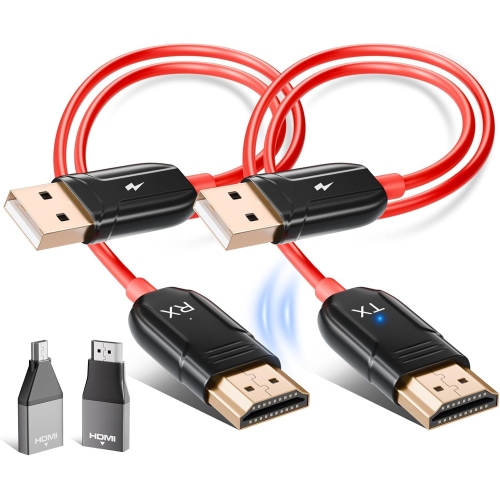
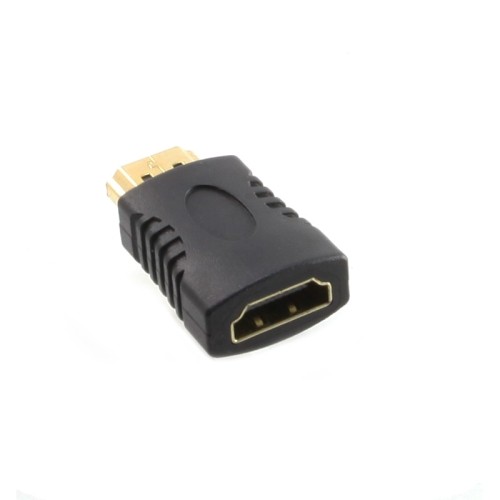
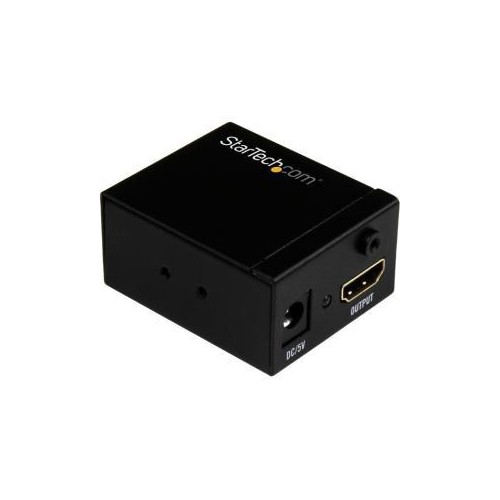
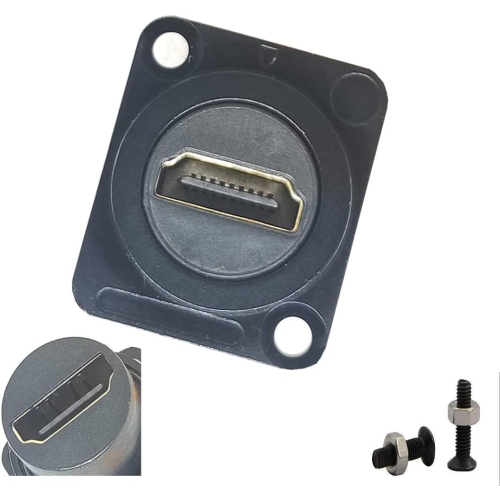
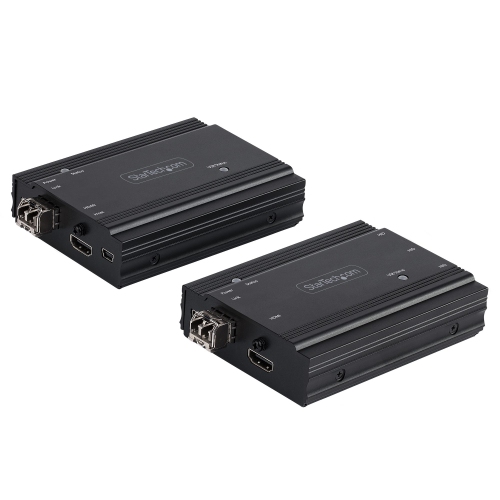
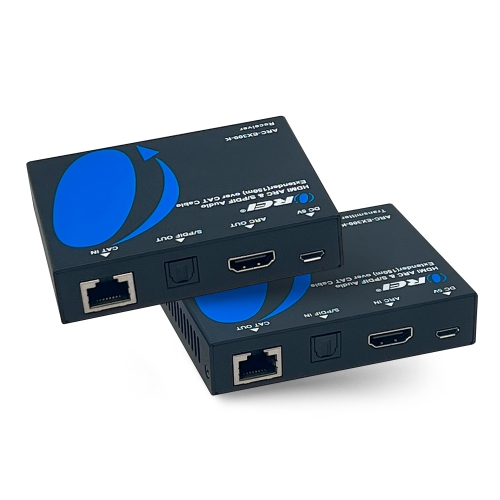
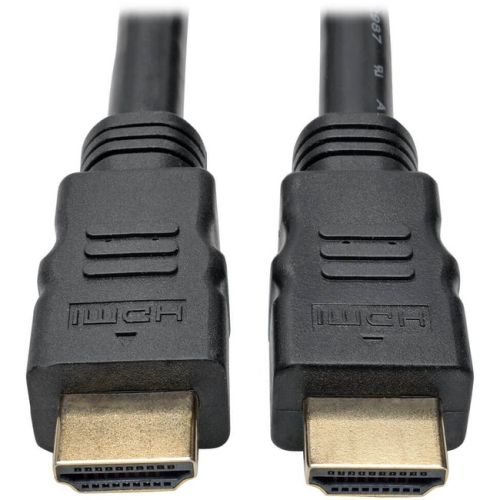
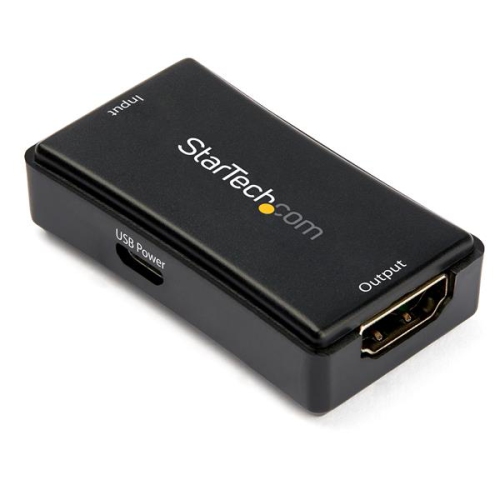
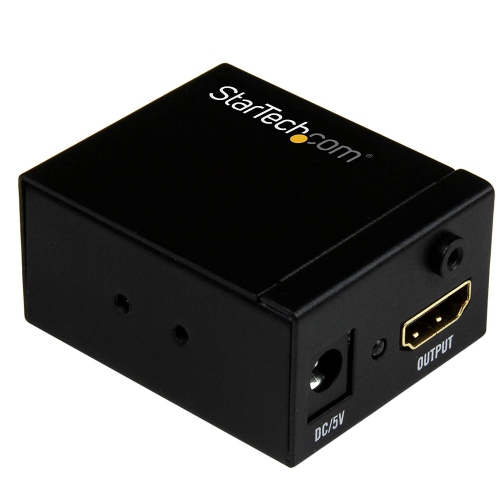
Physical design and installation details help determine how well an HDMI extender fits into a space. Compact transmitter and receiver units are easier to position behind a wall-mounted television or beside a projector, provided there is room for the connectors, cable bends, and access to power. Some systems require a power adapter at each end, while others can supply power to one unit through the connecting cable; the specified arrangement should match the available outlets. Metal housings can offer a sturdy enclosure for regularly used installations, while lightweight plastic housings may be convenient for equipment that moves between presentation spaces. Secure ports, mounting points, and sensible cable routing are particularly useful where devices may be bumped or disconnected often. Avoid letting a heavy cable hang from an HDMI socket, and leave enough clearance that a television bracket or cabinet door does not press against the connection. Optical cables need particular care around bends and pulling tension, and directional active cables must be installed with the source and display ends in their designated positions. For concealed wiring, choose cabling rated for the intended installation and check the relevant building requirements; running a cable inside a wall involves different considerations from laying it along an accessible shelf. Keeping connectors clean, disconnecting equipment before maintenance, and wiping exterior housings with a soft, dry cloth can help protect the setup without unnecessary handling. Where an existing HDMI cable run needs signal conditioning rather than a different transmission path, HDMI Signal Boosters may serve a different role from a transmitter-and-receiver extender system. Neither approach adds video formats that the connected equipment cannot support. A straightforward connection from one source to one screen also differs from distributing a picture to several displays, which may require splitting or matrix-switching capabilities. Whether the goal is a neatly arranged home theatre, a laptop connection at a boardroom table, or a screen positioned away from a service counter, HDMI extenders work best when their distance, format support, control features, and physical connections match the complete setup.
Top selling and popular products
-
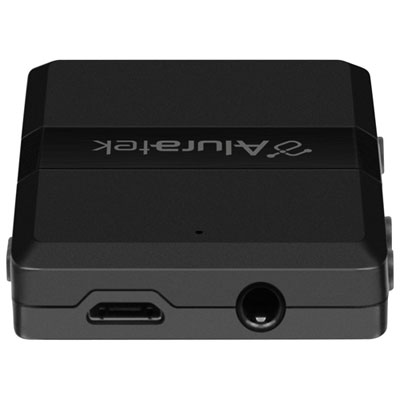 Your price for this item is $54.99
 -
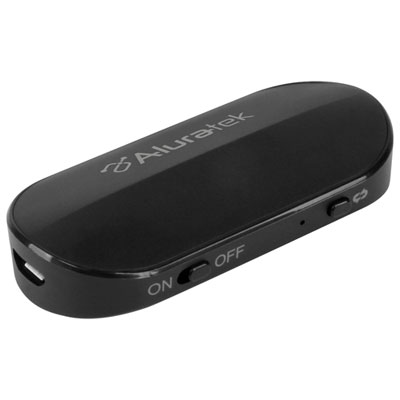 Your price for this item is $39.99
 -
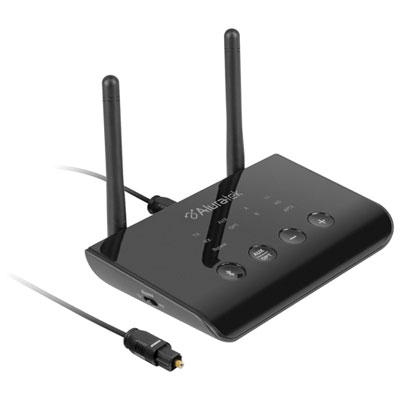 Your price for this item is $99.99
 -
 Your price for this item is $200
 -
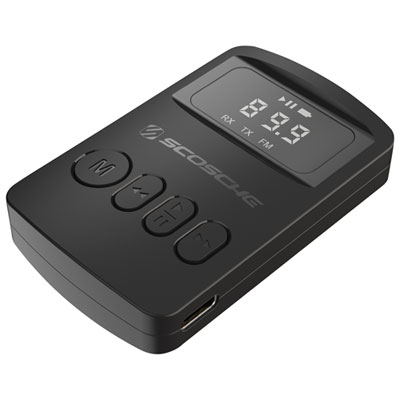 Your price for this item is $29.99
 -
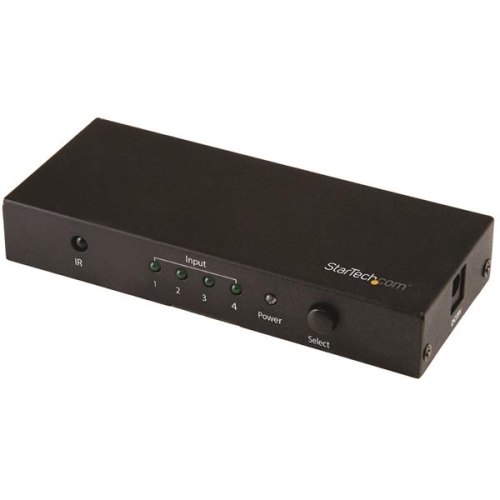 Your price for this item is $81.99
 -
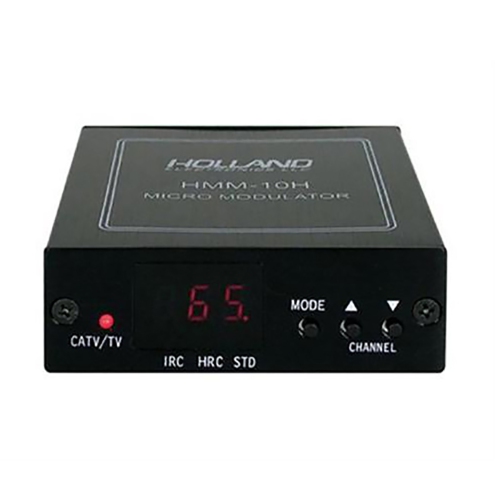 Your price for this item is $89.99
 -
 Your price for this item is $152.47