Server Rack Shelves
Optimize your data center or office setup with a Server Rack Shelf, designed to help you organize and support your essential equipment. Whether you're managing IT hardware, networking devices, or media components, these shelves provide a practical solution for maximizing space within your server rack. Explore a variety of sizes and configurations to find the ideal fit for your infrastructure needs and keep your workspace efficient and tidy.
Sort


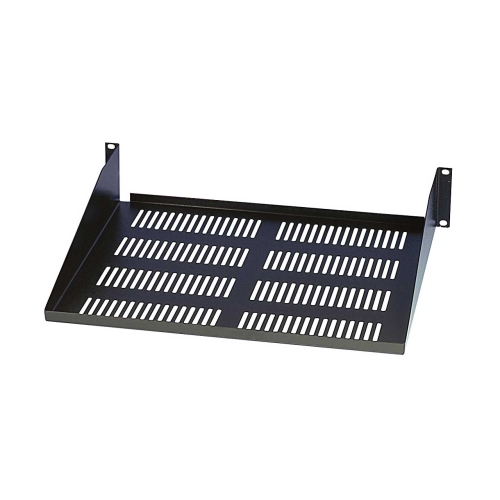
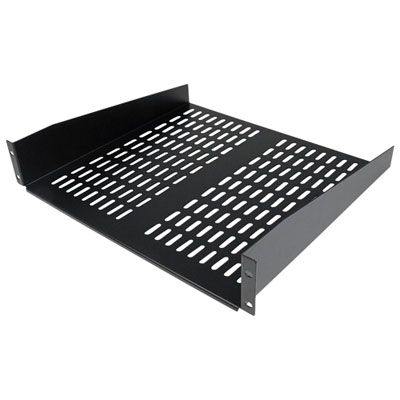
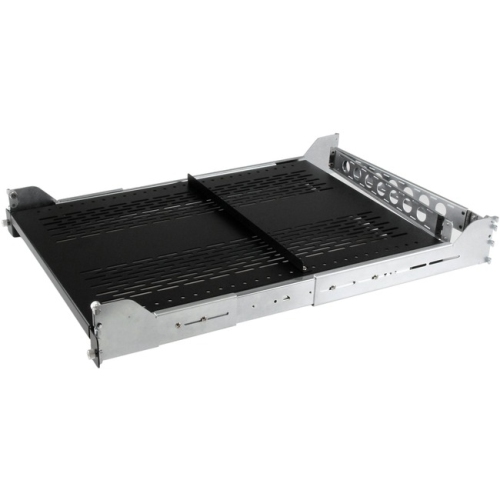
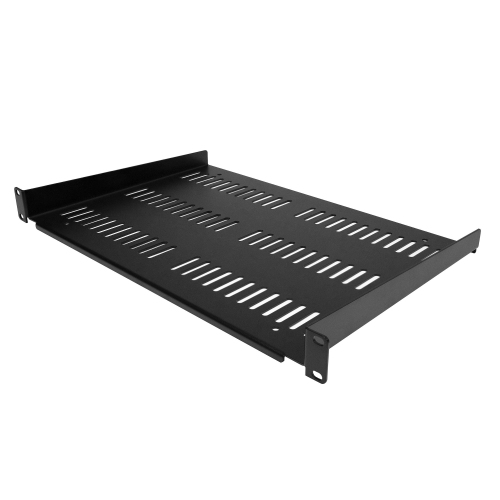
Why rack width is only part of the fit
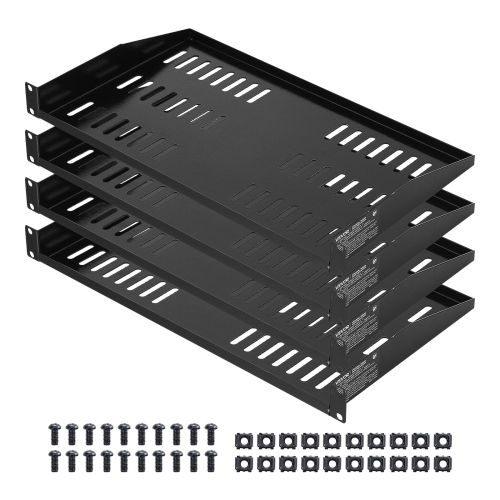
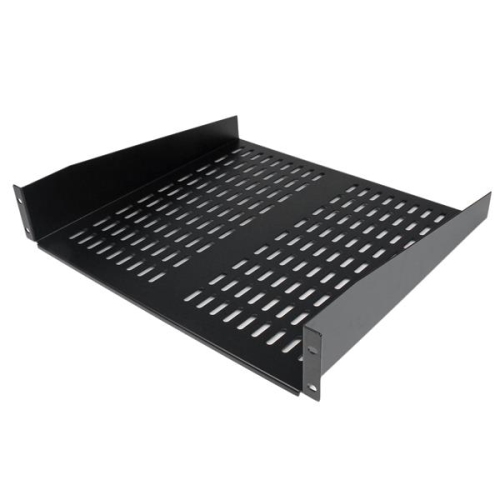
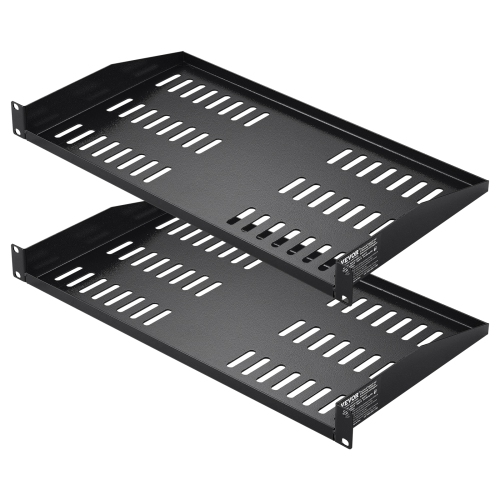
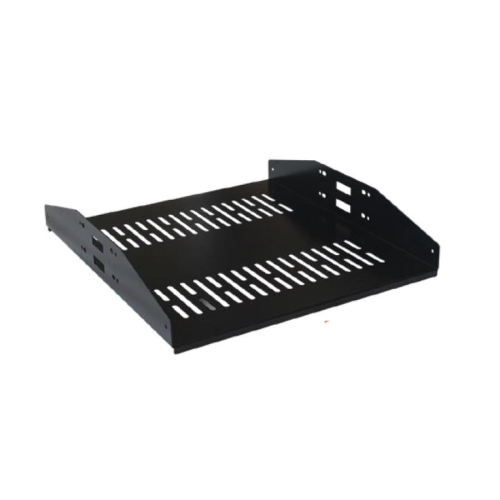
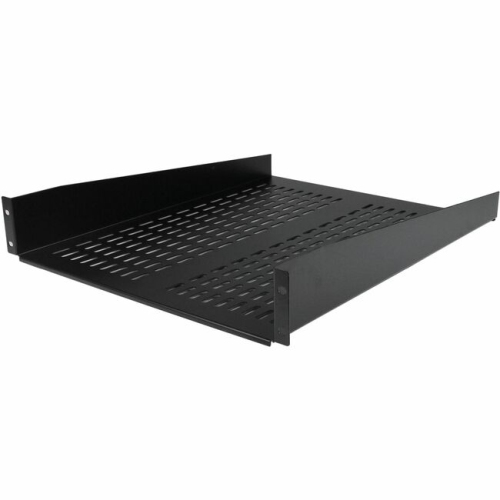
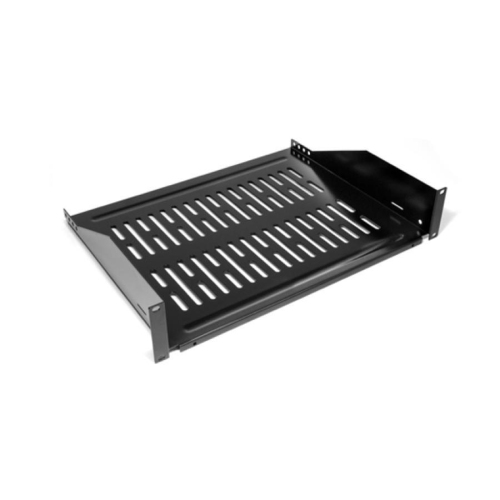
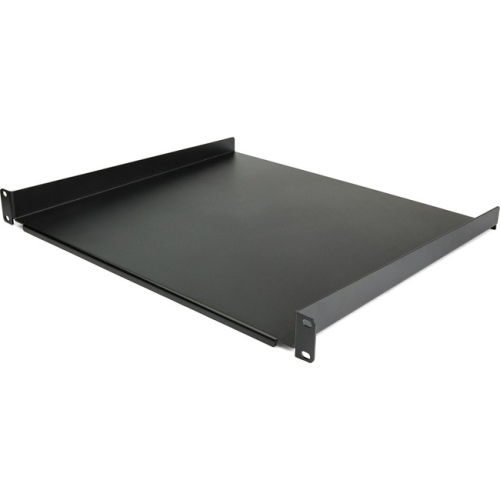
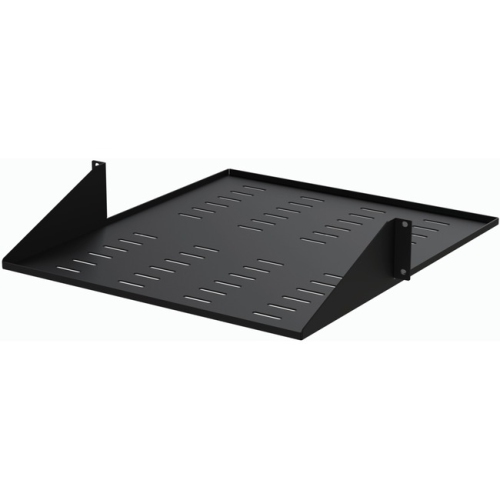
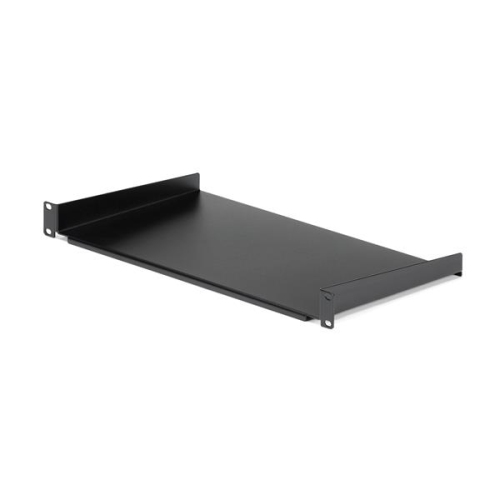
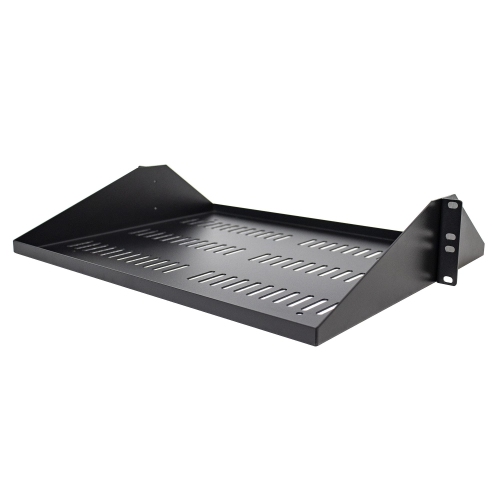
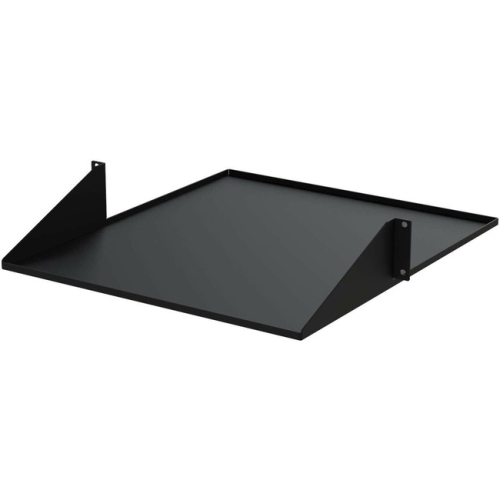
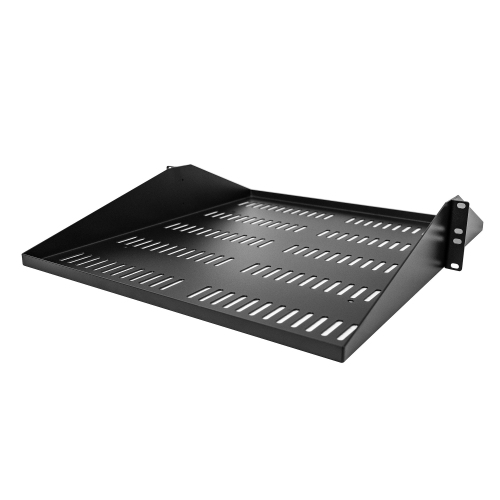
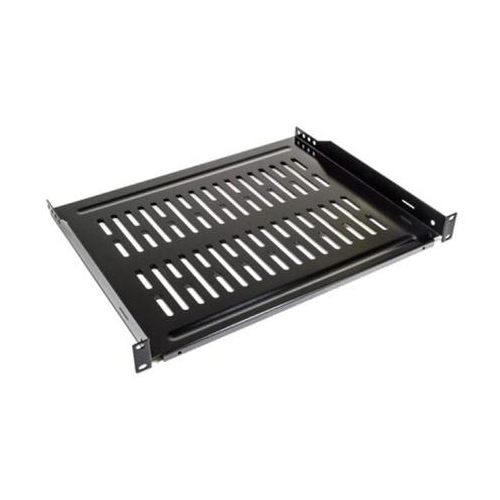
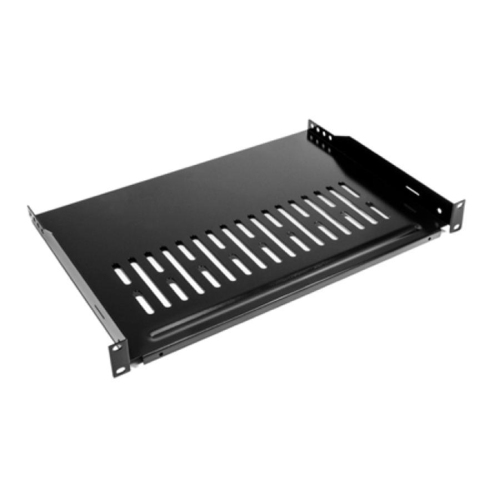
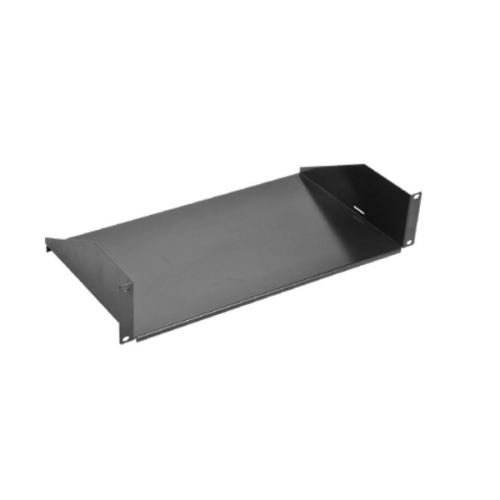
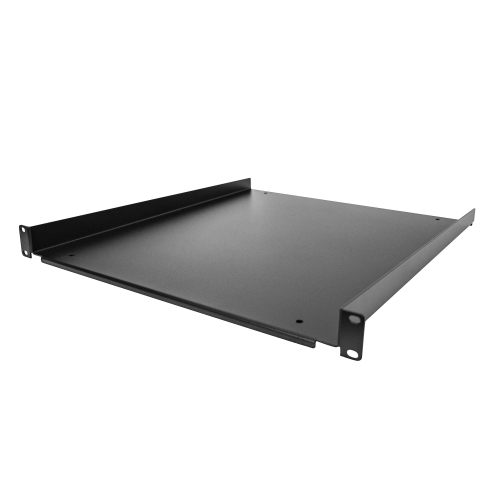
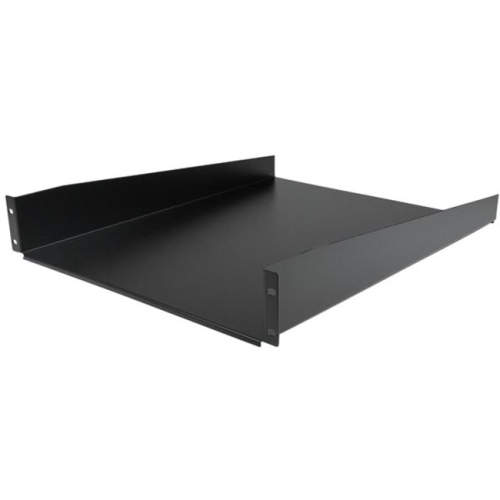
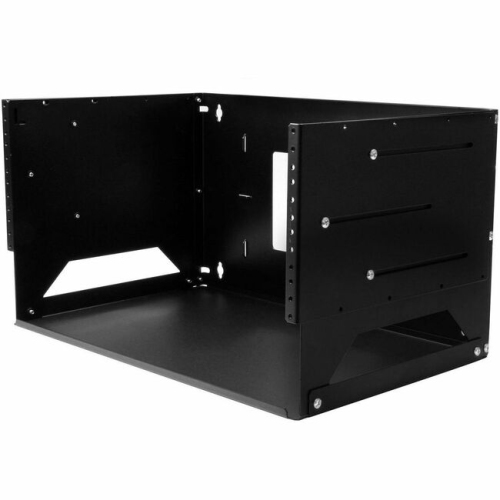
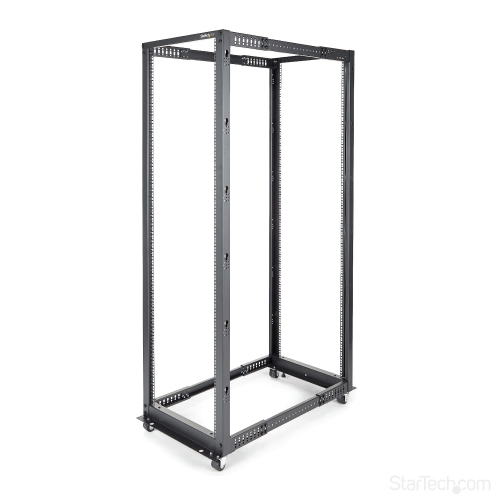
Server rack shelves provide a stable platform for equipment that does not have its own rack-mounting brackets, helping keep network hardware organized inside a rack or cabinet. Common designs include fixed cantilever shelves, four-post shelves and sliding shelves, with many made for standard 19-inch rack mounting. That 19-inch measurement describes the mounting interface, not the usable width of the shelf surface, so equipment dimensions still matter. A compact computer, modem or external drive enclosure needs enough room for its feet, connectors and ventilation openings, not just its main chassis. These shelves are useful in home networking setups, small business equipment rooms, audiovisual installations and larger IT spaces where rack-mounted and freestanding devices share the same cabinet. They can also bring order to a mixed setup, keeping a small network appliance above a patch panel instead of resting it on another device. Compatibility depends on more than rack width: the distance between mounting posts, the cabinet’s internal depth and the shelf’s mounting arrangement all affect fit. Four-post models may have an adjustable mounting range, while fixed-depth designs require a closer match to the rack. Vertical space is measured in rack units, with 1U equal to 1.75 inches. A shelf’s stated rack-unit size describes its mounting footprint; the equipment placed on it may require several additional units of clear space. A tall device on a low-profile shelf can therefore occupy much more room than the shelf designation suggests. Front and rear clearance are equally important, particularly when power plugs or network connectors extend beyond the equipment housing. In an enclosed cabinet, doors and side panels can further limit usable space. The most suitable shelf is one that fits the mounting structure, supports the intended equipment and leaves practical room for cabling and access without crowding neighbouring hardware.
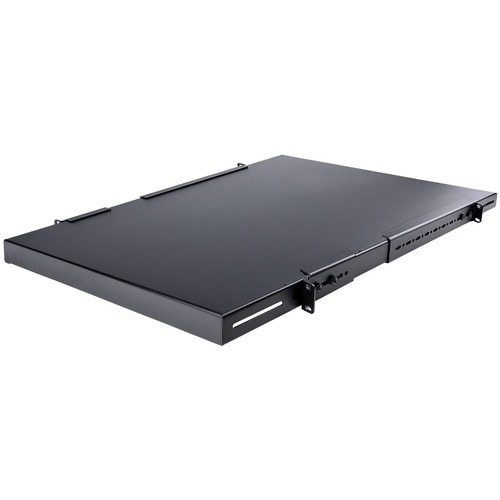
The differences between fixed, cantilever and sliding server rack shelves become clearer when equipment weight and access needs are considered together. A cantilever shelf projects from its mounting points and is often suited to lighter equipment, although its suitability depends on the shelf’s rated capacity and the rack configuration. A shelf that attaches only to the front rails is not automatically suitable for every two-post rack; mounting-hole patterns, support requirements and manufacturer specifications still apply. Four-post shelves attach at both the front and rear, providing support across the cabinet’s depth for equipment that needs a broader platform. Sliding shelves add movement, making it easier to reach controls, ports or service panels without lifting a device out of the rack. Their extended position changes how the load acts on the cabinet, so rail ratings, rack stability and any required anchoring deserve particular attention. Load capacity should cover the full supported weight, including accessories, and ratings may assume an evenly distributed load rather than a heavy object concentrated along one edge. Steel is common for its rigidity, while aluminium can reduce shelf weight. Material alone does not determine strength: metal thickness, folded edges, bracing and mounting design all contribute to durability. Powder-coated finishes can help resist everyday scuffs, and smooth edges reduce the chance of snagging cables during installation or maintenance. Solid shelves offer a continuous support surface, which can be useful for devices with small feet. Vented or perforated shelves provide openings for airflow, but the position of those openings matters when equipment draws air from underneath. Shelf ventilation does not replace the clearances specified for the equipment itself. A deep platform may offer generous support yet obstruct cable routes or access behind it, while a shallow shelf may leave equipment insufficiently supported. Mounting hardware also needs to match the rack’s threaded or square-hole rails, with all required attachment points used as specified.
A well-arranged rack makes routine tasks less awkward, whether the setup serves a home office, a retail checkout area, a classroom or a business network. Server rack shelves help group equipment by function while preserving access to the connections that need attention most often. For example, a small computer used for network management can sit on a shelf with its status lights visible, while nearby cable management keeps its power lead and network connection from draping across another device. Sliding designs can be helpful for equipment with rear-facing controls, provided the cables have enough controlled slack to move without pulling on their connectors. Fixed shelves suit devices that rarely need to move and benefit from a simple, rigid support surface. Keeping heavier equipment lower in the rack can help with weight distribution, but the rack manufacturer’s loading and stability requirements remain the reference point for the complete installation. Shelves should not become catch-all spaces for loose screws, packaging or spare cables that could obstruct airflow or fall into equipment below. Separate storage for boxed accessories, tools and other supplies can keep the equipment cabinet focused on operating hardware; Commercial Rack Shelves can serve a different storage role beyond the server rack itself. Routine care for rack-mounted shelving is generally straightforward, with cleaning methods chosen to suit the finish and the equipment installed nearby. Dust removal around perforations helps keep openings clear, while a soft cloth is less likely to mark a coated surface than an abrasive pad. Cleaning liquids should stay away from powered equipment, and access or shutdown procedures should follow the equipment manufacturer’s instructions. Periodic checks for loose fasteners, bent mounting ears, damaged slide mechanisms or scratched finishes can reveal wear before it affects support or access. As devices are added or replaced, shelf depth, load and clearance need another look. A shelf that supports today’s equipment comfortably may need a different position or configuration when the rack layout changes.
Top selling and popular products
-
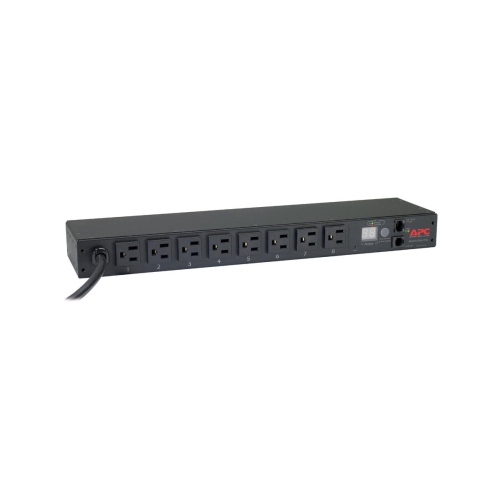 Your price for this item is $747.99
-
 Your price for this item is $1301.99
-
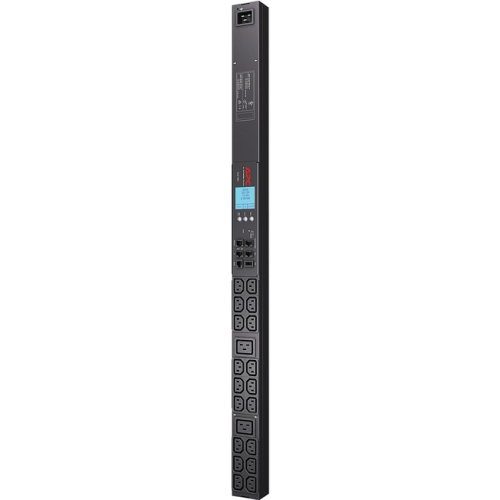 Your price for this item is $866.99
-
 Your price for this item is $641.68
-
 Your price for this item is $270.68
-
 Your price for this item is $412.99
-
 Your price for this item is $262.99
-
 Your price for this item is $3040.68
Discover more categories related to Server Rack Shelves
Top Collections:
Best Black Friday Deals This Year, Best Black Friday Deals On Electronics, Kindle Devices, Dyson Airwrap, Best Cameras for Sports Photography, Best Budget Office Chairs, Canon G7X Cameras, PS5 Pro Consoles, Best Black Friday Deals On Apple Products, XBOX One S Consoles
Some products may be subject to Environmental Handling Fees
(EHF) depending on your province.
Learn more about EHFs.