Sharp TV Remotes
Sharp TV Remote options make it easy to control your entertainment experience with convenience and ease. Whether you're replacing a lost remote or looking for a backup, you'll find a variety of choices to suit your needs. Designed for compatibility and straightforward operation, a Sharp TV Remote helps you navigate your favorite shows, adjust settings, and manage your viewing preferences effortlessly. Explore the selection to find the right fit for your home setup.
Sort
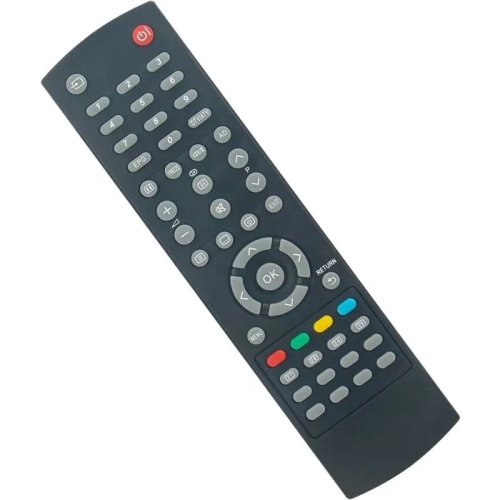
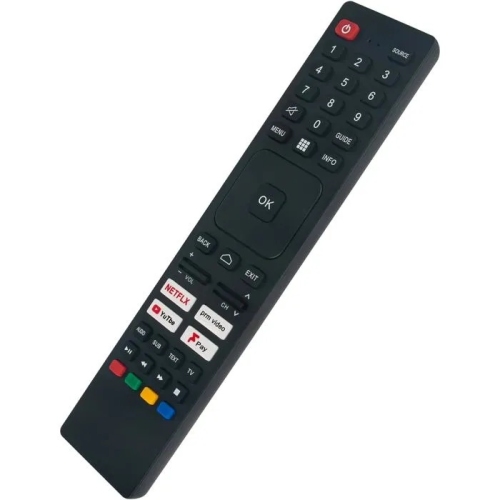
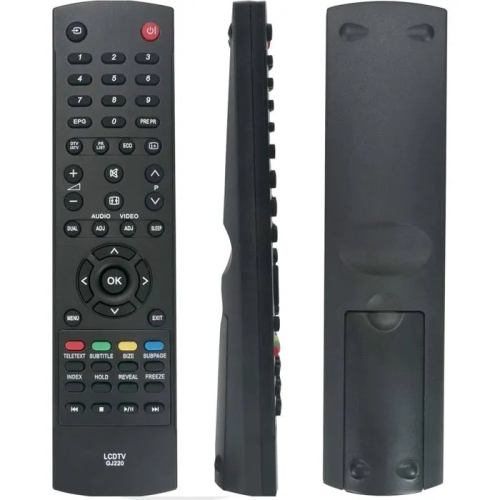
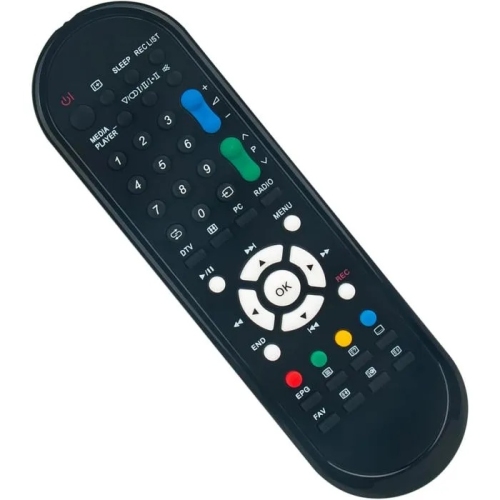
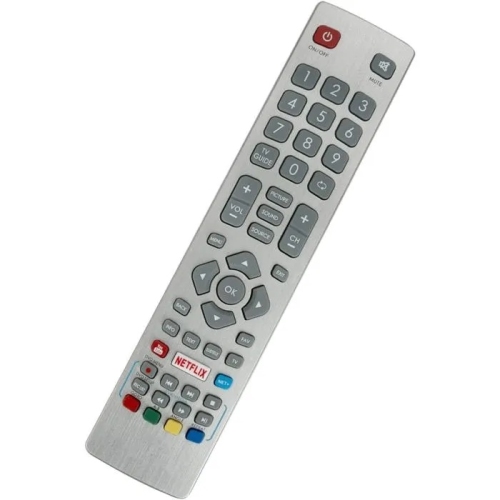
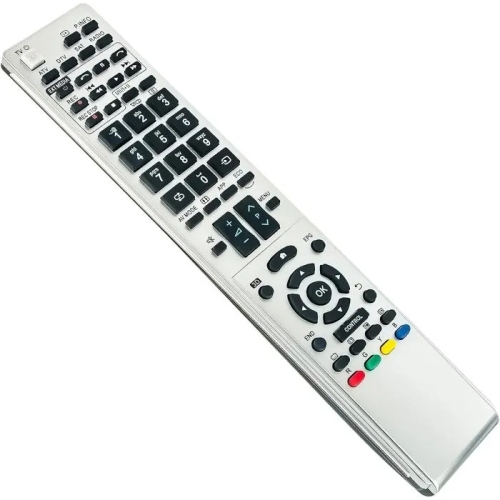
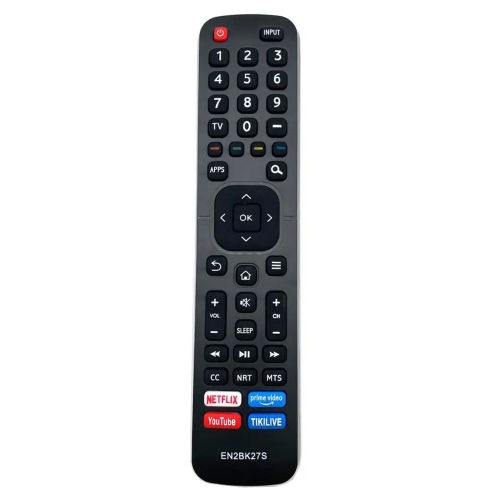
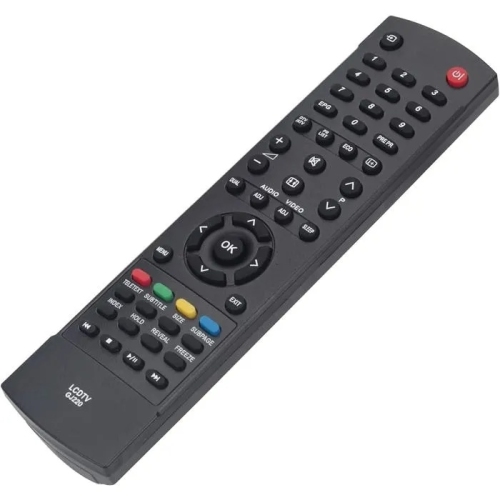
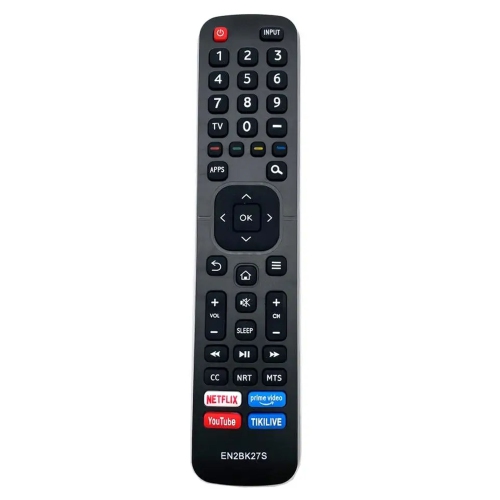
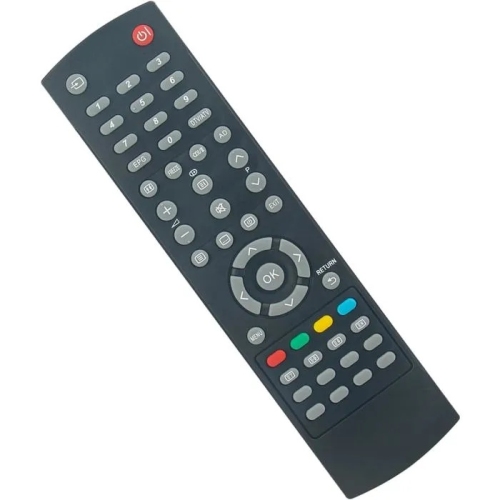
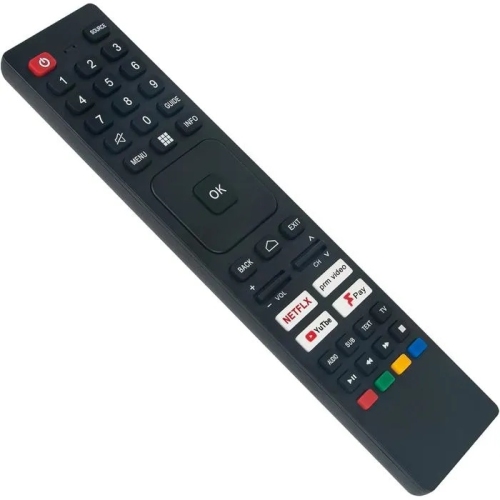
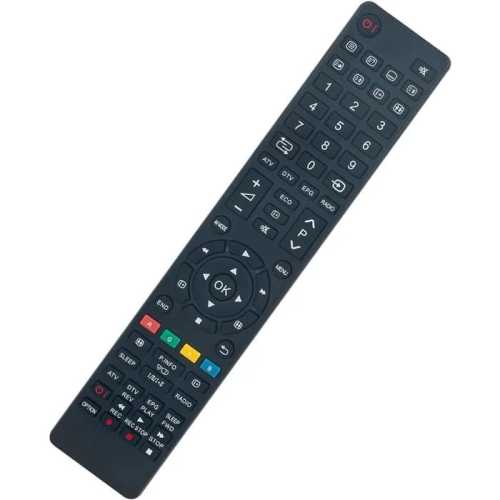
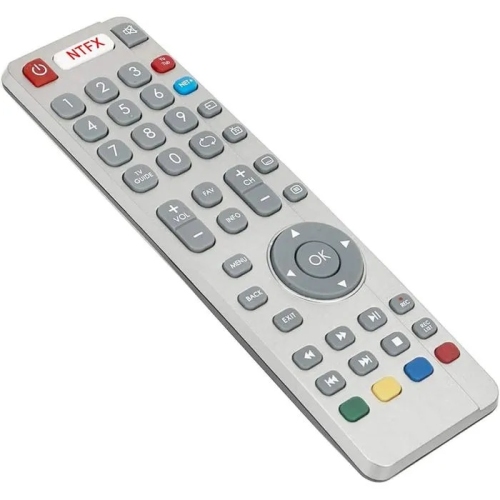
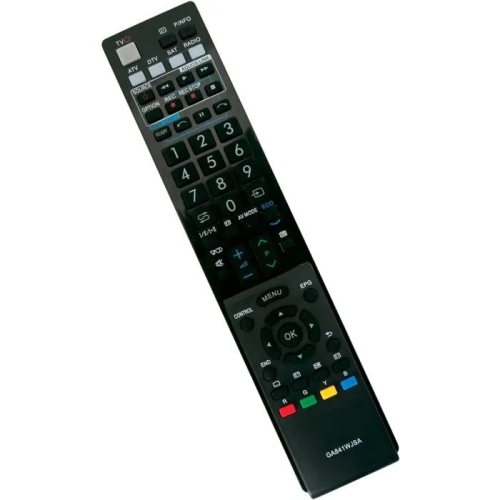
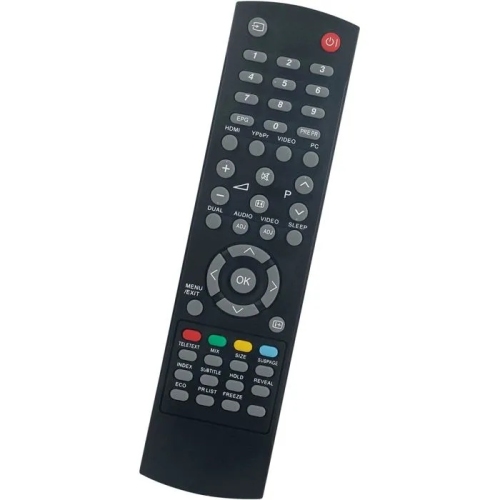
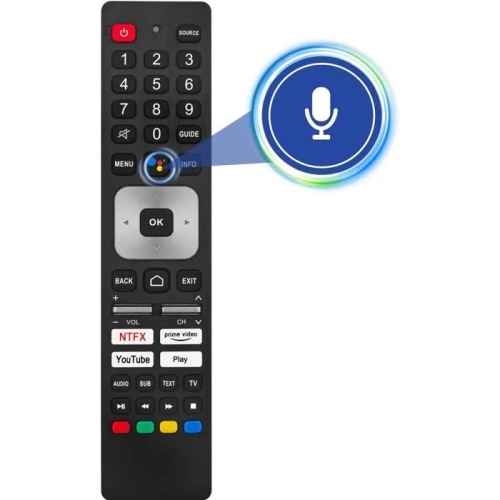
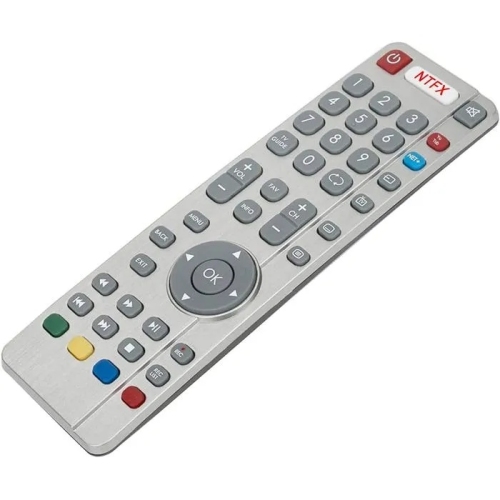
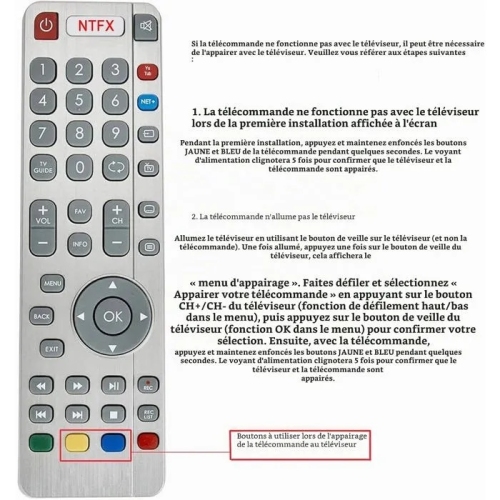
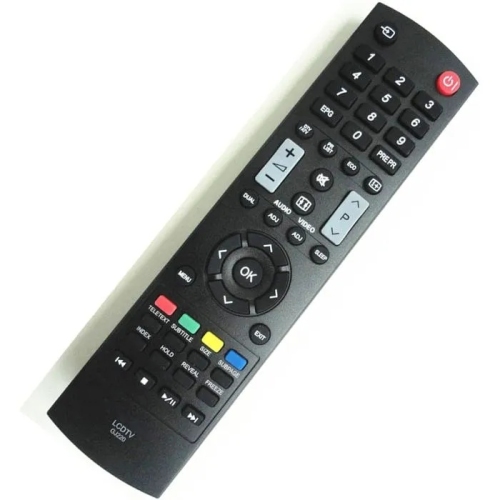
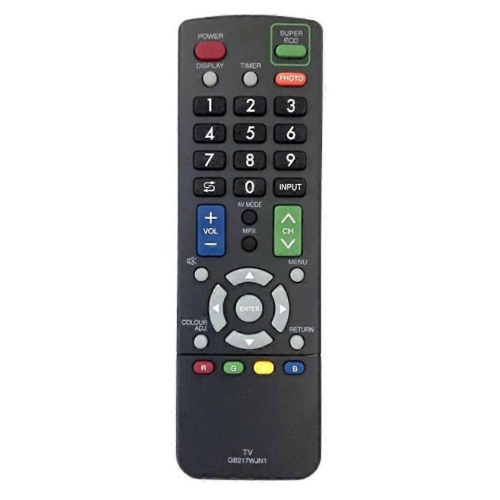

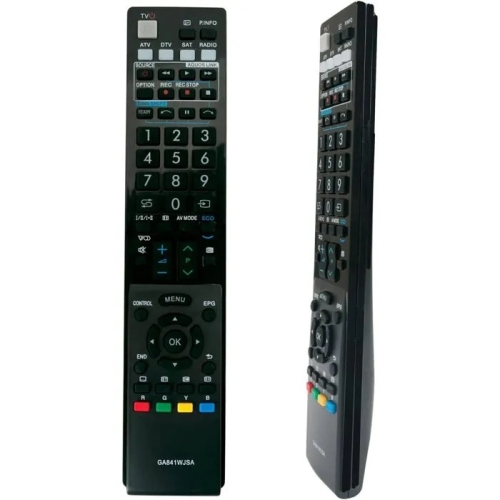
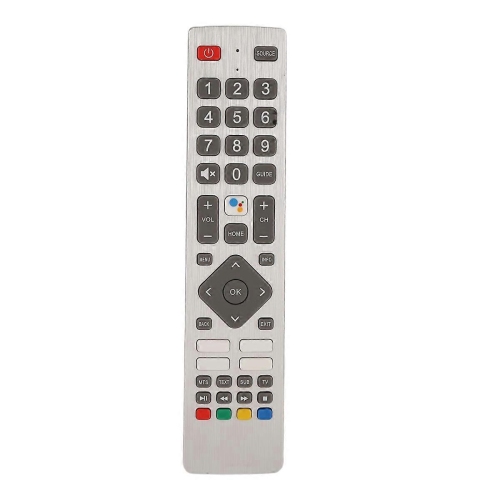
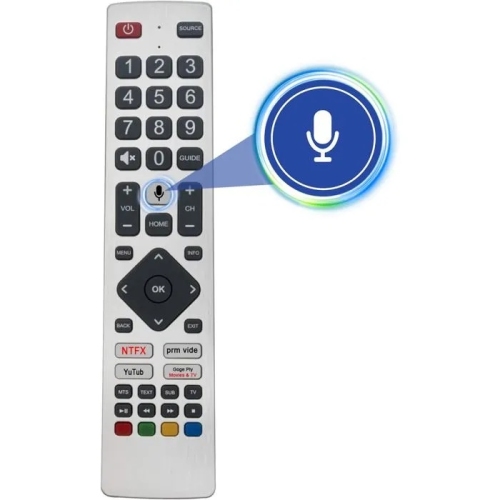
A compatible remote puts familiar controls back within reach
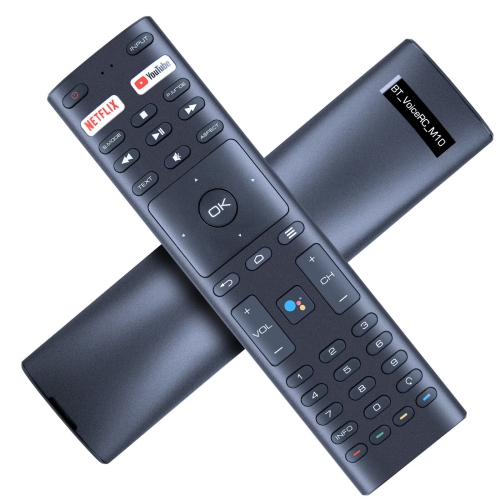
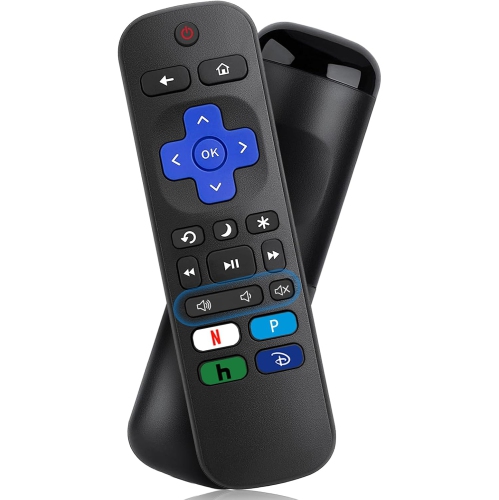
Sharp TV remotes bring everyday television controls back within easy reach, whether an original handset has gone missing, a frequently used button has stopped responding, or a second remote would make a shared room more convenient. Replacement options generally fall into three groups: original manufacturer remotes, compatible replacements designed for particular television models, and universal remotes that work with supported TVs and, in some cases, other home theatre equipment. The most important distinction is compatibility with the television itself. A familiar shape or matching brand name does not necessarily mean that every button will work, because televisions from different generations can use different control systems and software platforms. The television’s full model number, usually found on its rear label or in its settings menu, provides a more dependable reference than screen size alone. A remote’s compatibility information may also identify supported television models or original remote part numbers. Some replacements provide the essentials, including power, volume, channel selection, input switching, and menu navigation. Others support additional functions such as a programme guide, playback controls, or shortcuts to selected applications. Those shortcuts depend on both the handset and the television, so a button pictured on a replacement does not establish that the corresponding service is supported. Infrared remotes typically need a clear path towards the television’s receiver, while certain wireless remotes may require pairing before all their features become usable. Voice control, where supported, can depend on a compatible microphone-equipped remote and the television’s software; a basic infrared replacement should not be expected to add it. Some model-specific infrared replacements can handle standard controls once suitable batteries are fitted, whereas universal designs may need a setup code or another configuration process. These differences matter when the goal is a straightforward replacement rather than a change to the way the television is used. Matching the required functions helps preserve familiar routines, from opening the input menu for a game console to adjusting the volume without interrupting a film.
The feel and layout of a remote can be just as important as its list of functions. Most television remotes have lightweight plastic housings, with rubber, silicone, or plastic buttons depending on the design. A gently curved back can sit comfortably in the palm, while a flatter handset may rest neatly on an armrest or side table. Length, width, weight, and button spacing all affect how easily a person can reach the controls with one hand. In a busy household, a distinct volume rocker, a clearly marked power button, and a directional pad that is easy to identify by touch can make routine use less frustrating. Someone who mainly watches broadcast channels may appreciate a full number pad, while a household that spends more time browsing on-screen menus may place greater value on a comfortable navigation ring and a responsive centre button. Larger labels, strong visual contrast, and fewer closely packed controls can be helpful for people who find small print or crowded layouts difficult to use. Backlit buttons can make controls easier to identify in a dim viewing room, although this feature is not present on every design. Durability also depends on construction and handling rather than appearance alone. A battery cover that closes securely, a housing with well-fitted seams, and buttons that return cleanly after each press are useful qualities in a handset used many times a day. A fitted protective sleeve may add grip and help cushion minor knocks, provided it matches the remote’s shape and leaves the buttons, microphone, and signal window unobstructed. No ordinary remote should be assumed to resist spills or withstand repeated drops unless that protection is specifically stated. A dedicated spot beside the television seating can reduce the familiar search between cushions and keep the handset away from drinks, pet beds, and the edge of a table. For shared living rooms, a second compatible remote can also offer a convenient alternative when the main handset is misplaced, without requiring everyone to rearrange their usual seating.
Intended use helps distinguish a simple replacement from a more flexible control for a larger entertainment setup. A bedroom television may need only dependable power, volume, input, and navigation buttons, while a living room with a soundbar and separate playback equipment may benefit from a universal remote that supports each component. Multi-device control is not automatic: support for the television does not necessarily include an audio system, and some functions may remain on the original device remotes. A physical handset is particularly useful for guests, children, or anyone who prefers tactile buttons to a touchscreen. It also avoids the need to unlock a phone whenever the volume changes. For supported smart televisions, a compatible mobile app may provide another way to navigate menus or enter text, often through a shared Wi-Fi network. App control depends on the television’s platform, network connection, and power settings, so it is better understood as a possible companion to a physical remote than a guaranteed substitute. A thoughtfully matched replacement can be a practical gift for someone whose worn buttons make daily viewing awkward, especially when the television’s model details are known in advance. Familiar controls usually matter more than extra functions that the recipient will not use. Ongoing care is uncomplicated: a soft cloth can remove fingerprints from the housing, and cleaning should avoid soaking the buttons or allowing liquid into the battery compartment. Battery type and orientation should follow the remote’s markings, with old and new batteries kept separate rather than mixed. Removing batteries before prolonged storage can help limit damage from leakage. In homes with televisions from more than one manufacturer, keeping replacements matched to their intended sets prevents unnecessary confusion; Samsung TV Remote Replacements addresses a separate compatibility need. For a Sharp television, the most useful remote remains one that fits the exact set, feels comfortable in everyday use, and reliably provides the controls the household actually needs.
Top selling and popular products
-
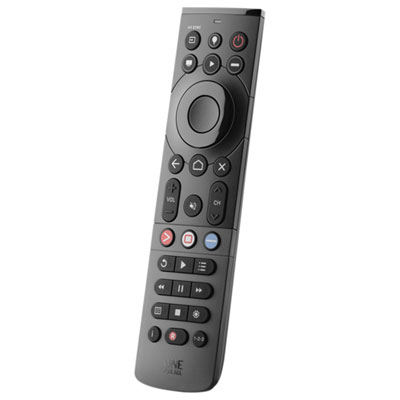 Your price for this item is $69.99
-
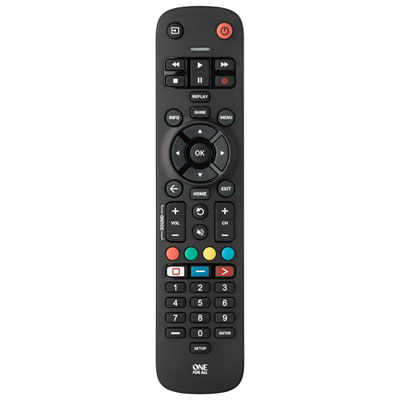 Your price for this item is $19.99
-
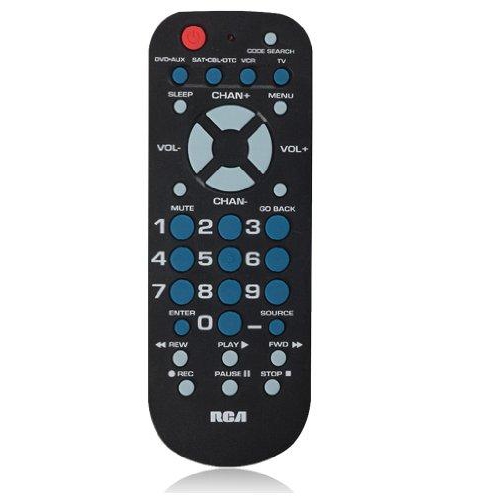 Your price for this item is $14.99
-
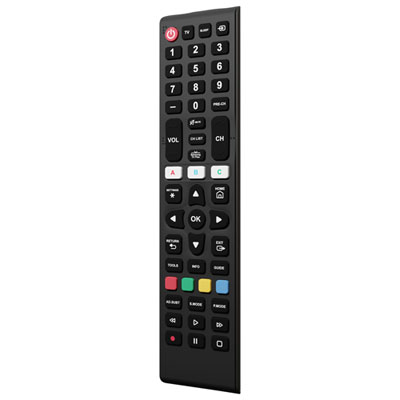 Your price for this item is $29.99
-
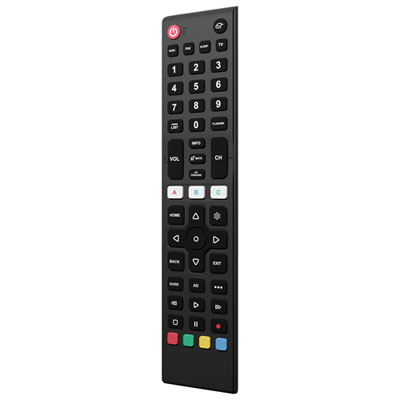 Your price for this item is $29.99
-
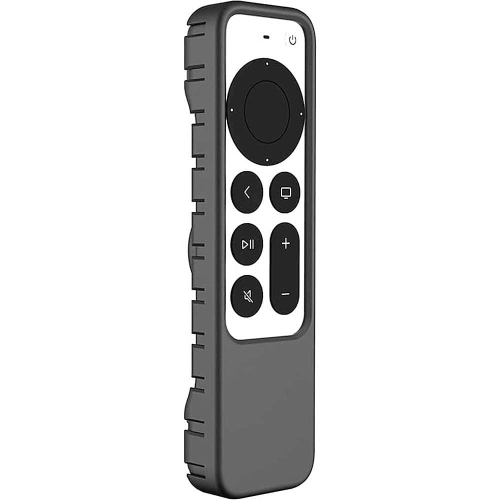 Your price for this item is $52
-
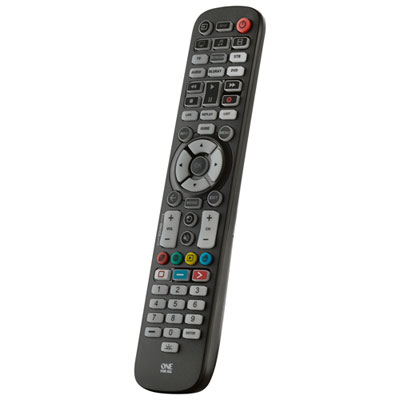 Your price for this item is $39.99
-
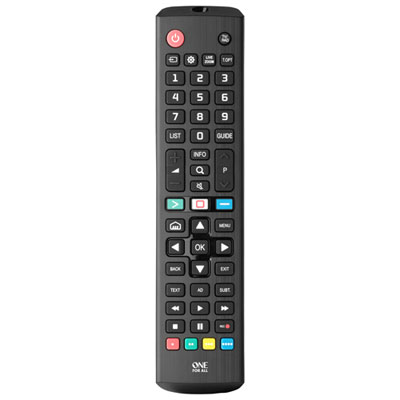 Your price for this item is $39.99
Discover more categories related to Sharp TV Remotes

Top Collections:
Best Black Friday Deals This Year, Best Black Friday Deals On Electronics, Kindle Devices, Pokemon Centers, Best Black Friday Deals On Apple Products, Best Cameras for Sports Photography, Dyson Airwrap, Pokémon 30th Celebration Cards, Apple iPhone 17 Pro, Canon G7X Cameras
Some products may be subject to Environmental Handling Fees
(EHF) depending on your province.
Learn more about EHFs.