TV Samsung Remote Control
Find the perfect TV Samsung Remote Control to enhance your home entertainment experience. Whether you need a replacement or an extra remote for convenience, explore a wide selection designed to work seamlessly with your compatible devices. Enjoy reliable performance and effortless navigation with a TV Samsung Remote Control that fits your needs and complements your viewing setup.
Sort
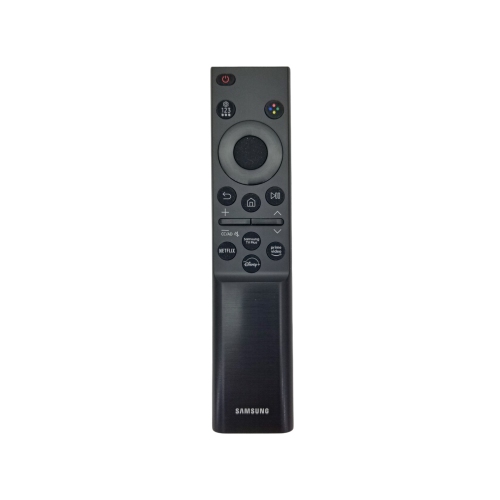
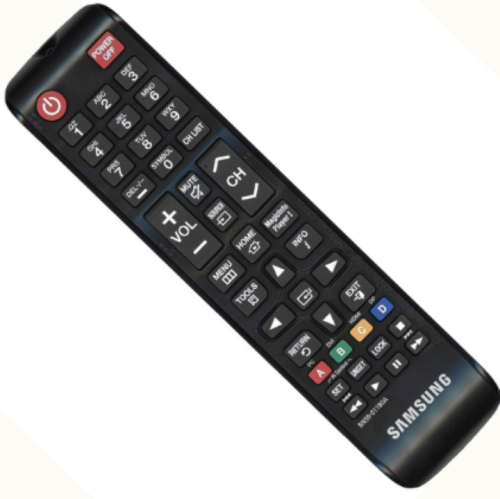

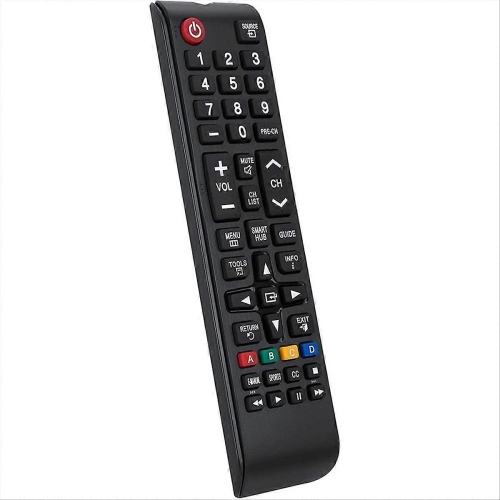
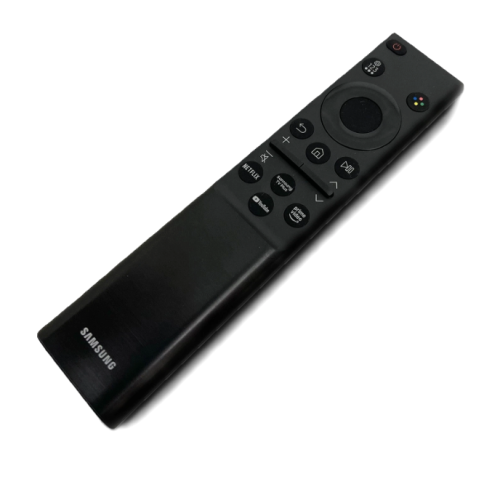
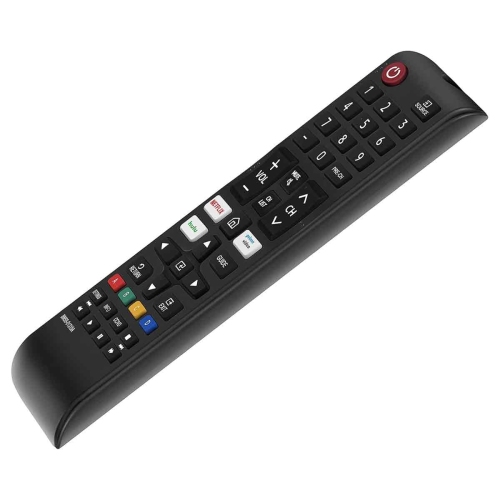
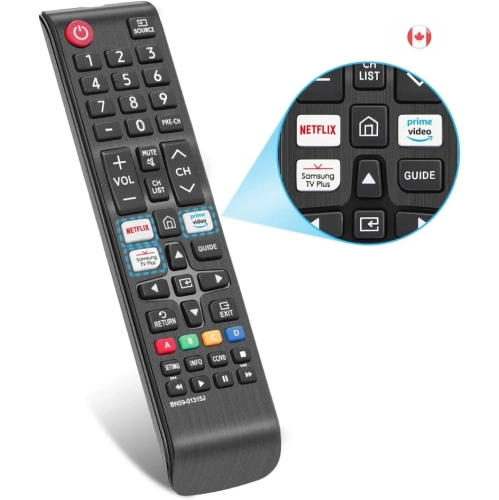

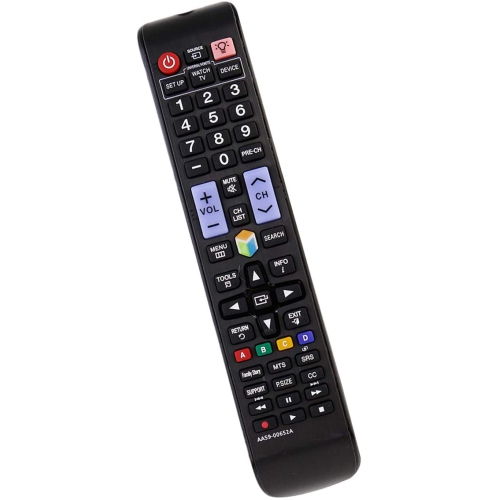

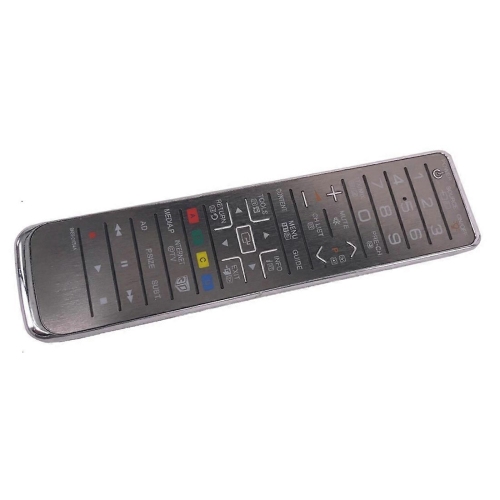
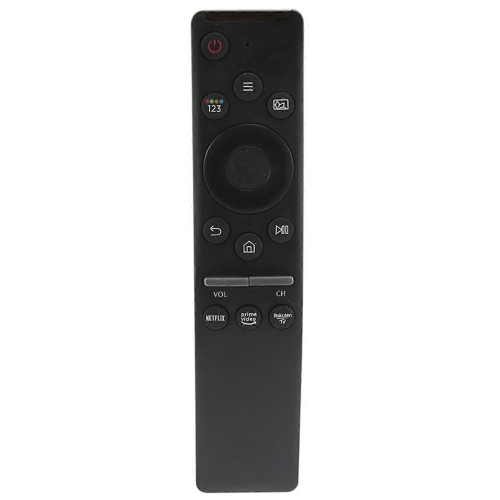
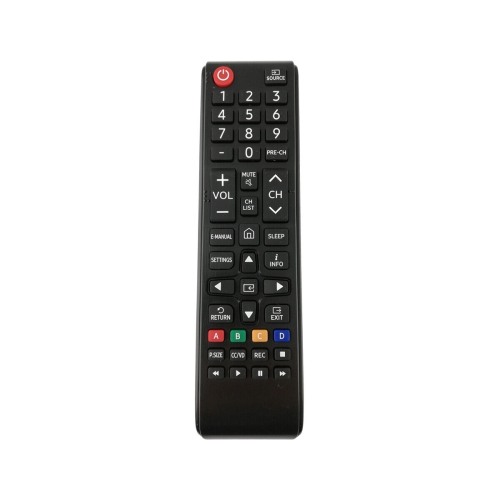
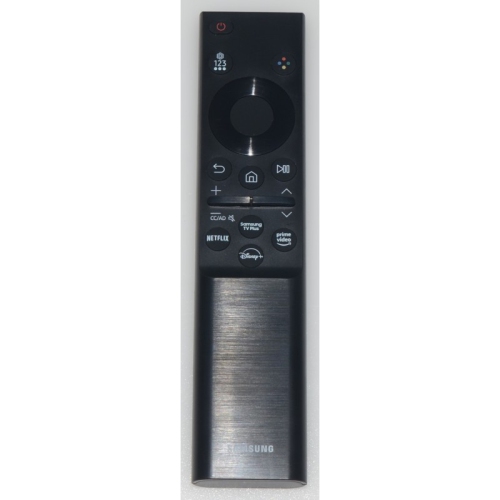
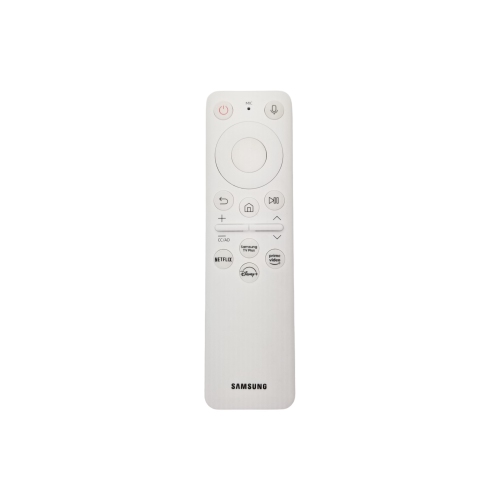
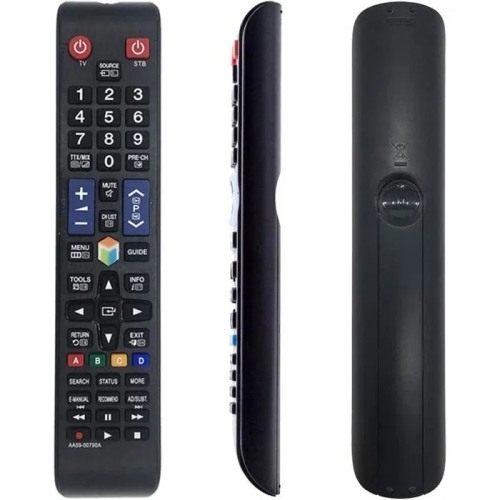

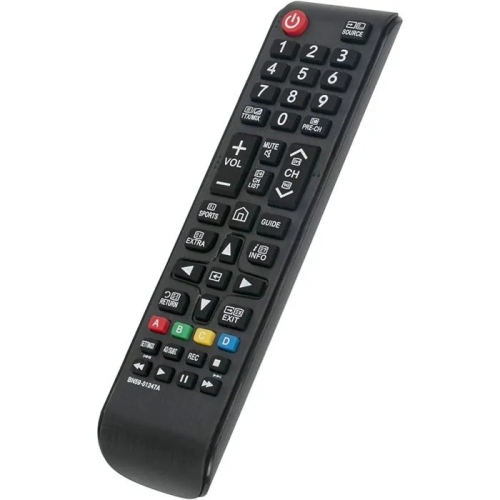
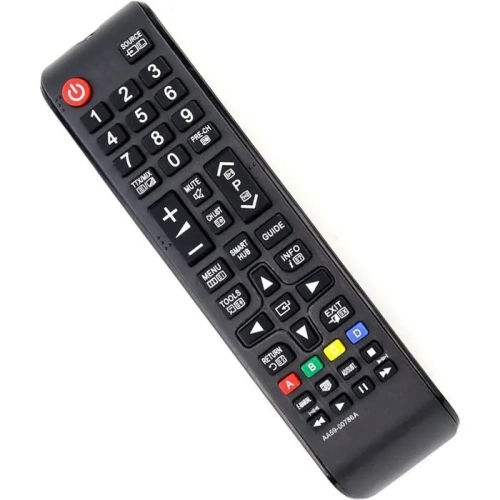

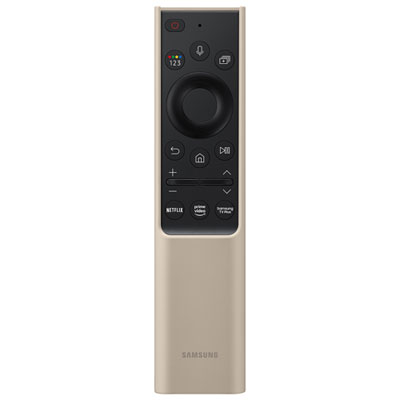
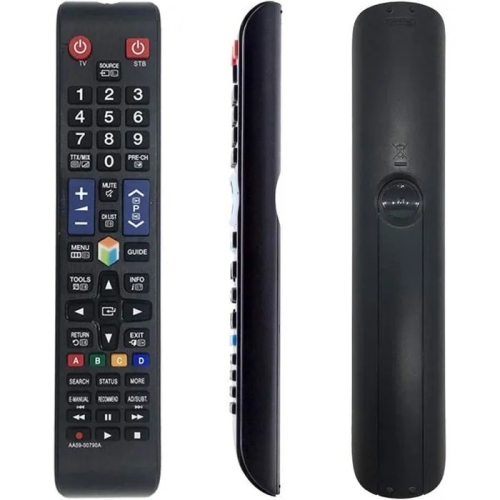
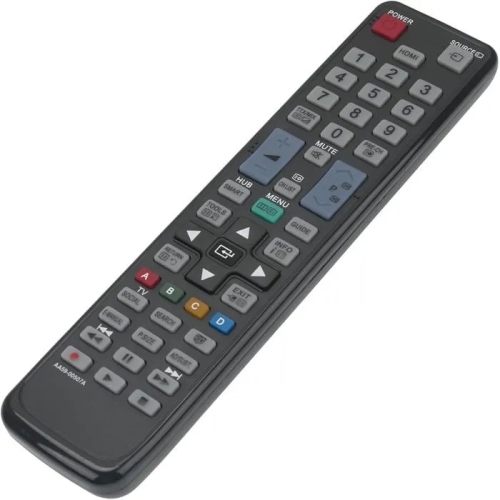
Remote compatibility goes beyond a working power button
A compatible TV remote control replaces a lost, damaged, or unreliable handset and puts everyday viewing functions back within easy reach. Power, volume, channel selection, and input switching are the essentials, while compatible smart remotes may also handle app navigation, playback, and voice commands. The important distinction is between a remote that performs basic television functions and one that supports the full range of features used on a particular screen. Two handsets can look nearly identical yet differ in their wireless connection, button commands, or support for on-screen menus. When comparing Samsung Smart TV Remotes, the television’s full model number and the remote’s stated compatibility are more useful than appearance alone. The model information is commonly found in the television’s settings or on a label on the back, while an original handset may have its own identifying details inside the battery compartment. Infrared remotes send commands through a light signal and generally need a clear path to the television’s receiver. Bluetooth-enabled smart remotes can offer control without being pointed directly at the screen, although supported functions may require pairing. Some handsets use a combination of connection methods, so a working power button does not necessarily confirm that voice control or menu navigation will also work. A model-specific replacement is intended for the televisions identified in its compatibility information; a universal remote may support several devices but can require programming and may not reproduce every original function. This matters in a living room where one person watches broadcast channels, another opens streaming apps, and someone else switches to a game console. A well-matched remote keeps those routines familiar instead of turning simple tasks into a search through unfamiliar menus. It can also serve as a spare for a shared room or replace a handset with worn buttons, provided its supported controls match the way the television is actually used.
The feel and layout of a remote make a noticeable difference over an evening of viewing. A slim handset with a small number of buttons can be comfortable for scrolling through a smart TV interface, while a traditional layout with a number pad may suit someone who regularly enters channel numbers. Clearly separated volume and channel controls are helpful when making adjustments by touch, particularly when attention is on the screen rather than the handset. Button size, spacing, contrast, and tactile feedback all contribute to ease of use, especially for people with reduced vision or limited hand dexterity. Larger buttons are not automatically easier for everyone: the shape of the body, its weight, and how securely it rests in the hand matter too. Backlighting, where included, can make labels easier to read in a dim room, but not every remote offers it. Most housings are made from lightweight plastic, with buttons that may use rubber-like surfaces or firmer plastic caps. Smooth edges and a secure battery cover help the handset feel comfortable and solid during repeated use. A compatible protective sleeve can add grip and soften minor knocks, though its openings need to leave buttons, microphones, charging connections, and the infrared transmitter unobstructed. For a family television, an easy-to-recognize layout can be more useful than a long list of extra controls. For someone who mainly streams films, a responsive navigation ring, back button, and playback controls may receive the most use. Dedicated app buttons are convenient only when they match the services the viewer uses, and their labels do not guarantee that the services are supported on every television. Voice features likewise depend on both remote and TV support. A replacement can make a thoughtful practical gift for someone struggling with a worn handset, but matching the television beforehand is essential to making that gift useful.
Power requirements and everyday care are worth considering alongside the controls themselves. Some remotes use replaceable batteries, while others have a built-in rechargeable battery; the specified battery type or charging method should match the handset’s documentation. Battery life varies with use and features, so intermittent response is not always a sign that the remote needs replacing. Weak batteries, blocked signal paths, lost pairing, and damage can produce similar symptoms. Infrared reception can be affected by an object placed in front of the television’s receiver, while a smart remote may need its wireless connection restored after a reset or a change of television. Pairing procedures differ, and instructions intended for a different handset may not apply. When the main remote is missing or unresponsive, the television’s built-in controls may provide access to power, volume, or inputs, although their location and capabilities vary. A supported phone app can sometimes provide remote functions as well, typically when the phone and television are connected to the same home network. Initial setup may require approval on the screen, so app control is not always an immediate substitute when no working control method is available. A physical handset remains useful for guests, children, or anyone who prefers not to use a phone simply to adjust the volume. Keeping it in a consistent place, such as a side-table tray, makes it easier to find and less likely to disappear between sofa cushions. For cleaning, a soft, lightly dampened cloth is generally suitable for exterior surfaces when permitted by the manufacturer’s instructions; liquid should not be sprayed directly onto the remote or allowed into button gaps. Abrasive cleaners and excessive moisture can damage finishes, labels, or internal components. A cracked housing, loose battery door, or sticking button can affect comfort and reliability even if the handset still sends commands. The most useful replacement is one that combines confirmed compatibility with a comfortable layout, dependable everyday controls, and care requirements that fit the household.
Top selling and popular products
-
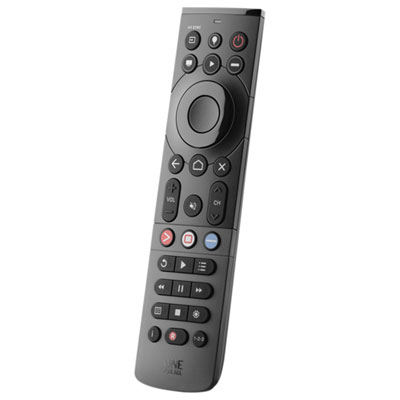 Your price for this item is $69.99
-
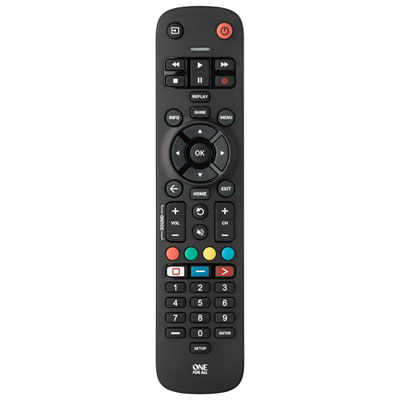 Your price for this item is $19.99
-
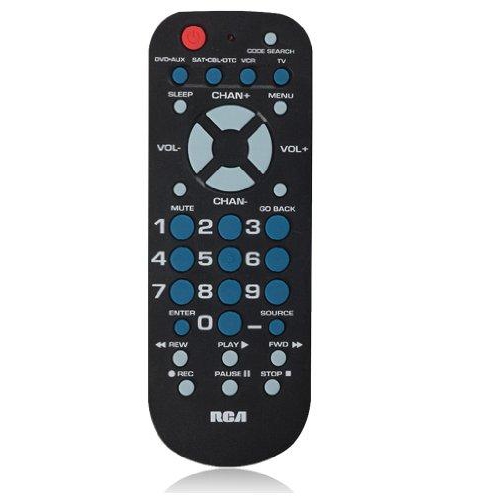 Your price for this item is $14.99
-
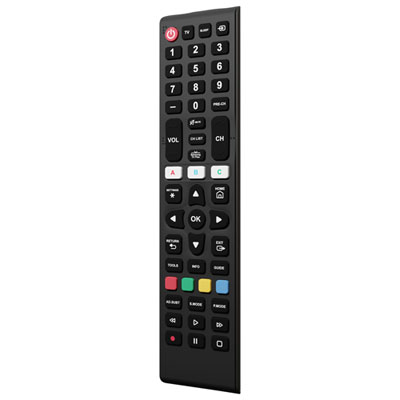 Your price for this item is $29.99
-
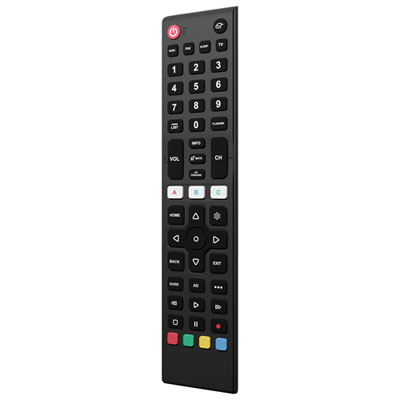 Your price for this item is $29.99
-
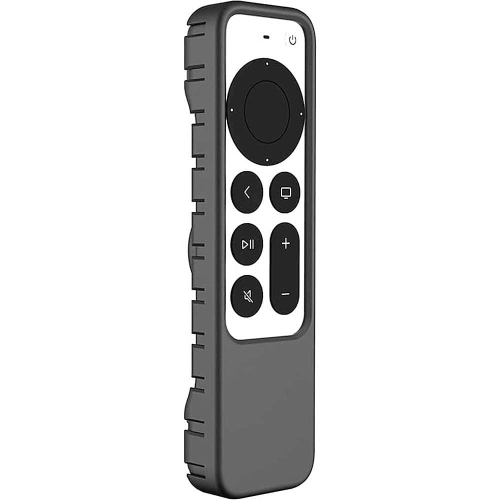 Your price for this item is $52
-
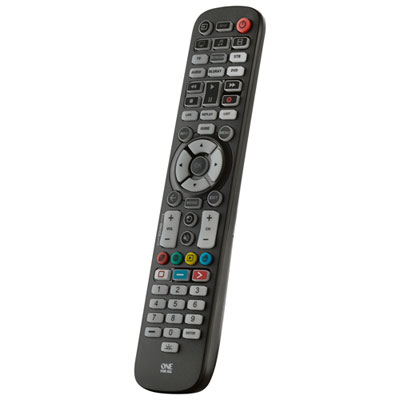 Your price for this item is $39.99
-
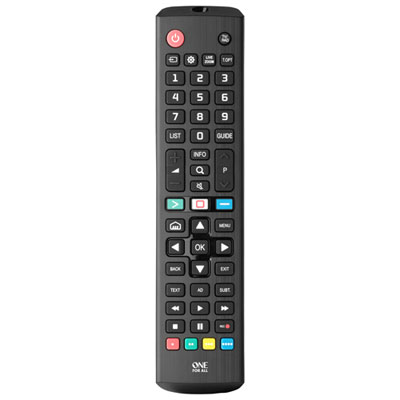 Your price for this item is $39.99
Discover more categories related to TV Samsung Remote Control
Top Collections:
Best Black Friday Deals This Year, Best Black Friday Deals On Electronics, Kindle Devices, Pokemon Centers, Best Black Friday Deals On Apple Products, Best Cameras for Sports Photography, Dyson Airwrap, Pokémon 30th Celebration Cards, Apple iPhone 17 Pro, Canon G7X Cameras
Some products may be subject to Environmental Handling Fees
(EHF) depending on your province.
Learn more about EHFs.