Samsung Monitor TVs
Samsung is one of the most popular brands of TVs in the world. These TV monitors are reliable, innovative, and stylish. These provide high-quality images to give you the best watching experience. If you're looking for a new TV, these Samsung TVs are the best choice for you.
Sort


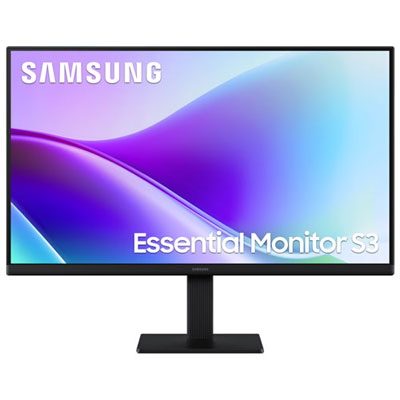
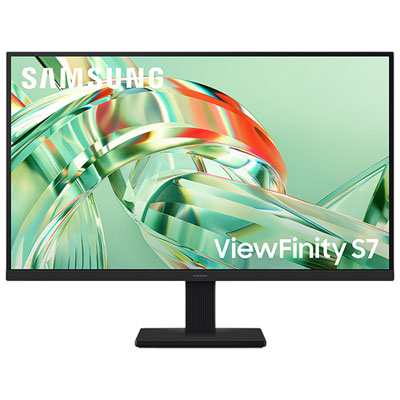

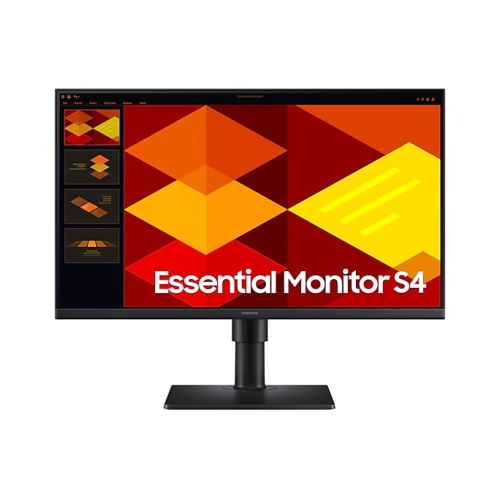
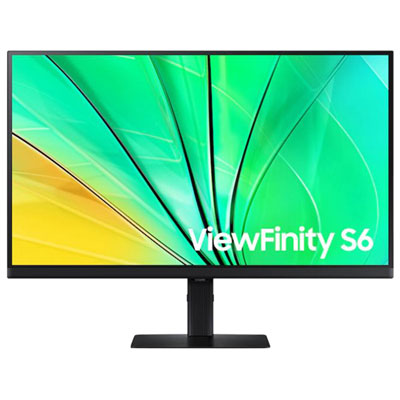
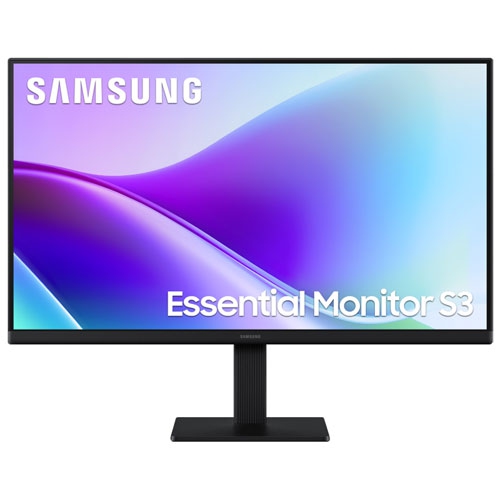
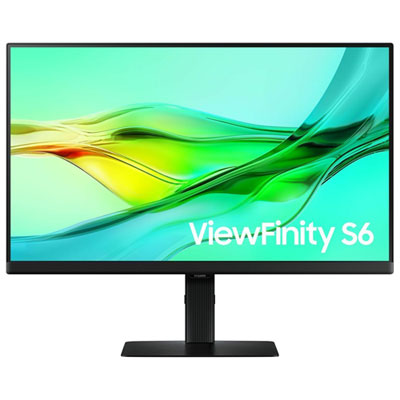
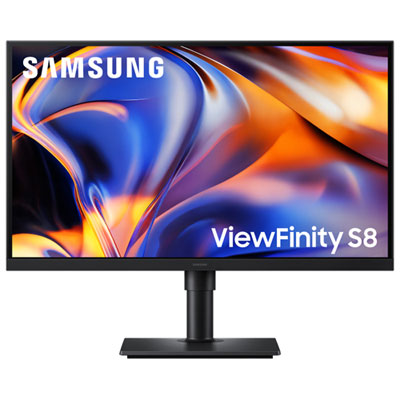
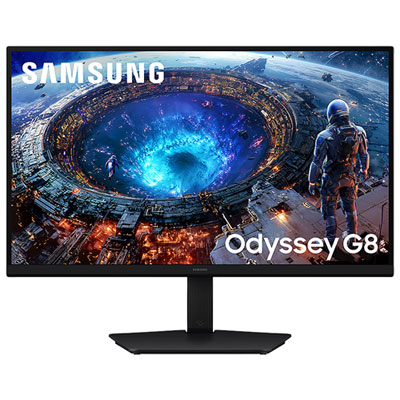

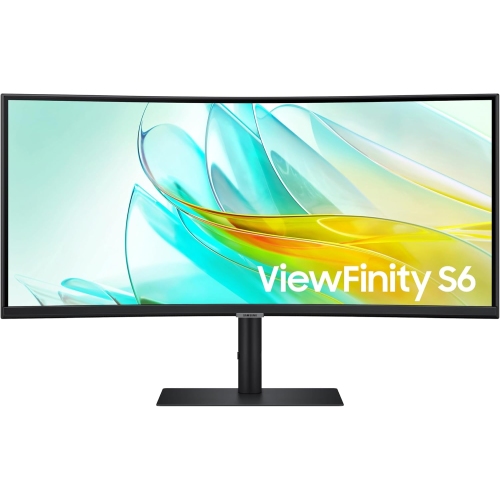
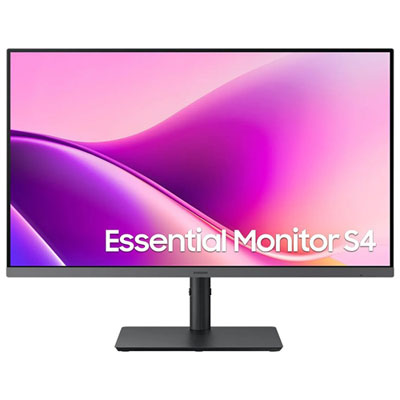

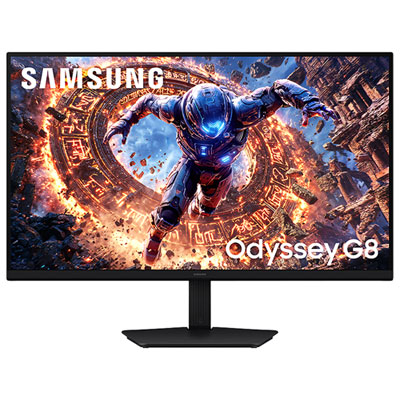
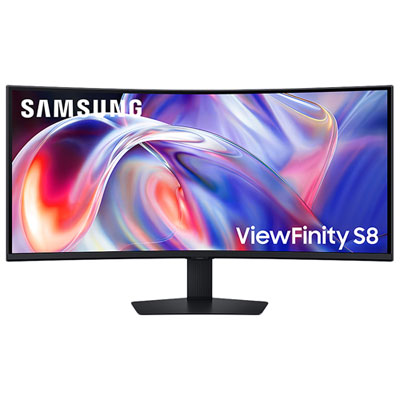
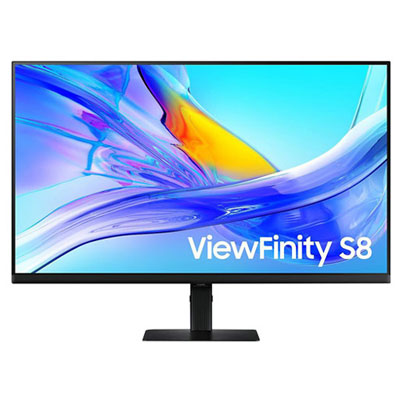
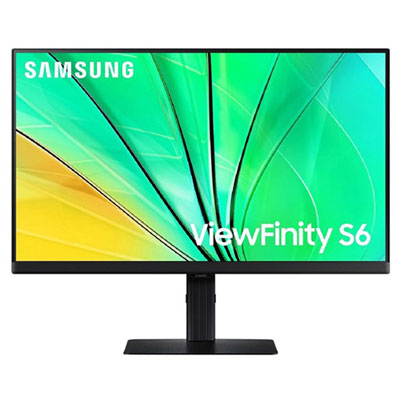
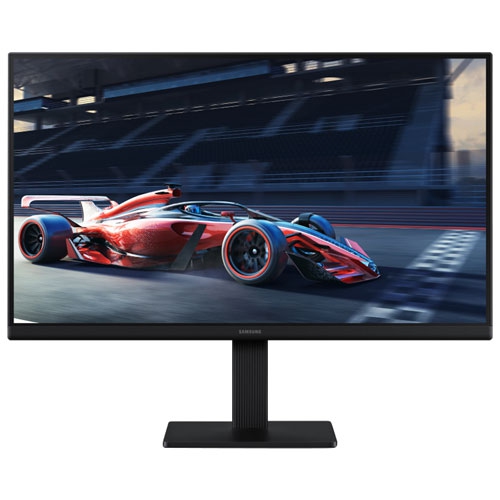
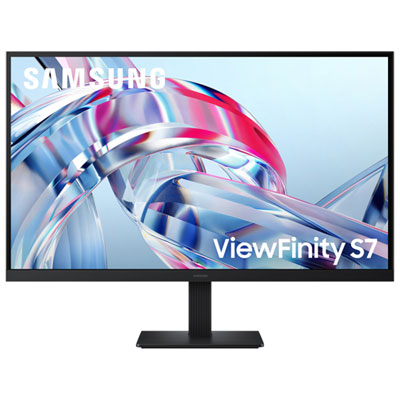
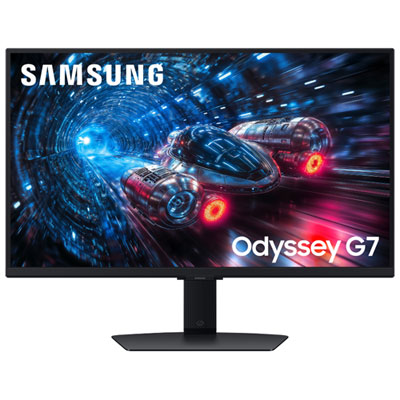
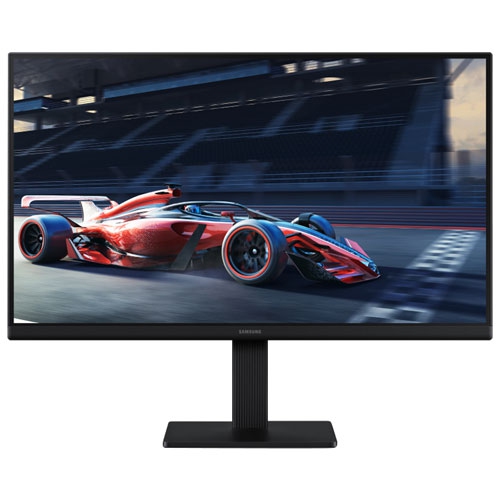
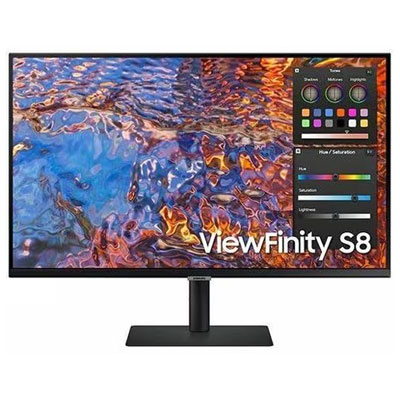

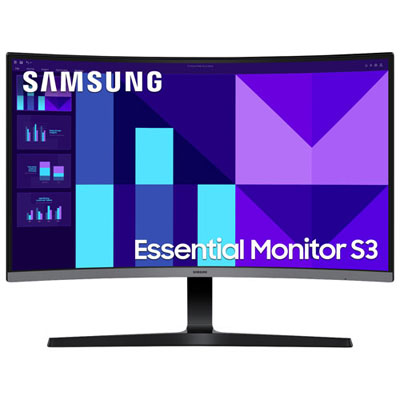

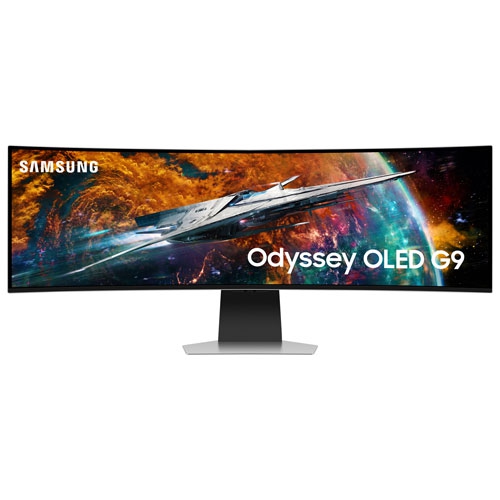
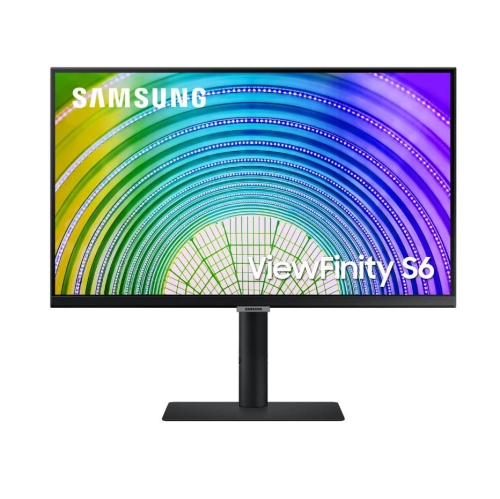
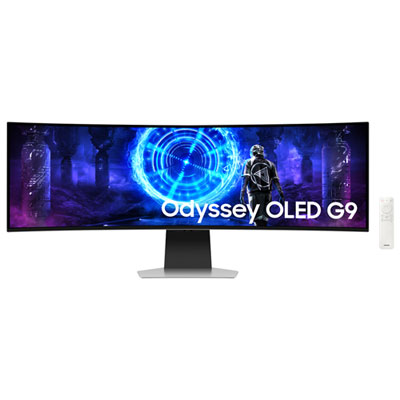
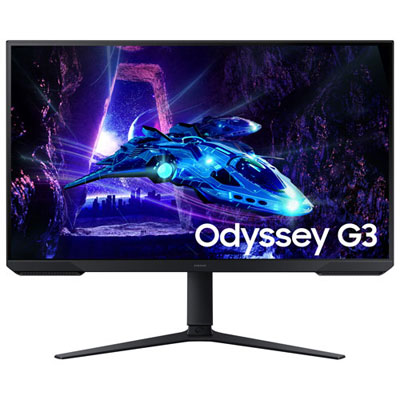
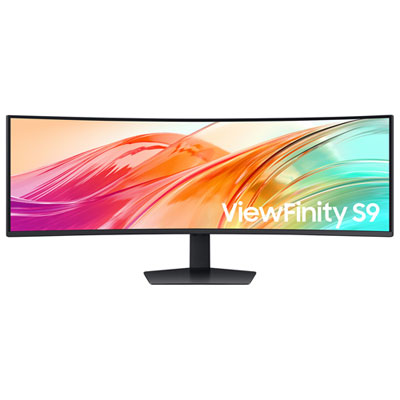
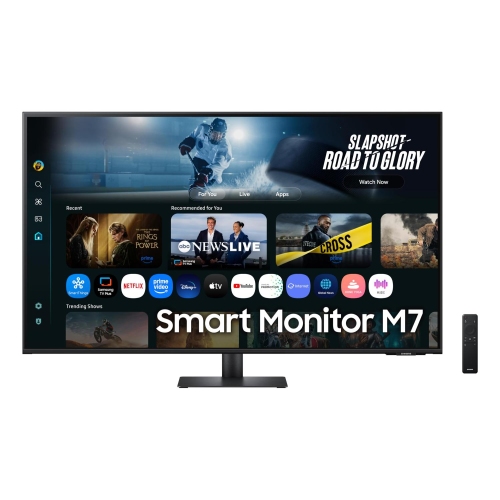
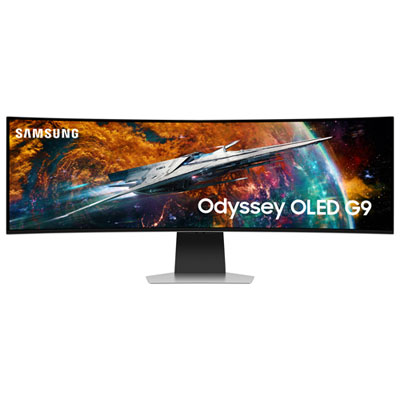
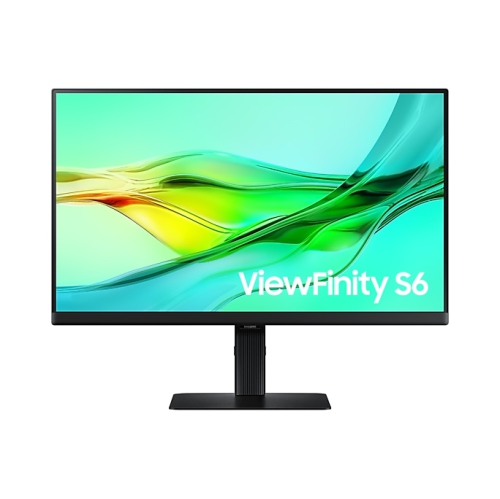
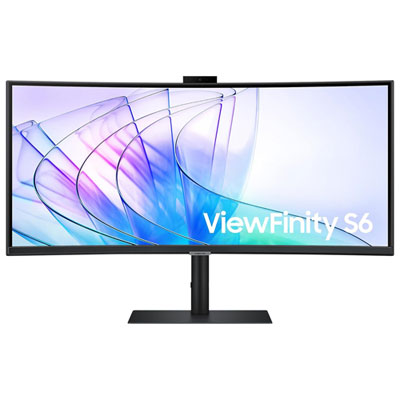

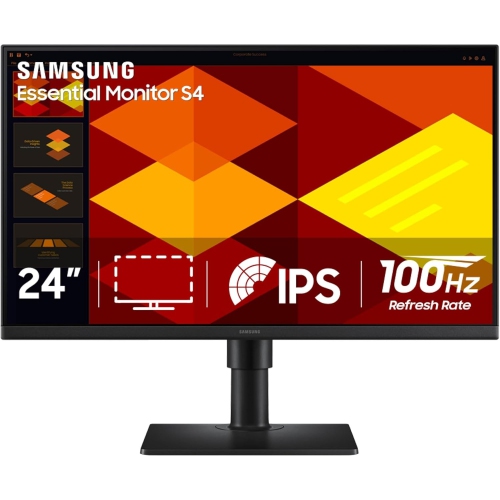
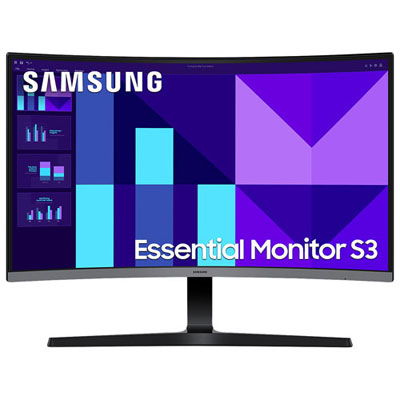


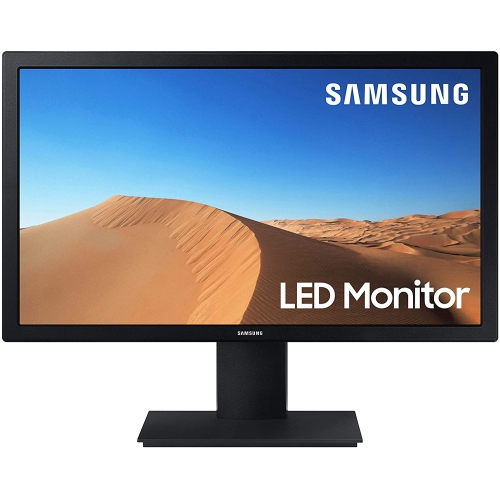







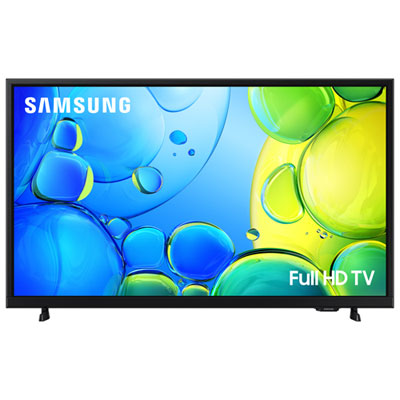
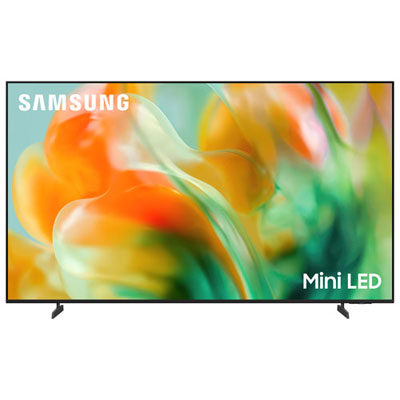
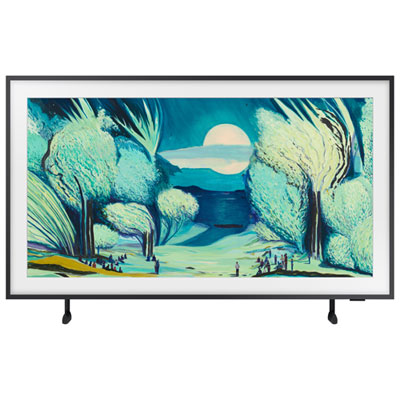
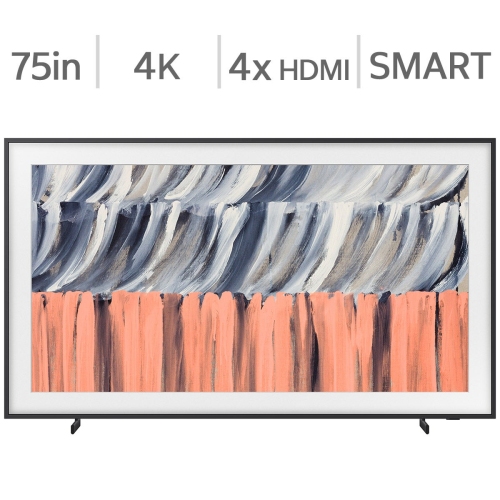
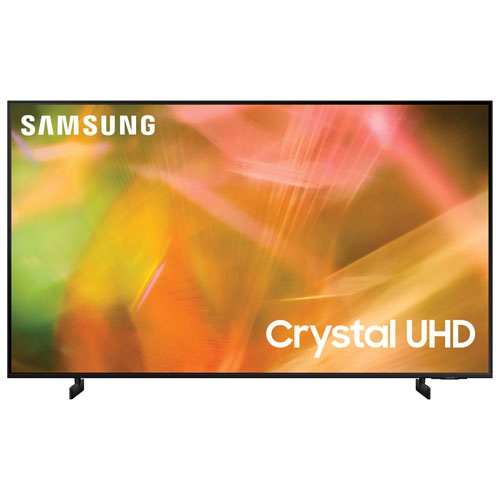
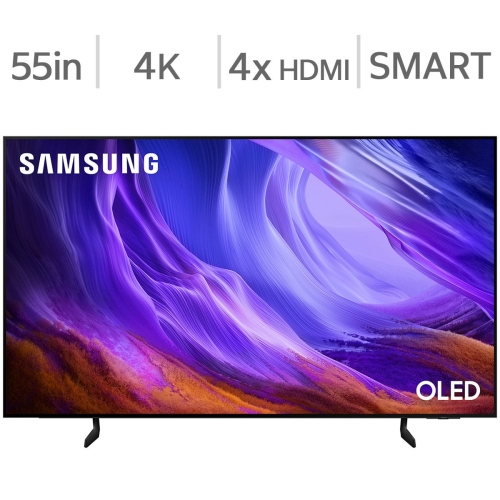
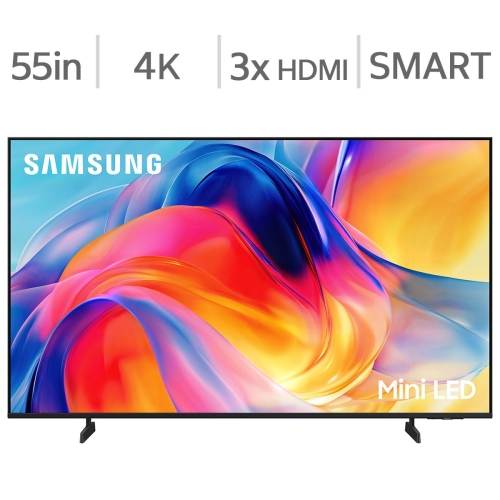
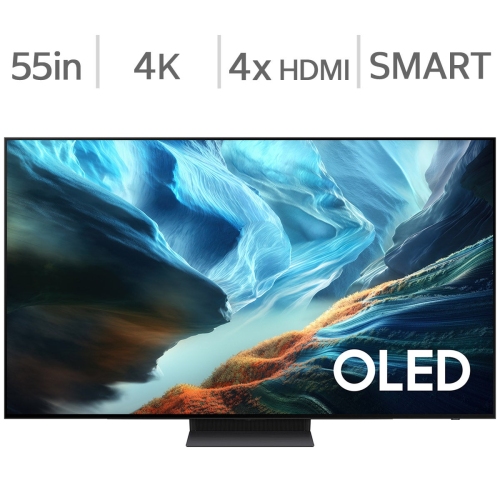
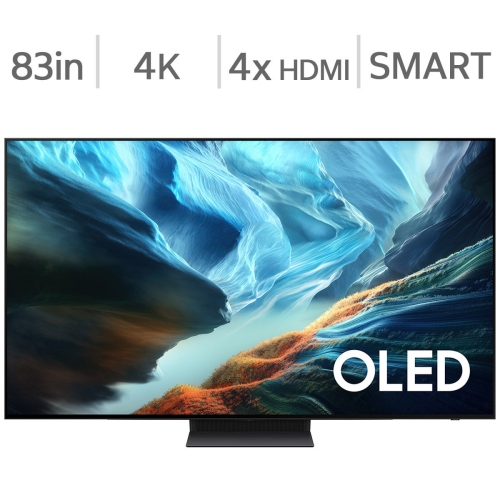
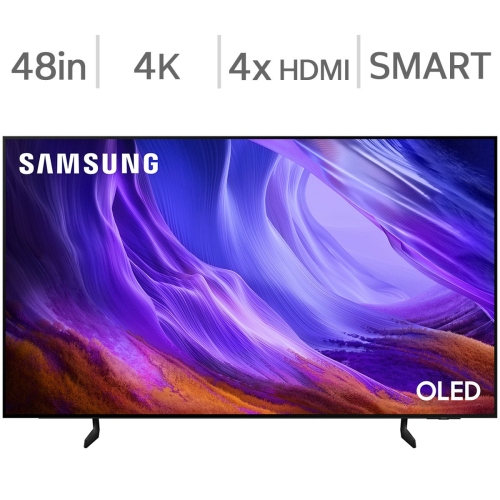
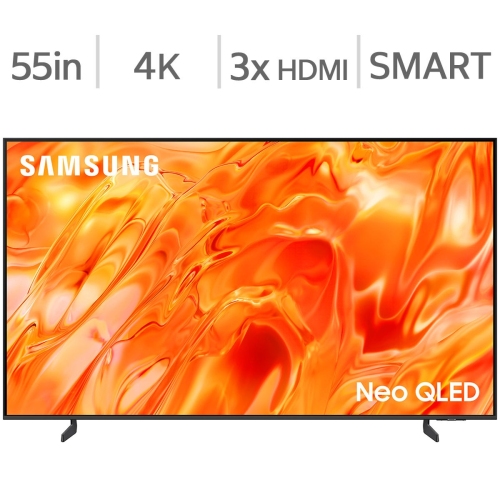
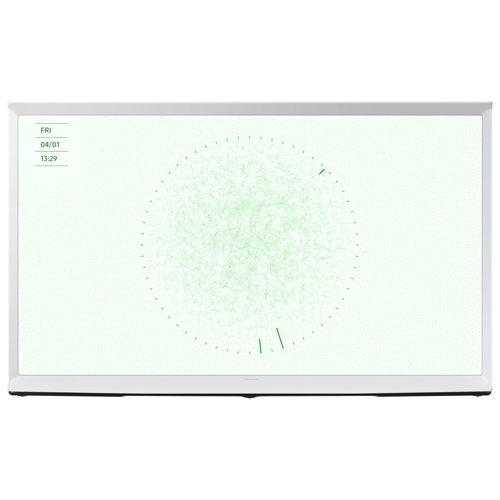
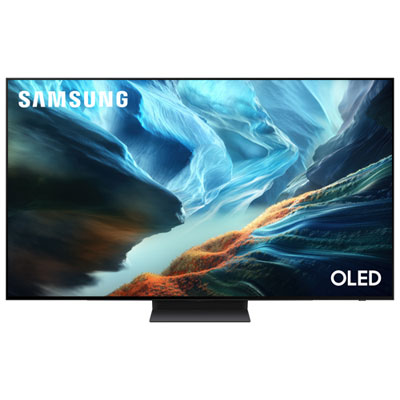
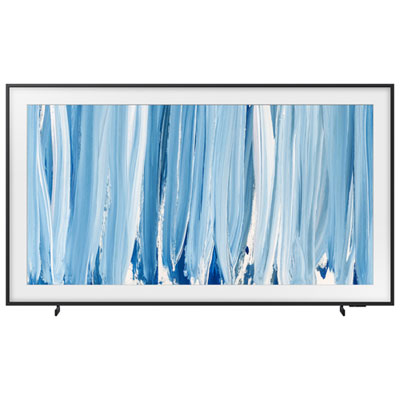
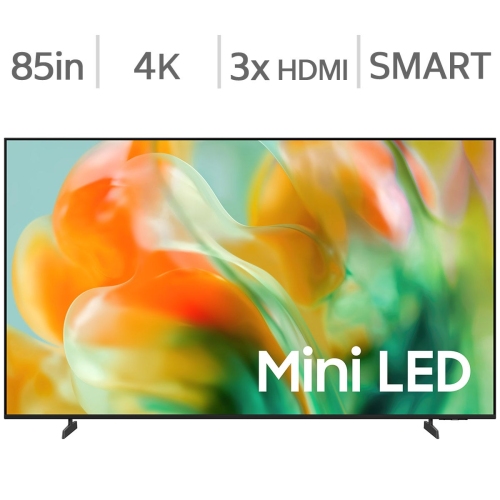
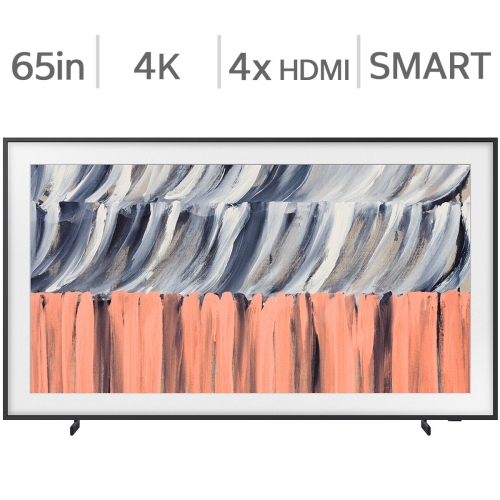
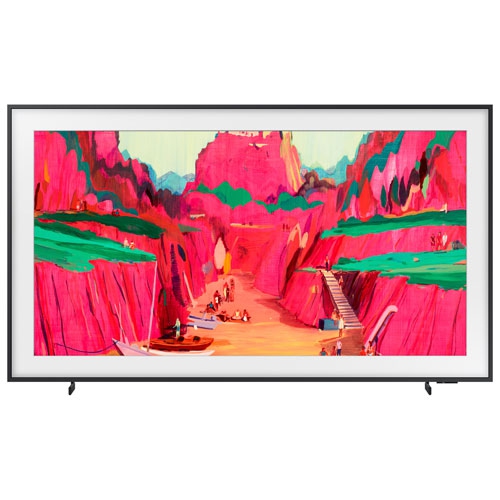
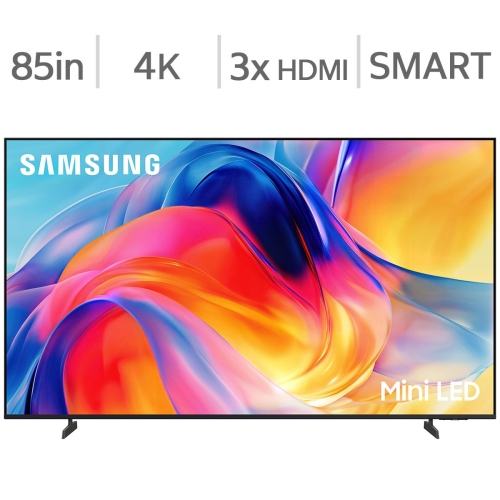
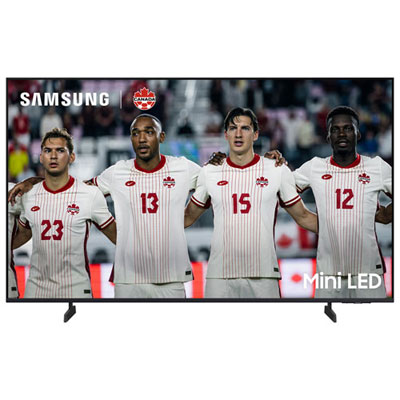
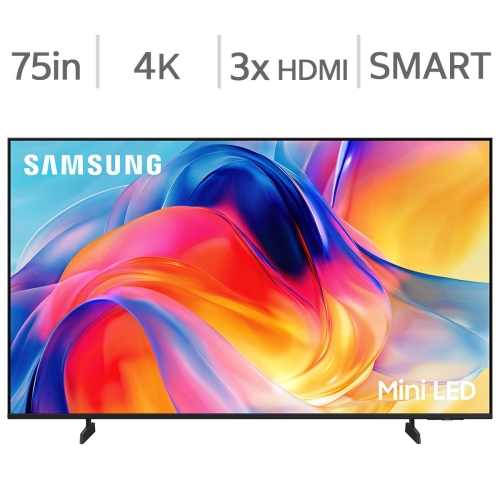
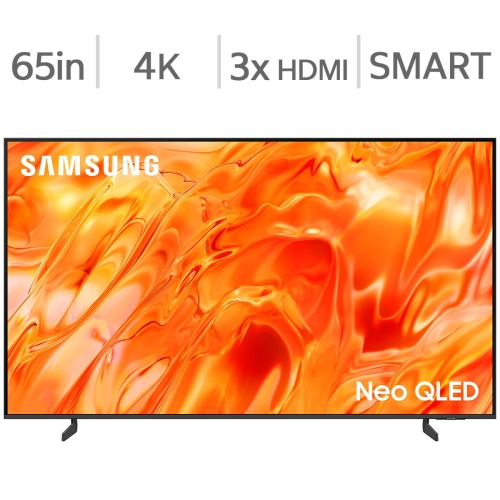
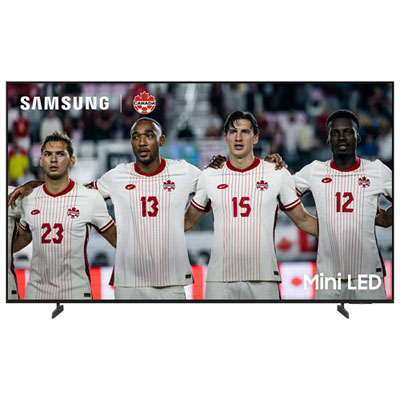
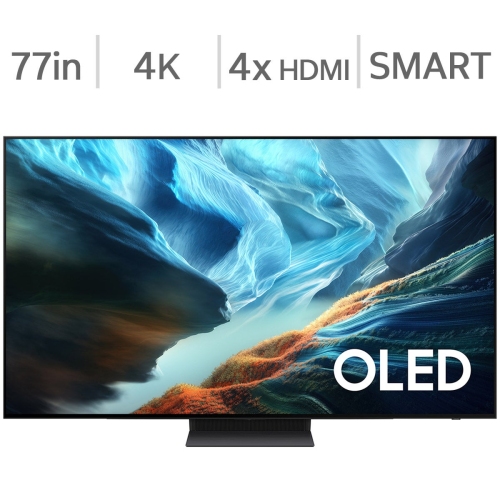
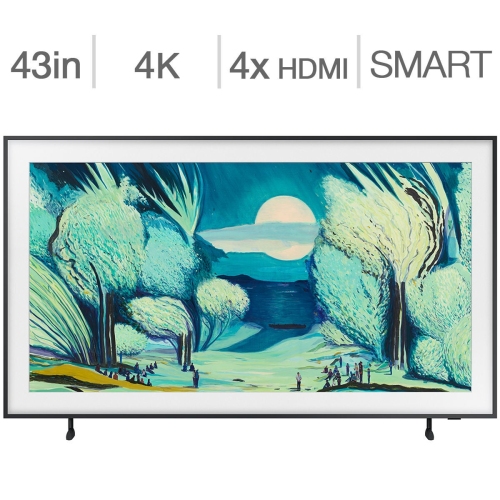
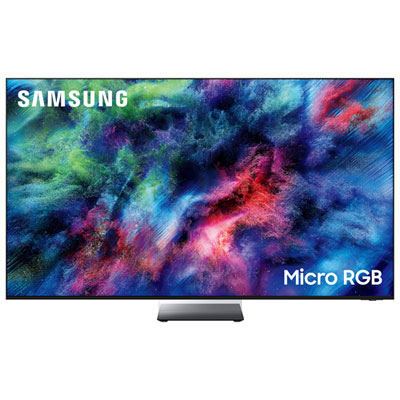
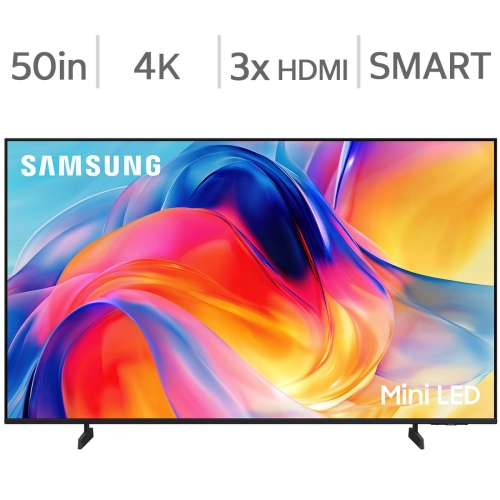
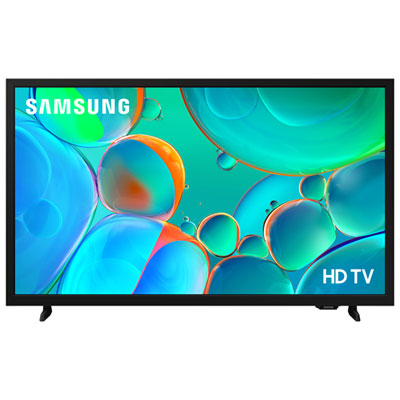
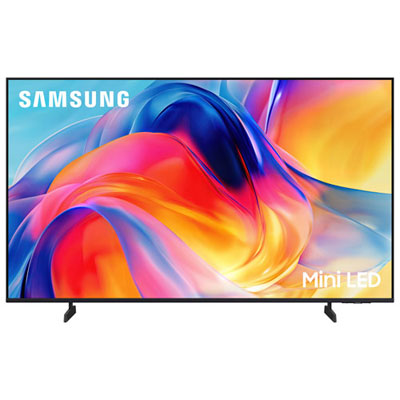
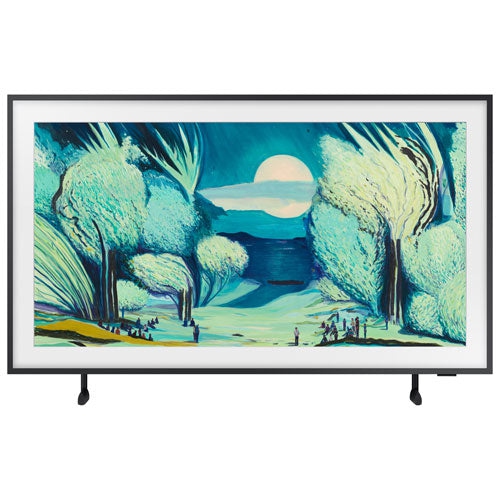
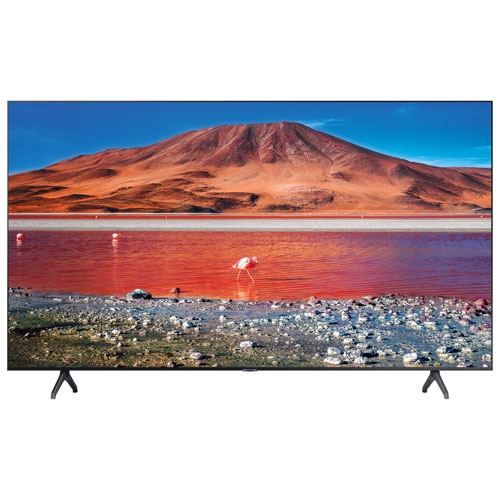
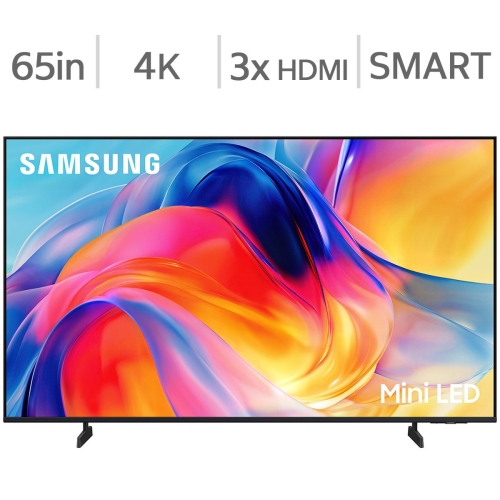
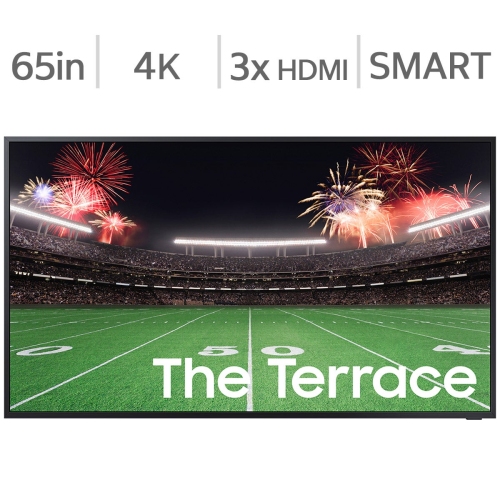
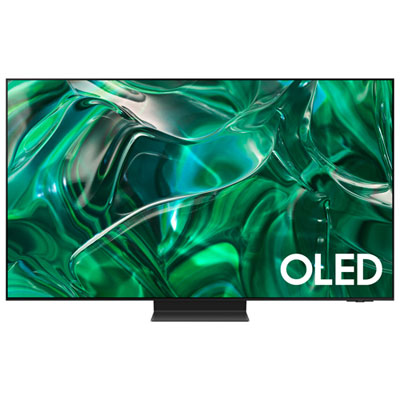
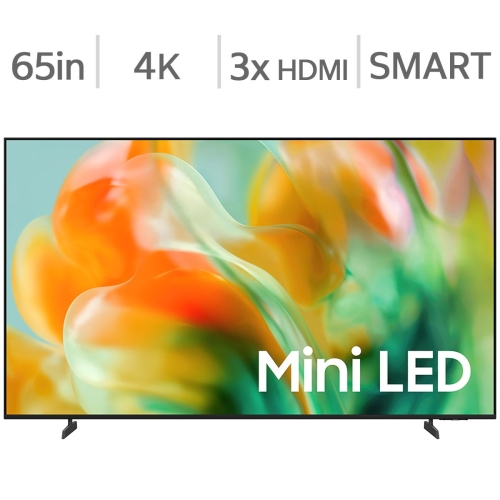
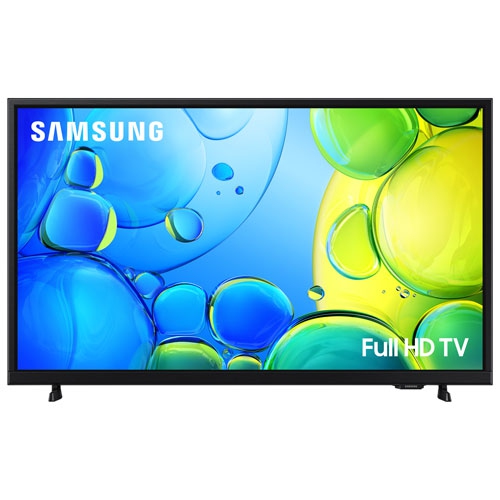
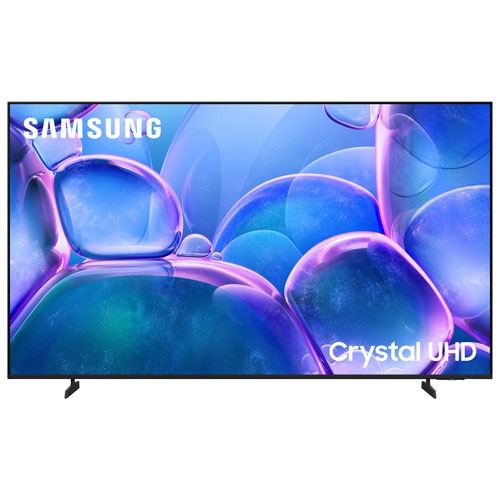
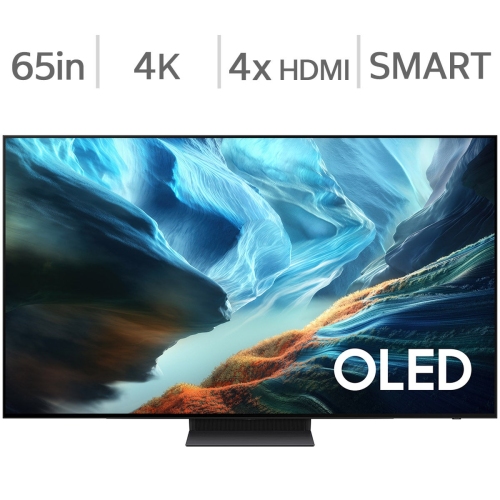
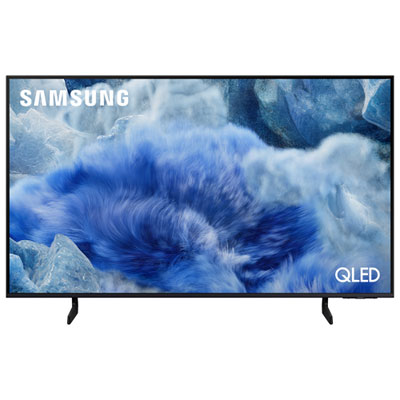
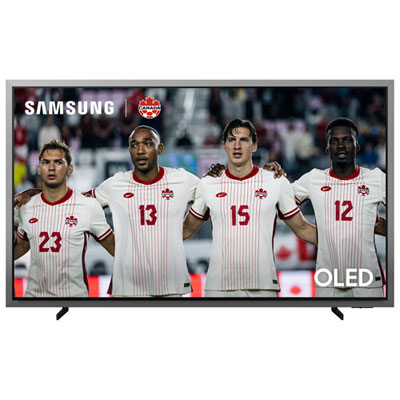
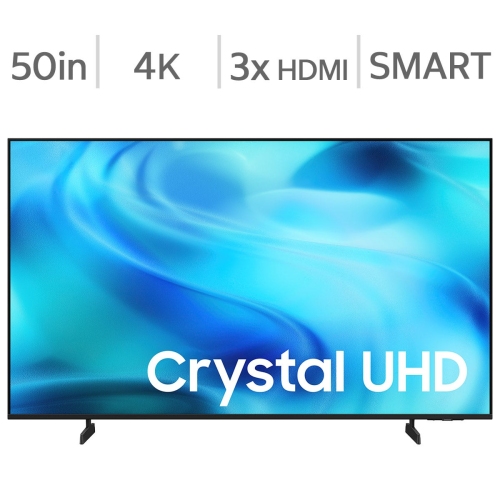


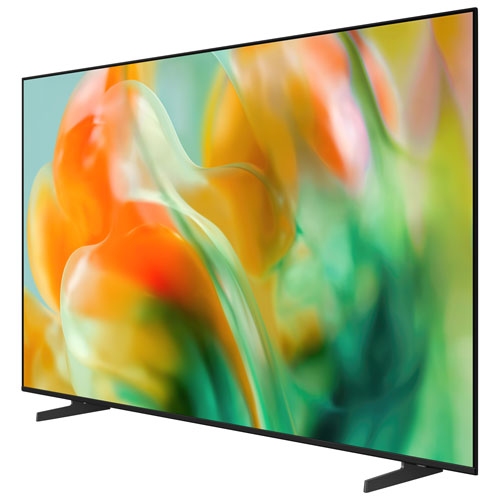
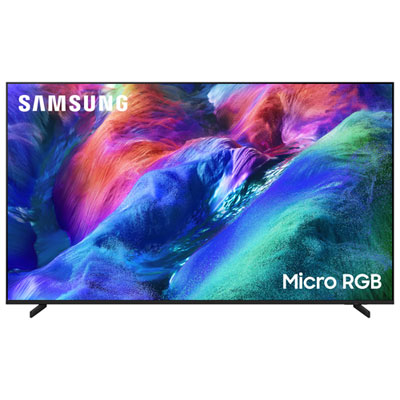
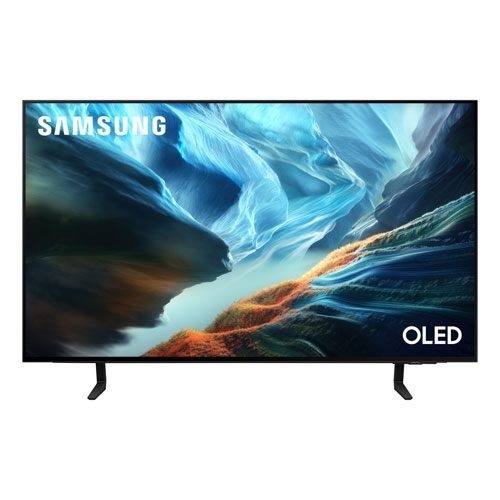
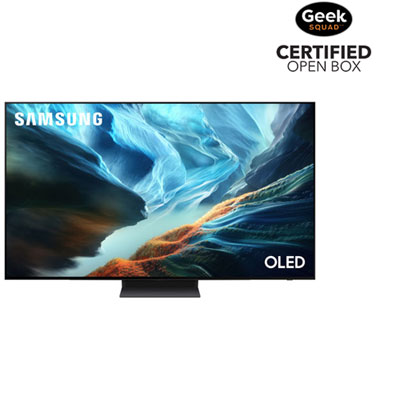
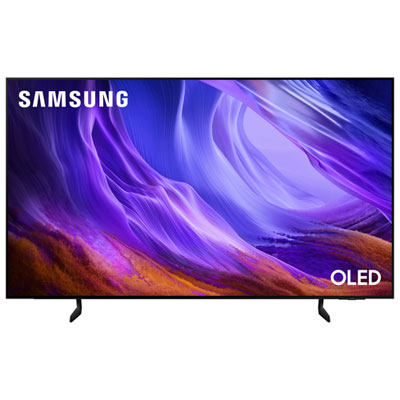
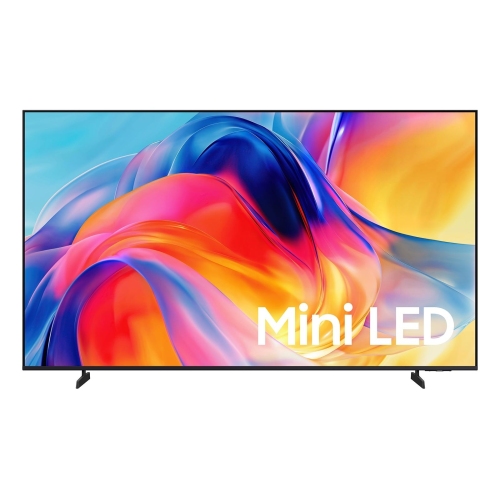
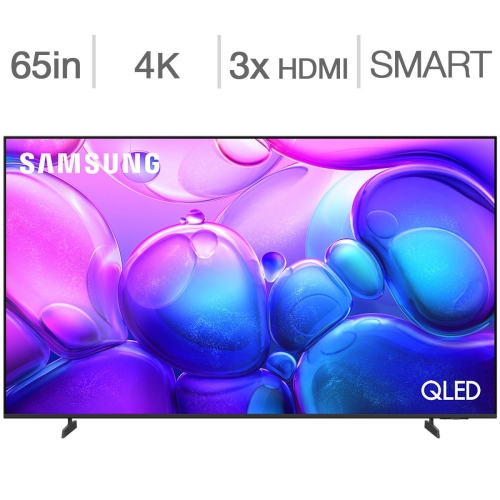
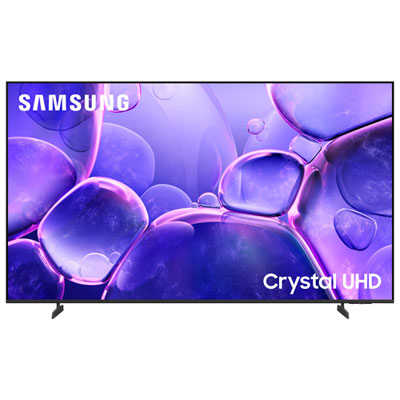
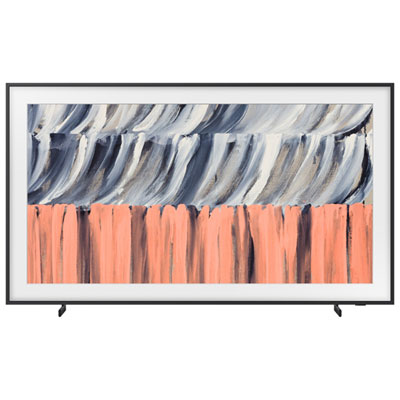
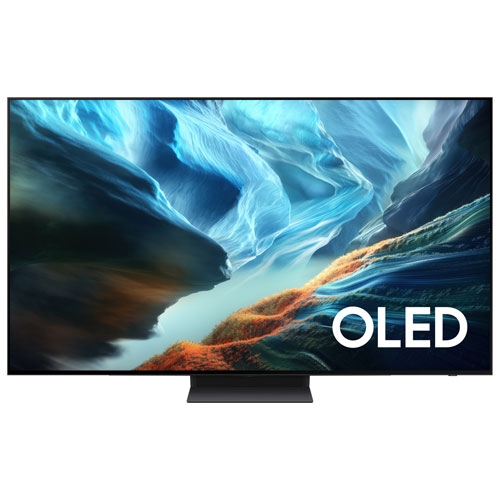
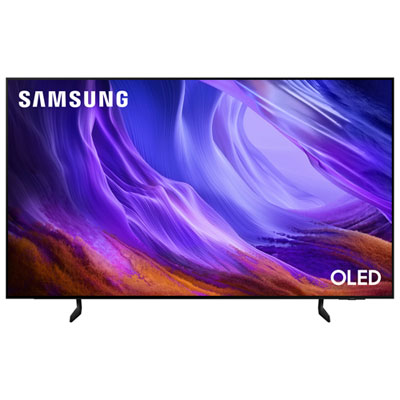
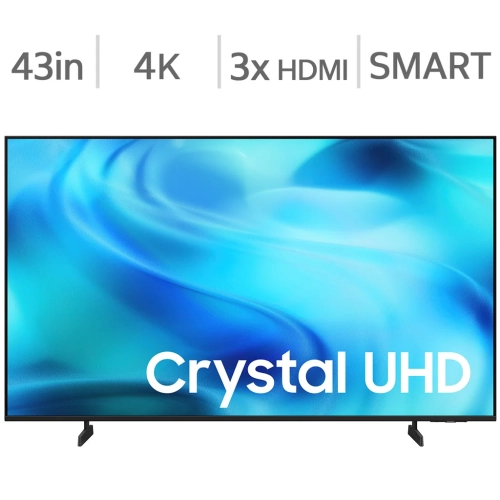
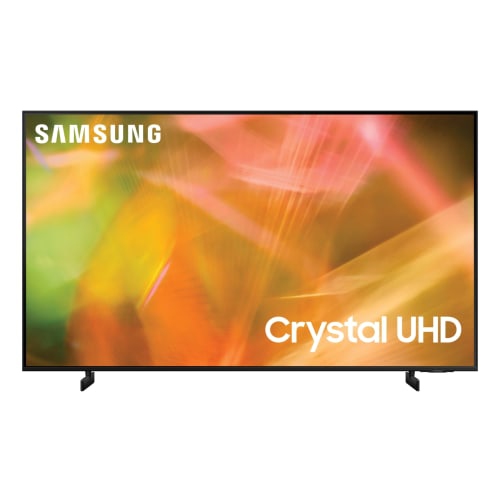
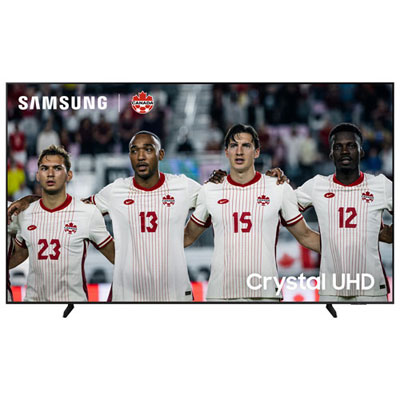
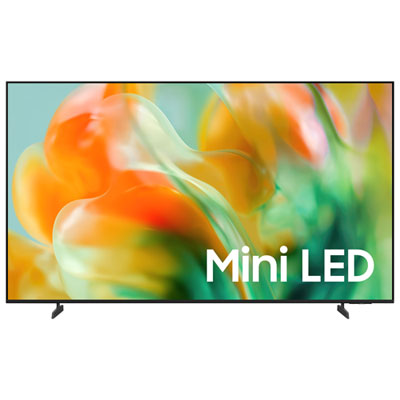
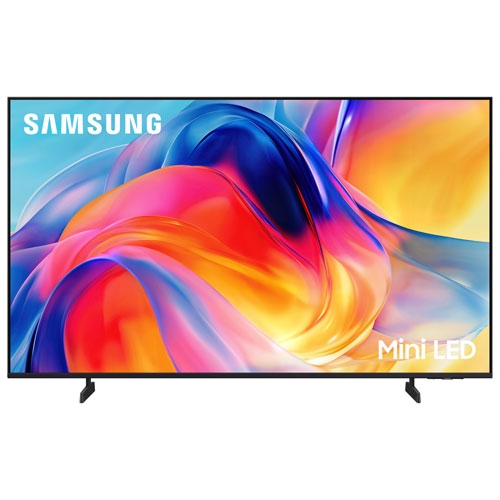
One screen for work, streaming and everyday entertainment
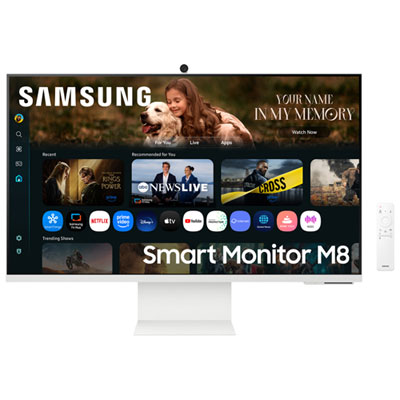
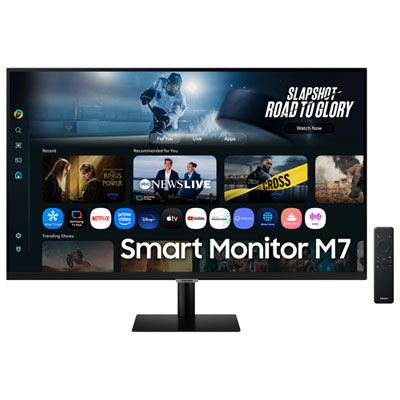
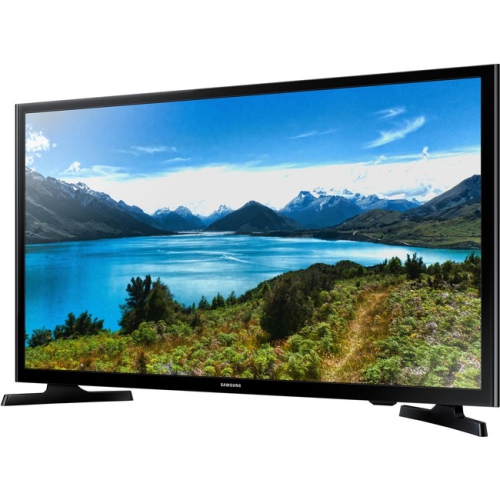
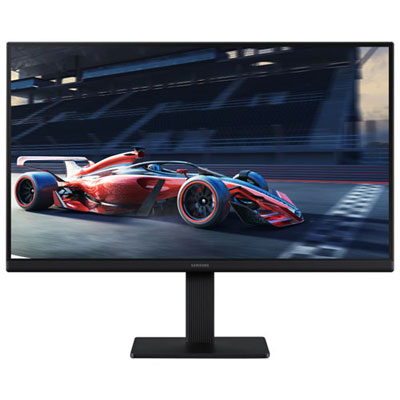
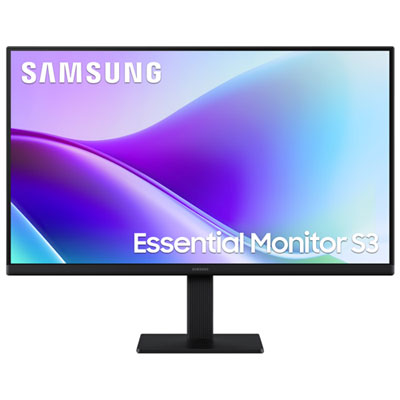
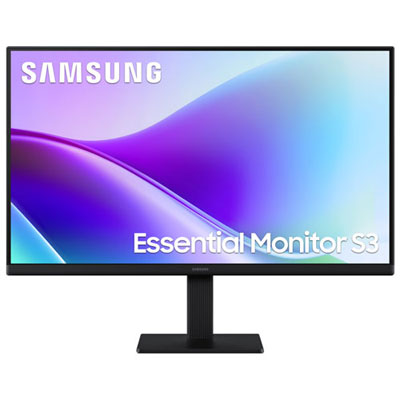
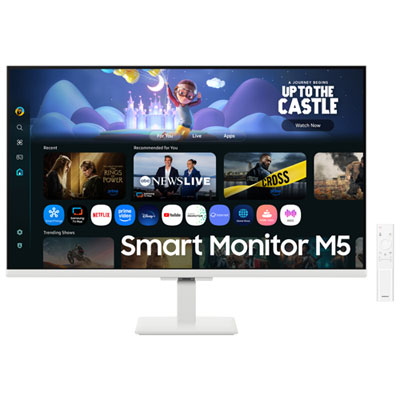
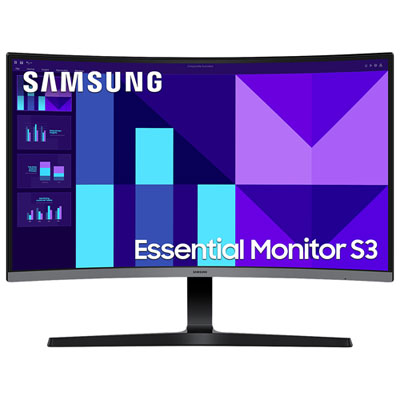
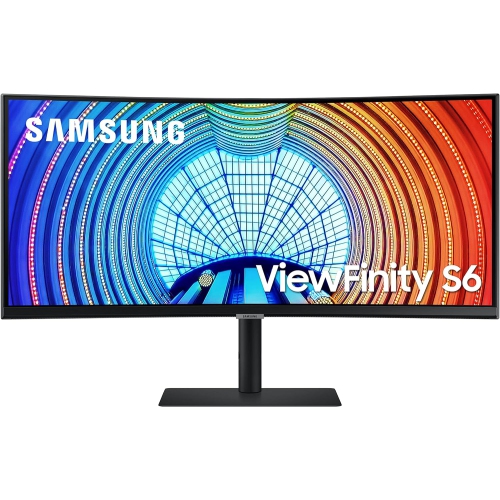
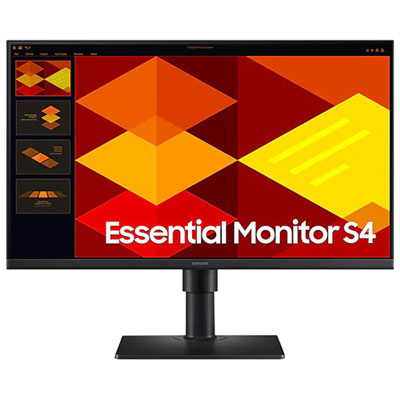
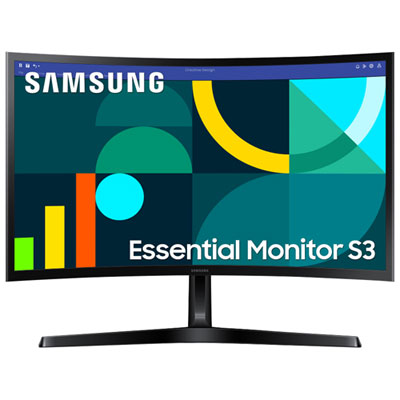
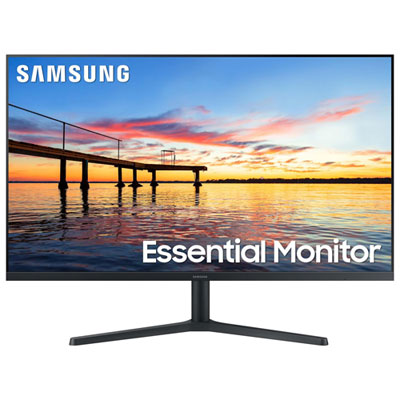
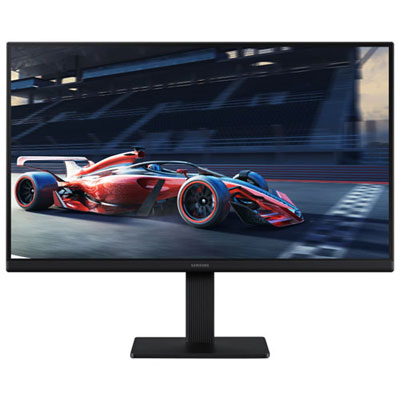
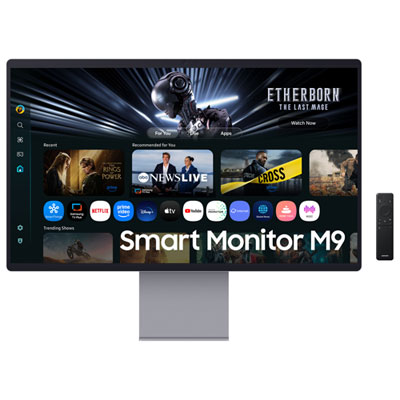
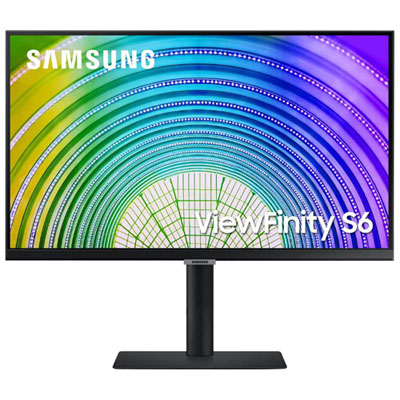
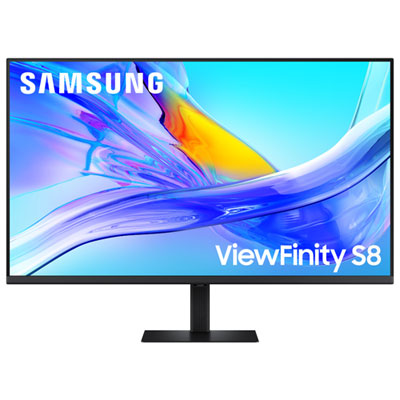
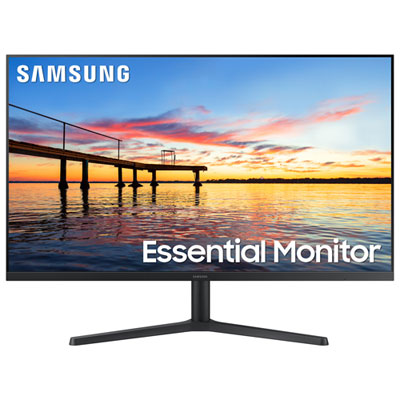
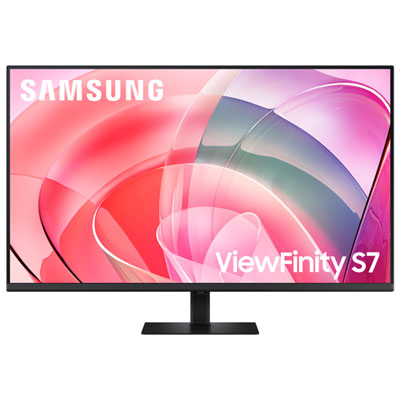
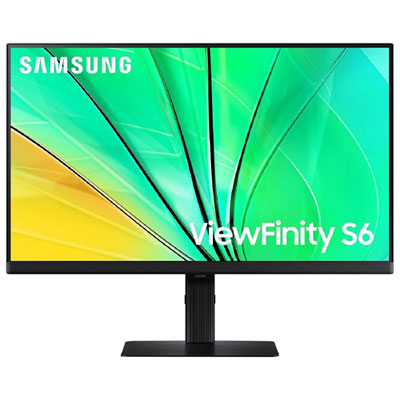
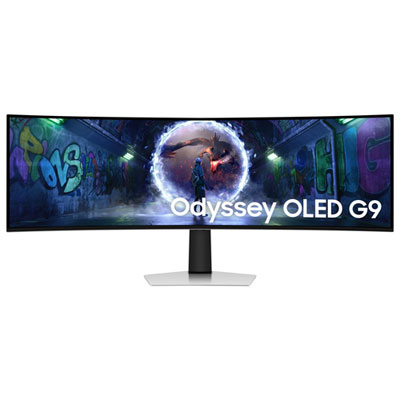
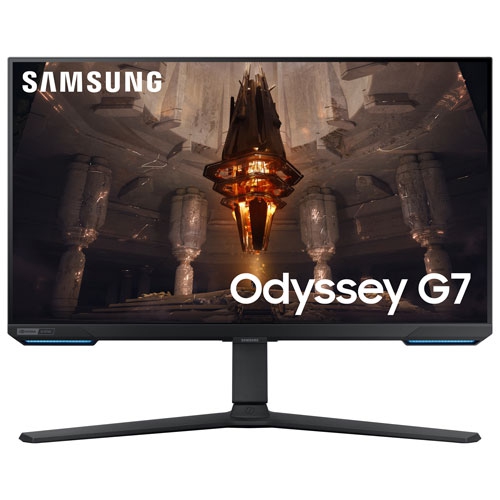
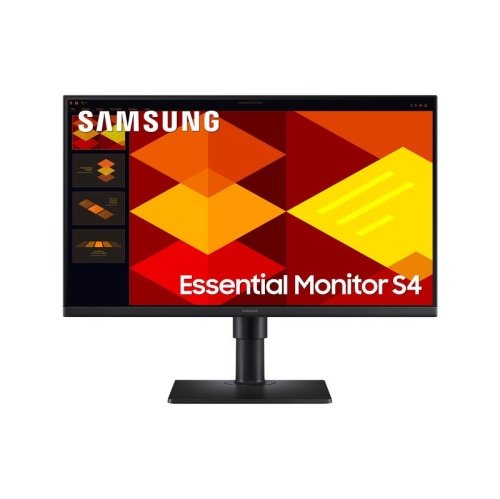
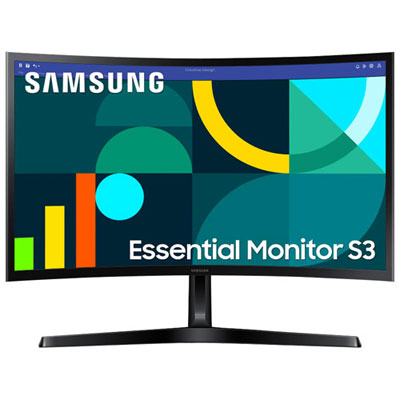
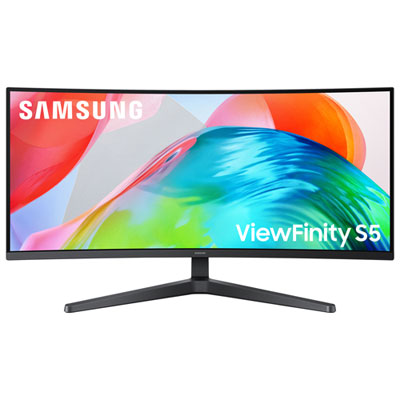
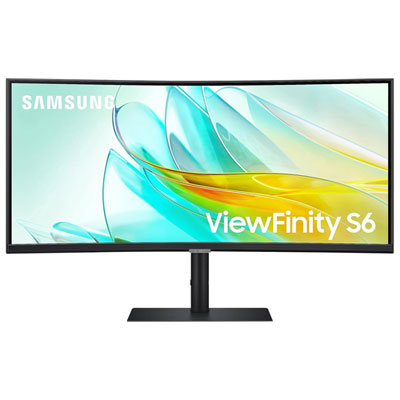
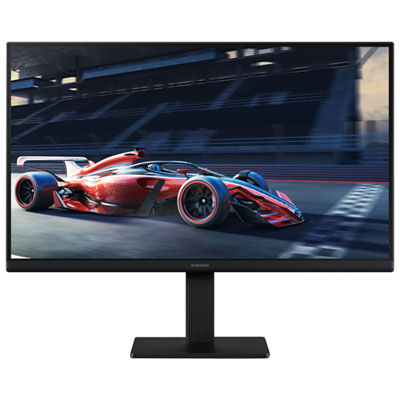
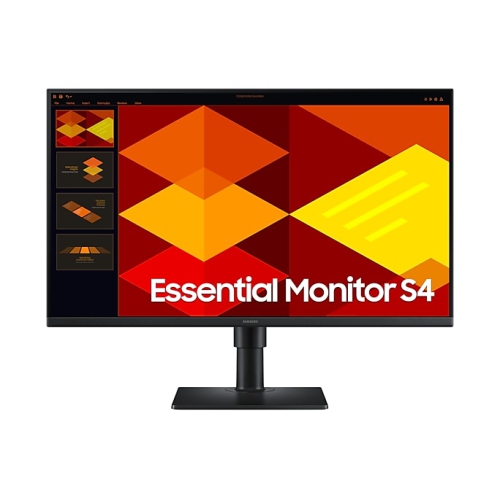
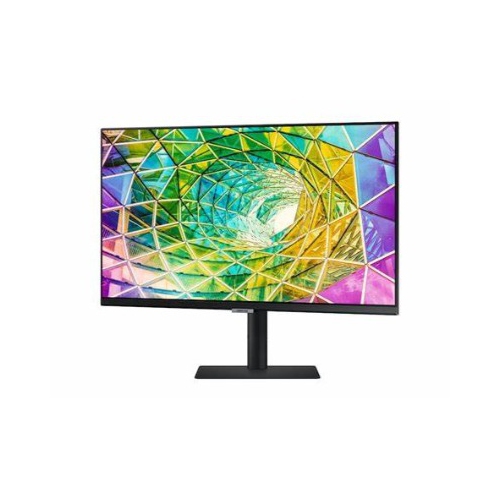
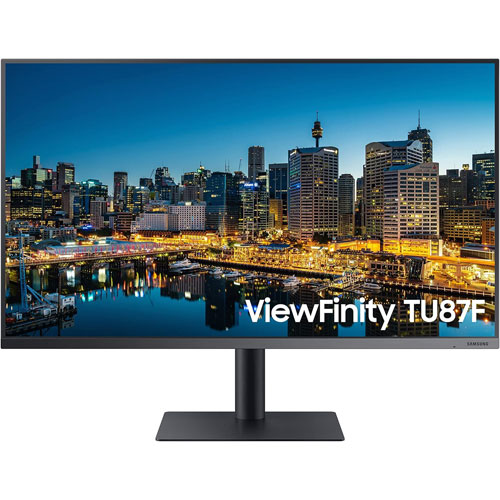
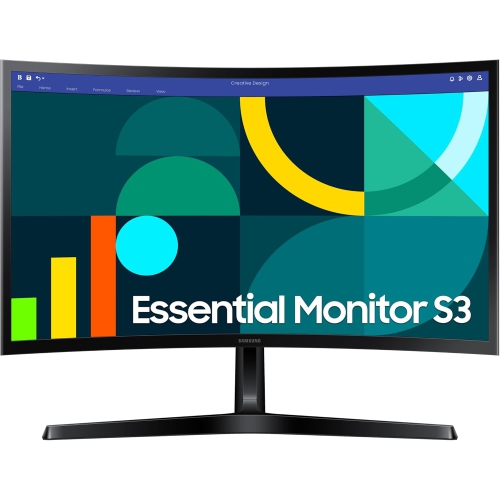
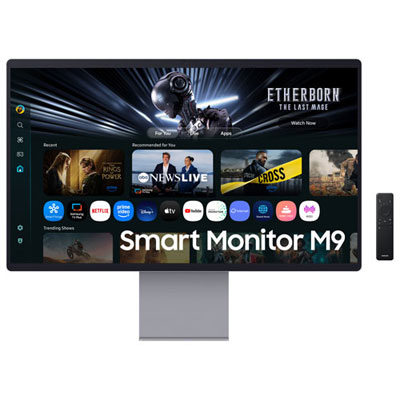
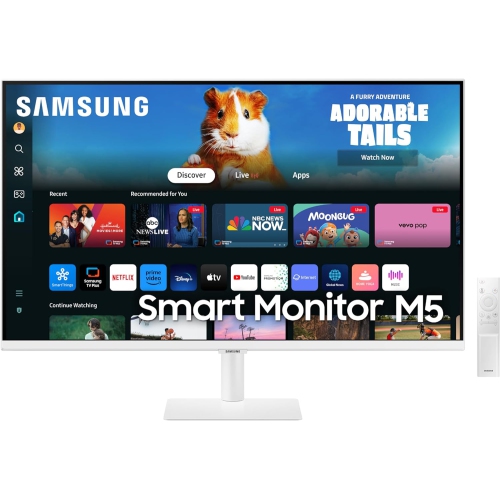
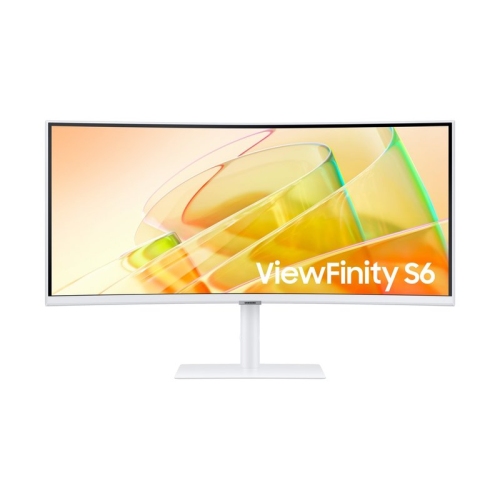
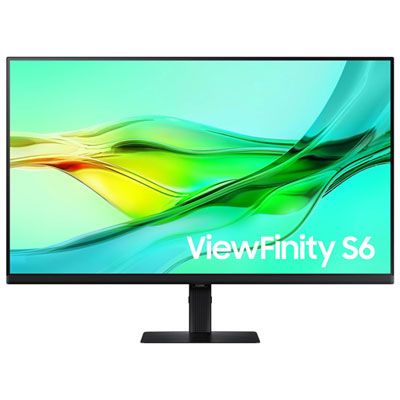
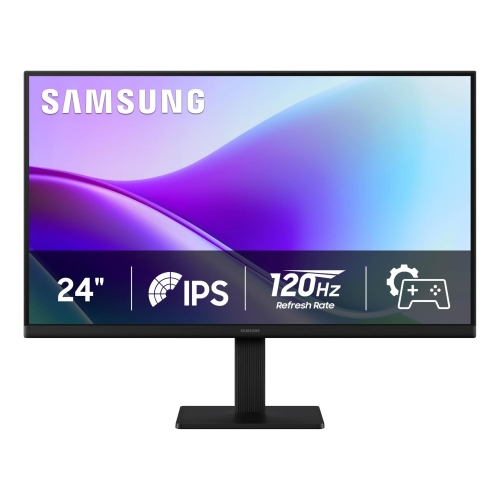
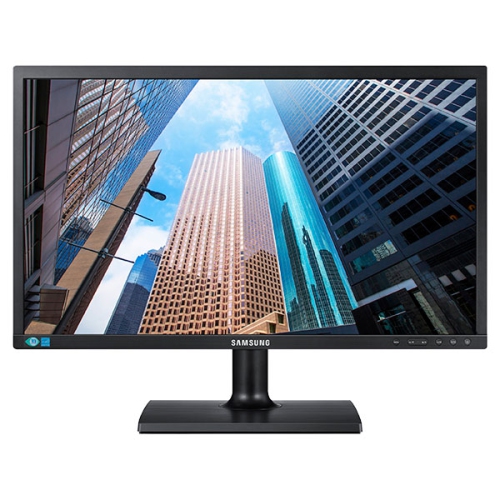
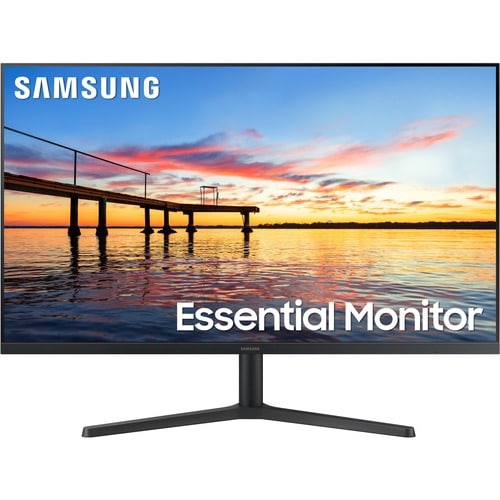
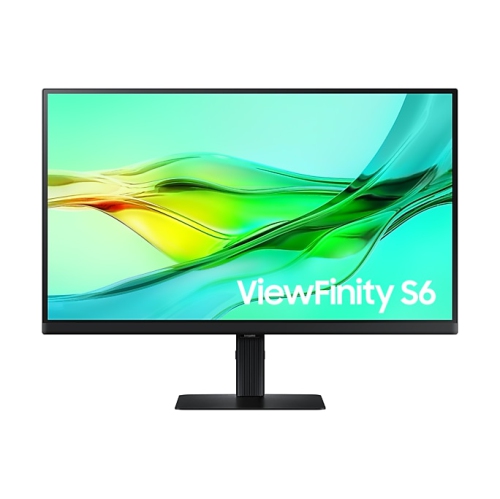
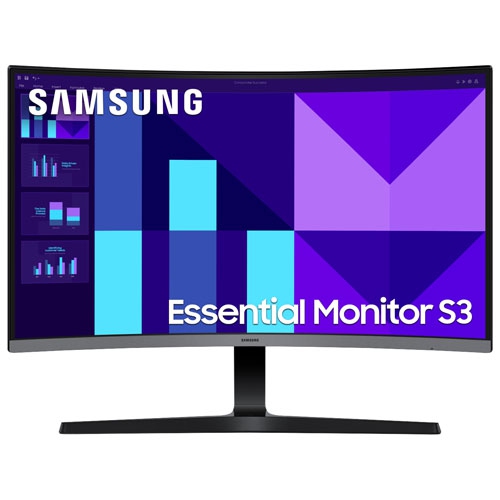
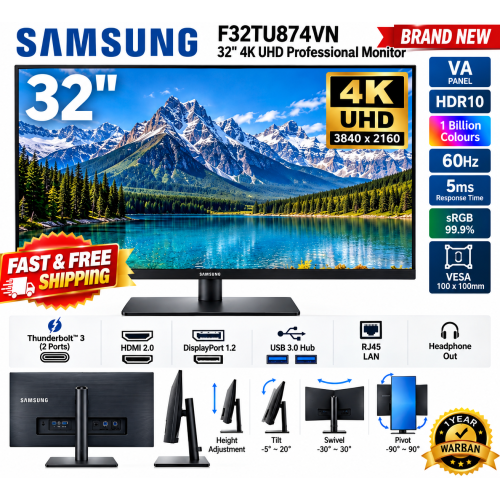
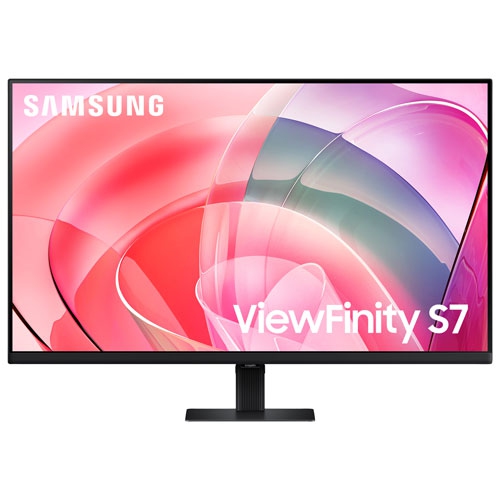
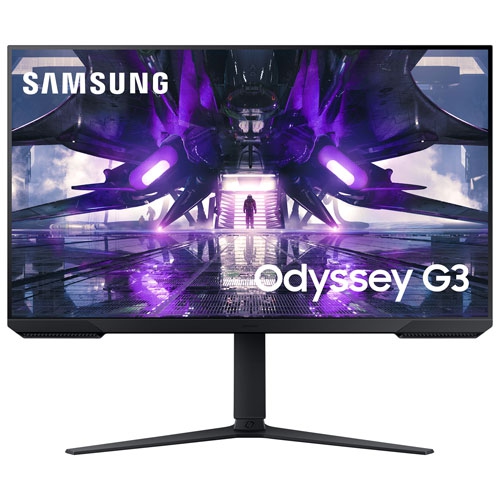
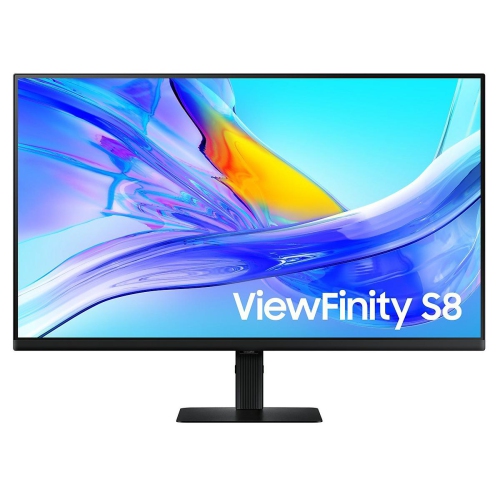
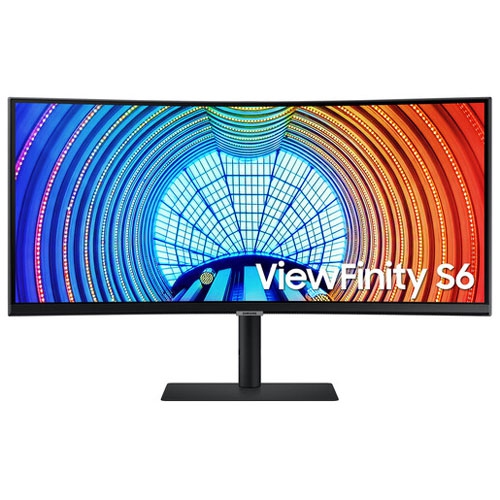
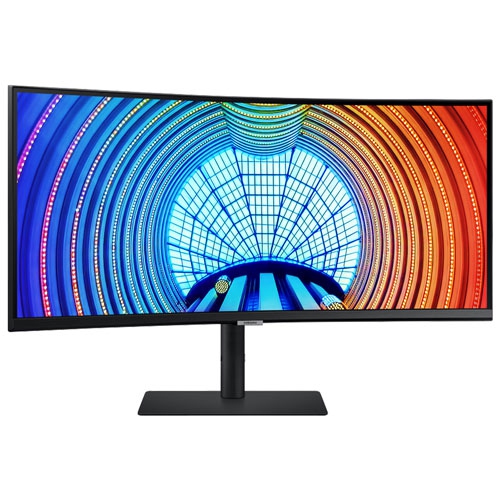
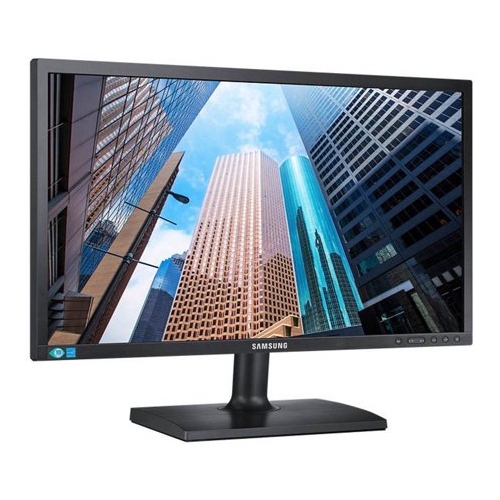
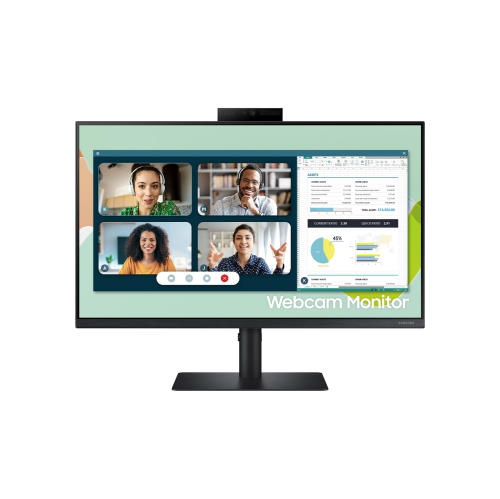
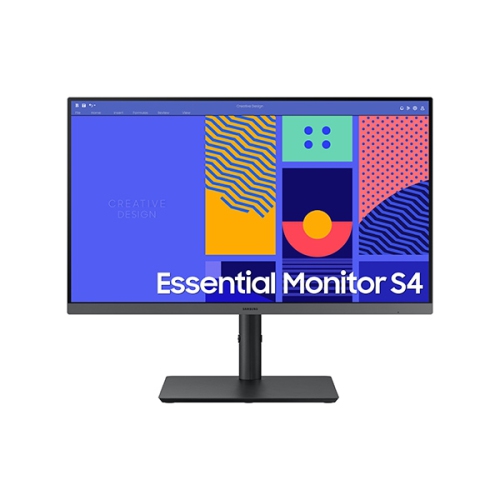
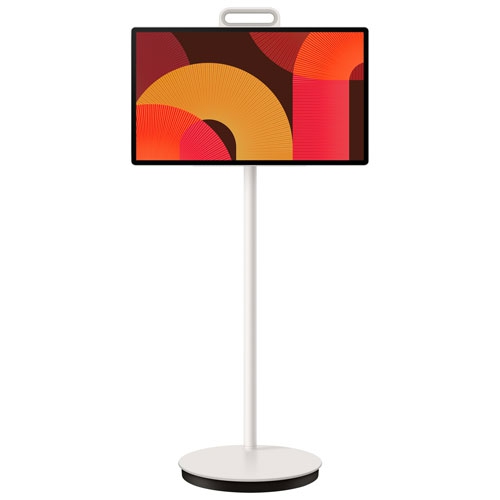
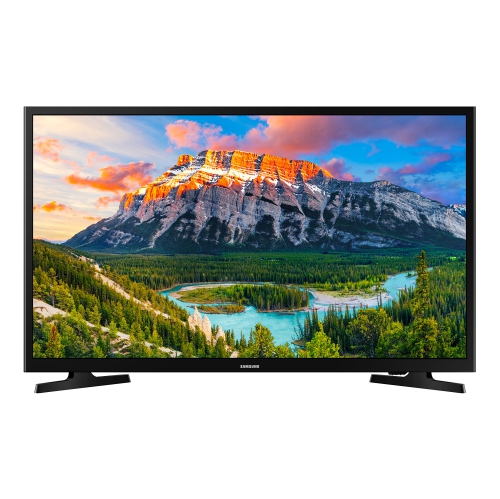
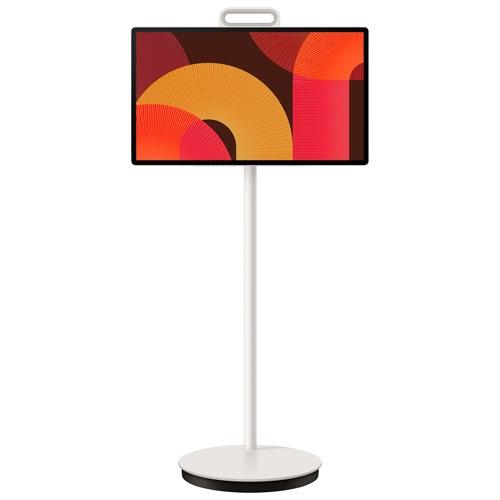
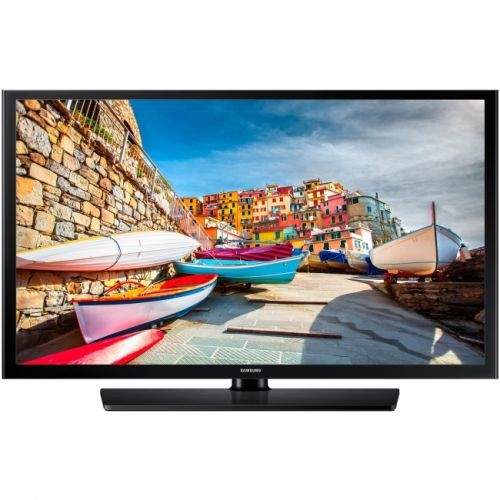
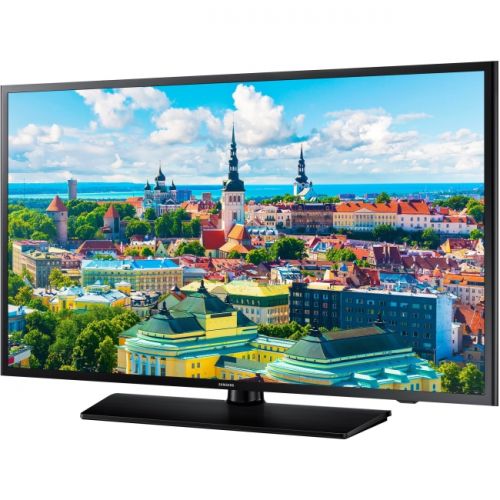
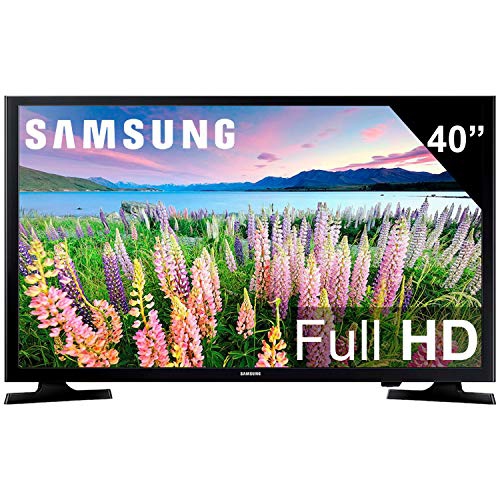
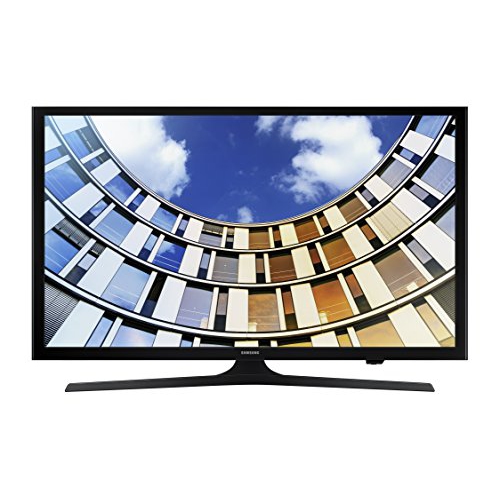
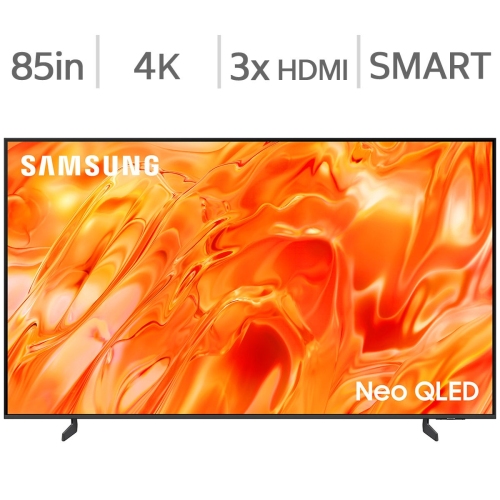
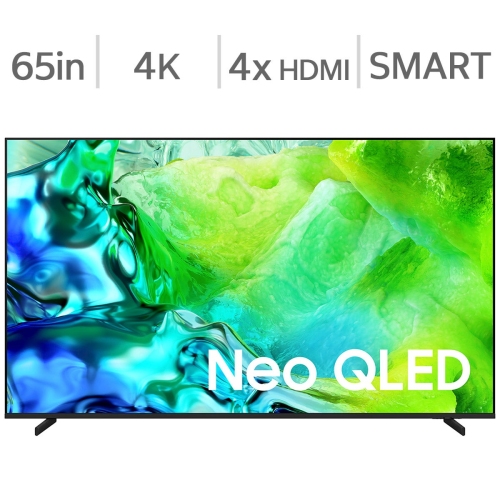
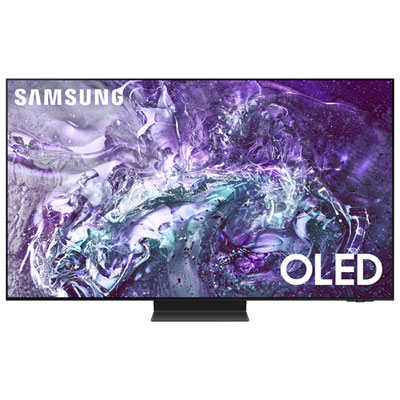
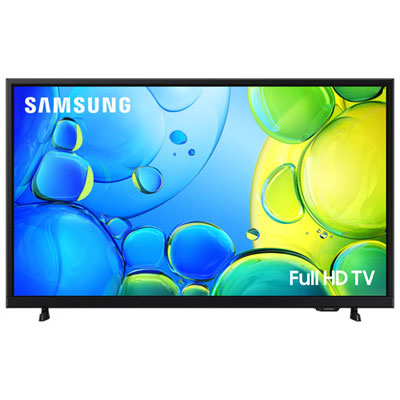
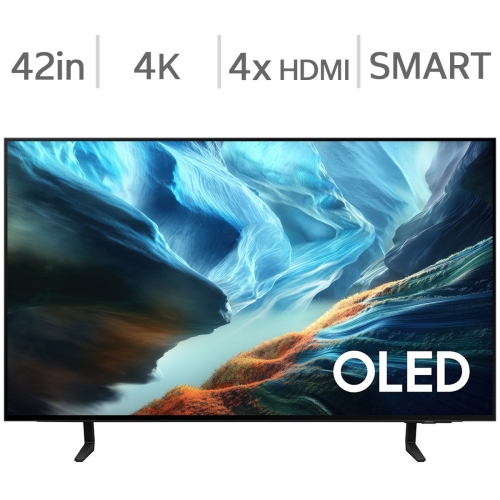
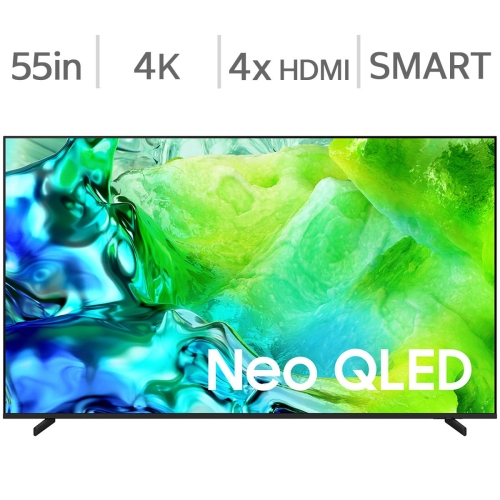
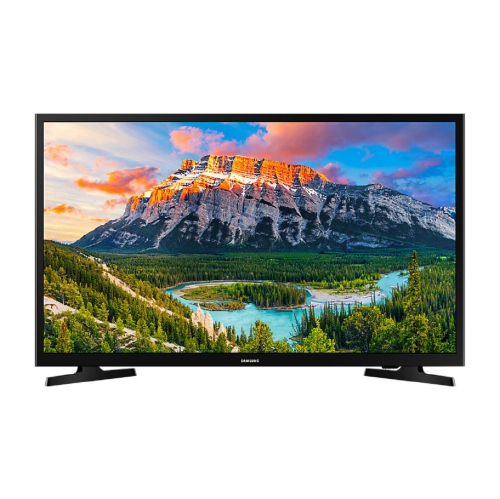
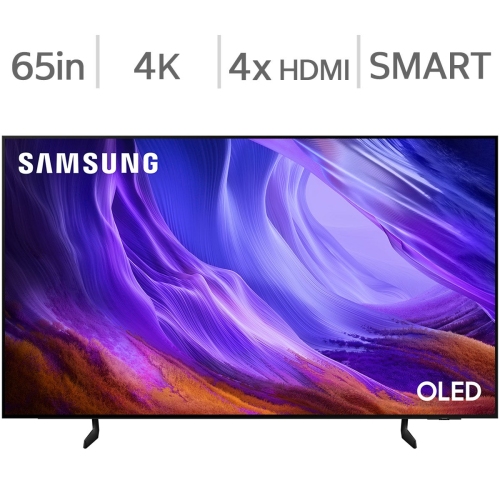
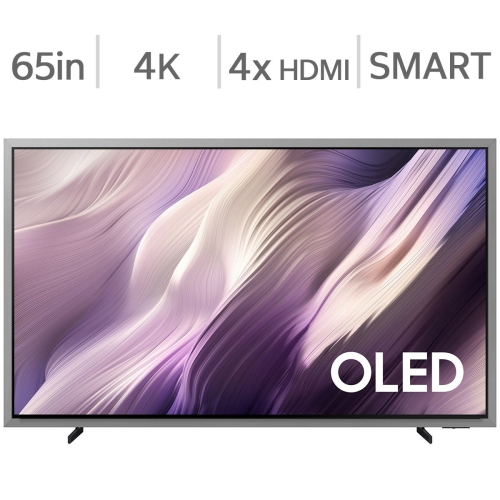
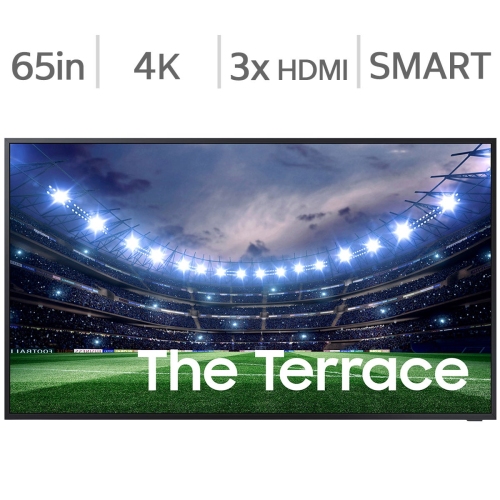
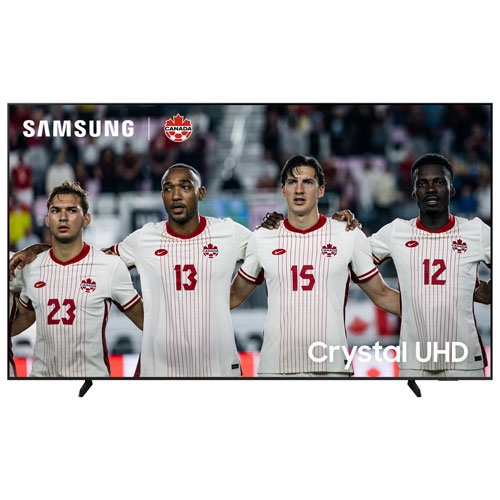
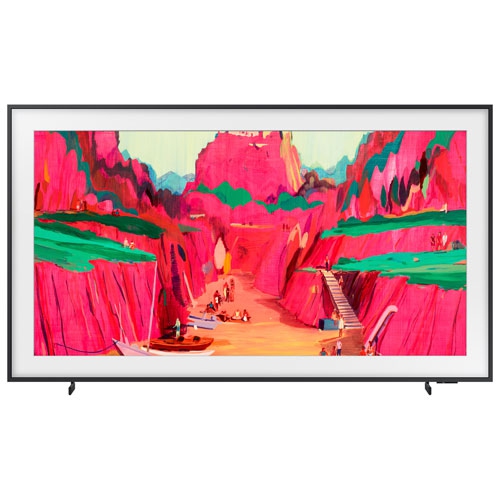
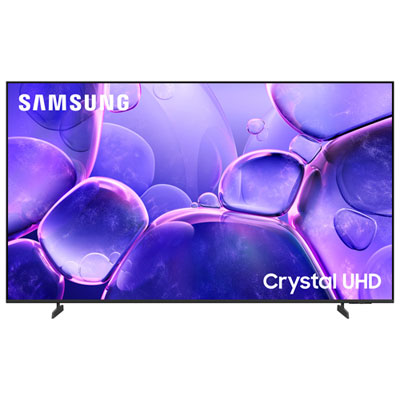
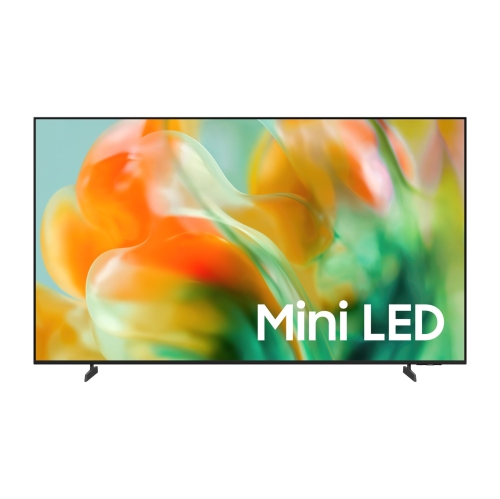
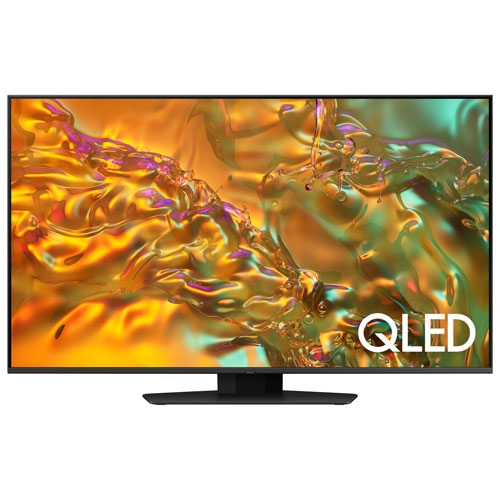
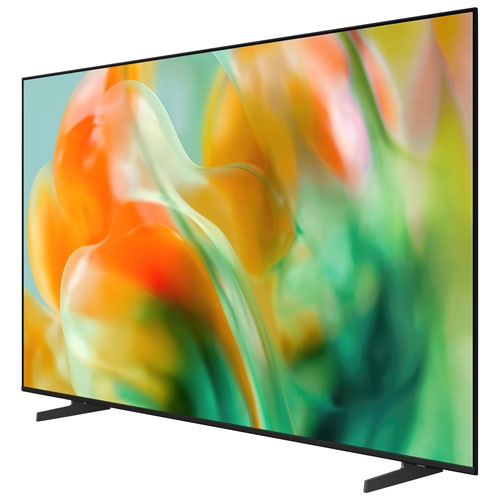
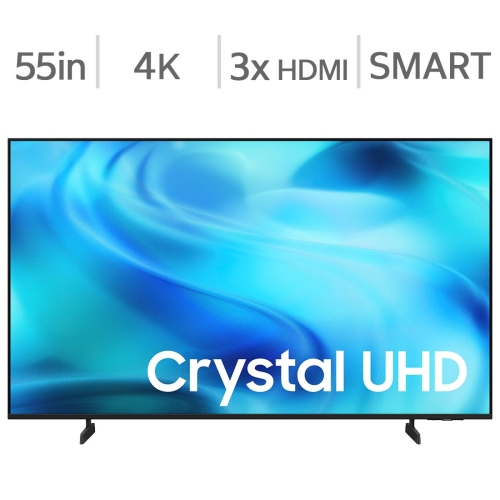
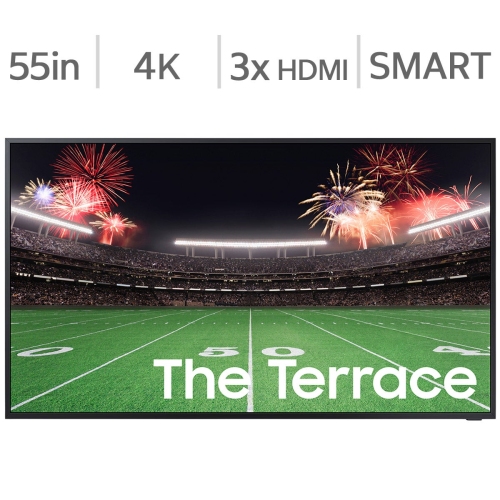
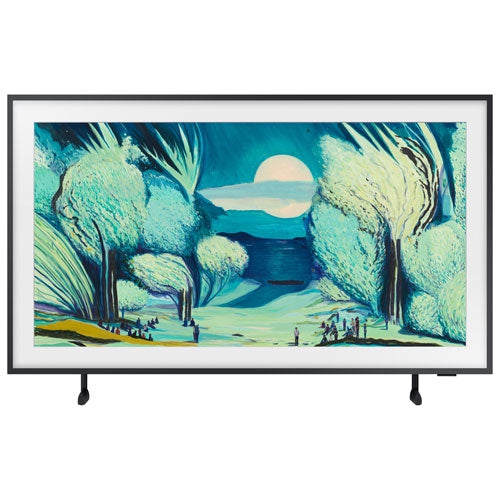
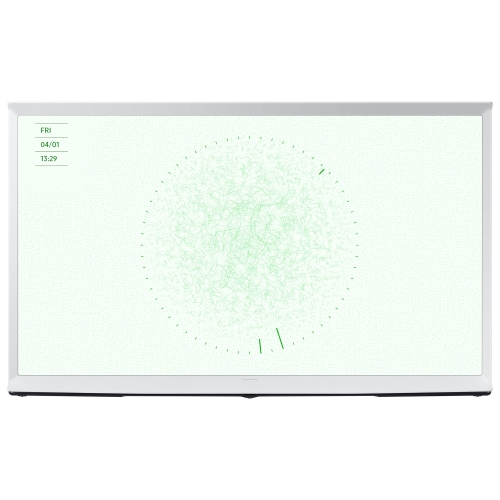
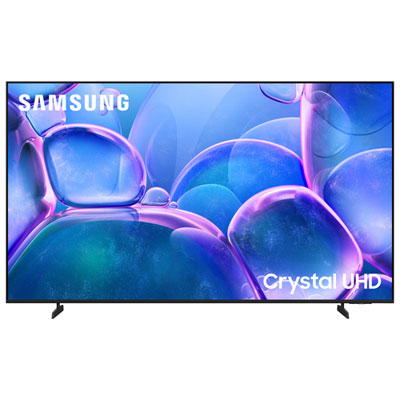
Samsung Monitor TVs bring together the everyday usefulness of a computer monitor and the convenience of a smart TV in one streamlined display. Designed for people who want more from a screen than a traditional desktop monitor can offer, these hybrid displays can support work, streaming, video calls, browsing and casual entertainment without requiring a separate television in the room. Many models include built-in smart platforms with access to popular streaming services, online videos and free, ad-supported channels, allowing you to enjoy content without connecting a computer or external media player. They may also provide access to productivity tools such as Microsoft 365, remote desktop features and wireless screen sharing, making it possible to check email, edit documents or join a meeting directly from the display. Since these products are monitors first and smart TVs second in some respects, it is important to understand that they generally do not include a traditional coaxial TV tuner. If your viewing plans depend on an over-the-air antenna or a cable connection through coaxial input, check the specifications carefully and consider whether a streaming service, set-top box or other external source will be needed. For many homes, apartments, dorm rooms and smaller offices, that distinction is less important than the convenience of having one screen serve several purposes. A display on a bedroom dresser can handle morning news and a laptop presentation, while a screen on a compact desk can shift from a spreadsheet during the day to a film or playlist in the evening. The clean, minimal setup is especially useful where space is limited or where you would rather avoid filling a room with multiple screens and accessories.
Screen size is one of the first decisions to make, and the best choice depends on viewing distance, desk depth and how you plan to use the display. A smaller screen can fit comfortably on a standard workstation and is often a practical choice for studying, remote work or a guest room. Moving up to a larger size can make split-screen work easier, provide more room for timelines and dashboards, and create a more enjoyable viewing experience from a sofa or bed. Resolution matters as well: a 4K UHD display can show fine text and detailed images with a sharper appearance, which is helpful when working with large spreadsheets, editing photos or sitting close to the screen. Consider the panel type, brightness and viewing angles if the display will be used in a room with changing light. A matte or low-reflection finish may be easier to view near a window, while strong brightness and accurate colour can be useful for creative work and entertainment. Connectivity is another important part of the decision. Look for the ports and wireless features that match your existing equipment, including HDMI for consoles and media players, USB connections for accessories, and wireless options for casting or pairing compatible devices. Built-in speakers can keep a simple setup uncluttered, although an external soundbar, headphones or speakers may be preferable for fuller audio. Some models can also act as a hub for compatible smart home devices and support voice control, while higher-end options may include image processing that improves clarity or optimizes picture settings. These features vary by model, so comparing the specifications is worthwhile, particularly if you expect to use the display for several hours each day.
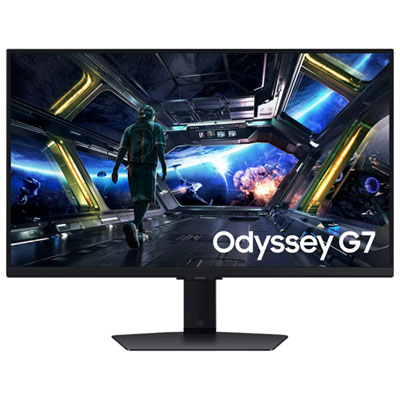
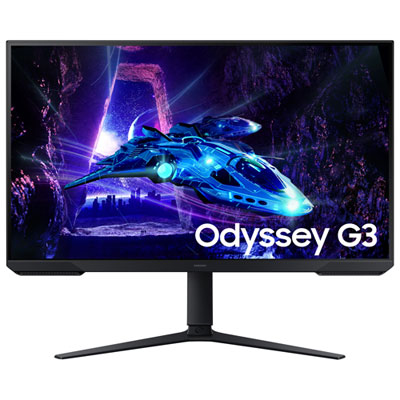
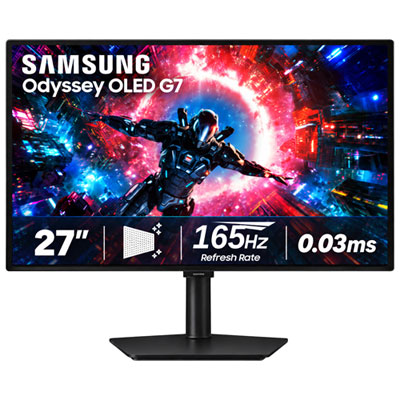
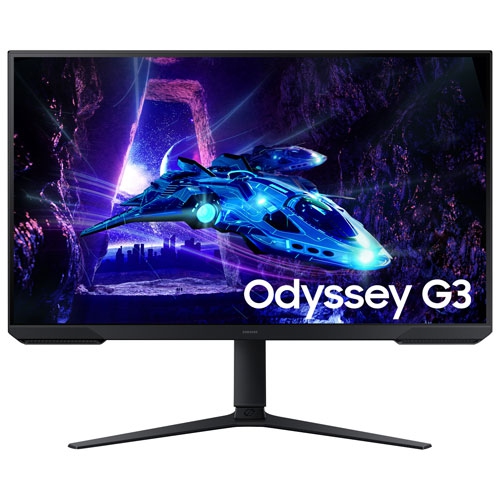
The right Samsung Monitor TV can suit a wide range of users, from students balancing coursework and streaming in a small room to professionals who want a flexible home office display that does not feel like a dedicated business monitor after work. It can be a thoughtful gift for someone moving into a first apartment, setting up a hybrid-work space or refreshing a multipurpose family room, especially when a single device can replace the need for separate work and entertainment screens. Gamers may appreciate a large, detailed display with responsive performance, smooth motion and the right connection options for a console or gaming computer; those looking for a more dedicated gaming setup can also explore Samsung Gaming Monitors. For movie and series fans, built-in streaming apps make it easy to settle in during the cooler months without turning on a computer, while remote workers can move from a video call to a presentation or a favourite show with minimal changes to the setup. Before choosing, measure the available surface or wall space, confirm that the stand will fit, and think about whether the screen will be viewed head-on or from different parts of the room. It is also helpful to consider the operating system and app support, since a familiar interface can make daily use feel more natural. A model with a simple remote, intuitive menus and reliable wireless connectivity may be preferable for shared spaces, while a display with stronger multitasking and colour features may be better suited to an office or creative workstation. By matching size, resolution, connectivity, smart features and intended use, you can choose a versatile display that feels equally at home beside a keyboard, on a media console or in a compact room where every piece of technology needs to earn its space.
Screen size is one of the first decisions to make, and the best choice depends on viewing distance, desk depth and how you plan to use the display. A smaller screen can fit comfortably on a standard workstation and is often a practical choice for studying, remote work or a guest room. Moving up to a larger size can make split-screen work easier, provide more room for timelines and dashboards, and create a more enjoyable viewing experience from a sofa or bed. Resolution matters as well: a 4K UHD display can show fine text and detailed images with a sharper appearance, which is helpful when working with large spreadsheets, editing photos or sitting close to the screen. Consider the panel type, brightness and viewing angles if the display will be used in a room with changing light. A matte or low-reflection finish may be easier to view near a window, while strong brightness and accurate colour can be useful for creative work and entertainment. Connectivity is another important part of the decision. Look for the ports and wireless features that match your existing equipment, including HDMI for consoles and media players, USB connections for accessories, and wireless options for casting or pairing compatible devices. Built-in speakers can keep a simple setup uncluttered, although an external soundbar, headphones or speakers may be preferable for fuller audio. Some models can also act as a hub for compatible smart home devices and support voice control, while higher-end options may include image processing that improves clarity or optimizes picture settings. These features vary by model, so comparing the specifications is worthwhile, particularly if you expect to use the display for several hours each day.
The right Samsung Monitor TV can suit a wide range of users, from students balancing coursework and streaming in a small room to professionals who want a flexible home office display that does not feel like a dedicated business monitor after work. It can be a thoughtful gift for someone moving into a first apartment, setting up a hybrid-work space or refreshing a multipurpose family room, especially when a single device can replace the need for separate work and entertainment screens. Gamers may appreciate a large, detailed display with responsive performance, smooth motion and the right connection options for a console or gaming computer; those looking for a more dedicated gaming setup can also explore Samsung Gaming Monitors. For movie and series fans, built-in streaming apps make it easy to settle in during the cooler months without turning on a computer, while remote workers can move from a video call to a presentation or a favourite show with minimal changes to the setup. Before choosing, measure the available surface or wall space, confirm that the stand will fit, and think about whether the screen will be viewed head-on or from different parts of the room. It is also helpful to consider the operating system and app support, since a familiar interface can make daily use feel more natural. A model with a simple remote, intuitive menus and reliable wireless connectivity may be preferable for shared spaces, while a display with stronger multitasking and colour features may be better suited to an office or creative workstation. By matching size, resolution, connectivity, smart features and intended use, you can choose a versatile display that feels equally at home beside a keyboard, on a media console or in a compact room where every piece of technology needs to earn its space.
Top selling and popular products
-
 Your price for this item is $299
 -
 Your price for this item is $469
 -
 Your price for this item is $149.99
 -
 Your price for this item is $329.99
 -
 Your price for this item is $499
 -
 Your price for this item is $199.99
 -
 Your price for this item is $249.99
 -
 Your price for this item is $569.99
Discover more categories related to Samsung Monitor TVs
Top Collections:
Pokemon Centers, Best Cameras for Sports Photography, Kindle Devices, Samsung Galaxy Phones, Canon G7X Cameras, Pokémon 30th Celebration Cards, Refurbished Apple Laptops, iPhone 15 Apple, Laptops for Students, Budget Smartphones
Some products may be subject to Environmental Handling Fees
(EHF) depending on your province.
Learn more about EHFs.