Samsung TV Monitors 32 Inch
Samsung's TV monitors are some of the best in the business. They're big and bright, with great contrast and color quality, and they can be controlled from your couch using a remote or smartphone app. Here are some of the best 32" Samsung TV monitors available today.
Sort
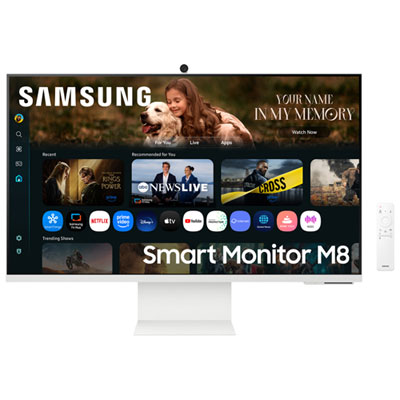
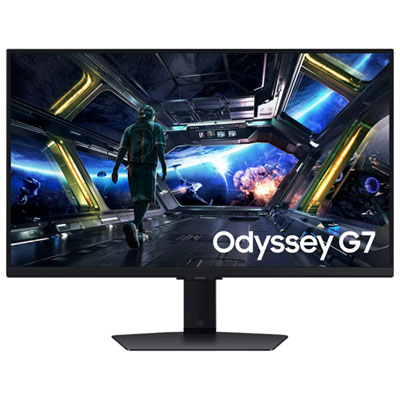
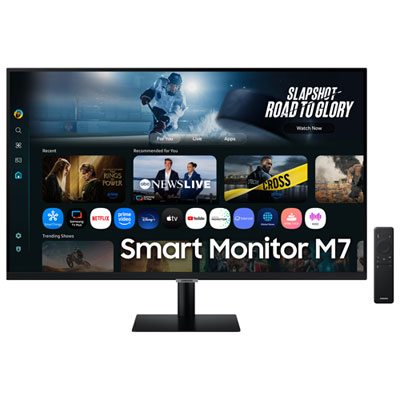
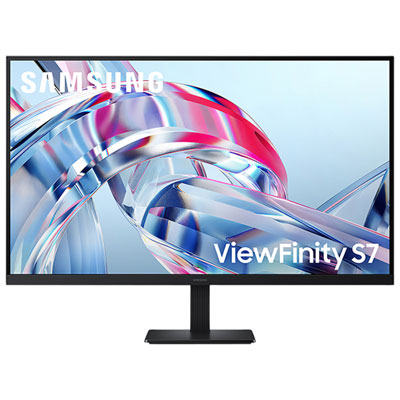
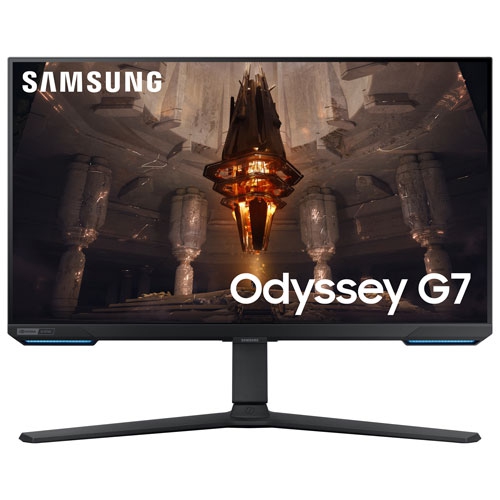
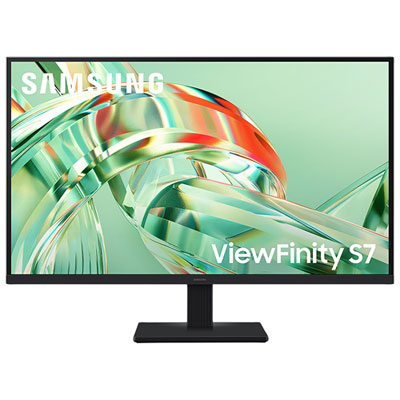
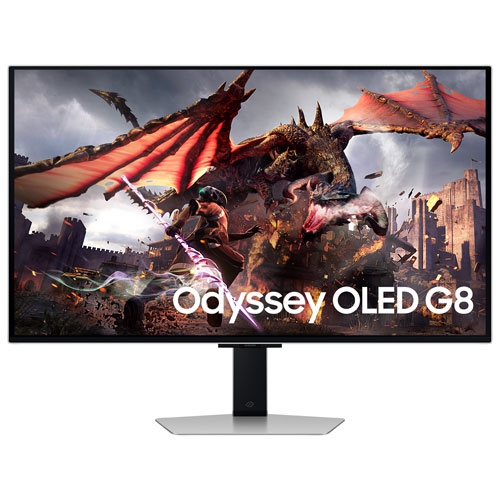
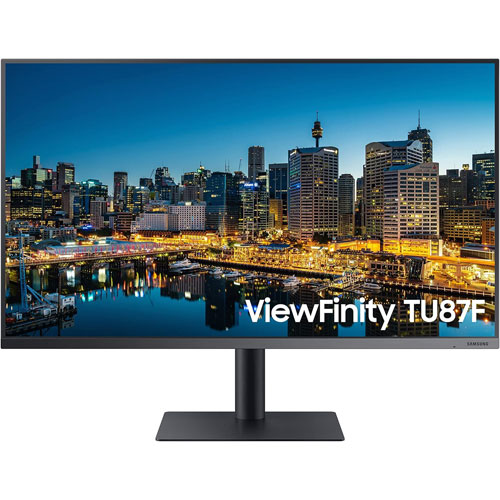

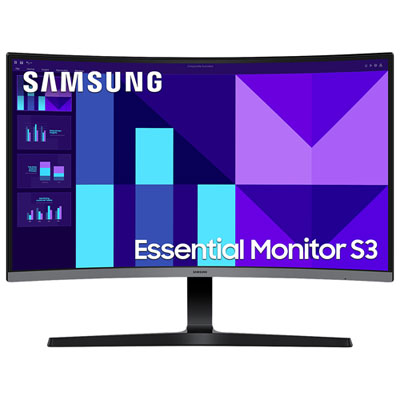
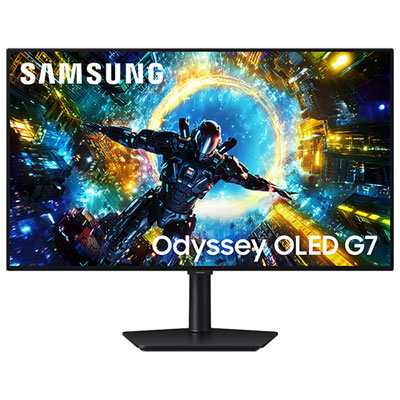
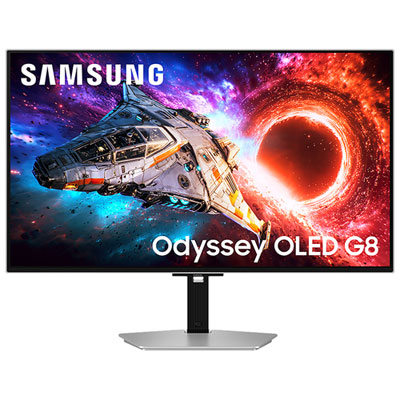
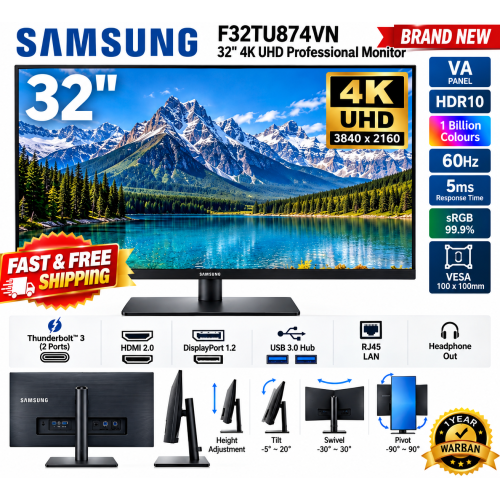
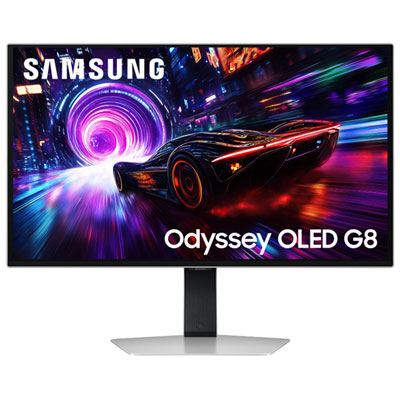
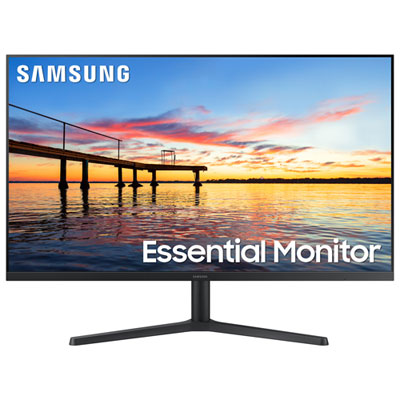
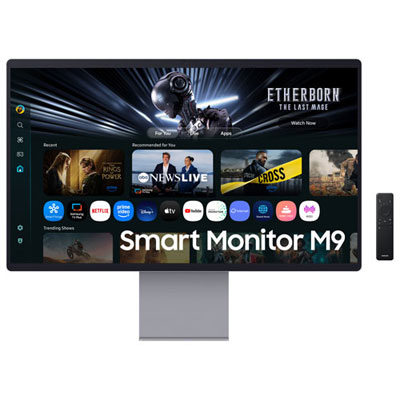
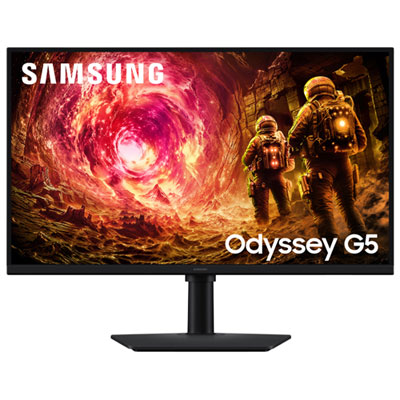
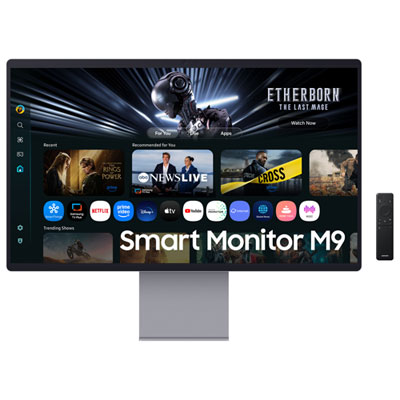
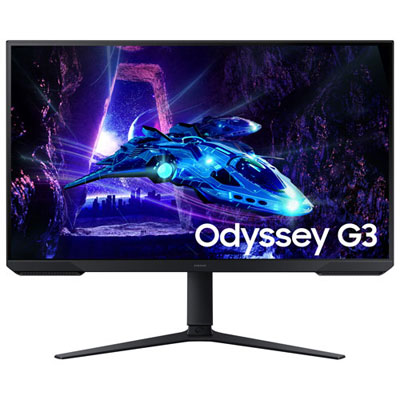
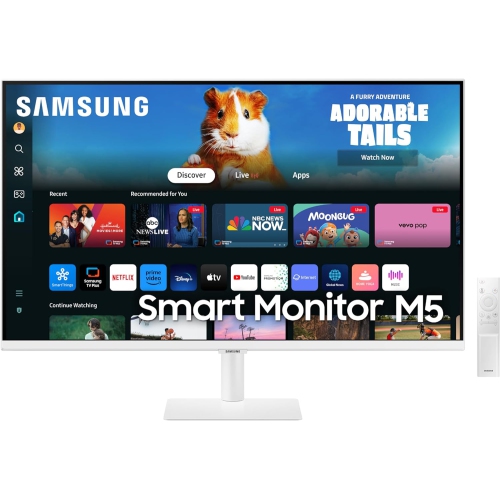
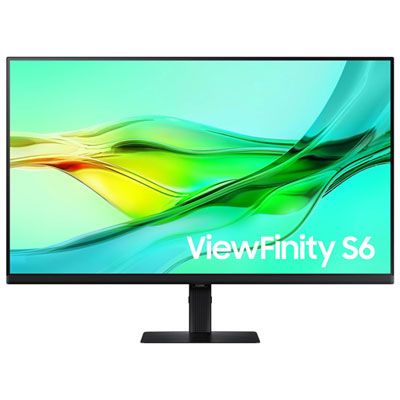
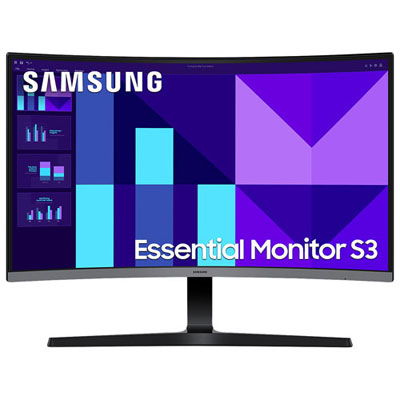
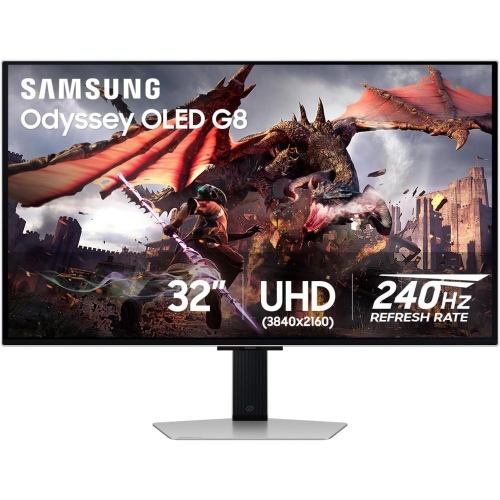
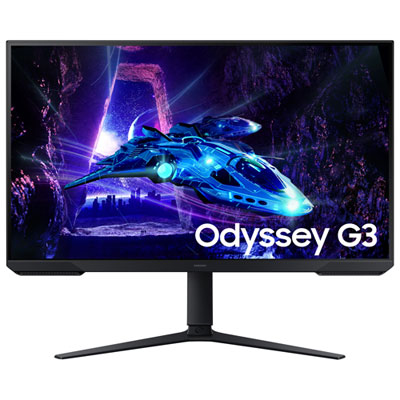

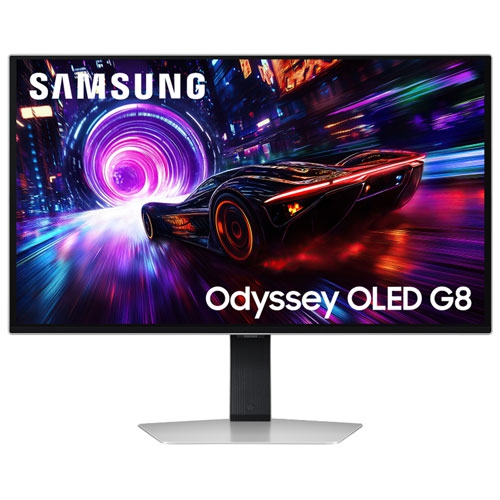
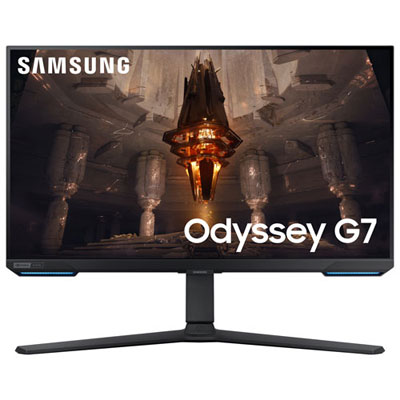
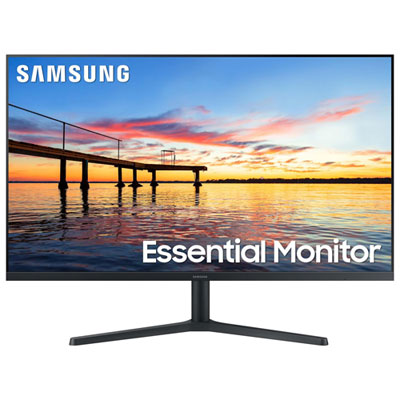
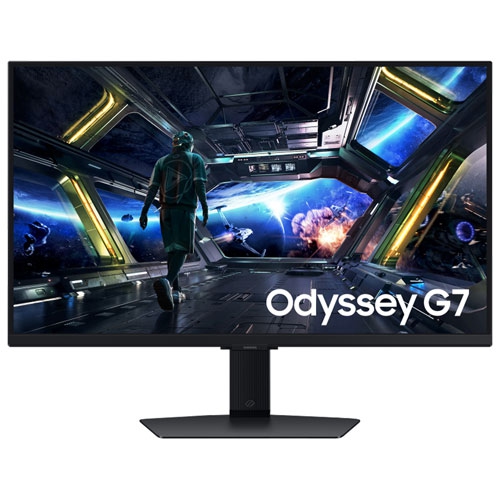
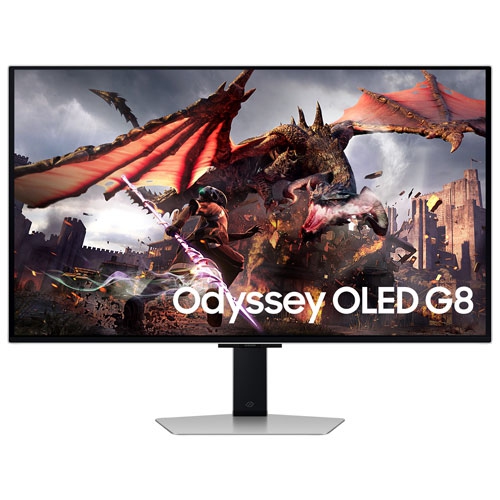
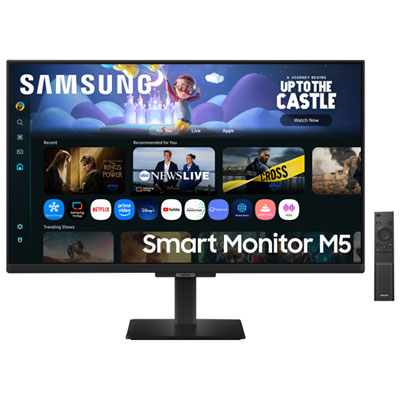
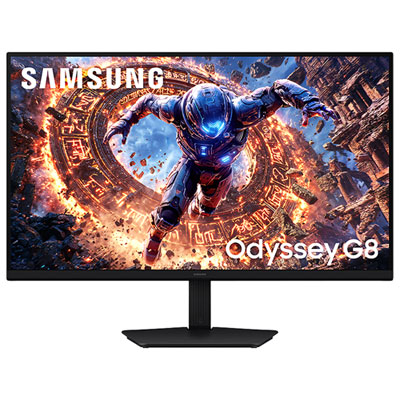
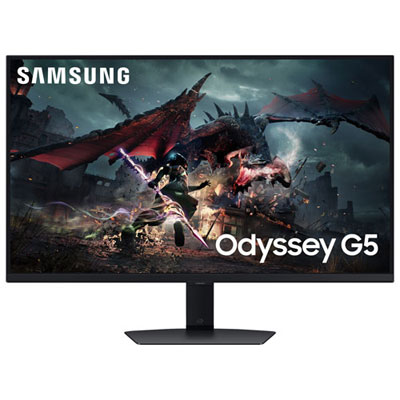
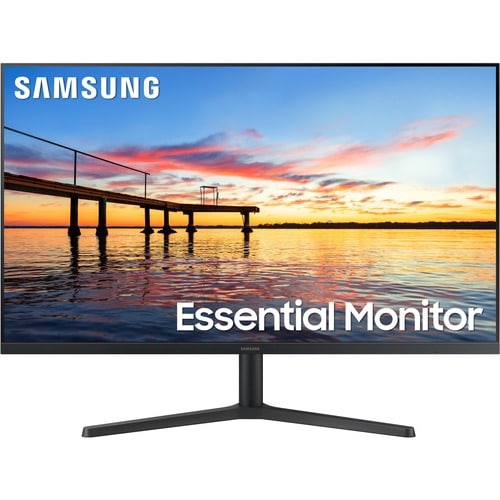
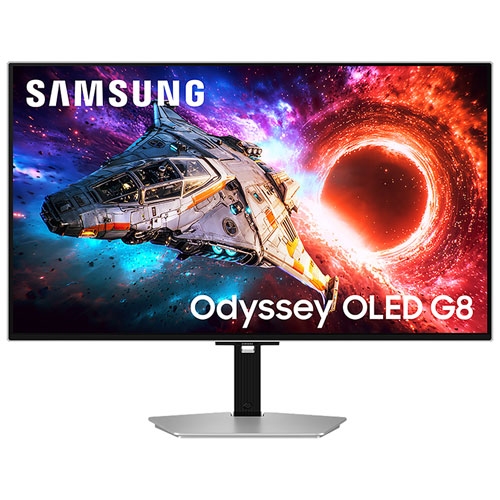
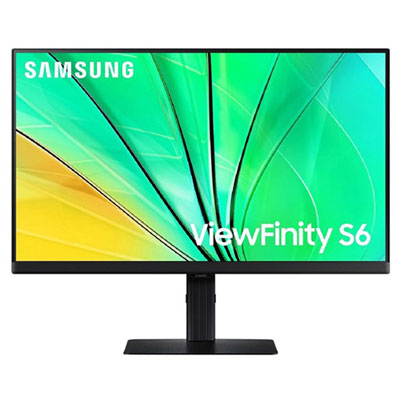
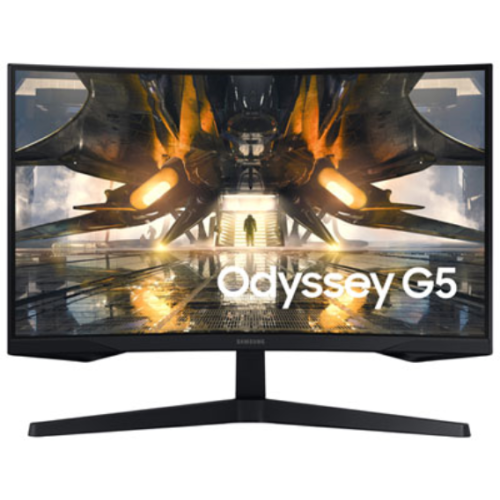

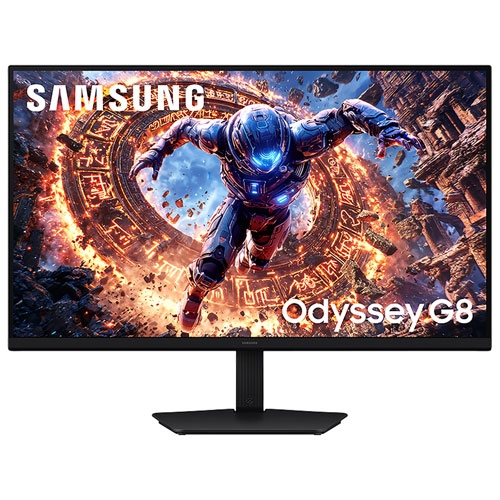
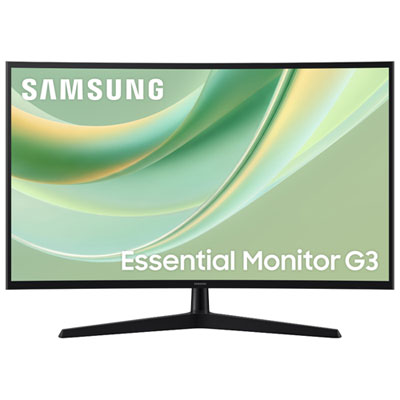
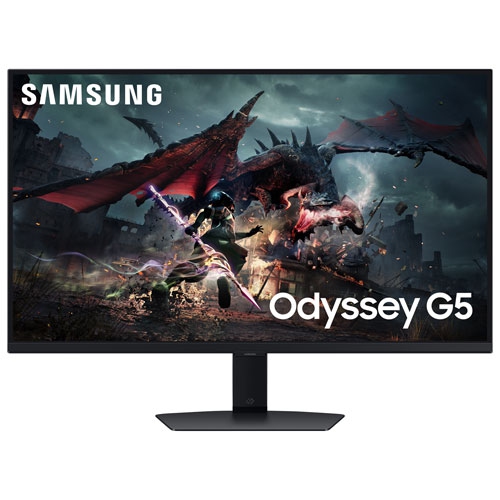
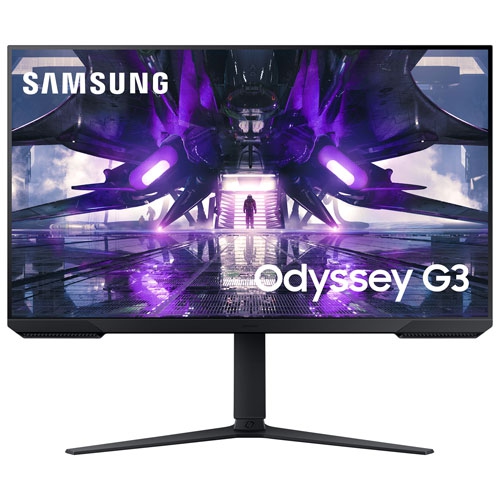
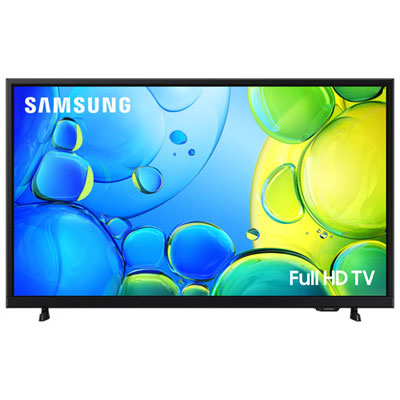
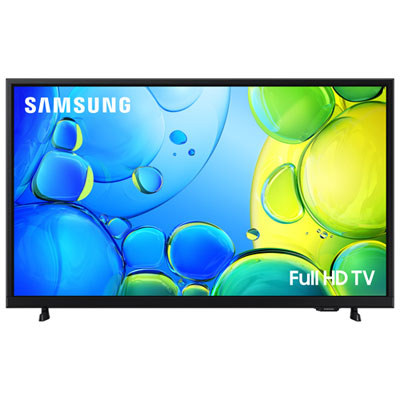
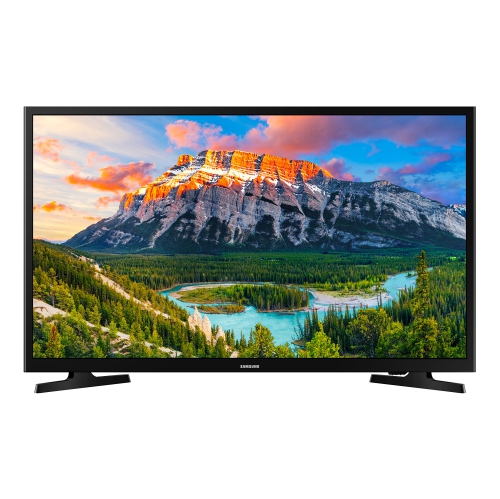
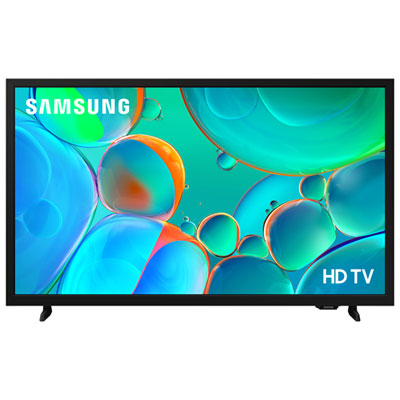

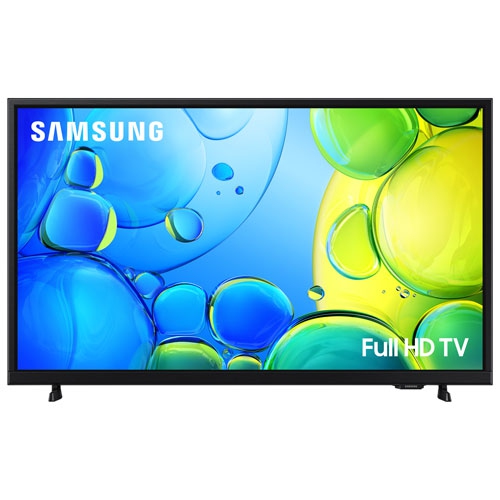
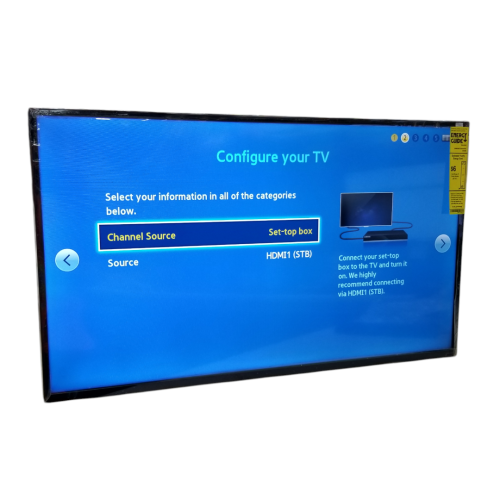
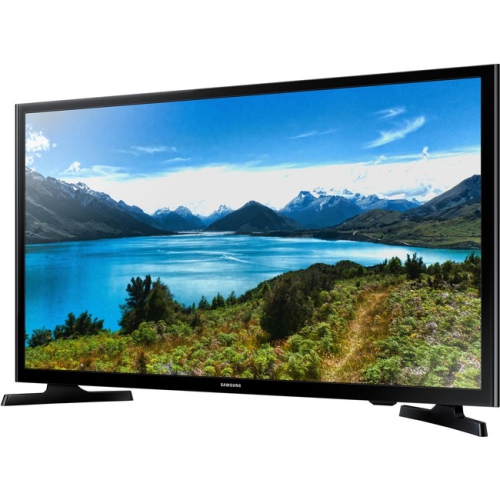

One screen for spreadsheets by day and streaming later
32-inch TV monitors bring computer viewing and entertainment together on a screen that suits a desk, bedroom, study, or compact living space. Within this category, smart monitors combine the connections expected of a computer display with built-in access to streaming apps on supported models. That means a compatible display can show a laptop’s spreadsheets during the day and play a series later without keeping the computer connected. The distinction between a smart monitor and a television matters, though: built-in apps do not necessarily mean a display has a television tuner for receiving over-the-air broadcasts through an antenna. App support, account requirements, internet connectivity, and broadcast capabilities vary, so those details help establish whether a screen fits the way it will be used. The wider range of Samsung Monitor TVs provides context for this combination of desktop display functions and TV-style viewing. A 32-inch screen size refers to the diagonal measurement, not the width of the cabinet, and the actual space required also includes the frame and stand. On a sufficiently deep desk, this size can leave room for two documents side by side, a video call beside meeting notes, or a larger view of a creative project. Across a small room, it can serve as a personal entertainment screen without taking up the wall space of a much larger television. Students, remote workers, and people setting up a multipurpose room may appreciate having one display handle several routines. It can also make a practical gift for someone furnishing a first apartment or building a home office, provided the connections and dimensions match their setup. The most useful fit comes from matching the screen’s role to the room: close-up reading places different demands on a display than watching films from a bed or armchair, even when both activities happen on the same screen.
Picture quality at 32 inches depends on more than screen size. Resolution influences how clearly text, icons, and fine details appear, especially at typical desk distances. Full HD can suit casual viewing, while a higher-resolution panel can offer sharper text and more detailed images when the connected computer and content support it. The extra detail of a 4K display may be particularly helpful for photo work or keeping several windows visible, although operating-system scaling often needs adjustment to make menus and lettering comfortable to read. Panel type, brightness, contrast, and viewing angles also affect the experience. A screen viewed straight on from a desk has different demands from one shared by people sitting at either end of a sofa. Surface finishes matter as well: an anti-glare treatment can soften distracting reflections, but positioning the display away from a window or an exposed lamp remains important. For films and games, support for high dynamic range is only part of the picture; brightness and contrast influence how convincingly bright highlights and shadow detail are displayed. Refresh rate and response time deserve attention when fast movement is a priority. A screen intended mainly for documents and streaming may not offer the same motion handling as a display designed for demanding gaming. Console users also need compatible inputs and supported resolutions and refresh rates, rather than assuming every HDMI connection provides identical capabilities. Sound is another everyday consideration. Built-in speakers, where included, simplify a small setup and can handle dialogue, video calls, and casual listening. A larger room or a preference for fuller sound may call for external speakers or a compatible soundbar, making audio-output options worth checking. Headphone connectivity can be useful in shared homes, but wired and wireless support differs between displays. These details shape how naturally a TV monitor moves between work, entertainment, and gaming without repeated cable changes or adjustments.
Connections and physical fit often determine how convenient a 32-inch TV monitor feels after the initial setup. HDMI commonly carries video and audio from a computer, console, or compatible media device, while USB-C features require closer attention. A USB-C socket does not automatically support video input, laptop charging, or every accessory function. Where video and power delivery are supported, a compatible cable can reduce desk clutter, but the available charging power still needs to meet the laptop’s requirements. Wireless screen sharing can be handy for showing photos or presenting a document, although compatibility and network performance affect the experience; a wired connection is often more predictable for sustained desktop use. Built-in streaming features typically need an internet connection, and some services require separate subscriptions. Wi-Fi support can make placement easier, while a wired network connection is an option only on displays equipped for it. Beyond connectivity, cabinet and stand construction influence stability and handling. Housings commonly use moulded plastic, with stand materials varying by design; a solid, level surface and enough clearance around the base matter more than appearance alone. Check the overall width, stand depth, and height against the intended furniture, leaving usable space for a keyboard and a comfortable viewing distance. Tilt and height adjustments can improve positioning, while an arm or wall bracket requires compatible mounting holes and an appropriate weight rating. For a desk setup, keeping the upper part of the screen near eye level can help avoid looking upward for long periods. Care is straightforward but should follow the display’s instructions: switch it off, use a clean, soft microfibre cloth, and avoid spraying liquid directly onto the panel. Harsh cleaners and excessive pressure can damage screen coatings. Clear ventilation openings, supported cables, and careful handling help protect the display during everyday use and moves between rooms. In a shared household, accessible controls, readable menus, and a convenient remote can be just as valuable as technical specifications, making the transition from a work session to a relaxed evening of viewing feel simple.
Picture quality at 32 inches depends on more than screen size. Resolution influences how clearly text, icons, and fine details appear, especially at typical desk distances. Full HD can suit casual viewing, while a higher-resolution panel can offer sharper text and more detailed images when the connected computer and content support it. The extra detail of a 4K display may be particularly helpful for photo work or keeping several windows visible, although operating-system scaling often needs adjustment to make menus and lettering comfortable to read. Panel type, brightness, contrast, and viewing angles also affect the experience. A screen viewed straight on from a desk has different demands from one shared by people sitting at either end of a sofa. Surface finishes matter as well: an anti-glare treatment can soften distracting reflections, but positioning the display away from a window or an exposed lamp remains important. For films and games, support for high dynamic range is only part of the picture; brightness and contrast influence how convincingly bright highlights and shadow detail are displayed. Refresh rate and response time deserve attention when fast movement is a priority. A screen intended mainly for documents and streaming may not offer the same motion handling as a display designed for demanding gaming. Console users also need compatible inputs and supported resolutions and refresh rates, rather than assuming every HDMI connection provides identical capabilities. Sound is another everyday consideration. Built-in speakers, where included, simplify a small setup and can handle dialogue, video calls, and casual listening. A larger room or a preference for fuller sound may call for external speakers or a compatible soundbar, making audio-output options worth checking. Headphone connectivity can be useful in shared homes, but wired and wireless support differs between displays. These details shape how naturally a TV monitor moves between work, entertainment, and gaming without repeated cable changes or adjustments.
Connections and physical fit often determine how convenient a 32-inch TV monitor feels after the initial setup. HDMI commonly carries video and audio from a computer, console, or compatible media device, while USB-C features require closer attention. A USB-C socket does not automatically support video input, laptop charging, or every accessory function. Where video and power delivery are supported, a compatible cable can reduce desk clutter, but the available charging power still needs to meet the laptop’s requirements. Wireless screen sharing can be handy for showing photos or presenting a document, although compatibility and network performance affect the experience; a wired connection is often more predictable for sustained desktop use. Built-in streaming features typically need an internet connection, and some services require separate subscriptions. Wi-Fi support can make placement easier, while a wired network connection is an option only on displays equipped for it. Beyond connectivity, cabinet and stand construction influence stability and handling. Housings commonly use moulded plastic, with stand materials varying by design; a solid, level surface and enough clearance around the base matter more than appearance alone. Check the overall width, stand depth, and height against the intended furniture, leaving usable space for a keyboard and a comfortable viewing distance. Tilt and height adjustments can improve positioning, while an arm or wall bracket requires compatible mounting holes and an appropriate weight rating. For a desk setup, keeping the upper part of the screen near eye level can help avoid looking upward for long periods. Care is straightforward but should follow the display’s instructions: switch it off, use a clean, soft microfibre cloth, and avoid spraying liquid directly onto the panel. Harsh cleaners and excessive pressure can damage screen coatings. Clear ventilation openings, supported cables, and careful handling help protect the display during everyday use and moves between rooms. In a shared household, accessible controls, readable menus, and a convenient remote can be just as valuable as technical specifications, making the transition from a work session to a relaxed evening of viewing feel simple.
Top selling and popular products
-
 Your price for this item is $299
 -
 Your price for this item is $469
 -
 Your price for this item is $149.99
 -
 Your price for this item is $329.99
 -
 Your price for this item is $499
 -
 Your price for this item is $199.99
 -
 Your price for this item is $249.99
 -
 Your price for this item is $569.99
Discover more categories related to Samsung TV Monitors 32 Inch
Top Collections:
Pokemon Centers, Best Cameras for Sports Photography, Kindle Devices, Samsung Galaxy Phones, Canon G7X Cameras, Pokémon 30th Celebration Cards, Refurbished Apple Laptops, iPhone 15 Apple, Laptops for Students, Budget Smartphones
Some products may be subject to Environmental Handling Fees
(EHF) depending on your province.
Learn more about EHFs.