USB Hub for External Drives
Upgrade your workstation and streamline your data management with a USB Hub for External Drives. Designed to help you connect multiple storage devices to your computer or laptop, these hubs make it easy to expand your connectivity options and keep all your files within reach. Whether you’re transferring photos, backing up important documents, or managing large media libraries, a USB Hub for External Drives offers the convenience and flexibility needed for efficient workflow. Discover solutions that fit both home and office setups, ensuring seamless integration with your existing technology.
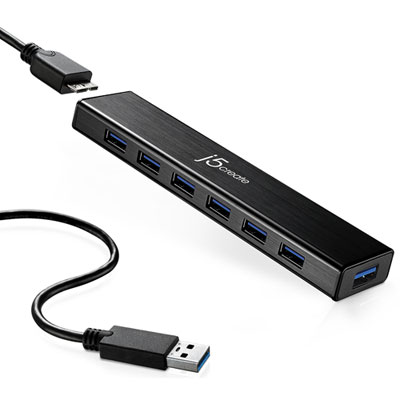
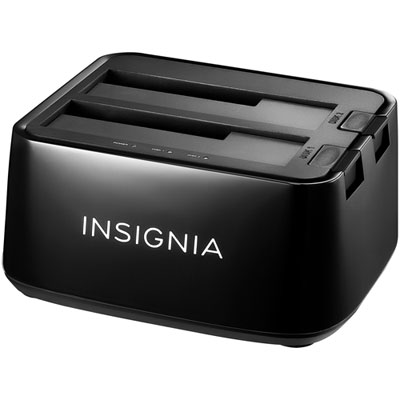
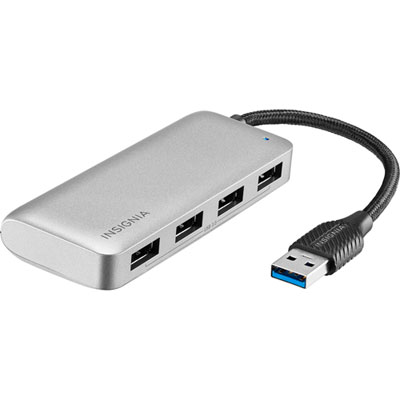
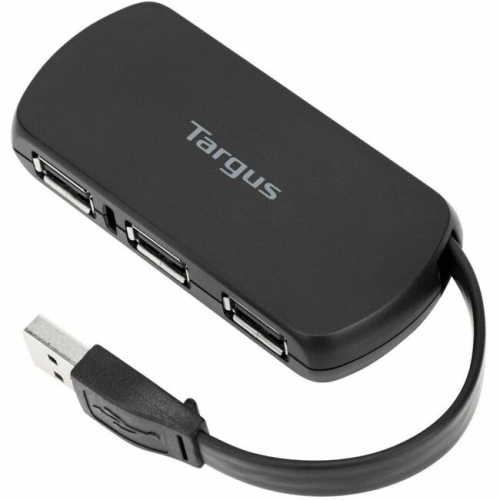
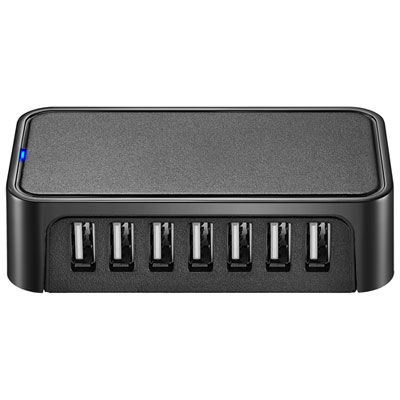
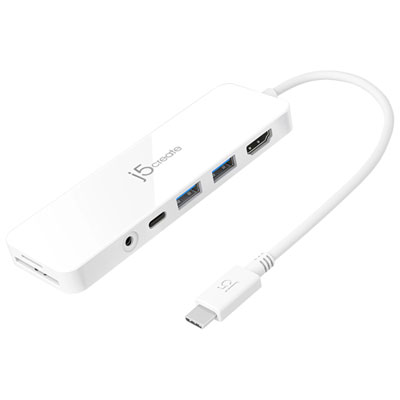
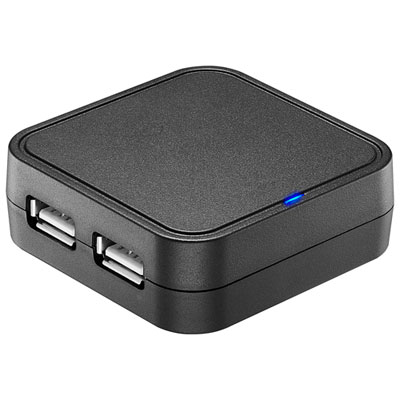
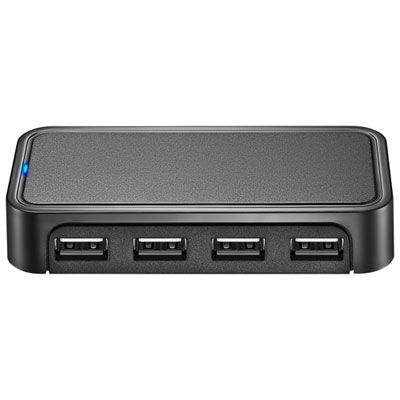
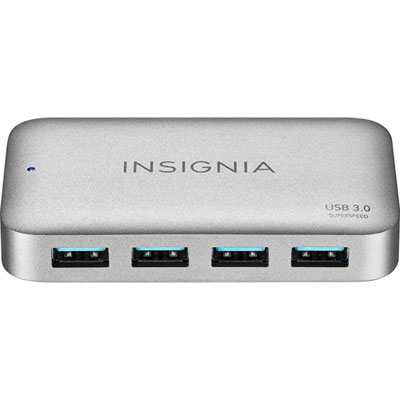
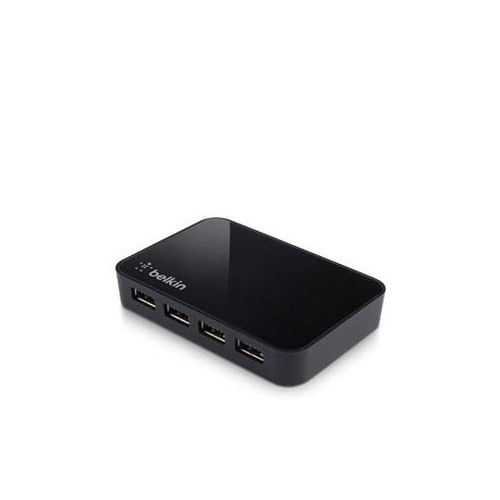
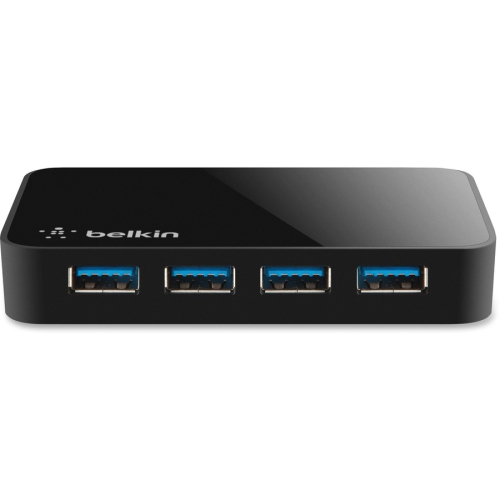
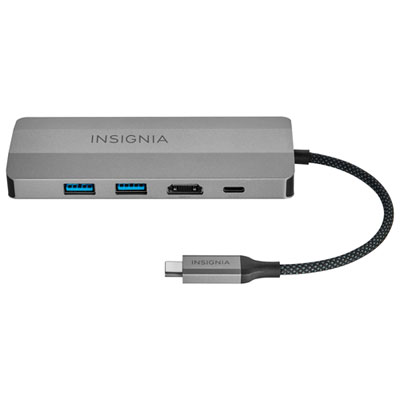
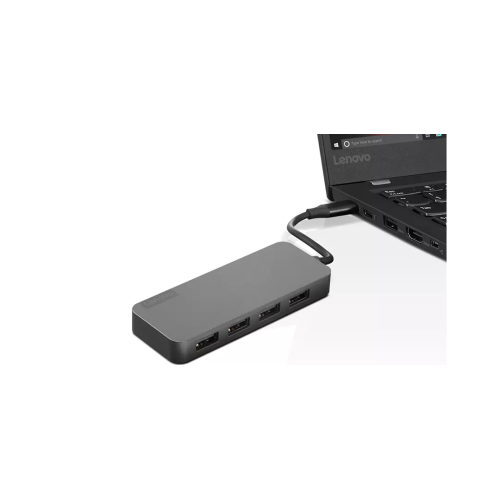
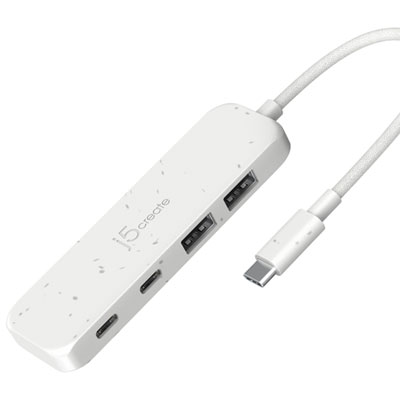
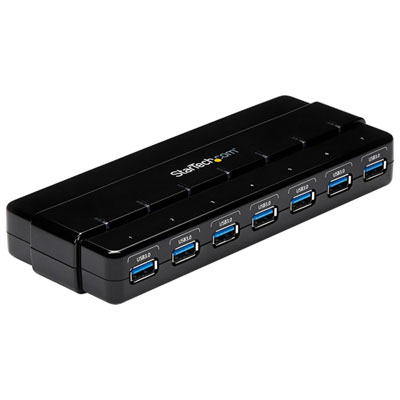
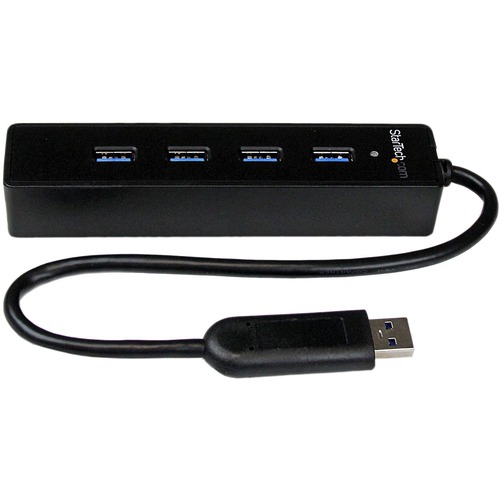
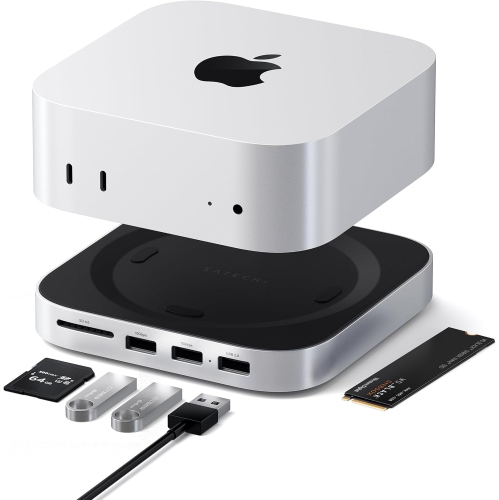
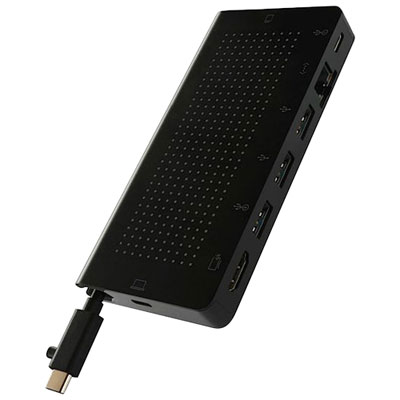
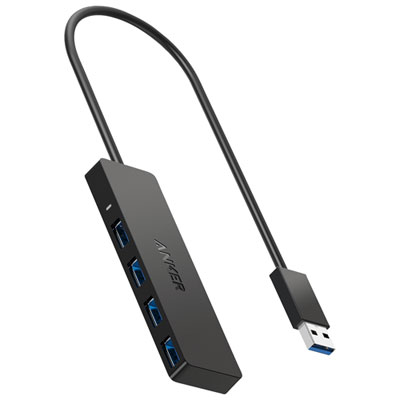
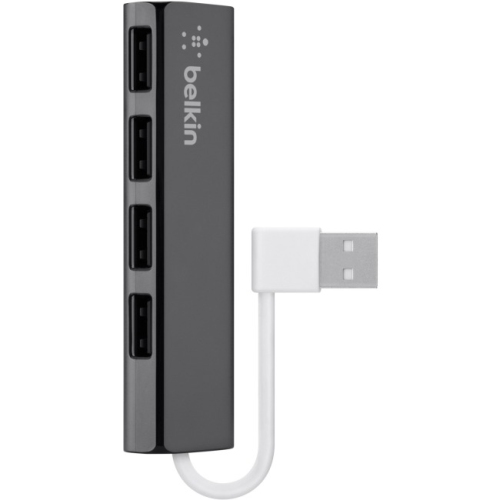
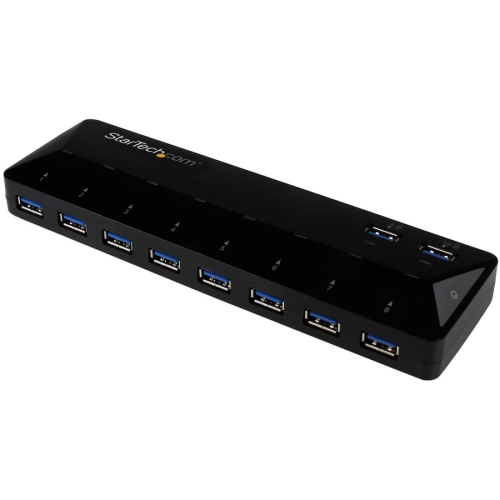
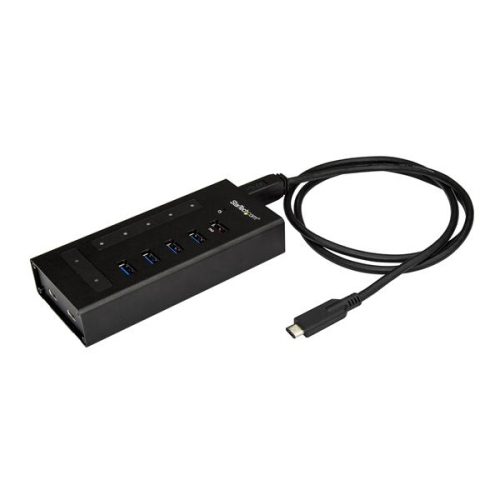
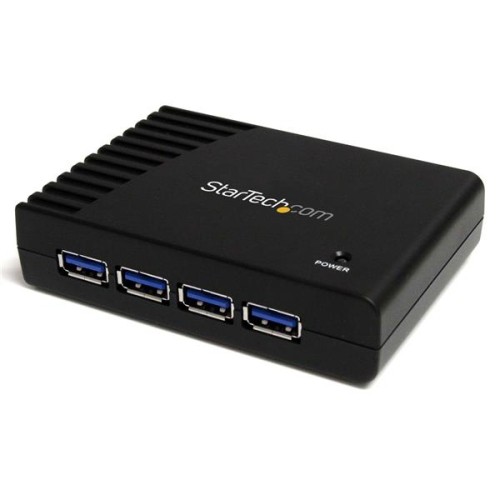
USB Hub for External Drives
Choosing a USB hub for external drives involves a few important considerations to ensure stable performance and fast data transfer. Powered hubs, which come with their own AC adapters, are highly recommended when connecting multiple drives, especially larger desktop hard drives that draw significant power. This ensures each device receives adequate energy, preventing unexpected disconnections or slowdowns. Look for hubs that support at least USB 3.0 or newer standards like USB 3.1 or USB 3.2, as these deliver the high speeds necessary for transferring large files between drives. Port count is another factor to keep in mind—some users may only need four ports, while others with more extensive storage needs might prefer seven or even ten ports. Features such as individual on/off switches for each port offer added convenience, letting you manage which drives are active at any given time. For those using newer laptops or desktops with USB-C ports, a hub with USB-C compatibility can provide even greater flexibility and future-proofing. These hubs aren’t just for professionals; they make thoughtful gifts for students, photographers, gamers, or anyone who values organized digital storage. Imagine gifting a university student a robust USB hub before exam season, or helping a family member finally back up years of vacation videos with ease.
Spring is often a season of renewal and organization, making it the perfect opportunity to upgrade your tech setup with a USB hub that suits your needs. Whether you’re consolidating old backups, expanding your media library, or simply looking to keep your workspace tidy, the right hub will keep all your devices connected and powered. As you browse the selection of USB hubs for external drives, consider how a dedicated, powered hub can support your workflow—especially if you regularly use multiple high-capacity drives. For those interested in exploring more options, including models with advanced features and additional ports, visit our Desktop USB Hubs page for a comprehensive look at what’s available. With the right hub, you can focus on your projects, knowing your external drives are connected securely and ready whenever inspiration strikes.
Discover more categories related to USB Hub for External Drives
-
Desktop USB Hubs
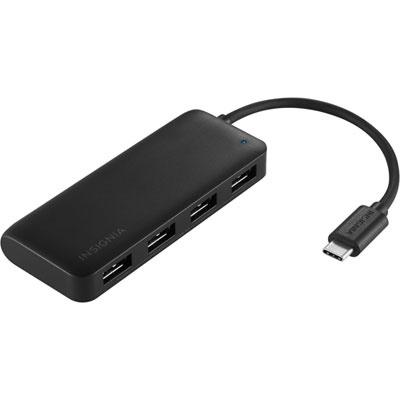
"Great product from Best Buy. This works perfect, and does exactly what it needs too"
-
Usb Ports
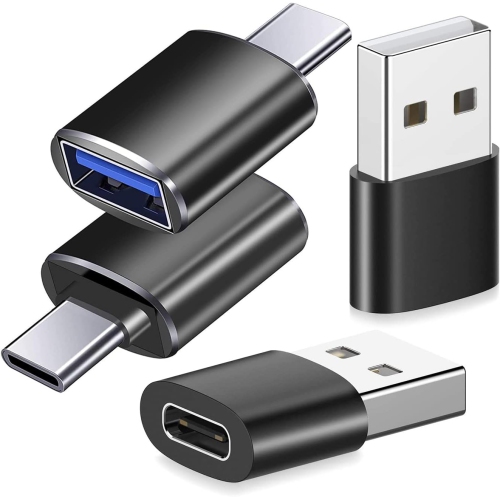
"i'm connecting my usb keyboard to my cell phone with this. it's great. on my comptuer i have two usb"
-
USB Hubs With Power Supply
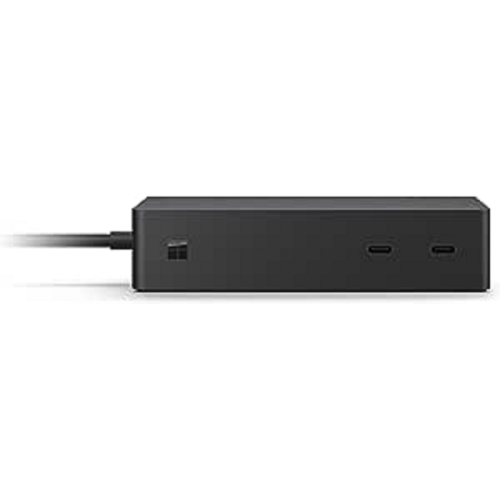
"Great dock, if you have Microsoft this works the best with them I tried other products and they would"
-
USB Port Laptop
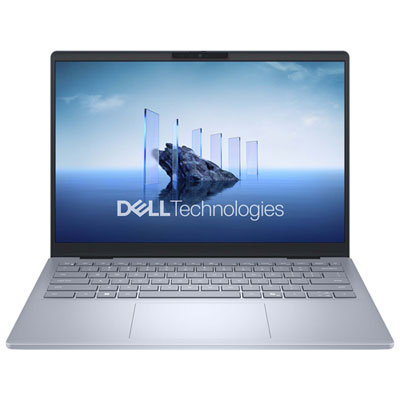
"Amazing service by Best Buy, great device for business"