Usb Ports
Looking for a convenient way to connect and charge your devices? Look no further than USB ports. These versatile little powerhouses have become an essential feature in today's tech-savvy world. Whether you need to transfer data, charge your smartphone, or connect peripherals to your computer, USB ports offer a simple and universal solution. With their widespread compatibility and ease of use, USB ports have revolutionized the way we connect and power our devices. Explore our selection of USB ports and discover the perfect solution to meet your connectivity needs.
Sort



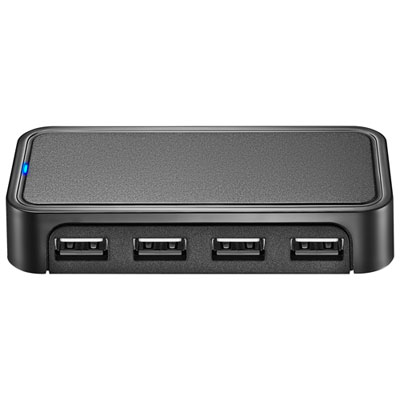
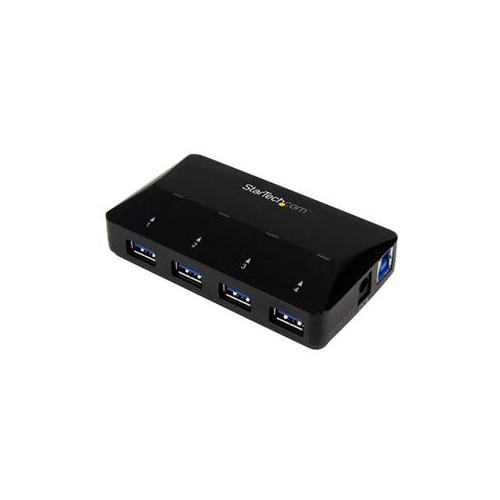












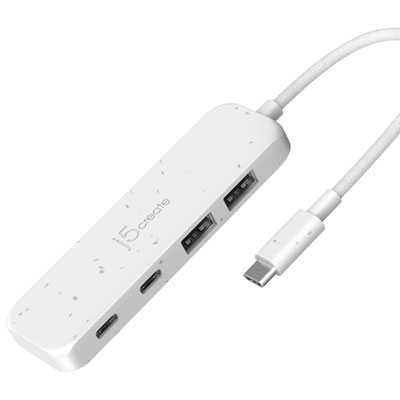
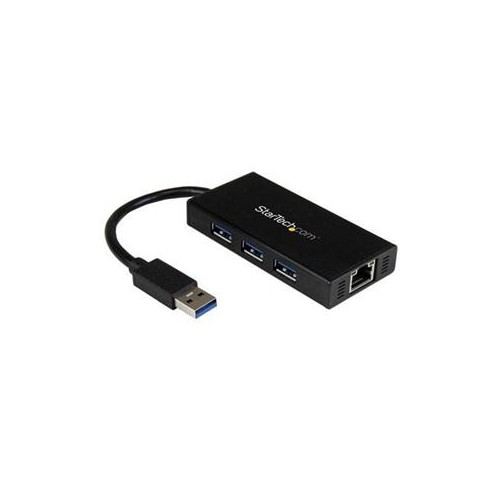
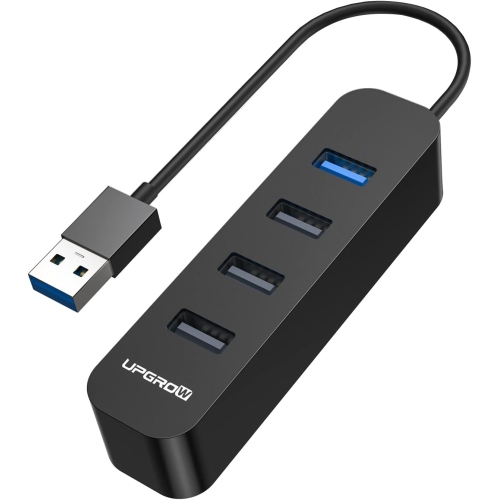
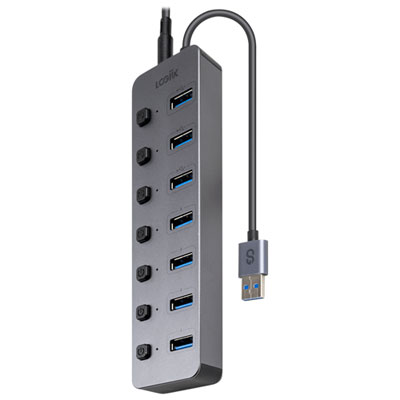

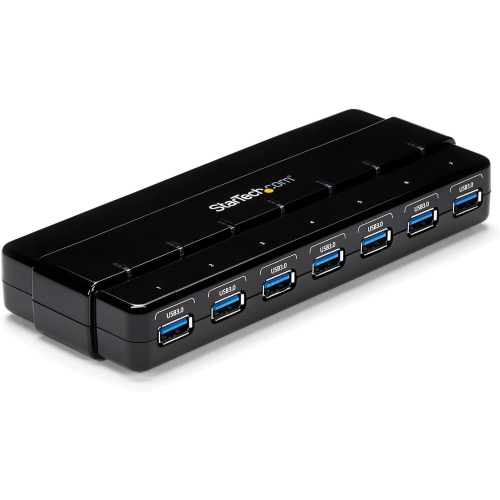
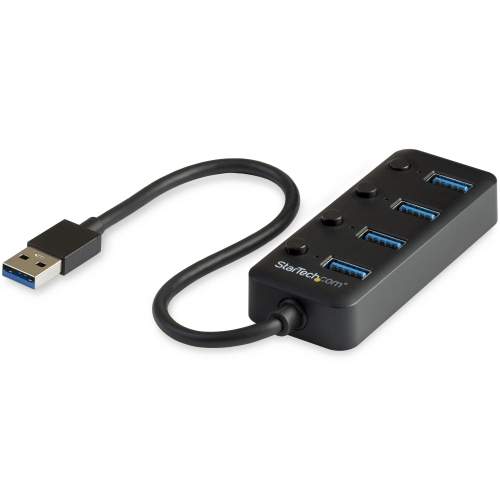
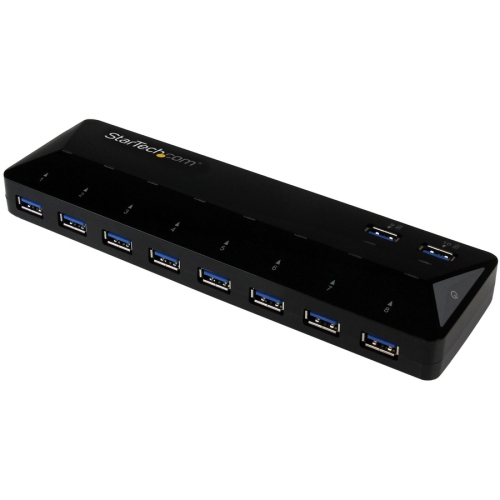
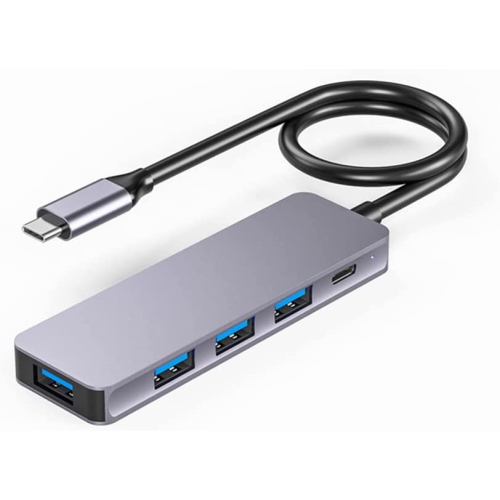
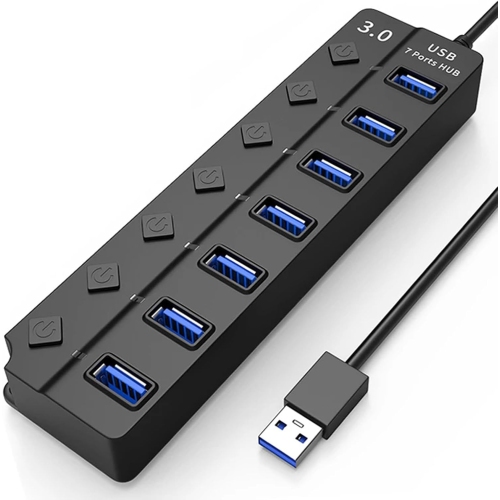
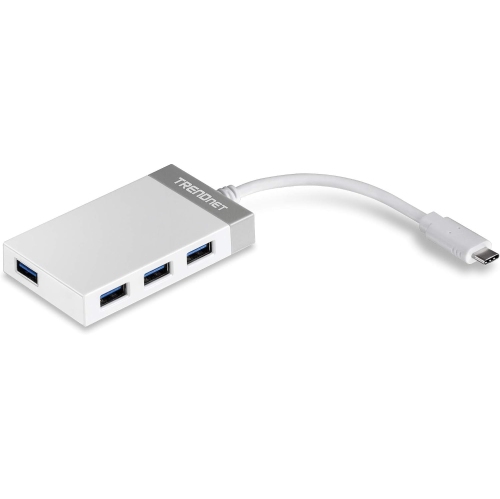
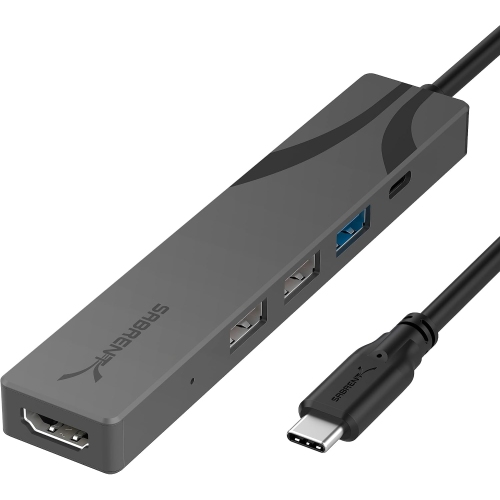
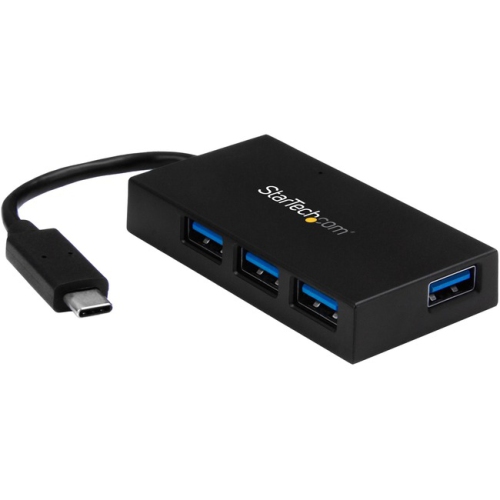








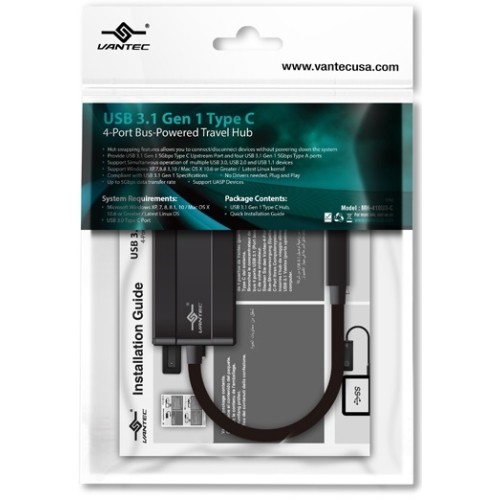
Why connector shape is only part of the story
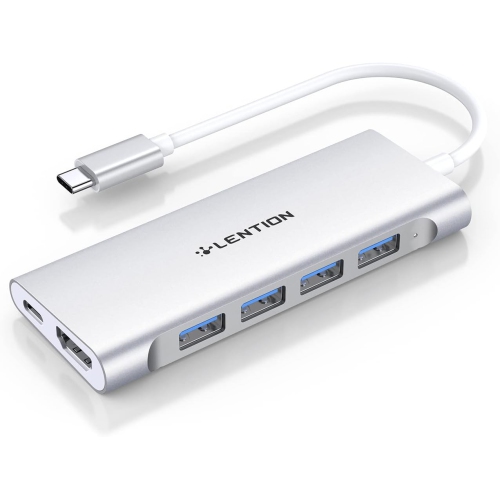
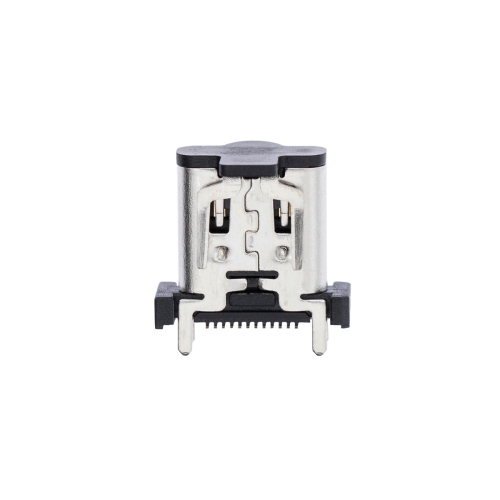
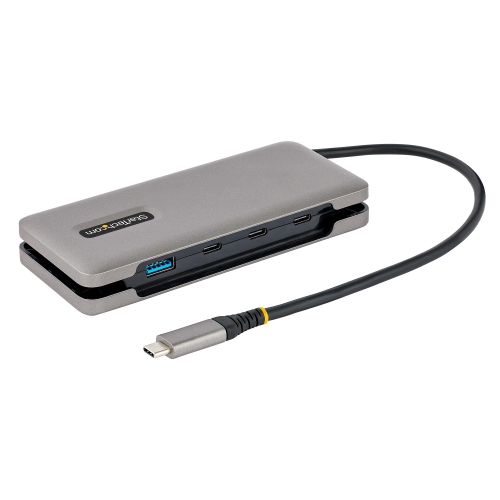
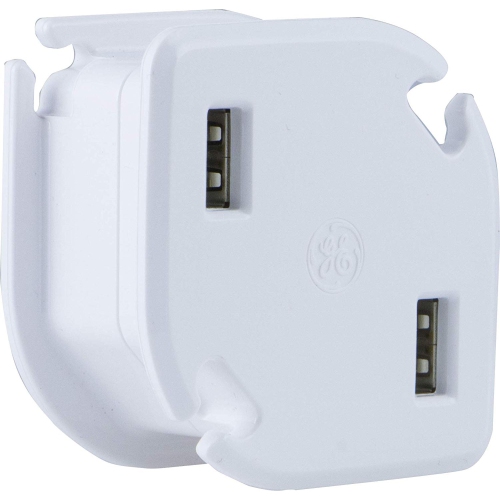
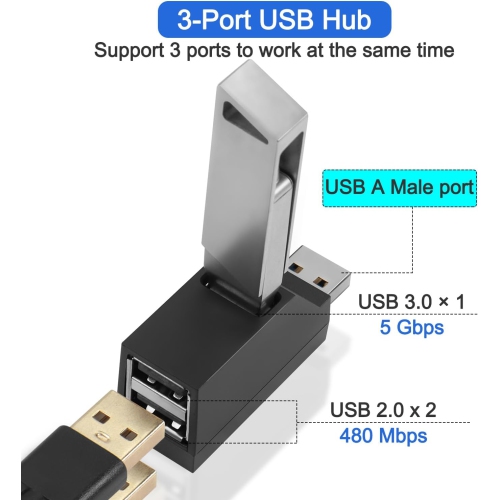
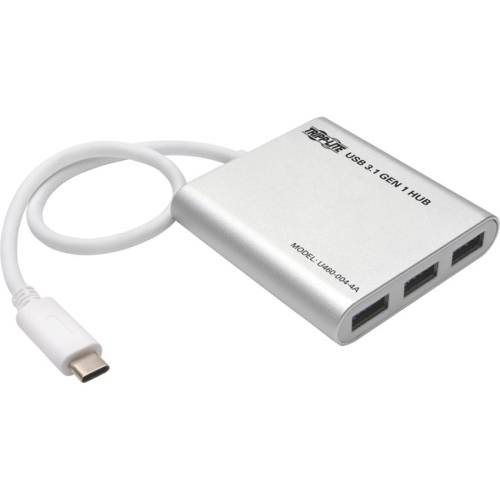
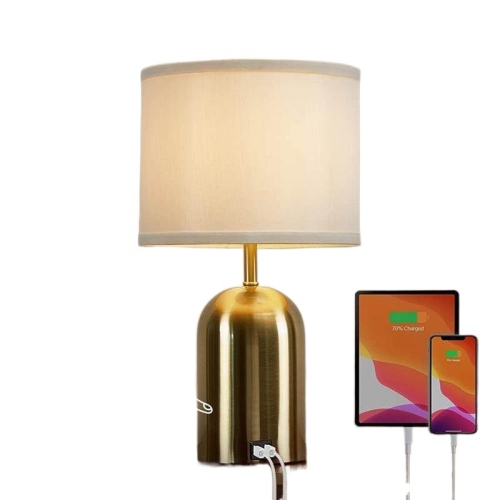
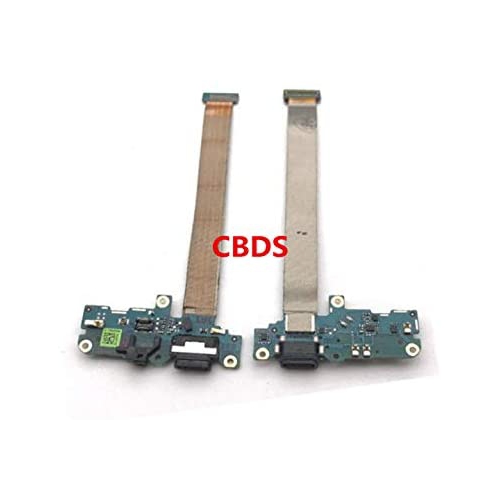
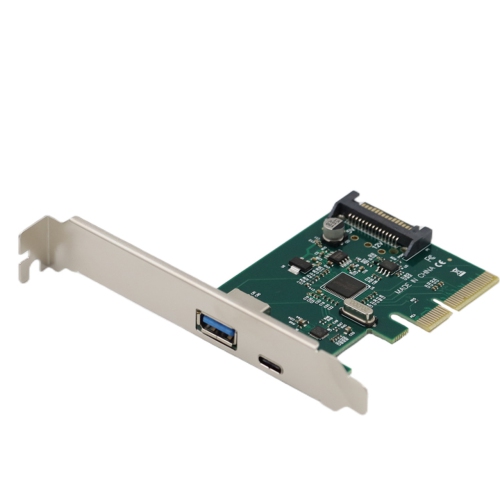
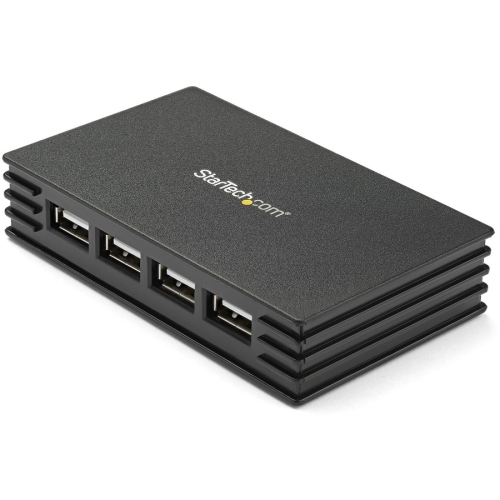
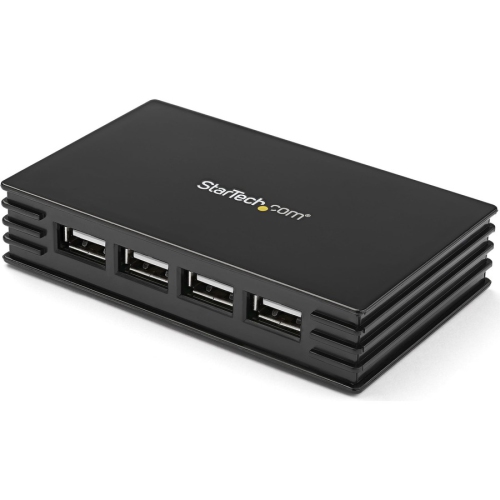
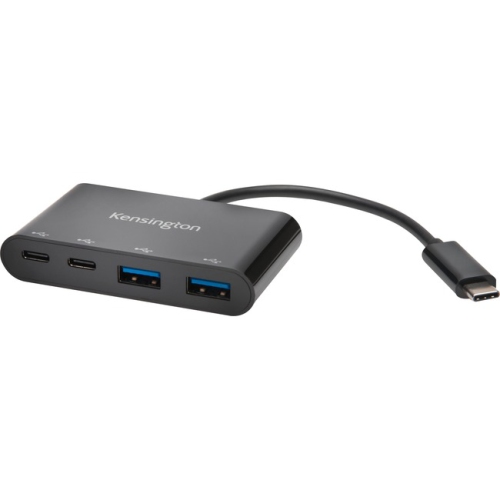
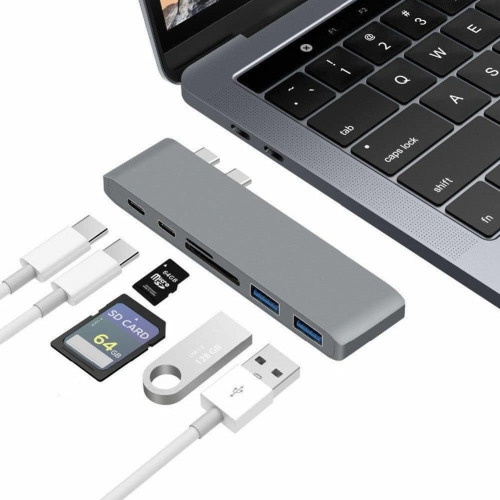
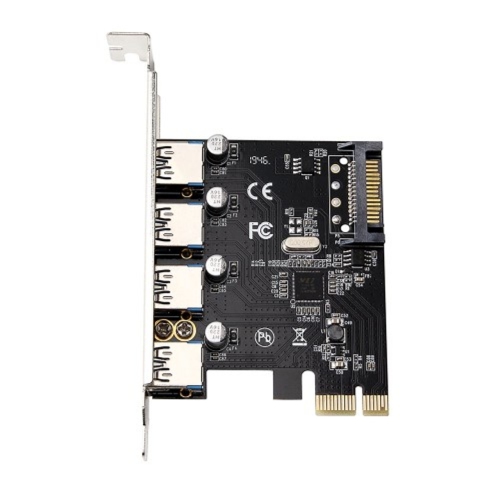
USB ports are connection points that allow compatible devices to transfer data, receive power, or connect to peripherals such as keyboards, mice, external storage drives, and printers. They appear on computers, phones, chargers, monitors, and many other electronics, while USB hubs and docking stations can add connections to a device with limited built-in ports. The connector’s shape is an important starting point, but it does not tell the whole story. USB-A ports have the familiar rectangular opening commonly used for computer accessories, while USB-C ports have a smaller, rounded opening that accepts a connector in either orientation. Older devices may use other USB connector shapes, so matching the port and cable remains essential. Data speed, charging capability, and display support depend on the specifications of the connected devices, cables, and any hardware between them. A USB-C connection, for example, does not automatically support video output or laptop charging. Common data standards range from USB 2.0, with a theoretical maximum transfer rate of 480 Mbps, to faster USB standards that support several gigabits per second. Actual file transfers also depend on factors such as the storage drive’s performance and whether other devices share the connection. These distinctions matter in everyday use: a mouse needs relatively little bandwidth, while moving a large folder of photos or working from an external drive can benefit from a faster connection. Charging has its own requirements, including the power source’s output, the cable’s rating, and the receiving device’s supported charging method. Some cables carry power without supporting data transfer, which can explain why a device charges but does not appear on a computer. Compatible USB Connectors provide the physical link, while matching the capabilities throughout the connection helps each accessory work as intended. For households with a mix of newer and older electronics, that combination of connector fit and supported function is often more useful than choosing by appearance alone.
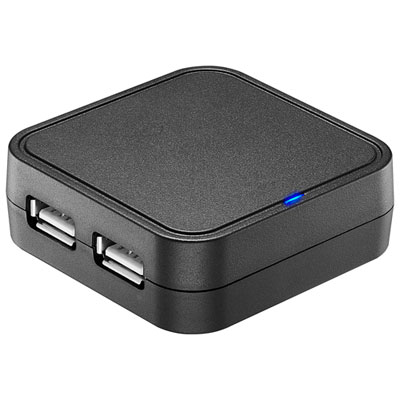
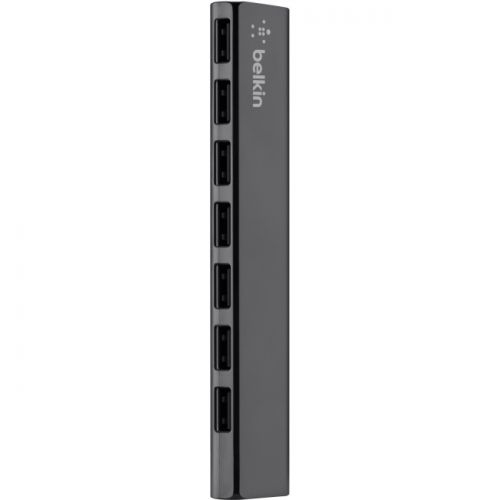
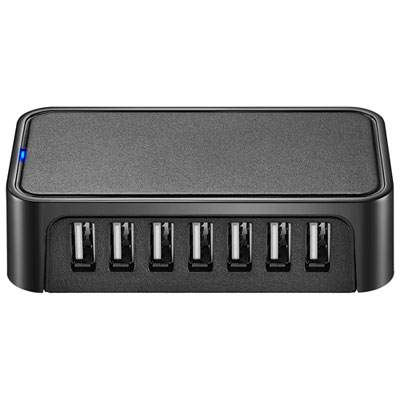
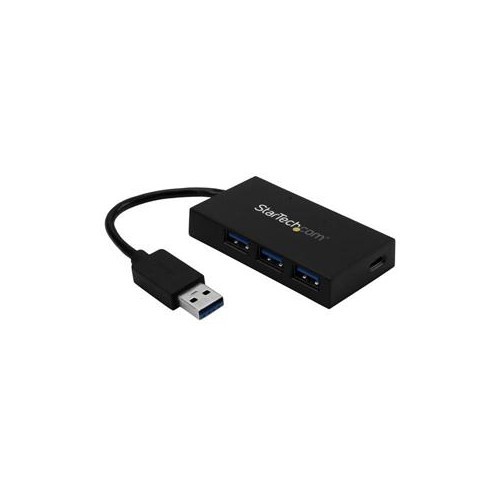
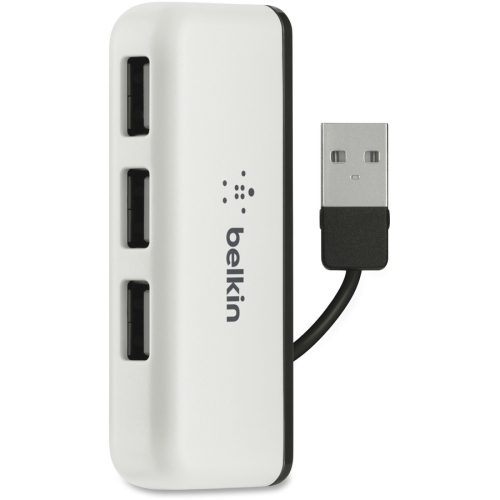
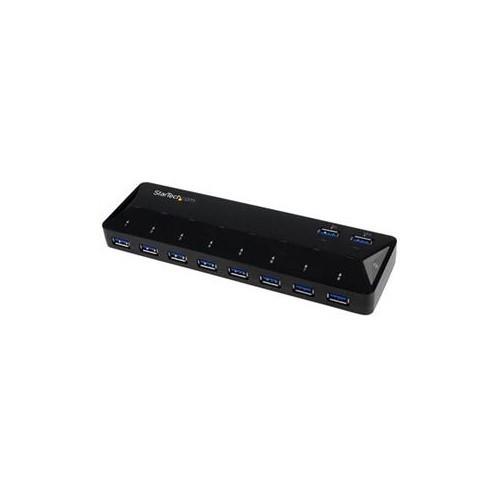
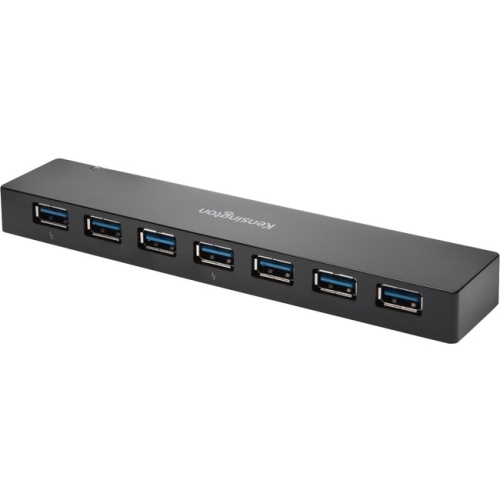
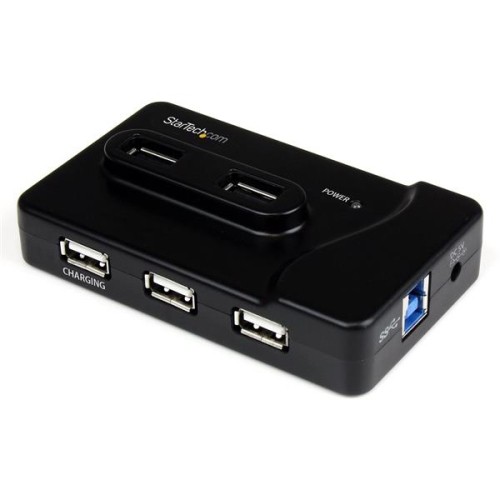
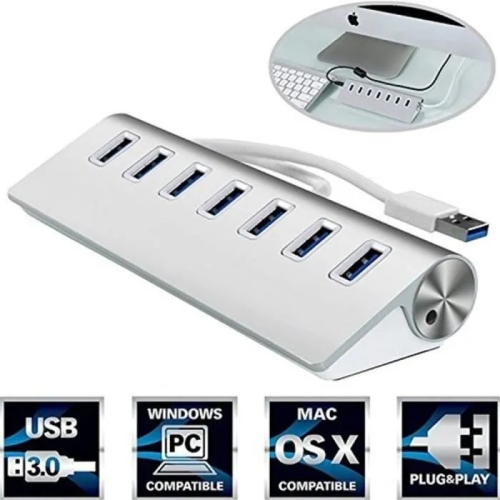
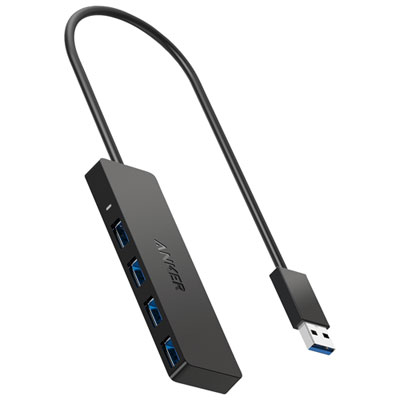
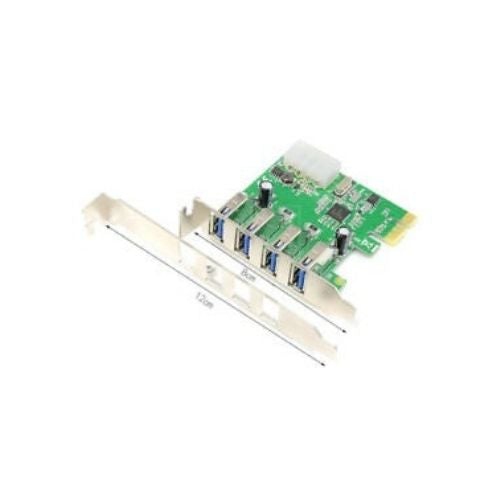
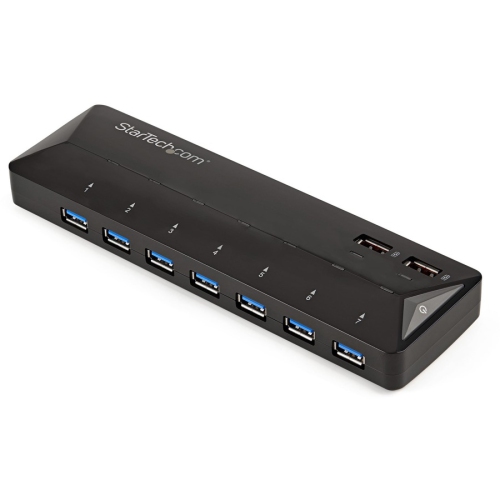
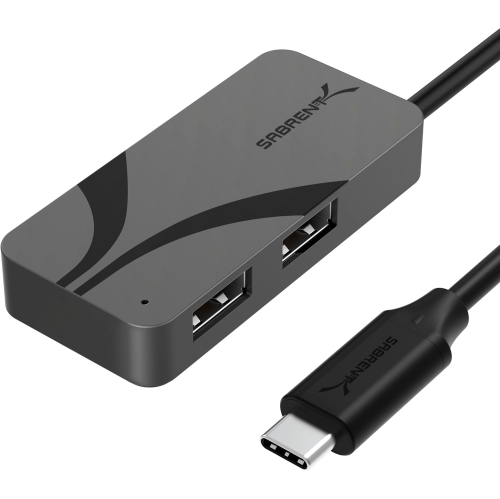
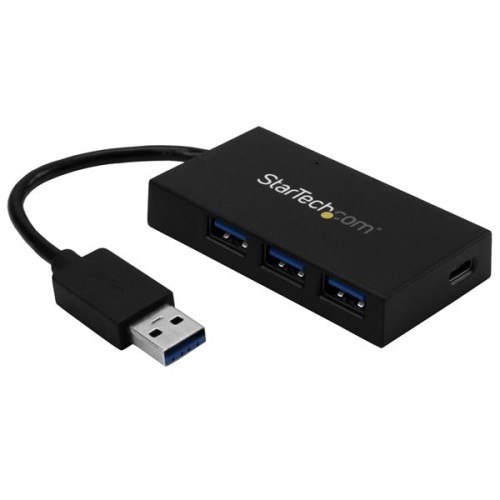
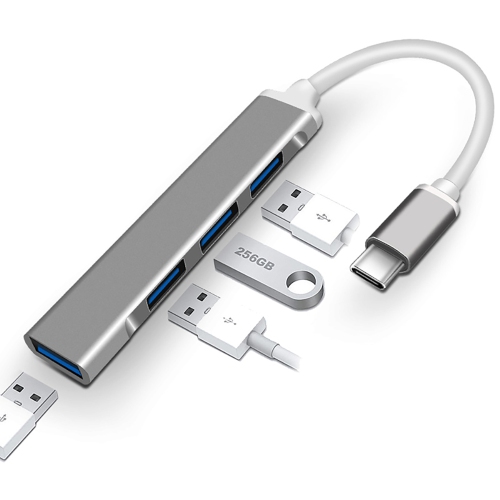
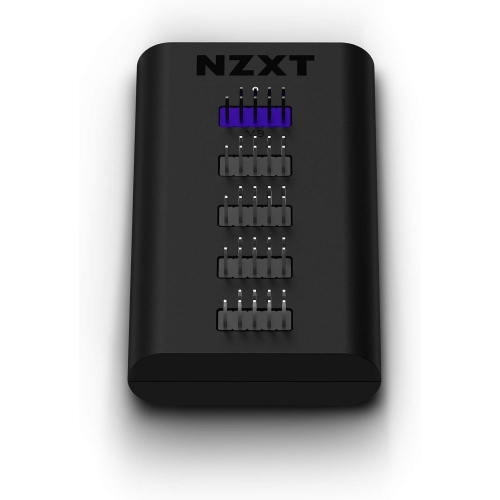
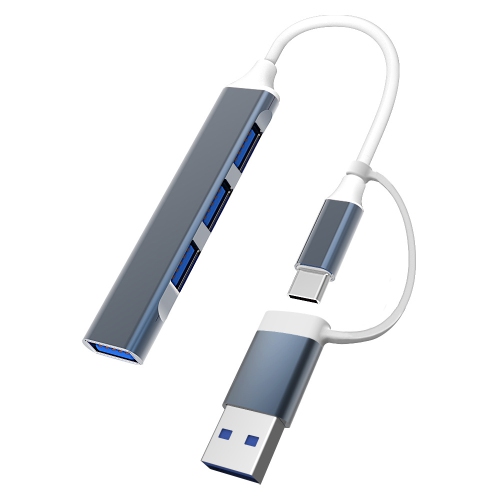
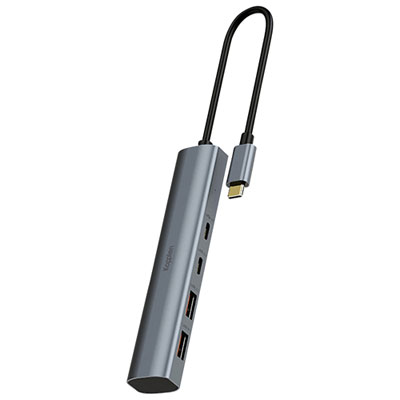
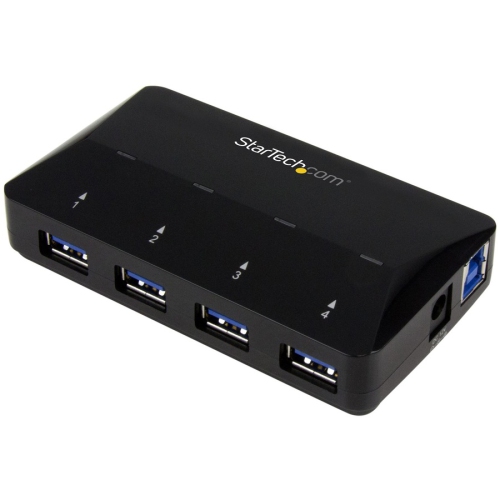
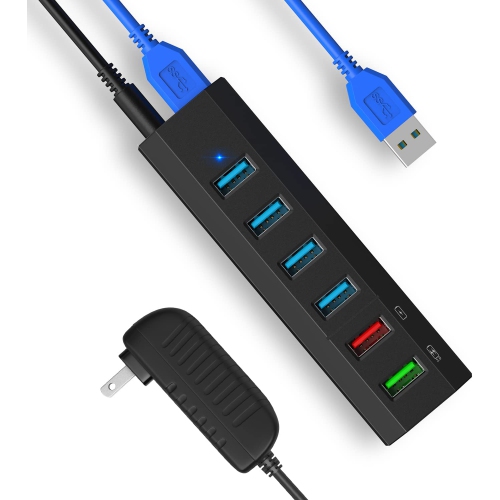
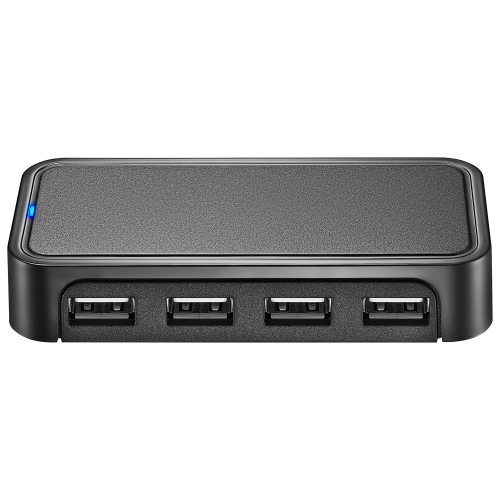
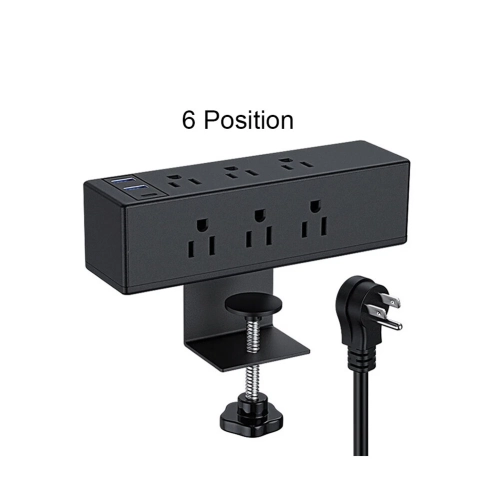
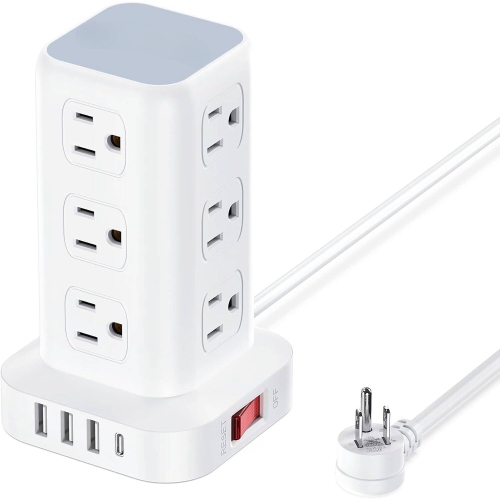
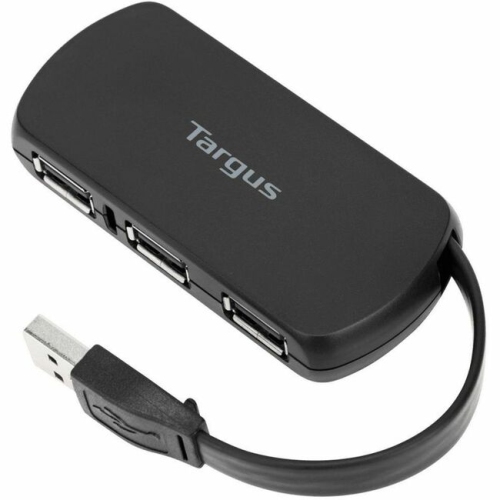
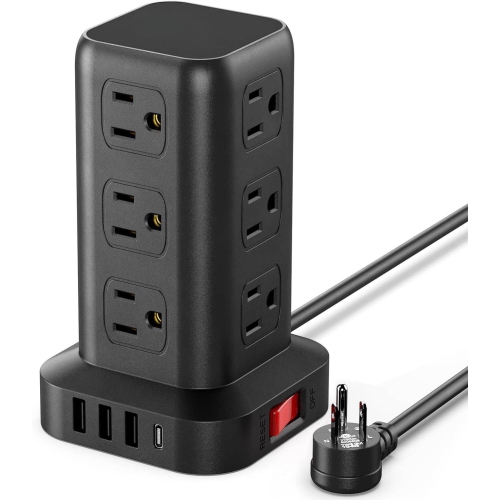
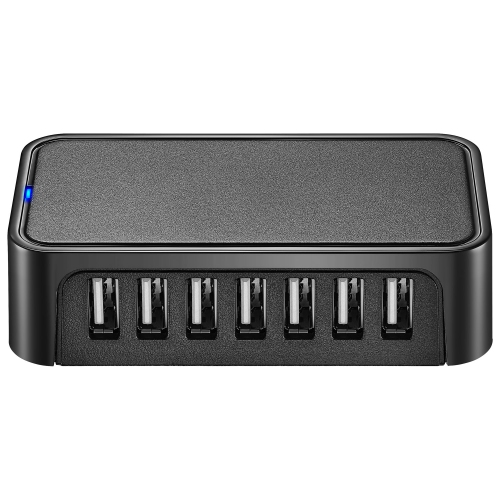
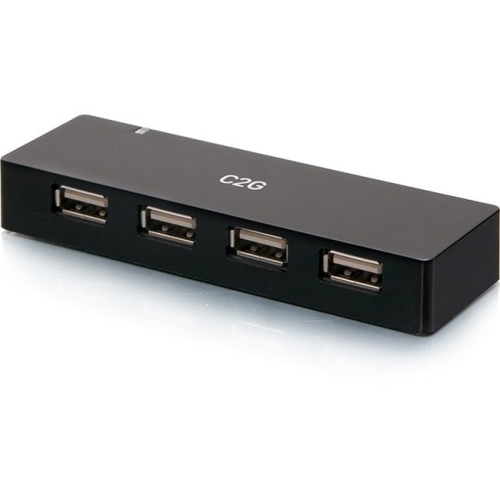
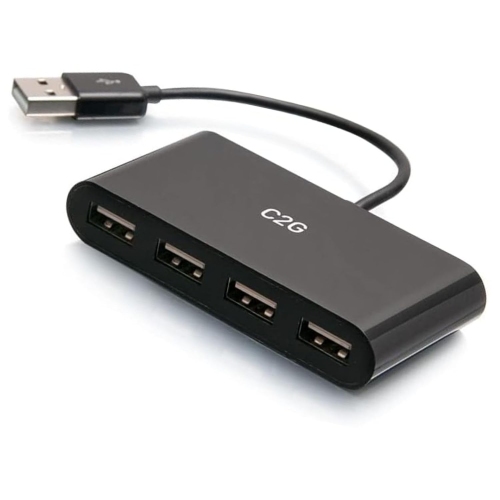
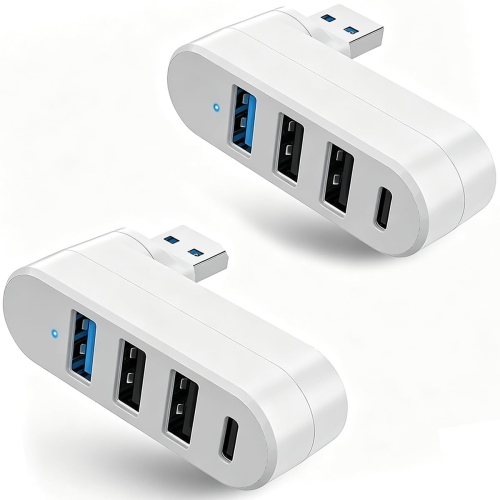
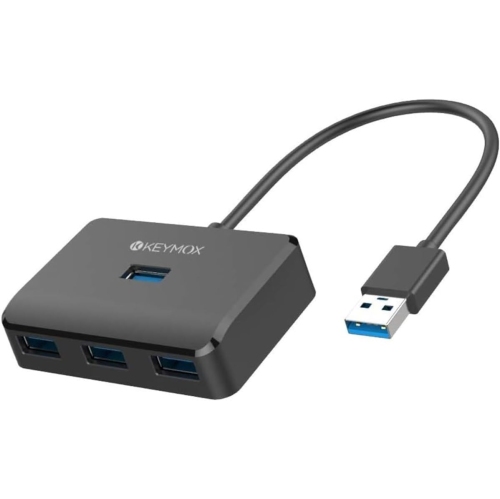
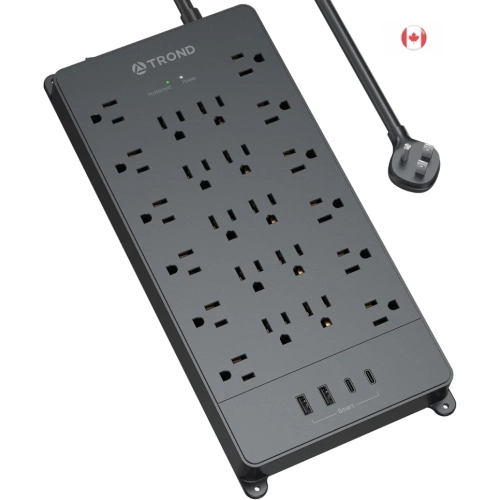
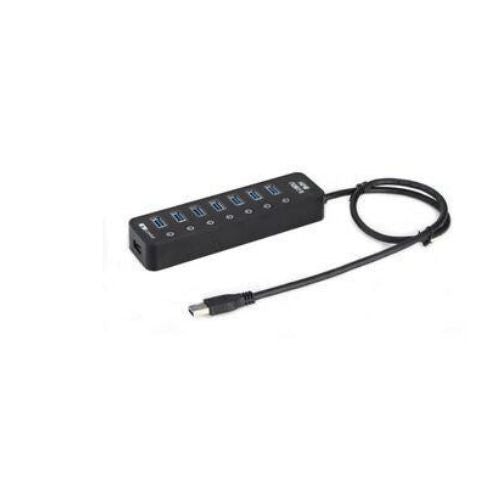
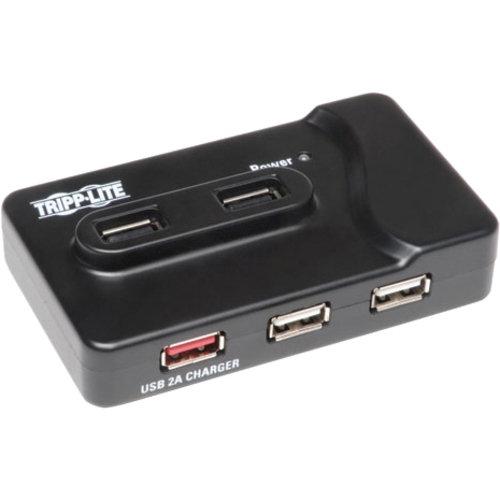
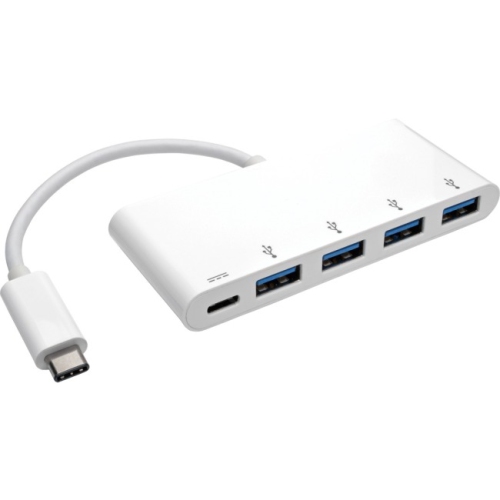
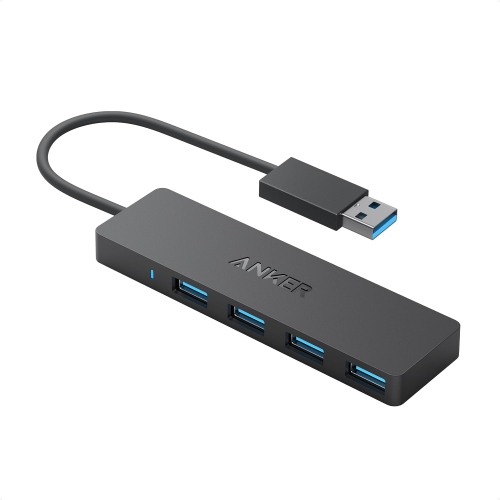
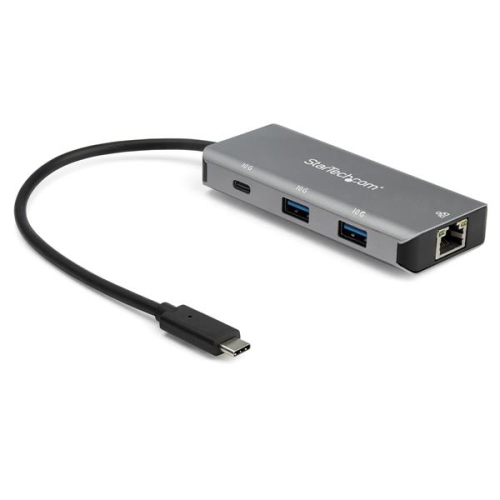
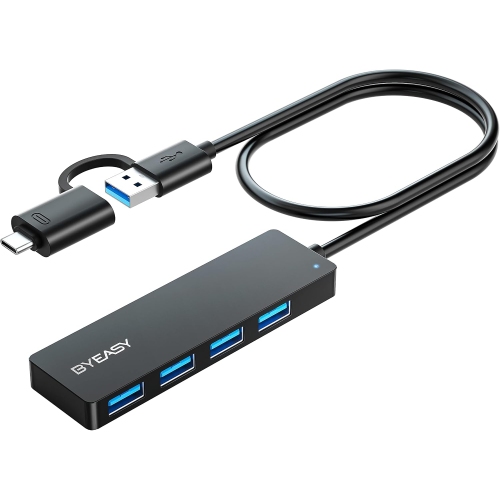
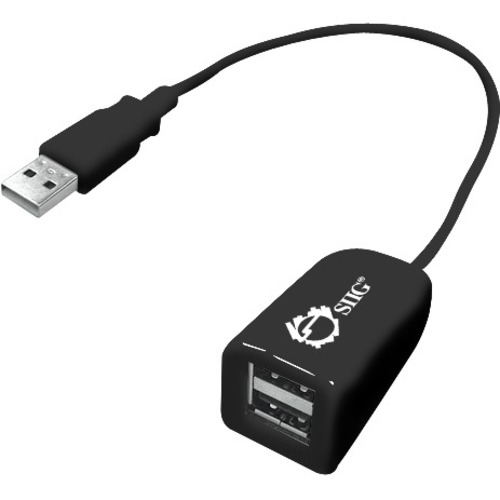
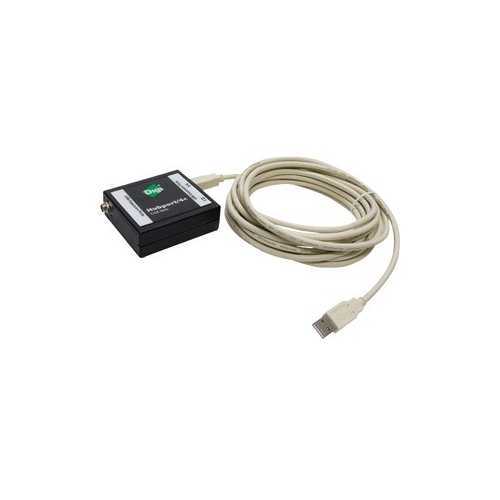
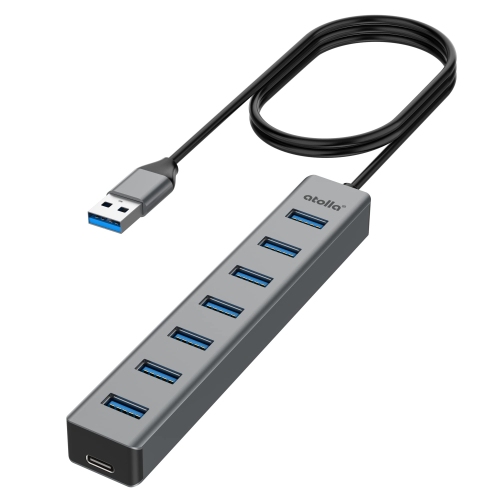
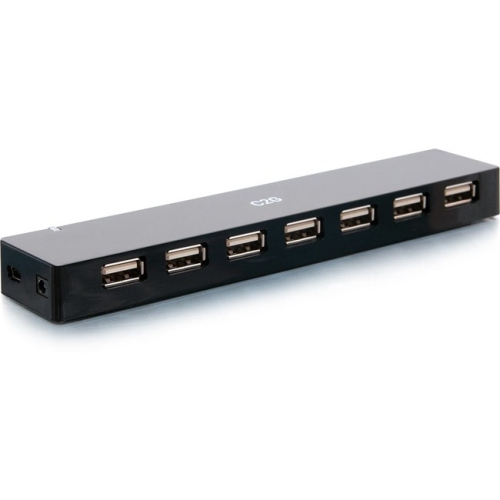
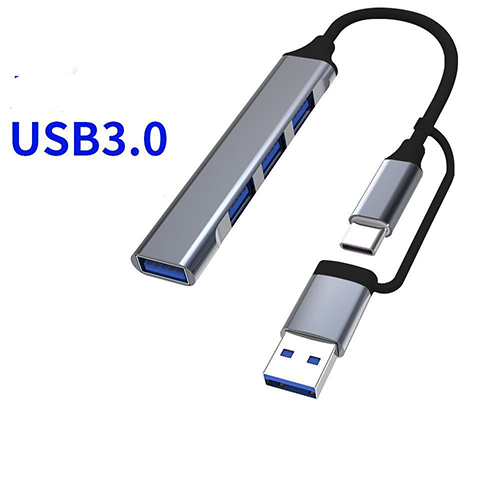
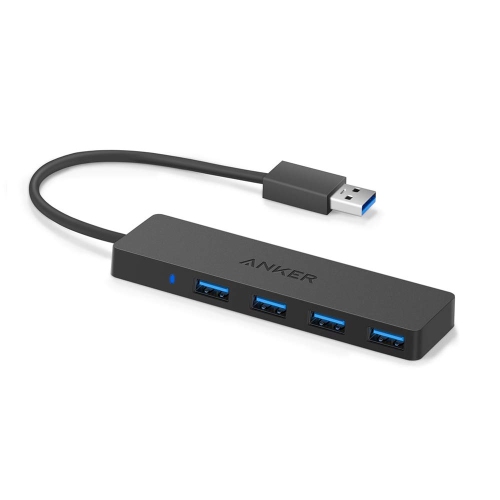
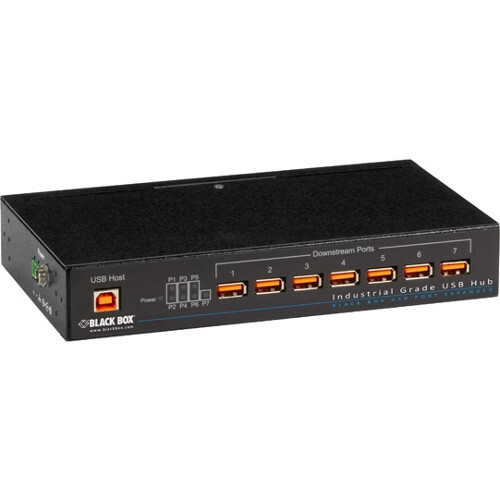
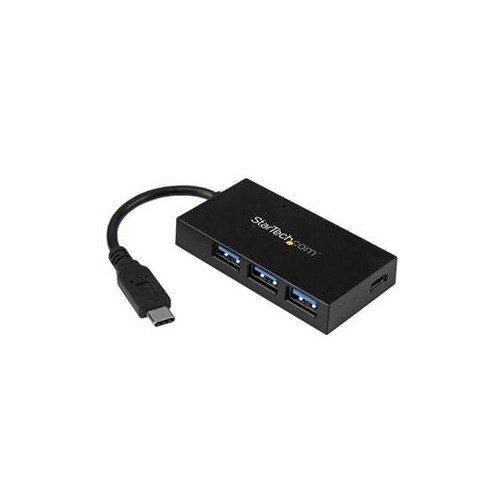
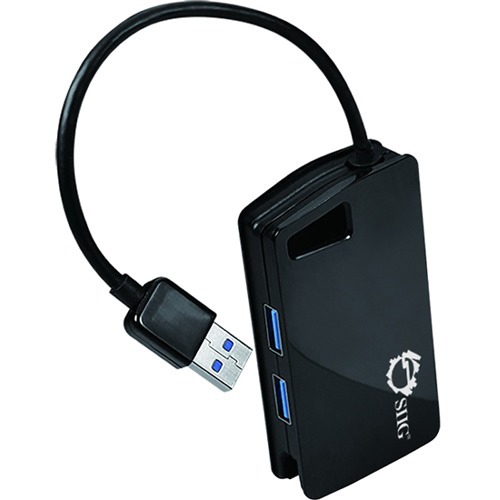
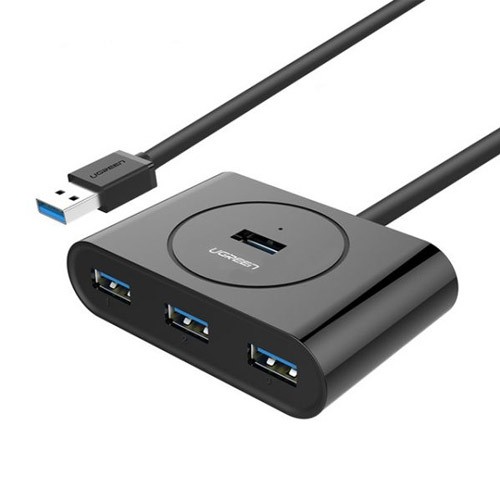
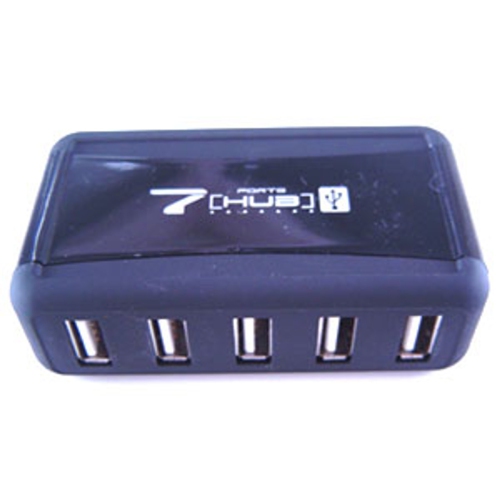
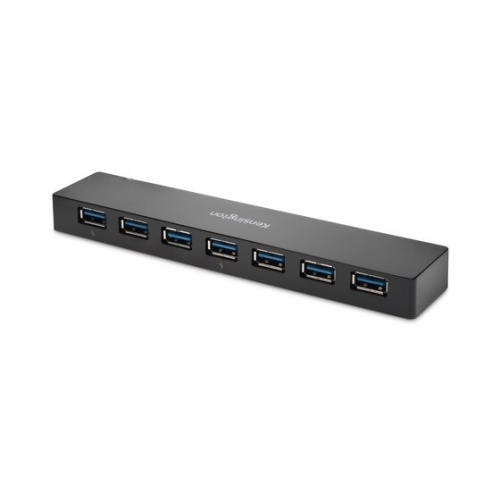
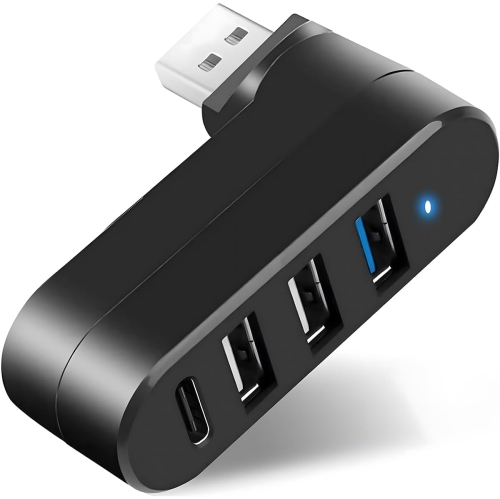
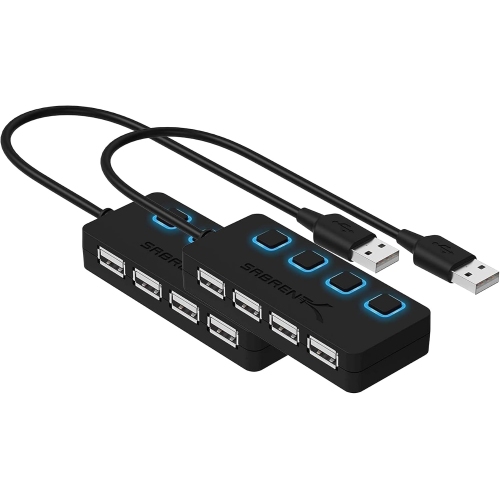
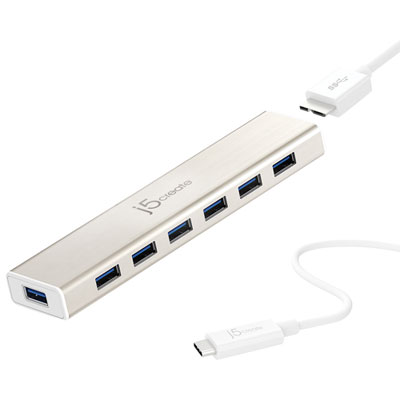
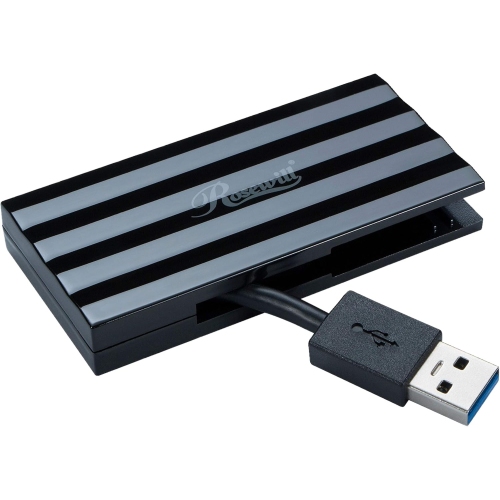
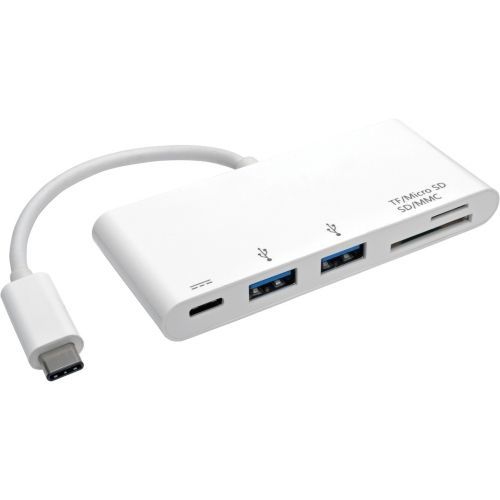
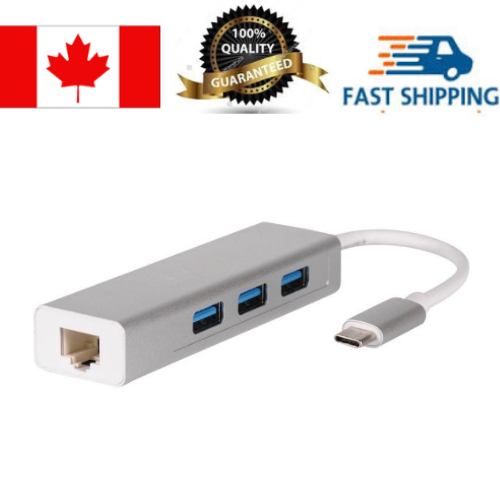
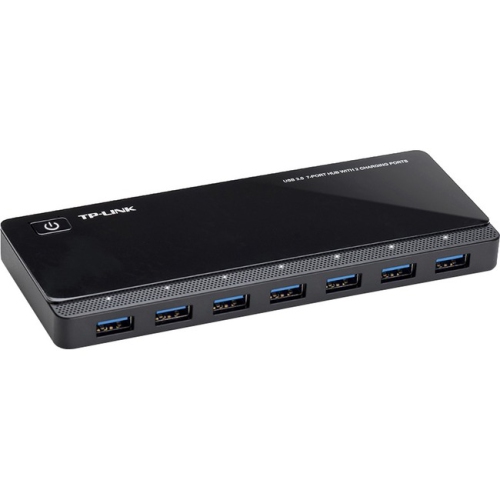
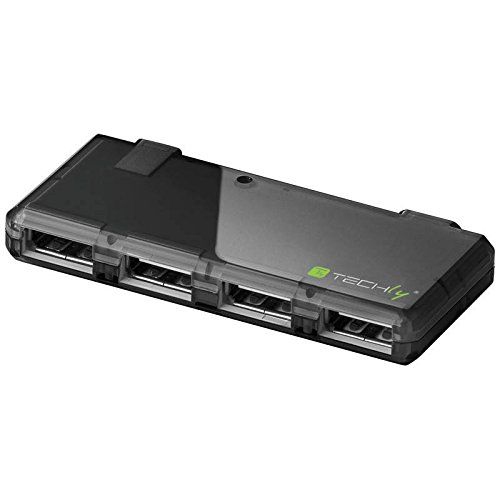
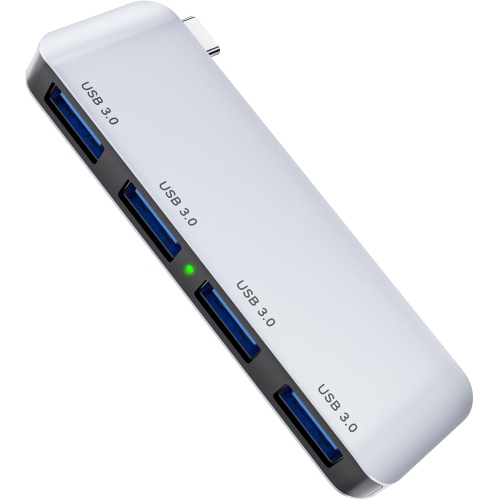
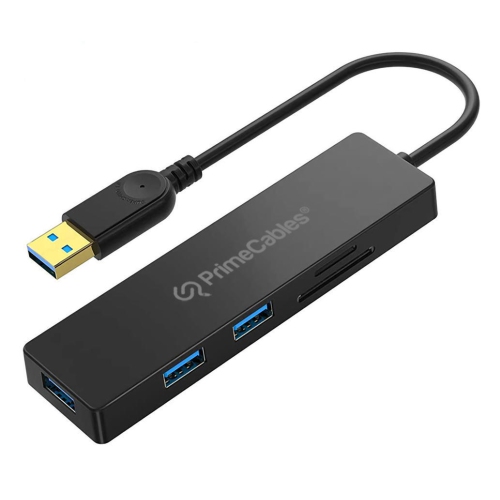
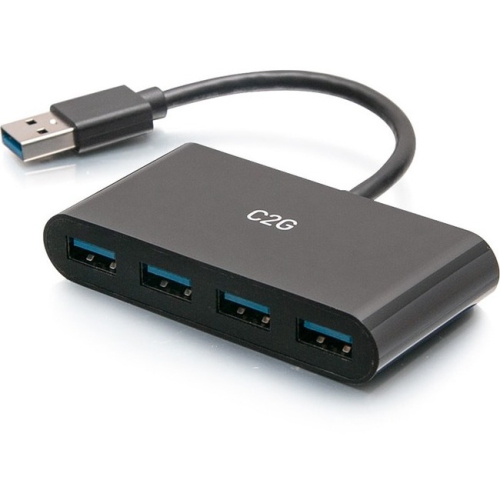
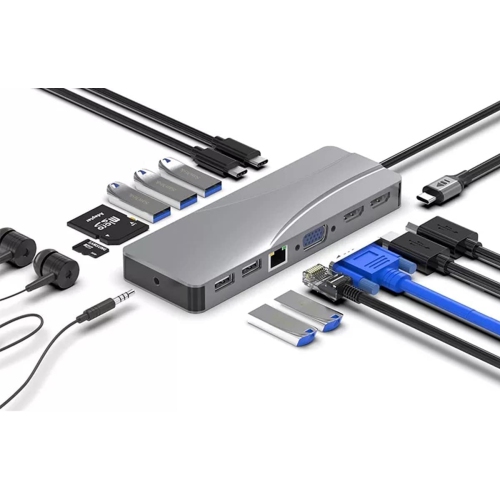
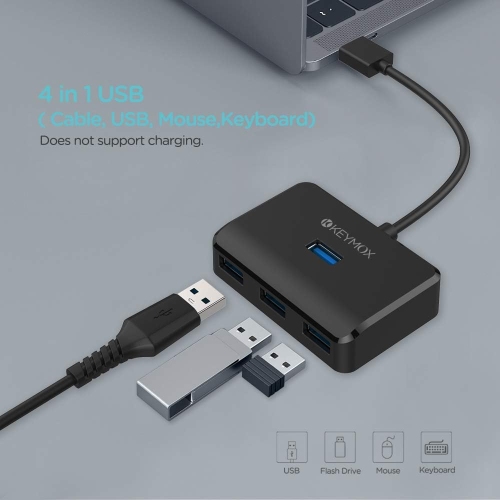
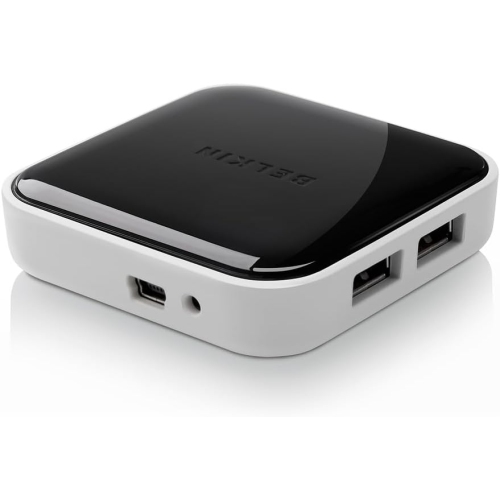
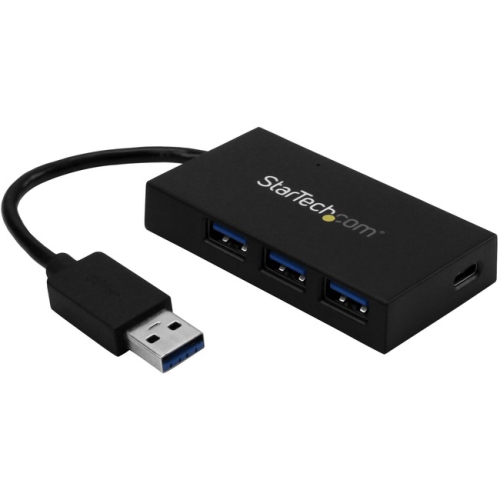
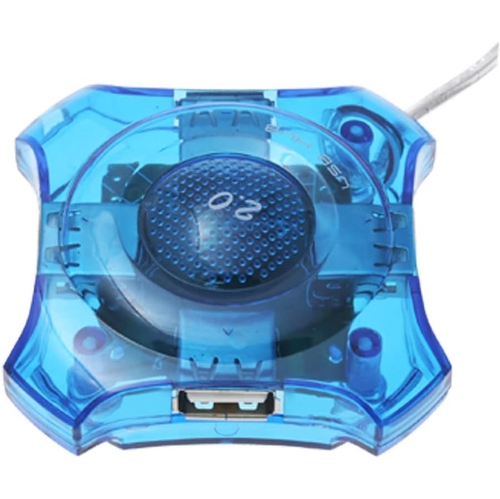
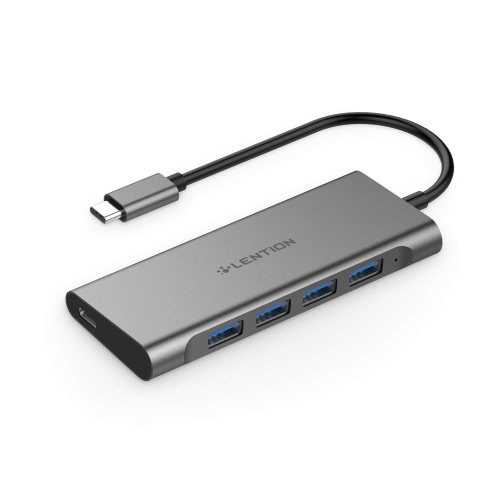
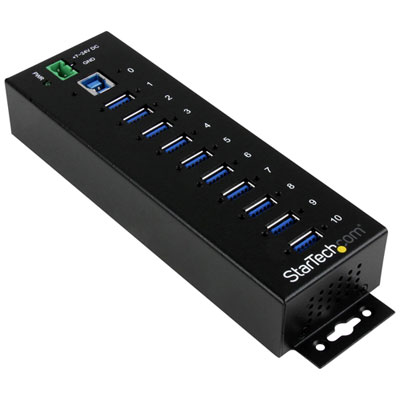
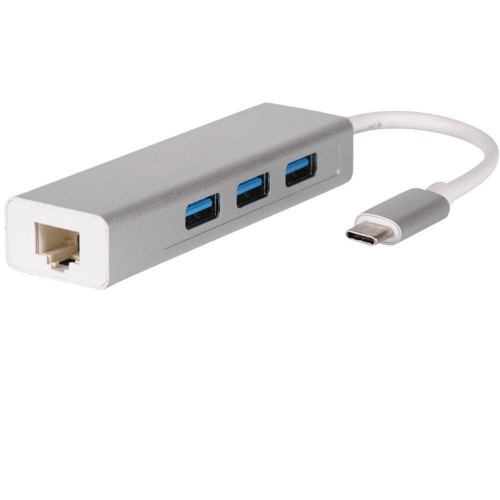
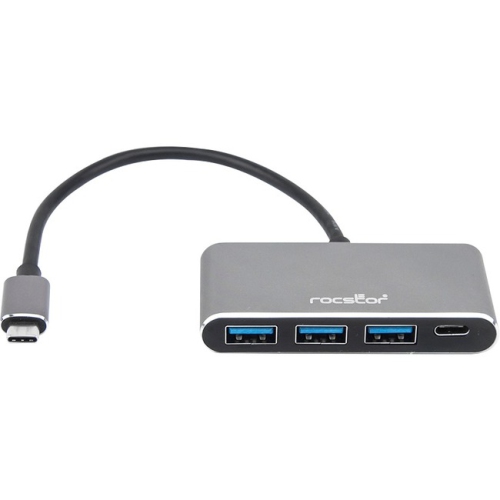
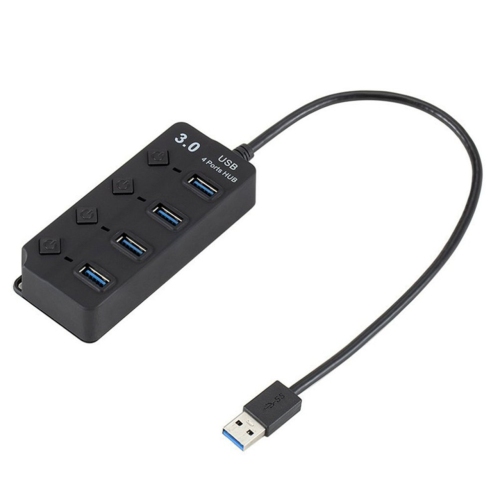
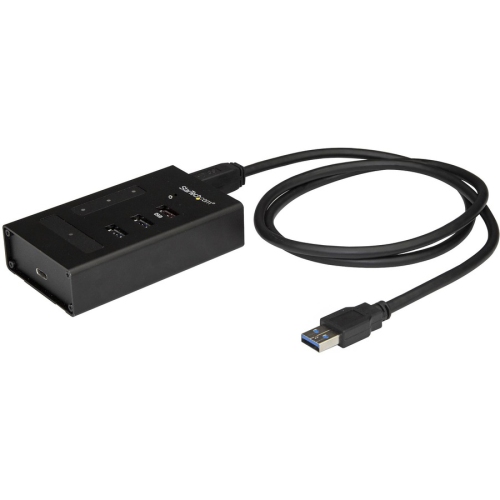
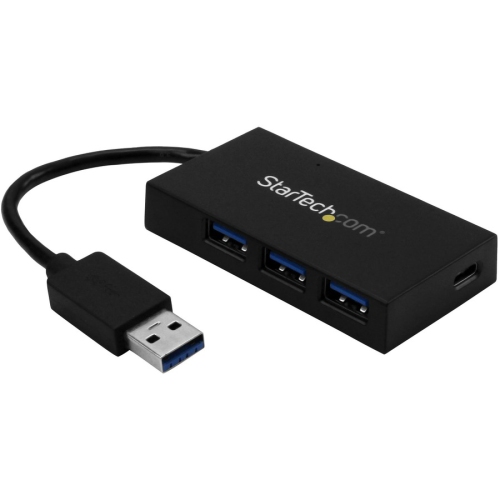
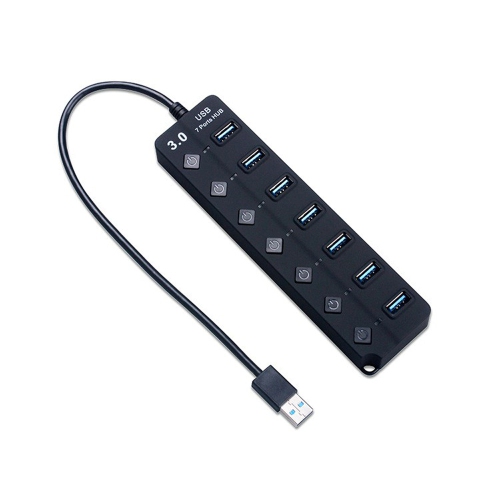
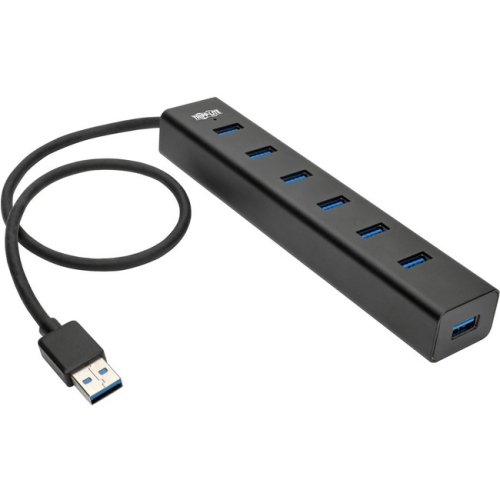
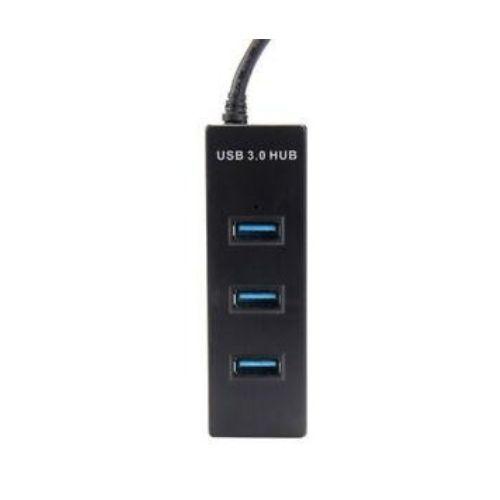
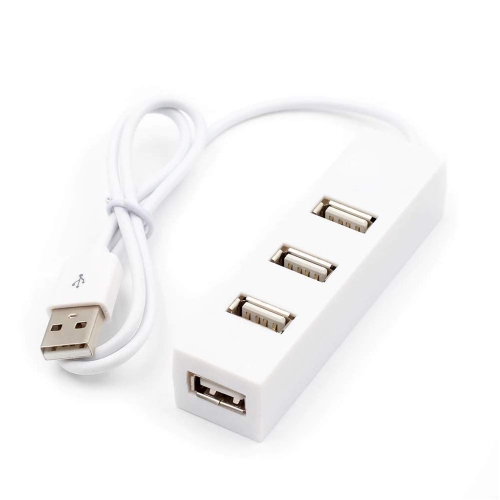
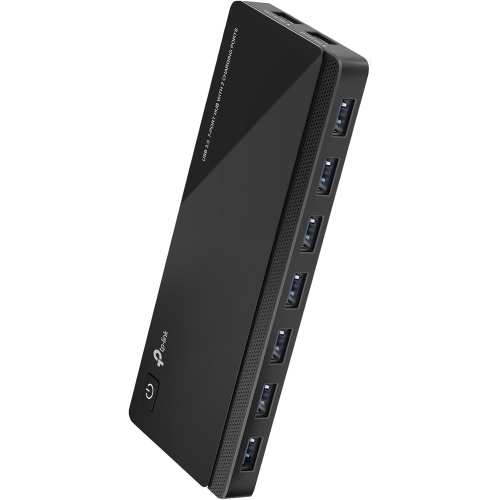
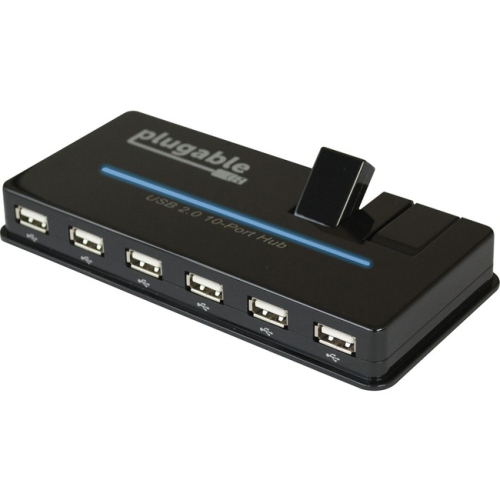
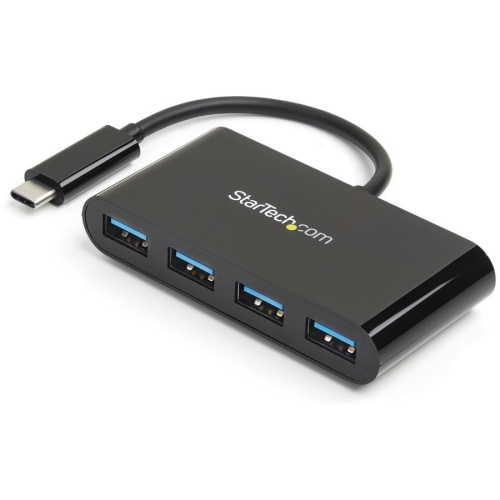
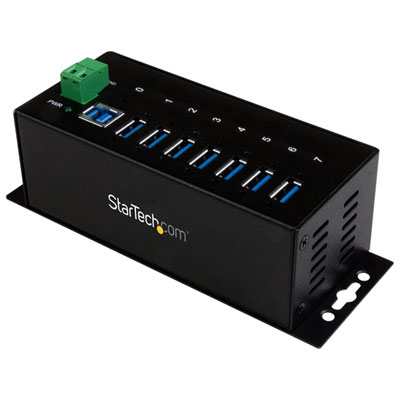
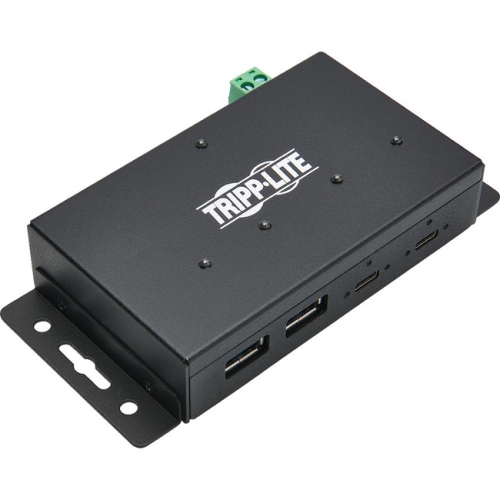
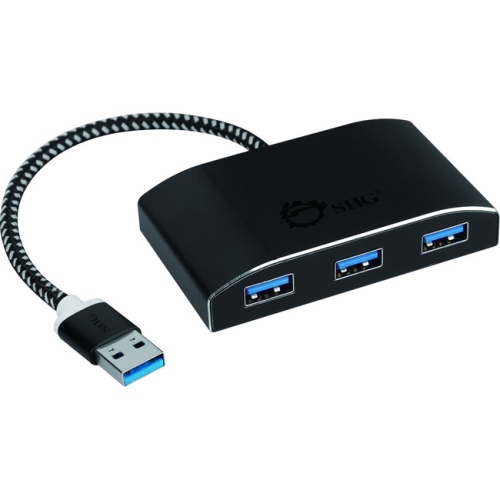
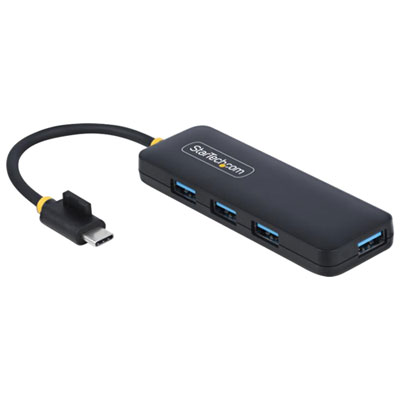
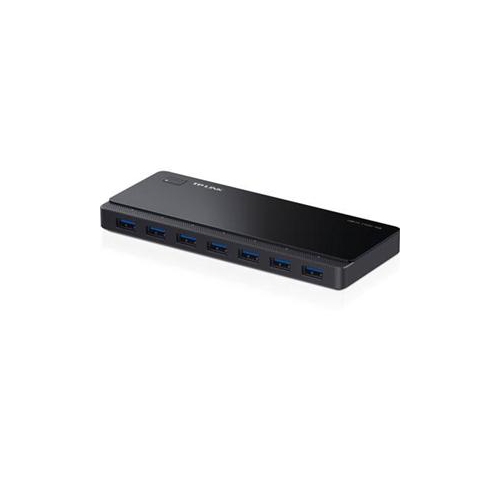
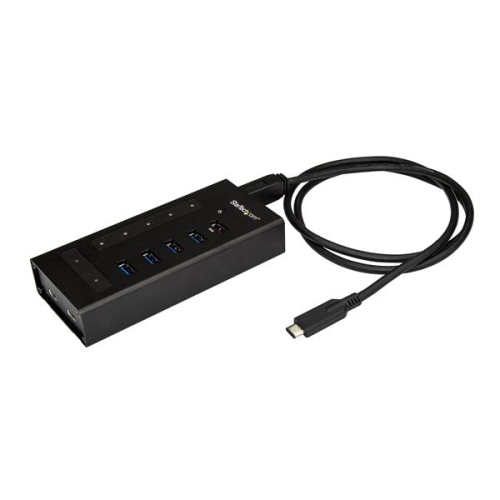
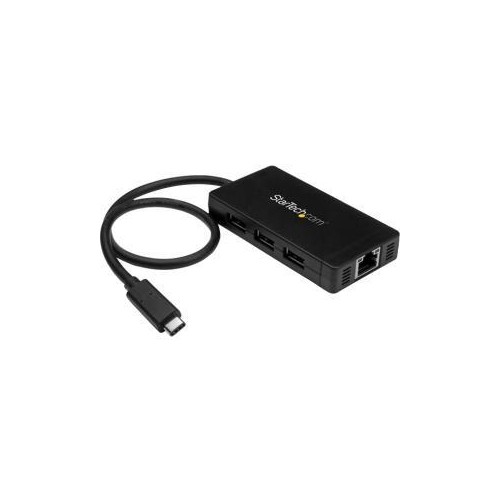
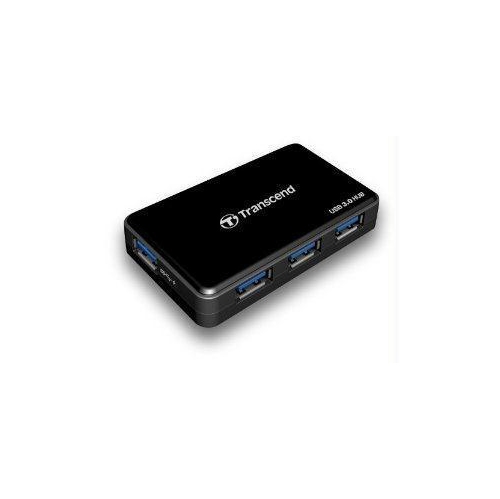
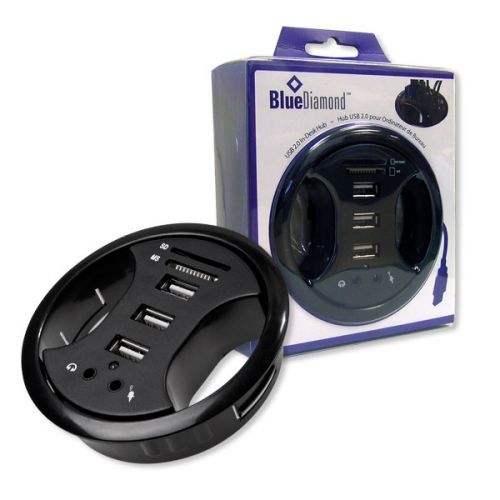
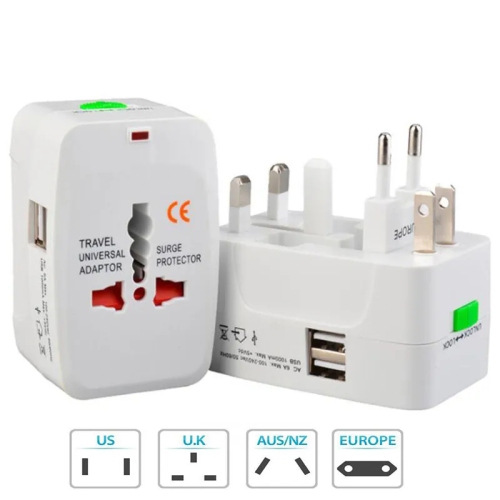
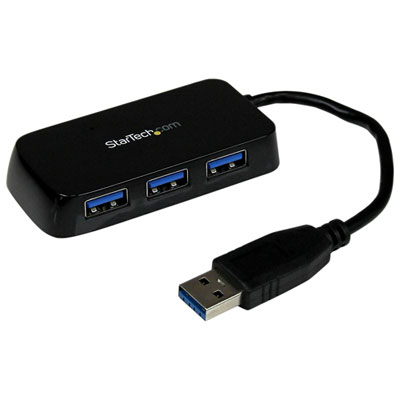
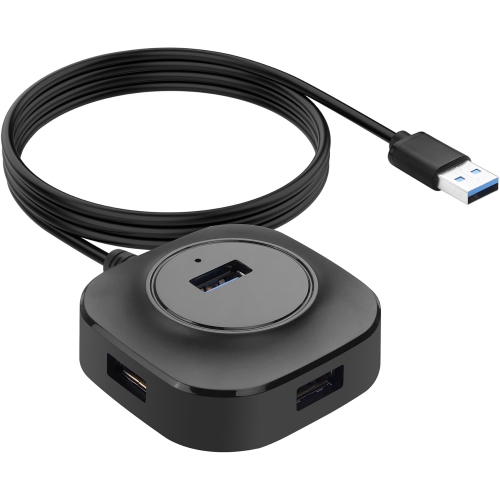
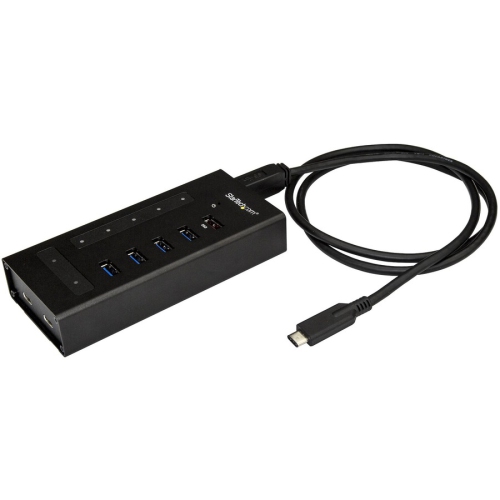
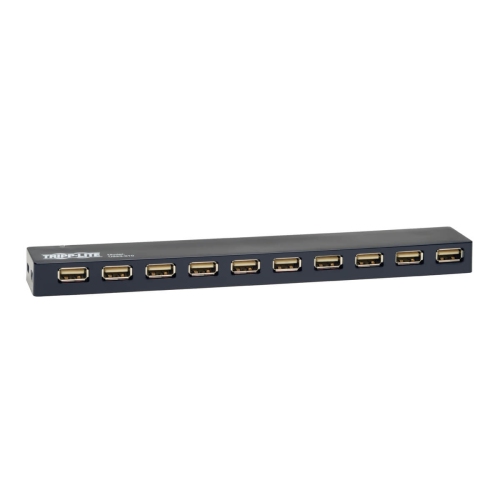
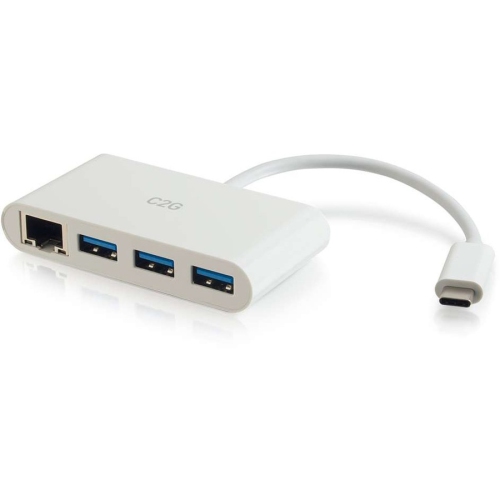
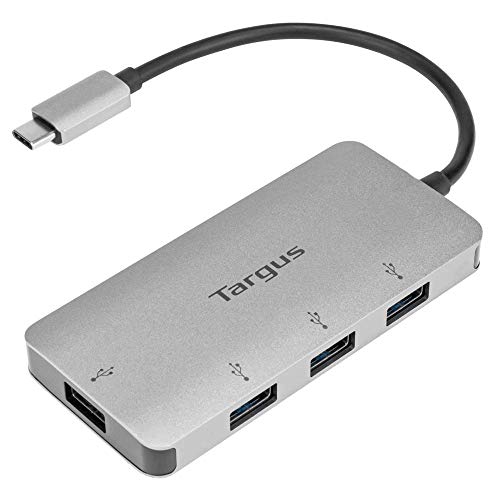
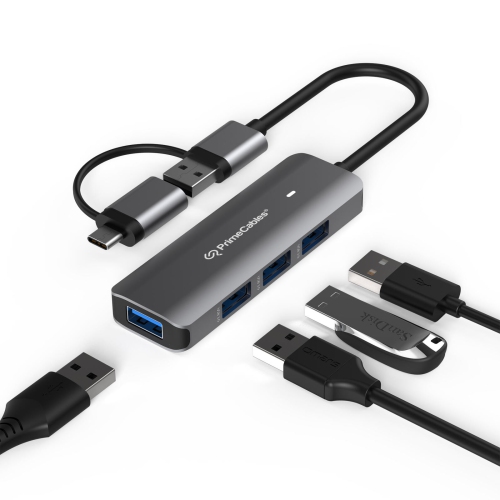
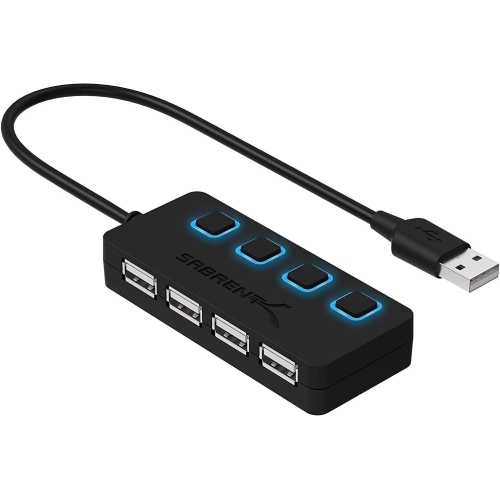
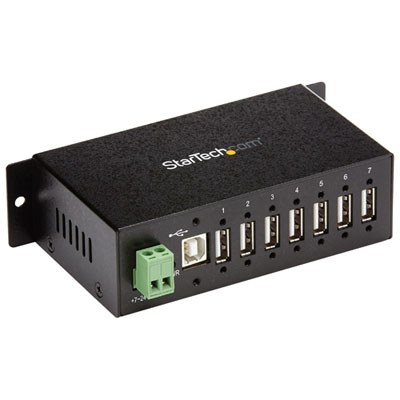
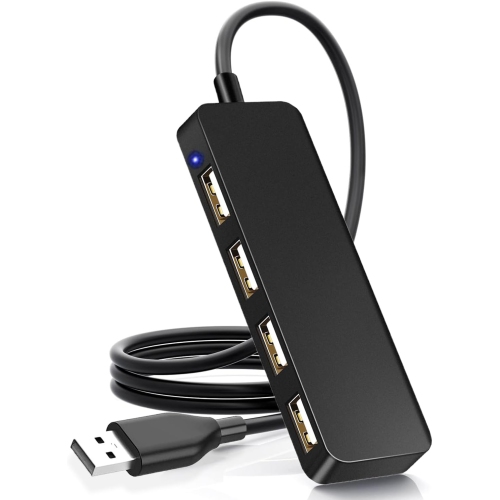
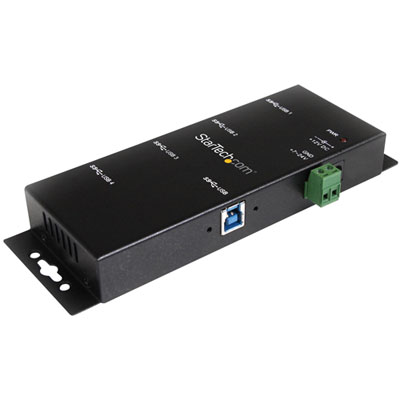
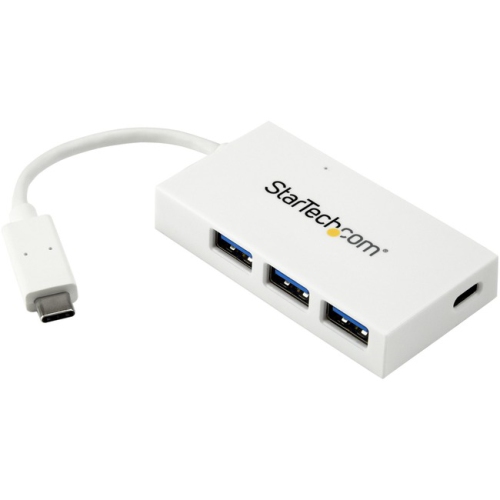
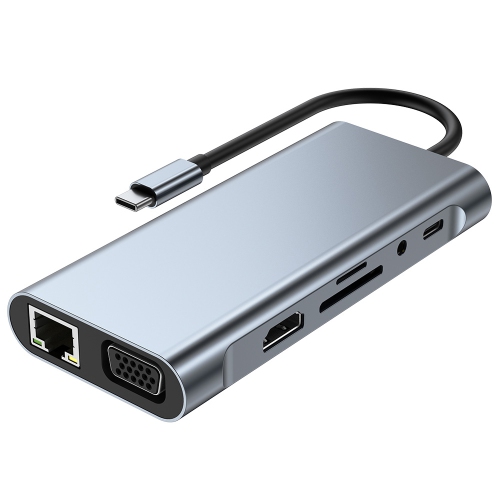
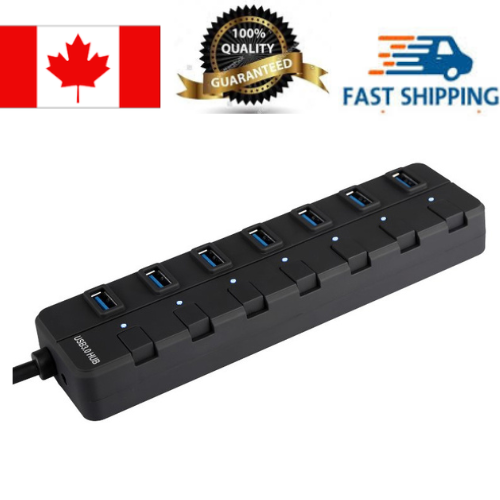
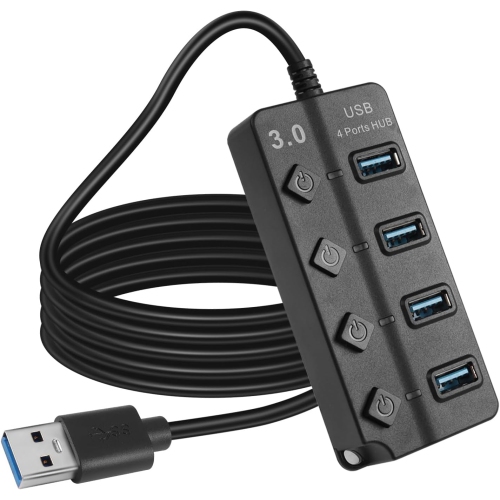
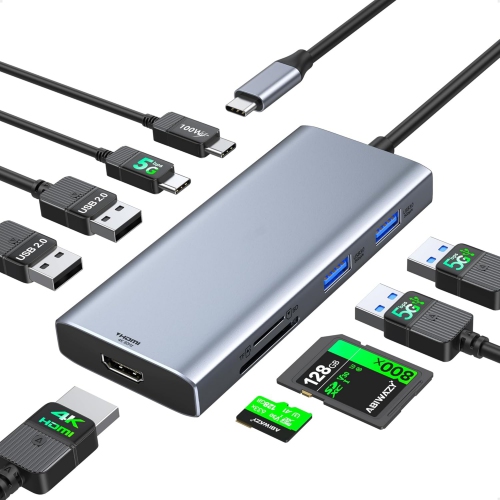
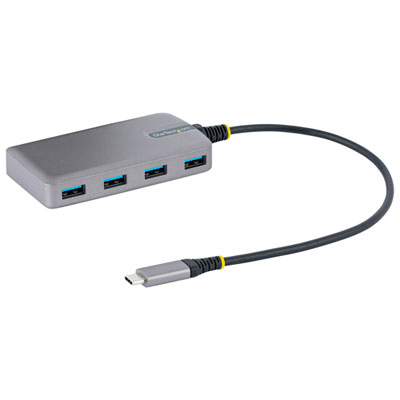
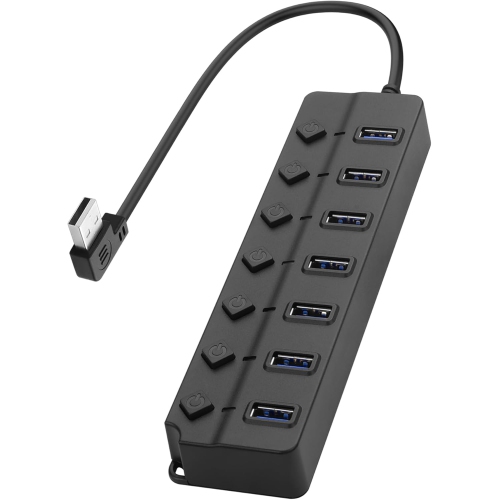
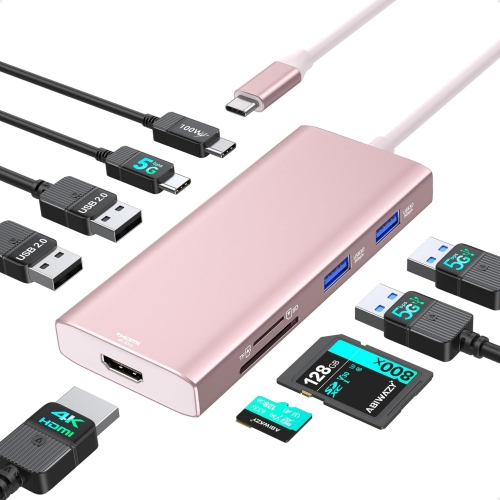
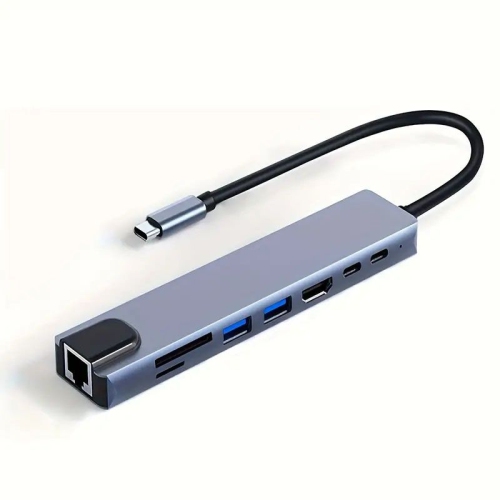
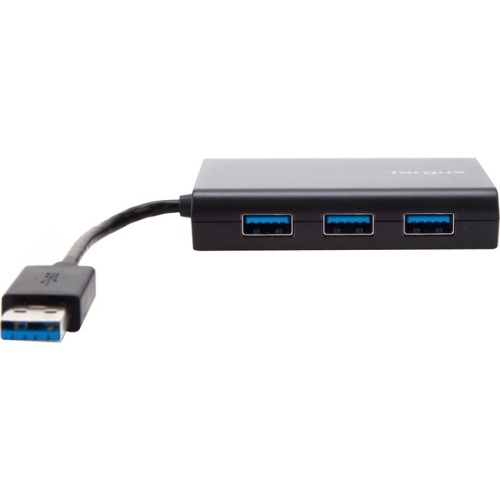
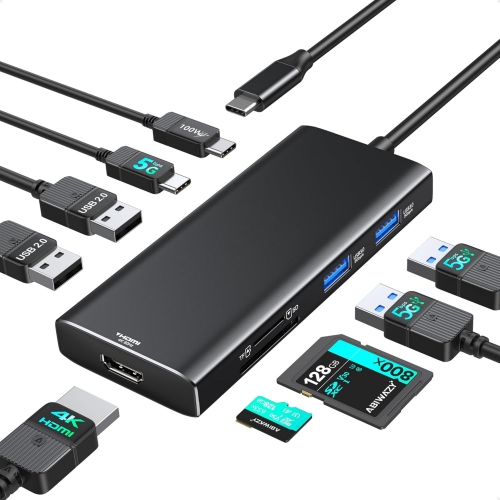
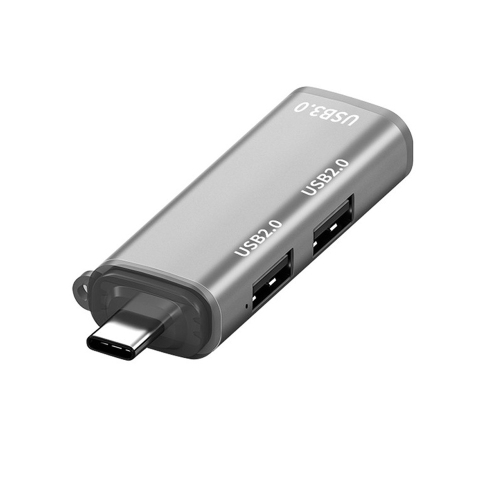
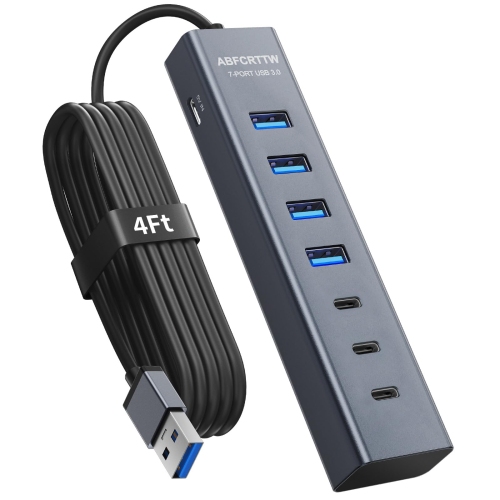
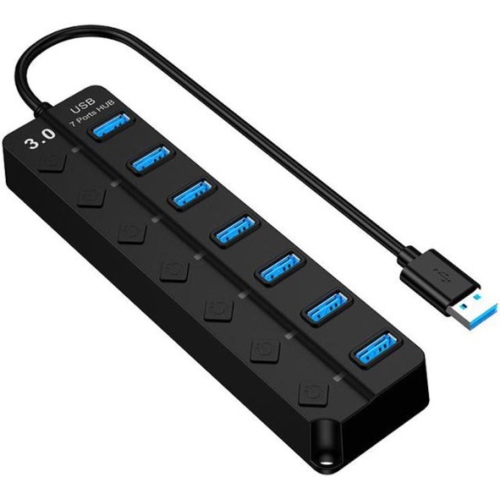
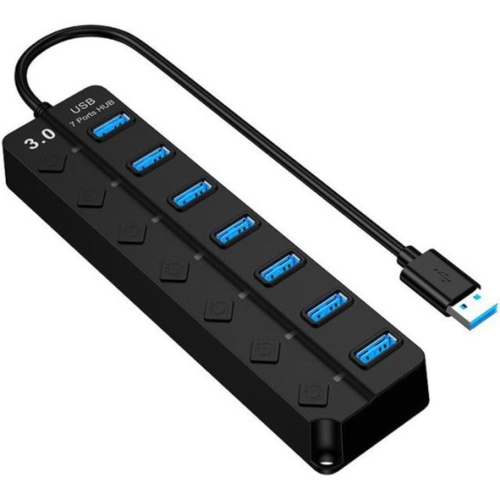
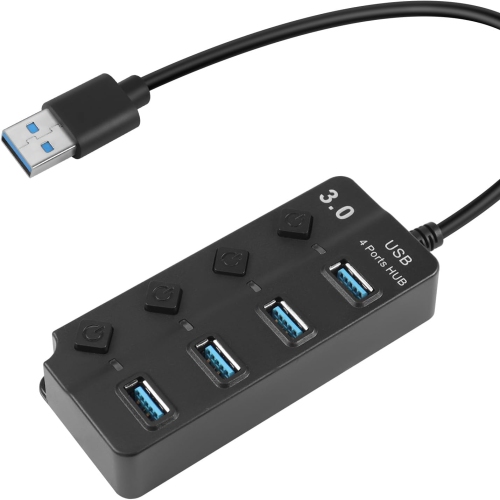
Products that expand USB ports suit a wide range of spaces, from a small study desk to a shared home office. A compact hub can give a laptop room for a keyboard, mouse, and flash drive without requiring accessories to be unplugged whenever another connection is needed. A larger docking station may combine USB connections with display, network, or audio connections, making it easier to move a compatible laptop between a portable setup and a permanent workspace. The distinction is less about size than supported functions: some hubs primarily add USB data ports, while other connection devices also support charging or additional types of accessories. A bus-powered hub draws power from its host device, which can be convenient for travel and light-duty peripherals. An externally powered hub uses a separate power supply and may be better suited to several accessories with higher power demands, although its output limits still matter. Laptop charging through a USB-C hub or dock requires compatible power delivery support throughout the setup, and the power reaching the laptop may be lower than the charger’s rated output because the hub also needs power. Multiple connected devices can share both bandwidth and the available power budget. A row of ports therefore does not necessarily mean every connection can operate at its maximum speed or charging output simultaneously. Placement matters as much as port count in a busy workspace. Closely spaced sockets can become awkward when a wide flash drive sits beside a bulky wireless receiver, while a short attached cable may leave a hub hanging from a raised laptop stand. A longer cable can bring connections within reach, but it also needs enough desk space to avoid tangles and strain. For a photographer transferring images, a student connecting study accessories, or someone switching between work calls and personal projects, a useful arrangement provides the right connections without crowding the area where hands, notebooks, and cables compete for space.
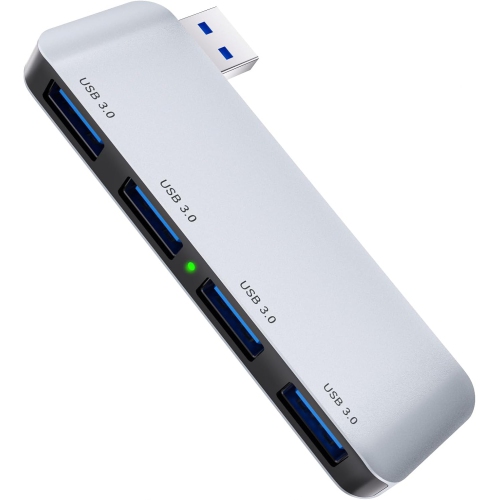
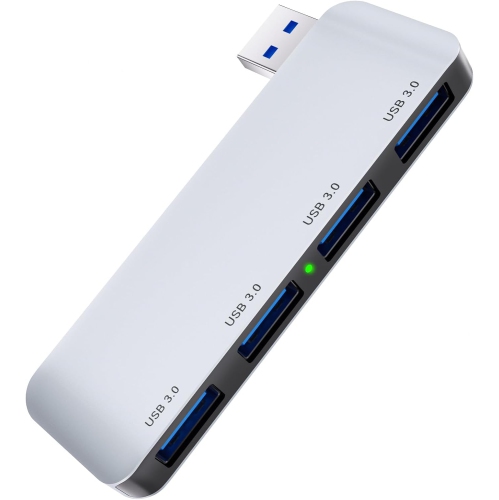
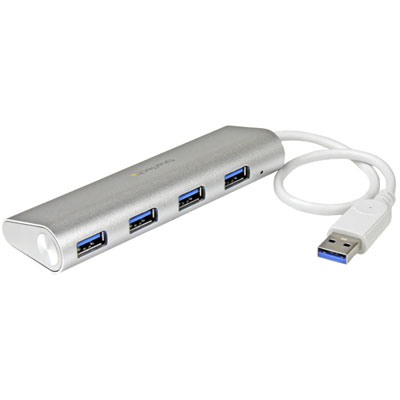
Materials, construction, and everyday handling influence how USB connection hardware fits into those routines. Plastic housings can be lightweight and easy to carry, while aluminium housings offer a rigid outer shell that may suit frequent movement between desks or bags. Housing material alone does not establish performance or durability; secure sockets, well-supported cable joints, and a stable design are also important. A compact hub that slips into a laptop sleeve serves a different purpose from a heavier unit that stays beside a monitor. Attached cables reduce the number of loose pieces to keep track of, whereas detachable cables can offer more flexibility in length and replacement, provided the replacement supports the required functions. Cable coverings may be smooth or braided, but neither style removes the need to avoid sharp bends or pulling on the cable instead of the connector. A correctly matched connection should feel secure without being forced, and repeated sideways pressure can put strain on both the plug and the device’s port. Dust, moisture, and debris can interfere with contact, so clean, dry storage and care consistent with the manufacturer’s directions help protect connection surfaces. Port accessibility also affects comfort: front-facing connections are convenient for frequently swapped storage drives, while rear-facing connections can keep permanent accessories tucked away. In a family workspace, a clearly arranged hub can make it easier to distinguish a charging cable from a cable used to transfer school files or photos. Shared desks benefit from connection hardware that works with the devices people actually bring, including any operating-system requirements for a dock’s additional features. USB accessories can also make practical gifts for students, commuters, gamers, or anyone building a more comfortable computer setup, especially when the recipient’s port types and intended use are known. The most useful choice may be a modest expansion for a few everyday peripherals rather than a large collection of connections that remain unused. Whether supporting a tidy desktop, a portable workstation, or a household charging area, well-matched USB hardware makes routine connections easier while respecting the capabilities of the devices on either end.
Top selling and popular products
-
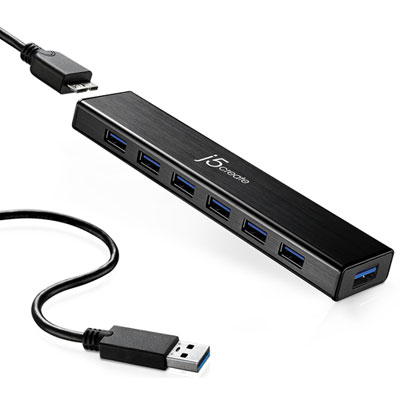 Your price for this item is $49.99
-
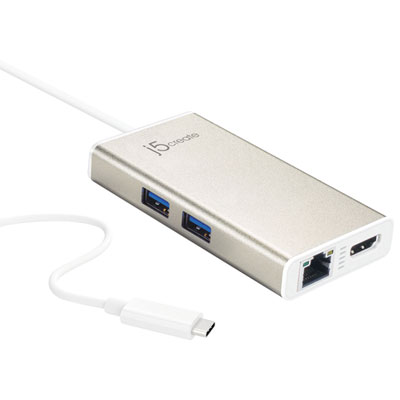 Your price for this item is $65.99
-
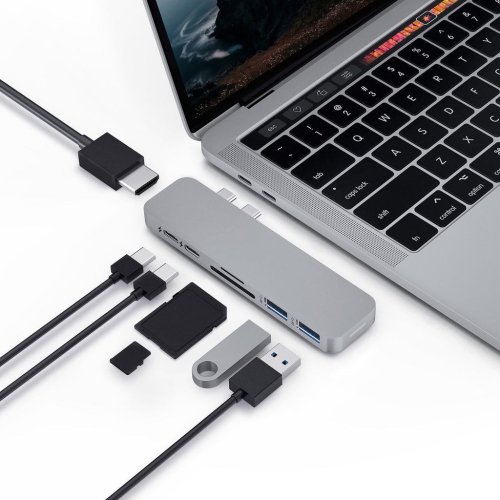 Your price for this item is $19.98
-
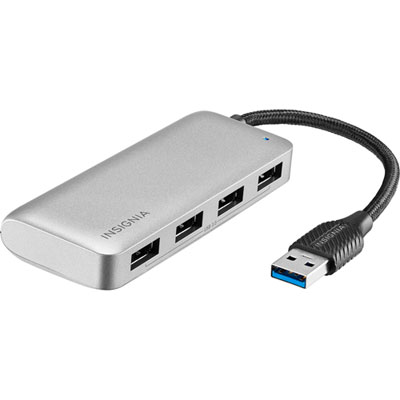 Your price for this item is $29.99
-
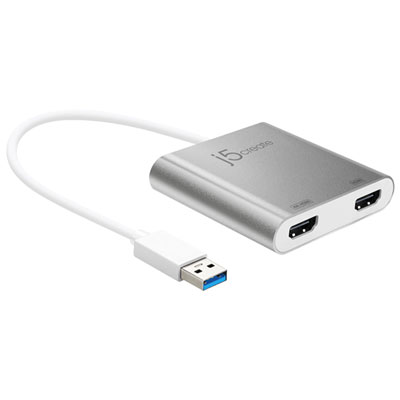 Your price for this item is $99.99
-
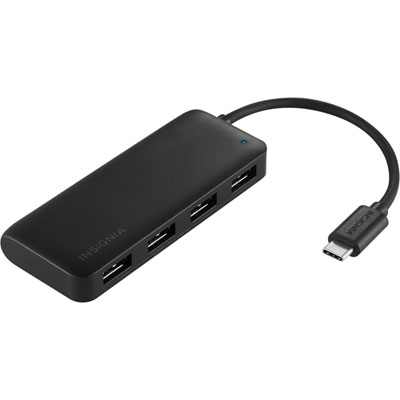 Your price for this item is $19.99
-
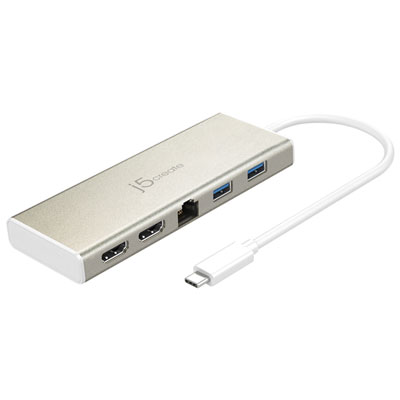 Your price for this item is $104.99
-
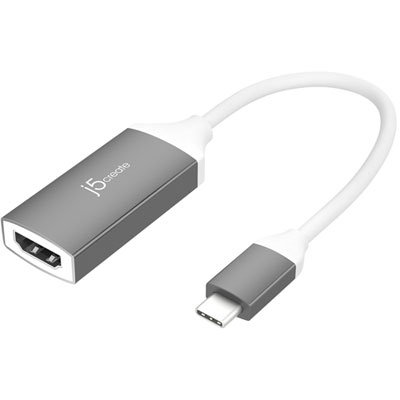 Your price for this item is $39.99
Discover more categories related to Usb Ports
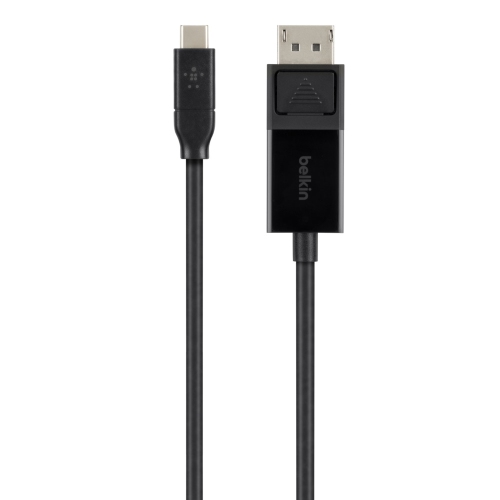
Top Collections:
Best Black Friday Deals This Year, Best Black Friday Deals On Electronics, Kindle Devices, Pokemon Centers, Best Black Friday Deals On Apple Products, Best Cameras for Sports Photography, Dyson Airwrap, Pokémon 30th Celebration Cards, Apple iPhone 17 Pro, Canon G7X Cameras
Some products may be subject to Environmental Handling Fees
(EHF) depending on your province.
Learn more about EHFs.