Aesthetic Gaming Keyboards
A good gaming keyboard can make all the difference in your arsenal of gaming tools. Whether you're playing first-person shooters, racing games, or role-playing games, a solid keyboard can help you keep your cool and get the job done. Here are some of our favorite aesthetic gaming keyboards.
Sort
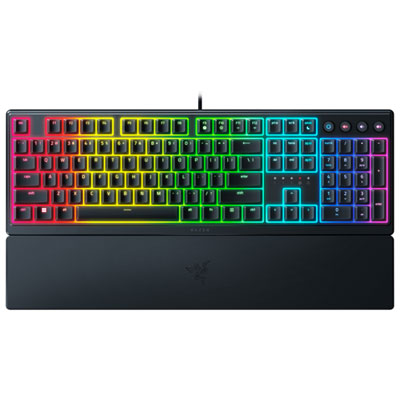
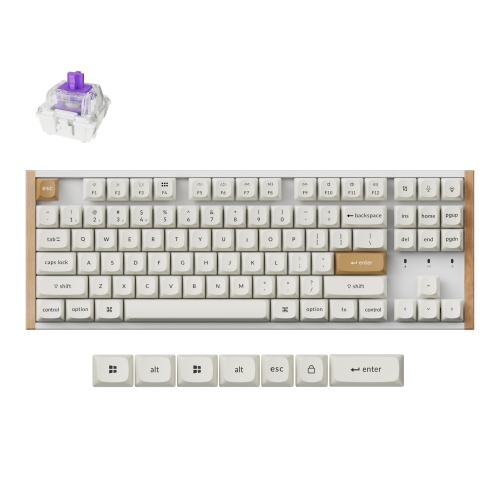
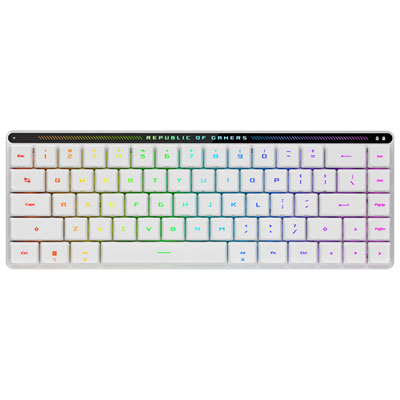
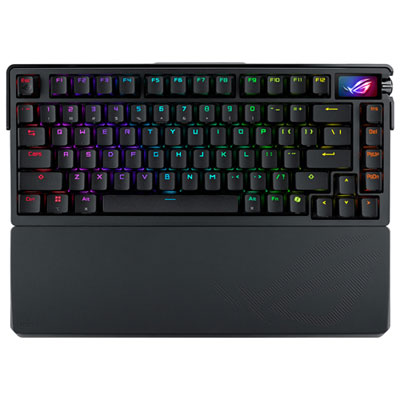
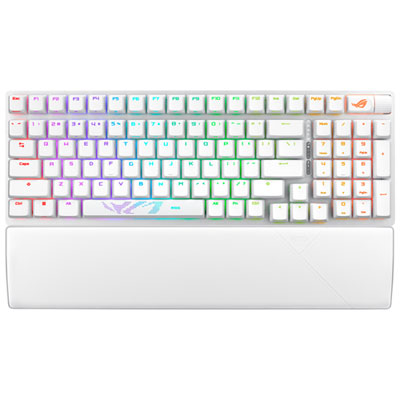
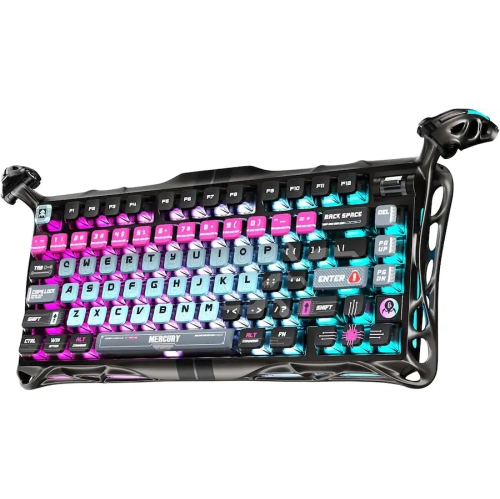
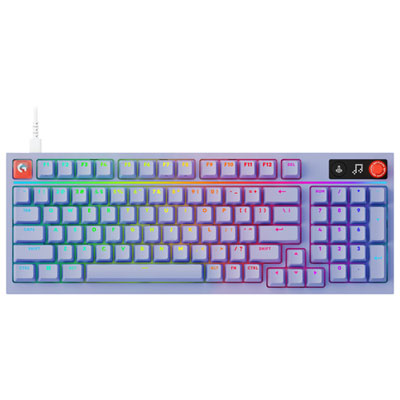
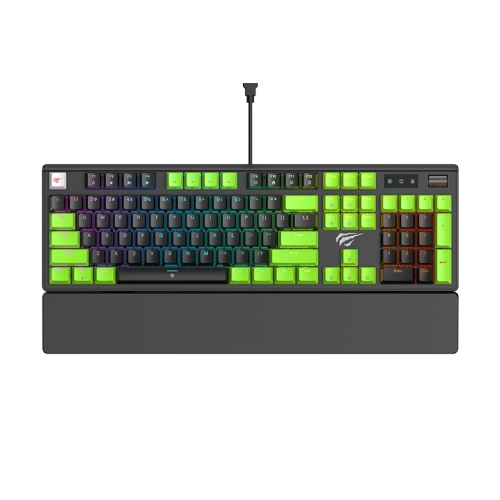
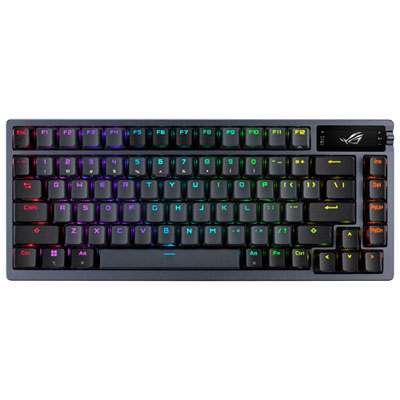
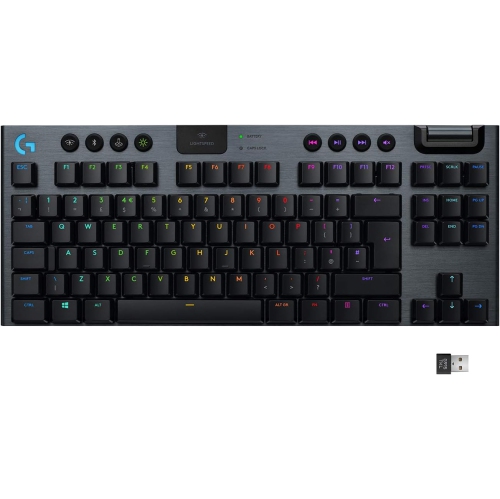
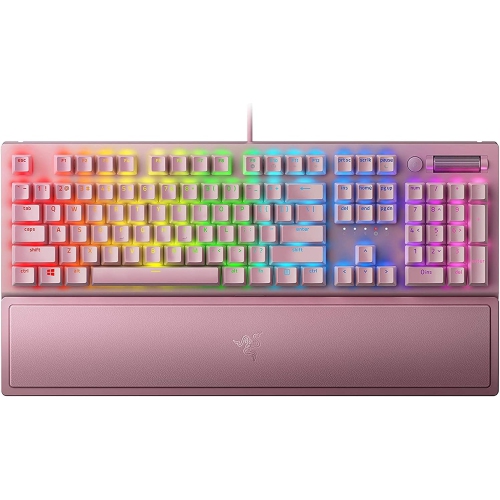
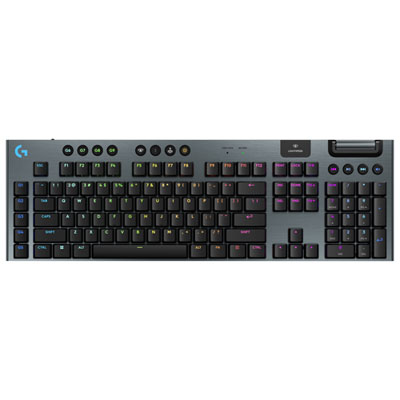
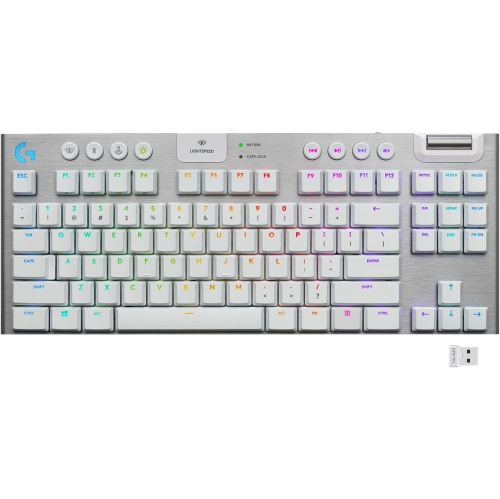
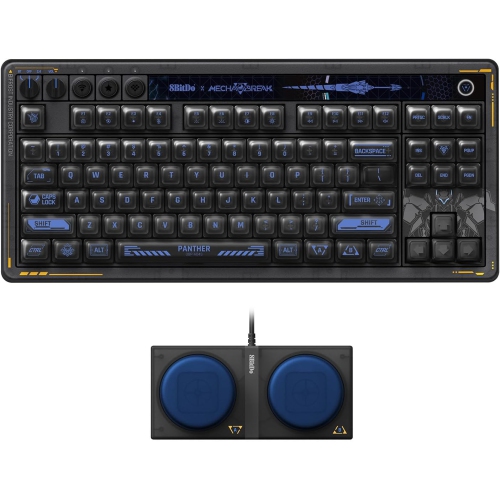
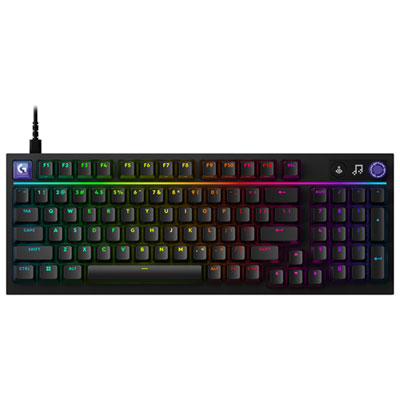
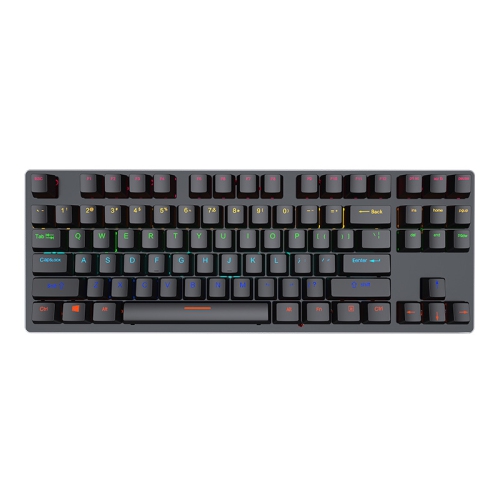
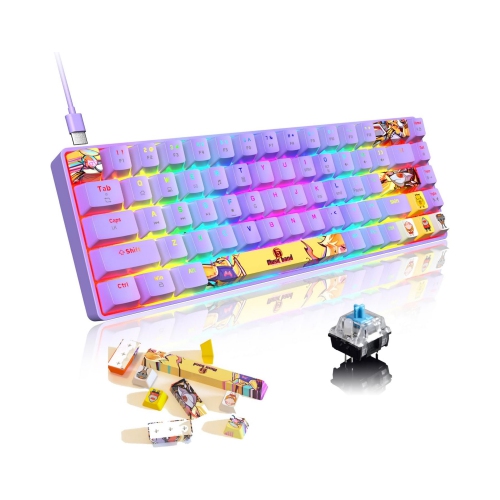
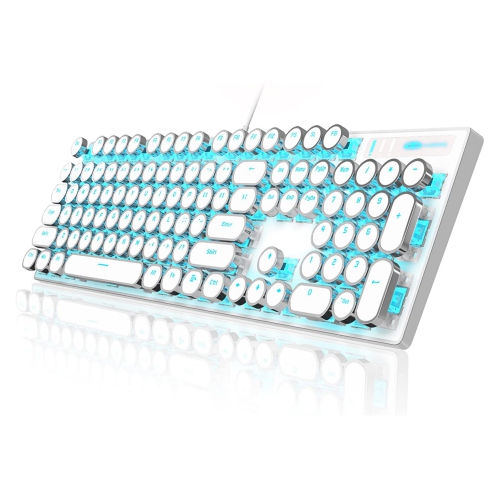
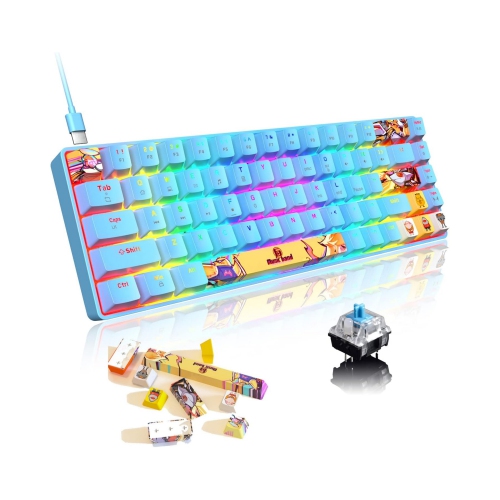
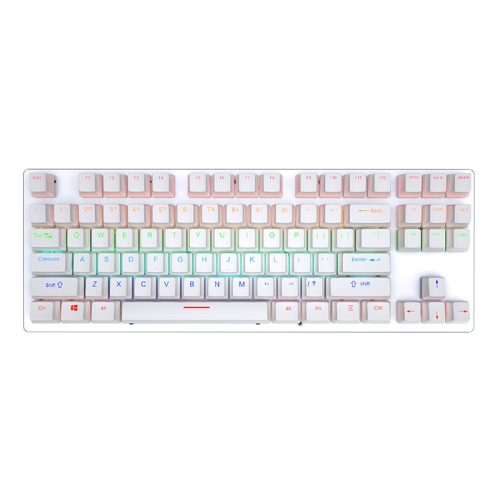
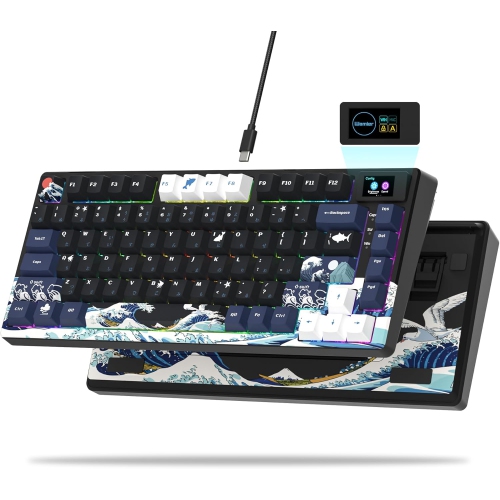
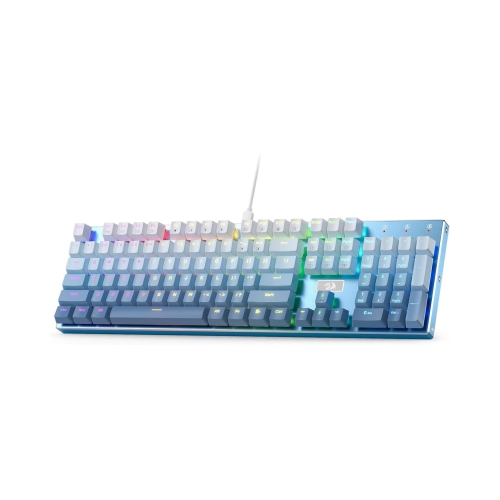
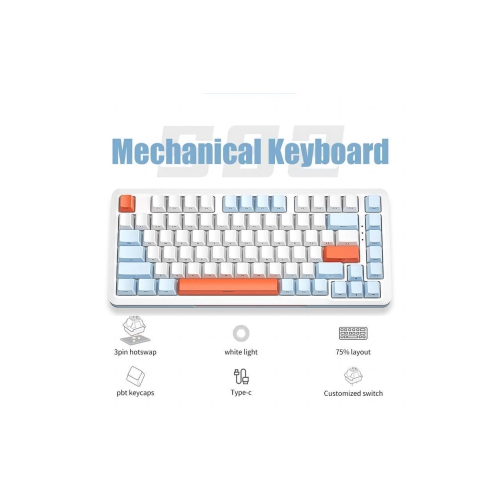
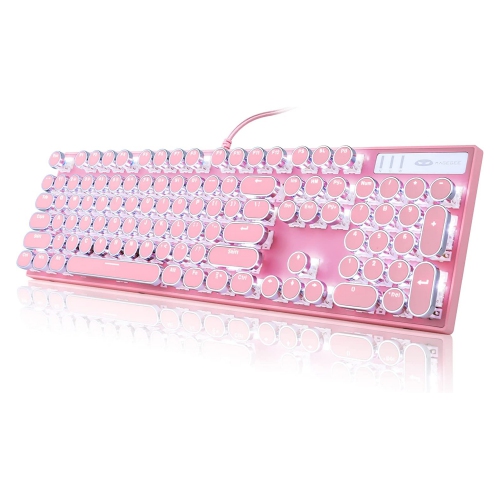
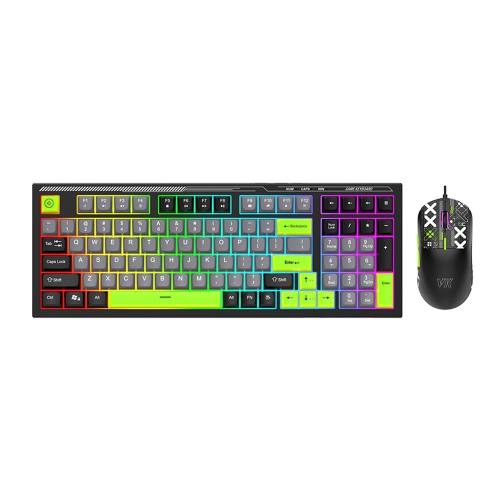
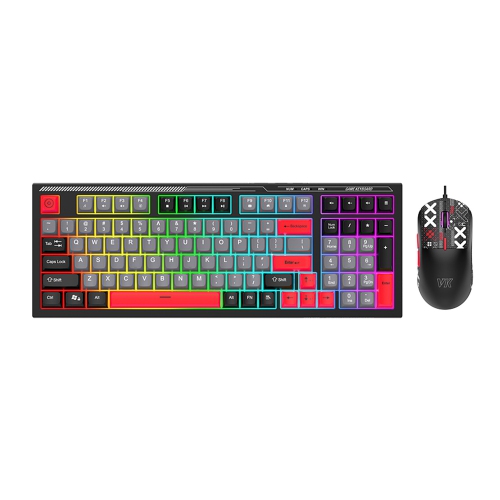
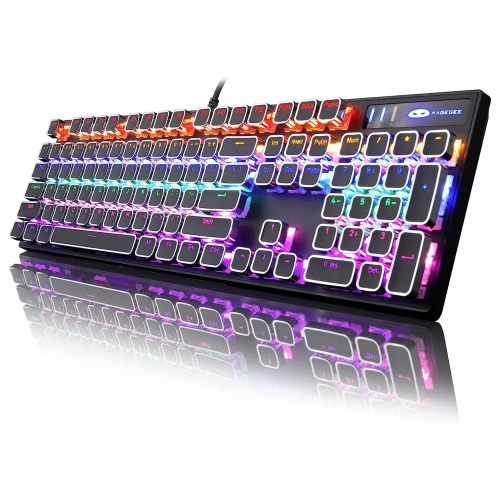
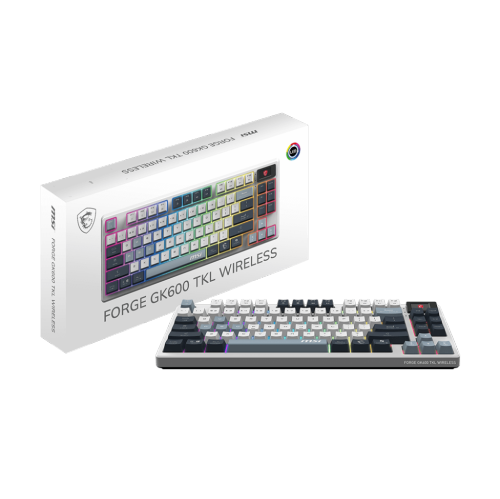
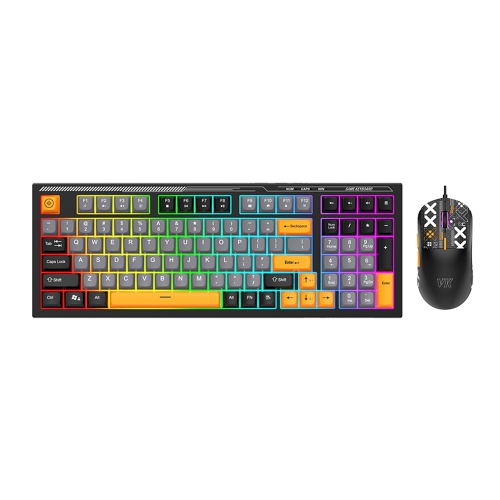
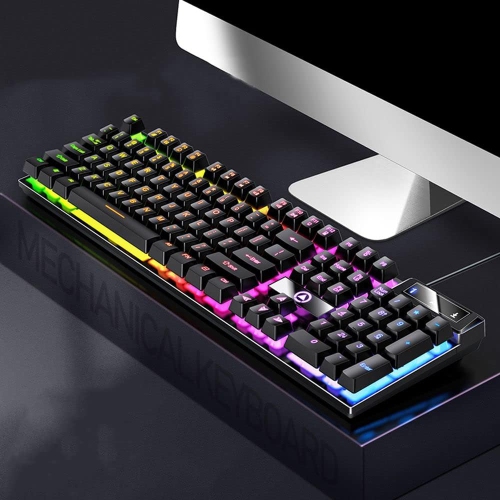
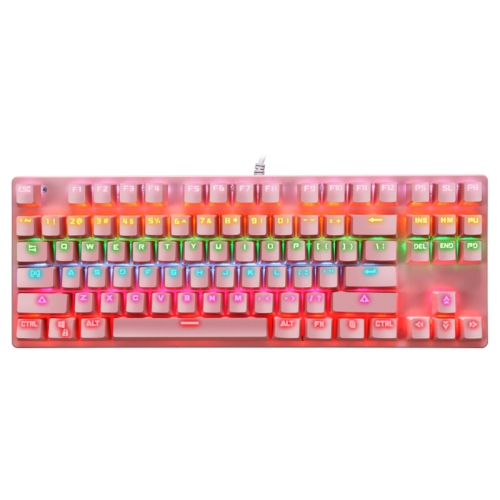
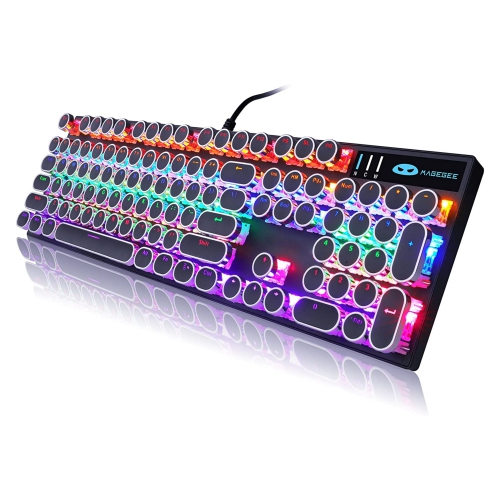
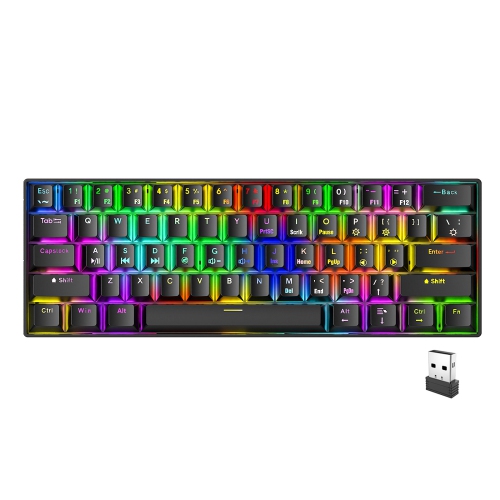
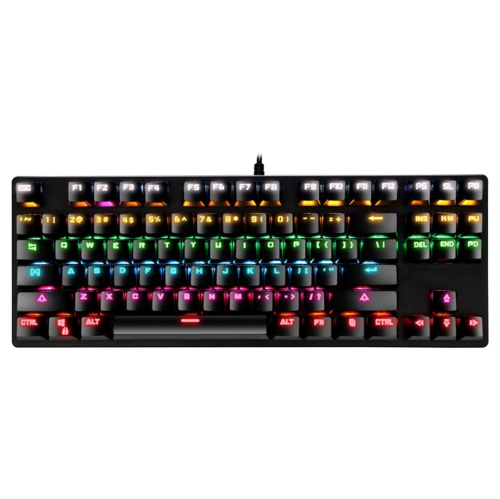
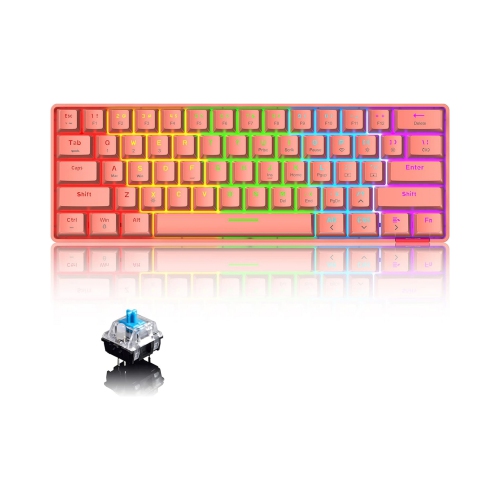
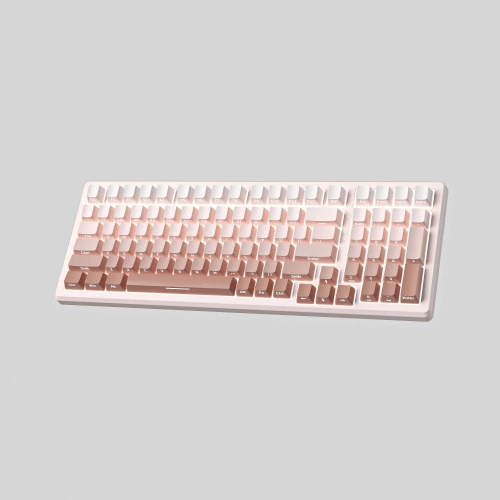
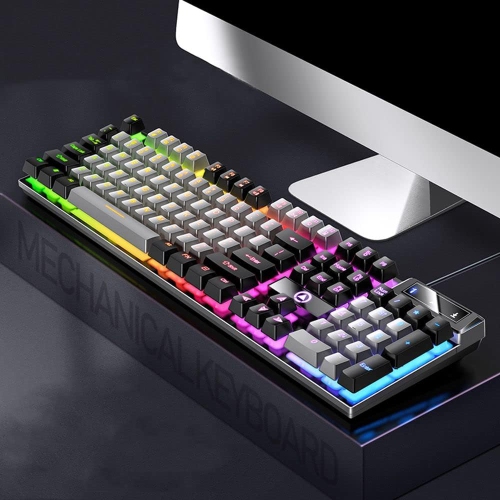
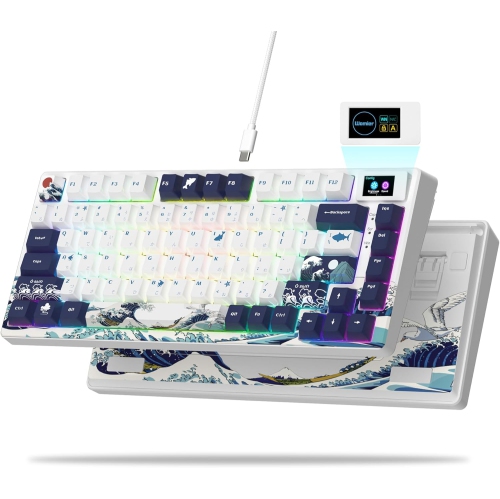
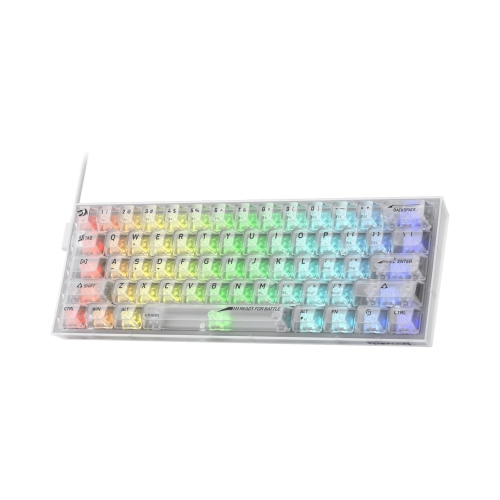
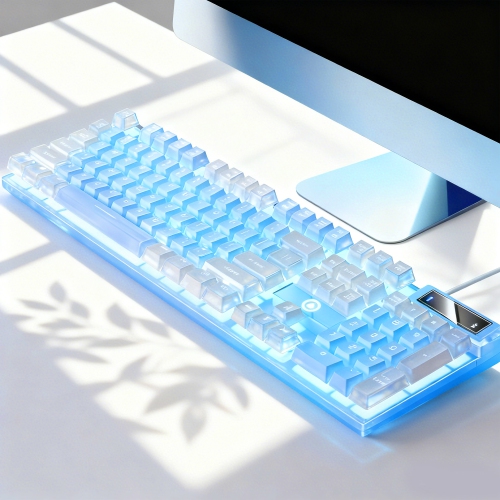
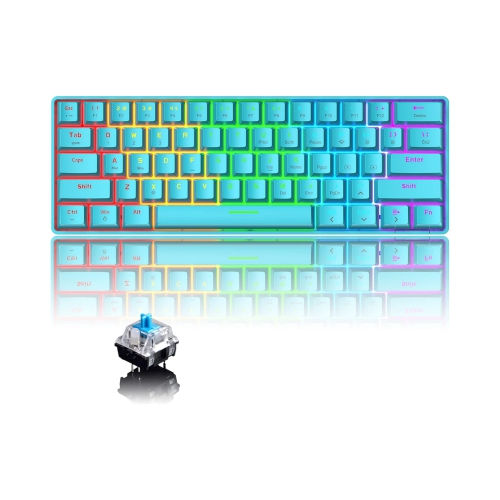
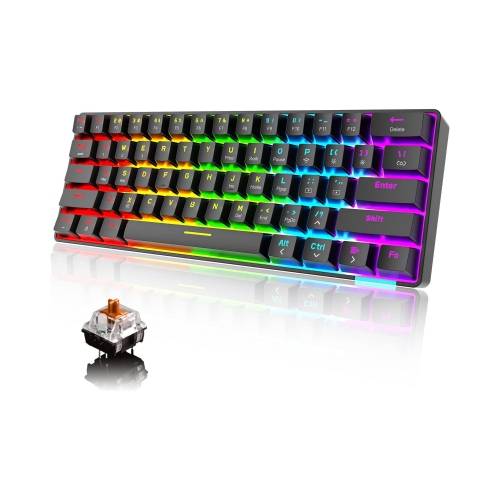
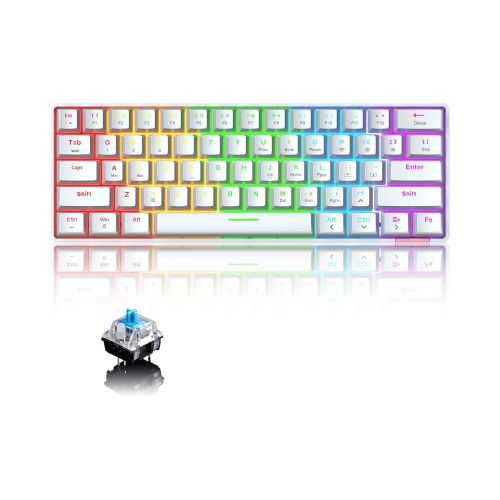
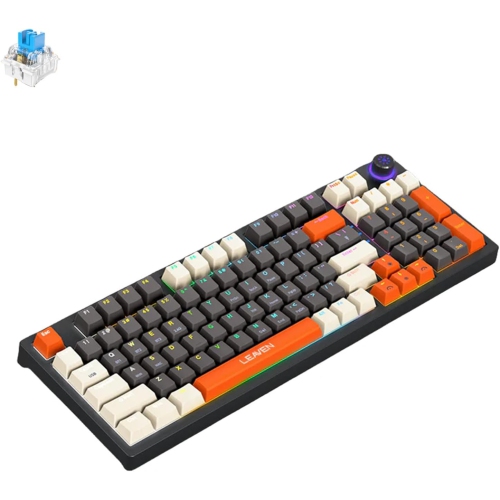
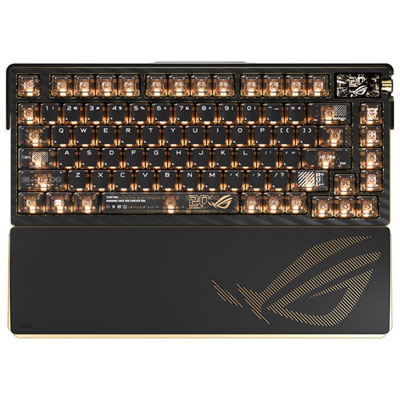
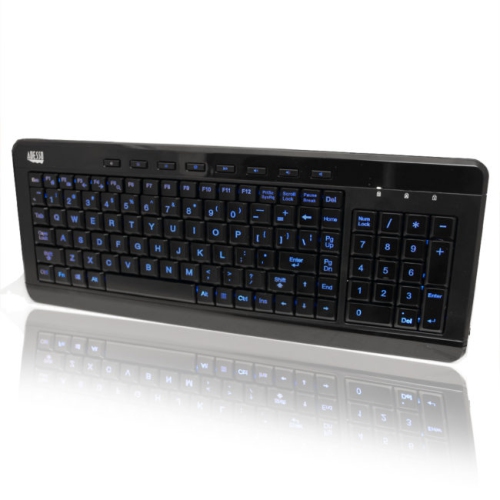
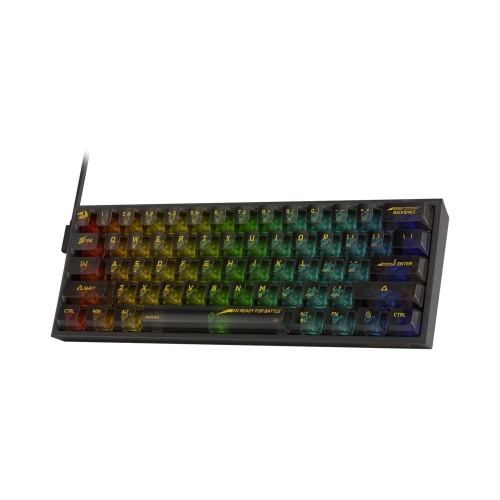
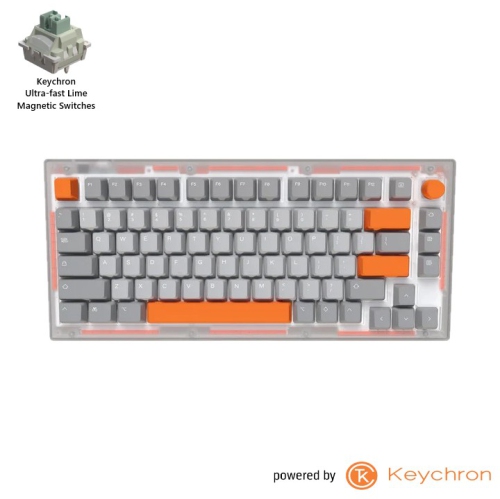
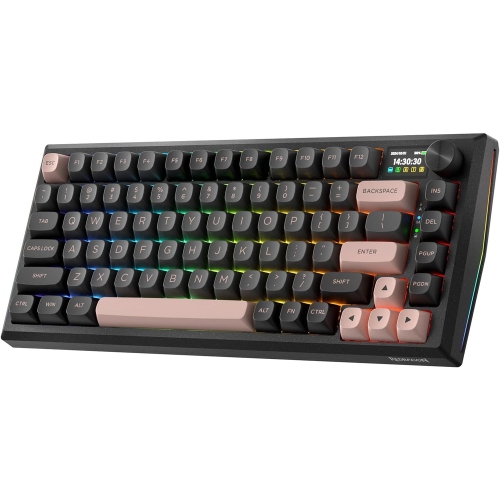
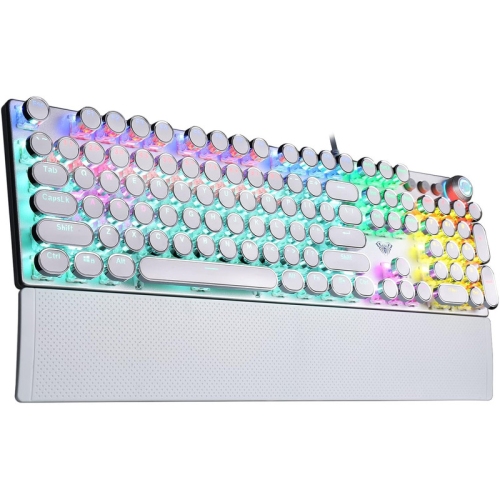
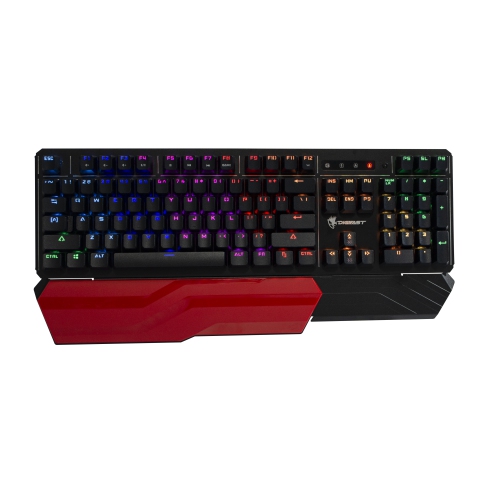
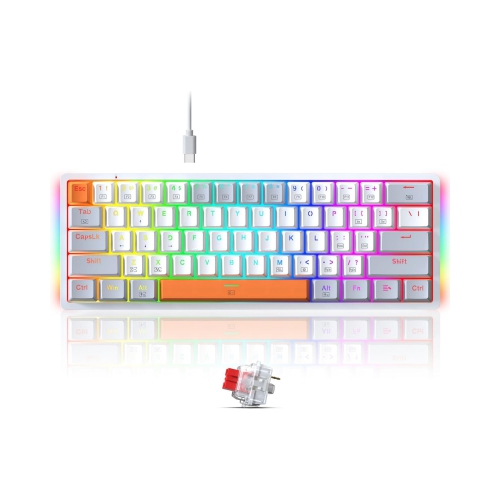
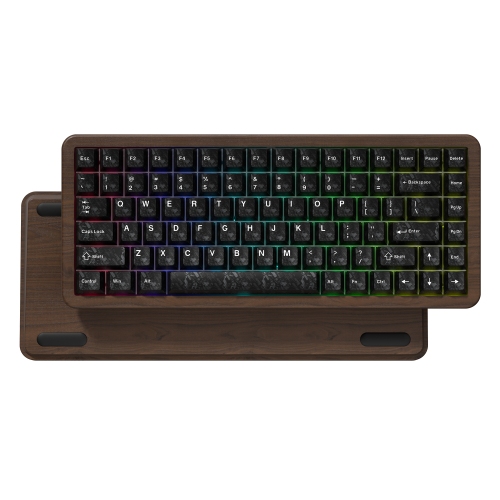
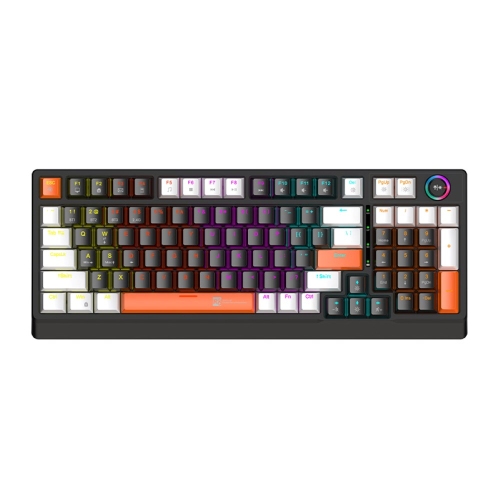
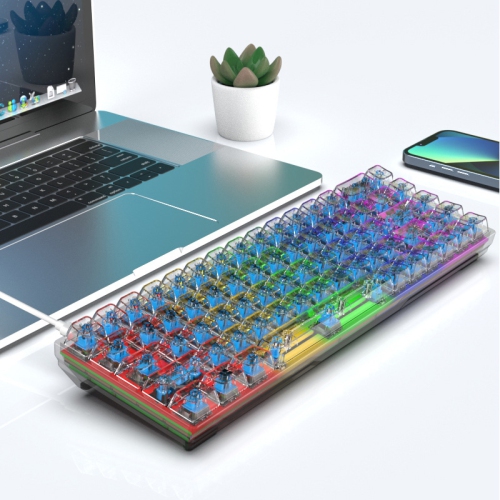
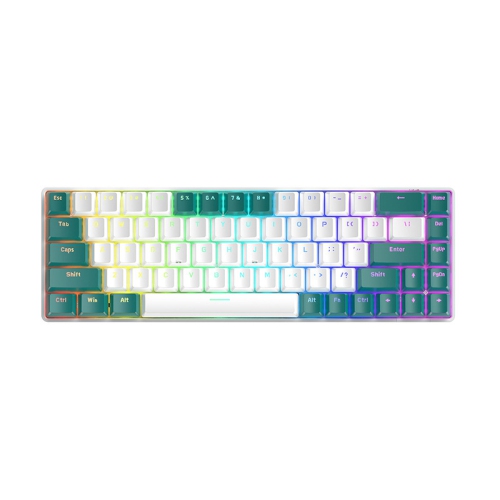
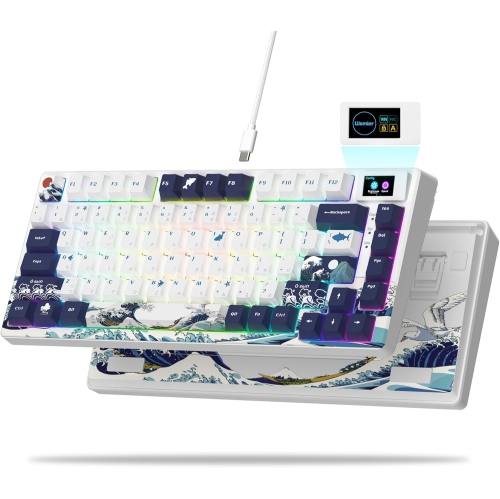
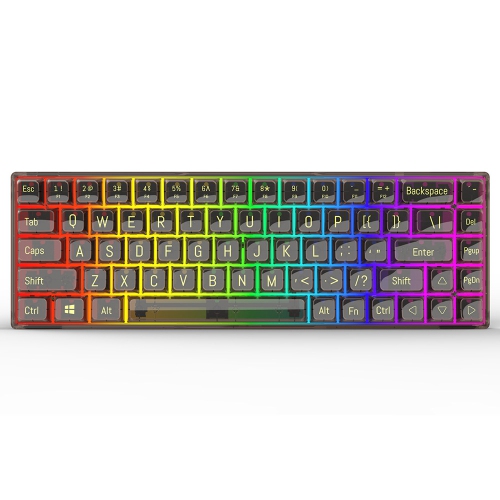
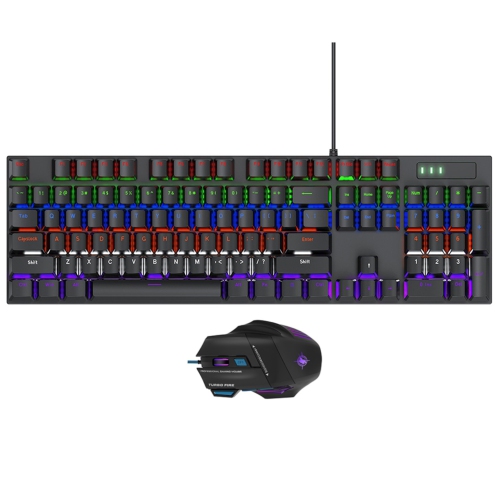
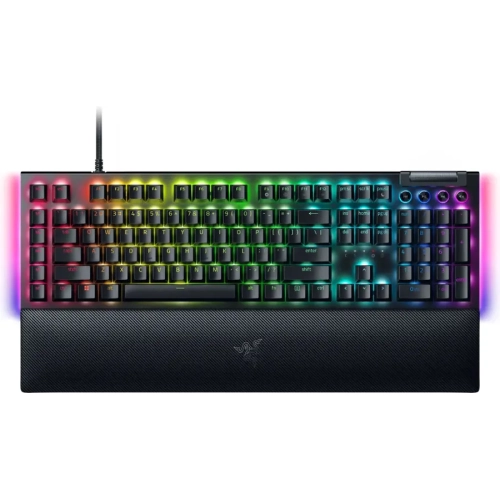
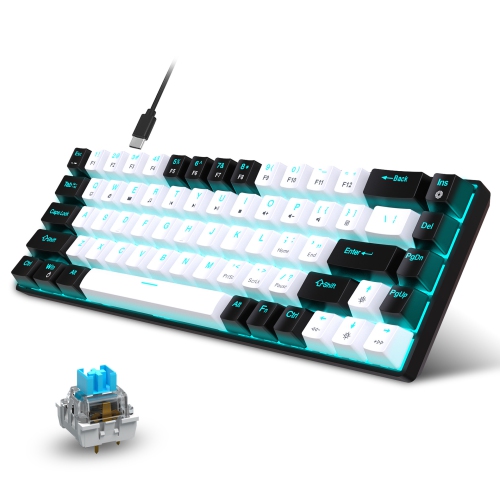
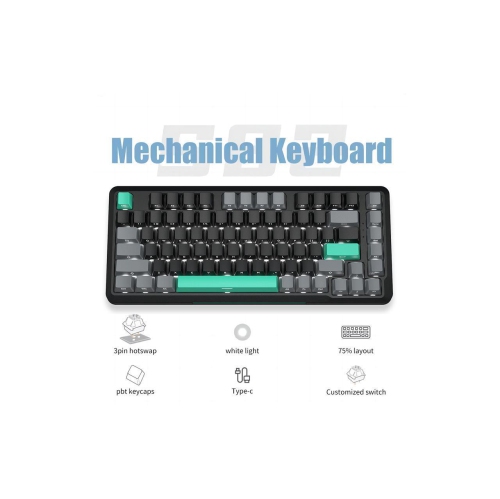
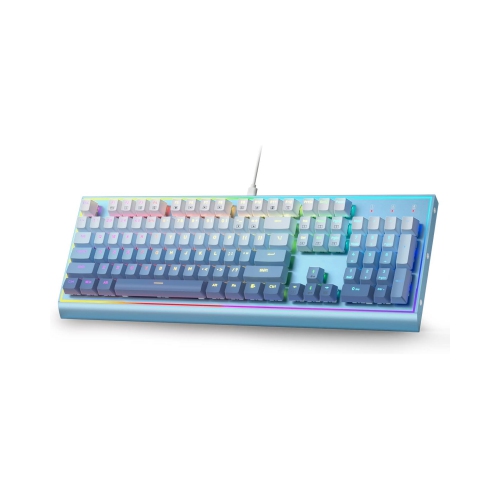
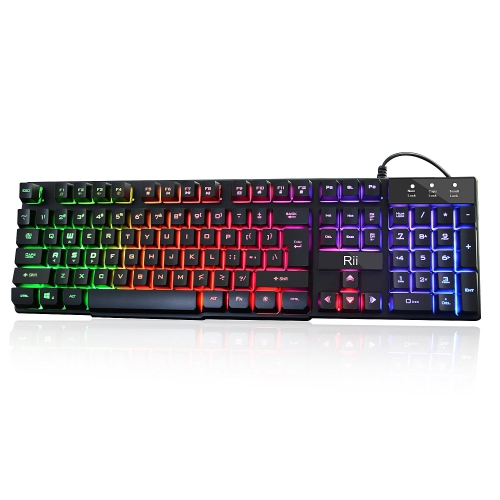
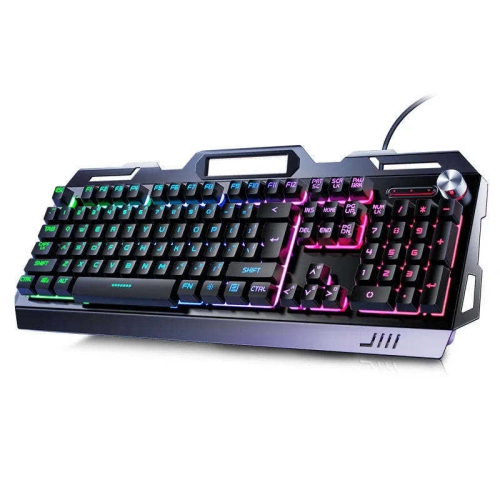
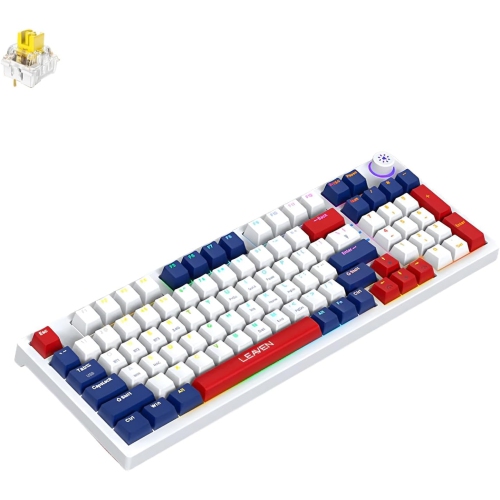
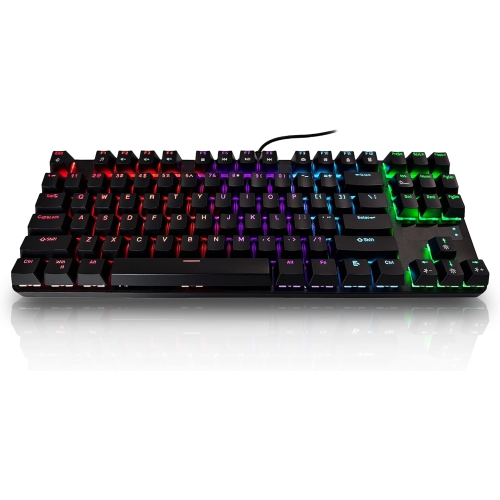
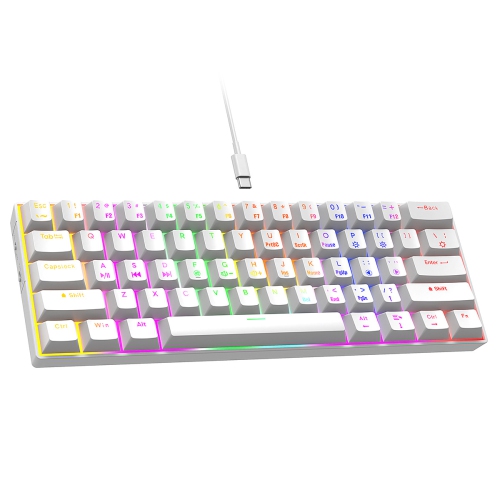
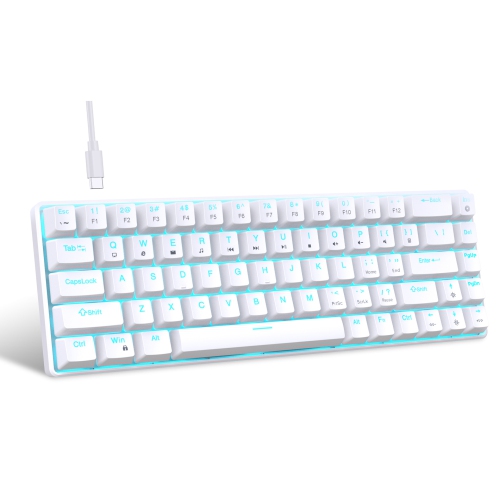
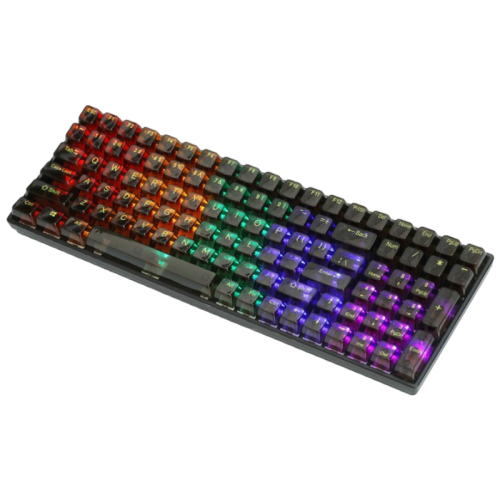
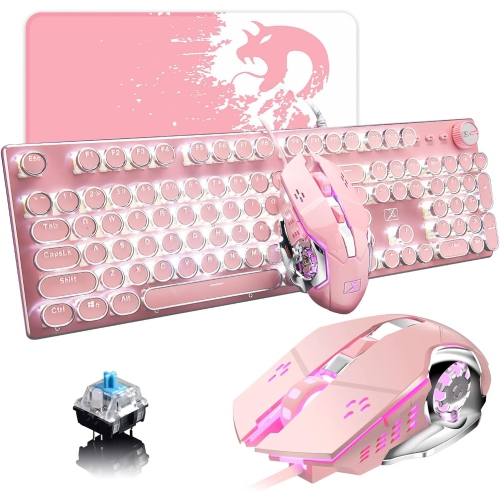
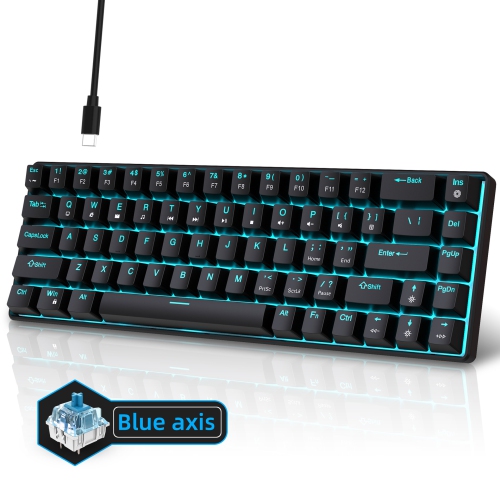
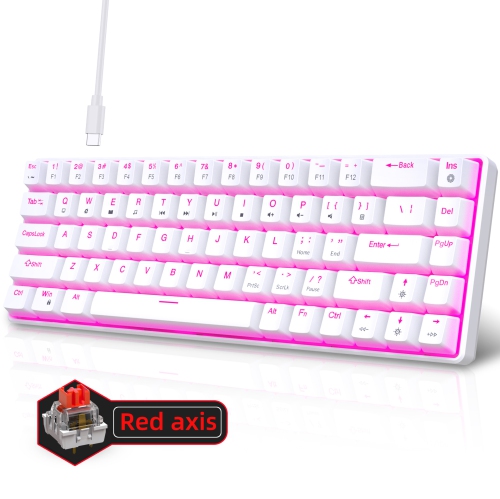
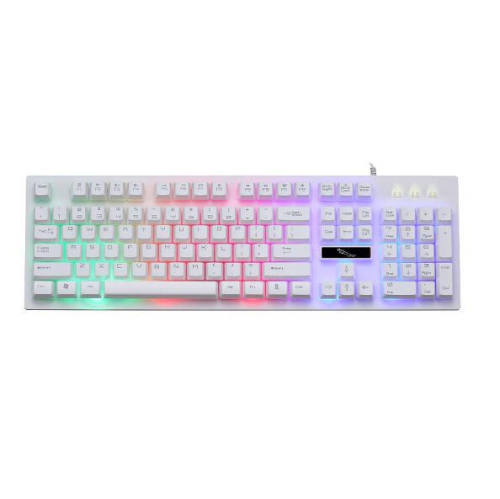
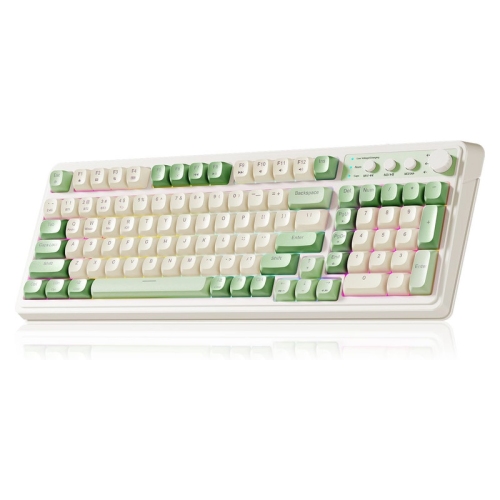
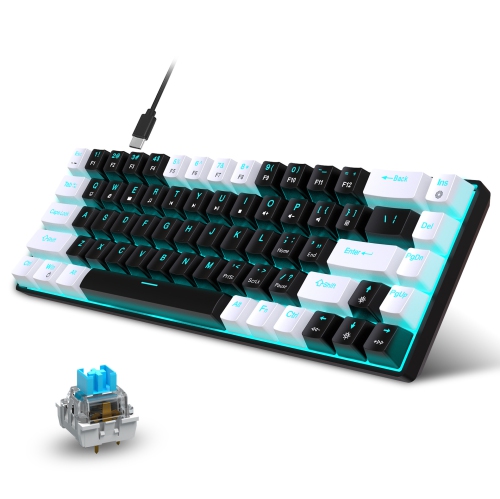
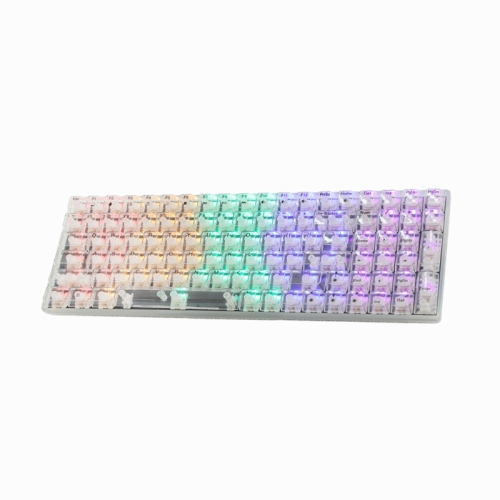
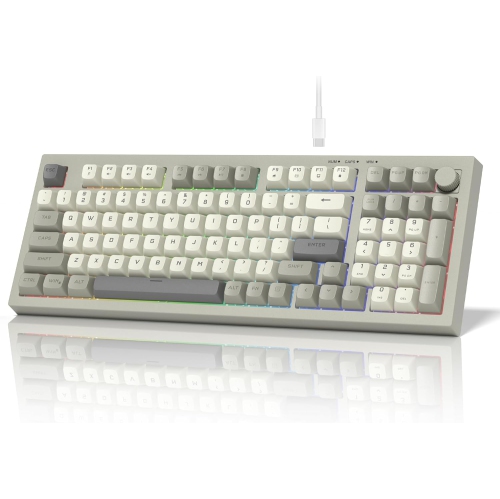
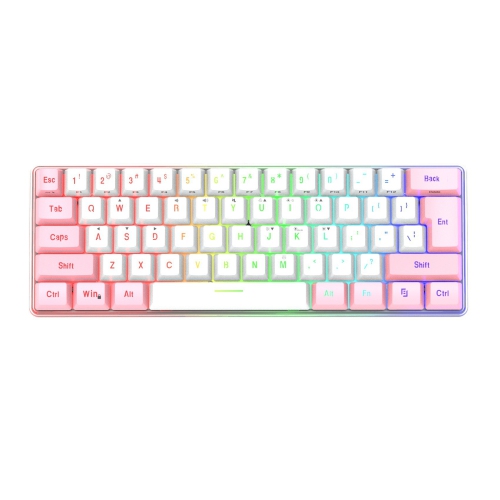
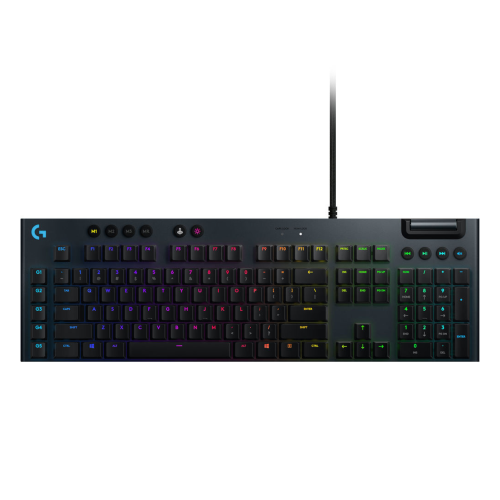
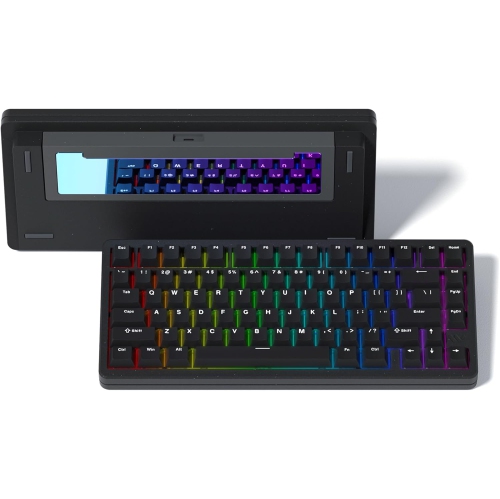
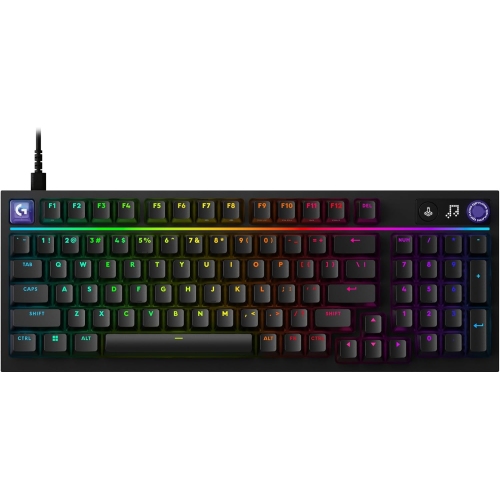
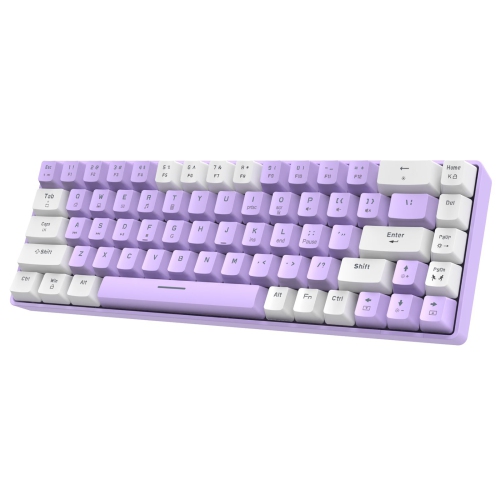
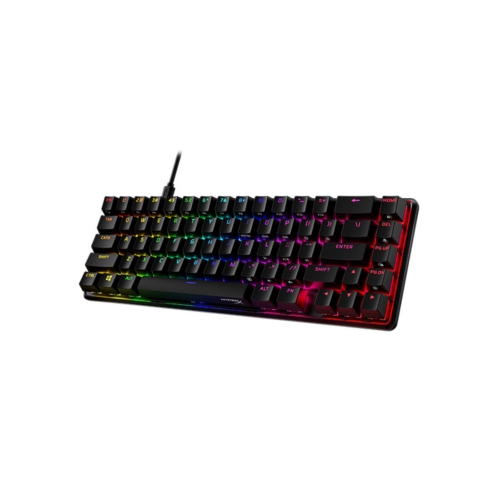
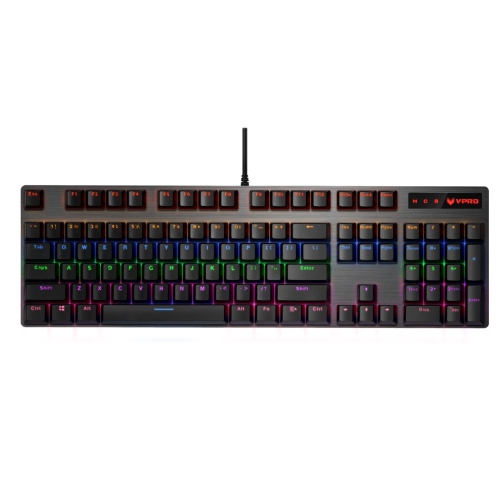
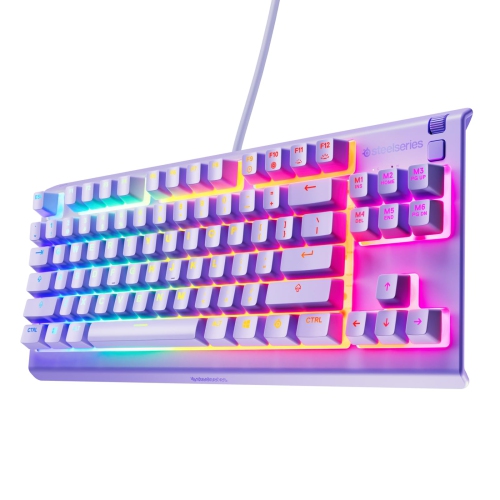
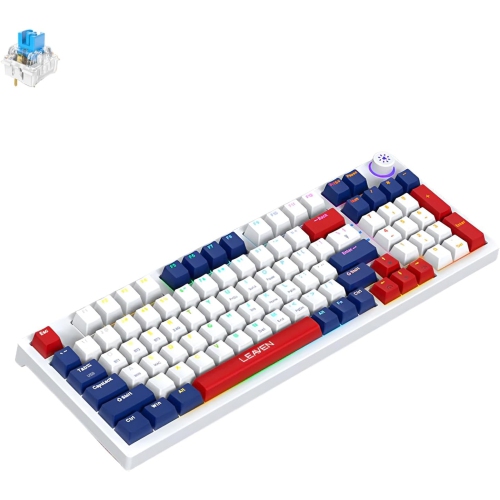

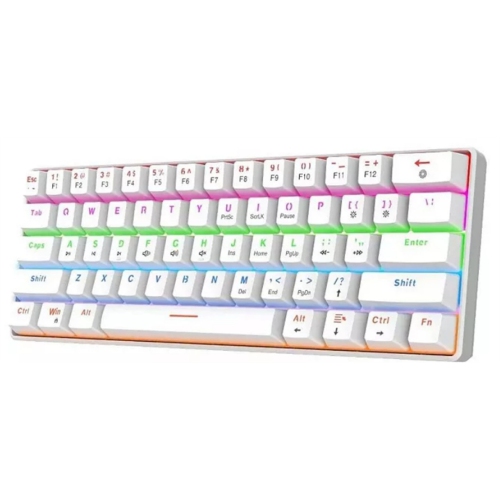
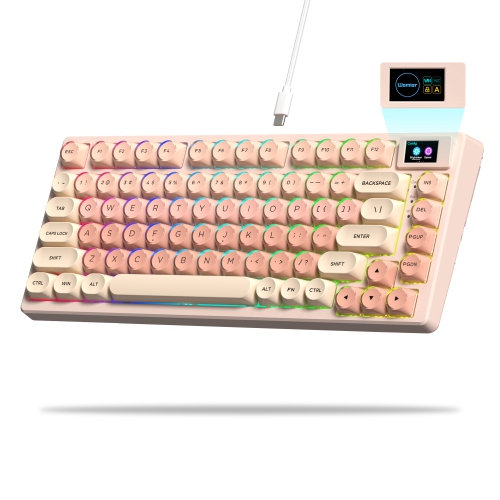
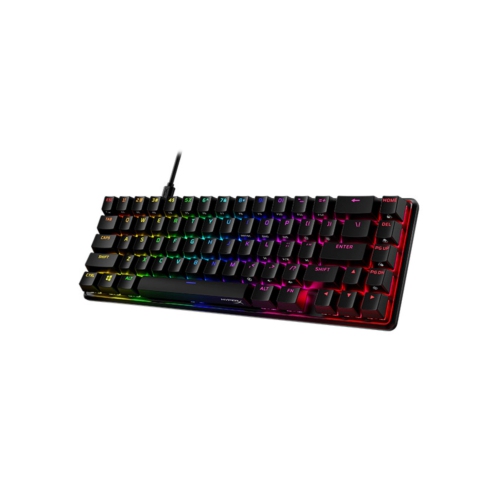
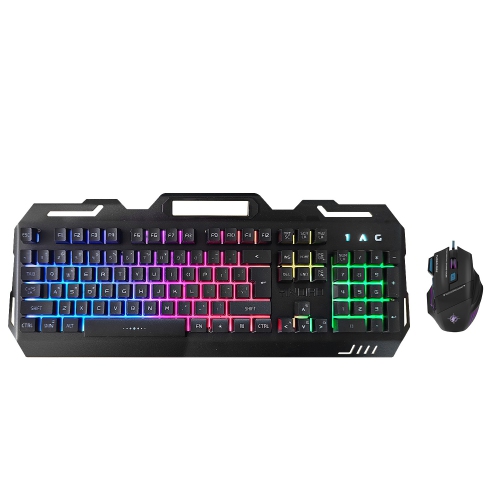
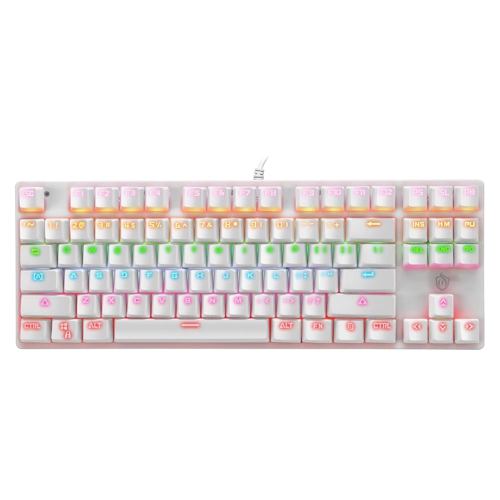
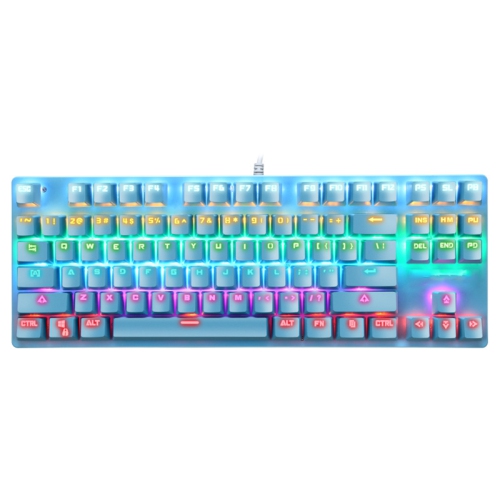
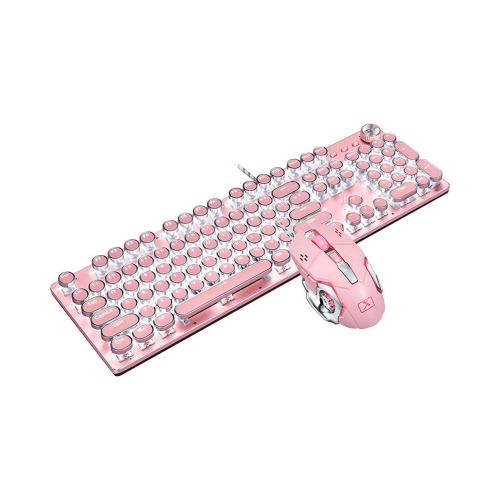
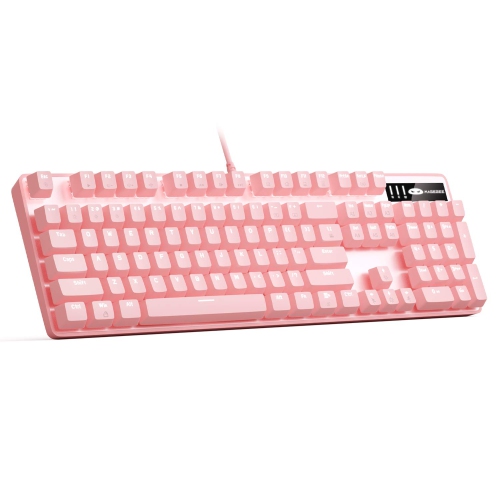
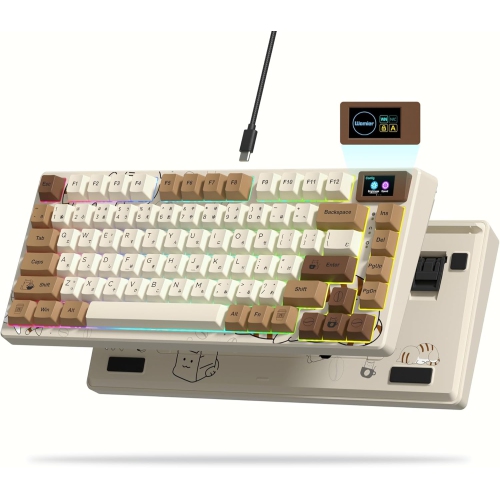
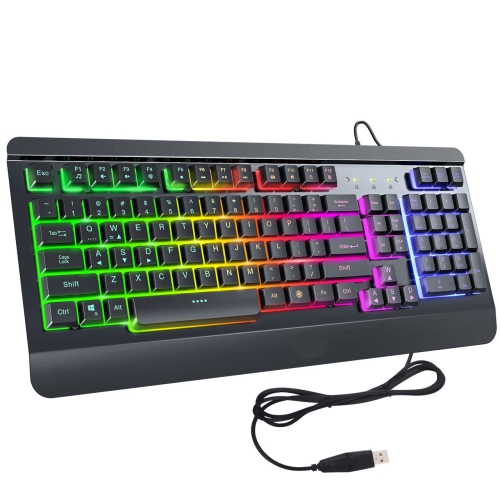
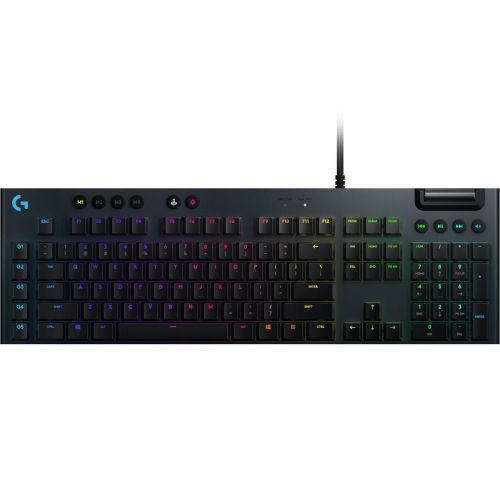
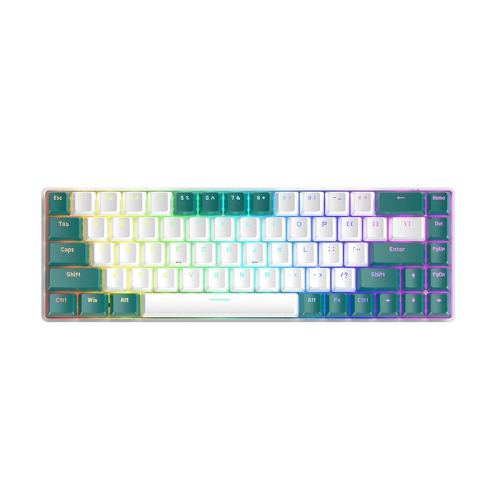
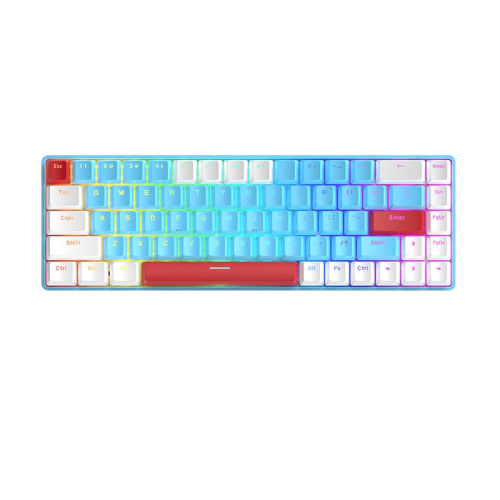
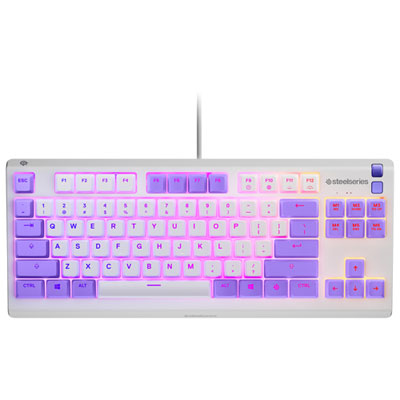
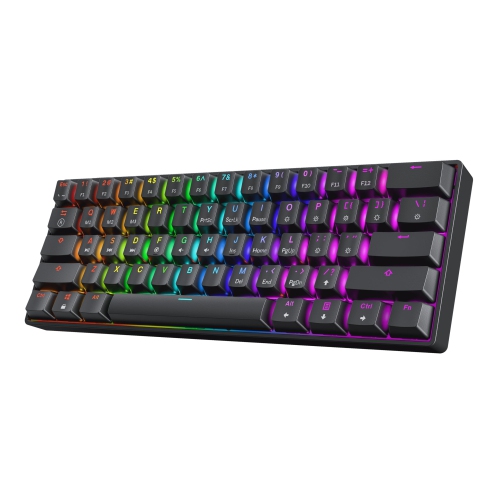
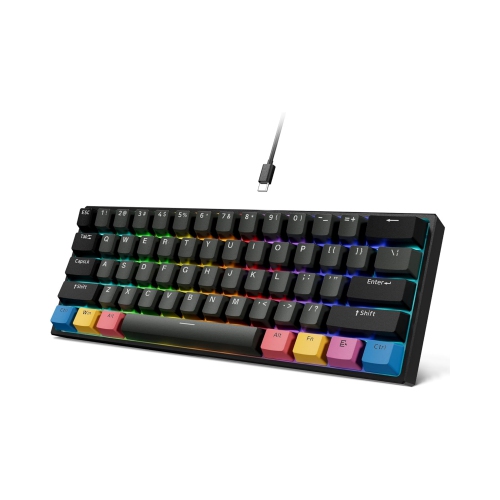
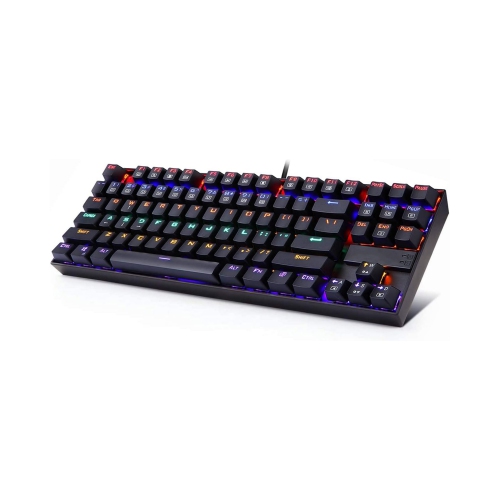
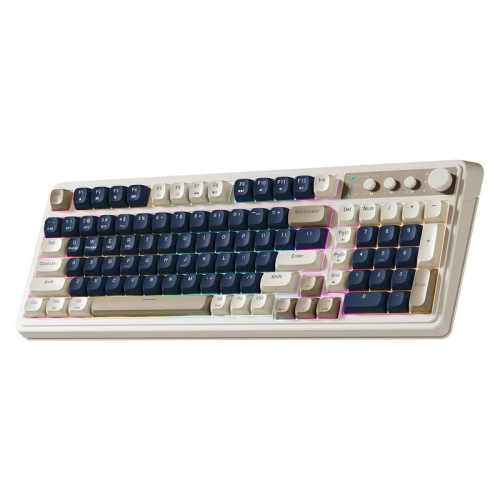
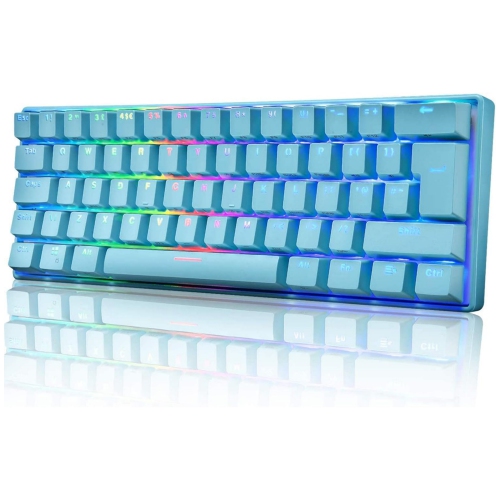
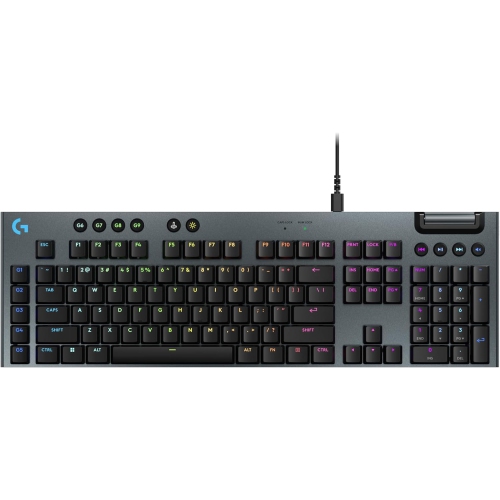
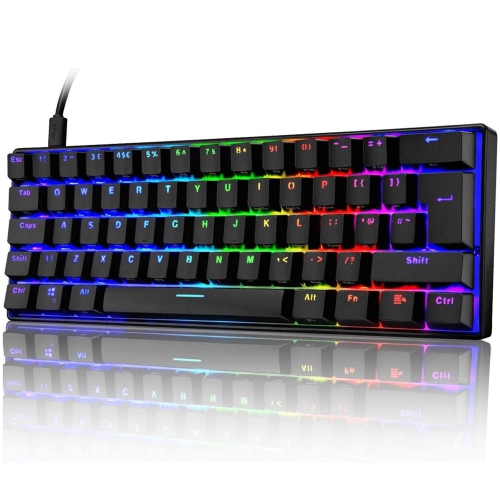
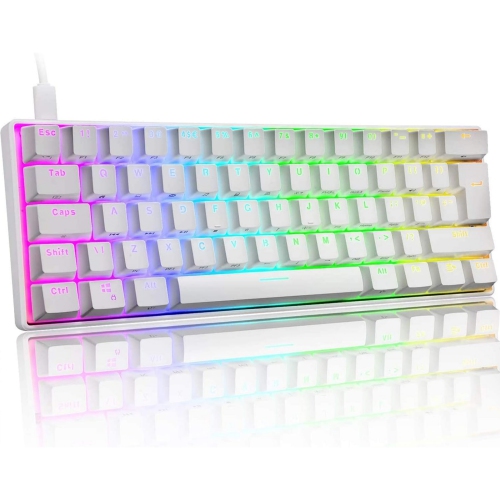
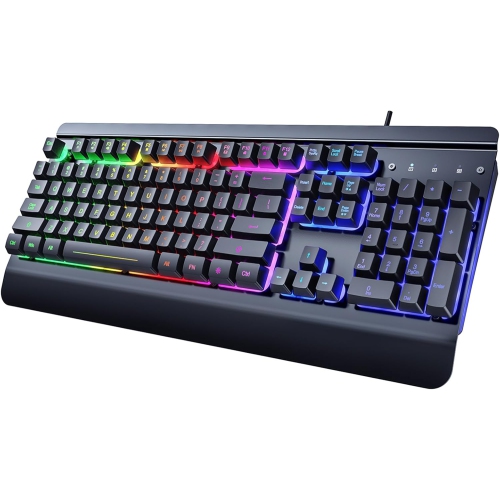
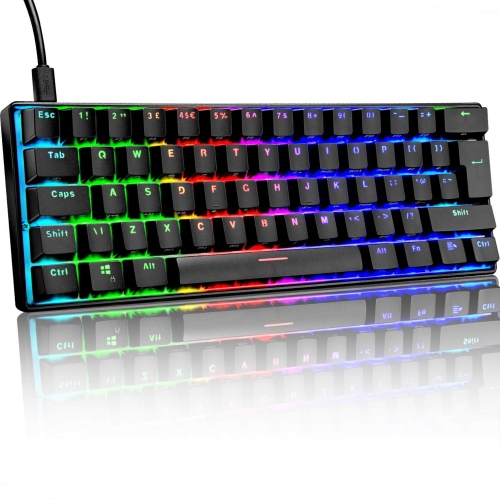
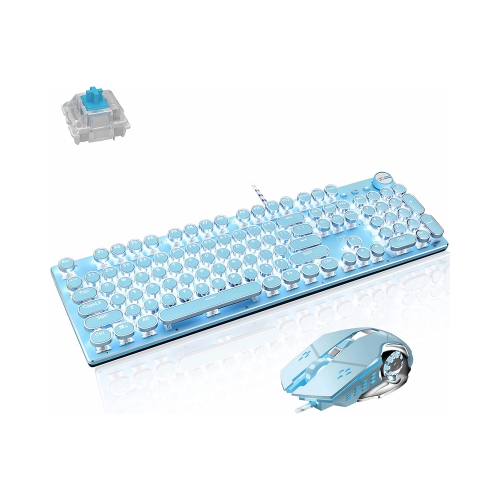
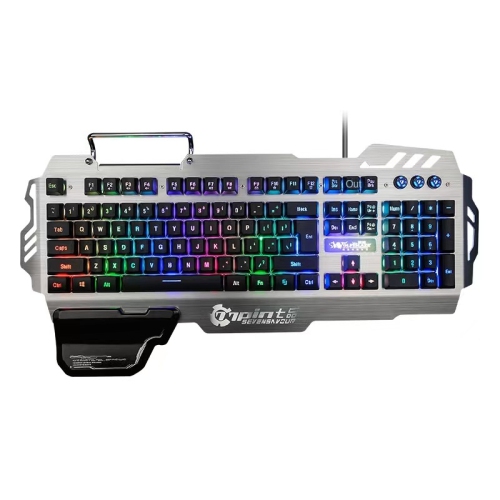
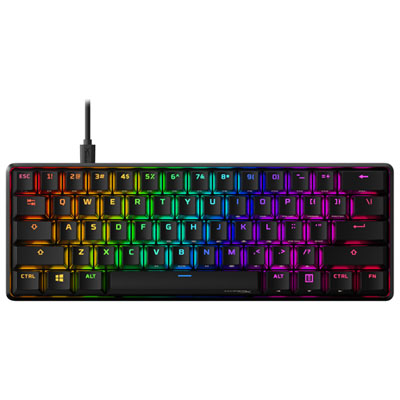

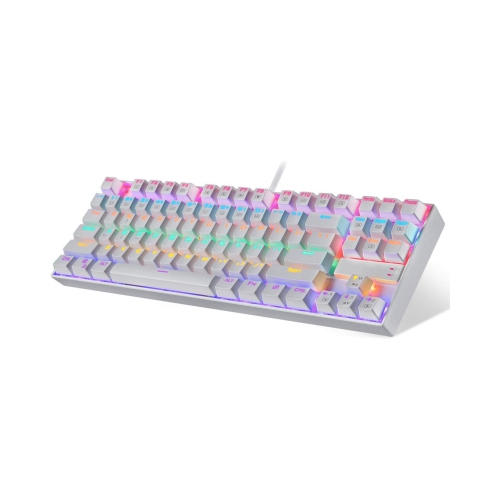
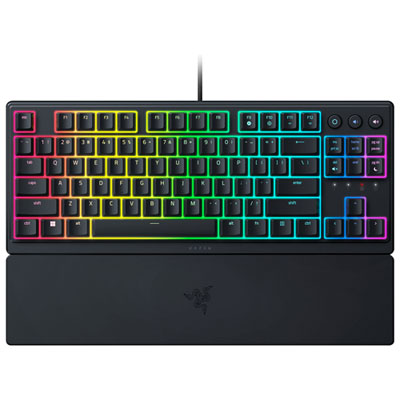
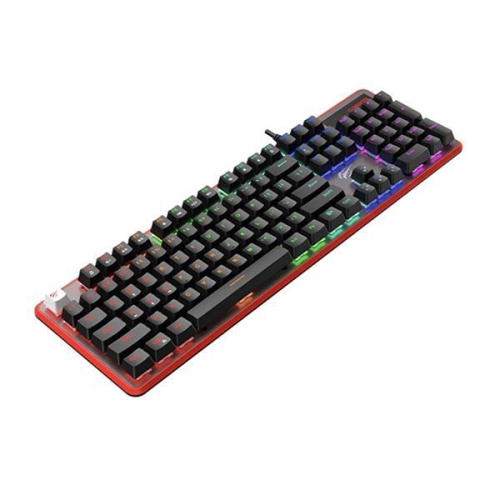
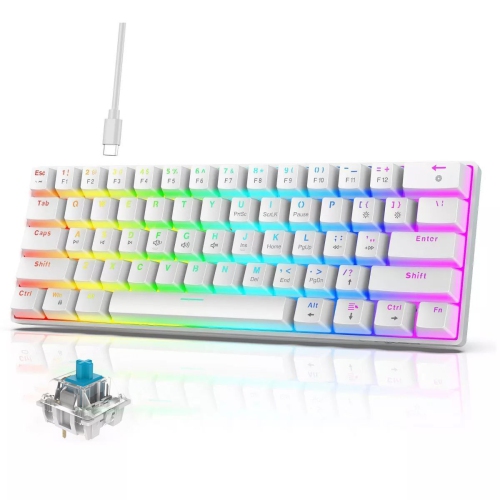
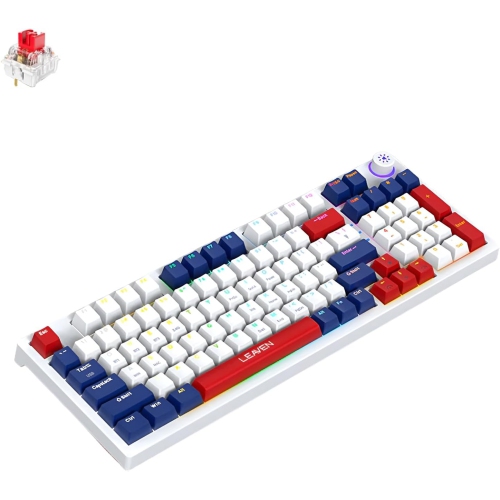
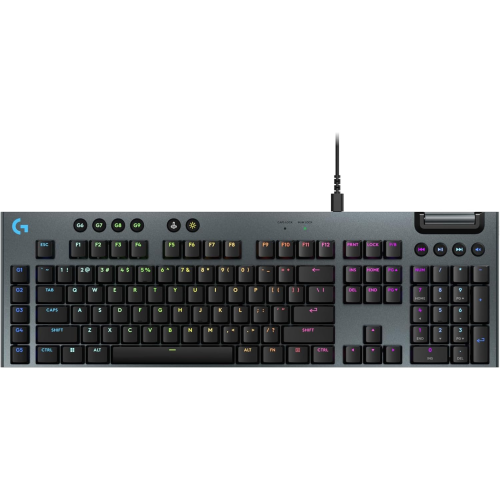
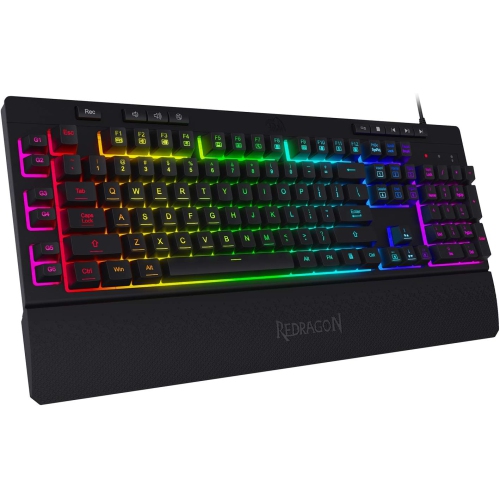
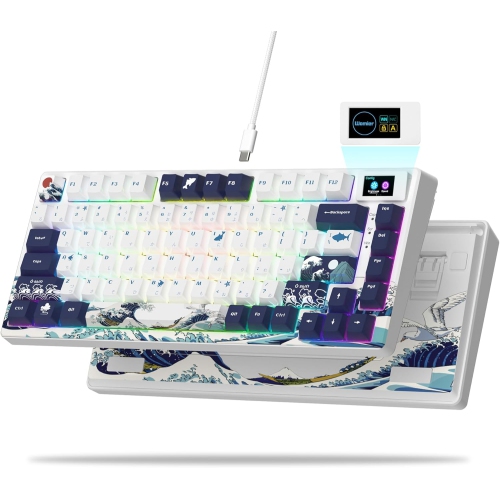
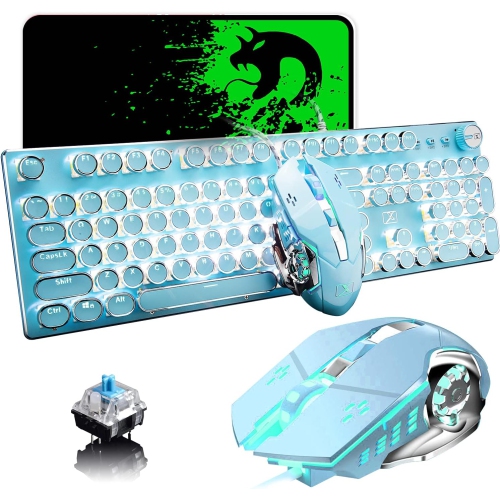
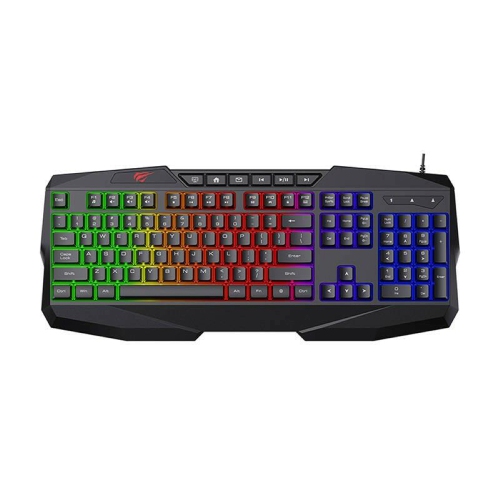
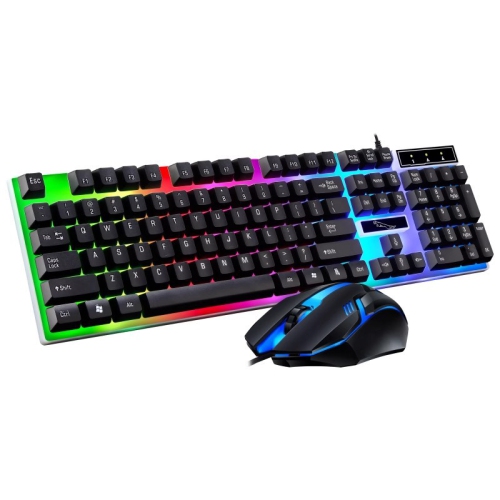

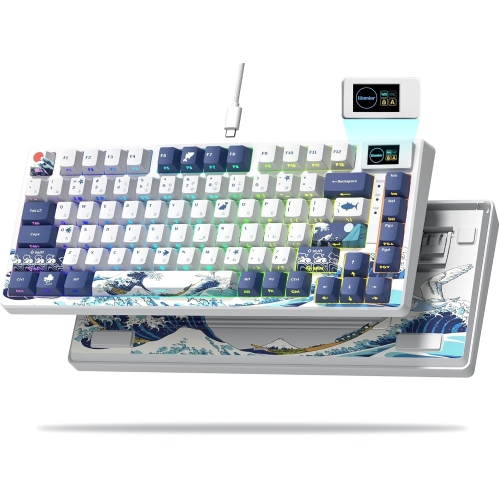
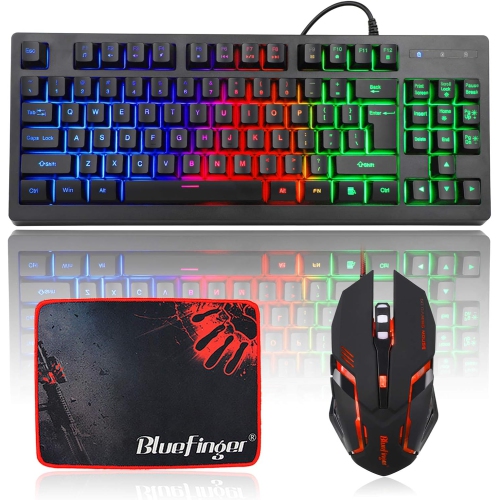
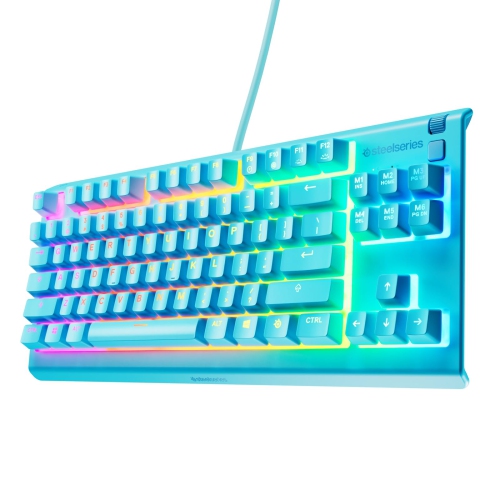
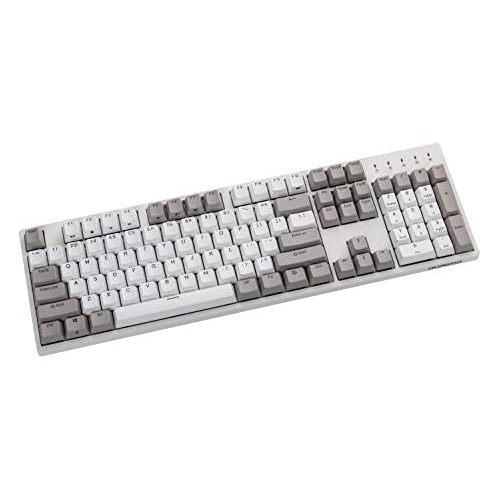
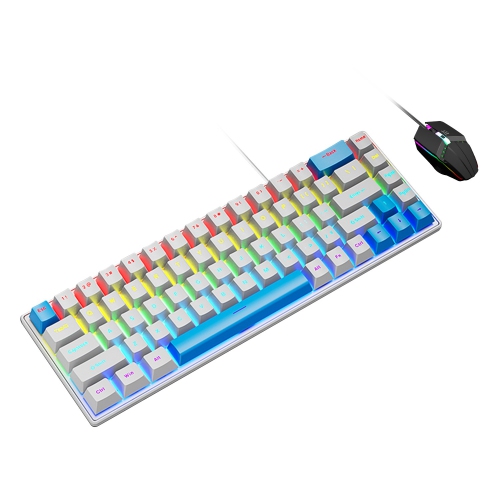
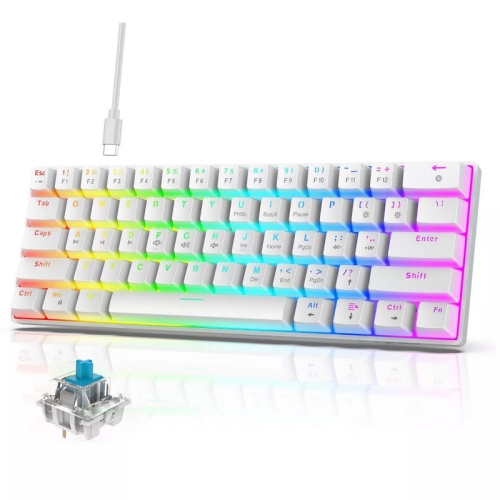
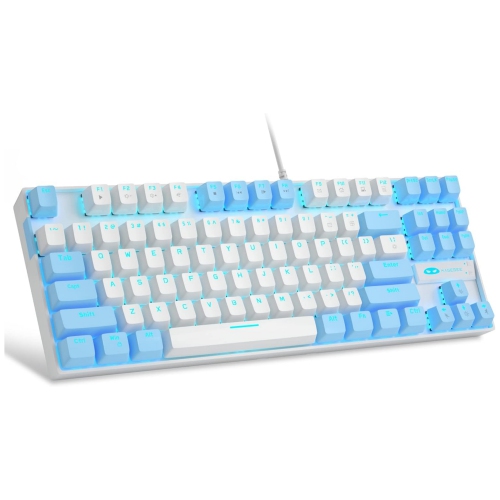
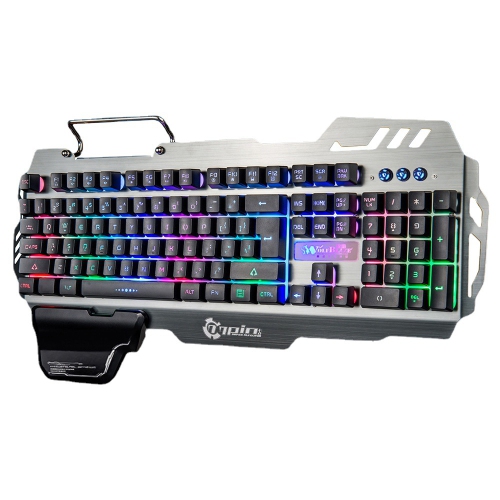
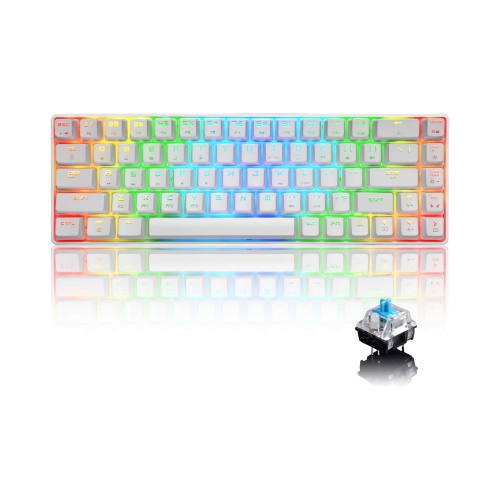
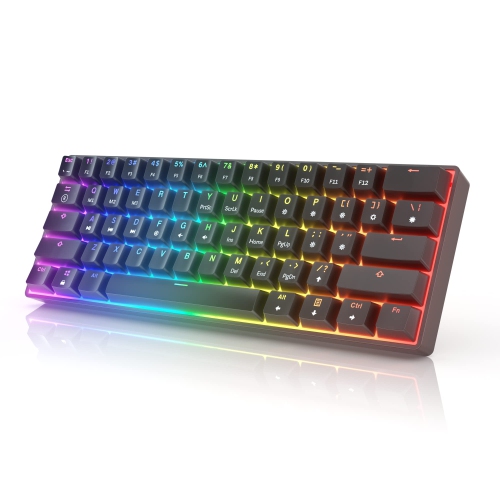
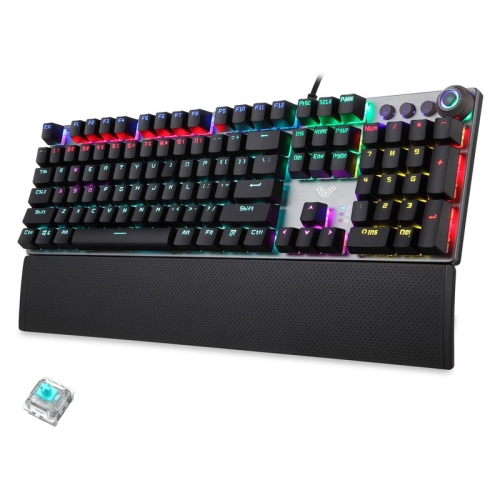

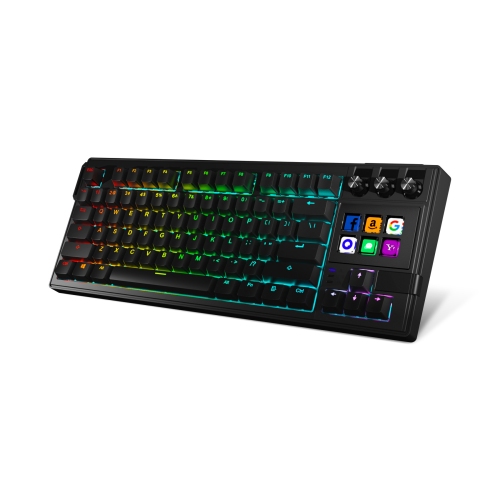
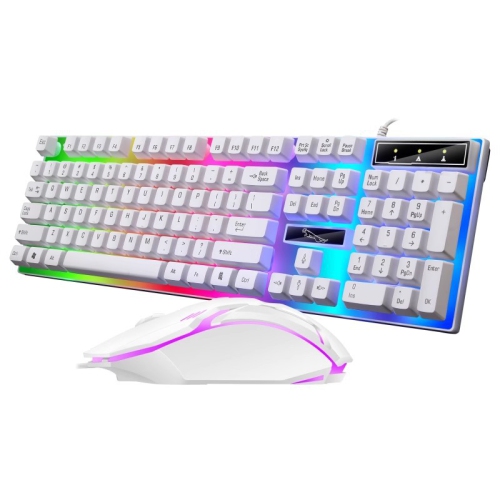
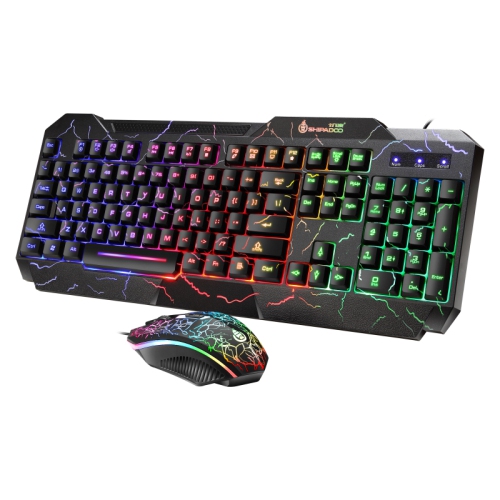
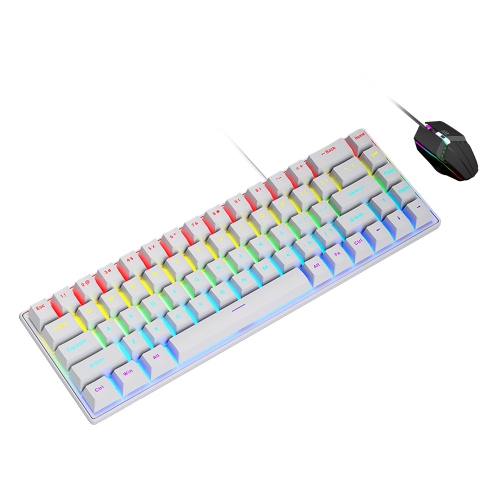
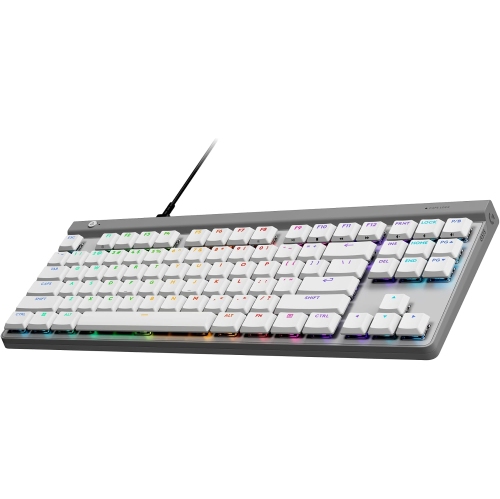
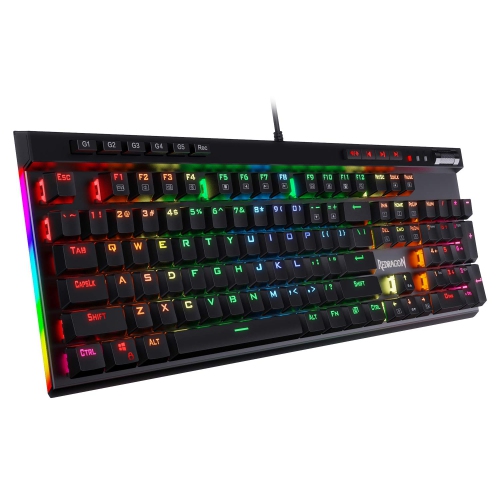
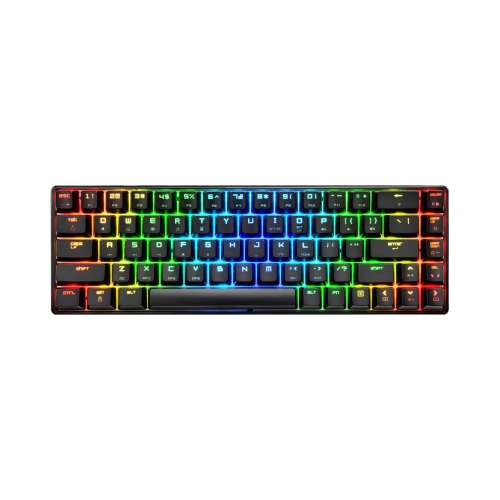
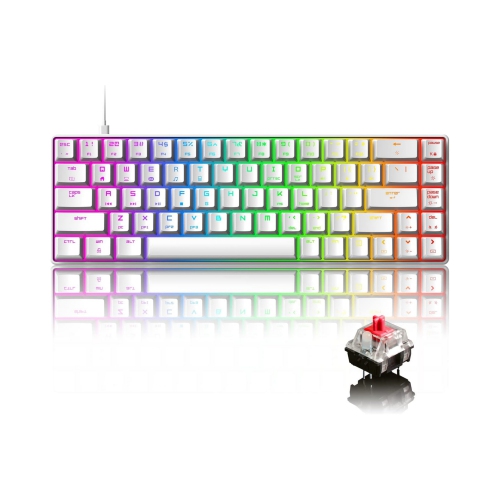
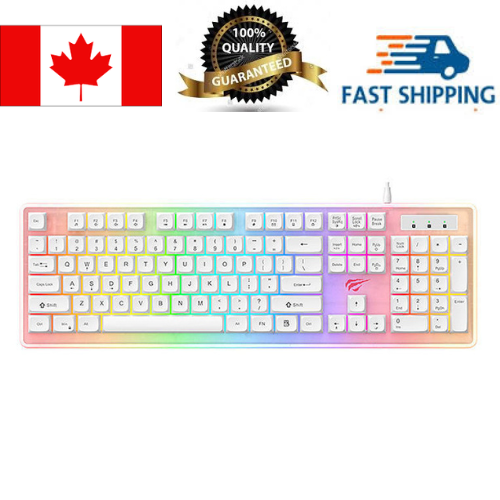
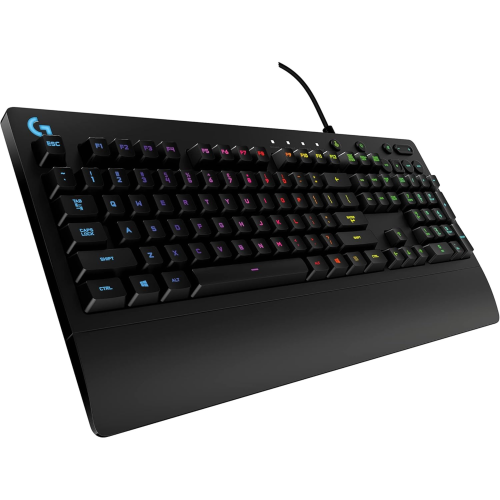
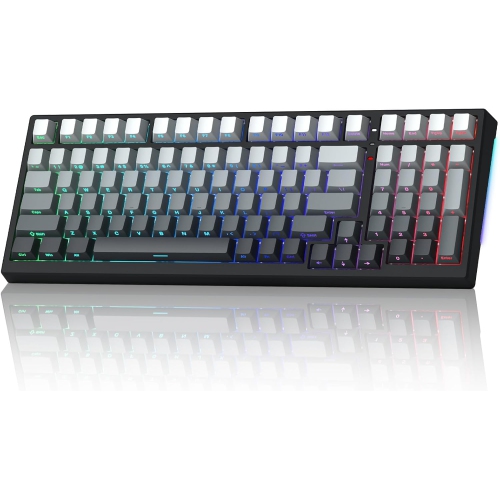
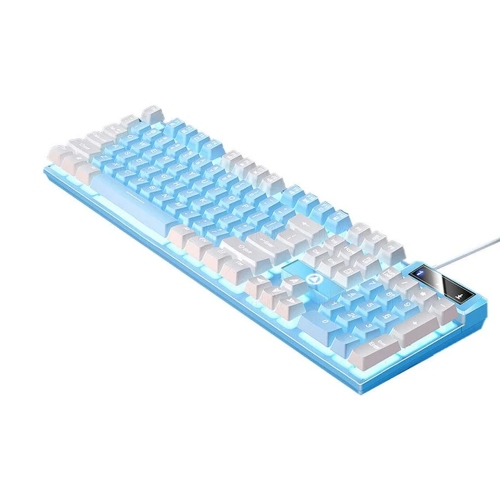
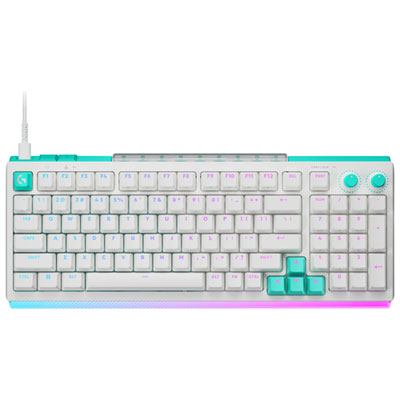
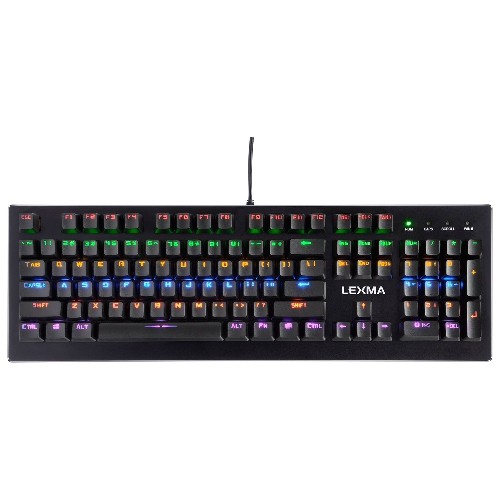
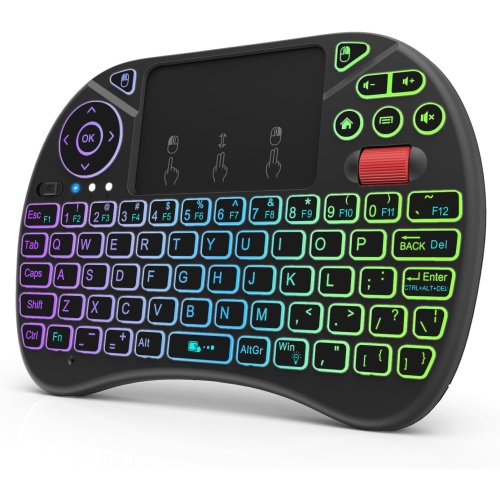
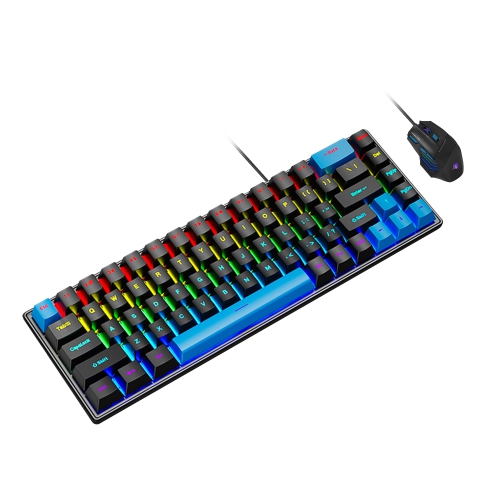
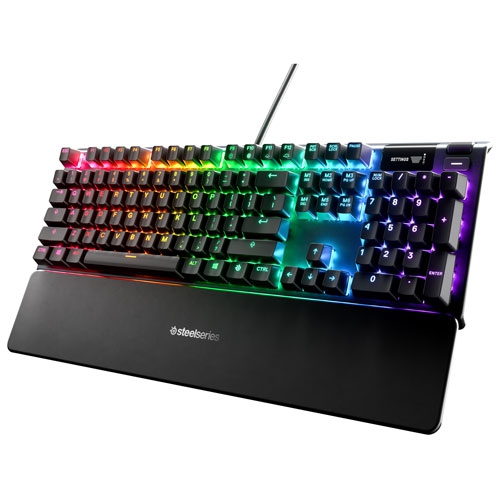
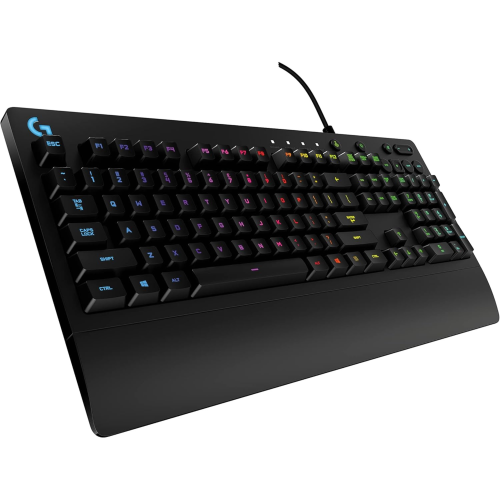
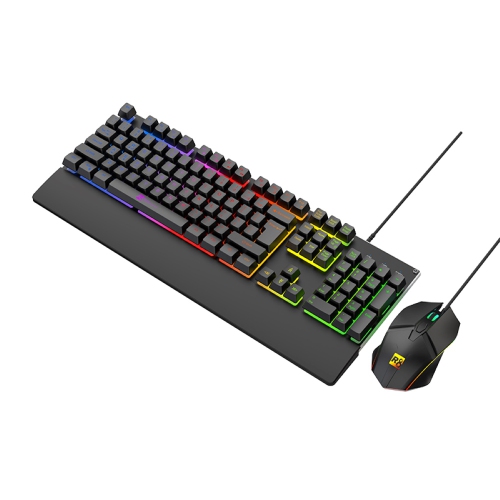
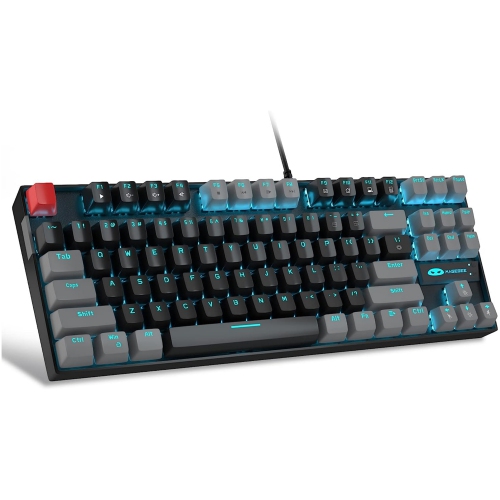
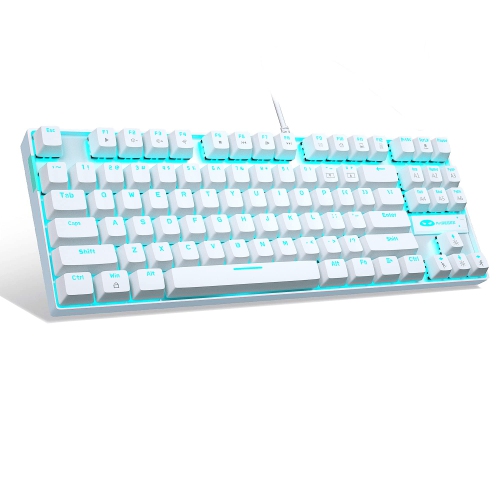
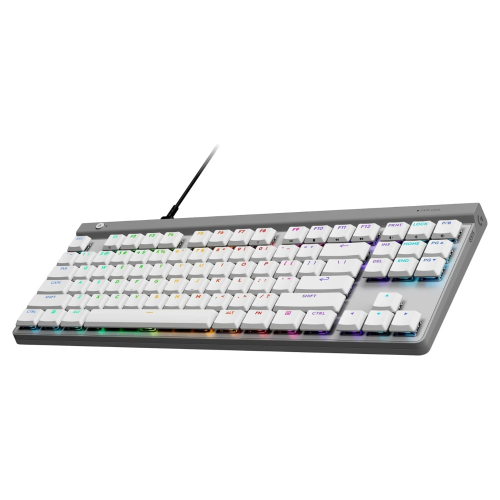
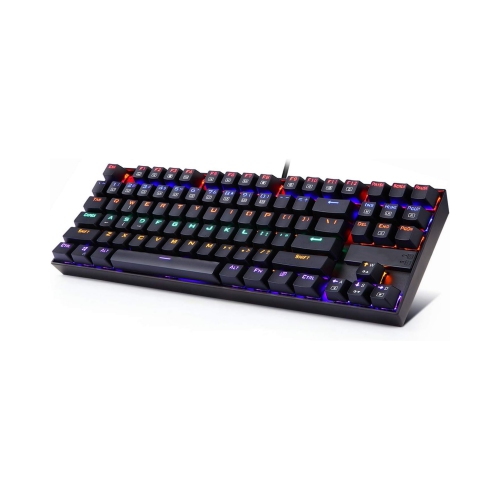
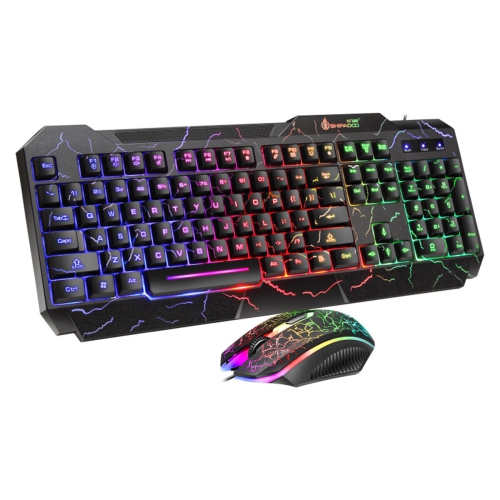
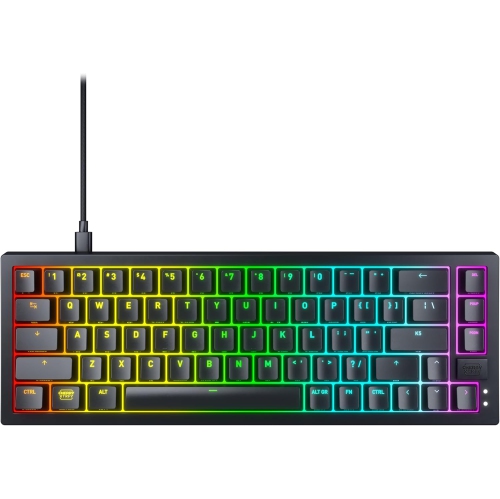
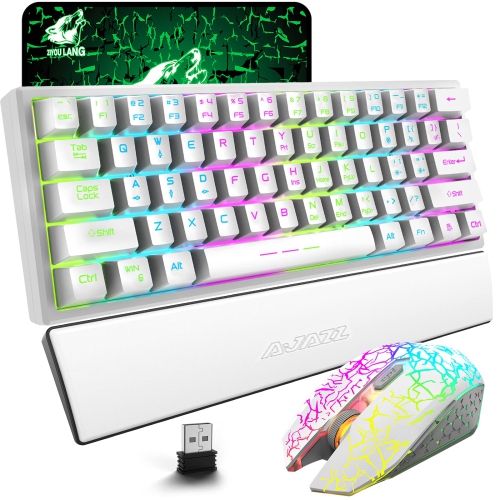
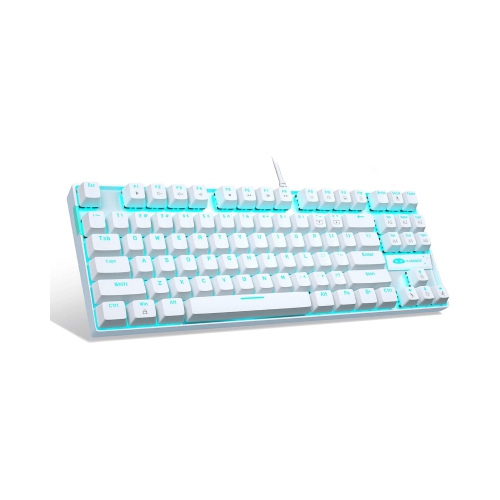
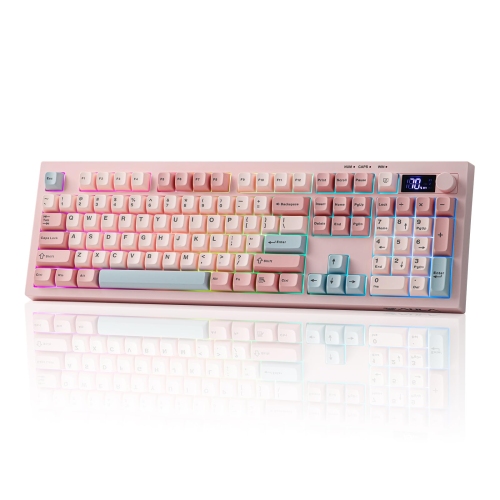
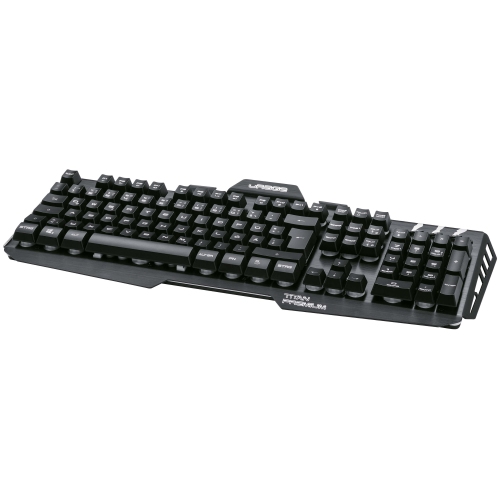
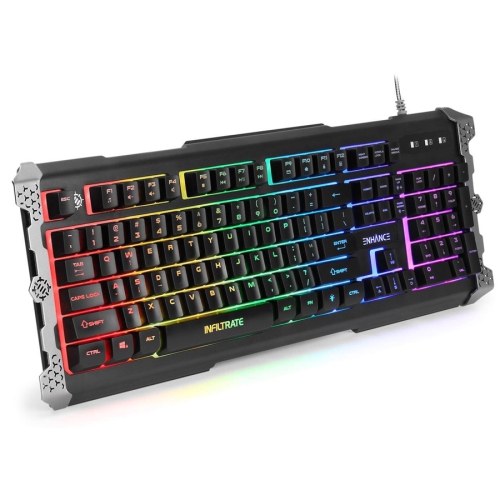
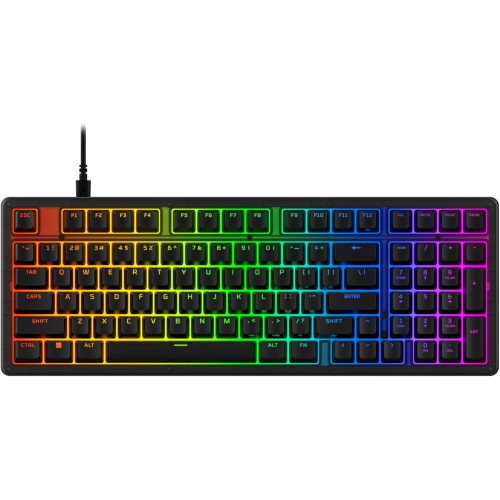
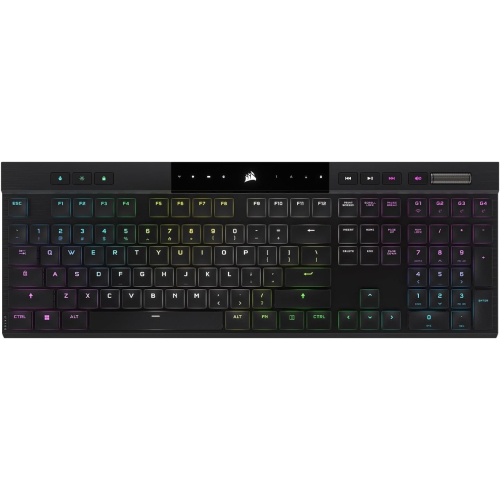
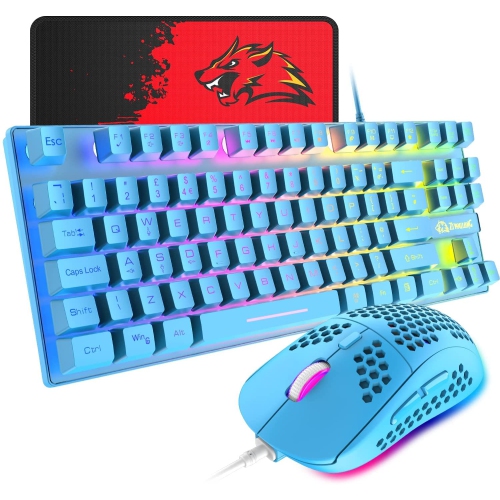
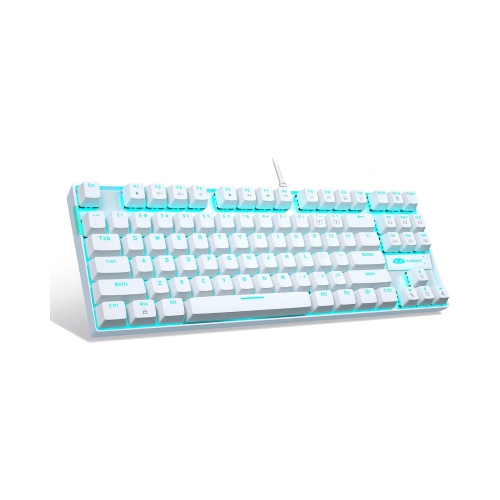
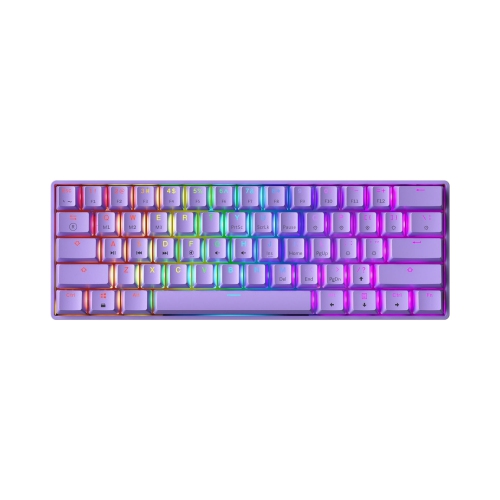
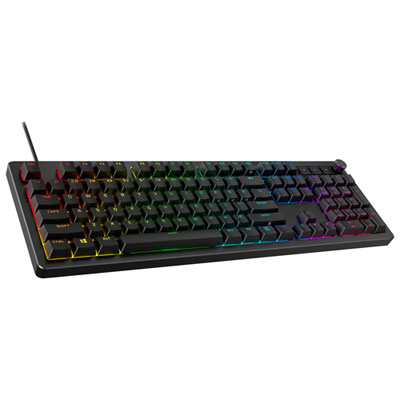
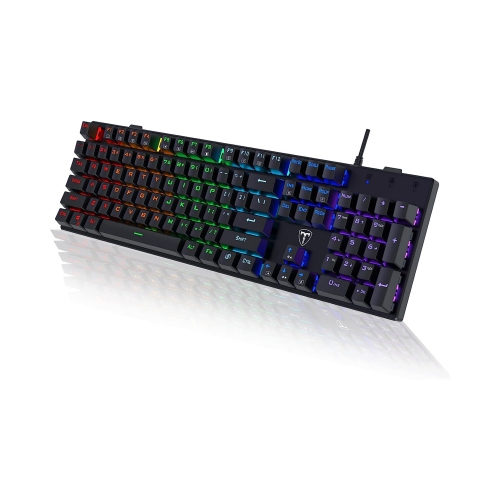
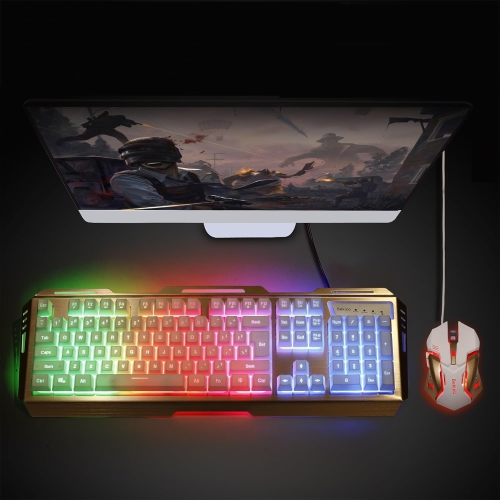
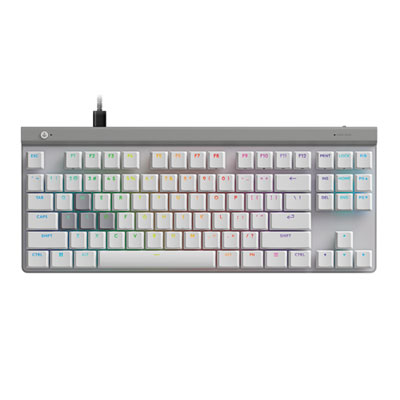
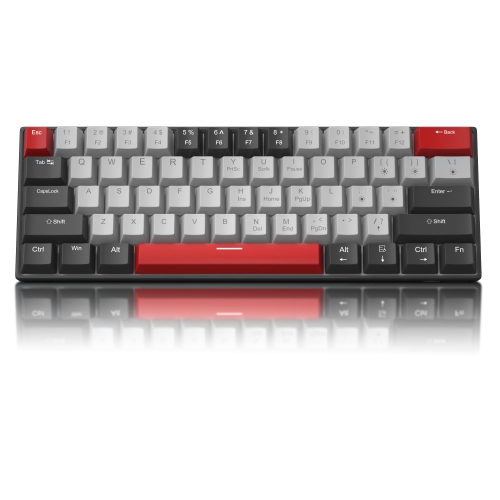
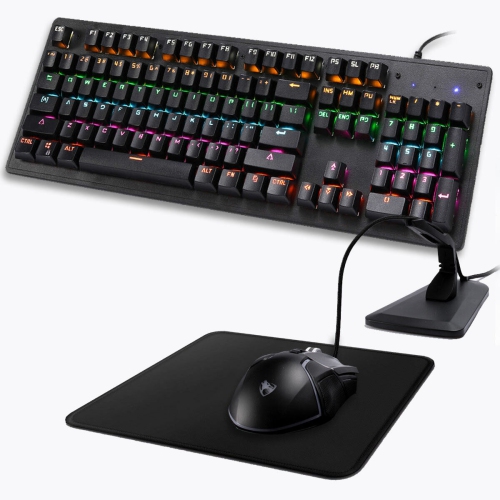
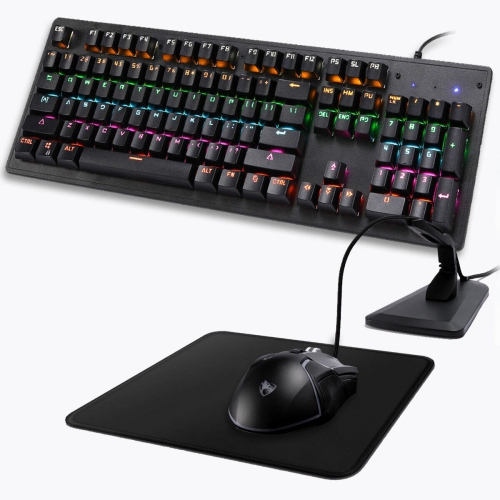
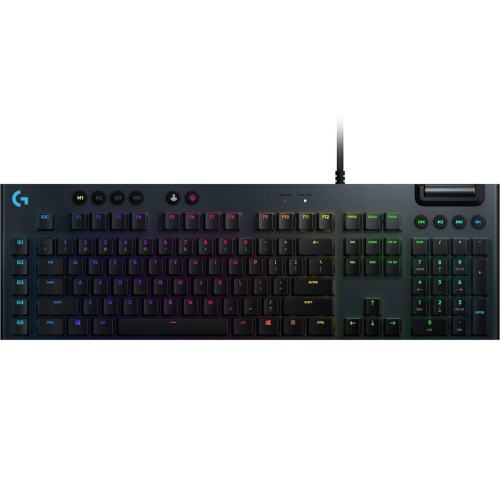
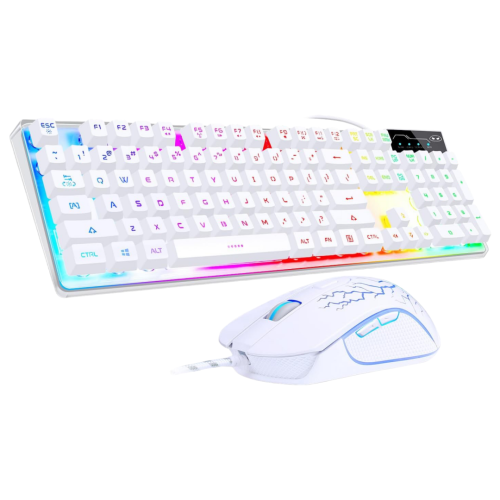
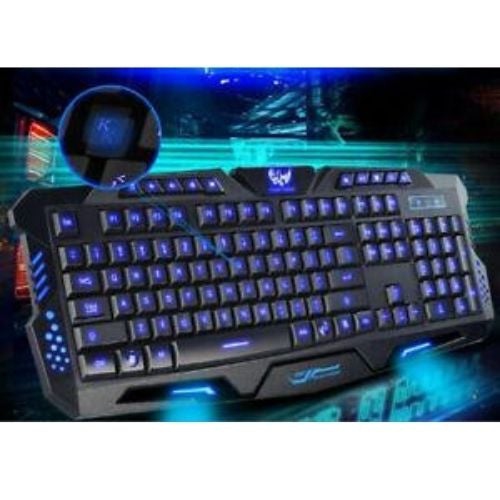
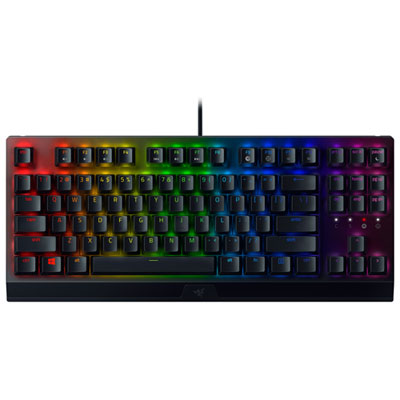
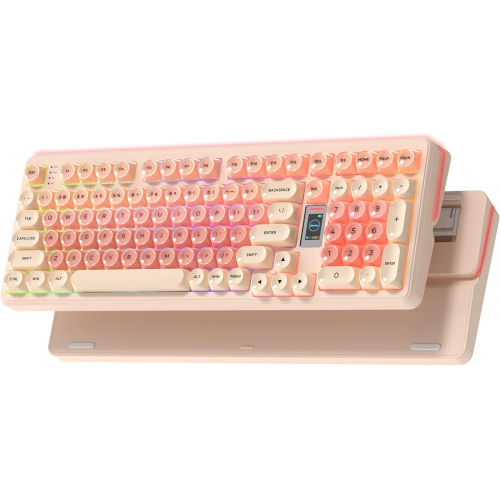
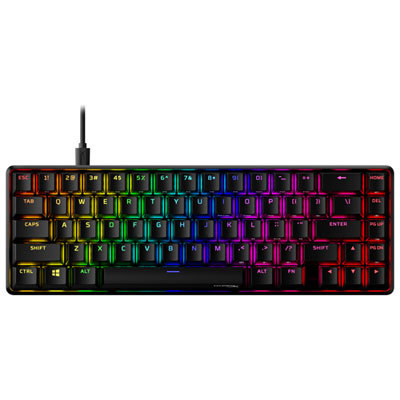
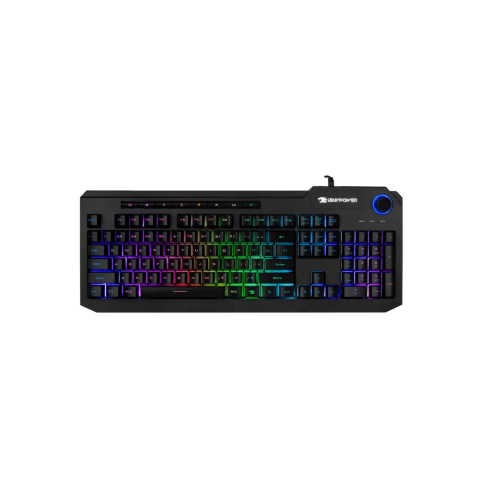
Distinctive keyboard style goes beyond RGB lighting
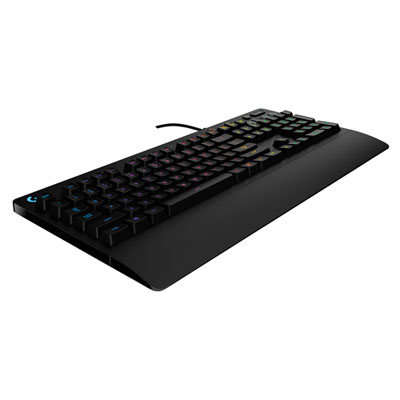
Aesthetic gaming keyboards combine a distinctive look with the controls and responsiveness used for PC gaming. Their appeal comes from the whole design: the colour of the case, the shape and texture of the keycaps, the layout, and the way lighting moves through or around the keys. A soft pastel palette can give a desk a playful feel, while a monochrome keyboard can sit neatly beside a dark monitor and a simple desk mat. Retro-inspired colours, translucent cases, contrasting accent keys, and illustrated keycaps offer other ways to make a setup feel personal. RGB lighting adds another layer, from a steady single-colour glow to animated effects, but a keyboard does not need bright lighting to make an impression. An unlit design with a carefully matched case and keycap set can be just as distinctive. The practical details behind that appearance matter, too. Legends printed on top of the keys are easy to glance at, while side-printed legends create a cleaner view from above but may be harder to read from some seating positions. Shine-through legends allow compatible backlighting to illuminate the characters; opaque keycaps generally leave more of the light visible between the keys. Pale surfaces may show marks more readily, while dark, smooth keycaps can make fingerprints and dust more noticeable. Matching a keyboard with a mouse, headset, or desk mat does not require every piece to be identical: a shared accent colour or similar finish can bring the arrangement together without overwhelming it. Related designs within Cool Gaming Keyboards offer another way to explore expressive desk styling. For gaming, streaming, study, or a shared home office, the most useful visual design is one that remains comfortable to read and pleasant to use after the initial impression.
Layout determines how an aesthetic gaming keyboard fits both the desk and the activities taking place on it. Full-size keyboards include a number pad, which can be useful for spreadsheets, entering figures, and games with extensive key assignments. Tenkeyless layouts remove that number pad while usually retaining dedicated arrow keys, navigation keys, and a function row. More compact layouts reduce the footprint further, leaving additional room for broad mouse movements or a smaller desk mat. A 60% layout typically places arrows and several other controls on secondary layers, while many 65% layouts retain dedicated arrow keys. A 75% layout generally keeps a function row in a tighter arrangement. Those differences become noticeable outside a game: moving through a document, adjusting audio, or entering a shortcut can feel quite different when a familiar key requires an extra press. A narrower keyboard can also let the mouse sit closer to the typing area, although comfort still depends on desk height, seating, and individual posture. Switch feel is another part of the experience that photographs cannot show. Mechanical keyboards use individual switches beneath the keys, with linear switches offering a smooth press, tactile switches adding a noticeable bump, and clicky switches producing a more pronounced audible response. Not every aesthetic gaming keyboard is mechanical; membrane and other switch designs can also pair distinctive styling with gaming-focused controls. Sound depends on more than the switch alone, since the case, plate, keycaps, internal cushioning, and desk surface all influence what a keystroke sounds like. A deep sound is not necessarily a quiet one, which matters during voice chat or when sharing a room. For fast-paced games, reliable input registration, suitable key rollover, and anti-ghosting support matter more than lighting effects. Remappable controls and onboard profiles, where supported, can keep frequently used actions within reach, while adjustable lighting brightness can make the keyboard less distracting beside a screen.
Materials and construction shape how a keyboard feels over time as well as how it looks on the first day. Plastic cases can keep weight manageable, while metal cases often add heft and a firmer feel on the desk; neither material alone guarantees better typing or gaming performance. Keycap material also affects texture and wear. PBT keycaps generally resist developing a polished surface longer than many ABS alternatives, while ABS can deliver vivid colours and a smooth finish. Manufacturing quality and surface treatment still make a difference. Double-shot legends are formed from separate moulded materials rather than printed onto the surface, helping the characters remain legible through repeated use. Customization depends on compatibility: replacement keycaps need to match the switch stems, key sizes, and layout, and hot-swappable switch sockets only accept supported switch types. Connection options deserve the same attention as appearance. A wired keyboard avoids battery charging, while wireless designs reduce visible cabling; wireless latency varies by connection method and implementation. Bluetooth can be convenient for switching between compatible devices, whereas a dedicated wireless receiver may be better suited to responsive gaming, depending on the keyboard. Software features can differ by operating system, so lighting controls and key assignments may not work identically across devices. Everyday care is straightforward: disconnecting or powering down the keyboard before cleaning, using a soft brush for loose debris, and wiping suitable surfaces with a lightly dampened cloth help keep it tidy without soaking the electronics. Removable keycaps require care during removal and must be fully dry before reinstallation. For a gift recipient, familiar layouts, preferred colours, and tolerance for typing noise are useful clues. A compact pastel keyboard may suit someone building a coordinated gaming corner, while a restrained full-size design may better suit a person who moves between games and coursework. The lasting appeal comes from that balance: a keyboard that looks at home on the desk and feels right through repeated play, typing, and everyday use.
Top selling and popular products
-
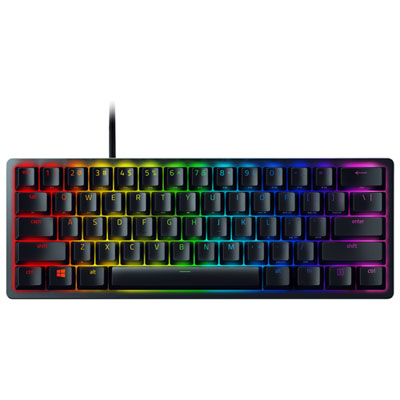 Your price for this item is $94.99
-
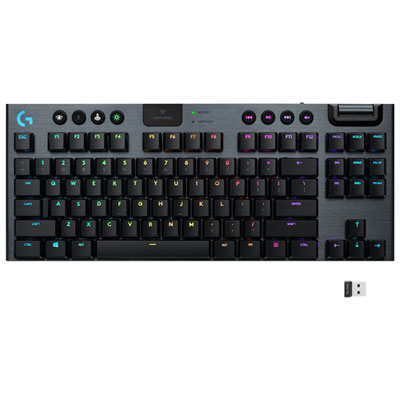 Your price for this item is $319.95
-
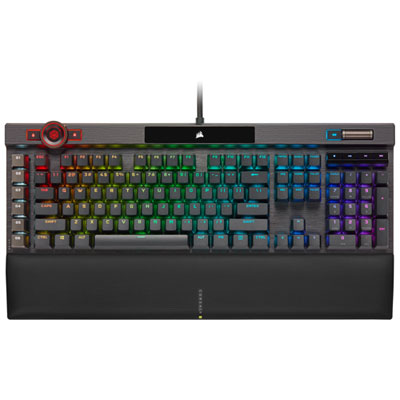 Your price for this item is $364.95
-
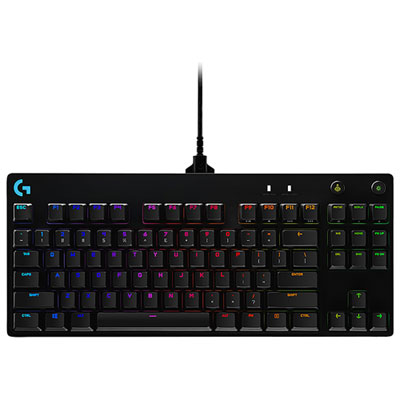 Your price for this item is $149.99
-
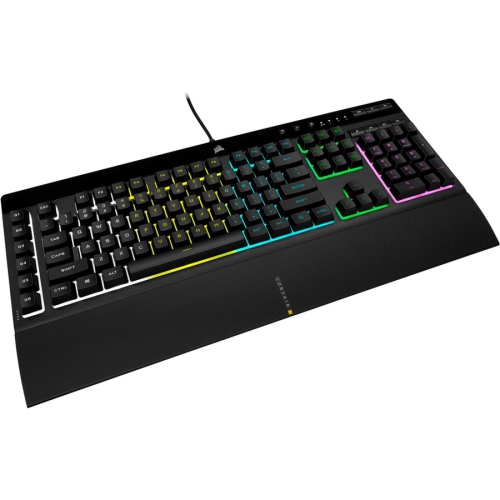 Your price for this item is $113.68
-
 Your price for this item is $94.99
-
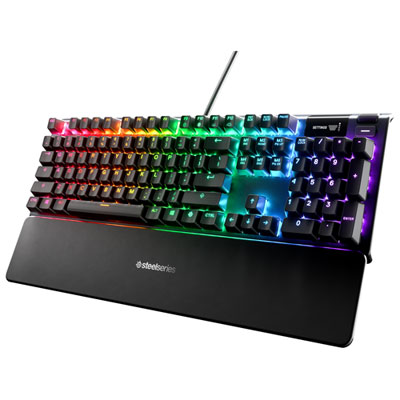 Your price for this item is $139.95
-
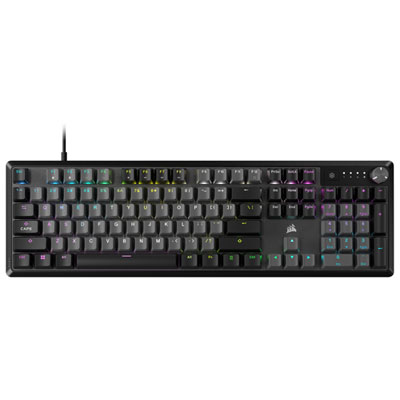 Your price for this item is $99.99
Discover more categories related to Aesthetic Gaming Keyboards
Top Collections:
Best Black Friday Deals This Year, Best Black Friday Deals On Electronics, Kindle Devices, Pokemon Centers, Best Black Friday Deals On Apple Products, Best Cameras for Sports Photography, Dyson Airwrap, Pokémon 30th Celebration Cards, Apple iPhone 17 Pro, Canon G7X Cameras
Some products may be subject to Environmental Handling Fees
(EHF) depending on your province.
Learn more about EHFs.