White Gaming Mice
Elevate your gaming experience with a white gaming mouse, designed to combine style and precision for every gamer. Whether you're a casual player or a competitive enthusiast, the sleek and modern aesthetic of a white gaming mouse complements any setup while providing the responsiveness you need for intense gameplay. Discover a range of options that offer ergonomic comfort and customizable features, ensuring you stay ahead in every match. Explore the perfect blend of functionality and elegance with a white gaming mouse, and take your gaming sessions to the next level.
Sort
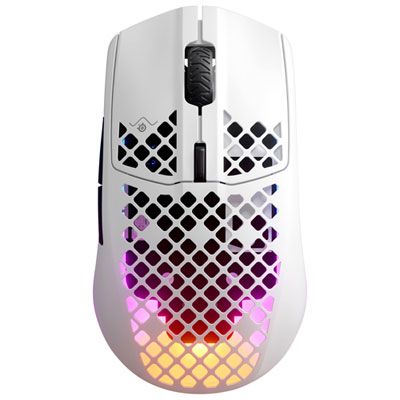

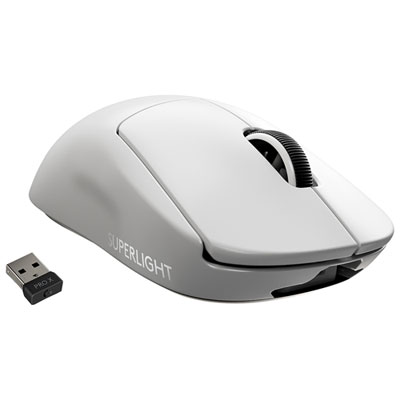
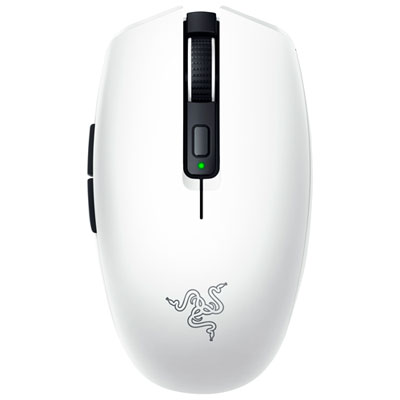
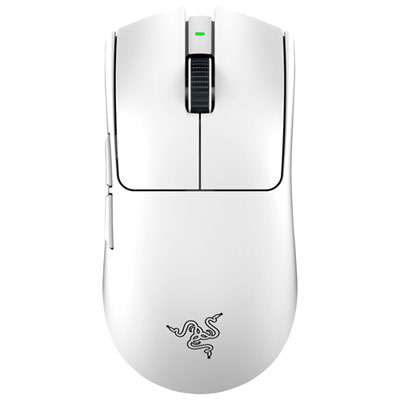
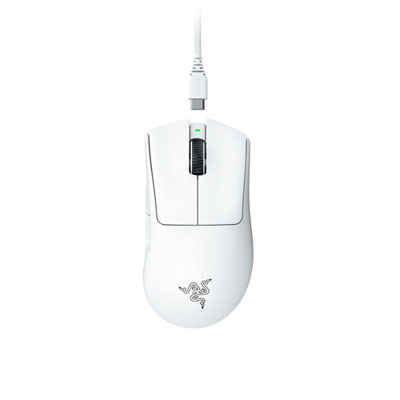
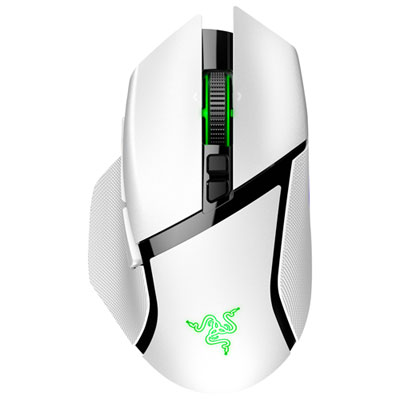
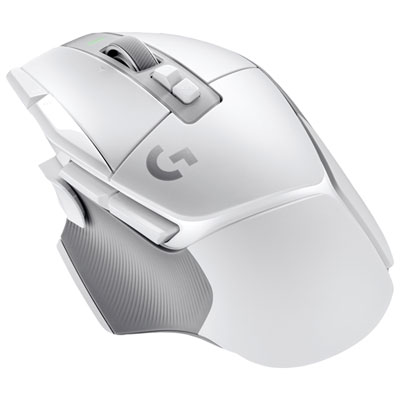
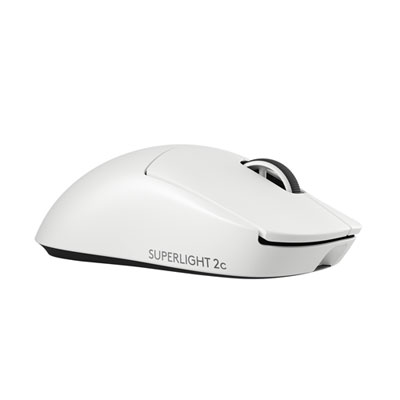
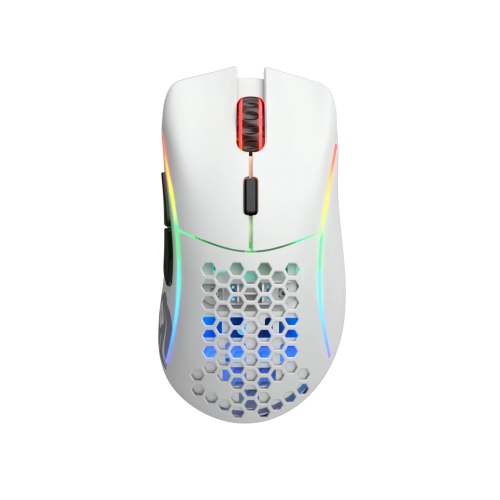
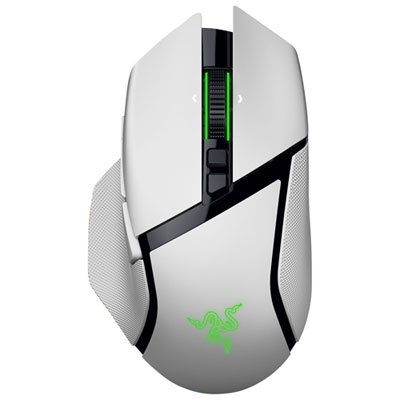
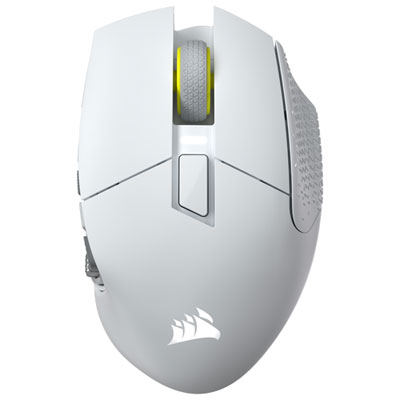
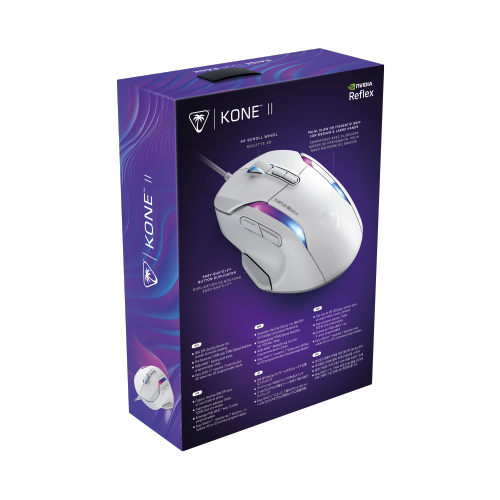
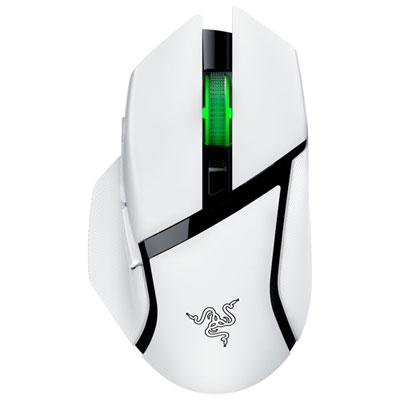
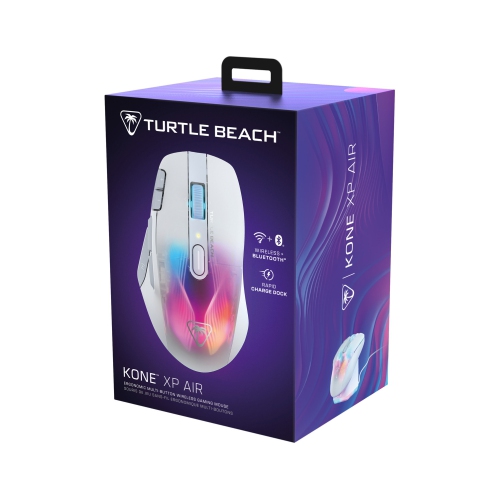
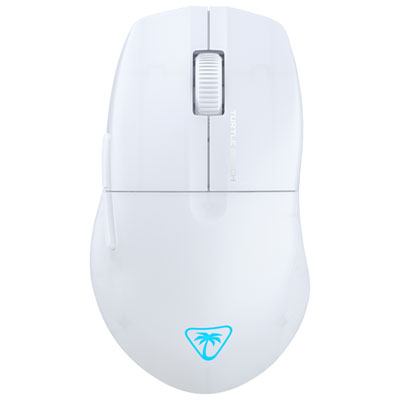
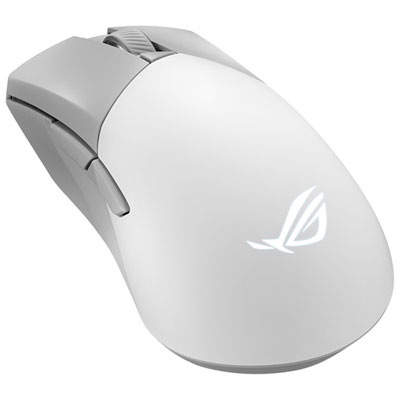
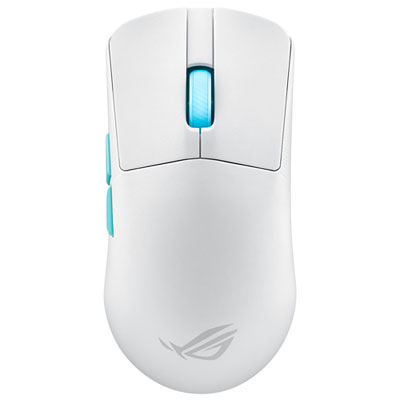

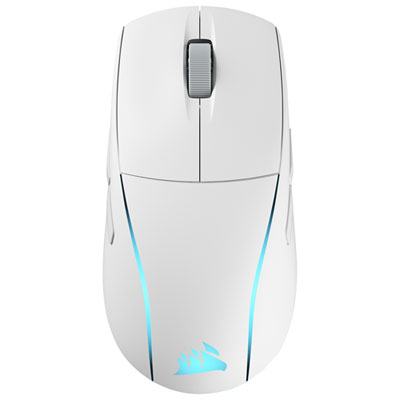
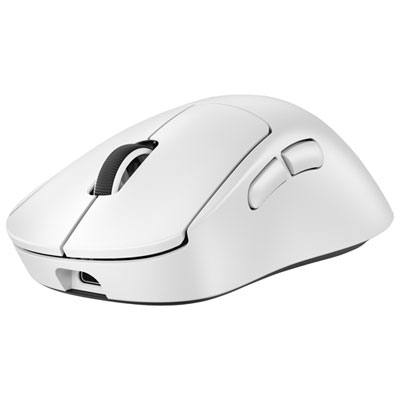
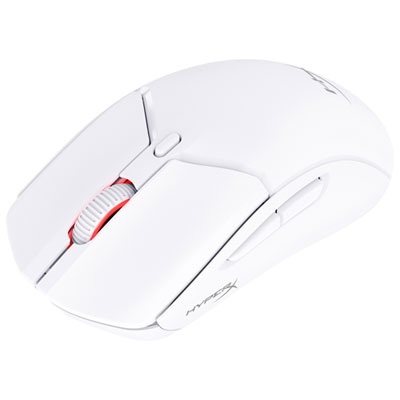
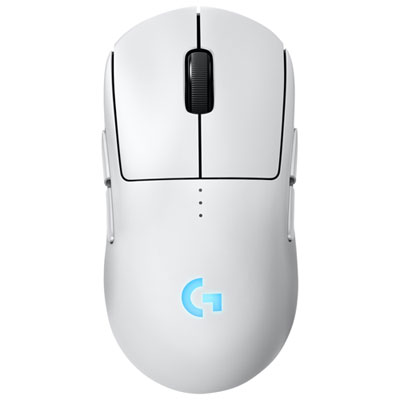
Balance precision, comfort, and style for every session
White gaming mice bring a clean, distinctive look to a gaming desk while offering the precision and control players need for everything from fast-paced competitive matches to relaxed single-player adventures. The bright finish stands out against darker desk mats, wood-grain surfaces, and colourful lighting, making it easy to create a setup that feels personal without relying on an overly busy design. A white gaming mouse can suit a wide range of players, including someone building their first desktop gaming station, a PC enthusiast refreshing an established setup, or anyone who prefers a lighter, more modern look for their home office. It can also be a thoughtful gift for a student, streamer, or family member who spends time gaming on a computer. During the warmer seasons and into the cooler months, a comfortable, dependable mouse can make long sessions at a desk feel more natural, whether the evening is spent exploring a new virtual world, completing coursework, editing photos, or catching up with friends through online games. When choosing among white gaming mice, start with the way the mouse will be used. Fast competitive games often benefit from a responsive sensor, a comfortable shape, and a lightweight build that allows quick movements across a large mouse pad. Strategy games, role-playing games, and simulation titles may place greater emphasis on extra programmable buttons, allowing shortcuts for inventory, abilities, maps, or frequently used commands. A mouse with adjustable sensitivity can be useful when switching between precise aiming and broad cursor movement, while dependable tracking helps the pointer stay accurate without skipping or feeling unpredictable.
Comfort matters just as much as performance, particularly for players who regularly spend several hours at a desk. Gaming mice are available in different shapes and sizes, and the best fit depends on hand size, grip style, and personal preference. A palm grip generally feels most natural with a fuller body that supports more of the hand, while a claw grip can work well with a slightly raised rear and room for the fingers to stay arched. Fingertip users may prefer a smaller, lighter design that is easy to guide with subtle movements. Consider where the thumb rests, whether the main buttons are easy to reach, and if the scroll wheel feels distinct without requiring excess pressure. A mouse that feels comfortable during a short test can feel very different after a long gaming session, so details such as balanced weight, smooth gliding feet, and a cable that does not pull against the desk can make a meaningful difference. Wired models offer a direct connection and do not require charging, which can be appealing for a permanent desktop setup or competitive play. Wireless models reduce cable clutter and provide more freedom to adjust seating or move the mouse across a wide surface; look for a dependable connection, practical battery life, and a convenient charging method. Some models support both wired and wireless use, offering flexibility for gaming, travel, or everyday computer tasks. Compatibility is another important consideration. Check that the mouse works with the intended computer and operating system, and consider whether any customization software is needed for lighting, button assignments, sensitivity profiles, or firmware updates. Players who switch between multiple games may appreciate onboard profiles or easy access to saved settings, while those who want a simple plug-and-play experience may prefer fewer controls and minimal setup.
The white colourway is often chosen for its visual impact, but it also deserves a little practical attention. Hands are naturally in frequent contact with a mouse, so a smooth surface that is easy to wipe can help keep the setup looking neat. A large desk mat can provide a consistent tracking surface while helping the mouse move smoothly and reducing contact with rough or uneven areas of the desk. Matching accessories can create a coordinated arrangement, and a white mouse pairs naturally with a white keyboard, light-coloured headset, or neutral monitor stand. Browse complementary options such as White Gaming Keyboards when building a unified station, or combine the mouse with darker accessories for contrast. Lighting can also change the overall effect: subtle illumination may highlight the mouse’s contours, while brighter colours can bring energy to a gaming corner during evening play. Beyond appearance, think about the habits of the person who will use it. A younger player may value programmable buttons and bold lighting, while someone who divides their time between work and gaming may prefer a restrained design, quiet clicks, and wireless flexibility. A white gaming mouse can be an especially useful gift for a new PC owner because it adds an immediate improvement to the desk without requiring a major hardware upgrade. It may also suit a player who has outgrown a basic office mouse and wants more control for precise movements, quicker actions, and comfortable everyday navigation. Whether it will be used for competitive matches, creative projects, studying, or casual browsing, the right combination of shape, sensor performance, connectivity, controls, and finish can make every movement feel more deliberate and natural.
Comfort matters just as much as performance, particularly for players who regularly spend several hours at a desk. Gaming mice are available in different shapes and sizes, and the best fit depends on hand size, grip style, and personal preference. A palm grip generally feels most natural with a fuller body that supports more of the hand, while a claw grip can work well with a slightly raised rear and room for the fingers to stay arched. Fingertip users may prefer a smaller, lighter design that is easy to guide with subtle movements. Consider where the thumb rests, whether the main buttons are easy to reach, and if the scroll wheel feels distinct without requiring excess pressure. A mouse that feels comfortable during a short test can feel very different after a long gaming session, so details such as balanced weight, smooth gliding feet, and a cable that does not pull against the desk can make a meaningful difference. Wired models offer a direct connection and do not require charging, which can be appealing for a permanent desktop setup or competitive play. Wireless models reduce cable clutter and provide more freedom to adjust seating or move the mouse across a wide surface; look for a dependable connection, practical battery life, and a convenient charging method. Some models support both wired and wireless use, offering flexibility for gaming, travel, or everyday computer tasks. Compatibility is another important consideration. Check that the mouse works with the intended computer and operating system, and consider whether any customization software is needed for lighting, button assignments, sensitivity profiles, or firmware updates. Players who switch between multiple games may appreciate onboard profiles or easy access to saved settings, while those who want a simple plug-and-play experience may prefer fewer controls and minimal setup.
The white colourway is often chosen for its visual impact, but it also deserves a little practical attention. Hands are naturally in frequent contact with a mouse, so a smooth surface that is easy to wipe can help keep the setup looking neat. A large desk mat can provide a consistent tracking surface while helping the mouse move smoothly and reducing contact with rough or uneven areas of the desk. Matching accessories can create a coordinated arrangement, and a white mouse pairs naturally with a white keyboard, light-coloured headset, or neutral monitor stand. Browse complementary options such as White Gaming Keyboards when building a unified station, or combine the mouse with darker accessories for contrast. Lighting can also change the overall effect: subtle illumination may highlight the mouse’s contours, while brighter colours can bring energy to a gaming corner during evening play. Beyond appearance, think about the habits of the person who will use it. A younger player may value programmable buttons and bold lighting, while someone who divides their time between work and gaming may prefer a restrained design, quiet clicks, and wireless flexibility. A white gaming mouse can be an especially useful gift for a new PC owner because it adds an immediate improvement to the desk without requiring a major hardware upgrade. It may also suit a player who has outgrown a basic office mouse and wants more control for precise movements, quicker actions, and comfortable everyday navigation. Whether it will be used for competitive matches, creative projects, studying, or casual browsing, the right combination of shape, sensor performance, connectivity, controls, and finish can make every movement feel more deliberate and natural.
Top selling and popular products
-
 Your price for this item is $59.99
 -
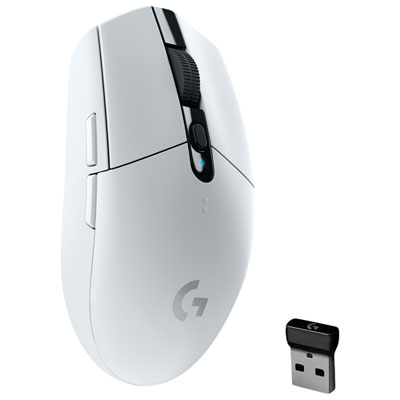 Your price for this item is $69.99
 -
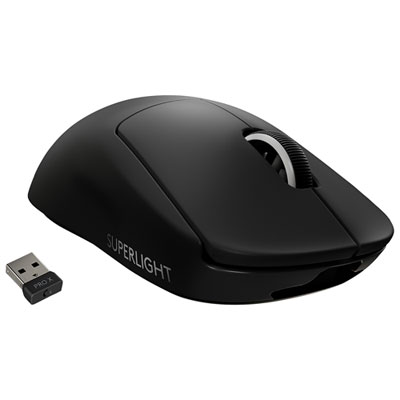 Your price for this item is $199.99
 -
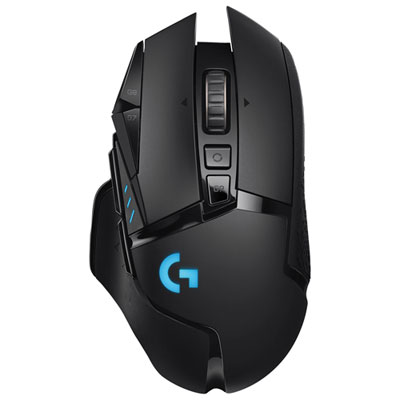 Your price for this item is $149.99
 -
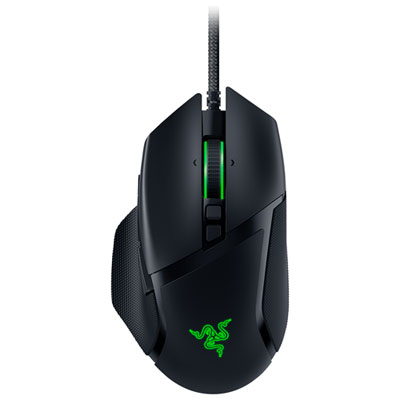 Your price for this item is $47.99
 -
 Your price for this item is $39.99
 -
 Your price for this item is $95.98
 -
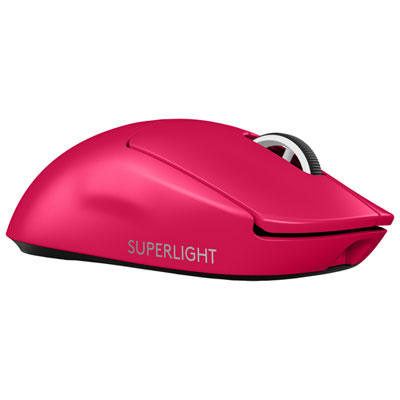 Your price for this item is $219.99
Discover more categories related to White Gaming Mice

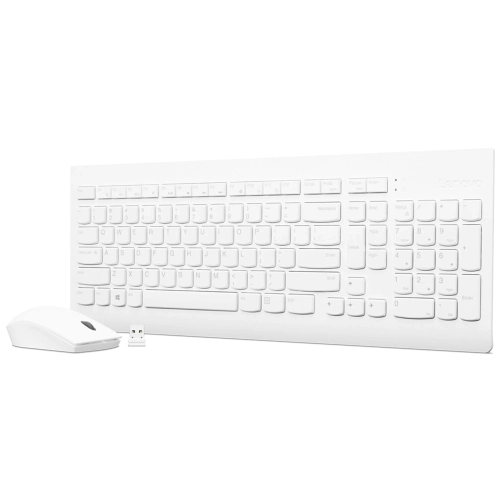
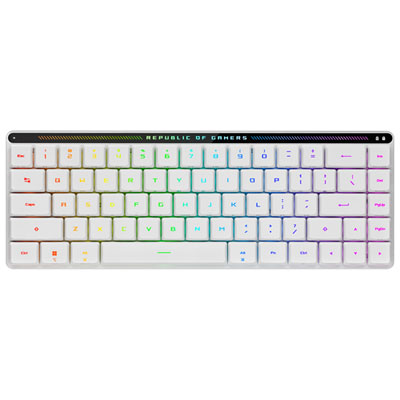
Top Collections:
Pokemon Centers, Kindle Devices, Best Budget Office Chairs, Apple iPhones 16, Best Laptops for Writers, iPhone 15 Apple, Canon G7X Cameras, Refurbished Apple Laptops, Alarm Clock, Motorola Razr Phones
Some products may be subject to Environmental Handling Fees
(EHF) depending on your province.
Learn more about EHFs.