Red Gaming Mice
A red gaming mouse can help you aim better, move faster and react faster. These mice are designed specifically for gaming and offer a range of features to give you an edge over your opponents. Here are some of the best red gaming mice for you.
Sort
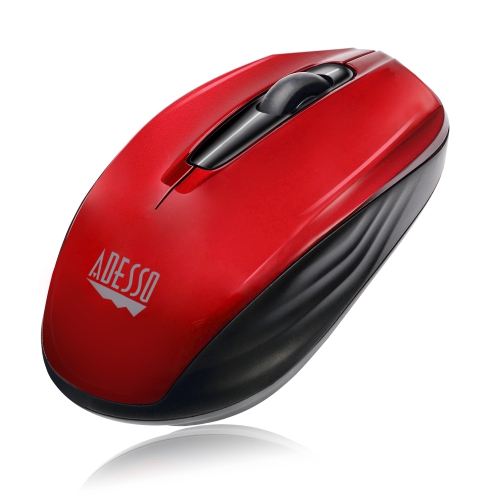
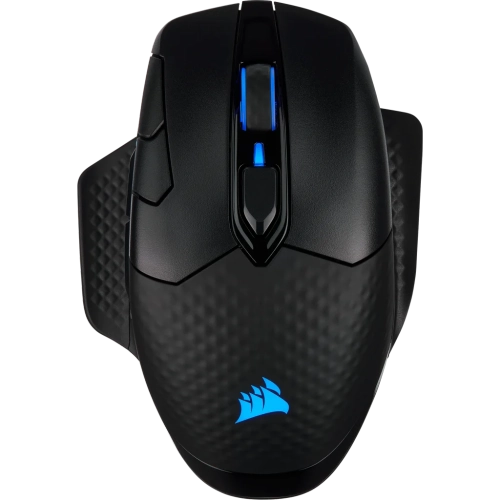
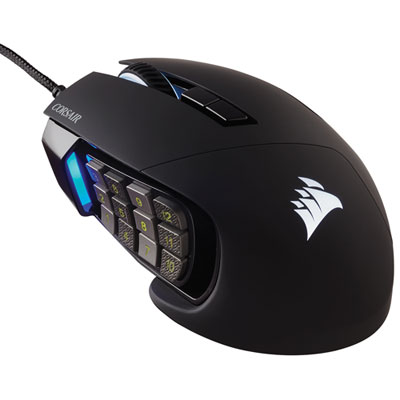
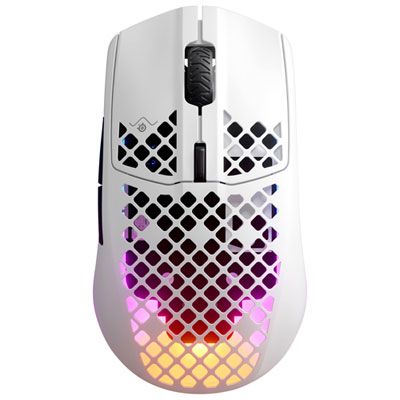
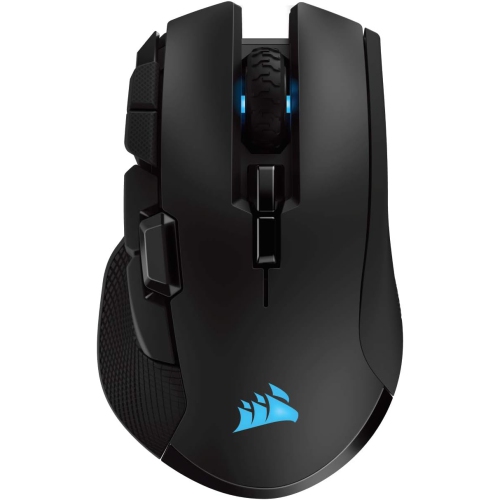
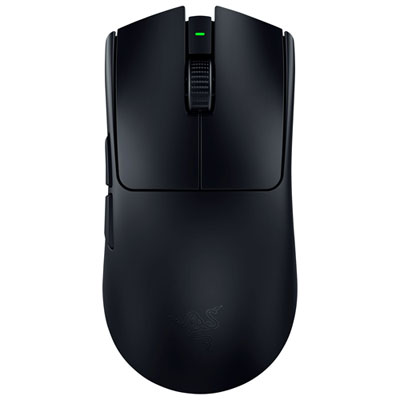
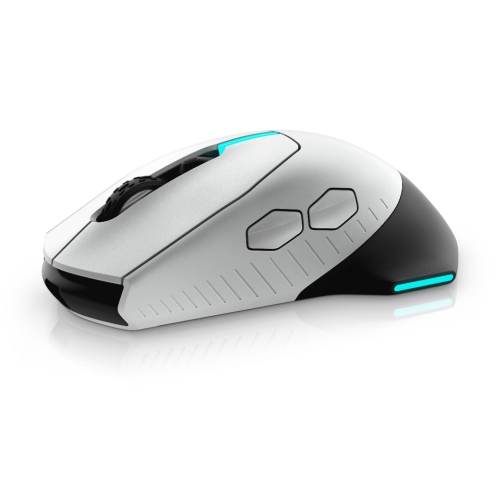
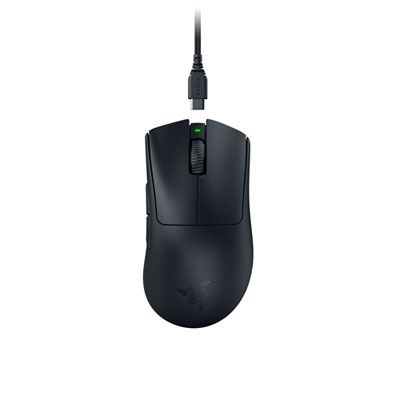
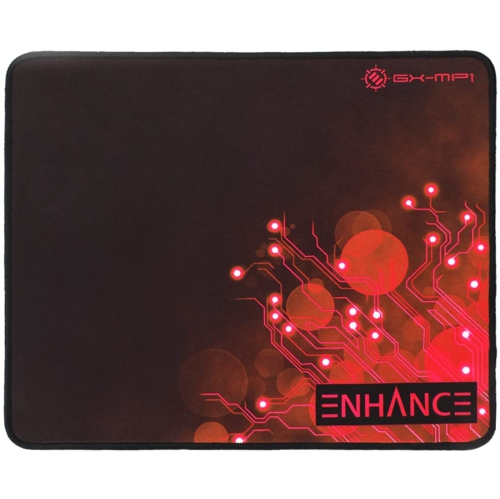
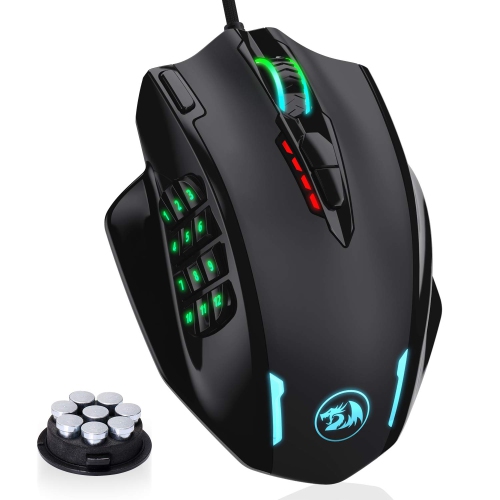
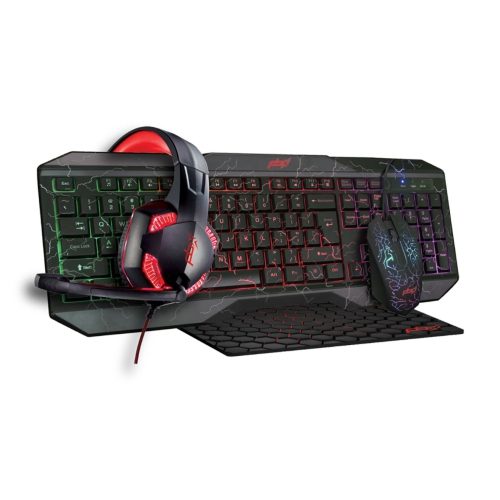
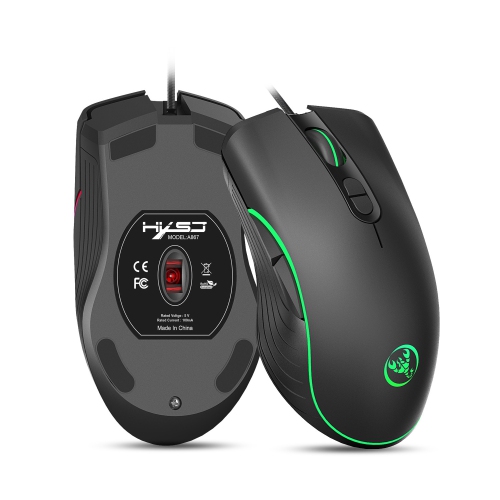
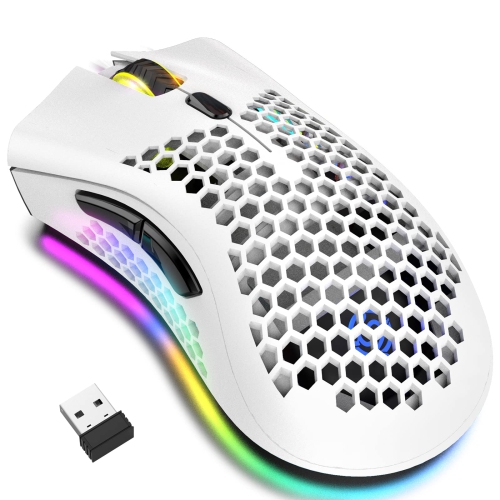
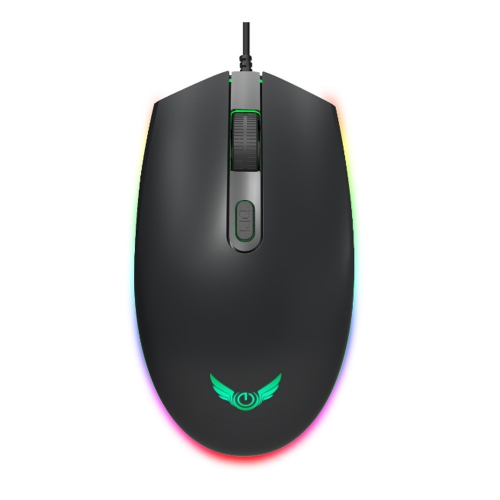
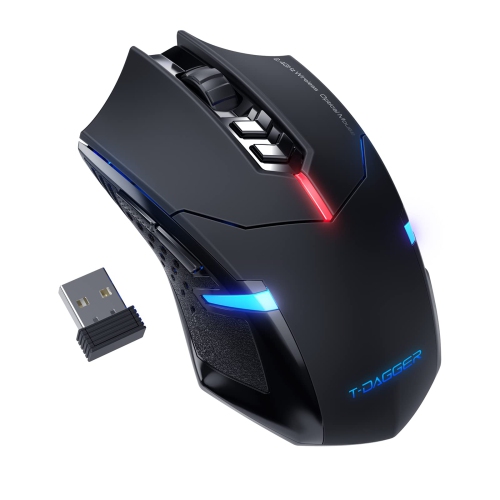

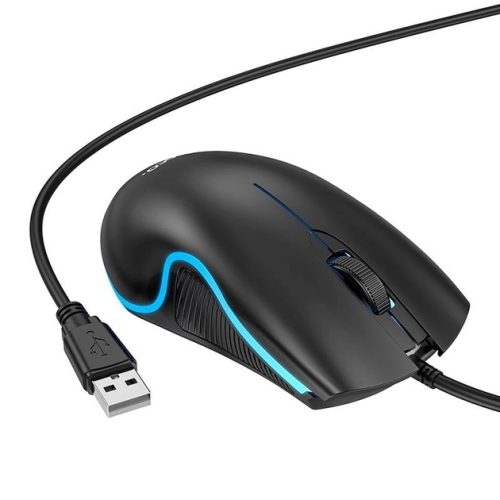
Comfort and control matter from gaming to everyday tasks
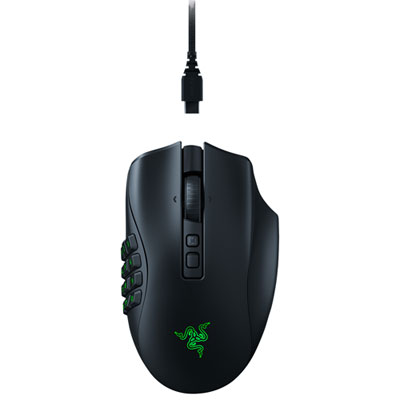
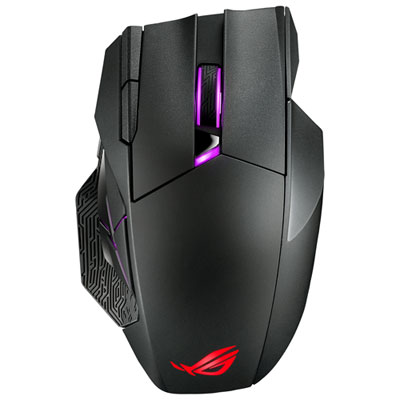
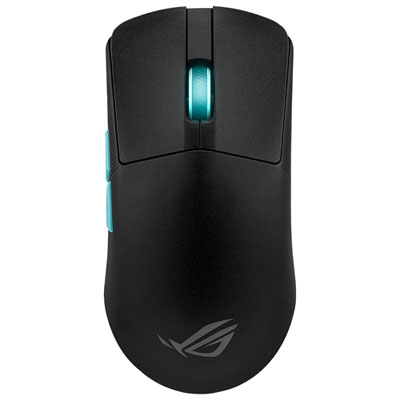
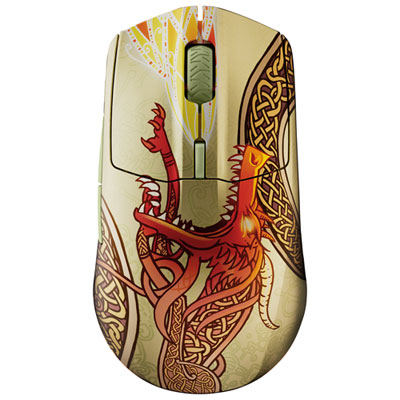
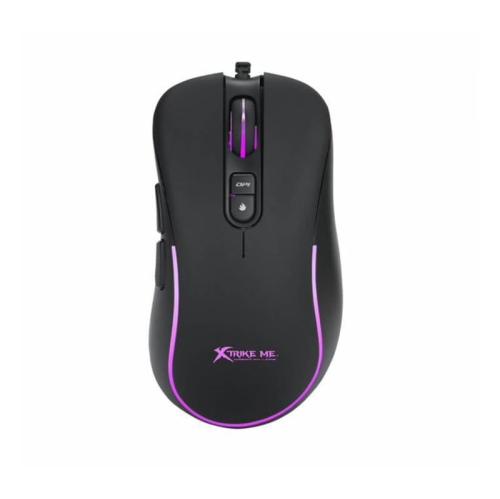
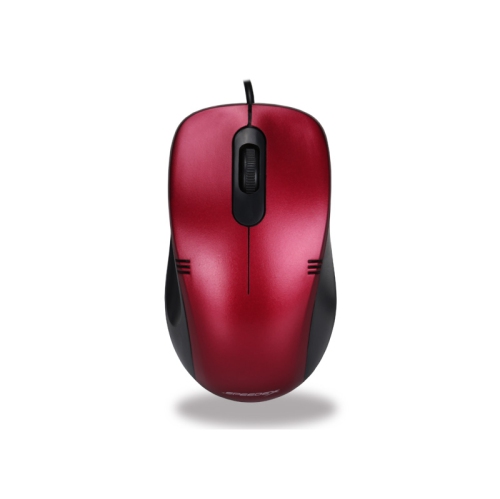
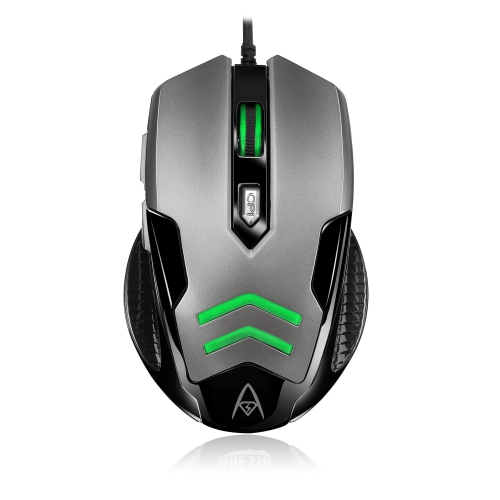
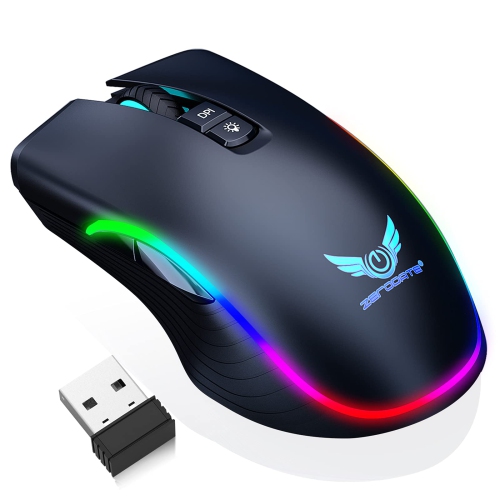
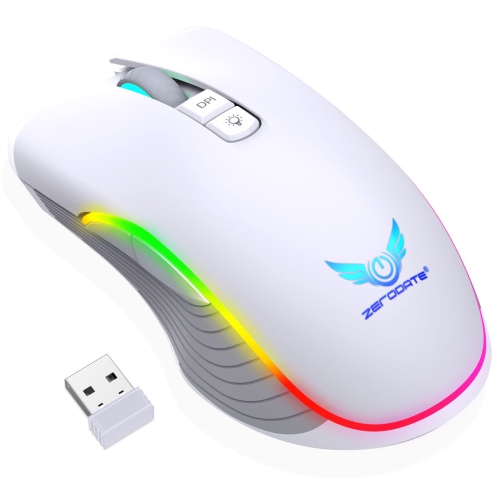
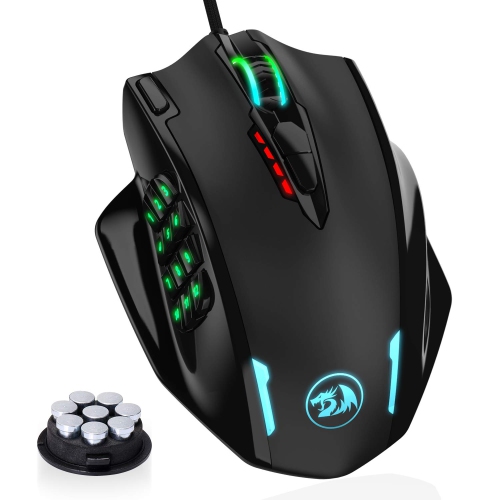
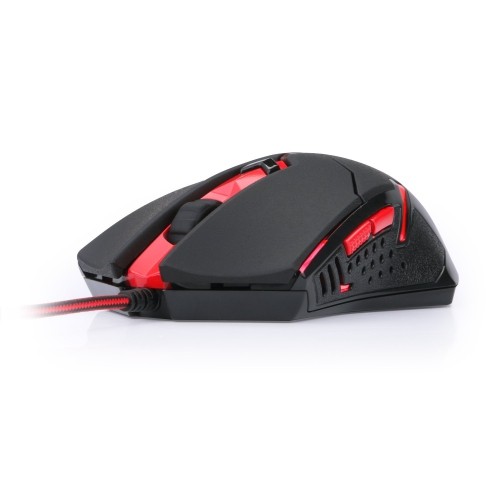
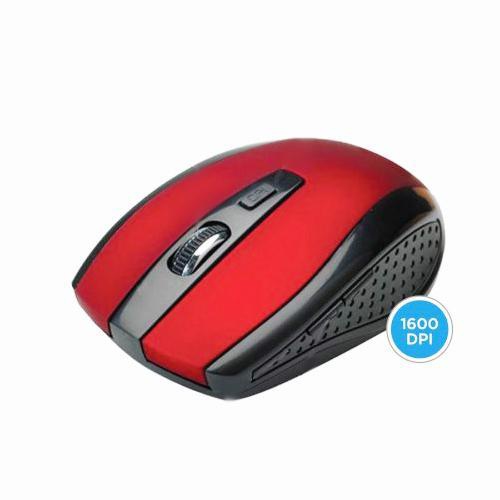
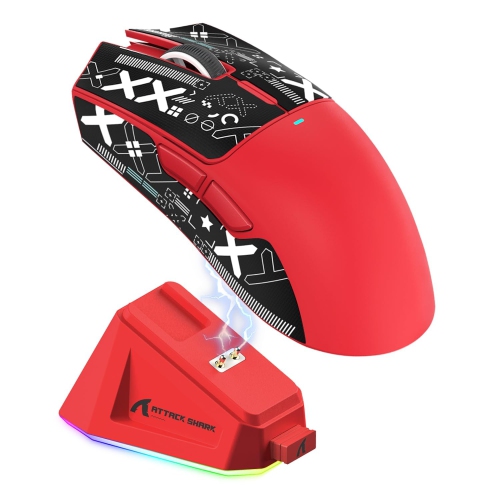
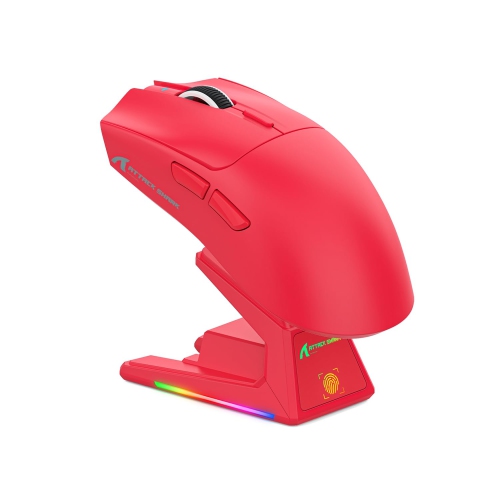
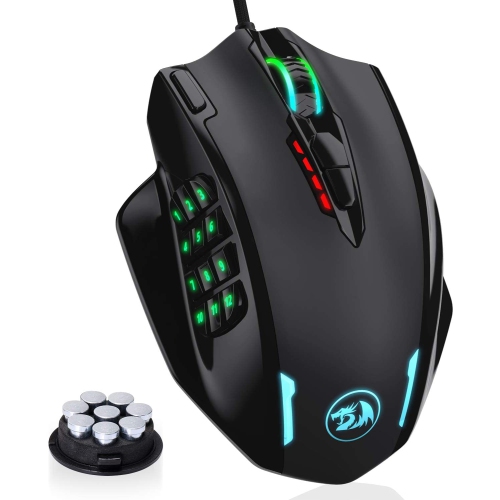
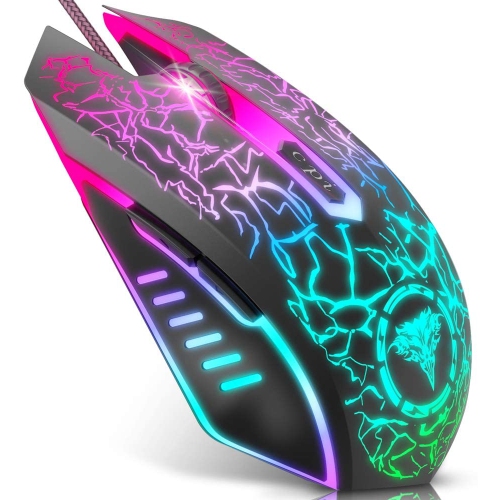
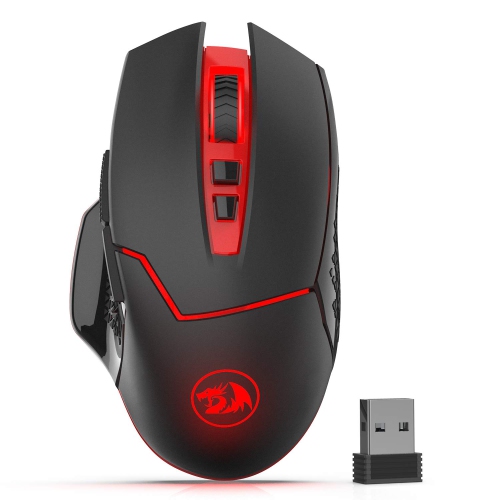
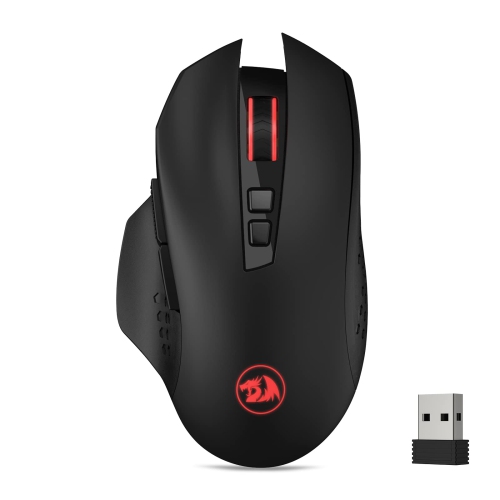
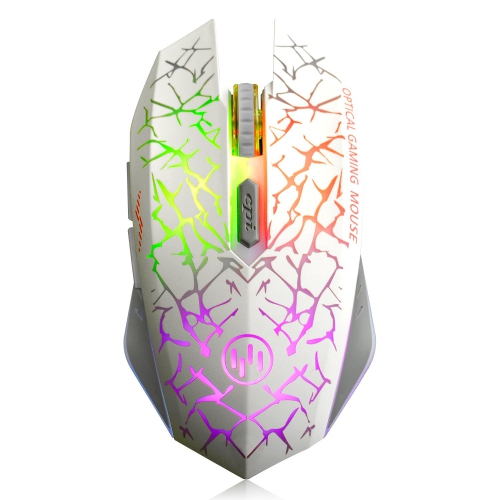
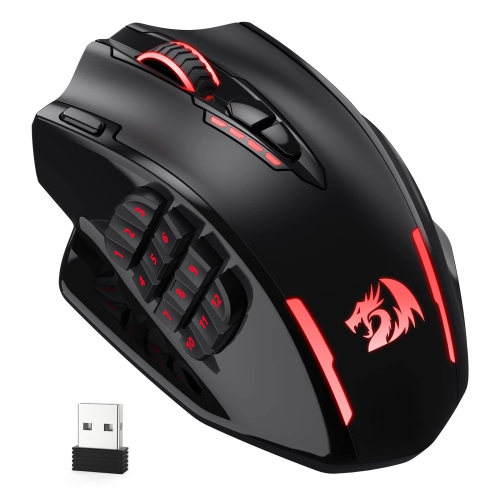
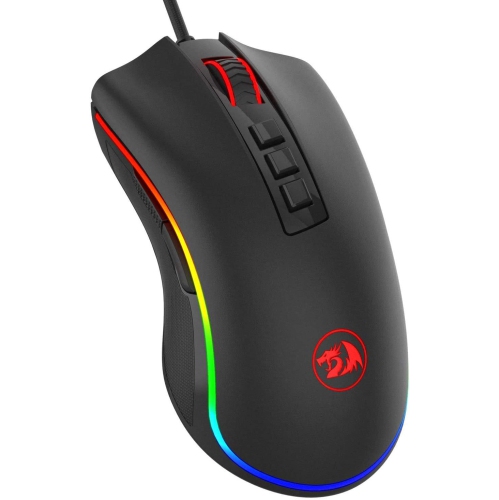
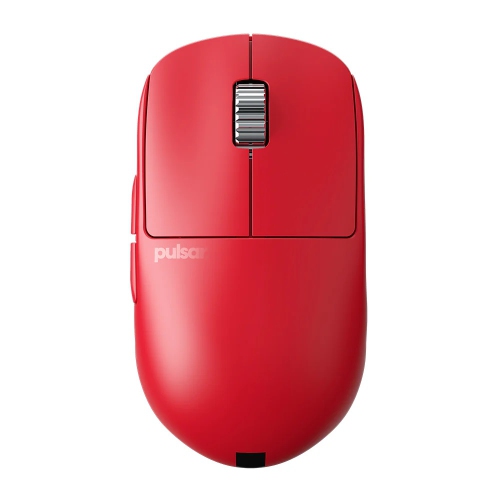
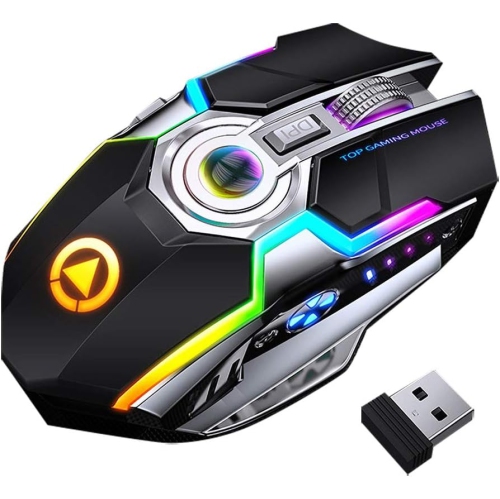
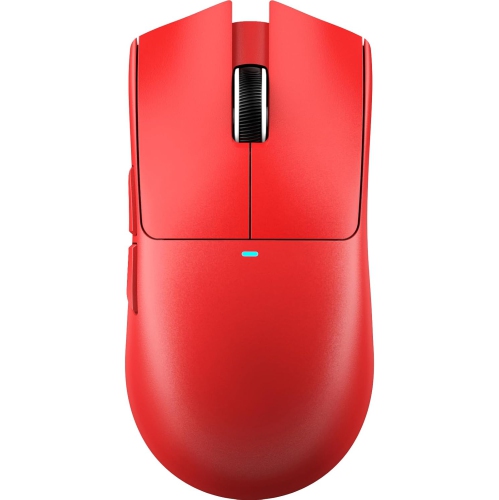
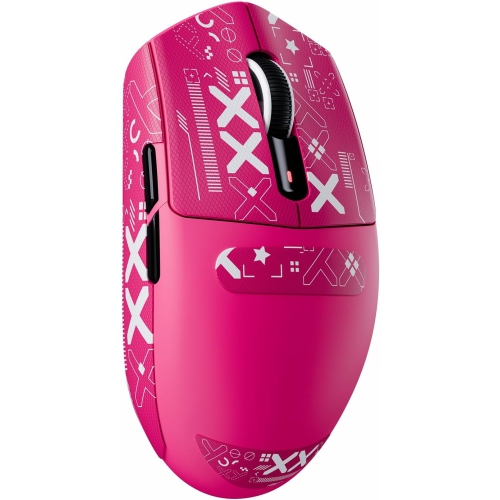
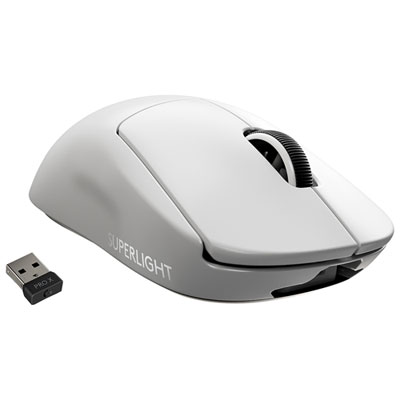
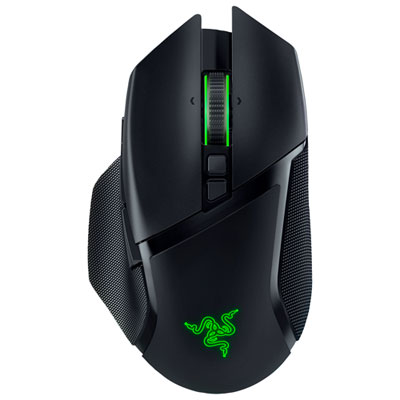
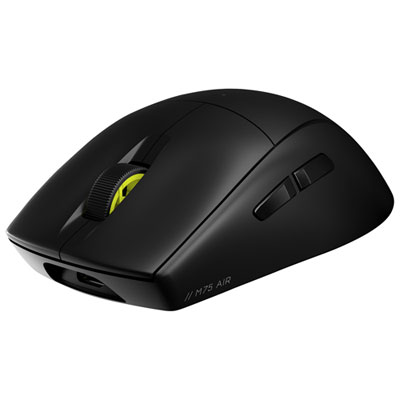
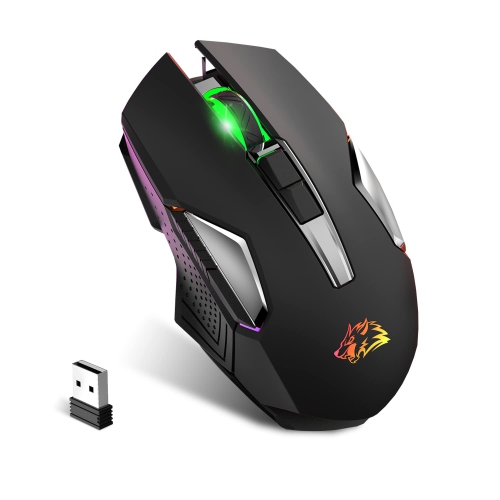
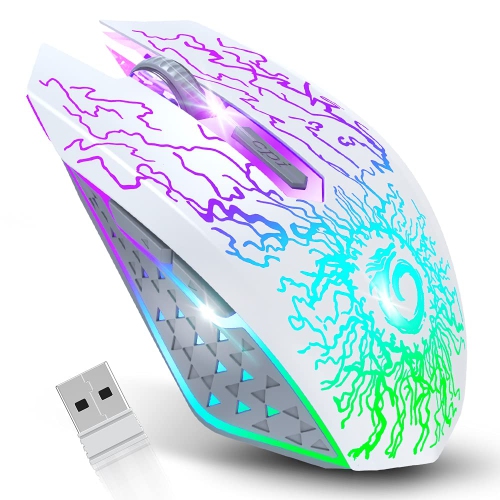
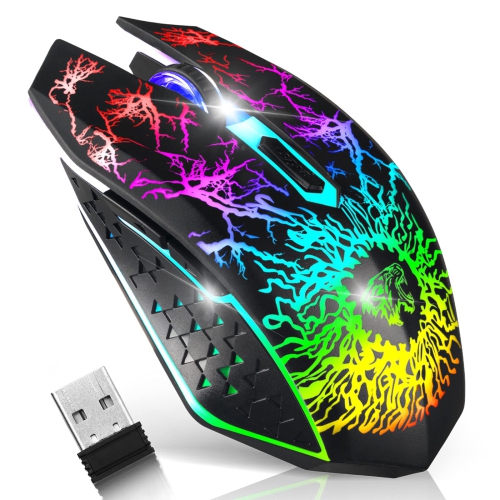
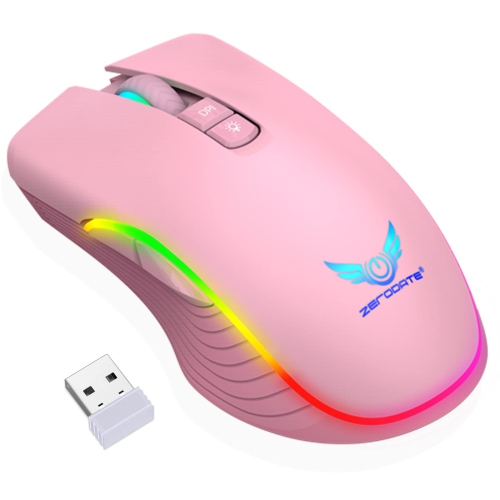
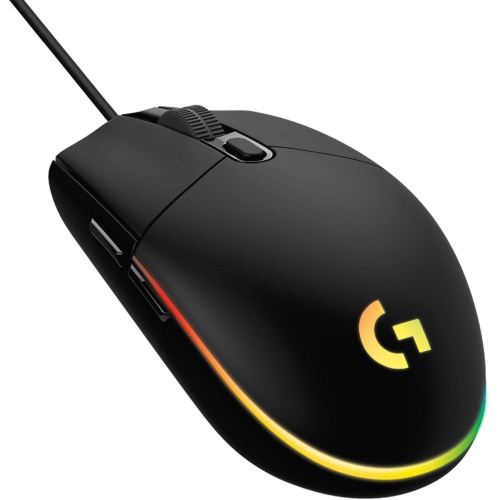
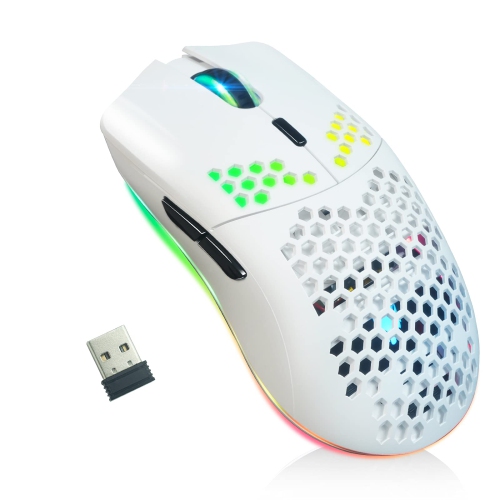
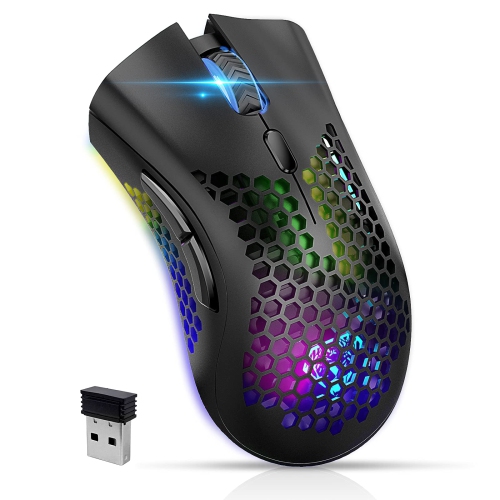
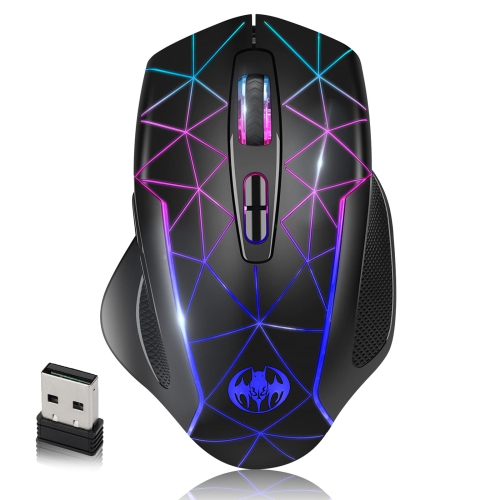
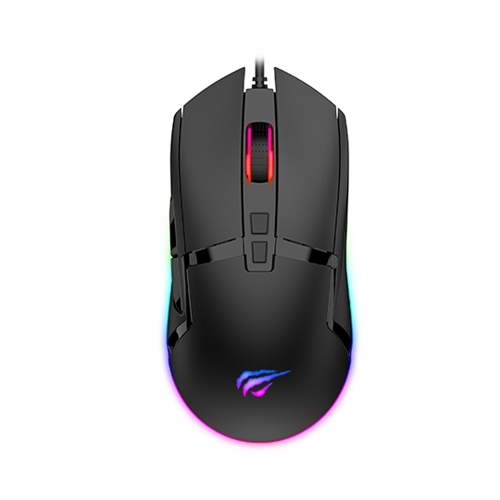
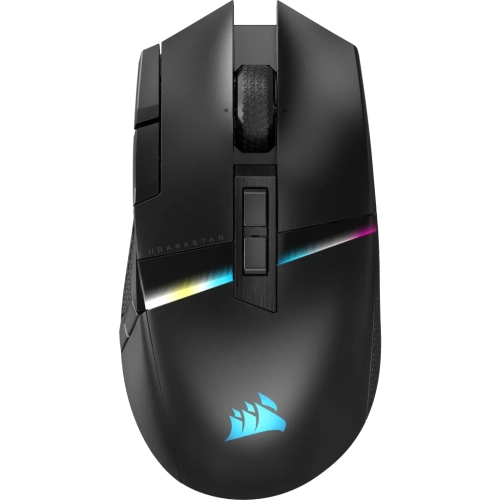
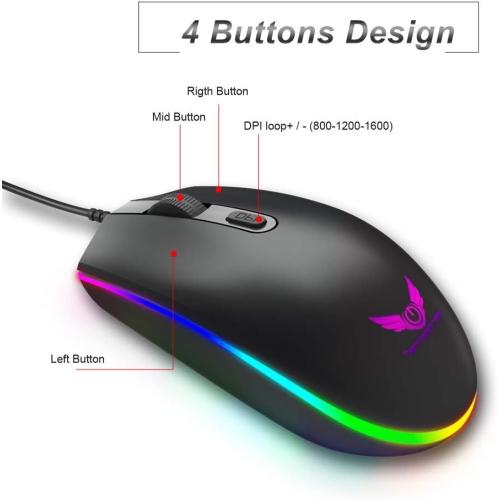
Red Gaming Mice bring a bold accent to a gaming desk while offering the tracking precision, comfort, and responsive controls that players expect from dedicated gaming equipment. The red finish can stand out against a dark desk mat, coordinate with a red-and-black setup, or add a vivid focal point to a more understated workspace. Beyond appearance, the right mouse should feel natural through long sessions, whether you are moving quickly through a competitive match, exploring a detailed single-player world, editing photos, or completing everyday school and work tasks. Gaming mice are available in a range of shapes, sizes, weights, and connection types, so comparing the physical design is just as important as looking at technical specifications. A symmetrical mouse may suit players who change grips or prefer a balanced shape, while an ergonomic design can provide more pronounced support for the palm and thumb. Claw, fingertip, and palm grips each benefit from different proportions, and a mouse that feels comfortable within the first few minutes may feel very different after several hours. Weight also affects control: lightweight models can make quick movements and repeated swipes feel easier, while heavier designs may provide a steadier sensation for users who prefer deliberate aiming. Adjustable weights let players fine-tune that balance, although a simple, lighter construction can be appealing for anyone who wants less equipment to configure.
Sensor performance is another central consideration when choosing Red Gaming Mice. Optical sensors track movement across a broad range of surfaces and typically offer the consistency needed for accurate cursor control, while adjustable sensitivity allows the same mouse to suit different games and applications. DPI, or dots per inch, describes how far the pointer moves in relation to physical movement; higher numbers can be useful for large or high-resolution displays, but maximum DPI alone does not determine overall quality. Many players prefer a moderate sensitivity setting that gives them a combination of accuracy and control, especially for aiming, digital art, or detailed selections. Polling rate measures how often the mouse reports its position to the computer, and higher rates can create a more immediate feel for compatible systems, though they may also affect battery use on wireless models. Click response, button placement, and switch feel deserve attention as well. Crisp primary buttons can make repeated commands feel precise, while extra side buttons provide convenient access to abilities, shortcuts, browser controls, or media functions. Programmable buttons can be especially useful for multiplayer games and productivity software, but a crowded layout may be less comfortable for users who prefer a clean, uncomplicated design. Check whether the mouse software supports button mapping, sensitivity profiles, lighting controls, and onboard memory if you plan to move it between computers. Red gaming mice with RGB lighting can add another layer of personalization, from a subtle glow beneath the chassis to a coordinated effect across a complete setup. Lighting is primarily a style feature, so it is worth giving equal attention to grip, build, cable flexibility, and button placement.
Connection type can shape the experience just as much as the sensor. Wired gaming mice provide a direct connection without charging and are often a practical choice for a fixed desktop setup, particularly when the cable is flexible enough to stay out of the way. Wireless models can create a cleaner-looking workspace and give players more freedom to reposition their hand, with options that connect through a USB receiver, Bluetooth, or both. A low-latency wireless connection is important for fast-paced play, while Bluetooth can be convenient for compatible laptops and general computing. Tri-mode designs offer additional flexibility for moving between a gaming computer, laptop, and other supported devices. For wireless use, consider battery life, charging method, receiver storage, and whether the mouse can be used while charging. A spacious desk mat can also improve glide and provide a consistent tracking surface, especially for players who use lower sensitivity and make broad arm movements. Compatibility should be confirmed before purchase, including support for Windows, macOS, gaming consoles, and any required configuration software. A red gaming mouse can make a thoughtful gift for a student setting up a first gaming station, a competitive player refining their controls, or someone refreshing a home office with more comfortable accessories. It is also a practical choice for a family member who enjoys PC games but still needs a dependable mouse for browsing, studying, and creative projects. If you are building a coordinated setup, consider pairing the mouse with a matching Red Gaming Headsets collection, a suitable keyboard, and a desk mat in complementary colours. During the cooler months, when longer indoor gaming sessions and shared play become part of the routine, a comfortable shape, reliable tracking, and accessible controls can make the desk feel ready for everything from relaxed evening play to focused competition.
Sensor performance is another central consideration when choosing Red Gaming Mice. Optical sensors track movement across a broad range of surfaces and typically offer the consistency needed for accurate cursor control, while adjustable sensitivity allows the same mouse to suit different games and applications. DPI, or dots per inch, describes how far the pointer moves in relation to physical movement; higher numbers can be useful for large or high-resolution displays, but maximum DPI alone does not determine overall quality. Many players prefer a moderate sensitivity setting that gives them a combination of accuracy and control, especially for aiming, digital art, or detailed selections. Polling rate measures how often the mouse reports its position to the computer, and higher rates can create a more immediate feel for compatible systems, though they may also affect battery use on wireless models. Click response, button placement, and switch feel deserve attention as well. Crisp primary buttons can make repeated commands feel precise, while extra side buttons provide convenient access to abilities, shortcuts, browser controls, or media functions. Programmable buttons can be especially useful for multiplayer games and productivity software, but a crowded layout may be less comfortable for users who prefer a clean, uncomplicated design. Check whether the mouse software supports button mapping, sensitivity profiles, lighting controls, and onboard memory if you plan to move it between computers. Red gaming mice with RGB lighting can add another layer of personalization, from a subtle glow beneath the chassis to a coordinated effect across a complete setup. Lighting is primarily a style feature, so it is worth giving equal attention to grip, build, cable flexibility, and button placement.
Connection type can shape the experience just as much as the sensor. Wired gaming mice provide a direct connection without charging and are often a practical choice for a fixed desktop setup, particularly when the cable is flexible enough to stay out of the way. Wireless models can create a cleaner-looking workspace and give players more freedom to reposition their hand, with options that connect through a USB receiver, Bluetooth, or both. A low-latency wireless connection is important for fast-paced play, while Bluetooth can be convenient for compatible laptops and general computing. Tri-mode designs offer additional flexibility for moving between a gaming computer, laptop, and other supported devices. For wireless use, consider battery life, charging method, receiver storage, and whether the mouse can be used while charging. A spacious desk mat can also improve glide and provide a consistent tracking surface, especially for players who use lower sensitivity and make broad arm movements. Compatibility should be confirmed before purchase, including support for Windows, macOS, gaming consoles, and any required configuration software. A red gaming mouse can make a thoughtful gift for a student setting up a first gaming station, a competitive player refining their controls, or someone refreshing a home office with more comfortable accessories. It is also a practical choice for a family member who enjoys PC games but still needs a dependable mouse for browsing, studying, and creative projects. If you are building a coordinated setup, consider pairing the mouse with a matching Red Gaming Headsets collection, a suitable keyboard, and a desk mat in complementary colours. During the cooler months, when longer indoor gaming sessions and shared play become part of the routine, a comfortable shape, reliable tracking, and accessible controls can make the desk feel ready for everything from relaxed evening play to focused competition.
Top selling and popular products
-
 Your price for this item is $59.99
 -
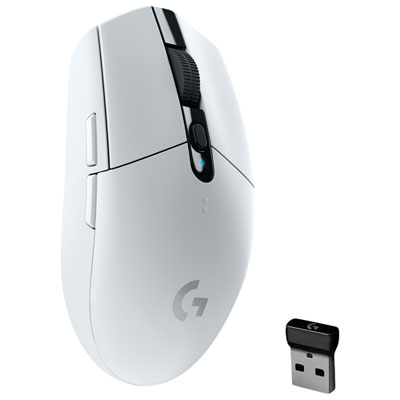 Your price for this item is $69.99
 -
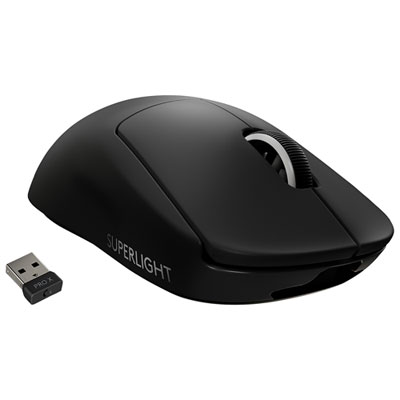 Your price for this item is $199.99
 -
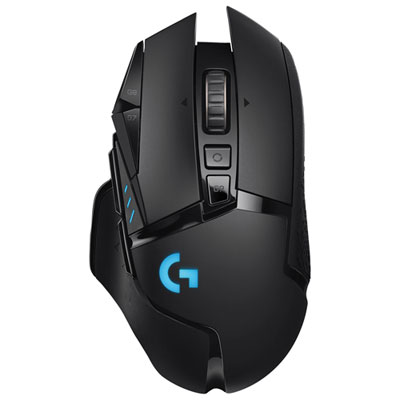 Your price for this item is $149.99
 -
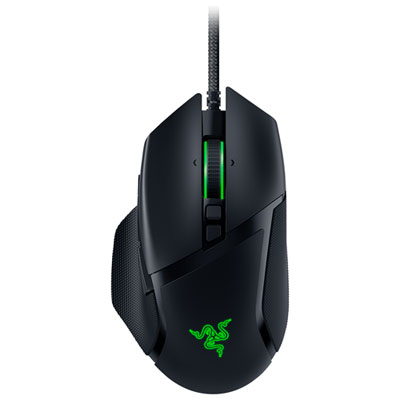 Your price for this item is $47.99
 -
 Your price for this item is $39.99
 -
 Your price for this item is $95.98
 -
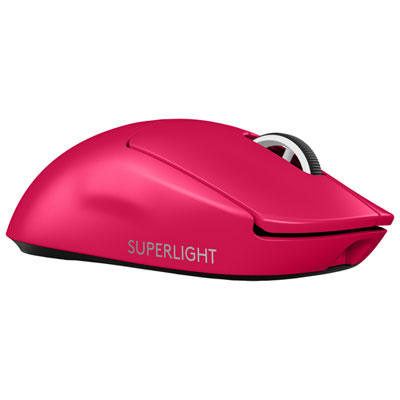 Your price for this item is $219.99
Discover more categories related to Red Gaming Mice
Top Collections:
Pokemon Centers, Kindle Devices, Best Budget Office Chairs, Apple iPhones 16, Best Laptops for Writers, iPhone 15 Apple, Canon G7X Cameras, Refurbished Apple Laptops, Alarm Clock, Motorola Razr Phones
Some products may be subject to Environmental Handling Fees
(EHF) depending on your province.
Learn more about EHFs.