Compact Controllers
Compact Controllers are designed for gamers and tech enthusiasts who value portability and easy handling. These controllers offer a streamlined design that fits comfortably in your hands, making them ideal for gaming on the go or in smaller spaces. Whether you’re looking to enhance your mobile gaming experience or need a space-saving solution for your entertainment setup, Compact Controllers provide versatility and convenience without compromising performance. Explore a wide selection to find the perfect fit for your gaming needs.
Sort
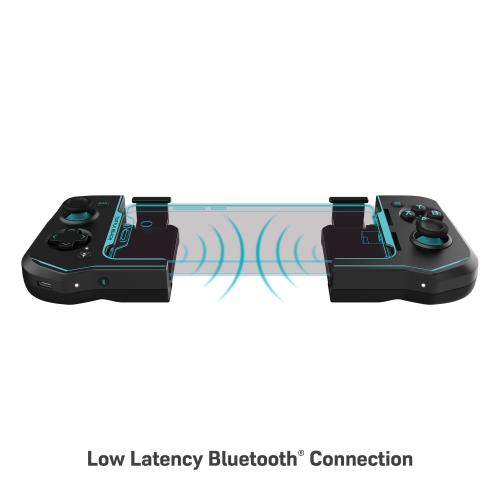
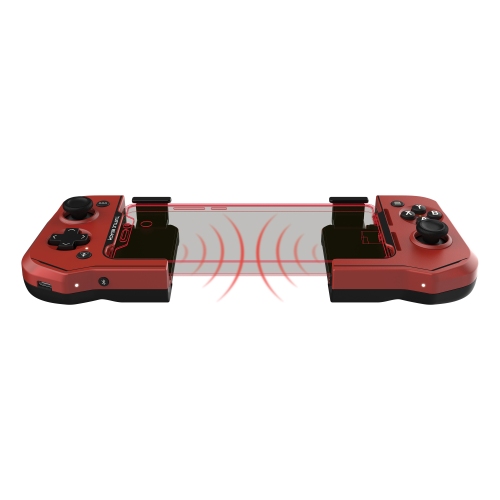
The right gamepad fit goes beyond size
Compact controllers are smaller gamepads designed to make gaming more comfortable for smaller hands and easier to carry between setups. They can suit younger players, adults who find full-size grips bulky, and anyone building a portable gaming kit. Their defining feature is a reduced footprint, but the way that space is used matters as much as the overall dimensions. Some retain the familiar shape of a traditional controller, with curved handles, two thumbsticks, shoulder buttons and triggers. Others use a flatter profile that slips neatly into a carrying case alongside a handheld gaming device. A scaled-down shape can bring buttons within easier reach, reducing the need to stretch a thumb across the face of the controller or shift a hand to reach a shoulder button. That can be particularly useful in games that call for frequent movement between the directional pad, face buttons and sticks. Small does not automatically mean a better fit, though: grip thickness, button spacing and controller weight all affect how it feels over a longer session. Someone with shorter fingers may prefer closely spaced controls, while a player with broader hands may want a small body with enough room around the thumbsticks to avoid crowding. Rounded edges and gently contoured grips can help the controller sit naturally in the palms without requiring a tight hold. For children, comfortable access to the controls is more useful than choosing the smallest possible design. For adults, a compact gamepad can be a practical alternative to a larger controller for puzzle games, platformers or a few races on a portable screen. The best match depends on both hand size and the games being played, especially when precise aiming, rapid button combinations or gradual trigger input are part of the experience. A smaller directional pad can feel quick and accessible, while smaller thumbsticks may take some adjustment for players accustomed to a wider range of movement.
Compatibility is a central distinction between compact gaming controllers, since a small gamepad is not necessarily interchangeable across consoles, computers, phones and handheld devices. Supported platforms, operating systems and connection methods determine where a controller can be used, and a familiar button layout alone does not confirm that it will work with a particular system. Wired compact controllers connect directly to a compatible device and do not need a separate battery charge to play, making them straightforward for a desk or a shared gaming station. Cable length affects how comfortably a player can sit from the screen, while a detachable cable can make packing simpler. A USB-C connector describes the physical connection rather than guaranteeing support for every device with that port. Wireless designs offer more freedom of movement, with some using Bluetooth and others relying on a dedicated receiver or a platform-specific connection. Bluetooth support still needs to match the host device and the games or applications involved. For mobile gaming, controller support can vary by game, and touch-only controls do not automatically become gamepad-compatible when a controller is paired. Rechargeable designs bring battery life and charging time into the picture, particularly for longer journeys or shared use. Features also differ within this category. Some compact controllers include vibration, motion controls, remappable buttons or extra rear inputs, while simpler layouts concentrate on the essentials. Analogue triggers provide graduated input for actions such as braking and acceleration in compatible games; digital shoulder controls register a press instead. Thumbstick sensing technology can matter for durability, too. Hall effect sticks use magnetic sensing rather than the contacting sensing surfaces found in conventional potentiometer designs, although overall performance still depends on calibration, construction and software. Headset connections, wake functions and advanced feedback are not universal, even when basic controls work. These distinctions help separate a convenient controller for casual play from one suited to a particular game library or established setup.
Materials and construction shape how a compact controller handles everyday use. Rigid plastic shells keep weight manageable, while textured areas can provide a more secure hold when fingers move quickly between controls. Rubberized surfaces may feel softer, although their long-term condition depends on handling, storage and cleaning. Well-supported thumbsticks, consistent button travel and solid seams contribute to a reassuring feel without adding unnecessary bulk. In a travel bag, a protective case helps keep pressure off the sticks and prevents loose objects from rubbing against the face buttons. A slim controller can fit easily beside a tablet or handheld device, but the space needed for a cable, receiver or case is part of its practical carrying size. At home, a designated storage spot keeps the controller from being buried under cushions or left where a cable could be pulled. Care is generally simple: power the controller off, unplug it before cleaning, and follow its care directions. A soft, dry cloth is suitable for routine surface dust, while liquid should never be sprayed directly into button gaps, charging ports or stick openings. Cables last better when loosely coiled rather than tightly wrapped around the controller, especially near the connectors. For gifting, the recipient’s gaming system, hand size and preferred games are more useful starting points than appearance alone. A lightweight gamepad may suit a child learning familiar controls, a student carrying a compact computer setup, or an adult who prefers less reach between buttons. Shared households may also appreciate an additional controller that fits a different pair of hands rather than duplicating the same shape. Players who want independently held controls can also explore Split Controllers, a different format from a single compact gamepad. Across these uses, the appeal of a compact controller is practical: familiar gaming inputs in a smaller form that fits the player, the device and the space where play happens.
Top selling and popular products
-
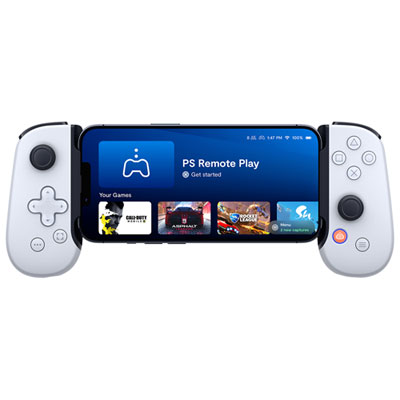 Your price for this item is $138.97
-
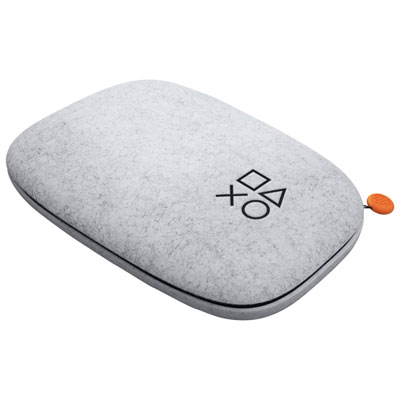 Your price for this item is $34.99
-
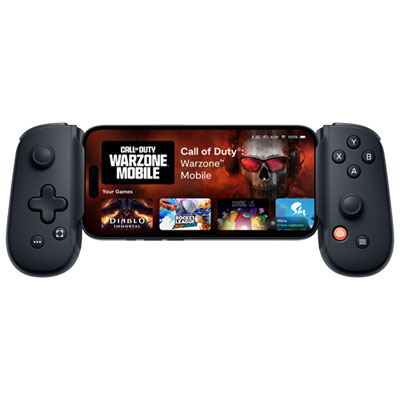 Your price for this item is $138.97
-
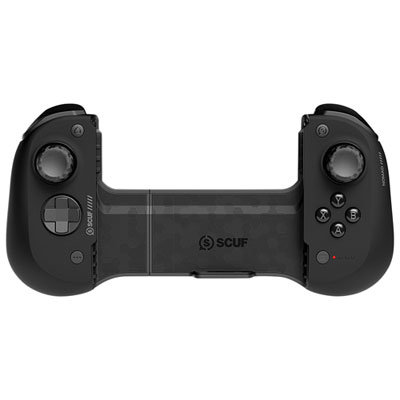 Your price for this item is $99.99
-
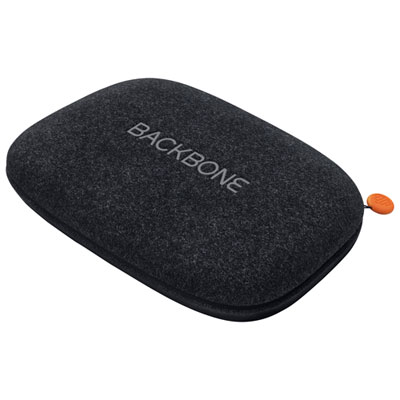 Your price for this item is $34.99
-
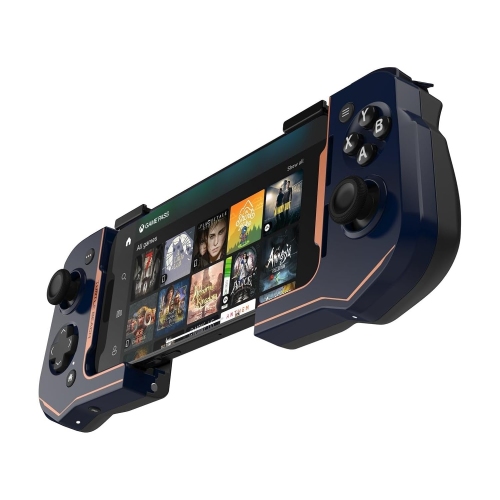 Your price for this item is $125.99
-
 Your price for this item is $79.97
-
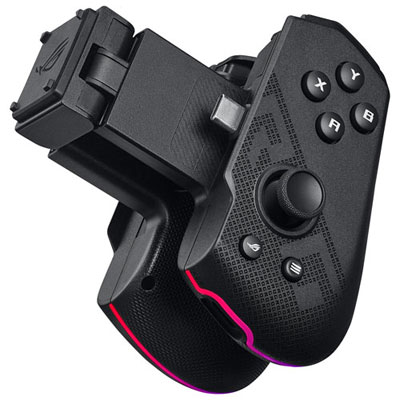 Your price for this item is $159.99
Discover more categories related to Compact Controllers

Top Collections:
Best Black Friday Deals This Year, Best Black Friday Deals On Electronics, Kindle Devices, Pokemon Centers, Best Black Friday Deals On Apple Products, Best Cameras for Sports Photography, Dyson Airwrap, Pokémon 30th Celebration Cards, Apple iPhone 17 Pro, Canon G7X Cameras
Some products may be subject to Environmental Handling Fees
(EHF) depending on your province.
Learn more about EHFs.