Controller Skins
Elevate your gaming experience with our diverse selection of controller skins, designed to add a personal touch and an extra layer of protection to your controllers. Whether you're looking to showcase your unique style or simply want to keep your gaming gear in pristine condition, these skins offer a perfect blend of aesthetics and functionality. Explore a variety of colors, patterns, and textures that cater to every gamer's taste, ensuring that your controller not only stands out but also feels great in your hands. Dive into the world of customization and choose from our range of controller skins to transform your gaming setup today.
Sort
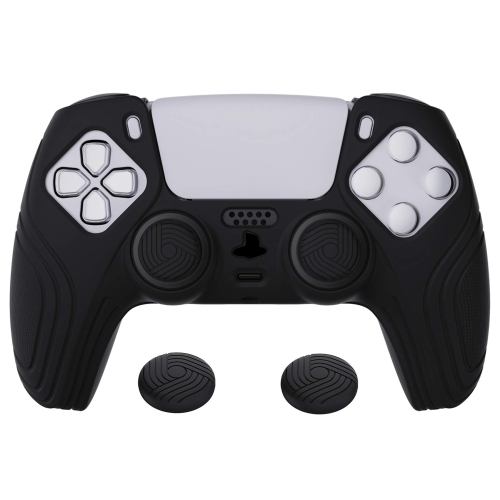
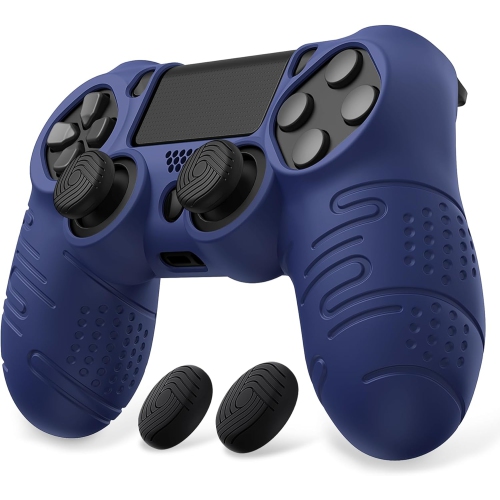
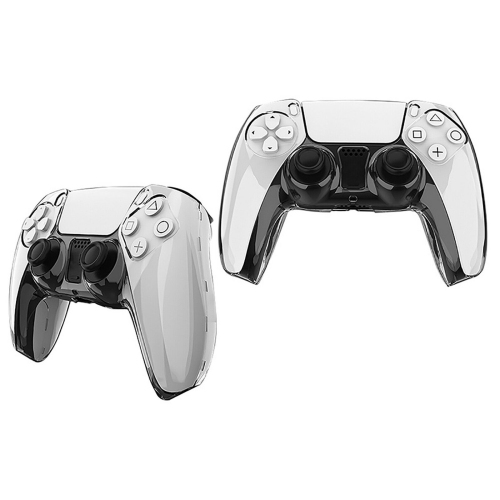
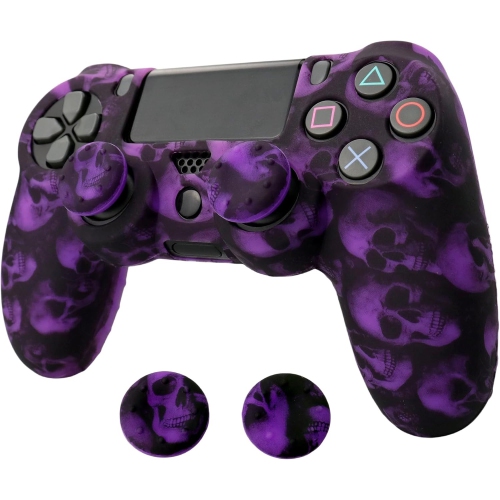
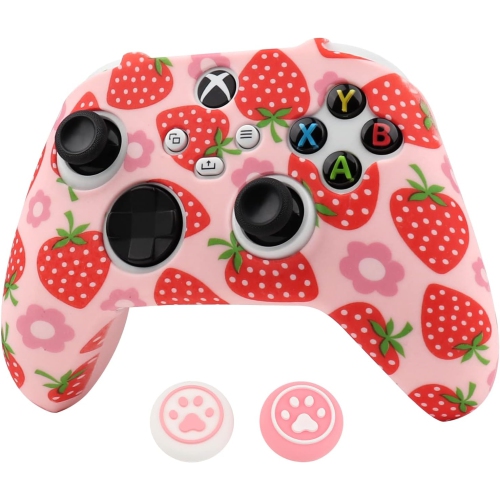
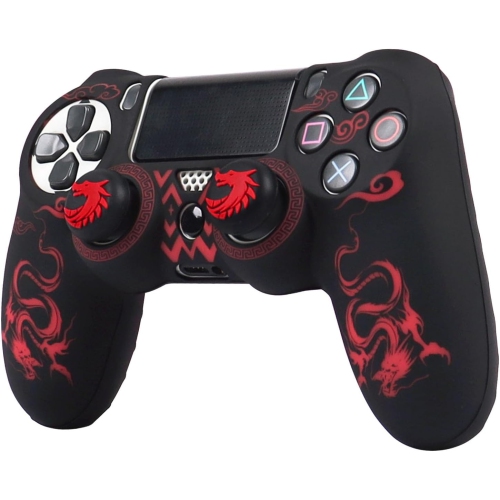
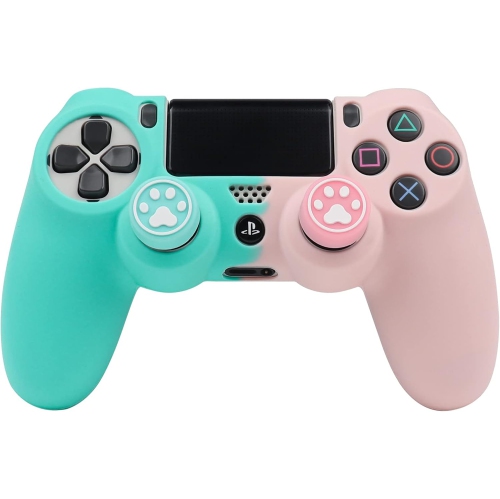
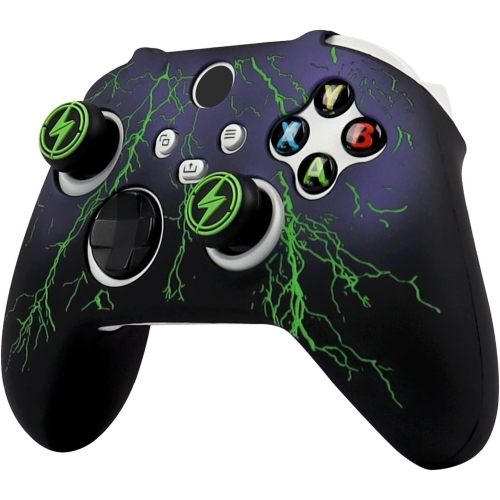
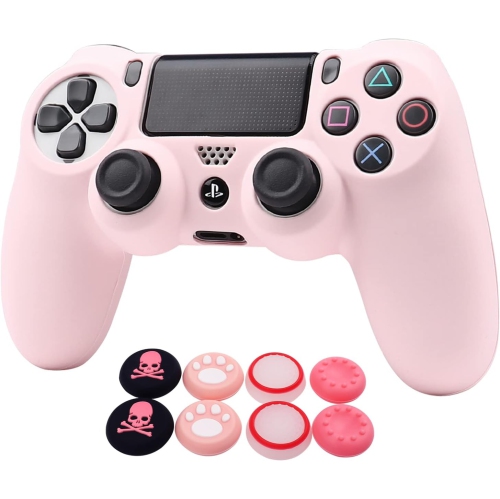
A fresh look for familiar controllers, with fit in mind
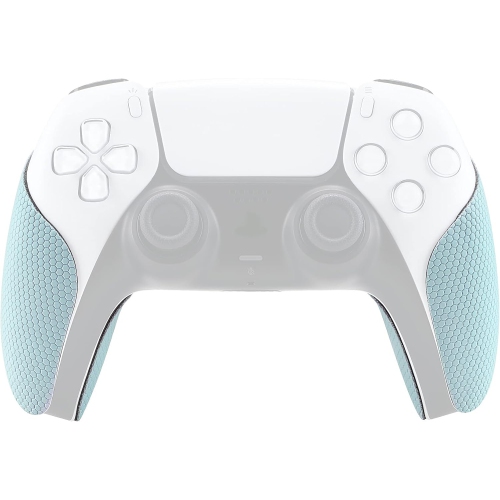
Controller skins are a simple way to give a familiar gaming accessory a fresh look while adding a layer of personal style to a console setup. Designed to fit over compatible controllers, these skins are available in a range of colours, patterns, textures, and visual themes, making it easier to create a setup that feels distinctive without replacing the controller itself. Some players choose a bold design that stands out on a desk or entertainment unit, while others prefer a subtle colour that complements their console, headset, keyboard, or room décor. A controller skin can also help make multiple controllers easier to tell apart during local multiplayer sessions, especially when friends or family members each have a preferred design. Before choosing one, check the exact controller model and generation listed in the product details. Small changes in shape, button placement, touchpad layout, triggers, or charging port design can affect compatibility, and a skin made for one version may not fit another. It is also worth considering the material and finish. Flexible vinyl skins are commonly selected for their smooth application and low profile, while textured or matte finishes may offer a different feel in the hands. Look for designs with precise cutouts around buttons, analogue sticks, vents, triggers, and other controls so that the skin does not interfere with normal gameplay. A well-fitting skin should follow the controller’s contours neatly, without covering important openings or leaving large edges that can catch on clothing, bags, or other accessories.
Controller skins can be useful for dedicated players, casual gamers, children, families, and anyone who enjoys adding a personal touch to their tech collection. They are especially practical for controllers that travel between rooms or go along to a friend’s home, gaming event, or family gathering, since the added design can make a controller easier to recognize at a glance. Many players appreciate having a way to refresh the look of an older controller while keeping its familiar shape and button layout, which can be helpful when a particular controller already feels comfortable in the hands. Skins may also be a thoughtful gift for someone who spends cooler evenings playing solo campaigns, competing online, or gathering with friends for multiplayer games. They are easy to pair with other gaming accessories and can suit a wide range of ages and play styles, from someone who prefers a clean, understated appearance to a fan of bright graphics and expressive patterns. When giving one as a gift, compatibility is the most important detail to confirm. If the recipient uses more than one console or keeps separate controllers for different systems, identify the intended controller before purchasing. It can also help to consider how and where the controller is used. A lighter colour may suit a tidy desk setup, while a darker or patterned finish can be a practical choice for a busy household where controllers are handled frequently. For players who often game for extended sessions, a slim skin with smooth edges and an unobtrusive finish may feel more comfortable than a thick cover or bulky protective case.
Applying a controller skin carefully can make a noticeable difference in the final appearance. Start with a clean, dry controller and remove dust, fingerprints, and residue before fitting the pieces. Lining up one section at a time around the most recognizable features—such as the analogue sticks, directional pad, or central touch area—can help keep the rest of the design straight. Avoid stretching the material excessively, as this may pull the edges out of alignment or create tension around curves. If the skin includes several separate pieces, take a moment to identify where each section belongs before pressing anything firmly into place. Smooth application from the centre outward can help reduce bubbles and creases, while gently lifting and repositioning a section may correct a small error before it becomes difficult to adjust. Once installed, allow the edges to settle according to the care instructions, and avoid placing the controller in a tight case until the fit is secure. Cleaning is generally easiest with a soft, slightly damp cloth; harsh cleaners, abrasive materials, and excess moisture may affect the finish or loosen the adhesive. For players who like to update their setup as their tastes change, a removable skin can offer a flexible styling option, but removal should still be done slowly and according to the manufacturer’s guidance. Those who enjoy coordinating their entire gaming space can also explore Computer Skins to create a more consistent look across their devices. Whether chosen for everyday play, a shared household, or a gift during the cooler months, a controller skin combines visual personality with a straightforward way to make a gaming setup feel more individual.
Controller skins can be useful for dedicated players, casual gamers, children, families, and anyone who enjoys adding a personal touch to their tech collection. They are especially practical for controllers that travel between rooms or go along to a friend’s home, gaming event, or family gathering, since the added design can make a controller easier to recognize at a glance. Many players appreciate having a way to refresh the look of an older controller while keeping its familiar shape and button layout, which can be helpful when a particular controller already feels comfortable in the hands. Skins may also be a thoughtful gift for someone who spends cooler evenings playing solo campaigns, competing online, or gathering with friends for multiplayer games. They are easy to pair with other gaming accessories and can suit a wide range of ages and play styles, from someone who prefers a clean, understated appearance to a fan of bright graphics and expressive patterns. When giving one as a gift, compatibility is the most important detail to confirm. If the recipient uses more than one console or keeps separate controllers for different systems, identify the intended controller before purchasing. It can also help to consider how and where the controller is used. A lighter colour may suit a tidy desk setup, while a darker or patterned finish can be a practical choice for a busy household where controllers are handled frequently. For players who often game for extended sessions, a slim skin with smooth edges and an unobtrusive finish may feel more comfortable than a thick cover or bulky protective case.
Applying a controller skin carefully can make a noticeable difference in the final appearance. Start with a clean, dry controller and remove dust, fingerprints, and residue before fitting the pieces. Lining up one section at a time around the most recognizable features—such as the analogue sticks, directional pad, or central touch area—can help keep the rest of the design straight. Avoid stretching the material excessively, as this may pull the edges out of alignment or create tension around curves. If the skin includes several separate pieces, take a moment to identify where each section belongs before pressing anything firmly into place. Smooth application from the centre outward can help reduce bubbles and creases, while gently lifting and repositioning a section may correct a small error before it becomes difficult to adjust. Once installed, allow the edges to settle according to the care instructions, and avoid placing the controller in a tight case until the fit is secure. Cleaning is generally easiest with a soft, slightly damp cloth; harsh cleaners, abrasive materials, and excess moisture may affect the finish or loosen the adhesive. For players who like to update their setup as their tastes change, a removable skin can offer a flexible styling option, but removal should still be done slowly and according to the manufacturer’s guidance. Those who enjoy coordinating their entire gaming space can also explore Computer Skins to create a more consistent look across their devices. Whether chosen for everyday play, a shared household, or a gift during the cooler months, a controller skin combines visual personality with a straightforward way to make a gaming setup feel more individual.
Top selling and popular products
-
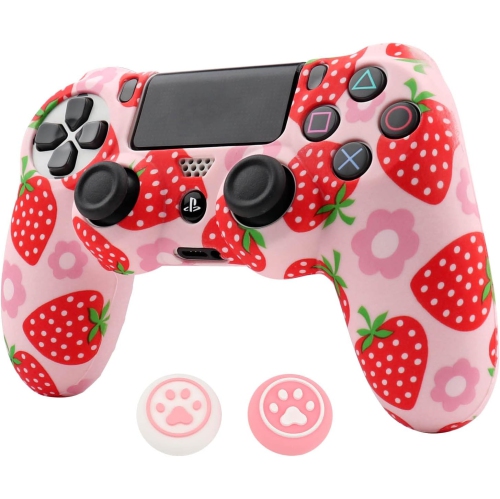 Your price for this item is $32.99
 -
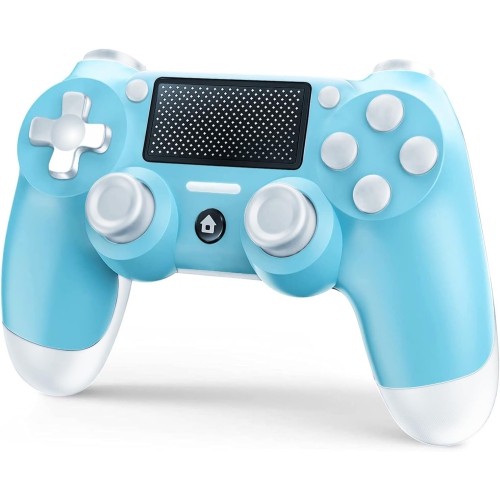 Your price for this item is $30.99
 -
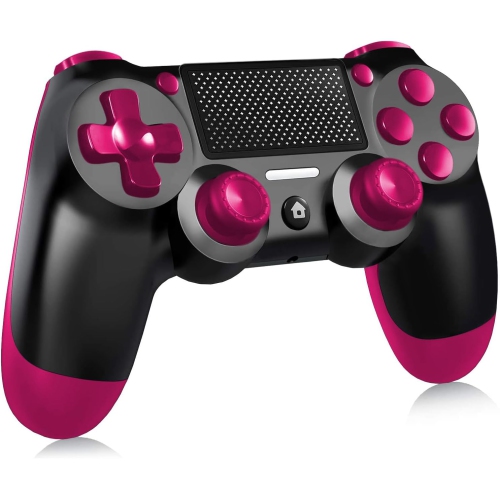 Your price for this item is $30.99
 -
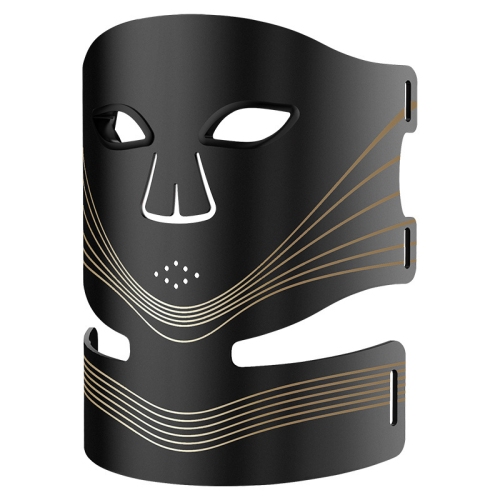 Your price for this item is $154.99
 -
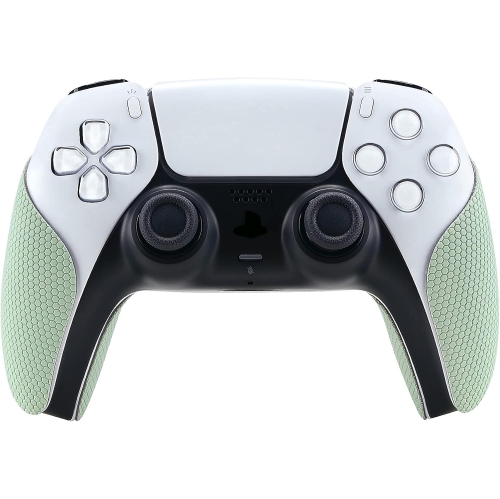 Your price for this item is $26.99
 -
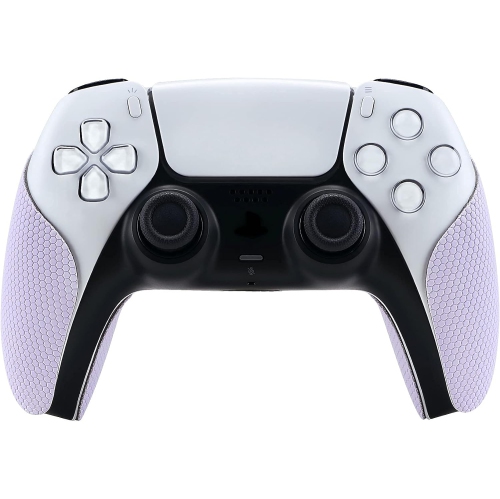 Your price for this item is $26.99
 -
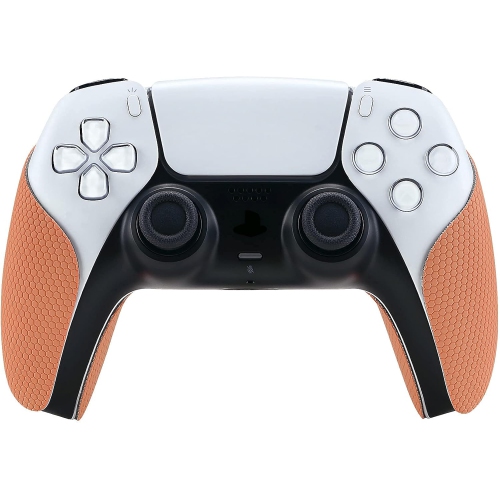 Your price for this item is $26.99
 -
 Your price for this item is $26.99
Discover more categories related to Controller Skins
Top Collections:
Pokemon Centers, Budget 4K TVs, Kindle Devices, Canon G7X Cameras, Apple iPhones 16, iPhone 15 Apple, Laptops for Business Work, Flip Phones, Xiaomi Phones, Refurbished Apple Laptops
Some products may be subject to Environmental Handling Fees
(EHF) depending on your province.
Learn more about EHFs.