Nintendo Joy Con Grip
Enhance your gaming setup with the Nintendo Joy Con Grip, designed to provide a comfortable and secure way to enjoy your favorite games. Whether you're playing solo or with friends, the right grip can make all the difference for long gaming sessions. Browse a range of options to find the perfect Nintendo Joy Con Grip that suits your play style and elevates your experience every time you pick up your console.
Sort
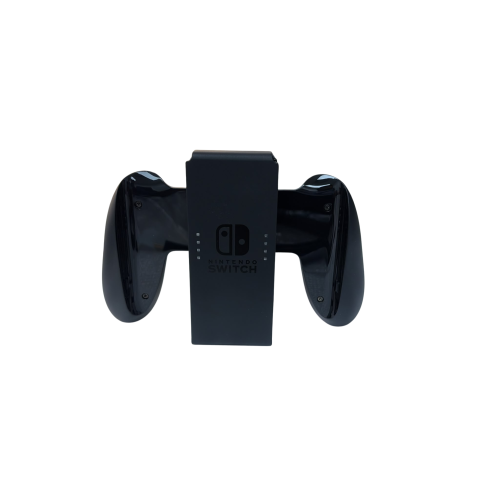
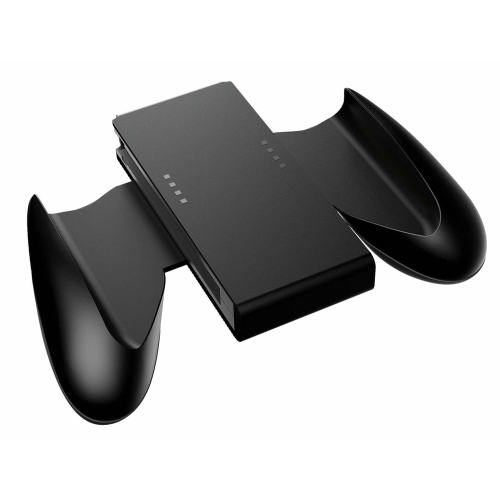


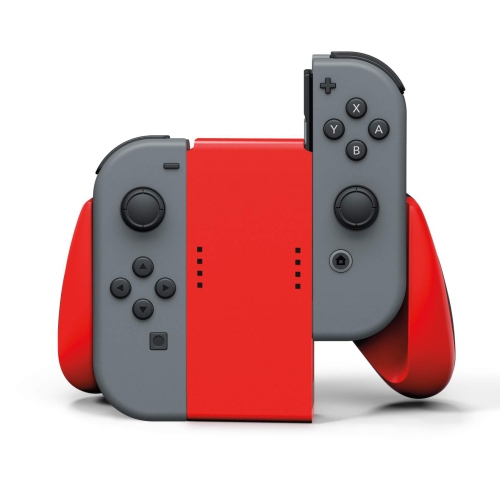

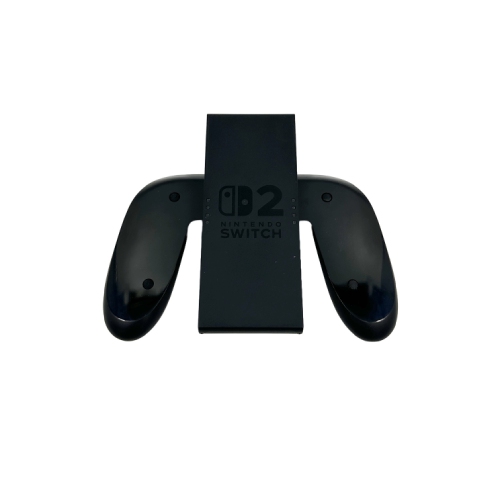
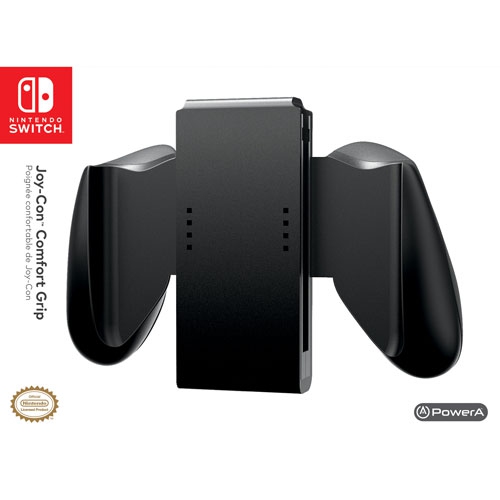


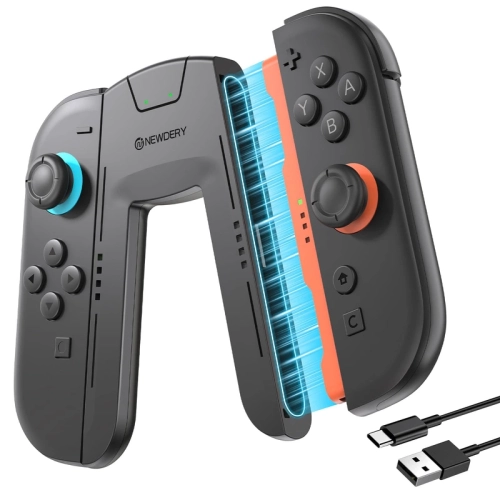
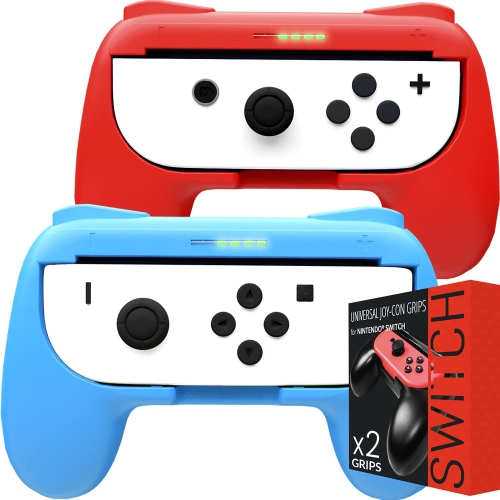
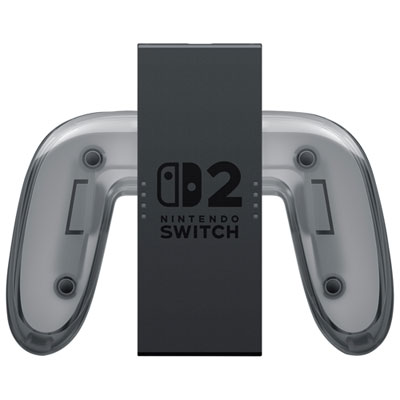


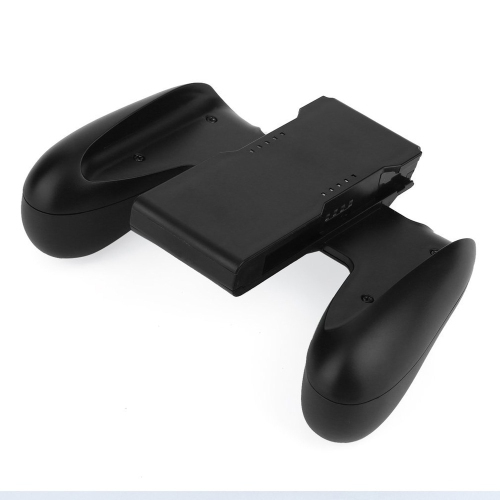

A familiar two-handed layout with or without charging
A Joy-Con grip holds compatible left and right controllers together in a single, traditional-style layout for two-handed play. Instead of holding a controller separately in each hand, the player holds a central frame with a handle on either side, keeping the thumbsticks, face buttons, and shoulder buttons within reach. This format suits games played on a television or with the console standing on a table, particularly when both controllers are needed for one player. The distinction between a standard grip and a charging grip is important: a standard grip holds the controllers but does not recharge them, while a charging grip can charge compatible controllers when connected to a suitable power source. A charging connection does not necessarily mean the grip contains its own battery, so cordless charging should not be assumed. Charging grips may use a USB-C connection, but the required cable, power source, and included accessories depend on the design. For a player who regularly returns the controllers to the console between sessions, a non-charging grip may provide the desired two-handed layout without adding another charging cable to the setup. For longer sessions away from the console, a charging grip can make it possible to keep playing while the controllers receive power. Cable length and the location of a power connection then become practical considerations, especially when seating is several metres from the television. The grip itself does not replace the controllers’ batteries, buttons, or wireless connection, and its presence does not add features that the controllers do not support. Compatibility also extends beyond whether two controllers look similar. Rail-mounted and magnetic attachment systems are different, and grips intended for one controller generation should not be assumed to fit another. A paired-controller grip is also different from a small shell that holds just one controller horizontally. The former creates a two-handed arrangement for one player; the latter adds a handle around an individual controller for games that support that configuration.
Shape and fit make a noticeable difference to how a grip feels during play. A wider body can give the hands more separation, while deeper handles provide more surface for the palms and fingers to rest against. Smaller hands may feel more comfortable with a compact frame that keeps the controls close, whereas larger hands may benefit from fuller handles rather than a narrow central bridge. Neither shape is automatically better for every player: comfort depends on hand size, finger position, grip pressure, and the controls used most often. In a racing game, for example, the index fingers may spend considerable time on the shoulder buttons; in an adventure game, the right thumb may move repeatedly between the stick and face buttons. A suitable shape leaves room for those movements without requiring the player to squeeze the handles tightly. Rigid plastic is common in controller grips because it can provide structure without excessive weight. Textured surfaces or rubberized sections, where present, can offer a different feel from smooth plastic, although seams, surface finish, and handle contours matter as much as the material description. Added weight can make a setup feel more substantial, but it can also become more noticeable when the controller is held unsupported. A well-fitting grip keeps the controllers seated securely, leaves their release mechanisms accessible, and avoids obstructing buttons or connection points needed during normal use. Protective controller covers can affect that fit, particularly around attachment rails or the edges of the frame. Charging models also need space around the cable connection so the plug does not press awkwardly against the player’s hands. For shared households, a balanced shape that several people can hold comfortably may be more useful than a highly sculpted design suited to only one person. A grip can change the way the controllers are held, but it does not guarantee relief from discomfort; relaxed hand positioning and regular breaks remain important during extended play.
A Joy-Con grip can be a practical addition to a shared gaming space, a personal television setup, or a travel kit used with a supported tabletop arrangement. Someone who enjoys solo adventures may appreciate having both controllers held together, while a household that switches between individual and shared play may value a grip that is straightforward to attach and remove. For multiplayer games, the number of grips needed depends on the game’s supported controller arrangement: some allow each person to use a single controller, while others require a pair or another supported controller type. A grip does not turn one pair into additional controllers, and a controller pair mounted together is generally intended to be held by one player. As a gift, a grip is most useful when it matches the recipient’s existing Nintendo Switch Joy-Cons, preferred way of playing, and need for charging. The distinction between a grip alone and a package that includes controllers is worth noting, since a holder cannot be used on its own. Colour and finish can help an accessory feel at home beside the rest of a gaming setup, but secure attachment, accessible controls, and comfortable handling have a more direct effect on everyday use. Care is generally straightforward: a soft, dry cloth can remove fingerprints and surface dust, while attachment points benefit from being kept clear of debris. Liquid should not enter charging ports or controller connections, and harsh cleaners can damage some finishes or soft-touch surfaces. Using the intended release mechanism rather than pulling the controllers free helps protect attachment parts from unnecessary strain. During transport, a case with enough clearance for the assembled grip can prevent pressure on the thumbsticks and shoulder buttons; a compact compartment may instead require the controllers and grip to be stored separately. Keeping charging cables loosely arranged rather than tightly bent at the connector also reduces avoidable wear. These practical details help a grip remain easy to use, store, and share across everyday gaming sessions.
Shape and fit make a noticeable difference to how a grip feels during play. A wider body can give the hands more separation, while deeper handles provide more surface for the palms and fingers to rest against. Smaller hands may feel more comfortable with a compact frame that keeps the controls close, whereas larger hands may benefit from fuller handles rather than a narrow central bridge. Neither shape is automatically better for every player: comfort depends on hand size, finger position, grip pressure, and the controls used most often. In a racing game, for example, the index fingers may spend considerable time on the shoulder buttons; in an adventure game, the right thumb may move repeatedly between the stick and face buttons. A suitable shape leaves room for those movements without requiring the player to squeeze the handles tightly. Rigid plastic is common in controller grips because it can provide structure without excessive weight. Textured surfaces or rubberized sections, where present, can offer a different feel from smooth plastic, although seams, surface finish, and handle contours matter as much as the material description. Added weight can make a setup feel more substantial, but it can also become more noticeable when the controller is held unsupported. A well-fitting grip keeps the controllers seated securely, leaves their release mechanisms accessible, and avoids obstructing buttons or connection points needed during normal use. Protective controller covers can affect that fit, particularly around attachment rails or the edges of the frame. Charging models also need space around the cable connection so the plug does not press awkwardly against the player’s hands. For shared households, a balanced shape that several people can hold comfortably may be more useful than a highly sculpted design suited to only one person. A grip can change the way the controllers are held, but it does not guarantee relief from discomfort; relaxed hand positioning and regular breaks remain important during extended play.
A Joy-Con grip can be a practical addition to a shared gaming space, a personal television setup, or a travel kit used with a supported tabletop arrangement. Someone who enjoys solo adventures may appreciate having both controllers held together, while a household that switches between individual and shared play may value a grip that is straightforward to attach and remove. For multiplayer games, the number of grips needed depends on the game’s supported controller arrangement: some allow each person to use a single controller, while others require a pair or another supported controller type. A grip does not turn one pair into additional controllers, and a controller pair mounted together is generally intended to be held by one player. As a gift, a grip is most useful when it matches the recipient’s existing Nintendo Switch Joy-Cons, preferred way of playing, and need for charging. The distinction between a grip alone and a package that includes controllers is worth noting, since a holder cannot be used on its own. Colour and finish can help an accessory feel at home beside the rest of a gaming setup, but secure attachment, accessible controls, and comfortable handling have a more direct effect on everyday use. Care is generally straightforward: a soft, dry cloth can remove fingerprints and surface dust, while attachment points benefit from being kept clear of debris. Liquid should not enter charging ports or controller connections, and harsh cleaners can damage some finishes or soft-touch surfaces. Using the intended release mechanism rather than pulling the controllers free helps protect attachment parts from unnecessary strain. During transport, a case with enough clearance for the assembled grip can prevent pressure on the thumbsticks and shoulder buttons; a compact compartment may instead require the controllers and grip to be stored separately. Keeping charging cables loosely arranged rather than tightly bent at the connector also reduces avoidable wear. These practical details help a grip remain easy to use, store, and share across everyday gaming sessions.
Top selling and popular products
-
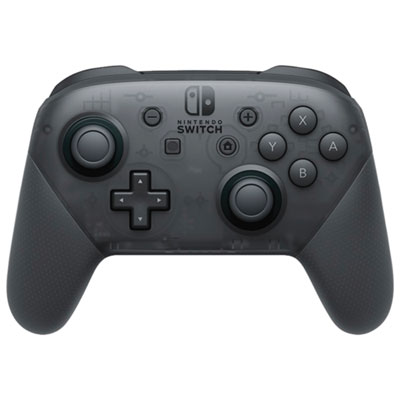 Your price for this item is $99.99
-
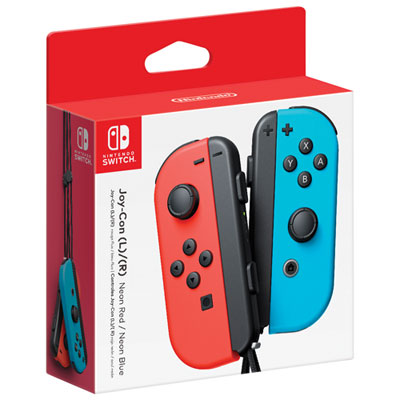 Your price for this item is $109.99
-
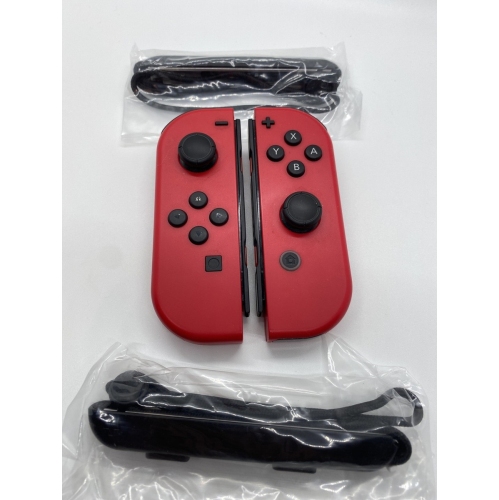 Your price for this item is $79.99
-
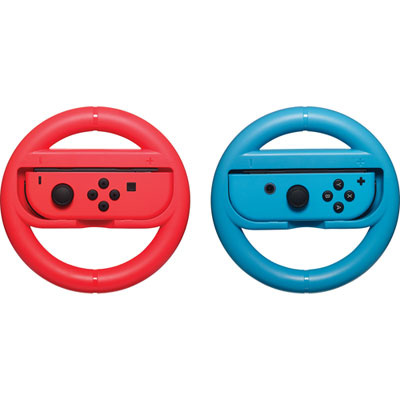 Your price for this item is $16.99
-
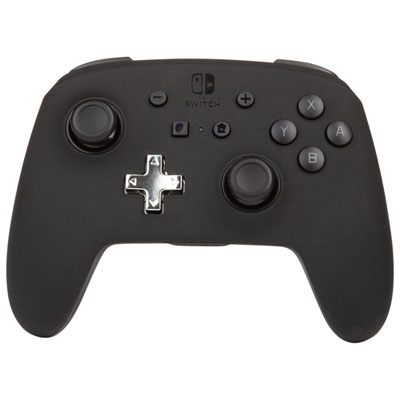 Your price for this item is $79.99
-
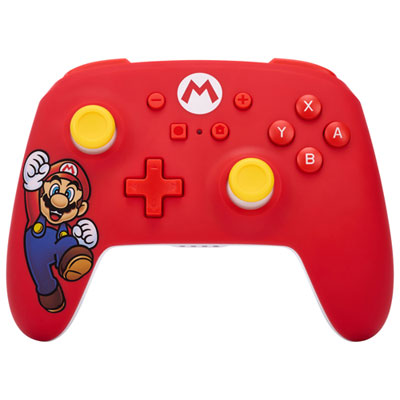 Your price for this item is $58.97
-
 Your price for this item is $64.99
-
 Your price for this item is $51.68
Discover more categories related to Nintendo Joy Con Grip

Top Collections:
Best Black Friday Deals This Year, Best Black Friday Deals On Electronics, Kindle Devices, Pokemon Centers, Best Black Friday Deals On Apple Products, Best Cameras for Sports Photography, Dyson Airwrap, Pokémon 30th Celebration Cards, Apple iPhone 17 Pro, Canon G7X Cameras
Some products may be subject to Environmental Handling Fees
(EHF) depending on your province.
Learn more about EHFs.